


8 Best AI tools for executive assistant automation in 2026


A friend of mine runs a solo consulting practice. Good clients, a full pipeline, and a morning routine that starts at 7 and does not get to actual work until 10. Three hours every day on emails he needed to reply to, meetings he needed to reschedule, and follow-ups he meant to send the week before.
Every morning, he was doing two jobs (his own and his executive assistant's) and getting paid for one.
That conversation pushed me to spend four weeks testing an AI assistant built for this exact problem. I put 13 of them through different executive tasks, from inbox management to meeting prep to post-call follow-ups.
Some handled one task well and fell apart once the work got even slightly complex. But 8 of them made me stop and think, “Okay, this could really take a bit of work off someone’s plate.”
Here’s all you need to know about AI executive assistants.
The best AI tools for executive assistant automation at a glance
What is executive assistant automation?
Executive assistant automation uses AI to handle administrative and organizational tasks. It takes over repetitive work like managing inboxes, scheduling meetings, transcribing notes, and tracking projects. This saves teams and human assistants time, allowing them to focus on high-level strategic work.
Key difference: Unlike a chatbot, an AI assistant takes action. If you ask it when your next meeting is, a chatbot tells you. If you ask it to reschedule Thursday's call, find a time that works for both sides, and send the updated invite, that is an assistant.
What can you automate with an executive AI assistant?
A good executive assistant filters what deserves your attention before it reaches you. It can draft replies in your voice, prepare context before calls, take notes during them, log decisions afterward, and follow up with stakeholders before anyone has to ask.
Here’s all that you can automate with an executive AI assistant:
- Email triage and drafting: An AI assistant reads your inbox, surfaces what needs a response by the end of the day, drafts replies in your tone based on past threads, and flags anything that requires a real decision from you. You end up spending 20 minutes on email instead of two hours.
- Meeting scheduling and rescheduling: A booking link lets someone pick a slot. Calendar intelligence does something different. It finds the right time based on your actual priorities, protects blocks that should not be touched, reschedules when conflicts arise, and sends the updated invite without you being in the loop for every change.
- Meeting prep and briefings: Walking into a cold call burns the first ten minutes on context the brief should already cover. AI assistants pull notes from past meetings, recent emails with that contact, relevant CRM records, and company updates, then deliver a short brief before the call starts.
- Post-meeting follow-ups and action items: Action items get lost the moment the call ends, usually because nobody writes them down. AI assistants transcribe the call, extract action items, assign them to the right people, and send a summary within minutes.
- Document summarization and review: Executives receive long reports, contracts, and briefings that should take 30 minutes to read but are realistically skimmed or skipped. An AI assistant reads the full document, pulls the key points, flags anything requiring a decision, and delivers a two-minute version instead of the full one.
- Weekly reporting and status updates: Pulling a weekly update used to mean chasing four people for input and spending an hour formatting the result. AI assistants collect data from across your tools, compile the highlights, and deliver a draft before you ask for one. You edit it rather than write it from scratch.
The tools on this list handle the repeatable stuff, like scheduling, transcription, inbox triage, and CRM updates. Anything that requires reading the room or making a judgment call still needs a person. That split is where they earn their keep.
How I tested AI tools for executive assistant automation
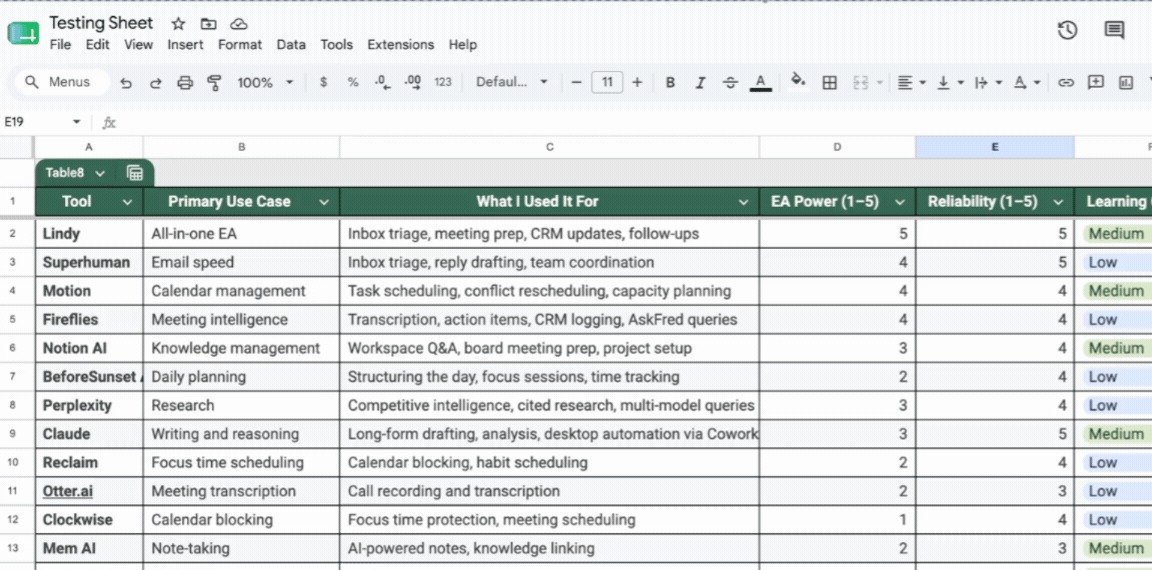
About three weeks in, I had a spreadsheet with 13 rows and a growing list of notes that mostly read "good for one thing, useless for everything else."
I started the way I usually do: a mix of research, instinct, and opening far too many tabs at once.
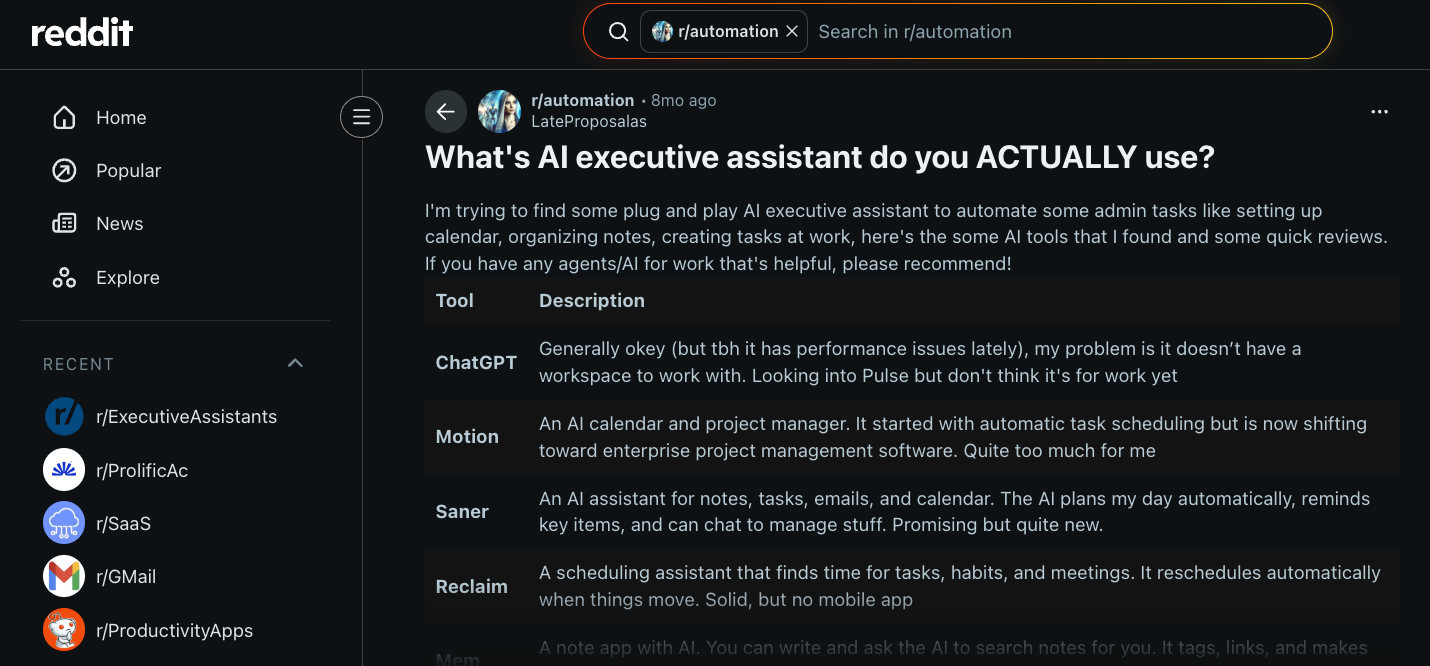
A thread on r/automation where someone asked what AI executive assistant people use surfaced Motion, Reclaim, Saner, and a few others I had not come across before. I added those to the tools I already knew and ended up with 13 to run through real tasks.
My filters were simple:
- Does it show value within the first week?
- Does it handle multiple tasks without breaking?
- Does it connect to the tools executives already use daily?
- Does it act on instructions rather than just answer them?
I ran everything through inbox management, meeting scheduling, post-call follow-ups, and research prep. Not demos, but actual tasks against actual calendars and inboxes.
Five did not make the list.
Reclaim had strong scheduling intelligence, but nothing beyond the calendar. Otter.ai transcribed well but lacked any way to query past meeting conversations. Clockwise was useful for focus time, but felt like just one feature within a better product.
Mem AI showed promise but required more upfront structure than most executives would be willing to maintain. Taskade tried to do too many things and ended up doing none of them especially well.
Here is how every tool scored across the four criteria I used to make the final call:
The best all-in-one AI executive assistant
An inbox that never clears, a calendar that books over focus time, calls that end without follow-ups, and a CRM that's always a week behind. Specialist tools solve one of those. An all-in-one assistant handles the handoff among them.
What to expect:
- CRM and task updates logged without manual entry
- Meeting scheduling that works around your actual priorities
- Pre-call briefings pulled from past emails, notes, and contacts
- Inbox triage and reply drafting without opening every thread manually
- Post-call summaries and action items sent automatically after the call ends
- Proactive alerts when something important needs your attention before you think to ask
1. Lindy: An AI assistant that ties together your email, calendar, meetings, and follow-ups
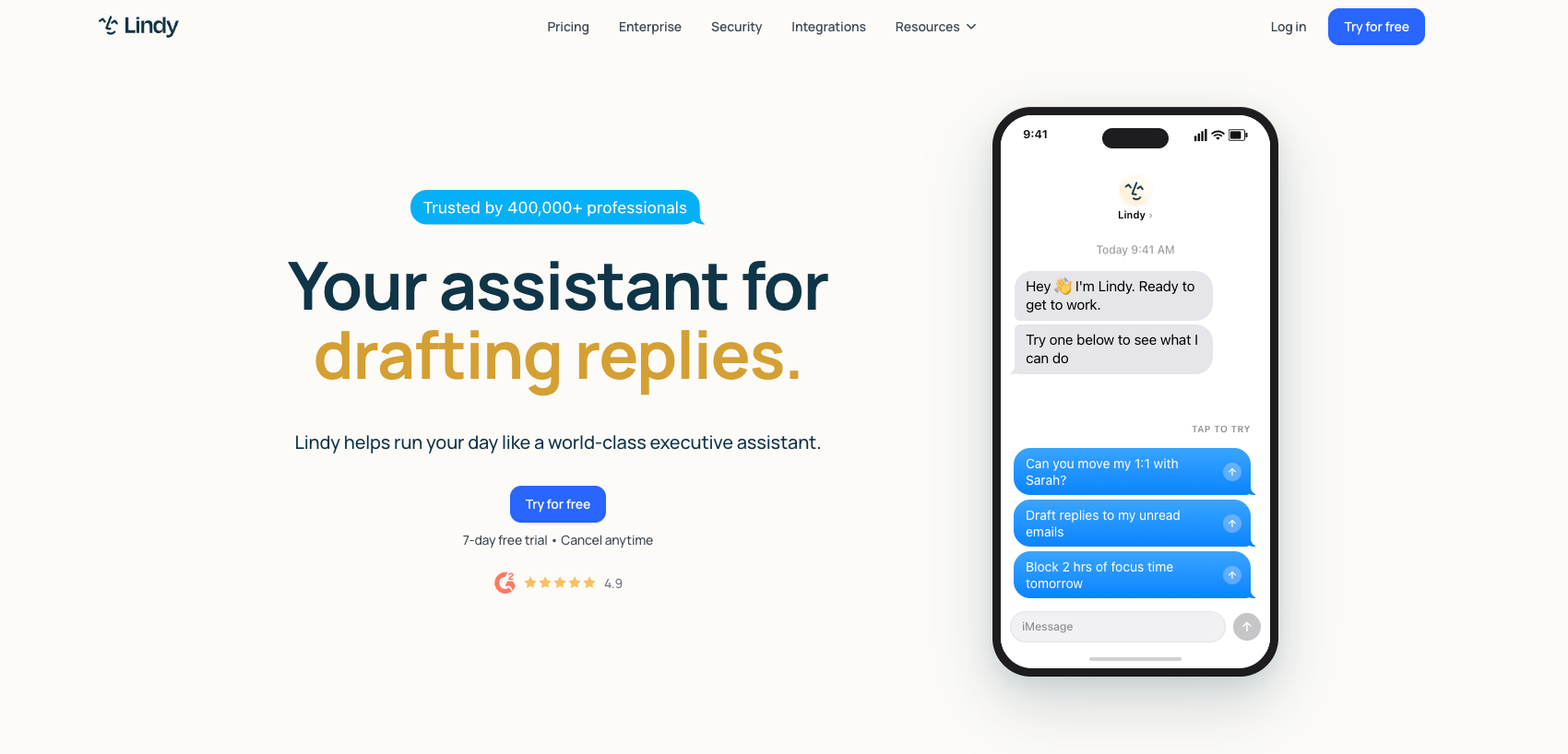
What is it? Lindy is an AI assistant you text to handle your inbox, calendar, meetings, and follow-ups without switching between tools or building anything.
Who's it for? Founders, C-suite executives, chiefs of staff, and operators who want one assistant to handle their full admin layer, not five tools each doing one thing.
Key features:
- Email triage: Text Lindy to sort your inbox. Lindy labels and prioritizes incoming messages, surfaces what needs a reply today, and files away everything else so your attention stays where it matters.
- Meeting prep: Ask Lindy to brief you before a call. Lindy gathers context from past emails, previous meeting notes, and your calendar, then delivers a summary of who you are talking to and what was last discussed.
- Autonomous drafting: Lindy writes replies in your voice based on past interactions. You review and send rather than write every response from scratch.
- Meeting notes and follow-ups: After a call, Lindy captures action items, drafts follow-up emails for your review, and can update your CRM or push notes to a Slack channel without you touching either.
Why did I pick it?
Using Lindy, you start by connecting the tools you already work with. Gmail, Slack, HubSpot, Salesforce, Google Calendar, Notion. Lindy works across hundreds of integrations, so it already has context before you send your first message.
You open iMessage, text Lindy what you need, and it starts handling tasks from your inbox, calendar, and connected apps almost immediately.
For example:
- "Prep me for my 3 pm."
- "Update the CRM from this morning's call."
- "Block two hours for the proposal and reschedule whatever's in the way."
Once you describe the outcome, Lindy handles all of the steps.
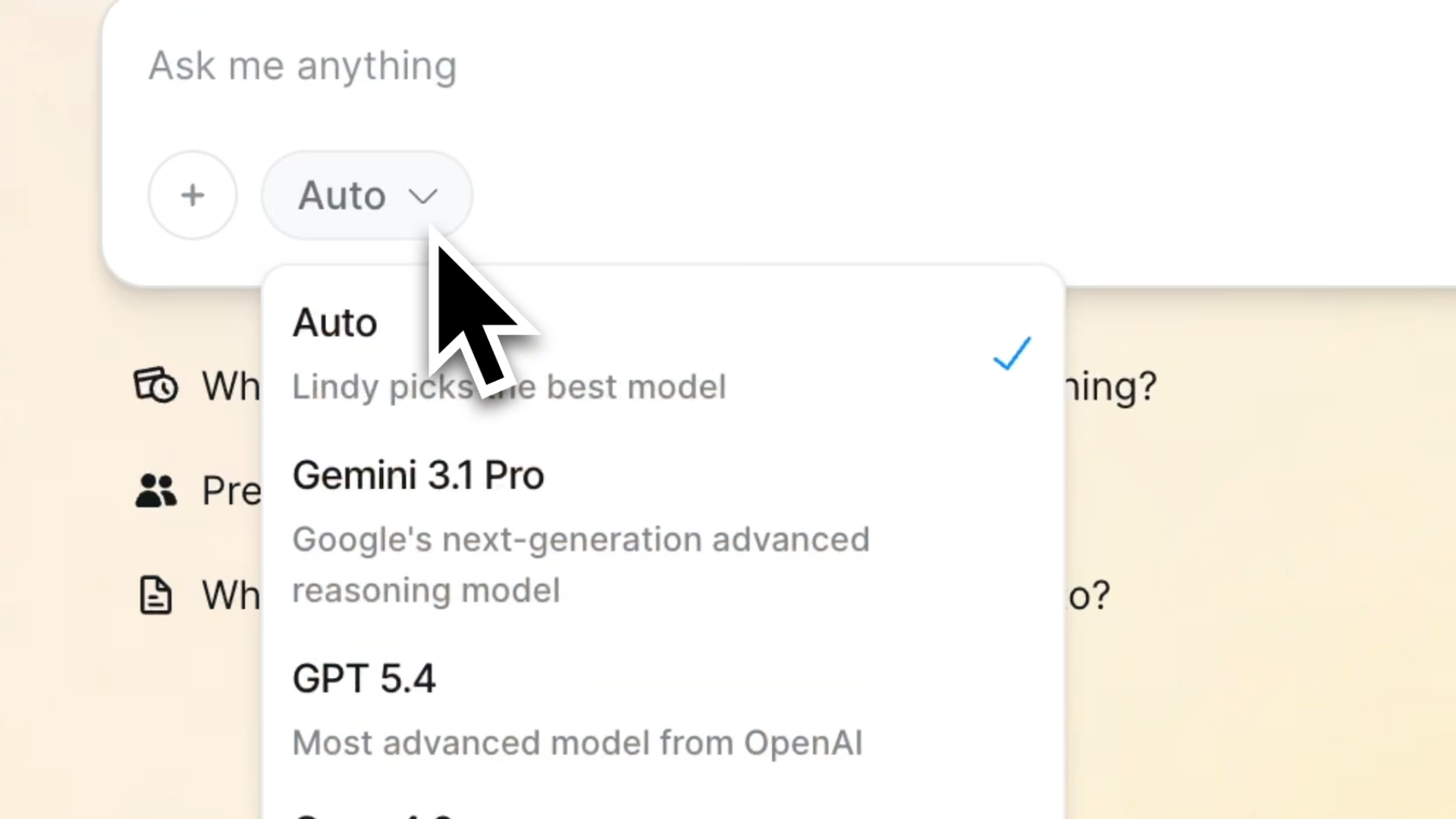
Lindy lets you switch AI models depending on the work.
For writing and follow-ups that need a human tone, pick Claude. For large datasets or detailed reports, Gemini 3.1 Pro handles those better. GPT's latest models are available too. Or leave it on Auto and Lindy picks the right one for the task.
The result is one assistant that works across every tool you use, responds to a text, and gets smarter about your preferences the longer you use it.
What could improve?
Lindy gets noticeably better the more context you give it. The first few days involve some back-and-forth to calibrate your preferences, working hours, and communication style. It is not a long process, but there is a short ramp before it feels fully dialed in.
Pricing
Lindy starts at $49.99/month on the Plus plan, which covers inbox management, meeting scheduling, note-taking, and meeting prep for up to two inboxes. A free trial is available. If you need more capacity, Pro at $99.99/month gives you 3x the usage, and Max at $199.99/month gives you 7x.
Pick this if: Your mornings start in your inbox instead of your work, and you want a single assistant versatile enough to schedule calls, take notes, brief you before meetings, and send follow-ups. All from a text on your phone.
Introducing Lindy Assistant, the ultimate AI assistant.
{{templates}}
The best AI tools for email and inbox management
Email is where executive time disappears quietly. The average C-suite professional spends two to three hours a day on inbox management, most of it sorting, triaging, and responding to messages that don't need their attention. The right tool doesn't just move faster through that pile. It changes the shape of the problem entirely.
What to expect:
- AI-drafted replies waiting before you open the thread
- Read receipts showing when and where a message was opened
- Scheduling tools that let you control when emails come back to you
- Noise filtering that archives cold pitches and low-priority threads automatically
- Keyboard-first navigation that removes mouse dependency from your workflow
- Automatic labeling and categorization so you see what matters without manual sorting
2. Superhuman: For executives who want the fastest email experience, period
What is it? Superhuman is an email client built for speed, using AI and keyboard shortcuts to cut inbox time roughly in half for high-volume professionals.
Who's it for? C-suite executives and sales leaders processing hundreds of emails a day, who consistently lose critical threads and VIP messages to inbox volume.
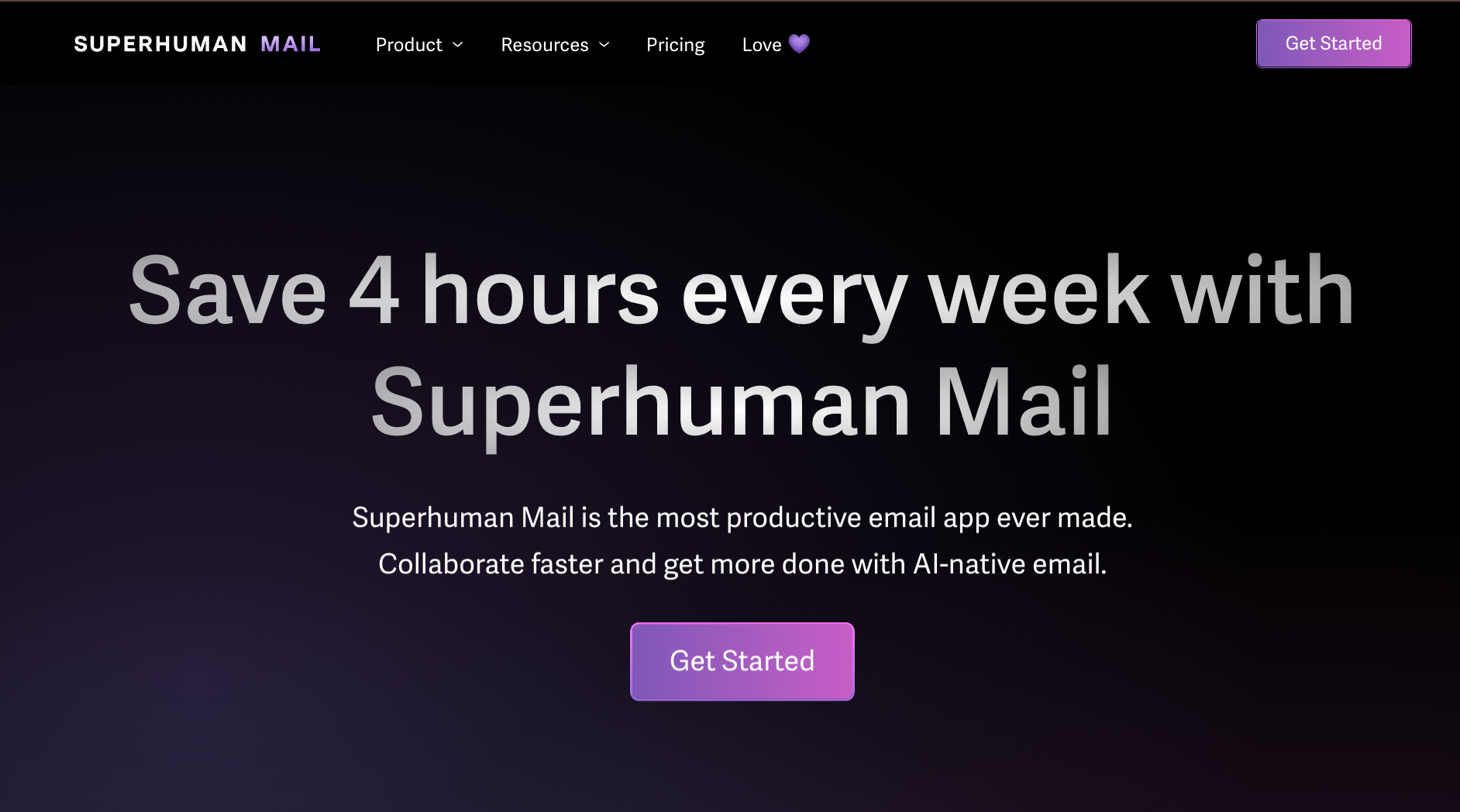
Key features
- Auto Drafts: Before you open an email, Superhuman has already written a reply in your voice based on the full thread context and your history with that person. You review, adjust, and send instead of starting from scratch.
- Auto Labels: Superhuman automatically categorizes incoming mail into focused groups like VIP, Team, or Finance. You batch-process similar emails rather than switching context with each new message.
- Keyboard shortcuts: Over 100 commands let you navigate, archive, label, and reply without touching a mouse. For someone processing hundreds of emails a day, removing the mouse from each action adds up to hours recovered every week.
- Read statuses: Superhuman shows exactly when and on which device a recipient opened your message. This helps you time follow-ups based on real engagement rather than guessing whether someone has seen your email.
Why did I pick it?
Superhuman lets you leave internal comments directly on an email thread, notes your team can see but the original sender never does.
So when a client sent a tricky proposal, instead of the usual Slack circus (forward, screenshot, three replies, one miscommunication), I shared the live thread with two colleagues and they annotated it in place. One clean, coordinated reply went out in ten minutes.
Then there's the MCP integration.
I connected Claude to my Superhuman inbox and asked it to look for patterns across the last month. What came back was uncomfortable: three leads I thought were cold had replied, just buried under 40 other threads.
I realized two client follow-ups I thought had already been sent were still sitting there untouched. That is when the whole “AI analyst inside your inbox” thing stopped feeling theoretical and came in handy.
Superhuman's 30-minute onboarding call helped me learn the basics before I used it in action.
They walked me through setting up Split Inbox and showed me the shortcuts worth memorizing. By the end of the call, I already knew how to use the tool properly, rather than spending the next week fumbling around and figuring things out on my own.
What could improve?
Superhuman does not offer a unified inbox. If you manage multiple email accounts, you switch between them manually. For executives running more than one business or role, that friction adds up where it shouldn't.
Pricing
Superhuman starts at $30/user/month on the Starter plan. The Business plan at $40/user/month adds Auto Drafts, Ask AI, and HubSpot and Salesforce integration.
Pick this if: You are writing every reply from scratch, clicking through menus for things that should take a single keystroke, and losing two hours to your inbox before the real work even begins. Replies are drafted in your voice before you open the thread, keyboard shortcuts replace almost every click, and Auto Labels clean up the inbox before the clutter reaches you.
Drive Superhuman Mail from Claude and ChatGPT
The best AI tools for calendar and scheduling automation
Scheduling is one of the biggest drains on executive time, and it compounds everything else. A blocked afternoon becomes a missed deadline. A meeting that runs over becomes a task that never gets done. The difference between a booking link and real calendar intelligence is whether your schedule adapts when the day changes or just breaks.
What to expect:
- Focus time is protected before anyone else can book it
- Real-time recalculation when meetings run over or conflicts arise
- At-risk alerts when deadlines are in danger before they are missed
- Dependency tracking so tasks are never scheduled out of sequence
- Meeting scheduling that works around your day, not just your open slots
- Automatic task scheduling into available calendar gaps based on priority and deadline
3. Motion: The AI planner that keeps your calendar under control
What is it? Motion automatically builds your daily schedule by fitting tasks into the gaps between meetings and recalculates in real time as anything changes.
Who's it for? Executives and operators whose days constantly shift due to back-to-back meetings, leaving no predictable window for actual project work.
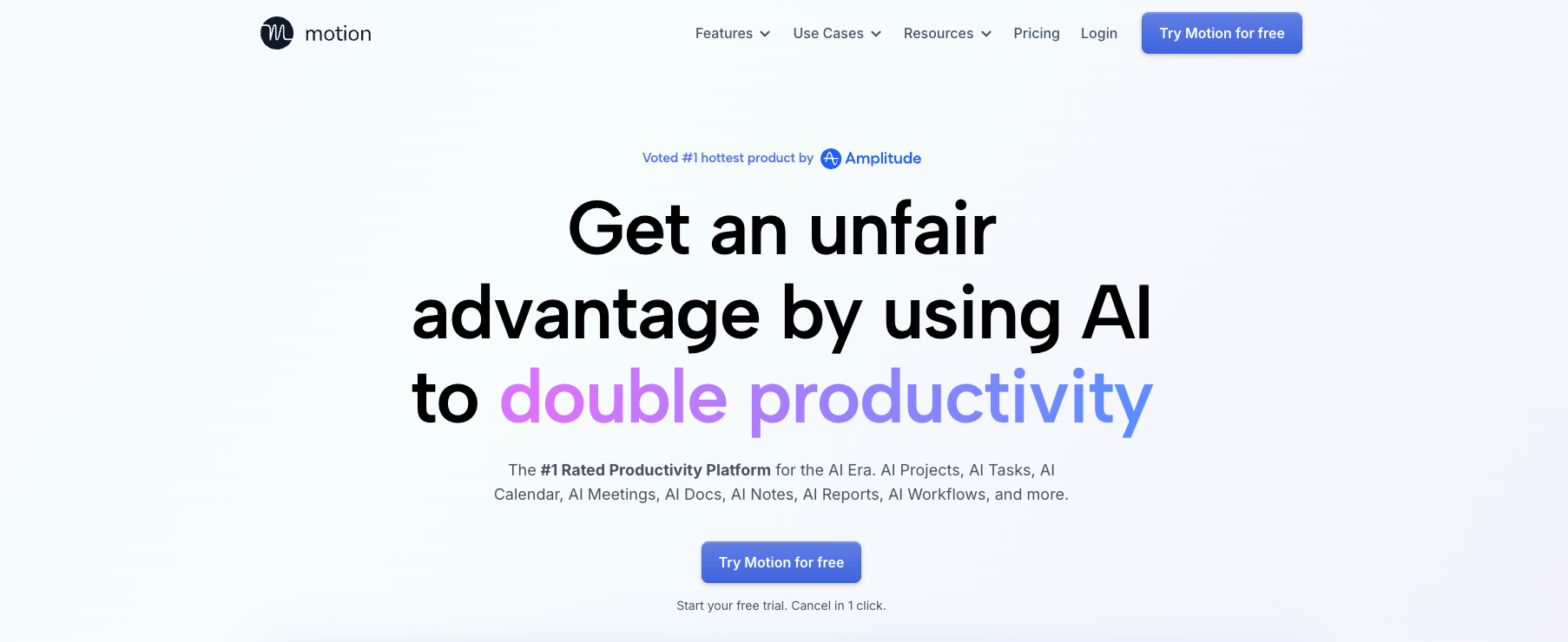
Key features:
- AI Task Manager: Motion prioritizes your to-do list by deadline and importance, placing tasks directly on your calendar so you always know what to work on next without having to decide manually.
- Automatic rescheduling: When a meeting runs over, or a conflict lands, Motion recalculates your entire day in seconds and moves tasks to the next available gap without you touching anything.
- At-risk alerts: Motion flags deadlines that are at risk of being missed, giving you time to delegate or reset expectations rather than discovering the problem after it happens.
- Meeting Assistant: Motion identifies your optimal booking windows to share with contacts, ensuring meetings land only during times that do not overlap with your primary work blocks.
Why did I pick it?
Most booking links hand over your entire availability and let the other person pick. Motion only surfaces the times that work for you.
The meeting assistant does not just surface open calendar slots. You define your rules once: client calls before noon, internal syncs after lunch, nothing on Fridays. Your booking link then shows only the times that match those parameters.
Contacts see your optimal availability, not your entire week, and the video link is already attached before anyone asks for it.
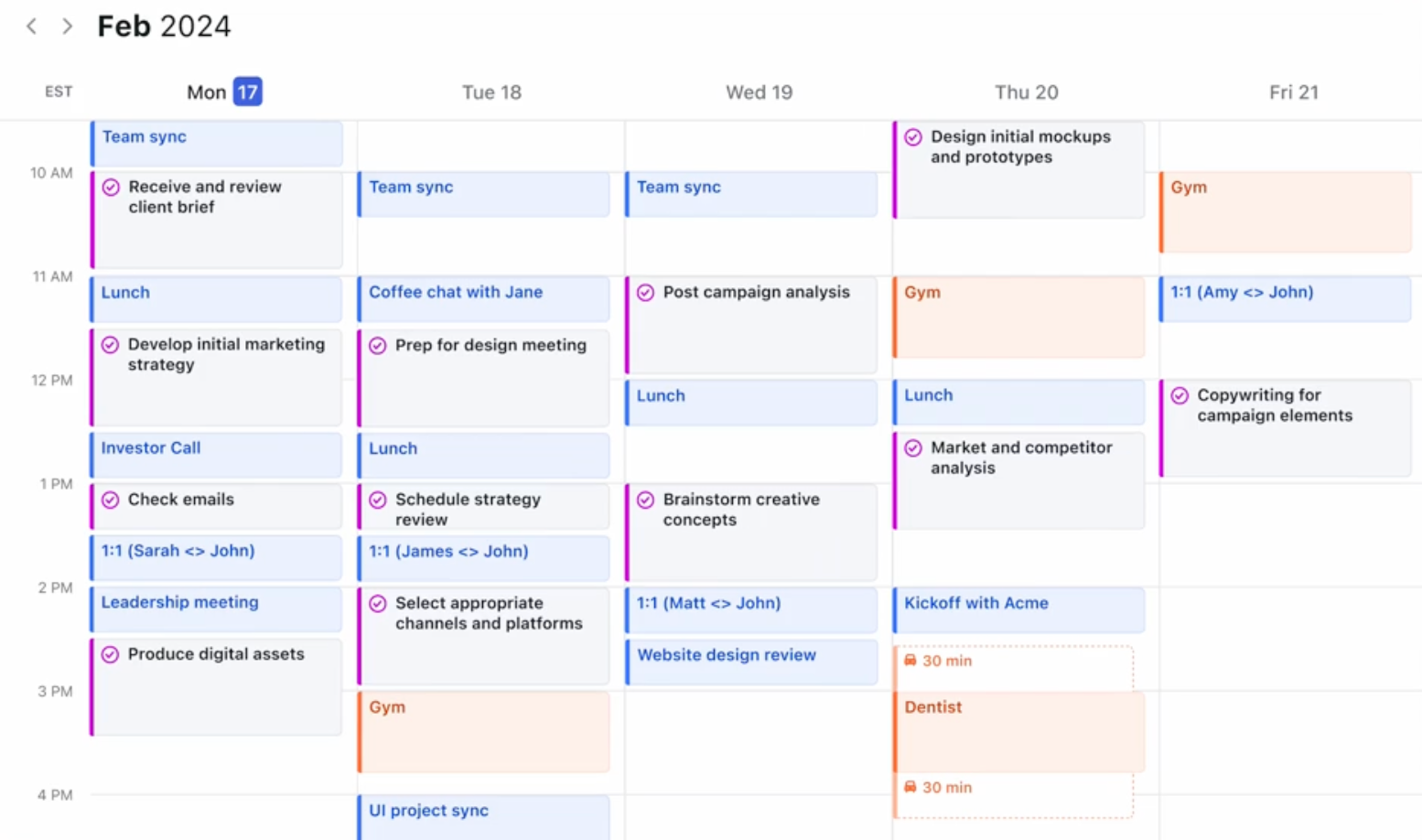
The capacity flagging is what separates this from a smarter Calendly. Before I could stack a Wednesday with four client calls and three deliverables, Motion flagged that I had scheduled more than I could realistically complete and suggested moving two tasks to Thursday.
Motion did not surface this on Tuesday night when the damage was already done. I caught it on Monday morning when I was still building the week.
That is the difference between a smarter Calendly and real calendar intelligence.
The pre-meeting survey feature changed how calls started. Guests answered two questions before booking. By the time we were on the call, the context was already there. No five-minute "so tell me about your situation" opener. Just the work.
What could improve?
Motion only syncs tasks to your primary calendar. So if you work with an assistant or chief of staff who relies on a shared calendar to manage your schedule, they are not seeing the full picture. That disconnect can turn into a real coordination problem once your workload gets busy.
Pricing
Motion starts at $49/month for individuals on the Pro AI plan. Teams can start at $29/seat/month, which includes AI calendar, projects, tasks, and meeting management.
Pick this if: Your to-do list grows every week but never gets done because your calendar never has a real window for it, and you want something that finds and protects those windows before anyone else books them.
Motion AI Review - Best Daily Planner App 2026?
The best AI tools for meeting prep and follow-up
The meeting itself might only take an hour. What eats the rest of the day is everything around it: the prep you rushed through, the notes you still need to organize, and the follow-up emails that somehow never get sent before evening.
What to expect:
- Real-time coaching cues during the call itself
- Searchable meeting history so past decisions are never lost
- CRM records are updated after every call without manual entry
- Pre-call briefings pulled from past conversations and relevant context
- Action items extracted and assigned by the owner without manual notes
- Automatic transcription and summarization across every major video platform
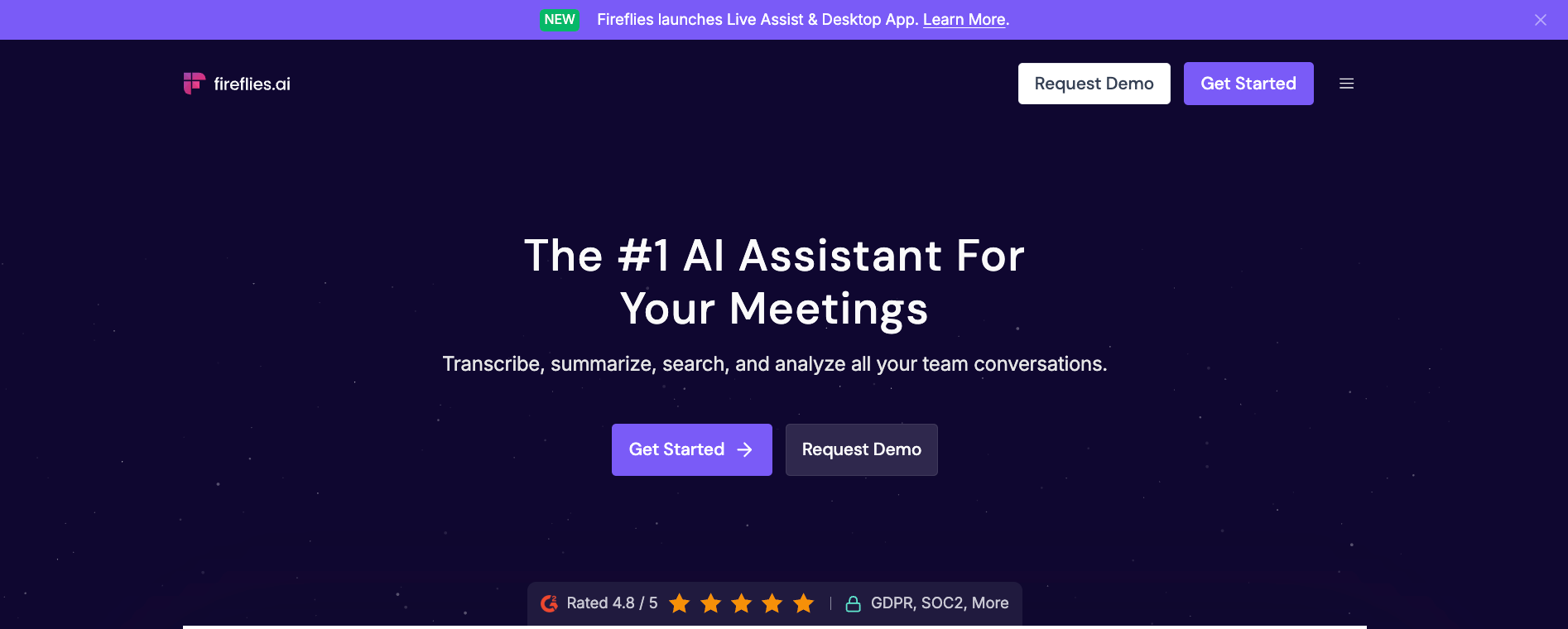
4. Fireflies: So nothing said in a meeting gets lost or forgotten
What is it? Fireflies joins your calls automatically, transcribes every word, and delivers structured summaries with action items the moment the meeting ends.
Who's it for? Sales leaders and executives running ten or more calls a week who consistently lose commitments and context the moment the Zoom window closes.
Key features:
- AskFred: Fireflies stores your entire meeting history and lets you query it in a conversational way. Ask what was decided on a client call three months ago and get an answer in seconds instead of hunting through recordings.
- AI action items: Fireflies detects specific tasks and commitments mentioned during a call and automatically assigns them to the owner. Nothing discussed gets buried in a transcript nobody reads.
- CRM logging: After a sales or client call, Fireflies pushes notes and outcomes directly into HubSpot or Salesforce without manual entry. Your CRM stays current without anyone touching it.
- Conversation intelligence: Fireflies tracks talk time, sentiment, and engagement across your calls, surfacing patterns like which topics create friction or which prospects go quiet before deals stall.
Why did I pick it?
I had an onboarding call run long and needed to jump straight into another meeting without writing anything down.
A few minutes later, I opened Slack and saw Fireflies had already pushed the action items into the client channel, split by owner and ready to go. Nobody had to ask, “Wait, who was handling that again?”
Fireflies also has a conversational assistant called Fred sitting inside your meeting library. You ask it a question, and it searches through every call you have ever recorded and pulls up the answer.
Before a quarterly business review with a long-standing client, I asked Fred to pull every commitment we had made over the last six months. It surfaced three things I had forgotten. I walked into that meeting with a tighter handle on the relationship than I would have had after an hour of manual prep.
The MCP integration was another surprise.
After one client call, I connected Fireflies to Claude and asked it to draft a follow-up email. Instead of sending a bland recap, it mentioned the exact pricing concern the client raised midway through the call and the feature they got excited about near the end.
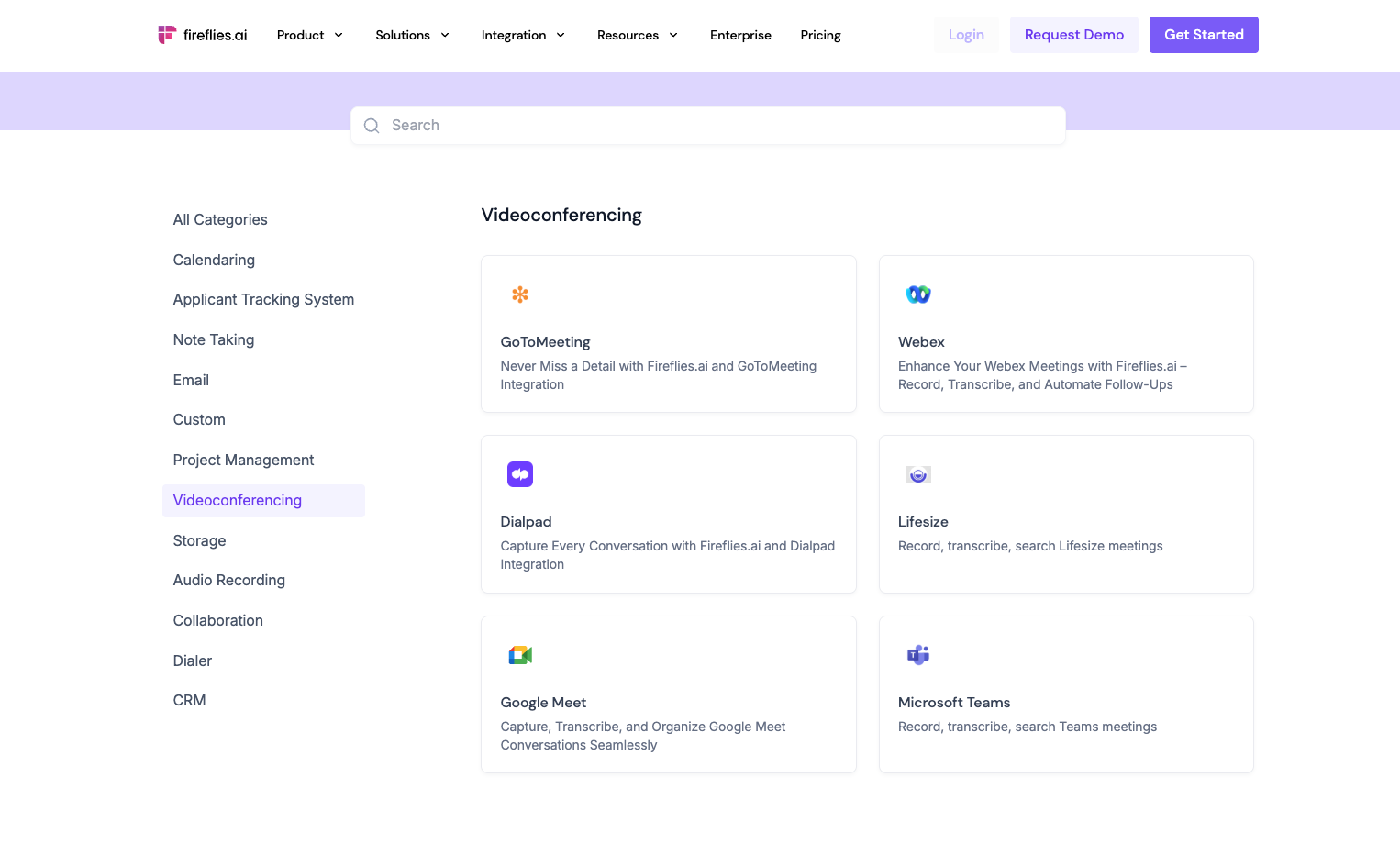
Fireflies works across every major video conferencing tool you'd expect, Zoom, Google Meet, and Microsoft Teams.
What could improve?
Fireflies runs on a credit system. If your team hits its monthly limit mid-cycle, AI summaries and AskFred queries pause until you purchase more credits. For a tool executives rely on after every call, that kind of interruption lands at the worst possible time.
Pricing
Fireflies has a free plan with limited AI summaries. The Pro plan starts at $18/seat/month with unlimited transcription and summaries. The Business plan at $29/seat/month adds unlimited storage and advanced conversation intelligence.
Pick this if: You finish calls with a head full of context and an empty notes doc, and want something that captures every commitment, assigns it to the right person, and keeps your CRM current without you lifting a finger after the call ends.
Fireflies AI Meeting Notes Tutorial 2026 (STOP Wasting Time)
The best AI tool for knowledge management
Most knowledge bases are well-organized filing cabinets. The problem is not storing information, but retrieving and connecting it fast enough to be useful when a decision is already in front of you. Notion turns the search process into a conversation.
What to expect:
- Intelligent categorization of incoming tasks and items as they arrive
- Meeting notes are captured and summarized automatically after every call
- Database properties auto-populated from page content without manual entry
- Deep research across internal docs, connected apps, and the web in a single query
- Cross-functional synthesis that connects information scattered across teams and projects
- Chat interface that searches your workspace and cites the specific sources behind every answer
5. Notion AI: For executives who want their knowledge base to brief them
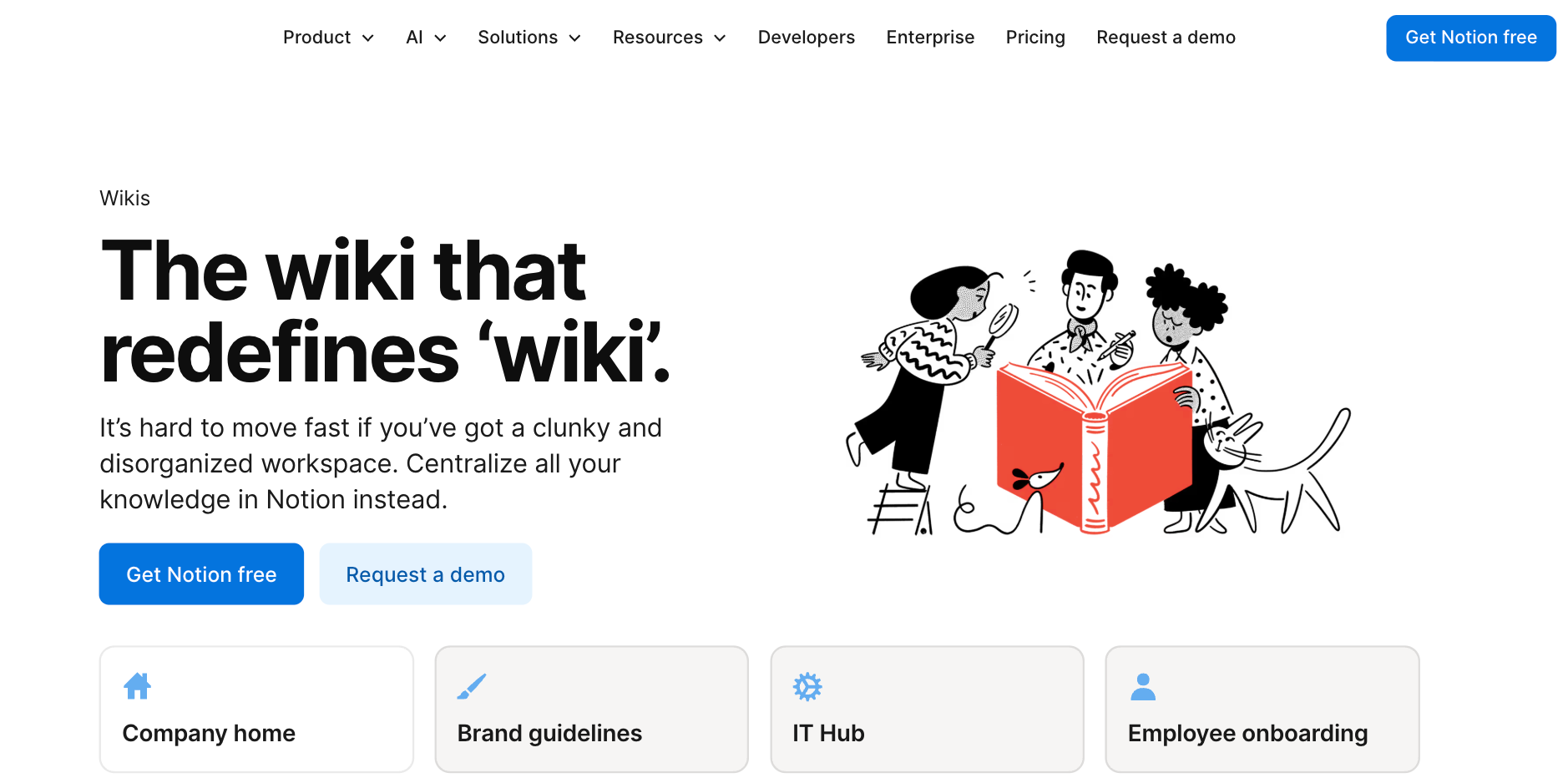
What is it? Notion turns your existing workspace into a knowledge base you can query in plain English, pulling cited, synthesized answers from across your docs, databases, and connected apps.
Who's it for? Leaders and chiefs of staff managing large internal wikis and project trackers who spend more time hunting for information than using it.
Key features:
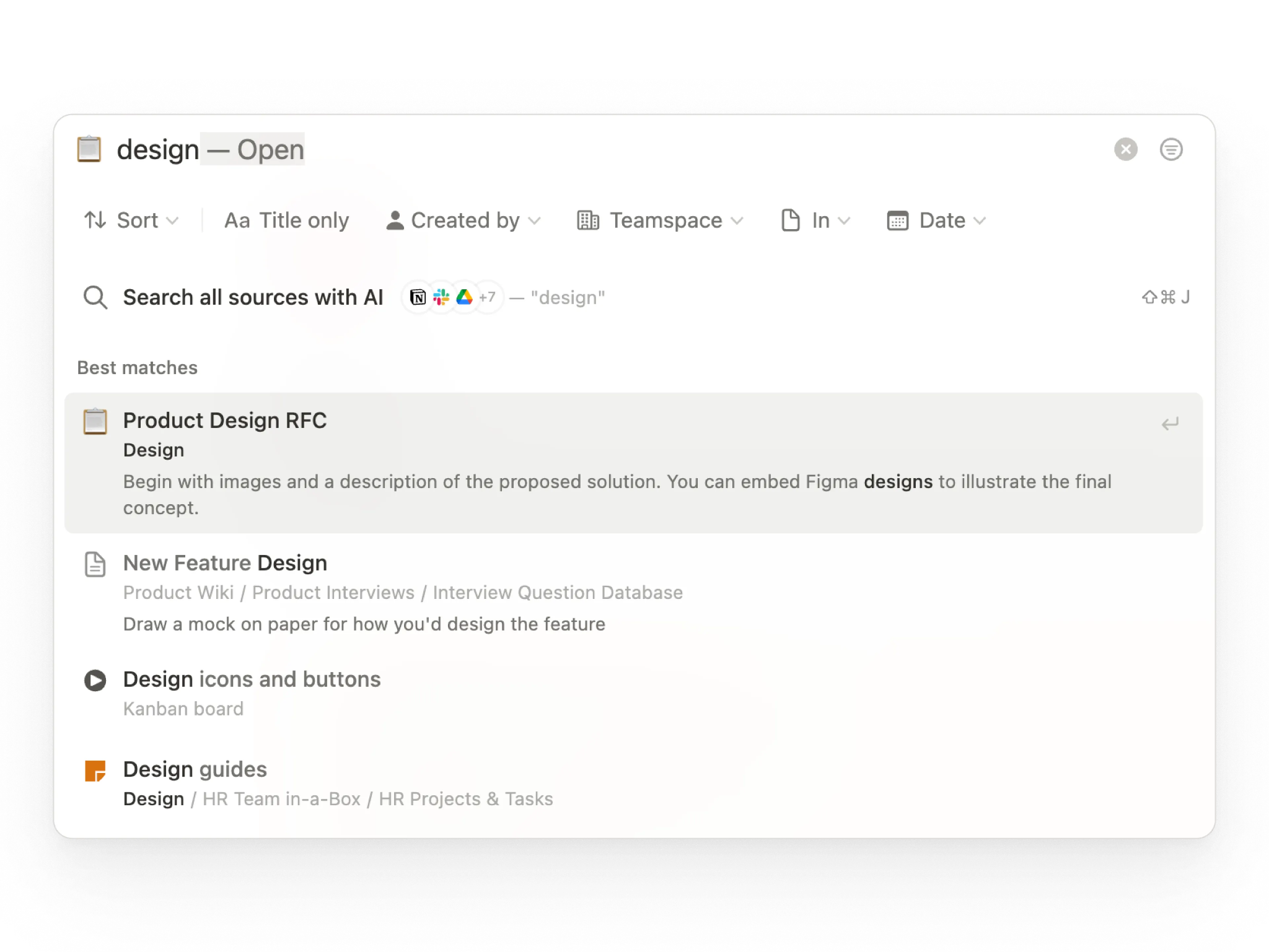
- Q&A: A chat interface that searches your entire workspace and delivers synthesized answers with citations. You ask a question and get a direct answer, rather than a list of documents to open.
- AI Research Mode: Conducts deep research across your workspace, connected external apps, and the web simultaneously. Built for strategic decisions that need context from multiple sources in one brief.
- AI Autofill: Automatically populates database properties by summarizing linked pages or extracting key details like action items and deadlines. Removes the manual data entry that slows down project tracking.
- AI Meeting Notes: Joins your calls, captures the transcript, and generates structured summaries with decisions and next steps delivered directly into your workspace.
Why did I pick it?
Most knowledge bases answer the question "where is the document?" Notion AI answers the question you have.
I needed to prep for a board meeting covering our Q3 marketing strategy. The relevant information was spread across five project pages, two databases, and notes from a planning call three months back. Instead of reading through all of it, I opened the Q&A interface and asked for a summary of our core objectives and current status.
Notion gathered everything into a single response, cited each source, and flagged a budget conflict between two teams that I had missed amid all that reading. The synthesis took about 30 seconds.
I set up a mock client project to test how quickly a blank workspace could become something a team would open without being asked.
Cover image pulled from the brand deck. Section emojis matching each team. A three-level hierarchy that took four drags to build. Ten minutes later, it looked like a workspace maintained by someone who cared about it.
Restructuring things mid-session felt just as natural. I dragged an entire section into a sub-page, and it simply moved over cleanly. The project changed shape, and Notion adjusted with it instead of slowing me down.
That was the point when the workspace started to feel connected rather than just tidy.
I typed @ inside a meeting notes page, and Notion gathered the project roadmap, the relevant team members, and the deadline. That alone saved me from hours of going through old docs and Slack threads trying to piece everything together later.
What could improve?
Notion synthesizes and creates well, but it cannot execute outside the workspace. It will not update a CRM record, push a task to Jira, or trigger anything in an external tool. For executives who want answers and action in one step, that gap is real.
Pricing
Notion has a free plan that includes a trial of Notion AI. The Plus plan starts at $12/member/month, and the Business plan at $24/member/month is where the full AI suite unlocks, including Notion Agent, AI Meeting Notes, and Enterprise Search.
Pick this if: Your team documents everything, but the knowledge is effectively locked inside pages nobody has time to read. You want to ask a question and get a direct answer instead of opening five documents to piece it together yourself.
AI tools for executive assistant automation: Popular choices
These tools did not fit neatly into a single category, but executives use them daily. Each one handles a specific part of the workday well enough to earn a place on the list.
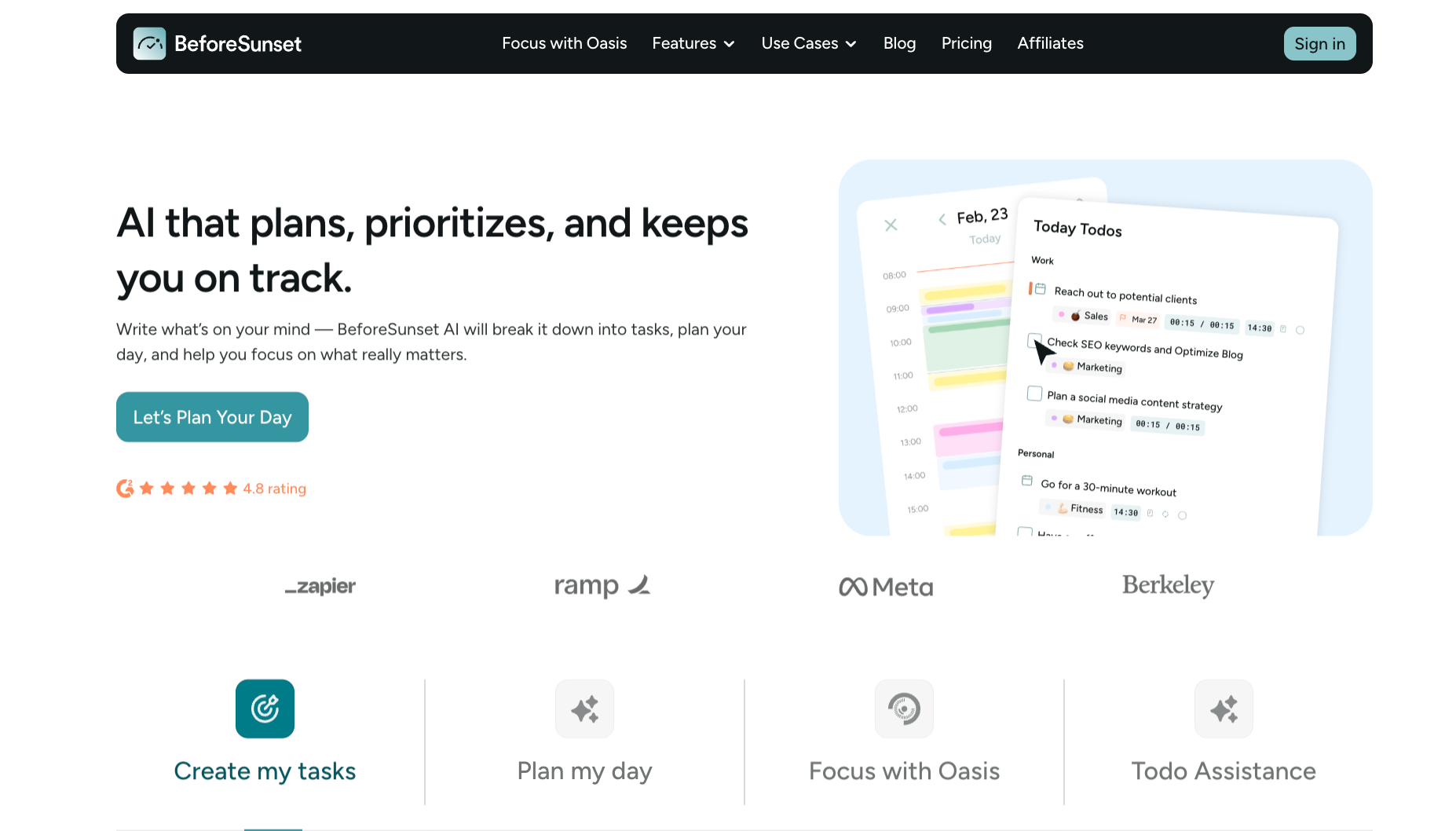
6. BeforeSunset: Best for focus-driven daily planning
What is it? BeforeSunset automatically turns your daily goals into a structured schedule, with time estimates, subtasks, and categories already assigned before you start.
Who's it for? Freelancers, solopreneurs, and knowledge workers who want a structured day without spending the first hour of it figuring out what to work on.
Key features:
- Todo Assistant: Type your goals for the day in plain language, and BeforeSunset builds a structured task list with subtasks, categories, and time estimates without any manual setup.
- Planning styles: Choose between Eat the Frog, which puts your hardest task first, or Quick Wins, which builds momentum through smaller tasks early. BeforeSunset builds the calendar around whichever style you pick.
- Oasis: A focused work session tool where you select a task, set Pomodoro intervals, and add ambient sound or music. Everything needed for that session is on one screen, with no switching tools.
- Time analytics: Tracks how your time gets used across categories, flags overdue tasks, and shows how many days each one has been delayed across projects and clients.
7. Perplexity: Best for deep research and competitive intelligence
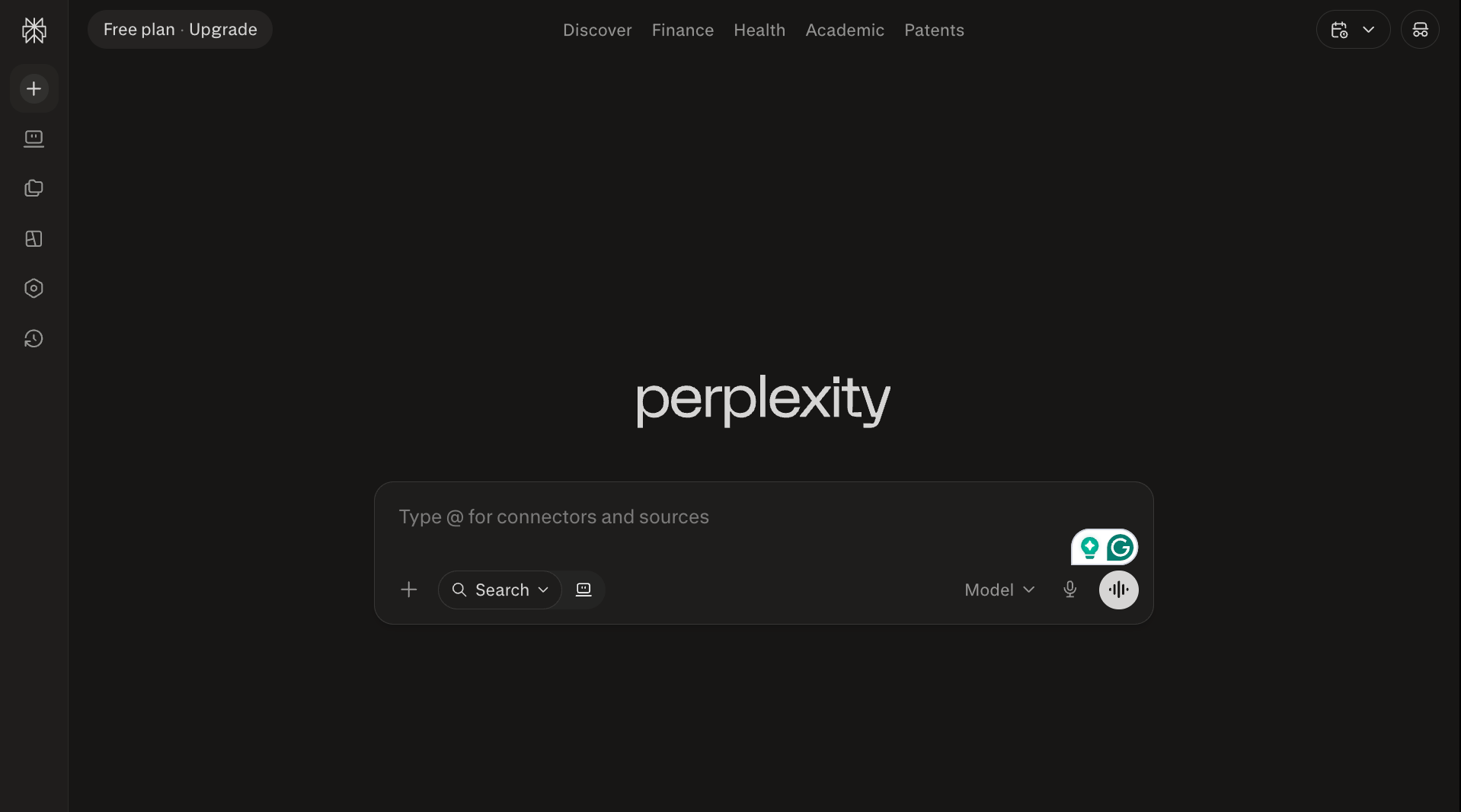
What is it? Perplexity is an AI research tool that searches the web in real time, delivers cited answers from multiple sources, and runs complex research tasks in the background while you work on something else.
Who's it for? Analysts, researchers, and executives who spend a significant part of their day finding, verifying, and synthesizing information before decisions are made.
Key features:
- Model Council: Runs the same query through Claude, GPT, and Gemini simultaneously, maps where all three agree, and flags where they split. Useful when a single model answer is not reliable enough to act on.
- Perplexity Computer: A cloud-based agent that handles up to four research tasks in parallel, even when your laptop is closed. Scrapes sites, runs code, and builds dashboards without step-by-step direction.
- 400+ app connections: Connects to Gmail, Slack, Salesforce, and Google Drive via MCP, pulling context from your existing tools directly into any research task.
- Cited answers: Every response comes with traceable sources attached. You verify claims instead of taking the output at face value.
8. Claude: Best for writing, analysis, and desktop task automation
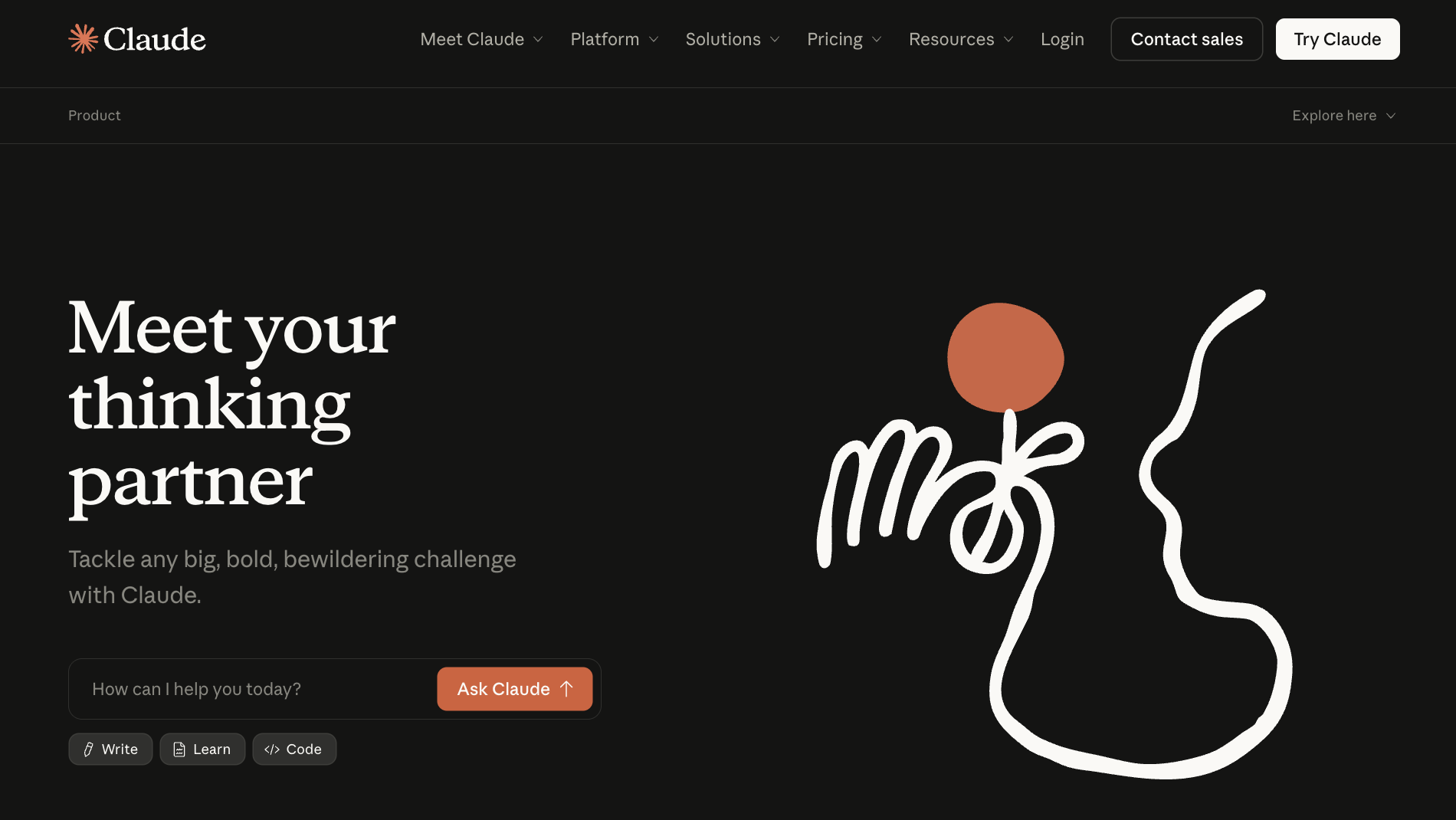
What is it? Claude is an AI assistant built for writing, analysis, and complex reasoning, with a desktop task-delegation feature called Cowork that works across your files and applications with your approval at each step.
Who's it for? Writers, analysts, researchers, and executives who need an AI that reasons carefully before responding and can work directly on their desktop across documents and tools.
Key features:
- Projects: Create persistent workspaces where every conversation already has context from your uploaded documents and standing instructions. No re-explaining the same background at the start of each session.
- Cowork: Describe a task, and Claude works through it across your files and applications, pausing for your approval at each step. Point it at last quarter's metrics, tell it where the report template lives, and it hands back a finished document rather than a list of instructions for you to follow.
- Extended thinking: Claude works through complex, multi-step problems before responding, making it better suited for analysis and reasoning than a standard chatbot reply.
- Artifacts: Build something visual inside Claude, a dashboard, a formatted report, or an interactive calculator, and it opens in a live side panel next to the chat for real-time editing without copying anything into another tool.
{{cta}}
My final take on executive assistant automation in 2026
The tools are useful now. That was not true two years ago, and it is worth saying plainly. But useful is not the same as automatic. Every tool on this list requires you to change something about how you work, even if it is just deciding which task to hand off first.
The exec who picks one assistant and builds around it will get more out of it than the one who subscribes to five tools and uses none of them properly.
Here's a quick checklist to help you decide:
- Choose Lindy if you want one assistant handling your inbox, calendar, meetings, and follow-ups without stitching five separate tools together or building anything from scratch.
- Choose Superhuman if you are processing hundreds of emails a day and want replies drafted in your voice before you even open the thread.
- Choose Motion if your to-do list never gets done because your calendar never has a real window for it, and you want something that finds and protects those windows before anyone else books them.
- Choose Fireflies if you finish calls with a head full of context and an empty notes doc, and want action items assigned and pushed to your team before the next meeting starts.
- Choose Notion AI if your team documents everything, but the knowledge is buried across hundreds of pages, and nobody has time to search through them.
- Choose BeforeSunset AI if your mornings disappear into figuring out what to work on instead of doing it.
- Choose Perplexity if research is a real part of your day and you need cited, verified answers fast instead of spending an afternoon fact-checking a single report.
- Choose Claude if writing, analysis, and complex reasoning are where you spend most of your time, and you want an assistant that thinks carefully before responding instead of rushing to an answer.
Let Lindy handle your executive work from day one
Lindy is the AI assistant for work that handles the tasks that eat your day, like follow-ups, meeting prep, and CRM updates. Text Lindy what you need, and it responds with the full context of your calendar, inbox, and priorities already in view.
Here’s what that looks like in practice:
- Get answers instantly: Text Lindy to pull information from your email, calendar, or CRM without digging through tabs.
- Send emails and follow-ups automatically: Ask Lindy to draft, personalize, and send outreach and handle replies.
- Take meeting notes and share summaries: Lindy joins meetings, writes structured notes, and follows up afterward.
- Update your CRM without manual entry: After a call, Lindy logs notes and automatically fills in missing fields.
- Find and qualify leads in minutes: Tell Lindy your ideal customer profile and get curated lead lists ready for outreach.
- Works across hundreds of tools: Lindy connects with the tools you already use, so everything stays in sync.
FAQs
What is executive assistant automation?
Executive assistant automation is the use of AI to handle the repeatable admin work of an executive's day: email triage, scheduling, meeting notes, and follow-ups. It does not replace judgment or relationship management. Think of it as taking the first two to three hours of your morning off your plate so the rest of it can go toward actual work.
Can AI fully replace a human executive assistant?
No, AI cannot fully replace a human executive assistant. It handles tasks with clear inputs and predictable outputs well: scheduling, transcription, inbox triage, and CRM updates. But reading the room, navigating sensitive communications, building trust with stakeholders, or making judgment calls that depend on context, only a person can carry those.
What is the best AI tool for executive assistant automation?
The best AI tool for executive assistant automation depends on where you lose the most time. If the problem spans your inbox, calendar, meetings, and CRM, Lindy handles all of it in one place. If it is email specifically, Superhuman. Calendar chaos, Motion. Meeting notes, Fireflies. The right tool matches your biggest daily drain.
How long does it take to set up an AI executive assistant automation?
Setting up an AI executive assistant automation can take anywhere from 10 minutes to a few days, depending on the tool. Fireflies and Superhuman show value within an hour. Motion and Lindy take a few days to calibrate preferences and connect your stack properly. Most executives see clear time savings within the first week, regardless of which tool they start with.
Is Lindy good for executive assistant automation?
Lindy is one of the best options for executive assistant automation, particularly if you want a single tool that covers all of it rather than five separate ones. It handles inbox, calendar, meetings, and CRM from a single assistant you text. The first few days involve some calibration, but it earns its place quickly once your preferences are set.
What tasks can AI executive assistants automate in 2026?
AI executive assistants can automate tasks with clear inputs and predictable outputs: email triage and drafting, meeting scheduling and rescheduling, call transcription and action item extraction, CRM updates after calls, pre-meeting briefings, and weekly status reports. Anything requiring judgment, relationship context, or a novel decision still needs a person making the final call.











Blog
Related Articles
.avif)

.avif)
.avif)
.png)

.png)
The AI assistant that runs your work life
Lindy saves you two hours a day by proactively managing your inbox, meetings, and calendar, so you can focus on what actually matters.
