


How To Summarize an Article With AI in a Few Seconds
Lindy walked through summarizing articles with AI using ChatGPT prompts, browser extensions like Wordtune Read and Glasp, and intent-driven prompting for sharper, more usable summaries.
.avif)

I used to leave 30 tabs open every week, thinking I’d “come back and read them.” I never did. They just sat there like a guilt trip on my browser.
Now, I summarize everything with AI.
So, if you’re a content marketer, a student, a busy founder, or someone who just wants to stop pretending you’ll read that 5,000-word newsletter later, this one’s for you.
TL;DR
To summarize an article with AI, use Lindy’s AI Website Summarizer and instantly get a summary of any webpage by simply pasting the URL. No copy-pasting a page’s text or writing prompts needed and you instantly get structured insights in seconds that you can immediately share or act on.
If you prefer other methods:
- ChatGPT: Paste text + add a specific intent (e.g., "Summarize this for a team presentation" or "Turn this into 5 key points")
- Browser extensions: Install Wordtune Read or Glasp to summarize content directly on webpages with one click
- For technical users: Use Python with OpenAI's API to automate summarization for multiple articles
Remember: The quality of AI summaries depends on how clearly you communicate your purpose. Don't just ask for a summary, explain exactly how you plan to use it.
How to Summarize an Article Using Lindy
If you want to summarize a webpage without copying a single word, Lindy’s AI Website Summarizer does it all in ONE move.
Just drop a link, and Lindy pulls out clean, structured insights like having an assistant read the article for you and hand you the key points.
Here’s how I use it:
Step 1: Open the AI Website Summarizer
Once you’ve activated the summarizer in Lindy, there’s no setup required.
You’ll see a simple screen confirming you’re ready to go:
Click Continue, and you’ll land in the summarizer workspace.

Step 2: Paste the URL
Drop the link to any article, landing page, research post whatever you want summarized.
In my case, I used an article about AI agents.

Step 3: Let Lindy Extract + Summarize
Lindy automatically pulls the content, processes it, and delivers a clean summary right inside the task thread. No extra prompts, no copy-paste, no reformatting needed.

In my test, it broke down the article into clearly labeled sections:
- Purpose
- Data preparation
- Training
- Evaluation
And gave me bullet points under each, ready to reuse or repurpose however I want.
Why This Works So Well
If you regularly deal with research, product pages, or long documentation, this is a life hack. I use it to:
- Pull summaries before sharing with my team on Slack
- Turn long reads into 3-line email takeaways
- Start tasks or workflows using what Lindy extracts
You can also connect this summarizer to other automations. For example, automatically send the output to Notion or email it to a teammate.
How to Summarise an Article Using ChatGPT
When I first started using ChatGPT to summarize articles, I would simply paste the content and type,
“Summarize this.”
That’s it.
No context. No intent.
And not surprisingly, what I got back felt like a vague recap written by someone who skimmed the article on their lunch break.
What changed EVERYTHING?
I started telling it why I needed the summary.
Here’s an example:
I chose a historic event, the “Fall of the Berlin Wall,” and gave ChatGPT three different prompts.
Same article, same tool. Here’s how wildly different the outputs were:
- “Summarize this article in 5 bullet points.”

- “Explain this event like I’m a high school student trying to pass an exam.”

- “Summarize this with the emotional weight of someone who lived through it and lost family in East Berlin.”

↳ The first one gave me a clean TL;DR.
↳ The second simplified the political context.
↳ The third actually focused on the human element, the pain, the reunion, the emotion and that’s EXACTLY what I was hoping for.
So yes, AI summaries aren’t “ONE SIZE FITS ALL.”
The quality you get depends entirely on the prompt you feed it.
If I want to turn a dense policy doc into a tweet thread, I prompt differently than if I’m trying to extract key metrics from a SaaS case study.
It’s the same AI, but the INTENT shapes the output.
Once I started thinking like that, the summaries stopped being vague and started being USEFUL.
How to Summarize an Article Using an Extension
If you’re constantly reading articles, newsletters, or research papers online, installing a summarizer extension can save you hours each week.
Instead of copy → paste → prompt → wait!
You can click one button, and instantly read the key points that appear right on the page.
Here’s what I personally use:
- Wordtune Read lets you highlight sections or the full article and get a summarized version instantly. It's clean, fast, and the summaries are actually coherent, unlike the usual generic fluff.
- Glasp highlights key parts as I read from a webpage. It can pull those highlights together into a summarized note, which I can then polish using ChatGPT. It’s basically building your own custom summaries without even trying.
Other extensions worth mentioning:
- Eightify summarizes YouTube videos and article pages alike.
- Summari auto-summarizes web pages as you browse, giving you a neat preview before you even open them fully.
Pick just one extension and stick to it. If you install five different summarizers, you’ll end up overwhelmed by choices, which defeats the whole point of saving time.
How To Write Prompts That Get Better Summaries
I used to think I was using AI wrong because the summaries I got felt flat.
Turns out, the problem wasn’t the AI, it was me.
Or more specifically, it was my PROMPTS.
And when your prompt lacks intent, the output lacks usefulness.
Once I started getting specific, the difference in quality was immediate.
4 Prompts You Can Use To Summarise Articles Using AI
Let’s say you’re reading a dense industry report and want to turn it into content. Here’s how to prompt:
1. “Turn this into a LinkedIn post with a hook and 3 key takeaways.”
AI gives me something formatted, punchy, and ready to post.
If you’re trying to absorb something quickly and don’t want fluff, go with:
2. “Summarize this like I’m 16 years old and I’m reading this 5 minutes before the exam.”
I’ve gotten summaries that are not only simpler but also more memorable.
If you’re comparing tools or approaches, ask:
3. “Highlight the pros, cons, and data points only, no opinions.”
That one prompt has saved me hours when I’m working on product comparisons or decision-making content.
And when writing for clients?
4., “Summarize this in a tone that matches a B2B SaaS product briefing.”
Now we’re talking usable, on-brand, editable material.
What Are The Best AI Article Summarization Techniques?
Ever wonder how AI actually creates those time-saving summaries? Let me break down the techniques that power the tools I've been talking about.
1. Extractive Summarization
This is the OG of AI summarization. It's like having an assistant who reads an article and highlights the most important sentences.
The AI identifies key sentences based on:
- Frequency of important terms
- Position in the text (intro and conclusion often contain critical info)
- Relationship to other sentences
The result? A summary made entirely of exact sentences from the original text. It's fast and preserves the original wording, but sometimes it can feel choppy or miss nuance between the lines.
I find extractive summaries work best for factual content like news articles or research papers where preserving exact wording matters.
2. Abstractive Summarization
This is where things get interesting. Instead of just pulling out existing sentences, abstractive AI actually "understands" the content and writes a summary in its own words.
Think of it like having a colleague read something and then explain it to you in their own words over coffee. The AI:
- Processes the meaning behind the text
- Identifies the core concepts and relationships
- Creates new sentences that capture the essence
This is what powers ChatGPT, Claude, and most modern AI summarizers. The results feel more natural and cohesive, though there's always a small risk of "hallucination" (adding details that weren't in the original).
3. Query-Based Summarization
This is my personal favorite for professional research. Instead of a generic summary, you get answers to specific questions about the text.
For example, when reading a market report, I might ask:
- "What are the projected growth rates?"
- "Which demographics show the most potential?"
- "What challenges does the industry face?"
The AI then creates a targeted summary focused on just those aspects. It's like having a research assistant who knows exactly what you're looking for.
4. Multi-Document Summarization
When I'm researching a topic across multiple sources, this technique is a game-changer. The AI:
- Identifies key information from multiple articles
- Removes redundancies
- Highlights contradictions or differences in perspective
- Creates a unified summary
I use this when I need to consolidate information from several blog posts or research papers before a meeting or when writing content.
5. Topic-Based Summarization
This technique organizes summaries around specific themes or topics within the content.
Rather than following the original structure, the AI reorganizes information by topic. For a marketing article, it might create sections on strategy, metrics, case studies, and tools—even if the original article jumped between these topics.
This is incredibly useful when dealing with long, meandering content that needs more structure.
6. Timeline-Based Summarization
For content that describes events or processes, AI can create summaries that follow chronological order.
This works wonderfully for:
- Historical articles
- Step-by-step tutorials
- Case studies with clear before/after states
The AI identifies temporal markers and sequences events properly, even if the original article doesn't present them chronologically.
Which Technique Works Best?
The honest answer? It depends on your goal.
For quick skimming, extractive techniques get the job done. For deeper understanding, abstractive methods create more coherent summaries. For research, query-based approaches save the most time.
Most modern AI tools like the ones I've mentioned throughout this article use a combination of these techniques. ChatGPT and Claude primarily use abstractive methods, while tools like Wordtune Read and Glasp often incorporate extractive elements for speed.
The magic happens when you combine these techniques with effective prompting. Tell the AI what technique you want it to use:
"Give me an extractive summary with direct quotes from the most important sections."
"Create an abstractive summary that explains this technical content in simple language."
"Summarize these three articles and highlight where they disagree."
Next time you're drowning in tabs or facing a wall of text, remember that choosing the right summarization technique is just as important as picking the right tool.
Best AI Tools for Summarization
1. Lindy.ai: Turn Your Summaries into Action
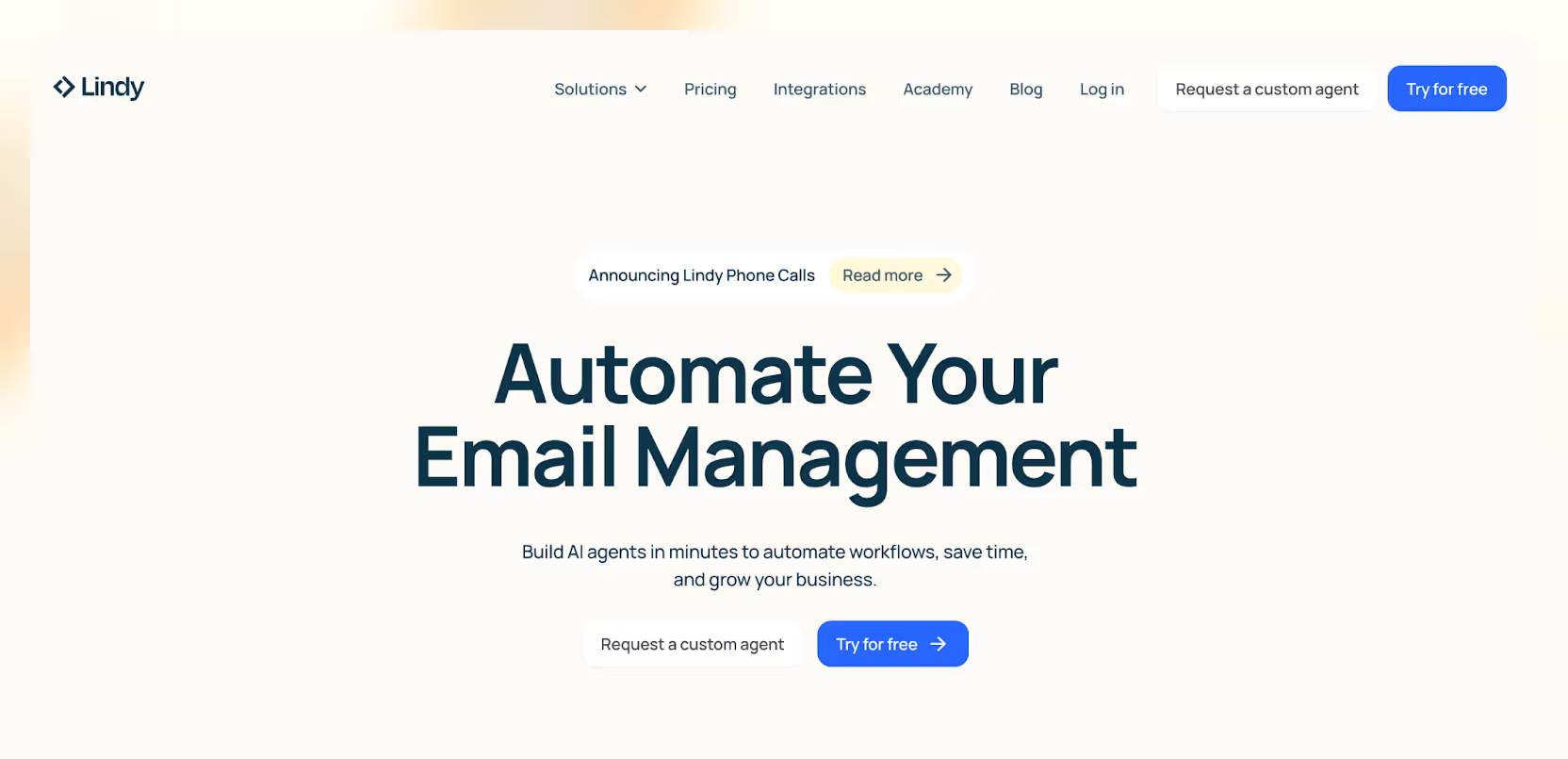
Lindy doesn’t just summarize. Rather, it helps you act on those summaries.
If I forward a dense newsletter or a research doc, Lindy doesn’t just spit back bullet points.
It turns them into email drafts, Slack updates, follow-up tasks, and more.
You’ll feel like you have an assistant who reads something and instantly says,
“Here’s what you might want to do next.”
Honestly, that’s the future right there.
{{templates}}
2. ChatGPT: Best for Everyday Summaries
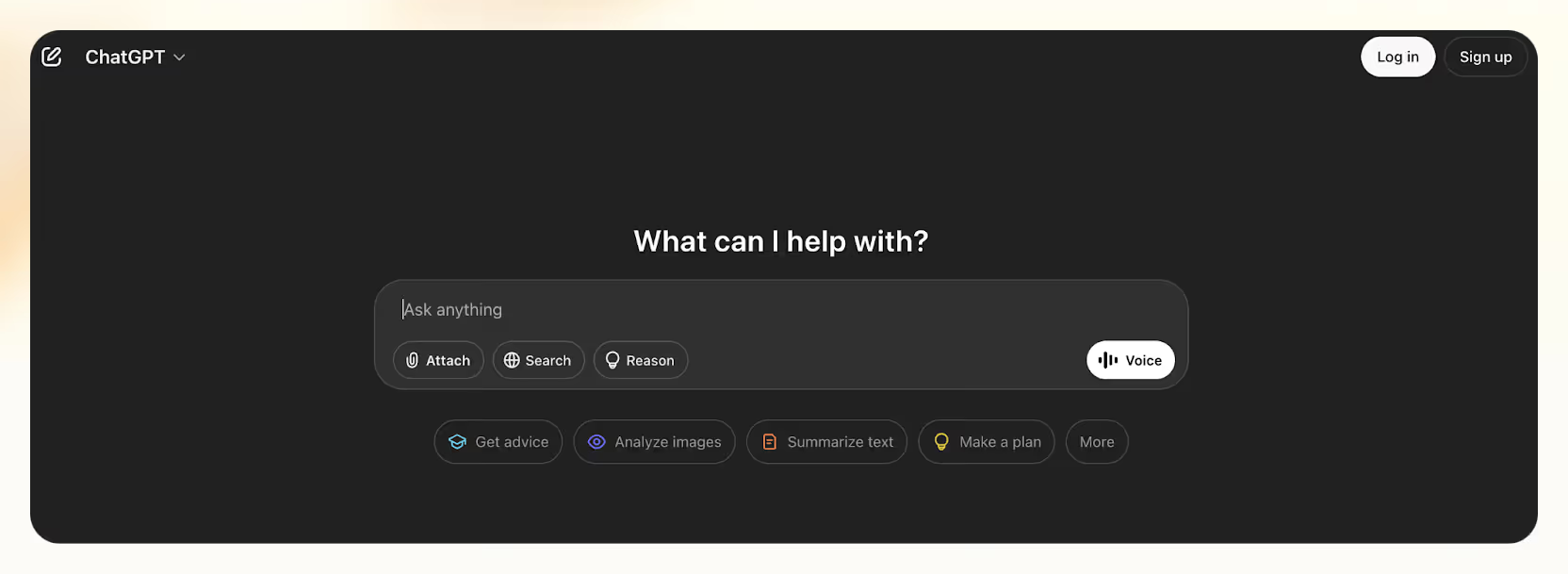
ChatGPT is a powerful tool if you’re quickly skimming a blog post, breaking down an article for a social caption, or turning messy research into something readable.
It’s fast, flexible, and only gets better the more context you give it.
The trick?
Don’t just say “summarize.”
Always tell it what you plan to do with the summary.
One minute you’ll get a tweet-sized hook, the next you’ll have a pros and cons breakdown.
You’ll get much more useful results that way.
3. Notion AI: Best for In-Document Summarization and Editing While You Write
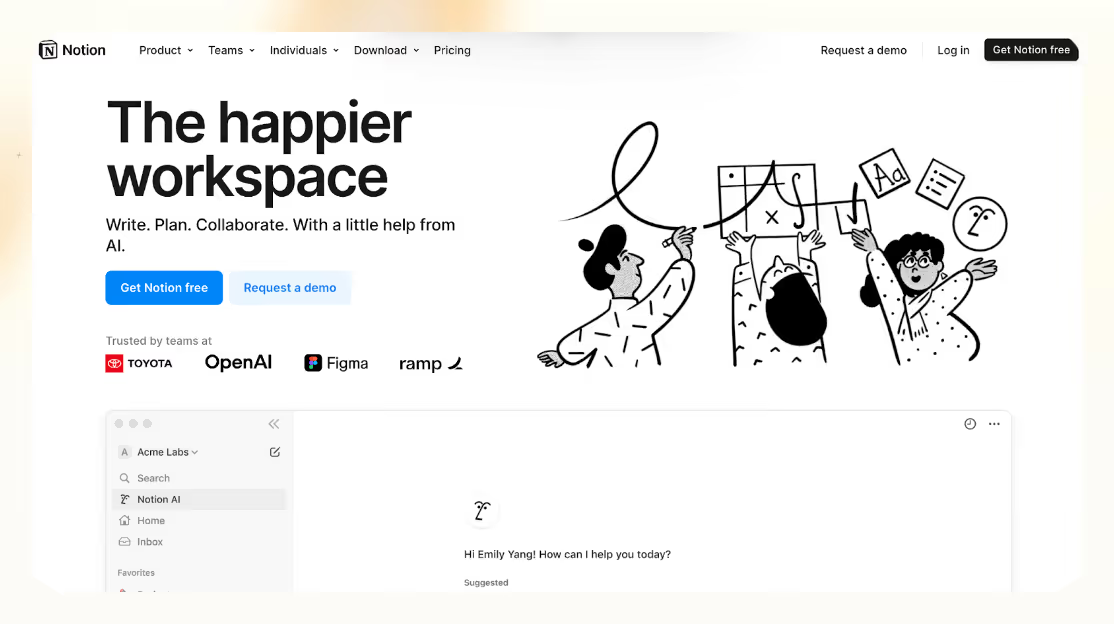
If you’re already knee-deep in a Notion doc like drafting notes, building a blog, or planning a project, there’s no reason to jump out.
Now, I just highlight what I want summarized, hit the AI Summarize button, and Notion churns out a clean, readable recap.
It’s not flashy.
But it’s incredibly efficient and sometimes, that’s exactly what you need.
4. Claude 3: Perfect for Large Text Summarization
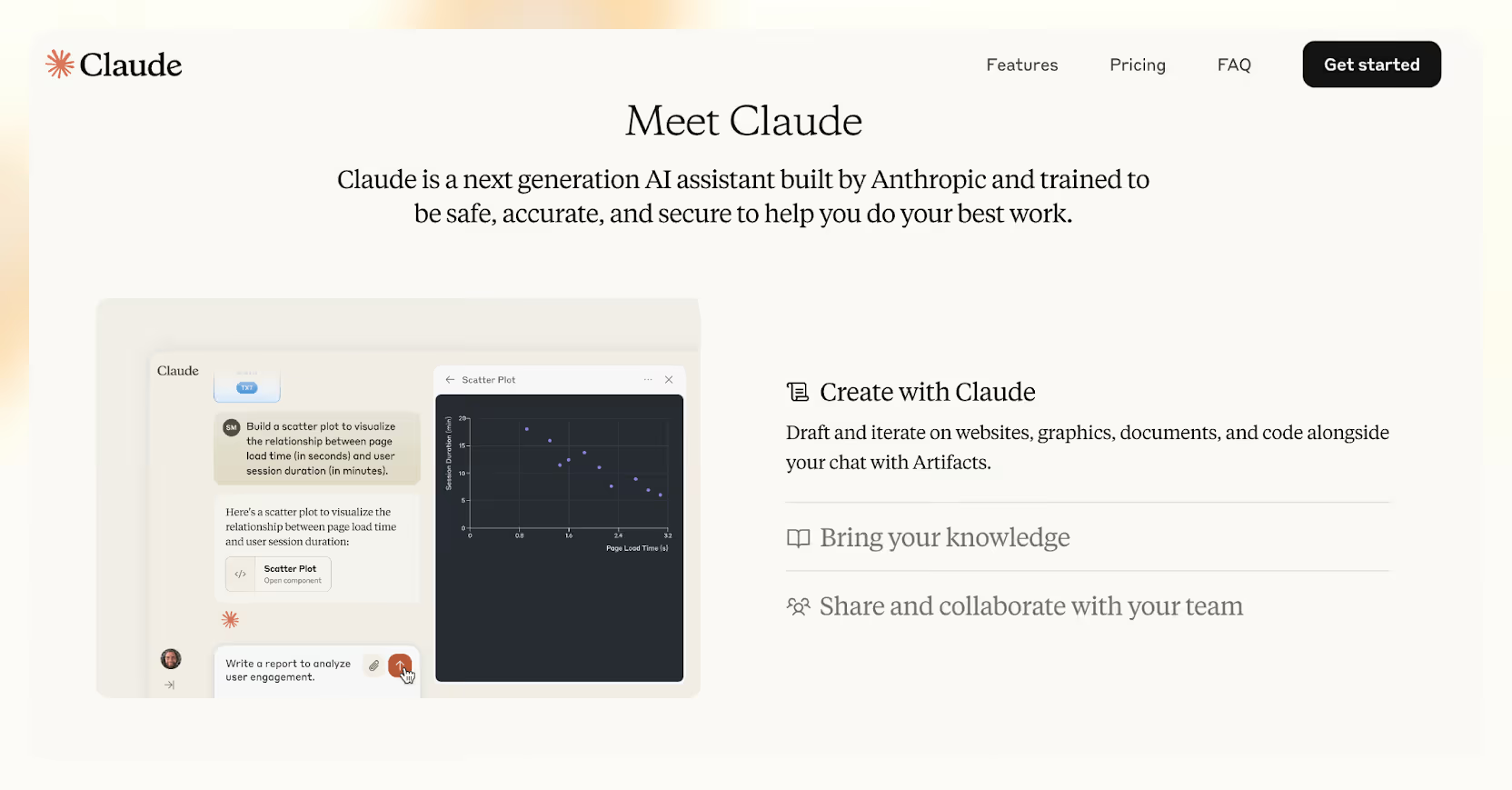
Not everything needs a quick skim.
Some pieces, such as 5,000-word essays or dense research papers, require more nuance.
That’s when I lean on Claude 3.
It’s slower than ChatGPT, sure, but it captures structure, tone, and DEPTH in a way most tools miss.
If you want thoughtful breakdowns that don’t flatten the original meaning, you’ll love Claude 3, too.
5. Wordtune Read & Glasp: For Real-Time Web Browsing

Sometimes, you’re just browsing and don’t want to copy and paste everything into another app.
That’s when Wordtune Read and Glasp come in.
You open an article, click a button, and boom—instant key points without leaving your page.
Glasp even lets you highlight as you read and then summarize only your highlights later using ChatGPT.
It feels like building a custom Cliff Notes collection for yourself as you explore the internet.
{{cta}}
How Lindy Helps With Creating Article Summaries
If you’re constantly saving articles to “read later” and never getting back to them, Lindy fixes that.
Just drop a link.
No copy-paste, no setup, and Lindy instantly pulls out structured, skimmable takeaways you can use.
Whether it’s a blog post, research doc, or product page, you get clear bullet points you can repurpose for Slack, email, Notion, or anywhere else you work.
I use it to turn long reads into quick summaries, prep my team with talking points, and even trigger follow-up tasks automatically.
You don’t need a prompt. You don’t need to be technical.
You just need the link.
Summarize your next article with Lindy.
Frequently Asked Questions
1. What is the best AI tool to summarize an article?
Lindy is the best AI tool to summarize articles if you’re looking for more than just a TL; DR.
Unlike tools that stop at giving you bullet points, Lindy turns your summary into something useful. You can take any article and instantly generate an email, create a task list, draft a team update, or trigger automations, all in one flow.
2. Can AI summarize articles better than humans?
Yes, AI can summarize articles more efficiently than humans, particularly in terms of speed and structure. AI can break down long articles into clear, organized summaries in seconds.
That’s why I use it for almost everything I read.
But when it comes to emotional nuance or deeply opinionated pieces, human reading still has the edge. I rely on AI to decide if something is worth a full read, and most of the time, that’s all I need.
3. Can AI summarize videos or podcasts?
Yes, AI can summarize both videos and podcasts. You can use:
- Eightify for YouTube
- Otter.ai for podcasts and meetings
- GPT-4 for screenshots or visuals
You can even use tools like Scholarcy for PDFs.
4. Is it okay to rely only on AI summaries?
Yes, for most use cases, relying on AI summaries is perfectly fine. If you're researching, gathering context, or preparing for a meeting, an AI-generated summary can save you time while still providing what you need.
That said, if you're making high-stakes decisions or publishing content, it’s smart to skim the original source too, just to double-check for nuance or missing context.
5. Which tool gives the most human-sounding summary?
Claude 3 tends to write like it’s been to a liberal arts school. ChatGPT is solid for a casual, clear tone.
But if you want something that’s not just readable but immediately useful, Lindy has this assistant-like quality, as it doesn’t just summarize, it nudges you toward action.
6. Can I use these tools for free?
Yes. Most AI tools have free tiers:
- ChatGPT (limited model access)
- Lindy (400 tasks/month free)
- Otter, Eightify, and Scholarcy offer starter plans, too
So you can try a lot of this without spending a dime.
7. Can I summarize multiple articles at once?
Yes, and it’s one of the best ways to compare different perspectives quickly. You can paste 2–3 articles into a tool like ChatGPT or Claude and ask it to summarize each one separately, then highlight the similarities and differences.
This is especially useful when you're researching a topic, comparing sources, or trying to understand both sides of an argument — all without reading every word.











Blog
Related Articles
%20(1).png)
%20(1).png)

%20(1).png)
.png)
.png)
.png)
The AI assistant that runs your work life
Lindy saves you two hours a day by proactively managing your inbox, meetings, and calendar, so you can focus on what actually matters.
