


Top 7 AI Scribe Software Tools for Clinicians: Tested for 2026
Everett tested seven AI scribe tools for clinicians, including Freed, DeepScribe, and Nabla, using mock clinical recordings to weigh note quality, EHR workflows, and pricing.


AI scribe software can save hours on documentation, but the wrong tool can create more editing and workflow friction. I reviewed the top options to find the 7 best picks for clinicians in 2026.
Top 7 AI scribe software tools: At a glance
I compared each tool by setup, EHR workflow, specialty coverage, pricing, trial access, and the biggest limitation. Here’s how they stack up side-by-side:
How I tested these AI scribe tools
I tested these tools from the perspective of a clinician in mock clinical workflows. I evaluated how much time they save by generating reliable notes, copying text into an EHR, or sending post-visit follow-ups. Here are the criteria I used:
- Note quality: I paid close attention to how clean the notes looked, how much structure they had, and how much cleanup a clinician would still need to do before signing off.
- EHR workflow: Some tools fit neatly into the way clinicians already chart. Others add friction with extra copying, exporting, or review steps. That difference matters a lot. A strong scribe should shorten the path from conversation to completed note.
- Specialty flexibility: Some products work well for general SOAP notes, but start to feel thin in more complex specialties. Others handle more nuanced documentation needs but ask for a heavier rollout. I preferred tools that clearly fit their target users instead of trying to be everything for everyone.
- Setup speed and ease of use: Some clinicians want a tool they can start using without much setup. Others buy for a larger group and care more about rollout support, admin controls, and integration. Both can work, but they solve very different problems.
- Pricing transparency and trial access: Buyers should not have to guess what a tool costs or book a sales call just to understand the basics. When public pricing or a free trial existed, that counted in the tool’s favor.
With testing out of the way, let’s understand the tools in detail.
1. Lindy: Best AI assistant for clinical notes and follow-up tasks
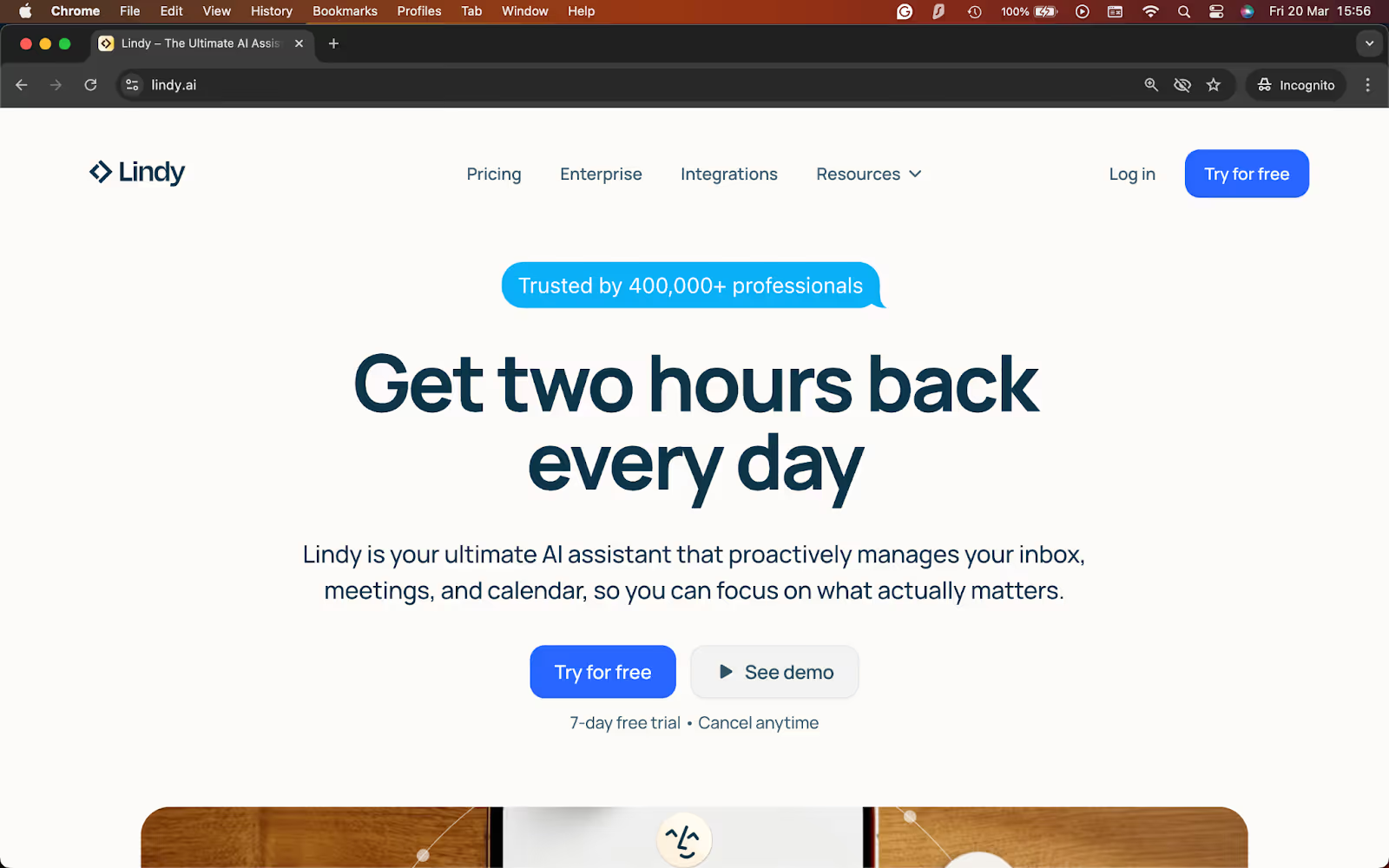
What it does: Lindy is an AI assistant that listens to patient visits, drafts structured notes, and helps with the follow-up work that comes after documentation.
Best for: Clinicians and healthcare teams that want one assistant for visit notes, summaries, and post-visit admin tasks.
With Lindy, just text your requests or let it listen in, and it will turn your conversations into structured, reliable notes without a technical setup or commands. It’s like having an assistant handle the note while you stay focused on the visit.
Another thing that stood out was the flexibility. Lindy did not stop at basic SOAP notes. It could handle different note styles and other documentation tasks that often come after the visit, like summaries, follow-ups, referral letters, and billing-related documentation. That makes it more useful for teams that want help with both charting and the admin work around it.
Key features
- Real-time note drafting: Lindy listens during in-person, virtual, or phone visits and returns a structured note draft within seconds.
- Custom note formats: You can use SOAP, DAP, or another format that fits your specialty and workflow.
- Human approval: Tell Lindy to seek your approval before sharing or syncing notes in your EHR tool.
- Broader documentation support: Lindy can help with referral letters, billing summaries, patient follow-ups, and other repeat documentation tasks.
- Plain-English control: You can ask Lindy for what you need in simple language, which makes it easier to adjust the workflow without technical setup.
- Phone calling: Lindy can also call your patients for appointment reminders, follow-ups, and feedback collection.
- SOC 2 and HIPAA compliant: Essential for teams working in healthcare, Lindy offers top-tier security and privacy compliance.
- 4,000+ integrations: Lindy connects with EHRs, CRMs, calendars, and communication tools, so it can support the work that happens after the note is done.
- Ready-to-use templates: Pick from hundreds of templates that you can customize to automate tasks quickly.
Pros
- Fits naturally into the visit without asking clinicians to change how they talk to patients
- Handles more than standard note drafting, which makes it useful for follow-up and admin work too
- Supports different documentation formats instead of locking you into one note style
- Returns structured drafts fast, which cuts down on manual typing after appointments
Cons
- Not a dedicated medical scribe product first
- Teams that only want a simple ambient SOAP note tool may not need the extra flexibility
What users say
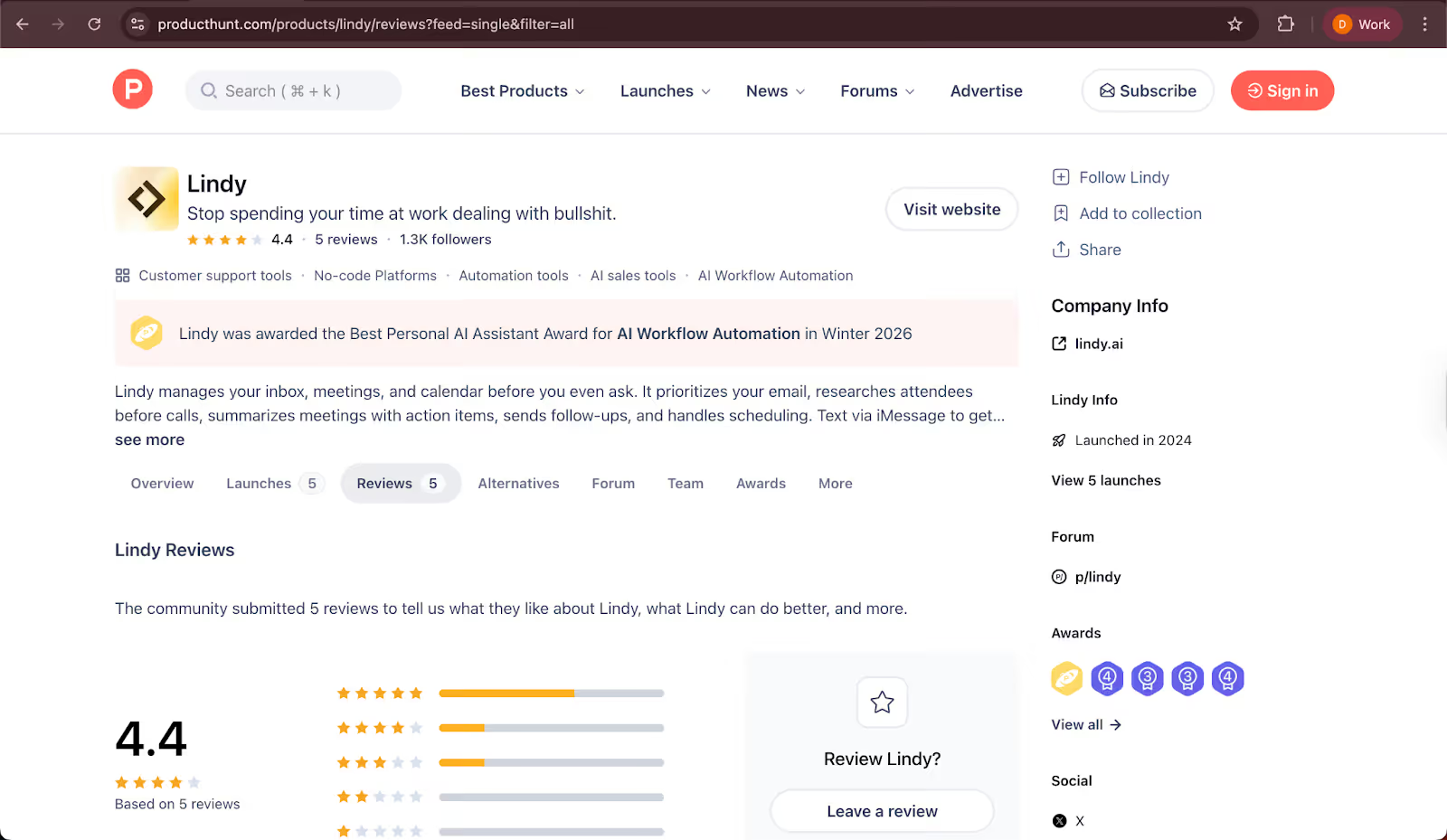
- “Lindy’s appointment reminders land in my email just before each call, with a rundown on who my appointment’s with, the link to the meeting, and a suggested agenda based on what we’ve been discussing lately if it’s a current client." — Kimberly Charron, Product Hunt
- "The integrations work well, but I wasn't able to properly configure the HTTP skill." — Anton, Product Hunt
Pricing
- 7-day free trial
- Paid plans from $49.99/month, billed monthly
Bottom line
I’d recommend Lindy to clinicians and teams that want an AI assistant for documentation and the work that follows it. If you want more than a basic note generator, Lindy gives you more flexibility. However, if you need a specialty-specific medical scribe, consider a focused tool.
{{templates}}
2. Freed: Best for simple SOAP notes and fast setup
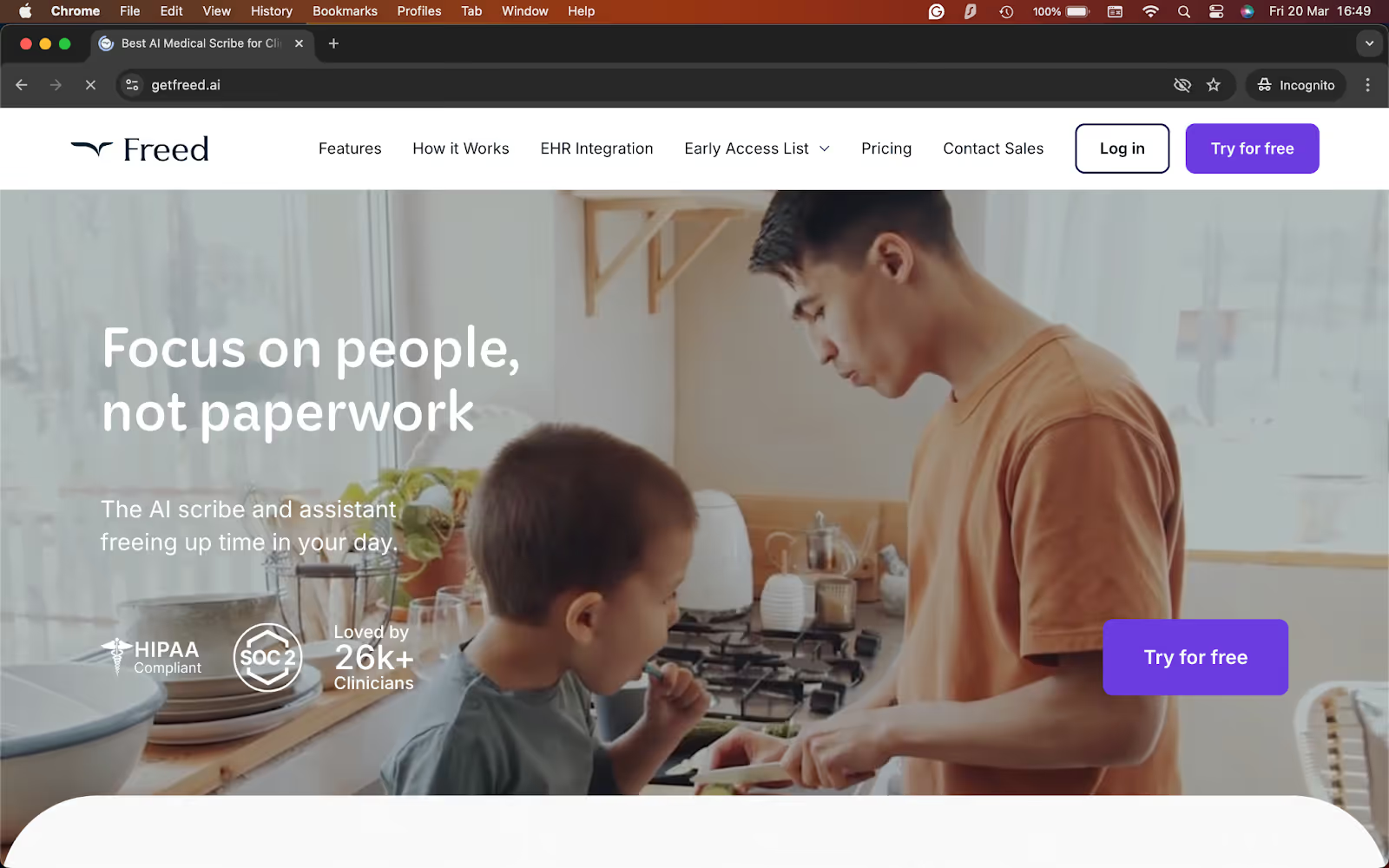
What it does: Freed listens to patient visits, creates structured clinical notes, and helps clinicians move those notes into their EHR with minimal setup.
Best for: Solo clinicians and small practices that want a fast AI scribe for everyday charting.
Freed takes little setup. It feels built for clinicians who want to start using an AI scribe without a long rollout. I tested it with mock recordings of the visits and generated a structured note. Freed asked me to review it before pushing it into the charting flow.
It also felt more focused than broader assistant-style tools. Freed excels at fast documentation, specialty-aware templates, and a cleaner day-to-day charting experience. That narrow focus is part of the appeal. If you want a tool that mostly solves note-taking without adding a lot of complexity, Freed makes a strong case.
Key features
- Fast note generation: Freed turns patient conversations into chart-ready notes in minutes, which helps cut down on after-hours charting.
- Specialty-specific templates: It includes templates for 20+ specialties and lets clinicians customize note structure to match how they document.
- One-click EHR push: Freed can push notes into browser-based EHRs, which reduces manual copying for clinicians who work in web-based systems.
- Works across devices and visit types: You can use it on desktop, tablet, or phone for in-person and virtual visits.
- Free trial and self-serve signup: Clinicians can test it without a credit card, which lowers the barrier to trying it in a real workflow.
Pros
- Very easy to start using, especially for solo clinicians and small teams
- Keeps the product focused on charting, which makes the experience feel simpler and more direct
- Good template coverage across specialties, with room to personalize note format
- Free trial makes it easier to test in real patient workflows before paying
Cons
- EHR push works best with browser-based systems, so the workflow may feel less smooth in some setups
- Teams that want broader workflow help beyond note-writing may find it narrower than tools like Lindy
- Some advanced features sit on higher-priced plans
What users say
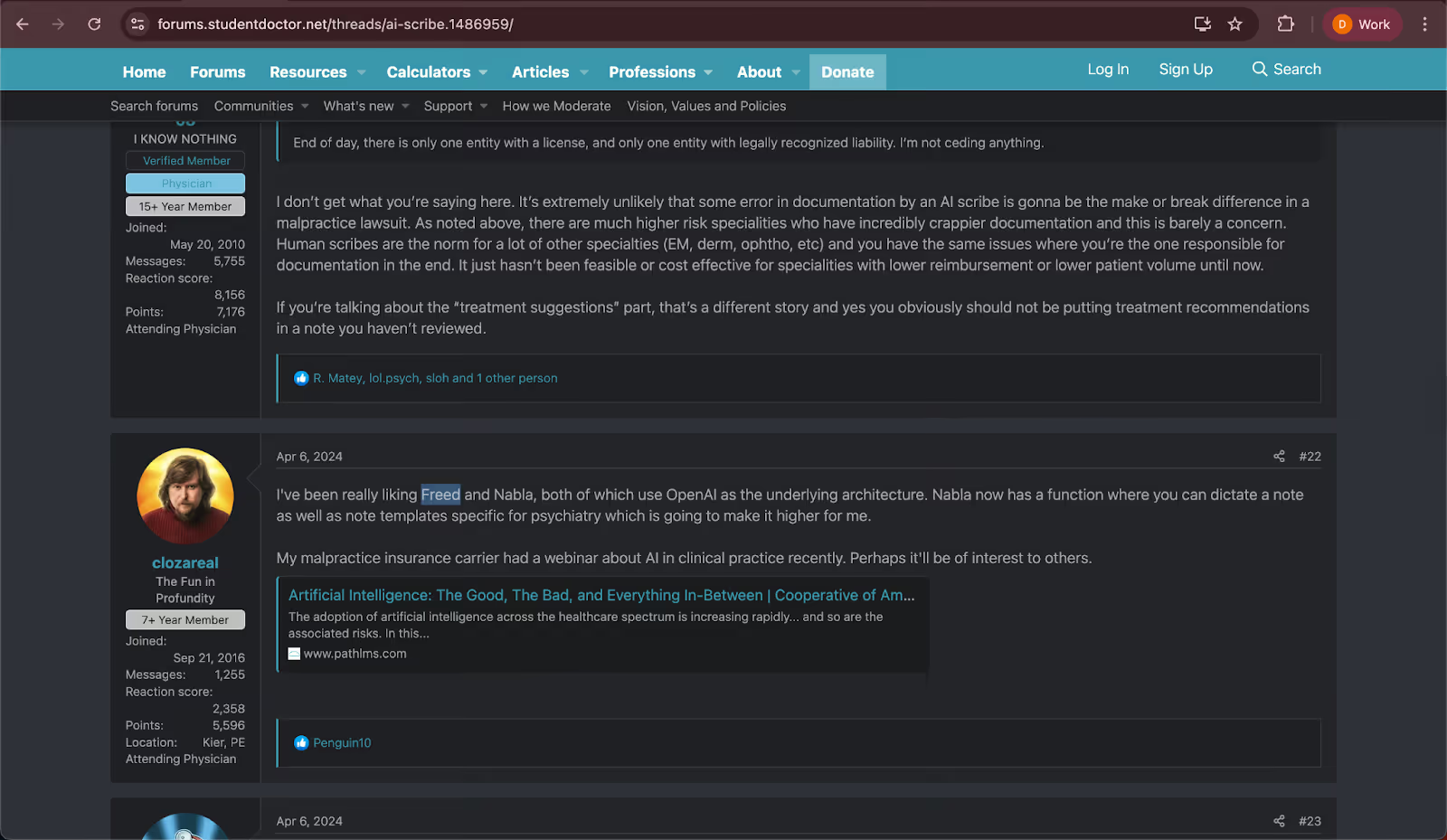
- "I've been using Freed and very much enjoying it for the subjective portion and to record down when I get vital signs/weights so I don't have to write it down. It's able to learn my style pretty well and is getting better with each use." — Clozareal, StudentDoctor
- "I hate that it always uses they as a pronoun and the client/patient regularly instead of the person’s name. In that regard, I never know what I’m going to get. It just gets corrected. AI can’t replace writing notes but it can be used as a tool." — Psychma, StudentDoctor
Pricing
- 7-day free trial
- Paid plans from $39/month, billed yearly
Bottom line
Freed is for clinicians who want a focused AI scribe that is easy to start and easy to use. If your main goal is faster SOAP notes without a complex setup, it is one of the strongest options here. If you need deeper workflow flexibility outside the note itself, I’d look elsewhere.
3. DeepScribe: Best for specialty-heavy medical documentation
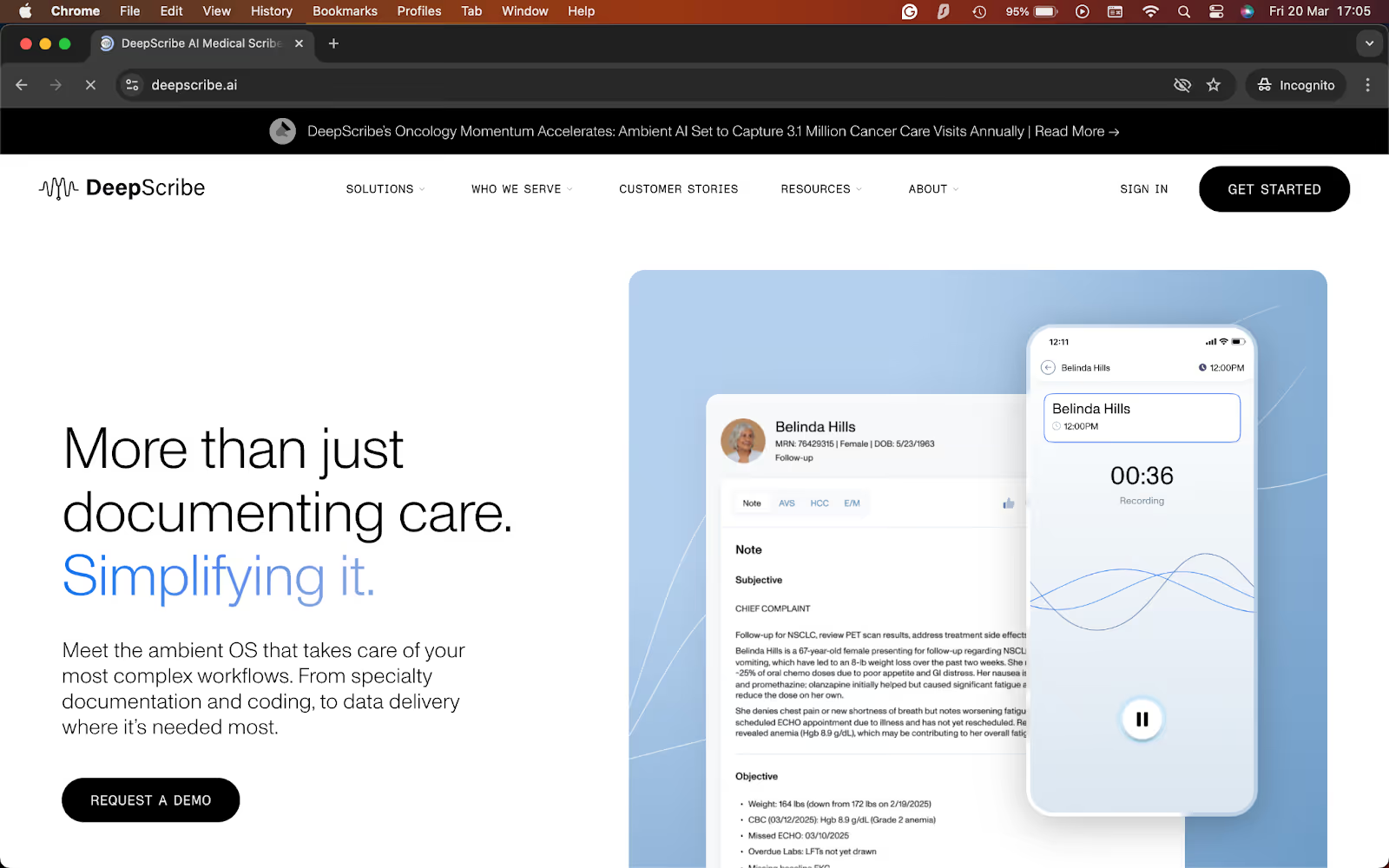
What it does: DeepScribe turns patient conversations into specialty-specific clinical notes and syncs them directly into supported EHR workflows.
Best for: Specialty practices and larger organizations that need deeper clinical customization and stronger EHR integration.
DeepScribe focuses on specialty care and complex documentation. That focus shows in the way it handles notes about oncology, urology, cardiology, gastroenterology, neurology, orthopedics, and other specialty workflows.
During testing, I was impressed with the EHR workflow. DeepScribe emphasizes bi-directional integrations, chart context pull-forward, and direct syncing into the right fields. That makes it more compelling for teams that care as much about workflow depth as note quality.
Key features
- Specialty-specific AI models: DeepScribe is built for specialty medicine and supports areas like oncology, urology, cardiology, gastroenterology, neurology, and orthopedics, which helps it produce notes that fit more complex clinical workflows.
- EHR integration: DeepScribe can pull chart context before the encounter and sync structured notes and coding suggestions back into supported EHRs, which cuts down on manual reconciliation.
- Customization studio: The platform includes note customization tools so organizations can tailor outputs to specialty and clinician preferences.
- More than note generation: DeepScribe also offers pre-charting and coding support, which makes it broader than a basic ambient scribe.
Pros
- Strong fit for specialty-heavy practices that need more than generic SOAP notes
- Better EHR workflow integration than many lighter tools
- Good option for organizations that want more customization across note style, coding, and documentation standards
- Better fit for larger rollouts than products built mainly for self-serve signup
Cons
- No public pricing, which makes it harder for smaller teams to judge fit early
- Not the easiest choice if you want a same-day, self-serve setup
What users say
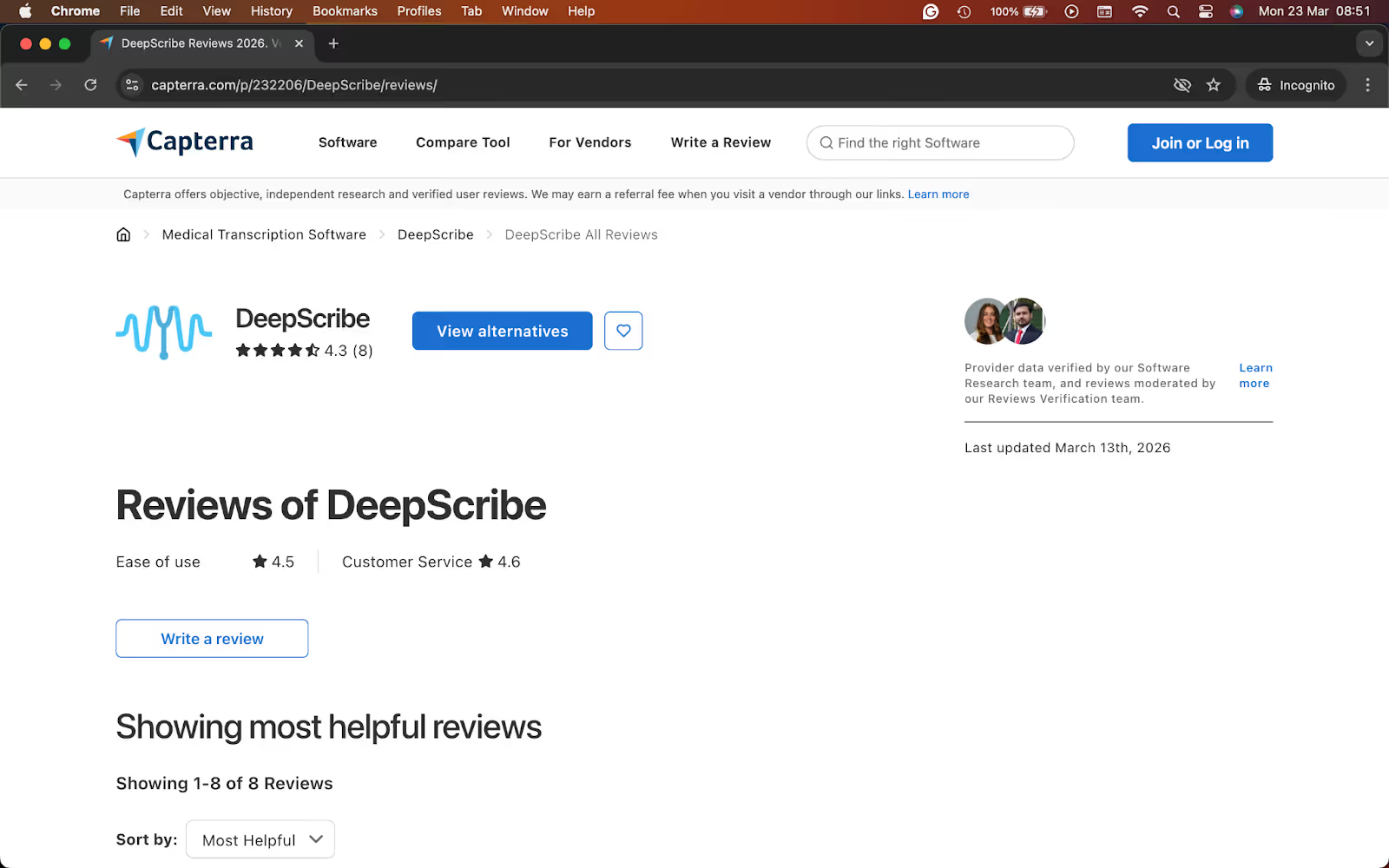
- "I work as a single provider in a practice. DeepScribe has taken my charting down from approximately 10 to 15 minutes per chart down to 3 to 5, and that includes the super bill. It has made my life so much easier." — Carol C, Capterra
- "I found it impeded my productivity. Every time your phone rings it stops the visit. Then it locks the app. Then you have to delete the app and re-download." — Leslie D, Capterra
Pricing
- No public pricing, requires a demo
Bottom line
I’d recommend DeepScribe to specialty practices and larger organizations that need stronger clinical depth and tighter EHR workflows. If you want a quick self-serve scribe with clear monthly pricing, look elsewhere.
4. Sunoh.ai: Best for ambient listening with stronger EHR workflows
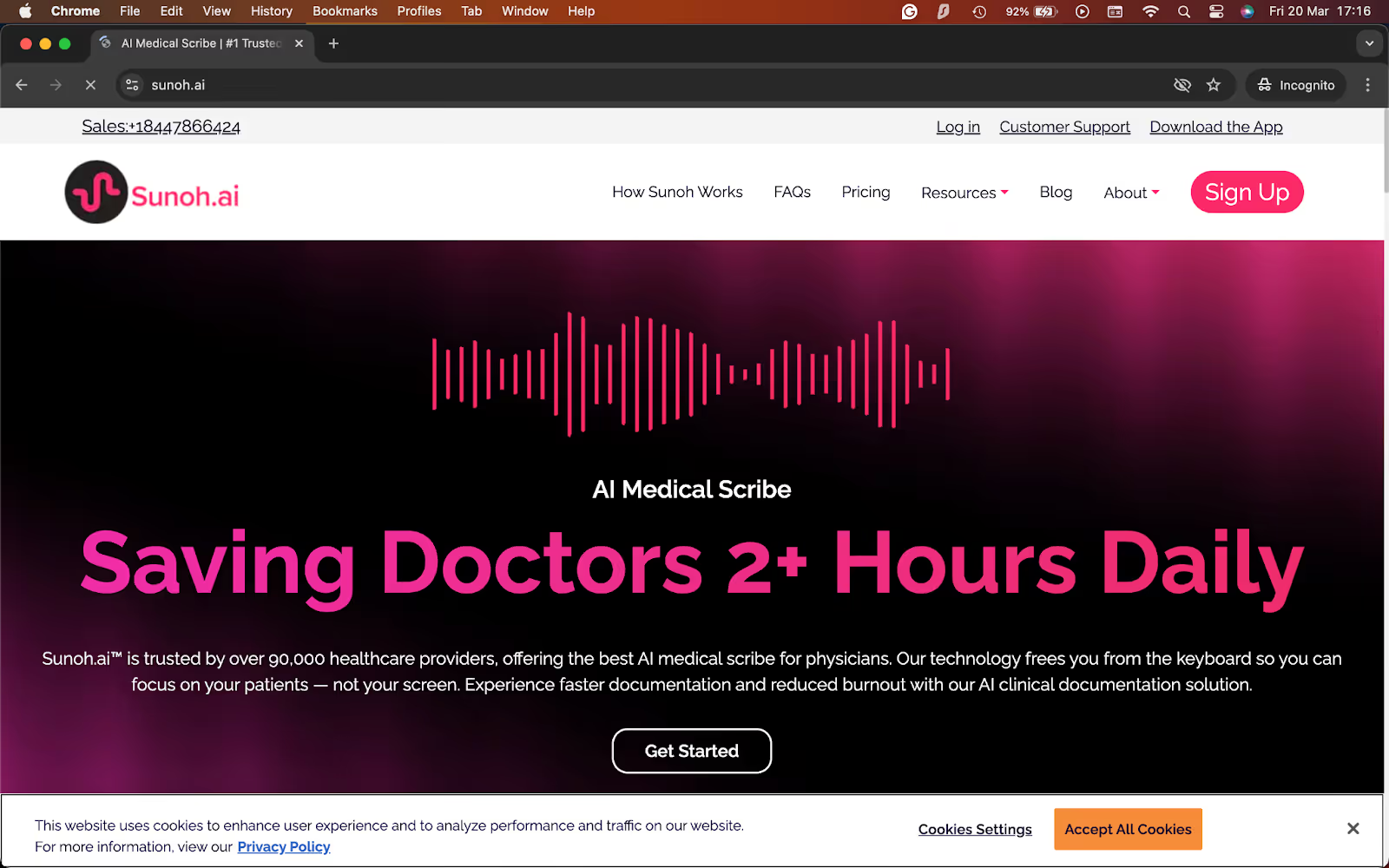
What it does: Sunoh.ai listens during patient visits, turns the conversation into draft clinical notes, and supports review and import into existing EHR workflows.
Best for: Clinicians who want an ambient scribe that feels easy to start but still fits more closely into everyday EHR documentation.
Sunoh.ai works by letting the provider speak naturally during the visit, and then asking them to review a structured draft. While testing, I discovered that the tool felt practical from the start, especially for clinicians who want less screen time during appointments.
Sunoh claims to be EHR-agnostic, but also has a clear connection to the eClinicalWorks ecosystem, including direct support inside eClinicalTouch for iPad.
Key features
- Ambient note creation: Sunoh listens during the encounter and turns the conversation into draft notes in seconds, which helps reduce manual charting after visits.
- EHR-friendly workflow: Sunoh says it works with existing EHRs and supports direct import into workflows, which can make review and documentation feel smoother.
- Multi-specialty support: The platform supports multiple specialties and can handle complex medical terminology, which gives it a broader day-to-day clinical range.
- Customizable notes: Sunoh says clinicians can add custom templates or fields, which helps teams shape the output around their documentation style.
- Works across devices: Sunoh can be used on mobile devices and desktops, which makes it easier to use across different care settings.
Pros
- Feels built for ambient use first, so clinicians can stay focused on the patient instead of the keyboard
- Better capabilities than lightweight tools, especially for teams in or near the eClinicalWorks ecosystem
- Free trial lowers the barrier to testing it in real clinical use
Cons
- Higher starting price than lighter self-serve options like Freed
- Complex sign-up process, with only a single paid plan
What users say
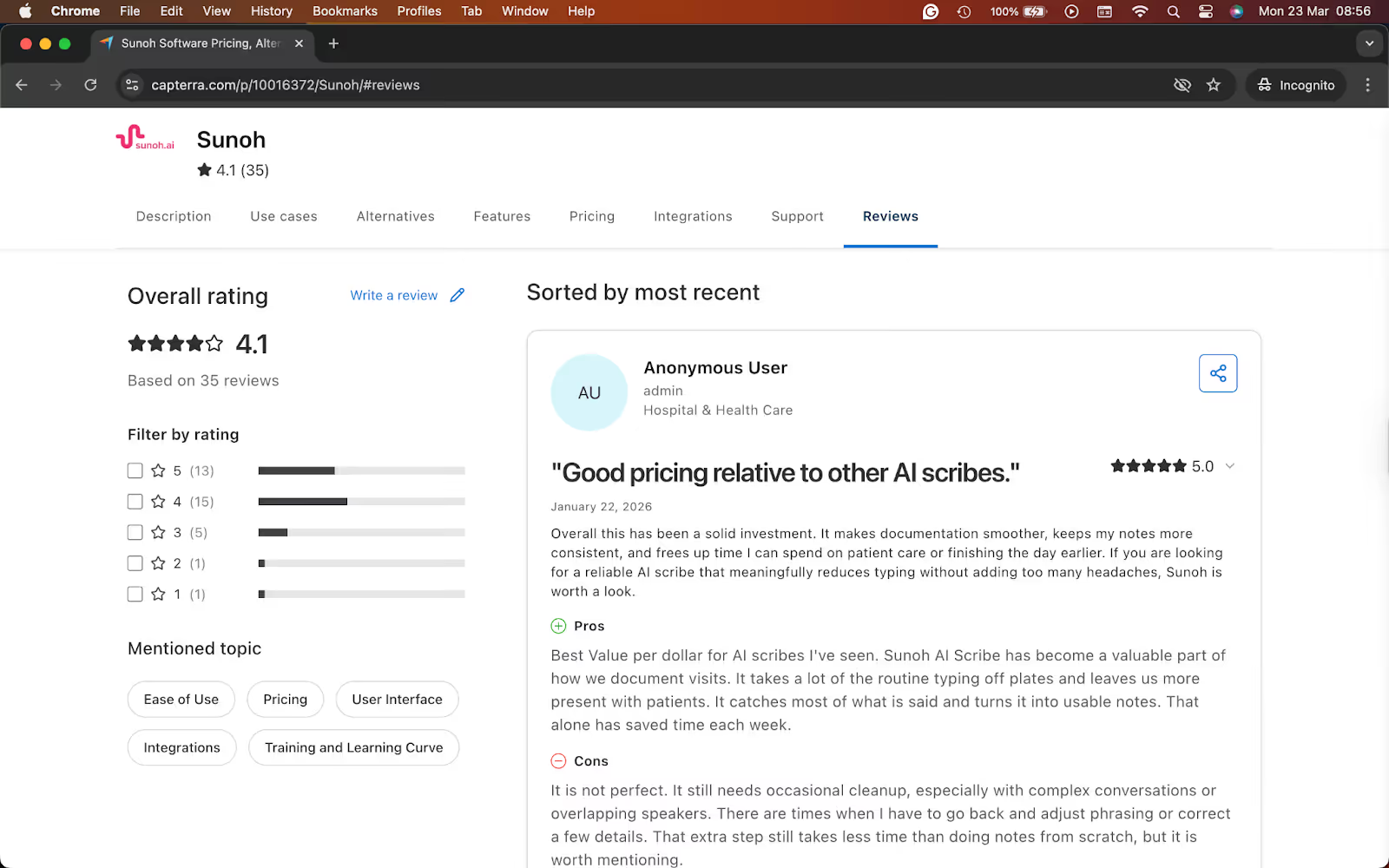
- "It creates an accurate HPI, It is easy to use and significantly cuts down on my time for charting." — Preete B, Capterra
- "Sunoh makes a lot of errors. I spend as much time cleaning up mistakes as I used to spend just dictating notes myself. Sometimes Sunoh changes things that shouldn't be changed." — Eric M, Capterra
Pricing
- Free trial available
- Paid plans from $149/user/month, billed monthly
Bottom line
I’d recommend Sunoh.ai to clinicians who want an ambient scribe with a more workflow-aware feel, especially if EHR fit matters as much as note generation. If you want the cheapest self-serve option or a broader assistant that helps beyond charting, I’d look elsewhere.
5. Nabla: Best for a polished ambient scribe experience
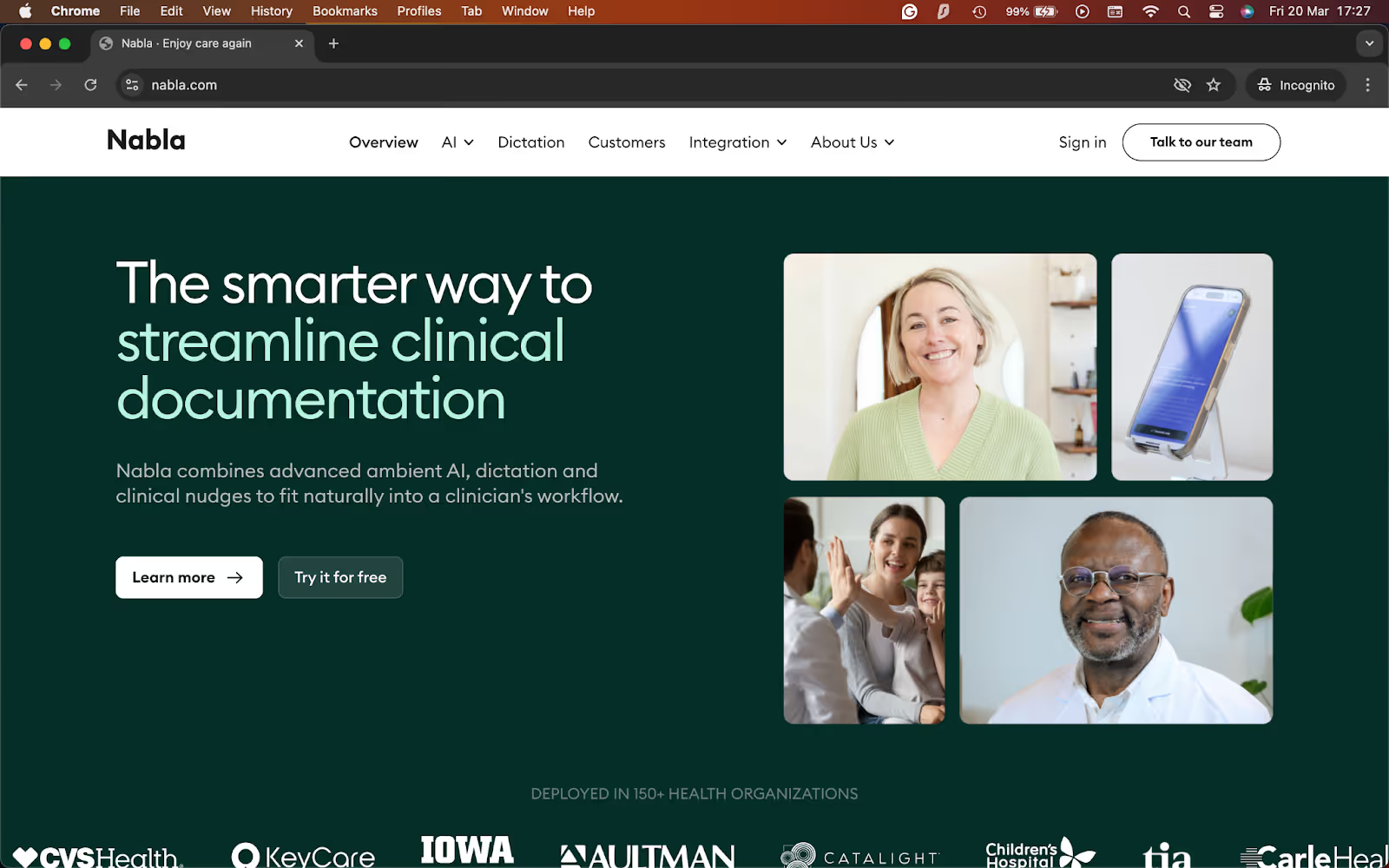
What it does: Nabla is an ambient AI assistant for clinicians that listens during visits, drafts clinical notes, and fits into existing EHR workflows across desktop and mobile.
Best for: Clinicians and healthcare organizations that want a polished ambient scribe with broad EHR coverage and a smoother rollout than many enterprise-heavy tools.
I tested Nabla using mock recordings of daily clinical visits. It understands speech well and understands how clinicians document their notes. That gives it a more polished feel than some lighter tools in this category.
Nabla supports multiple EHR tools, SMART on FHIR login support, and a plug-and-play integration. That makes it easier to picture in real workflows, especially for teams that do not want a tool that stops at note generation and leaves the rest to manual cleanup.
Key features
- Ambient note generation: Nabla listens during visits and creates clinical notes with very little manual input, which helps reduce documentation time after appointments.
- Broad EHR support: Nabla supports a multi-EHR approach across mobile and desktop, with integrations across major platforms and SMART on FHIR support.
- Fast rollout: Nabla says teams can go live in days, which makes it more approachable than tools that need a much longer implementation cycle.
- Security and admin controls: The platform highlights HIPAA and GDPR compliance, ISO 27001 certification, SOC 2 Type II, and customizable data retention policies.
- Built for scale: Nabla says it supports 85,000+ clinicians, 20 million+ patient encounters per year, and 130+healthcare organizations.
Pros
- Feels more polished than many entry-level AI scribes, especially if workflow quality matters as much as note generation
- EHR coverage makes it a good fit for teams that need broader compatibility across systems
- Faster time to value than many enterprise-style products, based on its “go live in days” positioning
- Good fit for both individual clinicians and larger organizations that want ambient AI without a rough setup experience
Cons
- Customizable capabilities that need a sales call
- Teams that only want the cheapest self-serve scribe may prefer a simpler product
What users say
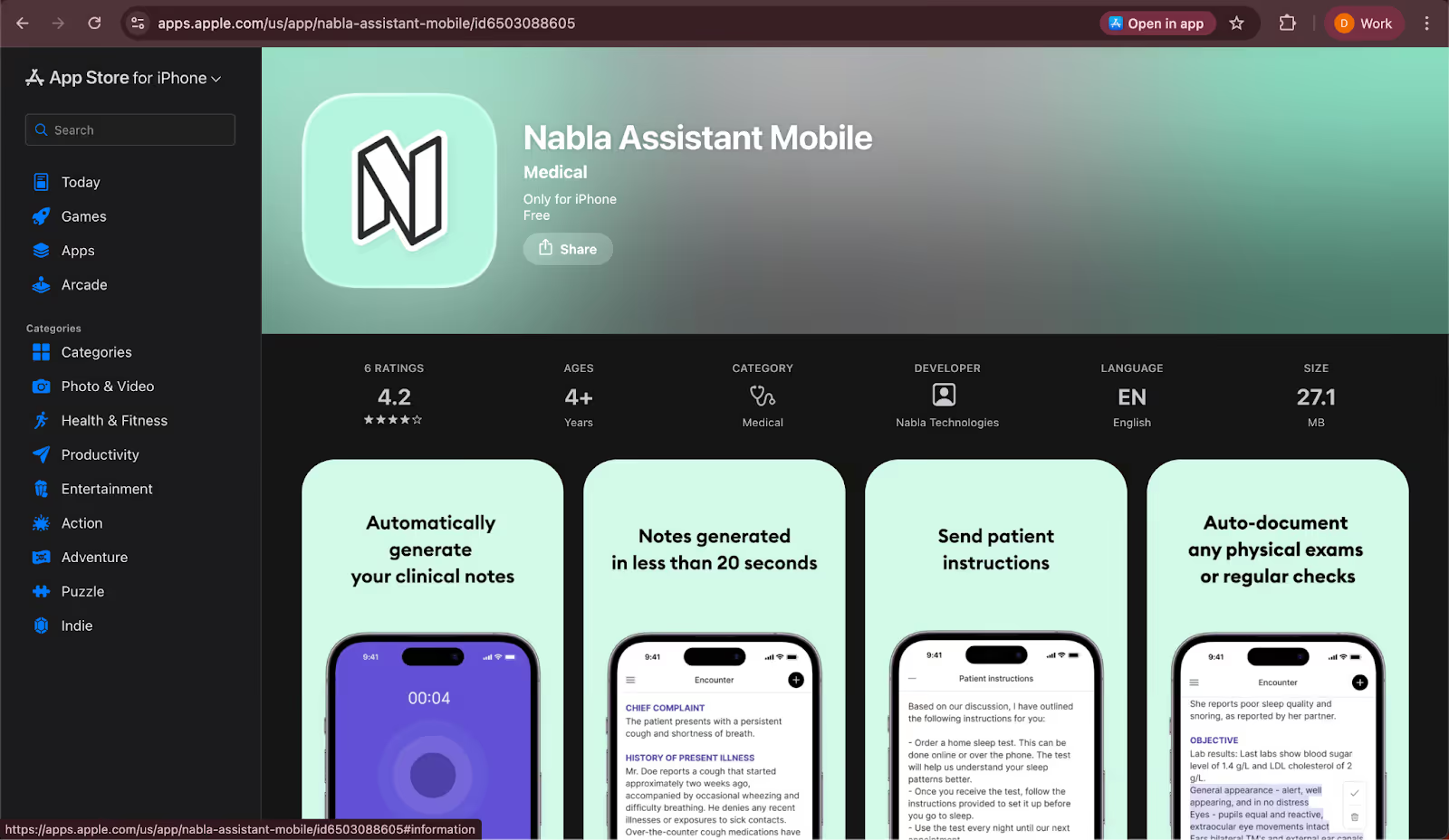
- “Nabla with direct EPIC integration is a game changer. I can launch Nabla from directly within EPIC at my med school and it sends any orders I directly mention in my discussion with the patient and it does a decent job at the billing codes.” — Verified User, Reddit
- “The app is taking ages to generate a note, and it keeps failing. I purchased the service to save time, and it’s turning out to be not worth the money and hassle.” — Verified User, Apple App Store
Pricing
- No free plan or trial
- Requires a sales call for custom pricing
Bottom line
I’d recommend Nabla to clinicians and healthcare teams that want a polished ambient scribe with strong EHR coverage and a cleaner rollout path than many enterprise-heavy options. If you need clearly published pricing before you shortlist tools, I’d look elsewhere first.
6. Heidi: Best for lower-cost AI scribing
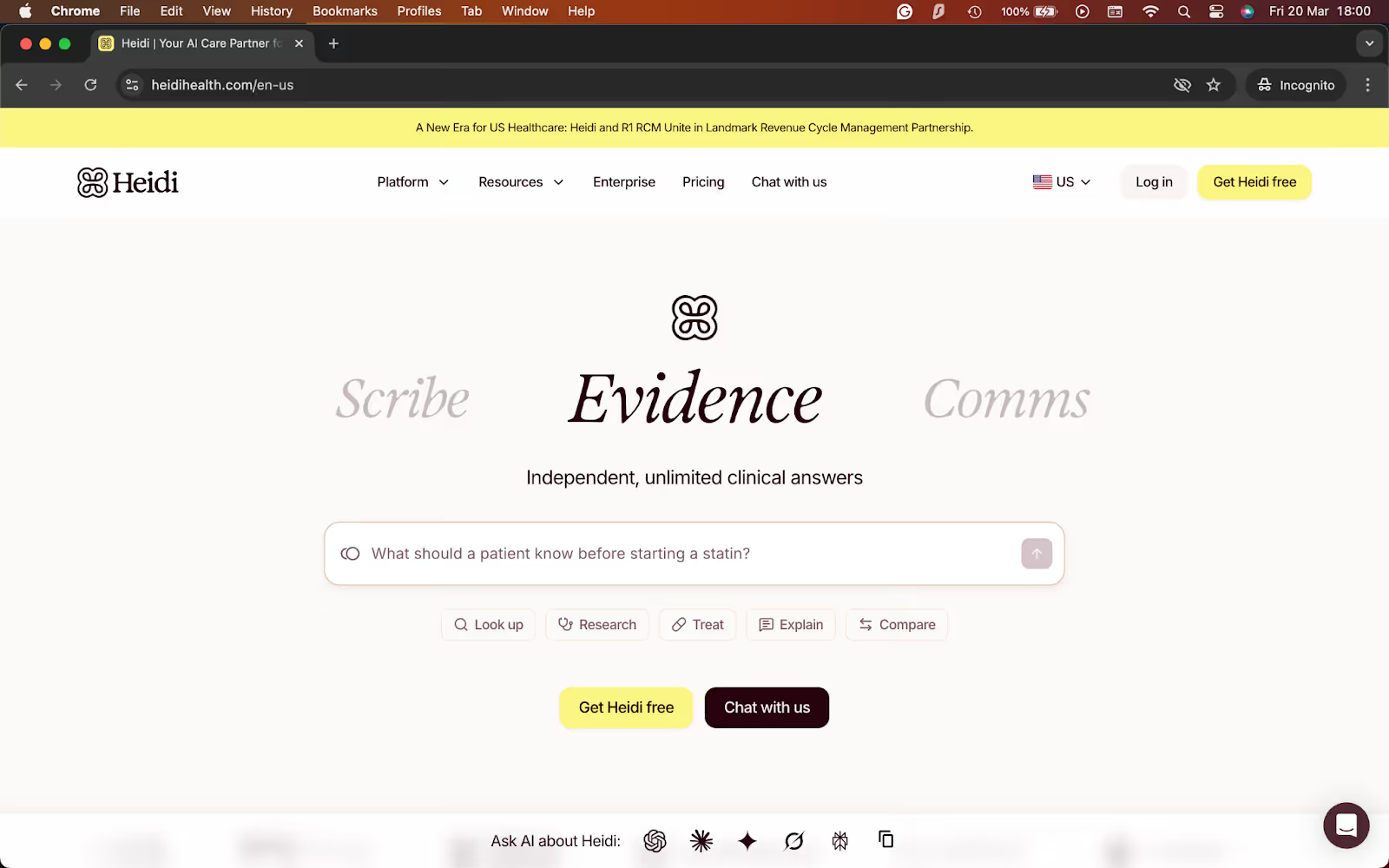
What it does: Heidi is an AI medical scribe that captures visits, generates structured notes, and supports related clinical work like coding, templates, and evidence-backed answers.
Best for: Clinicians who want to try AI scribing with a free plan or a lower-cost entry point before moving to a team setup.
Heidi makes it easy to get started because it offers a free tier. It suits individual clinicians as they can upgrade only when they need more templates, support, or team features. That makes it feel more approachable than tools that push every buyer into a demo or sales call.
During testing, I liked the range of capabilities it offers. It can take notes and also offers coding, customization, integrations, and evidence capabilities. With all these features, it still keeps the entry point simple for clinicians who just want faster notes.
Key features
- Free plan for clinicians: Heidi offers a free plan with unlimited transcription and notes using standard templates, which lowers the barrier to trying AI scribing in real practice.
- Adapts to specialty and setting: Heidi says its scribe adapts to your setting, specialty, and style, and it highlights usage across 200+ specialties in enterprise settings.
- Real-time documentation inside existing systems: Heidi says it connects with patient records and supports real-time documentation inside the tools clinicians already use.
- Team and enterprise upgrade path: Heidi offers Practice and Enterprise options for clinics and larger organizations that need more control, integrations, and deployment support.
- Broader clinical support: The platform also highlights coding, templates, customization, and evidence-backed answers, which makes it more than a simple note generator.
Pros
- One of the easiest tools on this list to try is the free plan, which removes most of the upfront risk.
- Broader than many budget-friendly tools, with support for documentation plus adjacent clinical tasks.
- Strong specialty coverage gives it more flexibility than tools built around a narrow note format.
- Clear upgrade path for practices that want to start small and expand later.
Cons
- Useful integration features sit on Practice or Enterprise plans, not the free entry tier
- Teams that want complex enterprise EHR workflow may still need a tool with better integration capabilities
What users say
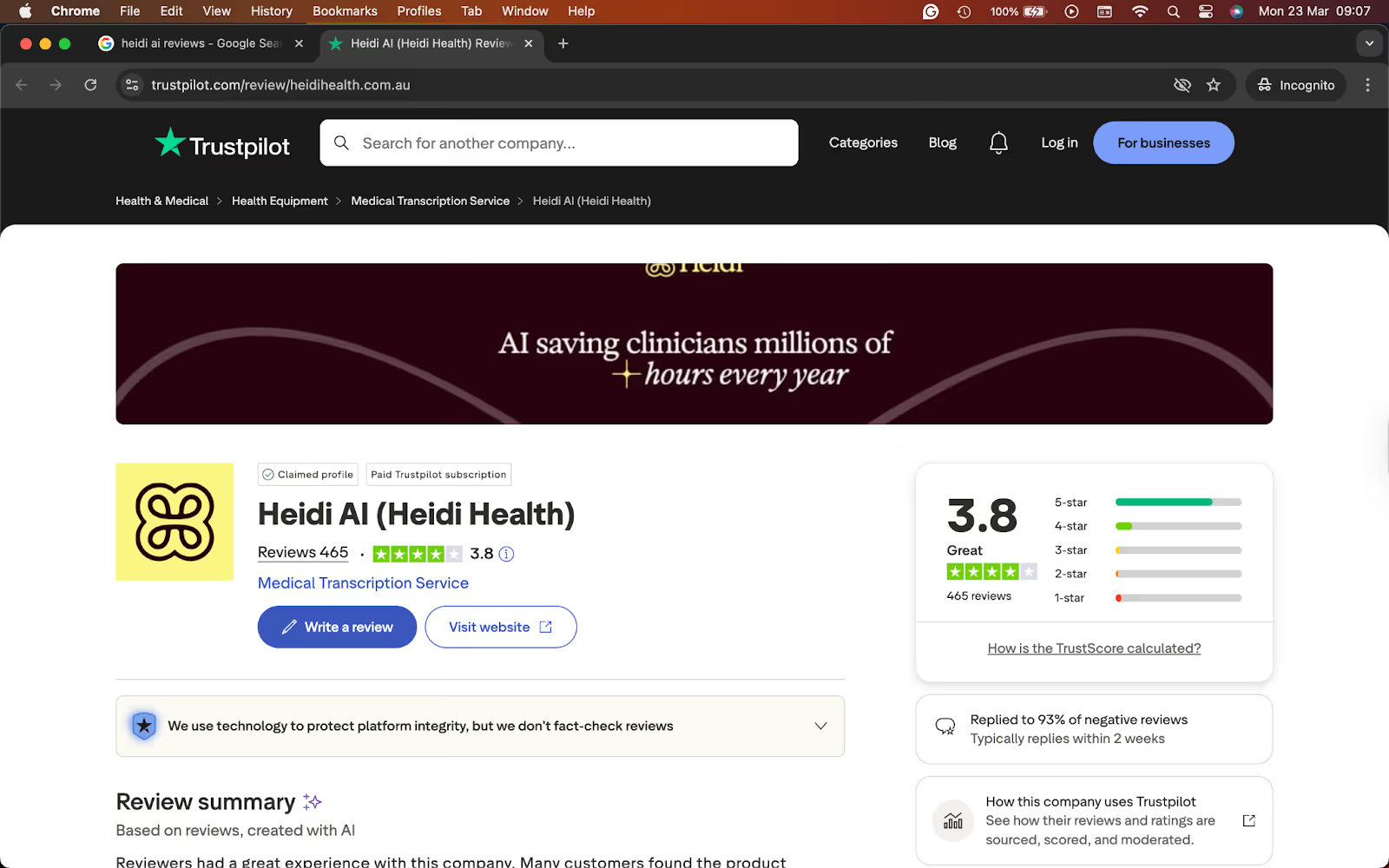
- "Note quality is outstanding (no fear of audits here for longer consults), prompts you to remember things when a patient has a list of issues and some are dealt with briefly in consultation, can get patients to photograph the management plan / to do list at end so they have a copy too." — Nicola Holmes, Trustpilot
- "I had conducted several interviews and later on needed to add some data to the transcript which then caused my older transcript to be overridden. This resulted in me losing all of my previous work, spending hours trying to fix it, and having to re-do interviews with clients." — Rachel Jacques, Trustpilot
Pricing
- Free plan with limited AI features
- Paid plans from $40/user/month, billed monthly
Bottom line
I’d recommend Heidi to clinicians who want an easy, lower-risk entry into AI scribing. The free plan makes it one of the easiest tools to test, and the broader product gives you room to do more later. If you need exact public pricing or the deepest enterprise workflow from the start, I’d look elsewhere.
7. Suki: Best for enterprise health systems and voice-first workflows
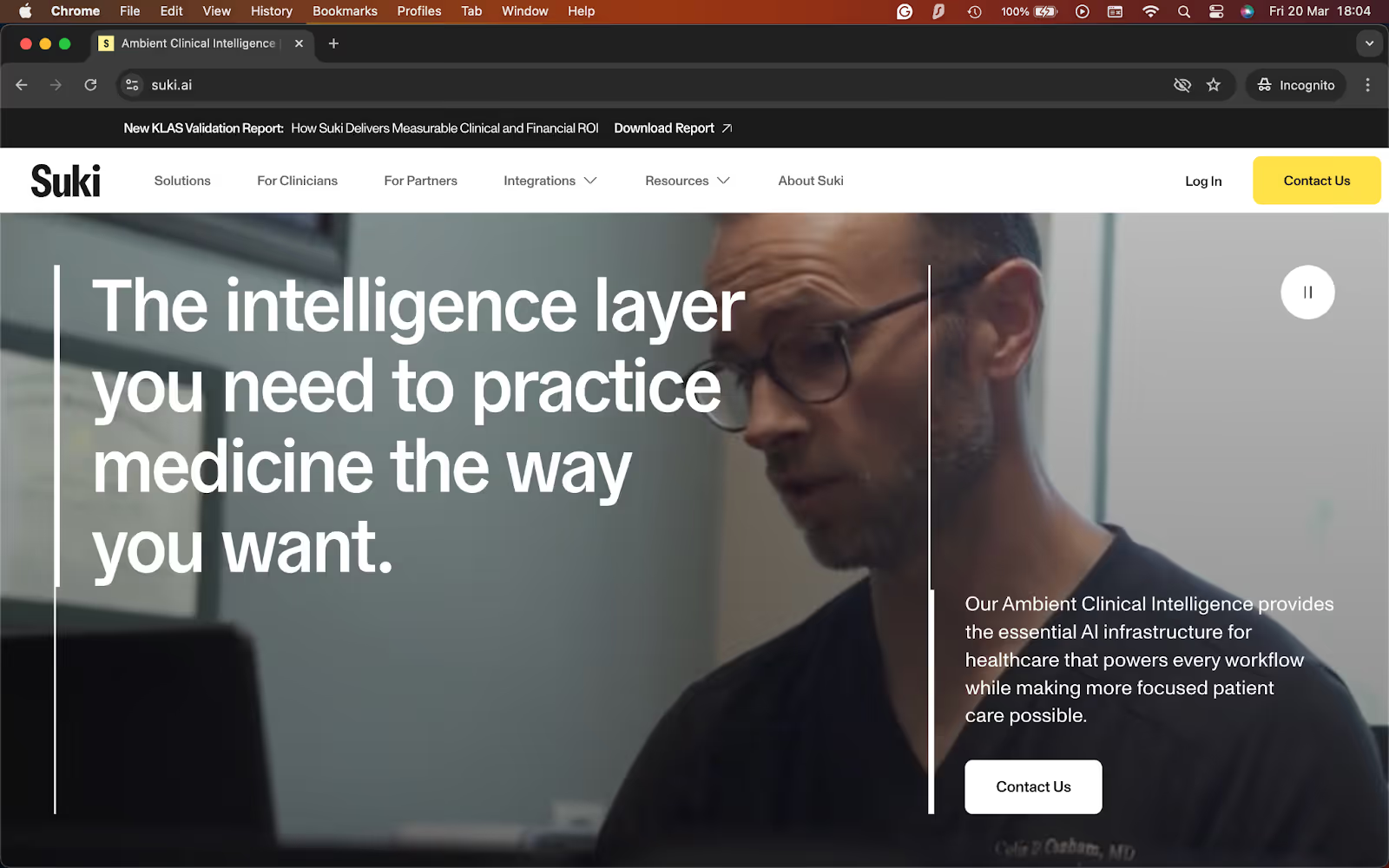
What it does: Suki is an ambient AI assistant for clinicians that handles clinical documentation, coding support, and patient chart insights inside enterprise-grade workflows.
Best for: Health systems and larger medical groups that want deep EHR integrations, broad specialty support, and a voice-first documentation workflow.
Suki clearly targets larger organizations. It positions itself like a clinical assistant with ambient documentation, coding support, and deep EHR integration across major systems. That makes it feel like a stronger fit for enterprise buying teams than for solo clinicians shopping on price.
With Suki, you can enable real-time, two-way EHR integration with Epic, Oracle Health, athenahealth, and MEDITECH. It also supports 100+ specialties, which gives it more range than tools that mainly focus on general charting.
Key features
- Deep EHR integrations: Suki offers two-way integrations with Epic, athenahealth, Oracle Health, and MEDITECH, which help clinicians work inside existing charting workflows instead of switching between tools
- Broad specialty support: Suki supports 100+ specialties, which makes it a stronger fit for organizations with diverse clinical teams and more complex documentation needs
- More than ambient notes: The platform includes documentation, coding, prep, and clinical Q&A support, which gives teams more value than a basic AI scribe alone
- Works across care settings and devices: Suki offers mobile, web, and desktop access, which makes it easier to use across ambulatory, telehealth, and other care environments
- Strong performance claims: Suki says it reduces burnout by 60% and note-taking time by 41%, which shows how heavily it focuses on time savings and workflow impact
Pros
- One of the strongest EHR integrations in this category, especially for large systems already working in Epic, Oracle Health, athenahealth, or MEDITECH
- Strong fit for organizations that want one assistant for documentation, coding, and patient chart support instead of a note-only tool
- Broad specialty coverage makes it easier to standardize across bigger clinical groups
- Better suited to enterprise rollout than products built mainly for individual clinicians
Cons
- No public pricing, which makes early comparison harder
- Not the easiest fit for solo clinicians or very small practices that want a simple self-serve signup
- Teams that only need basic note generation may find it more complex than necessary
What users say
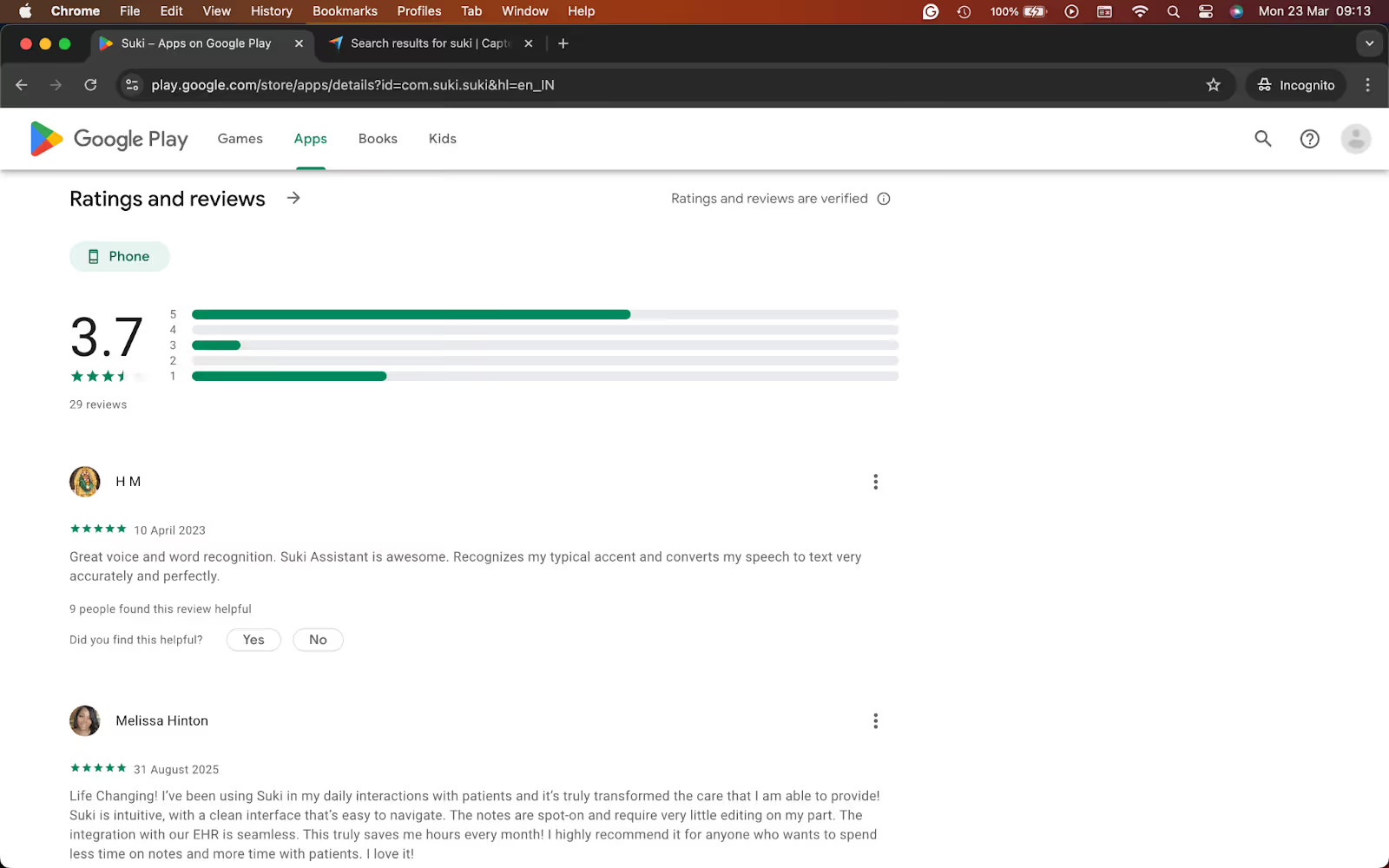
- "Suki is intuitive, with a clean interface that’s easy to navigate. The notes are spot-on and require very little editing on my part. The integration with our EHR is seamless. This truly saves me hours every month!" — Melissa Hilton, Google Play
- "Bad, and expensive." — Sataray Justo, Google Play
Pricing
- Custom pricing, need to request a demo for a personalized quote
Bottom line
I’d recommend Suki to health systems and larger medical groups that want a voice-first AI assistant with deep EHR integration and broad specialty support. If you want a cheaper self-serve scribe or a simpler tool for a small practice, I’d look elsewhere.
Which AI scribe software should you choose?
Choosing the right AI scribe software depends on how you work. Some tools focus on fast SOAP notes. Others fit better in specialty care, larger health systems, or workflows that go beyond documentation. Here is a quick way to decide:
Choose Lindy if you:
- Want an AI assistant that helps with documentation and the work that comes after it
- Need help with summaries, follow-ups, and admin tasks, not just note drafting
- Prefer a flexible tool that you can direct in plain English
Choose Freed if you:
- Want a simple AI scribe that is easy to start using right away
- Need fast SOAP notes without a long setup process
- Run a solo practice or small clinic and want a self-serve option
Choose DeepScribe if you:
- Need stronger support for specialty-heavy documentation
- Want deeper EHR workflows and more clinical customization
- Work in a larger practice or organization that can support a demo-led rollout
Choose Sunoh.ai if you:
- Want an ambient scribe that feels easy to use during patient visits
- Care a lot about EHR workflow and want less friction after the note is drafted
Choose Nabla if you:
- Want a polished ambient scribe with broad EHR coverage
- Need a tool that feels more refined than entry-level options
- Care about workflow quality but still want a faster rollout than some enterprise products
Choose Heidi if you:
- Want to try AI scribing without a big upfront commitment
- Prefer a free plan or a lower-cost way to get started
- Need room to grow into more features later without switching tools
Choose Suki if you:
- Buy for a health system or larger medical group
- Need deep EHR integrations and broad specialty support
- Want a voice-first assistant that can support documentation inside enterprise workflows
My final verdict
After comparing each AI scribe software tool across different clinical workflows, I realized that some make it easier to generate notes quickly, while others focus more on specialty-specific documentation, ambient listening, or deeper EHR integration.
Lindy stood out to me as it works as a reliable and easy-to-use AI scribe that drafts documentation, organizes visit details, and helps with follow-up work that usually falls outside a standard scribe tool. It behaves like an assistant and is also useful for pre- and post-notetaking tasks, not just during the patient visit.
Freed did a good job with fast SOAP notes and a simple setup. Sunoh.ai felt stronger when the EHR workflow mattered more. DeepScribe looked better suited to specialty-heavy documentation and larger rollouts.
Nabla offered a polished, ambient experience with broad EHR coverage. Heidi gave clinicians a lower-risk way to get started. Suki made the strongest case for enterprise health systems that need deeper integrations and broad specialty support.
However, I’d choose Lindy when I want help with the complete documentation workflow, not just the note itself. If your goal is basic note generation, specialty-specific charting, or enterprise-grade EHR integration, some of the other tools may fit better.
{{cta}}
Try Lindy, an AI scribe that automates healthcare tasks
Lindy is an AI medical scribe that you can text to automate patient notes, reminders, appointment bookings, and update information in your EHRs.
Here’s why Lindy beats other medical scribes:
- Just tell it what you need: You don’t need technical skills or a complicated setup. Just text Lindy in plain English, and it handles the task, whether that’s sending a follow-up, updating your EHR, or organizing notes from a meeting.
- Set up tasks for Lindy: Describe the task you want to automate in everyday language. For instance, ask Lindy to find your appointments from your scheduling app, send reminder emails to each patient, update them with the meeting notes, and ask for post-meeting feedback.
- Cost-effective: You can try Lindy’s 7-day free trial to see how it fits your workflows. The paid version starts from $49.99/month and offers a ton of functionality.
Try Lindy’s free trial and automate your healthcare workflows.
Frequently asked questions
What is an AI scribe software?
AI scribe software listens to patient visits and turns the conversation into structured clinical notes. Most tools support formats like SOAP or similar note styles. The goal is to reduce typing, speed up charting, and cut down on after-hours documentation.
What is the best AI scribe software for small practices?
The best AI scribe software for small practices depends on budget and workflow. Freed works well for fast setup and simple SOAP notes. Heidi is a good fit for clinicians who want a free or lower-cost option. Lindy makes more sense if you want help with notes and follow-up tasks, too.
Which AI scribe tools work with EHRs?
Most AI scribe tools like Lindy, Sunoh.ai, Nabla, DeepScribe, and Suki work with EHRs. Freed supports browser-based EHR push on certain plans.
How much does AI scribe software cost?
AI scribe software costs between $40/month and $150/month for the entry-level plans. Tools like DeepScribe, Nabla, and Suki are more expensive as they use custom pricing and require a sales call for a quote.
What’s the difference between ambient AI scribes and dictation tools?
Ambient AI scribes listen in the background during a visit and draft notes from the conversation automatically, while dictation tools usually require the clinician to speak the note content directly for transcription.











Blog
Related Articles


.png)

%20(1).png)
%20(1).png)
%20(1).png)
.png)

The AI assistant that runs your work life
Lindy saves you two hours a day by proactively managing your inbox, meetings, and calendar, so you can focus on what actually matters.
