


Top 4 AI Medical Documentation Tools: Tested & Ranked in 2026
Marvin tested four AI medical documentation tools, including DeepScribe, Freed, and Suki, across mock in-person and telehealth visits, weighing accuracy, EHR integration, and coding support.


After testing popular AI medical documentation tools across mock therapy sessions, in-person patient visits, and telehealth appointments, these 4 consistently saved me the most time. If you want accurate notes without spending hours on documentation in 2026, start with this list.
Disclaimer: The information in this article, including software, features, prices, and other figures, is subject to change. While we strive to keep our content current and accurate, we recommend always consulting official sources or qualified professionals for the most up-to-date and authoritative information before making important decisions.
The 4 best AI medical documentation tools: At a glance
Let me first give you a quick overview of the tools that stood out in testing. Here’s how they compare:
| Tool | Best for | EHR integration | Coding support | Starting price (billed monthly) | Standout feature |
|---|---|---|---|---|---|
| DeepScribe | Accuracy, billing | Seamless | Yes | Custom pricing | Silent, specialty-aware |
| Freed | Ease, affordability | Manual/group | No | $99/month | Plug-and-play, unlimited |
| Tali | Multi-platform | Overlay | No | $49.99/month | Device flexibility |
| Suki | Enterprise, coding | Deep | Yes | Enterprise | Orders, Q&A, scaling |
1. DeepScribe: Best for accurate notes with billing support
What does it do? DeepScribe transcribes real-time patient conversations into structured clinical notes.
Who is it for? It's best for physicians and specialists looking to automate their documentation without disrupting patient flow.
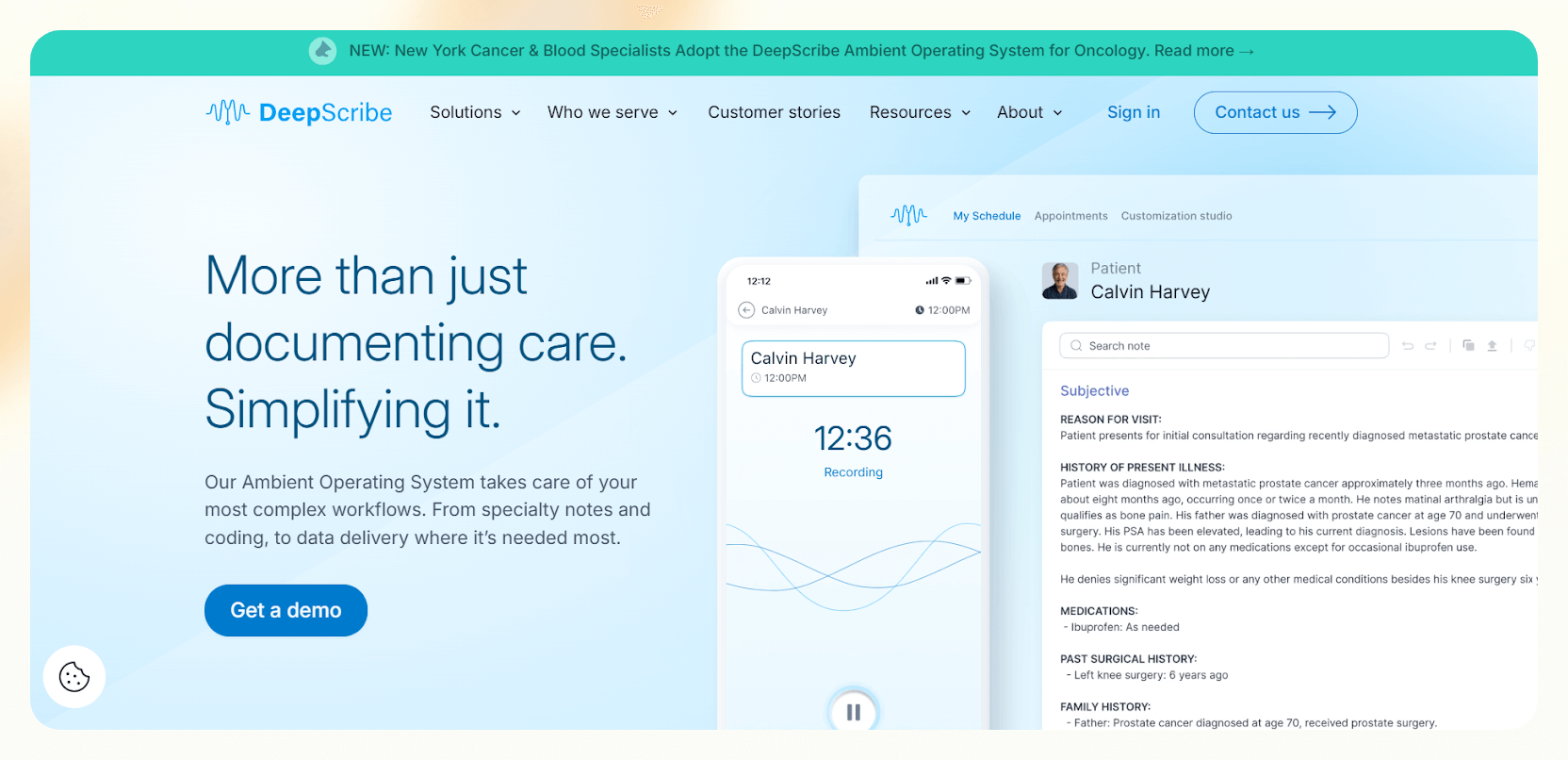

I tested DeepScribe using scripted patient conversations that mimicked clinic visits. Once set up, it ran in the background and captured the conversation without prompts, buttons, or post-visit dictation. During these tests, I rarely had to intervene or correct the output.
During test sessions, DeepScribe focused on medically relevant details and ignored side conversations. It did not produce raw transcripts. Instead, it shaped the dialogue into structured notes that matched common specialty formats.
When I added test lines tied to diagnoses or care decisions, it placed them in the right sections without extra cleanup.
I also checked its coding support. DeepScribe suggested E/M levels and applied ICD-10 and HCC tags based on the mock encounters. That step alone reduced the gap between documentation and billing review, especially for more complex scenarios.
EHR integration worked as expected in testing. Notes moved directly into the chart without manual transfer. DeepScribe also surfaced relevant patient data during follow-up scenarios, which helped keep documentation consistent across ongoing care.
Key features
- Ambient clinical documentation: Captures the clinician–patient conversation and generates visit notes automatically, reducing post-visit charting time.
- EHR integrations: Writes notes directly back into the EHR, removing the need for manual copy-paste or reformatting.
- Context awareness: Uses prior visits and patient history to keep documentation consistent across encounters.
- Coding support from visit context: Surfaces relevant codes alongside notes, shortening the gap between documentation and billing review.
Pros
- Non-intrusive ambient recording
- Works across multiple specialties
- Smart E/M coding and tagging support
Cons
- No visible pricing info on their website
- Not ideal for clinics without stable internet
Pricing
- No free plan or trial
- Need to contact sales for a custom quote
Bottom line
DeepScribe is ideal if accuracy and billing matter more than customization. It captured visits in the background, produced clean notes, and surfaced useful coding suggestions without disrupting patient flow. It works well for clinicians who want reliable, automated documentation.
2. Freed: Best for effortless setup and daily use
What does it do? Freed captures and converts patient conversations into structured clinical notes in real time.
Who is it for? Ideal for clinicians who want a plug-and-play AI scribe without complex setups.
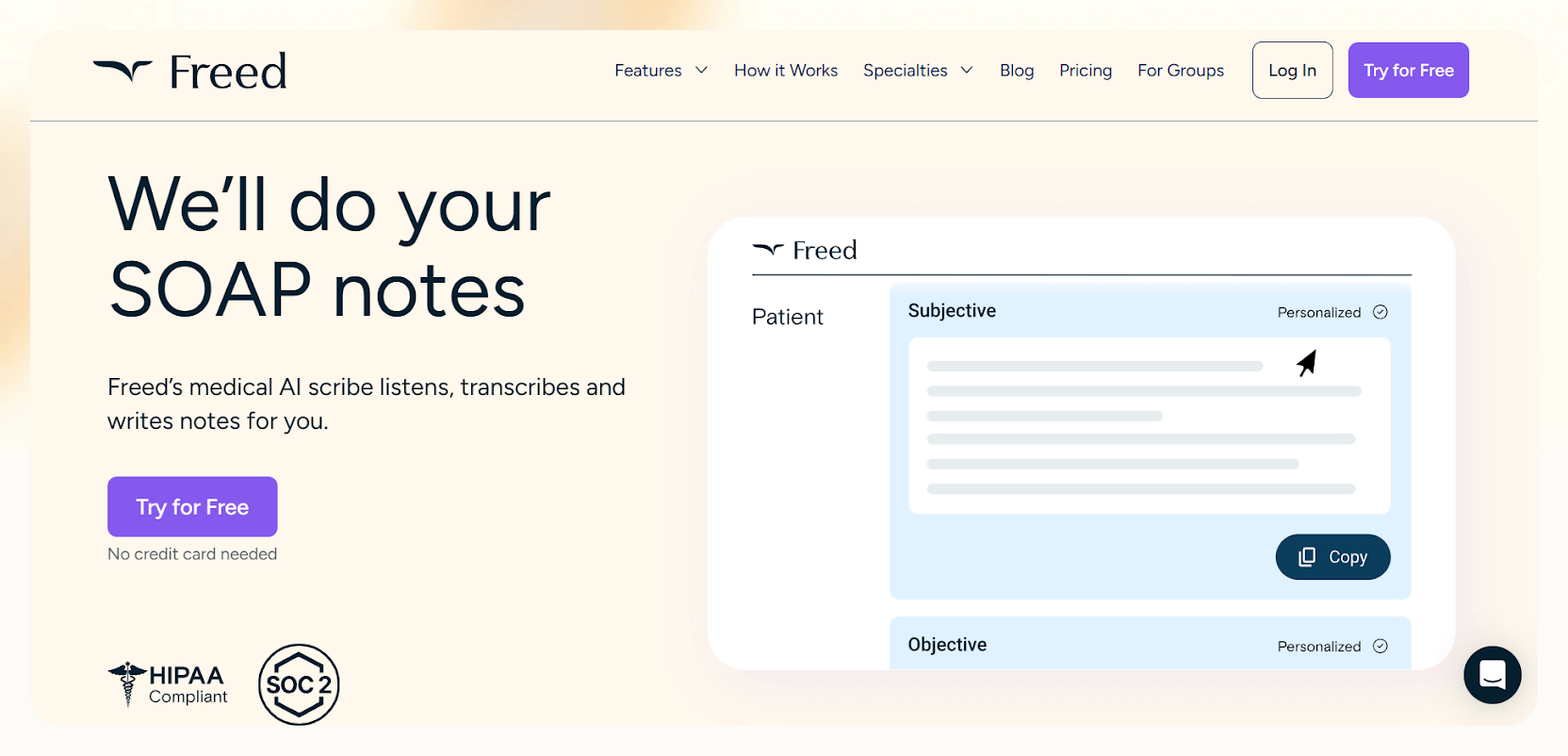
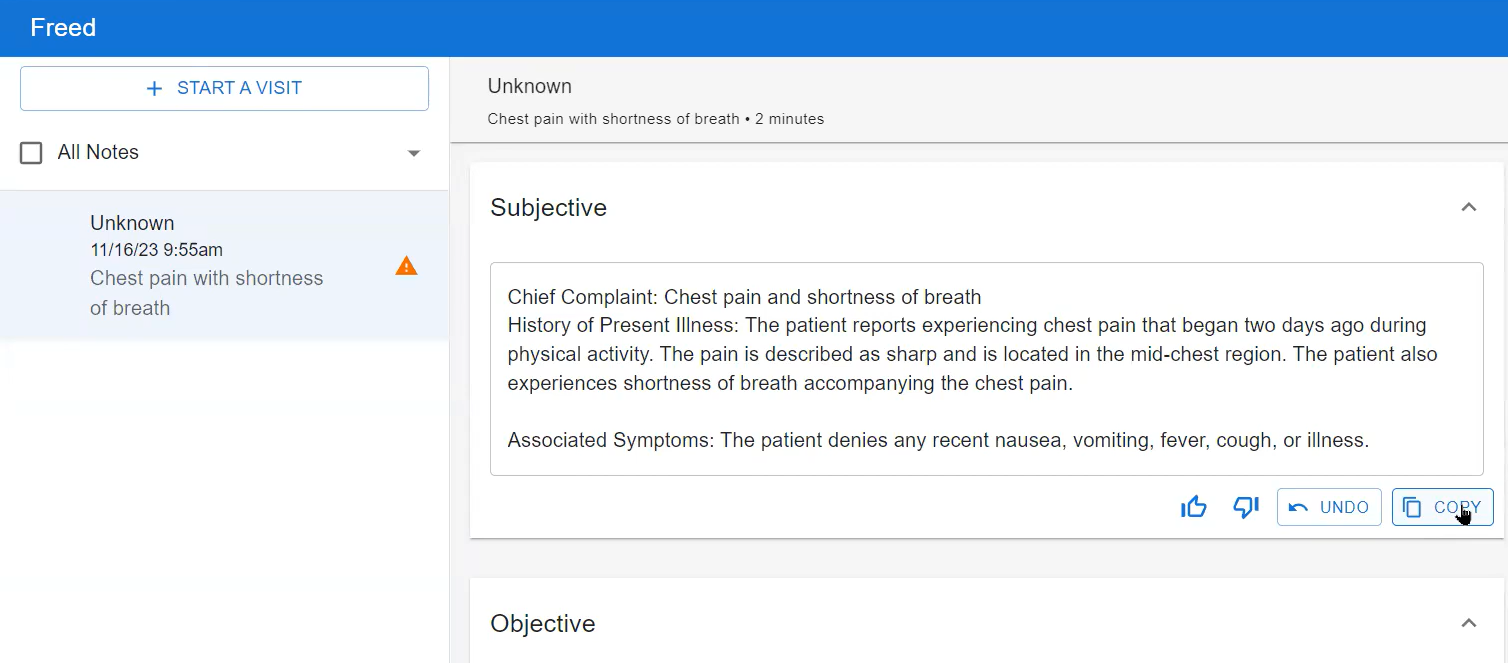
I tested Freed using scripted visits. It was quick and easy to set up. I hit record, ran through a mock conversation, and it created the SOAP note by the time the session ended. Freed stayed out of the way and never interrupted during scripted visits.
I spent extra time testing how “Learn My Format” behaves over multiple mock notes. After a few edits, Freed started matching my preferred structure and phrasing. When I switched between shorthand and detailed language, it tweaked the output without changing the layout.
Editing felt fast during testing. I used Magic Edit to reshape sections without rewriting them, and Smart Visit Prep gave me short summaries before mock follow-ups. I also tested post-visit instructions, which Freed generated cleanly from the visit context.
Each feature seemed small on its own, but together they cut down repetitive work.
Freed does not connect directly to an EHR for solo users, so I tested exports instead. It exported notes cleanly to text and PDF, and pasting them into a chart took almost no time.
I also tested uploaded recordings, full transcripts, and custom templates. Freed handled all three without adding complexity, which makes it a practical choice for clinicians who want something simple that still covers the basics.
Key features
- Specialty-specific documentation templates: Prebuilt templates tailored to different specialties, so notes start closer to what clinicians expect.
- Custom note formatting: Adapts to how a provider edits notes over time, reducing repeated cleanup.
- Fast post-visit editing tools: Lets clinicians make broad changes to structure or content without rewriting entire notes.
- Patient instructions and letters: Generates clear after-visit instructions and common letters without starting from scratch.
Pros
- Flexible export options, like text or PDF
- Learns clinician phrasing with “Learn This Style”
- Fast note generation with no onboarding required
Cons
- Manual export slows down larger team workflows
- No coding support, which limits billing automation
Pricing
- No free plan, only a 7-day free trial
- $99/month, billed monthly, with unlimited charting for individuals
- $99/clinician/month for groups, billed monthly
Bottom line
Freed makes sense if you want something you can start using the same day, without setup friction. It produced reliable notes, adapted to writing style over time, and stayed out of the way during visits. It’s a good option for solo clinicians who value speed and simplicity.
3. Tali: Best for multi-device, flexible documentation workflows
What does it do? Tali captures patient conversations and clinician dictation to auto-generate medical notes directly inside your EHR.
Who is it for? It's ideal for providers who want full control over documentation across web, mobile, and desktop.
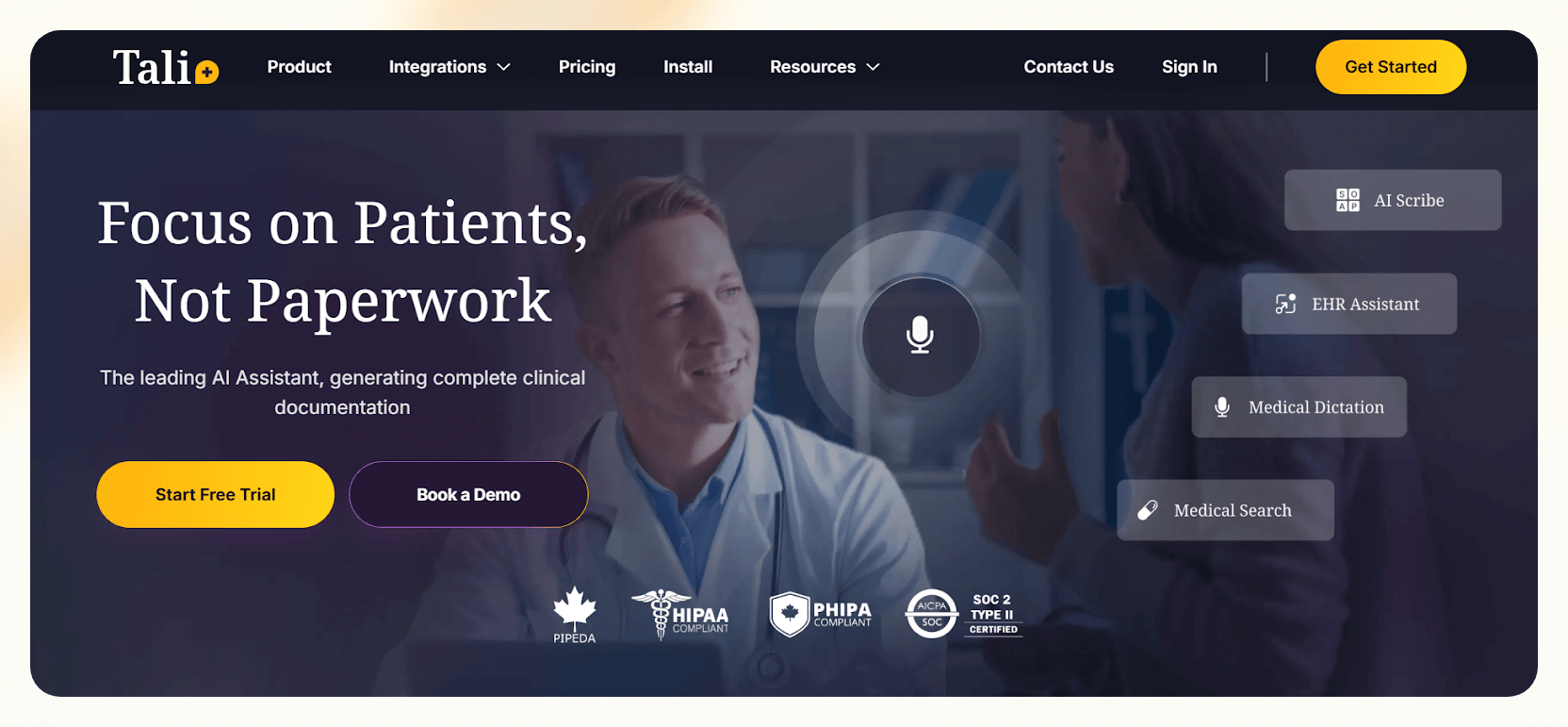

I tested Tali using mock visits across different setups to see how well it performs when switching devices. I moved between a desktop EHR, a browser session, and a simulated telehealth flow without losing context. I carried over notes cleanly, which made it easy to pick up where I left.
During testing, I used both ambient scribing and direct dictation. Tali handled changes in pacing, tone, and accents without dropping important details. Switching between input modes felt natural, especially when I wanted more control over specific sections of the note.
I spent time with Smart Edit to see how much editing it could handle. I revised sections using plain instructions, translated notes, and generated patient instructions from the same visit data. I also paused and resumed unfinished sessions, and Tali preserved context without restarting.
I then used the Chrome overlay to look up sample medication questions and insert templated content without leaving the chart. Templates were flexible, and I could adjust headings and structure to match different documentation styles.
Tali does not offer coding support or integrations with labs and vitals, which showed up in more billing-heavy mock workflows. For clinicians who value device flexibility and in-EHR editing over deep billing features, Tali fits well.
Key features
- Ambient scribing for routine visits: Produces structured notes from conversations, helping reduce after-hours documentation.
- Voice dictation for quick edits: Supports medical dictation when clinicians want direct control over parts of the note.
- In-workflow medical search: Allows clinicians to look up medical information without leaving the documentation flow.
- Browser-based EHR compatibility: Designed to sit on top of web-based EHRs, limiting app-switching during visits.
Pros
- Responsive across web, mobile, and desktop
- Chrome overlay enhances in-EHR note-taking
- Switches between dictation and ambient scribing
Cons
- Limited coding support compared to other tools
- Chrome overlay compatibility varies across EHRs
Pricing
- Free plan with 5 AI scribes/month
- Paid plans from $49.99/month, billed monthly
Bottom line
Tali fits clinicians who move between devices and want control over how they document. The Chrome overlay and dictation tools worked well across settings, especially for quick edits inside the EHR. It’s a practical choice if flexibility matters more than billing automation.
4. Suki: Best for coding, orders, and large teams
What does it do? Suki captures patient conversations and automates notes, coding, and orders within the EHR.
Who is it for? It's ideal for enterprise health systems and clinicians juggling complex workflows.
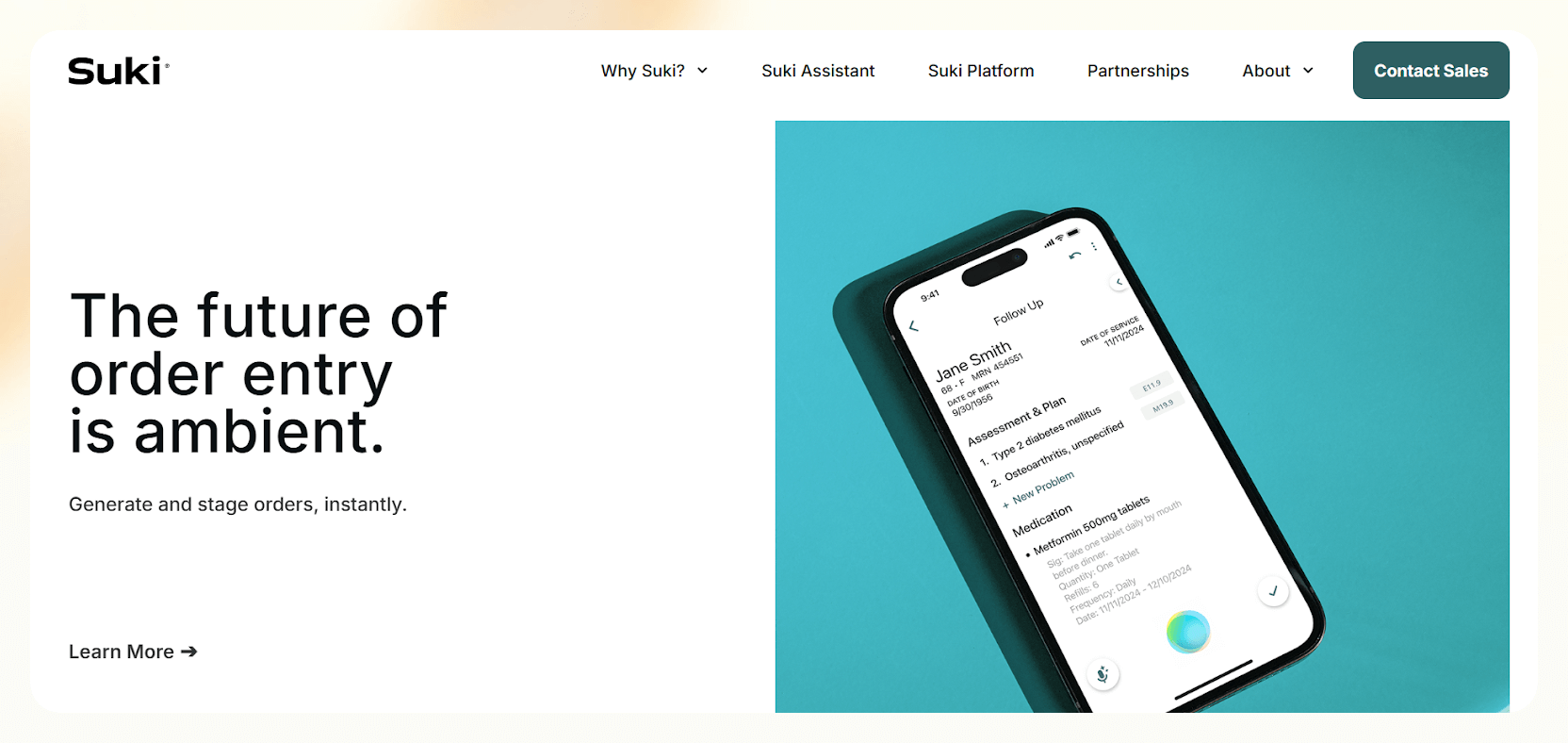
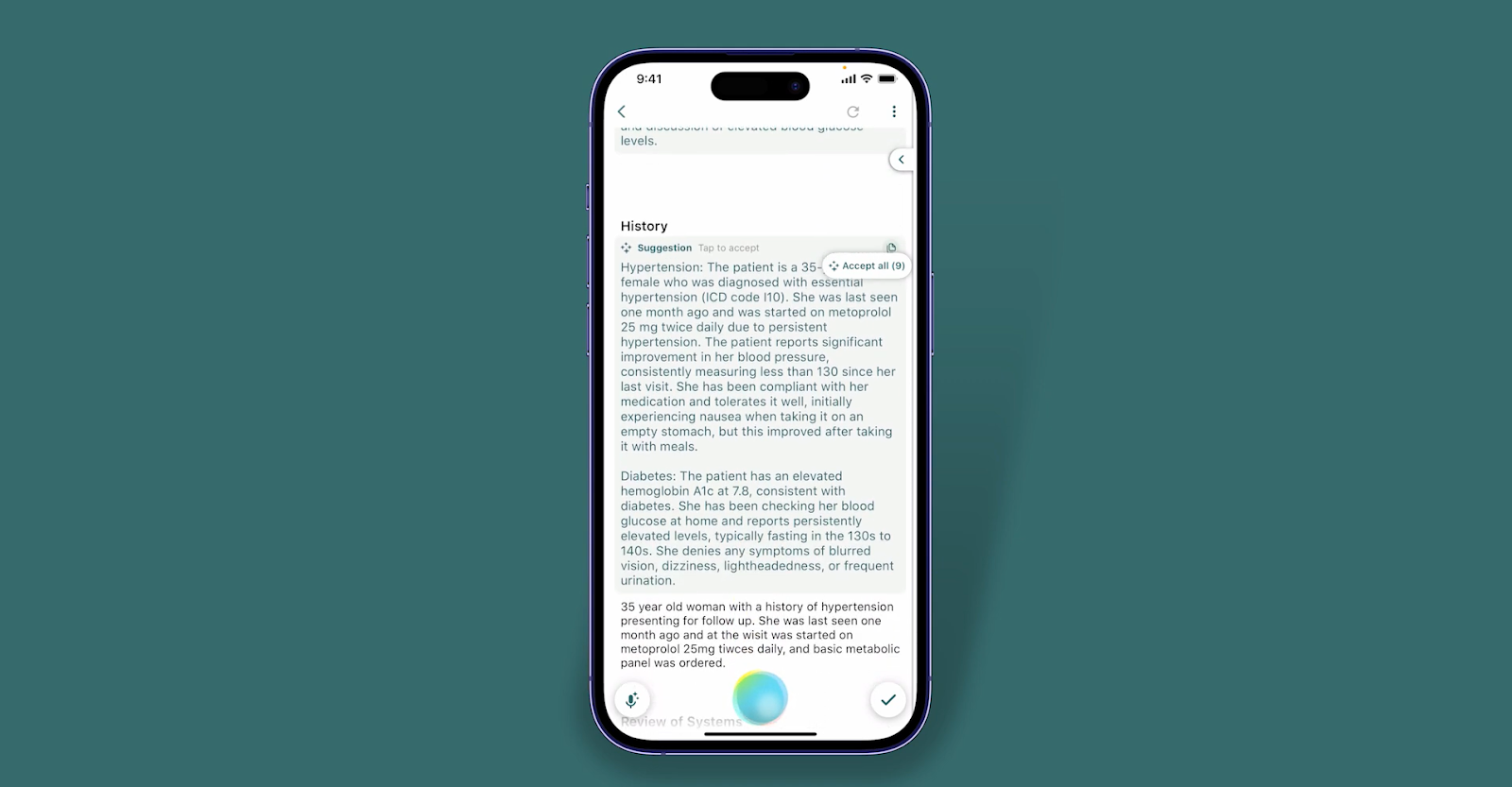
I tested Suki using high-volume mock visit scenarios to see how it handles documentation when speed and complexity increase. It captured conversations, pulled in context, and moved through documentation tasks without needing extra prompts.
Suki automatically referenced vitals and diagnosis history and built problem-based notes from the sample inputs. It paired those notes with ICD-10 coding suggestions and staged medication orders inside the workflow.
Consistent, organized, and billing-ready outputs helped me remove the need for post-visit cleanup.
I also tested the built-in medical Q and A by asking treatment and medication questions during mock encounters. Suki returned direct answers pulled from clinical references, which helped with decision checks without leaving the documentation flow.
Suki adapted well to changes in speech, accents, and clinical phrasing. It supported different specialties and worked consistently across Epic, Athena, and Oracle test environments. Its onboarding and support are clearly designed for enterprise teams, which is reflected in how smoothly it handles multi-step documentation and complex clinical workflows.
Suki fits team-based settings where documentation, coding, and orders need to stay tightly connected. It is less suited for solo use, but for enterprise workflows, it delivers the capabilities that simpler tools cannot.
Key features
- Ambient documentation across care settings: Generates structured notes from live encounters, reducing typing during and after visits.
- Strong EHR integrations: Works with major EHR systems to minimize manual chart transfer.
- Combined documentation and coding support: Helps clinicians handle notes and coding in one workflow instead of separate steps.
- Voice commands and dictation: Enables hands-free documentation and faster edits during busy clinical days.
Pros
- Built-in medical Q&A for real-time reference
- Scales well across enterprise health systems
- Supports Epic, Athena, and Oracle integrations
Cons
- Enterprise focus may not suit solo or small teams
- Complex setup for clinics without EHR integrations
Price
- No free plan or trial
- Contact sales for a custom quote
Bottom line
Suki stands out in busy, complex environments where documentation, coding, and orders all happen together. It saves time during high-volume visits and produces billing-ready notes with little cleanup. It’s ideal for large teams already deep in their EHR workflows.
{{cta}}
How I tested the AI medical documentation tools
I tested each AI medical documentation tool using sample notes and mock session transcripts. I analyzed how well it handled documentation tasks in settings that mirror clinical workflows, including in-person, remote, and after-hours use. My goal was to see how well the AI documentation software fits inside a clinical routine.
Here are the factors I considered during testing:
- Documentation time: I looked at whether the tool cut down time spent in the EHR without pushing extra admin work somewhere else.
- Fit across scenarios: I tested how well each tool fit into a clinician’s day, including in-person visits, telehealth sessions, and after-hours documentation.
- Conversation accuracy: I checked how accurately each system captured patient-provider conversations without requiring constant corrections.
- Clinical accuracy: I reviewed notes from live or simulated visits to see if they captured the right symptoms, treatment plans, and specialty-specific language with minimal editing.
- Workflow compatibility and EHR integration: I tested each tool with major EHRs like Epic and Athena, switched between dictation, ambient scribing, and templates, and evaluated how flexible each setup felt.
- Speed, setup time, and added features: I tracked how quickly notes became usable, how much setup was required, and whether features like ICD coding, referral suggestions, or scheduling support added real value.
Which AI medical documentation tool should you choose?
The right AI medical documentation tool depends on how you document today, how much automation you want, and where documentation fits into your workflow. These scenarios can help narrow it down:
Choose one of these tools
- DeepScribe, if you want ambient documentation with strong coding support and minimal interaction during visits
- Freed, if you want fast setup, simple daily use, and clean notes without complex integrations
- Tali, if you work across devices and want more control over dictation, editing, and in-EHR workflows
- Suki, if you work in a large team and need documentation, coding, and orders handled in one system
Avoid these tools if
- If you prefer writing notes by hand without AI assistance
- If you work in environments where audio capture is not allowed
- If you need offline documentation without cloud-based tools
- If you follow rigid workflows that cannot support ambient or real-time documentation
My final verdict
After testing these AI medical documentation tools, I would choose DeepScribe. It captured visits without prompts or extra steps, produced clean, structured notes, and I rarely had to correct its output. Its coding suggestions also shortened the gap between documentation and billing review.
That said, each tool fits a different kind of workflow. Freed works well if you want something simple; you can start using it the same day.
Tali fits clinicians who move across devices and want control over dictation and editing. Suki stands out in large, complex environments where documentation, coding, and orders all need to stay connected.
For most clinicians who want accurate notes and billing support in one tool, DeepScribe offers the best overall balance. Just note that pricing requires contacting sales for a custom quote.
Frequently asked questions
What is AI clinical documentation?
AI clinical documentation uses artificial intelligence to capture patient encounters and turn them into structured medical notes. These tools transcribe conversations, organize clinical details, and generate notes that clinicians can review and finalize. The goal is to reduce time spent charting while keeping documentation accurate and consistent.
How accurate are AI medical documentation tools?
AI medical documentation tools are increasingly accurate, with many vendors reporting high levels of reliability in transcribing and organizing patient conversations. However, performance can vary by tool, clinical setting, and specialty.
Regardless of reported accuracy, a quick human review before final submission is always recommended. Tools like Suki provide clinician-controlled final edits to ensure quality.
Do AI tools work with all EHR systems?
No, all AI tools may not work with all EHR systems. Some, like Suki, offer deep integration with major platforms like Epic, Athena, and Oracle. Others rely on copy-paste or manual uploads. Always check integration options before committing.
Can these tools handle multiple specialties?
Many modern AI clinical documentation tools can handle a wide range of medical specialties, including primary care, pediatrics, orthopedics, and more. Tools like DeepScribe and Suki, for example, support multiple specialties and offer workflows tailored to various clinical needs.
However, it’s best to test the tool in your specific specialty to ensure it meets your documentation requirements.
Is voice the only input method?
No, voice is not the only input method. Most AI tools are optimized for voice, but also support typed input, manual edits, or a hybrid approach. Tools like Lindy even work with uploaded documents to generate notes.
Are these tools HIPAA compliant?
Most reputable AI medical documentation tools are HIPAA compliant, as it’s legally required for any software handling patient data in the US. However, always verify each tool’s compliance status and request documentation. If privacy is a major concern, also check for SOC 2 certification, end-to-end encryption, and clear data control policies.
What’s the difference between ambient documentation and regular dictation?
Ambient documentation runs in the background and captures conversations as they happen, while dictation requires you to speak your notes manually. Ambient tools, like Suki or DeepScribe, feel more natural and hands-free.
Are these tools also useful for nurses and other providers?
Yes, these tools are helpful for nurses and other providers as they benefit from automated documentation that used to take up time and mental bandwidth.
How much do these tools cost?
AI medical documentation tools typically start around $50/month for individuals, while enterprise solutions can cost significantly more depending on the features and the scale required. Most tools offer custom pricing based on team size and usage.











Blog
Related Articles
.png)

.png)

%20(1).png)
.avif)

%20(1).png)
.png)
The AI assistant that runs your work life
Lindy saves you two hours a day by proactively managing your inbox, meetings, and calendar, so you can focus on what actually matters.
