


Digital assistants help you stay on top of your inbox and calendar, turn off your lights, draft a document, or chat with you about your day.
Lindy is built for automating real work. Google Assistant is best for Android users. Alexa is still unmatched for smart home control. You’ll find seven more tools that handle different digital assistant examples.
In this article, we’ll cover:
- Top 10 digital assistants for different needs
- What makes each assistant different during everyday tasks
- How to pick the right one for your tasks
- How we tested each tool for speed, utility, and integrations
- What free assistants are worth trying
- Key differences between assistants and chatbots
First, we look at the quick-glance list of the top 10 tools.
The 10 best digital assistants in 2025: TL;DR
Each tool targets a specific user, like business professionals, smart home users, or Gen Z social media fans. Here’s a quick rundown of the top digital assistants and what each one’s best at:
- Lindy – Best AI assistant for work productivity
- Google Assistant – Best for Android device integration
- Apple’s Siri – Best for iPhone users
- Amazon Alexa – Best for smart home control
- Microsoft Copilot – Best for enterprise productivity
- Replika – Best for emotional support and companionship
- Bixby – Best for Samsung ecosystem integration
- Workgrid – Best for internal workplace automation
- Oracle Digital Assistant – Best for enterprise application access
- My AI (Snapchat) – Best for entertainment and casual Gen Z use
If you want digital assistance with your calendar, inbox, or daily tasks, these are the top tools in 2025. Next, we look at them in detail.
1. Lindy – best for work productivity
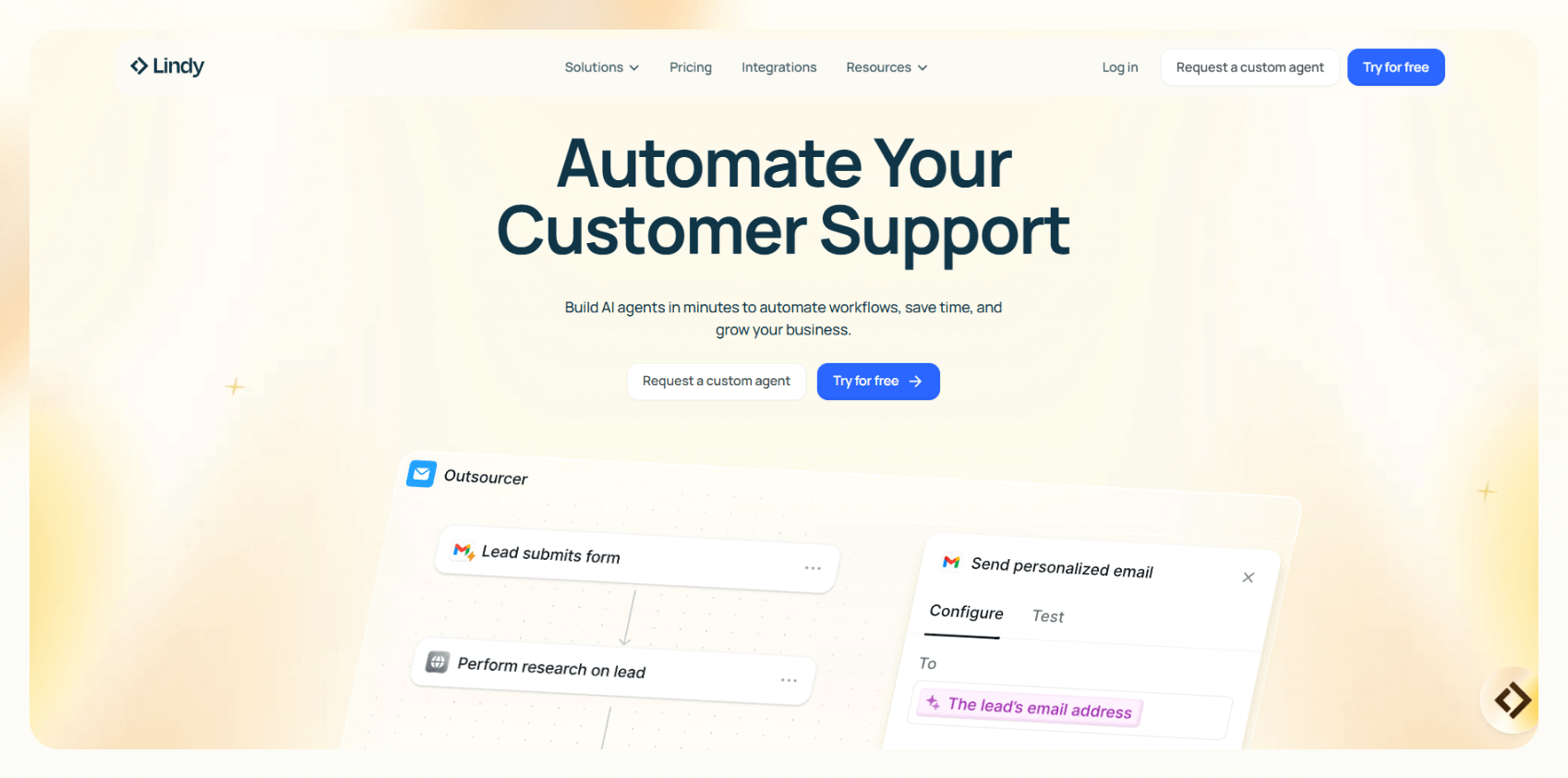
Lindy is a digital assistant that helps you automate email, chat, and calendar tools without needing code. It’s designed for professionals, founders, ops teams, and service-based businesses that want to reduce repetitive work and move faster without adding headcount.
Users can build custom AI agents that handle workflows across tools like Gmail, HubSpot, Slack, and Notion. Lindy helps people automate everyday tasks that go beyond replying to messages using AI.
Pricing
- Free plan: 400 credits/month
- Pro: $49.99/month
- Business: $299.99/month
- Enterprise: Custom pricing
Features
- No-code AI agent builder
- 7,000+ integrations, and integrates natively with everyday tools like Notion, Google Docs, and more
- Ready-to-use, customizable templates
- Calendar scheduling and email follow-ups
- Auto-generated meeting notes in Google Docs
- Sales coaching and multi-touch outreach
- Slack and email automations
- Lead enrichment with prospect data APIs
Pros
- Built for non-technical users
- Templates for common workflows
- Strong CRM and calendar integrations
- SOC 2, HIPAA, and PIPEDA-compliant
- Works across multiple channels like email, chat, voice
Cons
- Setup may take time for complex workflows
- Not for smart home tasks
{{templates}}
2. Google Assistant – best for Android device integration
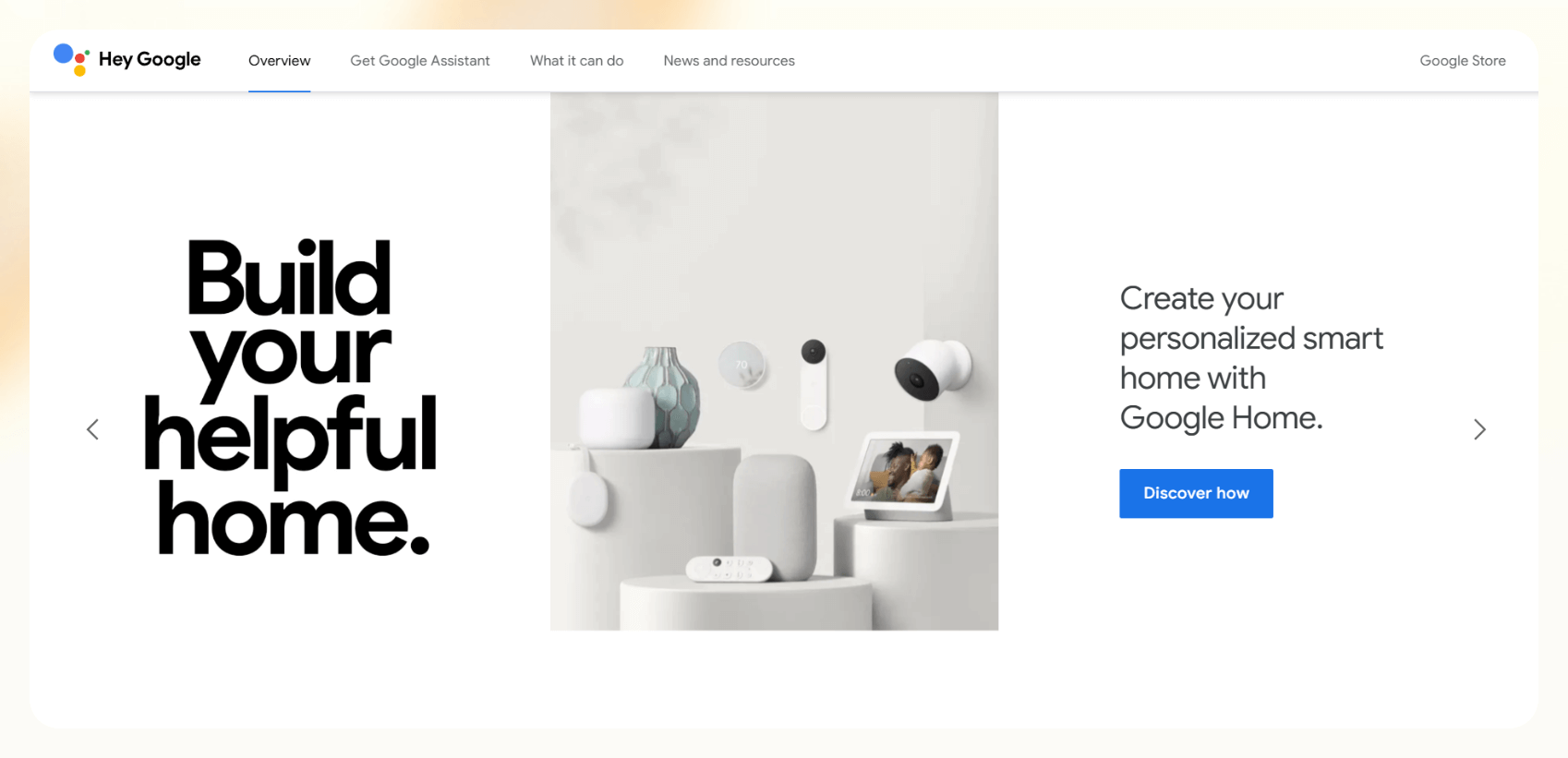
Google Assistant is a voice AI digital assistant that Google includes on Android phones, smart home devices, and wearables. It handles everything from sending texts and making calls to managing smart lights and controlling apps like YouTube and Google Calendar.
Android users get the most value from voice access to their everyday tools and settings. These devices offer the most features by default, and Google is gradually turning Assistant into Gemini, its new AI experience.
Pricing
- Free with Android devices
- No subscription required
Features
- Controls apps like Phone, Messages, Maps, YouTube
- Activates smart home routines
- Reads out notifications and messages
- Sets alarms, timers, and reminders
- Sends hands-free texts and makes calls
- Works with Android Auto and wearables
- Supports multiple languages
- Integrates with Google Workspace
Pros
- Native to the Android ecosystem
- Accurate and fast voice recognition
- Easy smart home setup and control
- Works across phones, displays, and cars
Cons
- Limited customization or workflow automation
- Not available on iOS
3. Apple Siri – best for iPhone users
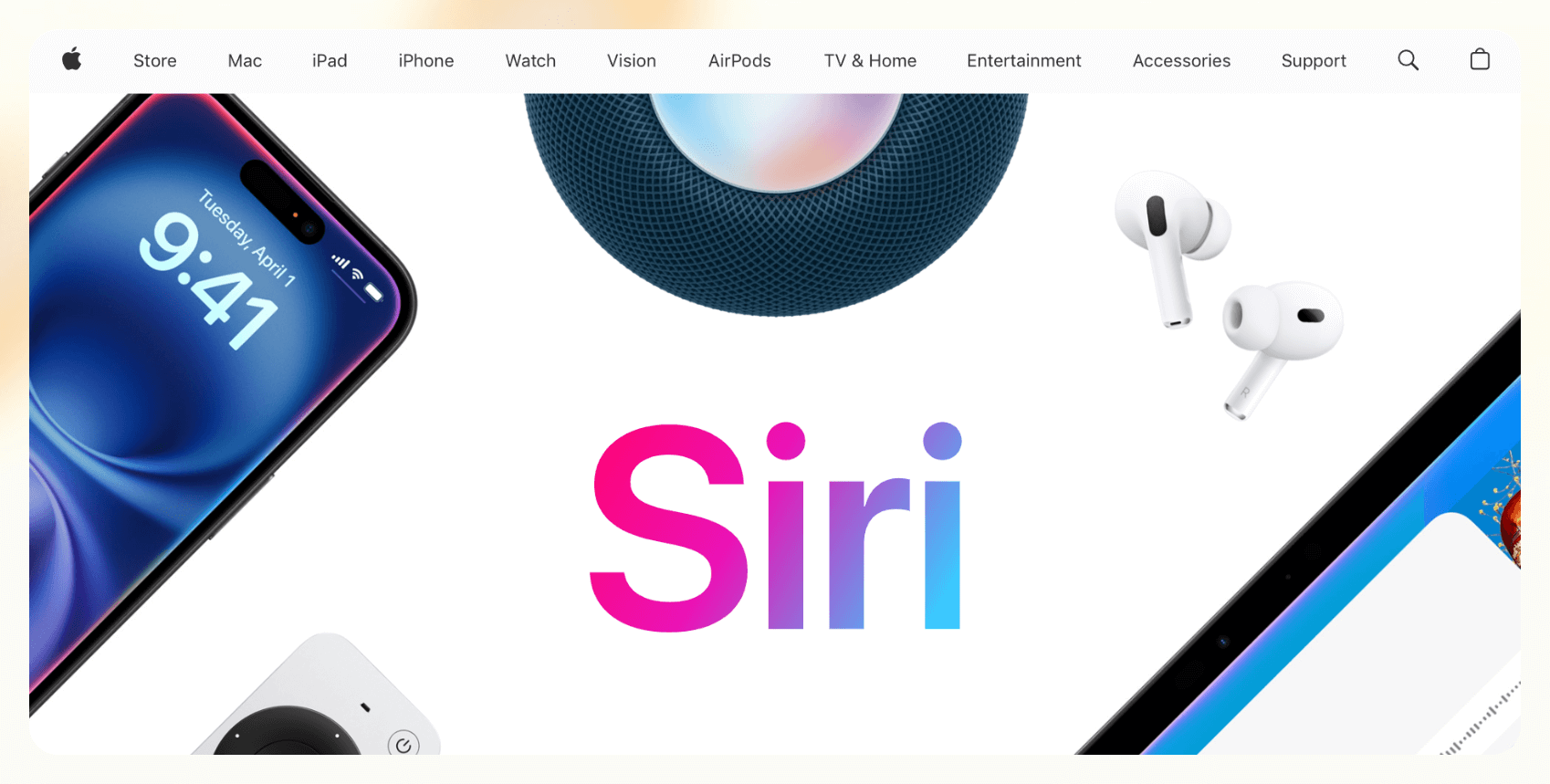
Siri is Apple’s default AI digital assistant, built into iOS, macOS, and Apple Watch. It handles voice commands like sending messages, setting reminders, and playing music, and integrates tightly with Apple’s native apps.
Apple plans to upgrade Siri with third-party AI models like ChatGPT in future OS updates, but that is less likely to happen before late 2025 or 2026.
Pricing
- Free with Apple devices
- No premium version available
Features
- Voice control for messages, calls, and settings
- Works with Apple apps like Mail, Calendar, and Reminders
- Activates smart home scenes via HomeKit
- Launches shortcuts with custom commands
- Offers suggestions based on app usage
- Basic support for multiple languages
- Hands-free activation with Hey Siri
Pros
- Works smoothly across iPhone, Mac, and Watch
- Reliable for everyday tasks
- No setup required on Apple devices
Cons
- Lags behind in automation and customization
- Not available outside Apple hardware
- Isn’t as capable as Google Assistant or Bixby
4. Amazon Alexa – best for smart home control
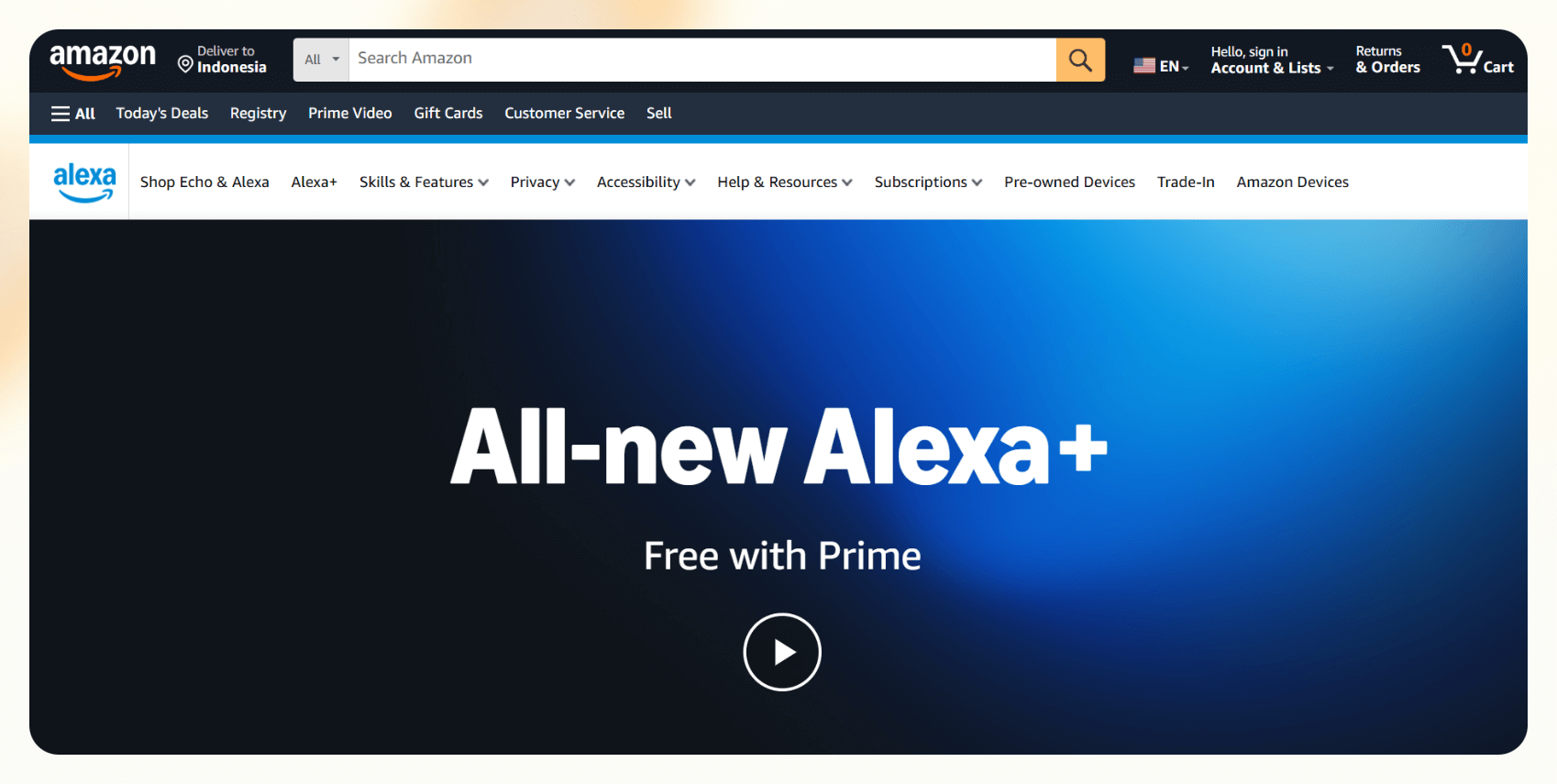
Alexa is Amazon’s voice-enabled digital assistant designed for smart speakers, displays, and connected home devices. It controls lights, thermostats, doorbells, and routines, and can also handle tasks like shopping, reminders, and playing media. The newer Alexa+ version adds more conversational abilities and memory of user preferences.
It works well for users who want to manage their home hands-free, especially if they already use Echo devices or Amazon services.
Pricing
- Free for Amazon Prime members
- Alexa+ at $19.99/month for non-Prime members
- Works on all Echo devices
Features
- Controls smart home devices and routines
- Plays music, reads news, and answers questions
- Makes calls and sends announcements
- Remembers preferences and custom routines
- Handles shopping lists and Amazon orders
- Integrates with calendars and reminders
- Works with 85,000+ Alexa skills
Pros
- Great for voice-based home automation
- Wide range of compatible devices
- Supports natural, back-and-forth conversation
- Strong smart speaker performance
Cons
- Productivity use cases are limited
- Subscription needed for the full feature set
- Doesn’t support deep task automation
5. Microsoft Copilot – best for enterprise productivity
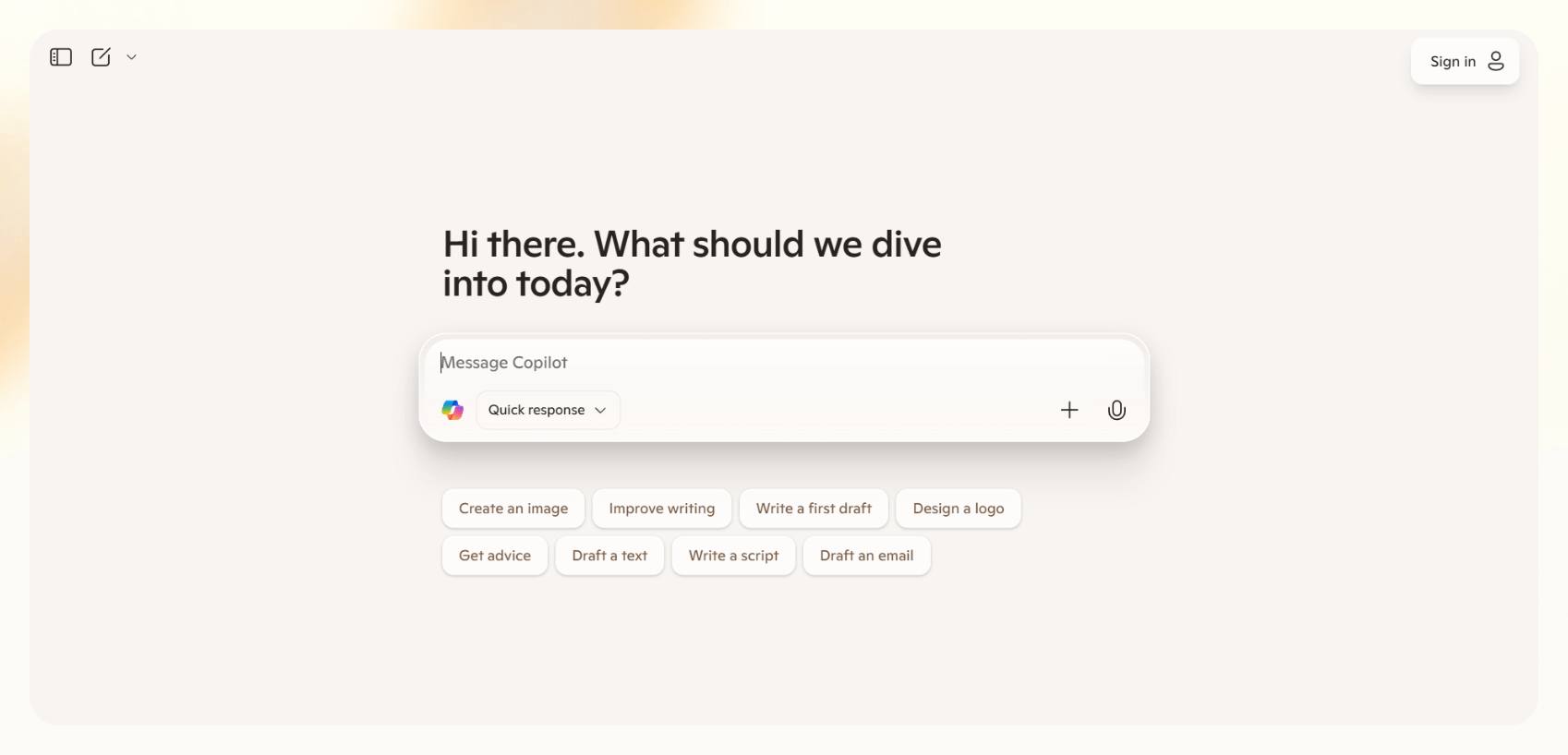
Copilot is Microsoft’s integrated AI digital assistant for Office 365 and Windows. It works inside tools like Word, Excel, Outlook, and Teams to draft emails, summarize meetings, and generate reports. It’s for professionals working in the Microsoft ecosystem and want to speed up routine work.
Copilot is also available as a stand-alone web app, like ChatGPT.
Pricing
- Included with Microsoft 365 E3 and E5 plans
- From $20/user/month, for individuals
Features
- Summarizes Teams meetings and email threads
- Generates documents and decks in Word and PowerPoint
- Suggests data insights in Excel
- Drafts and rewrites emails in Outlook
- Integrates with Microsoft Graph for context
- Works across web and desktop apps
- Supports voice prompts in Copilot Chat
Pros
- Embedded in apps many teams already use
- Great for summarization and writing tasks
- Reduces context switching
- Secure and compliant with enterprise standards
Cons
- Less useful outside Office 365
- Requires a corporate subscription
6. Replika – best for emotional support and companionship
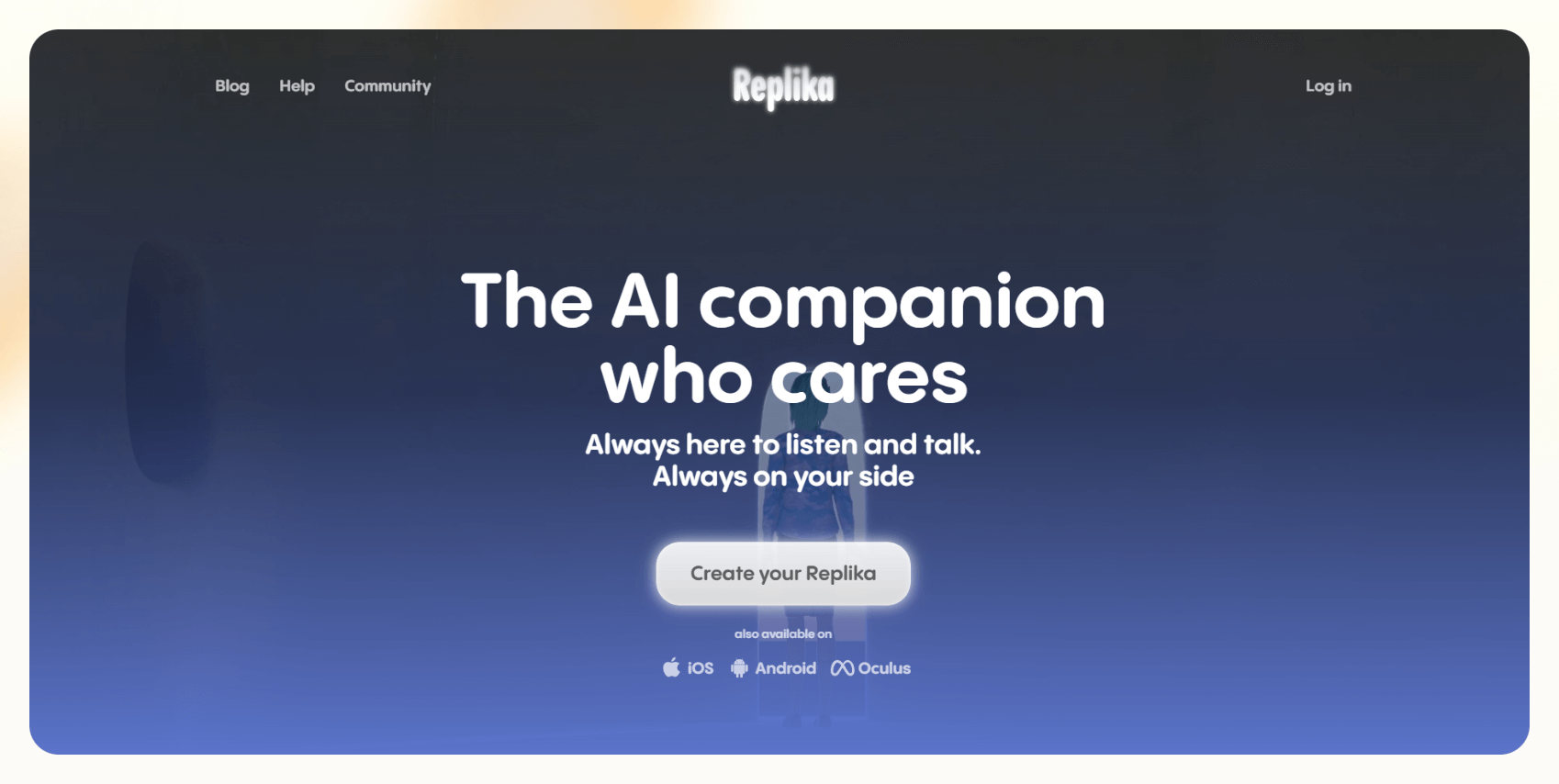
Replika is a conversational AI digital assistant designed for emotional connection. It talks, listens, and provides support to the users. Users can create custom avatars and personalities, and chat via text, voice, or video. It's best for individuals looking for a virtual companion rather than a productivity tool.
Pricing
- Free basic version
- Pro subscription unlocks voice/video calls and relationships
- No public pricing details, users on Reddit claim it to be $19.99/month
Features
- Personalized chatbot conversations
- Custom avatar creation and roleplay options
- Mood tracking and daily check-ins
- Voice and video calls with AI
- Journaling and goal-setting prompts
- iOS, Android, and web apps are available
- Relationship modes –– friend, partner, mentor
Pros
- Strong emotional tone modeling
- Available 24/7 for conversation
- Easy to personalize and customize
Cons
- Not built for productivity or business tasks
- Critics question mental health implications
- Premium features gated behind a paywall
7. Bixby – best for Samsung ecosystem integration
Bixby lets users control device settings, automate routines, and access Samsung apps by voice. If you’re already deep in the Samsung ecosystem, Bixby gives you quick, hands-free control across your devices.
It’s not a productivity tool, but it’s useful for everyday commands within the Samsung world.
Pricing
- Free on all supported Samsung devices
- No subscription required
Features
- Voice control for Samsung apps and features
- Automates routines with Bixby Routines
- Integrates with SmartThings for home control
- Contextual replies based on current activity
- Multi-language support
- Device-specific actions like camera and display settings
Pros
- Deeply integrated with Samsung hardware
- Simple voice controls for phone and home
- No setup required for Galaxy users
Cons
- Limited third-party app support
- Not suited for business or productivity workflows
- Often overlooked in favor of Google Assistant
8. Workgrid – best for internal workplace automation
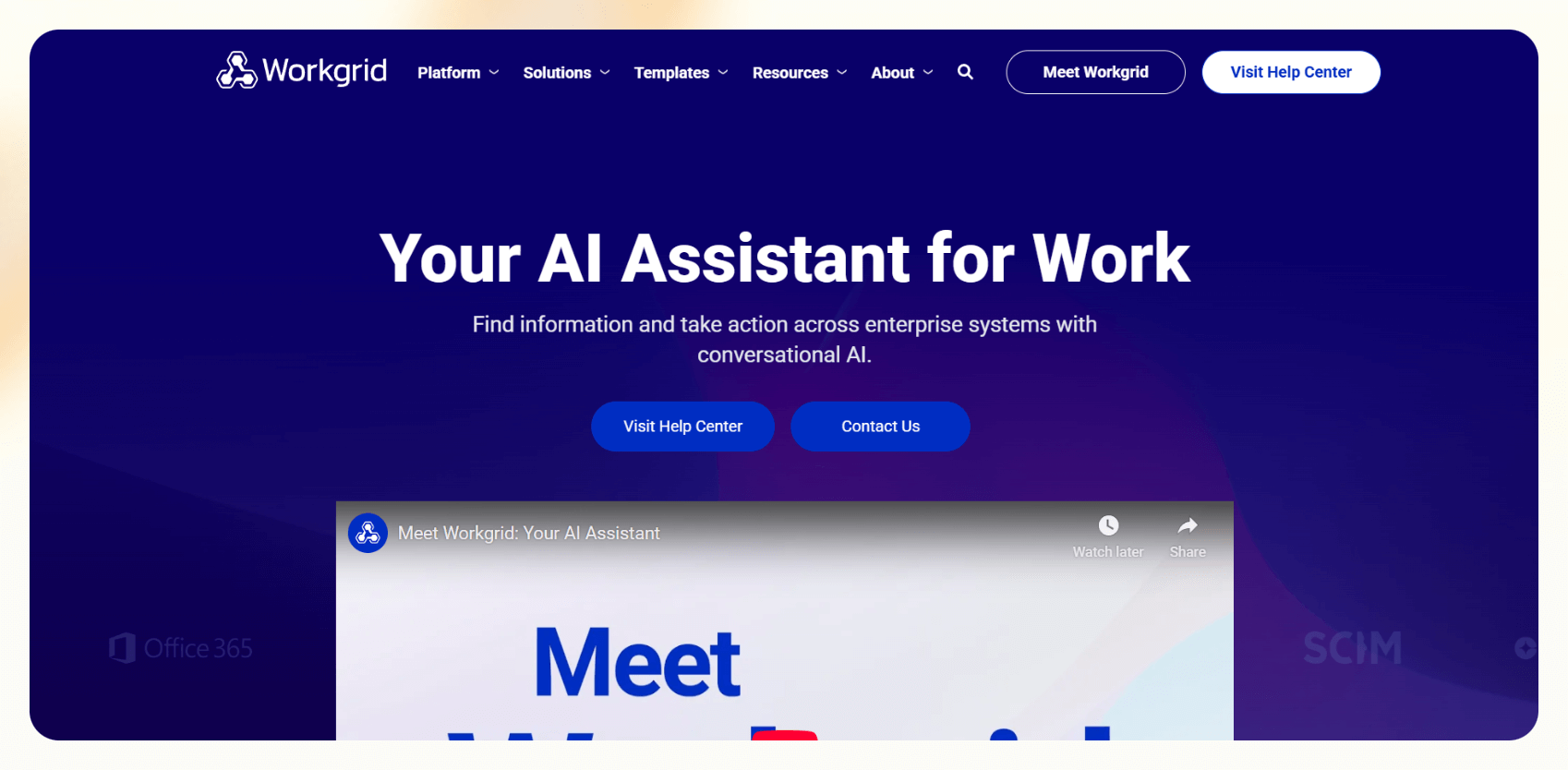
Workgrid is a digital assistant designed for internal company use. It connects with enterprise systems to deliver approvals, reminders, alerts, and to-dos in one place, often through an intranet or browser extension. It’s best for mid-to-large companies that want to reduce employee distraction and streamline internal requests.
Pricing
- Custom pricing based on organization size
- Demo available
Features
- Centralized notifications and approvals
- Support for HR, IT, and finance tasks
- Connects with systems like Workday, SAP, and Microsoft
- Omnipresent toolbar in the company intranet
- No-code workflow creation
- Personalized content feeds for employees
Pros
- Built for large internal teams
- Reduces notification overload
- Works across roles and departments
- Highly customizable workflows
Cons
- Not useful for external client work
- Requires IT setup and company-wide rollout
- Lesser-known outside enterprise IT
9. Oracle Digital Assistant – best for enterprise application access
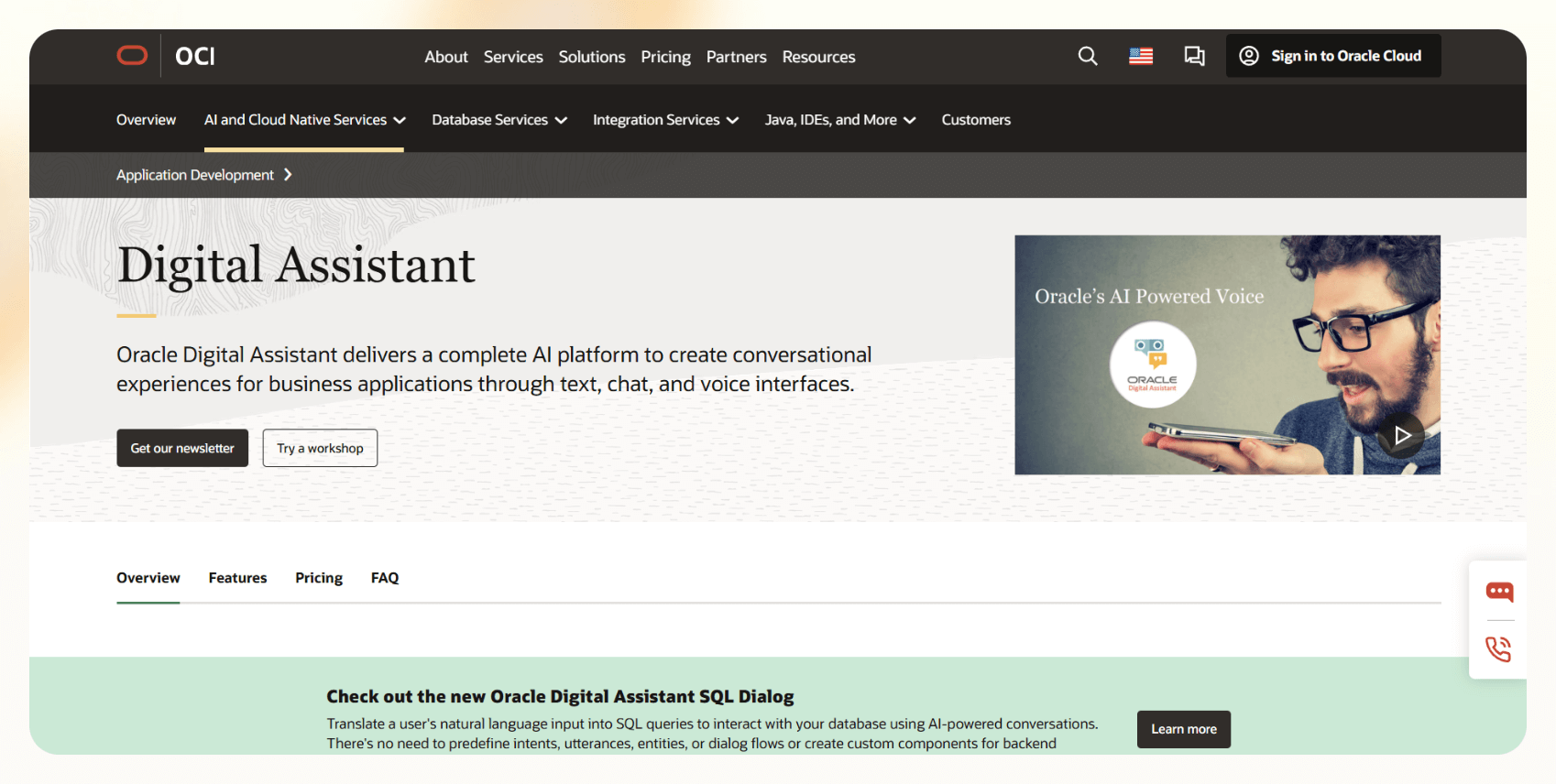
Oracle Digital Assistant is a conversational AI platform for employees to interact with enterprise apps through natural language. It’s best suited for large organizations already using Oracle products like ERP, HCM, or CX systems.
You can use the assistant to answer questions, complete tasks, and trigger workflows inside business applications via chat, voice, or embedded widgets. Oracle designed this tool specifically for enterprise use.
Pricing
- Starts from $3/month for Oracle users
- Starts from $275/month for non-Oracle users
Features
- Prebuilt skills for Oracle ERP, HCM, and CX
- Natural language queries and guided flows
- Multichannel deployment across web, mobile, Slack, and Teams
- Language support for global teams
- Integration with third-party APIs
- Low-code customization via Oracle tools
Pros
- Connects to Oracle systems
- Supports enterprise-grade workflows
- Flexible deployment channels
- Built for multilingual environments
Cons
- Only useful within the Oracle ecosystem
- Setup and customization take time
- Not suited for individual users or small teams
10. My AI (Snapchat) – best for entertainment and casual Gen Z use
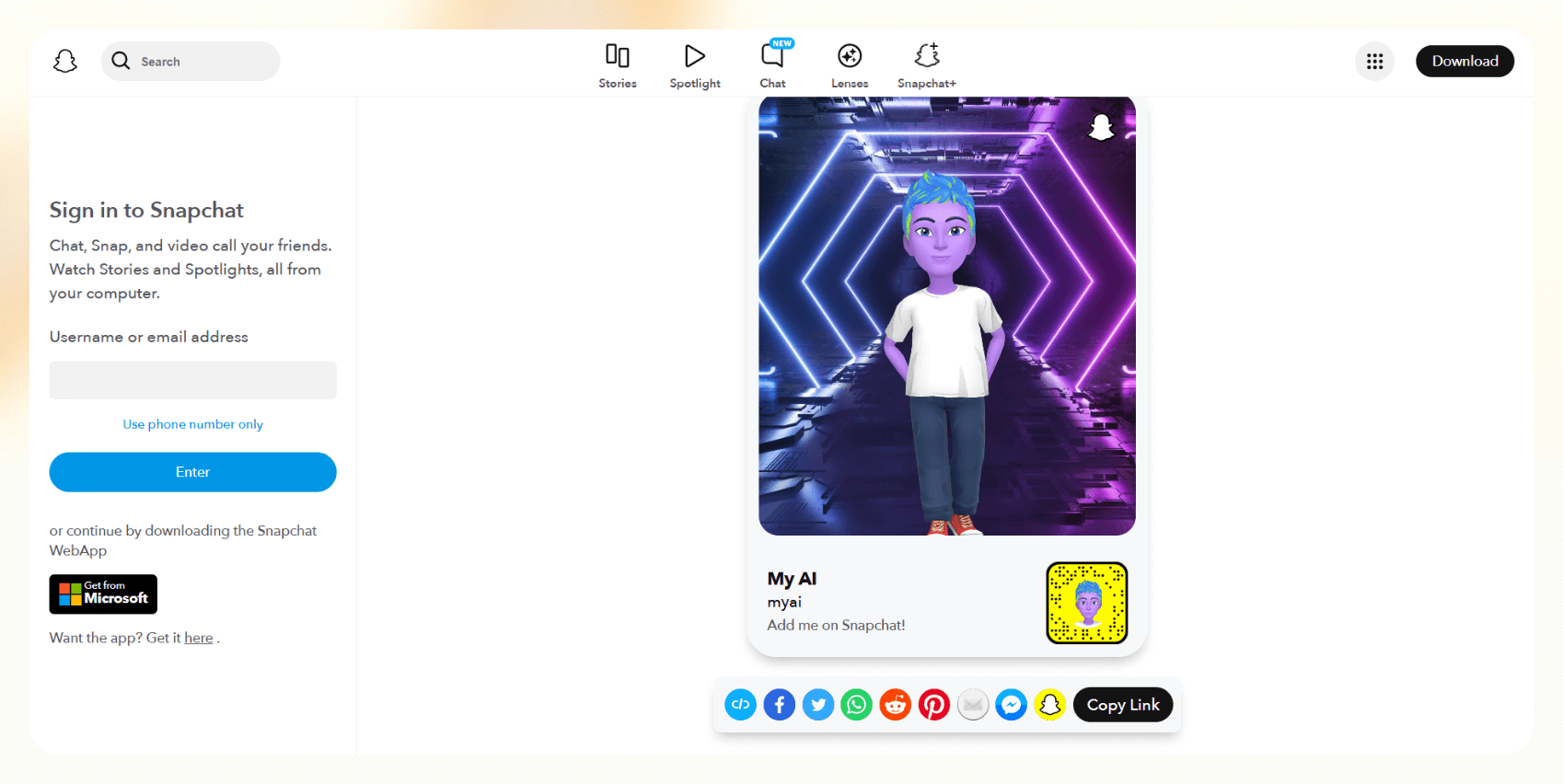
My AI is Snapchat’s chatbot powered by ChatGPT and lets users have quick conversations, suggestions, and playful interactions. It lives inside the chat tab on Snapchat and can answer questions, recommend content, and even create Snaps.
It’s best for younger users looking for a fun, lightweight AI digital assistant experience inside an app they already use.
Pricing
- Free for all Snapchat users
- Snapchat+ subscription: $3.99/month for extra features
Features
- Conversational replies with personality
- Activity and content suggestions
- Snap creation prompts and filters
- Bitmoji customization
- AI message drafts and jokes
- Integrated with Snap Map and Lenses
Pros
- Native to the Snapchat interface
- Engaging and casual tone
- Fun for entertainment and recommendations
Cons
- Limited outside Snapchat
- Not built for work or real task automation
- Ongoing privacy concerns
Top digital assistants: At a glance
If you're comparing digital assistants in terms of what they do best, how much they cost, and where they work, here’s how they stack up side-by-side:
Next, let’s talk about how these assistants were tested and what makes each one useful in daily tasks.
{{cta}}
How we tested the best digital assistants
We used each digital assistant to test how well they automate email follow-ups, create meeting notes, and connect with other apps.
Here’s the evaluation criteria:
- Ease of use: Can you set it up without tutorials or technical help? Are everyday actions intuitive?
- Task performance: How well does it automate real work, like emails, calendar events, and notes?
- Integration: Does it connect with the tools you already use? Can it work across multiple platforms?
- Context awareness: Does it understand what you’re trying to do, and do it without constant prompting?
- Consistency: Is it reliable day-to-day, or does it fail under real-world pressure?
Next, let’s compare these assistants with chatbots, as users often consider them synonymous.
Digital assistant vs. AI chatbot: what’s the difference?
A digital assistant helps you complete your tasks better. An AI chatbot just responds to your prompts.
Digital assistants help schedule a meeting, update a CRM, or summarize a document. AI chatbots, on the other hand, are reactive. They wait for your input and respond, but they rarely take action on your behalf.
Here’s a quick way to think about it:
- Digital assistants: Lindy, Copilot, Alexa+, and Google Assistant. They integrate with tools, automate tasks, and reduce manual work.
- AI chatbots: ChatGPT, Drift, and Intercom. They handle conversations, Q&As, and support flows.
However, more chatbots are adopting productivity features.
So, what are digital assistants capable of? We answer that next.
What can a digital assistant do?
Digital assistants handle tasks that require hours of manual effort, especially when they’re built with integrations and automation logic.
Here are some of the most common things a digital assistant can do:
- Send follow-up emails after meetings
- Update CRM fields with contact or deal info
- Schedule meetings based on availability
- Summarize meetings or documents into bullet notes
- Trigger workflows across tools like Notion, Slack, and Trello
- Provide quick answers using internal docs or databases
- Control smart devices or apps using voice commands
- Automate routine internal tasks like approvals and status updates
- Draft content or reports using the existing context
- Coordinate between multiple tools using if-this-then-that logic
These capabilities are useful in digital assistant jobs where routine admin tasks slow teams down, like sales, ops, and customer support.
Looking for free digital assistants? These five offer real utility without a price tag.
What are the best free digital assistants?
The best free digital assistants include Lindy, Google Assistant, Apple’s Siri, My AI (Snapchat), and Bixby. While many limit features behind paywalls, a few stand out for what they deliver at zero cost.
If you’re looking for no-cost tools, here are the best free digital assistants:
- Lindy: Free plan includes 400 credits/month, enough to automate key workflows across email, calendar, CRM, and docs. Great for testing real automation use cases.
- Google Assistant: Free and built into all Android devices. Strong for voice commands, basic scheduling, and smart home control.
- Apple’s Siri: Always free on iPhone, iPad, and Mac. Best for Apple users who want hands-free access to system features and apps.
- My AI (Snapchat): Free for all Snapchat users. While not a work tool, it's fun for casual prompts and content suggestions.
- Bixby: Free on Samsung devices. Useful for controlling settings and running Bixby Routines, especially if you use SmartThings.
These don’t support advanced automation or enterprise-level integrations, but they’re useful for tasks like smart home control and basic automation.
Frequently asked questions
What’s the most accurate voice assistant in 2025?
Google Assistant still leads in voice recognition accuracy, especially for commands and smart home tasks. Alexa+ and the new Bixby follow closely behind.
Which digital assistant works best for remote teams?
Microsoft Copilot and Lindy both work well. Copilot is built into Teams and Office. Lindy integrates with Slack, email, and CRMs, helpful for automating updates and comms across distributed teams.
Can digital assistants schedule meetings and send emails?
Yes. Lindy, Google Assistant, and Copilot all support these features. Lindy even auto-sends follow-ups and logs CRM activity after meetings.
What’s the best AI digital assistant for productivity?
Lindy is one of the best AI digital assistants for productivity because of its no-code automation, deep integrations, and multi-channel support. It’s useful for ops-heavy roles and small teams that want to move faster.
Do I need internet access to use a digital assistant?
In most cases, yes. Assistants like Google, Siri, Alexa, and Lindy rely on cloud services to process queries, sync data, and connect apps.
How secure are digital assistants?
Enterprise assistants like Lindy, Oracle Digital Assistant, and Microsoft Copilot meet compliance standards like SOC 2 and HIPAA. Consumer tools may vary in data privacy handling.
Can I create my own AI assistant?
Yes. You can build custom assistants with Lindy using drag-and-drop templates, no code needed. Enterprise platforms like Oracle and Google also support custom builds, but they’re more developer-focused.
Try Lindy, your digital assistant to automate daily tasks
If you’re looking for an easy-to-use AI assistant that helps you automate everyday tasks around emails, meetings, and sales, consider Lindy.
Out of all the digital assistants, here’s why Lindy stands out:
- Simple no-code interface: You won’t need coding, programming, or technical skills to create your automations with Lindy — you can build automations using a drag-and-drop workflow builder.
- AI agents customized to your needs: You can make versatile AI agents that understand plain English and accelerate your productivity in many ways. For instance, create an assistant that bolsters your sales funnel by finding leads from websites and business intelligence sources like People Data Labs. Create another agent that sends out emails to each lead and schedules meetings with members of your sales team.
- Affordability: Build your first few automations with Lindy’s free version and get up to 400 tasks. With the Pro plan, you can automate up to 5,000 tasks, which offers much more value than Lindy’s competitors.
Explore Lindy’s free plan to test how it fits into your workflow.





.jpg)
.png)
.png)

.png)


.png)


