




Auto-log call notes to *HubSpot* after every meeting
Lindy listens to your calls and logs notes straight into HubSpot for you.
Keep CRM current without lifting a finger
Skip the manual pipeline updates each call
Never let a warm lead slip through overnight
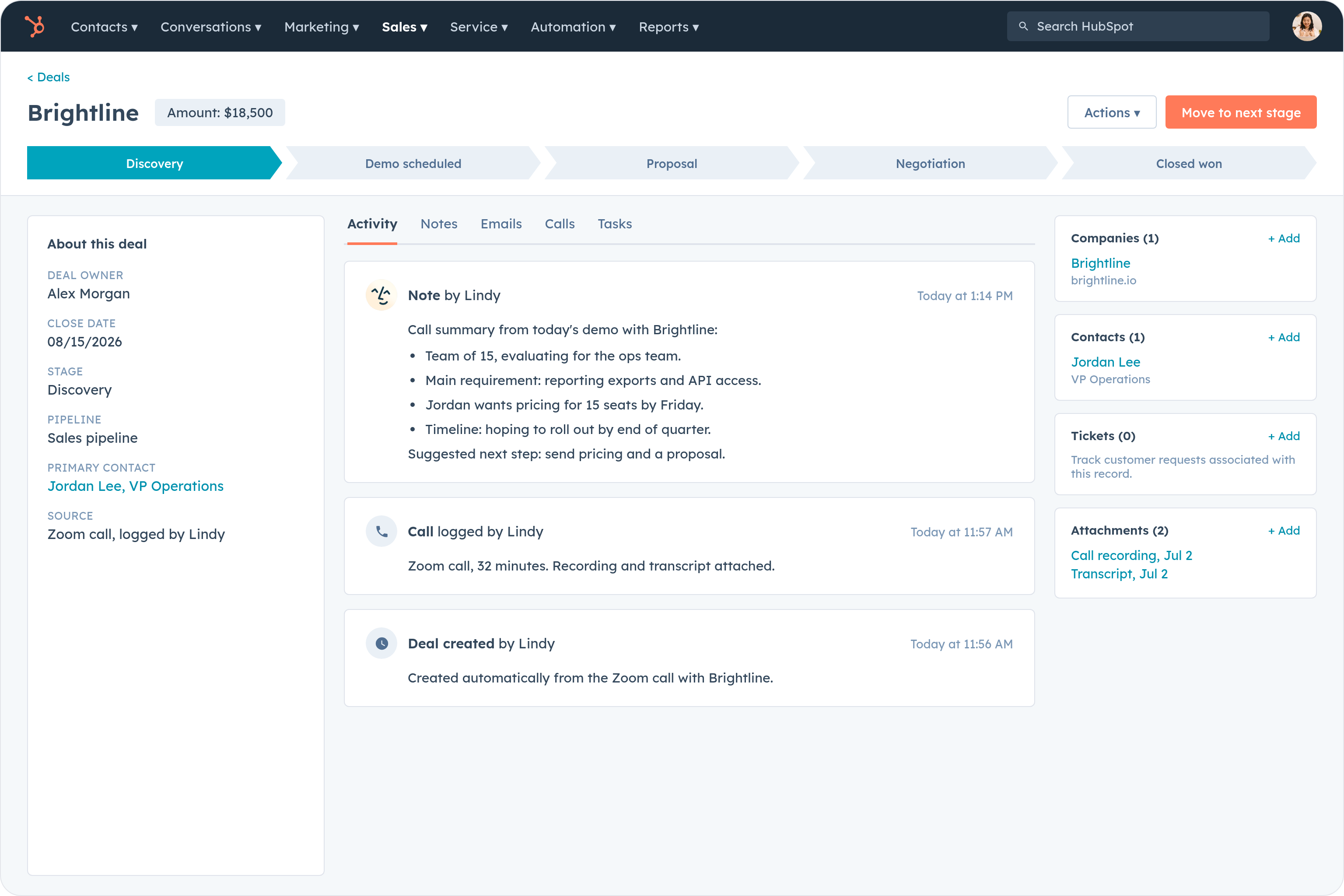
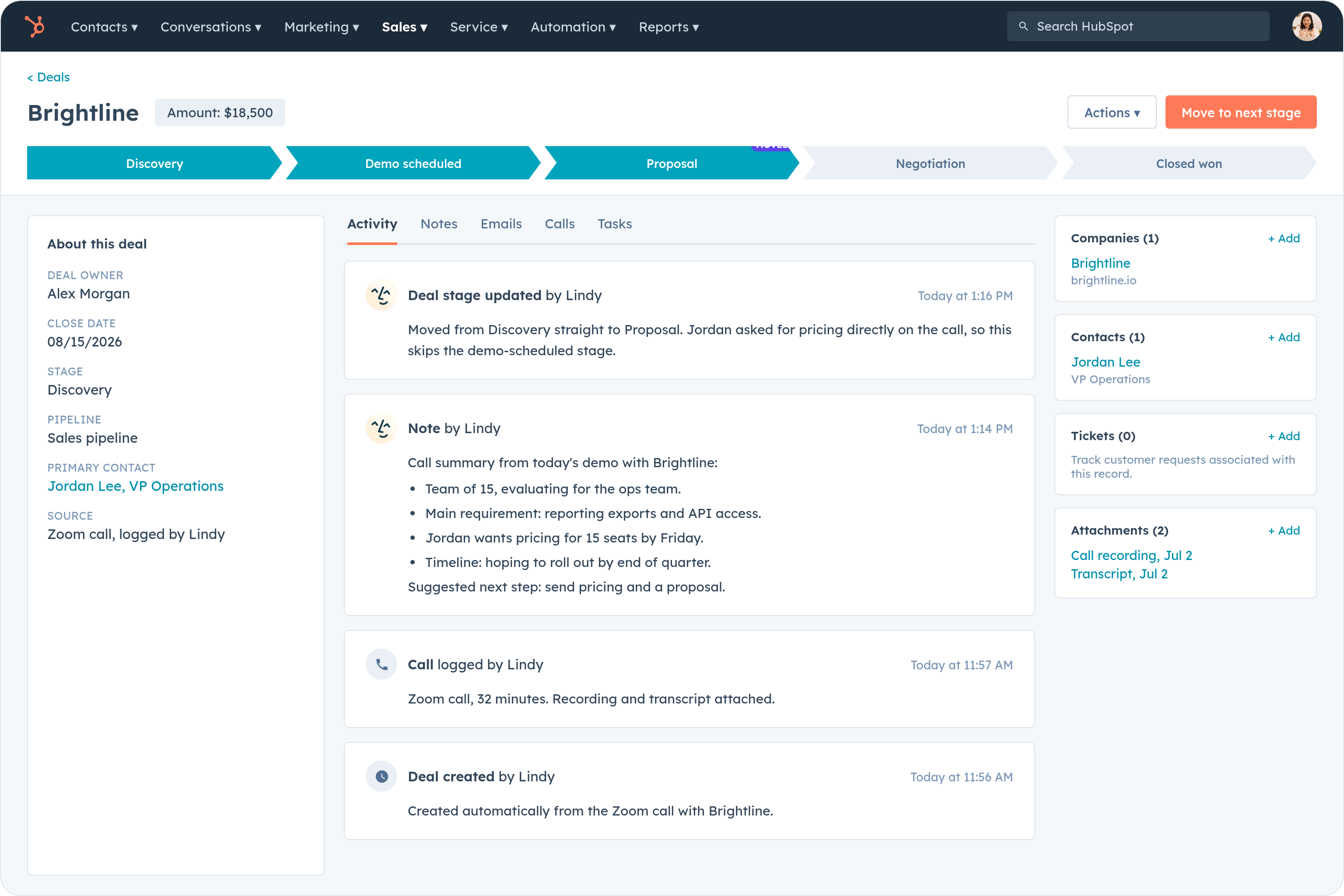
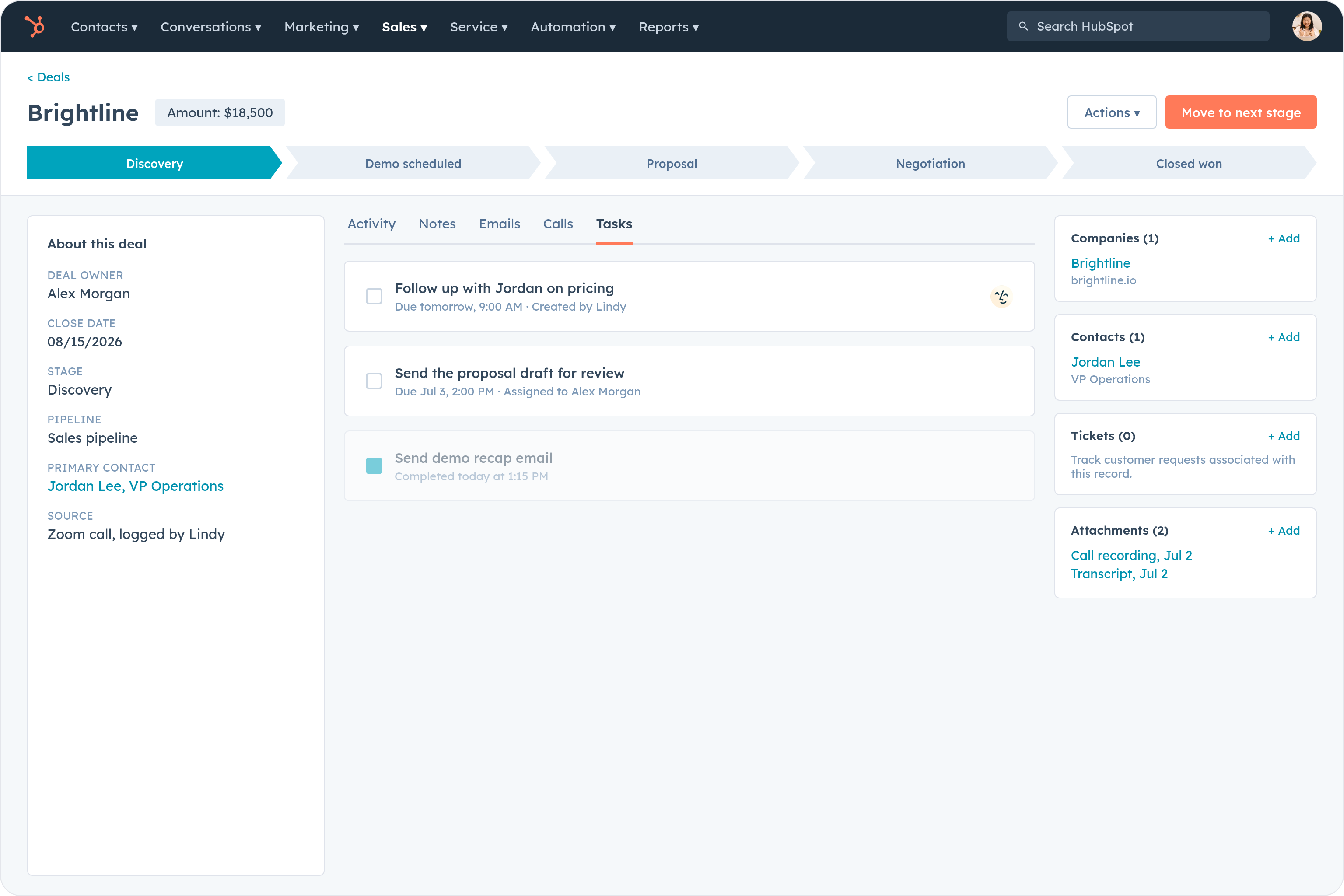






Supercharge your HubSpot with AI.
After every sales call, you're stuck scrambling to type up notes, update contact records, and log the meeting in HubSpot before you forget what was even said.
Lindy listens to your meetings, pulls out the key details, and automatically logs a clean summary directly to the right contact or deal in HubSpot the moment the call ends.

Lindy checks your Google Calendar each morning and sends you a summary of the day's meetings.

Lindy pulls your Calendly meeting details and sends you a prep brief beforehand.

See what Lindy can do for you
Your CRM is current the moment you hang up
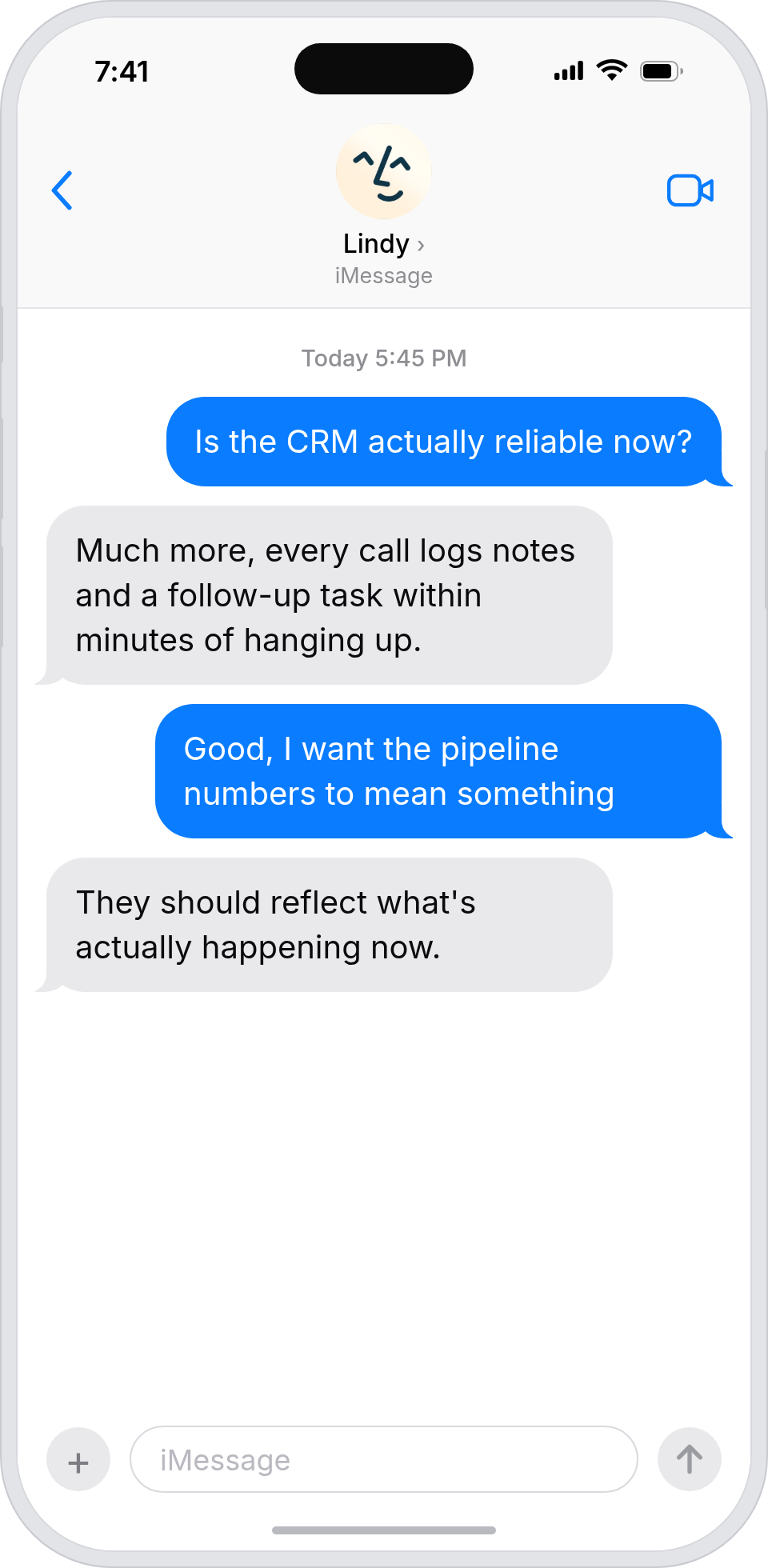
Lindy logs structured notes and next steps to the right HubSpot deal after every sales call, so reps move to the next call instead of typing up the last one.

Customer conversations feed straight into the CRM
Lindy auto-logs call notes into HubSpot, so marketing-influenced deals always have an accurate record of what was discussed.

Your boss's HubSpot stays current without you
Lindy logs notes to HubSpot after every call your boss takes, so the CRM never lags behind the work.
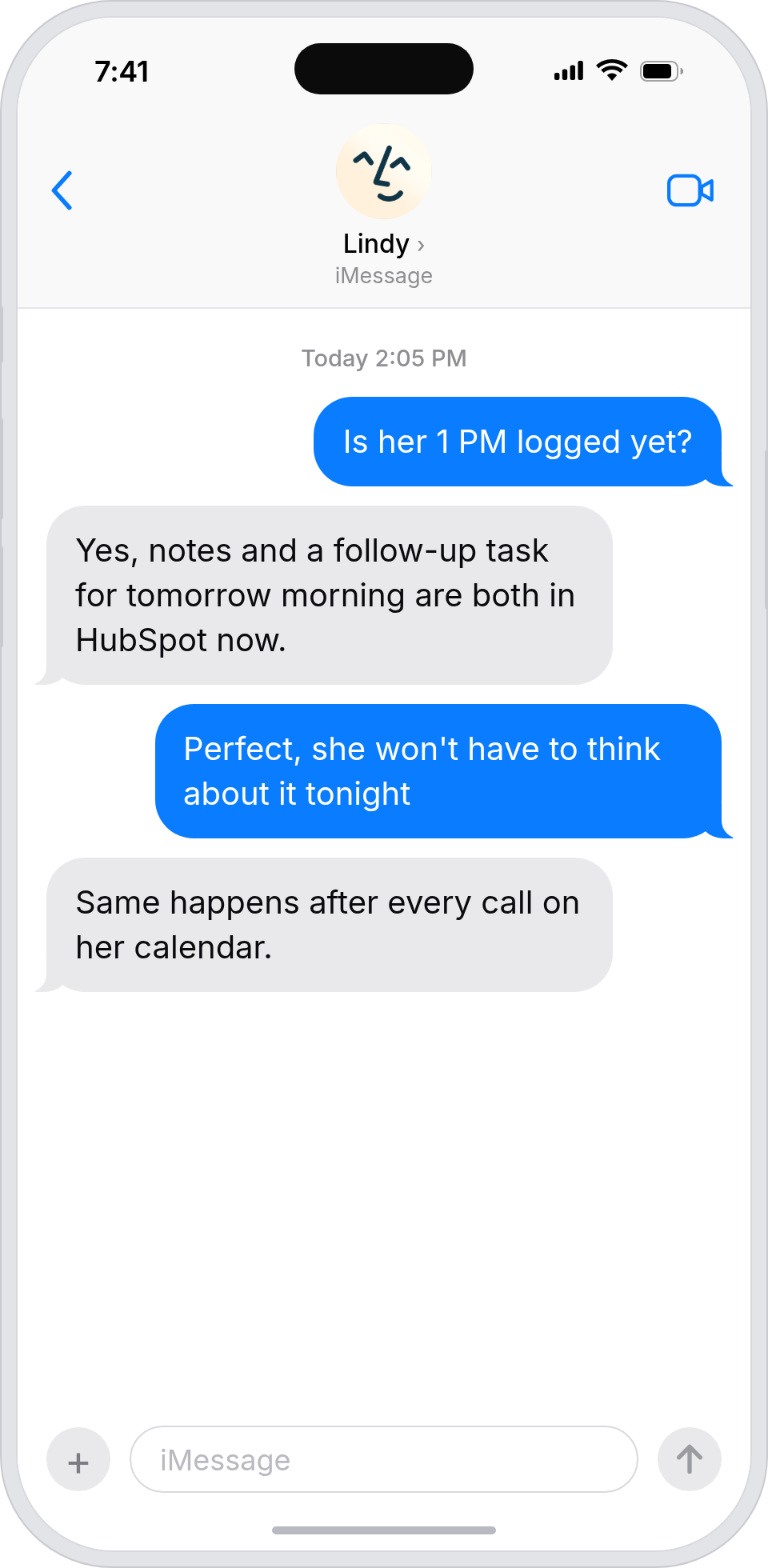
HubSpot stops being three weeks behind reality
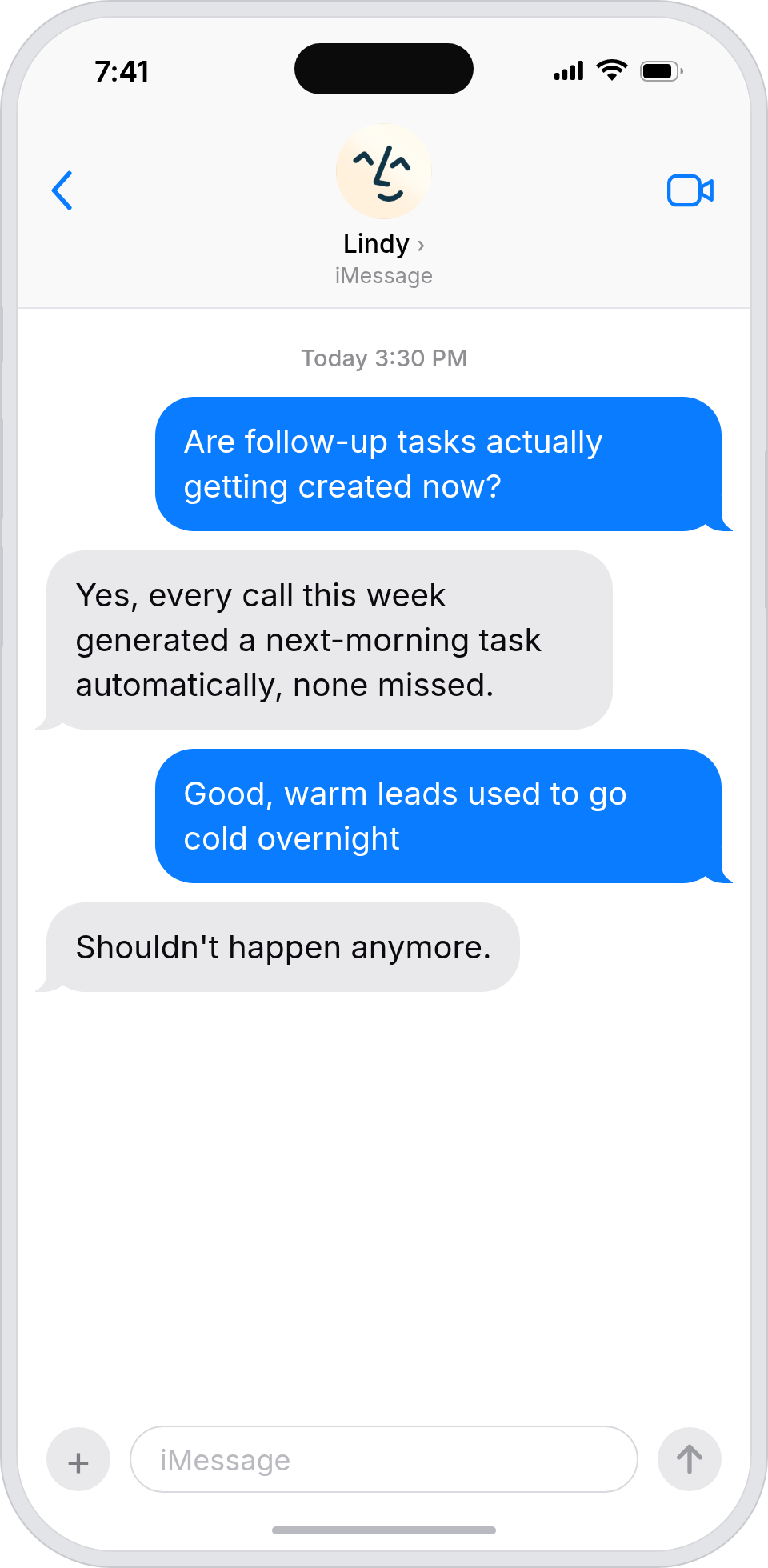
Lindy logs call notes into HubSpot automatically, so the team isn't relying on reps to remember to update the CRM.
A clean HubSpot without nagging the team
Lindy logs call notes to HubSpot after every meeting, so customer records reflect reality without anyone fighting to keep them updated.
Summarise more than just Slack
Summarising Slack is just the start. Here's what else Lindy can do.

Lindy reads your inbox overnight and sends you a clean digest of what matters before you start your day.

After every call Lindy writes structured notes and sends you a summary so nothing gets lost.

Lindy reads your Zendesk or Intercom queue and delivers a daily overview of open issues and priorities.
Not sure if Lindy can do it? Just ask.
Text your question and Lindy replies with exactly what it can do for you. No account, no sign-up. Just send a message.
Try for freeMore ways to use Lindy
Plenty more in the library. Pick the next one that fits your day.

Lindy reads your Gmail inbox each morning and sends you a quick summary of what came in.
Lindy checks your Google Calendar and books meetings without the endless email chain.
Lindy checks your Google Calendar and finds a time that works for everyone.

Lindy joins your Google Meet calls and takes notes so you don't have to.


AI Agents for HubSpot
Manually logging call notes in HubSpot after every meeting is a time sink, and most reps either skip it, do it hours later, or end up with incomplete records that make the whole CRM less useful.
Connect Lindy to HubSpot and it will transcribe your calls, create a structured note on the contact record, and update deal properties like next steps or call outcome without you touching anything.

A skill shows you a real-world task Lindy can handle for you. It's there to inspire you and show what's possible, not a pre-built workflow you have to follow.
Yes. Sign up, connect the apps the skill needs, and you're ready to go. Most skills are up and running in minutes.
Lindy is your AI assistant. You tell it what you need in plain language and it takes care of the work, across your apps, on your schedule.
Each skill page lists exactly which apps are involved and whether they are required or optional. If you already use those apps, you're good to go.
No. Just tell Lindy what you want it to do and it figures out the rest. Skills are there to show you what's possible and get you started.
Almost certainly. Skills show what's possible, not what's limited. If you don't see what you need, just ask Lindy directly and it will figure it out.