


Relevance AI and n8n are both automation tools, but they focus on different aspects and cater to distinct users.
Relevance AI uses a low-code platform built for data labeling and agent workflows, while n8n gives you more control through a flexible, node-based builder. Lindy’s no-code interface is better for non-technical teams.
Here's what we’ll cover:
- What each platform does and the type of teams they're built for
- How Relevance AI and n8n stack up against Lindy
- Which platform is the best fit for your workflow?
- How we tested these tools for this comparison
- When Lindy becomes a better fit for real-world automation
Let's kick off with a side-by-side comparison.
Relevance AI vs. n8n vs. Lindy: Quick comparison
All of these tools help you build workflows, but their approach, complexity, and ideal user profiles are very different.
Here’s a side-by-side comparison of their capabilities:
Let’s now explore these tools in detail.
Relevance AI
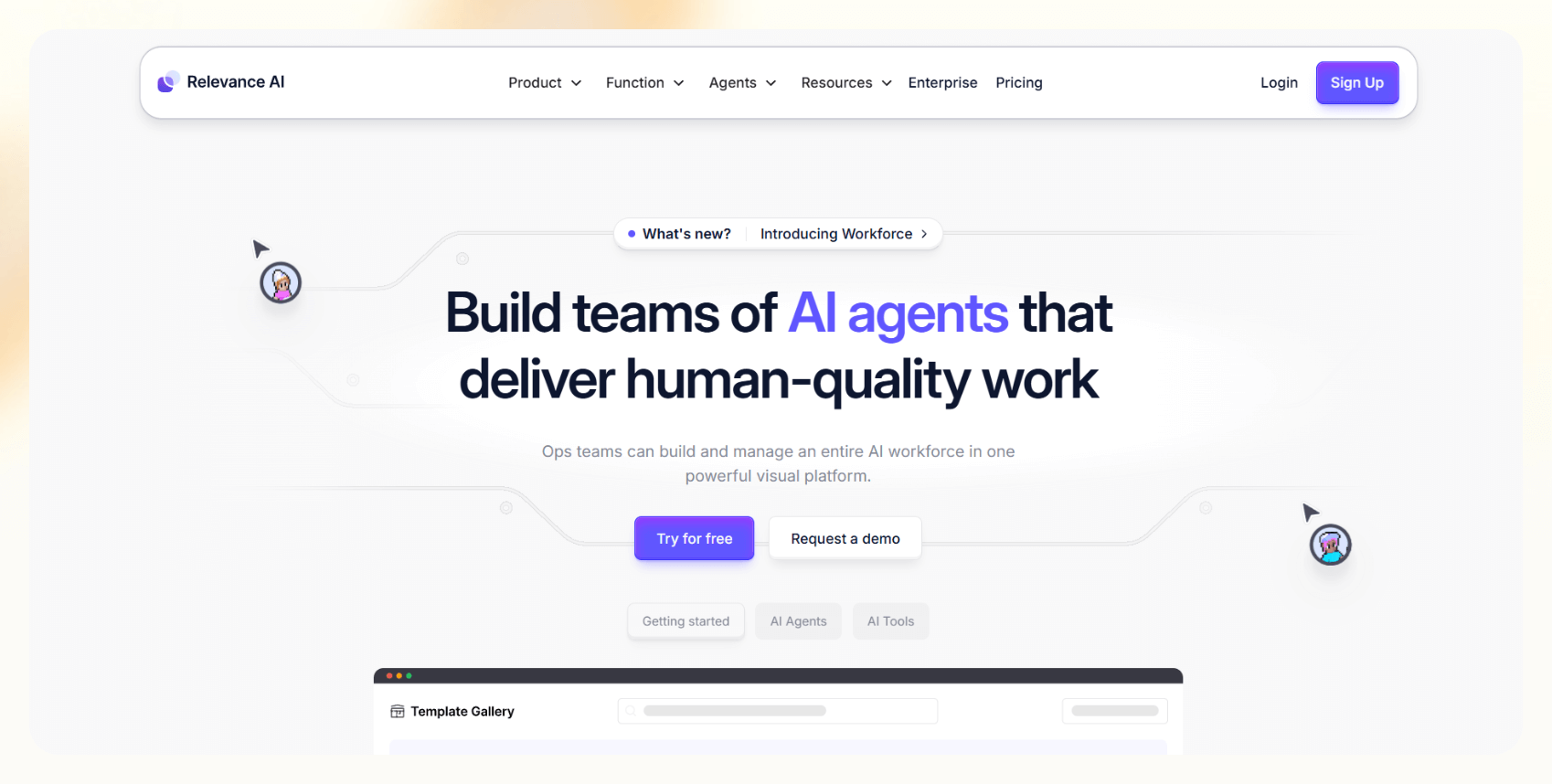
Relevance AI is a low-code automation platform focused on building modular AI agents. It's used by operations, sales, and marketing teams to automate tasks like lead qualification, pricing, research, and support without deep backend coding. It works best for semi-technical teams that can navigate APIs and credit-based pricing.
Features
Relevance AI lets you build multi-agent workflows, sync them with external tools, and connect them to your knowledge base.
Key features include:
- Visual drag-and-drop agent builder
- Multi-agent orchestration
- Advanced knowledge base
- Prebuilt agents for outreach, pricing, support, and SEO
- LLM support
- Integrations via Zapier, LinkedIn, Slack, and CRMs
It's flexible, but more technical setups may require developer support.
Pricing
Pricing is based on a tiered, credit-based system. Every task consumes credits, depending on your plan and the complexity of the task. Additional storage and credits are available, but it can be hard to estimate usage at scale.
Pros
- Multi-agent workflows
- Knowledge base and context handling
- Useful agent templates for everyday use cases
Cons
- Pricing is complex and unpredictable at scale
- Limited integrations
- Learning curve for non-technical teams
n8n
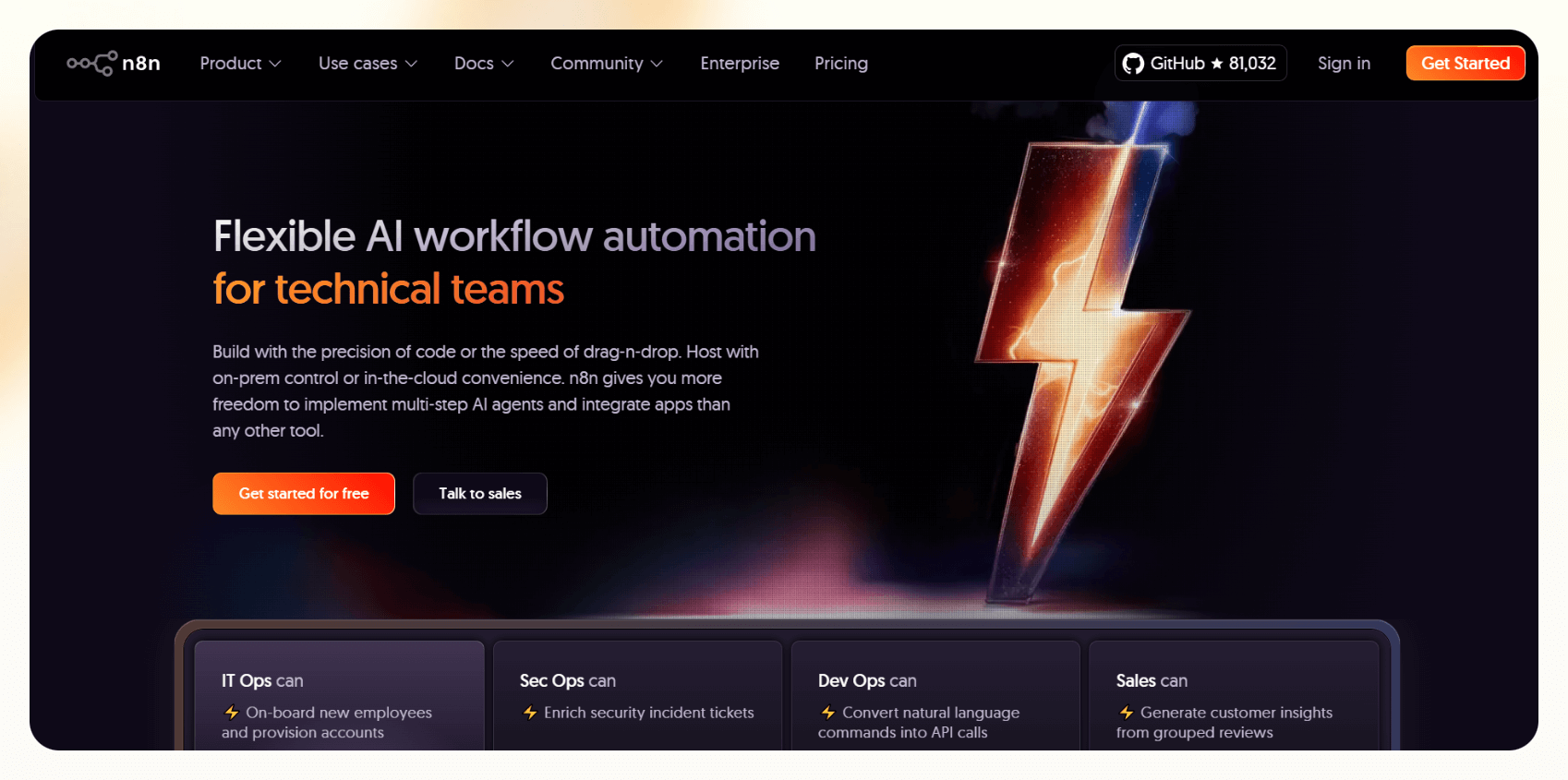
n8n is a workflow automation platform built for technical users. You can self-host it, extend it with code, and connect nearly anything using its extensive node library. If you've got engineering prowess and want to automate without SaaS limitations, n8n is the tool for you.
It's popular among DevOps, RevOps, and data teams that want to overcome the limitations of tools like Zapier or Make. If you aren’t among them, you’ll be better off going with its alternatives.
Features
n8n is modular. Here's what stands out:
- 500+ native nodes –– Slack, Airtable, Discord, Notion, HubSpot, and more
- Built-in conditional logic, loops, and branching
- Support for JavaScript code blocks inside workflows
- Native OpenAI and LangChain support for AI workflows
- Self-hosting via Docker, Kubernetes
- Built-in versioning, credentials, and runtime environment
You can build anything from CRM syncing to monitoring scripts or sales alerts. But you'll need technical fluency to get the most out of it.
Pricing
n8n pricing is straightforward. You can use the self-hosted version for free or the hosted cloud plans.
Pros
- Developer-friendly, with custom JS support
- Massive community and 1900+ shared workflow templates
- Great for building secure, private automations
Cons
- Steep learning curve for non-technical users
- No native AI agent builder — AI features require integration
- UI can feel heavy for long workflows
Lindy

Lindy is an AI automation platform designed for teams that want fast, no-code, multi-step workflows.
While Lindy’s core focus is building customizable AI agents, it also connects your apps via native and 2,500+ partner integrations — enabling cross-tool automation for emails, calls, meeting prep, CRM updates, lead routing, and more.
It's built for sales teams, support reps, operations folks, or any business that want AI automations without relying on engineering.
Features
Lindy simplifies conditionals, API calls, and LLM selection through a visual interface, so you still configure them, but without writing code.
Here's what's included:
- Drag-and-drop builder with logic blocks and conditions
- Multiple Lindies for different tasks that can collaborate
- AI-powered actions for email follow-ups, scheduling, and CRM updates
- Prebuilt templates for sales, support, ops, and admin tasks
- Knowledge base
- Customizable AI agents
- 2500+ integrations via Pipedream partnership, including native integrations with tools like Slack, HubSpot, Gmail, Notion, and more
- Webhook support
- Human-in-the-loop flows
It also shines for teams automating repetitive follow-ups or outreach, like automated lead follow-up systems and outbound sales automation.
Pricing
Lindy's pricing is flat and credit-based, with transparent tiers and no surprise charges.
Credits cover everything from emails and calls to agent actions. You can mix-and-match workflows across different use cases without paying per integration.
Pros
- No-code, AI-native, and beginner-friendly
- Fast to deploy, even for complex workflows
- Prebuilt templates cover many common B2B automations
- Highly capable for outbound, support, and internal ops tasks
Con
- Not designed for developers who want raw code or deep backend control
{{templates}}
Now that we’ve covered each tool in detail, let’s look at how to choose the right one for your specific needs.
Which should you choose?
Each of these tools solves automation differently. Choosing the right one depends on your workflow needs, technical resources, and priorities.
Let's break it down:
- Choose Relevance AI if you want to build multi-agent systems for outbound sales, or customer support, and you've got technical support in-house. It's excellent for agent-based thinking, especially in ops-heavy or AI-first organizations, but you'll need to monitor credit usage and integrations.
- Choose n8n if you're a technical user or developer team looking for complete control over logic, flow, and infrastructure. It's unbeatable to self-host, customize deeply, or build complex automations behind your firewall. But for most business users, it's overkill.
- Choose Lindy if your team needs speed and autonomy. You want something you can launch in under 30 minutes, without engineering involvement, and you still wish to bake AI into everything. It's powerful if you're looking to automate lead outreach, meeting prep, or email follow-ups without writing a single line of code.
Now that we understand how each tool works, let’s compare their pricing and the value they offer.
Pricing comparison
Now that we've looked at features and ideal use cases, let's compare what these tools cost, because functionality only matters if it fits your budget and usage pattern.
Here's how they stack up:
n8n pricing may seem a bit unfair, especially the limit on workflows and executions you have in the Starter plan. Relevance AI pricing starts low, but it's easy to underestimate credit burn with agents that call external APIs or process large datasets.
Lindy strikes a middle ground, offering a free tier for testing and then paid plans with transparent pricing. This is ideal for scaling workflows across departments.
If pricing predictability and usability are equally important to you, Lindy's structure will likely feel the least restrictive.
With value and pricing clear, let’s move to how we tested these tools.
How we tested these tools
To evaluate how each platform performs in practice, we built the same simple workflow on all three: capture a lead via form, sync it to a CRM (HubSpot), and send a follow-up email.
This type of workflow is a good proxy — it touches forms, data, integrations, logic, and messaging.
Here's how each tool handled it:
Ease of setup
- Lindy: Took ~10 minutes. Used a prebuilt template, customized some fields, and connected HubSpot + Gmail without code.
- Relevance AI: Took ~45 minutes. Required building two agents, configuring credit usage thresholds, and testing webhook handoffs.
- n8n: Took ~1 hour. Required manual HubSpot token setup and scripting a few logic conditions in JavaScript.
Workflow flexibility
- n8n: Most flexible, especially for backend logic.
- Relevance AI: Solid if you build around its agent system. But customizing edge cases can get tricky.
- Lindy: It is not as granular as n8n, but it is more than enough for most B2B tasks and is way faster to configure.
AI support
- Lindy: Native AI agent actions for follow-ups, task enrichment, and meeting prep.
- Relevance AI: Strong AI agent engine, but setup is heavier, and LLM usage burns credits.
- n8n: No native AI — needs manual OpenAI or LangChain setup.
Business-readiness
- Lindy: Plug-and-play. Most automations can be shipped the same day.
- Relevance AI: Enterprise-ready if you've got IT help.
- n8n: Feels like a developer tool, not a business one.
Results
Lindy delivered the fastest value for a team without engineers. It's ideal if you need repeatable, AI-driven workflows that work.
n8n was powerful, but it felt like overkill for a business workflow. Relevance AI struck a nice middle ground for AI-heavy use cases, but required more setup and ongoing oversight.
Frequently asked questions
What's the biggest difference between Relevance AI and Lindy?
Relevance AI is built around low-code logic. It's flexible but assumes some technical fluency. Lindy is entirely no-code, with native AI capabilities and faster setup. It is better suited for business users who need autonomy without digging into configuration menus.
Can I use n8n for AI agent workflows?
Yes, you can, but you must have the technical skills and time to set it up. It requires manually integrating OpenAI, LangChain, or other LLMs. There's no native AI agent functionality, so you must handle memory, context, and prompting independently.
Is Lindy better for non-technical teams?
Yes, Lindy is a strong fit for non-technical teams. It’s designed so sales, ops, and support teams can build automations without writing code or relying on developers — saving time on tasks like lead follow-ups and email workflows.
Which tool integrates better with Slack, Notion, or HubSpot?
n8n and Lindy both offer strong native integrations with these tools. Relevance AI also supports them, often via Zapier or manual API configurations.
Can I export workflows in n8n or Relevance AI?
- n8n: Yes, via JSON export or Git-based workflow storage.
- Relevance AI: Workflow portability is limited and often tied to the dashboard UI.
- Lindy: Doesn't offer raw exports but allows cloning and team-wide sharing of templates.
Does Lindy work for outbound sales and customer support?
Yes. You can use Lindy’s dedicated agents and templates for cold email outreach, CRM updates, support ticket triage, and follow-ups.
Is Relevance AI suitable for complex backend flows?
Yes, you can create complex backend flows with Relevance AI if you have the technical support. API usage, memory handling, and multi-agent coordination require thoughtful planning.
What level of customization does each allow?
- n8n: Total control if you can code.
- Relevance AI: Medium — modular agent logic with low-code branching.
- Lindy: High customization without code — enough for 90% of use cases, especially in B2B.
Which tool is best for automating meeting follow-ups or emails?
Lindy is a top option for automating both. Its AI agents can send follow-up emails based on meeting outcomes, summarize conversations, update your CRM, and even trigger reminders — all without writing code. You define the logic and Lindy handles the rest.
{{cta}}
Let Lindy be your AI-powered automation app
If you need an intuitive solution for automating emails, meetings, and sales processes, consider Lindy.
Out of all the Relevance AI and n8n alternatives, Lindy can be a great option because of these key benefits:
- Simple no-code interface: You won’t need coding, programming, or technical skills to create your automations with Lindy — it offers a drag-and-drop visual workflow builder.
- AI agents customized to your needs: You can make versatile AI agents that understand plain English and accelerate your productivity in many ways. For instance, create a Lindy that bolsters your sales funnel by finding leads from websites and business intelligence sources like People Data Labs. Then, make a Lindy that sends out emails to each lead and schedules meetings with members of your sales team.
- Affordability: Build your first few automations with Lindy’s free version and get up to 400 tasks. With the Pro plan, you can automate up to 5,000 tasks, which offers much more value than Lindy’s competitors.





%20(1).png)
%20(1).png)
.png)
.jpg)


.png)


