


AI Recruiting: Top 9 Tools for 2026 [Tested and Compared]


I spent weeks testing AI recruiting software used by internal teams and agencies, and dissecting their benefits and use cases. These are the 9 tools that deliver accuracy and usability, and meet hiring needs in 2026.
Top 9 AI recruiting tools: At a glance
Among the 20+ AI recruiting tools I tested, these are the ones that made the most impact on hiring workflows, whether you are seeking applicants or searching for the right candidate. Here’s how they compare side-by-side:
| Tool | Best For | Key Features | Pricing (billed monthly) |
|---|---|---|---|
| Hirevue | Enterprise-grade volume hiring | Video interviews, predictive assessments, and structured interview guides | Contact sales |
| Paradox | High-volume hiring with chat-based AI | Conversational AI assistant, automated scheduling, mobile-first candidate flow | Schedule a demo to learn more |
| Eightfold | Enterprise talent optimization | AI talent matching, internal mobility tools, and integrates with SAP and Workday | Contact sales |
| Fetcher | Diversity-focused sourcing automation | AI sourcing, personalized outreach, and DEI-focused (diversity, equity, inclusion) talent pipeline tools | Starts at $499/month |
| Manatal | Small teams needing ATS + AI combo | Resume parsing, job board distribution, and candidate recommendations | Starts at $19/user/month |
| Humanly | Mid-market conversational screening | Conversational AI, automated interview scheduling, analytics panels | Contact for pricing |
| Torre | Startups hiring across industries | AI matching, job distribution, integrations with Workday, Deel, and more | $99/user/month |
| Hirefly | SMBs needing sourcing and engagement | AI sourcing, customizable career pages, and an integrated ATS pipeline | From $29/month |
| Skillate | Improving speed and quality of hire | Chatbot screening, job description assistant, and resume parsing | Get in touch with the sales team |
Next, we explore them in detail, with their pros and cons.
1. Hirevue: Best for structured candidate evaluation at scale
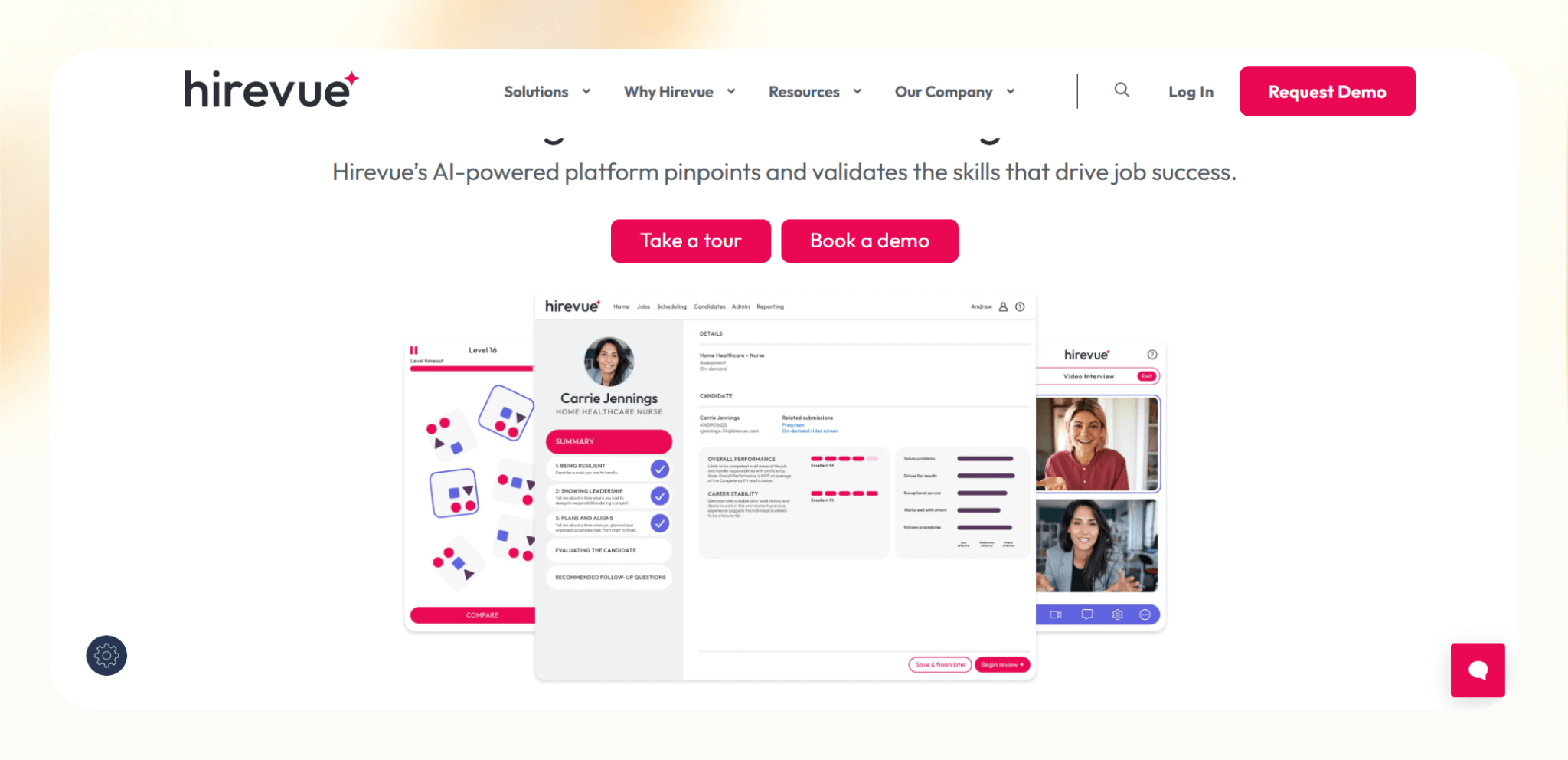
What it does: Hirevue evaluates candidates using video interviews and assessments to standardize early hiring decisions.
Who it’s for: Enterprise recruiting teams, campus hiring programs, and employers filling high-volume roles.
I tested Hirevue in early-stage screening workflows where consistency matters more than speed. It worked best when replacing first-round interviews across large candidate pools. The platform enforced structured questions and scoring, which helped reduce interviewer variance. For smaller teams or specialized roles, it felt more complex than needed.
Key features
- On-demand video interviews: Candidates record responses on their own schedule, which speeds up early screening.
- Live interview tools: Interviewers score candidates using structured rubrics during real-time interviews.
- Pre-built assessments: Cognitive and job-related assessments support standardized evaluations.
- Interview analytics: Centralized scoring data helps teams compare candidates consistently.
Pros
- Strong consistency across interviews: Hiring teams evaluate candidates using the same criteria every time.
- Scales well for volume hiring: Recruiters screen large applicant pools without adding interview hours.
- Well-suited for campus programs: One-way interviews work well for early-career pipelines.
- Enterprise-ready governance: Admin controls support compliance and structured hiring policies.
Cons
- High cost: Pricing limits access for SMBs and growing teams.
- Candidate experience can feel impersonal: One-way interviews lack real interaction.
- Limited flexibility outside screening: The platform focuses narrowly on evaluation stages.
Pricing
- Custom enterprise pricing, billed annually
Bottom line
Hirevue makes sense for organizations that need structured, repeatable candidate evaluations at scale. If consistency and volume matter more than personalization, it delivers.
2. Paradox: Best for conversational candidate engagement and scheduling
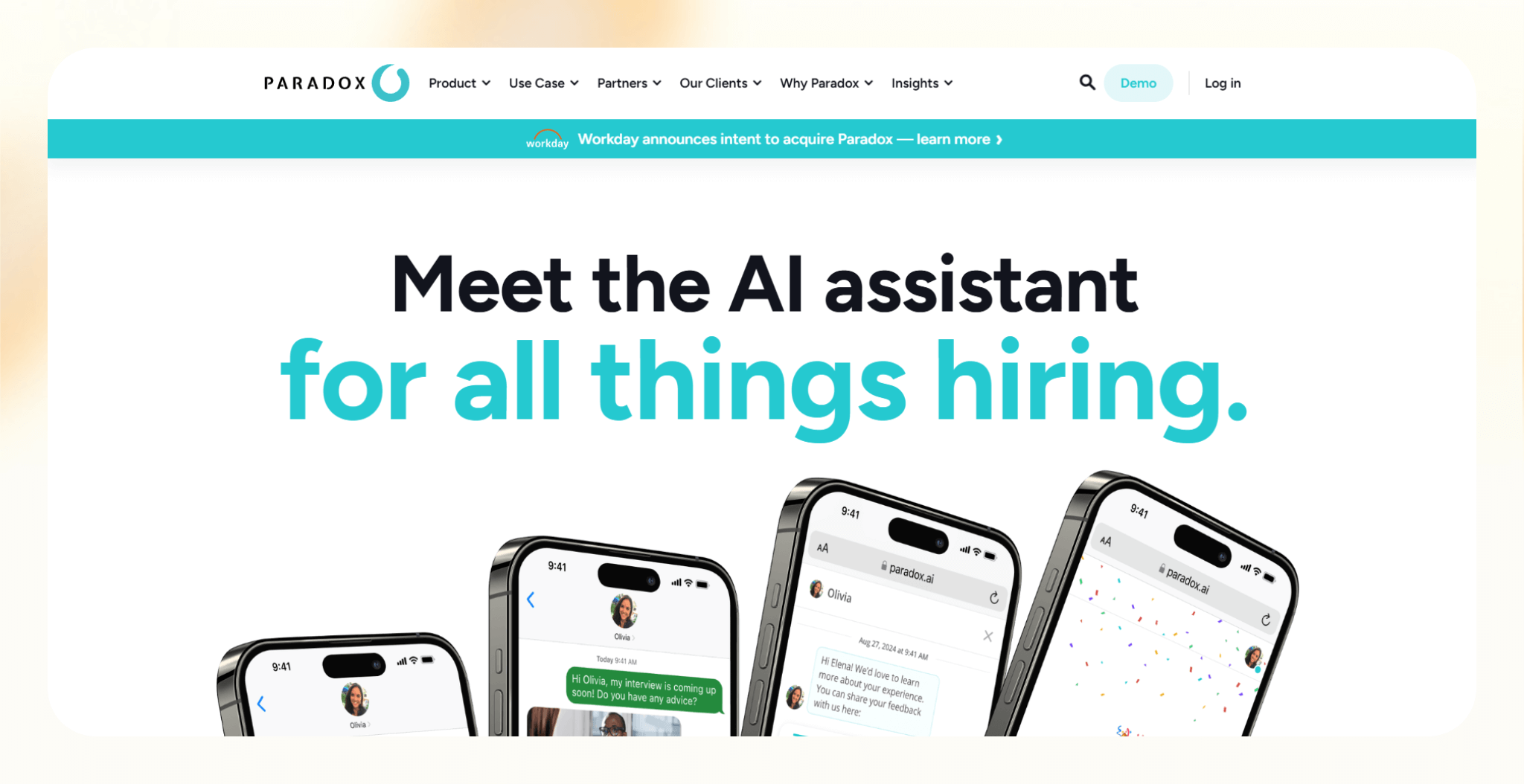
What it does: Paradox uses a conversational AI assistant to engage candidates, answer questions, and automate interview scheduling.
Who it’s for: High-volume hiring teams in retail, hospitality, healthcare, and frontline roles.
I tested Paradox in workflows where speed and responsiveness matter more than deep evaluation. It performed best on career sites and job pages, where candidates expect quick answers and fast scheduling. The assistant handled repetitive questions well and reduced recruiter back-and-forth, especially during peak hiring periods.
Key features
- Career site chat assistant: Engage candidates instantly and guide them through the next steps.
- Automated interview scheduling: Book interviews without recruiter involvement, even at scale.
- FAQ handling: Answer common candidate questions consistently, reducing inbox load.
- ATS integrations: Sync candidate data and interview status with existing systems.
Pros
- Fast candidate response times: Candidates get answers and schedules without waiting on recruiters.
- Strong fit for hourly hiring: Works well for roles with high applicant volume and simple requirements.
- Reduces recruiter admin work: Cuts down time spent answering repetitive questions.
- Clear deployment focus: Excels in engagement rather than trying to cover the full hiring lifecycle.
Cons
- Narrow use case: Limited value outside engagement and scheduling.
- Enterprise-only sales motion: Smaller teams may struggle to justify the cost.
- Less control over conversation depth: Complex role-specific questions still require humans.
Pricing
- Custom enterprise pricing via demo
Bottom line
Paradox fits teams that need faster candidate engagement at scale. If scheduling and responsiveness slow your hiring down, it delivers.
3. Eightfold: Best for enterprise talent intelligence and skills-based matching
What it does: Eightfold uses AI to match candidates and employees to roles based on skills, experience, and career paths.
Who it’s for: Large enterprises focused on internal mobility, workforce planning, and skills-based hiring.
I tested Eightfold in environments where hiring connects closely with long-term workforce strategy. It performed best when analyzing large internal and external talent pools to surface role fit beyond keyword matching. The platform acts like a talent intelligence system for organizations with complex hiring needs.
Key features
- Skills-based matching engine: Match candidates to roles using inferred skills rather than resume keywords.
- Internal talent marketplace: Surface internal employees for open roles, which supports mobility and retention.
- Career path insights: Show potential role progressions based on employee skills and experience.
- Workforce analytics: Provide hiring and skills data to support long-term planning decisions.
Pros
- Strong internal mobility support: Teams uncover qualified internal candidates they might miss otherwise.
- Handles complex hiring environments: Works well across regions, job families, and large datasets.
- Reduces reliance on resumes: Shifts hiring conversations toward skills and potential.
- Strategic value beyond recruiting: Supports broader workforce and retention initiatives.
Cons
- Implementation effort: Setup and data alignment take time and resources.
- Overkill for smaller teams: SMBs won’t use most of the platform’s depth.
- Long time to value: Benefits appear after sustained usage, not immediately.
Pricing
- Need to request a demo for a custom quote
Bottom line
Eightfold makes sense for enterprises treating hiring as part of their workforce strategy. If you need fast wins or lightweight recruiting tools, it’s more than you need.
4. Fetcher: Best for outbound candidate sourcing at scale
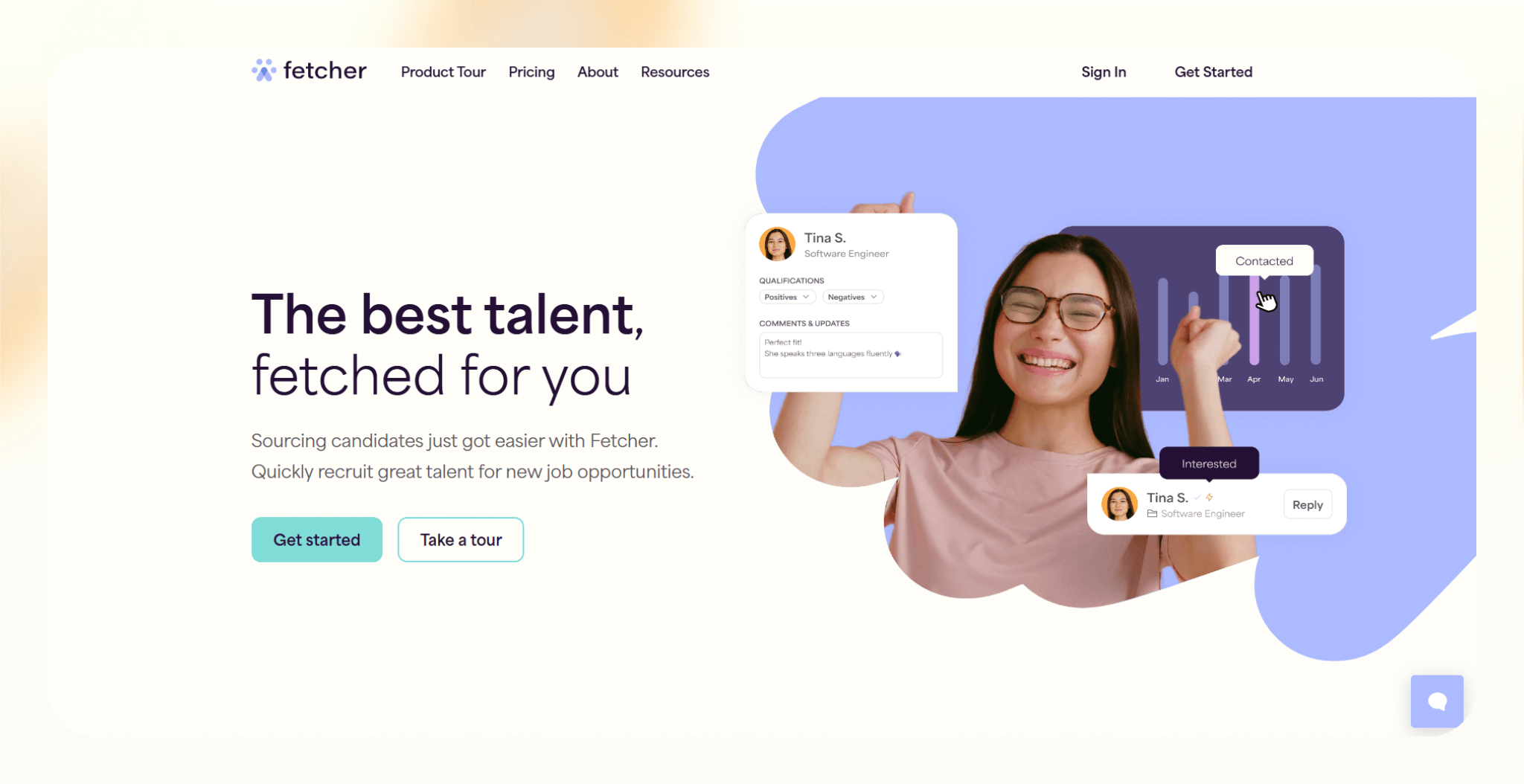
What it does: Fetcher builds outbound candidate pipelines using AI-supported and human-led sourcing.
Who it’s for: Internal recruiting teams and agencies hiring for hard-to-fill or high-skill roles.
I tested Fetcher in outbound-heavy workflows where inbound applicants weren’t enough. It worked best as a steady pipeline builder rather than a fast hiring tool. The platform consistently delivered relevant profiles, especially for technical and niche roles, but outcomes still depended on candidate response rates.
Key features
- Human-assisted sourcing: Recruiters curate candidate lists using AI signals, which improves relevance.
- Role-based sourcing briefs: Define hiring criteria upfront so sourcing stays aligned with role needs.
- Diversity-focused pipelines: Build candidate pools with diversity goals in mind.
- Candidate delivery cadence: Receive new candidates on a rolling basis instead of one-time lists.
Pros
- High-quality candidate profiles: Outreach targets feel more relevant than generic sourcing tools.
- Strong fit for niche roles: Works well when LinkedIn searches stop delivering results.
- Low recruiter effort: Teams spend less time searching and more time engaging candidates.
- Predictable pipeline flow: Steady candidate delivery supports ongoing hiring needs.
Cons
- Limited beyond sourcing: Fetcher doesn’t handle screening, interviews, or offers.
- Response rates vary: Success still depends on outreach messaging and market conditions.
- Less control over sourcing speed: Candidate flow follows Fetcher’s delivery schedule.
Pricing
- Paid plans from $499/month, billed monthly
Bottom line
Fetcher suits teams that need consistent outbound pipelines without building sourcing capacity in-house. If sourcing blocks your hiring process, it fills that gap well.
5. Manatal: Best for affordable AI-powered applicant tracking
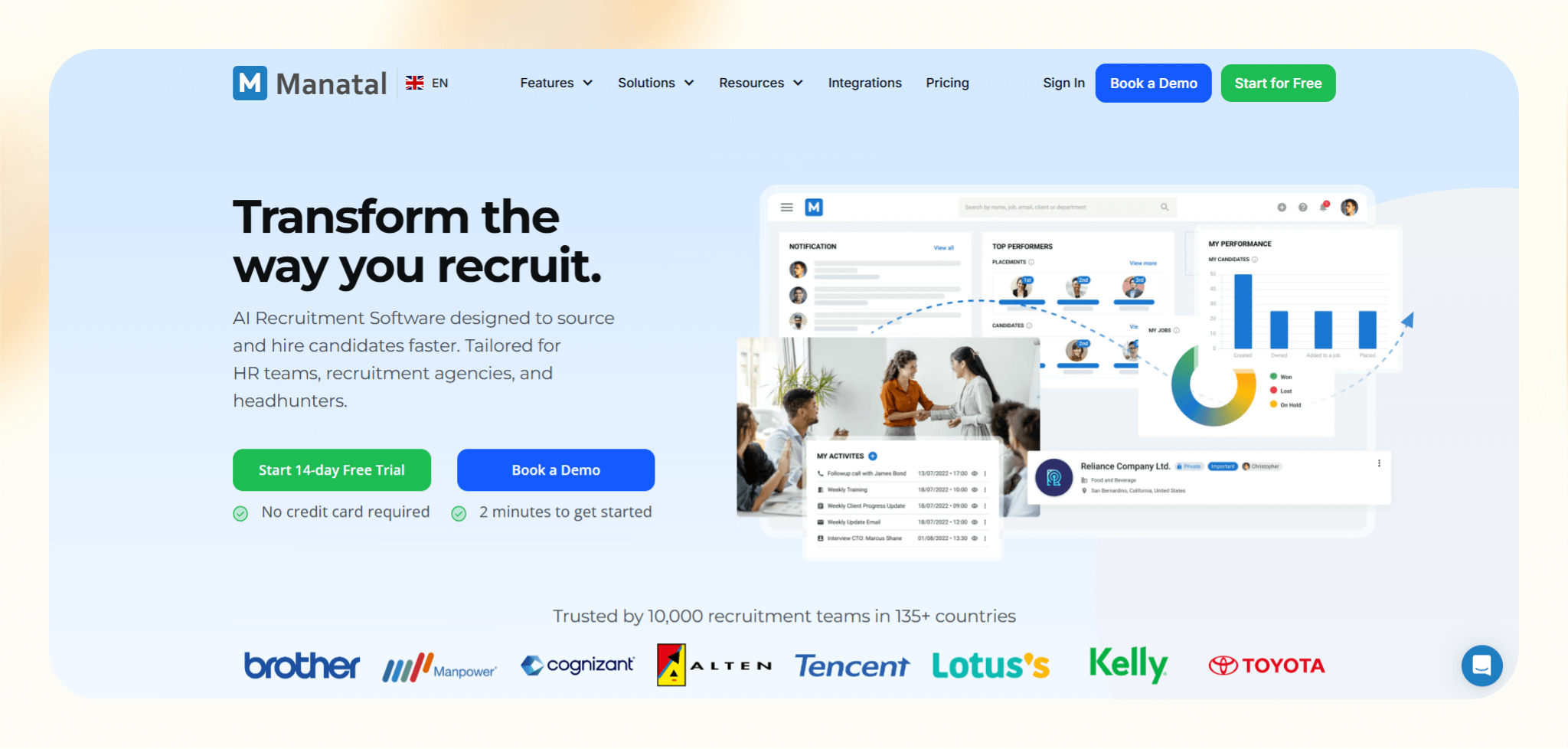
What it does: Manatal is an applicant tracking system that uses AI to organize, score, and manage candidates across the hiring pipeline.
Who it’s for: Small to mid-sized businesses and recruiting agencies that need an ATS with built-in AI support.
I tested Manatal as a full ATS replacement for teams that want structure without enterprise overhead. It handled day-to-day recruiting tasks well, from managing applicants to tracking pipeline stages. The experience felt practical rather than flashy, with enough AI assistance to speed decisions without getting in the way.
Key features
- AI candidate scoring: Rank applicants based on job fit to help recruiters focus on stronger matches.
- Resume parsing: Extract candidate data automatically, which reduces manual data entry.
- Social profile enrichment: Pull in public data from platforms like LinkedIn to add context.
- Pipeline management: Track candidates across customizable hiring stages in one view.
Pros
- Strong value for the price: Teams get ATS and AI features without enterprise contracts.
- Quick onboarding: Most recruiters can start using it with minimal setup time.
- Agency-friendly workflows: Supports multiple clients and job pipelines cleanly.
- Reliable day-to-day usability: The system stays out of the way during active hiring cycles.
Cons
- Interface feels dated: The UI lacks the polish of newer recruiting platforms.
- Limited automation depth: Advanced workflow automation requires external tools.
- Basic reporting: Analytics cover essentials but lack deeper insights.
Pricing
- 14-day free trial
- Paid plans from $19/user/month, billed monthly
Bottom line
Manatal fits teams that want a straightforward ATS with light AI support at a reasonable cost. If budget matters more than advanced automation, it’s a solid choice.
6. Humanly: Best for high-volume candidate screening via chat
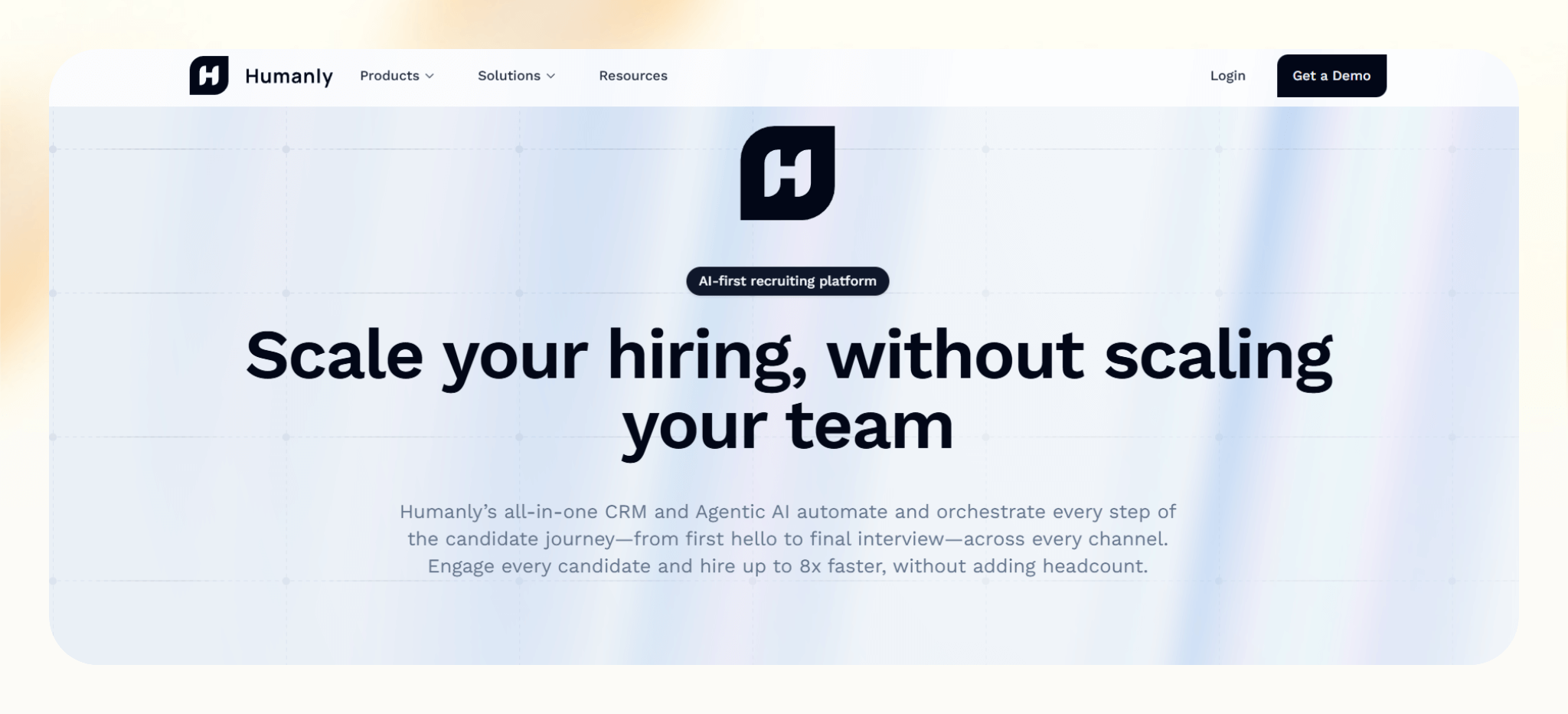
What it does: Humanly screens candidates through automated chat conversations to qualify applicants before recruiter review.
Who it’s for: Employers hiring at scale for hourly, frontline, and entry-level roles.
I tested Humanly in hiring flows where applicant volume overwhelms recruiters early. It worked best as a front-door filter, collecting availability, basic qualifications, and role fit before anyone reviewed resumes. The chat-first experience felt faster than traditional screening calls, especially for roles with clear requirements.
Key features
- Conversational screening: Ask role-specific questions through chat to qualify candidates quickly.
- Automated knockout logic: Filter applicants based on responses, which reduces unqualified reviews.
- Interview handoff: Pass qualified candidates directly into scheduling or recruiter queues.
- ATS syncing: Push screening data back into the ATS to keep records aligned.
Pros
- Cuts screening time significantly: Recruiters review fewer unqualified applicants.
- Suits hourly hiring: Works well when speed matters more than deep evaluation.
- Consistent candidate intake: Every applicant answers the same questions in the same order.
- Improves response rates: Chat feels easier than phone screens for many candidates.
Cons
- Limited flexibility for complex roles: Specialized hiring needs more nuanced evaluation.
- Conversation depth is fixed: Custom logic has boundaries compared to manual screens.
- Enterprise-oriented setup: Smaller teams may find it heavier than required.
Pricing
- Custom pricing after you request a demo
Bottom line
Humanly works best when volume creates screening bottlenecks. If early qualification slows your hiring down, it’s a practical way to regain speed.
7. Torre: Best for skills-based talent matching and discovery
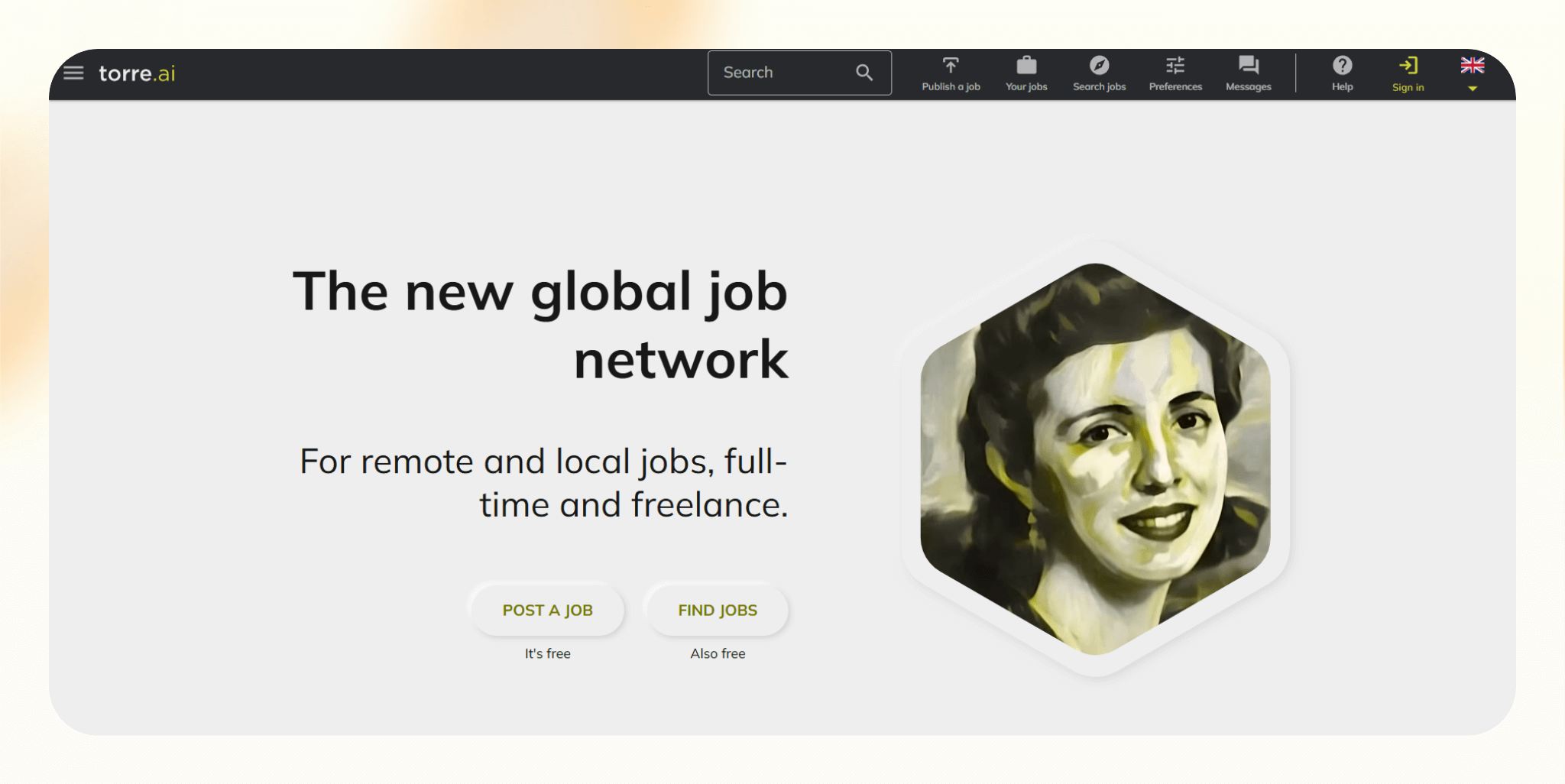
What it does: Torre matches candidates to roles using skills, preferences, and work style instead of traditional resumes.
Who it’s for: Startups, founders, and teams hiring globally or for project-based and flexible roles.
I tested Torre as an alternative to resume-driven sourcing. It worked best when hiring for skills-forward roles where pedigree mattered less than capability. The platform flipped the usual recruiter-led search by letting candidates express what they want and what they can do, which changed how matches surfaced.
Key features
- Skills-first profiles: Candidates showcase skills, interests, and work preferences beyond job titles.
- AI matching: Match roles to candidates based on fit signals rather than keywords.
- Candidate discovery tools: Browse and connect with talent directly inside the platform.
- Role clarity prompts: Define expectations upfront so matches reflect real requirements.
Pros
- Reduces resume bias: Hiring decisions focus more on skills and alignment.
- Candidate-led experience: Talent engages with roles that match their goals.
- Global reach: Access candidates across regions without a local sourcing setup.
Cons
- Smaller talent pool: Coverage lags behind larger networks like LinkedIn.
- Less recruiter control: Matching depends heavily on candidate input quality.
- Not for traditional pipelines: Enterprise hiring workflows feel constrained.
Pricing
- Free plan available
- Paid plans from $99/user/month, billed monthly
Bottom line
Torre suits teams that value skills and alignment over resumes. If traditional sourcing feels limiting, it offers a different perspective.
8. Hirefly: Best for AI-driven candidate screening and evaluation
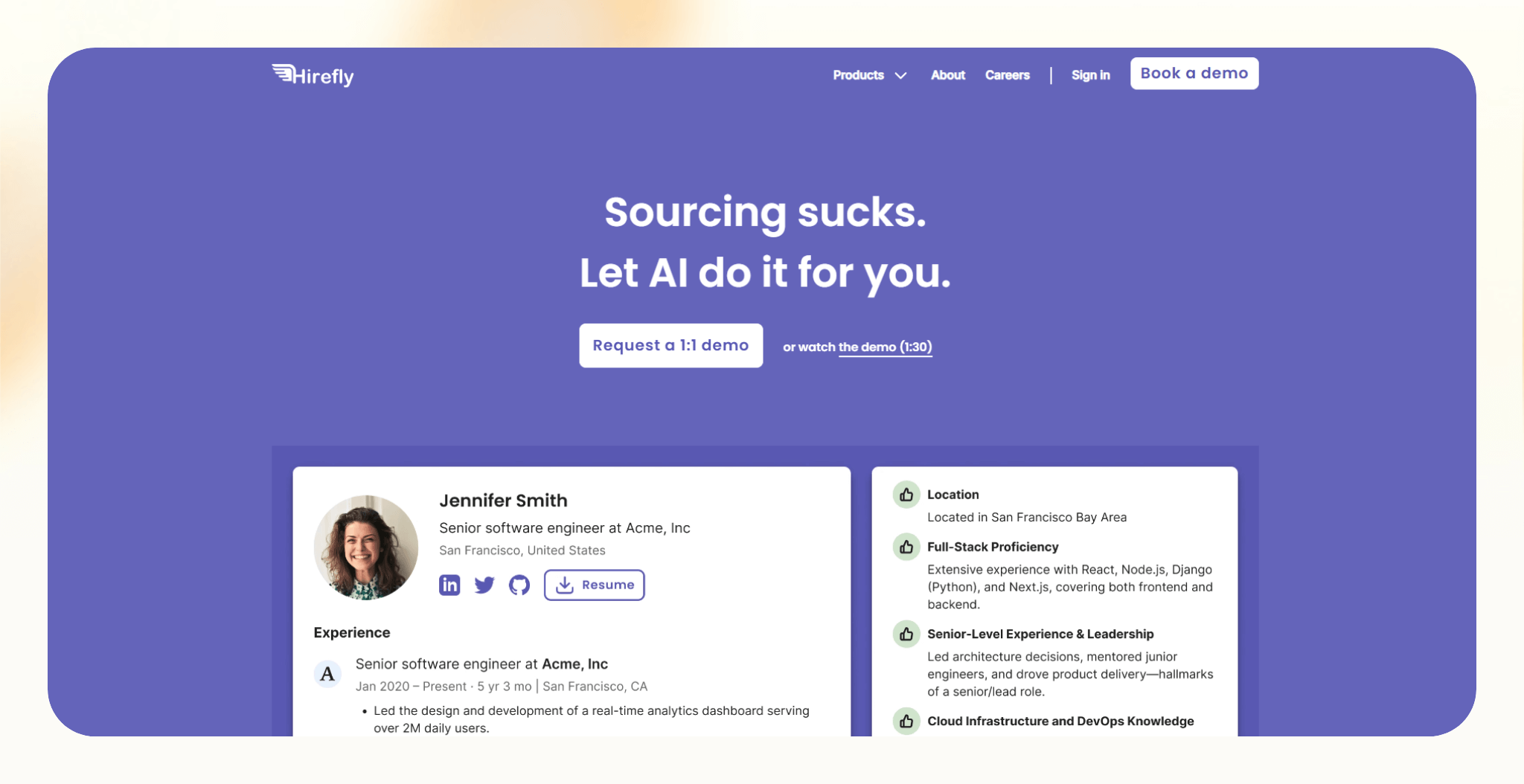
What it does: Hirefly screens and evaluates candidates using AI to assess fit before recruiters step in.
Who it’s for: Mid-sized companies modernizing early screening without moving to a full enterprise stack.
I tested Hirefly in hiring flows where resume reviews and first-round screens slowed progress. It worked best as a front-line evaluator, helping recruiters focus on stronger candidates sooner. The platform suits teams that want a better signal early, without overhauling their entire recruiting setup.
Key features
- AI resume evaluation: Analyze candidate profiles to surface stronger matches earlier.
- Structured interview scoring: Standardize how interview feedback gets captured and compared.
- Bias-aware assessment logic: Apply consistent evaluation criteria across candidates.
- ATS integrations: Sync screening outcomes into existing applicant tracking systems.
Pros
- Improves early signal quality: Recruiters spend time on candidates with clearer role alignment.
- Reduces manual resume review: Screening effort drops during high application periods.
- Easier adoption than enterprise tools: Teams ramp faster without long implementations.
Cons
- Smaller integration ecosystem: Fewer native connections than larger platforms.
- Limited workflow customization: Complex hiring processes may feel constrained.
- Less visibility into AI logic: Teams may want more transparency around scoring models.
Pricing
- No free plan, only a 14-day free trial
- Paid plans from $29/month, billed monthly
Bottom line
Hirefly works well for teams that want better screening without enterprise complexity. If early evaluation creates bottlenecks, it helps recruiters move faster with more confidence.
9. Skillate: Best for enterprise-grade AI screening and ATS workflows
What it does: Skillate uses AI to rank, screen, and manage candidates within a full applicant tracking system.
Who it’s for: Large organizations and regulated industries that need structured, skills-based hiring at scale.
I tested Skillate in enterprise hiring environments where consistency and auditability matter. It worked best when replacing legacy ATS workflows that rely heavily on manual resume reviews. The platform emphasized standardized screening and compliance-friendly processes rather than recruiter flexibility or speed.
Key features
- AI resume ranking: Score and rank candidates based on skills and job relevance.
- Skills-based screening: Evaluate applicants using role-specific criteria instead of keyword matches.
- End-to-end ATS workflows: Manage requisitions, pipelines, and hiring stages in one system.
- Compliance controls: Support structured hiring processes required in regulated industries.
Pros
- Suits enterprise hiring: Handles complex approval chains and large applicant volumes.
- Consistent screening outcomes: Teams apply the same evaluation logic across roles and regions.
- Reduces recruiter subjectivity: Structured scoring limits ad hoc decision-making.
- Designed for regulated environments: Governance features support compliance needs.
Cons
- Long onboarding cycles: Implementation takes time and internal coordination.
- Limited flexibility: Custom workflows feel rigid compared to lighter ATS tools.
- Not SMB-friendly: Smaller teams won’t benefit from its full feature set.
Pricing
- No free plan
- Custom pricing based on your needs
Bottom line
Skillate suits enterprises that prioritize structured, skills-based hiring over speed or flexibility. If compliance and consistency drive your recruiting decisions, it’s a strong fit.
AI features for recruiting: TL;DR
After testing and shortlisting the top 9 AI tools for recruiting, I found the most important AI features that make these tools effective. Here’s what they do and how they help recruiters:
| Feature | Tasks executed | Strategic impact | Pain points it solves |
|---|---|---|---|
| AI sourcing | Scans and ranks resumes faster | Speeds up hiring and finds top talent fast | Slow hiring, resume overload, and unqualified candidate mismatches |
| AI recruiting | Automates follow-ups, updates, and scheduling | Improves engagement, saves recruiter time | Missed follow-ups, low outreach, and poor communication |
| Machine learning algorithms | Analyze skills, experience, and other data points to recommend candidates most likely to succeed | Raises quality-of-hire, reduces mismatches | Manual shortlisting, bad hires, and interview inconsistency |
| Ethical analysis | Ensures fair, bias-aware, and compliant hiring decisions | Builds trust and meets compliance standards | Biased screening, lack of transparency, and legal risk |
How AI is changing recruitment
AI automates hiring tasks that were previously manual. It accelerates candidate screening, communication, and hiring decisions. Here are some ways AI-driven recruiting tools impact recruiting:
- Increased speed: AI recruiting tools reduce the time it takes to identify and engage qualified candidates. By parsing and analyzing thousands of resumes, these systems can discover top matches within seconds.
- Better quality candidates: AI identifies keywords in resumes and considers skills, work history patterns, and contextual alignment with role requirements.
- Supports hiring at scale: AI enables consistent communication and engagement across large applicant pools. Tools like AI recruiting assistants can personalize messages, schedule interviews, and send updates.
- Fairness: AI recruiting models can minimize the impact of demographic data and apply consistent criteria to every candidate.
AI recruitment tools give recruiters the insights and bandwidth to focus on onboarding the right prospects.
Benefits of AI in talent acquisition
Benefits like smart candidate sourcing and accelerated resume screening directly address the bottlenecks in talent acquisition. Here are 5 key ways that AI-driven recruiting is bolstering the hiring process and helping pinpoint the most qualified candidates:
Smarter sourcing
AI recruiting tools help teams find candidates instead of waiting for applications. Teams can use them to scan job boards, professional profiles, and existing ATS data to surface people who match open roles. This approach expands the talent pool beyond inbound applicants.
These tools also highlight candidates recruiters may overlook. AI evaluates skills, experience, and career patterns to guide outreach. Recruiters still assess motivation and culture fit, but the initial pipeline comes in sharper and more relevant.
Faster screening
Resume review slows hiring down more than most teams expect. AI recruiting speeds this up by parsing resumes and matching candidates to role requirements automatically. I’ve seen this cut early screening time significantly when application volume spikes.
Some platforms also analyze context and sentiment in candidate responses. That extra signal helps recruiters focus attention on stronger matches earlier in the process.
Automated workflows
AI recruiting tools handle repetitive coordination tasks like interview scheduling, reminders, and status updates. Automation keeps candidates moving through each stage without manual follow-ups. Tools like Lindy already work this way, picking up a scheduling request and turning it into a booked interview.
By reducing handoffs and admin work, recruiters spend more time reviewing candidates and working with hiring managers instead of managing logistics.
Data-driven decisions
AI recruiting platforms analyze hiring data and suggest next steps, including which candidates to advance or prioritize. Scoring models often combine skills, experience, and past performance indicators to support these recommendations.
Predictive insights such as time-to-hire help teams spot delays, adjust workflows, and plan hiring around growth goals.
Improved candidate experience
AI recruiting supports faster, more consistent communication throughout the hiring process. Candidates receive timely updates, relevant messages, and quicker responses without waiting for recruiter availability.
This consistency improves engagement and strengthens employer brand perception, especially in competitive markets where experience influences acceptance decisions.
Use cases across industries
AI recruiting shows the most value when hiring pressure meets complexity. I’ve seen it work best in industries where speed, accuracy, and volume all matter at once. Here are three sectors where AI recruiting already plays a clear role:
Healthcare
Healthcare teams use AI recruiting to fill roles faster while staying compliant. I’ve seen hospitals rely on AI to screen resumes for required certifications like ACLS, PALS, and state-specific nursing licenses before a recruiter ever reviews an application.
These systems cross-check credentials against role requirements and surface only qualified candidates. During staffing shortages, this speed matters. Faster onboarding helps teams respond to patient demand without sacrificing compliance, which directly affects care quality.
Tech
Tech hiring combines high standards with intense competition. AI recruiting platforms help teams source engineers directly from places like GitHub by analyzing code contributions and collaboration history.
For example, a SaaS team might use AI to identify React developers contributing to libraries tied to their stack. The system then supports personalized outreach, interview scheduling, and even interview prep based on the candidate’s technical background.
Retail
Retail hiring often spikes with little warning, especially during seasonal peaks. I’ve seen AI recruiting help teams process large applicant volumes quickly and move candidates into interviews with minimal manual work.
These tools match applicants to roles like cashiers or stock associates based on location, availability, and experience. They also handle follow-ups, scheduling, and onboarding steps. That consistency helps stores stay staffed when demand surges without overwhelming managers.
Ethical and legal considerations of AI recruitment
AI recruiting speeds hiring up, but it also introduces real risks if teams don’t oversee it carefully. I’ve seen problems surface when companies rely on automated decisions without understanding how systems behave.
These are the main areas teams need to evaluate before adopting AI recruiting tools:
Transparency in AI recommendations
Hiring teams need visibility into how AI ranks, filters, or rejects candidates. When the tools give your results without clear explanations, it becomes hard to trust or defend decisions. Transparent platforms show why a candidate scores higher and which inputs influence outcomes, which helps recruiters stay accountable.
Bias detection and mitigation
AI systems can amplify bias when training data reflects past hiring patterns. Good AI recruiting platforms flag bias signals and allow teams to adjust criteria across screening and interview stages. Ongoing monitoring matters, since bias doesn’t disappear after setup.
EEOC and GDPR compliance
Recruiting systems must follow regulations like EEOC rules in the US and GDPR in the EU. These standards require non-discriminatory hiring practices and clear data handling. Tools that track consent, decisions, and data usage reduce legal exposure.
What does the future look like for AI recruiting?
AI recruiting in the future will be a system that can manage parts of the hiring workflow on its own. I’m already seeing tools handle sourcing, screening, and scheduling together, instead of as disconnected steps.
Deloitte claims that AI agents will handle recruiting workflows and tasks like sourcing candidates, qualifying them against role criteria, scheduling interviews, and triggering internal handoffs. Recruiters stay in control, but the system handles quick execution.
Another shift involves real-time market intelligence. AI recruiting platforms increasingly analyze hiring demand, skill availability, and candidate behavior as it changes. It helps teams adjust role requirements, outreach strategy, and hiring timelines before bottlenecks appear, not after.
I’m also seeing more emphasis on explainability and governance by design. As AI takes on more responsibility, platforms expose decision logic, scoring inputs, and audit trails by default. It supports compliance while making AI recommendations easier to trust.
Hiring won’t become hands-off, but it will become more coordinated. AI recruiting will reduce delays, surface better signals earlier, and let recruiters focus on judgment instead of logistics.
Frequently asked questions
Is AI recruiting better than traditional recruiting?
Yes, AI recruiting is generally better than traditional recruiting for speed, consistency, and handling repetitive tasks. However, human recruiters still evaluate motivation, communication, and culture fit. While AI handles high-volume repetitive tasks, the best hiring results come from a combination of AI efficiency and human judgment.
Can AI replace human recruiters?
No, AI cannot replace human recruiters as it cannot handle sensitive conversations, evaluate nuanced communication, or judge culture fit during interviews. Recruiters manage relationship-building, negotiation, and complex decision-making, while AI supports their work by removing administrative tasks.
How does an AI recruiting assistant work?
An AI recruiting assistant sources candidates, parses resumes, sends follow-ups, and schedules interviews automatically. It matches applicants to job criteria using structured data. Most tools integrate with ATS platforms, email, and calendars, and help recruiters save hours each week by reducing manual coordination.
Does AI recruiting reduce hiring bias?
Yes, AI recruiting can reduce hiring bias by applying consistent, criteria-based screening to every applicant. It removes subjective signals like names or photos from early-stage decisions. Bias can still appear when training data reflects past hiring patterns. Teams need transparency, bias monitoring, and human oversight to maintain fair outcomes.
How do I choose the right AI recruiting software?
To choose the right AI recruiting software, identify your hiring priorities and pick a tool that meets your needs for integration, automation, and compliance. Compare vendors on features, pricing, compliance with EEOC and GDPR, and decision transparency.











Blog
Related Articles
.png)
.png)
%20(1).png)
.avif)

%20(1).png)
.png)
The AI assistant that runs your work life
Lindy saves you two hours a day by proactively managing your inbox, meetings, and calendar, so you can focus on what actually matters.
