

Actions
actions
0
actions

People use Lindy at some pretty cool places.






Easy as one, two, three
How it works
1. Add Lindy to Slack
One click from the Slack marketplace. The whole team gets Lindy at once.
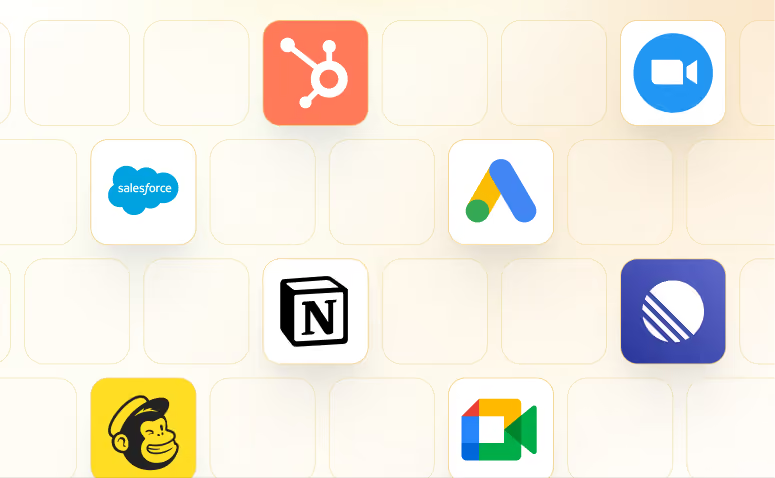
2. Connect your tools
Lindy works with 1,000+ apps and any MCP server.
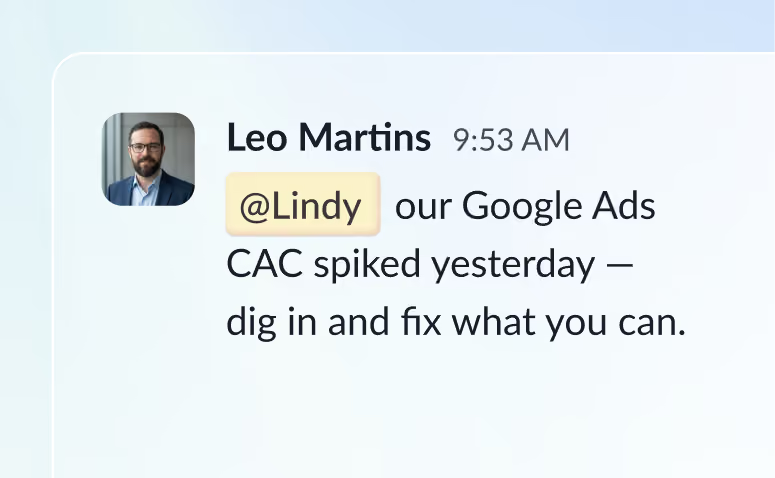
3. Put Lindy to work
@mention Lindy in any channel and it starts working. Minutes, not a weekend.
Skills
See what's possible with Lindy
A few things people ask Lindy to do. Try one, or ask for something else entirely.

Answer questions from your Notion knowledge base
Lindy searches your Notion pages to find and answer questions accurately.
Try this skill

Summarize your Gmail inbox every morning
Lindy reads your Gmail inbox each morning and sends you a quick summary of what came in.
Try this skill

Join any Zoom call as a notetaker
Lindy joins your Zoom call, listens in, and takes notes for you automatically.
Try this skill

Send a personalized daily brief every morning via SMS
Lindy pulls your daily info and texts you a personalized morning brief via SMS.
Try this skill


.avif)

.avif)
.avif)
Frequently asked questions
What is Lindy?

Lindy is an AI assistant that lives in your Slack. Connect your apps, ask for what you need in plain language, and Lindy takes the work off your plate.