File my meeting notes in Notion automatically
Lindy joins calls, writes structured notes and drops them in the right place.

Everything you missed, nothing you didn't need
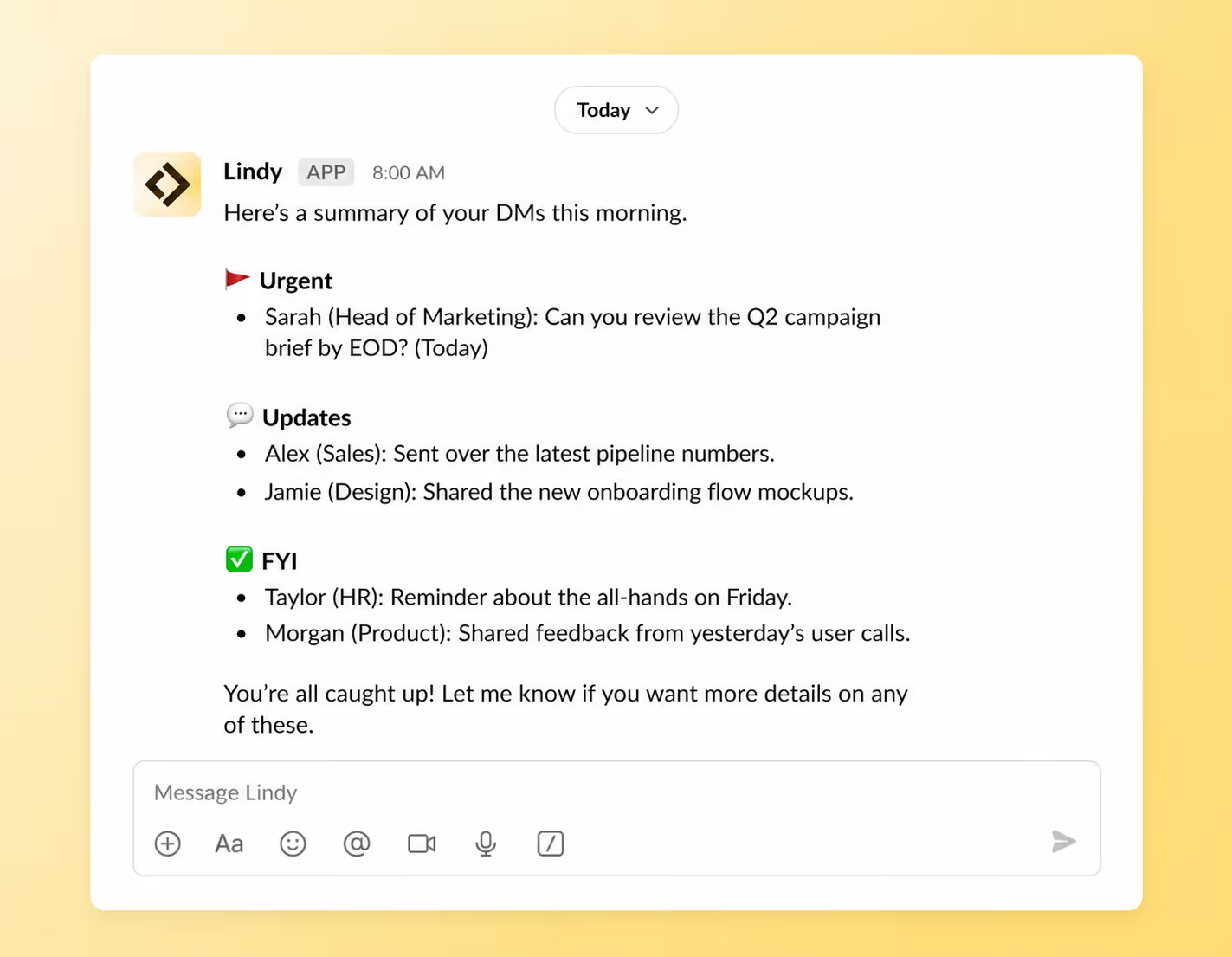
Never miss a message that actually needs your attention
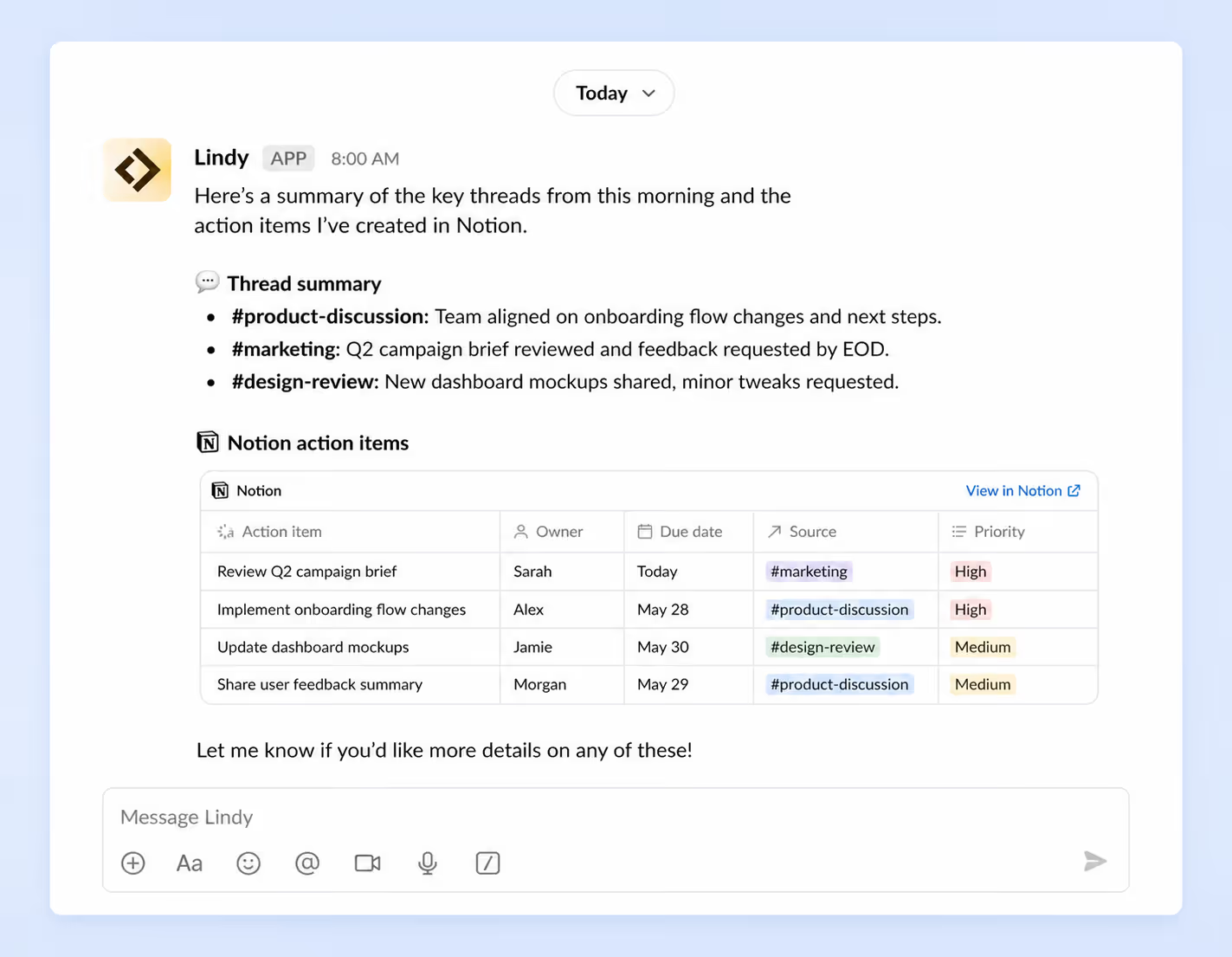
From Slack chaos to a clean to-do list in seconds
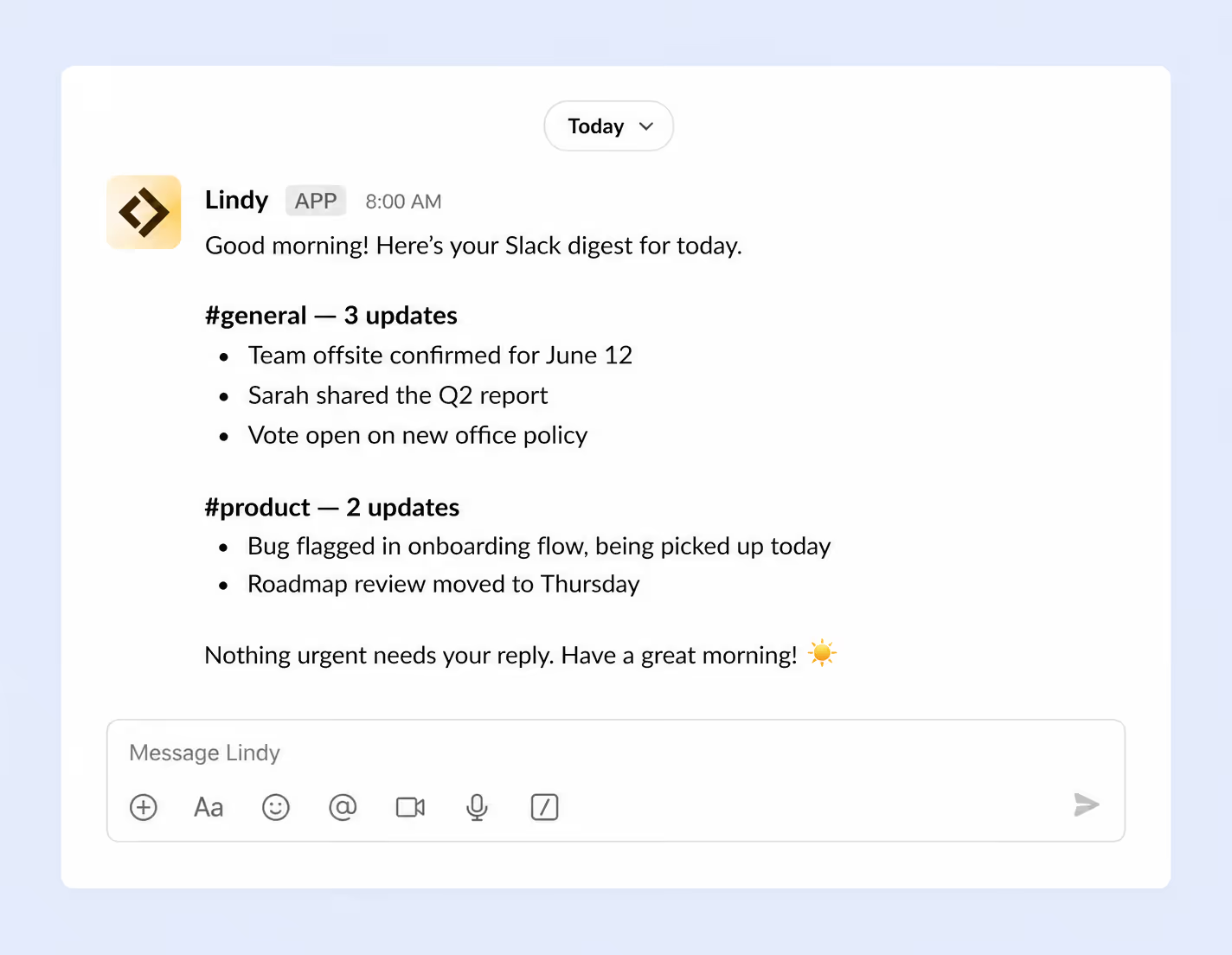
Your most important updates, wherever you start your day
Never miss a message that actually needs your attention





See what Lindy can do for you
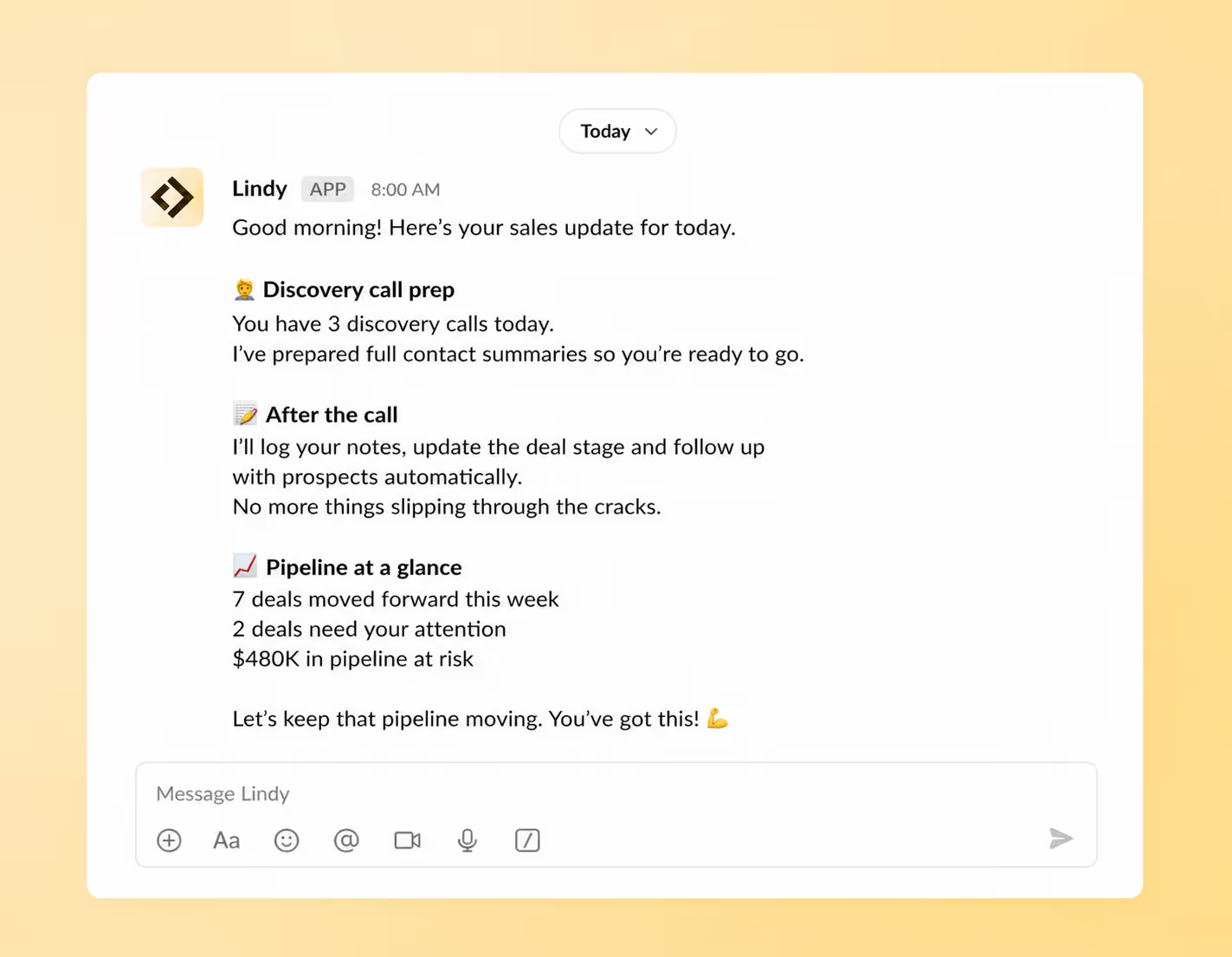
Your pipeline, always moving. Your follow-ups, always sent.
Lindy preps you for every discovery call with a full contact summary. After each conversation it logs your notes, updates the deal stage and follows up with prospects automatically so nothing goes cold.
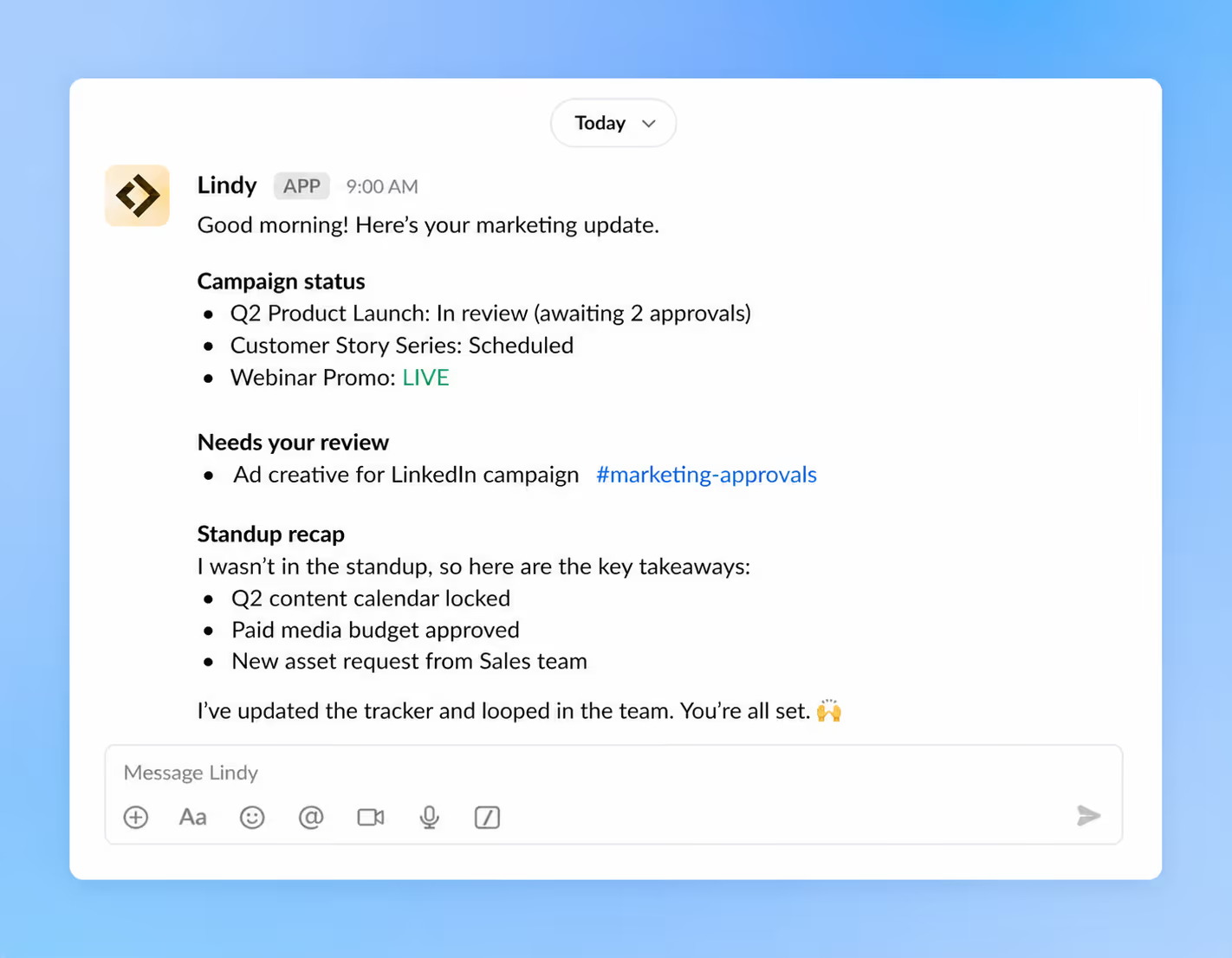
Your campaigns, always on track. Your deadlines, always met.
Lindy monitors your marketing channels and chases approvals directly in Slack. Can't make the standup? Lindy captures the key decisions and lets your team know you are across it.
Your processes, always running. Your blockers, always flagged.
Lindy sends you a daily summary of every active process and open blocker before you start work. Get alerted in Slack the moment something needs your attention.

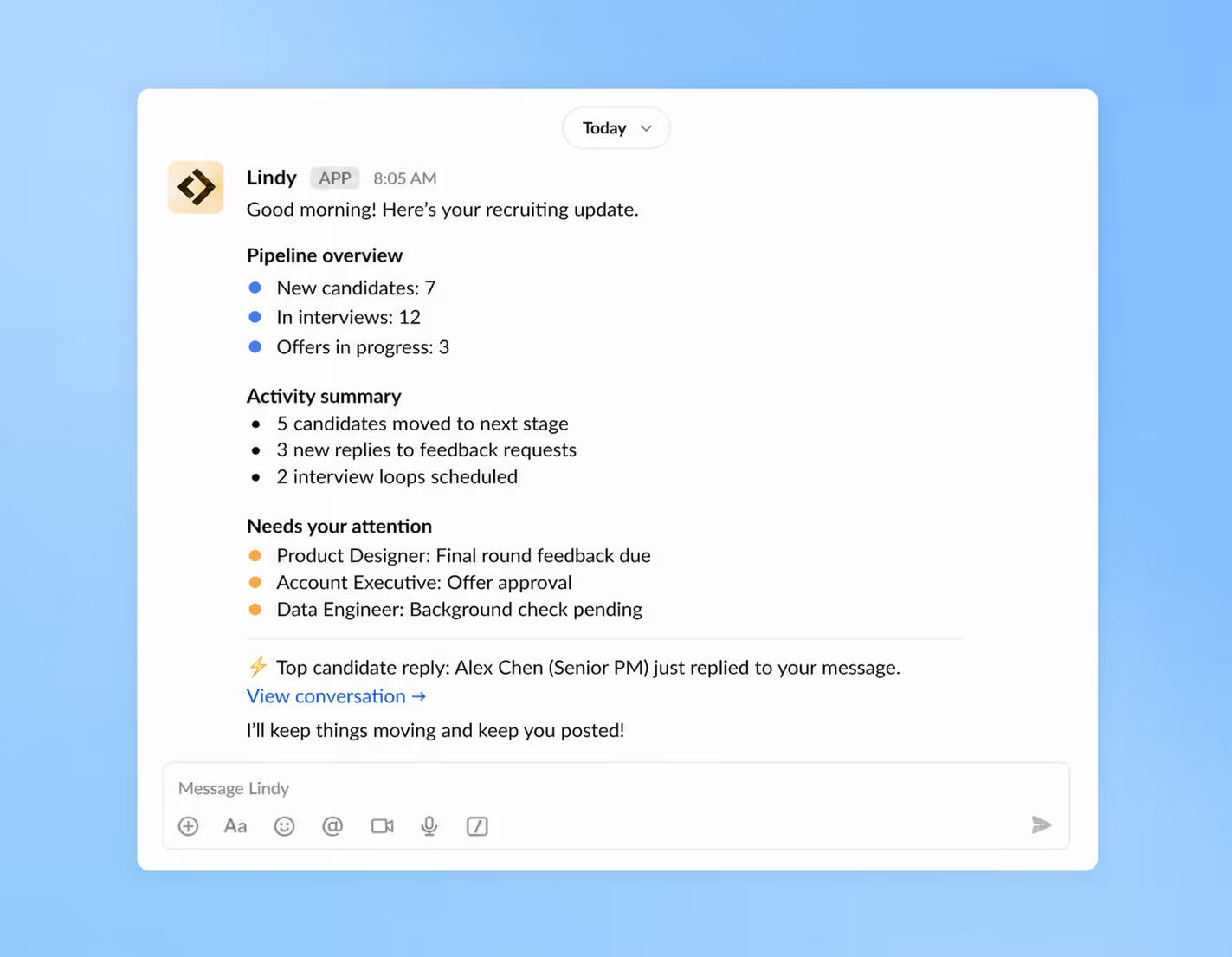
Your pipeline, always moving. Your candidates, always warm.
Lindy summarises all candidate activity before you start your day and follows up automatically so no one falls through the cracks. Get a Slack message the moment a top candidate replies.
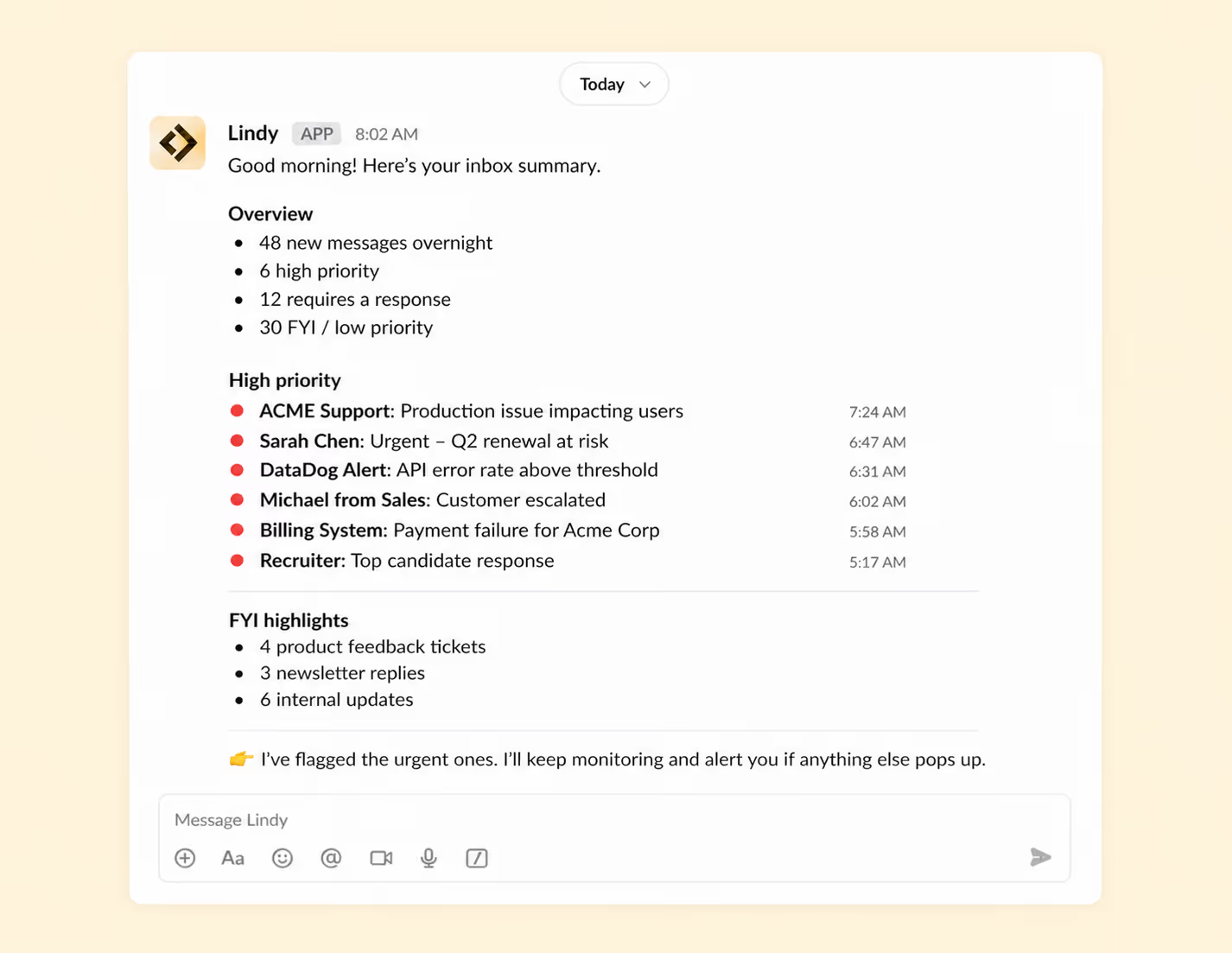
Your inbox, always triaged. Your priorities, always clear.
Lindy summarises your inbox every morning and flags anything urgent in Slack. Never miss a high priority message or ticket even when you are pulled in ten directions.
Summarise more than just Slack
Summarising Slack is just the start. Here's what else Lindy can do.

Lindy reads your inbox overnight and sends you a clean digest of what matters before you start your day.

After every call Lindy writes structured notes and sends you a summary so nothing gets lost.

Lindy reads your Zendesk or Intercom queue and delivers a daily overview of open issues and priorities.
Not sure if Lindy can do it? Just ask.
Text your question and Lindy replies with exactly what it can do for you. No account, no sign-up. Just send a message.
+1 (415) 767-9847More ways to use Lindy
Summarising Slack is just the start. Here's what else Lindy can do.

Lindy monitors your workflows and logs data into Sheets — no copy-paste, no delays.


Lindy uses your call notes and contact data to draft a personalised follow-up in your voice.


Call ends, Lindy logs notes, updates the deal stage and sets next steps — automatically.

Lindy reads your channels and sends you a clean digest before you start your day.
Lindy finds a slot, sends the invite and handles rescheduling if anything changes.


Lindy joins calls, writes structured notes and drops them in the right place.

A skill is a real-world use case that Lindy can handle for you. Think "summarise my Slack threads every morning" or "update my CRM after every call." It shows you exactly what Lindy can do in a situation you actually recognise.
Yes. Pick a skill, connect the apps it needs and Lindy starts handling it automatically. No building, no configuration, no code.
They are a starting point. You can tell Lindy in plain language to adjust anything about how it runs and it will adapt to your exact situation.
Each skill page lists which apps are involved and whether they are required or optional. If you already use those apps you are ready to go.
A template is a blank workflow you build out yourself. A skill shows you a specific thing Lindy can already do for you, with the use case front and centre so you can decide straight away if it fits.
Almost certainly yes. Skills are examples of what Lindy can do, not the limits of it. If you do not see what you need, just ask Lindy directly and it will figure it out.