

Send a *follow-up email* via Gmail after every meeting
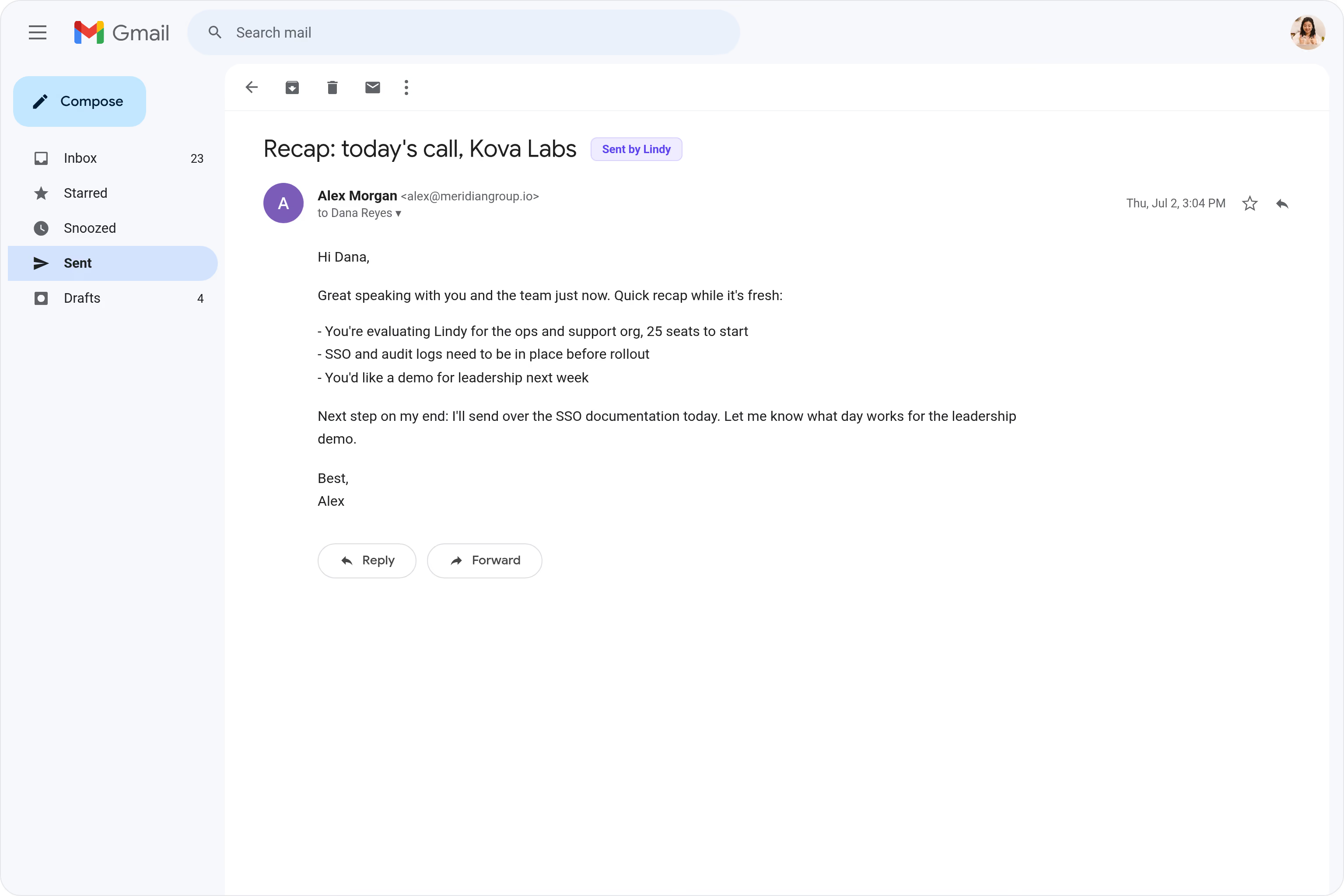
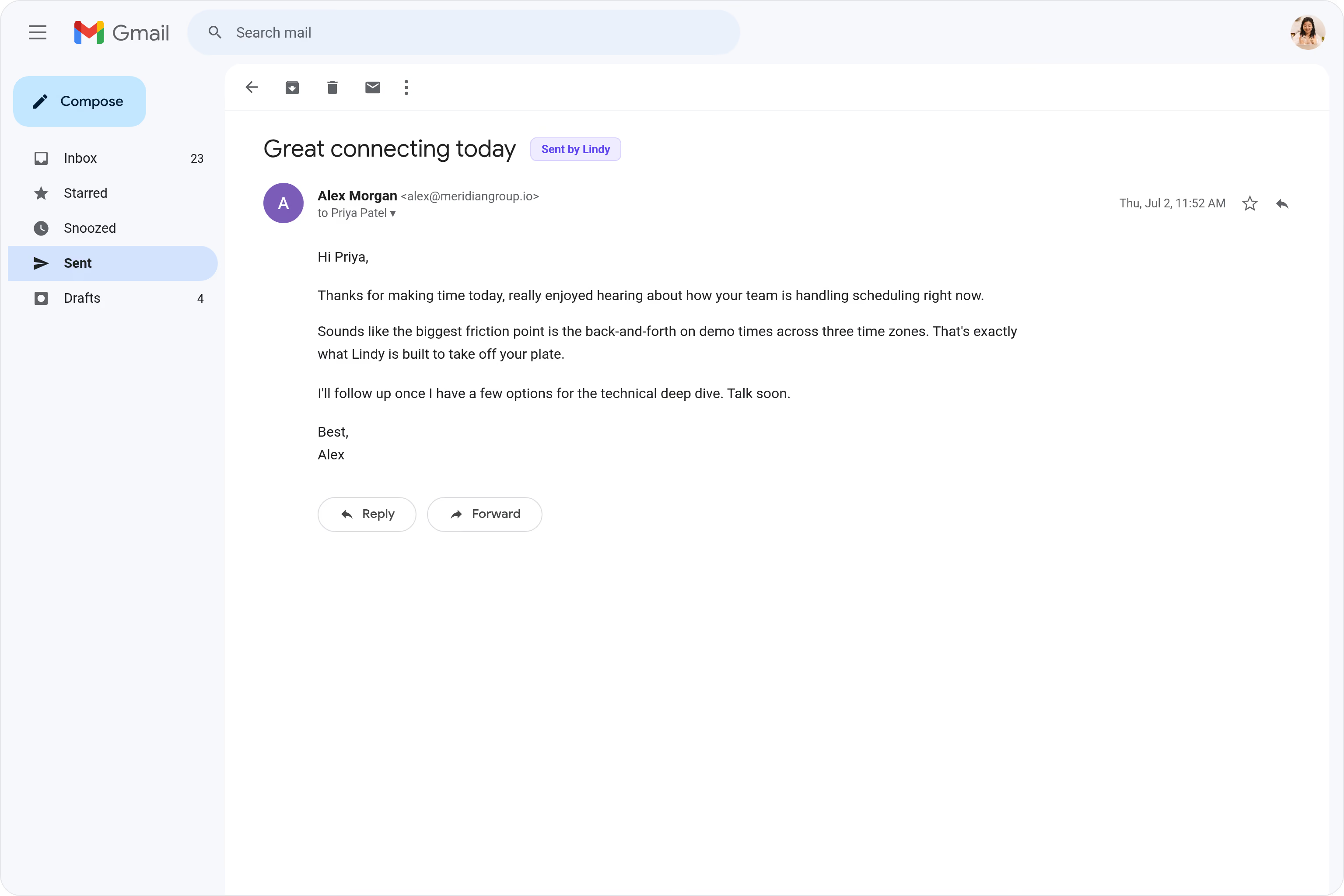
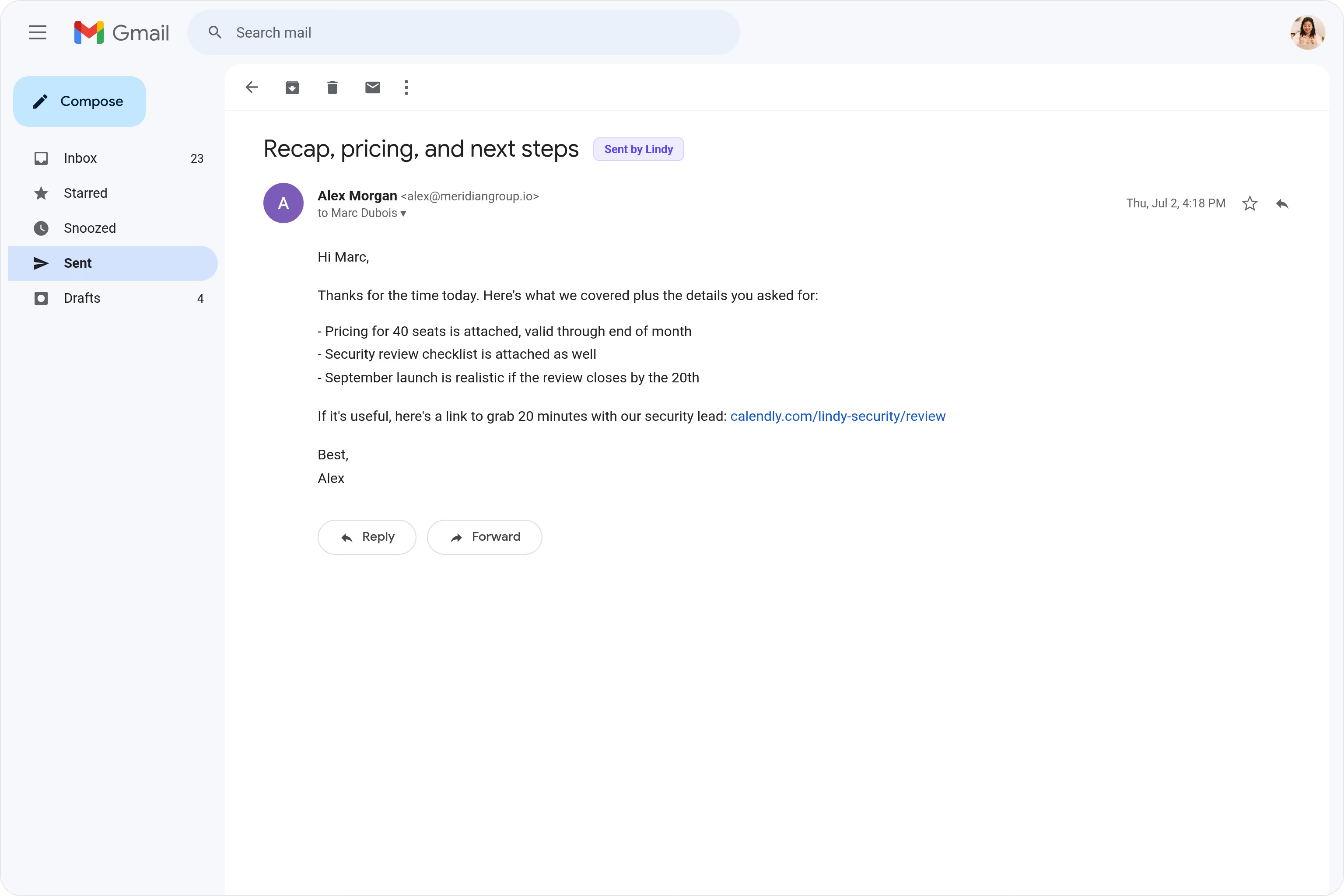
Lindy watches your calendar and sends a follow-up email in Gmail after each meeting ends.
Follow up before the meeting fades from memory
Build rapport without remembering to write
Push warm prospects to book before they cool






Supercharge your Gmail with AI.
After a meeting ends, you mean to send a follow-up email but then the next call starts, something urgent comes up, and it just never happens.
Lindy detects when a meeting wraps up and automatically sends a personalized follow-up email through Gmail to everyone who attended.

Lindy checks your Google Calendar each morning and sends you a summary of the day's meetings.

Lindy pulls your Calendly meeting details and sends you a prep brief beforehand.
See what Lindy can do for you
Buyers get a recap before they get distracted
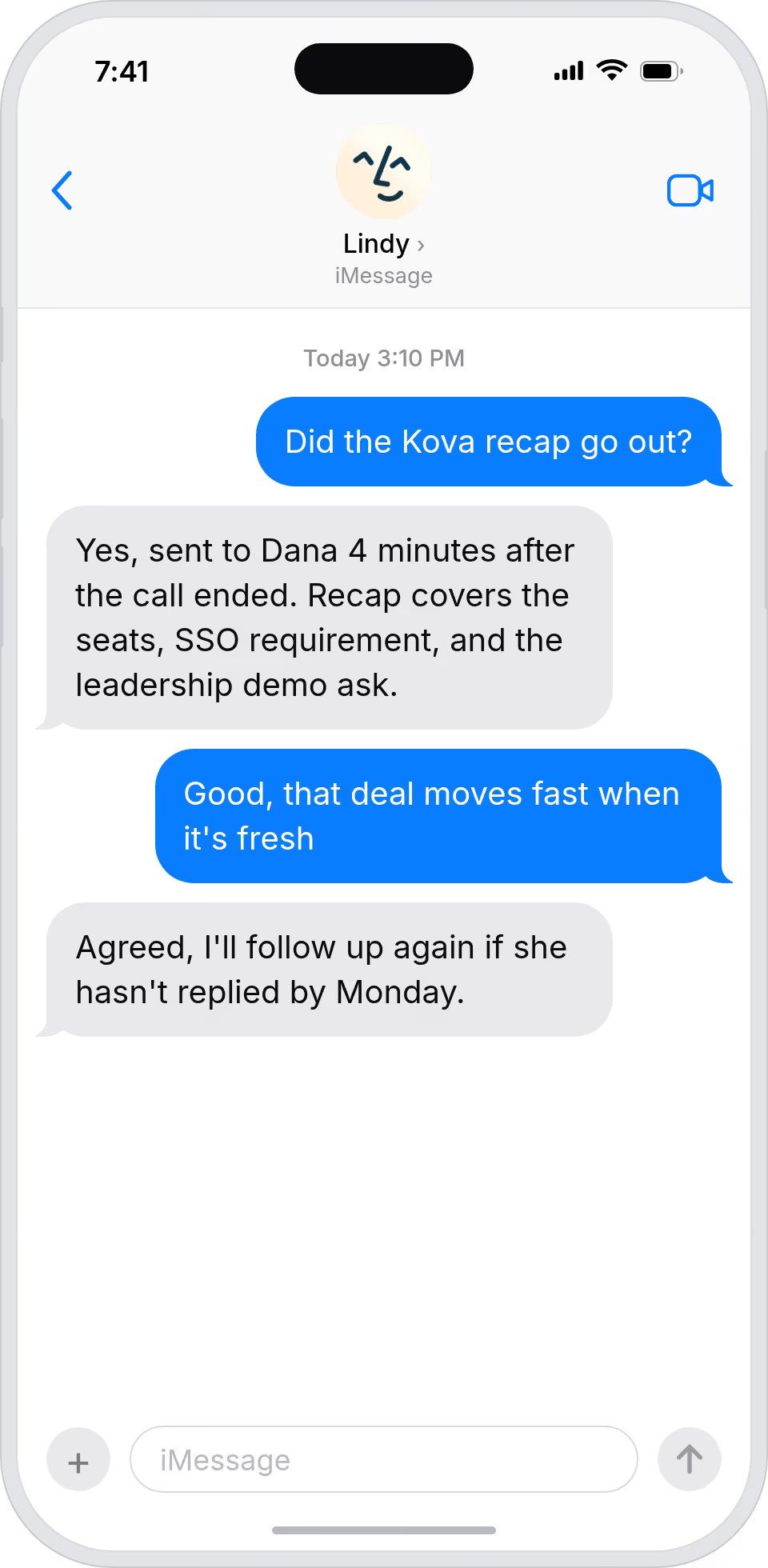
Lindy sends a personalized follow-up via Gmail minutes after the call ends, so deals keep moving while the conversation is still fresh.
Partner and press meetings always close with a note
Lindy sends a Gmail recap after every external meeting, so partner and press conversations always end with a tangible next step.
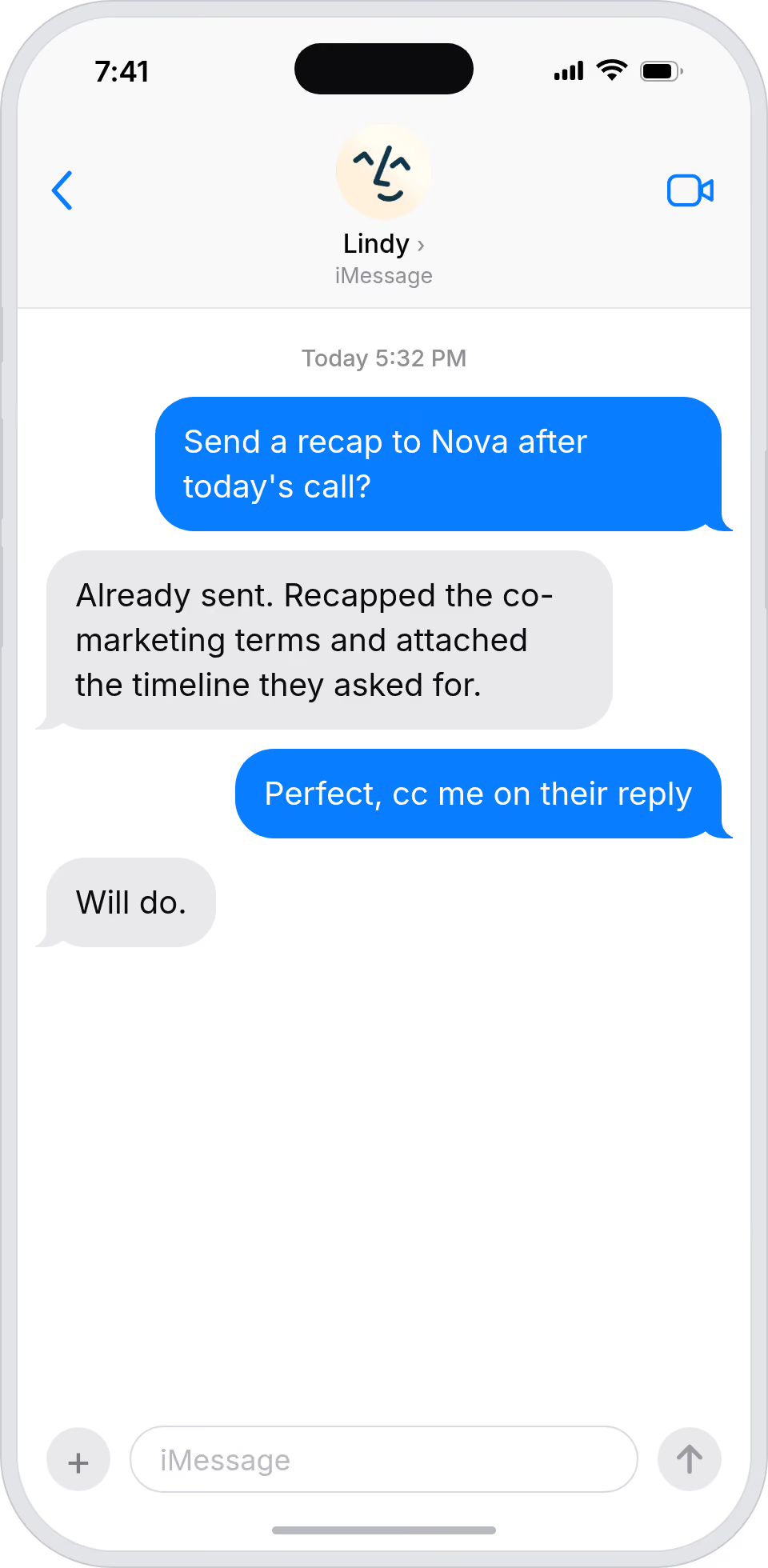
Your boss's follow-ups happen on their own
Lindy sends Gmail follow-ups after each of your boss's meetings, so you never have to draft the same 'great to meet' email twice.
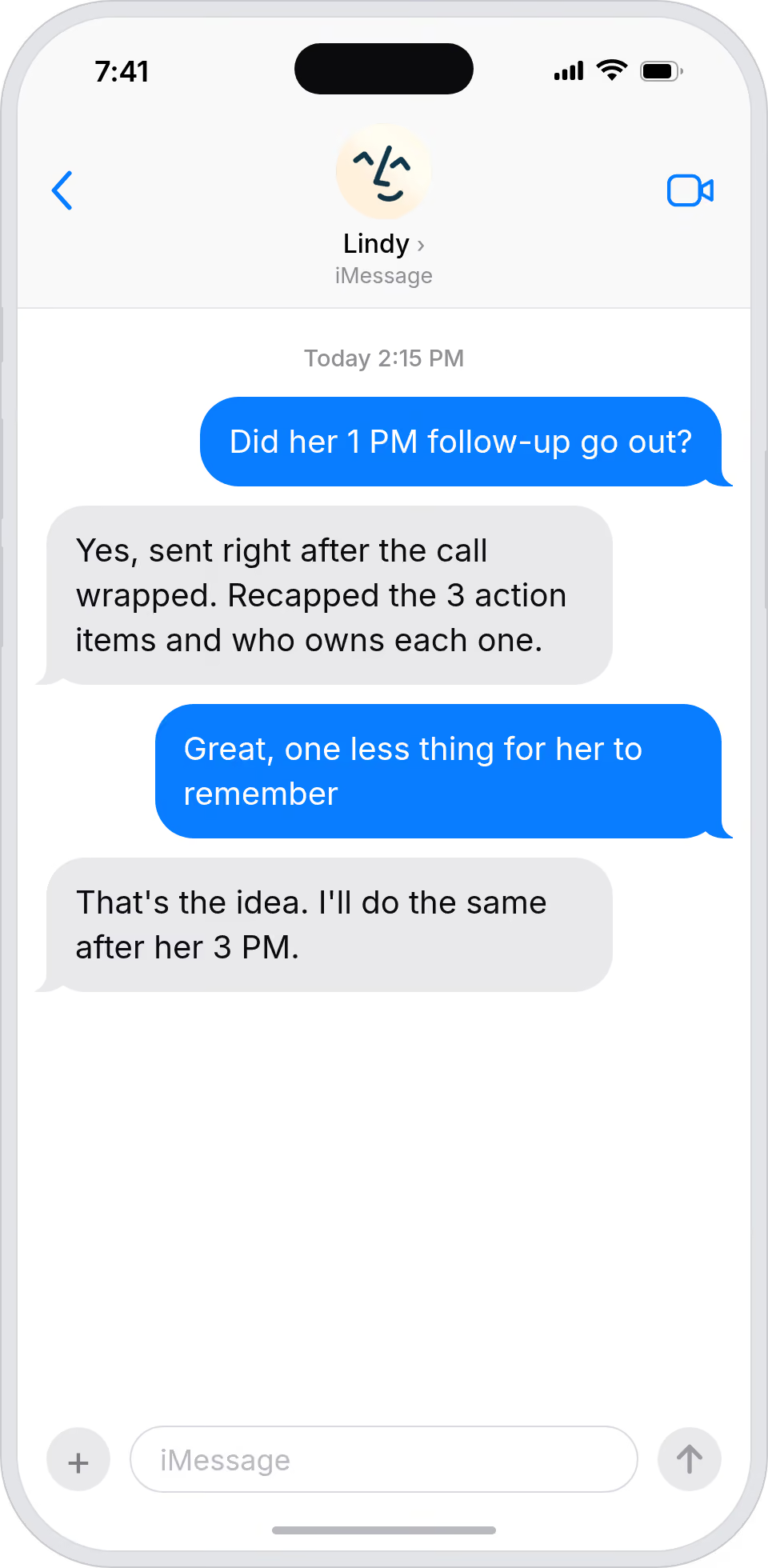
Every meeting ends with a follow-up out the door
Lindy sends Gmail follow-ups automatically after meetings, so the team's relationships never go cold from poor follow-through.
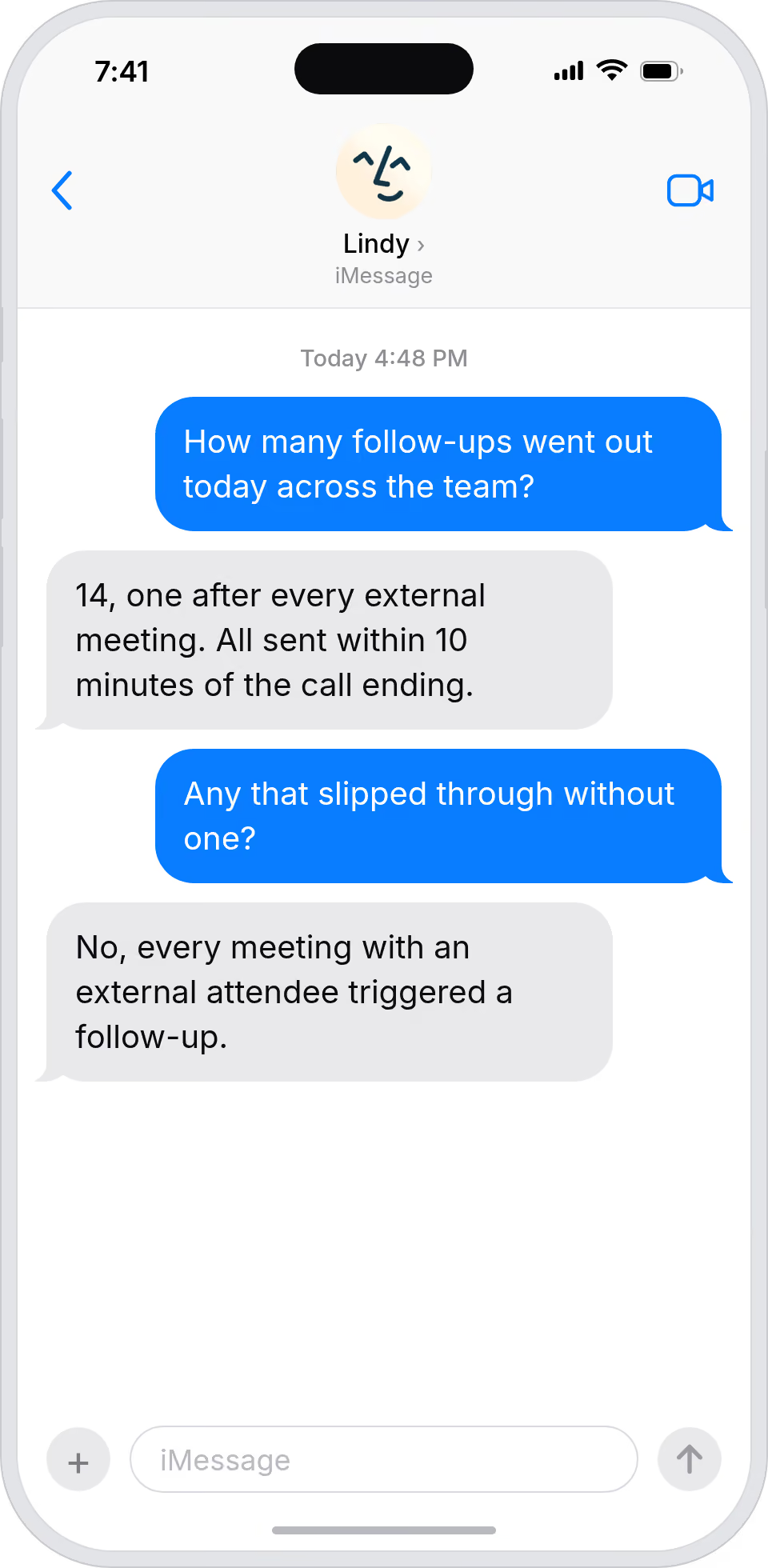
Every important conversation lands with a follow-up
Lindy sends a personalized Gmail recap after every meeting, so investor and partner conversations never end without a clear next step.
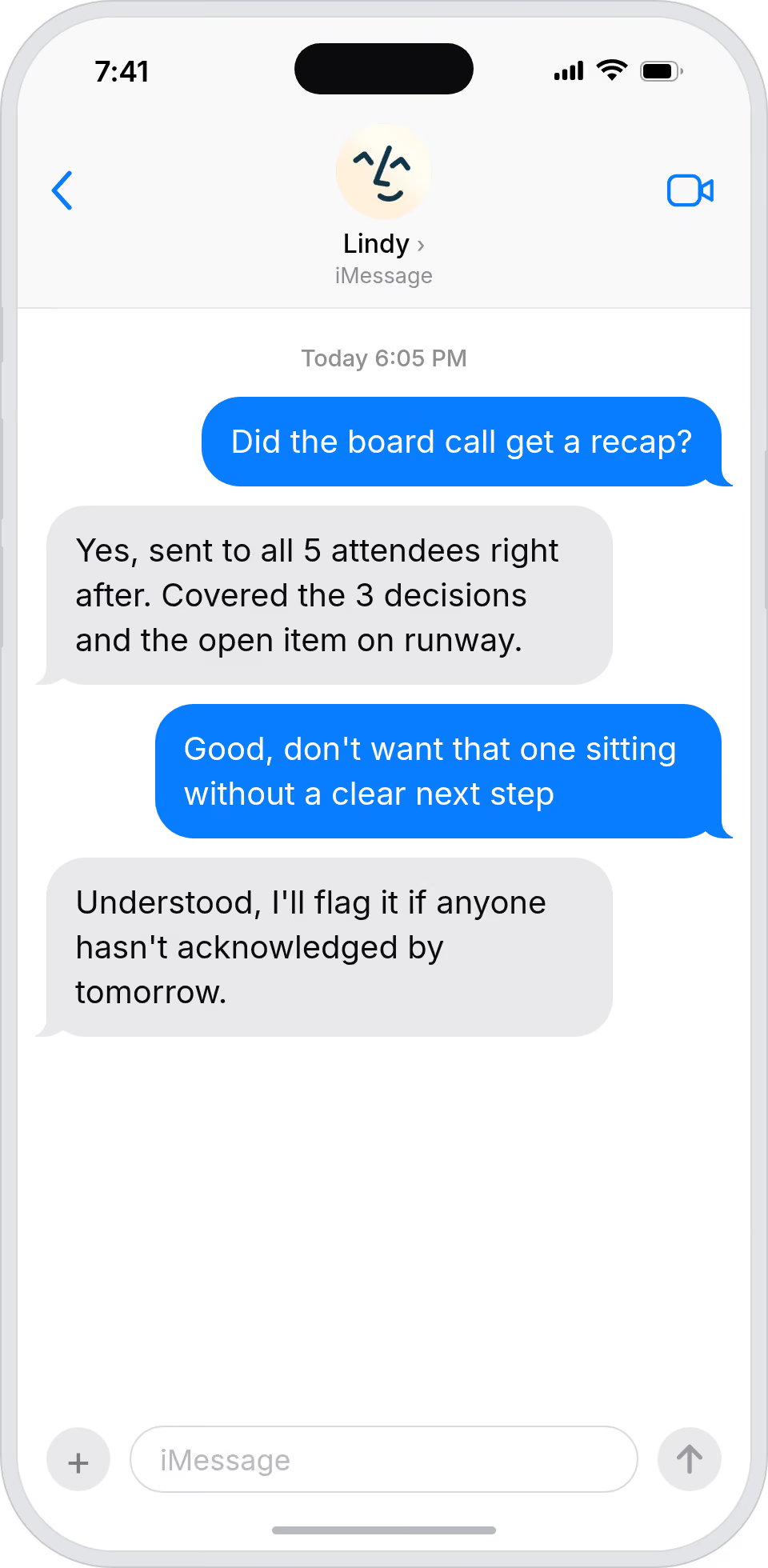
Summarise more than just Slack
Summarising Slack is just the start. Here's what else Lindy can do.

Lindy reads your inbox overnight and sends you a clean digest of what matters before you start your day.

After every call Lindy writes structured notes and sends you a summary so nothing gets lost.

Lindy reads your Zendesk or Intercom queue and delivers a daily overview of open issues and priorities.
Not sure if Lindy can do it? Just ask.
Text your question and Lindy replies with exactly what it can do for you. No account, no sign-up. Just send a message.
Try for freeMore ways to use Lindy
Plenty more in the library. Pick the next one that fits your day.

Lindy joins your Google Meet calls, records them, and sends you a transcript after.

Lindy joins your Microsoft Teams calls, records them, and turns the audio into text.

Lindy reads your meeting notes and creates the action items as tasks in Asana.
Lindy watches your calendar and sends a follow-up email in Gmail after each meeting ends.

AI Agents for Gmail
Manually sending follow-up emails after every meeting is one of those things that sounds simple but constantly falls through the cracks when you're juggling a packed calendar.
When you connect Lindy to Gmail, it can draft and send follow-up emails on your behalf, pull in notes or action items from the meeting, and even customize the message based on who you met with.

A skill shows you a real-world task Lindy can handle for you. It's there to inspire you and show what's possible, not a pre-built workflow you have to follow.
Yes. Sign up, connect the apps the skill needs, and you're ready to go. Most skills are up and running in minutes.
Lindy is your AI assistant. You tell it what you need in plain language and it takes care of the work, across your apps, on your schedule.
Each skill page lists exactly which apps are involved and whether they are required or optional. If you already use those apps, you're good to go.
No. Just tell Lindy what you want it to do and it figures out the rest. Skills are there to show you what's possible and get you started.
Almost certainly. Skills show what's possible, not what's limited. If you don't see what you need, just ask Lindy directly and it will figure it out.