Build a Live Project Tracker in Google Sheets from Asana TasksAsana

Build a Live *Project Tracker* in Google Sheets from Asana Tasks

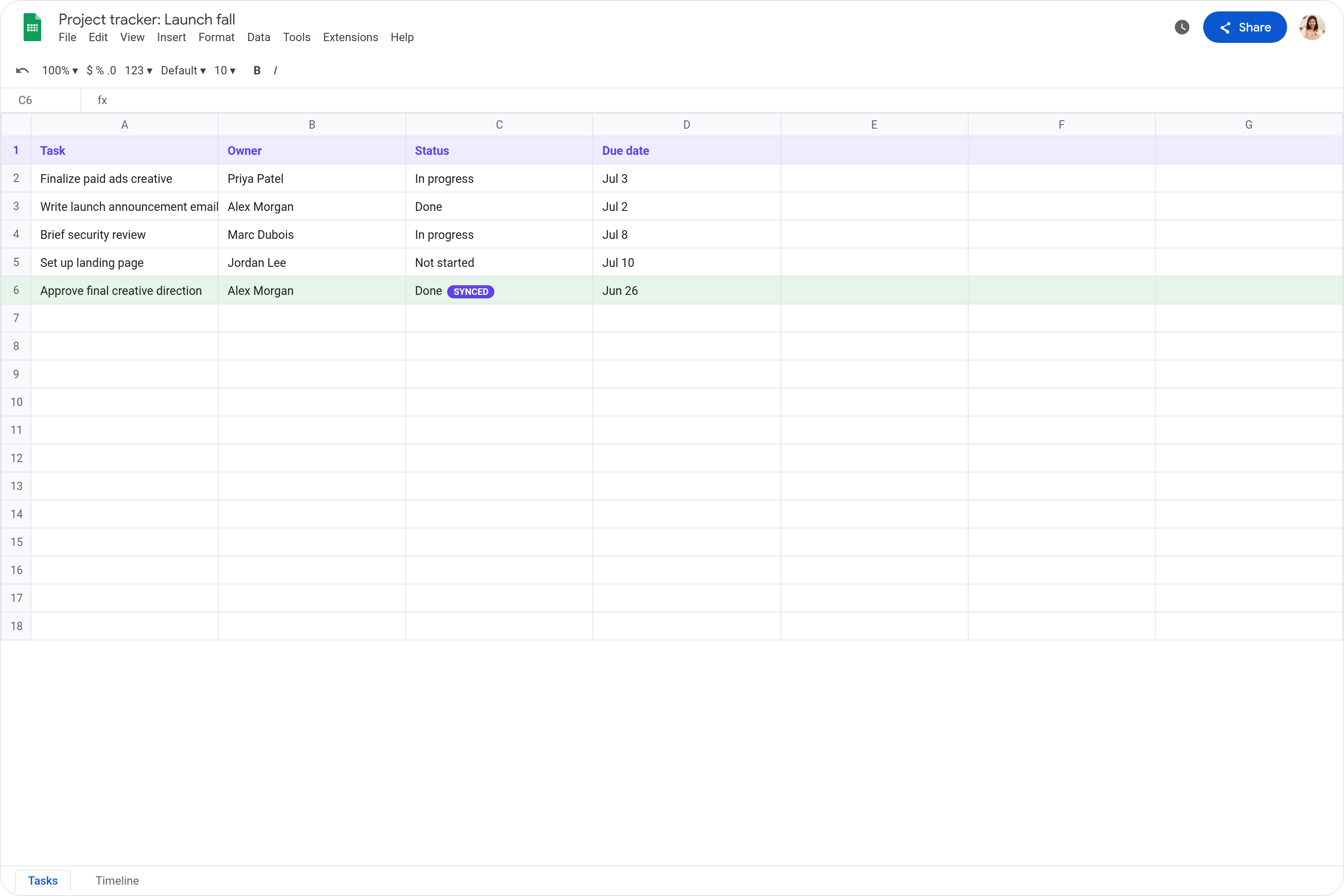
Lindy pulls your Asana tasks and keeps a live Google Sheets tracker up to date.

Sync every status change to a Sheet dashboard

Give stakeholders a live view without Asana

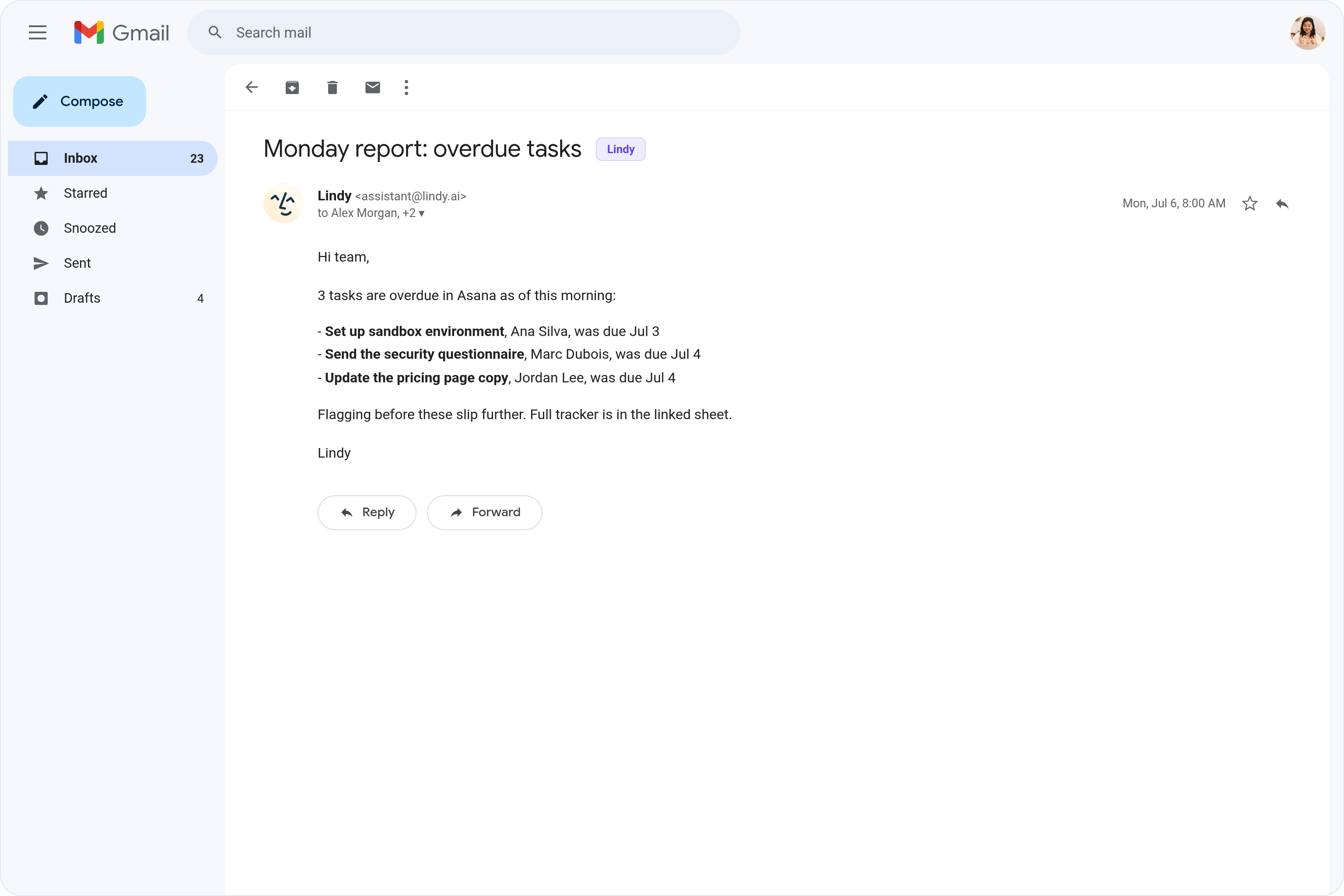
Pull overdue Asana tasks into a Monday report

Make slipping work impossible to ignore

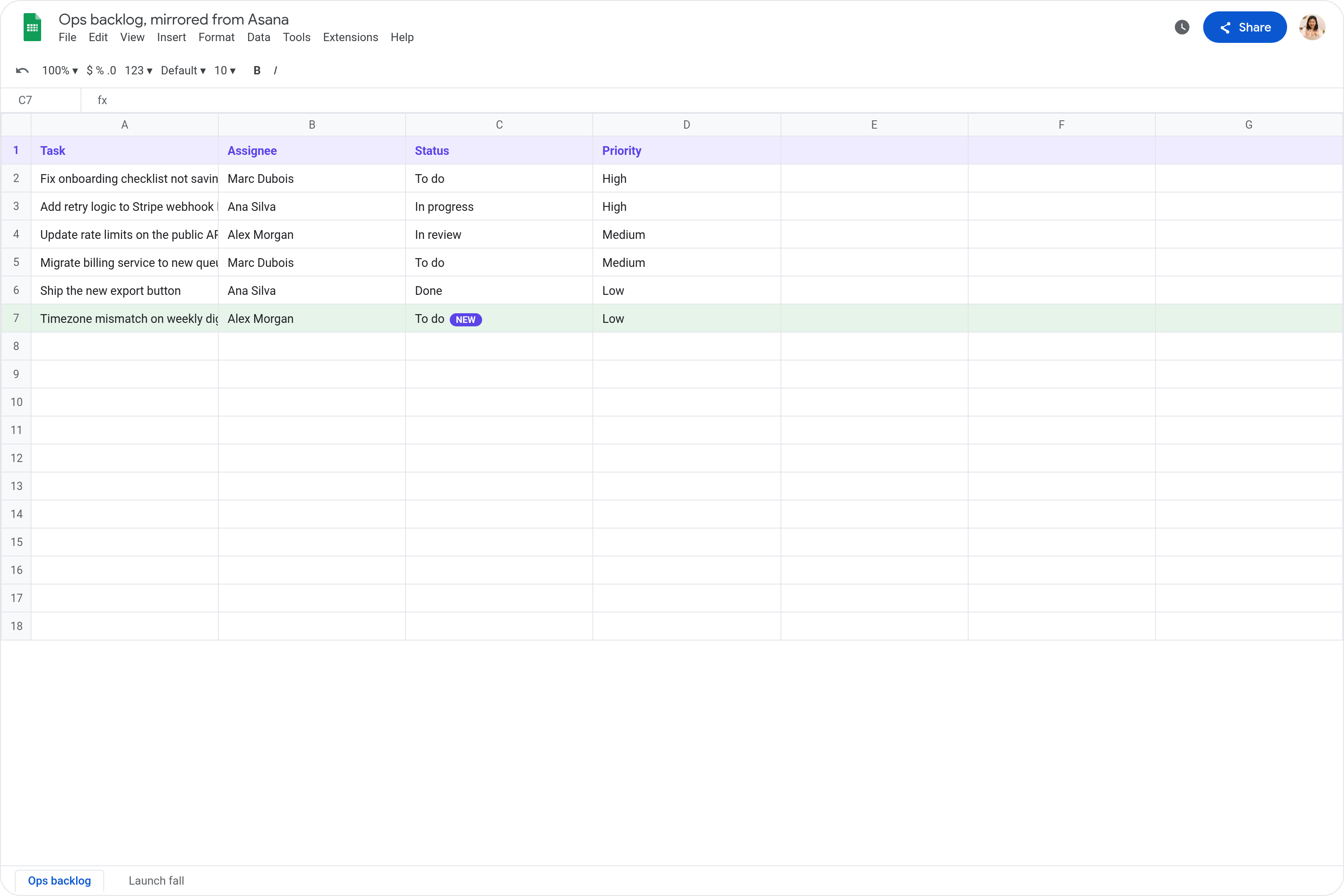
Mirror your Asana board into Google Sheets

Let non-Asana users track progress live
Trusted by 400,000+ professionals
Deedy
@deedydas
Greg Isenberg
@gregisenberg
Lenny Rachitsky
@lennysan
Chase Diamond
@ecomchasediamond
Andrew Wilkinson
@awilkinson
Hasan Toor
@hasantoxr
Deedy
@deedydas
Greg Isenberg
@gregisenberg
Lenny Rachitsky
@lennysan
Chase Diamond
@ecomchasediamond
Andrew Wilkinson
@awilkinson
Hasan Toor
@hasantoxr
Try Lindy for free
7-day free trial • Cancel anytime
Do more with Lindy

Supercharge your Asana with AI.

When tasks move in Asana, your Google Sheet stays frozen in time, so you're constantly doing manual exports or copy-pasting updates just to keep stakeholders in the loop.

Lindy watches your Asana project for changes and automatically updates the matching rows in your Google Sheet so your tracker always reflects what's actually happening.

Try for free
Log New Form Responses Automatically in Google Sheets

Lindy watches your form and logs each new response as a row in Google Sheets.

Block Focus Time Automatically in Google Calendar

Lindy blocks off focus time on your Google Calendar so your schedule stays protected.

Join Any Microsoft Teams Call as a Notetaker

Lindy joins your Microsoft Teams calls and takes notes so you don't have to.

Route Incoming WhatsApp Messages to the Right Team Member

Lindy reads each WhatsApp message and sends it to the right person on your team.

Built for you

See what Lindy can do for you

Sales automation

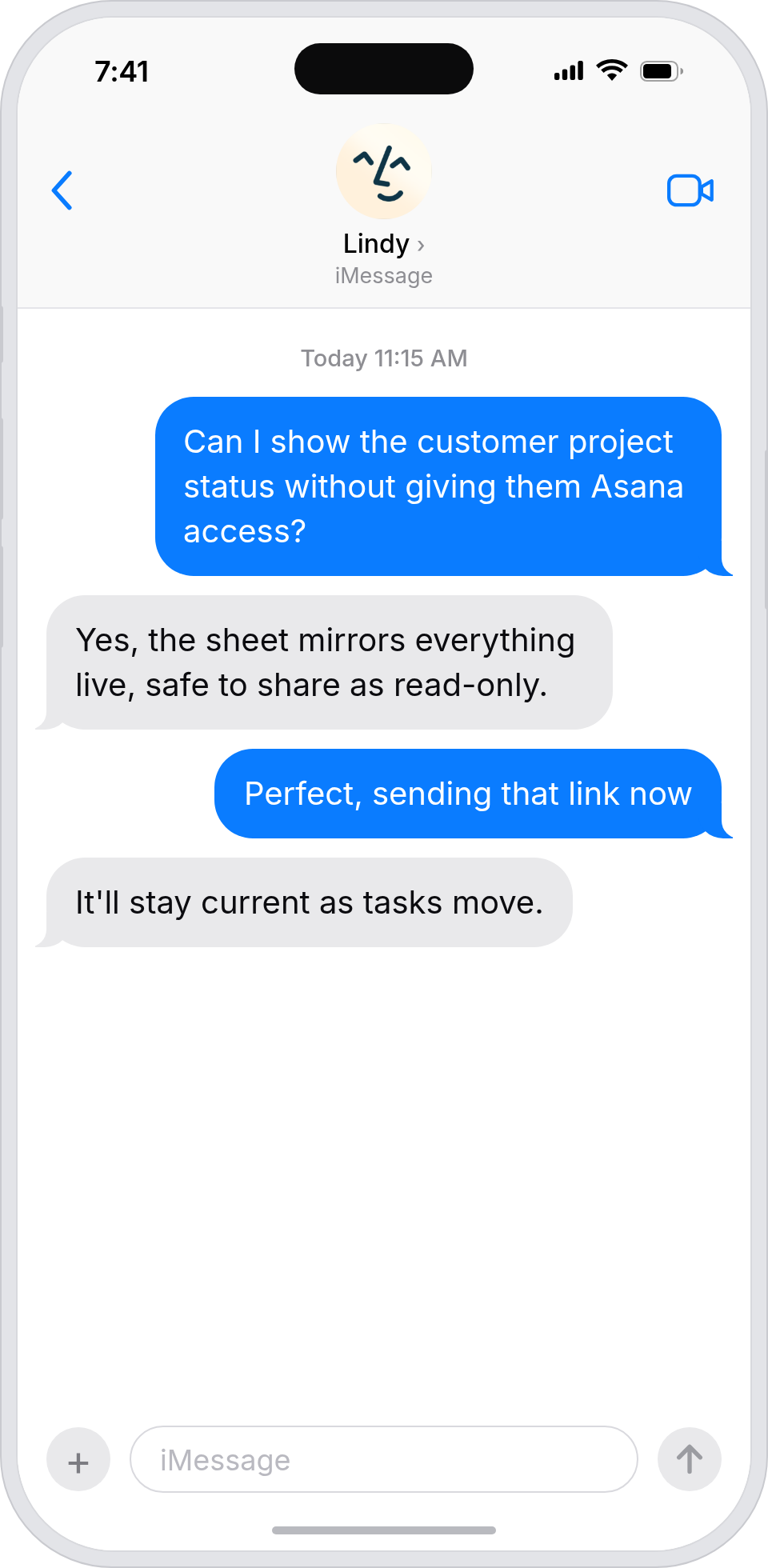
Customers see project status without an Asana login

Lindy syncs Asana tasks to a Google Sheet dashboard, so you can share live project progress with customers without giving them access.
Customers see project status without an Asana login
Marketing automation

Campaign status is visible to every stakeholder

Lindy mirrors Asana tasks to a Sheet dashboard, so anyone tracking the launch can see status without opening Asana.
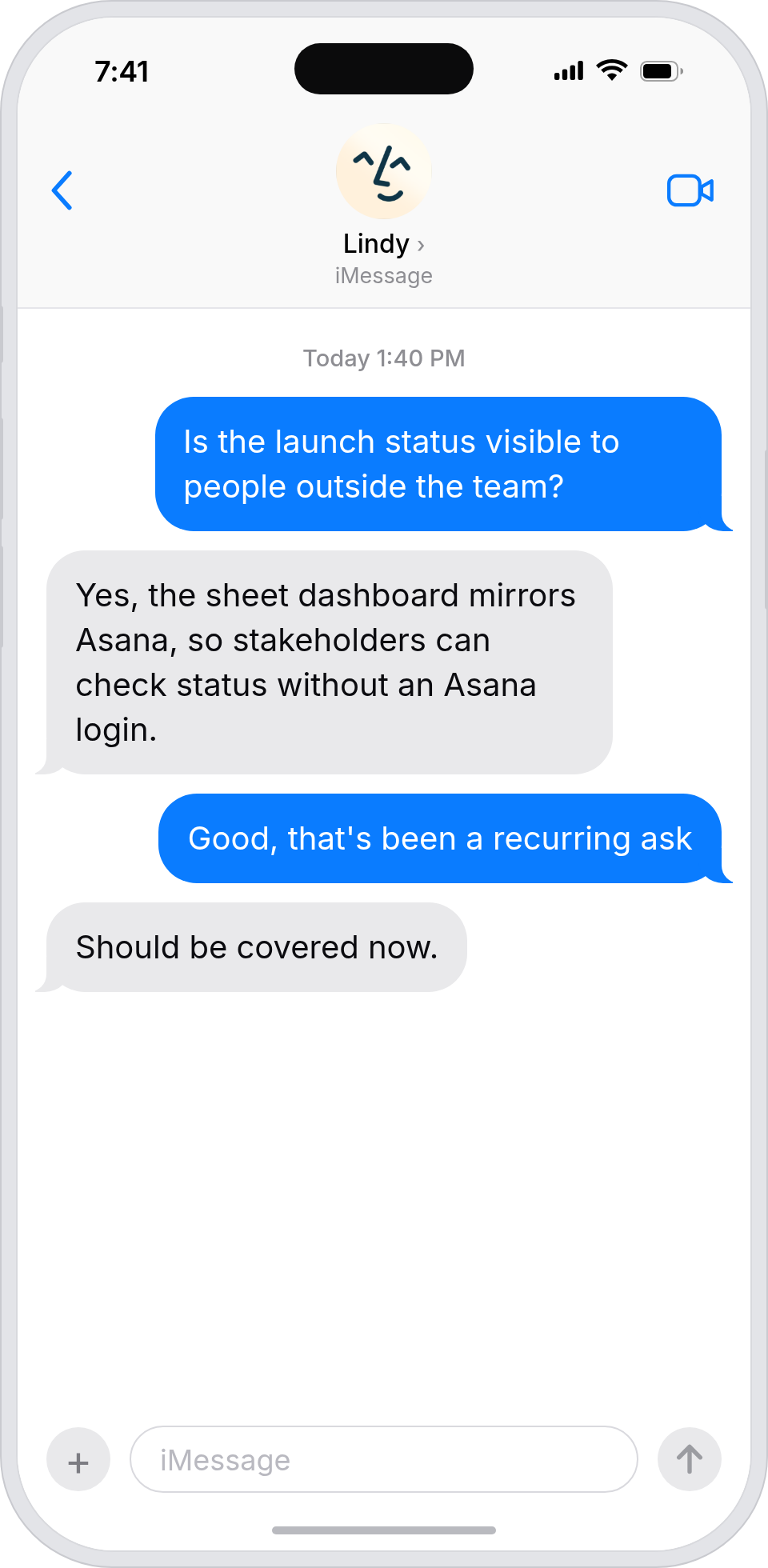
Campaign status is visible to every stakeholder
Admin automation

Your boss gets project status in one tab

Lindy syncs Asana to a Google Sheet, so your boss can read live project status without learning Asana.
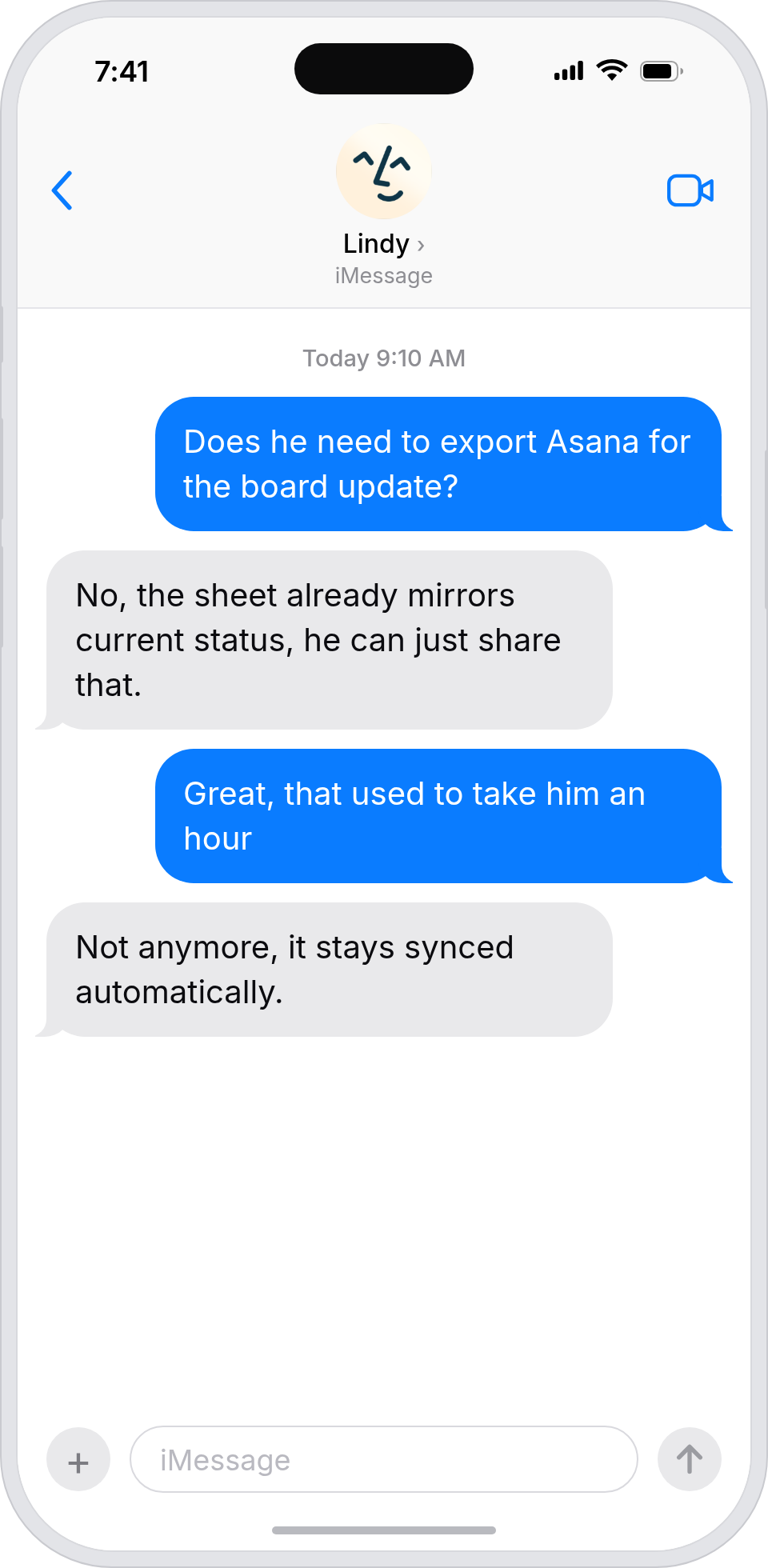
Your boss gets project status in one tab
Workflow automation

Stakeholders see status without juggling tools

Lindy syncs Asana tasks to Google Sheets, so cross-team progress is visible to everyone without forcing everyone into Asana.
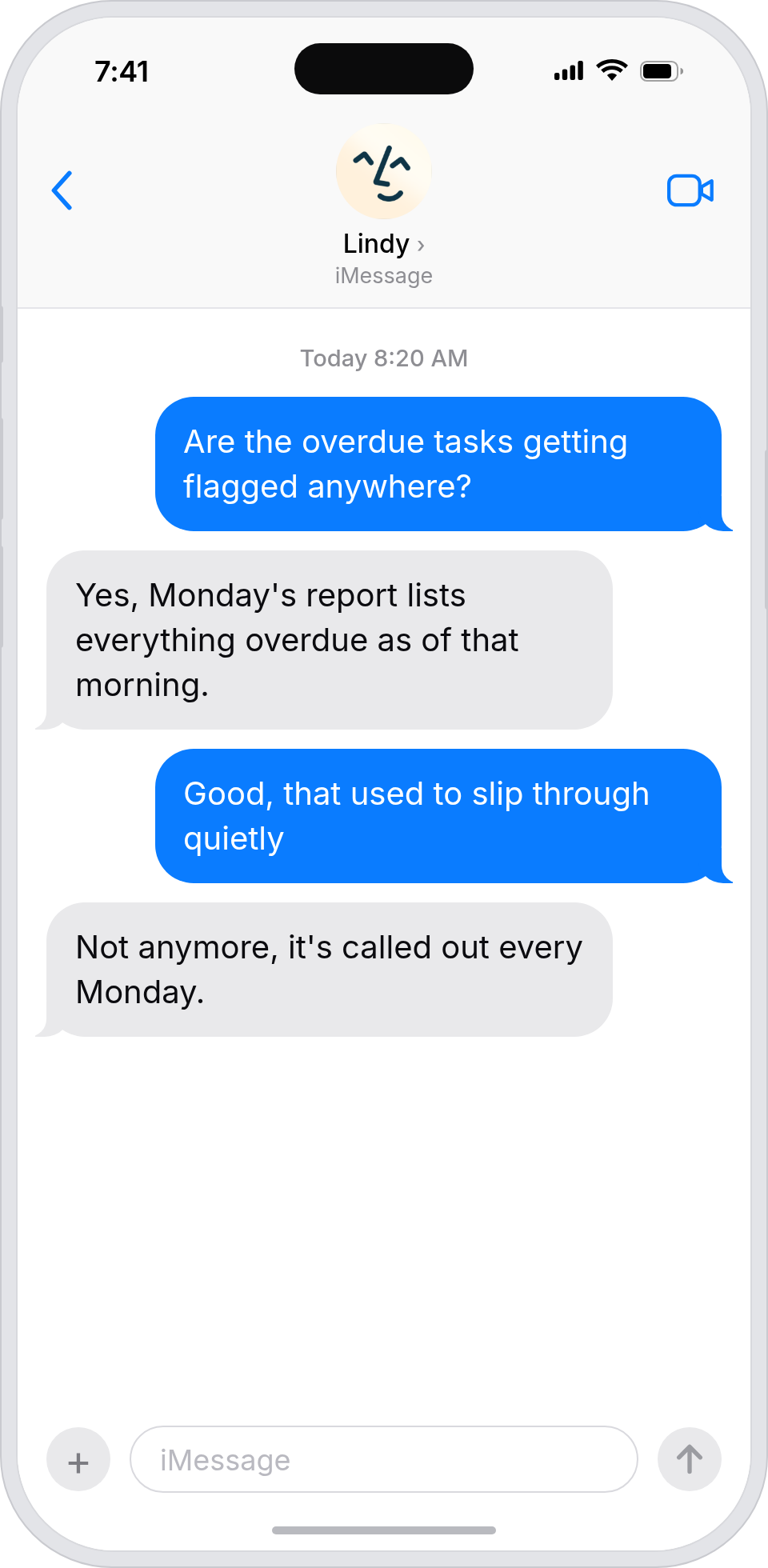
Stakeholders see status without juggling tools
Business automation

A live read on every project, in one place

Lindy mirrors Asana into a Google Sheet, so you can scan the state of every project without opening another tool.
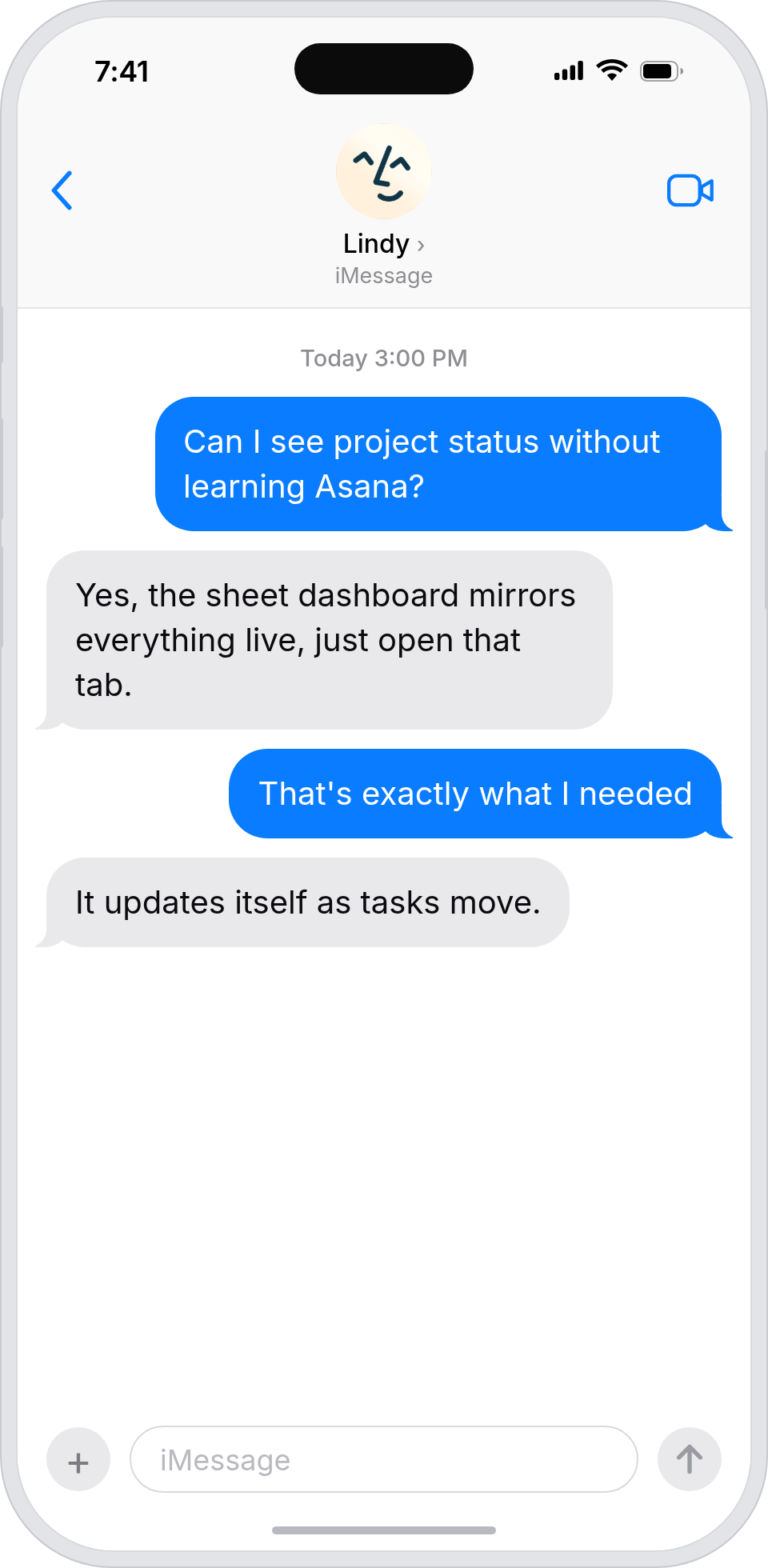
A live read on every project, in one place
Do more with Lindy

Summarise more than just Slack

Summarising Slack is just the start. Here's what else Lindy can do.

Summarise my emails every morning

Lindy reads your inbox overnight and sends you a clean digest of what matters before you start your day.

Try this skill
Summarise my meeting notes automatically

After every call Lindy writes structured notes and sends you a summary so nothing gets lost.

Try this skill
Summarise my support tickets daily

Lindy reads your Zendesk or Intercom queue and delivers a daily overview of open issues and priorities.

Try this skill
Trusted by 400K+ prfoessionals

Not sure if Lindy can do it? Just ask.

Text your question and Lindy replies with exactly what it can do for you. No account, no sign-up. Just send a message.

Try for free
Thank you! Your submission has been received!
Oops! Something went wrong while submitting the form.
Built for Asana

AI Agents for Asana

Keeping a project tracker up to date in Google Sheets while managing tasks in Asana means you're stuck doing the same tedious data entry over and over every time something changes, gets reassigned, or moves to a new stage.

When you connect Lindy to Asana, it can pull in new tasks as they're created, update due dates and assignees in your Sheet the moment they change, and flag completed tasks automatically so nothing slips through the cracks.

What is a Lindy skill?

A skill shows you a real-world task Lindy can handle for you. It's there to inspire you and show what's possible, not a pre-built workflow you have to follow.

Can I use a skill straight away?

Yes. Sign up, connect the apps the skill needs, and you're ready to go. Most skills are up and running in minutes.

What is Lindy

Lindy is your AI assistant. You tell it what you need in plain language and it takes care of the work, across your apps, on your schedule.

What apps do I need?

Each skill page lists exactly which apps are involved and whether they are required or optional. If you already use those apps, you're good to go.

Do I need to build anything?

No. Just tell Lindy what you want it to do and it figures out the rest. Skills are there to show you what's possible and get you started.

Can Lindy do something that is not listed as a skill?

Almost certainly. Skills show what's possible, not what's limited. If you don't see what you need, just ask Lindy directly and it will figure it out.

Triggers & Actions

Explore all Asana Triggers and Actions

Build exactly the workflow you need. Here's every trigger and action Asana supports.

Triggers
0
 triggers
New Completed Task
Triggers when a task is marked as completed in an Asana project.
New Project Added To Workspace
Triggers when a new project is created in a specified Asana workspace.
New Story Added To Project
Triggers when a new story is added to a specified Asana project.
New Subtask
Triggers when a new subtask is created in specified Asana tasks or projects.
New Tag
Triggers when a new tag is created in an Asana workspace.
New Tag Added To Task
Triggers when a new tag is added to a task in Asana.
New Tags Added To Any Task
Triggers when new tags are added to tasks in an Asana workspace or project.
New Task
Triggers when a new task is created in an Asana project.
New Task Assigned In Project
Triggers when a task is assigned to a specific user in an Asana project.
New Task Field Updated In Project
Triggers when specified task fields are updated in an Asana project.
New Task Updated In Project
Triggers when a task is updated within a specified Asana project.
New Team
Triggers when a new team is created within a specified Asana organization.
New User
Triggers when a new user is added to an Asana workspace.
New Workspace Added
Triggers when a new workspace is created in Asana.
Actions
0
 actions
Add Task To Section
Add a task to a specific section in an Asana project.
Create Project
Create a new project in Asana with customizable settings and details.
Create Subtask
Create a subtask under an existing task in Asana with customizable details.
Create Task
Create a new task in Asana with customizable details, assignments, and due dates.
Create Task Comment
Add a comment to an Asana task with optional text formatting and sticker options.
Create Task From Template
Create a new task in Asana using an existing task template.
Delete Task
Delete a specific task from an Asana workspace and project.
Find Task By Id
Retrieve detailed information about a specific Asana task using its ID.
Get List Of User Projects
Retrieve a list of projects associated with a specific user in Asana.
Get Tasks From Task List
Retrieve tasks from a selected Asana project's task list.
Search Projects
Search for Asana projects by name, workspace, and archive status.
Search Sections
Search for sections within an Asana project by name.
Search Tasks
Search for tasks in Asana workspaces and projects by name and filters.
Update Task
Update task details and properties in Asana workspace projects.