




Summarize GitHub pull request activity *daily*
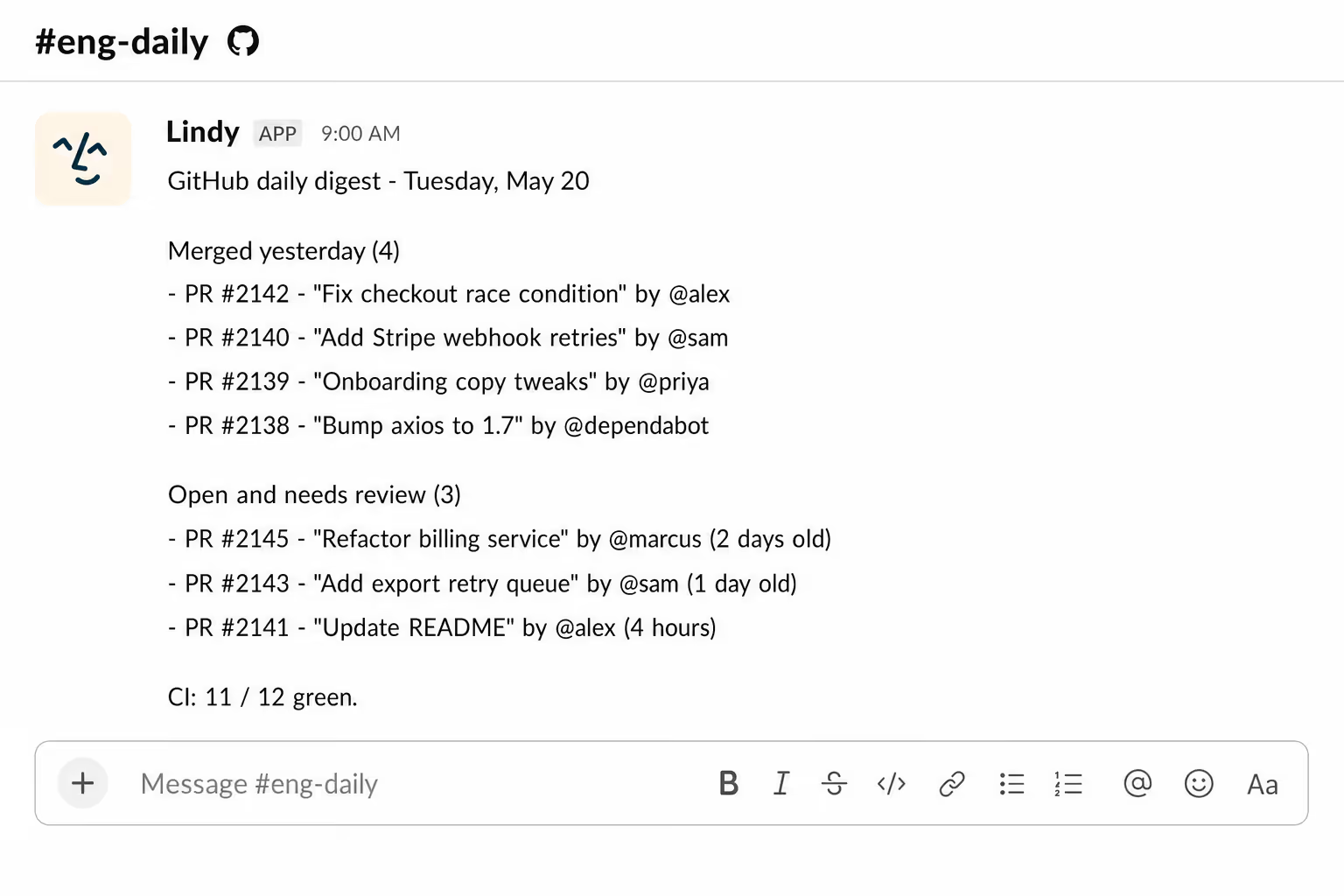
Lindy checks your GitHub PRs each day and sends you a summary of what changed.
Your team stays in sync on what shipped and what's pending
Nothing sits unreviewed longer than it should
Stay on top of your repos even when away from your desk






Supercharge your GitHub with AI.
Engineering keeps shipping but the team has no idea what changed. By the time you read the changelog, the work has already moved on.
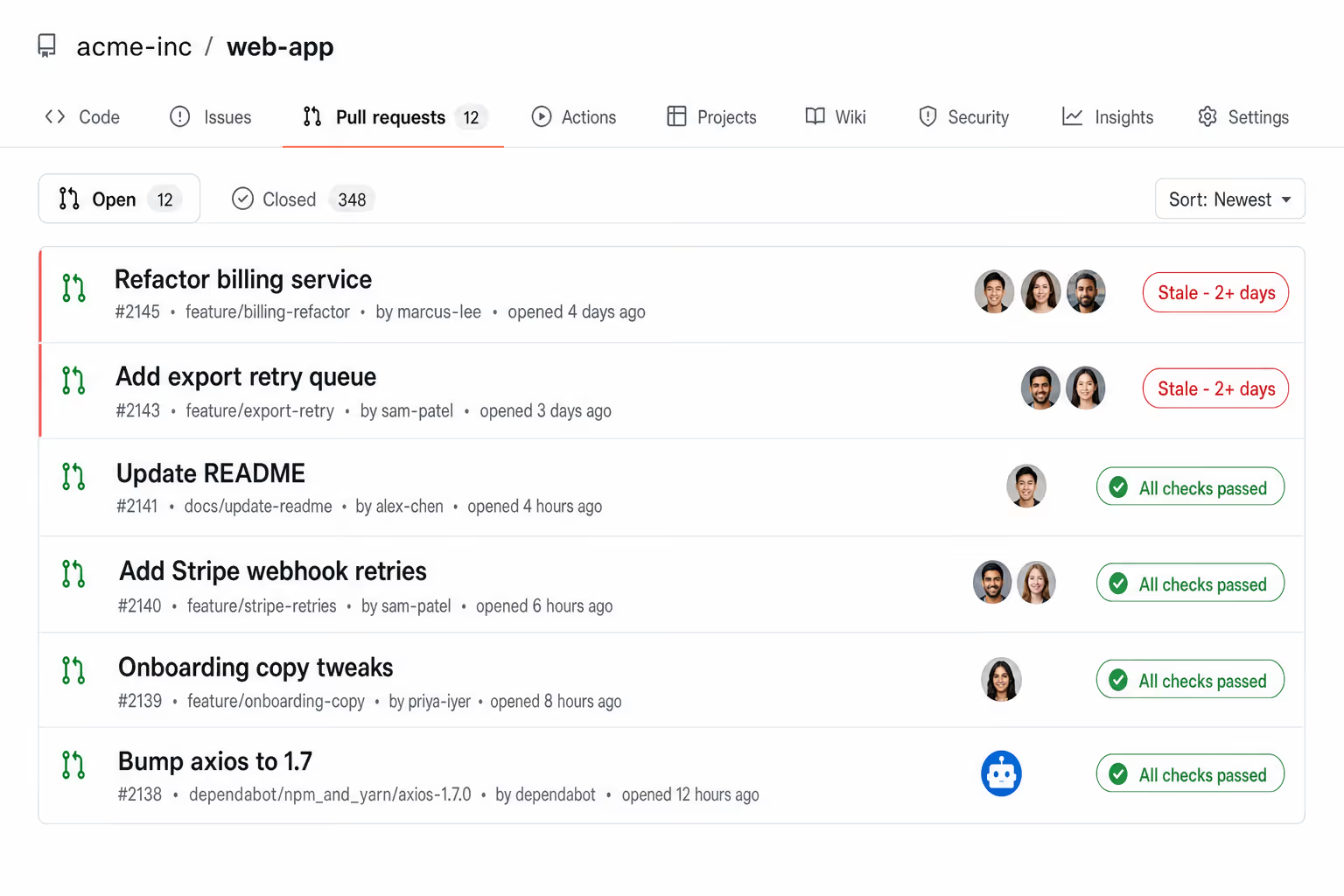
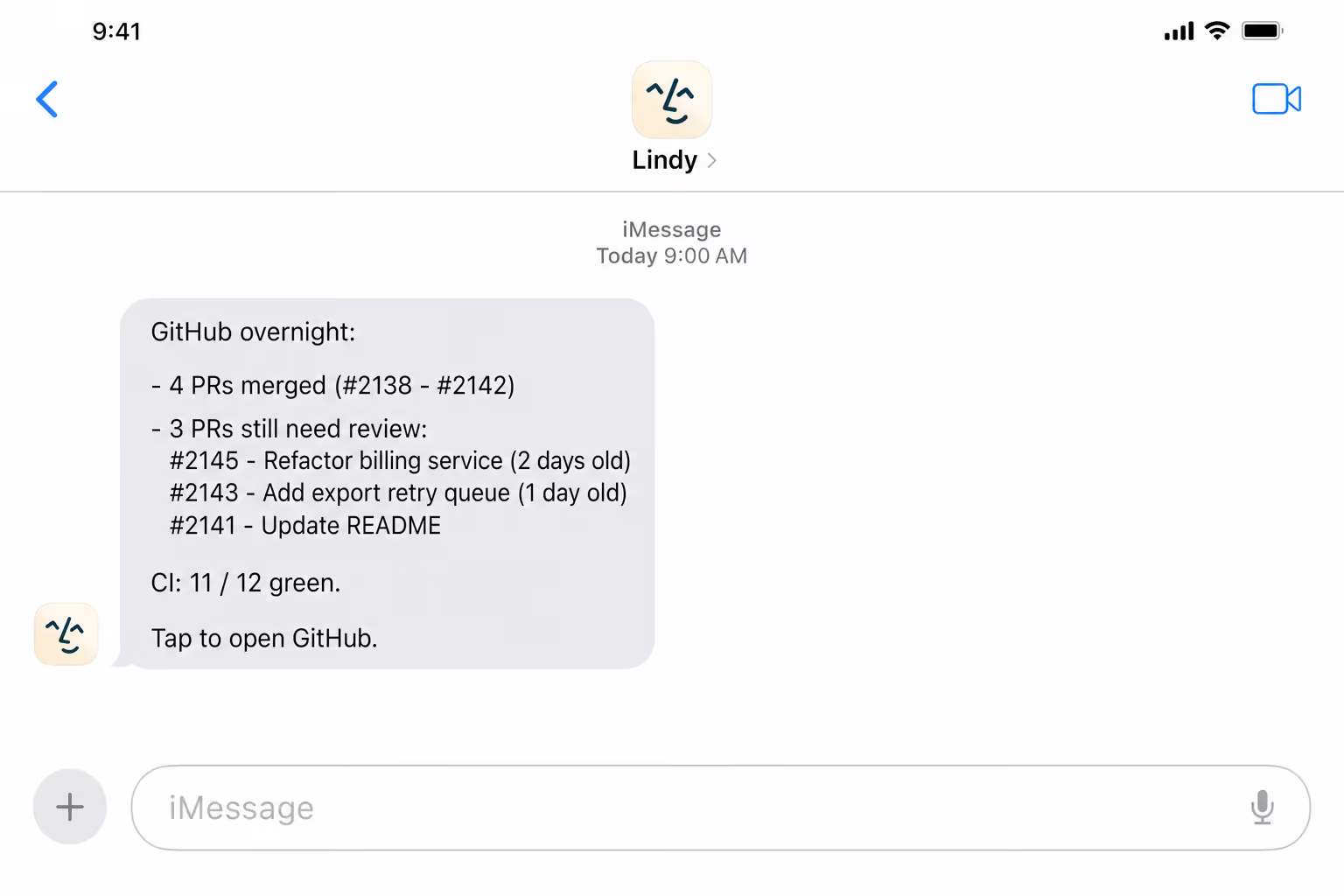
Lindy reads your GitHub PR activity and sends a daily summary. What shipped, what is open, what is stuck.

Lindy watches Stripe for failed payments and sends an alert straight to your Slack channel.

Lindy reads each WhatsApp message and sends it to the right person on your team.

See what Lindy can do for you
Know what shipped before a customer asks
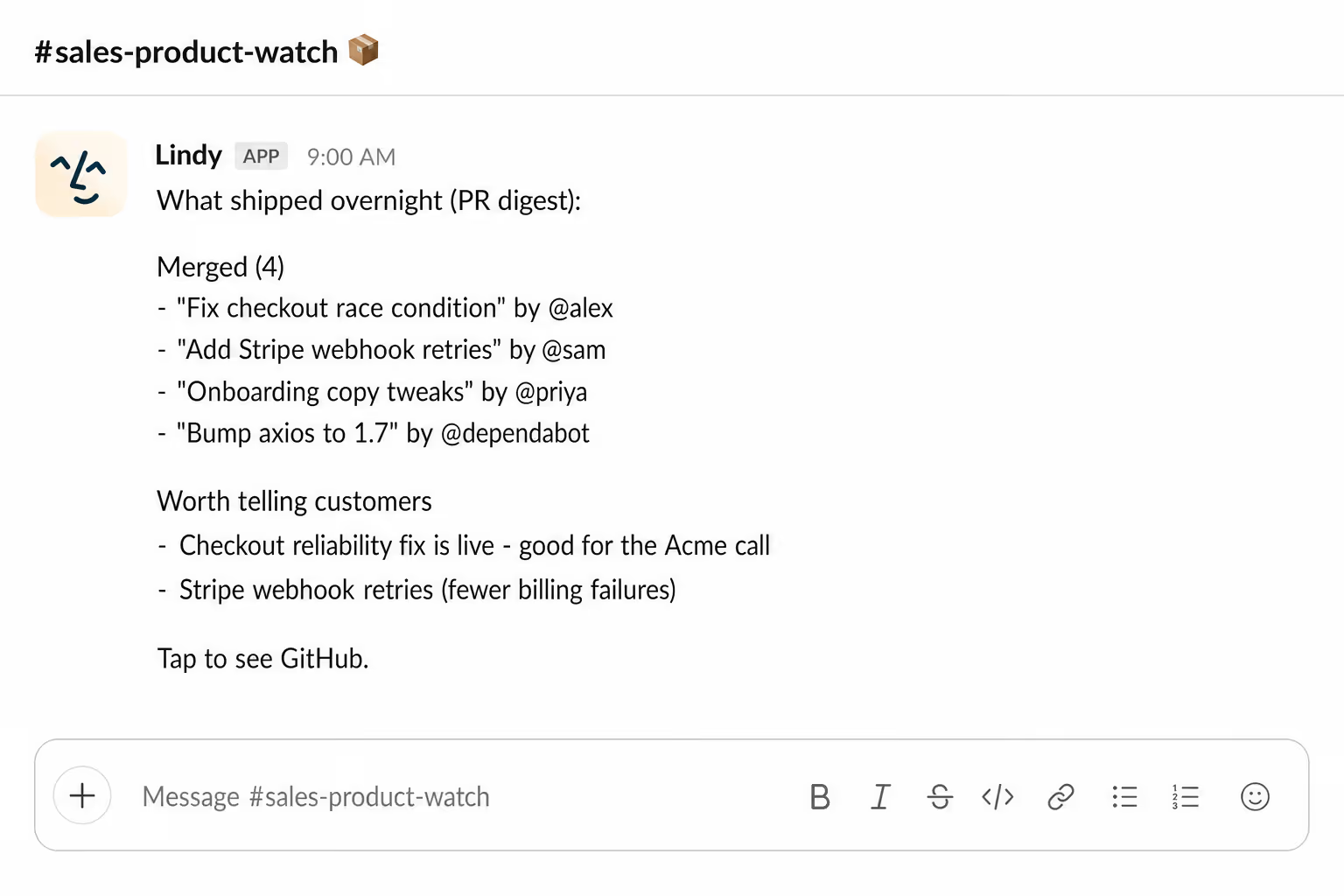
Lindy sends a daily summary of merged PRs, so you can speak to product updates on the next call without messaging engineering.
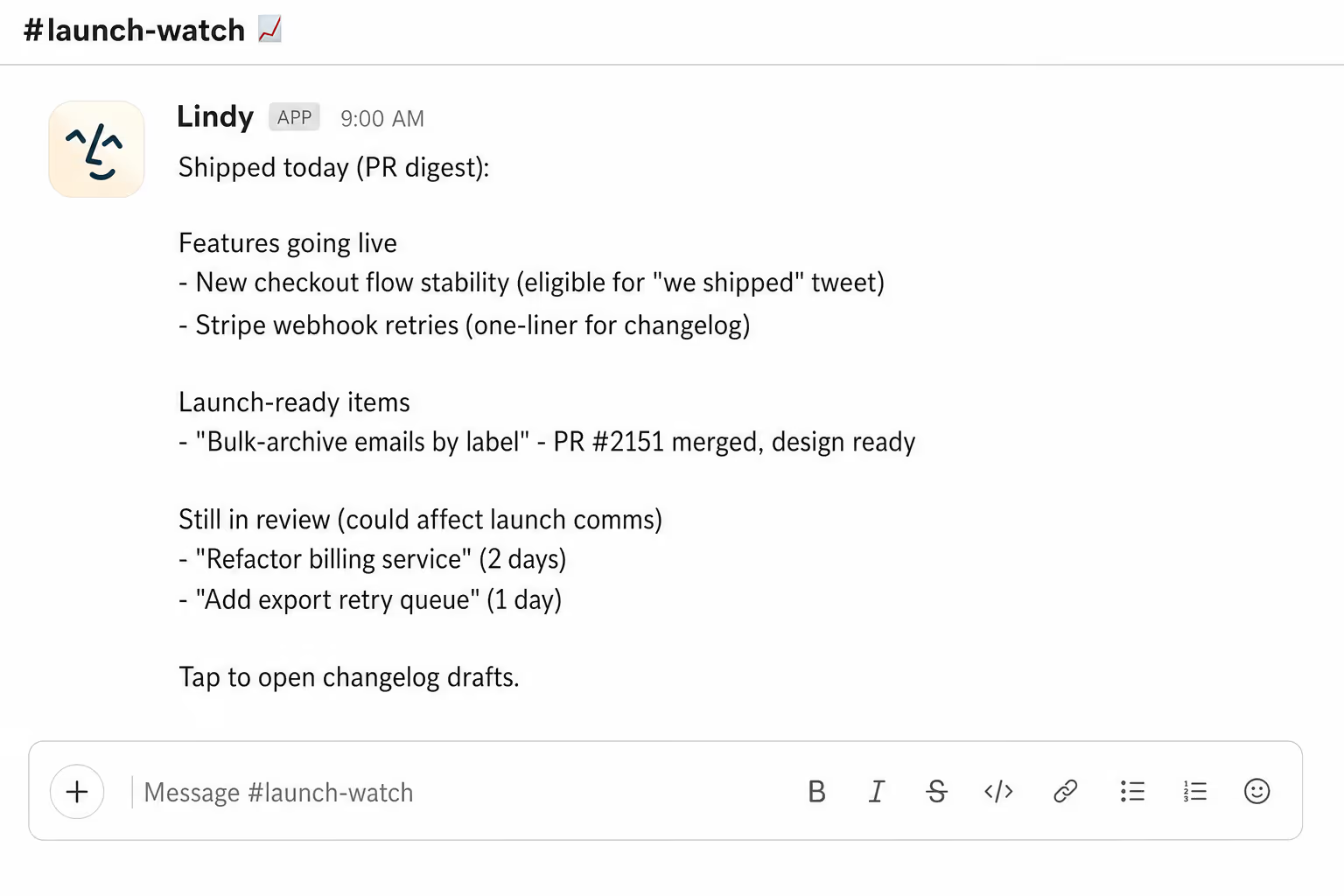
Know what is launch ready, every morning
Lindy summarizes daily PR activity, so you know what is shipping before the launch plan needs an update.
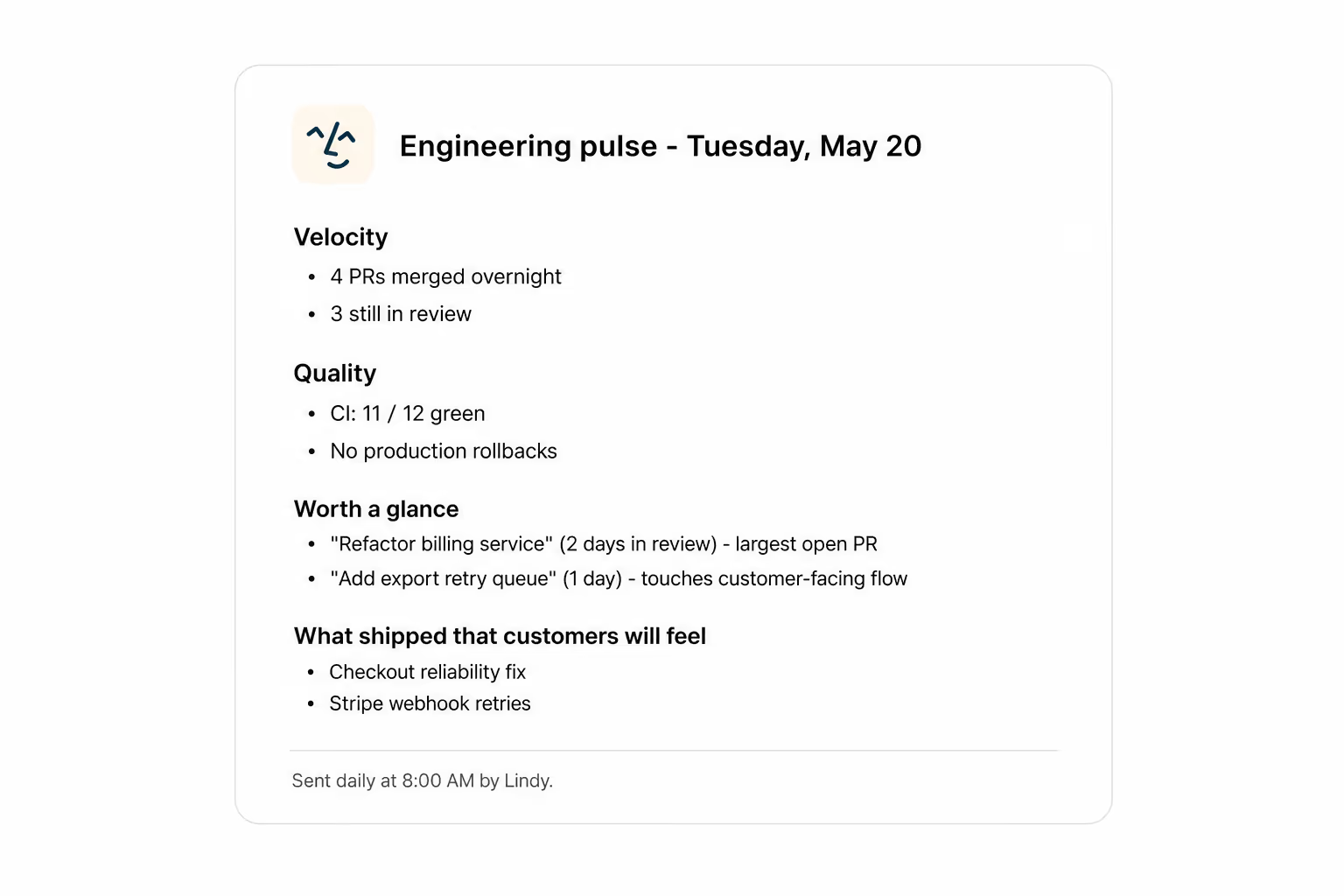
Brief your boss on what engineering shipped
Lindy sends a daily PR summary, so your boss has a read on the team's output without asking.
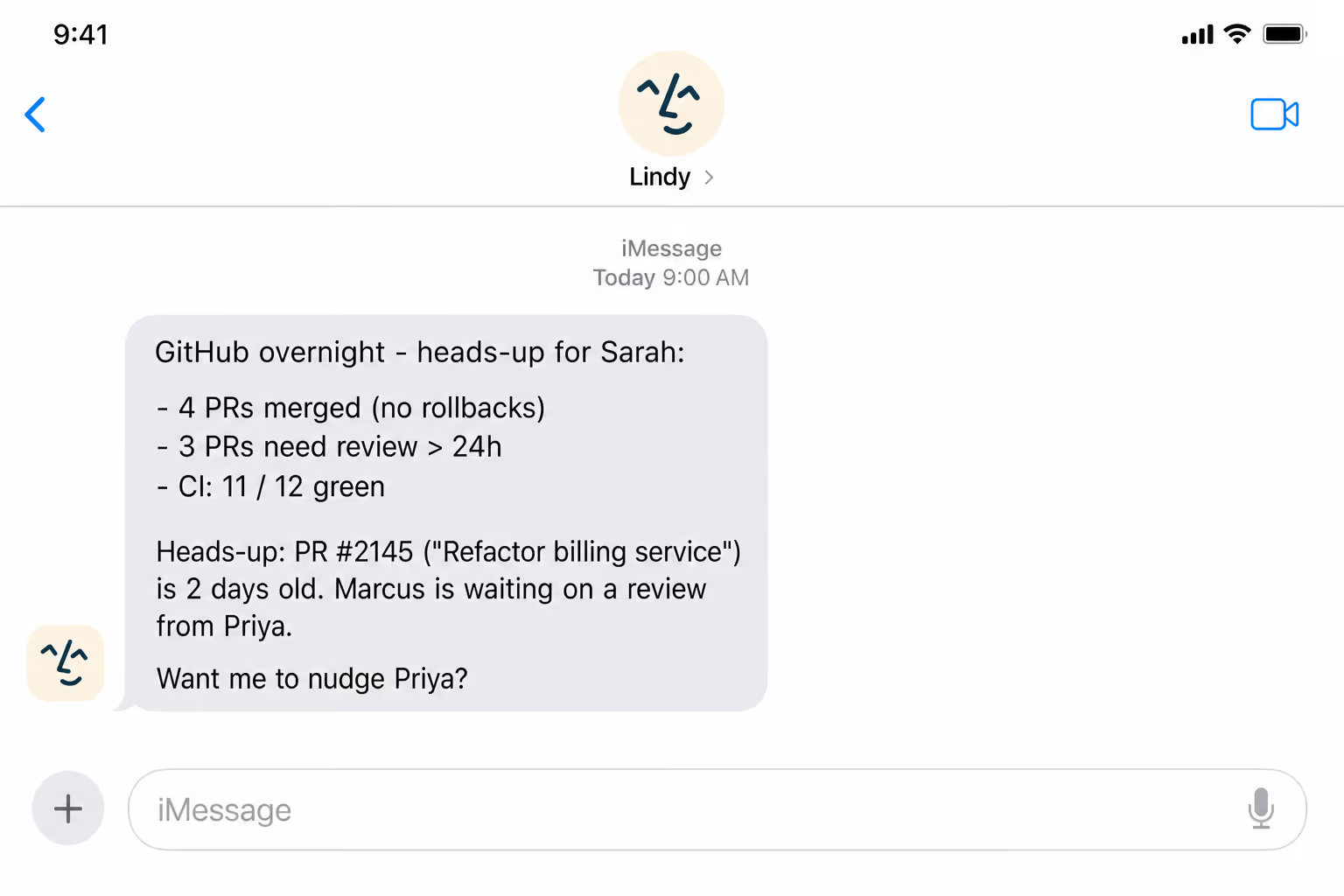
A daily read on engineering's velocity
Lindy summarizes PR activity each morning, so you can spot stalls and shipments without opening GitHub.
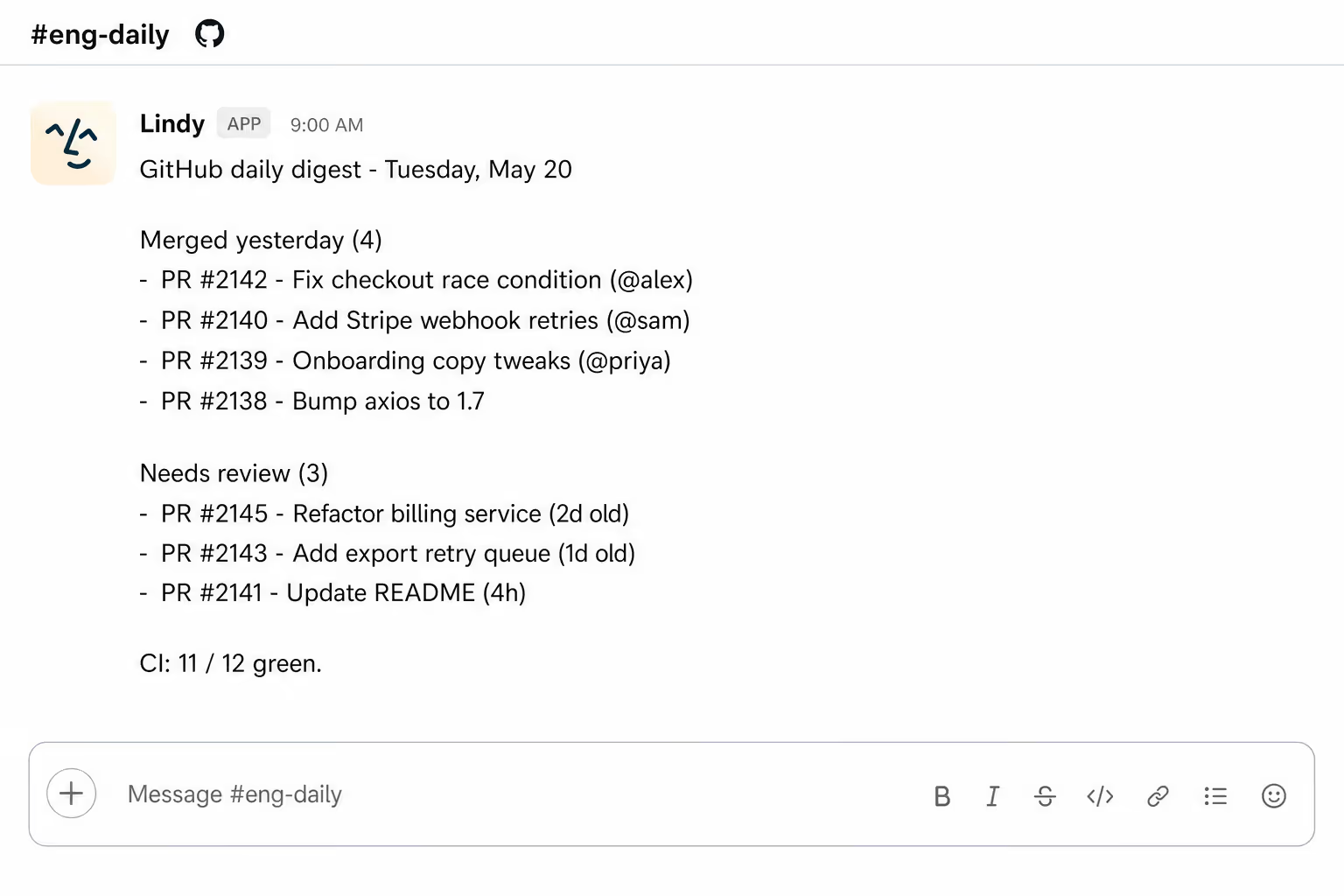
See what your team shipped overnight
Lindy sends a daily PR summary, so you start the day knowing what landed and what is still open.
Summarise more than just Slack
Summarising Slack is just the start. Here's what else Lindy can do.

Lindy reads your inbox overnight and sends you a clean digest of what matters before you start your day.

After every call Lindy writes structured notes and sends you a summary so nothing gets lost.

Lindy reads your Zendesk or Intercom queue and delivers a daily overview of open issues and priorities.
Not sure if Lindy can do it? Just ask.
Text your question and Lindy replies with exactly what it can do for you. No account, no sign-up. Just send a message.
Try for freeMore ways to use Lindy
Plenty more in the library. Pick the next one that fits your day.

Lindy pulls company and role details for new HubSpot leads and updates their records automatically.
Lindy listens to your calls and logs the notes straight into HubSpot for you.

Lindy logs your call notes straight into Salesforce so you don't have to do it manually.

Lindy catches new Typeform responses and logs them to Google Sheets automatically.

AI Agents for GitHub.
When you're working across a busy repo, it's easy to lose track of which pull requests got comments, which ones are blocked, and which ones quietly merged while you weren't looking.
Connect Lindy to GitHub and it can pull together a daily digest of PR activity, flag anything that's been sitting without a review, and post the summary straight to Slack or your email so nothing slips through.

A skill shows you a real-world task Lindy can handle for you. It's there to inspire you and show what's possible, not a pre-built workflow you have to follow.
Yes. Sign up, connect the apps the skill needs, and you're ready to go. Most skills are up and running in minutes.
Lindy is your AI assistant. You tell it what you need in plain language and it takes care of the work, across your apps, on your schedule.
Each skill page lists exactly which apps are involved and whether they are required or optional. If you already use those apps, you're good to go.
No. Just tell Lindy what you want it to do and it figures out the rest. Skills are there to show you what's possible and get you started.
Almost certainly. Skills show what's possible, not what's limited. If you don't see what you need, just ask Lindy directly and it will figure it out.