

Draft personalized outreach emails in Gmail for *new leads*
Lindy spots new leads and writes a personal email for each one, then drafts it in Gmail.
Skip the template that everyone can spot
Reference details they didn't tell you yet
Stop sending startups your enterprise pitch
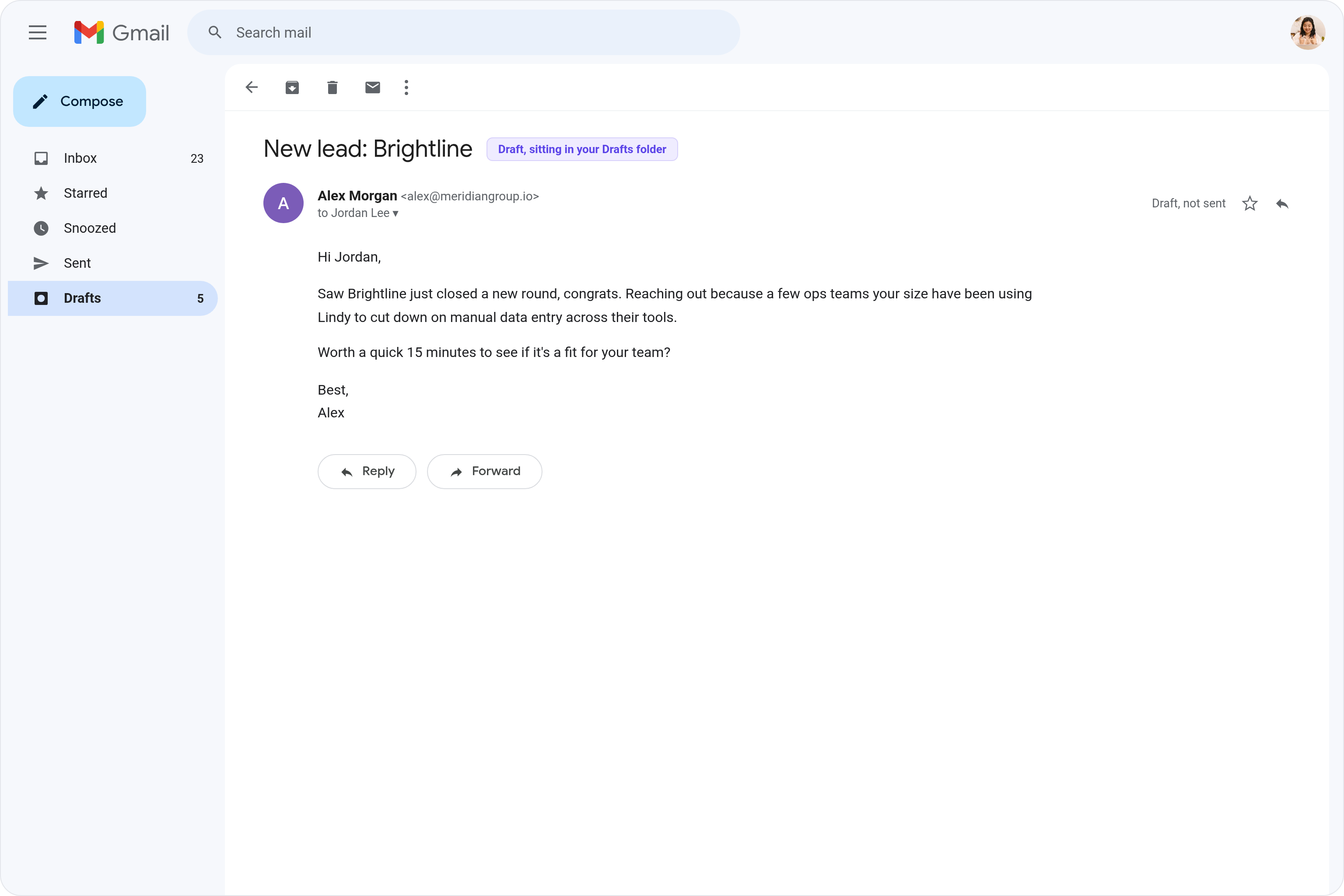
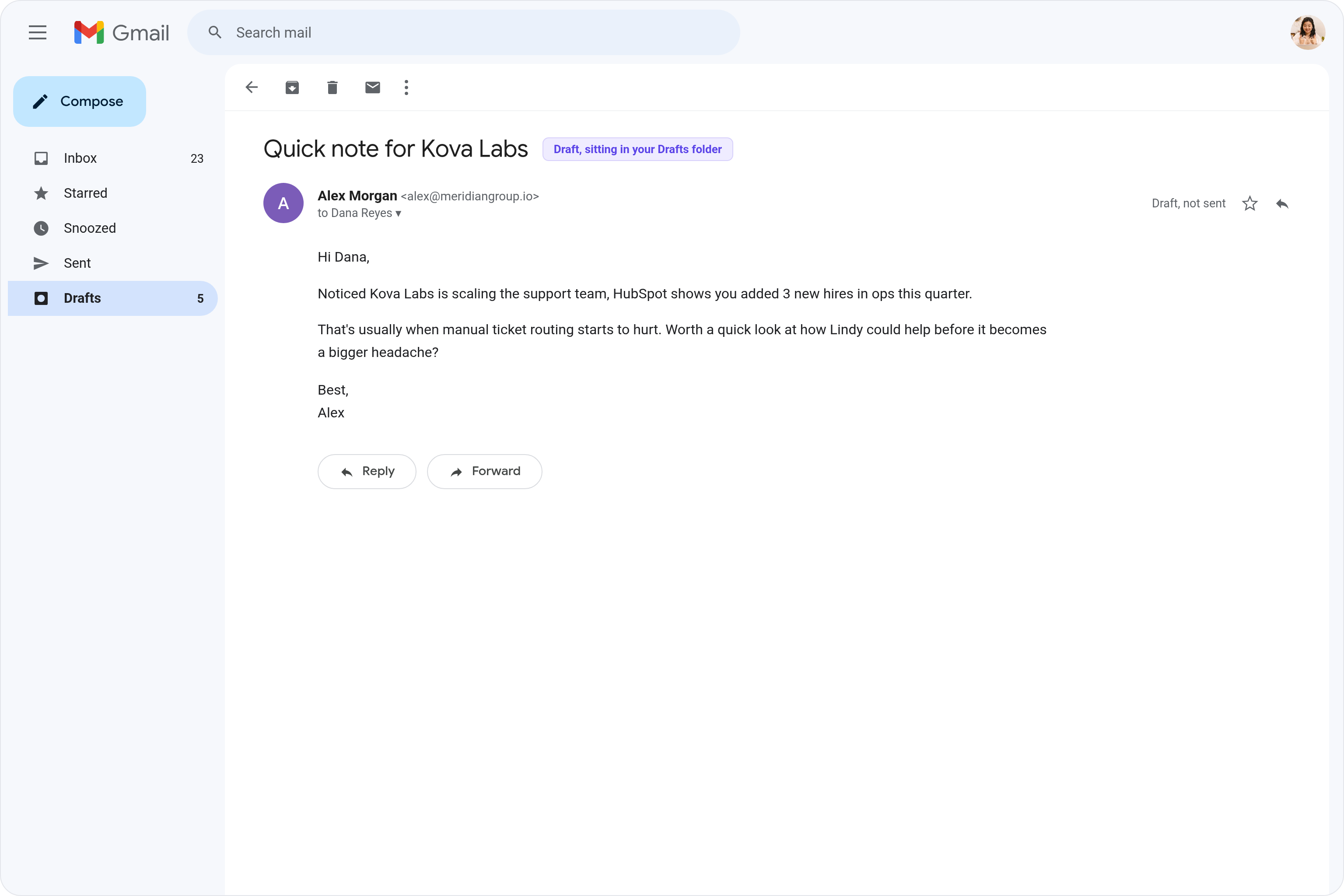
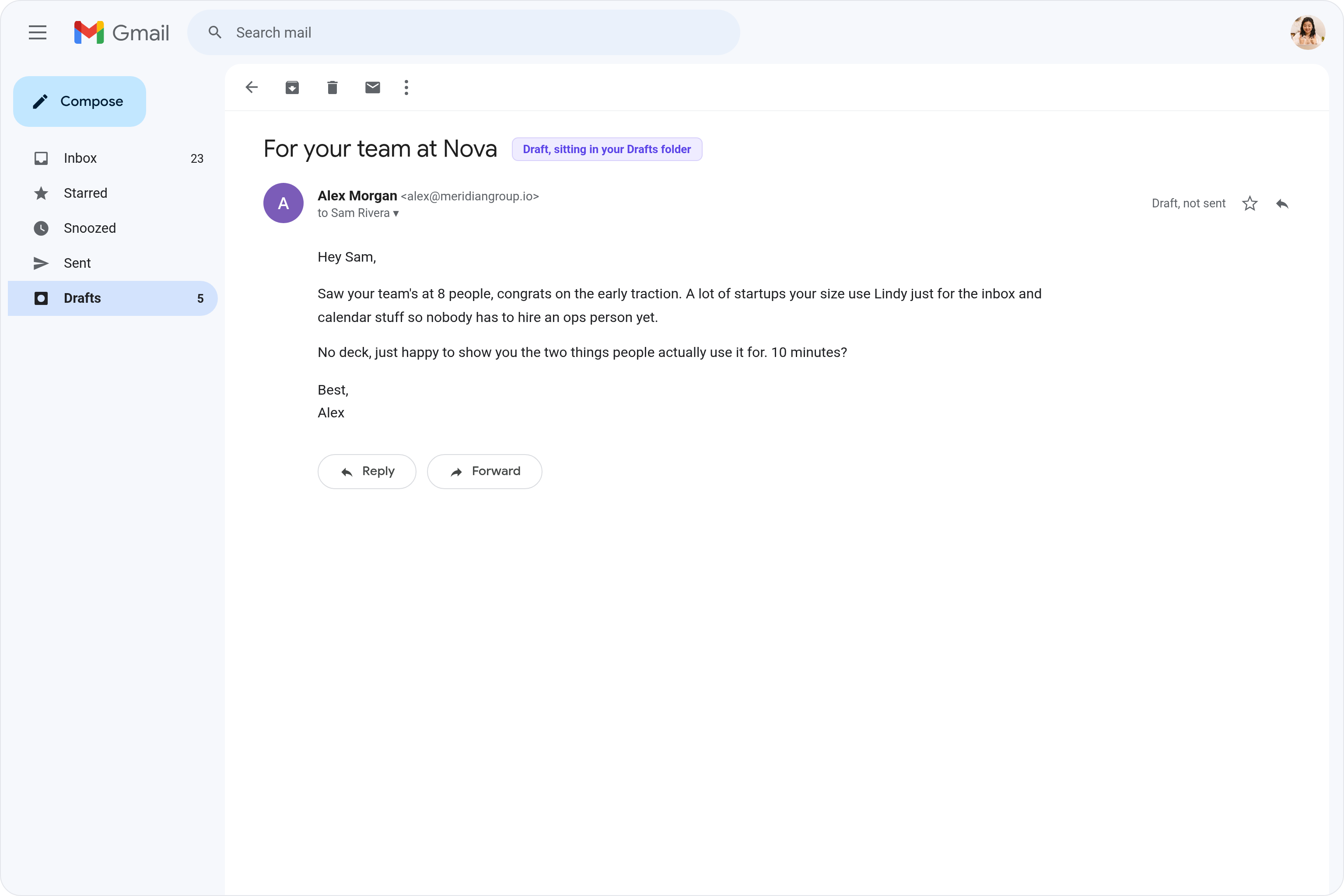






Supercharge your Gmail with AI.
Every time a new lead comes in, you're stuck staring at a blank Gmail compose window trying to figure out what to say that doesn't sound like a copy-paste template.
Lindy pulls in the details from each new lead and writes a personalized outreach email in Gmail that's ready to send, so you can follow up fast without spending time writing from scratch.
Lindy watches for triggers and sends follow-up emails through Gmail automatically.
Lindy reads your Gmail threads and drafts replies that match how you write.


See what Lindy can do for you
Cold emails that don't read like every other cold email
Lindy drafts a personalized Gmail first-touch for every new lead, so your outreach actually gets read instead of deleted.
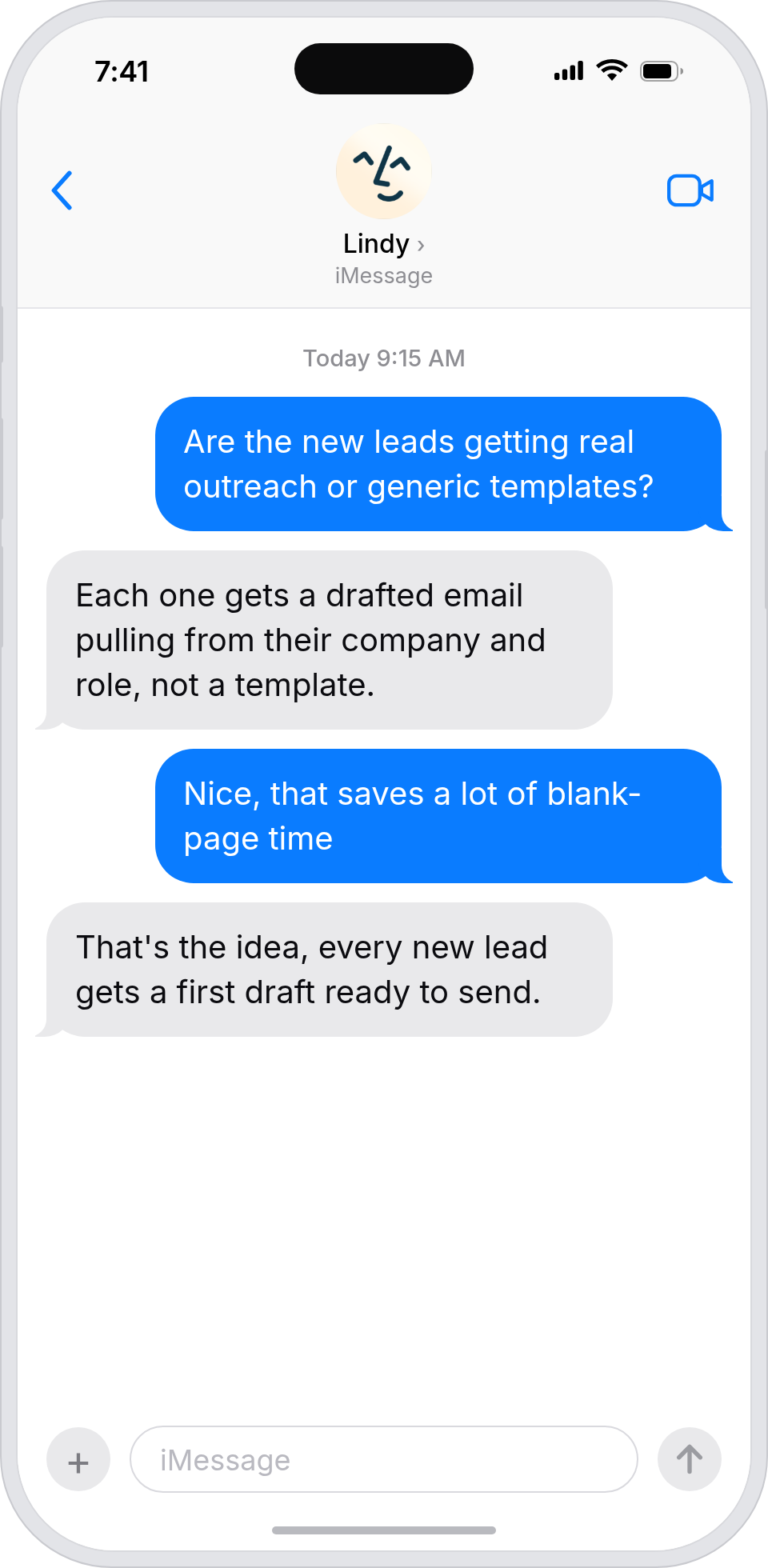
Outreach that reflects each lead's profile
Lindy drafts custom Gmail outreach using each lead's enriched data, so first-touch emails reference real context instead of a template.
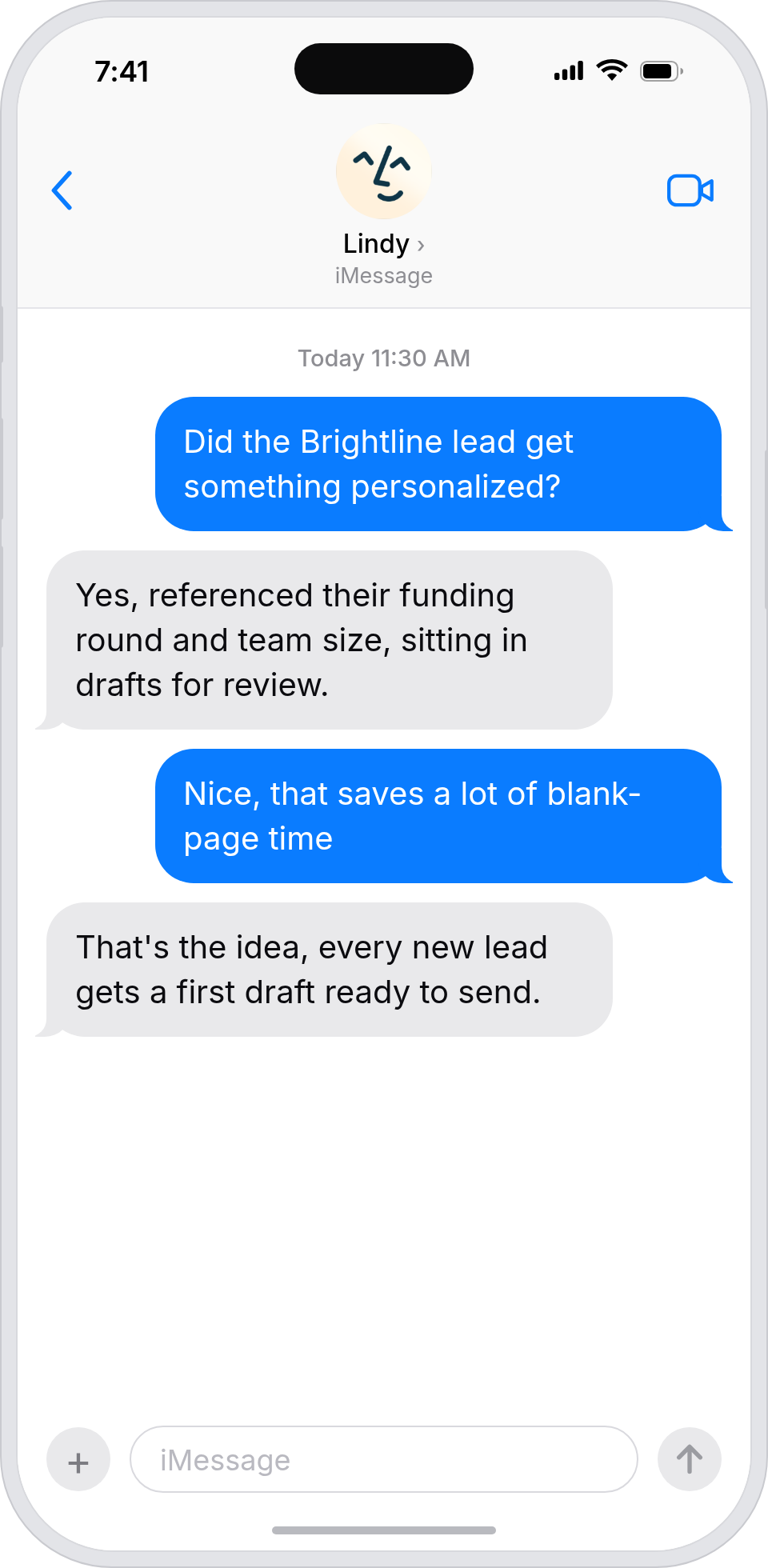
Personalized outreach without writing every email
Lindy drafts Gmail outreach for every new lead, so your boss has personalized messages ready to send instead of writing each one.
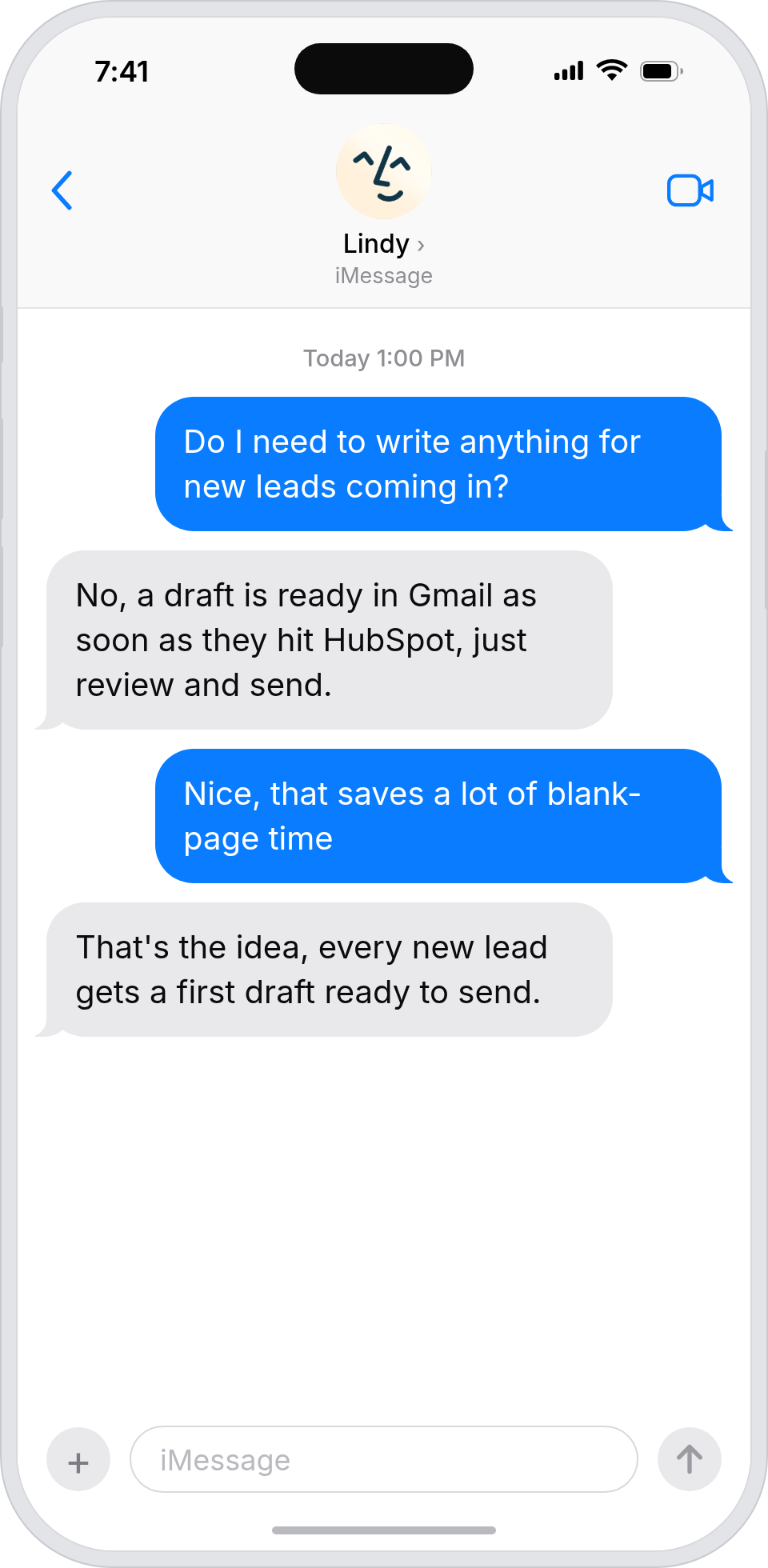
Outreach quality stays high as volume grows
Lindy drafts personalized outreach for every new lead, so the team doesn't sacrifice quality to keep up with inbound.
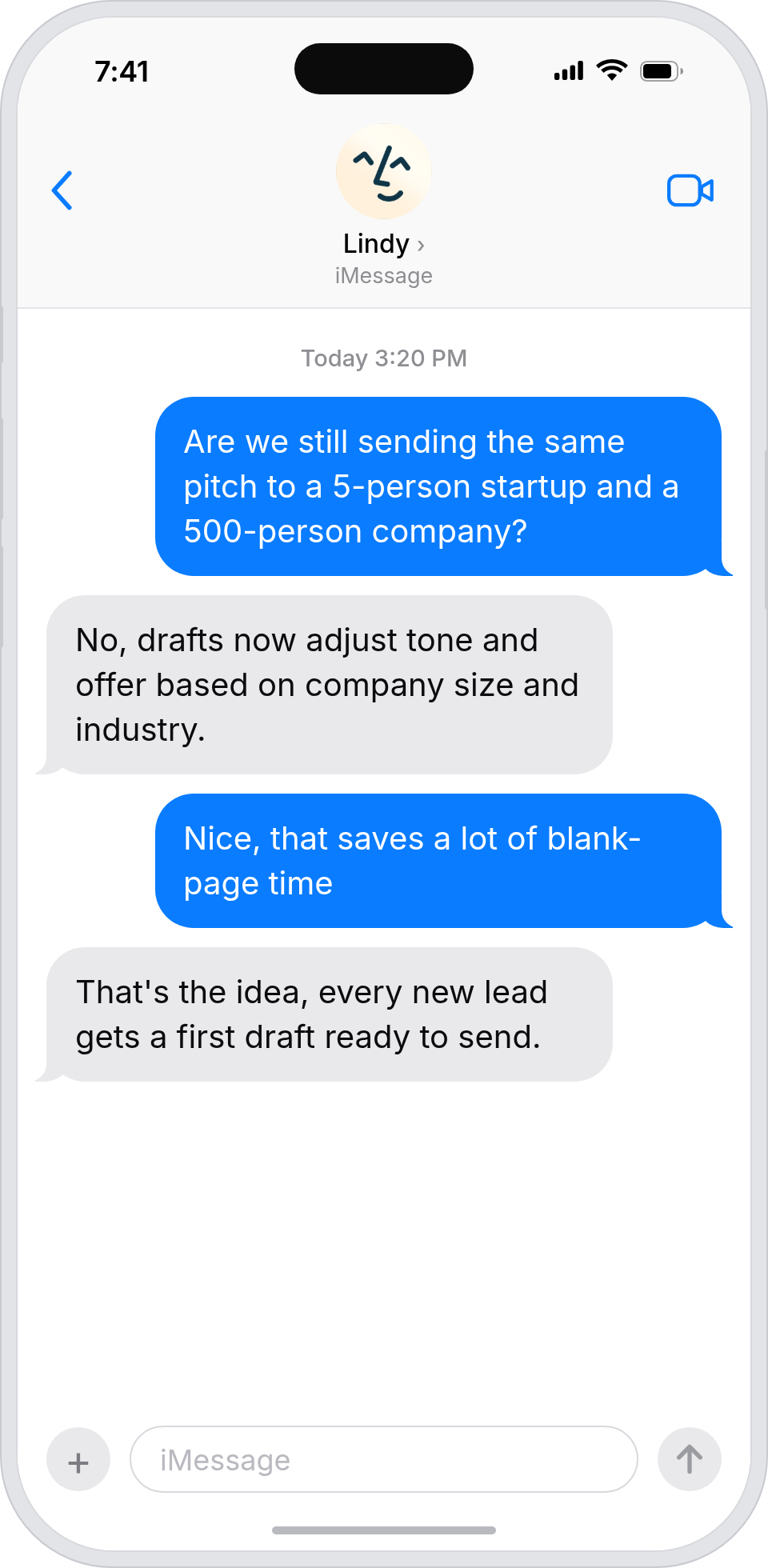
Every lead gets a real-feeling first touch
Lindy drafts personalized outreach to every new lead, so your inbound experience matches the standard you set.

Summarise more than just Slack
Summarising Slack is just the start. Here's what else Lindy can do.

Lindy reads your inbox overnight and sends you a clean digest of what matters before you start your day.

After every call Lindy writes structured notes and sends you a summary so nothing gets lost.

Lindy reads your Zendesk or Intercom queue and delivers a daily overview of open issues and priorities.
Not sure if Lindy can do it? Just ask.
Text your question and Lindy replies with exactly what it can do for you. No account, no sign-up. Just send a message.
Try for freeMore ways to use Lindy
Plenty more in the library. Pick the next one that fits your day.
Lindy reads your Gmail inbox each morning and sends you a quick summary of what came in.

Lindy checks your Google Calendar and books meetings without the endless email chain.
Lindy checks your Google Calendar and finds a time that works for everyone.

Lindy joins your Google Meet calls and takes notes so you don't have to.


AI Agents for Gmail
Writing individual outreach emails in Gmail for every new lead eats up a ton of time, and it's easy to either send something generic or just let leads go cold because you never got around to it.
When you connect Lindy to Gmail, it can pull context from each new lead, draft a personalized email tailored to their background, and drop it straight into your Gmail drafts folder so all you have to do is hit send.

A skill shows you a real-world task Lindy can handle for you. It's there to inspire you and show what's possible, not a pre-built workflow you have to follow.
Yes. Sign up, connect the apps the skill needs, and you're ready to go. Most skills are up and running in minutes.
Lindy is your AI assistant. You tell it what you need in plain language and it takes care of the work, across your apps, on your schedule.
Each skill page lists exactly which apps are involved and whether they are required or optional. If you already use those apps, you're good to go.
No. Just tell Lindy what you want it to do and it figures out the rest. Skills are there to show you what's possible and get you started.
Almost certainly. Skills show what's possible, not what's limited. If you don't see what you need, just ask Lindy directly and it will figure it out.