

Draft personalized replies to new *Typeform* submissions via Gmail
Lindy reads each Typeform submission and sends a personalized Gmail reply automatically.
Make every reply feel handwritten, not templated
Show you read the form, not just the email
Get attendees ready without manual emails
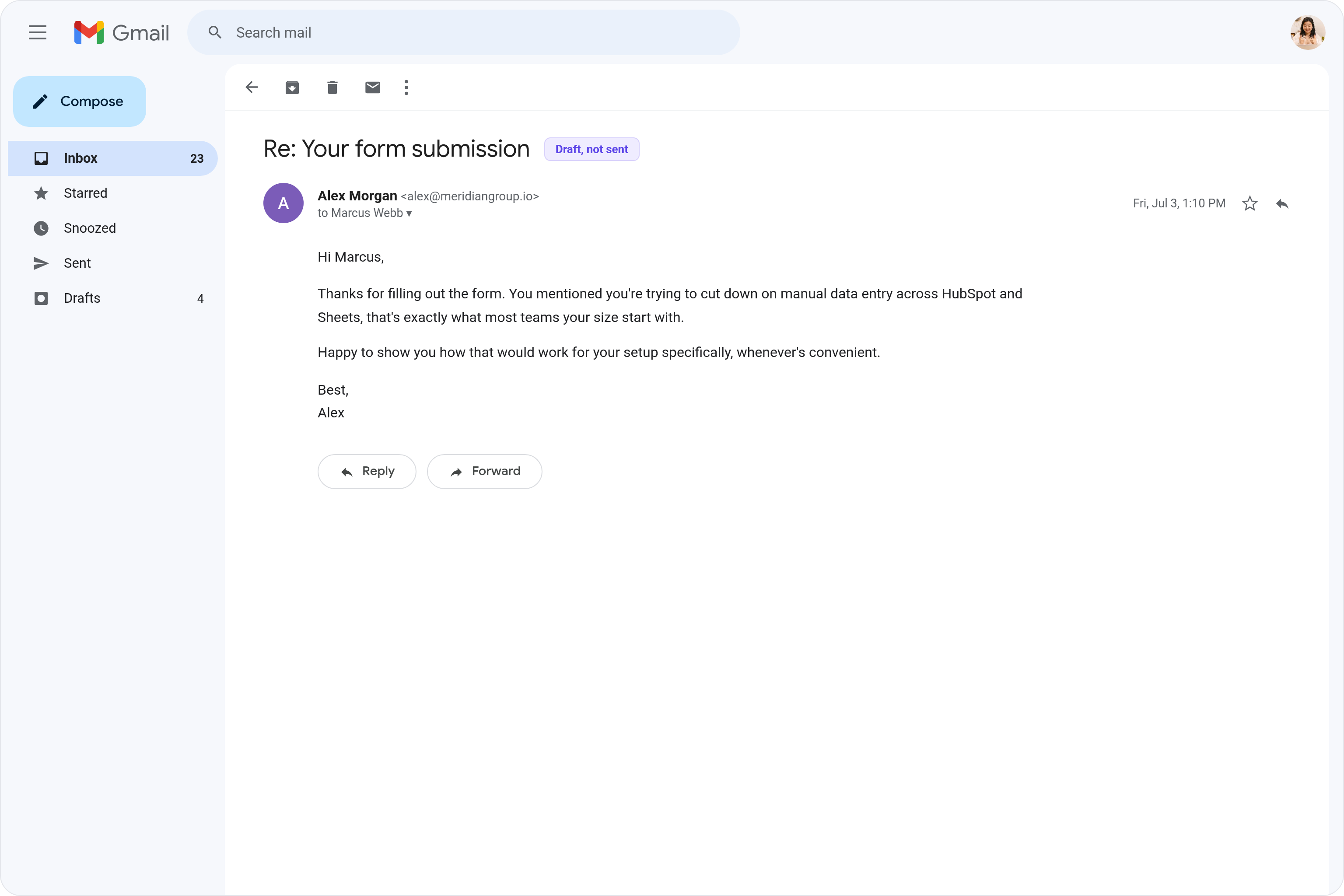
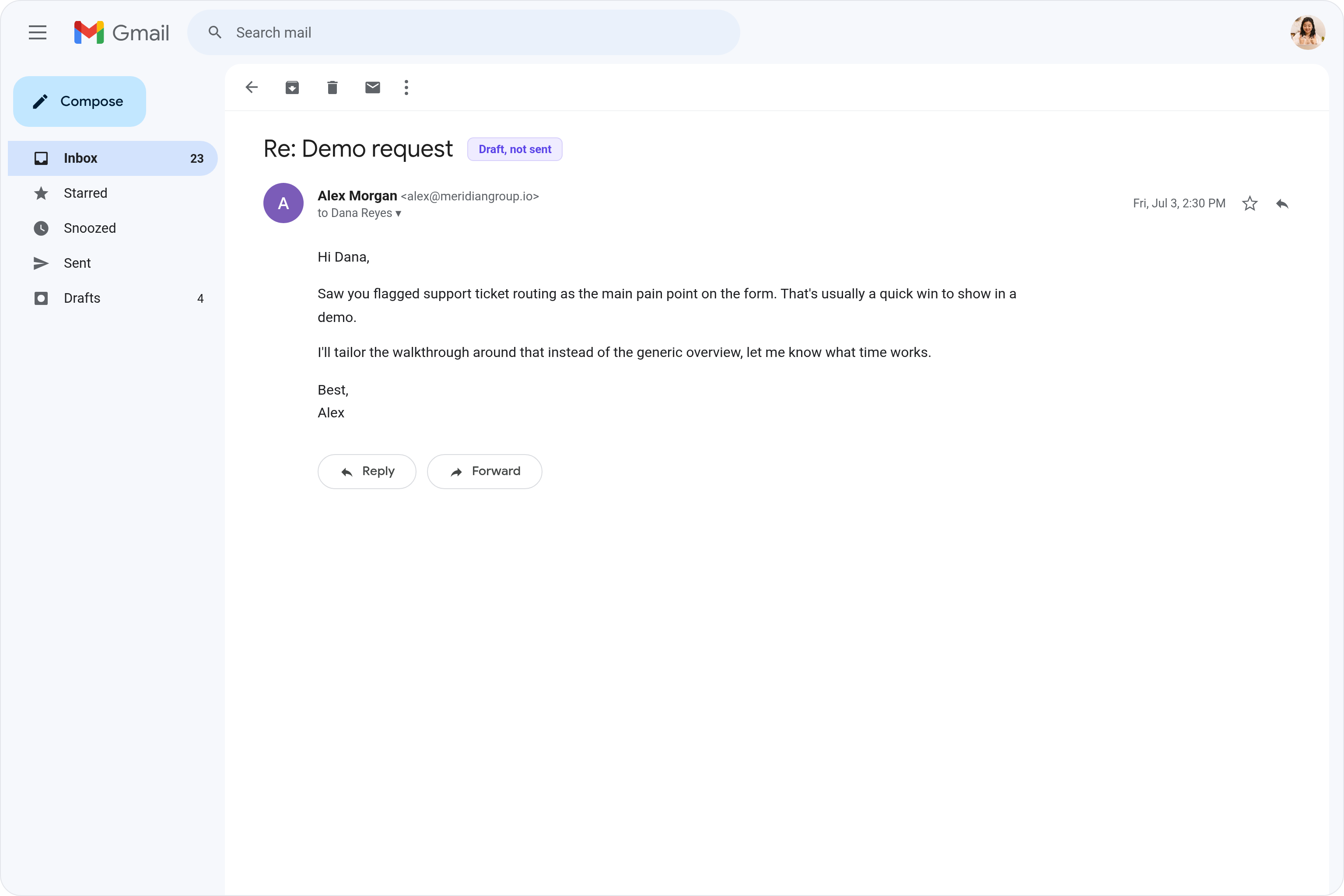
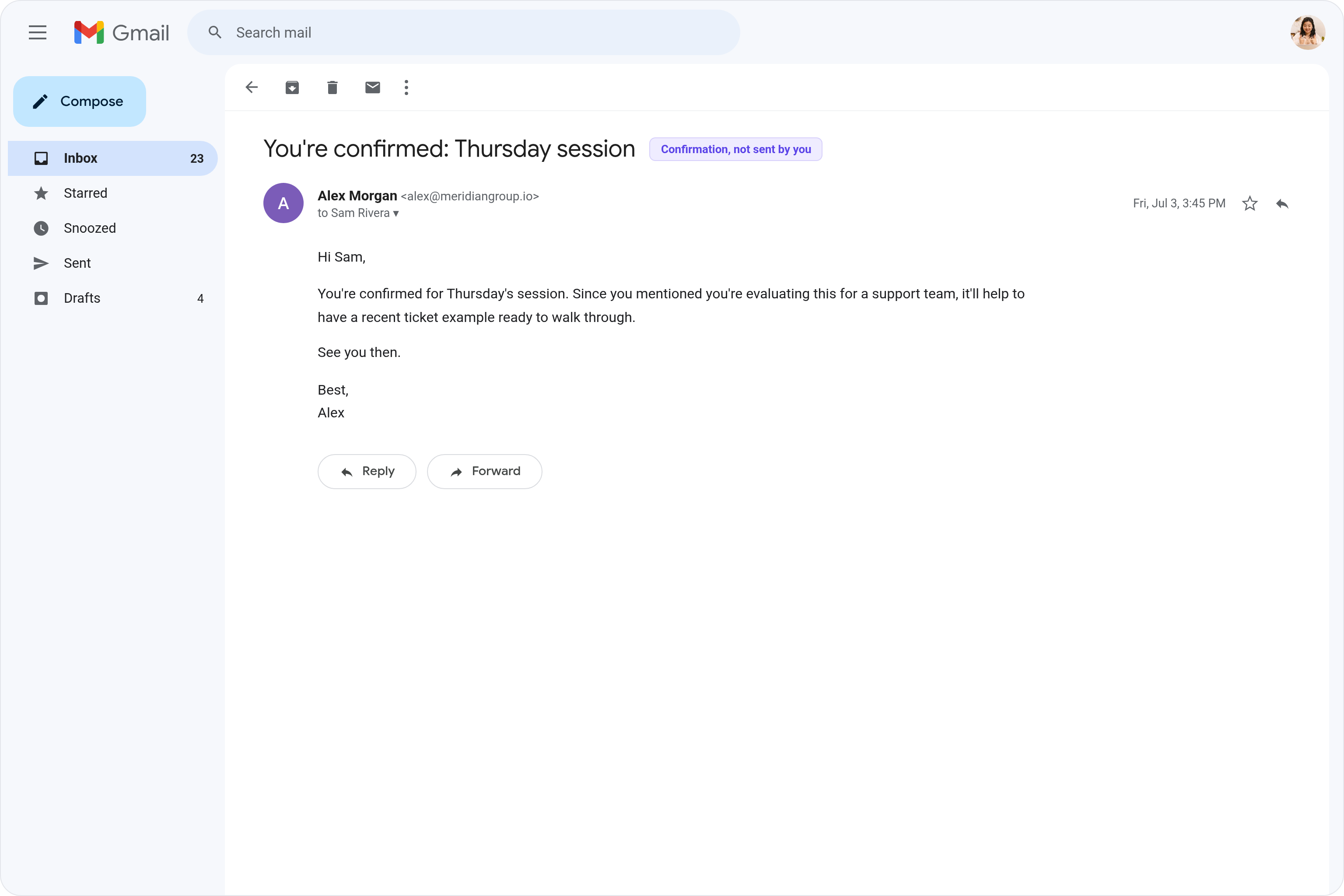






Supercharge your Typeform replies with AI.
When someone fills out your Typeform, you still have to open Gmail, read through their answers, and write a reply that actually speaks to what they said, which takes time you probably don't have.
Lindy reads each new Typeform submission and drafts a personalized Gmail reply based on the respondent's specific answers, ready for you to review and send in seconds.

Lindy pulls your Google Sheets data and turns it into a formatted weekly report.
Lindy watches your form and logs each new response as a row in Google Sheets.

See what Lindy can do for you
Every form lead gets a personal reply within minutes
Lindy drafts a personalized Gmail reply for each Typeform submission, so leads hear back fast with a real, contextual response.
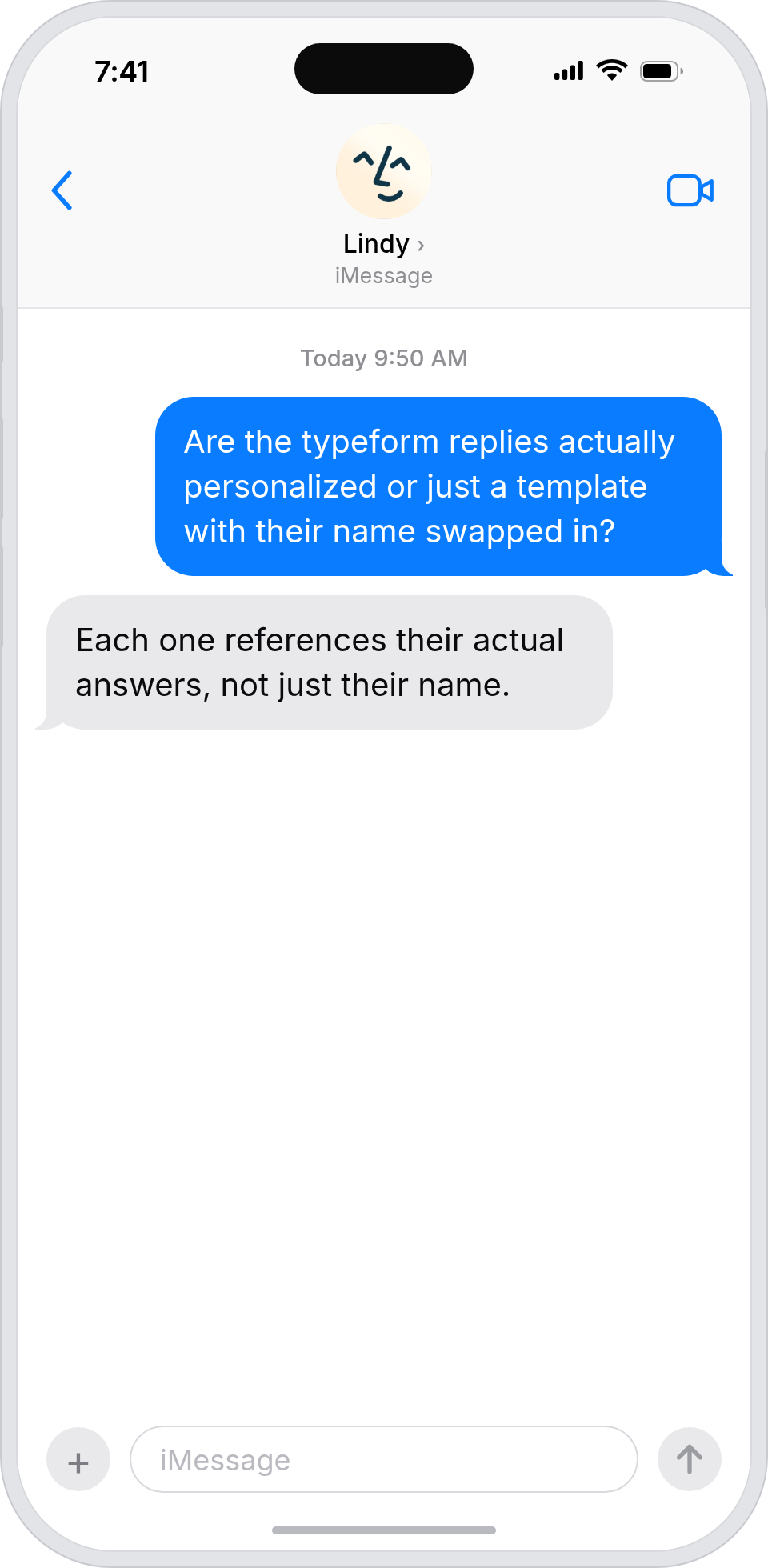
Form follow-ups feel personal, not automated
Lindy drafts Gmail replies using each Typeform response as context, so follow-ups feel handwritten even at campaign scale.
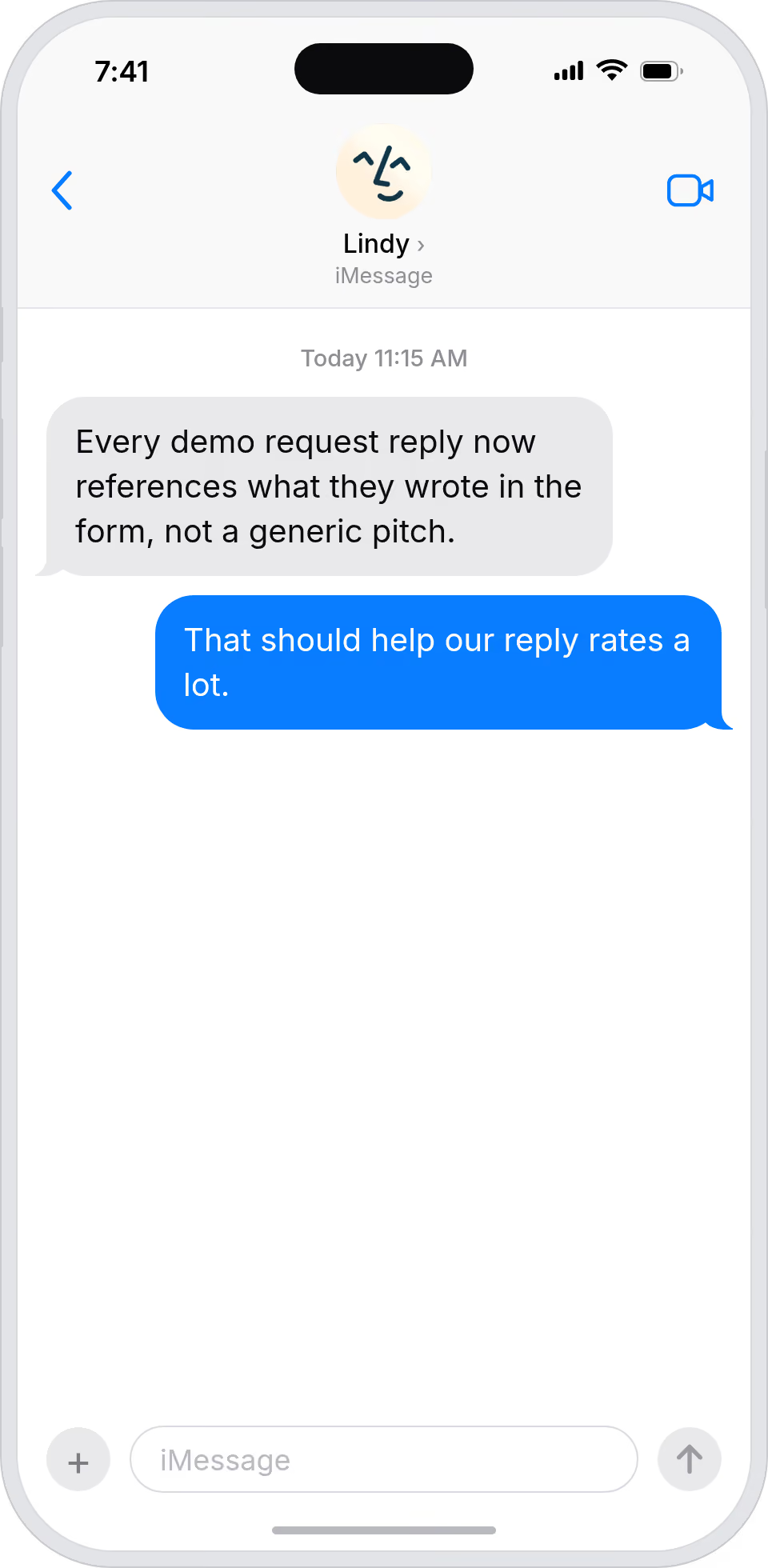
Form replies draft themselves, ready to send
Lindy drafts personalized Gmail replies to Typeform submissions, so your boss can review and send instead of writing each one.
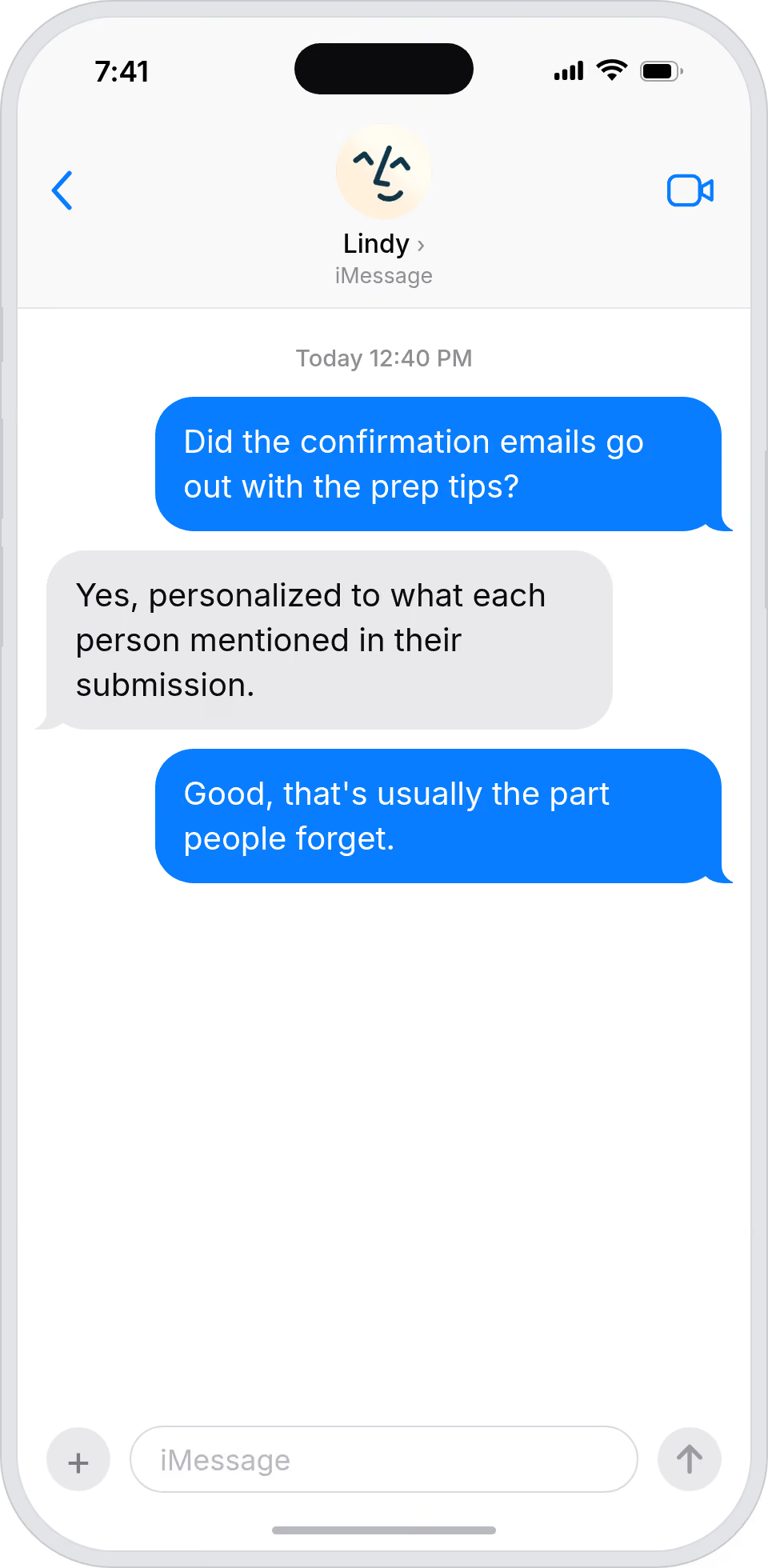
Form response time drops without quality dropping
Lindy drafts personalized Gmail replies to every Typeform submission, so the team responds faster without losing the personal touch.
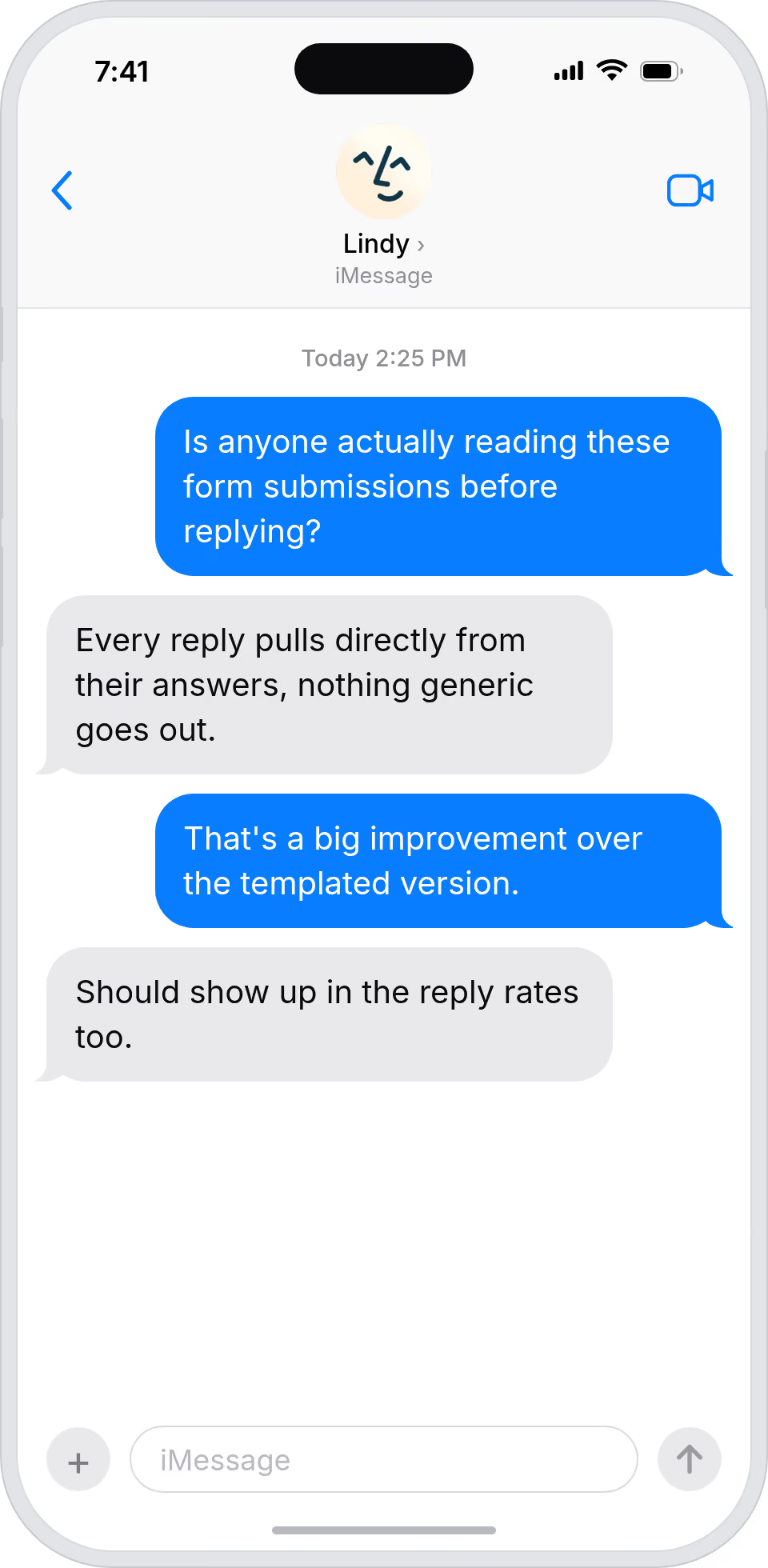
Every form fill gets a real, personal reply
Lindy drafts Gmail replies using each Typeform respondent's answers, so people who fill your form feel heard from minute one.
Summarise more than just Slack
Summarising Slack is just the start. Here's what else Lindy can do.

Lindy reads your inbox overnight and sends you a clean digest of what matters before you start your day.

After every call Lindy writes structured notes and sends you a summary so nothing gets lost.

Lindy reads your Zendesk or Intercom queue and delivers a daily overview of open issues and priorities.
Not sure if Lindy can do it? Just ask.
Text your question and Lindy replies with exactly what it can do for you. No account, no sign-up. Just send a message.
Try for freeMore ways to use Lindy
Plenty more in the library. Pick the next one that fits your day.

Lindy turns your meeting notes into clean summaries with decisions and next steps.

Lindy reads your Gmail threads and drafts replies that match how you write.

Lindy watches your Shopify store and pings your team the moment a new order arrives.

Lindy reads your top Slack channels and sends you a quick summary of what matters.

AI Agents for Typeform
Going through Typeform responses one by one and writing individual replies in Gmail is the kind of repetitive work that piles up fast and usually gets pushed to the bottom of your to-do list.
When you connect Typeform to Lindy, it can read each new submission, pull out the relevant details, and draft a personalized Gmail reply that references what the person actually wrote, so you just review it and hit send.

A skill shows you a real-world task Lindy can handle for you. It's there to inspire you and show what's possible, not a pre-built workflow you have to follow.
Yes. Sign up, connect the apps the skill needs, and you're ready to go. Most skills are up and running in minutes.
Lindy is your AI assistant. You tell it what you need in plain language and it takes care of the work, across your apps, on your schedule.
Each skill page lists exactly which apps are involved and whether they are required or optional. If you already use those apps, you're good to go.
No. Just tell Lindy what you want it to do and it figures out the rest. Skills are there to show you what's possible and get you started.
Almost certainly. Skills show what's possible, not what's limited. If you don't see what you need, just ask Lindy directly and it will figure it out.