

Generate structured meeting summaries with *decisions and action items*
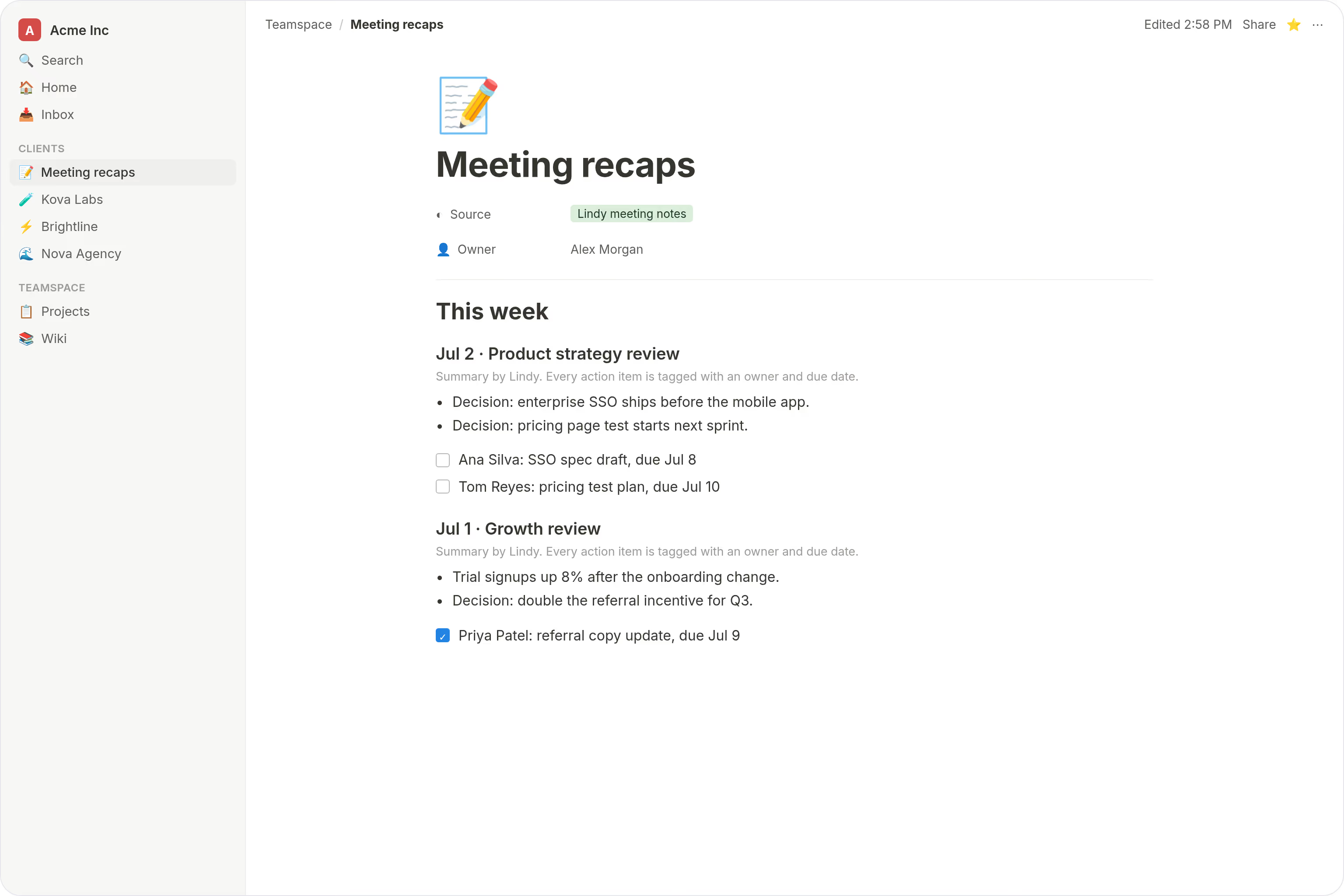
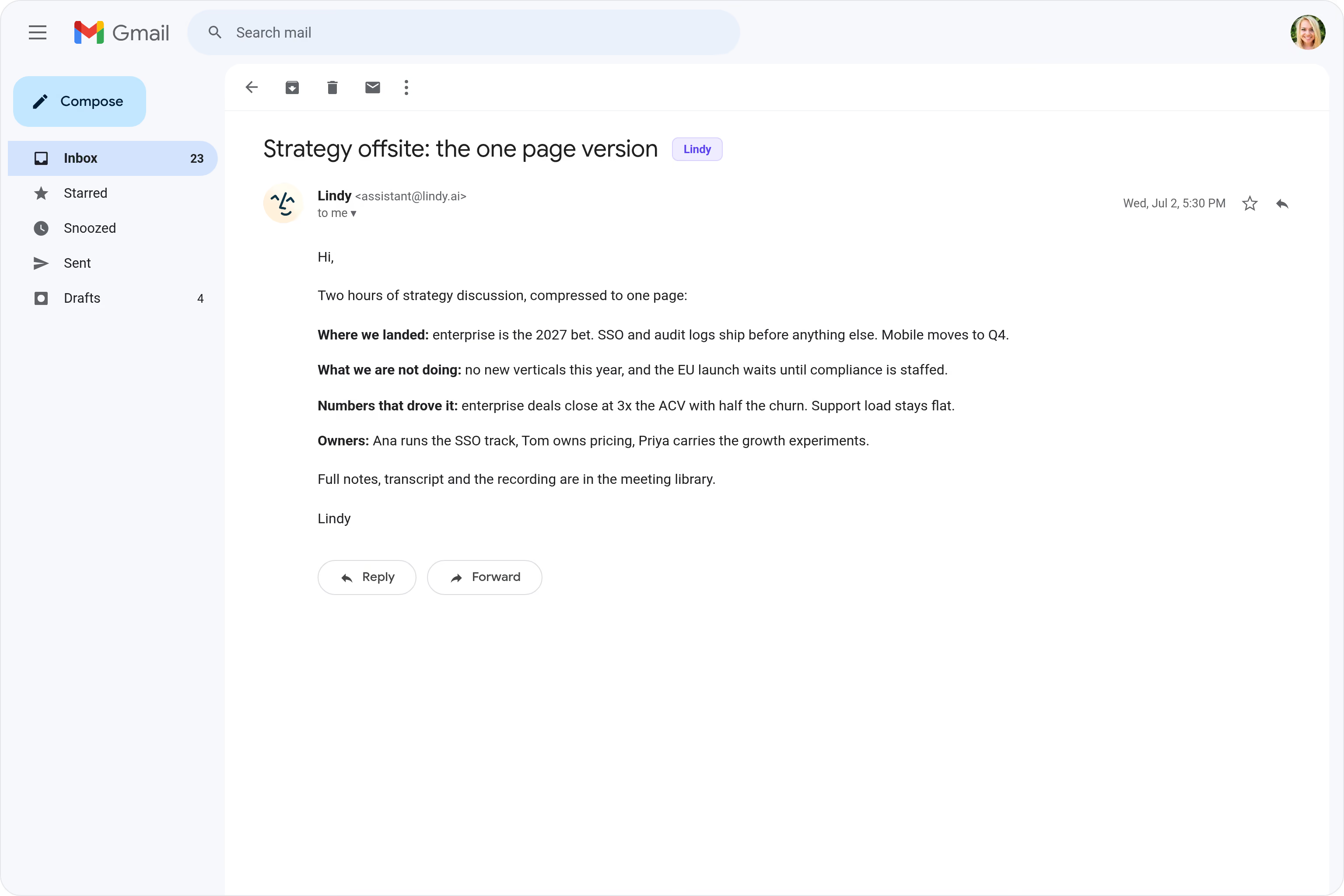
Lindy turns your meeting notes into clean summaries with decisions and next steps.
Leave the call with the work already assigned
Share with execs who skip the recording
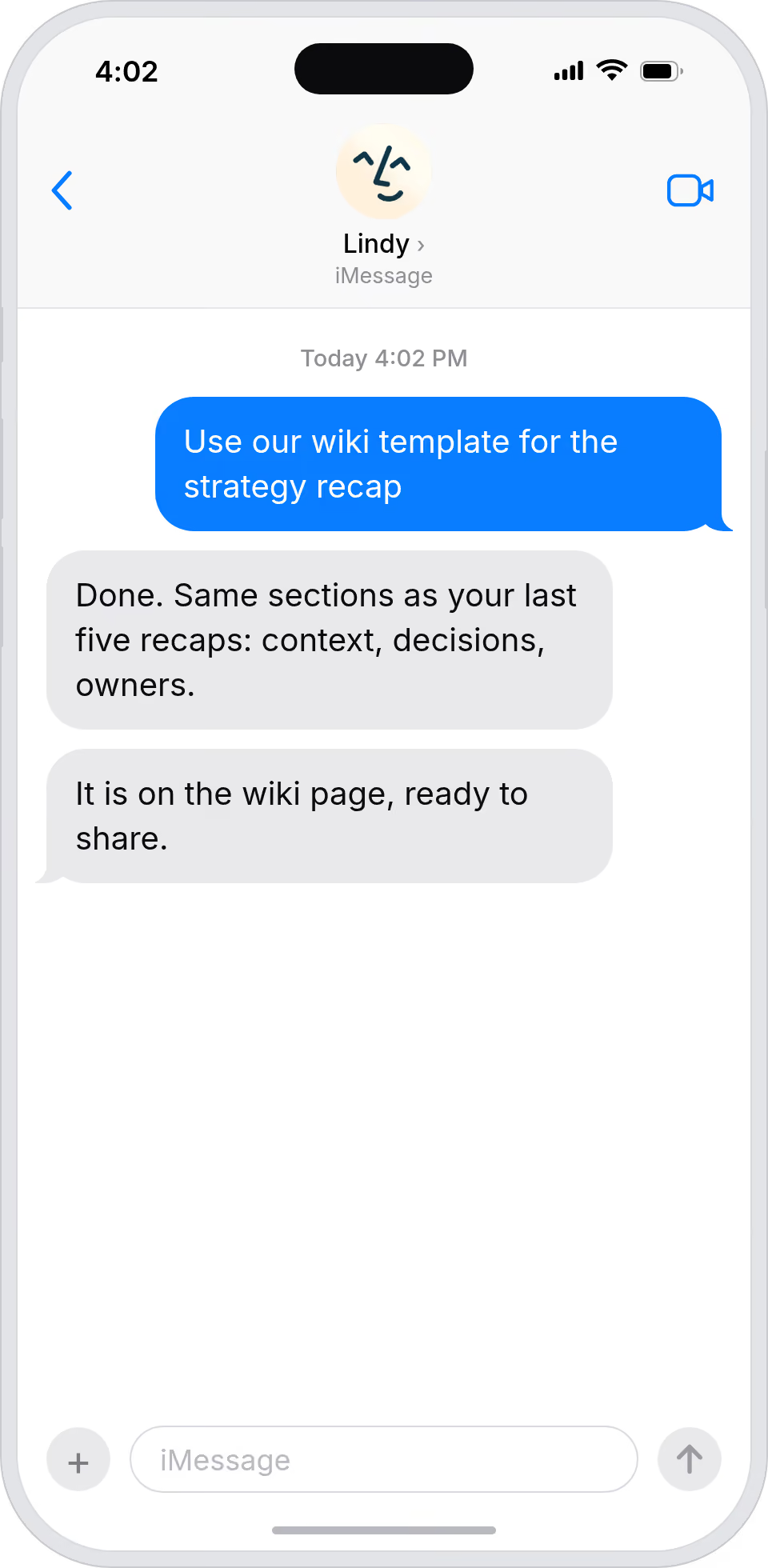
Slot recaps into your wiki without reformatting






Supercharge your Meeting Summaries with AI.
After a meeting ends, someone has to dig through their notes, remember who said what, and piece together which decisions were made and who's actually responsible for the next steps.
Lindy automatically turns your meeting transcript into a clean summary that pulls out the key decisions and action items, then sends it to the right people so nothing gets lost or forgotten.

Lindy checks your Google Calendar each morning and sends you a summary of the day's meetings.

Lindy pulls your Calendly meeting details and sends you a prep brief beforehand.


See what Lindy can do for you
Every call ends with a clean, shareable recap
Lindy turns each meeting into a structured summary with decisions and next steps, so you can send a polished recap to a buyer minutes after hanging up.
Campaign meetings produce real artifacts
Lindy generates structured summaries with decisions and owners, so launch and campaign meetings turn into documentation, not just discussion.
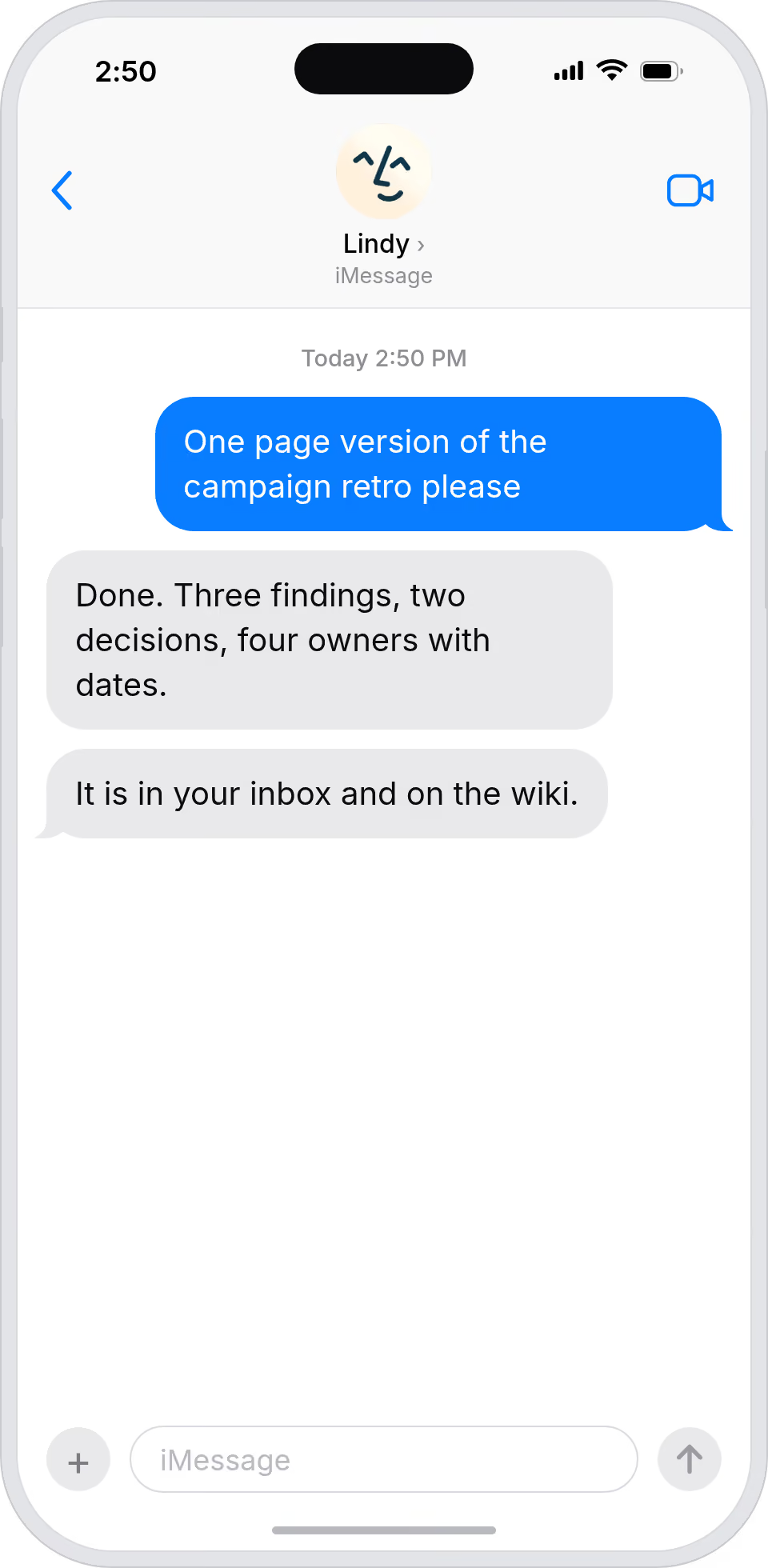
Hand over a real summary, not raw notes
Lindy produces a structured recap from every meeting with decisions and action items, so you can pass your boss a clean doc instead of bullet points.
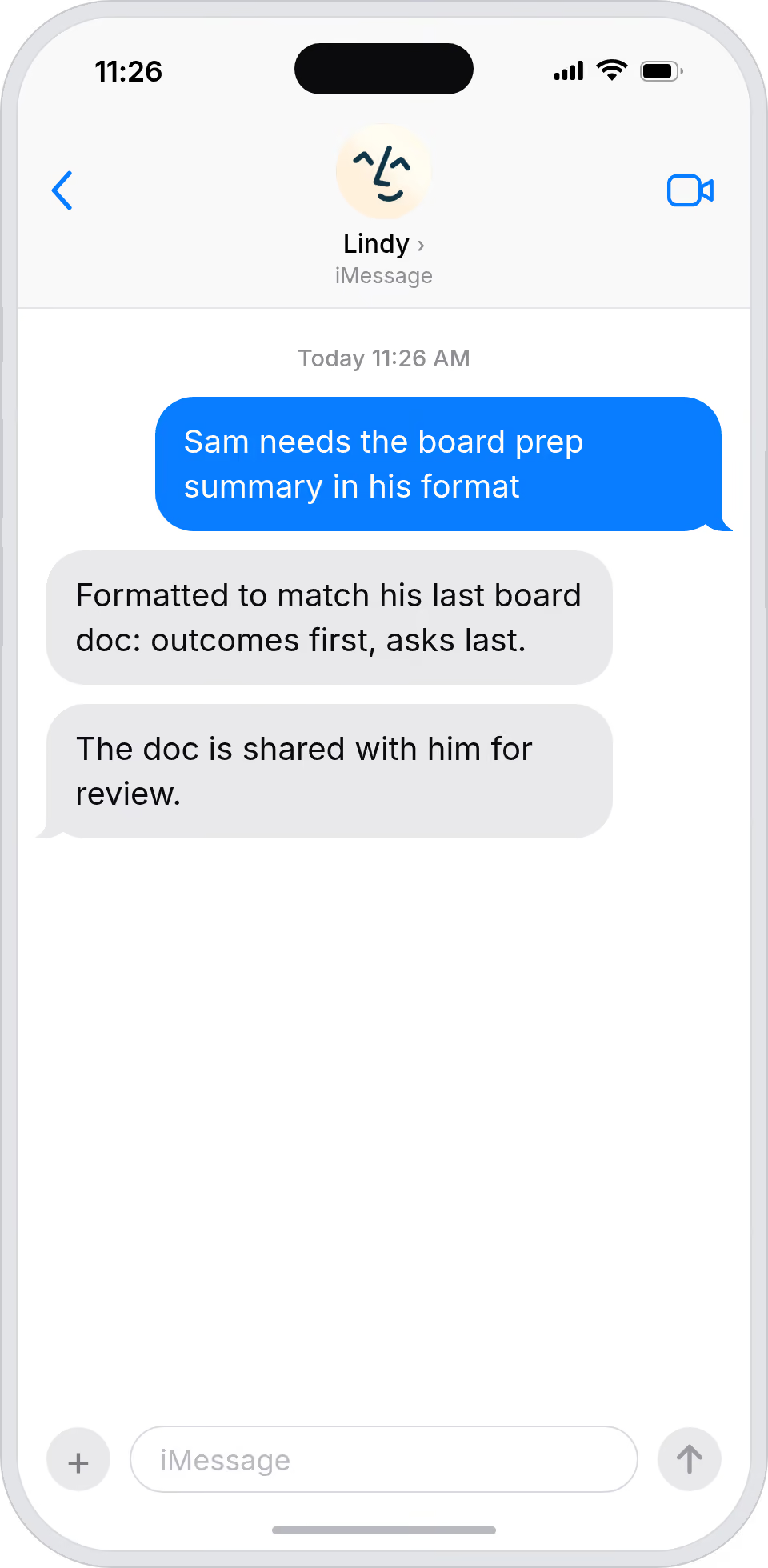
Meetings turn into accountable records
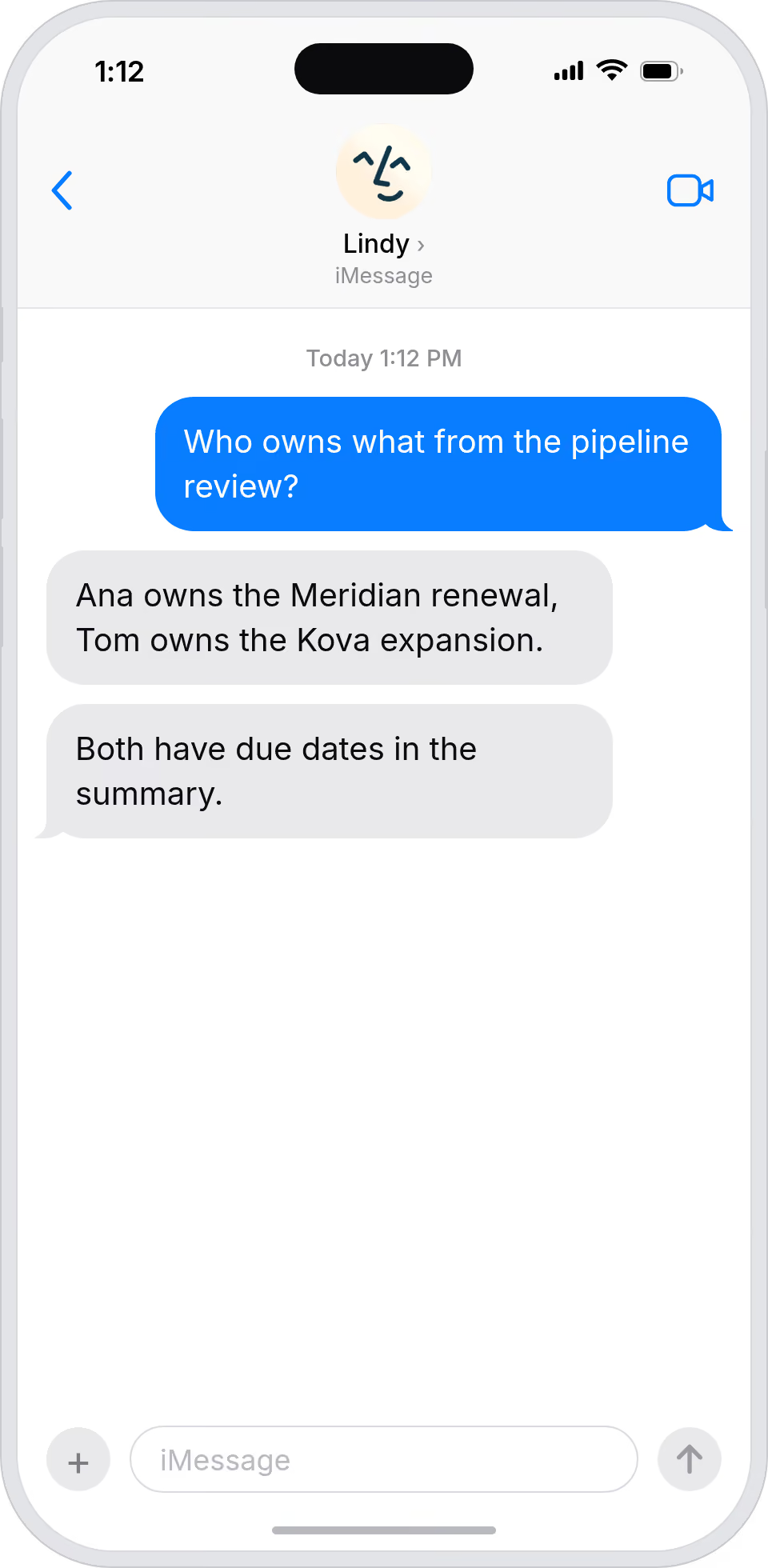
Lindy generates structured summaries with owner-tagged action items, so every meeting produces clear ownership and the work actually moves forward.
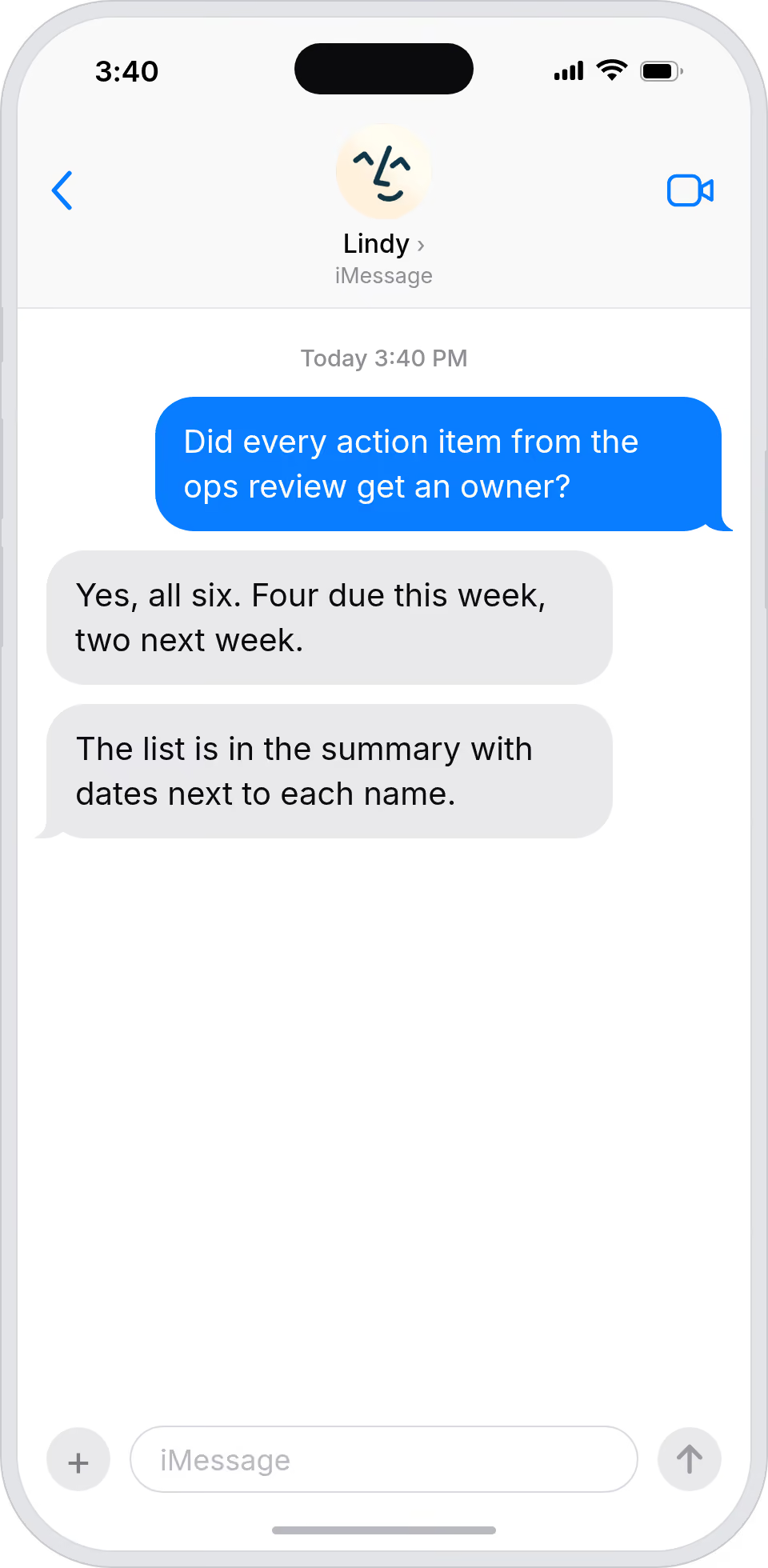
See exactly what was decided, every time
Lindy turns every meeting into a structured summary, so you can scan decisions and action items across the company without sitting in every call.
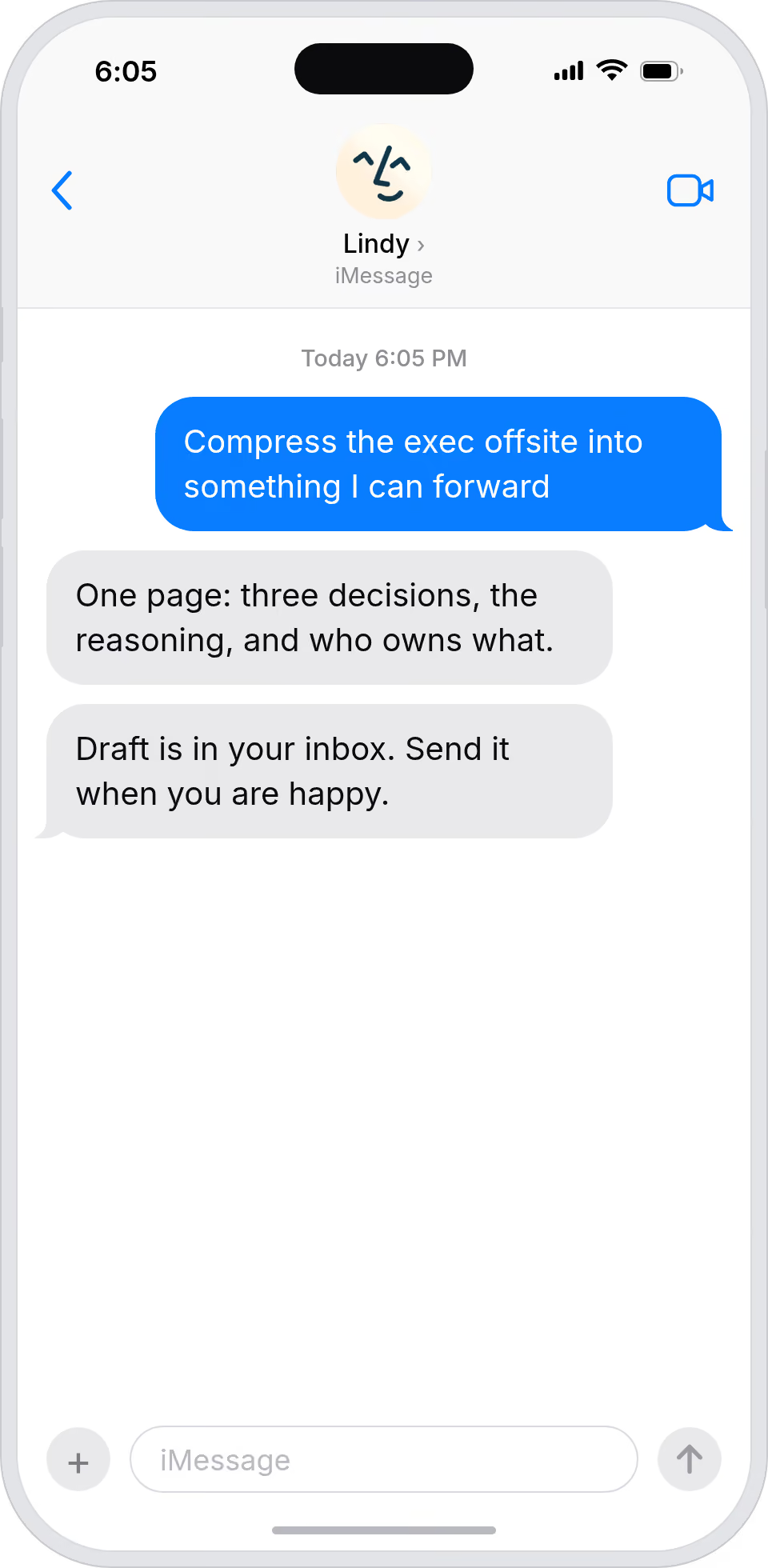
Summarise more than just Slack
Summarising Slack is just the start. Here's what else Lindy can do.

Lindy reads your inbox overnight and sends you a clean digest of what matters before you start your day.

After every call Lindy writes structured notes and sends you a summary so nothing gets lost.

Lindy reads your Zendesk or Intercom queue and delivers a daily overview of open issues and priorities.
Not sure if Lindy can do it? Just ask.
Text your question and Lindy replies with exactly what it can do for you. No account, no sign-up. Just send a message.
Try for freeMore ways to use Lindy
Plenty more in the library. Pick the next one that fits your day.

Lindy reads your Gmail inbox each morning and sends you a quick summary of what came in.
Lindy checks your Google Calendar and books meetings without the endless email chain.
Lindy checks your Google Calendar and finds a time that works for everyone.

Lindy joins your Google Meet calls and takes notes so you don't have to.


AI Agents for Meeting Summaries
Writing up meeting summaries by hand takes forever, and it's easy to miss something important like a decision that was made offhand or an action item that never got assigned to anyone.
Once connected to your meetings, Lindy can pull out every decision and next step from the transcript, assign action items to the right people, and drop the whole summary into a doc or send it straight to your team's Slack channel.

A skill shows you a real-world task Lindy can handle for you. It's there to inspire you and show what's possible, not a pre-built workflow you have to follow.
Yes. Sign up, connect the apps the skill needs, and you're ready to go. Most skills are up and running in minutes.
Lindy is your AI assistant. You tell it what you need in plain language and it takes care of the work, across your apps, on your schedule.
Each skill page lists exactly which apps are involved and whether they are required or optional. If you already use those apps, you're good to go.
No. Just tell Lindy what you want it to do and it figures out the rest. Skills are there to show you what's possible and get you started.
Almost certainly. Skills show what's possible, not what's limited. If you don't see what you need, just ask Lindy directly and it will figure it out.