

Triage incoming Gmail support emails and route to the *right person*
Lindy reads your Gmail support emails and sends each one to the right person.
End the daily inbox triage routine
Send each email to the right desk
Turn complaints into work the team can ship
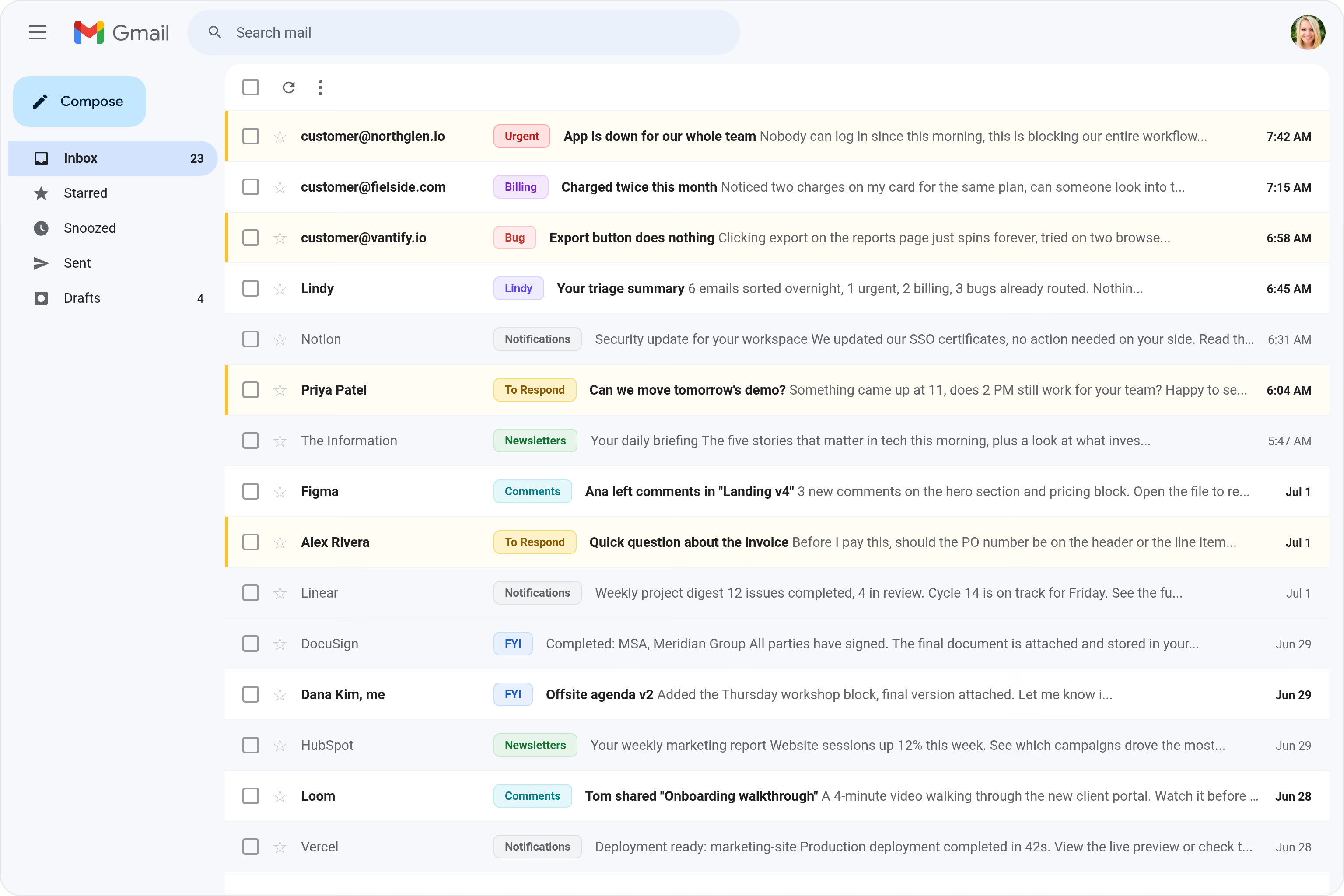
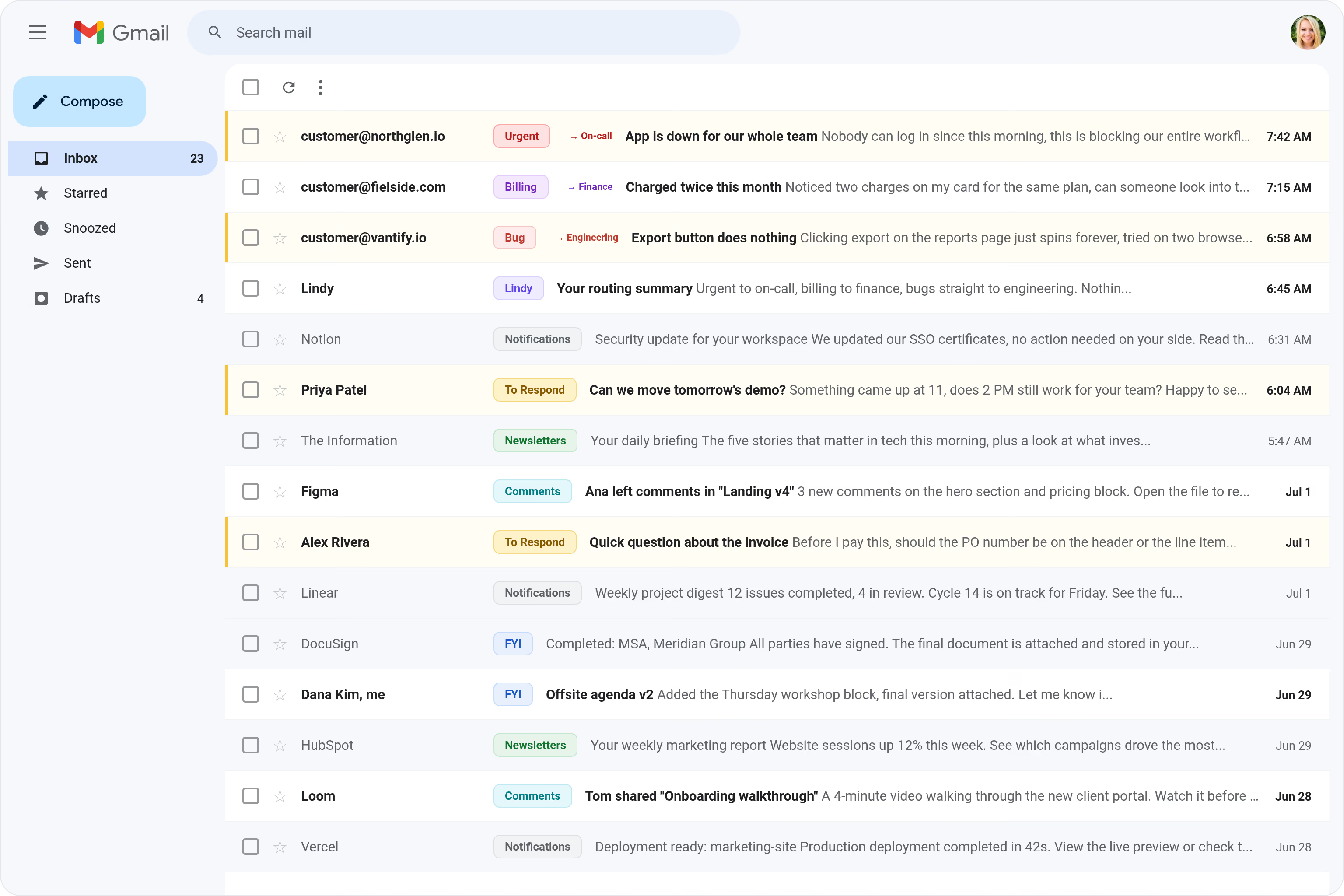
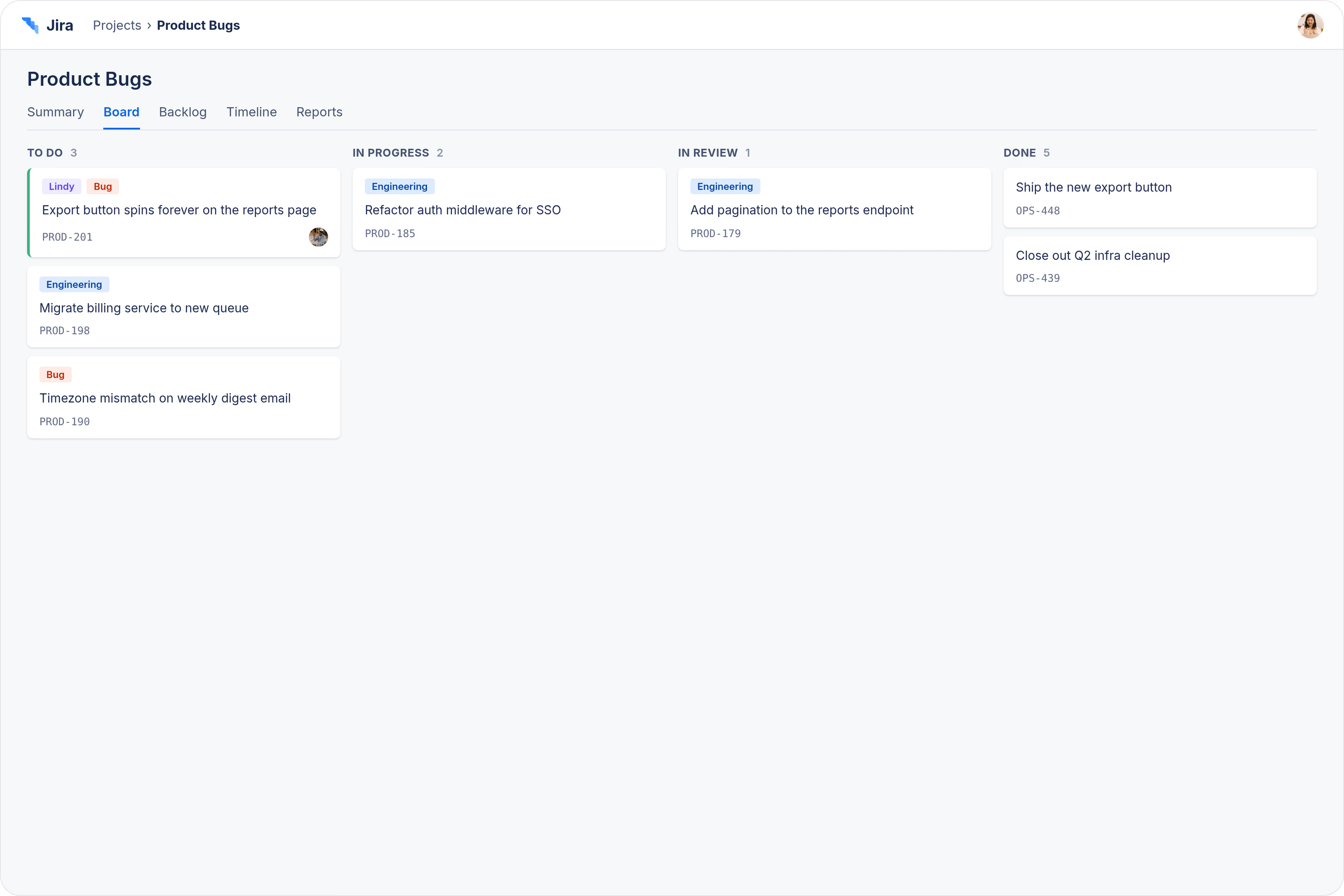






Supercharge your Gmail with AI.
When support emails pile up in a shared Gmail inbox, figuring out who should handle what takes time nobody has, and the wrong person ends up either ignoring it or forwarding it around until the customer is frustrated.
Lindy reads each incoming support email, understands what it's about, and automatically routes it to the right person or team based on rules you set.

Lindy pulls your Google Sheets data and turns it into a formatted weekly report.
Lindy watches your form and logs each new response as a row in Google Sheets.

See what Lindy can do for you
Customer email questions land with the right rep
Lindy triages support emails in Gmail and routes them to the right teammate, so customer questions never sit in a shared inbox.
Press and PR emails find the right person
Lindy triages your support inbox, so press, partner, and customer emails get routed to the right person automatically.
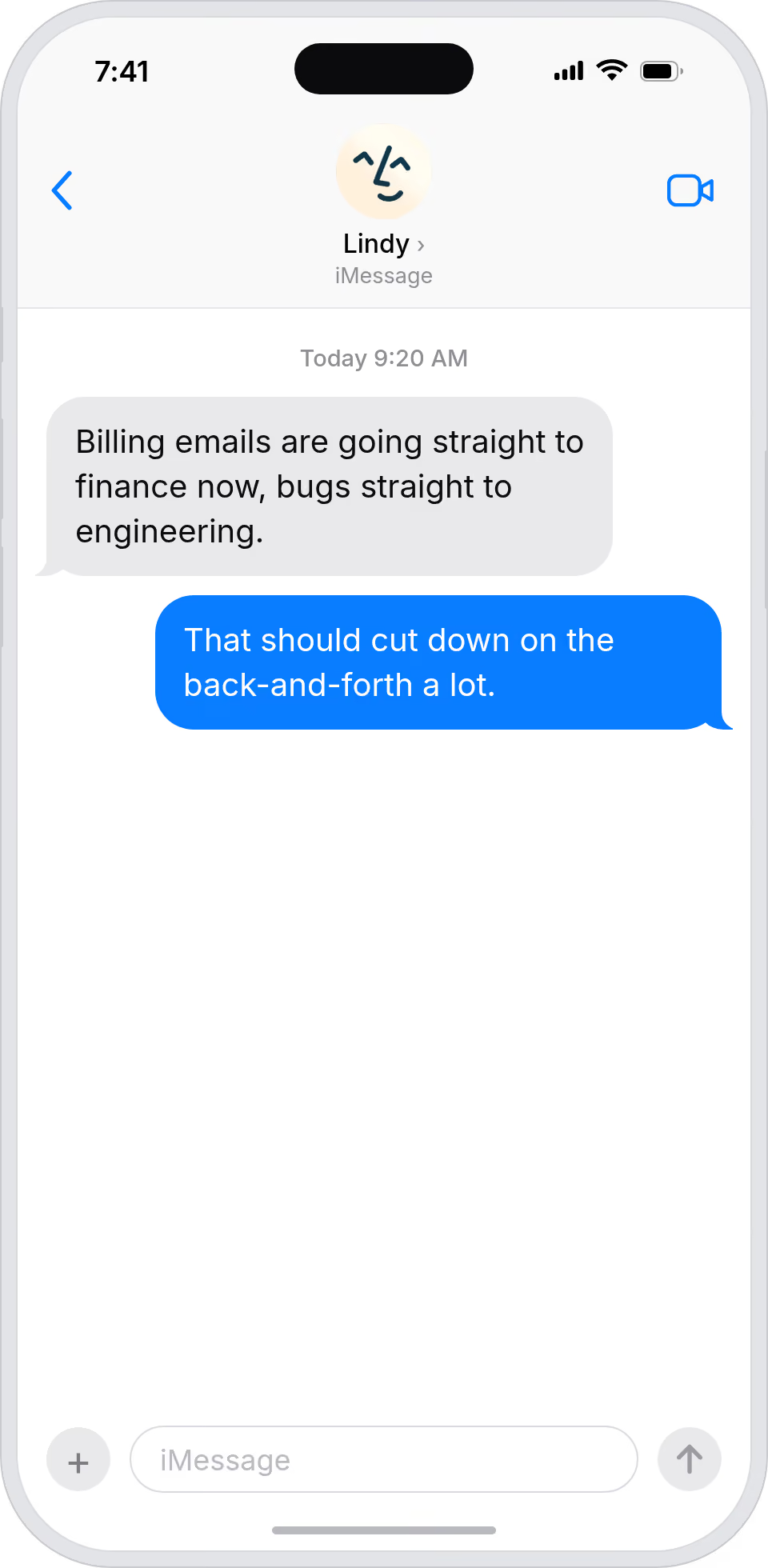
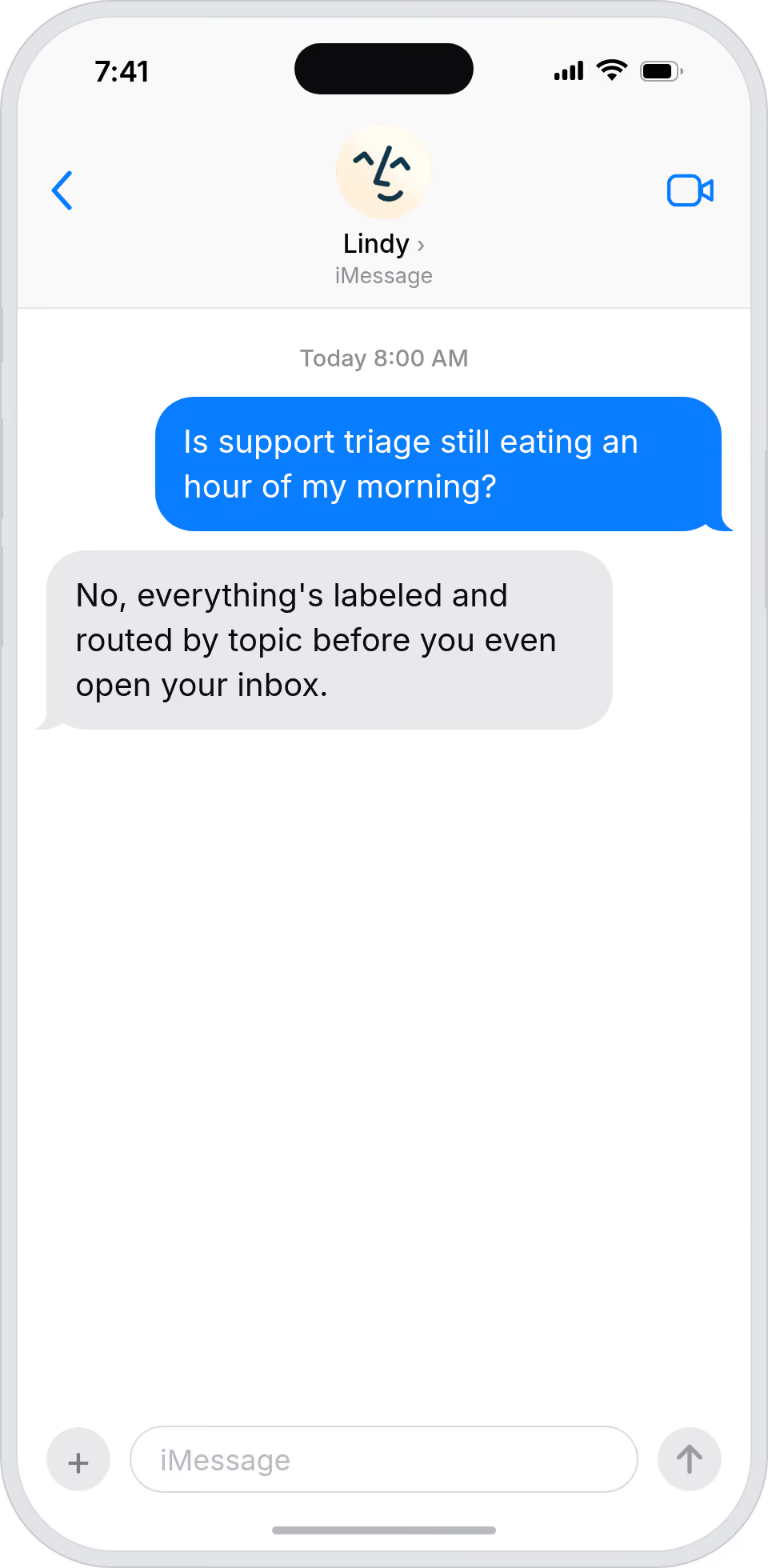
Stop being the human inbox triager
Lindy triages support emails in Gmail and routes them to the right teammate, so you stop spending your morning forwarding emails.
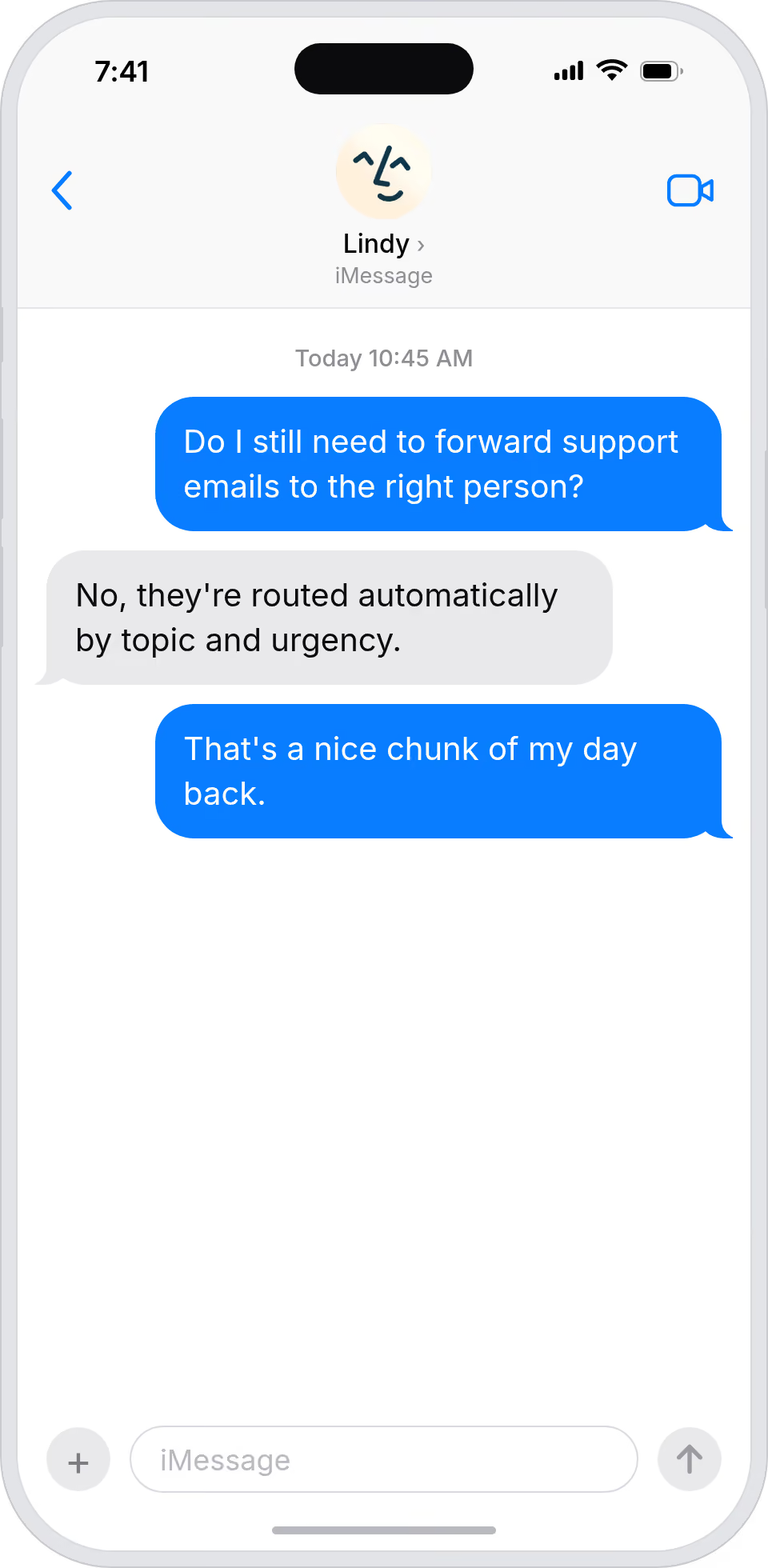
Shared inboxes stop being shared bottlenecks
Lindy triages support emails and routes them, so shared inboxes process work fast without a human owning the triage.
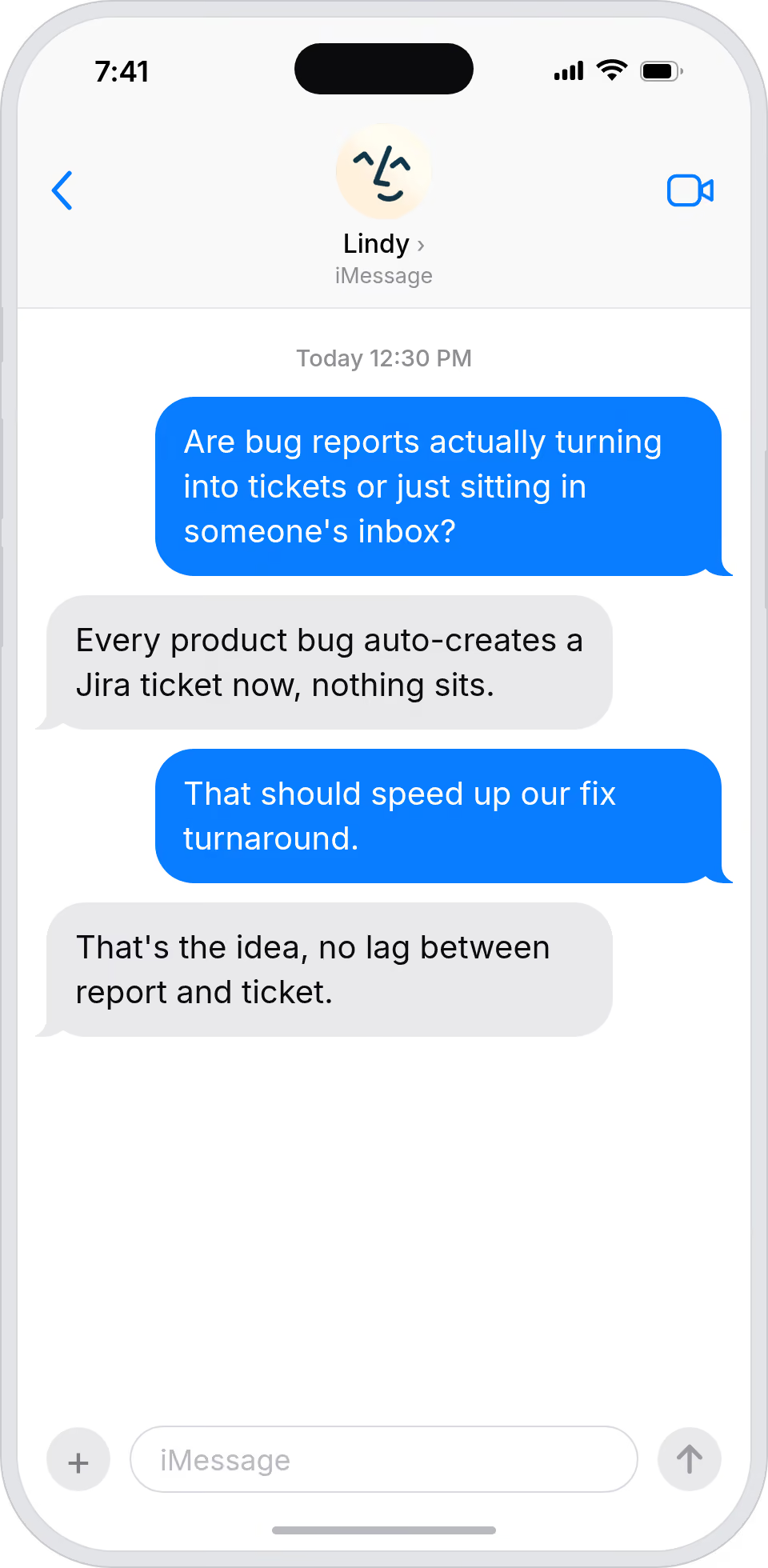
Every customer email reaches the right person
Lindy routes support emails to the right teammate, so customers don't wait for a shared inbox to figure out who should respond.
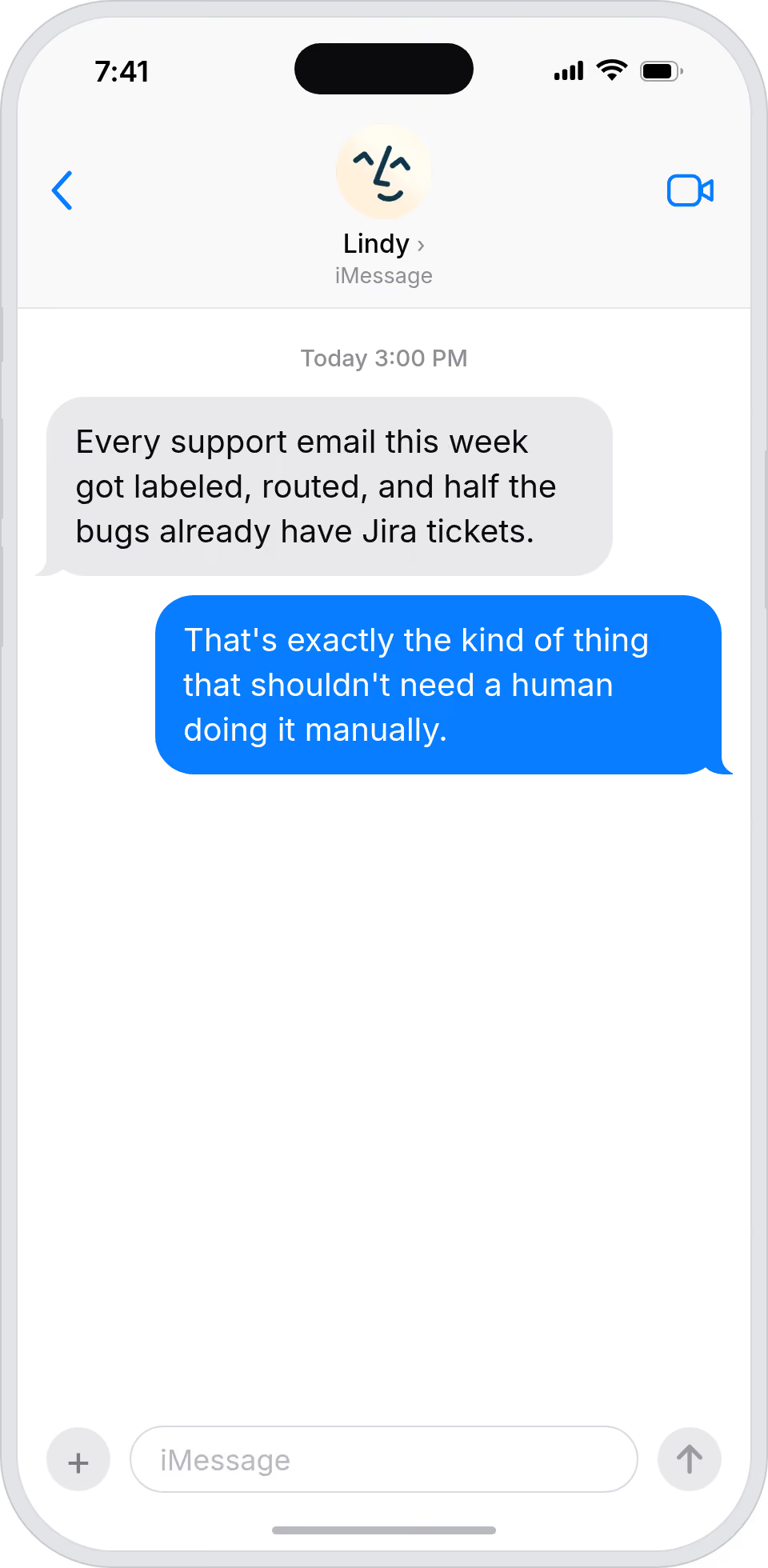
Summarise more than just Slack
Summarising Slack is just the start. Here's what else Lindy can do.

Lindy reads your inbox overnight and sends you a clean digest of what matters before you start your day.

After every call Lindy writes structured notes and sends you a summary so nothing gets lost.

Lindy reads your Zendesk or Intercom queue and delivers a daily overview of open issues and priorities.
Not sure if Lindy can do it? Just ask.
Text your question and Lindy replies with exactly what it can do for you. No account, no sign-up. Just send a message.
Try for freeMore ways to use Lindy
Plenty more in the library. Pick the next one that fits your day.
Lindy reads your Gmail inbox each morning and sends you a quick summary of what came in.

Lindy checks your Google Calendar and books meetings without the endless email chain.
Lindy checks your Google Calendar and finds a time that works for everyone.

Lindy joins your Google Meet calls and takes notes so you don't have to.


AI Agents for Gmail
Sorting through a flood of support emails in Gmail every morning is a time sink, and without a real system in place, urgent issues get buried under low-priority messages while the people who should be handling them never even see them.
Once you connect Lindy to Gmail, it can read incoming emails, label and prioritize them based on the content, and forward them directly to the right teammate so nothing falls through the cracks.

A skill shows you a real-world task Lindy can handle for you. It's there to inspire you and show what's possible, not a pre-built workflow you have to follow.
Yes. Sign up, connect the apps the skill needs, and you're ready to go. Most skills are up and running in minutes.
Lindy is your AI assistant. You tell it what you need in plain language and it takes care of the work, across your apps, on your schedule.
Each skill page lists exactly which apps are involved and whether they are required or optional. If you already use those apps, you're good to go.
No. Just tell Lindy what you want it to do and it figures out the rest. Skills are there to show you what's possible and get you started.
Almost certainly. Skills show what's possible, not what's limited. If you don't see what you need, just ask Lindy directly and it will figure it out.