Reschedule Google Calendar Meetings and Notify All AttendeesGoogle Calendar

Reschedule *Google Calendar* Meetings and Notify All Attendees

Lindy reschedules your Google Calendar meetings and emails all attendees the new time.

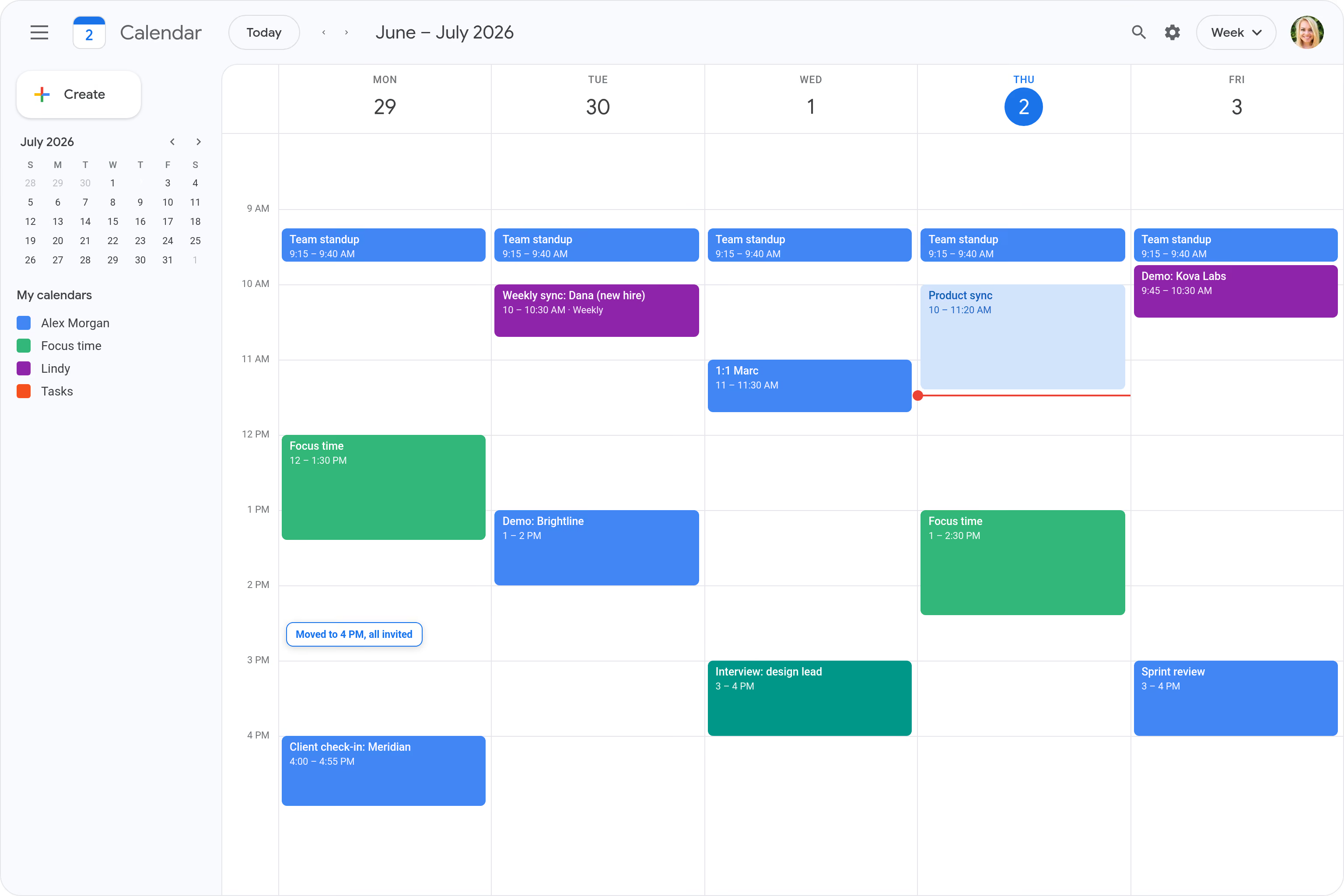
Move a meeting and re-invite everyone at once

Save the 15-minute scramble after a change

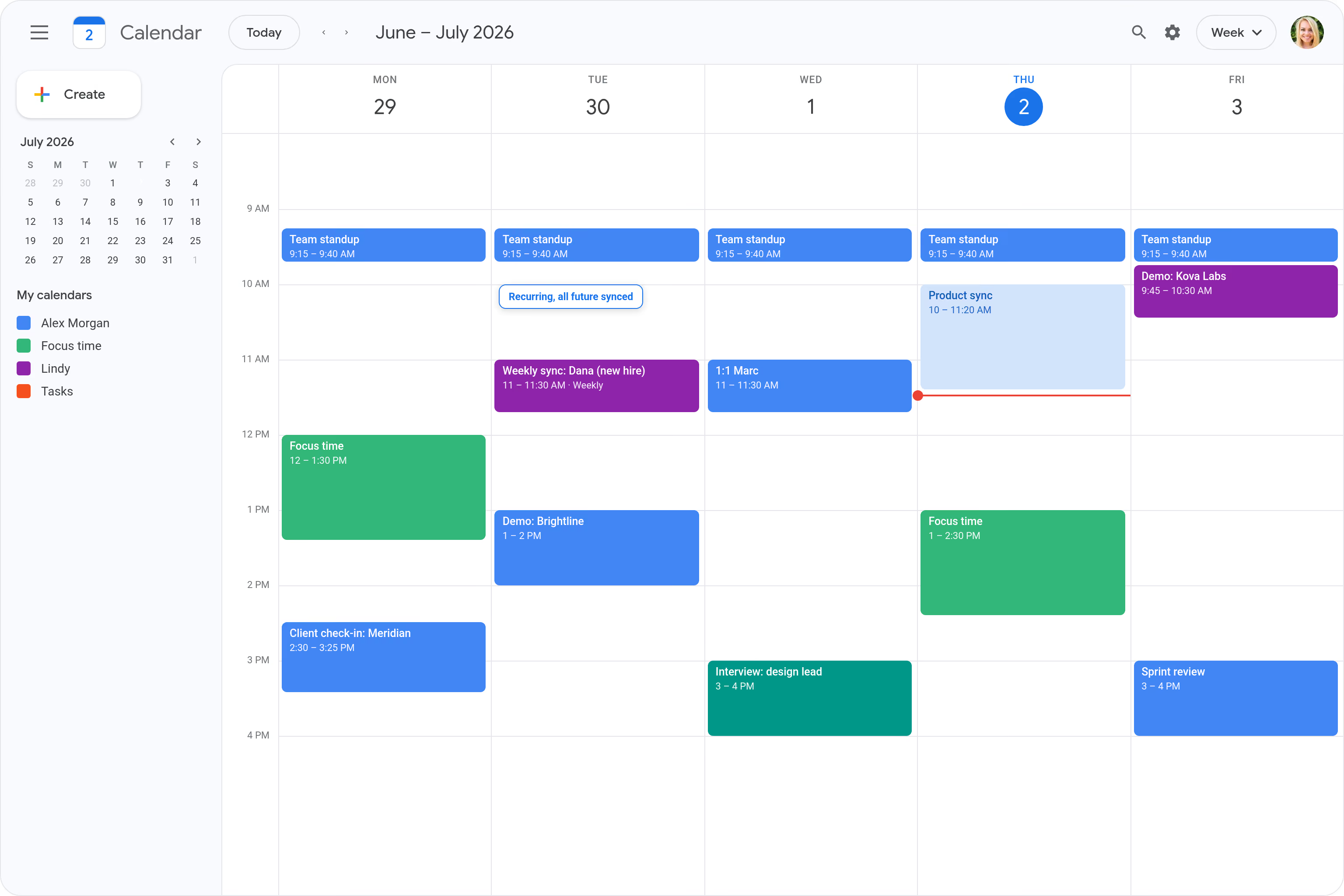
Reschedule a recurring sync without breaking it

Update every future occurrence in one shot

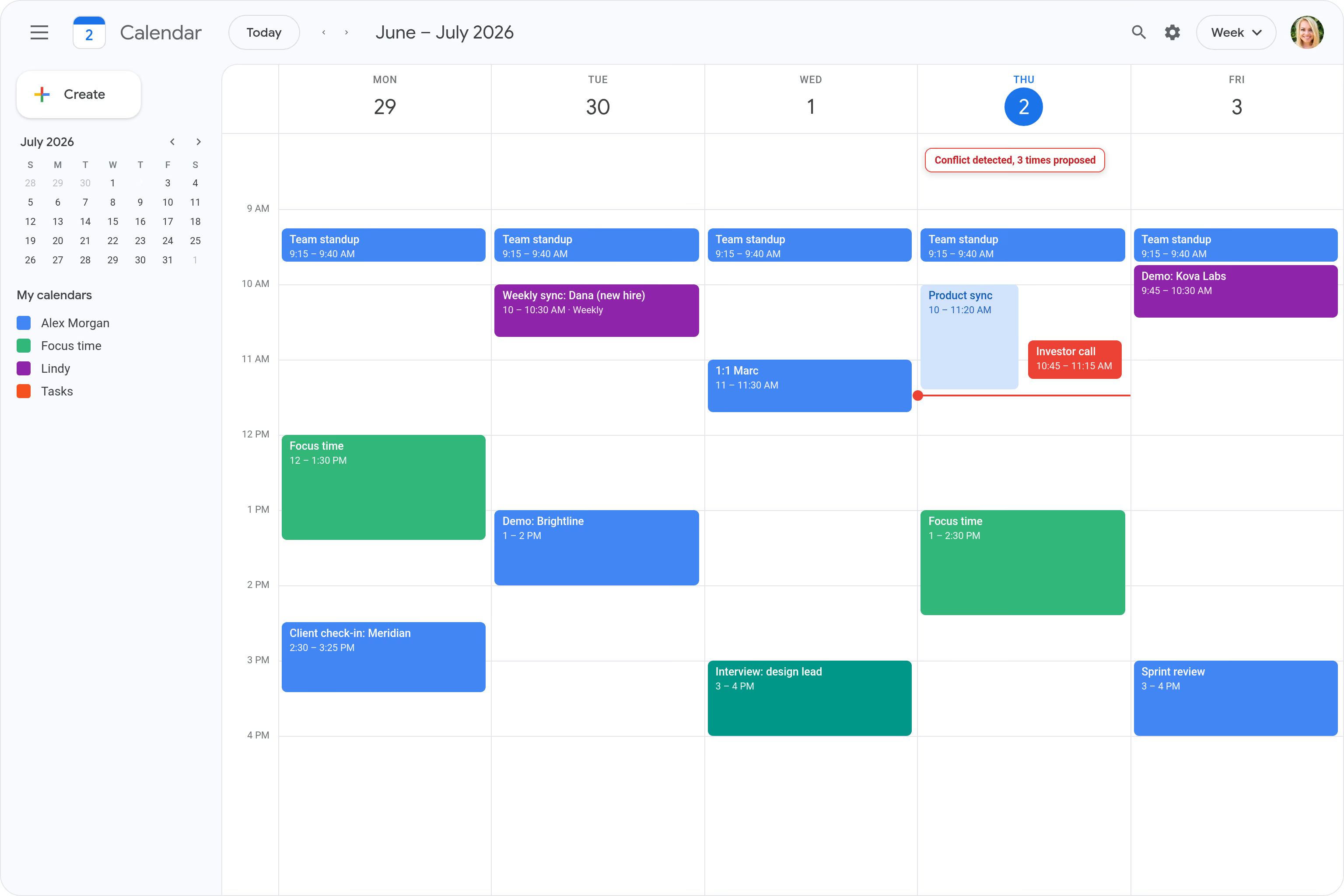
Detect a conflict and propose new times to all

Resolve clashes before anyone notices
Trusted by 400,000+ professionals
Deedy
@deedydas
Greg Isenberg
@gregisenberg
Lenny Rachitsky
@lennysan
Chase Diamond
@ecomchasediamond
Andrew Wilkinson
@awilkinson
Hasan Toor
@hasantoxr
Deedy
@deedydas
Greg Isenberg
@gregisenberg
Lenny Rachitsky
@lennysan
Chase Diamond
@ecomchasediamond
Andrew Wilkinson
@awilkinson
Hasan Toor
@hasantoxr
Try Lindy for free
7-day free trial • Cancel anytime
Do more with Lindy

Automate your Google Calendar with AI.

When a meeting needs to move, you're stuck manually updating the calendar event, then hunting down every attendee to let them know the new time.

Lindy reschedules the Google Calendar event and automatically sends a notification to all attendees with the updated details, so no one is left out of the loop.

Try for free
Built for you

See what Lindy can do for you

Sales automation

Move a deal call without losing momentum

Lindy reschedules and re-invites everyone the moment a conflict comes up, so buyer meetings move smoothly without dropped threads.
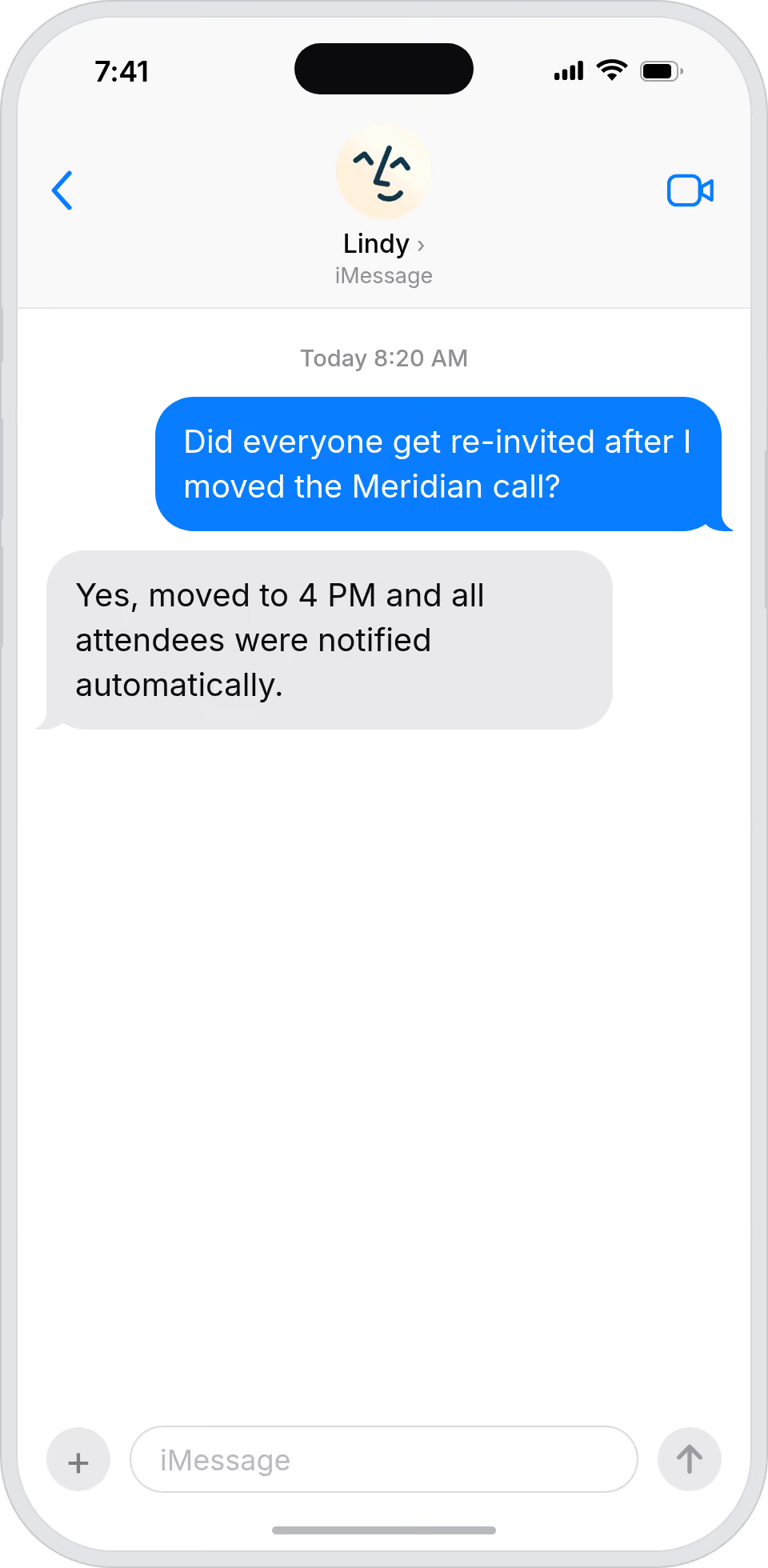
Move a deal call without losing momentum
Marketing automation

Shift campaign meetings without a dropped ball

Lindy moves a campaign meeting and notifies the whole team, so launch syncs stay on track even when calendars shift.
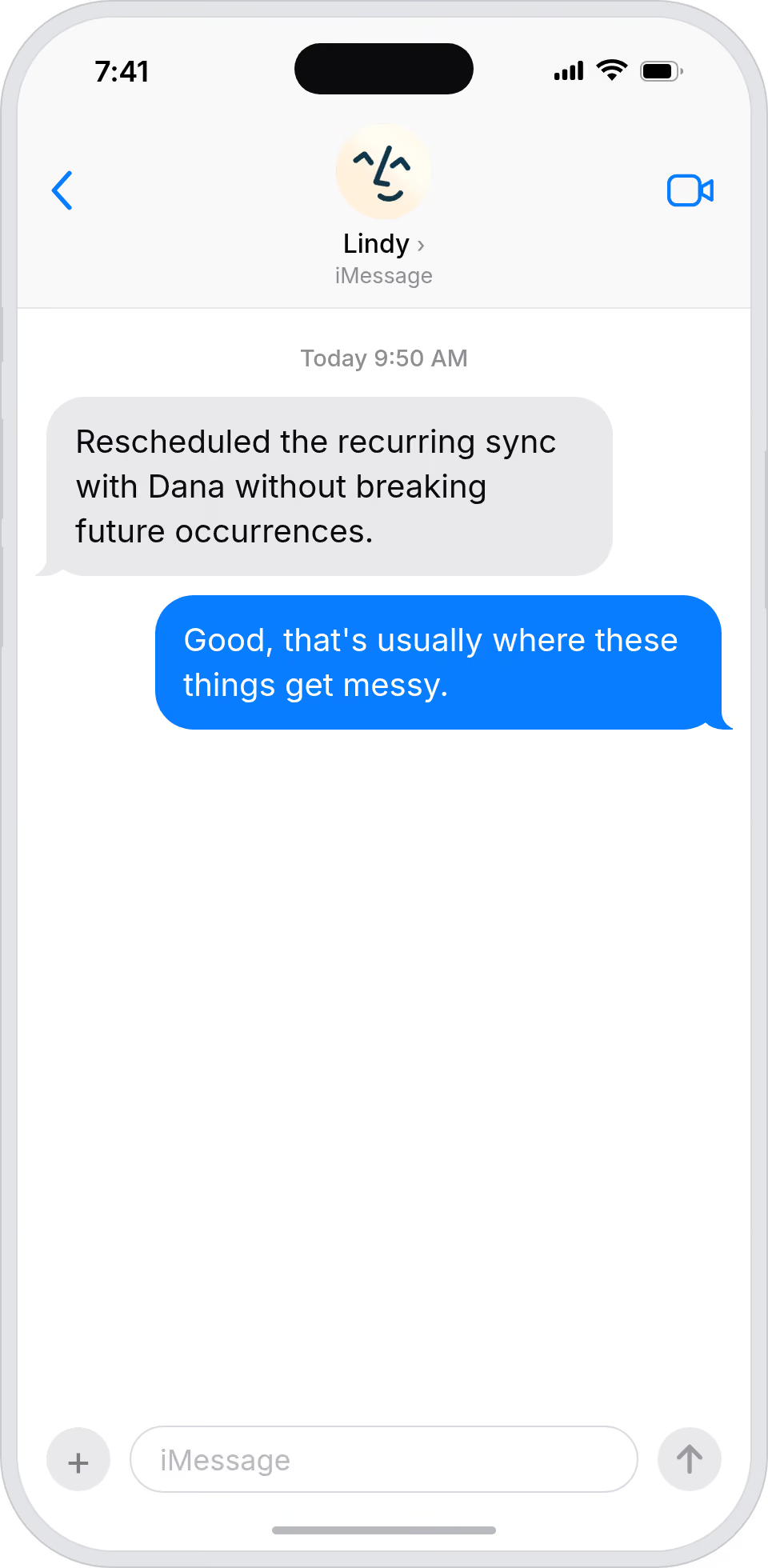
Shift campaign meetings without a dropped ball
Admin automation

Reschedule for your boss in one step

Lindy handles meeting moves and updates every attendee automatically, so calendar changes don't turn into a forty-minute admin task.
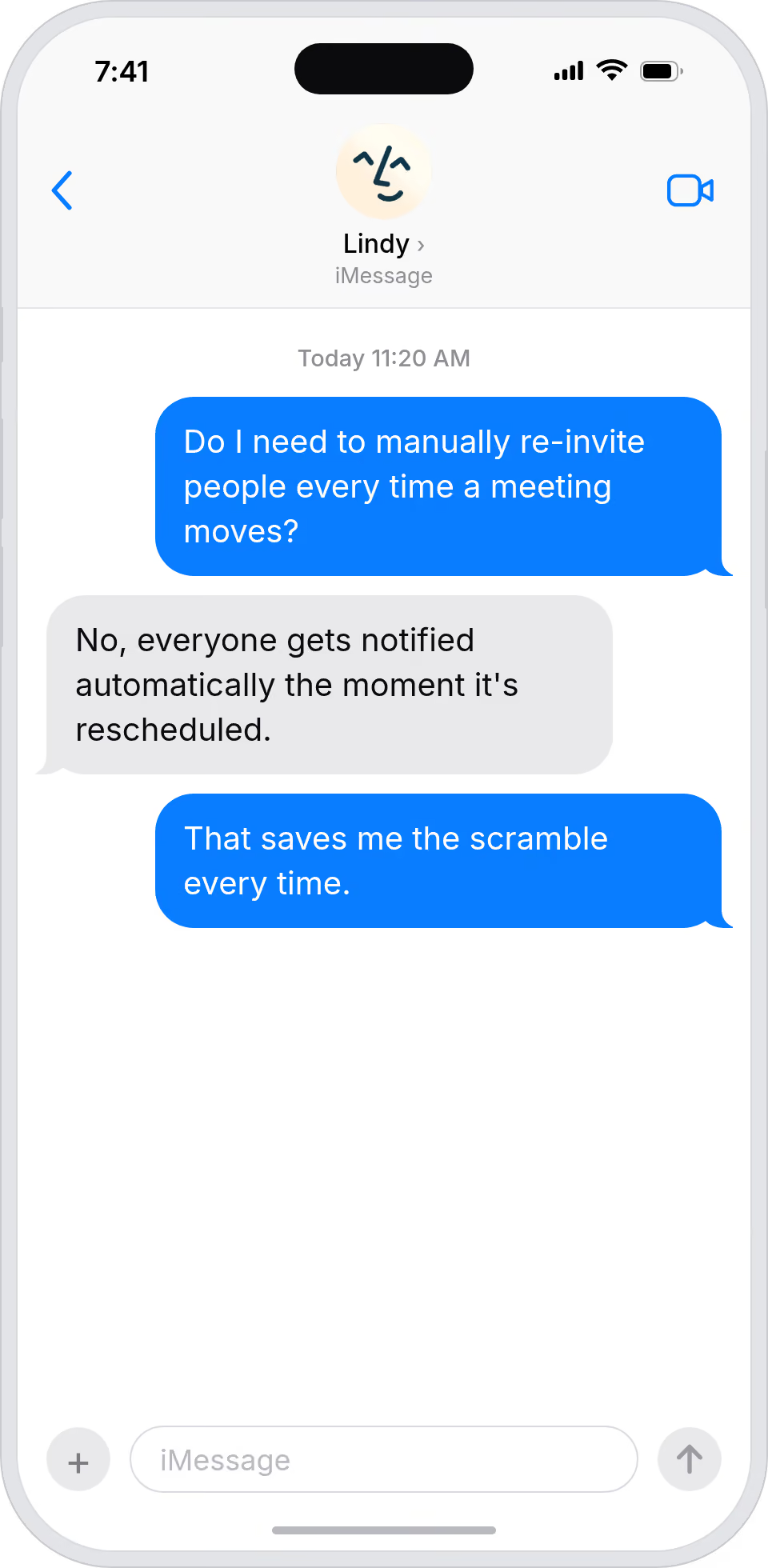
Reschedule for your boss in one step
Workflow automation

Calendar shifts stop creating chaos

Lindy reschedules meetings and notifies everyone instantly, so a change at the top doesn't ripple through the team as confusion.
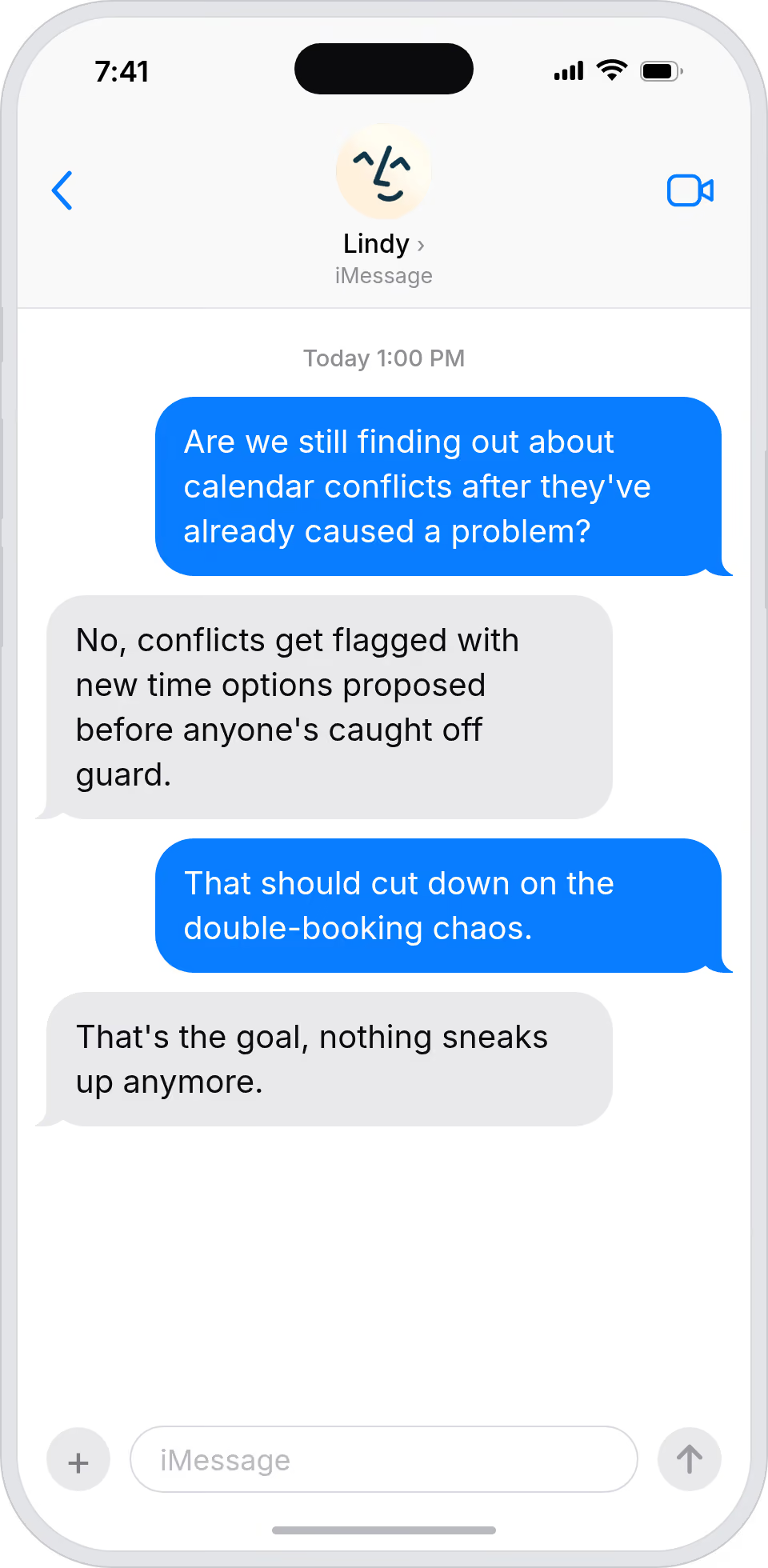
Calendar shifts stop creating chaos
Business automation

Change a meeting without breaking the day

Lindy moves a meeting and notifies attendees in one step, so calendar shifts don't eat into the day they were meant to free up.
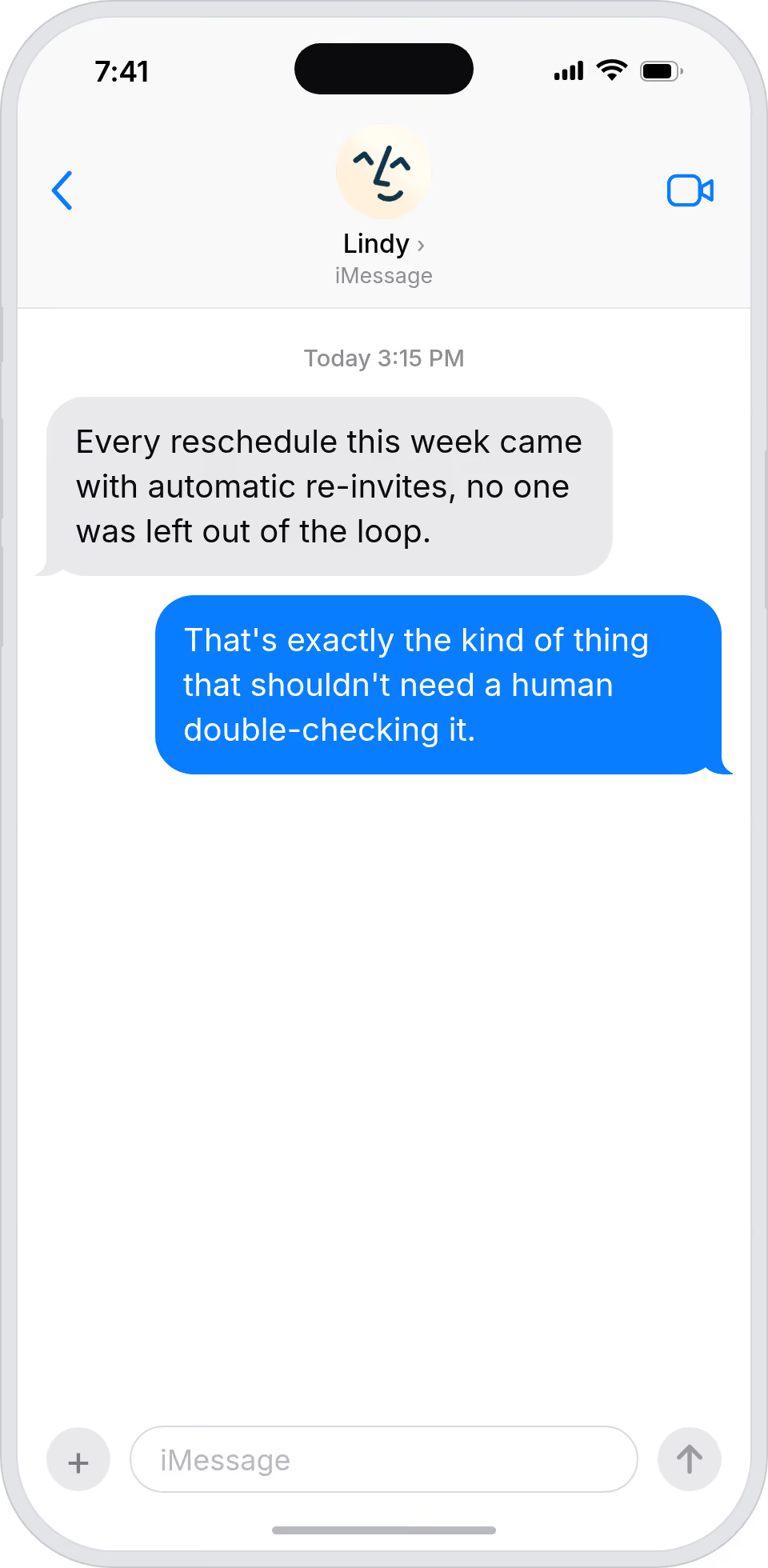
Change a meeting without breaking the day
Do more with Lindy

Summarise more than just Slack

Summarising Slack is just the start. Here's what else Lindy can do.

Summarise my emails every morning

Lindy reads your inbox overnight and sends you a clean digest of what matters before you start your day.

Try this skill
Summarise my meeting notes automatically

After every call Lindy writes structured notes and sends you a summary so nothing gets lost.

Try this skill
Summarise my support tickets daily

Lindy reads your Zendesk or Intercom queue and delivers a daily overview of open issues and priorities.

Try this skill
Trusted by 400K+ prfoessionals

Not sure if Lindy can do it? Just ask.

Text your question and Lindy replies with exactly what it can do for you. No account, no sign-up. Just send a message.

Try for free
Thank you! Your submission has been received!
Oops! Something went wrong while submitting the form.
Built for Google Calendar

AI Agents for Google Calendar

Rescheduling a meeting in Google Calendar means you have to update the event yourself and then separately reach out to everyone attending to make sure they actually saw the change.

Once you connect Lindy to Google Calendar, it can move the meeting to the new time, send a message to all attendees with the updated info, and even add a note explaining why the time changed.

What is a Lindy skill?

A skill shows you a real-world task Lindy can handle for you. It's there to inspire you and show what's possible, not a pre-built workflow you have to follow.

Can I use a skill straight away?

Yes. Sign up, connect the apps the skill needs, and you're ready to go. Most skills are up and running in minutes.

What is Lindy

Lindy is your AI assistant. You tell it what you need in plain language and it takes care of the work, across your apps, on your schedule.

What apps do I need?

Each skill page lists exactly which apps are involved and whether they are required or optional. If you already use those apps, you're good to go.

Do I need to build anything?

No. Just tell Lindy what you want it to do and it figures out the rest. Skills are there to show you what's possible and get you started.

Can Lindy do something that is not listed as a skill?

Almost certainly. Skills show what's possible, not what's limited. If you don't see what you need, just ask Lindy directly and it will figure it out.

Triggers & Actions

Explore all Google Calendar Triggers and Actions

Build exactly the workflow you need. Here's every trigger and action Google Calendar supports.

Triggers
0
 triggers
Calendar Event Changed
Triggers a new task when a calendar event changes
Calendar Event Changed
Triggers a new task when a calendar event changes
Calendar Event Changed
Triggers a new task when a calendar event changes
Calendar Event Ended
Triggers a new task when a calendar event ends
Calendar Event Ended
Triggers a new task when a calendar event ends
Calendar Event Started
Triggers a new task when a calendar event starts
Calendar Event Started
Triggers a new task when a calendar event starts
New Calendar Created
Triggers when a new calendar is created in Google Calendar.
New Cancelled Event
Triggers when a Google Calendar event is cancelled.
New Created Or Updated Event
Get notified when Google Calendar events are created or updated.
New Ended Event
Triggers when a Google Calendar event ends.
New Event Matching A Search
Triggers when a new Google Calendar event matches your specified search criteria.
Actions
0
 actions
Add Attendees To Event
Add attendees to a Google Calendar event and optionally send them notifications.
Add Attendees To Event
Add attendees to a Google Calendar event and optionally send them notifications.
Add Attendees To Event
Add attendees to a Google Calendar event and optionally send them notifications.
Add Quick Event
Quickly create a Google Calendar event using natural language description.
Check Availability
Checks if the user and optional attendees are available during specific time windows. Returns which time windows are available.
Create Event
Creates a new Google Calendar event.
Create Event
Creates a new Google Calendar event.
Create Event Based On Past Event
Creates a new Google Calendar event based on a past event.
Create Event Based On Past Event
Creates a new Google Calendar event based on a past event.
Delete An Event
Delete an event from your Google Calendar.
Delete Event
Deletes an event from a calendar.
Delete Event
Deletes an event from a calendar.
Delete Event
Deletes an event from a calendar.
Find Available Times
Finds the best time to schedule an event of a given duration. Takes into account the free/busy blocks on the user's primary calendar, as well as the free/busy blocks of other attendees. The top times are returned in chronological order.
Find Available Times
Finds the best time to schedule an event of a given duration. Takes into account the free/busy blocks on the user's primary calendar, as well as the free/busy blocks of other attendees. The top times are returned in chronological order.
Find Available Times
Finds the best time to schedule an event of a given duration. Takes into account the free/busy blocks on the user's primary calendar, as well as the free/busy blocks of other attendees. The top times are returned in chronological order.
Get Event Details
Gets the details of an event on a calendar by ID.
Get Event Details
Gets the details of an event on a calendar by ID.
List Calendars
Get a list of all calendars in your Google Calendar account.
List Events
Get a list of calendar events with optional filtering and search parameters.
Retrieve Calendar Details
Get calendar details for a specified Google Calendar or the primary calendar.
Retrieve Calendar Details
Get calendar details for a specified Google Calendar or the primary calendar.
Retrieve Calendar Details
Get calendar details for a specified Google Calendar or the primary calendar.
Retrieve Calendar Details
Get calendar details for a specified Google Calendar or the primary calendar.
Retrieve Event Details
Get detailed information about a specific Google Calendar event.
Retrieve Free/busy Calendar Details
Check calendar availability for a specified time period.
Update Event
Updates an event on a calendar.
Update Event
Updates an event on a calendar.
View Calendars
Lists all calendars the user has access to.
View Calendars
Lists all calendars the user has access to.
View Events
List events on a calendar, optionally given a search query.
View Events
List events on a calendar, optionally given a search query.