




Summarize my *Slack threads* every morning
Lindy reads your channels and sends you a clean digest before you start your day.
From Slack chaos to a clean to-do list in seconds
Start your day knowing exactly what matters
Never miss something that needed your attention hours ago
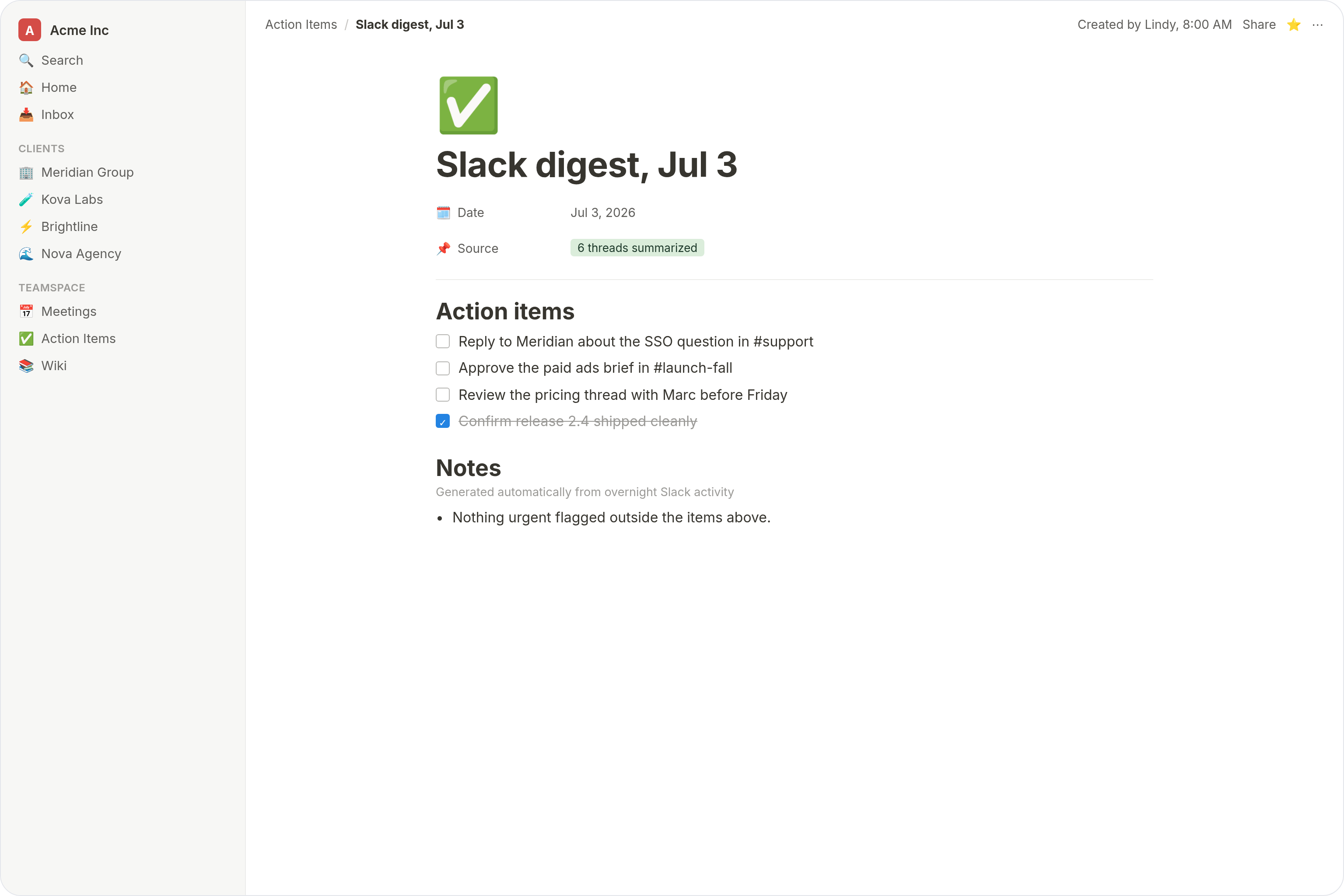
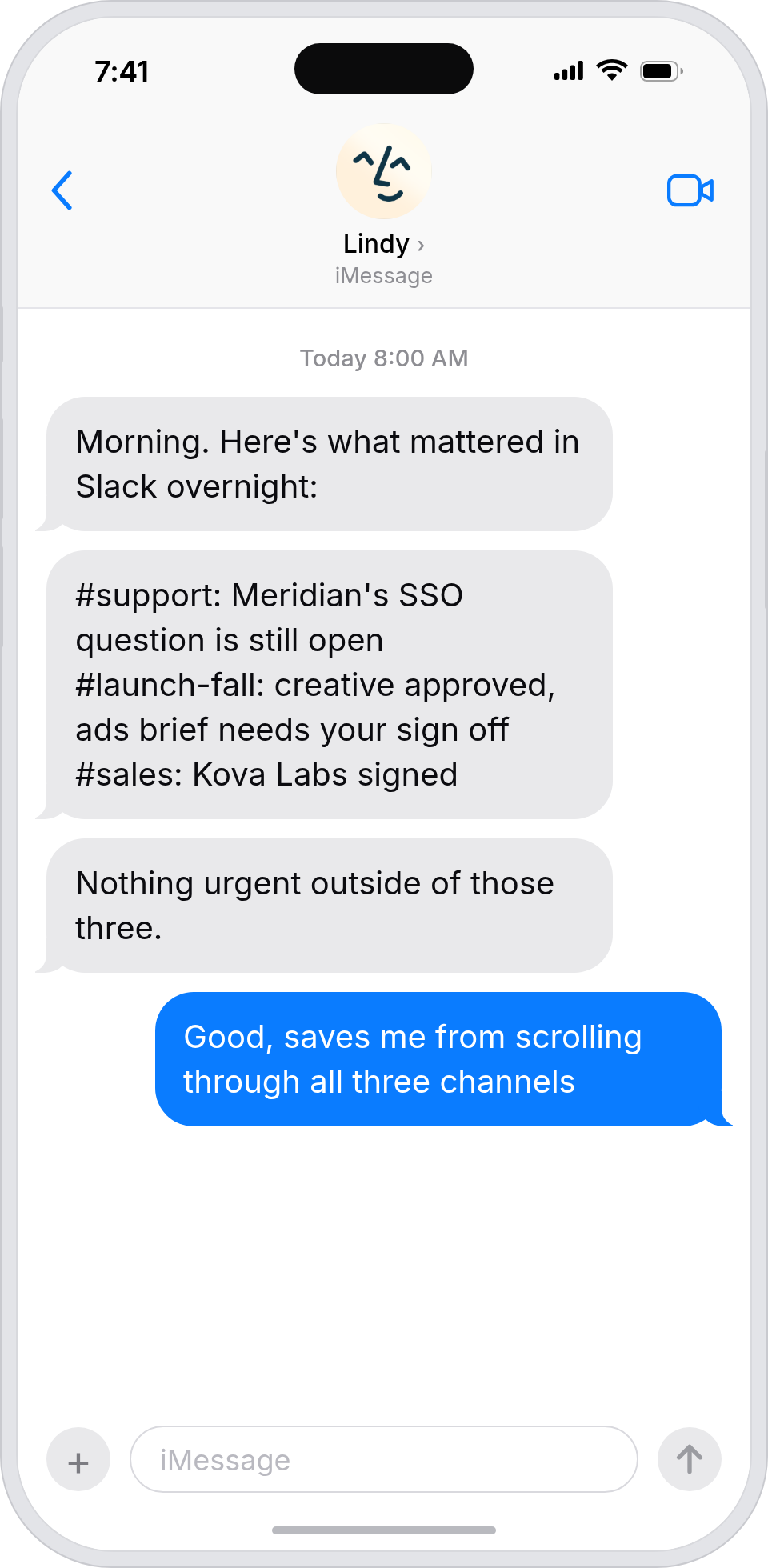
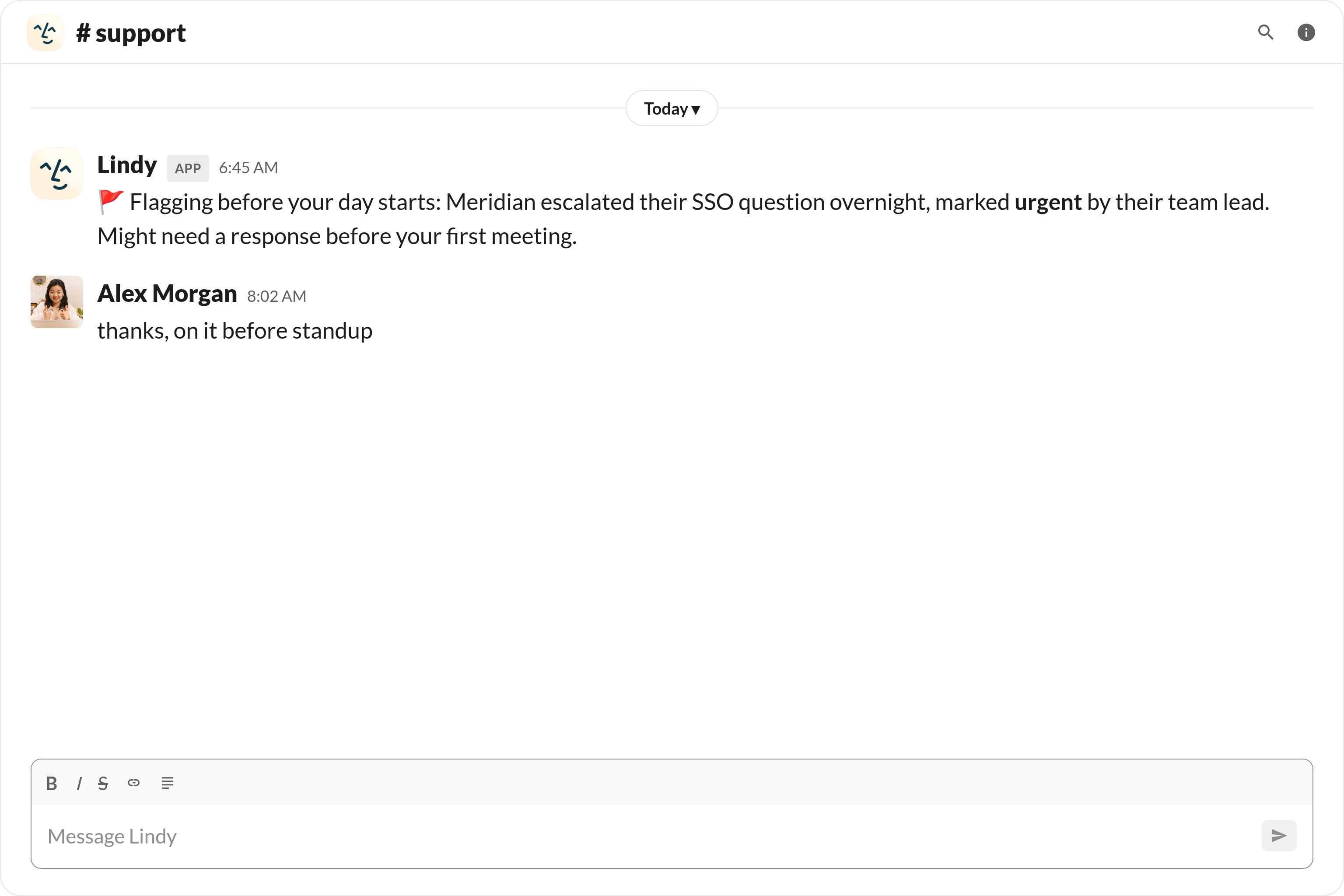






Summarize your Slack with AI
If you're in more than five Slack channels, you know the drill: 30 minutes every morning just to figure out what actually matters.
Lindy fixes that. It reads your channels overnight, pulls out decisions, updates and action items, and sends you one clean digest before your day starts. No noise. No FOMO. Just clarity.

Lindy watches Stripe for failed payments and sends an alert straight to your Slack channel.

Lindy reads each WhatsApp message and sends it to the right person on your team.


See what Lindy can do for you
Your pipeline, always moving. Your follow-ups, always sent.
Lindy preps you for every discovery call with a full contact summary. After each conversation it logs your notes, updates the deal stage and follows up with prospects automatically so nothing goes cold.

Your campaigns, always on track. Your deadlines, always met.
Lindy monitors your marketing channels and chases approvals directly in Slack. Can't make the standup? Lindy captures the key decisions and lets your team know you are across it.

Your processes, always running. Your blockers, always flagged.
Lindy sends you a daily summary of every active process and open blocker before you start work. Get alerted in Slack the moment something needs your attention.
Your pipeline, always moving. Your candidates, always warm.
Lindy summarises all candidate activity before you start your day and follows up automatically so no one falls through the cracks. Get a Slack message the moment a top candidate replies.
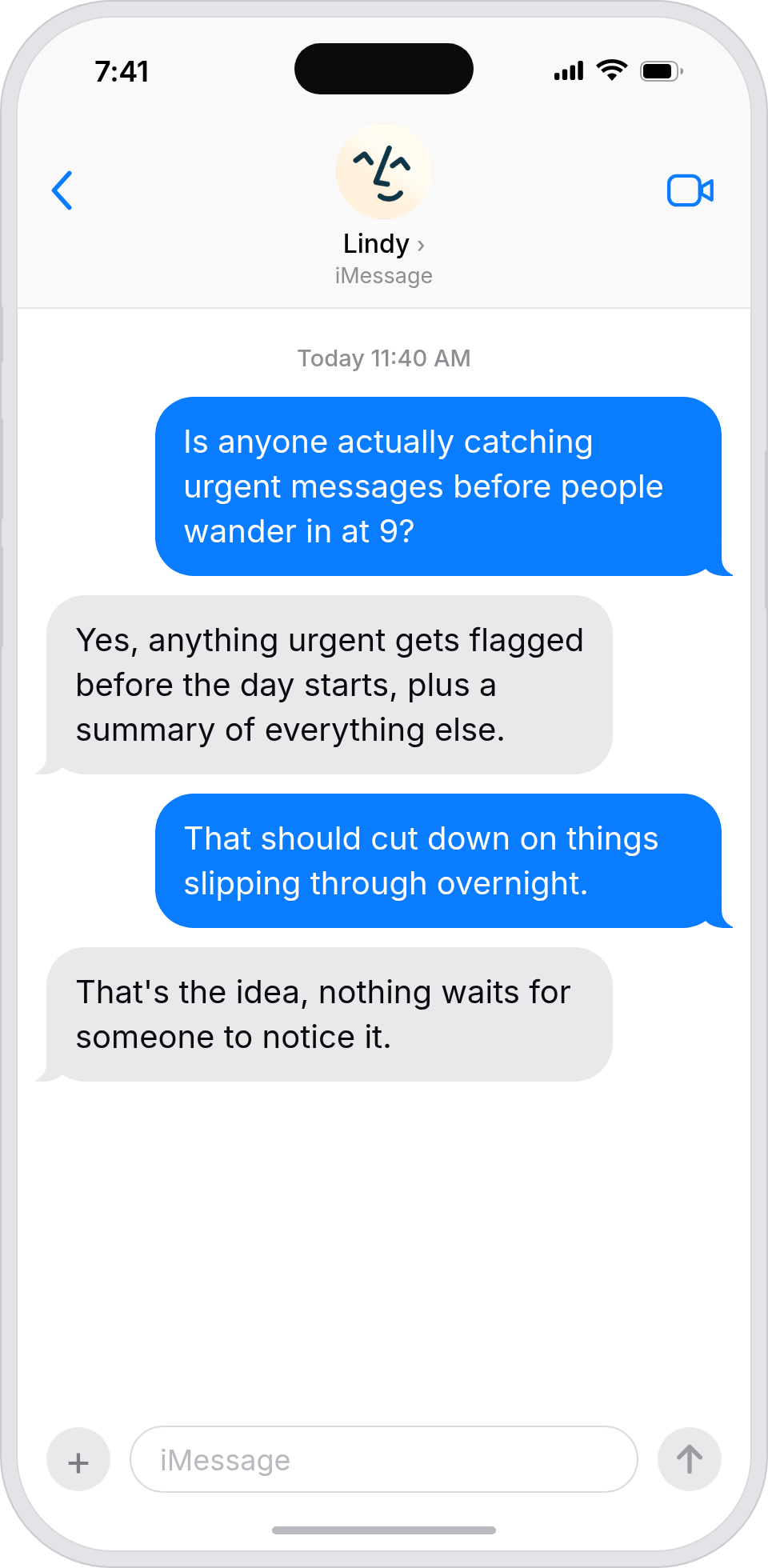
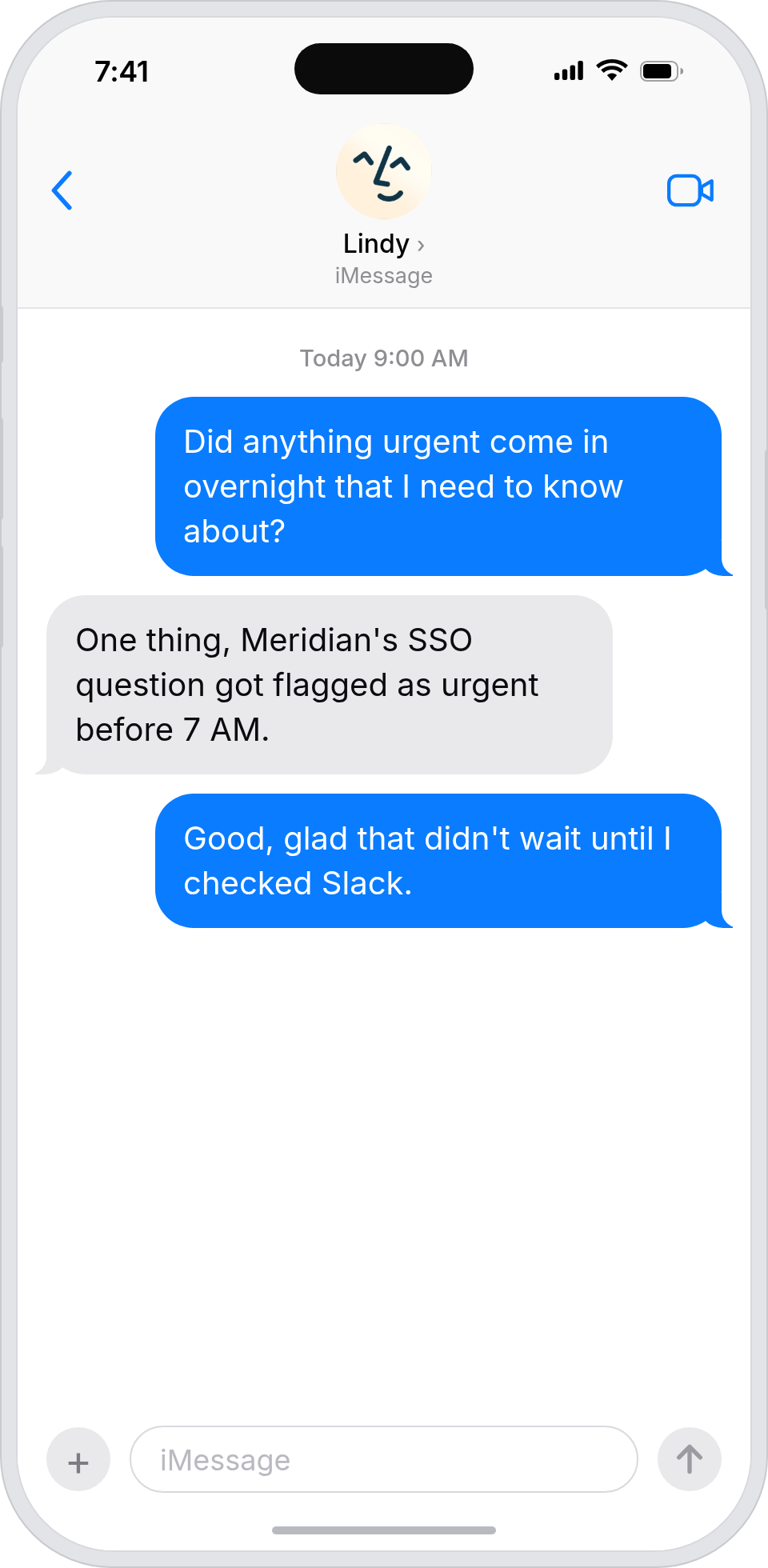
Your inbox, always triaged. Your priorities, always clear.
Lindy summarises your inbox every morning and flags anything urgent in Slack. Never miss a high priority message or ticket even when you are pulled in ten directions.
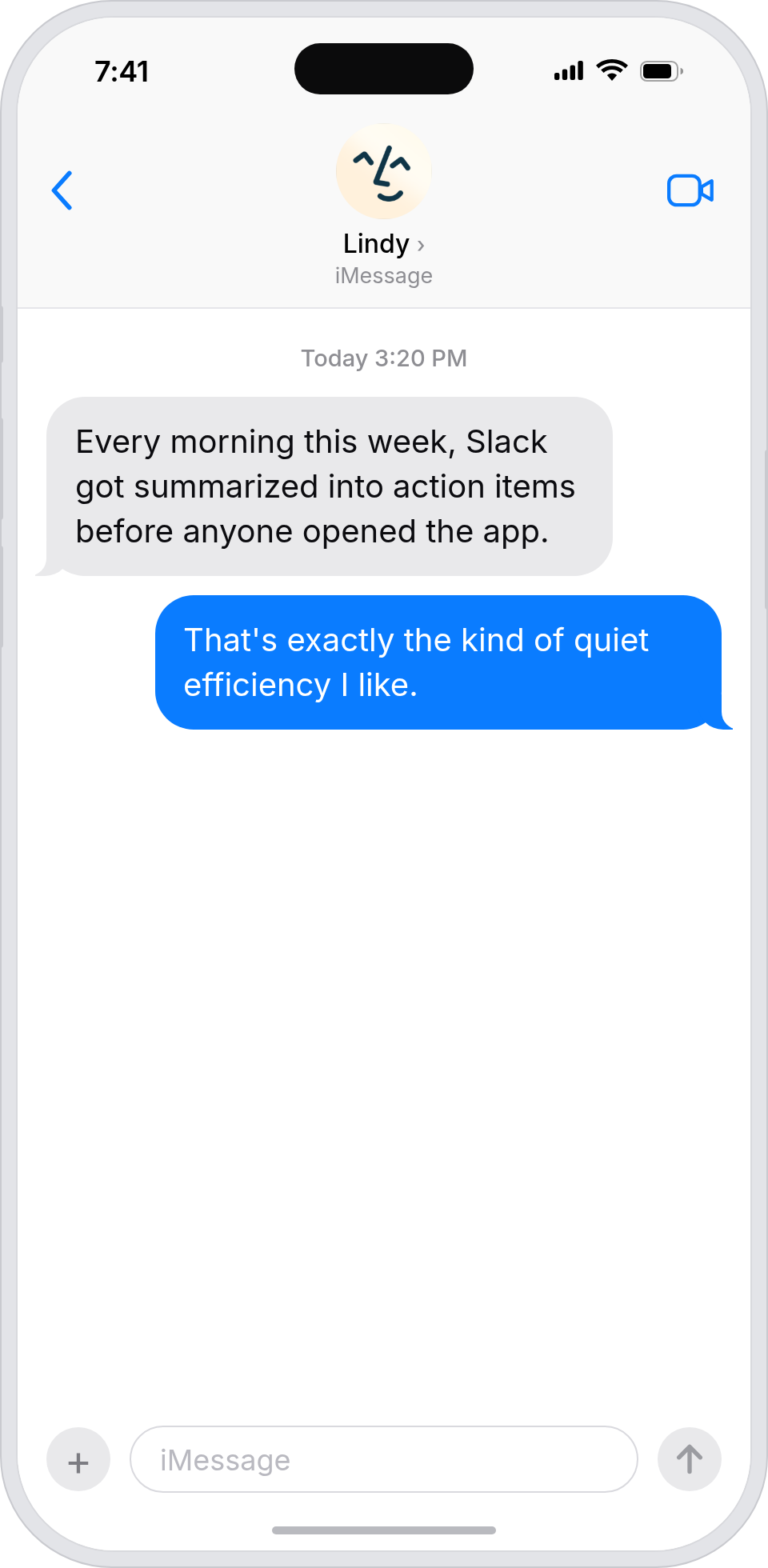
Summarise more than just Slack
Summarising Slack is just the start. Here's what else Lindy can do.

Lindy reads your inbox overnight and sends you a clean digest of what matters before you start your day.

After every call Lindy writes structured notes and sends you a summary so nothing gets lost.

Lindy reads your Zendesk or Intercom queue and delivers a daily overview of open issues and priorities.
Not sure if Lindy can do it? Just ask.
Text your question and Lindy replies with exactly what it can do for you. No account, no sign-up. Just send a message.
Try for freeMore ways to use Lindy
Plenty more in the library. Pick the next one that fits your day.

Lindy turns your meeting notes into clean summaries with decisions and next steps.

Lindy reads your Gmail threads and drafts replies that match how you write.

Lindy watches your Shopify store and pings your team the moment a new order arrives.
Lindy reads your top Slack channels and sends you a quick summary of what matters.

AI Agents for Slack
Slack is where your team lives. But the more channels you're in, the harder it gets to stay on top of what actually matters.
Lindy connects to your Slack workspace and handles the work you shouldn't have to do manually. Summarising threads, routing messages, flagging what needs attention. Your noisiest app, finally under control.

A skill shows you a real-world task Lindy can handle for you. It's there to inspire you and show what's possible, not a pre-built workflow you have to follow.
Yes. Sign up, connect the apps the skill needs, and you're ready to go. Most skills are up and running in minutes.
Lindy is your AI assistant. You tell it what you need in plain language and it takes care of the work, across your apps, on your schedule.
Each skill page lists exactly which apps are involved and whether they are required or optional. If you already use those apps, you're good to go.
No. Just tell Lindy what you want it to do and it figures out the rest. Skills are there to show you what's possible and get you started.
Almost certainly. Skills show what's possible, not what's limited. If you don't see what you need, just ask Lindy directly and it will figure it out.