

Record and transcribe your *Microsoft Teams* calls automatically
Lindy joins your Microsoft Teams calls, records them, and turns the audio into text.
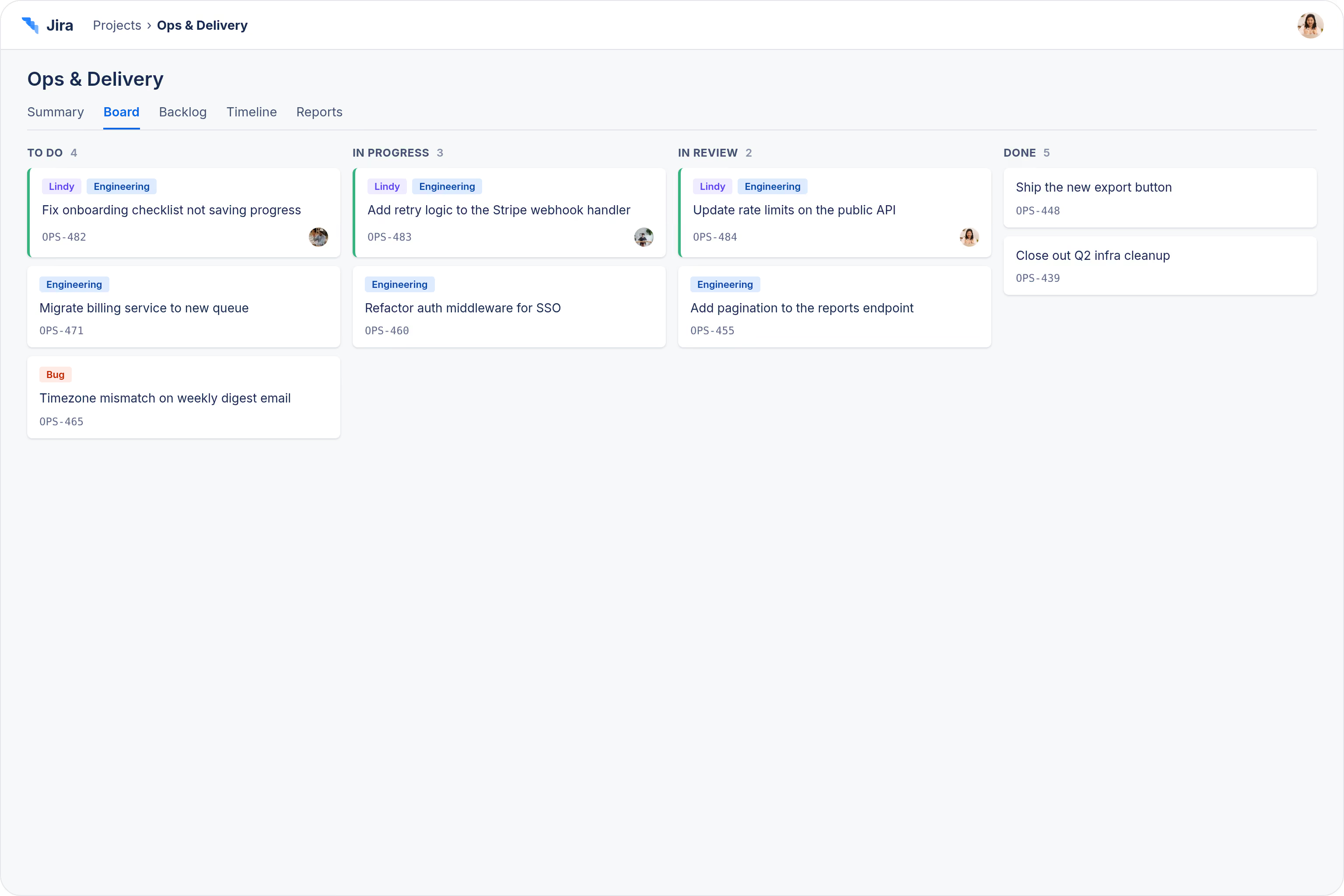
Walk out of standup with the board updated
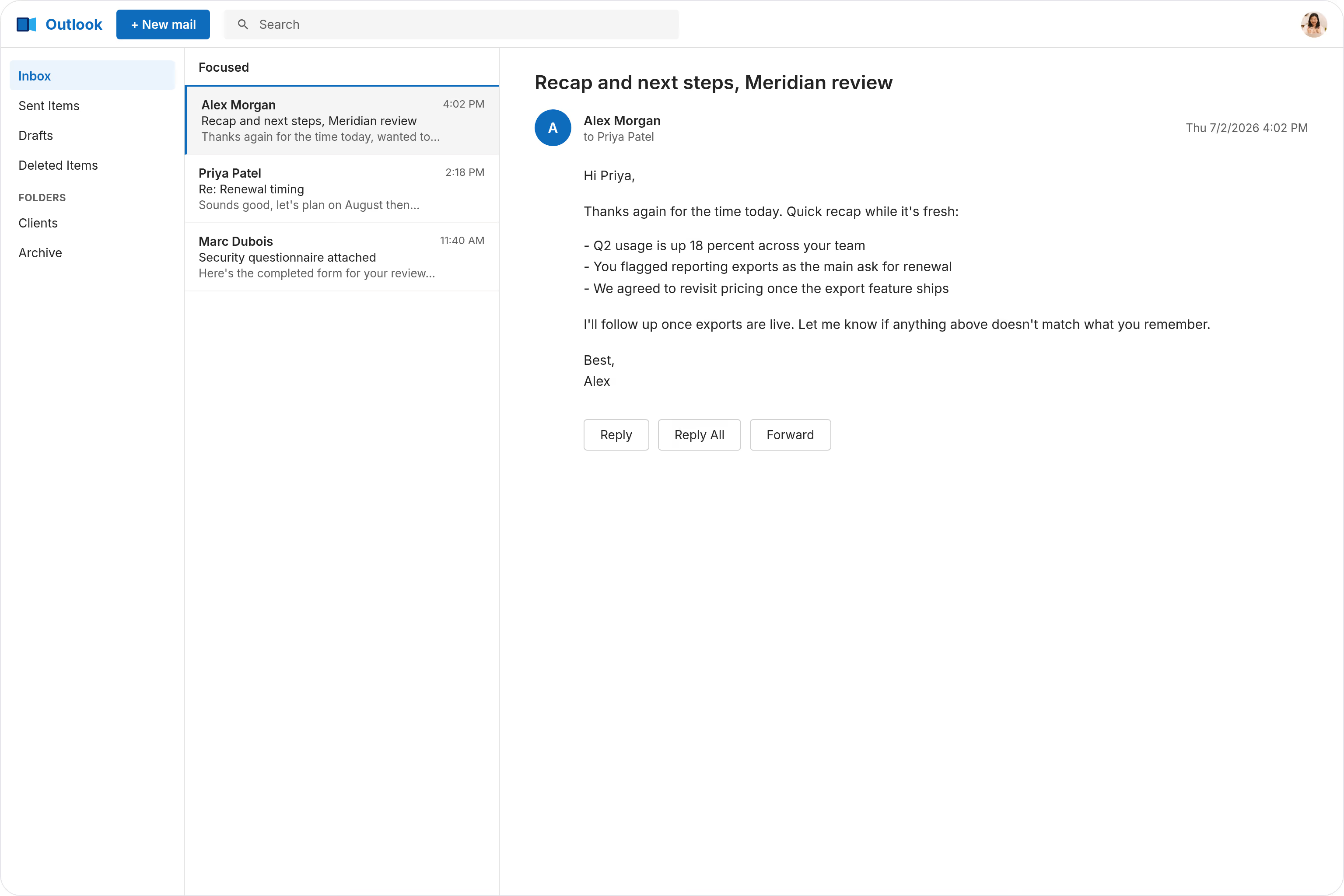
Close client reviews with zero admin work
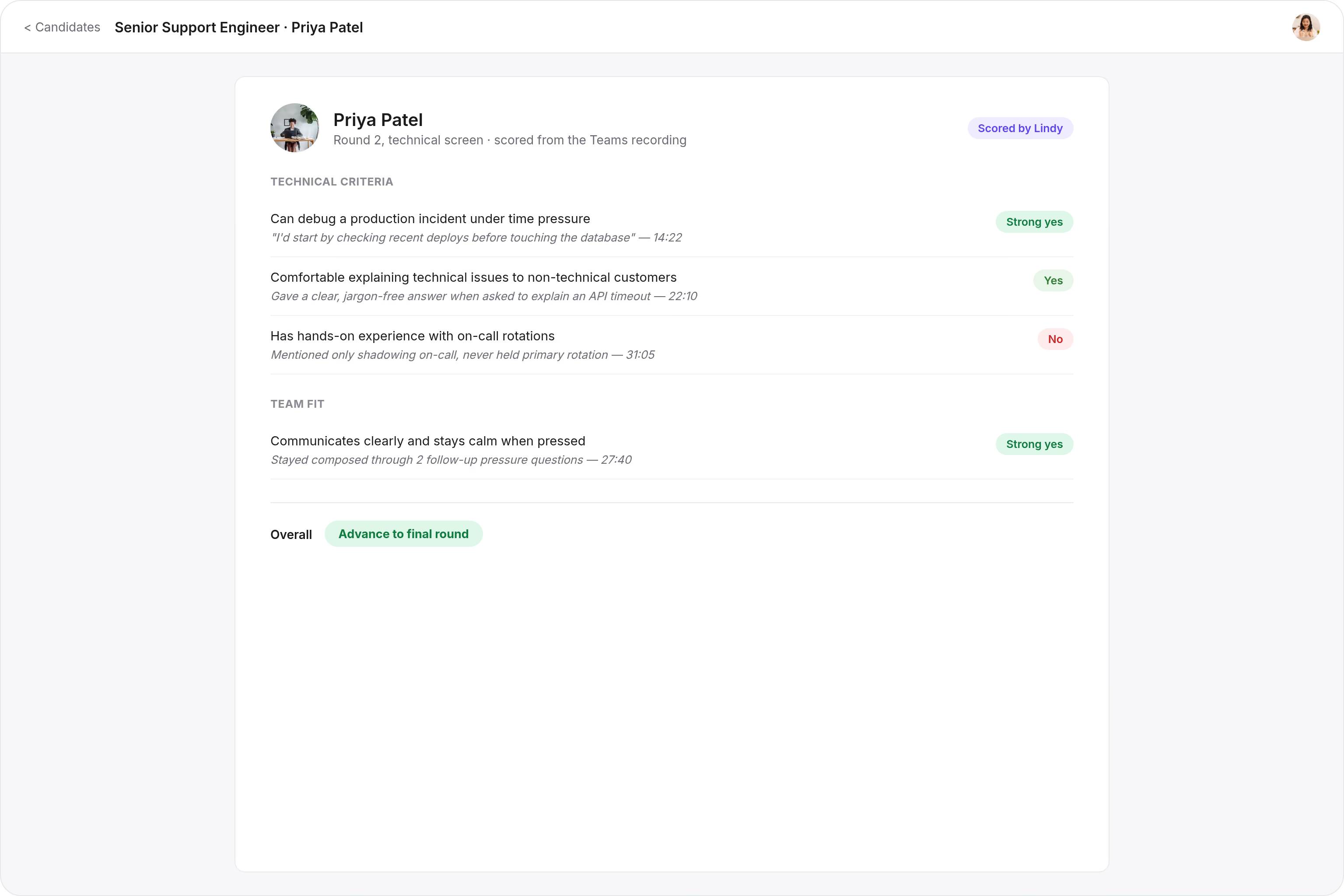
Rank candidates without watching twice






Supercharge your Microsoft Teams with AI.
When a Teams call ends, you're left scrambling to remember what was said, who agreed to what, and which action items you promised to follow up on.
Lindy automatically records your Microsoft Teams calls and turns them into a clean, searchable transcript you can reference any time.

Lindy checks your Google Calendar each morning and sends you a summary of the day's meetings.

Lindy pulls your Calendly meeting details and sends you a prep brief beforehand.


See what Lindy can do for you
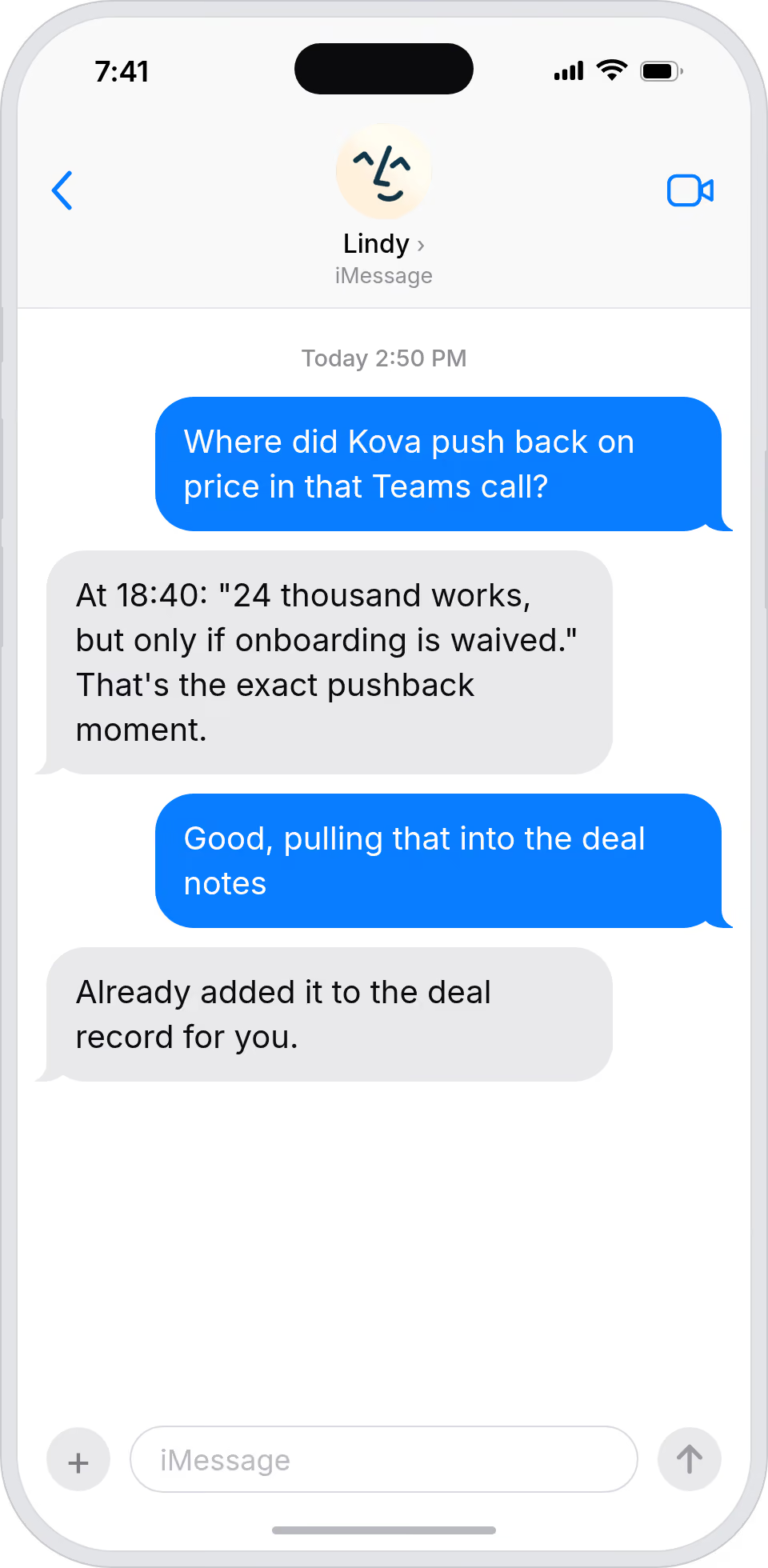
Spot moments that move deals in long Teams calls
Lindy transcribes your Teams sales calls, so you can pull the exact line where a buyer mentioned budget or pushback.
Comb partner and press Teams calls for insight
Lindy transcribes Teams meetings, so you can mine partner and press conversations for messaging and follow-up angles.
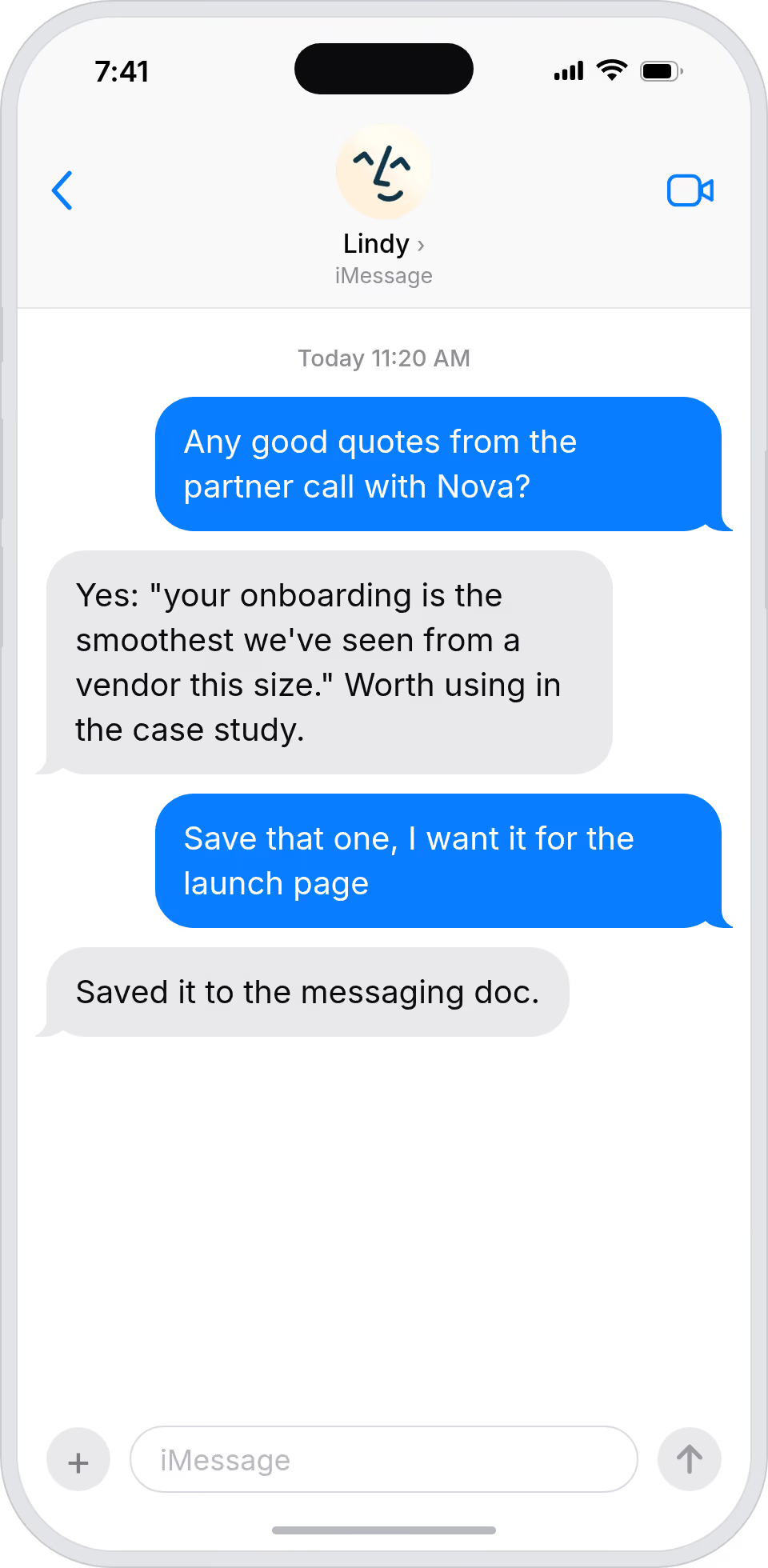
Get a transcript instead of a memory
Lindy transcribes every Teams call, so you can answer 'what did they say about X' without anyone replaying the recording.
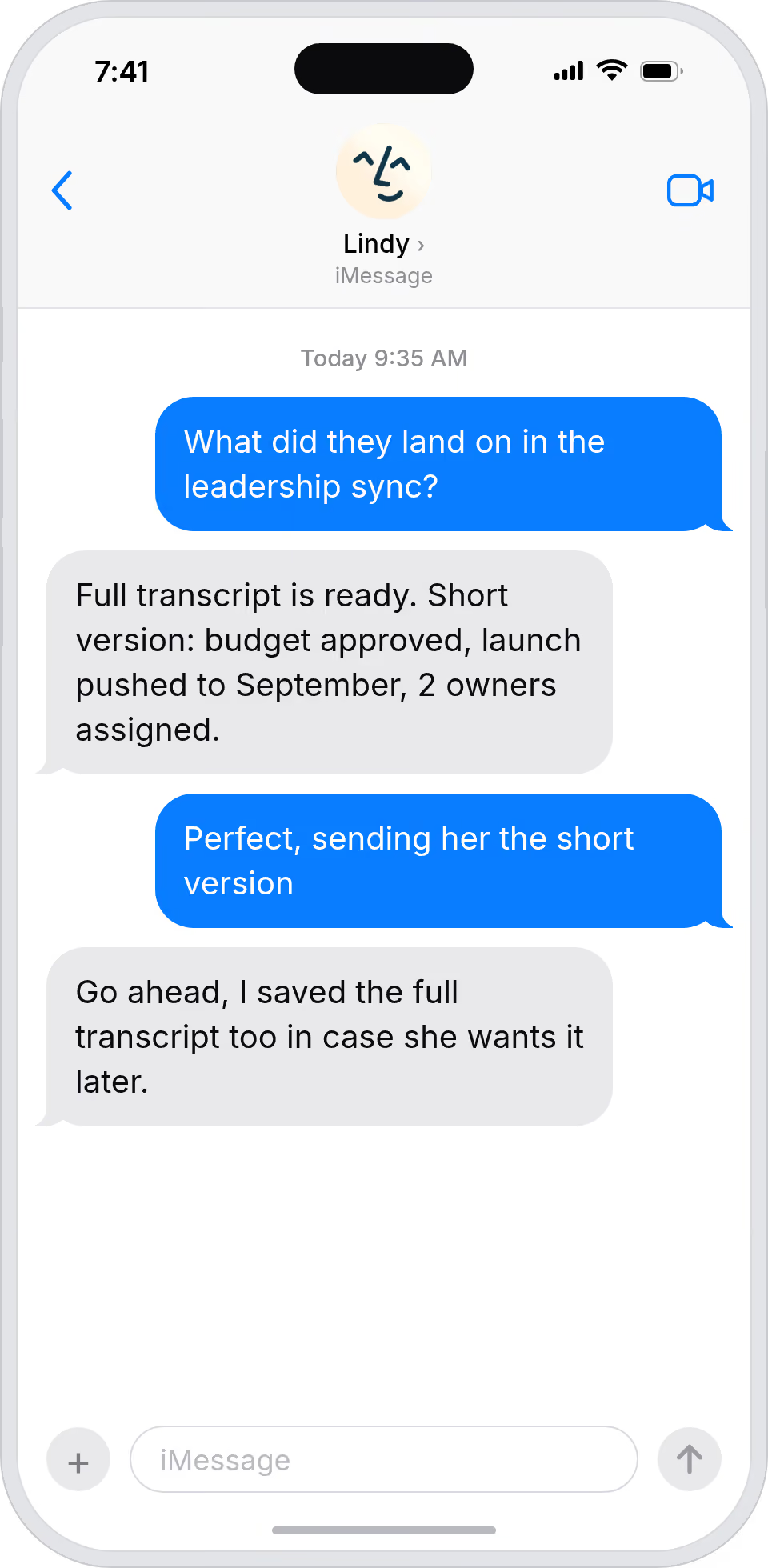
Teams calls become a searchable archive
Lindy records and transcribes Teams calls, so cross-team decisions stop being trapped in someone's notebook.
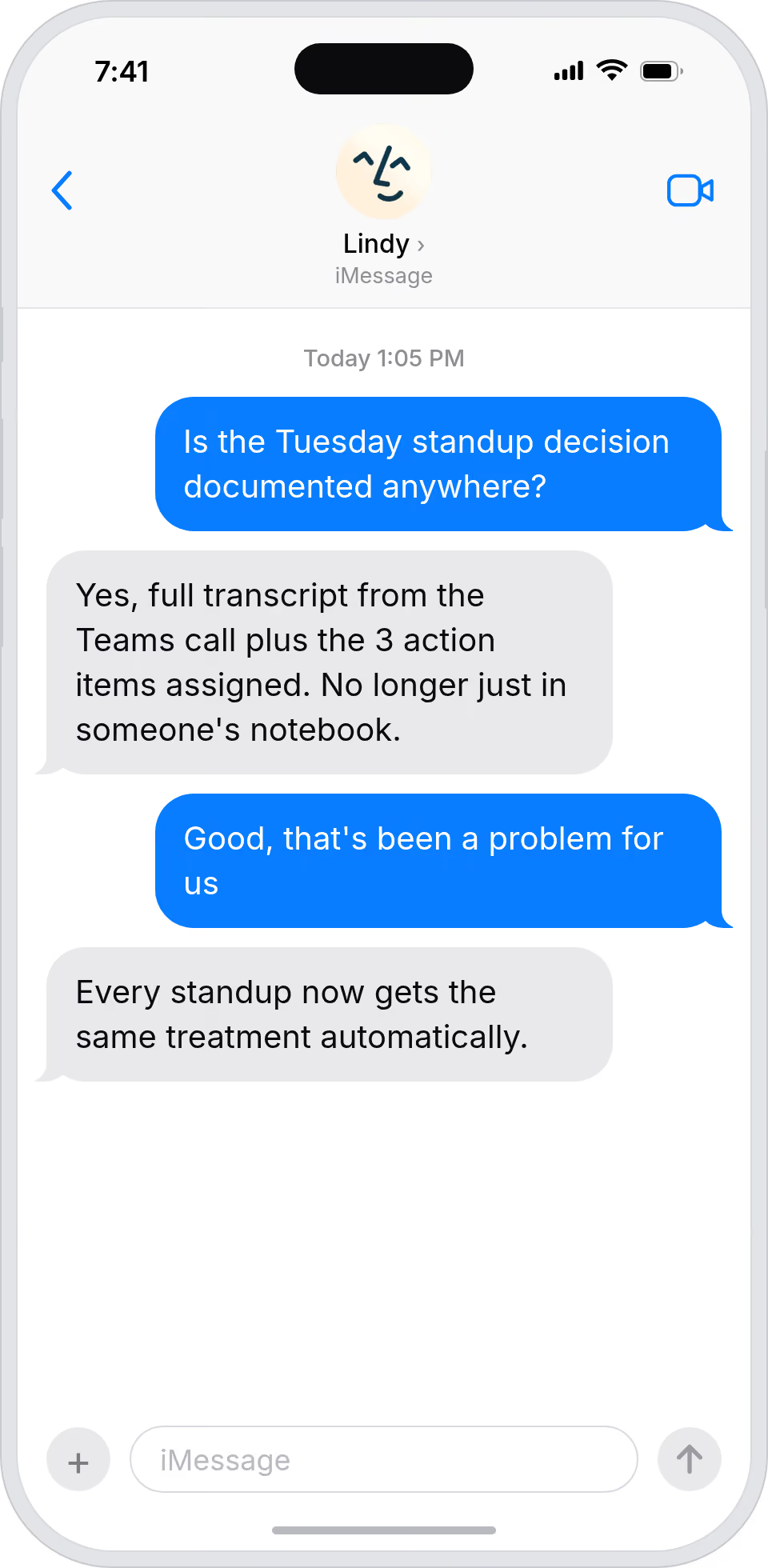
Every Teams conversation, always searchable
Lindy transcribes your Teams calls, so important conversations stay accessible long after the meeting ends.
Summarise more than just Slack
Summarising Slack is just the start. Here's what else Lindy can do.

Lindy reads your inbox overnight and sends you a clean digest of what matters before you start your day.

After every call Lindy writes structured notes and sends you a summary so nothing gets lost.

Lindy reads your Zendesk or Intercom queue and delivers a daily overview of open issues and priorities.
Not sure if Lindy can do it? Just ask.
Text your question and Lindy replies with exactly what it can do for you. No account, no sign-up. Just send a message.
Try for freeMore ways to use Lindy
Plenty more in the library. Pick the next one that fits your day.

Lindy turns your meeting notes into clean summaries with decisions and next steps.

Lindy reads your Gmail threads and drafts replies that match how you write.

Lindy watches your Shopify store and pings your team the moment a new order arrives.

Lindy reads your top Slack channels and sends you a quick summary of what matters.

AI Agents for Microsoft Teams
Taking notes during a Microsoft Teams call means you're only half-listening, and if you skip the notes, you'll spend hours after the call trying to piece together what was actually decided.
Once you connect Lindy to Microsoft Teams, it can record your calls in the background, generate a full transcript, and pull out key takeaways so you always have a clear record of what happened.

A skill shows you a real-world task Lindy can handle for you. It's there to inspire you and show what's possible, not a pre-built workflow you have to follow.
Yes. Sign up, connect the apps the skill needs, and you're ready to go. Most skills are up and running in minutes.
Lindy is your AI assistant. You tell it what you need in plain language and it takes care of the work, across your apps, on your schedule.
Each skill page lists exactly which apps are involved and whether they are required or optional. If you already use those apps, you're good to go.
No. Just tell Lindy what you want it to do and it figures out the rest. Skills are there to show you what's possible and get you started.
Almost certainly. Skills show what's possible, not what's limited. If you don't see what you need, just ask Lindy directly and it will figure it out.