10 Best AI Organization Tools I Tested in 2026
Marvin tested fourteen AI organization tools, including ClickUp, Notion, and Fireflies, over six weeks, weighing setup time, how much manual work each removed, and pricing.


Three months ago, I had five productivity apps open at the same time and still missed a follow-up that cost me a client. The irony wasn't lost on me. I had a task manager, a note-taking tool, a calendar app, a meeting recorder, and a scheduling tool, and none of them talked to each other. I was organizing my organization system.
That's when I started taking AI organization tools seriously, not as a category to write about, but as a problem I had.
I tested 14 AI organization tools across tasks, notes, scheduling, and meetings over six weeks, on paid plans, in real workflows. Some saved me hours and a few replaced tools I'd been paying for separately. Several weren't worth the tab they opened in.
This guide covers the 10 that made the cut.
Best AI organization tools in 2026: TL;DR
| Tool | Best for |
|---|---|
| ClickUp | Task management: teams managing multiple projects |
| Notion | Note-taking: retrieving knowledge across a large workspace |
| Reclaim | Scheduling: protecting focus time from meeting overload |
| Fireflies | Meeting intelligence: searchable archive of all past calls |
| Lindy | All-in-one: handling scheduling, follow-ups, and meeting admin in Slack |
| Asana Intelligence | Task management: AI status updates across team projects |
| Mem | Note-taking: capturing information without organizing it manually |
| Motion | Scheduling: auto-scheduling tasks around a packed calendar |
| Otter | Meeting intelligence: simple transcription with a usable free tier |
| Gemini | All-in-one: teams already running on Google Workspace |
What is an AI organization tool?
An AI organization tool can sort tasks, file notes, build your calendar, or automatically write up meeting summaries. Most tools do one or two of these well. Knowing which job you need covered is the fastest way to narrow the list.
Here's what each category does:
- Task and project management tools: These track and prioritize your work so you always know what needs attention next. Instead of manually sorting a growing list, the tool surfaces overdue items and flags what's at risk of slipping. They're best for anyone managing a project with moving parts.
- Note-taking and knowledge capture tools: These turn scattered notes, documents, and half-finished thoughts into something searchable and usable. Their job is to organize information so you can retrieve it later, rather than just storing it somewhere you'll never look. Search is usually the key feature.
- Scheduling and calendar automation tools: These look at your deadlines and priorities and place work directly on your calendar. Instead of manually blocking time for each task, the tool builds a plan around what needs to get done that day and puts it in front of you.
- Meeting intelligence tools: These record and transcribe calls, then pull out decisions and action items after the meeting ends. You don't take notes during the call. The tool captures what was said, sorts it into a structured summary, and hands it over so nothing gets missed.
- All-in-one AI assistants: Some tools cover two or more of these jobs in a single product. Instead of running separate apps for tasks, notes, scheduling, and meetings, one assistant handles the whole stack. These tend to trade depth on any one job for convenience across all of them.
Who needs an AI organization tool?
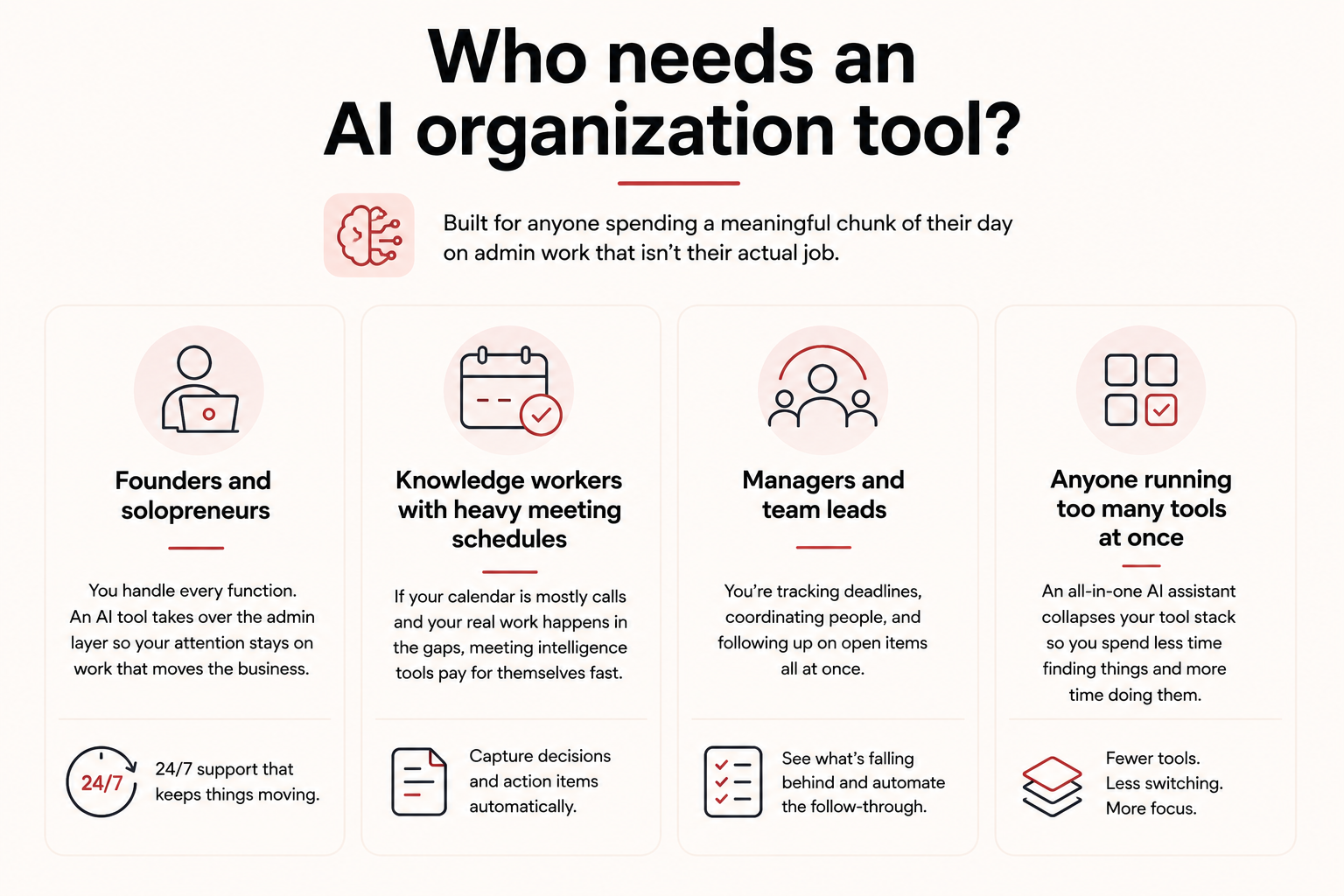
AI organization tools are built for anyone spending a meaningful chunk of their day on admin work that isn't their actual job. If you're triaging emails, hunting for last week's meeting notes, rebuilding your task list from scratch each morning, or squeezing real work into whatever gaps are left, these tools are built for that problem.
Here's who gets the most value from them:
- Founders and solopreneurs: You handle every function yourself, from sales calls to scheduling to follow-ups. An AI organization tool takes over the admin layer so your attention stays on work that moves the business. The 24/7 availability matters here more than anywhere else.
- Knowledge workers with heavy meeting schedules: If your calendar is mostly calls and your actual work happens in the gaps, meeting intelligence tools pay for themselves fast. You stop losing decisions and action items because no one had time to write good notes.
- Managers and team leads: You're tracking deadlines, coordinating people, and following up on open items all at once. AI organization tools reduce that overhead without adding another tool to manage. They surface what's falling behind and handle the follow-through you don't have time for.
- Anyone running too many tools at once: If your tasks live in one app, your notes in another, your calendar in a third, and meetings in a fourth, an all-in-one AI assistant collapses that stack. Less context-switching, less time spent finding things, more time spent doing them.
How I tested these AI organization tools
A thread in r/productivity put the problem directly. The poster said most AI tools feel like gimmicks and that they wanted something that cuts repetitive work out of their day, not just describes how to do it.
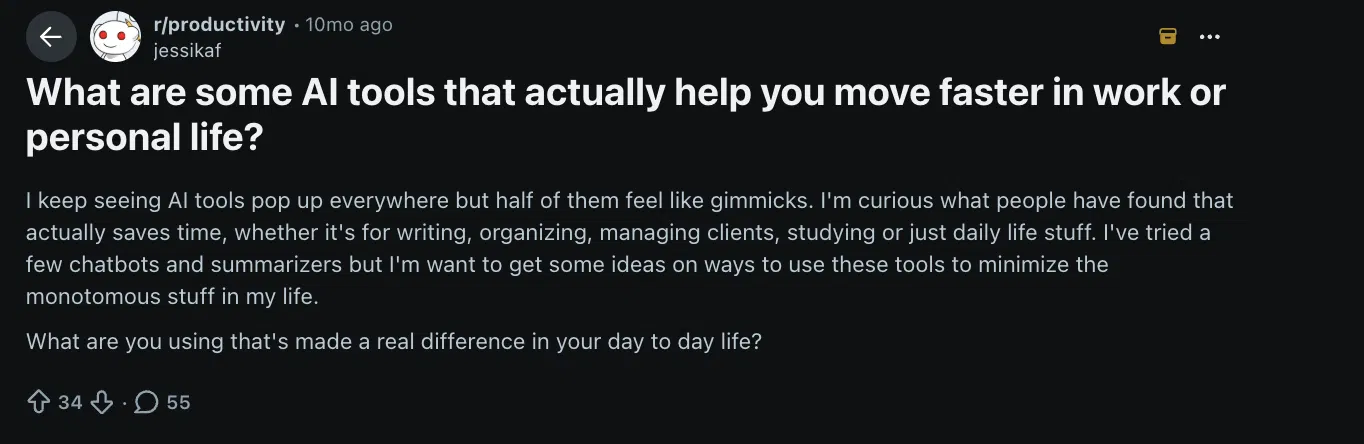
That framing shaped how I tested everything here. Almost every productivity tool added an AI layer in the last two years. The question was whether the AI removed a step, or just added a new interface to the same amount of work.
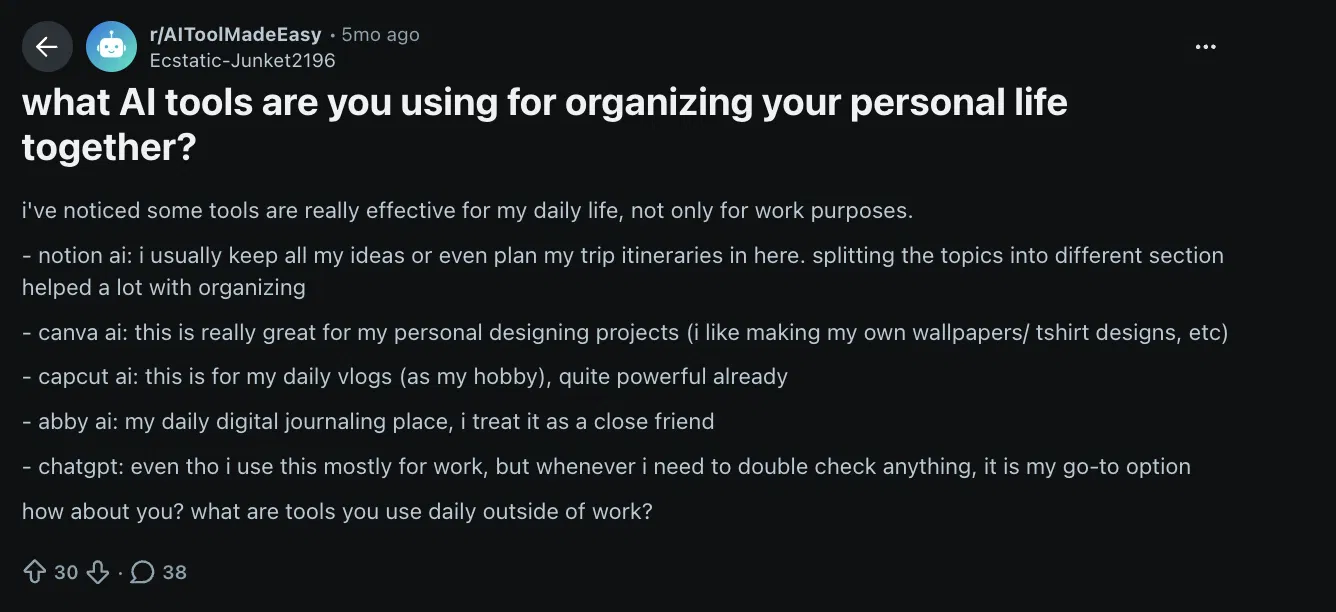
I also came across a thread in r/AIToolMadeEasy where people shared the tools they use to organize their personal lives. The overlap was telling. The tools people stick with are the ones that fit how they already work.
Every tool was tested across the same criteria:
- Setup time from signup to first useful output
- Whether the AI reduced manual work or just surfaced suggestions you still had to act on
- Real-world performance over a full week, not a one-time demo
- Whether the AI justified the price over a non-AI alternative in the same category
Four tools didn't make the list:
- Todoist is a clean, reliable task manager with a solid AI layer, but it suggests and prioritizes rather than proactively surfacing what's falling behind. A strong task container, not an AI organization tool.
- Obsidian has a devoted following and privacy-first local storage, but AI features come via community plugins you configure yourself, not a native experience.
- tl;dv has a more generous free tier than Fireflies and better video clip features, but it doesn't build a searchable archive across months of calls the way Fireflies does.
- Taskade combines tasks, docs, and AI agents at a compelling price, but calendar functionality and knowledge retrieval depth fell short of the specialized tools on this list.
The 10 tools that made it each solved a distinct problem well enough to recommend.
Best AI organization tools for doing more with less switching
These tools either handle more than one organizational job or go deep enough on a single job that they become the center of how work gets done. If your productivity stack is starting to feel like its own project to manage, start here.
1. ClickUp: Best AI tool for task and project management
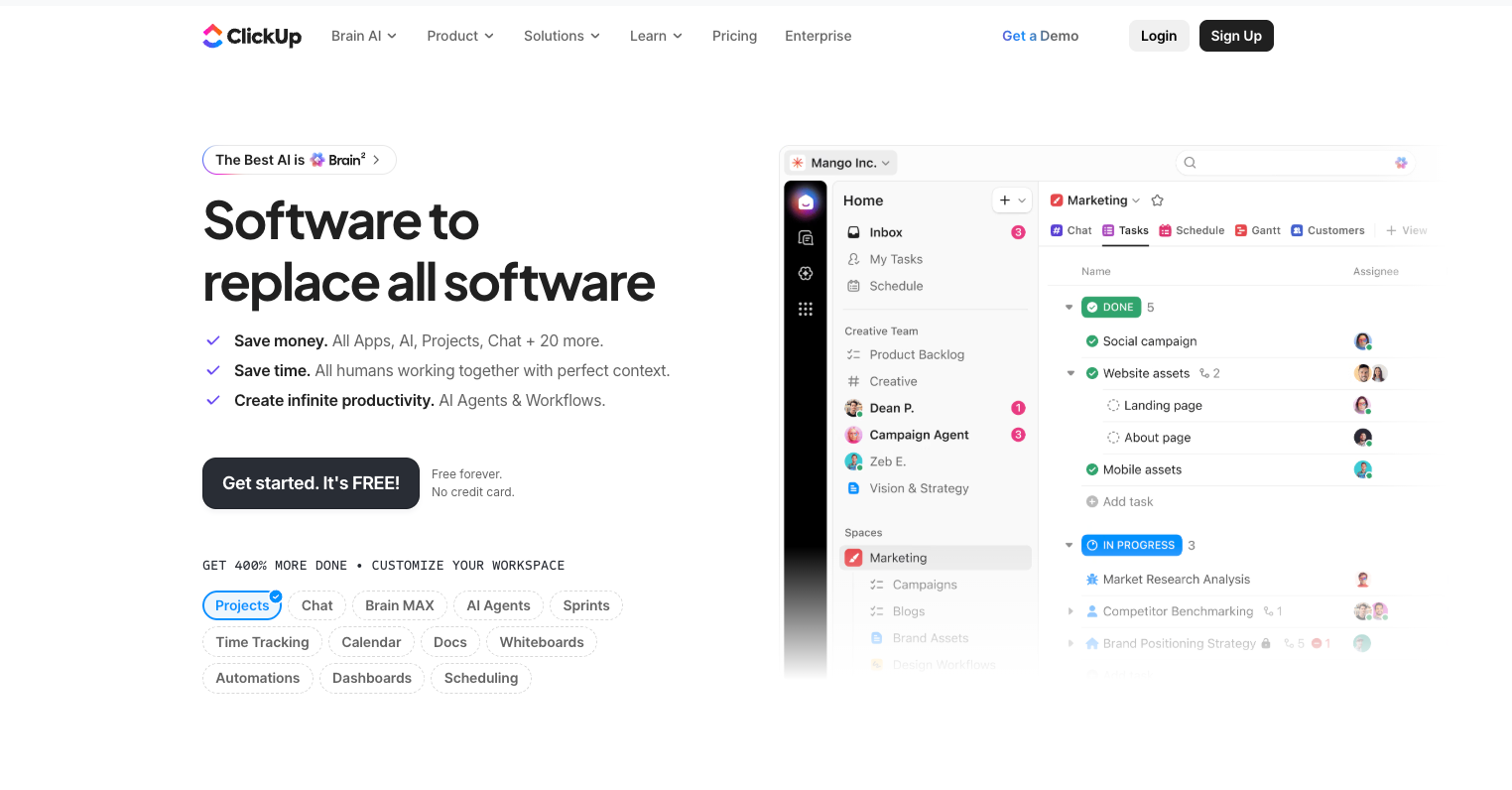
ClickUp is a project management platform with an AI layer called Brain built into the workspace. It handles task creation, prioritization, and progress tracking without you manually sorting through what needs attention next.
Why I picked it
I tested ClickUp Brain on a content production sprint with around 40 tasks spread across different lists and assignees. Brain surfaced stuck tasks and flagged overdue items without me pulling a single report or running a filter.
I typed a rough description of a deliverable into the chat, and it turned that into a structured task with a due date and subtasks attached. That input-to-task pipeline is faster than any manual approach I've used. For teams running multiple projects at once, Brain cuts the daily overhead of figuring out what's fallen through the cracks.
Key features
- Ambient Agents: AI that runs in the background, listens for team questions, surfaces real-time insights, and keeps workspace context current without anyone stopping to prompt it.
- AI task creation from notes or chat: Type a rough description of what needs doing and Brain converts it into a structured task with subtasks and a due date, skipping the manual setup entirely.
- Task Performance AI Agent: Handles routine task-management questions automatically and takes action on tasks based on predefined rules, cutting back-and-forth on repetitive work.
Limitation
Brain is an add-on, not included in any base plan. That means every user who needs AI features pays an extra $14/month on top of their existing subscription, which adds up fast on larger teams. The total cost is higher than the headline pricing suggests.
Pricing
ClickUp has a free plan for individuals. Paid plans start at $10/user/month on Unlimited and $19/user/month on Business. The Brain AI add-on costs an additional $14/user/month, going up to $33/user/month depending on the plan.
2. Notion: Best AI tool for knowledge capture and note-taking
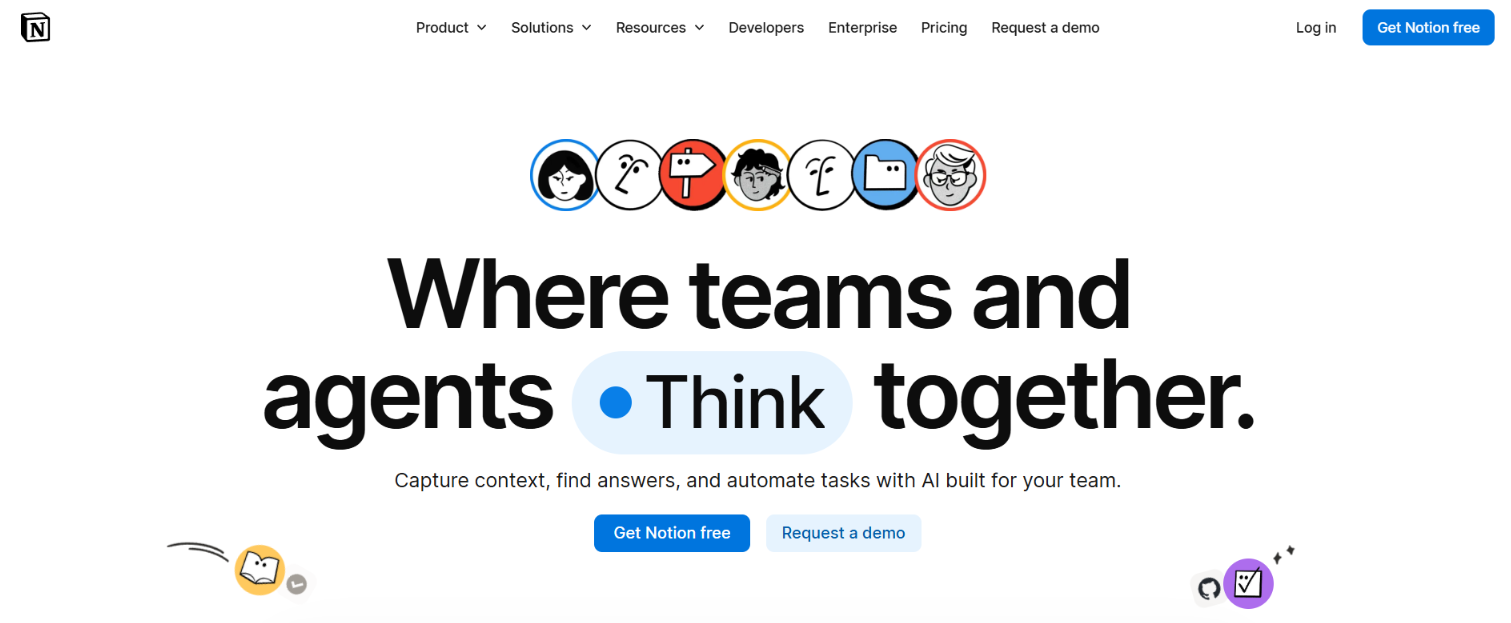
Notion is a workspace platform that combines docs, databases, and projects in one place. Its AI layer turns that workspace into something searchable and retrievable. You can ask questions in simple words and get answers pulled directly from your own notes, pages, and connected apps.
Why I picked it
The feature that made Notion AI worth including here is Q&A. I had a workspace with two years of accumulated docs, meeting notes, project briefs, and research dumps, and finding anything specific meant remembering where I'd filed it.
With Q&A, I typed "what did we decide about the pricing model in Q3" and got a direct answer with a citation back to the original page. That jump from hunting for a file to just asking a question is why Notion earns a spot here. For teams that already live in Notion, this alone justifies the AI plan.
Key features
- Templates: Notion's marketplace has 30,000+ prebuilt workspace setups across categories like project management, marketing, and planning. Pick one, duplicate it into your workspace, and you have a working structure in seconds.
- AI meeting notes: Notion captures live meeting notes and turns them into a structured summary with decisions and action items. Still in beta, so it works better as a cleanup layer than a dedicated recorder.
- Enterprise Search: Searches across Notion and connected apps like Slack, Google Drive, and Jira from a single prompt. Useful for teams whose knowledge is spread across more than one tool.
Limitation
AI meeting notes are still in beta, which means transcription quality isn't consistent enough to rely on for important calls. Notion is stronger as a post-meeting cleanup and retrieval tool than as your primary meeting recorder. If live capture is the main job, a dedicated meeting tool handles it more reliably.
Pricing
Notion's free plan includes a trial of AI features. The Plus plan starts at $12/member/month and Business at $24/member/month. Enterprise is custom pricing through sales.
3. Reclaim: Best AI tool for protecting focus time
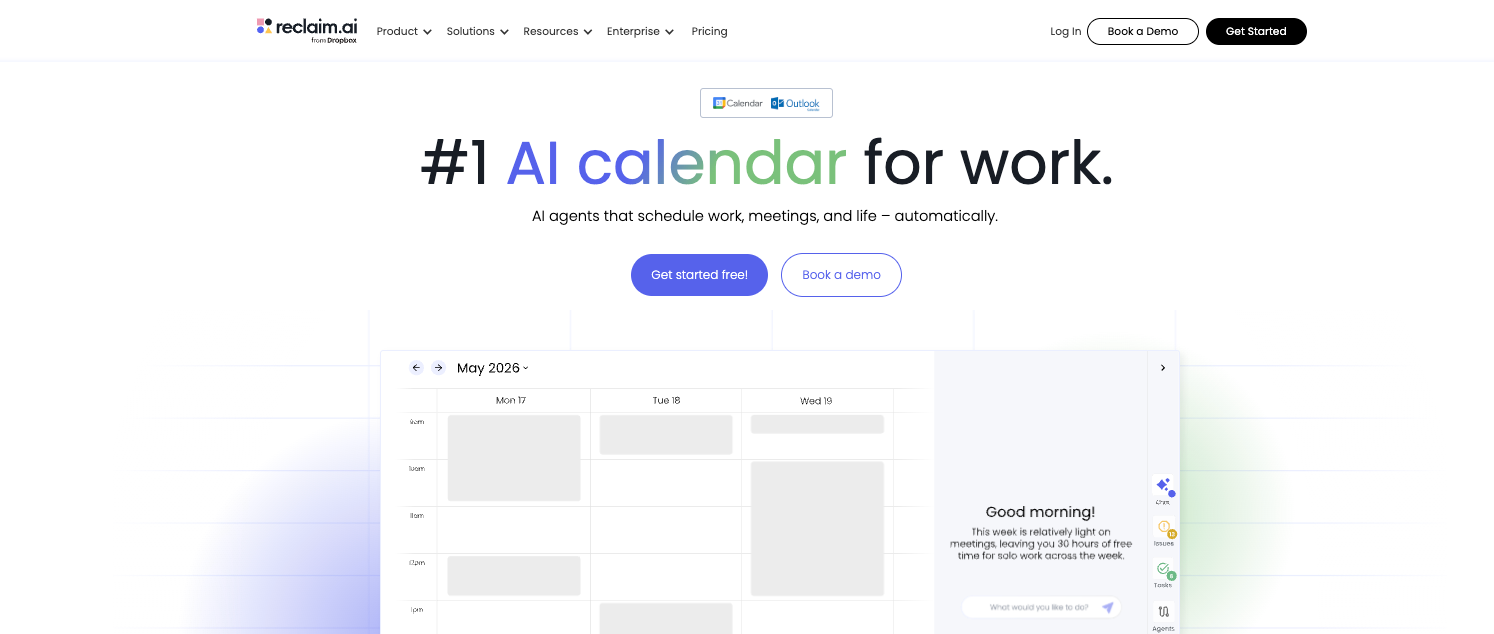
Reclaim is a calendar tool that defends the time you've already decided matters. Instead of rebuilding your day from scratch, it reschedules focus blocks, habits, and breaks around conflicts so the plan you made stays intact.
Why I picked it
I set up a recurring two-hour focus block and spent a week deliberately booking meetings on top of it. Reclaim moved the block five separate times instead of deleting it once. Motion would have rebuilt my entire day around each new priority. Reclaim left the rest of my plan alone and only touched what conflicted. For anyone with a routine they've worked hard to protect, that restraint is the whole point.
Using Reclaim's Scheduling Links, you share a link that shows real availability instead of just open slots. As your calendar fills up, Reclaim adjusts what's bookable automatically so the person on the other end always sees accurate times.
Key features
- Automatic meeting scheduling: Reclaim finds a time that works across everyone's calendars without sending a scheduling email. It checks availability on both sides and drops the invite directly.
- Priority-based protection: Commitments get labeled Critical to Low, which decides what gets bumped first when the day fills up. Higher-priority items hold their slot longer before moving.
- Automatic focus signals: Slack status and Do Not Disturb switch on the moment a focus session starts, so the rest of your team knows not to message you mid-block.
Limitation
Reclaim only manages what's already on your calendar. Work arriving through email or Slack needs a connected task manager like Todoist before Reclaim can act on it. If your tasks live outside a dedicated app, you'll hit that wall fast.
Pricing
Reclaim has a free Lite plan for one user with limits on habits and calendar connections. The Starter plan is $12/seat/month, and Business is $18/seat/month. Enterprise is custom pricing.
4. Fireflies: Best AI tool for meeting intelligence
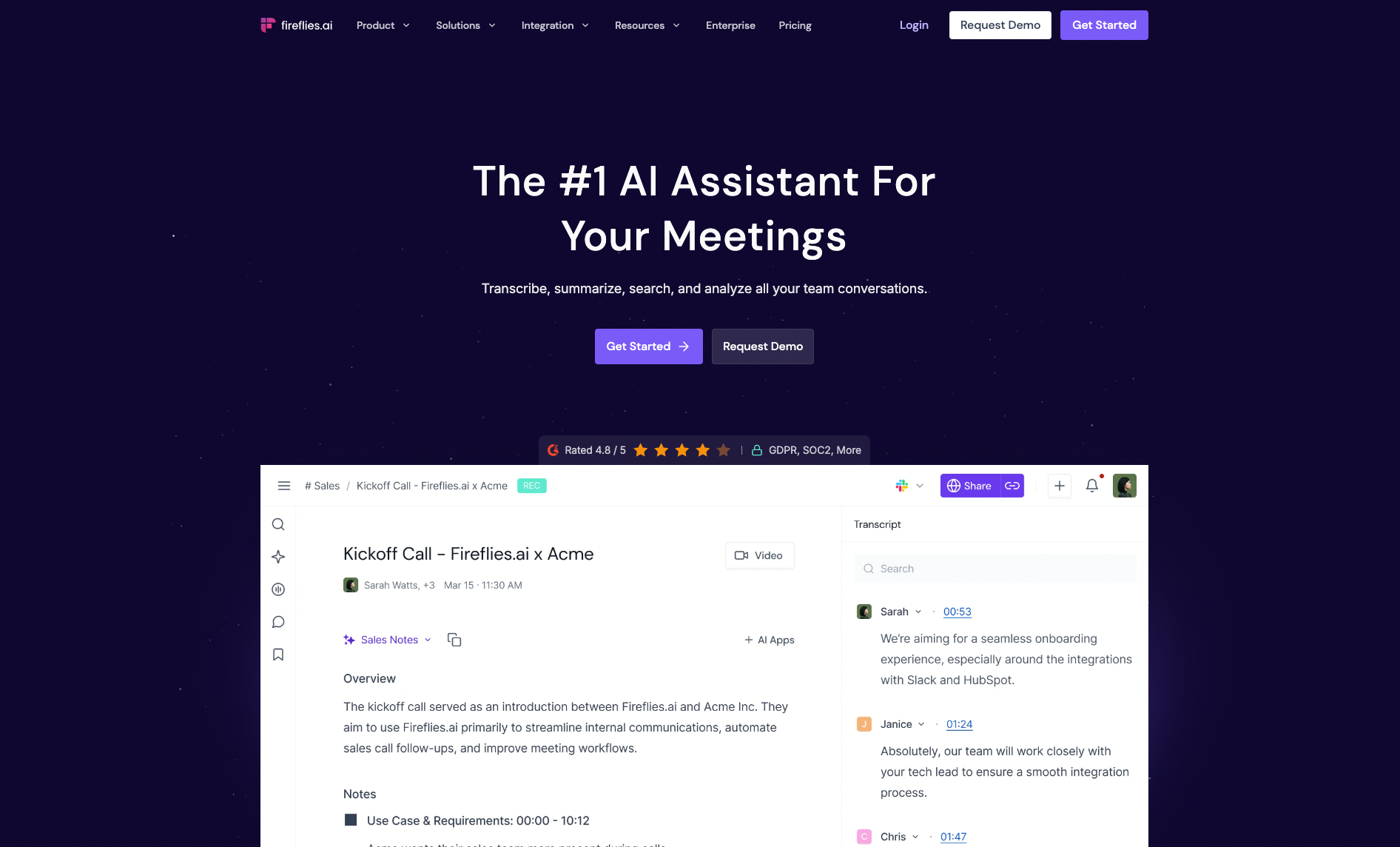
Fireflies is a meeting recorder and transcription tool that auto-joins your calls and turns them into searchable, structured records. It works across Zoom, Google Meet, Teams, and Webex, and delivers summaries, action items, and a full transcript within minutes of the call ending.
Why I picked it
Three months into using Fireflies, a client asked me to confirm something we'd discussed in an early onboarding call. I typed the topic into AskFred, Fireflies' built-in AI assistant, and got the exact answer with a timestamp in about 10 seconds.
Finding a specific moment across months of recorded calls without scrubbing through video is what makes Fireflies more than a note-taker. Most tools give you a transcript. Fireflies gives you a searchable archive.
Key features
- Auto-join notetaker: Fireflies connects to your calendar and joins meetings without any manual setup per call. It records, transcribes, and generates a summary with action items as soon as the meeting ends.
- Conversation intelligence: Available on the Business plan, this tracks talk time, sentiment, and topic trends across your team's calls. Useful for managers who want visibility into how meetings are running.
- AI Skills: A library of 100+ pre-built apps that extract specific insights from transcripts, score candidates, generate follow-up emails, or flag competitor mentions, without any manual prompt writing.
Limitation
Conversation intelligence is locked behind the Business plan at $29/seat/month. On Pro, you get transcription and summaries, but none of the analytics. For solo users or small teams, that's a meaningful gap depending on why you're buying it.
Pricing
Fireflies has a free plan worth trying, with unlimited transcription and unlimited AI summaries, though storage is capped at 400 minutes per team. Pro is $18/seat/month, and Business is $29/seat/month. Enterprise is $39/seat/month on an annual contract only.
5. Lindy: Best all-in-one AI assistant for organization
Lindy is an AI teammate that lives in your Slack, connects to your tools, and gets work done across your inbox, calendar, and meetings. @mention Lindy in any channel, and it answers in the thread. DM it, and it works as a personal assistant. It works 24/7 and doesn't need reminders. The follow-up goes out, the recap lands, and the next meeting gets booked.

Why I picked it
You can CC Lindy on a client thread that has been dragging on for a week. It reads the back-and-forth, checks your calendar, offers three times, and the moment the client picks one, the invite lands without you lifting a finger. That follow-up would normally sit in your drafts until the next morning.
Lindy works in the gaps those tools don't touch. It catches the email thread before it turns into a missed meeting, sends the follow-up before anyone remembers to write it, and has a recap ready before the meeting window closes.
Lindy connects to hundreds of integrations, including Gmail, Google Calendar, Zoom, Salesforce, and Slack, pulling context from the tools already in use. That's a different job from organizing a schedule, and it's the reason Lindy sits in the all-in-one group rather than the scheduling one.
Key features
- Email-based scheduling: CC Lindy on a thread and it reads the conversation, checks your calendar, proposes times, and books the meeting once both sides agree. Scheduling never becomes a separate task you have to finish later.
- Pre-meeting briefings: Lindy pulls a summary from past emails and prior meetings and sends it to your phone 15 minutes before each call. You walk in with context, rather than scrambling through old threads.
- iMessage and SMS control: Text Lindy from any phone to reschedule a meeting, check what's on your day, or ask what you committed to after your last sync. It works like texting someone, using the same messaging app you already use.
Limitation
Lindy runs on monthly credits rather than unlimited usage. Heavy use across scheduling, meetings, and follow-ups can burn through your allowance faster than expected. Extra usage is billed separately on top of your plan cost.
Pricing
There is no free plan, but a 7-day free trial gives you access to paid features before committing. The Plus plan starts at $29.99/month per user. Pro is $99.99/user/month, and Max is $199.99/user/month. Enterprise offers custom pricing through sales.
Best AI organization tools for one specific job done well
These tools do one thing and do it better than anything that tries to cover more ground. If you already know which part of your day is broken, pick the tool that matches that problem and ignore the rest.
{{templates}}
6. Asana Intelligence: Best for AI-generated project status across your team
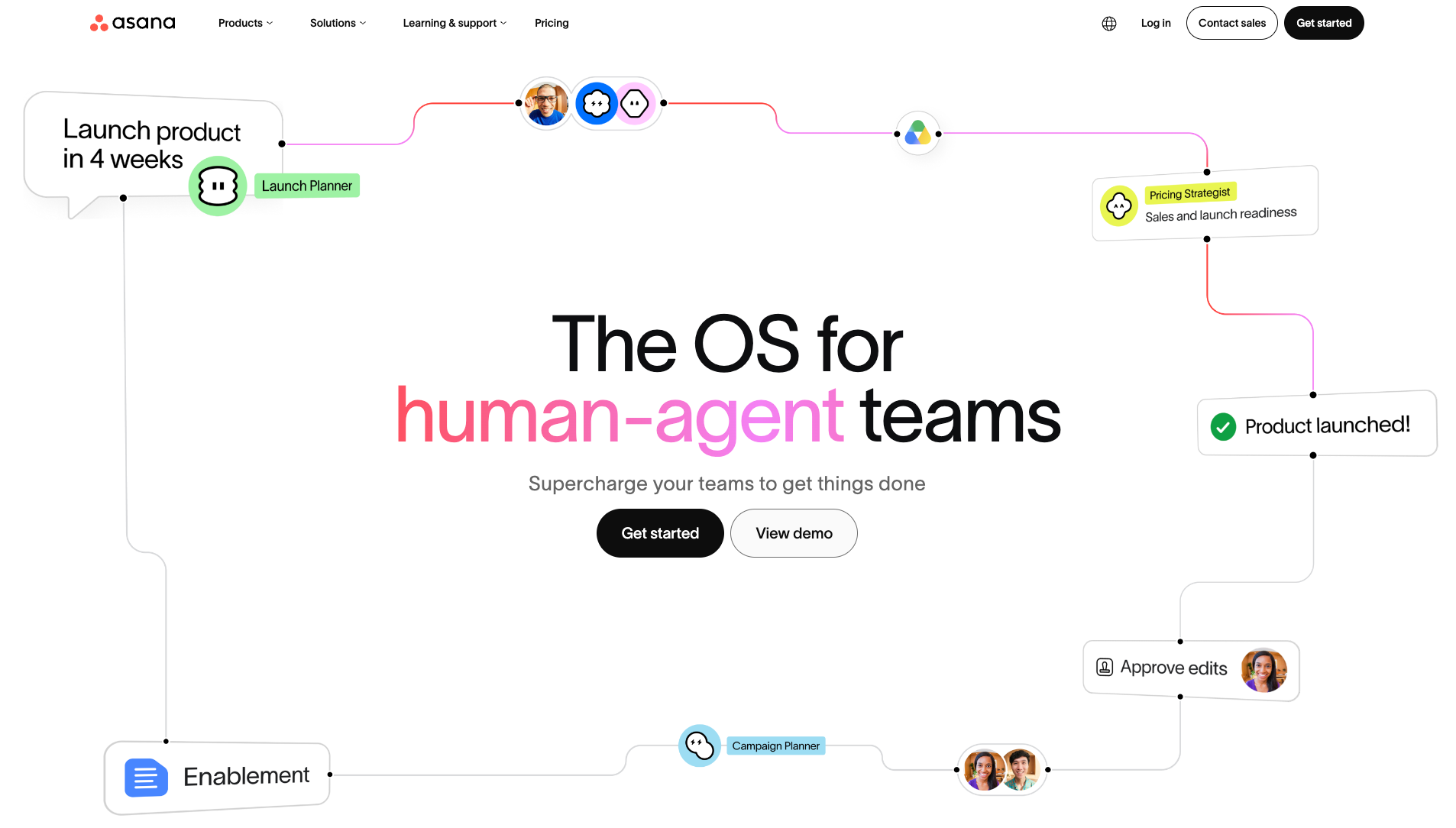
What it is: Asana is a project management platform with AI built into the workspace. It generates status updates, summarizes tasks, and flags work that's falling behind without manual input from anyone on the team.
Best for: Mid-size teams already running projects in Asana who want AI to cut down the time spent writing updates and checking on progress.
Why I picked it
The feature that stood out was Smart Status. I pointed it at a project with 30+ open tasks, and it generated a clear progress update in about 10 seconds, accurate enough to send without editing. That's the kind of admin work that usually takes 15 minutes and gets skipped.
When you're juggling several projects, AI-generated status updates that pull from real task data beat any chatbot feature on the market.
Limitation
AI features are gated to Starter and above. The free Personal plan gets none of them, so you won't know how useful Smart Status actually is until you're already paying.
Pricing
Asana has a free Personal plan for up to two users. Starter is $13.49/user/month, and Advanced is $30.49/user/month. AI features are included from Starter upward. Enterprise pricing is custom through sales.
7. Mem: Best for capturing and retrieving knowledge without manual organization
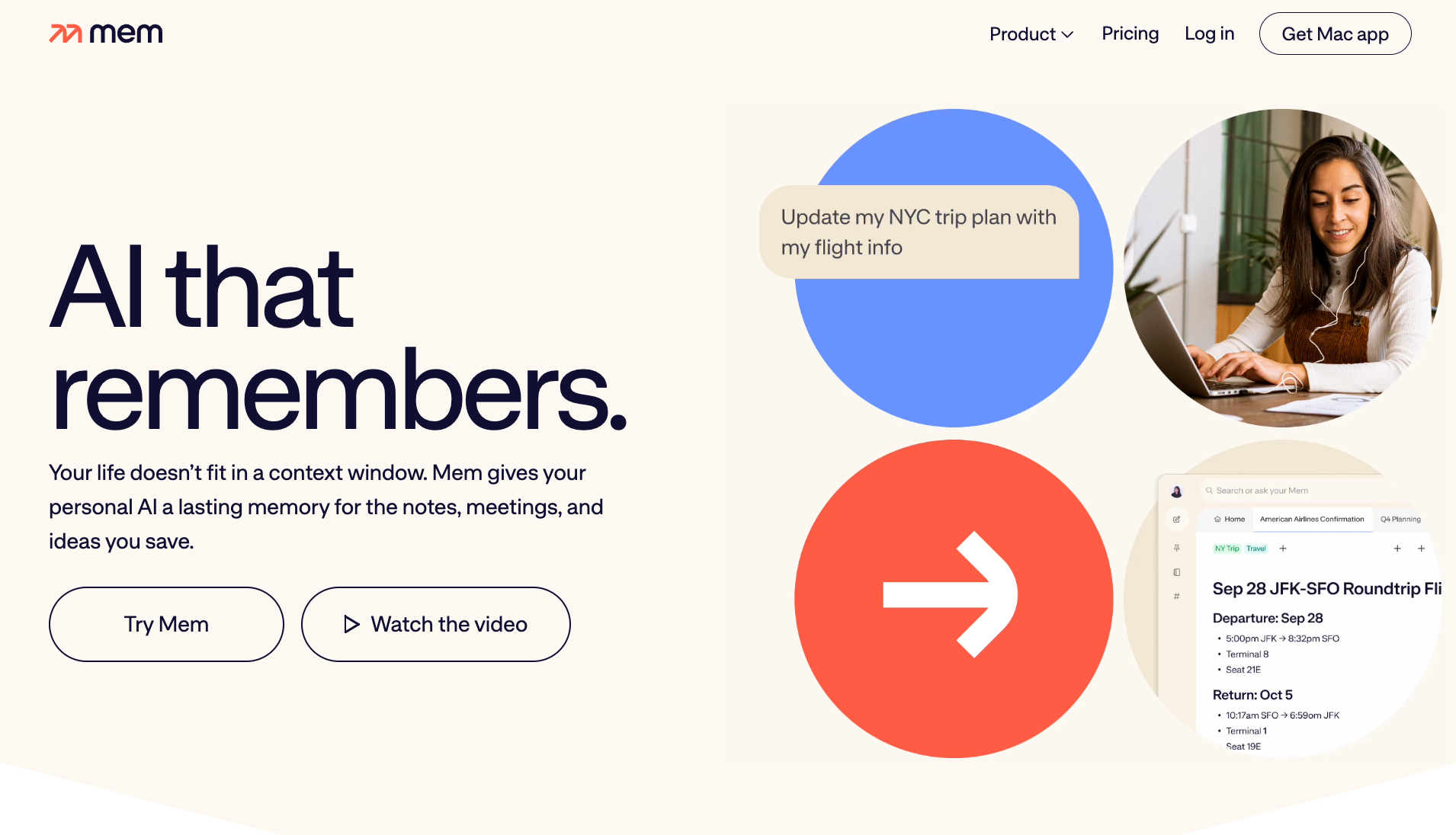
What it is: Mem is an AI-powered note-taking tool that organizes what you save and surfaces it when it becomes relevant. You capture notes, meetings, and ideas, and Mem connects them without manual tagging or folder structures.
Best for: Founders, consultants, and solo professionals who accumulate a lot of information and spend more time finding it than using it.
Why I picked it
I dropped three months of meeting notes and research into Mem and asked where a specific decision had come from. It returned the answer with a source note in under five seconds. You capture first and let Mem sort the filing later, which is exactly why it sticks when other note apps get abandoned.
Most note-taking tools make you organize as you go. Mem handles that after the fact, which means you use it instead of abandoning it two weeks in.
Limitation
Retrieval works best once you've built up a meaningful note library. In the first week or two, before you have enough saved, the AI has little to surface. It takes some patience to get to the payoff.
Pricing
Mem has a free plan capped at 25 notes and 25 chat messages per month. Pro is $12/month with unlimited notes and 250 AI agent messages a month. The Proactive plan, which adds Mem Agent for proactive briefings and check-ins, costs $99/month and includes a 7-day free trial.
8. Motion: Best for automatically scheduling tasks around a packed calendar
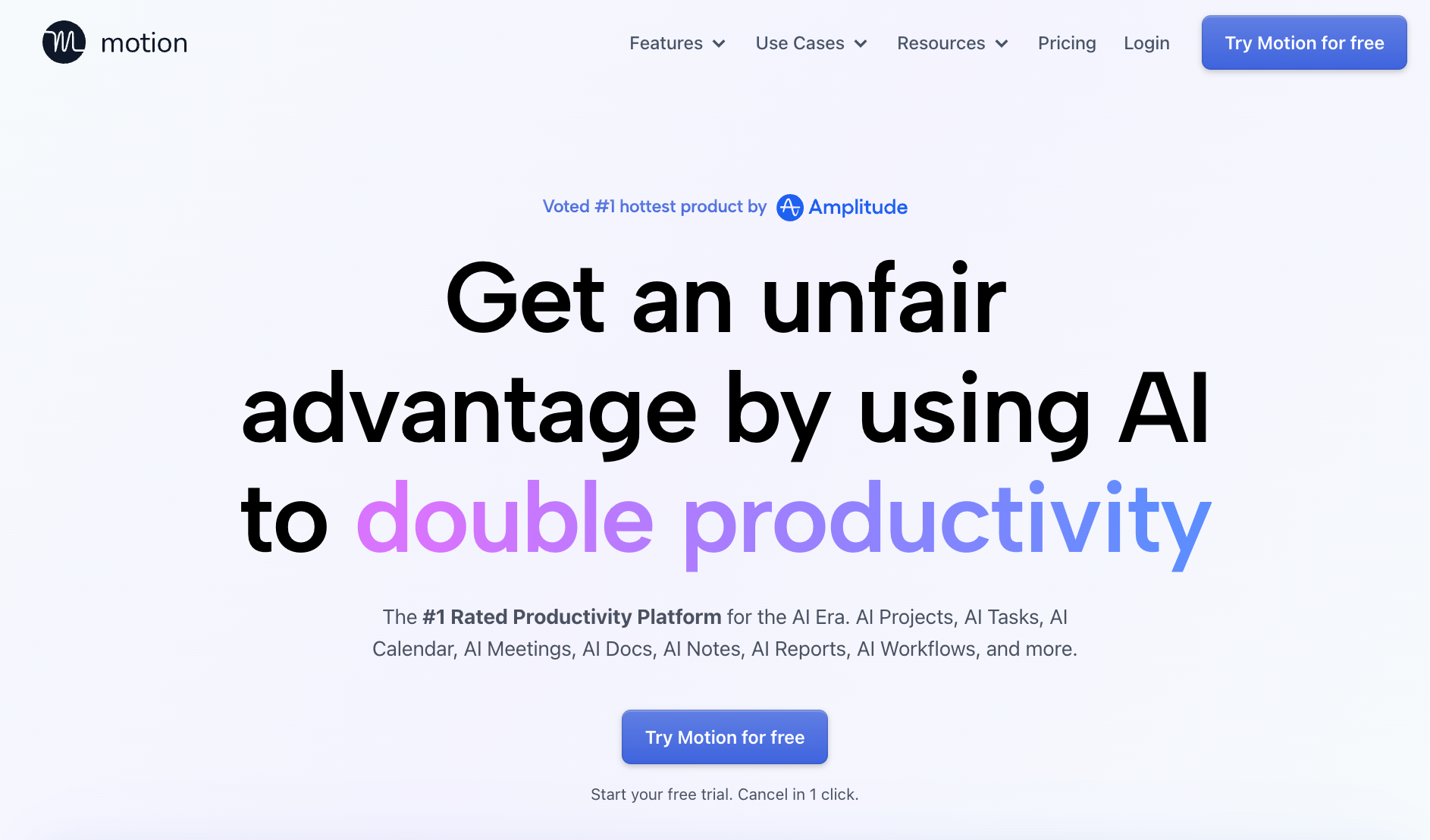
What it is: Motion is an AI scheduling tool that automatically places your tasks on your calendar and reschedules them when new meetings appear. You add tasks with deadlines, and Motion figures out when to do them.
Best for: Solo professionals and small teams with packed calendars who want tasks scheduled automatically around meetings rather than doing it manually every morning.
Why I picked it
Motion added an AI Docs Assistant, AI Calendar Assistant, and AI Meeting Notetaker in its 2026 SuperApp push, and I tested all three in the same week.
The Calendar Assistant rebuilt my day twice without me asking, once when a meeting ran long and once when a new one dropped in at noon. The whole day reshuffled both times automatically. The Docs and Notetaker features work, but the calendar automation is still the reason to buy it. Everything else is a bonus.
Limitation
The auto-scheduler is rigid. Skip its plan for a day or manually defer a block, and it takes a few resets before it trusts your priorities again.
Pricing
Pro AI starts at $49/month for individuals and $29/seat/month for teams. Business AI is $69/month for individuals and $49/seat/month for teams. Free trial available.
9. Otter: Best for straightforward meeting transcription with a usable free tier
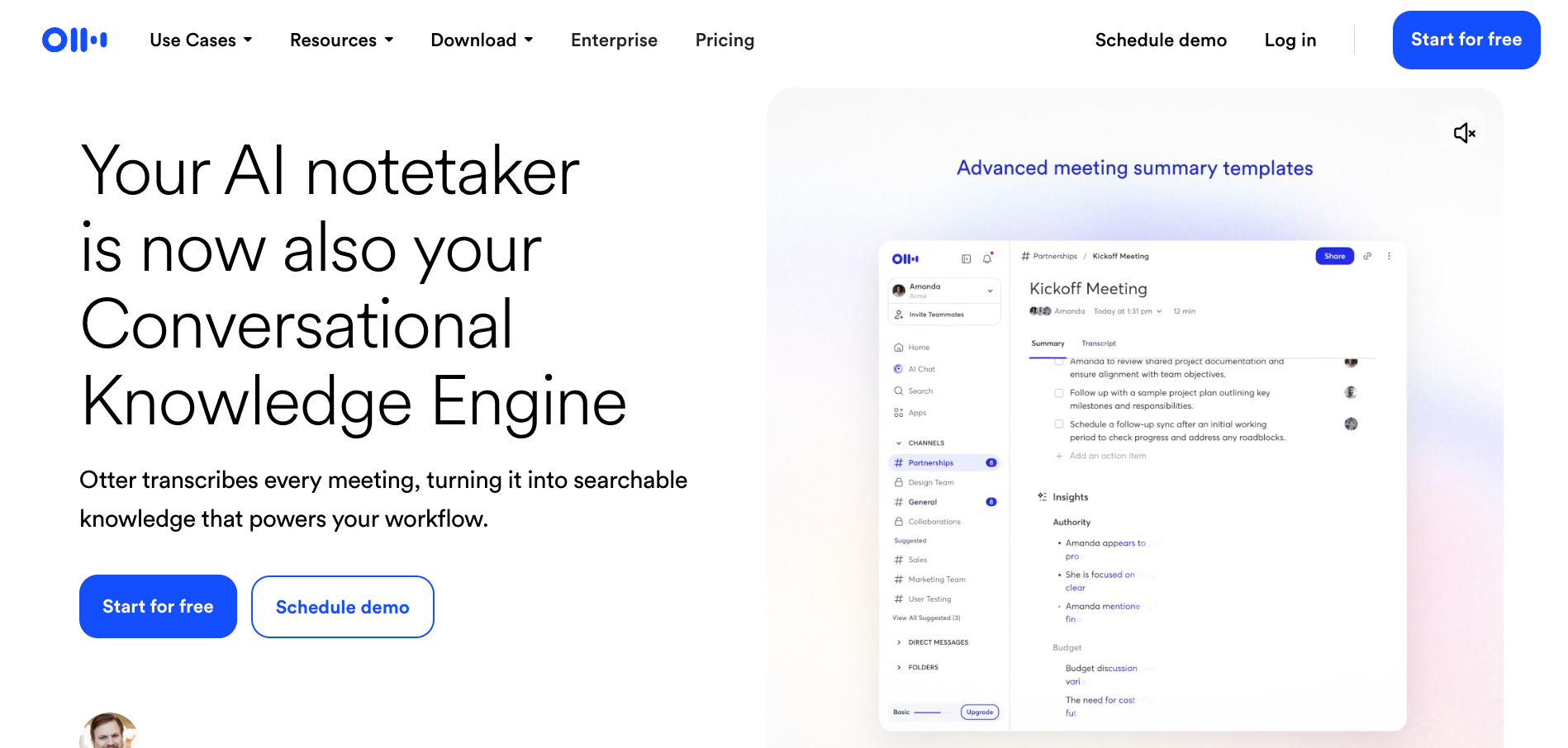
What it is: Otter is a meeting transcription tool that joins your calls on Zoom, Google Meet, and Teams and produces a real-time transcript with speaker labels. It generates a summary with action items once the call ends.
Best for: Individuals and small teams who want accurate meeting transcripts and a searchable record of what was said, without the complexity of a fuller meeting intelligence tool.
Why I picked it
I ran Otter across a week of back-to-back calls and pulled up a specific conversation from three days prior by searching for a single keyword. The transcript was accurate enough that I could find the exact line I was looking for without scrubbing through video or piecing together manual notes.
For straightforward meeting capture, it does the job cleanly, and the free tier is generous enough to test before committing.
Limitation
Summaries are thinner than Fireflies'. Otter captures well, but post-meeting analysis like topic trends, sentiment, and speaker breakdowns isn't there. It's a transcription tool first, not a meeting intelligence platform.
Pricing
Otter has a free plan with 300 transcription minutes per month and a 30-minute cap per meeting. Pro is $16.99/user/month. Business is $30/user/month with a 5-seat minimum. Enterprise pricing is custom.
10. Gemini: Best for teams already running on Gmail and Google Docs
What it is: Gemini is Google's AI layer built into Workspace. It drafts emails in Gmail, summarizes documents in Docs, takes meeting notes in Meet, and surfaces answers from your files in Drive. It comes bundled into paid Workspace plans rather than as a separate product to install.
Best for: Teams already running on Gmail, Google Meet, and Docs who want AI across those tools without paying for or learning anything new.
Why I picked it
Gemini's ease of use comes down to one thing: the tools are already open. I didn't install anything or connect accounts. I opened a long Google Doc, asked Gemini to summarize the key decisions, and had a clean answer in about eight seconds. Then I asked it to draft a follow-up email from the same document, and it pulled the right context without me switching tabs or copying anything across.
For teams already living in Google Workspace, there's nothing to set up. And that cross-app awareness inside tools you're already in is what makes this different from a standalone AI tool.
Limitation
The Gemini bundled into Workspace works inside Google's own apps. Reaching outside tools like Notion or Slack means moving up to Gemini Enterprise, which is a separate product on a separate subscription.
Pricing
Gemini is free to start with a Google account. Google AI Plus is $4.99/month, and Google AI Pro is $19.99/month with higher usage limits across the Gemini app. For teams on Google Workspace, Gemini is included in paid plans from Business Standard onward at around $14/user/month.
{{cta}}
Which AI organization tool should you pick?
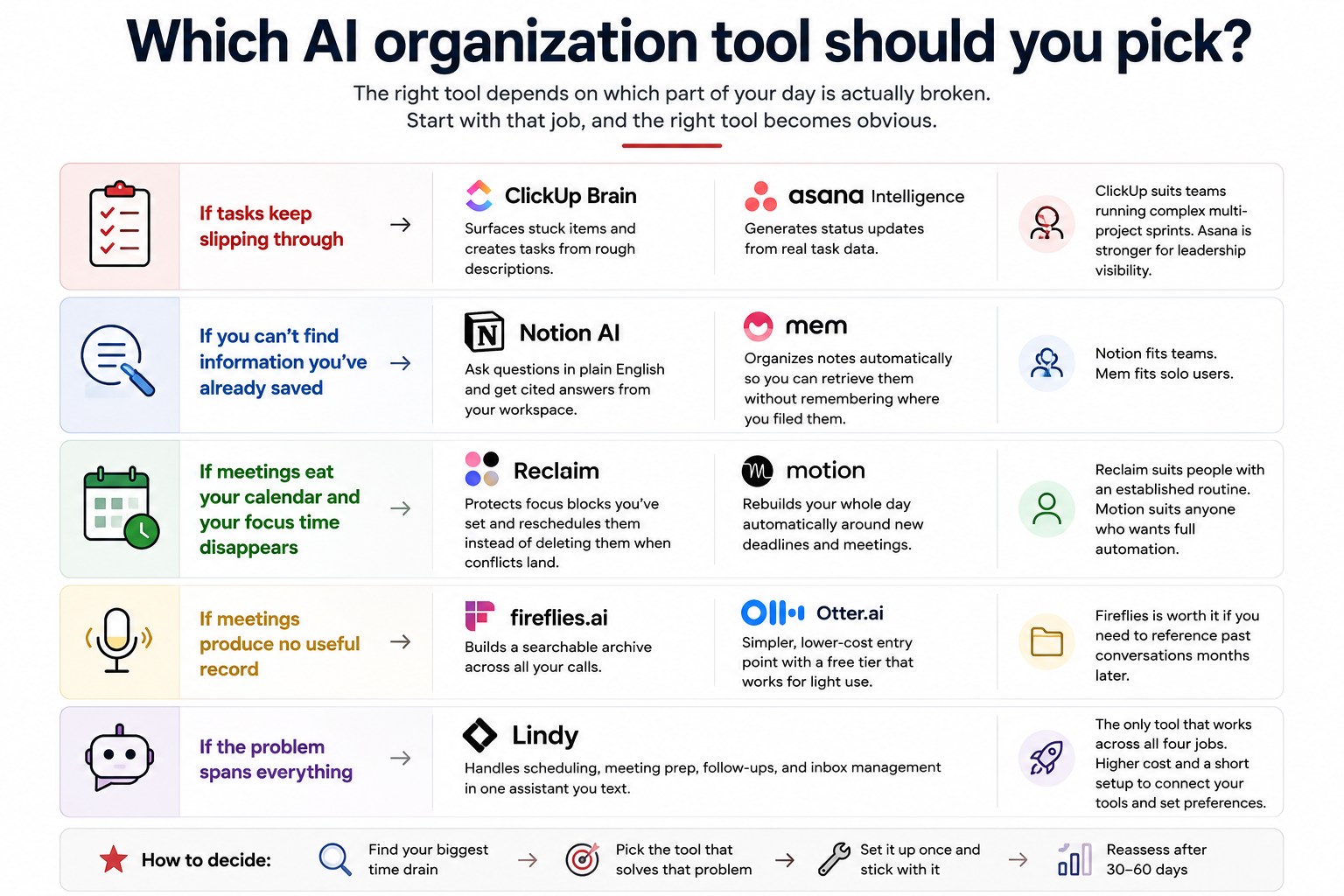
The right AI organization tool depends on which part of your day is broken. Most people try to pick the most feature-rich option and end up with something they barely use. The better question is: where do you lose the most time? Start with that job, and the right tool becomes obvious.
Here's how to match the tool to the problem:
- If tasks keep slipping through: A task management tool with AI will catch what falls off the list. ClickUp Brain surfaces stuck items and creates tasks from rough descriptions. Asana Intelligence generates status updates from real task data. ClickUp suits teams running complex multi-project sprints. Asana is stronger if leadership visibility is the problem you're solving.
- If you can't find information you've already saved: A note-taking tool with AI retrieval will fix that. Notion lets you ask questions in simple language and get cited answers from your workspace. Mem organizes notes automatically so you can retrieve them without remembering where you filed them. Notion fits teams. Mem fits solo users.
- If meetings eat your calendar and your focus time disappears: The right scheduling tool will defend the gaps. Reclaim protects focus blocks you've already set and reschedules them instead of deleting them when conflicts land. Motion rebuilds your whole day automatically around new deadlines and meetings.
- If meetings produce no useful record: A meeting intelligence tool captures everything said and surfaces it afterward. Fireflies builds a searchable archive across all your calls, worth it if you need to reference past conversations months later. Otter is the simpler, lower-cost entry point with a free tier that works for light use.
- If the problem spans everything: Lindy handles scheduling, meeting prep, follow-ups, and inbox management in one place, and it's the pick if the problem spans all of them rather than one. The trade-off is a higher cost and a short setup period to connect your tools and set preferences.
FAQs
Do AI organization tools replace traditional project management software?
No, AI organization tools don't replace project management software for most teams. AI organization tools layer on top of what you already use, automating the repetitive parts like status updates, follow-ups, and note-taking. The underlying structure, task ownership, timelines, and reporting still need a dedicated platform.
Are AI organization tools good for people with ADHD or scattered workflows?
Yes, AI organization tools tend to work especially well for that use case. The biggest friction point for scattered workflows is the overhead of organizing before you can work. Tools like Mem capture first and organize automatically. Tools like Motion remove the daily task of scheduling decisions. Both reduce the cognitive load that makes it hard to start.
What's the difference between an AI organization tool and a general AI assistant like ChatGPT?
ChatGPT answers questions and generates content, while an AI organization tool takes action on your actual calendar, tasks, notes, and meetings. The difference is integration. A general AI assistant has no access to your inbox or your schedule. An AI organization tool connects to those systems and does the work inside them.
How much do AI organization tools cost?
Most AI organization tools start at $10-$20 per user per month for paid plans. Free tiers exist across most categories, though they come with meaningful limits on usage, features, or seats. All-in-one tools like Lindy start at a higher price, around $29.99 per user per month. Enterprise pricing varies by platform.
Can one AI organization tool replace all the others?
No, one AI organization tool rarely replaces all the others. All-in-one assistants like Lindy come closest, handling scheduling, follow-ups, and meeting admin in one place. But a team that needs deep project tracking, a searchable knowledge base, and live transcription will still get better results from tools built specifically for each job.










