1. Add Lindy to Slack
One click from the Slack marketplace. The whole team gets Lindy at once.



Connect Google Sheets and start asking Lindy to take work off your plate. No workflows to build, just tell Lindy what you need in plain language.
Actions
Explore all the actions Lindy can perform in Google Sheets. Just describe what you need in plain language, and Lindy handles the rest.
Insert one or more blank columns into a sheet at a given position. New columns inherit formatting from the column to their left.
Add a conditional formatting rule to a spreadsheet.
Protect a range from edits.
Append a row to a Google Sheet.
Append multiple rows to a Google Sheet in a single call.
Remove the value from a single cell. Cell formatting and data validation are preserved.
Remove the values from a contiguous range of rows. The rows themselves are not deleted; cell formatting is preserved.
Copy a sheet from one spreadsheet into another. Optionally rename the new sheet.
Copy a worksheet from one spreadsheet to another in Google Sheets.
Insert a new column in a Google Sheets worksheet.
Creates a new spreadsheet.
Add a new sheet (tab) to an existing Google spreadsheet. Returns the new sheet's ID and title.
Delete a conditional formatting rule by its zero-based index on a sheet.
Delete a row from a Google Sheet.
Delete a contiguous range of rows from a sheet. Row numbers are 1-indexed and inclusive on both ends (matching what users see in the Sheets UI).
Permanently remove a sheet (tab) and all of its data from a Google spreadsheet. This cannot be undone.
Find a row in a Google Sheet.
Get the value of a single cell in a Google spreadsheet.
Returns metadata about the Google account currently connected to Sheets: email, display name, permission ID, and Drive storage quota.
Read rows from a Google Sheet.
Retrieve details about a specific Google Sheets spreadsheet.
Get a 2D array of values from a rectangular range in a Google spreadsheet. Each inner array is one row; cells render as the user sees them.
Add a comment to a specific cell in a Google Sheets spreadsheet.
Set the note text on a single cell. The note appears as a small marker in the corner of the cell.
Add a file-level comment to a Google spreadsheet. Comments appear in the spreadsheet's Drive comment thread; they are not anchored to a specific cell.
Insert blank rows or columns into a sheet at a position.
List all sheets (tabs) in a Google spreadsheet, in their display order.
Merge a range of cells into a single cell.
Move a contiguous block of rows or columns to a new position within the same sheet.
Set a data validation rule on a range, or pass null to clear validation.
Set the value of a single cell in a Google spreadsheet. Numbers and dates are parsed; values starting with '=' are interpreted as formulas.
Overwrite a column's header and (optionally) its values.
Update or reorder an existing conditional format rule.
Apply cell formatting to a range.
Update values across one or more cell ranges in a single call.
Update a row in a sheet.











Easy as one, two, three
One click from the Slack marketplace. The whole team gets Lindy at once.
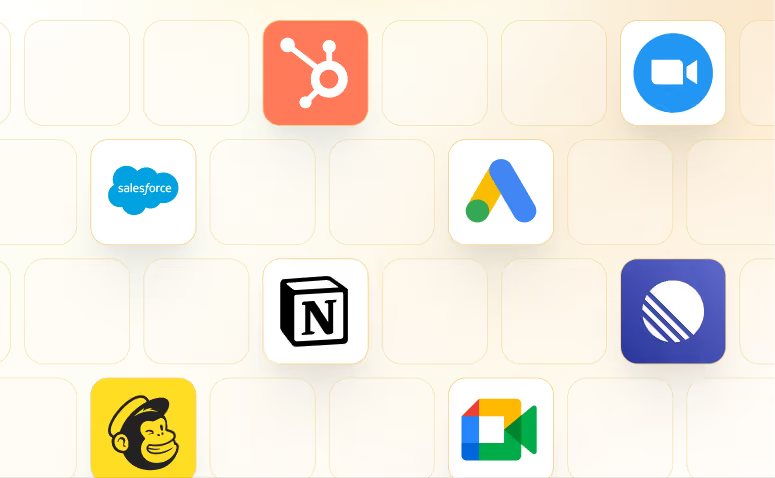
Lindy works with 1,500+ apps and any MCP server.
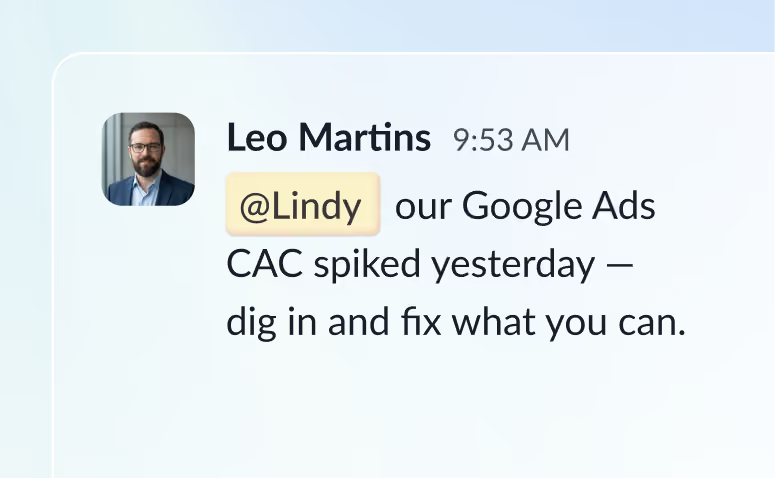
@mention Lindy in any channel and it starts working. Minutes, not a weekend.
Blog
Lindy is an AI assistant that lives in your Slack. Connect your apps, ask for what you need in plain language, and Lindy takes the work off your plate.
Sign up to Lindy, ask Lindy to connect to Google Sheets, and approve the connection when prompted. From then on you can ask Lindy to do things in Google Sheets whenever you need.
No. There's nothing to build or configure. You ask Lindy in Slack the same way you'd ask a colleague, and Lindy handles the rest.
Yes. Ask once and tell Lindy when to repeat it, like every Monday at 9am, and it becomes a routine that runs without you.
Read and act on data in Google Sheets, and trigger workflows when something changes there. Tell Lindy the outcome you want and it handles the rest.
Yes. Lindy connects to 1,500+ apps and any MCP server, so you can ask for tasks that span Google Sheets and the rest of your stack in a single request.