AI Travel Assistant: I Tested 10, Only 6 Made the Cut (2026)
Michelle tested 10 AI travel assistants across real trip prep and kept six, comparing Mindtrip, Layla, and ChatGPT on planning, packing, booking, and work trip logistics.



I had seven browser tabs open the night before a trip to Barcelona. One for flights I'd already booked. One for the hotel. A half-written Notes app packing list that just said "charger, adapter, maybe sunscreen." Two Reddit threads arguing about whether to stay in El Born or Gràcia. And a Spotify playlist I absolutely did not need to be curating at 11 PM.
The irony is that I write about AI tools for a living. If anyone was going to use AI to fix this, it was supposed to be me.
After Barcelona, I decided to test this properly. Over the next few weeks, I put 10 AI travel tools through the same four scenarios: building itineraries from scratch, searching actual flights, generating packing lists, and handling the inbox chaos that follows once you've booked.
I ran them through the same scenarios every time to see where they held up and where they fell apart.
No single tool covered the whole trip. This guide covers the six that held up, what each one does well, and where it falls short.
What is an AI travel assistant?
An AI travel assistant helps you plan trips, build custom itineraries, and manage booking logistics through natural conversation. It also includes creating a packing list and managing the emails and calendar chaos that follow once you've booked.
The category is broader than most people expect. Some AI travel assistants are purpose-built itinerary planners, like Mindtrip or Layla, that connect to real destinations and generate visual plans in seconds.
Others are general AI chatbots, like ChatGPT or Claude, that handle brainstorming and packing lists but can't check whether a hotel room is available right now. Then there are tools with live inventory behind them, like Google Flights and KAYAK Ask AI, where prices and availability are real and bookable.
How I tested these tools
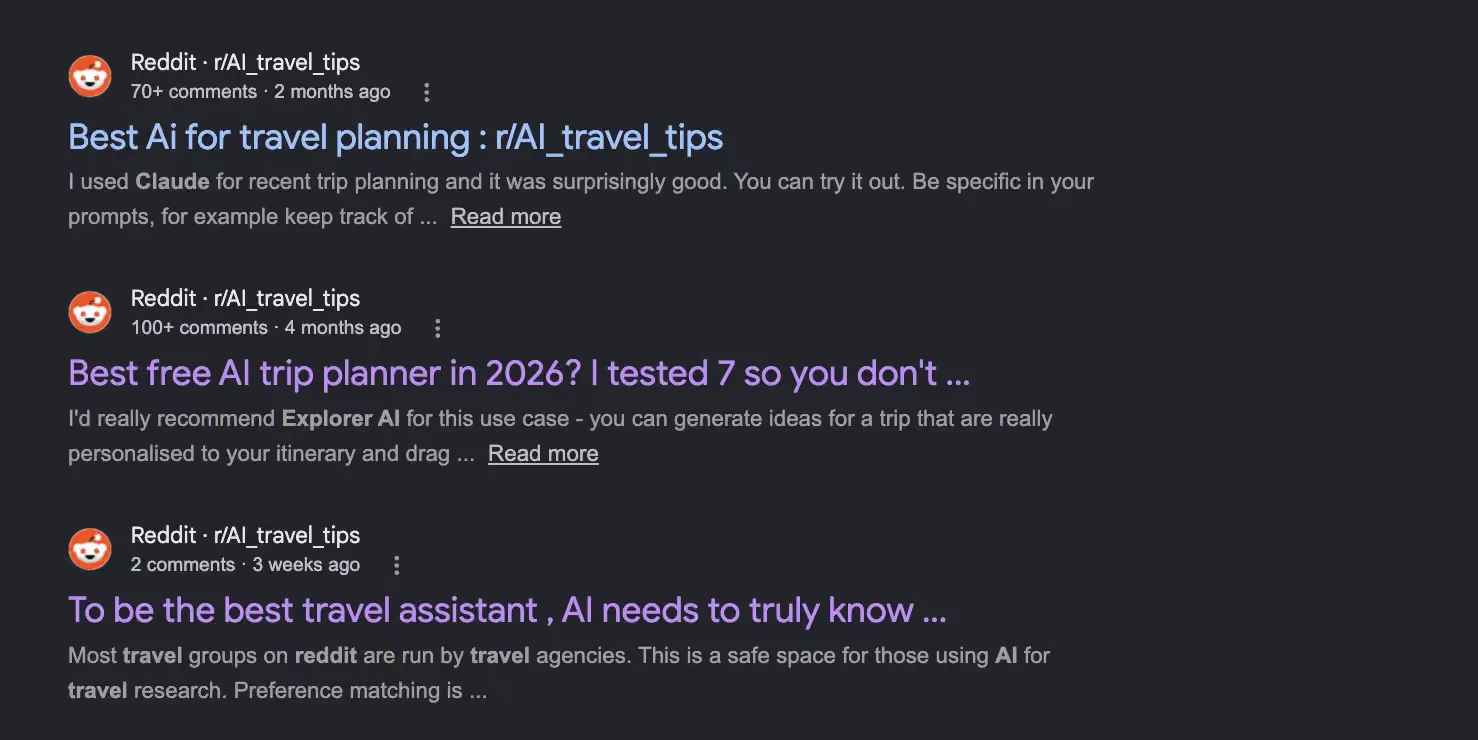
After the Barcelona trip, I hopped on r/AI_travel_tips and talked to a few friends who travel as much as I write. Everyone had a different answer for which tool they swore by. That was enough reason to test them properly myself.
I ran each tool through four scenarios that reflect how people use them:
- Plan a week-long trip from scratch: destination, dates, a rough day-by-day itinerary
- Find and compare real flights for an upcoming trip
- Build a packing list for a specific destination, time of year, and activity set
- Handle the logistics around an already-booked trip: confirmation emails, calendar, pre-trip prep
I tested 10 tools total. Wanderlog, Copilot2trip, Roam Around, and Gondola all went through the same process. What's below are the six that earned a spot.
The 6 best AI travel assistants: TL;DR
1. Mindtrip: Best for visual map planning and booking activities
What is it? A free AI trip planner with 11M+ points of interest and a visual map interface. It covers real-time flights, stays, and experiences through partners including Priceline, Tripadvisor, Viator, and Google Places.
Best for: Travelers who want to see every restaurant, hotel, and activity pinned on a real map before committing to anything.

Why I picked it
Most trip planning tools hand you a text list, but Mindtrip plots every recommendation on a live map, organized by neighborhood, so you can see what's walkable from where you're staying.
I used it to plan a long weekend in Seville. I typed in what I wanted: tapas bars near the cathedral, a flamenco show on Friday, something low-key on Sunday morning. Mindtrip pinned everything on a map. I could see the bars were five minutes from each other and the flamenco venue was around the corner. That's two hours of Google Maps cross-referencing I didn't have to do.
You click a spot, add it to your itinerary, and in many cases book it directly from the same screen.
Invite friends and family to your trip, open a group chat, and everyone can add ideas. That collaborative piece is useful for group trips where the group chat tends to go in circles without going anywhere.
When to avoid
Cross-check specific venue details on smaller, less-documented spots. Mindtrip occasionally gets hours or minor details wrong on places with limited online presence. Worth a quick confirm before any "hidden gem" becomes an expensive detour.
2. Layla: Best for solo trip planning with fare alerts
What is it? An AI trip planner built around visual recommendations and a PriceLock feature that monitors fares 24/7 and alerts you when prices drop.
Best for: Solo travelers who want to go from a rough idea to a booked trip without opening five other tabs.
Why I picked it
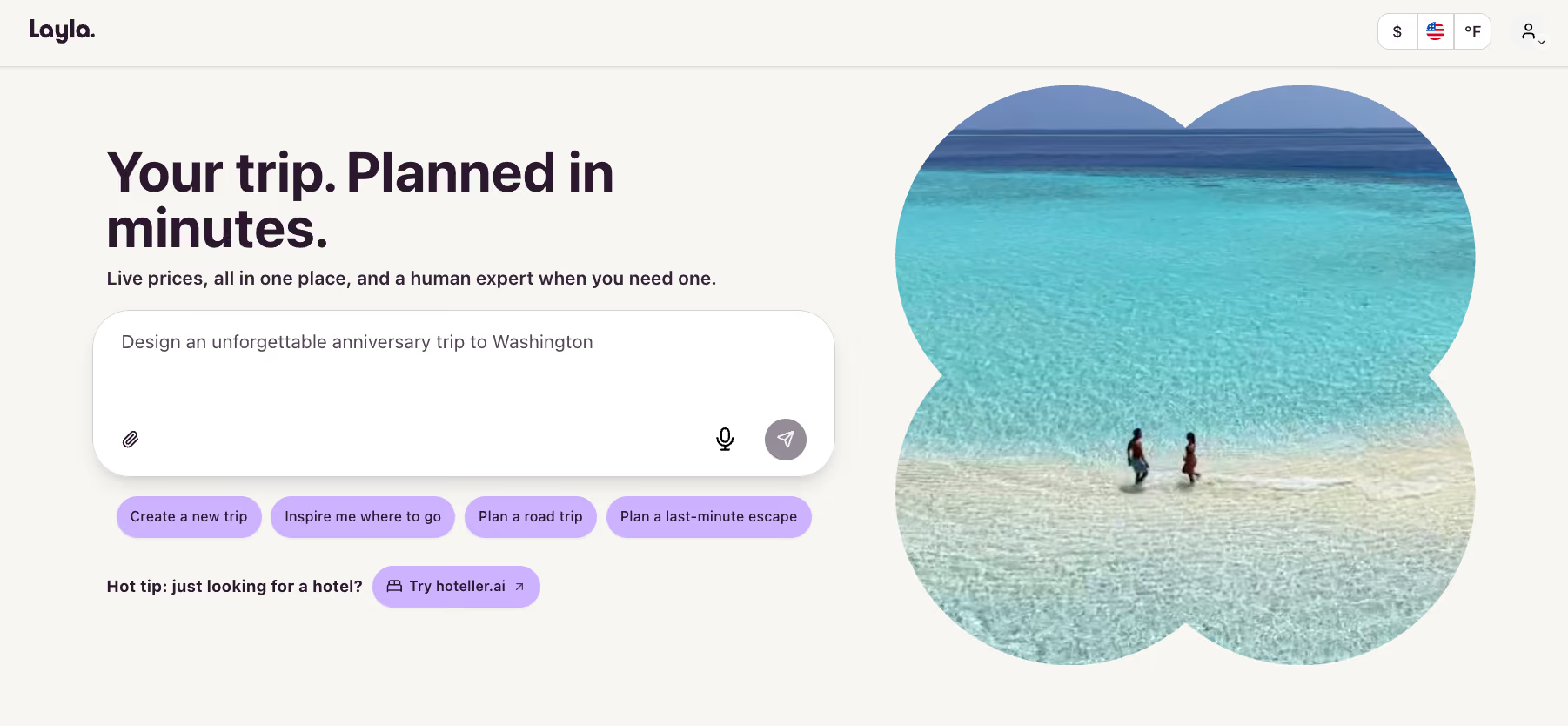
Layla is the most visual tool in this roundup. It was built by the team behind Beautiful Destinations, and that background shows. Every recommendation comes with short Reels-style video clips, so I could feel the energy of a neighborhood before deciding whether to spend a night there. Reading a text itinerary doesn't do that.
The PriceLock feature is the other reason it made the list. I found a route I liked, turned on PriceLock, and three days later got an alert that fares had dropped. Not by a massive amount, but enough that I was glad I hadn't just booked immediately. That's the kind of thing that used to require a browser tab I'd forget to check for two weeks. Layla does the watching for you.
The premium tier ($49/year) unlocks live pricing pulled from Skyscanner and Booking.com, plus the full day-by-day planning experience. The free version handles basic itinerary building.
When to avoid
Layla works through chat only. There's no drag-and-drop or manual editing, and there's no multi-user collaboration. If you're planning a group trip and need others to edit the itinerary directly, use Mindtrip instead.
3. ChatGPT: Best for brainstorming and packing lists
What is it? A general-purpose AI chatbot that handles brainstorming, itinerary drafts, destination research, and packing lists. However, it cannot book anything.
Best for: Early-stage planning and, specifically, generating a packing list.
Why I picked it
ChatGPT earns its spot in the travel stack mostly through packing lists. Give it the destination, travel dates, the weather you're walking into, and the activities you have planned. It produces a detailed, specific list in under a minute.
When I ran it for a 12-day Southeast Asia trip in April, it flagged items I wouldn't have thought of. Two examples: a quick-dry travel towel for beach days, and a doorstop for budget guesthouses without secure locks.
The brainstorming use is the other thing that holds up. I used it to compare two destinations for a spring trip. I listed my preferences (outdoor, warm, near water) and got a shortlist with actual reasoning behind each pick.
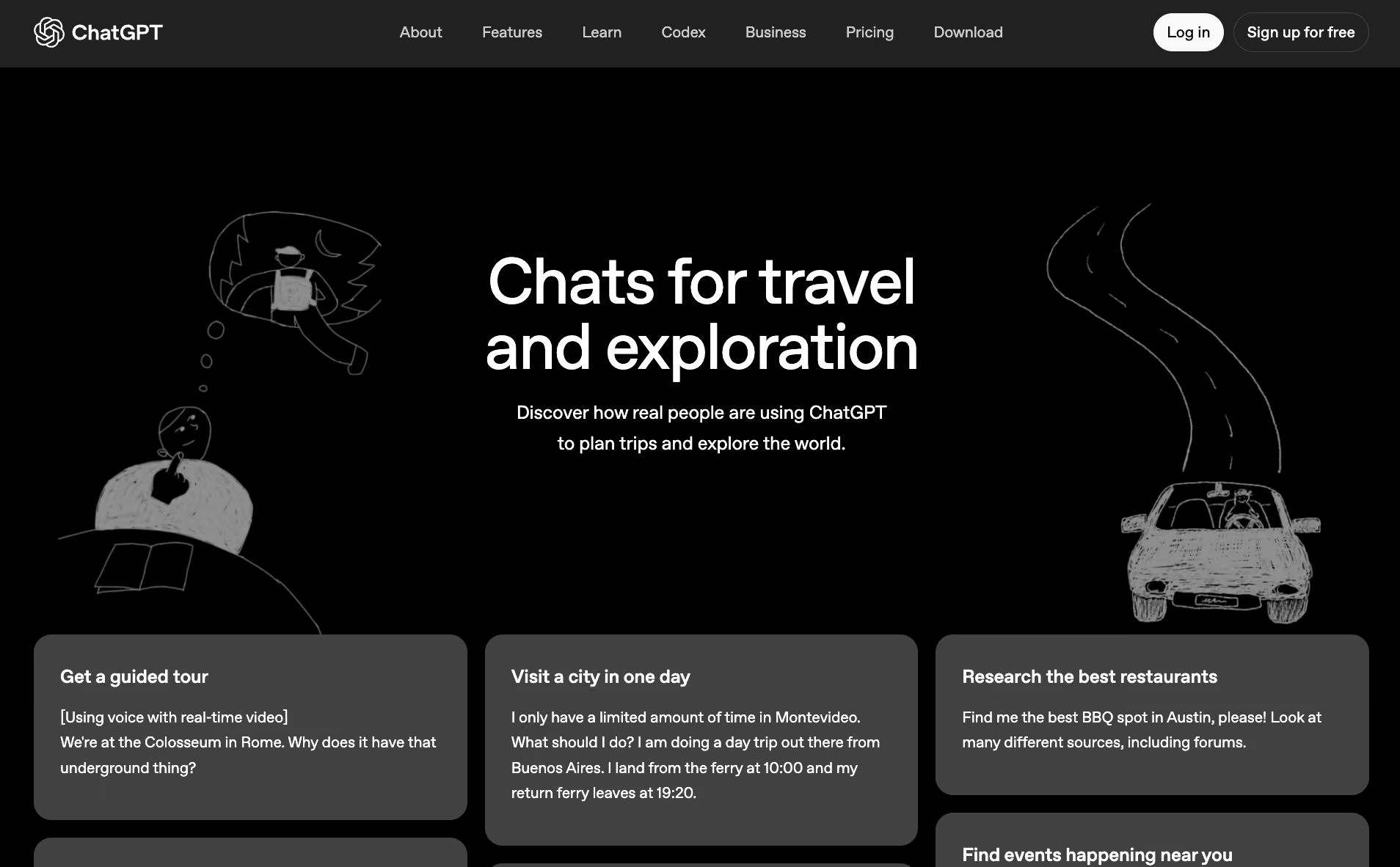
Faster and more organized than a Reddit thread with 40 opinions pulling in different directions. ChatGPT's travel interface now has built-in prompts for exactly this: comparing destinations, planning road trips with specific criteria, converting a vague idea into a real itinerary.
When to avoid
Never trust a specific price, opening hour, or visa requirement that ChatGPT gives you without checking an official source. It generates from training data and sounds confident about things that may be outdated or wrong. Use it to plan. The moment a real price or booking is involved, switch to a live-data tool.
4. Google Gemini: Best for flight search and on-the-ground navigation
What is it? Google's AI assistant, with direct access to Google Flights data and Google Maps. You can search routes, compare fares, and get destination-specific navigation help without switching apps.
Best for: Travelers who want to go from "when should I fly?" to "how do I get from the airport to my hotel?" in one conversation.
Why I picked it
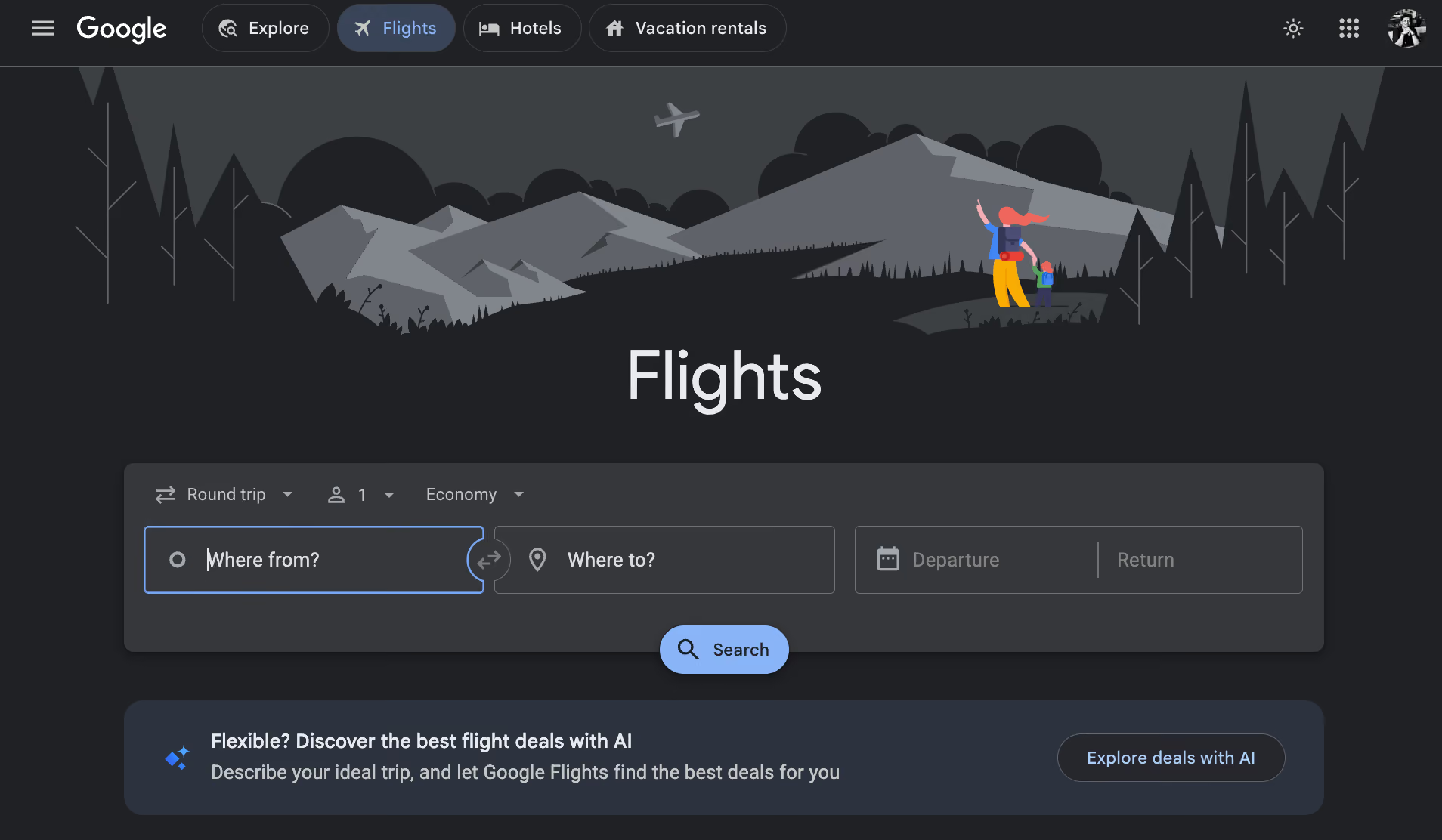
Every other AI assistant in this roundup eventually tells you to go check Google Flights yourself. Gemini doesn't. I typed a route and travel window directly into the chat and got real fare options with dates, prices, and airline breakdowns right there. You don’t have to open a second tab or copy-paste anything.
The Maps side is honestly where it surprised me. I asked for walking directions from my hotel in Lisbon to a restaurant on my itinerary. Gemini pulled the route, flagged that it was a steep uphill walk, and suggested a tram stop two minutes from where I was standing. That kind of contextual detail, not just the route but what the route is actually like, is not what I expected from a chatbot.
It also handles the vague planning questions that trip up every other tool on this list. "What's a cheaper travel window for this route?" or "Is there a faster connection than the one I'm looking at?" are the kinds of things Gemini actually answers instead of redirecting you to figure it out yourself.
When to avoid
Gemini doesn't book anything directly. It surfaces information and hands you off. For complex multi-city routing or the lowest possible fare on budget carrier routes, run a parallel search on Skyscanner to make sure nothing's been missed.`
5. KAYAK: Best for browsing and booking in one conversation
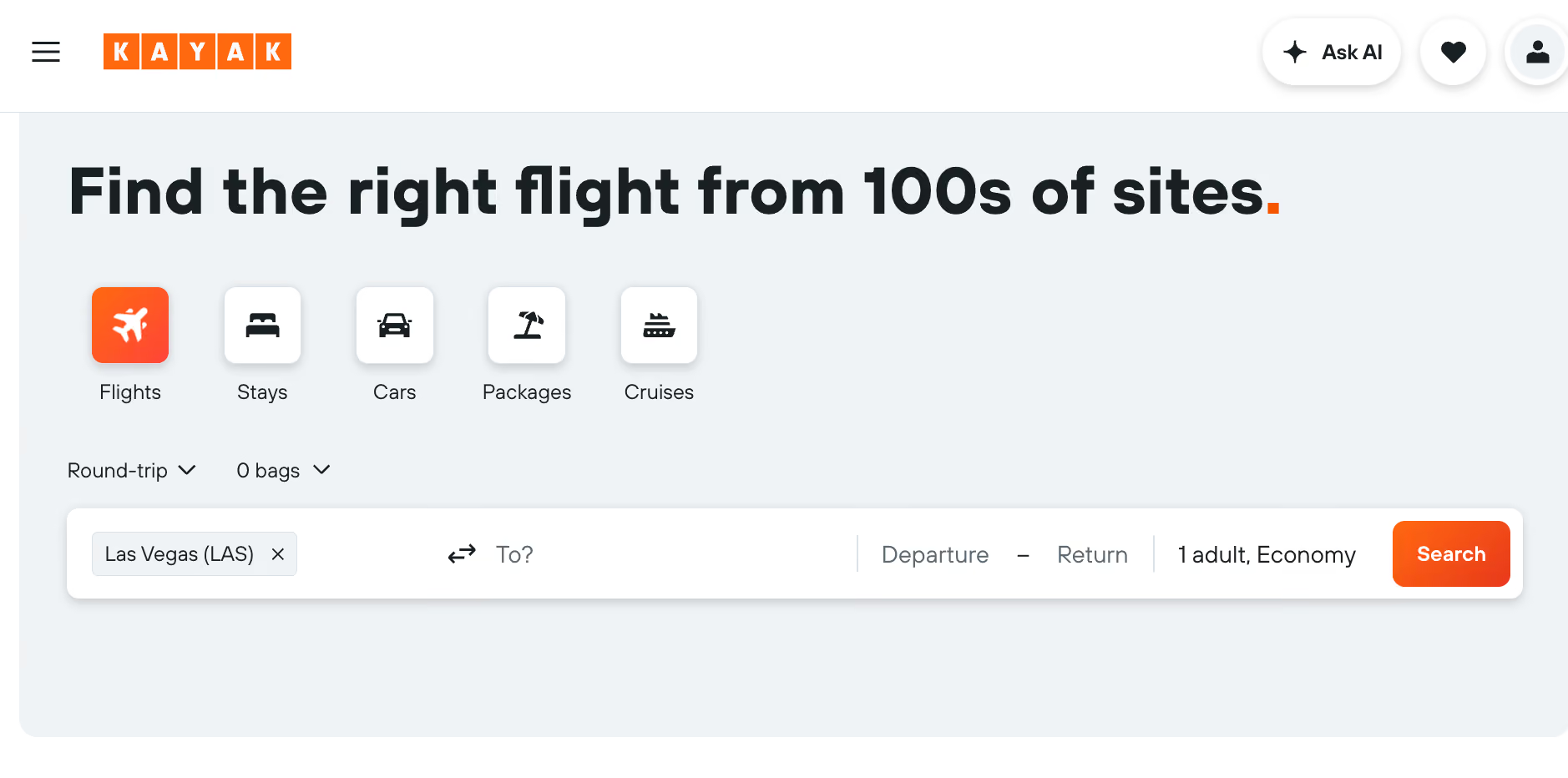
What is it? A conversational travel planning interface that combines AI chat with live KAYAK inventory. Flights, hotels, and car rental results update on the same screen as you chat, with no tab-switching or starting over.
Best for: Travelers who want to go from browsing to booking without switching tabs.
Why I picked it
KAYAK Ask AI keeps live flight, hotel, and car rental results on screen while you chat. No other conversational tool here does that.
I typed "flights from London to Lisbon under £120, last week of August, direct only." As I refined the dates in the chat, the results panel updated with actual KAYAK inventory. No new tab or starting over. The prices I saw were real fares I could click straight through to book. That's a different experience from every other AI travel tool I tested.
Most AI travel tools give you a recommendation, and then you go check if it's real somewhere else. KAYAK built this the other way around. In testing, that mattered: I trusted the picks more because I could see the live fare next to each one.
The full KAYAK app (iOS and Android) also keeps everything in one place while you're traveling. You can track a loved one's flight status, organize all your reservations, and access app-exclusive hotel deals without opening a second app. That makes it more useful mid-trip.
When to avoid
Complex multi-city routing with a lot of constraints sometimes needs a second pass. Verify details on anything more involved than a point-to-point trip before committing.
6. Lindy: Best for work trip logistics and inbox management
What is it? An AI assistant you text to manage the logistics around a trip. That includes booking confirmation emails, calendar conflicts, pre-trip briefings, and team coordination.
Best for: People who travel for work and lose hours to the admin every trip generates.

Why I picked it
The morning of a work trip, your inbox has three booking confirmations, a receipt, and a calendar invite for the afternoon you land, all scattered across threads and easy to miss.
Text Lindy to manage your travel inbox. Lindy reads your confirmation emails, pulls out booking references, travel dates, and key details, and surfaces them so you're not going through threads the morning of your flight.
Lindy also marks your travel days, adds buffer time before and after flights, and flags any meetings that conflict with your itinerary. No more answering calls from a plane.
If you're heading somewhere for meetings, Lindy pulls your recent email history with whoever you're meeting. It surfaces open items and puts together a brief you can read on the way there.
Lindy connects to hundreds of integrations, including Gmail, Google Calendar, and Slack. The Plus plan starts at $49.99/month.
When to avoid
Lindy doesn't build itineraries or search flights. If the trip has nothing to do with work, you don't need this layer. Use Mindtrip and Google Flights instead. Lindy earns its place when a trip is surrounded by work coordination.
{{templates}}
The honest problem with AI travel tools
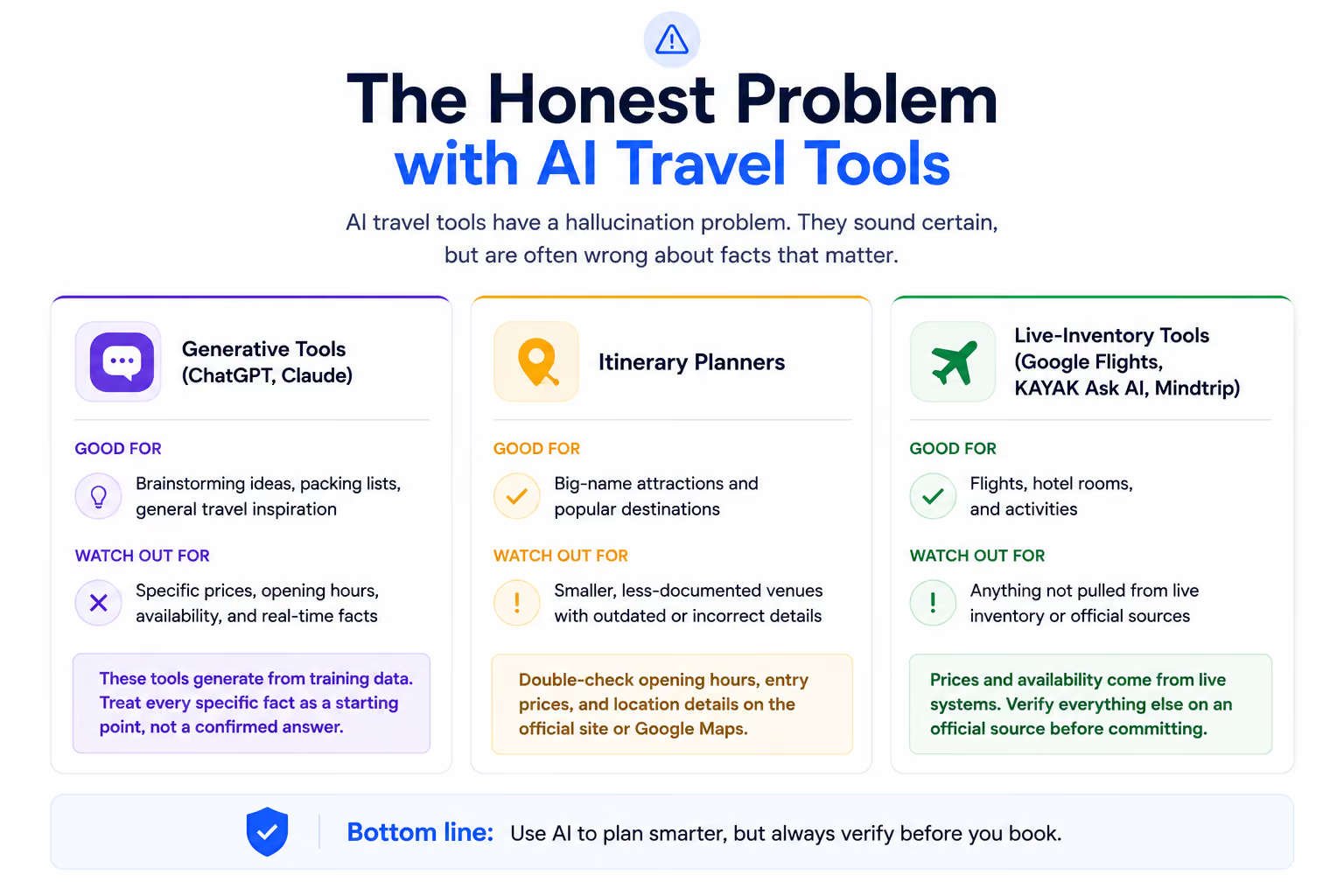
AI travel tools have a hallucination problem. ChatGPT can write a confident description of a hotel that doesn't exist. An itinerary app can tell you a museum is open on Mondays when it hasn't been for years. A chatbot can quote a flight price with no connection to what's live today. It sounds certain, but is often wrong.
Here's how that plays out across different tool types:
- Generative tools (ChatGPT): Perfect for brainstorming and packing lists. Unreliable for anything involving a specific price, opening hour, or availability. These tools are generated from training data. They sound confident about things that may be outdated or completely made up. Treat every specific fact they give you as a starting point, not a confirmed answer.
- Itinerary planners: Watch for hallucinations on smaller, less-documented venues. Opening hours, entry prices, and location details on lesser-known spots are worth checking on the official site or Google Maps before you show up. Most planners get the big-name attractions right. Hidden gems are where the errors tend to hide.
- Live-inventory tools (Google Gemini, KAYAK Ask AI, Mindtrip): These are the tools to use when real money is involved. Prices and availability come from live systems, not training data, so what they show is bookable. Use these for flights, hotel rooms, and activities. Verify everything else on an official source before committing.
{{cta}}
How to choose the best AI travel assistant? My take
No single AI travel assistant covers planning, packing, booking, and logistics without a gap somewhere. The tools that claim to do all four usually do two of them well and the rest at a surface level. The most reliable approach is to match the tool to the phase of the trip.
Here's how to build your own stack based on what worked in testing:
- Planning and destination research: Start with ChatGPT to brainstorm destinations and narrow down neighborhoods. Take that into Layla if you want Reels-style visuals and a PriceLock alert watching your route.
- Itinerary planning and booking activities: Take the rough plan into Mindtrip. It maps your itinerary geographically, connects to real POI data from Priceline, Tripadvisor, and Viator, and now supports real-time flight search through its Sabre partnership. Free to use.
- Flight pricing and timing: Use Google Gemini for price prediction and the flexible date calendar. Use KAYAK Ask AI if you want to stay in one conversation, with live flight, hotel, and car rental results updating as you refine your plan.
- Work trip logistics: Text Lindy to handle the inbox and calendar layer, like confirmations, scheduling conflicts, and pre-meeting briefings. It's the only tool on this list that manages what happens around the trip rather than the trip itself.
FAQs
What is the best AI travel assistant in 2026?
The best AI travel assistant in 2026 depends on your needs. For itinerary planning, Mindtrip and Layla are the strongest. For live flight pricing, Google Flights. For moving from natural language to bookable options in one screen, KAYAK Ask AI. For managing the logistics around a work trip, Lindy covers that layer. Most travelers use a combination.
Can an AI travel assistant book flights for me?
Yes, some AI travel assistants can. KAYAK Ask AI connects a natural language chat directly to live KAYAK inventory, with flight, hotel, and car rental results updating in real time on the same screen. Mindtrip books activities and accommodations through Priceline and Viator. General chatbots like ChatGPT can plan a trip but cannot execute a booking.
Do AI travel assistants hallucinate?
Yes, AI travel assistants hallucinate. AI tools built on large language models can generate hotel names that don't exist, outdated hours, and prices that have nothing to do with what's bookable today. Use live-data tools like Google Gemini, KAYAK Ask AI, and Mindtrip for anything with a price attached. Treat ChatGPT and Claude output as a planning draft, not a confirmed fact.
What AI tool is best for building a packing list?
ChatGPT is the pick from this roundup for packing lists. Give it the destination, travel dates, and planned activities, and it returns a specific, detailed list in under a minute, right down to the small stuff most people forget.









