10 Best Reminder Apps in 2026: Tested and Ranked
Marvin tested fifteen reminder apps, including Todoist, TickTick, and Due, across iOS, Android, and desktop, weighing alert persistence, location triggers, and sync reliability.


Last Tuesday, my phone buzzed with a reminder to call the pharmacy. I looked at it, swiped it away, and kept typing. Ten minutes later, I couldn't remember what it said. I didn't call the pharmacy that day either. That's the problem with most reminder apps. They only ping you once.
A single alert is easy to dismiss and even easier to forget that you dismissed it. So I tested 15 reminder apps across iOS, Android, and desktop.
Some passed on nearly everything. Others fell apart the moment I turned off my phone's screen.
The best reminder app is the one built for how you forget, whether that's one loud alert that won't quit or a quiet system that just syncs everywhere you look.
I break down 10, so you can find the one built for the way your brain works.
What is a reminder app?
A reminder app is a digital tool on your phone or computer that pings you when it's time to do something, like an alarm clock for your daily chores. Unlike a paper to-do list that just sits there waiting to be opened, a reminder app actively taps you on the shoulder at the right moment. That's the real difference between a reminder app and a to-do list app, even though they look similar on your home screen.
A to-do list holds your tasks and waits for you to check it. A reminder app interrupts you at a specific time or place, whether you were thinking about that task or not.
Say you need to call the dentist Thursday:
- A to-do list just holds "call dentist" on a list you might not open that day.
- A reminder app buzzes your phone at 2 pm on Thursday, no matter what else you're doing right then.
If you forget things because you never check your list, you need a reminder app. If you forget things because you have too many loose tasks with no order, you need a to-do app.
How I picked and tested these reminder apps
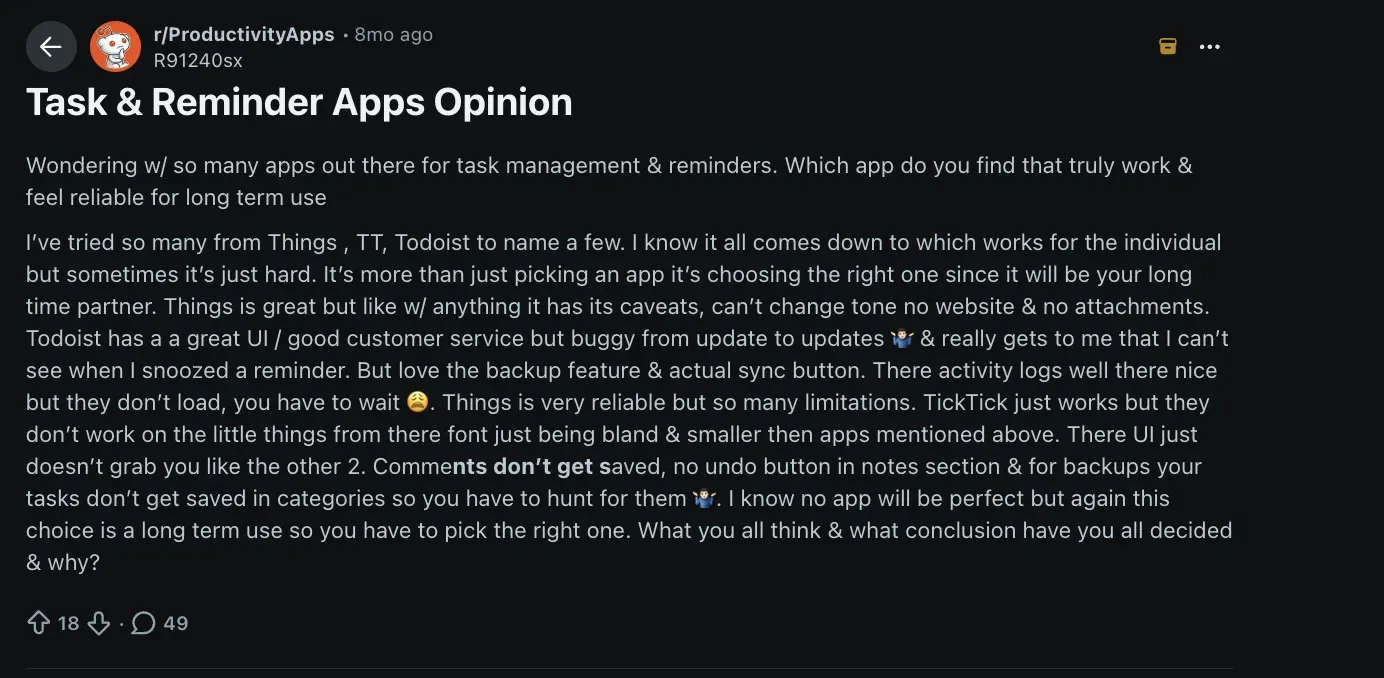
A thread in r/ProductivityApps put the problem clearly: someone had tried Things, TickTick, and Todoist, liked something about each, and still hadn't found one that worked for how they forget. Each app solved a different part of the problem and left the rest alone.
That framing shaped how I tested.
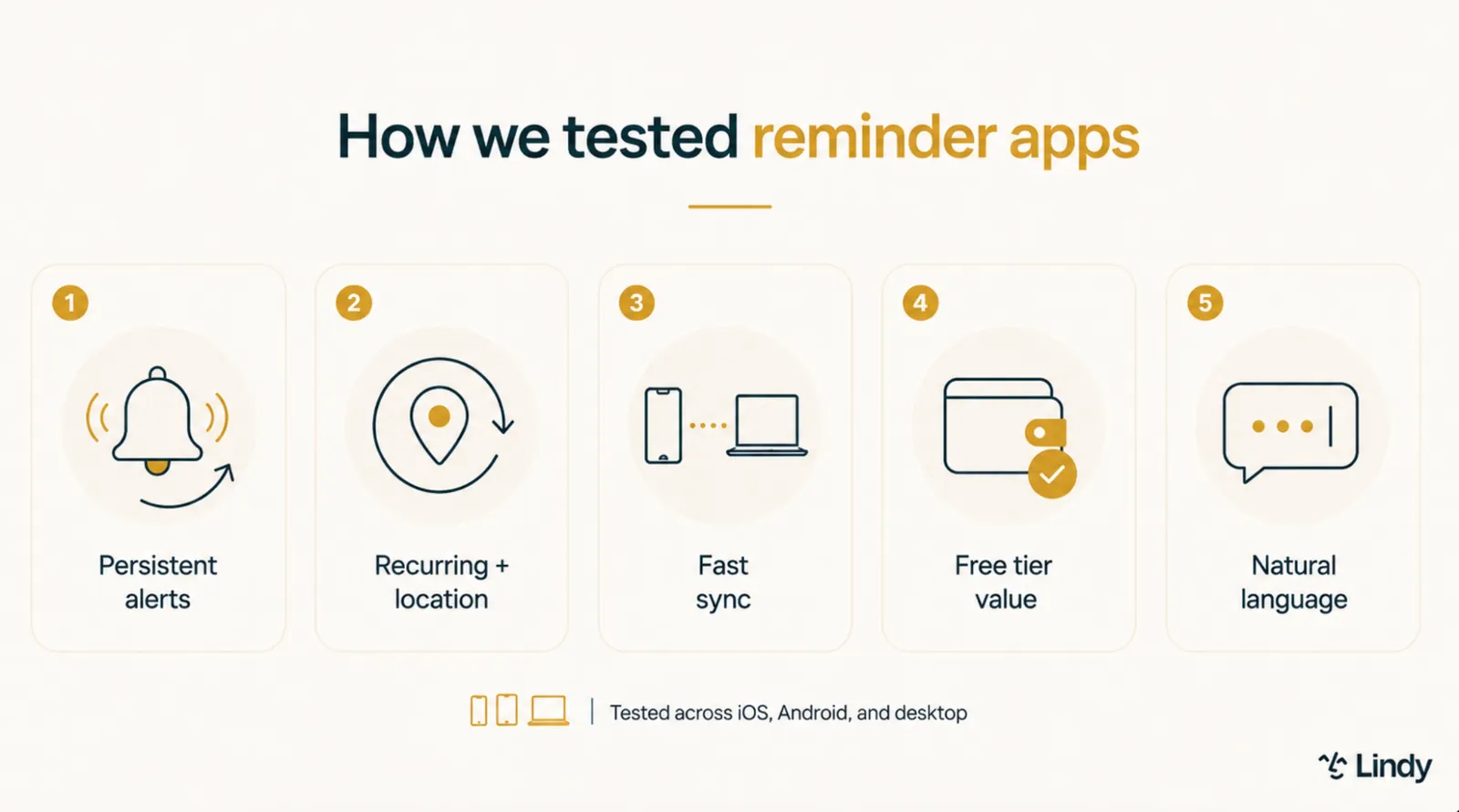
I ran each app through the same five criteria: how persistent alerts were, whether location triggers existed, how reliably it synced across devices, what the free tier unlocked, and how well it handled simple input.
Every app got the same test, in the same order.
I tested 15 apps in total across iOS, Android, and web over several weeks, using paid accounts where the free tier would have excluded core features from the comparison. A few apps here run affiliate programs. None of that affected the ranking.
Five tools didn't make the final list:
- Fantastical has strong natural-language input and a good calendar view, but its reminder-specific features don't justify the price for someone who isn't already using it as a calendar app.
- Habitica gamifies task and habit tracking in a way that works for some people, but the reminder behavior is too tied to its RPG mechanics to work as a general-purpose tool.
- OmniFocus is built for complex project management and handles deep task hierarchies well, but it's overkill for anyone who just needs reliable reminders without a learning curve.
- Actions by Moleskine looks good and integrates neatly with the other Moleskine apps, but the reminder persistence is weak, and the cross-platform story stops at Apple.
- Structured organizes the day visually and works well for time-blocking, but it's closer to a daily planner than a reminder app, and persistent alerts aren't built in.
The 10 apps on the list each met at least one of these criteria well enough to recommend to a specific kind of user.
Quick comparison: The best reminder apps at a glance
| App | Best for | Starting price | Persistent/repeat alerts |
|---|---|---|---|
| Todoist | Natural-language planning and deadlines | Free / $7/month | No |
| TickTick | Tasks, habits, and focus in one place | Free / $49.99/year | Yes (Premium) |
| Due | Persistent alerts that won't quit | $7.99 one-time | Yes, most aggressive on this list |
| Any.do | Shared family and household lists | Free / $7.99/month | No |
| Apple Reminders | Free option for iPhone users | Free | No |
| Google Tasks | Free option for Android and Gmail users | Free | No |
| Microsoft To Do | Outlook and Microsoft 365 users | Free | No |
| Things 3 | Clean, clutter-free design on Apple devices | $9.99 one-time (iPhone) | No |
| Galarm | Group and buddy alarms | Free / $0.99/month | Depends on alarm type |
| Lifestack | AI-scheduled, energy-aware planning | $7/month | No |
Best reminder app for natural-language planning and deadlines
Todoist
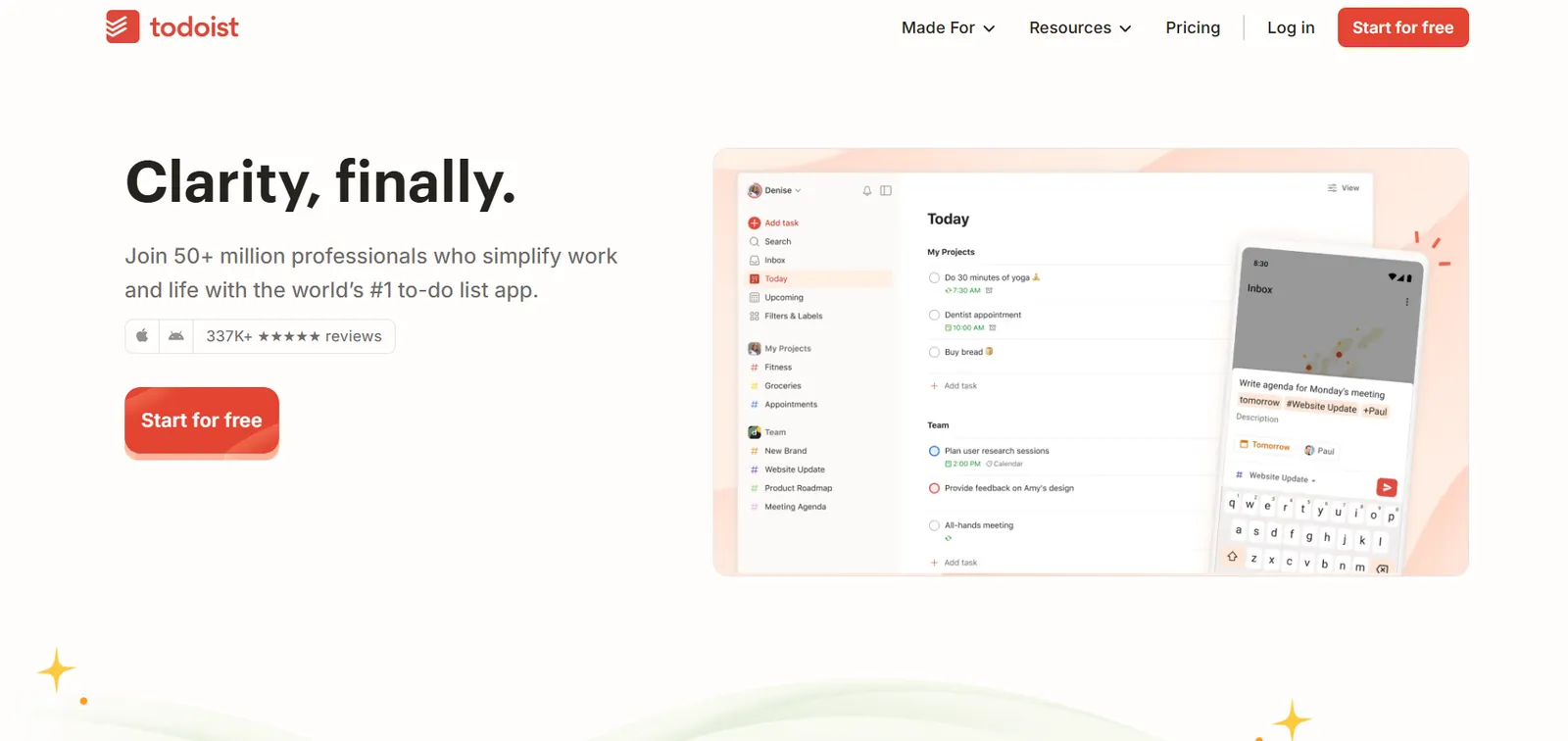
Todoist is a digital to-do list application designed to help you keep track of your daily tasks, work projects, and personal errands in one organized place. It works across iOS, Android, web, and desktop, and it instantly syncs everything across them.
Why I picked it
Most apps on this list needed a clean, well-formed sentence to parse a reminder correctly. I threw "gym tmrw morning" and "pay rent every 1st" at Todoist, and it got both right on the first try, no edits. That speed matters more than it sounds when you're trying to capture a thought before it disappears.
Key features
- Natural language input: Todoist pulls the date, time, and recurring pattern straight out of a plain sentence, so you skip the dropdown menus.
- Deadlines, separate from due dates: You can track a hard deadline alongside a softer working date on the same task. This matters if a project has both a target and a drop-dead date.
- Calendar and board layouts: You can view your reminders and tasks as a calendar or drag-and-drop boards, depending on how you plan your week.
- Cross-device sync: A task added on your phone appears on your desktop immediately. There's nothing to refresh and nothing to wait on.
- Ramble voice capture: You can dictate a task out loud instead of typing it, which helps if your hands are busy. The free plan caps how many sessions you get; Pro makes it unlimited.
Limitations
Todoist sends one notification and stops. Swipe it away, and it won't resurface. Urgent reminders (iOS 26 and later, plus Android) ring as a full-screen alarm through silent and Do Not Disturb modes, but once you stop one, it doesn't repeat either. Location reminders are locked behind the Pro plan, so the free tier is limited to time-based alerts only. The Beginner plan also caps activity history at one week, so anything you completed further back disappears from view.
Pricing
Todoist's free Beginner plan covers the basics: 5 projects, task reminders, and a week of activity history. Pro runs $7/user/month billed monthly ($5/user/month billed yearly) and adds calendar layout, custom reminders, and full reporting history. Teams need the Business plan at $10/user/month billed monthly ($8/user/month billed yearly).
Best reminder app for tasks, habits, and focus in one place
TickTick
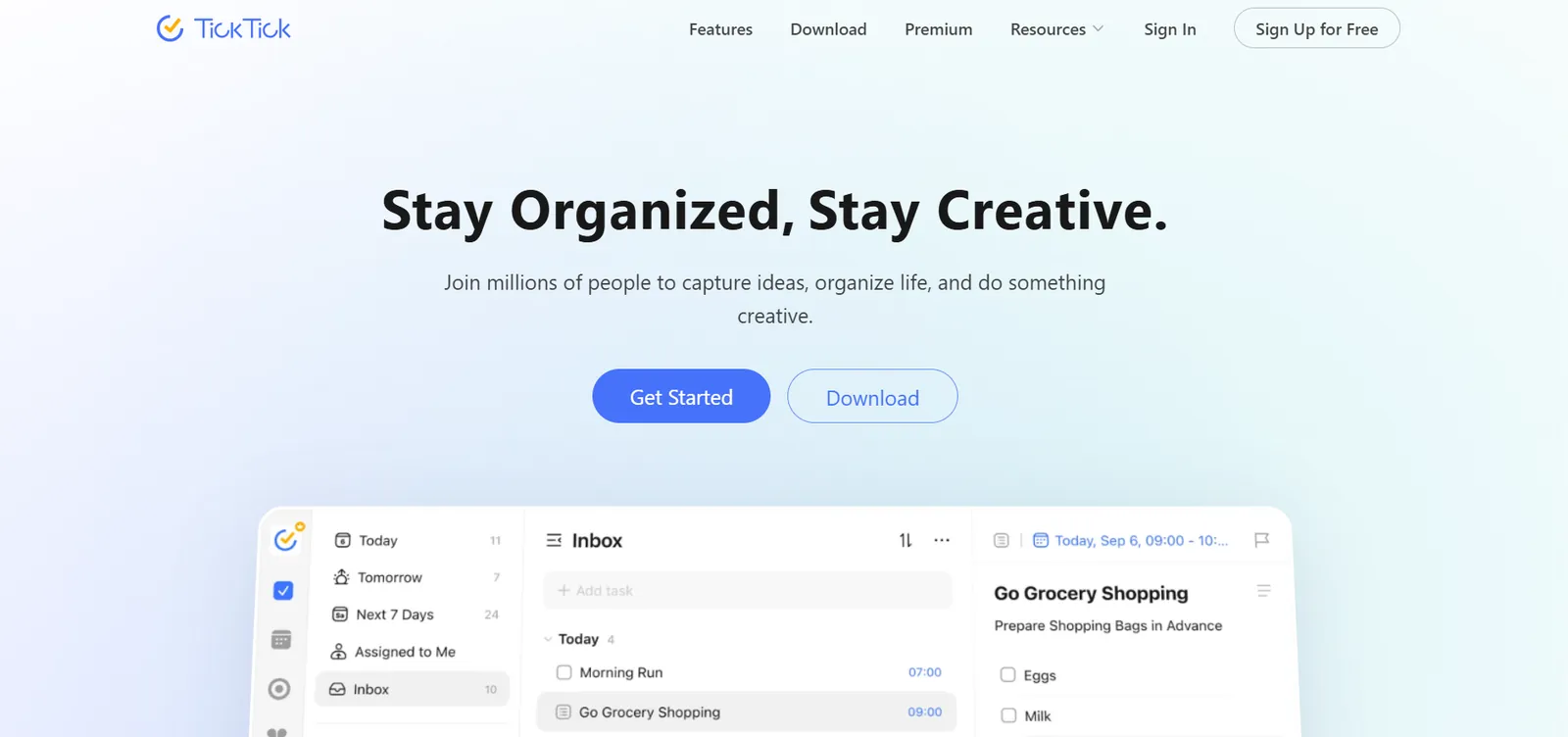
TickTick combines a to-do list, a calendar, a habit tracker, and a Pomodoro timer into one app. It's built for people who want reminders to sit alongside the rest of their planning system, rather than live in a separate app.
Why I picked it
The question I wanted answered was whether one app could replace three. During testing, I stacked multiple reminders onto a single task, tracked a daily habit, and ran a Pomodoro session without switching apps. Nothing else here handles all three in one place.
Key features
- Task Management: You can build subtask checklists, set priority levels, and sort tasks into folders, lists, or tags.
- Built-in habit tracking: You can track up to 5 habits on the free plan and up to 299 on Premium, right alongside your task list.
- Calendar view: Tasks and reminders overlay onto a weekly or monthly calendar, with two-way Google Calendar sync on Premium.
- Productivity Tools: A Pomodoro timer, an Eisenhower matrix for sorting by urgency, and a habit tracker all live in the same app.
- Collaboration: You can share a list, hand a task to someone else, and work off the same set with family or a small team.
Limitations
The free plan is enough for light use, but cuts off quickly if you rely on stacked alerts. Free gets you a basic calendar view, but the full multi-calendar view and two-way sync both require Premium, so if that's your primary reason for considering TickTick, the free tier won't get you there. Reminders do ring until you act, but the auto-repeat cadence isn't as aggressive as Due's.
Pricing
Premium runs $49.99/year (about $4.17/month, billed annually) and unlocks 299 lists with up to 999 tasks each, up to 5 reminders per task, Constant Reminder, calendar view and sync, and up to 299 habits.
Best reminder app for persistent alerts that won't quit
Due
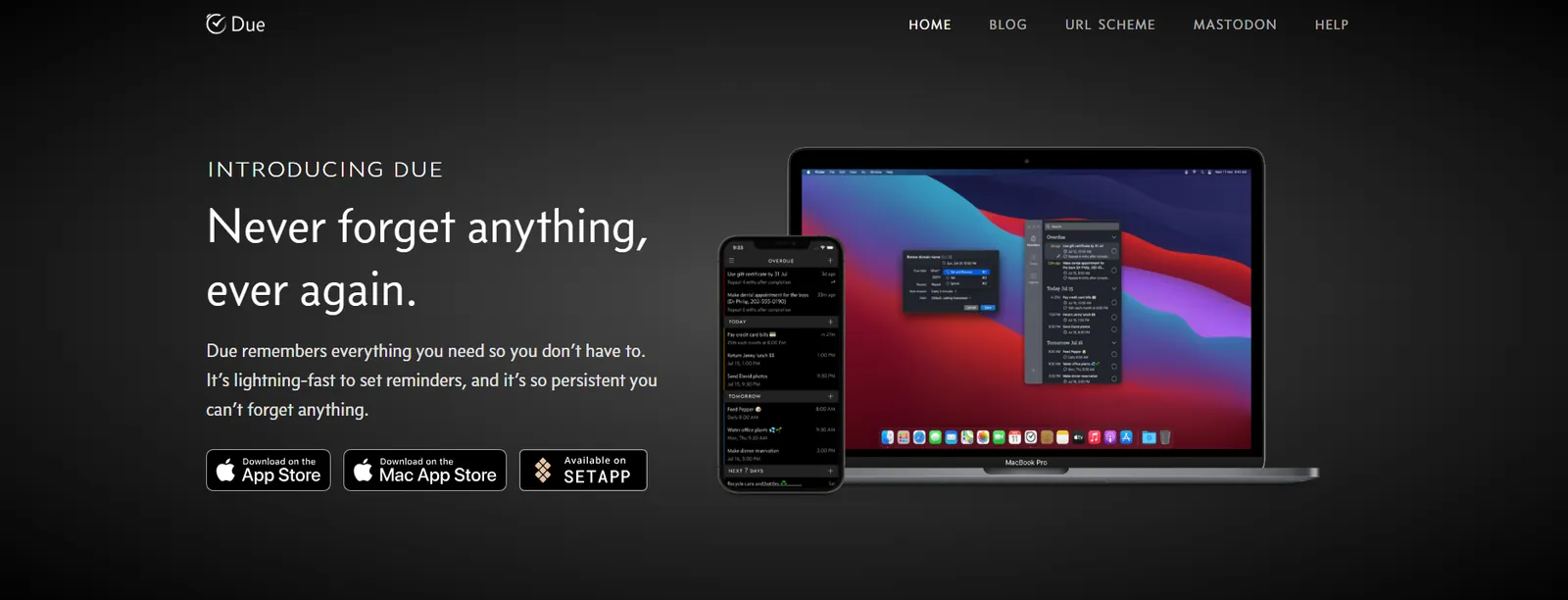
Due is a reminder and timer app for iPhone, iPad, and Mac, built around one idea: a notification that won't go away until you deal with it. It skips the usual to-do list features entirely and focuses on making sure nothing you set slips past you.
Why I picked it
To test Due, I set a reminder and ignored it. Most apps fire once and go quiet. Due kept coming back every few minutes, same alert, until I marked it done or shut it off manually. For anyone who swipes a notification and immediately forgets what it said, that behavior is what actually works.
Key features
- Auto Snooze: Due repeats a missed reminder automatically, 5 times by default, and up to 10 times if you configure it that way. Certain triggers let it snooze indefinitely until you act.
- Prominent Alerts: A newer feature that breaks through Silent and Focus modes entirely, so the reminder stays on screen like a Clock app alarm until you dismiss it.
- Natural date and time parsing: You can type or dictate something like "call Jane at 9 am tomorrow," and Due sets the reminder. No time picker needed.
- Countdown timers: Precise to the second and reusable once you've set one up. Useful for repeat tasks like boiling an egg or brewing coffee.
- No account required: You never create a Due account, and the app works with no internet connection. If you want your reminders on more than one device, Due syncs them through your own iCloud or Dropbox.
Limitations
Due sells iOS and Mac separately, so buying the iPhone app doesn't unlock the desktop version. The bigger limitation is push-only delivery.
If your phone is silenced or battery saver kicks in, the OS can suppress Due's standard alerts the same way it would any other app's, which undercuts the whole persistence argument. Only reminders you switch to Prominent Alerts break through Silent and Focus modes. There's also no location trigger. A reminder tied to your physical location isn't something Due supports.
Pricing
Due for iOS is a $7.99 one-time purchase covering iPhone, iPad, and Apple Watch. An optional Annual Upgrade Pass ($4.99/year) keeps you eligible for new features after the first year, though everything already unlocked stays yours regardless. The Mac version is sold separately.
Best reminder app for shared family and household lists
Any.do
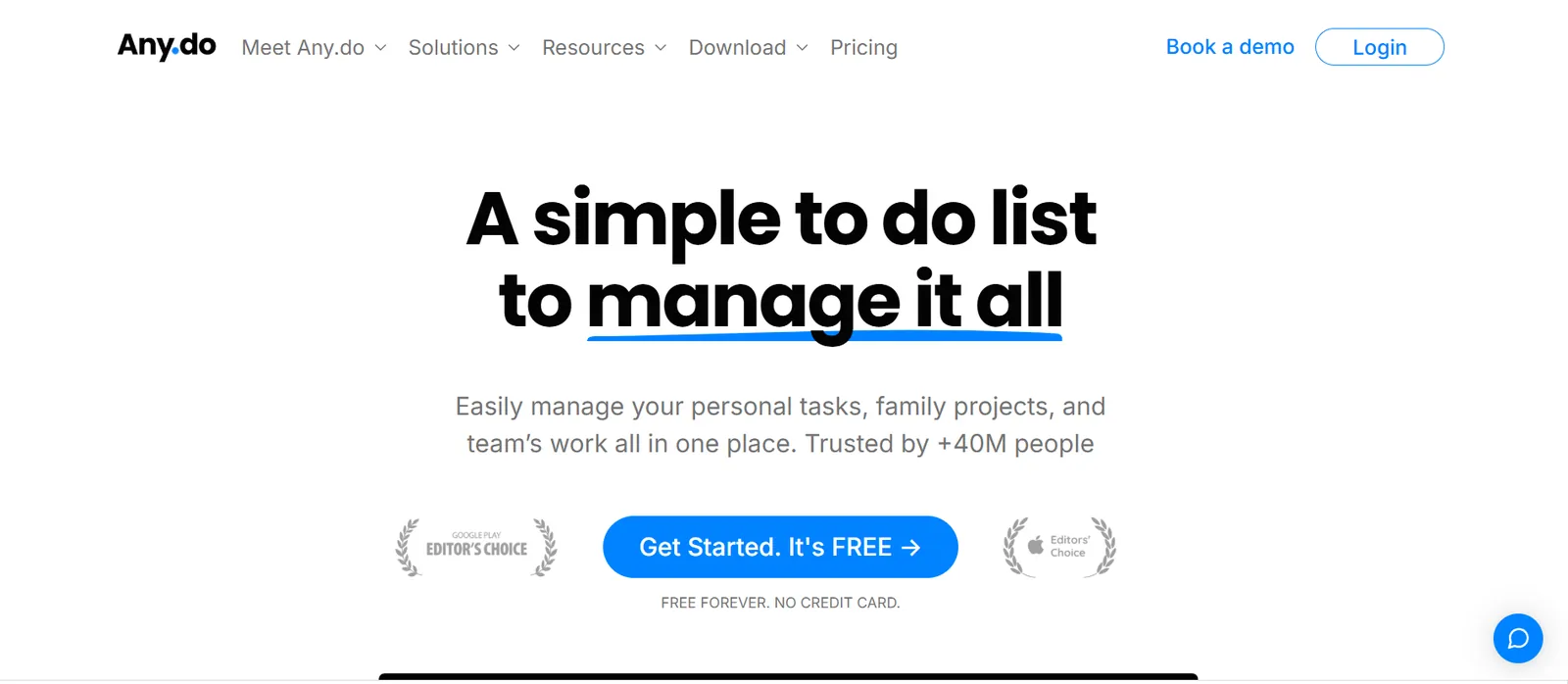
Any.do is a task and reminder app built around a shared household view, not just a personal list. It layers a family plan, a shared grocery list, and collaborative tasks on top of the same reminders you'd use solo, so one household can run off a single system.
Why I picked it
Most reminder apps are built for one person. I added a grocery item from one Any.do account and watched it appear instantly on a second. It happened without any refresh or delay. For a shared list to work in a real home, that sync has to be invisible. Any.do gets that right in a way the other apps here don't bother trying.
Key features
- Family plan for up to 4 members: One subscription covers the whole household, with a shared calendar, shared grocery list, and shared projects everyone can see and edit.
- Location-based reminders: Premium and above let you trigger a reminder when you arrive at or leave a specific place, useful for errands that always happen at the same store.
- WhatsApp reminders: You can receive and manage reminders straight through WhatsApp, which matters if your household already coordinates there.
- AI task breakdown: Premium's AI features can split a vague task into smaller steps or draft a task description from a short prompt.
- Recurring tasks: Beyond simple daily or weekly repeats, you can set more advanced recurring patterns once you're past the free plan.
Limitations
The free tier covers basic one-time reminders and calendar sync. Recurring tasks and location alerts both require Premium, which matters most for the shared household use case Any.do is built around. Alerts fire once regardless of plan, and even Premium won't follow up the way Due does. The Family plan caps at four members, so a bigger household needs something else.
Pricing
Premium runs $7.99/month billed monthly ($4.99/month billed yearly) and adds recurring tasks, location-based reminders, WhatsApp reminders, and AI task tools. Family costs $9.99/month billed monthly ($8.33/month billed yearly) for up to 4 members, with a shared family space, a shared grocery list, and shared projects.
Best free reminder app for iPhone users
Apple Reminders
Apple Reminders is the reminder and task app built into every iPhone, iPad, and Mac. It comes preinstalled on every iPhone and syncs across your Apple devices through iCloud. No download, no setup.
Why I picked it
Every app on this list asks you to download something, create an account, or pay before you get started. Apple Reminders was already on every test device, already synced, and already free. For anyone inside the Apple ecosystem, that no-friction baseline is hard to argue against. I've tested plenty of apps that do more. None of them do it on hardware you're already carrying without touching a settings menu.
Key features
- Location-based reminders: Set a reminder tied to a place instead of a time. "Pick up milk" fires the moment you walk into the grocery store, not at some arbitrary hour.
- Smart Lists: Built-in lists like Today, Scheduled, and Flagged sort your reminders automatically, so you see what matters without having to build a single filter yourself.
- Custom Smart Lists: You can build your own automatic list based on tags, dates, locations, or priority, and it stays up to date as new reminders are matched.
- Grocery lists: Items you add to a shopping list are automatically grouped into sections like dairy and produce, which speeds up the actual trip to the store.
- Siri integration: You can say "remind me to water the plants at 3 pm," and it sets the reminder without you having to open the app.
Limitations
Apple Reminders is locked inside the Apple ecosystem, with no Android or Windows app, which rules it out for anyone in a mixed-device household. Shared lists work well between Apple users but get clunky the moment someone on the other end isn't using an iPhone.
Pricing
Apple Reminders comes preinstalled on every iPhone, iPad, and Mac at no extra cost, with no premium tier or subscription available.
{{templates}}
Best free reminder app for Android and Gmail users
Google Tasks
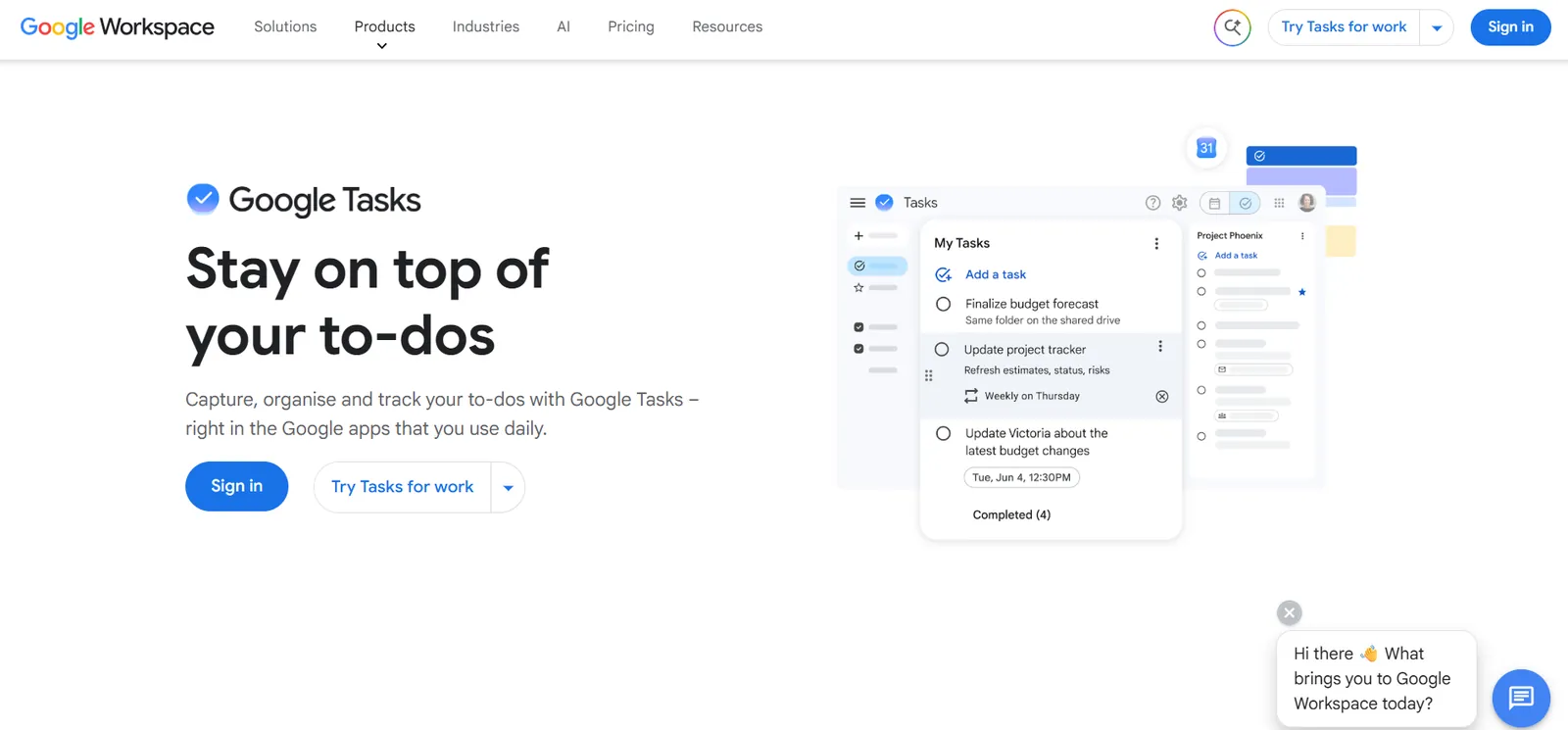
Google Tasks is Google's free task and reminder app, built directly into Gmail, Google Calendar, and Android. It doesn't require a separate download if you already use any of those.
Why I picked it
During testing, I added a task from the Gmail sidebar, and it was on my phone before I closed the browser tab. Most reminders start as emails anyway, and having the task manager live inside the inbox removes one handoff. If your day already runs through Gmail and Google Calendar, there's no real argument for opening a separate app.
Key features
- Built into Gmail and Calendar: A task you create in the Gmail sidebar shows up in Google Calendar immediately. You never need to open a separate app.
- Subtasks: A single task can contain smaller subtasks, useful for breaking a larger errand or project into steps.
- Recurring tasks: You can set a task to repeat daily, weekly, or on a custom schedule, and it regenerates automatically once you check it off.
- Cross-device sync: Tasks added on Android, the web, or Gmail appear everywhere else within seconds and are tied to your Google account.
- Free with no paid tier: Every feature Google Tasks has is available at no cost. There's no premium upgrade to unlock anything further.
Limitations
Google Tasks has never supported location-based alerts. That functionality lived in Google Keep, which lost it when Google began moving Keep reminders into Tasks in late 2025. Notifications are single-fire as well. Dismiss one, and it's gone for good, unlike Due or TickTick Premium. Outside Gmail and Calendar, the app also feels thin.
If you're not already in Google's ecosystem, there's little reason to switch from a dedicated reminder app.
Pricing
Google Tasks has no premium tier, subscription, or paid features. A Google account gets you everything at no cost.
Best reminder app for Outlook and Microsoft 365 users
Microsoft To Do
Microsoft To Do is a free task and reminder app built to sit inside the Microsoft ecosystem. It pulls directly from Outlook Tasks, so anything you flag in your inbox automatically appears as a task.
Why I picked it
During testing, I flagged an email in Outlook, and it appeared in To Do within seconds. Everything synced without touching a setting. For anyone who spends most of their day in Outlook, that frictionless handoff between inbox and task list is the entire pitch. Everything else here is a bonus.
Key features
- Outlook Tasks integration: Anything flagged or assigned in Outlook syncs directly into To Do, so you're not managing two separate lists.
- My Day planning: A daily view lets you pick which tasks matter today, separate from your full backlog of everything else.
- File attachments via OneDrive: You can attach a relevant file straight from OneDrive to a task, keeping context in one place.
- Multiple lists and grouping: You can organize tasks into separate lists and group related lists to manage larger projects.
- Completely free: You get every feature at no cost. There's no premium tier gating anything further.
Limitations
Microsoft To Do reads natural language. Type "pay rent every 1st" and it sets the recurrence, but only on Windows and iOS, and Windows only supports it in English. The native Mac app makes you set dates by hand. There's also no location trigger, and alerts fire only once. Swipe a notification away, and that's the last you'll hear of it.
Pricing
Microsoft To Do has no premium tier, subscription, or paid upgrade. A Microsoft account gives you access to every feature.
Best reminder app for clean, clutter-free design on Apple devices
Things 3
Things 3 is a task manager built exclusively for Apple devices, known for its clean design and calm, uncluttered interface. It's built by Cultured Code and sold as a one-time purchase, not a subscription.
Why I picked it
At some point during testing, I noticed I was opening Things 3 unnecessarily. The design pulls you back just to look at it. Adding and organizing tasks felt closer to using a well-made notebook than navigating software. If a cluttered interface is part of why you avoid your reminder app, this one removes that excuse.
Key features
- Today and This Evening views: Tasks split cleanly between what needs to be done during the day and what's left for the evening, with no extra setup.
- Areas and Projects: You can organize tasks into broad life areas, such as Work or Personal, and then break each area into specific projects.
- Things Cloud sync: A proprietary sync service keeps your iPhone, iPad, and Mac updated within seconds, included at no extra cost.
- Widgets: Your most important tasks show up directly on your home screen, so you don't have to open the app just to check what's next.
- Built for focus: Things 3 skips the Pomodoro timer, habit tracker, and AI features other apps pile on. It focuses on organizing tasks well.
Limitations
Things 3 keeps reminders simple to a fault. Alerts behave like a standard single notification with no repeat or location trigger. It's also Apple-only, and each platform is a separate purchase, so iPhone, iPad, and Mac each cost money individually. The mobile versions don't offer a trial either. Only Mac gets 15 days free before you commit.
Pricing
Things 3 is a one-time purchase per Apple platform: $9.99 on iPhone, $49.99 on Mac, with iPad and Vision Pro sold separately. The Mac version comes with a 15-day free trial.
Best reminder app for group and buddy alarms
Galarm
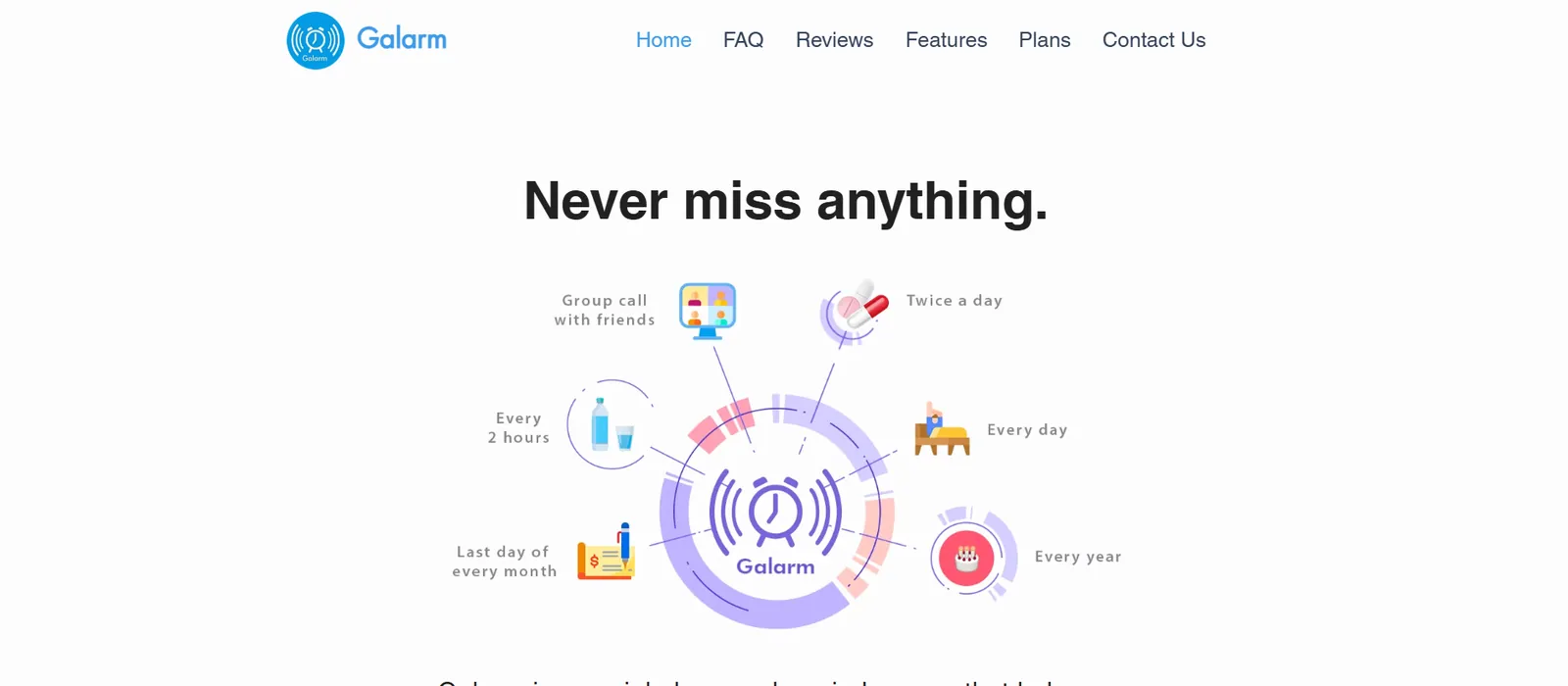
Galarm is a reminder and alarm app built around sharing. Instead of only setting reminders for yourself, you can set alarms that notify a group, a specific buddy, or an entire task list of people at once.
Why I picked it
Setting a shared alarm and attaching a group chat to it took about thirty seconds. Everyone in the group got notified and could respond in the same thread without leaving the app. No other app on this list treats the people around a reminder as part of the feature itself. Most are built for solo use. Galarm is built for the moment when a reminder involves more than one person.
Key features
- Group and Buddy Alarms: You can set an alarm that notifies a group of people at once, or a specific buddy tied to a shared responsibility.
- Alarm Chat: Every alarm can carry its own chat thread, so the people involved can coordinate without leaving the app.
- Unlimited personal alarms and reminders: Even the free Standard plan has no cap on the number of personal alarms or quick reminders you can create.
- Shareable alarm links: Premium lets you send a link to an alarm so someone can join it without needing to set it up themselves.
- Export to calendar: You can export Premium alarms directly to your calendar, keeping shared plans visible outside the app as well.
Limitations
Galarm has no location trigger. The core sharing features, Group and Buddy Alarms, are also Premium-only, so the free plan is effectively a standard personal alarm app with a different name. Persistence varies by alarm type as well. Some repeat aggressively until you act; others fire once and stop, so you can't rely on consistent behavior across everything you set.
Pricing
Premium costs $0.99/month and includes unlimited Group Alarms, Buddy Alarms, shareable alarm links, and calendar export. It comes with a 14-day free trial.
Best reminder app for AI-scheduled, energy-aware planning
Lifestack
Lifestack is a scheduling app that reads your sleep, recovery, and focus data. It builds your daily schedule around your actual energy instead of a fixed routine. Reminders here focus less on a single alert and more on landing at the right moment of your day.
Why I picked it
After a bad night's sleep, I woke up to a rescheduled calendar. Lifestack had read my recovery data overnight and moved tasks to later in the day without me touching anything. If the real problem isn't remembering to do something but doing it when you're capable of it, Lifestack is the one built around that distinction.

Key features
- Energy-aware scheduling: Lifestack reads sleep, recovery, and focus data from wearables like Oura Ring, Apple Watch, and Garmin, then schedules tasks around when your energy is highest.
- Automatic calendar slotting: Instead of you picking a time, Lifestack drops tasks into open slots on your calendar based on your real-time state.
- Unlimited calendars and tasks: Every pricing tier includes unlimited calendars and tasks, with no feature-gating between plans.
- Chrome extension: You can manage scheduling directly from the browser, not just the mobile app.
- Cross-platform mobile app: Available on both iOS and Android, unlike several Apple-only apps on this list.
Limitations
Lifestack is built for scheduling. If you miss a slotted task, it won't follow up the way Due does. Every trigger runs on time and energy data, not location, so it won't fire when you walk into a store. The energy-aware scheduling also depends on a connected wearable. Without one, you lose the feature that makes Lifestack worth considering over a standard calendar app.
Pricing
Lifestack costs $7/month, or $50/year (about $4.17/month) with a 7-day free trial. A $120 one-time lifetime payment is also available. The monthly and lifetime options don't include a trial.
{{cta}}
How to choose a reminder app? My take
The right reminder app depends more on how you personally forget than on features or looks. A beautifully designed app that fires one quiet alert is useless if you're the kind of person who dismisses notifications on autopilot. Getting that match right matters more than any individual feature on this list.
Here's what matters when you're choosing:
- Notification persistence: If you regularly dismiss alerts and forget you dismissed them, nothing else on this list comes close to mattering as much. Due is the strongest option here. TickTick's Premium tier is the best alternative. Every other app on this list fires once and stops, which works fine if you check your phone consistently but fails the moment you don't.
- Location alerts: Time-based reminders miss the point for errands. "Pick up milk at 6 pm" is easy to forget if you drove past the store at 5. Apple Reminders handles this for free on iPhone. Todoist locks it behind Pro. If errands are your main use case, check this before you commit to any app.
- Cross-device sync: A reminder set on your phone that doesn't show up on your laptop is a reminder you'll miss half the time. Every app here syncs, but Google Tasks and TickTick do so most reliably across different ecosystems, since both update within seconds rather than waiting for a manual refresh.
- Free tier usefulness: Most apps put the features that matter behind a paywall. TickTick's free plan caps you at two reminders per task; Premium raises it to five. Any.do's free tier has no recurring reminders. Apple Reminders and Google Tasks are full-featured for free. Know what you're getting before you assume the free version is enough.
- Natural language input: If you hate fiddling with date pickers, this saves real time. Todoist handles simple words better than anything else on this list. Most other apps support it to some degree, but Todoist is the one where it rarely fails.
If managing reminders across five different apps is the actual problem, Lindy handles it differently. It's an AI teammate that lives in Slack and connects to your inbox, calendar, and tools. @mention Lindy with a deadline and it tracks it, follows up, and flags when things slip. No extra app to remember to open.
FAQs
Can I share reminders with my family or partner?
Yes, you can share reminders with your family or partner. Any.do's Family plan covers up to 4 members with a shared grocery list and shared projects. Galarm lets you set Group and Buddy Alarms that notify other people directly. Apple Reminders also supports shared lists between iCloud accounts, though it works best when everyone uses an iPhone.
Do any of these apps support location-based reminders?
Yes, several apps support location-based reminders. Apple Reminders supports them natively and for free. Todoist offers them only on its paid Pro plan and Any.do locks them behind Premium. Due and Galarm don't support them at all, which is worth knowing if location triggers are the main reason you're switching apps.
What's the best reminder app for medication reminders?
The best medication reminder app is Due. It auto-repeats until you mark a dose done, which matters more for medications than for most reminders. A single alert you can swipe away is easy to forget. TickTick Premium is a close second: its Constant Reminder setting keeps a missed alert coming back, and you can stack up to 5 reminders per task.
Does Siri or Google Assistant work with these reminder apps?
Yes, Siri and Google Assistant (now Gemini on most Android phones) both work with these apps, though support varies. Apple Reminders integrates directly with Siri, letting you add or check reminders by voice. Todoist and TickTick both support Siri shortcuts on iPhone. Google Tasks works through Gemini, which began replacing Google Assistant on Android phones in September 2026, but has no Siri integration, and most other apps here rely on their own natural-language input instead.
What's the best reminder app for Android?
The best reminder app for Android is Google Tasks if you want a free option that plugs straight into Gmail and Calendar. TickTick is the better pick if you want habit tracking and a Pomodoro timer alongside your reminders. Any.do works well if your household needs a shared list, too. Galarm is worth adding if you need to share reminders with a group.
What's the best free reminder app?
For iPhone, Apple Reminders is the strongest free option. It's the only free app here with location alerts. On Android, Google Tasks is free with no paid tier at all. Microsoft To Do is fully free on every platform if you're in Outlook. TickTick and Any.do both have free tiers, but the features most people want sit behind Premium.










