Bulk Email Software: 10 Best Tools for 2026 (Tested)


Bulk email software splits into three jobs that get lumped together and priced nothing alike: the newsletter to a list that opted in, the cold outreach to people who didn't, and the transactional send fired off by code.
I tested more than a dozen of the best-reviewed tools across all three jobs, and the 10 below earned a spot. Match one to the job you have.
I sent live campaigns, checked what each platform charges once your list outgrows the free tier, and watched the part other roundups skip: whether the email even reaches the inbox.
Pick the wrong category, and it shows up fast. Send cold outreach through a newsletter tool, and your account gets suspended. Push a big newsletter through a cold-email tool, and you pay a fortune for none of the design features you need. Route your app's receipts through a marketing platform, and they arrive late, if at all.
So the picks below are grouped by what each one does instead of stacked on one leaderboard.
The 10 bulk email software tools: TL;DR
- Mailchimp: Choose it if you want the all-in-one everyone already knows, and you're starting with a small list
- ActiveCampaign: Choose it if automation depth matters more than a cheap monthly bill
- Brevo: Choose it if you need marketing and transactional email from one bill
- MailerLite: Choose it if you want clean newsletters and strong deliverability without the bloat
- Moosend: Choose it if unlimited sends at a low flat price is what you're after
- Omnisend: Choose it if you run a Shopify store and want email, SMS, and push together
- Amazon SES: Choose it if you have developers and want the cheapest possible send at scale
- Instantly: Choose it if you're doing cold B2B outreach and need warm-up plus inbox rotation
- Lindy: Choose it if you want an AI teammate that tailors and runs your outreach for you
- SMTP2GO: Choose it if you already build your own emails and just need dependable delivery
How I researched and tested these bulk email software tools
I set up each tool the way a working sender would, then ran a live campaign to a mix of Gmail, Outlook, and Yahoo addresses.
Marketing tools got a segmented newsletter, cold-outreach tools got a warmed domain and a short sequence, and the transactional senders got a scripted batch through their API.
Where a free plan or trial existed, I worked inside the product hands-on instead of trusting the marketing page.
More than a dozen tools went through that, and three didn't make the final 10. Mailjet kept landing in Promotions no matter how I authenticated. Klaviyo costs too much once you're not running an e-commerce store. Constant Contact's editor feels years out of date next to the rest.
I scored every tool on the four things that decide whether bulk email works:
- Deliverability: does the message reach the inbox or the spam folder, tested across Gmail, Outlook, and Yahoo on an authenticated domain
- Pricing at scale: what you actually pay at 1,000, 10,000, and 50,000 contacts or sends, past the headline entry price
- Sending controls: whether the segmentation, automation, warmup, and throttling match the job the tool is built for
- Setup friction: how long it takes to get from signup to a live campaign, SPF, DKIM, and DMARC included
I also checked each tool against the sender rules Google, Yahoo, and Microsoft enforce, since all three now reject unauthenticated bulk mail outright. That's what separated the tools that hold up under a live list from the ones that only look good on a pricing page.
The 10 bulk email software tools: Quick comparison
How the 10 tools stack up at a glance:
Pricing correct as of August 2026. Verify with the vendor before purchasing.
1. Mailchimp: Best bulk email software for a familiar all-in-one start
What it does: Mailchimp sends marketing campaigns and automations to your contact list, with a drag-and-drop builder, a large template library, and reporting that beginners can read without a manual.
Best for: Small businesses and first-time senders who want the name they already recognize and a list still small enough to sit on the cheaper tiers.
For a lot of people, Mailchimp is the first bulk email tool they ever touch. I put together a 6-email welcome series in an afternoon, and the editor never once made me hunt for a setting. The template library did the bulk of the design work, which is the whole reason people start here.
The catch shows up on the invoice. Mailchimp charges by contact count, so the bill climbs every time your list grows, whether you email those people or not. At 10,000 contacts, you're paying roughly double what MailerLite or Brevo charge for similar sending.
Key features
- Drag-and-drop builder: Assemble campaigns from a large template library without touching code, then reuse layouts across sends
- Marketing automation flows: Trigger welcome series, abandoned-cart, and re-engagement journeys on the Standard plan and above
- Generative AI features: Draft subject lines and body copy inside the editor, included at no extra cost on paid plans
- Reporting: Track opens, clicks, and audience growth with reports made for people who don't live in analytics
Pros and cons
Pros:
✅ The editor and template library get a first campaign ready quicker than the other tools I tested
✅ Recognizable enough that many integrations and freelancers already know it
✅ Free plan lets you test the platform with under 250 contacts before paying
Cons:
❌ Per-contact pricing gets expensive fast, so you pay for contacts you aren't even emailing
❌ Deliverability slipped in recent independent testing, landing near the bottom of the marketing platforms measured, below MailerLite and ActiveCampaign
What users say
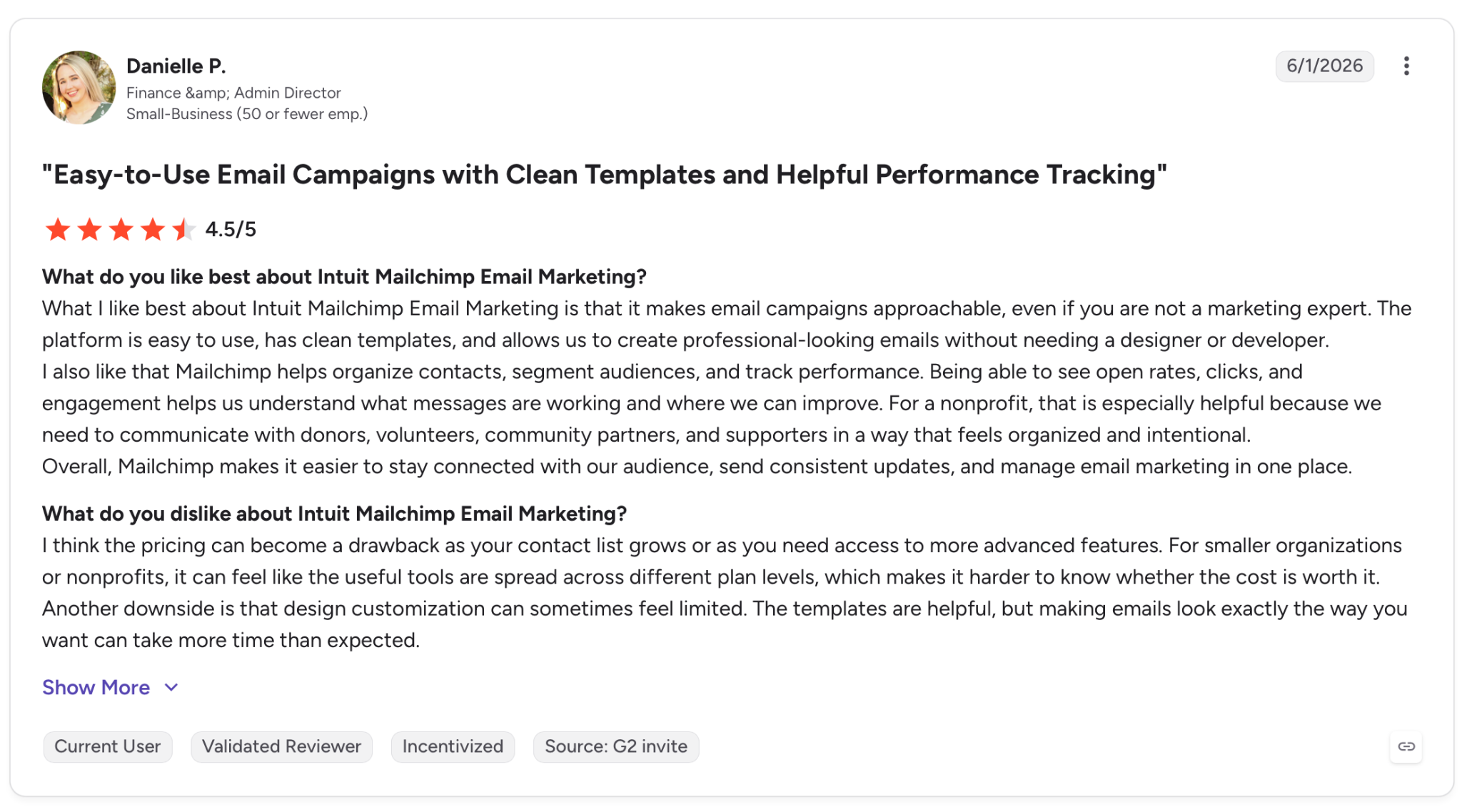
"The platform is easy to use, has clean templates, and allows us to create professional-looking emails without needing a designer or developer." — Danielle P., G2
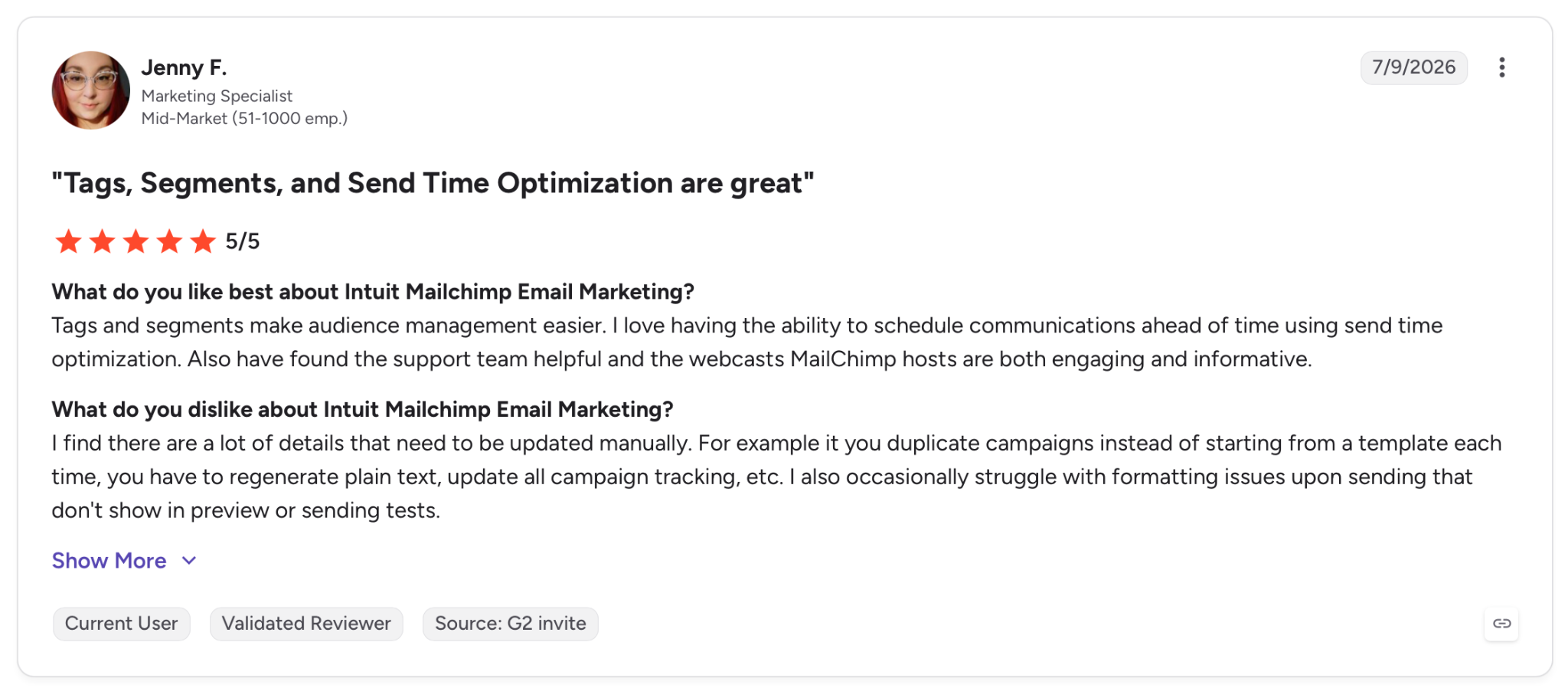
"I find there are a lot of details that need to be updated manually. For example, if you duplicate campaigns instead of starting from a template each time, you have to regenerate plain text, update all campaign tracking, etc." — Jenny F., G2
Pricing
Essentials starts at $13/month with the template library, multi-step automations, and A/B testing. A free plan covers under 250 contacts, and a 14-day trial opens up the Standard features. Overages apply once you pass your contact or send limit.
Bottom line
Mailchimp makes sense when you're new to bulk email and want a gentle learning curve at the lowest possible bill. Once your list crosses a few thousand contacts, run the numbers against MailerLite or Brevo before you renew, because the difference only widens from there.
2. ActiveCampaign: Best bulk email software for automation depth
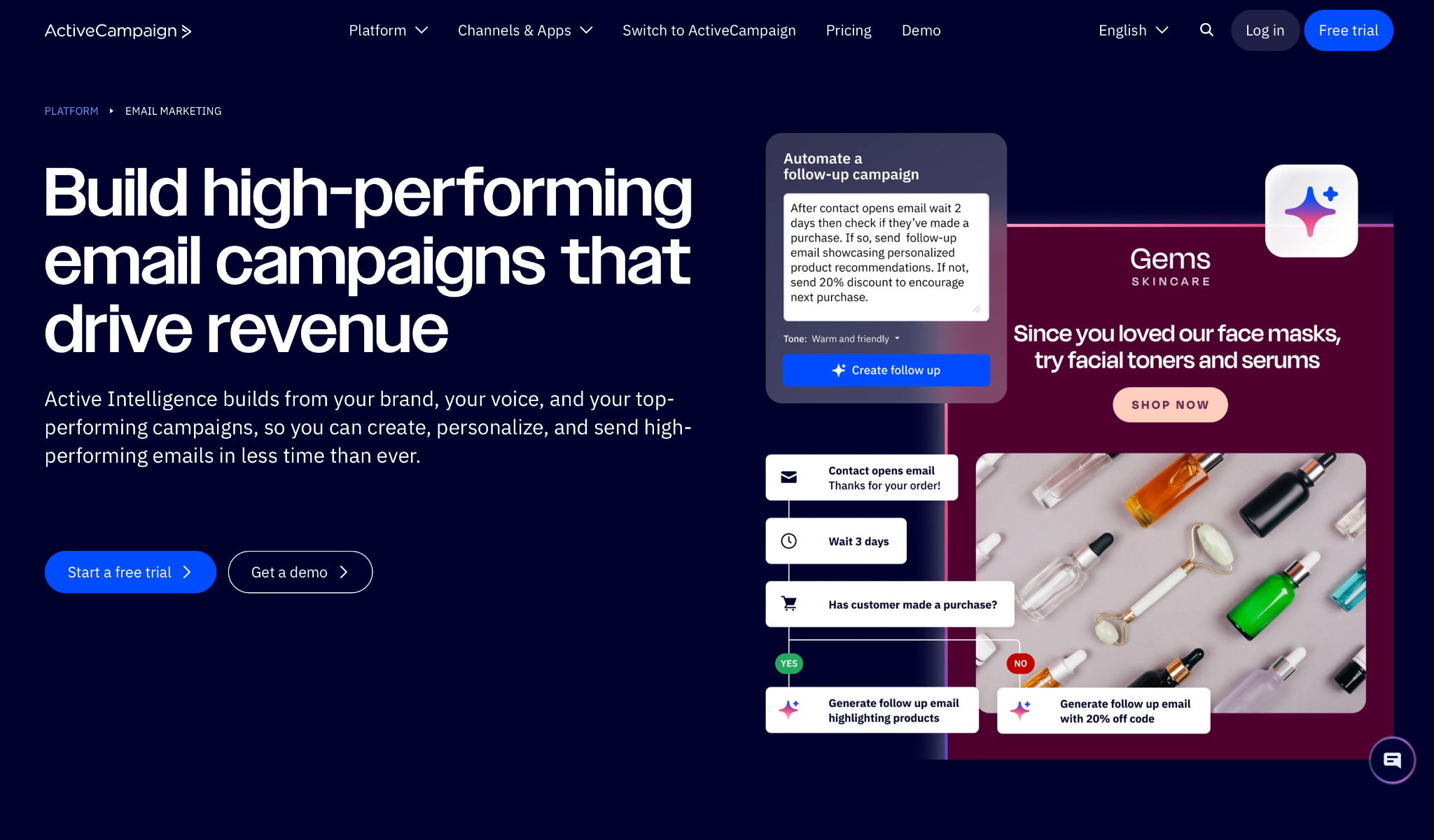
What it does: ActiveCampaign runs marketing campaigns on top of the strongest automation builder in its price range, with multi-branch workflows, lead scoring, and a native CRM.
Best for: Teams whose sending is driven by behavior. When a contact who opens one email should follow a different path than a contact who clicks, ActiveCampaign handles it.
Other tools stop at sending one blast to a segment, but ActiveCampaign lets you build a flowchart on top of that.
I set up a sequence that scored contacts on engagement, then split them into two paths based on whether they'd opened the last three sends. It handled the logic without breaking, and the reporting told me which branch converted.
That power has a price, in both money and time. It took me about a week to get comfortable in the builder, and at 10,000 contacts, the plan runs $174/month, well above the cheaper marketing tools here. For a plain weekly newsletter, you'd be paying for an engine you never start.
Key features
- Multi-branch automations: Build workflows with conditional logic, wait steps, and split paths based on any contact action
- Lead scoring: Assign points on opens, clicks, and site visits, then trigger sends or sales handoffs when a score crosses a threshold
- Native CRM: Move contacts through pipeline stages and tie email activity to deals without a second tool
- Conditional content: Serve different copy to different contacts based on past engagement, on the higher tiers
Pros and cons
Pros:
✅ The automation builder handles logic no other tool on this list can match at the price
✅ Deliverability tested at 94%, among the highest of the marketing platforms
✅ Lead scoring and the CRM mean sales and marketing can work off one contact record
Cons:
❌ The learning curve is steep, so expect a week before you're comfortable
❌ Priced well above simpler tools, and overkill if you only send newsletters
❌ Prices are billed annually, so the monthly-equivalent commitment is higher than it looks
What users say
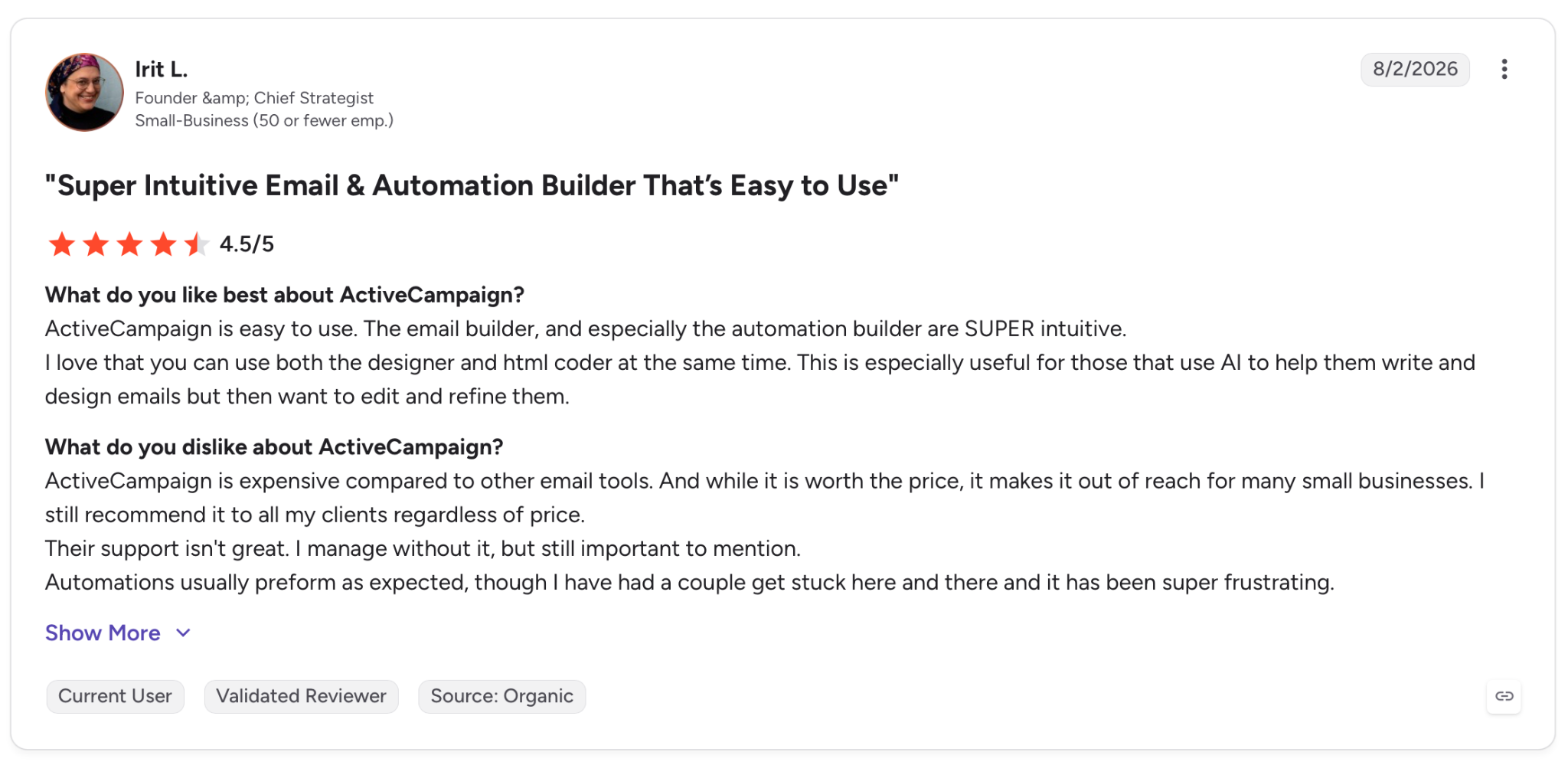
"ActiveCampaign is easy to use. The email builder, and especially the automation builder, are super intuitive." — Irit L., G2
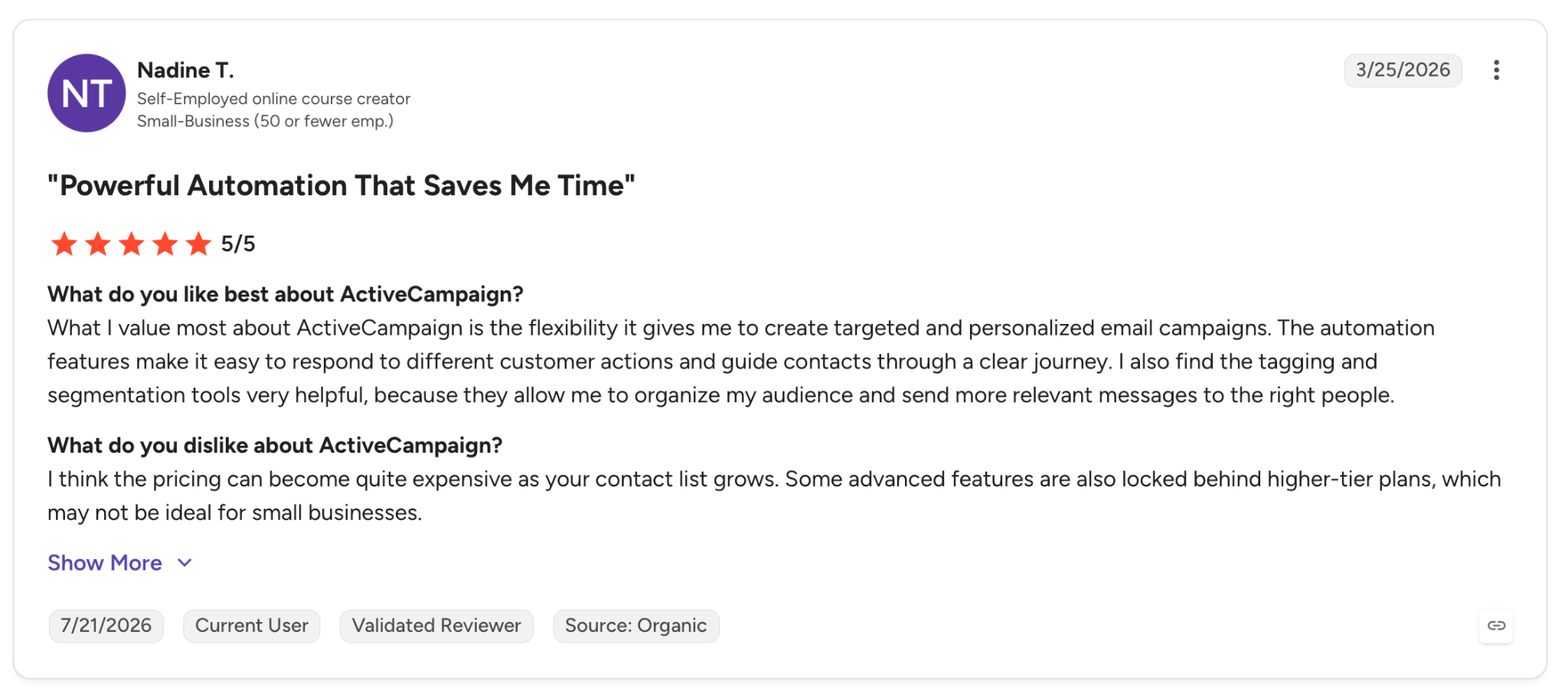
"I think the pricing can become quite expensive as your contact list grows. Some advanced features are also locked behind higher-tier plans, which may not be ideal for small businesses." — Nadine T., G2
Pricing
Starter begins at $15/month, billed annually, covering marketing automation and email for 1,000 contacts. Plus at $49/month, adds standard CRM and landing pages.
Pro at $79/month adds conditional content and deeper orchestration. A 14-day trial runs the full feature set.
Bottom line
Reach for ActiveCampaign when your campaigns route themselves based on contact behavior, doing work a person would otherwise do by hand. If you're sending one newsletter to one list, you'll get the same delivery from MailerLite for a fraction of the cost.
3. Brevo: Best bulk email software for marketing plus transactional
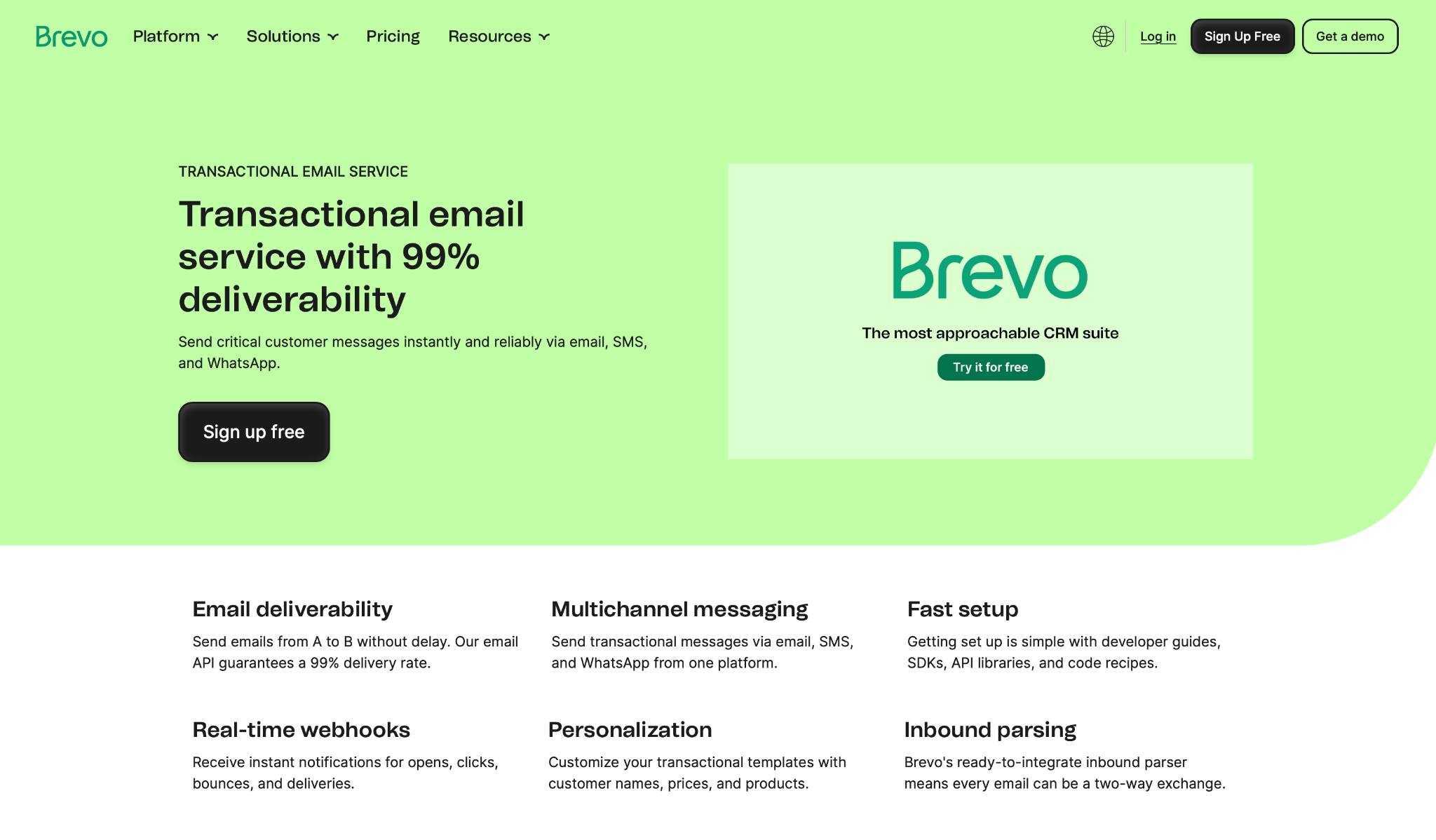
What it does: Brevo handles marketing campaigns and transactional email from one dashboard, priced by email volume instead of contact count, with SMS and WhatsApp bolted on.
Best for: Small teams tired of paying two vendors, one for newsletters and one for the order confirmations and password resets their app fires off.
Where rival platforms make you pick a lane, Brevo covers both at once. I ran a promotional campaign and a scripted batch of transactional receipts through the same login; no second vendor needed.
The volume-based pricing meant a big contact list didn't inflate the bill the way it would on Mailchimp. You pay for what you send, so every extra contact costs nothing until you email them.
Deliverability wobbles, though. My marketing sends landed fine, but Brevo's inbox placement in independent testing sits in the lower tier, below Mailchimp and ActiveCampaign, and swings hard from one round to the next.
For transactional mail, where every message needs to arrive, that inconsistency is worth watching.
Key features
- Volume-based pricing: Pay per email sent rather than per contact stored, which keeps costs flat as your list grows
- Transactional API: Send receipts, resets, and alerts through the same platform as your marketing, with one set of logs
- Multi-channel: Add SMS and WhatsApp campaigns alongside email from the same contact list
- Automation and A/B testing: Build journeys and split-test subject lines on the Standard plan and up
Pros and cons
Pros:
✅ One platform and one bill for both marketing and transactional email
✅ Volume pricing bills by email sent, not contacts stored, so a growing list doesn't lift the bill the way per-contact tools do
✅ Free plan sends 300 emails a day with no contact cap
Cons:
❌ Deliverability is inconsistent across tests, a serious concern for transactional mail
❌ Transactional volume is billed separately from marketing, so heavy senders manage two meters
What users say
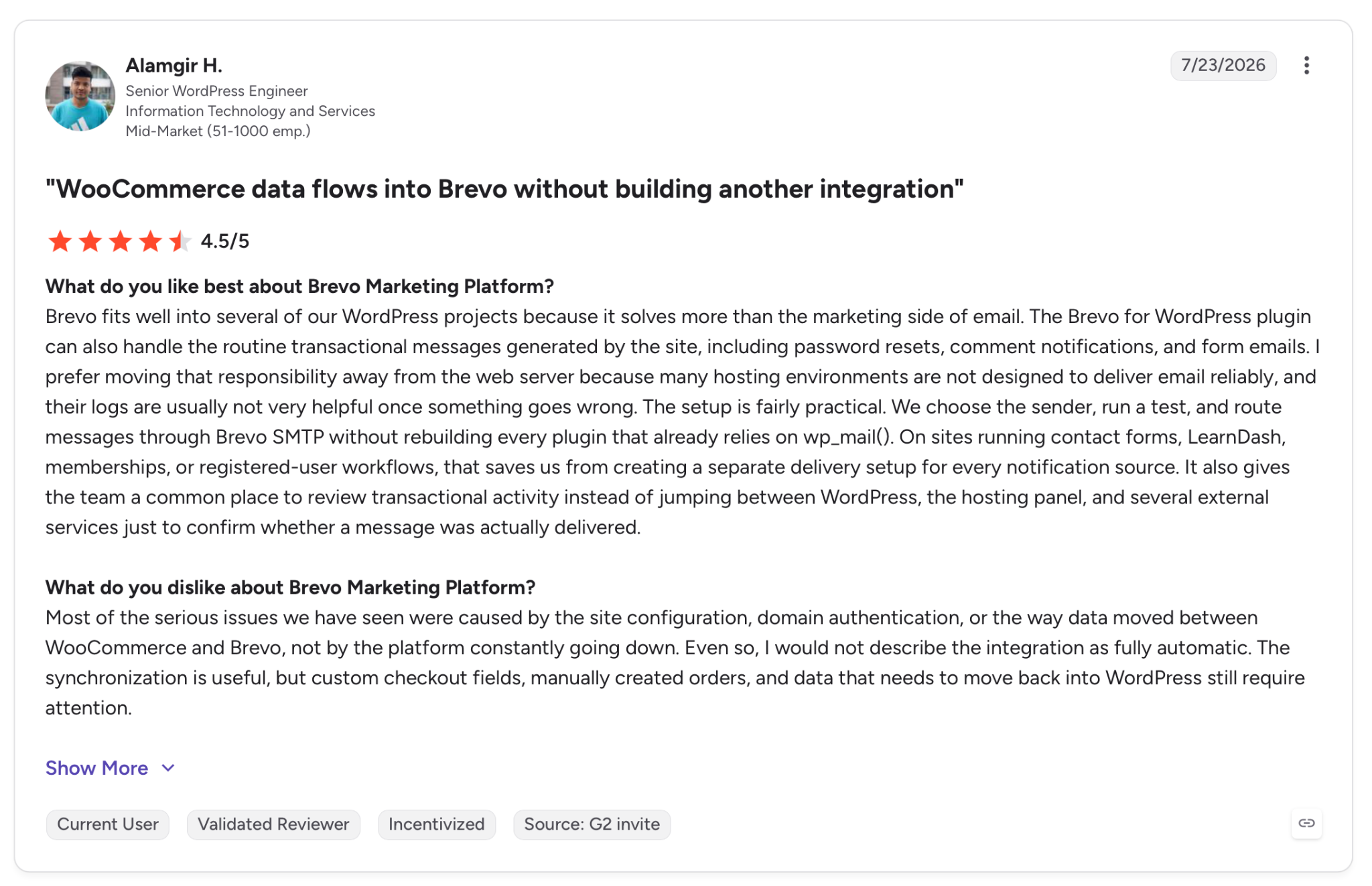
"Brevo fits well into several of our WordPress projects because it solves more than the marketing side of email." — Alamgir H., G2
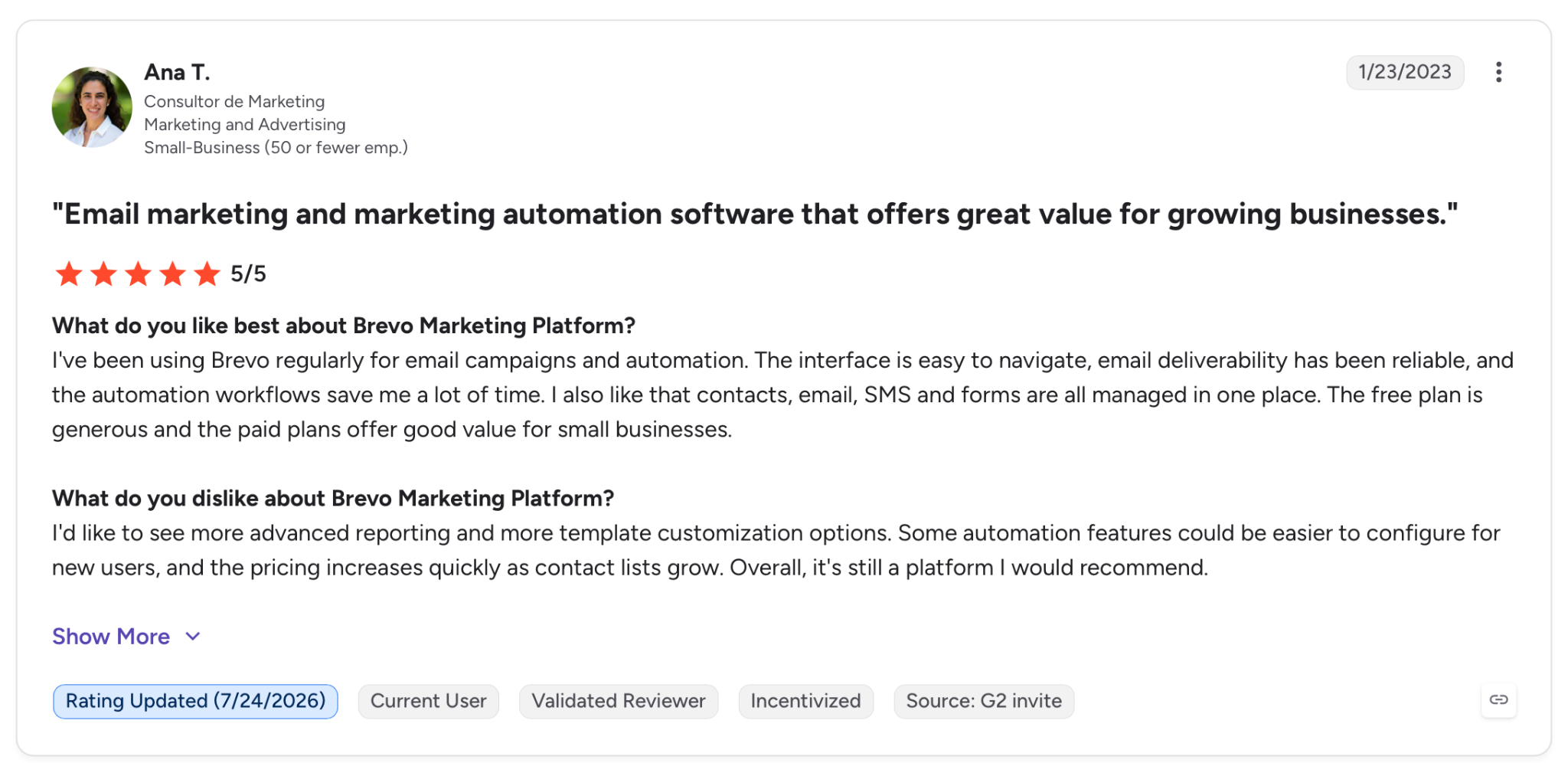
"Some automation features could be easier to configure for new users, and the pricing increases quickly as contact lists grow." — Ana T., G2
Pricing
The Starter plan sits at $9/month for 5,000 emails, with the drag-and-drop editor, segmentation, and a free tier of 300 emails a day underneath it.
Standard at $18/month adds automation, A/B testing, and send-time optimization. Transactional email is priced separately.
Bottom line
Go with Brevo when your business sends both kinds of email, and you'd rather manage one login than two. Just test your transactional deliverability during the trial, because that's the one place its inconsistency costs you.
4. MailerLite: Best bulk email software for clean newsletters
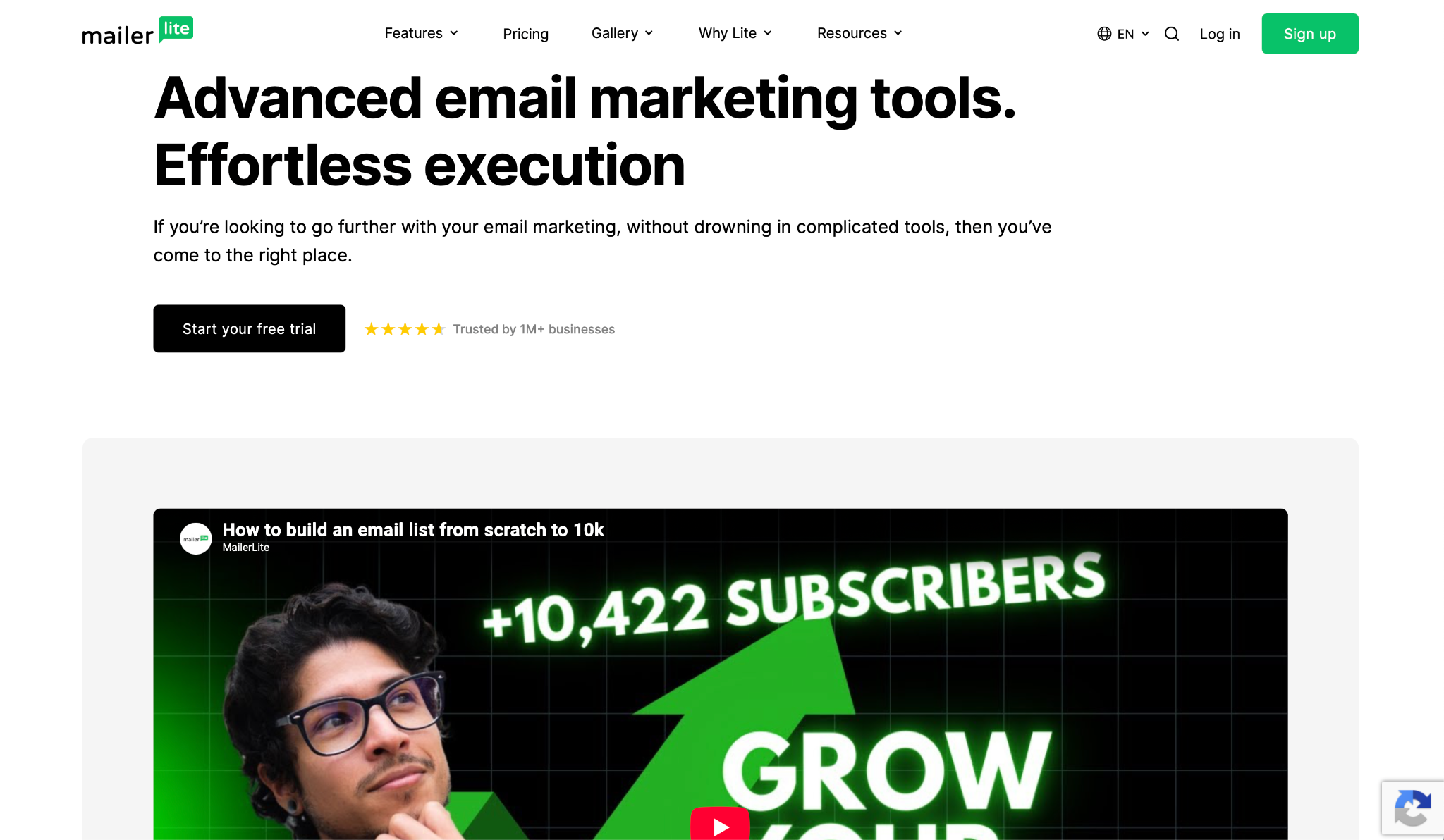
What it does: MailerLite sends newsletters and simple automations through a stripped-back editor and posts some of the highest independent deliverability scores of any marketing platform.
Best for: Creators, bloggers, and small businesses whose main job is a regular newsletter that reliably lands in the inbox, without a control panel full of features they'll never open.
This is the tool I'd hand to someone who just wants to send a good newsletter. The editor stays out of the way, and the paid plans lift send limits entirely, so a growing list doesn't box you in.
Where it really pulls ahead is deliverability. In independent five-round testing, it averaged 94.4% inbox placement, the highest marketing-platform average in the test.
The one place it runs out of room is automation. A welcome sequence or a simple drip is fine, but it won't branch and score the way ActiveCampaign does, so complicated sending hits a wall. For newsletter senders, that wall sits a long way off.
Key features
- Clean drag-and-drop editor: Build campaigns fast with a builder that doesn't bury the basics under advanced settings
- Unlimited sends on paid plans: The Power plan removes send caps, so list growth doesn't add to the bill on volume
- Landing pages and forms: Grow the list with native signup forms, pop-ups, and hosted pages
- Automation: Set up welcome series and drip campaigns, enough for newsletter workflows
Pros and cons
Pros:
✅ 94.4% average inbox placement across five independent test rounds, the highest marketing-platform average in the test
✅ Fast editor, so a plain newsletter goes from blank to scheduled in a few minutes
✅ Free plan covers 250 subscribers and 2,500 monthly emails to try it properly
✅ Paid plans drop send limits, so a bigger list doesn't mean a bigger surprise
Cons:
❌ Automation handles basic conditions, but no lead scoring, and its branching stays shallow next to ActiveCampaign
❌ Fewer native integrations than the bigger marketing platforms
❌ Advanced reporting sits behind the higher tier
What users say
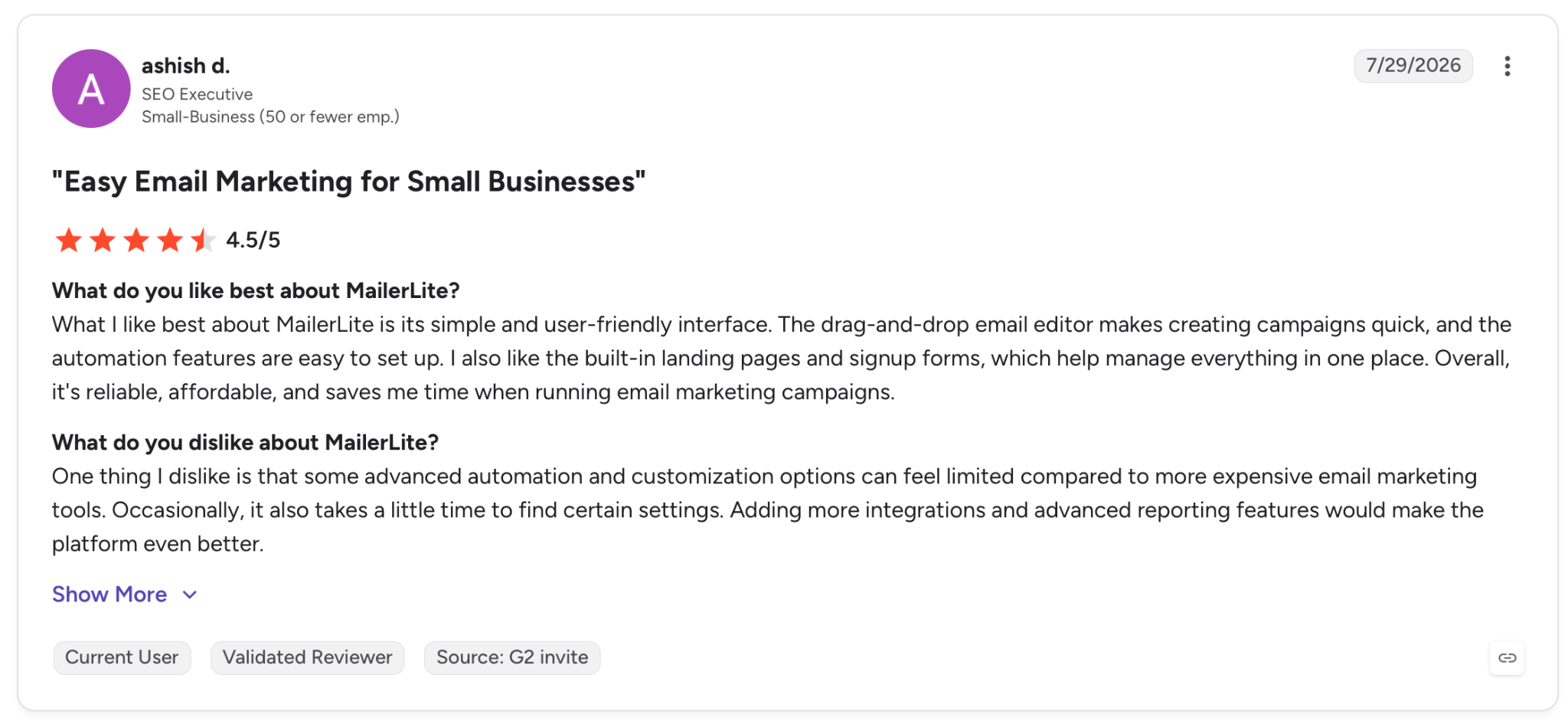
"What I like best about MailerLite is its simple and user-friendly interface. The drag-and-drop email editor makes creating campaigns quick, and the automation features are easy to set up." — Ashish D., G2
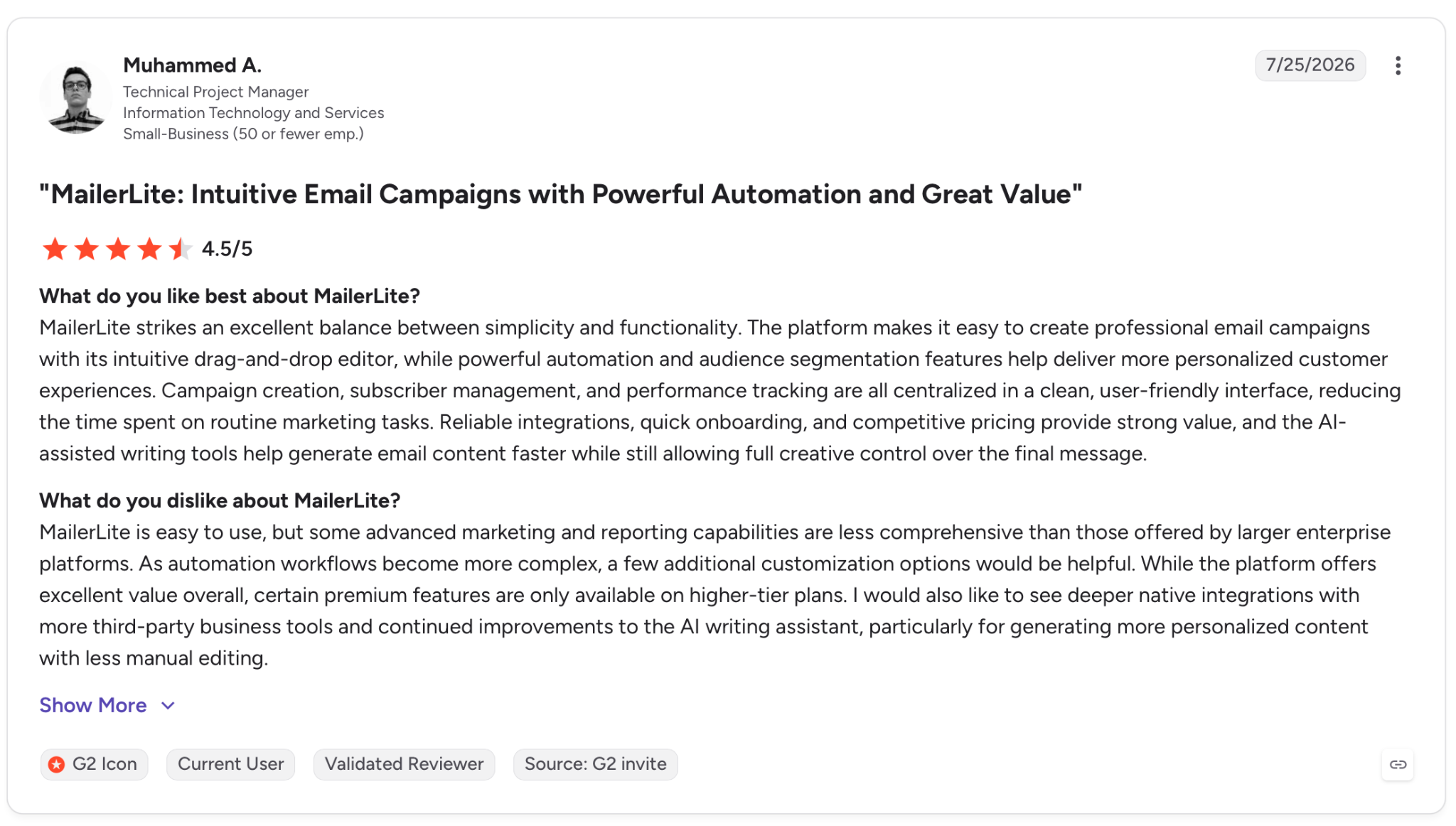
"While the platform offers excellent value overall, certain premium features are only available on higher-tier plans." — Muhammed A., G2
Pricing
The Comfort plan starts at $12/month for 500 subscribers, and the Power plan at $25/month adds unlimited sends, automations, and landing pages. A free plan covers up to 250 subscribers and 2,500 emails a month, with a 14-day look at the premium features.
Bottom line
For newsletter senders, MailerLite is what I'd reach for first. It pairs the highest deliverability in the test with an editor that had my newsletter ready to send quicker than the others I tried. Move up to ActiveCampaign only once your automations outgrow simple drips.
6. Omnisend: Best bulk email software for ecommerce
What it does: Omnisend builds email, SMS, and push campaigns around an ecommerce store, with Shopify-native integration, product blocks, and on-the-fly discount codes.
Best for: Shopify and online store owners who need their email to do store-specific work, recovering carts and pushing products, from one platform that also handles SMS.
Omnisend is built for stores. The product recommender pulls from your catalog; it generates discount codes as you need them, and the cart-abandonment flows already assume you run an online shop, so there's nothing to retrofit from a generic newsletter tool.
If you sell online, that saves hours of setup. The trade-off is delivery: its inbox placement ran below the other marketing platforms I tested, so a clean list is what keeps a campaign out of spam. For a high-volume store, weigh that against everything it does well.
Key features
- Shopify-native integration: Sync products, orders, and customer data without middleware, and drop live product blocks into emails
- Email, SMS, and push in one: Run all three channels off the same automation and contact list
- Ecommerce automations: Cart abandonment, browse abandonment, and post-purchase flows made for stores out of the box
- On-the-fly discount codes: Generate unique codes and gamified pop-ups like spin-to-win to drive sign-ups
Pros and cons
Pros:
✅ Purpose-made for ecommerce, so store workflows work without configuration
✅ Email, SMS, and push from one dashboard instead of three tools
✅ Free plan covers 500 emails and 250 contacts to test the fit
Cons:
❌ Deliverability tested lowest of the marketing platforms here, so clean data is critical
❌ Little reason to pick it if you don't run an online store
What users say
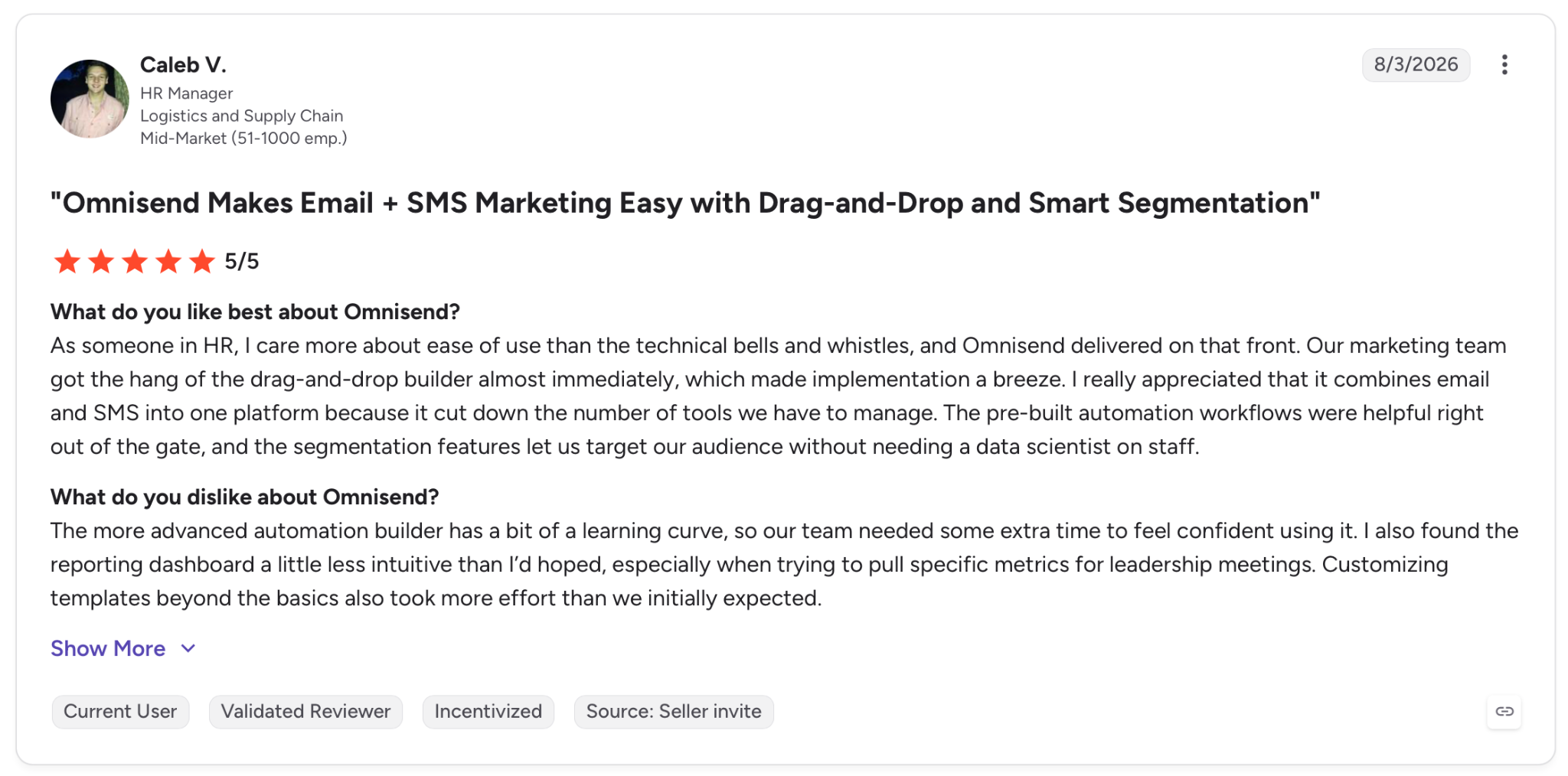
"I really appreciated that it combines email and SMS into one platform because it cut down the number of tools we have to manage." — Caleb V., G2
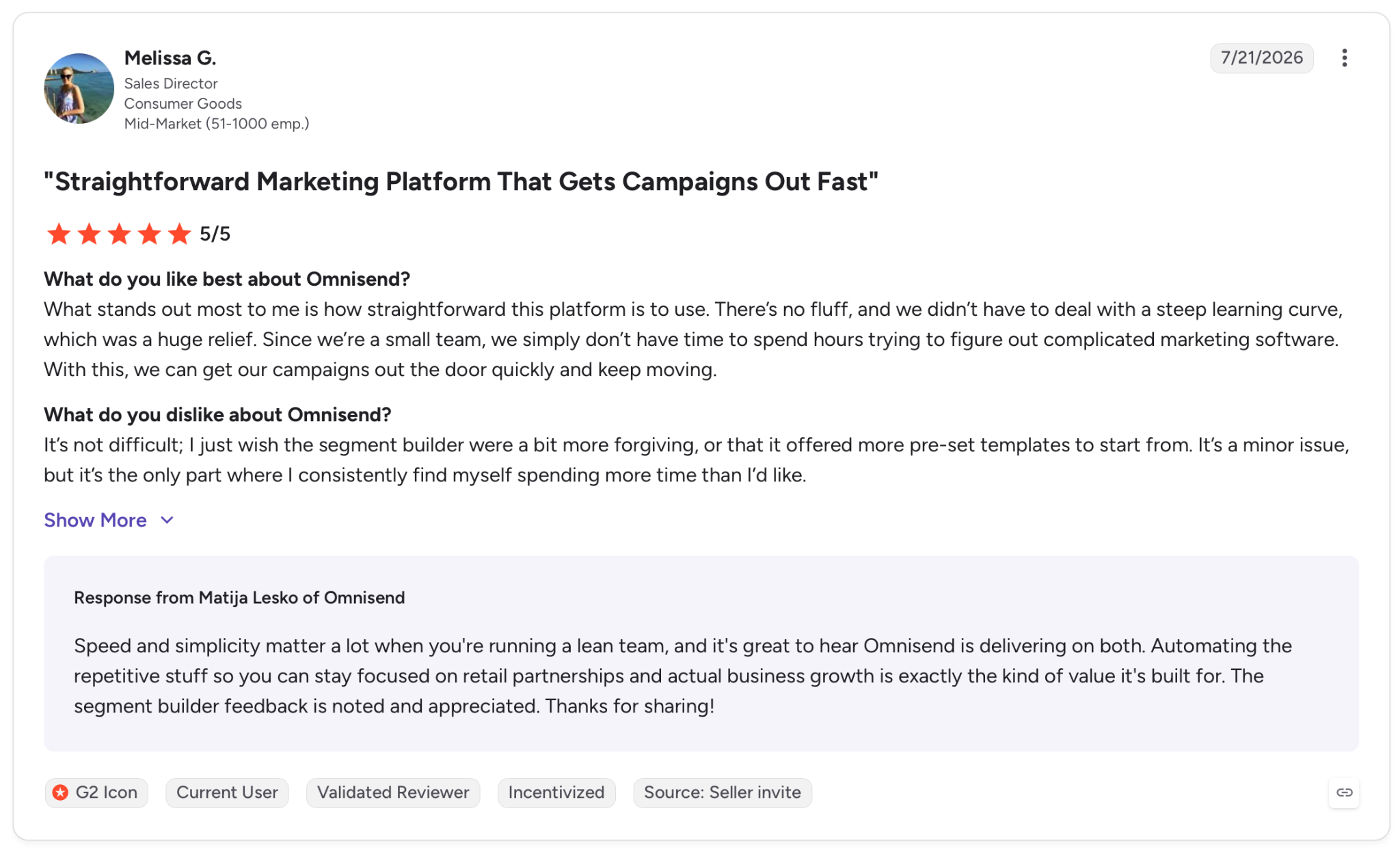
"It’s not difficult; I just wish the segment builder were a bit more forgiving, or that it offered more pre-set templates to start from." — Melissa G., G2
Pricing
The Standard plan lands at $16/month for email marketing to a growing list, and the Pro plan adds unlimited sends and SMS credits. A free plan covers 500 monthly emails and 250 contacts.
Watch for promotional rates on the pricing page. The numbers here reflect the standard price.
Bottom line
For a Shopify store that wants email, SMS, and push in one place, Omnisend is where to look. Pair it with tight list hygiene to offset the deliverability score, and skip it entirely if you're not selling products online.
7. Amazon SES: Best bulk email software for cheap sending at scale
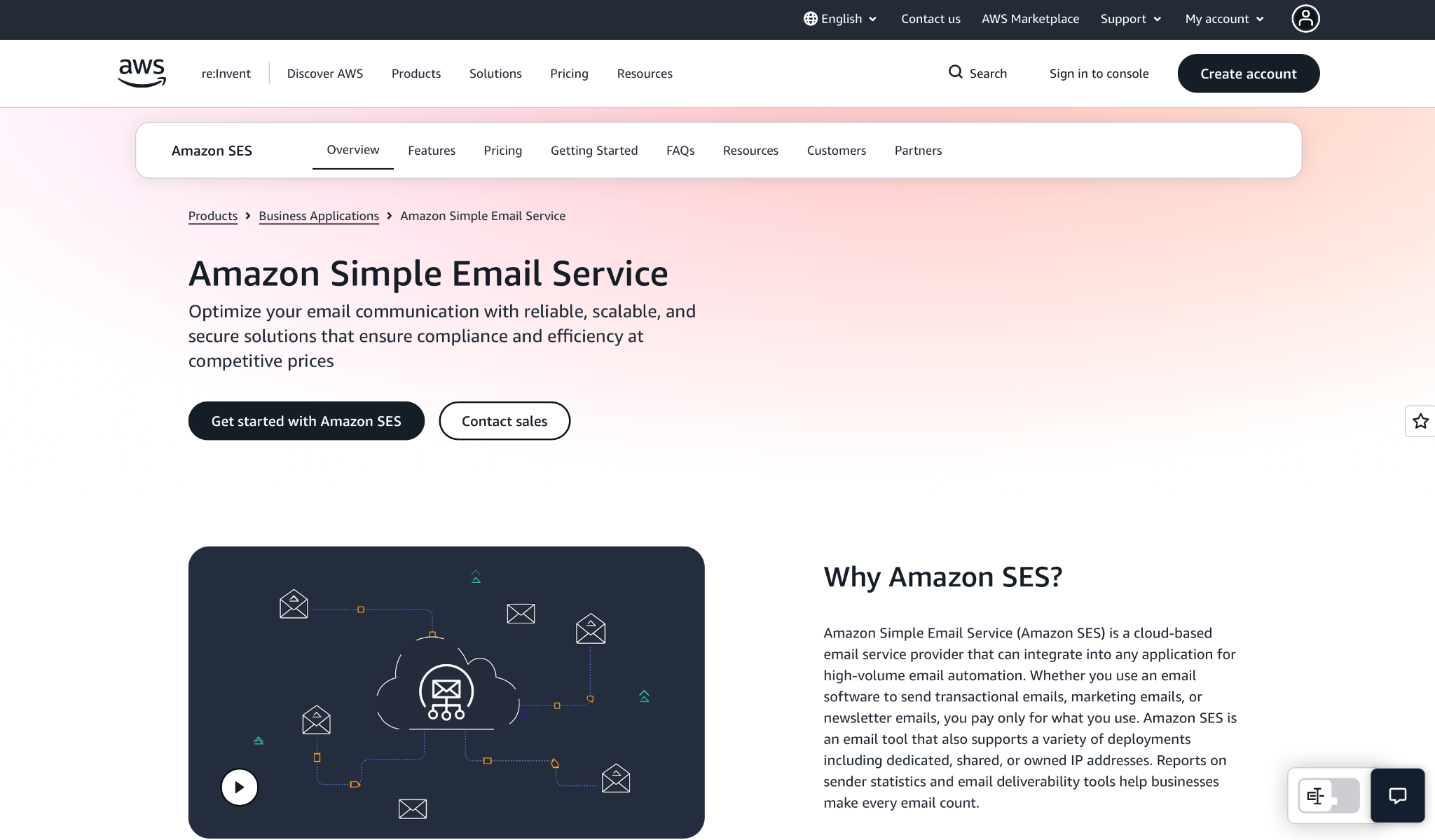
What it does: Amazon SES is a bare API and SMTP relay for sending email in volume, priced per message with no campaign UI, no templates, and no list management.
Best for: Teams with developers who'd rather build their own sending layer than pay for one, and who need to push large volumes for close to nothing.
On raw cost, nothing else on this list is in the same range. Sending 250,000 emails runs about $40 a month, whereas a per-contact marketing tool would charge hundreds
I connected it over SMTP and had a scripted batch going in an hour. That hour assumes you're comfortable writing the code, because SES hands you an endpoint and nothing else.
You give up the builder, the segmentation, and any reporting dashboard worth the name. Shared-IP deliverability is shaky too, though a dedicated IP with SPF, DKIM, and DMARC locked down puts sender reputation back in your hands.
Without an engineer to set all that up, though, you'll get none of it, and you're better off elsewhere.
Key features
- Pay-per-send pricing: Rates start at $0.16 per 1,000 emails on the Essentials tier and drop as volume climbs
- API and SMTP: Send programmatically through a REST API or a standard SMTP endpoint, part of AWS
- Near-infinite scale: Handle millions of messages a month without a volume ceiling
- Dedicated IP options: Add managed dedicated IPs on the Pro tier to control your own sender reputation
Pros and cons
Pros:
✅ At $0.16 per 1,000 emails, the cheapest send on this list
✅ Scales to millions of messages without a pricing cliff
✅ Ties directly into the rest of an AWS stack
Cons:
❌ No editor, templates, segmentation, or campaign UI, so you build all of it
❌ Deliverability on shared IPs is the weak point, so a dedicated IP and full authentication are near-mandatory
❌ Useless without a developer to wire it up
What users say
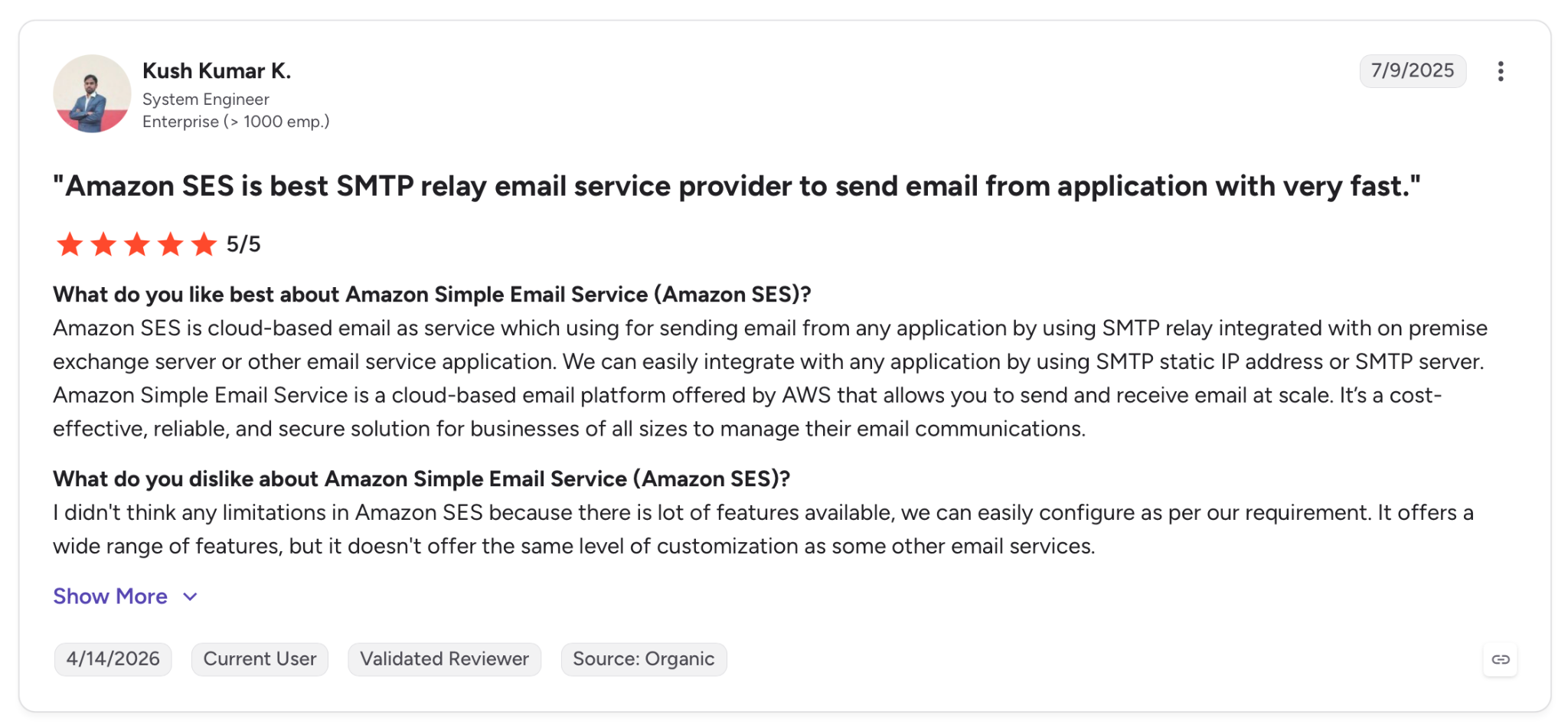
"Amazon SES is cloud-based email as a service which is used for sending email from any application by using SMTP relay integrated with an on-premises Exchange server or other email service application." — Kush Kumar K., G2
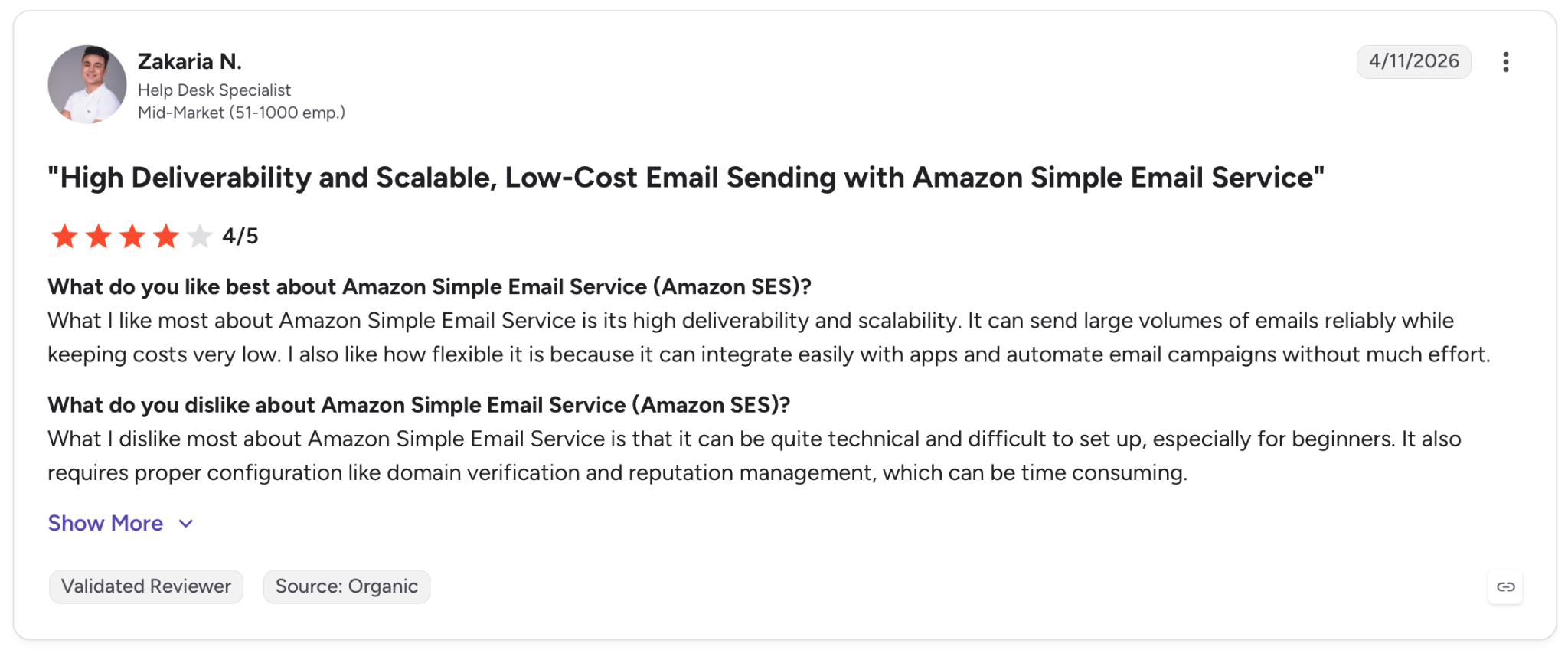
"What I dislike most about Amazon Simple Email Service is that it can be quite technical and difficult to set up, especially for beginners." — Zakaria N., G2
Pricing
SES charges $0.16 per 1,000 emails on the Essentials tier for the first 10 million a month, dropping to $0.14 and then $0.11 as volume rises. The Pro tier adds managed dedicated IPs and a delivery manager for $105 per region each month. A sample 250,000-email month lands right around $40.
Bottom line
When you have engineering resources and volume that would bankrupt you on a per-contact tool, Amazon SES is the sensible call. Hand it to a developer, lock down authentication, and it sends for cents where the others charge dollars. Without that developer, look at SMTP2GO instead.
8. Instantly: Best bulk email software for cold outreach
What it does: Instantly sends cold email sequences at scale, with native mailbox warmup, inbox rotation across unlimited sending accounts, and reply tracking for sales teams.
Best for: Sales teams and agencies prospecting people who never opted in, where deliverability tricks and volume matter more than a pretty template.
Try cold outreach on the marketing tools above, and they'll ban your account for it. Instantly is made for exactly this.
It rotates sends across many mailboxes so no single account trips a spam filter, and the warmup runs in the background to build sender reputation before you scale. I loaded a short sequence across several sending accounts, and it spread the volume without me touching a setting.
List quality is what makes or breaks it. Instantly does have email verification, but it runs on separate credits (from $17/month for 5,000), and you trigger it yourself, so it isn't automatic on every import.
Skip that step and feed it unverified addresses, and the bounce rate tanks your domain, no matter how good the warmup is. There's also no free plan, so you're paying from day one.
Key features
- Unlimited sending accounts: Connect as many mailboxes as you need and rotate sends across all of them
- Native warmup: Automatically build and maintain sender reputation on every connected account
- Inbox rotation: Spread volume across accounts to stay under provider limits and dodge spam flags
- Reply and sequence tracking: Manage multi-step campaigns and see which accounts and copy are landing
Pros and cons
Pros:
✅ Warmup and inbox rotation come native, the two things cold outreach needs
✅ Unlimited sending accounts on every tier, so volume isn't capped by seats
✅ Reply tracking and a unified inbox keep a whole campaign in one place
Cons:
❌ List verification costs separate credits and runs only when you trigger it, so bounce rate is on you
❌ No free plan, so billing starts at signup
What users say
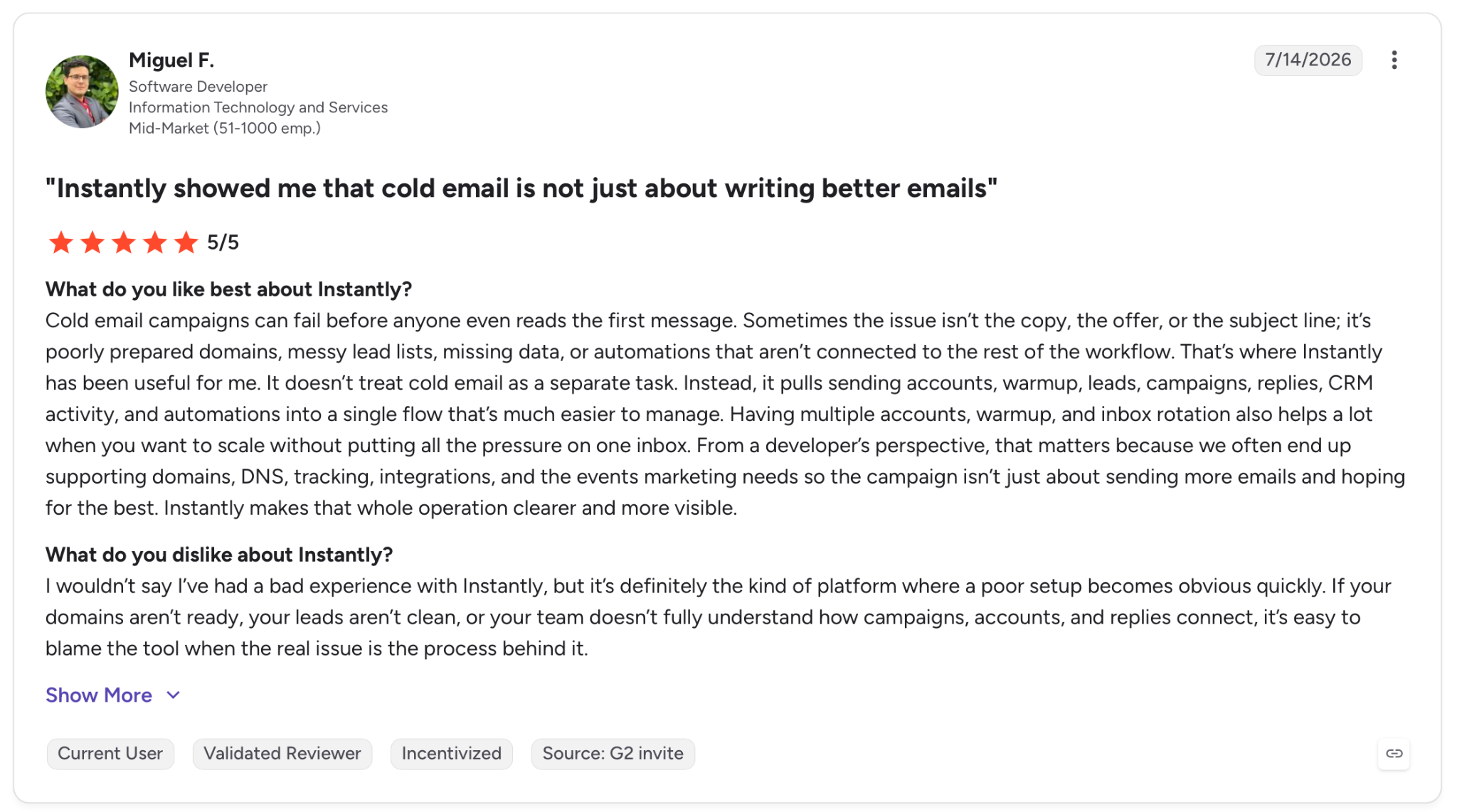
"Sometimes the issue isn’t the copy, the offer, or the subject line; it’s poorly prepared domains, messy lead lists, missing data, or automations that aren’t connected to the rest of the workflow." — Miguel F., G2
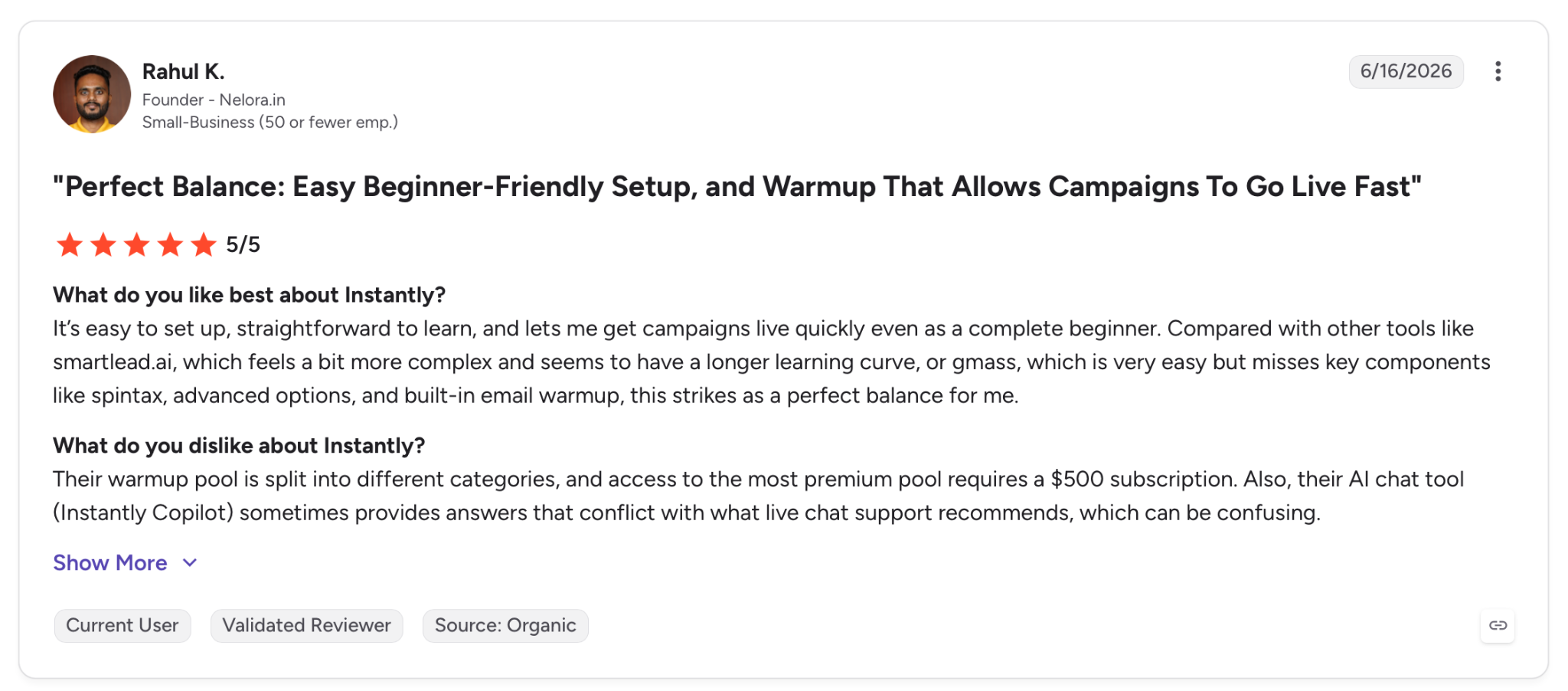
"Their warmup pool is split into different categories, and access to the most premium pool requires a $500 subscription." — Rahul K., G2
Pricing
The Growth plan starts at $47/month with unlimited email accounts, unlimited warm-up, and 5,000 monthly emails. Hypergrowth at $97/month lifts that to 125,000 emails and 25,000 uploaded contacts. There's no free plan, only paid tiers.
Bottom line
If your job is cold B2B outreach and you need warm-up and rotation working from the start, Instantly is the tool shaped around that. Budget for its verification credits and run them before you send, because the best warm-up in the world can't save a dirty list.
9. Lindy: Best email software for an AI teammate that runs your outreach
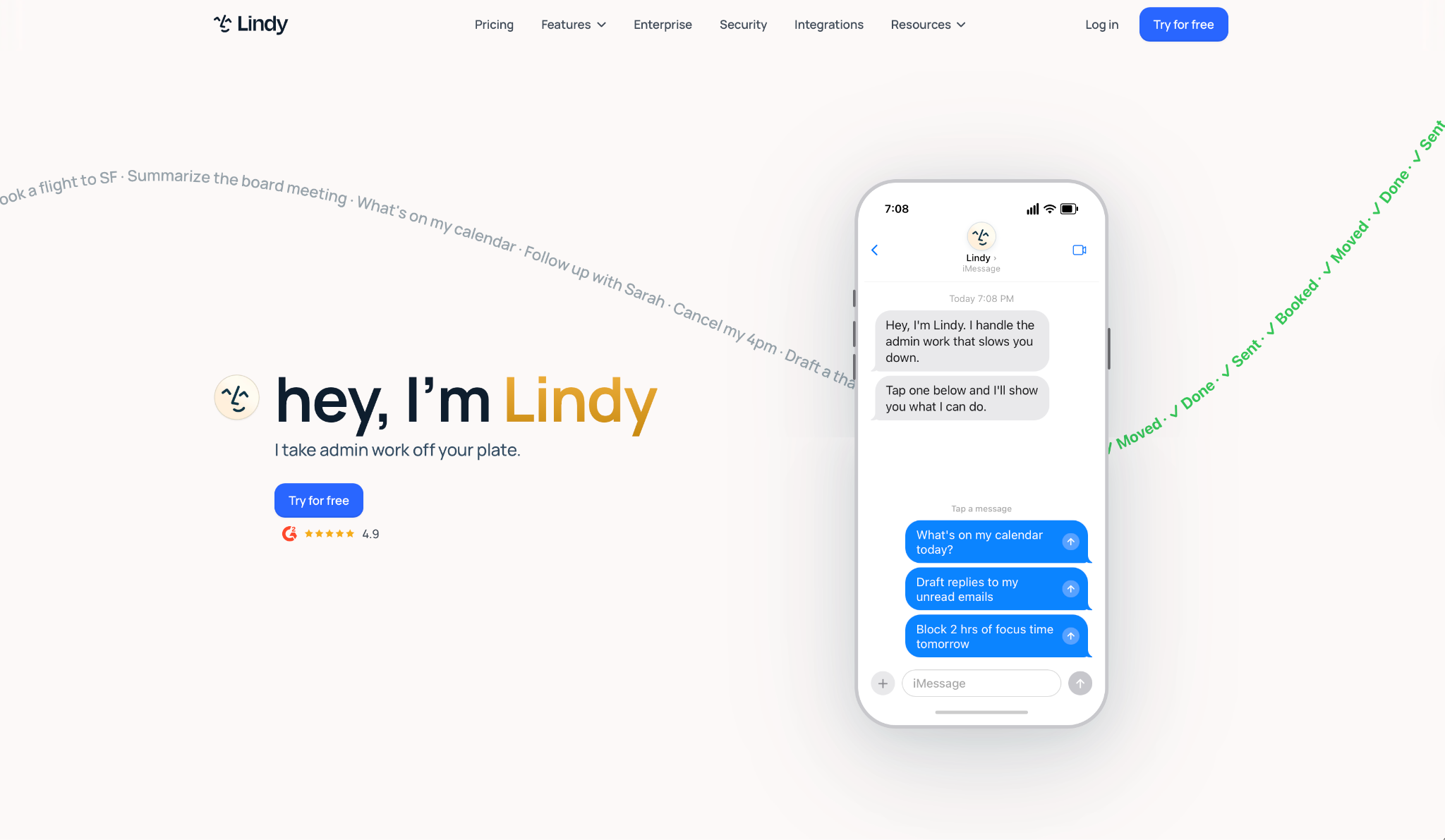
What it does: Lindy is an AI teammate that lives in your company's Slack: @mention it in a channel and the whole team gets answers, or DM it as a personal assistant with its own inbox, calendar, and memory. Running your outreach is one job you hand it: point it at a spreadsheet, describe the send in plain English, and it drafts, tailors, and follows up across the tools you already use.
Best for: Founders and small teams who'd rather describe the outreach than build it, and who want the follow-ups and CRM updates handled after the send.
Lindy is a different kind of tool from the sending platforms above. It's a teammate that lives where your team already works, and outreach is one of the jobs you hand it, rather than an ESP you log into to design a blast.
I pointed it at a spreadsheet of contacts and a rough template, and it tailored each message off the row data and queued the follow-ups without me writing a sequence by hand.
It works through your connected email and hundreds of integrations, so the same assistant that sends the outreach can also pull a reply into your CRM and text you when someone books.
You give it recurring work in plain English, like "every Monday, follow up with anyone who didn't reply," and it runs on its own.
That flexibility has a ceiling. As an assistant that automates and tailors outreach, Lindy won't run a 500,000-message newsletter or the mailbox-rotation cold-email needs. For pure volume, you'd still reach for one of the platforms above.
Key features
- Plain-English instructions: Describe the outreach and the follow-up rules in words, and Lindy handles the drafting and timing
- Spreadsheet-to-email tailoring: Connect a Google Sheet and Lindy personalizes an email per row as leads come in, pacing sends to stay under provider limits
- Hundreds of integrations: Connect email, calendar, and CRM so a reply can update records and trigger the next step
- Recurring routines: Hand it standing work like weekly follow-ups, and it runs them on schedule with sources attached
Pros and cons
Pros:
✅ Tailors each message to your data instead of sending one identical template
✅ Closes the loop after sending, pulling replies into your CRM and queuing the next follow-up
✅ SOC 2 Type II, GDPR, and HIPAA compliant, which matters for regulated teams
Cons:
❌ Not a mass-sending platform so it won't run a 500k newsletter or cold-email rotation
❌ Usage-based, so heavy workloads move you up the tiers
What users say
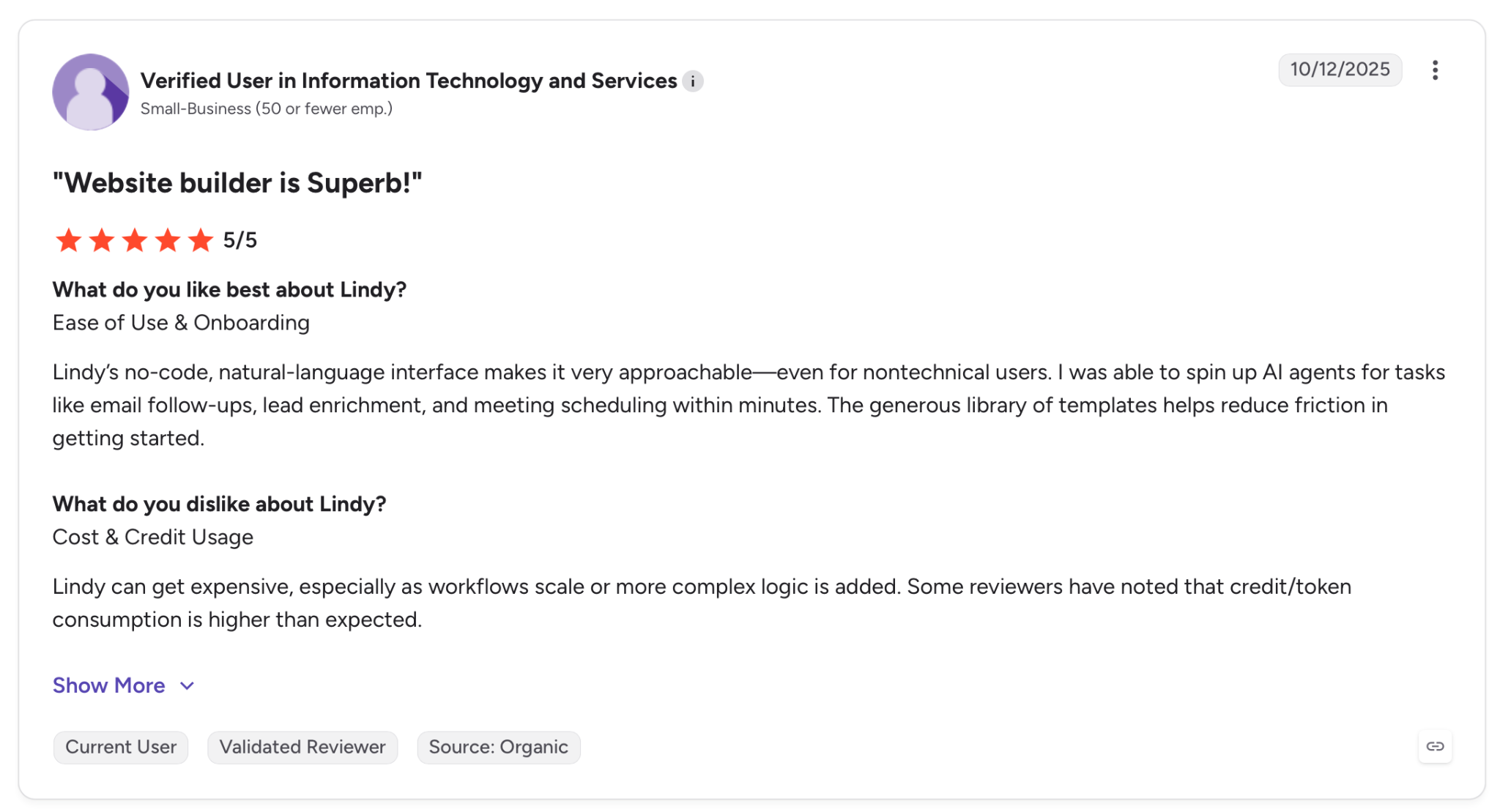
"I was able to spin up AI agents for tasks like email follow-ups, lead enrichment, and meeting scheduling within minutes." — Verified User, G2
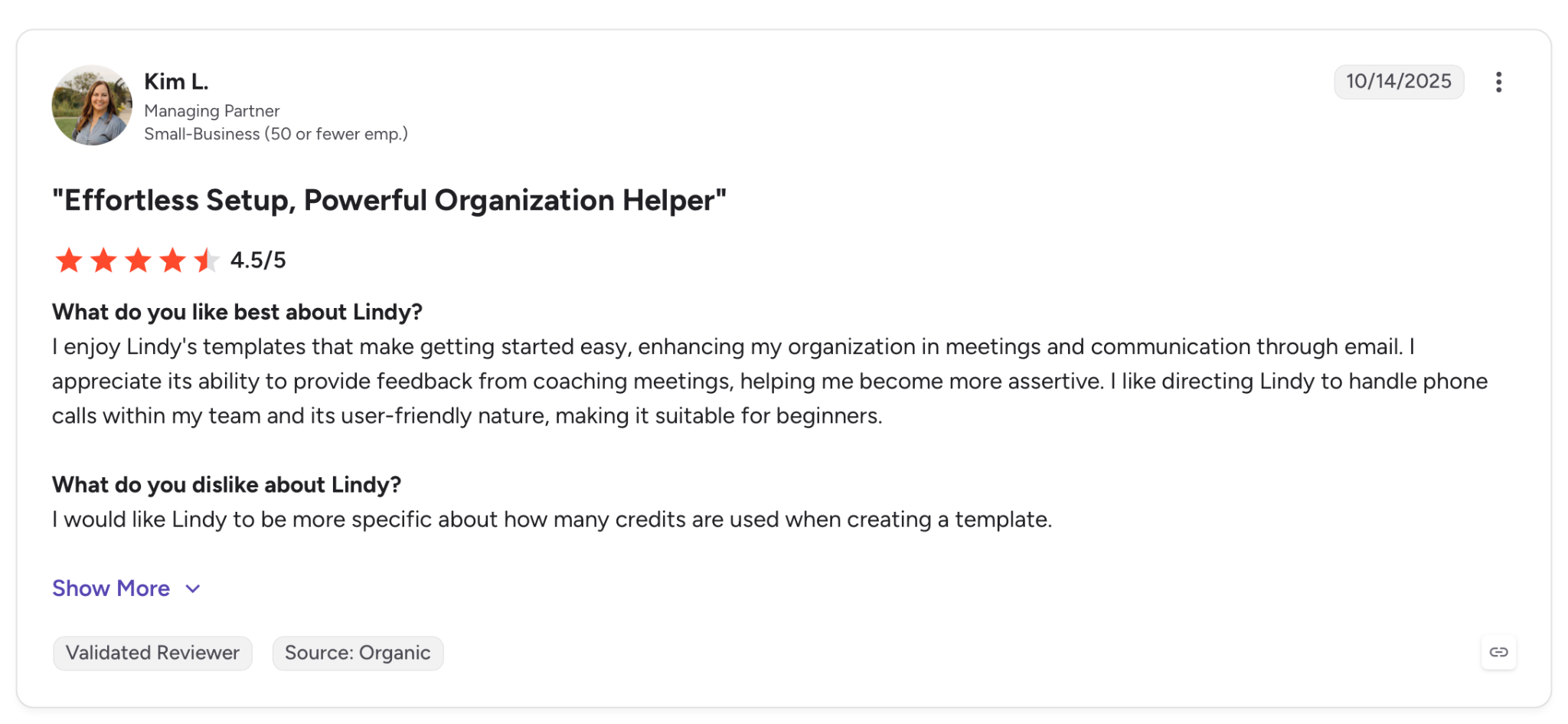
"I would like Lindy to be more specific about how many credits are used when creating a template." — Kim L., G2
Pricing
Paid plans start with Plus at $29.99/user/month, which includes email drafting, scheduling, up to 2 inboxes, and hundreds of integrations. Pro at $99.99/month adds more usage and inboxes. There's a 7-day free trial, then the first paid tier. There's no permanent free plan.
Bottom line
Lindy works when you want tailored outreach run for you by an assistant that also closes the loop with follow-ups and CRM updates. If you need raw sending volume more than hands-off tailoring, one of the dedicated platforms here will serve you better.
{{templates}}
10. SMTP2GO: Best bulk email software for dependable delivery
What it does: SMTP2GO is an SMTP relay made for delivery, taking emails you've already created and getting them to the inbox, with detailed reporting and subaccount management.
Best for: Teams that handle email creation elsewhere, through custom HTML or another tool, and just need the delivery layer to hold up under volume.
When the emails are done, and the only job left is delivery, SMTP2GO does it about as well as anything I tested. My existing template landed in the inbox across every provider I checked, which is the whole reason to run mail through a dedicated relay.
I pointed an existing template at its relay, and the reporting told me exactly what landed and where, down to the provider.
There's no way to build a campaign inside it, and that's deliberate. It skips the editor, the automation, and the landing pages entirely because SMTP2GO handles delivery and leaves creation to whatever tool you already use. If you need to design the email too, this won't cover you on its own.
Key features
- High-deliverability relay: Route your email through infrastructure tuned for inbox placement and sender reputation
- Detailed reporting: Track delivery, bounces, and opens by provider with up to 30 days of history on paid plans
- Subaccount management: Separate sending and reporting for different clients or products under one account
- Dedicated IP and SMS: Add a dedicated IP for reputation control and send SMS from the same platform on higher tiers
Pros and cons
Pros:
✅ Inbox placement held up across every provider in my testing; the strongest of the relays here
✅ Clear per-provider reporting so you can see exactly where mail lands
✅ Free plan sends 1,000 emails a month to try the infrastructure
Cons:
❌ No editor, automation, or campaign tools, so it only sends what you build elsewhere
❌ Not a fit if you need an all-in-one to design and send in one place
What users say
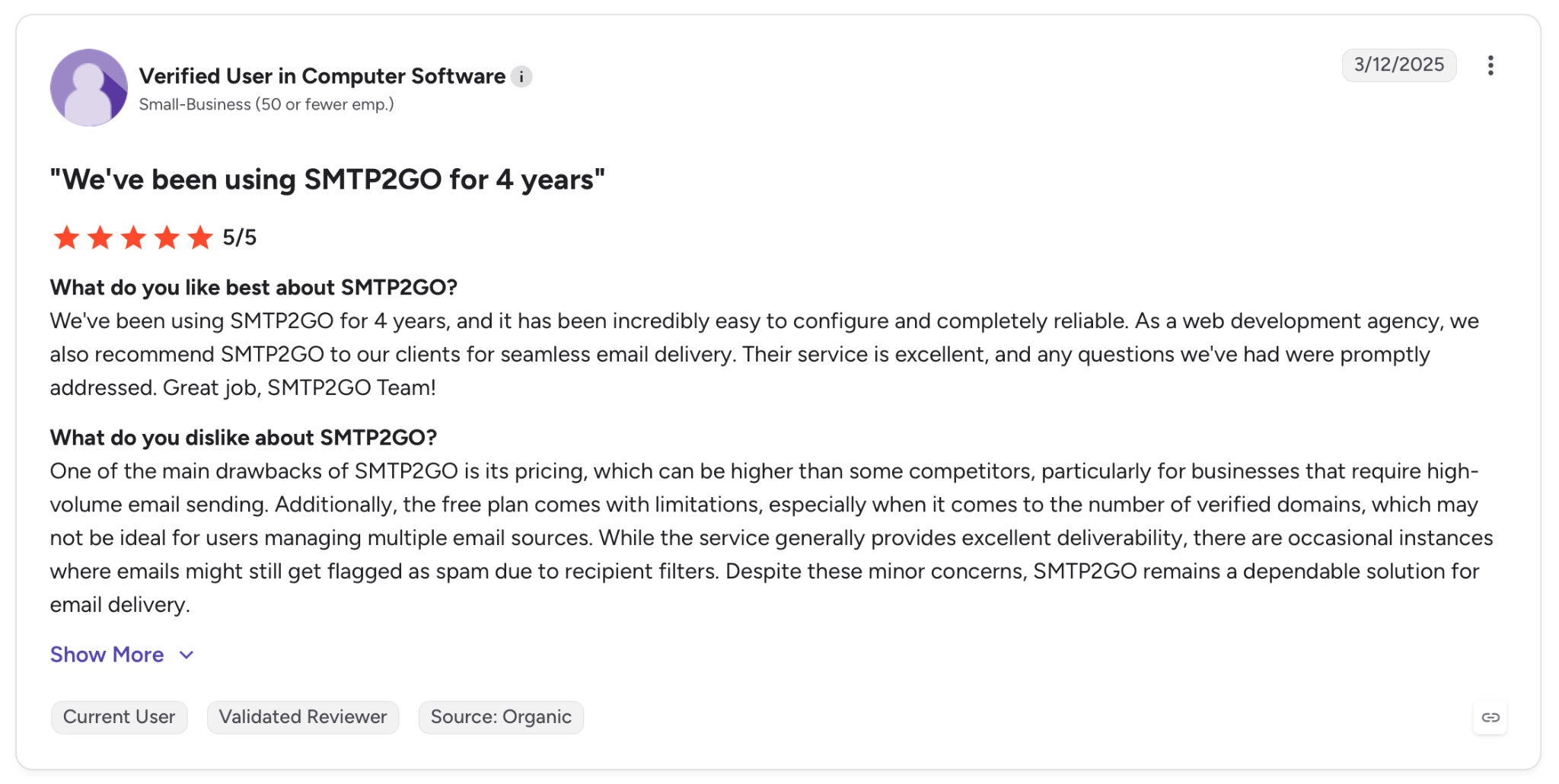
"We've been using SMTP2GO for 4 years, and it has been incredibly easy to configure and completely reliable." — Verified User, G2
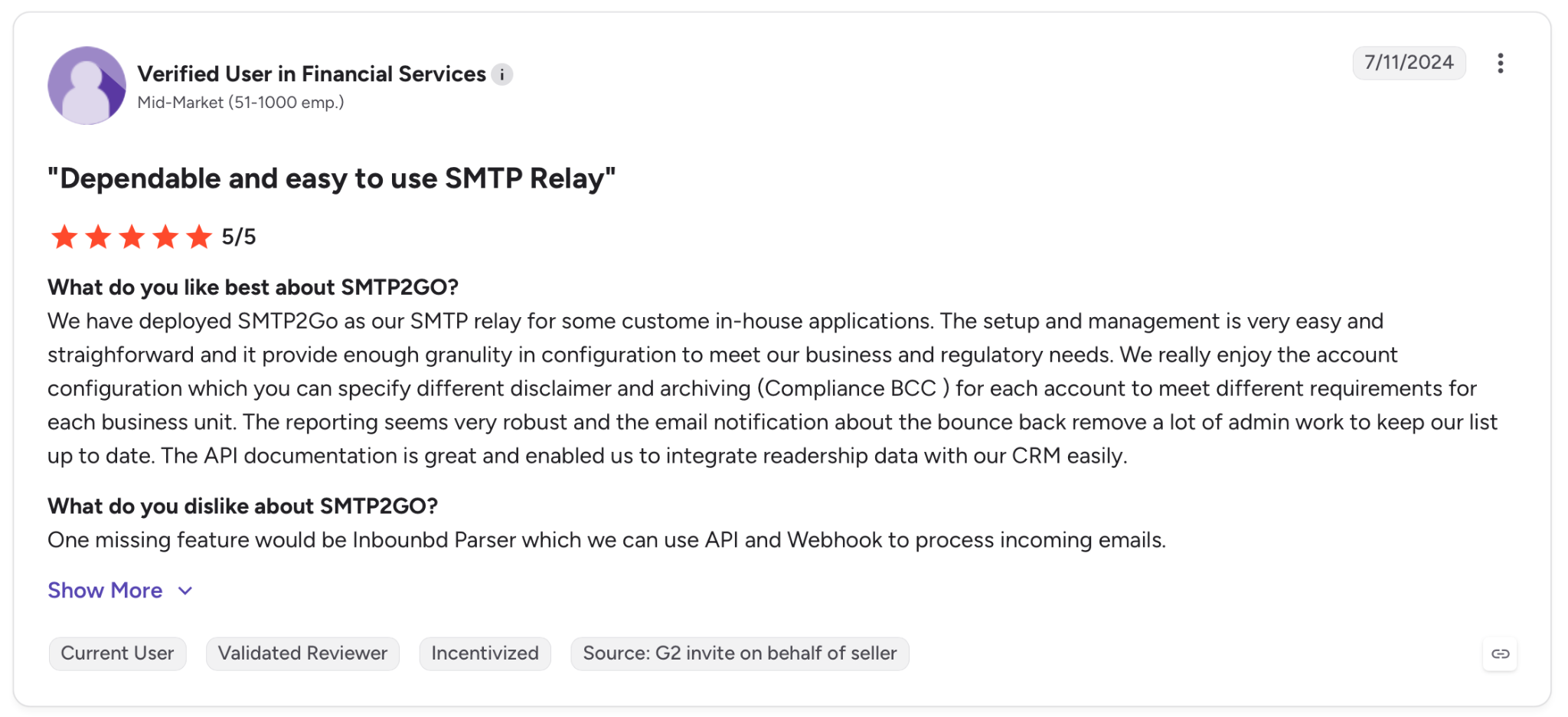
"One missing feature would be an Inbound Parser which we can use API and Webhook to process incoming emails." — Verified User, G2
Pricing
The Starter plan runs $15/month for 10,000 emails with 30 days of reporting and subaccount management. The Professional plan at $75/month covers 100,000 emails and adds a dedicated IP. A free plan sends 1,000 emails a month for testing.
Bottom line
SMTP2GO makes sense once your emails are already made and the only thing left is landing them. Take it for the deliverability and the reporting, and pair it with whatever you use to create the emails, since it won't do that part for you.
Which bulk email software should you choose?
Every tool here solves a different sending job. The right one depends on who's on your list and how they got there.
Choose Mailchimp if you're new to bulk email, your list is still small, and a familiar editor matters more than the lowest monthly bill.
Choose ActiveCampaign if your campaigns route contacts based on their behavior, and the automation is replacing work a person would do by hand.
Choose Brevo if your business sends both marketing and transactional email, and you'd rather run both off one login and one volume-based bill.
Choose MailerLite if your main job is a steady newsletter, and you want strong deliverability and a fast editor without paying for features you won't touch.
Choose Moosend if you email your list often and hate watching a send counter, and unlimited sends at a low flat price is the thing you want.
Choose Omnisend if you run a Shopify store and want email, SMS, and push shaped around your catalog, and you'll keep your list clean to offset deliverability.
Choose Amazon SES if you have developers, need to send at high volume, and want the cheapest possible per-message cost with a sending layer you build yourself.
Choose Instantly if you're doing cold B2B outreach and need mailbox warmup and inbox rotation working from day one.
Choose Lindy if you want the outreach tailored and run for you, with an assistant that also handles the follow-ups and CRM updates after the send.
Choose SMTP2GO if your emails are already made somewhere else and you just need the steadiest relay to land them.
Skip this category entirely if your sending is a handful of one-off emails a week that your normal inbox already handles fine.
{{cta}}
Final verdict
There's no single best bulk email software, and any roundup that names one is selling you something. Match the tool to your job, and the pick becomes obvious.
Whichever one you land on, your results still ride on your list. A clean list lets any of these perform, and a dirty one drags all of them down.
For senders with an opted-in list, MailerLite is where I'd start. You get the highest deliverability in the test, a fast editor, and pricing that doesn't punish growth.
If your sending gets tangled, ActiveCampaign is worth its premium. If you send cold, Instantly is made for it, and if you send from code, Amazon SES wins on cost.
Lindy sits a little apart. It's a teammate that tailors and runs the outreach for you, good for teams that would rather describe the work in plain English than set it up by hand.
So do the boring parts. Verify your list before you send, and authenticate your domain. Get those right, and a modest platform on a clean list will out-deliver a fancier one on a neglected list.
Frequently asked questions
What is the best bulk email software?
The best bulk email software depends on the job. MailerLite is the best all-around pick for newsletters, ActiveCampaign wins on automation, Brevo covers marketing and transactional together, Amazon SES is the cheapest at scale, and Instantly is made for cold outreach.
What is bulk email software?
Bulk email software is a platform that sends large volumes of email, from hundreds to millions of messages, to a list of contacts at once. It handles list management, message tailoring, sending controls, and tracking for opens, clicks, and bounces, which a normal email client can't do at scale.
Is there free bulk email software?
Yes, several tools offer free plans. Brevo sends 300 emails a day for free, MailerLite covers 250 subscribers, Omnisend allows 500 emails a month, and SMTP2GO sends 1,000 emails a month at no cost. Free plans usually cap sending volume or features, so heavy senders move to a paid tier.
How much does bulk email software cost?
Bulk email software ranges from about $9/month to $47/month across marketing tools, with Amazon SES charging $0.16 per 1,000 emails for developers.
Pricing follows one of three models, charging per contact, per email sent, or a flat rate, so the cheapest option depends on your list size and how often you send.
What do Google, Yahoo, and Microsoft require from bulk senders?
Google, Yahoo, and Microsoft require SPF, DKIM, and DMARC authentication on your sending domain, a one-click unsubscribe link, and a spam complaint rate under 0.30%.
Google and Yahoo enforced these rules in 2024, and Microsoft has since applied the same requirements, so every platform on this list either sets up authentication for you or walks you through it.
Can I send bulk email from Gmail or Outlook?
No, standard Gmail and Outlook accounts aren't made for bulk email and will hit sending limits or get flagged fast. Bulk email software uses authenticated infrastructure and list management to send at volume without damaging your sender reputation, which a personal inbox can't do.









