11 AI Lead Generation Tools to Close More Deals in 2026
Jack tested Apollo, Clay, and ZoomInfo among 11 lead-generation platforms, evaluating data accuracy, outreach automation, and CRM integrations for HubSpot and Salesforce workflows.


I spent weeks running cold outreach, scoring accuracy, and checking CRM integrations to test the best AI lead generation tools. These 11 stood out for speed, reliability, and results that help teams struggling with manual lead generation processes.
Top 11 AI lead generation tools: TL;DR
To find the top 11 AI lead generation tools, I focused on data accuracy, outreach performance, and how well each platform fits into real sales workflows. Here’s how these tools compare: To convert inbound visitor interest while running outbound campaigns, consider deploying an ai lead generation chatbot on your website.
| Tool | Best for | Starting price (billed monthly) | Key feature | CRM integrations | Outreach automation |
|---|---|---|---|---|---|
| Apollo | All-in-one lead gen and client management | $59/user/month | Large contact database with scoring and intent filters | HubSpot, Salesforce, Pipedrive | Yes, email and dialer |
| Clay | Finding high-intent leads | $167/month | Access to 100+ premium data sources | API support | Yes, custom agents |
| Seamless.AI | Fresh, accurate contact data | Custom pricing | Real-time data scraping and verification | HubSpot, Outreach, Mailshake | Yes, email tools |
| Cognism | Compliant global data with intent signals | Contact sales | Human-verified phone data | Salesforce, HubSpot | Limited |
| ZoomInfo | Large teams that need deep data | Custom pricing | Large B2B database with strong filters | HubSpot, Salesforce | Yes |
| Leadzen.ai | Finding leads from website traffic | $2000 for 10 meetings | Strong coverage of Indian companies | Limited | Yes, email + LinkedIn |
| Outplay | Multi-channel sales sequences | $49/month | Sequences across email, SMS, calls, WhatsApp | HubSpot, Salesforce | Yes |
| Instantly | B2C cold email deliverability | $47/month | Warm-up + large, verified database | Basic | Yes, email |
| RocketReach | Accurate email and contact data | $69/month | AI-verified email lookups | Salesforce, HubSpot | Limited |
| UpLead | High-accuracy B2B data | $99/month | 95% email accuracy guarantee | HubSpot, Salesforce | No |
| Reply | Scalable email marketing and outreach | $99/user/month | AI-assisted sequence creation | HubSpot, Salesforce | Yes, email + LinkedIn |
1. Apollo: Good for end-to-end lead gen and client management

What it does: Apollo gives you a large B2B database, outreach tools, and CRM features in one platform.
Who it’s for: Teams that want a single platform for lead sourcing, email outreach, and account management.
I used Apollo to build lists and launch outbound email campaigns from saved searches. Campaign setup was quick, and scaling volume was straightforward. However, results depended on list quality and sending limits.
I used it to run broad campaigns and manage accounts to see how well it handles the full sales cycle.
Key features
- A large database with contact and company information for targeted searches.
- Create outreach sequences and use AI to draft email campaigns at scale.
- Track account activity and use built-in CRM tools to manage pipelines and customer conversations.
- Score and qualify leads with intent filters and saved searches.
Pros
- Free plan with thousands of emails
- Strong all-in-one setup for data, outreach, and CRM
- Clear workflows for teams that want a single dashboard
Cons
- Pricing increases fast when you add more users
- No HIPAA compliance for healthcare teams
Pricing
- Free plan with 100 monthly credits
- Paid plans from $59/user/month, billed monthly
Bottom line
Apollo works best when you want data, outreach, and client management in one place. It gives you speed and convenience to find B2B leads if your team lives inside a single platform.
2. Clay: Best for finding high-intent leads
What it does: Clay brings data enrichment, intent signals, and automation into one platform.
Who it’s for: Sales, marketing, and operations teams that want reliable data from multiple sources in one place, along with intent signals and enrichment.
I ran Clay on large lead lists to enrich records and surface signals like job changes and funding events. It offered reliable enrichment across multiple data sources. Workflows stayed stable even as lists grew. To automate complex enrichment and outreach workflows even further, explore some of the best ai agents for sales currently available.
Key features
- Access to more than 100 premium data sources, including firmographics, technographics, and funding data
- Real-time intent signals that track job changes, promotions, and funding events
- Claygents that scan websites and platforms to retrieve specific data points
- Workflow automation that enriches, filters, and scores leads at scale
Pros
- Excellent coverage due to multiple high-quality data sources
- Accurate enrichment that reduces manual research
- Helpful automations for qualification and lead scoring
Cons
- Learning curve for advanced workflows and conditional logic
- Higher entry price for small teams
Pricing
- Free plan with 100 monthly credits
- Paid plans from $167/month, billed monthly for 3,000 credits
Bottom line
Clay is a strong choice if high-intent data drives your outreach. It finds signals that other tools miss and cuts the time spent on research and enrichment.
3. Seamless.AI: Great for finding fresh, accurate data
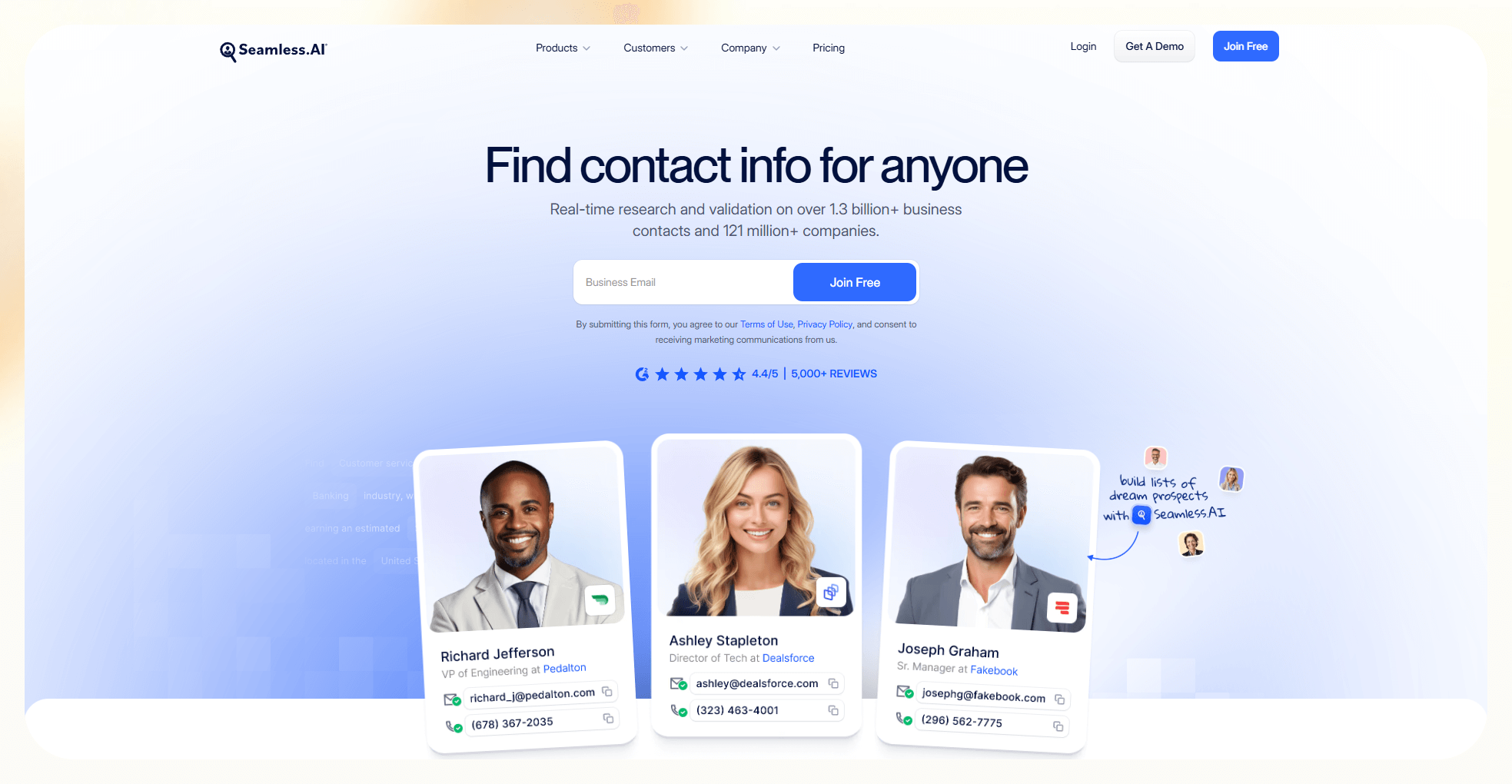
What it does: Seamless.AI pulls fresh emails and phone numbers directly from the web.
Who it’s for: Sales teams, recruiters, and agencies that need updated contact data at scale.
I tested Seamless.AI to pull emails and phone numbers for new prospect lists. Contact discovery was fast, and it updated data in real time. Accuracy varied depending on role and industry. For property professionals targeting local buyers and sellers, using dedicated ai real estate lead generation software can further streamline prospect discovery.
I tested it to see how well it delivers fresh contacts and how accurate the information is during real outreach.
Key features
- Continuous web scraping that updates contact records in real time
- Large database with more than one billion contact entries
- Verification systems that confirm email and phone accuracy before export
- Integrations with tools like Mailchimp, Mailshake, and Outreach for faster outreach
Pros
- Reliable data with strong verification
- Fast lead discovery for high-volume outreach
- Easy integrations with email tools and CRMs
Cons
- Filters apply only after the data loads
- Higher starting price than similar tools
Pricing
- Free plan with 50 credits
- Custom paid plans that require contacting sales
Bottom line
Seamless.AI delivers accurate, real-time data that helps teams reach the right people faster. It stands out if your outreach depends on fresh contact information.
4. Cognism: Good for retrieving compliant, verified data

What it does: Cognism provides B2B contact data with an emphasis on compliance, including human-verified phone numbers and intent signals.
Who it’s for: Mid-size B2B sales and revenue teams that rely on compliant, verified phone and email data in regulated industries, especially in regions where GDPR compliance is necessary.
I used Cognism to source contacts with phone numbers and intent signals. The data leaned more enterprise-focused, especially for EMEA regions. Filters made it easier to narrow down sales-ready accounts.
Key features
- Diamond Data with human verification for accurate phone numbers
- Intent signals that highlight companies researching specific solutions
- Sales Companion for quick access to decision-makers
- Integrations with tools like Salesforce, HubSpot, and Outreach for CRM updates
Pros
- High accuracy for phone and email data
- Helpful buying signals for better timing
- Reliable enrichment for CRM workflows
Cons
- Limited data quality outside Europe and North America
- Premium pricing that requires direct contact with the sales team
Pricing
- No free plan
- Custom paid plans depending on your needs
Bottom line
Cognism is a solid pick if compliance and phone accuracy matter to your outbound motion. It works best for teams that rely on verified data and timing signals.
5. ZoomInfo: Best for larger organizations that need deep data
What it does: ZoomInfo offers a large B2B database with detailed firmographic and intent insights.
Who it’s for: Sales, marketing, and hiring teams that need broad coverage, advanced filters, and deep company profiles.
I tested ZoomInfo for account-based list building using firmographic and intent filters. The database was huge, and segmentation options were extensive. It worked best when campaigns needed tight targeting at scale.
Key features
- Access to more than 300 million contacts and 100 million company profiles
- Behavioral and intent data for scoring and prioritizing prospects
- Advanced filters for job titles, industries, company size, and more
- Integrations with major CRMs and outreach tools for fast syncing
Pros
- Expansive database with strong global coverage
- Helpful intent scoring and segmentation
- Powerful search filters for precise targeting
Cons
- Higher cost than most competitors
- Some users report outdated or inconsistent contact data
Pricing
- Only a free trial available
- Custom quote after contacting sales, depending on your needs
Bottom line
ZoomInfo works well for larger teams that need scale and detailed filters. It helps teams identify qualified prospects quickly and run outreach with confidence.
6. Leadzen.ai: Great for finding leads from your website traffic

What it does: Leadzen.ai provides B2B contact and company data that teams can use to build targeted prospect lists for outbound outreach.
Who it’s for: Sales, marketing, and recruiting teams that want practical lead data with simple filters for roles, industries, and company size.
I used Leadzen.ai to source decision-makers across multiple industries and company types. List building was straightforward, and the data was easy to export and reuse in outbound campaigns.
Key features
- Automated lead generation and enrichment from hundreds of verified Indian sources
- Filters for demographics, interests, behaviors, and geolocation
- Integrated outreach across email and LinkedIn
- Chrome extension that captures data directly from LinkedIn and websites
Pros
- Strong Indian market coverage
- Useful for sales, marketing, and recruiting
- Accurate enrichment for region-specific campaigns
Cons
- Limited international data outside India
- Complex interface that takes time to learn
Pricing
- A free trial available
- Paid plans from $2000 for 10 confirmed meetings with leads
Bottom line
Leadzen.ai supports outbound teams with broad B2B data coverage and practical filtering for targeted lead generation.
7. Outplay: Good for multi-channel sales sequences
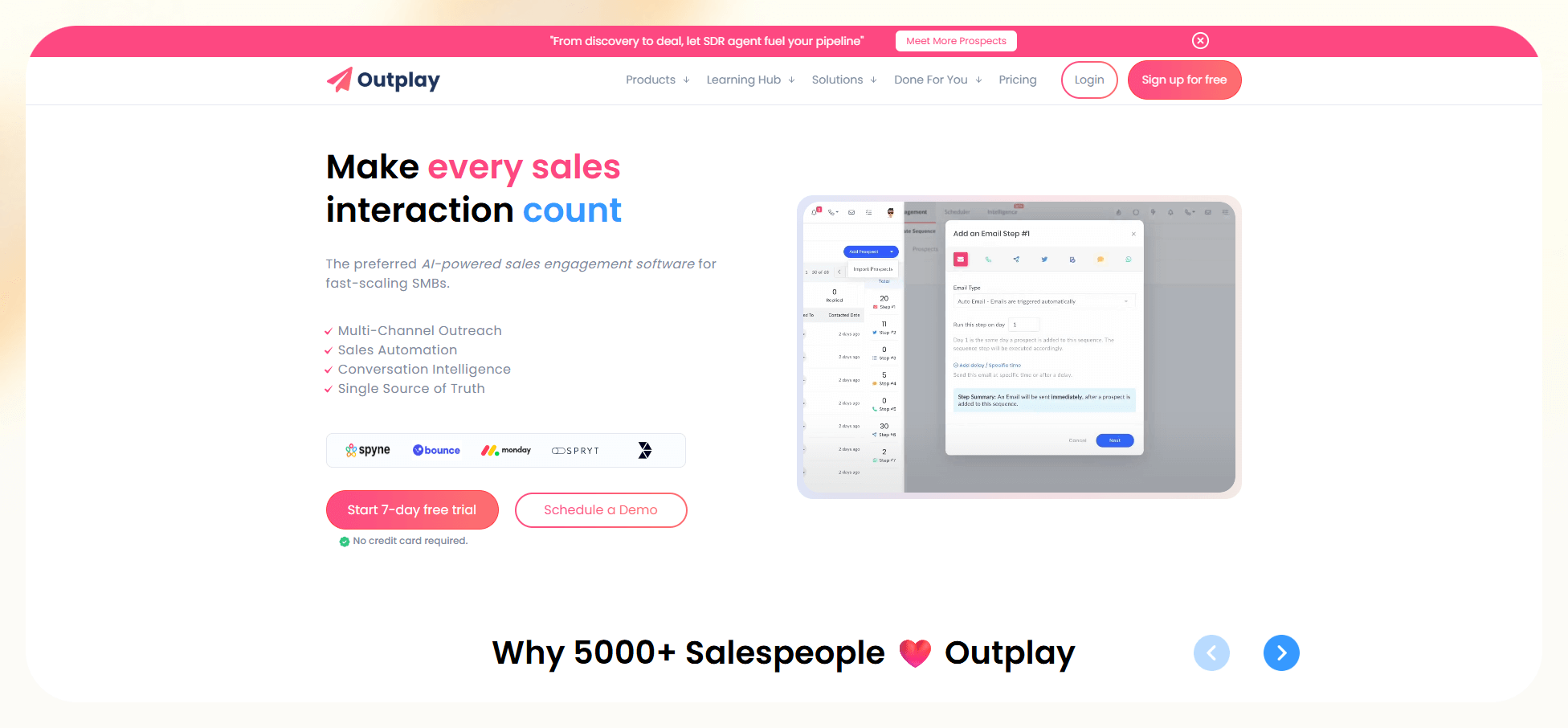
What it does: Outplay is a sales engagement platform that runs sequences across email, calls, SMS, and WhatsApp.
Who it’s for: Fast-growing SMBs that want simple, affordable sales engagement
I set up multi-channel sequences combining email and calls inside Outplay. Managing outreach from a single timeline made follow-ups easier to track. The platform leaned more toward execution than data sourcing. I found that pairing these manual sequences with broader ai sales automation tools helps streamline the entire outreach process. Integrating dedicated ai agents sales tools allows your team to automate complex messaging steps across these channels.
I tested it to see how well it handles sequencing and how responsive it feels during daily sales activity.
Key features
- Multi-channel outreach across email, phone, SMS, and WhatsApp
- Action-based triggers that move prospects through sequences
- Reporting that highlights top-performing touch patterns
- Integrations with CRMs for syncing contact data and activity
Pros
- Easy interface that speeds up onboarding
- Affordable pricing for small teams
- Flexible sequences for different outreach styles
Cons
- Some users report slow performance
- Reporting features feel basic compared to competitors
Pricing
- Free plan available, plus a 7-day free trial of paid plans
- Paid plans from $49/month, billed monthly
Bottom line
Outplay works well if you want affordable, multi-channel sequencing. It helps teams stay consistent without heavy tooling or complexity.
8. Instantly: Best for B2C cold email deliverability
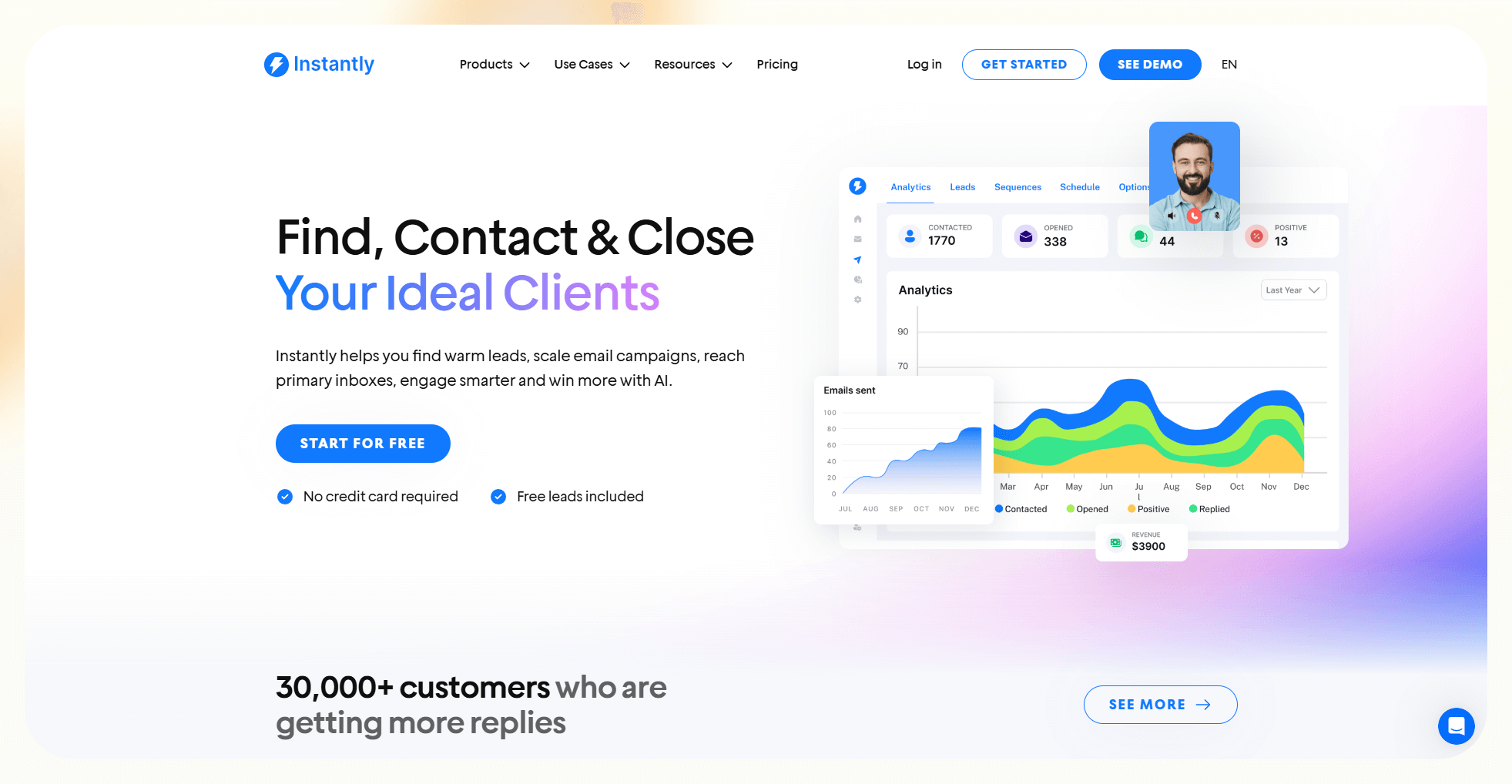
What it does: Instantly focuses on cold email infrastructure, including inbox warm-up, sending, and basic lead sourcing.
Who it’s for: B2C and high-volume teams that rely on cold email as their main outreach channel.
I used Instantly to warm inboxes and send cold emails at higher volumes. Inbox setup and warm-up were quick to configure. Deliverability tools were the main focus rather than deep analytics.
I tested it to see how well it warms up domains and how reliable the deliverability is during high-volume B2C campaigns.
Key features
- Deliverability tools that warm up domains and protect sender reputation
- Lead Finder with access to more than 160 million verified contacts
- Filters for job titles, industries, and company size
- Large-scale campaign automation for scheduled sequences and follow-ups
Pros
- Strong focus on inbox placement
- Affordable entry pricing
- Helpful warm-up tools for new domains
Cons
- The credit system feels unclear
- Limited insight into how credits map to actions
Pricing
- No free plan
- Paid plans from $47/month, billed monthly
Bottom line
Instantly is a good pick if deliverability drives your outreach. It gives you the warm-up tools and the sending volume needed for large B2C campaigns.
9. RocketReach: Good for accurate emails and contacts
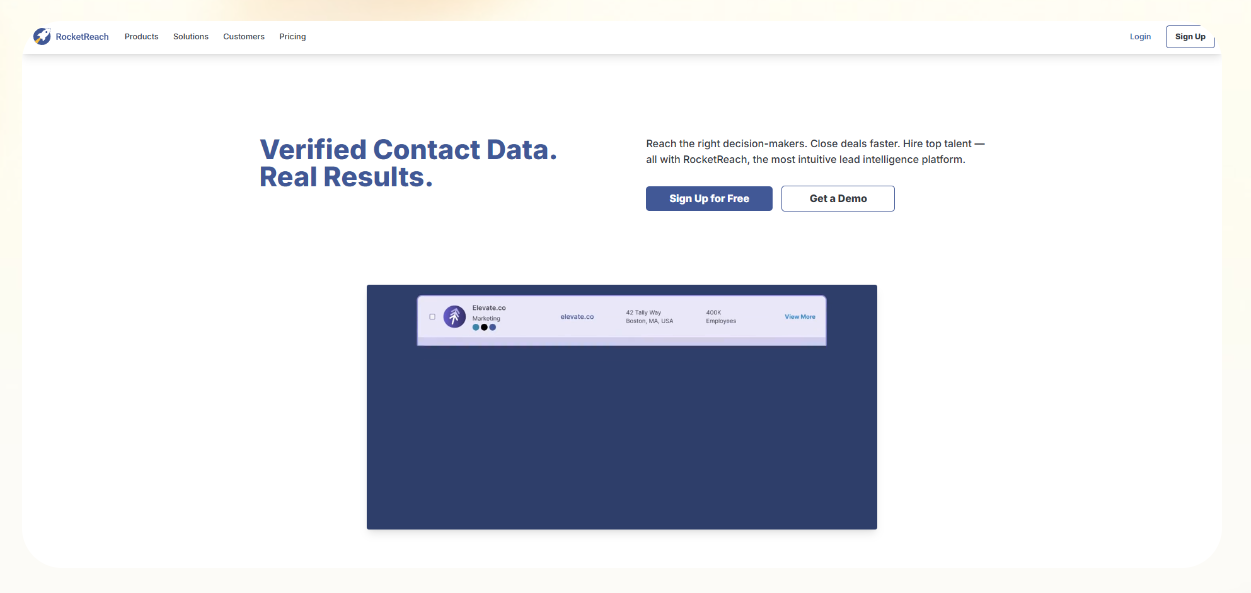
What it does: RocketReach helps teams find verified email addresses and contact details for individual professionals.
Who it’s for: Sales, recruiting, and marketing teams that need quick, reliable contact lookups rather than a full outbound or sequencing platform.
I used RocketReach to find emails for specific prospects at mid-sized and larger companies. Lookups were fast, and accuracy was consistent for common roles and titles.
Key features
- AI email verification for accurate contact data
- Strong coverage of U.S. professionals across industries
- Clean interface that speeds up search and list building
- Browser extension for instant lookups on LinkedIn and websites
Pros
- High email verification accuracy
- Helpful for teams that want clean, reliable data
Cons
- Limited integrations outside major CRMs
- Narrower feature set than multi-tool platforms
Pricing
- No free plan
- Paid plans from $69/month, billed monthly, for one seat
- For 2 or more seats, plans from $66/seat/month, billed monthly
Bottom line
RocketReach is a straightforward contact-finding tool when you need accurate emails without managing a broader outreach system.
10. UpLead: Great for accurate, verified B2B data
What it does: UpLead provides B2B contact data with an emphasis on email accuracy and list cleanliness.
Who it’s for: Small and mid-sized teams that want accurate prospect lists and clean email verification.
I used UpLead to build clean B2B contact lists with verified emails. Bounce rates stayed low compared to broader databases. Filtering was simple and focused on accuracy over volume.
Key features
- Verified email addresses with a 95 percent accuracy guarantee
- Prospector tool with more than 50 filters for targeted searches
- Real-time email validation to reduce bounce rates
- Pay-as-you-go credits that support occasional lead needs
Pros
- Strong data accuracy across industries
- Clear pricing with flexible credit options
- Reliable verification that improves outreach results
Cons
- Limited trial with only five contact reveals
- Lacks advanced features like intent data or automated enrichment
Pricing
- A 7-day free trial with 5 credits
- Paid plans from $99/month, billed monthly
Bottom line
UpLead is a good fit if you want accurate data and simple workflows. It helps you build clean prospect lists without extra complexity.
11. Reply: Good for email marketing and multi-channel outreach
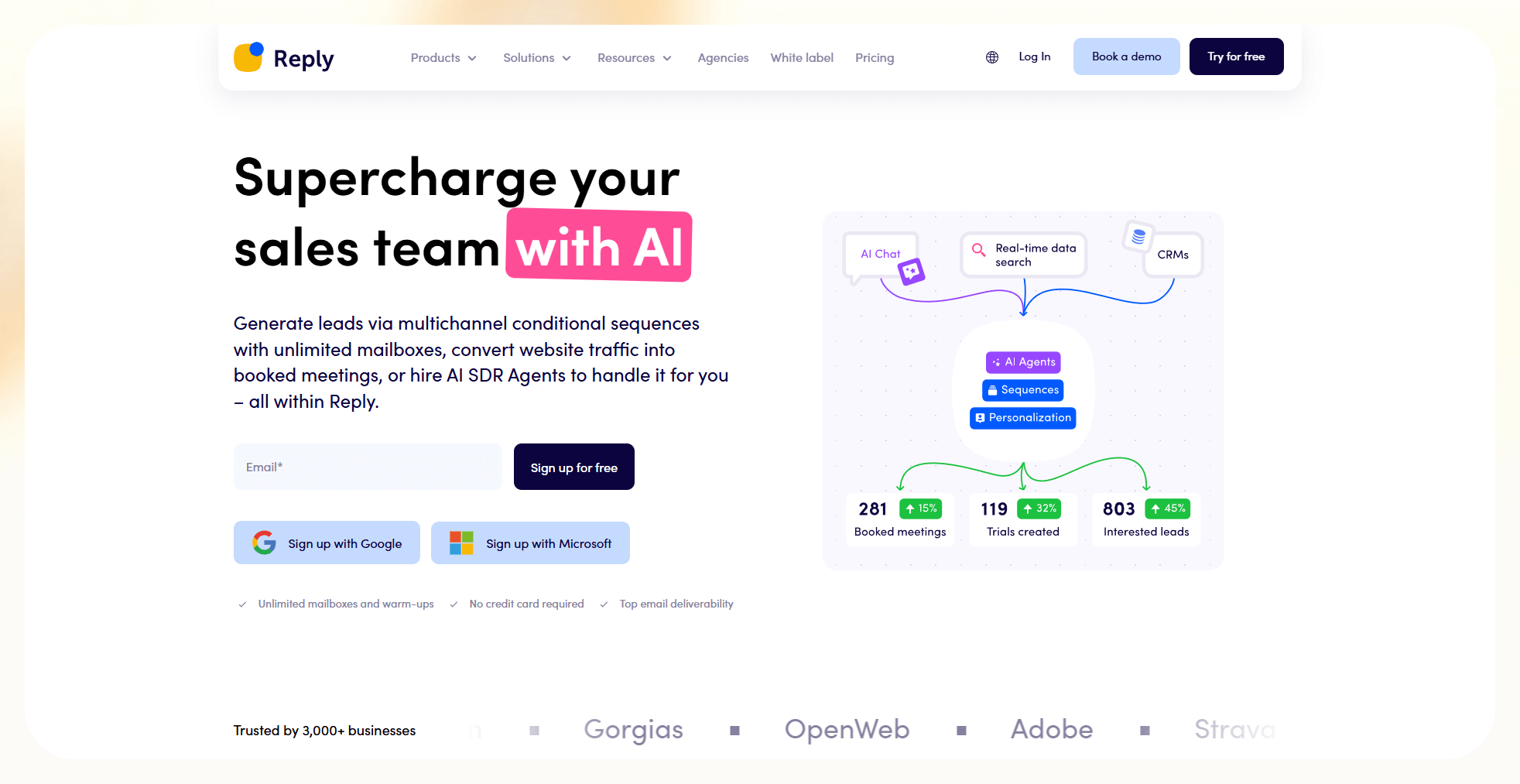
What it does: Reply combines email outreach with AI-assisted sequence creation and basic engagement tracking.
Who it’s for: Sales, marketing, and recruiting teams that manage high outreach volume and want email and LinkedIn automation in one place.
I tested Reply by creating outbound email sequences with AI-assisted copy suggestions. Sequence setup was straightforward, and editing messages was easy. The tool focused more on outreach flow than lead discovery. Combining these outreach workflows with robust crm marketing automation ensures your contact records stay updated automatically.
Key features
- Database of more than 140 million verified B2B contacts
- Unified inbox that tracks messages across all channels
- An AI assistant that creates personalized email sequences
- Integrations with CRMs for syncing contacts and activity
Pros
- Helpful AI assistant for email creation
- Clean inbox that simplifies follow-ups
- Strong support for email and LinkedIn sequences
Cons
- Limited insight into team performance tracking
- Some dashboards feel complex for new users
Pricing
- No free plan, only a 14-day free trial
- Paid plans from $99/user/month, billed monthly
Bottom line
Reply is a solid choice if your outreach depends on email and LinkedIn. It speeds up sequence creation and helps teams keep every conversation in one place. Teams looking for specialized platforms can also evaluate dedicated ai outreach tools for multi-channel sales sequences.
How I tested these AI lead generation tools
I tested every tool that offered a free trial or accessible version. I ran each platform through identical workflows to compare performance fairly. I also reviewed user feedback on G2 and Trustpilot to confirm patterns like slow performance, strong accuracy, or confusing pricing.
Here’s what I looked for:
Data accuracy and enrichment speed
Accurate data matters because bad emails waste time and damage the sender's reputation. I built lead lists from scratch and checked how many entries needed corrections before sending campaigns.
I measured reply rates, bounce rates, enrichment speed, and how fast each tool found new contacts. I also tracked intent signals to see if they helped with timing.
Integration quality
Clean integrations save time and prevent duplicate records. I synced each tool with HubSpot, Salesforce, Airtable, and Google Sheets. I checked if the data stayed clean, if the fields mapped correctly, and how much manual correction I needed after syncing.
Outreach and workflow reliability
Outreach performance shows how well a tool fits real sales operations. I ran cold email campaigns, monitored deliverability, checked sequence behavior, and looked for delays or errors. I also evaluated how much manual work each workflow created.
I also considered these additional factors:
- Setup and onboarding: I checked how easy each tool felt during setup and whether it guided me through common use cases or required guesswork.
- Support quality: I noted how support responded during testing and how much time I spent troubleshooting simple steps.
Which tool should you choose?
The right tool depends on your volume, budget, and how much you want to automate. AI lead generation tools work best when your outreach relies on clean data, clear workflows, and consistent follow-ups. Agent platforms like Lindy take a different route, letting you build custom AI agents that handle lead gen tasks across your existing tools.
These are the simplest ways to decide without overthinking it:
Choose one of these tools:
- Apollo, if you want an all-in-one platform for data, outreach, and CRM in one dashboard
- Clay, if you prioritize intent data, enrichment depth, and advanced workflow automation
- Seamless.AI, if you need fresh contact data from rapid scraping and real-time verification
- Cognism, if you work in regulated industries and need verified, compliant global data
- ZoomInfo, if you manage large teams and need broad coverage with powerful filters
- Leadzen.ai, if you target the Indian market and want strong regional data
- Outplay, if you rely on multi-channel sales sequences and want simple pricing
- Instantly, if you focus on cold email at scale and want strong deliverability tools
- RocketReach, if you target U.S. leads and want high email verification accuracy
- UpLead, if you want clean, reliable B2B data without complex features
- Reply, if you want email and LinkedIn automation in one place
Avoid these tools if you:
- Rely on inbound marketing and do not need outbound lists or cold outreach
- Sell to a niche audience that manual prospecting already reaches well
- Do not want to manage data quality, list building, or email infrastructure
- Prefer long-form relationship-building workflows that do not start with cold contact
My verdict
After testing all eleven platforms, I realized that some platforms focus on data quality, while others focus on sequences, intent signals, or large databases. A few tools try to cover everything in one place.
Apollo stood out because it combines a large B2B database, outreach tools, and CRM features in one platform. Clay excels at finding high-intent leads.
UpLead, RocketReach, and Seamless.AI perform well when accuracy drives your results. Each tool has a specific strength, and the best choice depends on your pipeline and how your team works.
If you want consistent leads without juggling ten tools at once, Apollo is the strongest all-in-one pick.
Frequently asked questions
What is an AI lead generation tool?
An AI lead generation tool uses machine learning to find, qualify, and organize potential customers. It pulls data from public and private sources, enriches profiles, and ranks leads based on signals like job changes or funding. These tools help teams replace manual prospecting with faster, more accurate research.
What can an AI lead generator do?
An AI lead generator collects data, builds prospect lists, enriches profiles, and identifies high-intent buyers. It also helps teams run outreach by creating email sequences, qualifying leads, and routing information into CRMs. It reduces manual work and gives sales teams a cleaner starting point.
How is AI lead generation changing sales?
AI lead generation changes sales by automating prospecting workflows, increasing accuracy, and supporting more targeted outreach.
What is the best AI lead generation tool in 2026?
Apollo is a strong pick for 2026 if you want one platform for data, outreach, and CRM tasks. Clay stands out for finding high-intent leads, and UpLead and Seamless.AI perform well when accuracy matters.
Can AI find high-quality leads?
Yes, AI finds high-quality leads by tracking intent signals, job changes, technographics, and firmographic data. Tools like Apollo, Cognism, and Clay use these signals to highlight buyers who research products similar to yours.
What is the best AI tool for outbound email?
Instantly is the best AI tool for outbound email. It improves deliverability, warms up domains, and supports high-volume sending. It helps teams stay out of spam and reach more inboxes.
Are AI-generated leads GDPR or CCPA-compliant?
AI-generated leads are GDPR or CCPA-compliant if the tool follows strict compliance rules. Platforms like Cognism meet GDPR and CCPA requirements and explain how they source data. Always check a tool’s compliance statement before you upload or export contacts.
How do I integrate these tools with my CRM?
Most AI lead gen tools connect natively with CRMs like HubSpot and Salesforce. You set up the integration once, map your fields, and sync new leads as they come in. Clay and similar tools use APIs if you prefer custom connections.









