13 Best Event Planning Apps I Tested for Every Event Type


Two years ago, I ran logistics for a 120-person client dinner and lost track of the final headcount until two days before. Catering built the meal around the wrong number, and we ran twelve plates short before appetizers cleared. I spent half the night apologizing at the buffet line.
I had a spreadsheet, a shared folder, and a group text with the caterer. What I didn't have was one place that tracked RSVPs, vendor confirmations, and guest counts in real time. As a result, small changes slipped through until it was too late.
That's when I started taking event planning apps seriously. Here are the 13 I'd recommend, based on what each one does well.
- Cvent: Best for large corporate conferences and enterprise event programs
- Bizzabo: Best for AI-native B2B conference and hybrid event experiences
- Eventbrite: Best for free event ticketing and public event marketplace reach
- Planning Pod: Best for venue and catering business management
- RSVPify: Best for RSVP tracking and guest check-in
- Whova: Best for conference attendee engagement and networking
- Slido: Best for live polling and audience Q&A
- Zola: Best for wedding planning and guest list management
- Joy: Best for free wedding photo sharing and guest RSVPs
- Aisle Planner: Best for professional wedding and event planners running a business
- HoneyBook: Best for freelance event planners managing clients and contracts
- PartySlate: Best for event design inspiration and vendor discovery
- Partiful: Best for free, casual party invites and RSVPs
What is an event planning app?
An event planning app is software that helps organize an event by managing guest lists, vendor communication, scheduling, seating, budgets, or marketing, often using AI to handle some of that work automatically.
It keeps guest lists, schedules, vendors, and communications coordinated, reducing the need to manage spreadsheets and email threads manually.
The categories of event planning apps
Each tool on this list is designed for a different type of event planning work. The groups below make those differences easier to see.
Full event management platforms
These tools handle registration, sponsors, attendee data, and event operations from end to end. They make the most sense for large, complex, or recurring events.
Examples: Cvent, Bizzabo, Whova.
Single-purpose event tools
These tools do one part of the job well and often plug into a larger planning workflow. They are useful when you only need help with ticketing, RSVPs, live polling, check-in, or payments.
Examples: Eventbrite, RSVPify, Slido, Partiful.
Wedding and social event planning
These tools are built for couples and hosts planning a wedding, party, or single social event. They usually focus on guest lists, vendors, timelines, and the details around one big day.
Examples: Zola, Joy, Aisle Planner, PartySlate.
Business tools for event professionals
These tools help planners run the business side of event work, including leads, contracts, invoicing, client communication, and venue bookings.
Examples: HoneyBook, Planning Pod, Aisle Planner.
How I evaluated these tools
I signed up for each event planning app, using a free tier or trial where one was available, and ran it through four event types: a corporate dinner, a small wedding, a multi-day conference, and a single ticketed fundraiser. Each one puts pressure on the software in a different way, so no single test event tells you everything.
For a corporate dinner, I built a mock guest list and checked how the tool handled tracking, reminders, seating, and vendor coordination. For a wedding, I worked through the same personal details, timelines, budgets, and vendor threads a couple actually deals with.
For a conference, I set up a mock agenda and tested sessions, speakers, registration, check-in, and attendee communication. For a fundraiser, I ran through ticketing, payments, guest lists, and how easy it was to track who had paid or RSVP'd.
I paid closest attention to how much manual tracking each tool removed, how usable the interface felt once I was actually inside it instead of on the sales page, and how clearly the pricing was explained before I had to talk to anyone.
Some tools work well for large events but feel too heavy for a one-day fundraiser. Others are simple and affordable, but then start to feel limited once speakers, sponsors, or multiple vendors enter the picture.
A few tools require a sales call just to see pricing. I tested what I could through demos and public materials, but I've flagged those below because that matters when you are comparing options on a deadline.
Quick reference: 13 event planning apps
1. Cvent
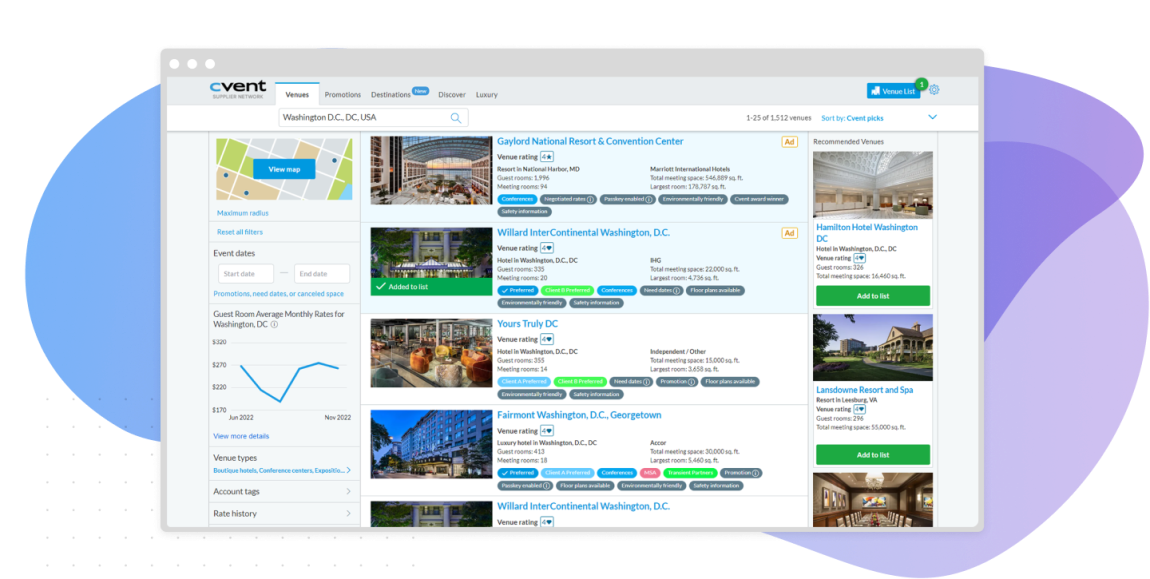
Cvent is an enterprise event management platform built for organizations running dozens of conferences, trade shows, and corporate meetings a year. It handles registration, venue sourcing, attendee data, and onsite check-in from one system, with AI woven into agenda planning and attendee matching.
When I looked into how teams actually use Cvent, the clearest pattern was a company juggling three separate registration tools and one overloaded inbox before switching. Moving everything into Cvent replaces all three, and sourcing venues from its network of nearly 340,000 properties happens without leaving the platform.
I would only reach for it when the event program is big enough to justify the setup. Cvent makes sense for teams with a real events budget, a steady calendar, or a large conference to manage.
Key features
- Venue sourcing through the Cvent Supplier Network, connecting to nearly 340,000 hotels and venues
- Branded registration and event marketing pages
- AI-powered vendor sourcing and management through the Cvent Vendor Marketplace
- Event diagramming and seating charts built into the platform
- Exhibitor management and a dedicated Speaker Resource Center
- Budget tracking across your full event program
- Automated event payment processing with no hidden fees
What real users say
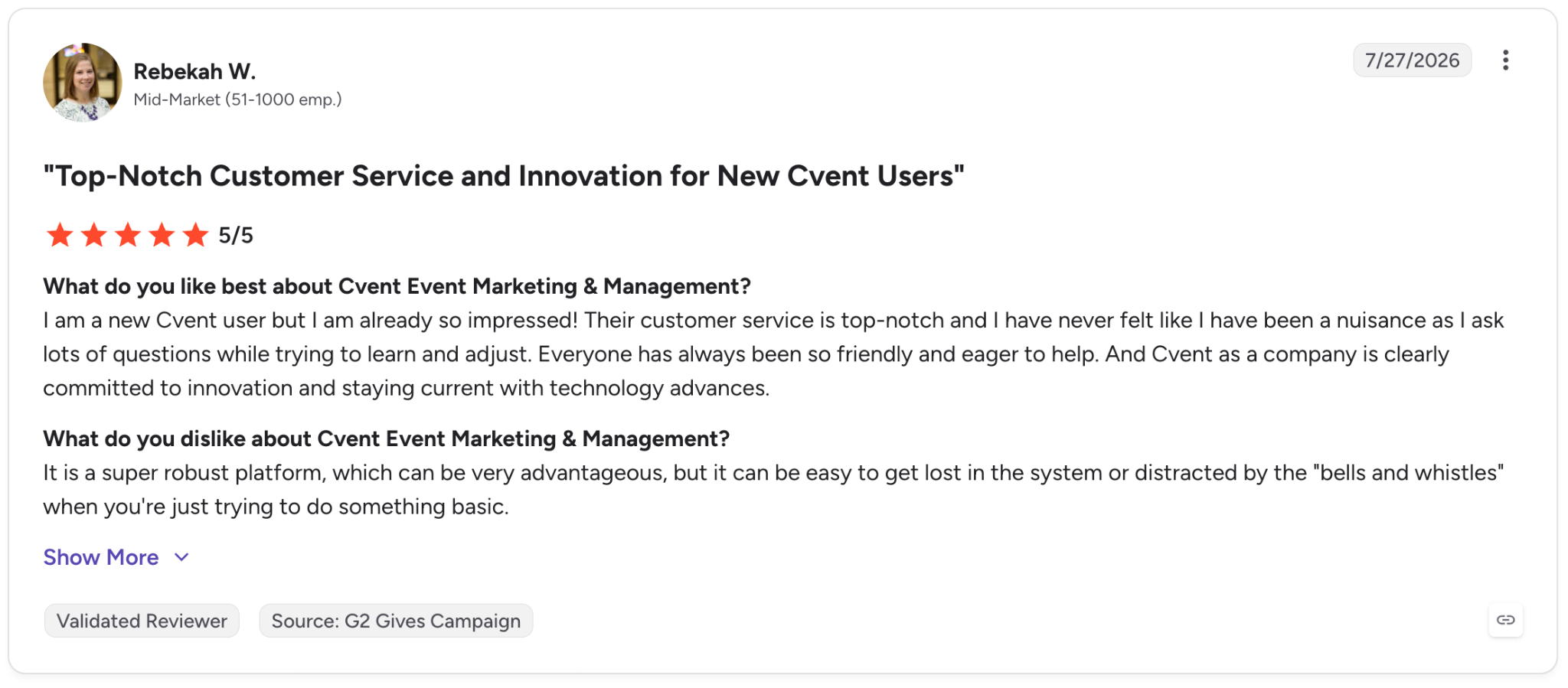
- Pro: “I am a new Cvent user, but I am already so impressed! Their customer service is top-notch, and I have never felt like I have been a nuisance as I ask lots of questions while trying to learn and adjust. Everyone has always been so friendly and eager to help.”
- Con: “It is a super robust platform, which can be very advantageous, but it can be easy to get lost in the system or distracted by the 'bells and whistles' when you're just trying to do something basic.” - Rebekah W., G2 Review, July 27, 2026
Pricing
Cvent uses custom quotes rather than public pricing. Rates vary by event needs and organization type (including special nonprofit rates), so you'll need to contact their sales team for a quote.
2. Bizzabo
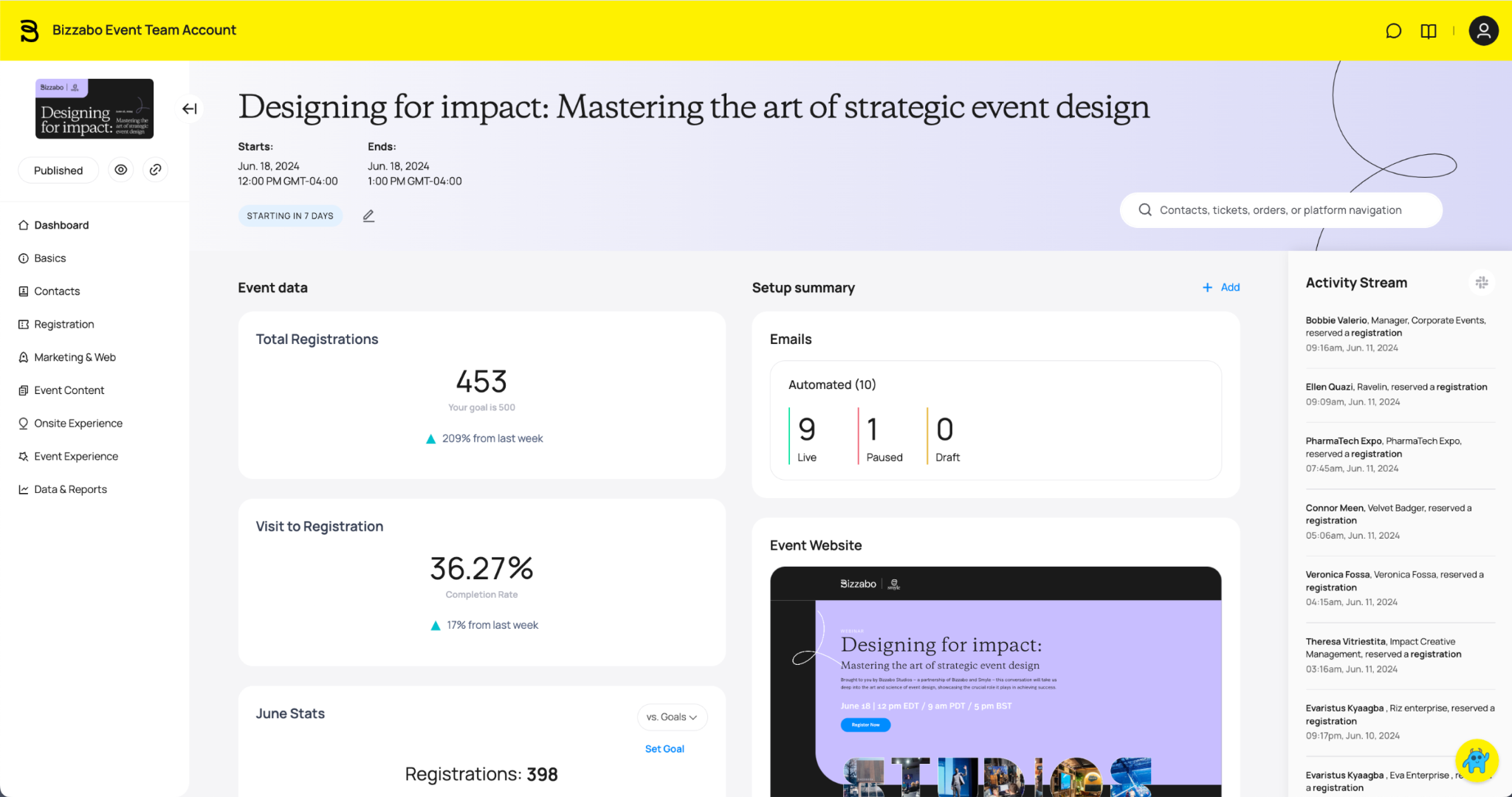
Bizzabo positions itself as an Event Experience OS built for B2B conferences and hybrid events. It includes registration, event management, and engagement tools in one platform, with AI capabilities focused on sponsor matchmaking, session recommendations, and automated agenda building.
Klik SmartBadge is the feature I would care about most for a large in-person event. It tracks attendee engagement and networking in real time, which gives organizers a clearer picture of what actually happened on the floor.
For a company running a flagship annual conference, that kind of data can help justify the price. For a smaller team planning one event a year, the cost and three-user minimum make the decision harder.
Key features
- Klik SmartBadge wearable with click-to-connect networking and lead capture, no scanners or QR codes needed
- Bizzy AI, an in-app copilot that answers attendee questions using your agenda, FAQs, and event details
- Live heatmaps showing attendee foot traffic and session attendance in real time
- A customizable knowledge base organizers can be extended with venue info, Wi-Fi details, and sponsor content
- Dynamic registration flows with multiple ticket types
- Room block management for hotel bookings tied to the event
- Lead capture and CRM upload directly from the exhibitor dashboard
What real users say
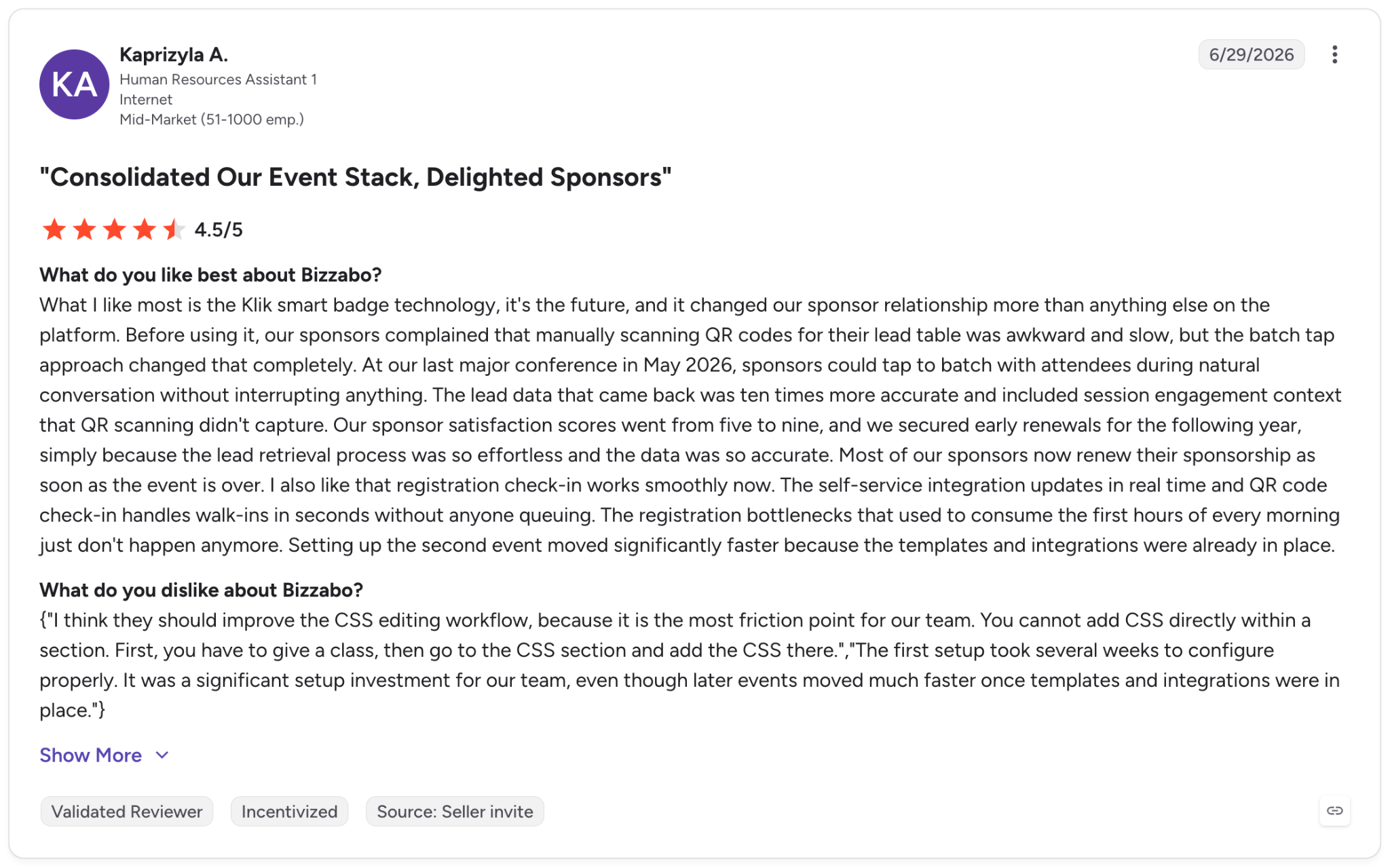
- Pro: “What I like most is the Klik smart badge technology; it's the future, and it changed our sponsor relationship more than anything else on the platform. Before using it, our sponsors complained that manually scanning QR codes for their lead table was awkward and slow, but the batch tap approach changed that completely. At our last major conference in May 2026, sponsors could tap into [the] batch with attendees during natural conversation without interrupting anything.”
- Con: “I think they should improve the CSS editing workflow, because it is the biggest friction point for our team. You cannot add CSS directly within a section. First, you have to give a class, then go to the CSS section and add the CSS there. The first setup took several weeks to configure properly. It was a significant setup investment for our team, even though later events moved much faster once templates and integrations were in place.” - Kaprizyla A., G2 Review, June 29, 2026
Pricing
Bizzabo's Event Experience OS starts at $499/user/month (billed annually, 3-user minimum), totaling $17,999/year. Klik SmartBadge pricing is quote-based, with single- and multi-event options available on request.
3. Eventbrite
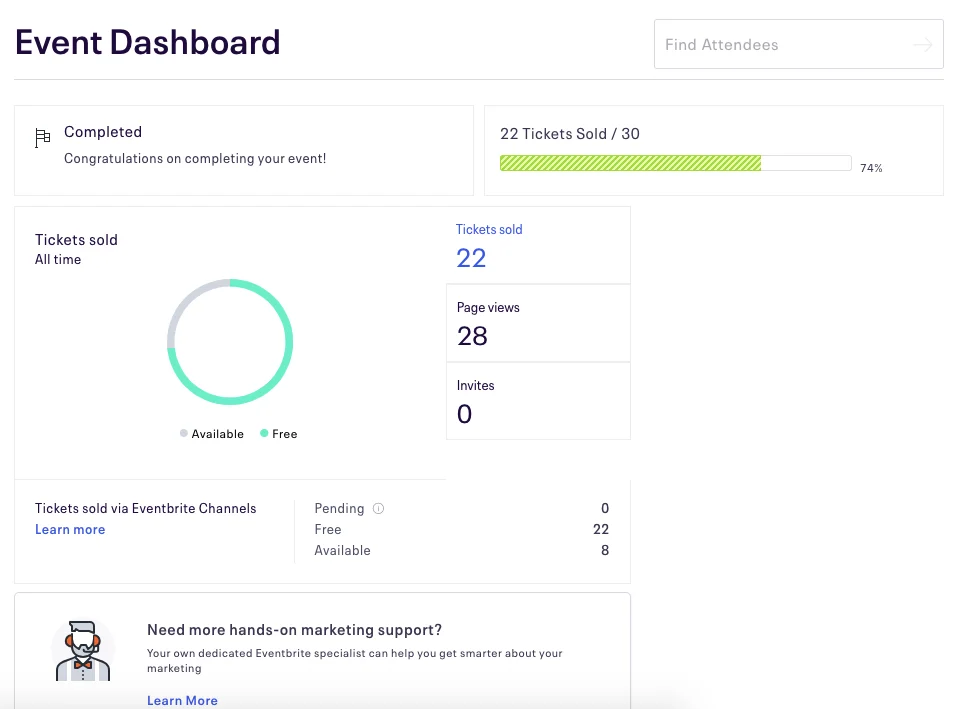
Eventbrite focuses on ticketing and public discovery. You can publish an event, sell tickets, and reach people already browsing Eventbrite for something to do. Most attendees already know the platform, and for public events, that familiarity helps.
I used it to publish a free community workshop and had thirty sign-ups within a day, most through the marketplace instead of any promotion I ran myself.
Eventbrite’s AI features are modest. It can draft an event description and summary from a few basic inputs, which helps when you are staring at a blank event page.
The main catch is fees. Ticketing includes a 3.7% + $1.79 service fee plus a 2.9% payment processing fee, which adds up quickly for larger paid events. Eventbrite may also surface competing events on your own event page.
Key features
- Reserved seating and timed-entry ticket types, alongside general admission
- Contactless payments and a dedicated ticket-scanning app for onsite check-in
- Built-in Canva integration for designing event pages and social posts without leaving Eventbrite
- Embedded checkout, so attendees can buy tickets without leaving your own website
- Email marketing with no contact limits and up to 10,000 sends a day
- Selling tickets directly through Facebook and LinkedIn
- AI-generated event descriptions and summaries from basic inputs
What real users say
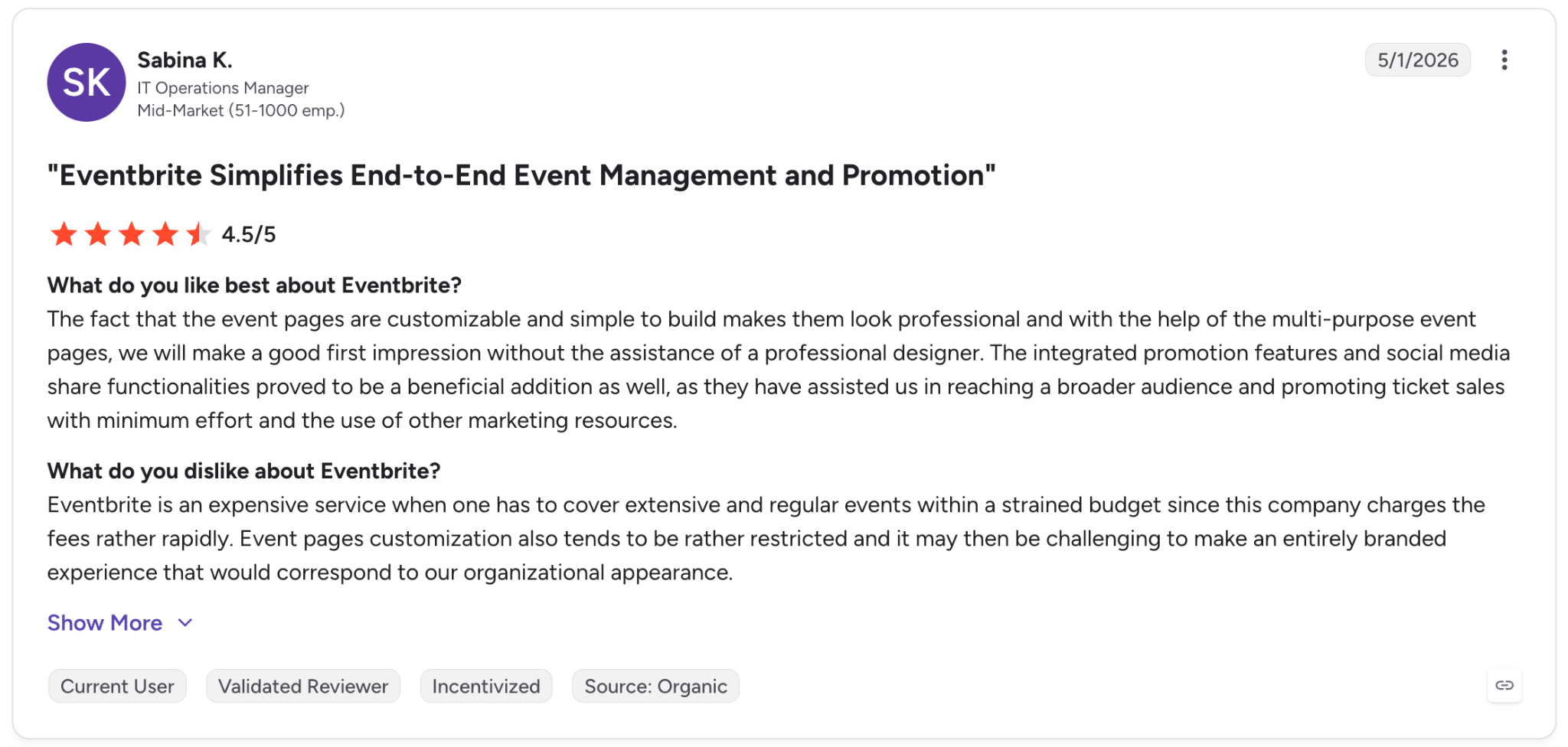
- Pro: “The fact that the event pages are customizable and simple to build makes them look professional, and with the help of the multi-purpose event pages, we will make a good first impression without the assistance of a professional designer.”
- Con: “Eventbrite is an expensive service when one has to cover extensive and regular events within a strained budget since this company charges fees rather rapidly. Event page customization also tends to be rather restricted, and it may then be challenging to make an entirely branded experience that would correspond to our organizational appearance.” - Sabina K., G2 Review, May 1, 2026
Pricing
Eventbrite is free to publish events on, whether paid or free.
For paid tickets, Eventbrite charges a 3.7% + $1.79 service fee per ticket, plus a 2.9% payment processing fee per order. An optional Pro add-on starts at $15/month for expanded email marketing (up to 10,000 emails daily), with 50% off for qualifying nonprofits.
4. Planning Pod
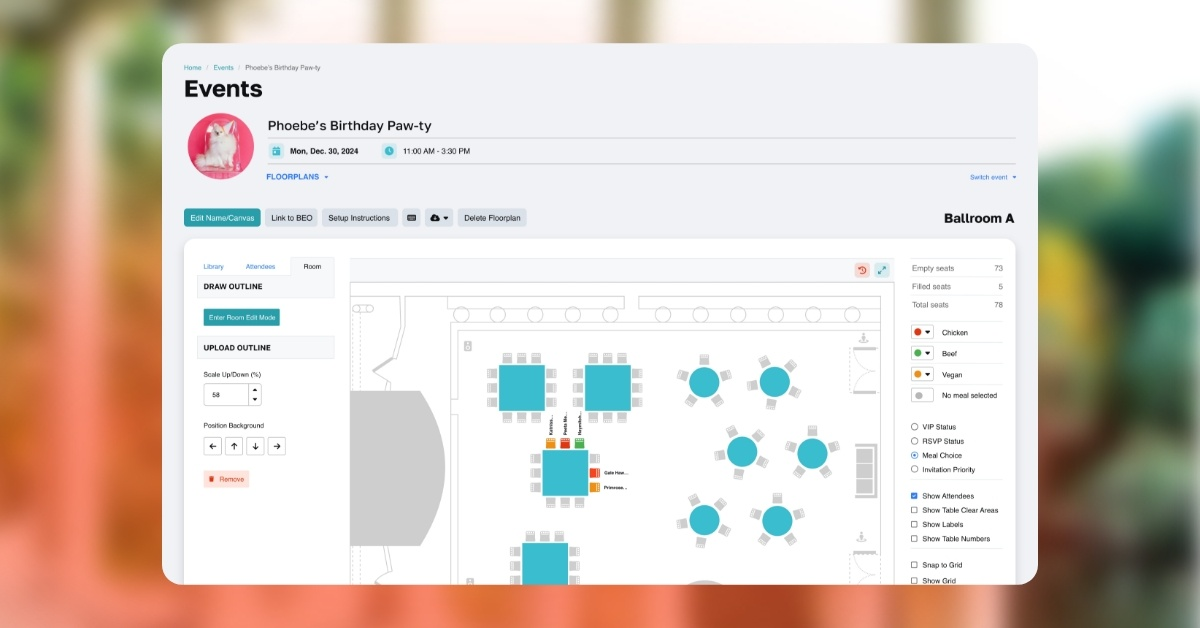
Planning Pod is built for venues and event businesses managing bookings, catering, and logistics across more than one event at a time, not for a single host planning one wedding. It bundles 20+ tools into one dashboard: calendars, leads, proposals, contracts, invoices, banquet event orders (BEOs), and floor plans.
I looked at it through the lens of a small event venue booking weddings, corporate meetings, and the occasional gala within the same calendar month. Having food and beverage packages, room setups, and client billing in one system removes the version of chaos where a caterer's order and a client's contract live in two tools that never sync.
I would be more hesitant to use it for a personal event. Planning Pod feels like software for a venue or planner with a steady event calendar, where the same workflows repeat often enough to justify the setup and cost.
Key features
- Booking calendar with tour scheduling for prospective clients
- Floor plans and space layouts tied to each booking
- Banquet event orders (BEOs) for kitchen, front-of-house, and delivery teams
- Lead intake web forms with pipeline automation from inquiry to signed contract
- Installment-based invoicing with integrated payment processing
- A shared team inbox instead of separate email threads per client
- Workflow automations with custom reports and dashboards
What real users say
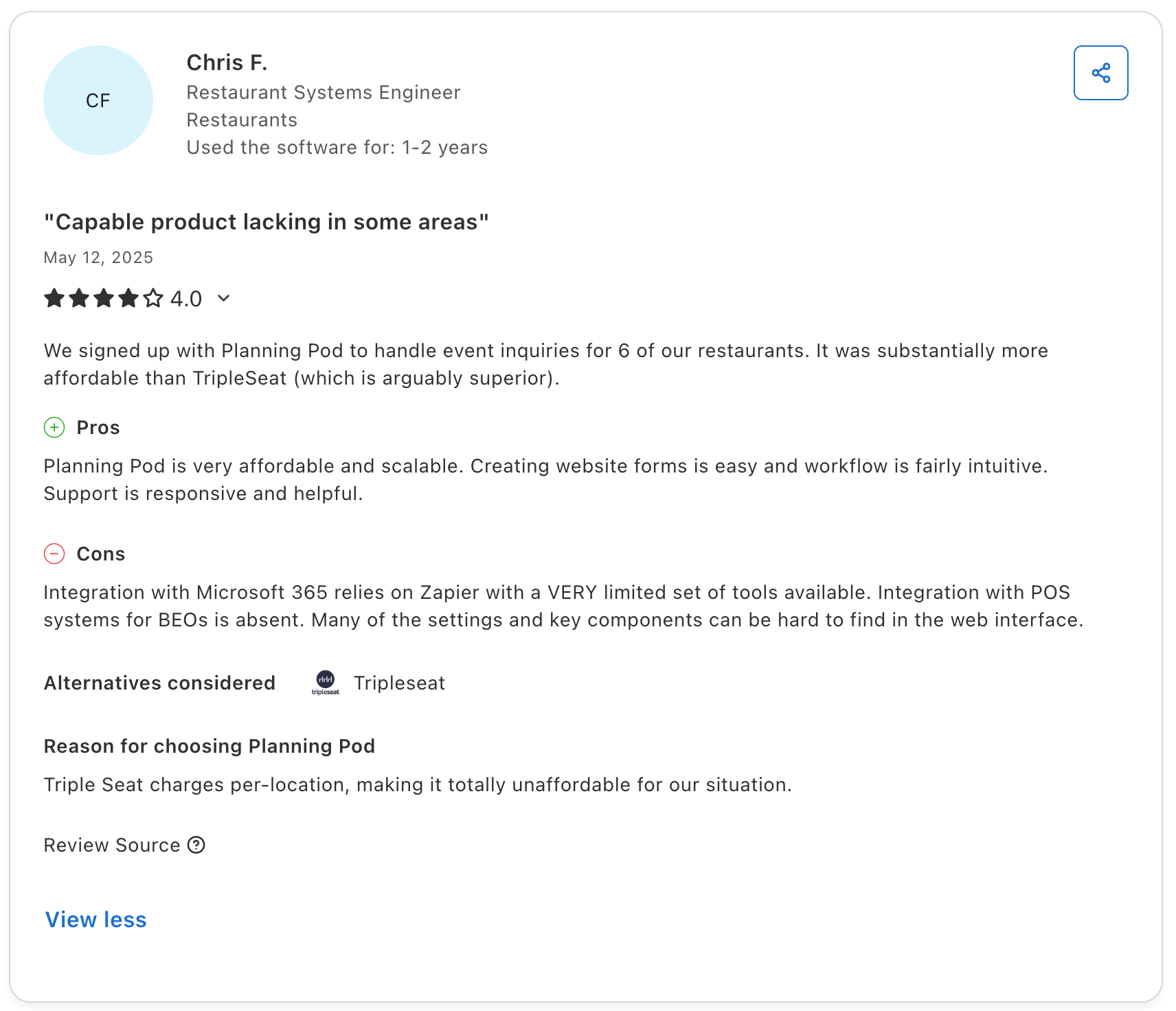
- Pro: “Planning Pod is very affordable and scalable. Creating website forms is easy, and the workflow is fairly intuitive. Support is responsive and helpful.”
- Con: “Integration with Microsoft 365 relies on Zapier with a VERY limited set of tools available. Integration with POS systems for BEOs is absent. Many of the settings and key components can be hard to find in the web interface.” - Chris F., Capterra Review, May 12, 2025
Pricing
Planning Pod's pricing is based on how many events your venue manages at once, so cost scales with volume rather than a flat rate. Most single-location venues fall between $199 and $319/month, with annual plans also available. Exact pricing is confirmed during a personalized demo.
5. RSVPify
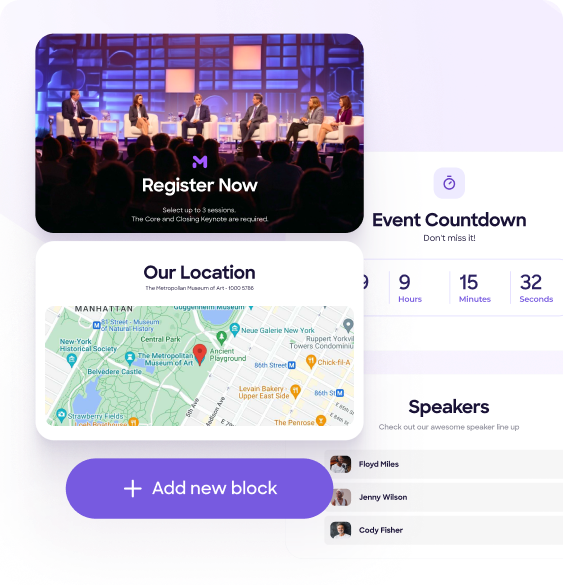
RSVPify focuses on guest management by collecting RSVPs, turning responses into a usable guest list, and supporting check-in at the door.
It also handles the details that make guest coordination messy, including custom registration forms, meal selections, sub-events, seating charts, and ticket sales.
I tested the free tier on a 40-person dinner and had a working RSVP form with meal preference tracking within twenty minutes, no design work required.
The free plan caps out at 100 guests and one event at a time, so anything bigger than a small gathering pushes you into a paid tier quickly, and pricing across those tiers varies more than the marketing page makes clear.
Key features
- Custom RSVP forms with conditional logic, menu choices, and dietary questions
- Self-service check-in kiosks for on-site guest arrival
- A Table Captain portal for managing large gala guest lists
- RSVPify MCP, a new feature letting AI assistants interact with your event data in plain language
- Secondary and VIP sub-events managed from the same dashboard
- Stripe-based ticket payments with coupons and group discounts
- Data exports for tracking attendance, revenue, and ROI after the event
What real users say
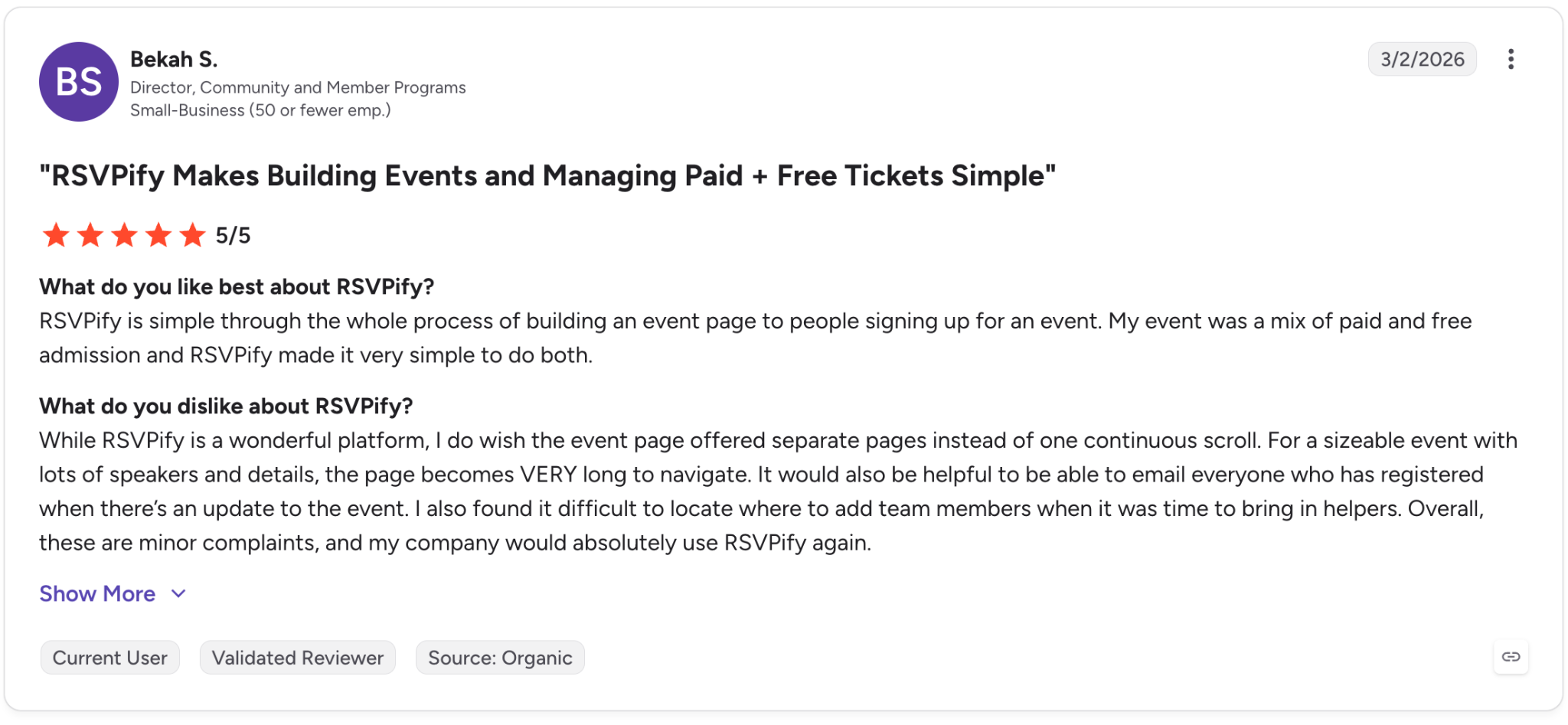
- Pro: “RSVPify is simple throughout the whole process of building an event page to people signing up for an event. My event was a mix of paid and free admission, and RSVPify made it very simple to do both.”
- Con: “While RSVPify is a wonderful platform, I do wish the event page offered separate pages instead of one continuous scroll. For a sizeable event with lots of speakers and details, the page becomes VERY long to navigate. It would also be helpful to be able to email everyone who has registered when there’s an update to the event.” - Bekah S., G2 Review, March 2, 2026
Pricing
RSVPify's personal events plans start at $10/month (Gold), with Platinum at $15/month, both billed monthly. A free plan is also available for up to 100 guests. Note that pricing may vary by event type.
6. Whova
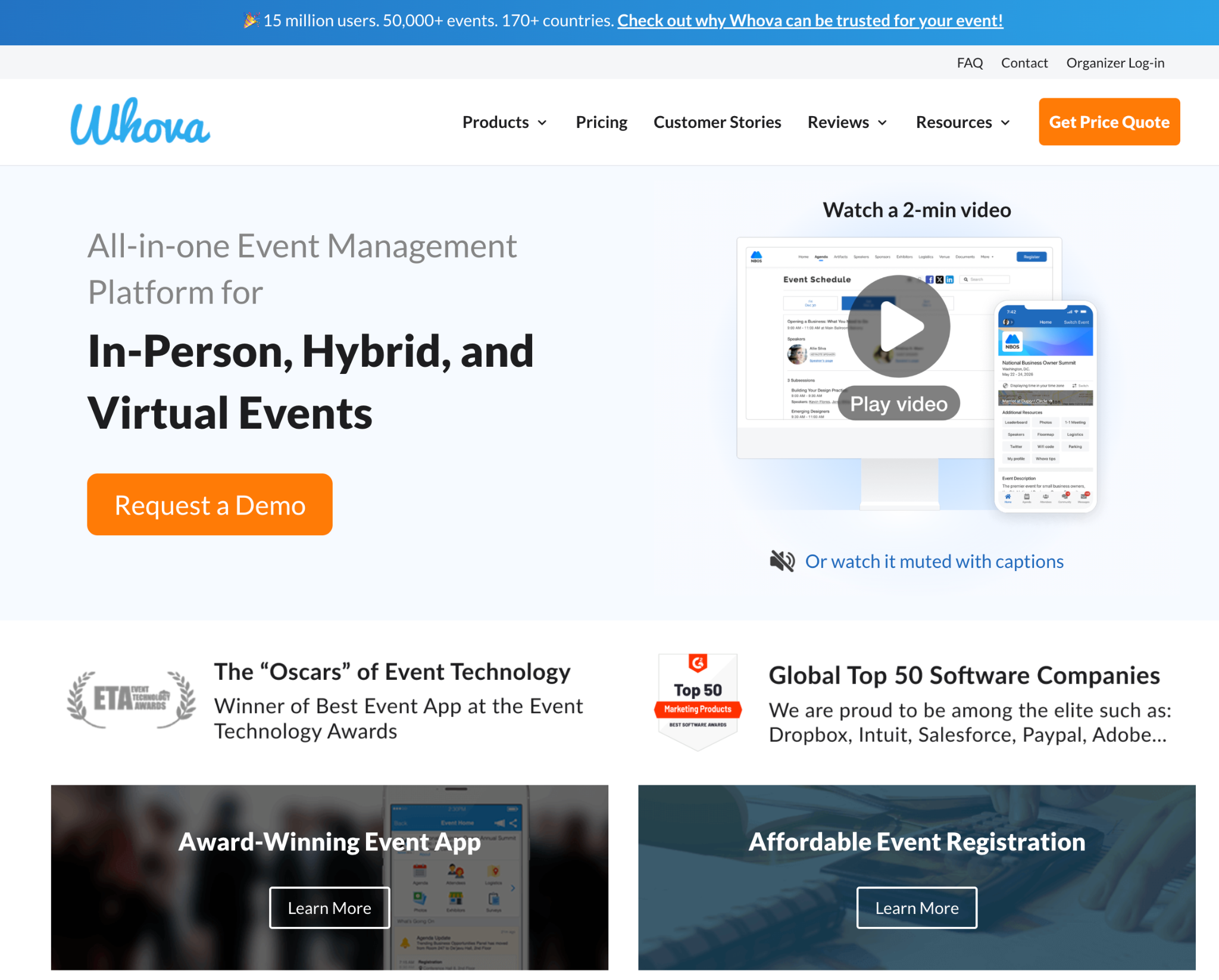
Whova is strongest during the event itself. I would use it for conferences where attendees need a clear agenda, personalized schedules, live polling, and an easy way to network from their phones.
I tested the attendee side with a mock conference agenda and ran through the networking flow. Matching attendees by shared interests and letting them message directly was the strongest piece, and the gamified leaderboard worked well: people engaged more just to climb it.
Attendees download the app for free, while organizers pay for the platform. The part I would want clarified early is pricing, since Whova does not publish fixed plans and every quote depends on event size and add-ons.
Key features
- A mobile event app with personalized agendas and top-rated networking features
- Registration and ticketing with flexible ticket types, add-ons, and instant payouts
- A branded event website builder with 20+ customizable templates, no coding needed
- Exhibitor and sponsor tools with digital profiles, lead retrieval, and gamification
- Hybrid and virtual event support with live streams and combined in-person/online networking
- A MicroEvents option for smaller, lower-cost events under the same platform
- Free download for attendees on iOS and Android
What real users say
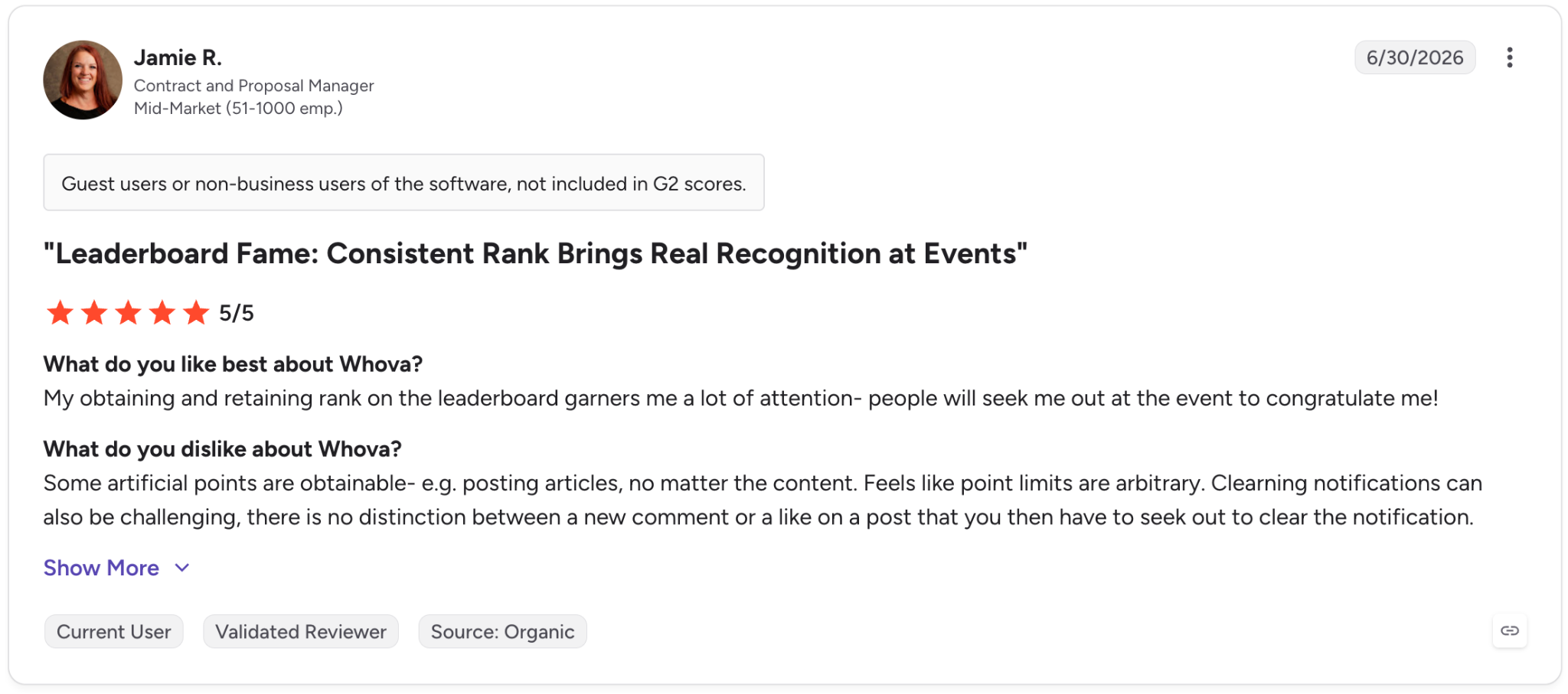
- Pro: “My obtaining and retaining rank on the leaderboard garners me a lot of attention — people will seek me out at the event to congratulate me!”
- Con: “Some artificial points are obtainable — e.g., posting articles, no matter the content. Feels like point limits are arbitrary. Clearing notifications can also be challenging; there is no distinction between a new comment or a like on a post that you then have to seek out to clear the notification.” - Jamie R., G2 Review, June 30, 2026
Pricing
Whova doesn't publish public pricing. Cost depends on event details like format, length, and expected attendees, so you'll need to request a custom quote from their team.
7. Slido
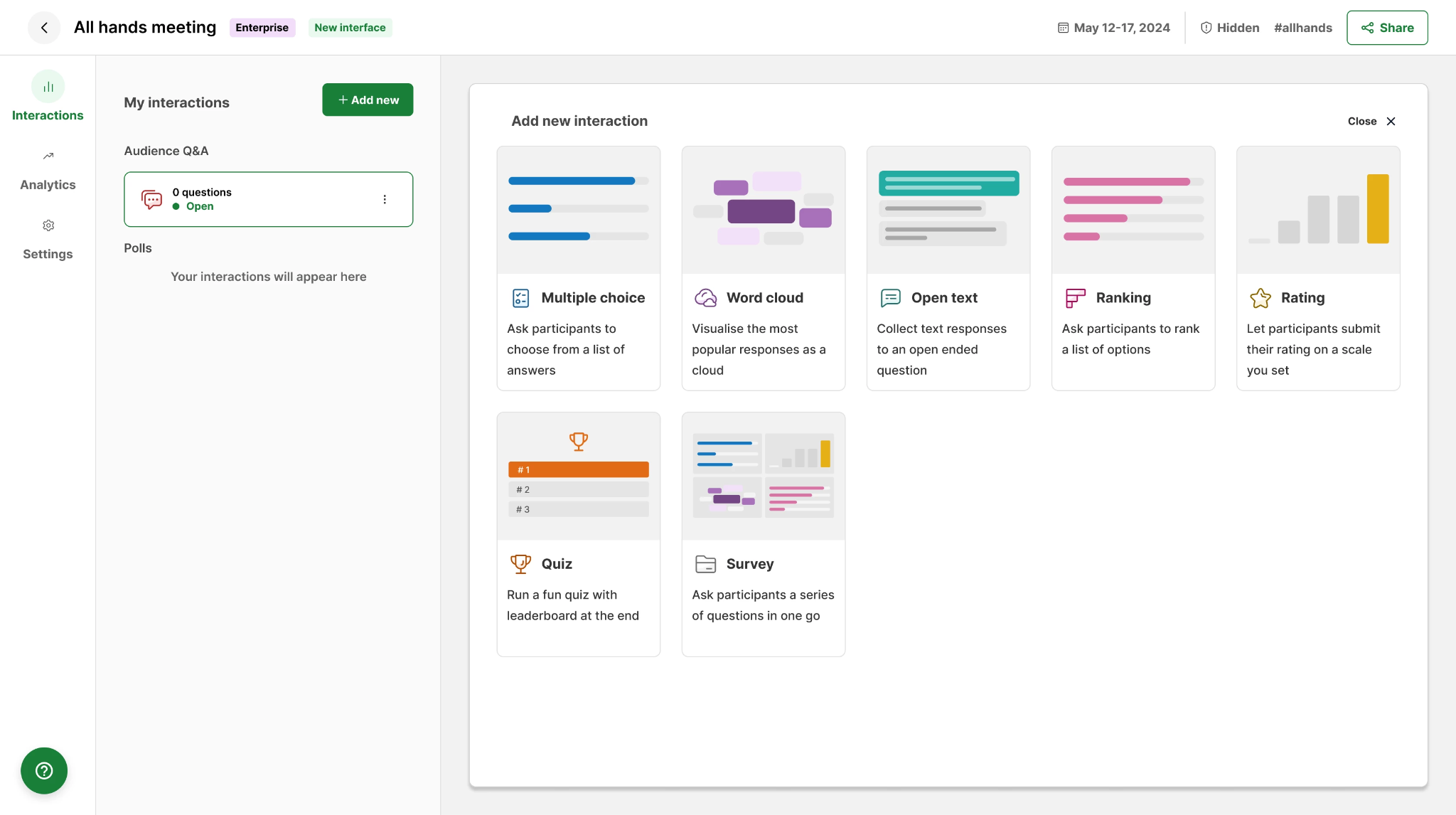
Slido handles the interactive layer of a conference session through live polls, audience Q&A, and quizzes that attendees join from their phones. Results appear on screen in real time, making it a strong companion to presentations and speaker sessions.
I used it during a panel discussion to collect audience questions and let people upvote the ones they cared about most, without handing a microphone around the room.
The free tier works for a single small session, but the participant cap and the missing moderation tools mean most organizers running a real conference will need a paid tier fast.
Key features
- AI-generated polls built from your meeting goal, audience size, and use case
- Slide-aware polling that turns PowerPoint or Google Slides content into suggested interactions
- An AI quiz builder that generates questions from a topic in a few clicks
- Q&A sentiment analysis showing whether questions skewed positive, negative, or neutral
- No login or app download required for attendees to join
- Native integrations with PowerPoint, Webex, Google Slides, Teams, and Zoom
- Engagement scores to compare participation across meetings
What real users say
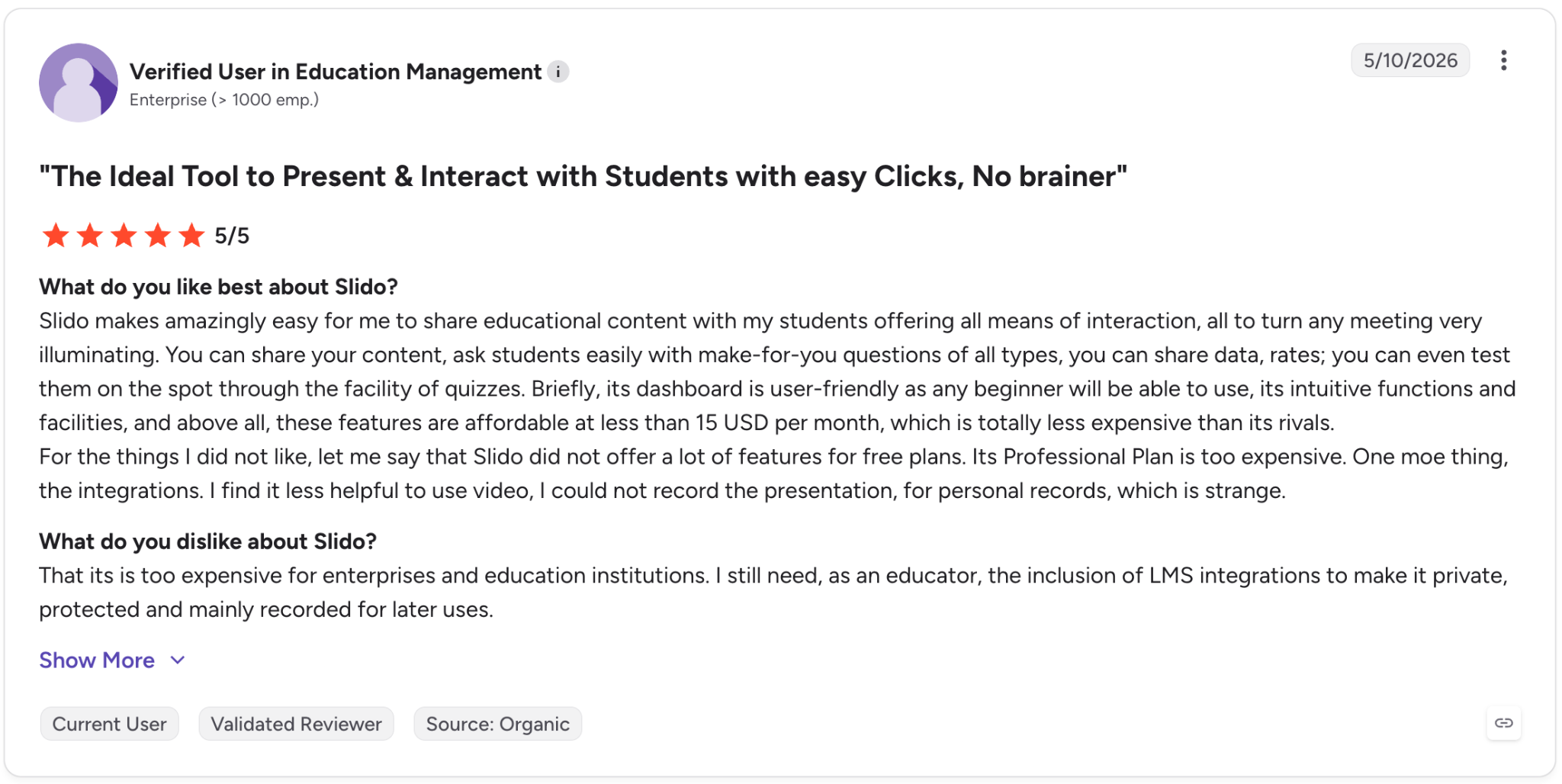
- Pro: “Slido makes it amazingly easy for me to share educational content with my students, offering all means of interaction, all to turn any meeting very illuminating. You can share your content, ask students easily with make-for-you questions of all types, you can share data, rates; you can even test them on the spot through the facility of quizzes.”
- Con: “That it is too expensive for enterprises and [educational] institutions. I still need, as an educator, the inclusion of LMS integrations to make it private, protected and mainly recorded for later use.” - Verified User in Education Management, G2 Review, May 10, 2026
Pricing
Slido's one-time event plans start at $80/event (Engage, for a single 7-day event), with Professional at $250/event and Premium at $700/event. A free Basic plan is also available.
{{templates}}
8. Zola
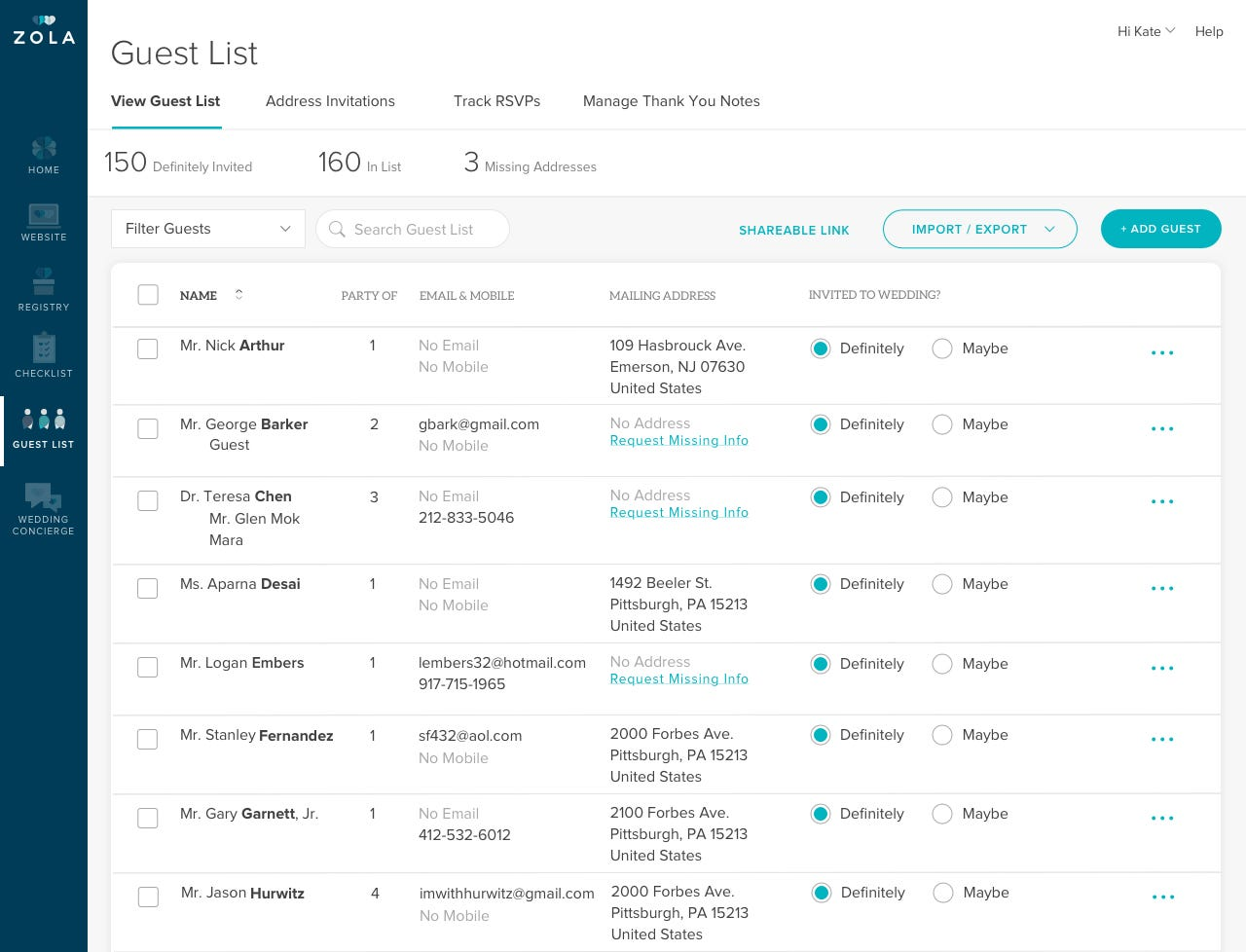
Zola started as a wedding registry and has grown into a full wedding planning hub with a wedding website, guest list and RSVP tracking, budgeting tools, and vendor recommendations. The platform is free to use.
Its AI features are lighter than those found in enterprise event tools, which fits its audience. Zola can help write thank-you notes based on your relationship with each guest and a memorable detail from the event. It can also suggest how couples can divide planning tasks.
For one wedding, that level of support is often enough. Professional planners managing several weddings will likely need the business features available in a platform like Aisle Planner.
Key features
- Personalized vendor recommendations matched to your style and budget
- A guest list tool that imports a spreadsheet and tracks RSVPs, meal choices, and plus-ones
- Smart seating charts included on the free plan
- Registry with zero-fee cash funds, experiences, and gifts from any store
- Group gifting and virtual gift exchanges
- Free access to Team-Z advisors by chat or email
- 20% off registry items after the wedding
What real users say
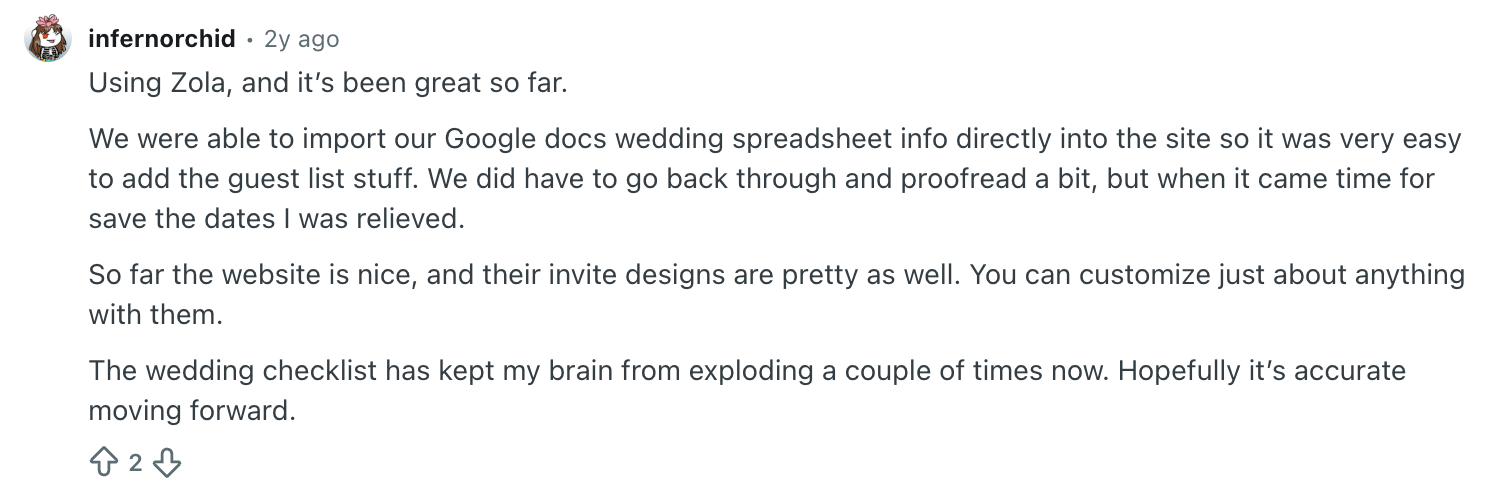
- Pro: “We were able to import our Google Docs wedding spreadsheet info directly into the site so it was very easy to add the guest list stuff. We did have to go back through and proofread a bit, but when it came time to save the dates, I was relieved. So far, the website is nice, and their invite designs are pretty as well. You can customize just about anything with them.” - u/infernorchid, Reddit Review, November 9, 2024

- Con: “Zola has been terrible. They overpromise and underdeliver on delivery dates. Has made my wedding planning super behind, most likely affecting guest numbers and taking away time I can't get back. I don't recommend at all.” - u/Strange-Way9028, Reddit Review, March 4, 2026
Pricing
Zola is free to use, with optional paid upgrades for specific features rather than a single subscription.
9. Joy
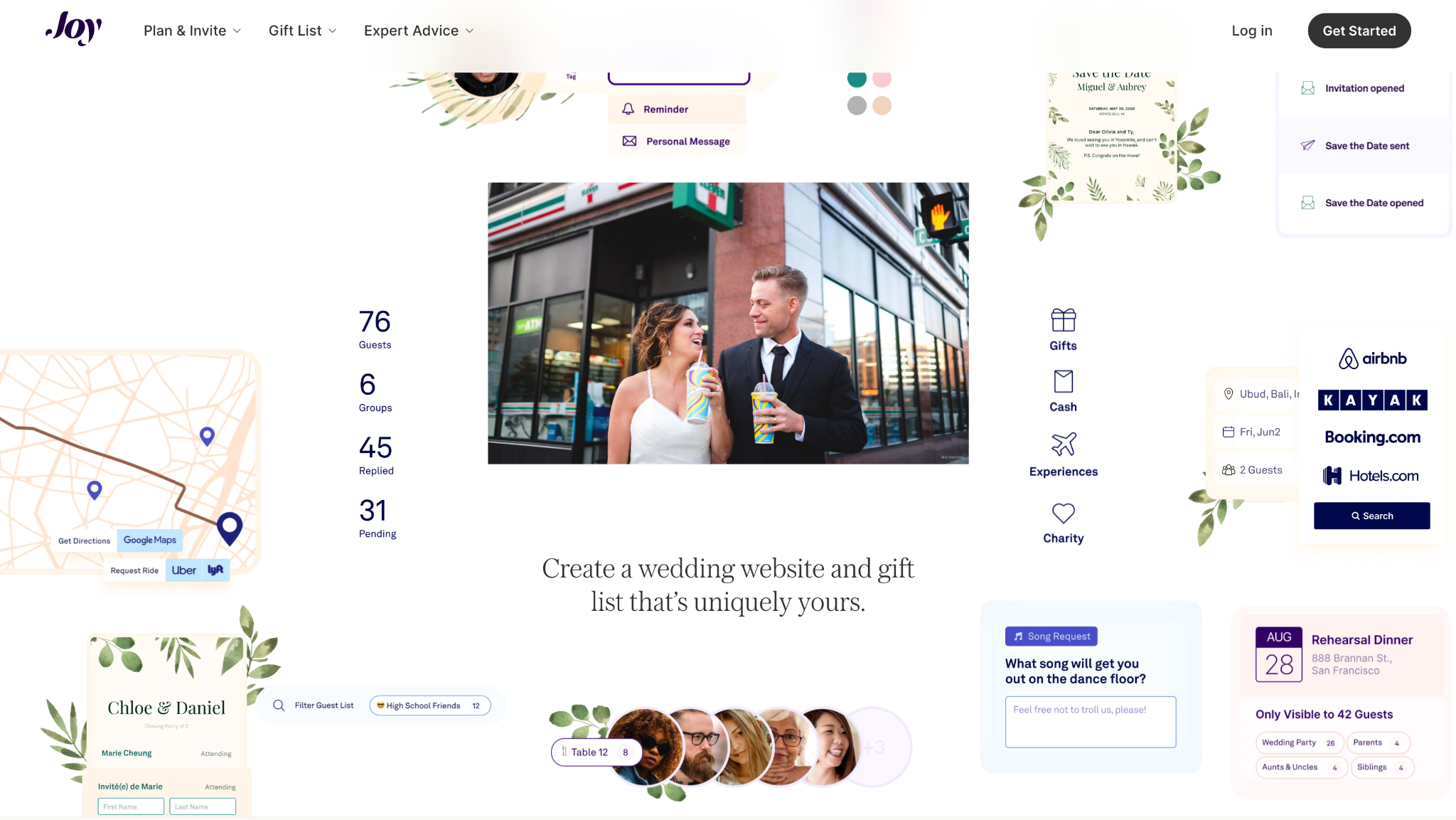
Joy is a free, all-in-one wedding planning app with a wedding website, guest list and RSVP tracking, and a zero-fee registry. The platform is funded through registry sales, which keeps the core planning tools free.
I compared Joy and Zola by building a mock wedding website for each. Joy’s photo sharing stood out most. Guests can upload their own pictures to a shared album with unlimited free storage, a feature that many wedding apps place behind a paid plan.
Its Smart RSVP system also lets couples ask custom questions and track every response from the same dashboard. Joy keeps its planning tools lighter, while Zola offers more depth around budgeting and vendor discovery. Couples who need a stronger vendor search may want to pair Joy with another tool.
Key features
- Wedding website with hundreds of templates, plus custom colors, fonts, and CSS control
- Guest photo sharing with unlimited storage in a shared album
- Smart RSVP system with custom follow-up questions and automatic tracking
- Personalized, password-protected schedules so guests only see the events they're invited to
- An auto-suggested guest FAQ to cut down on repeat questions
- Guest travel tools for hotel, flight, and transportation details
- Multiple editors, like a partner or planner, without sharing a single login
What real users say
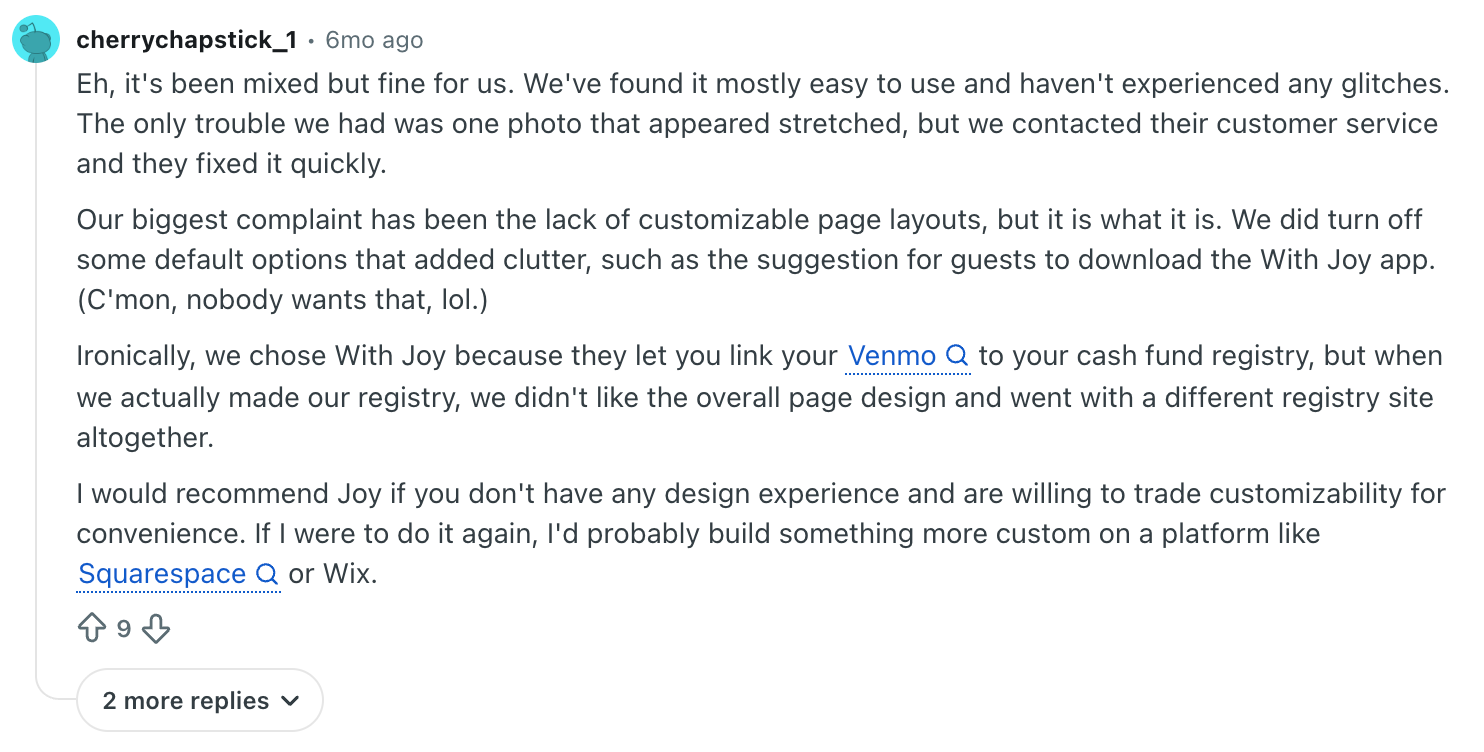
- Pro: “We've found it mostly easy to use and haven't experienced any glitches. The only trouble we had was one photo that appeared stretched, but we contacted their customer service, and they fixed it quickly.” - u/cherrychapstick_1, Reddit Review, February 17, 2026
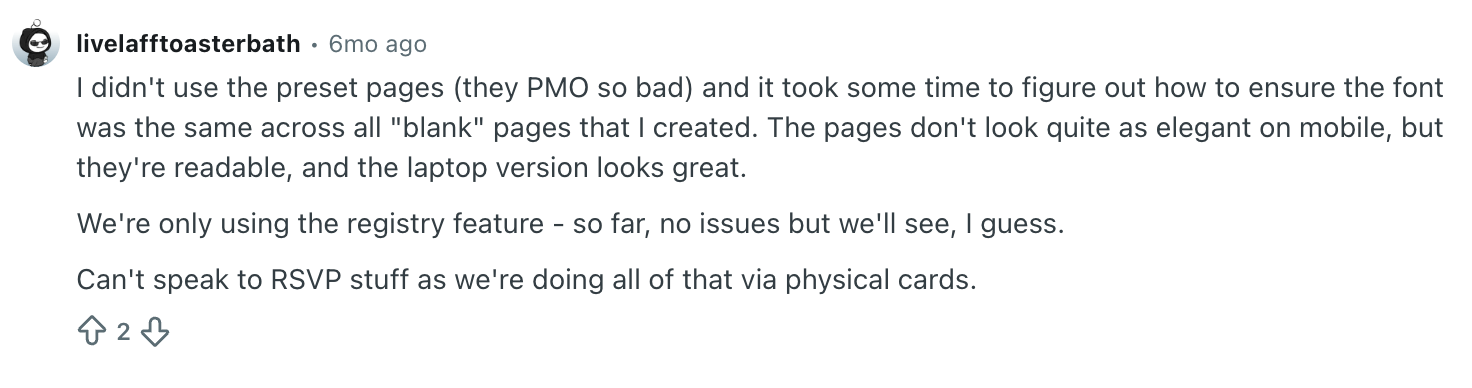
- Con: “I didn't use the preset pages (they PMO so bad) and it took some time to figure out how to ensure the font was the same across all ‘blank' pages that I created. The pages don't look quite as elegant on mobile, but they're readable, and the laptop version looks great.” - u/livelafftoasterbath, Reddit Review, February 17, 2026
Pricing
Joy's wedding websites, planning tools, and registry are all free to use. Save the Dates and invitations include hundreds of free designs, with some premium paid options also available.
10. Aisle Planner
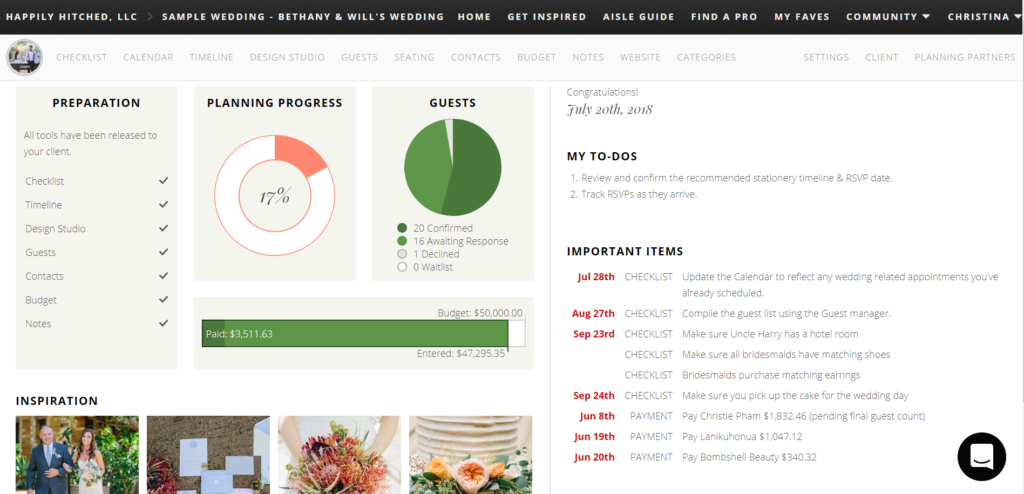
Aisle Planner makes the most sense for wedding and event planners running a business. It combines lead tracking, client management, templated proposals and contracts, invoicing, floor plans, and seating tools in one platform.
The difference from Joy is the audience. Joy is better for couples who want a wedding website, guest list, RSVPs, and registry tools for their own wedding. Aisle Planner is built for planners managing several weddings or events at once, so the business side matters as much as the planning side.
The floor plan feature seems to have the steepest learning curve. Reviewers say it takes a few projects to get comfortable, but it becomes useful once the team has the workflow down.
Key features
- Customizable CRM with branded proposals, quotes, and contracts
- Integrated e-signature capture and payment processing (Stripe only)
- CAD-based event layouts alongside timelines and vendor tracking
- A full project notebook for storing client and vendor resources
- Role-specific tools for planners, venues, florists, and other event professionals
- In-portal collaboration with permission-based access for clients and teammates
- Automated task assignments to reduce back-and-forth
What real users say
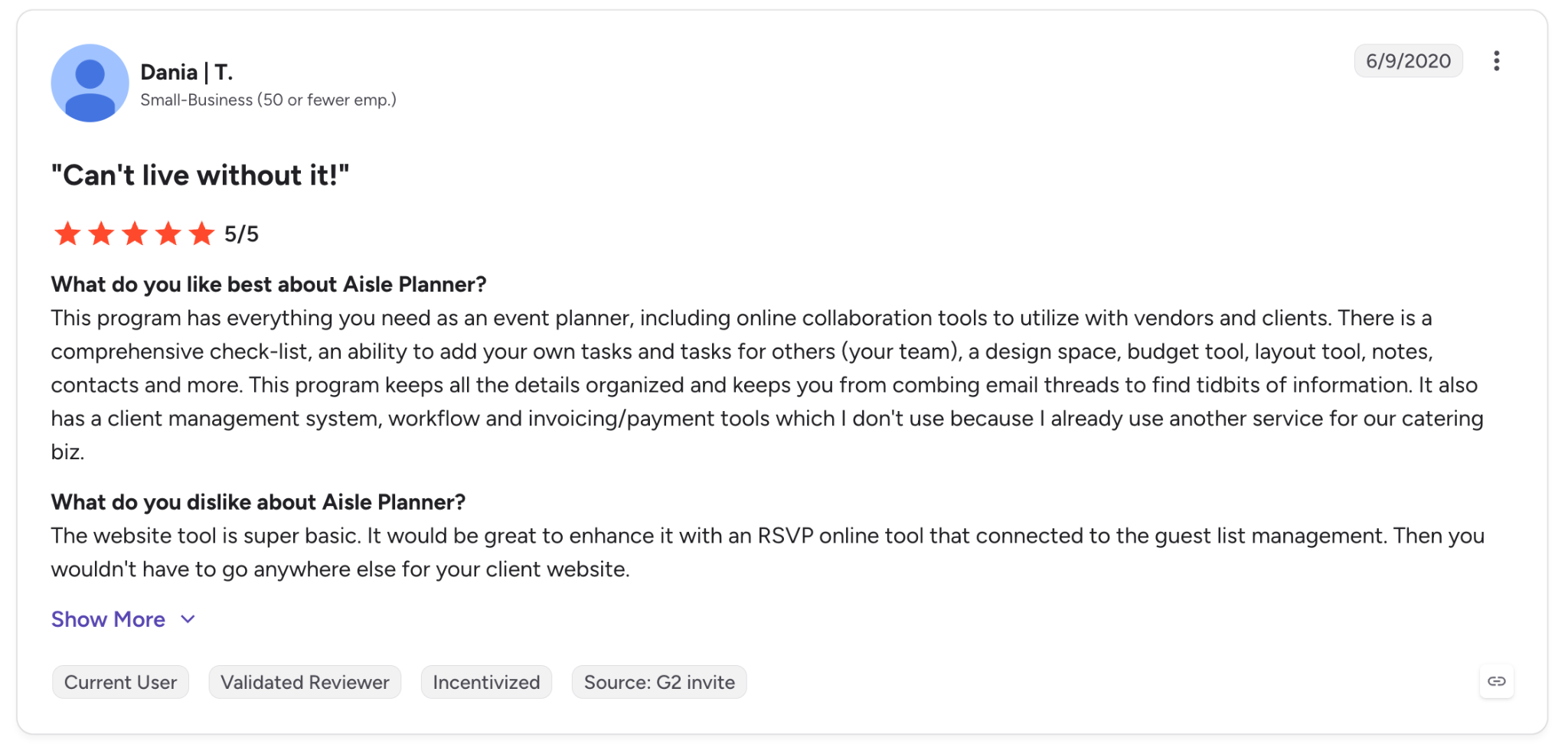
- Pro: “This program has everything you need as an event planner, including online collaboration tools to utilize with vendors and clients. There is a comprehensive checklist, an ability to add your own tasks and tasks for others (your team), a design space, budget tool, layout tool, notes, contacts, and more.”
- Con: “The website tool is super basic. It would be great to enhance it with an online RSVP tool that connects to the guest list management. Then you wouldn't have to go anywhere else for your client website.” - Dania T., G2 Review, June 9, 2020
Pricing
Aisle Planner plans start at $49.99/month (Sales Essentials, billed monthly), scaling up based on active project volume: $69.99/month for up to 15 projects, $109.99/month for 16-25, $164.99/month for 26-50, and $229.99/month for 51-100 projects. All plans include a free 30-day trial.
11. HoneyBook
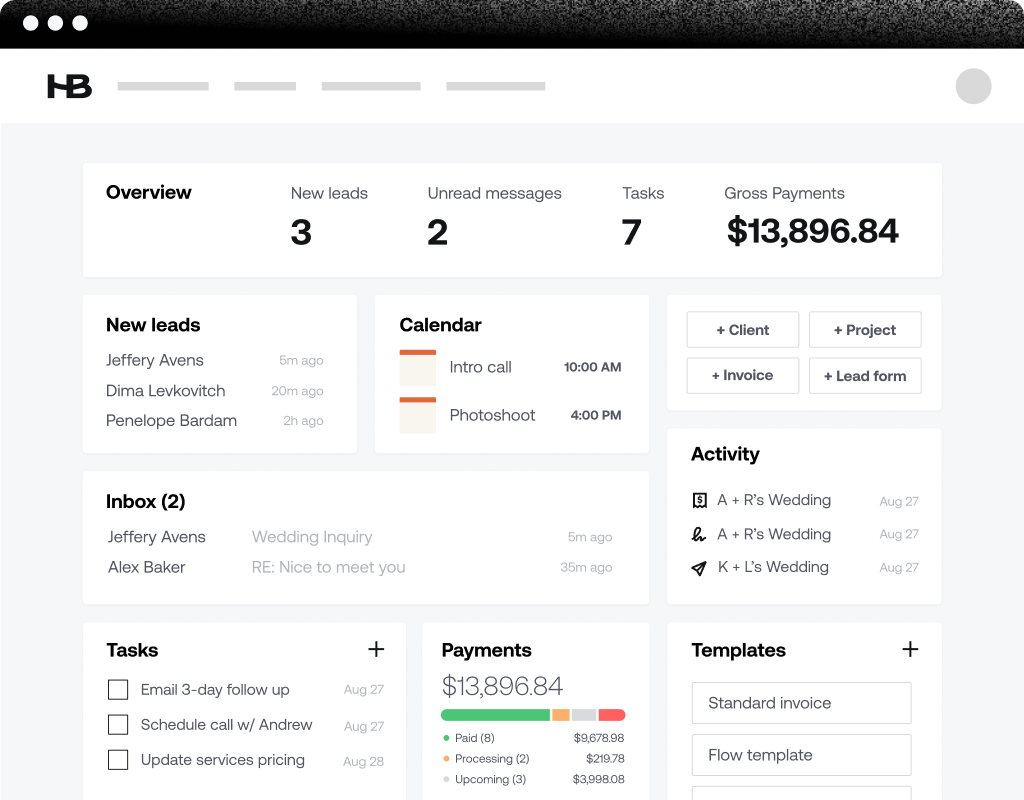
HoneyBook is for event professionals who manage their own clients, especially planners, photographers, and creative freelancers. It keeps proposals, contracts, invoices, and client communication in one place.
The AI features are the reason it belongs on this list. Priority lead alerts, AI-drafted emails, meeting note capture, and the in-app AI chat assistant are included across every plan.
For a solo planner juggling five clients at once, that can save a lot of follow-up work. HoneyBook helps flag the leads that need attention first and keeps the client admin moving. However, there's no free tier waiting on the other side of the trial, so budget for it from the start.
Key features
- AI-drafted email replies based on your tone, industry, and context
- AI meeting notetaker that summarizes calls and to-dos automatically
- AI project recaps ahead of meetings or due dates
- Lead capture forms and a built-in meeting scheduler
- Proposals, contracts, and invoices sent in one flow
- A client portal for tracking milestones from first contact to final delivery
- Real-time business trend insights through HoneyBook AI
What real users say
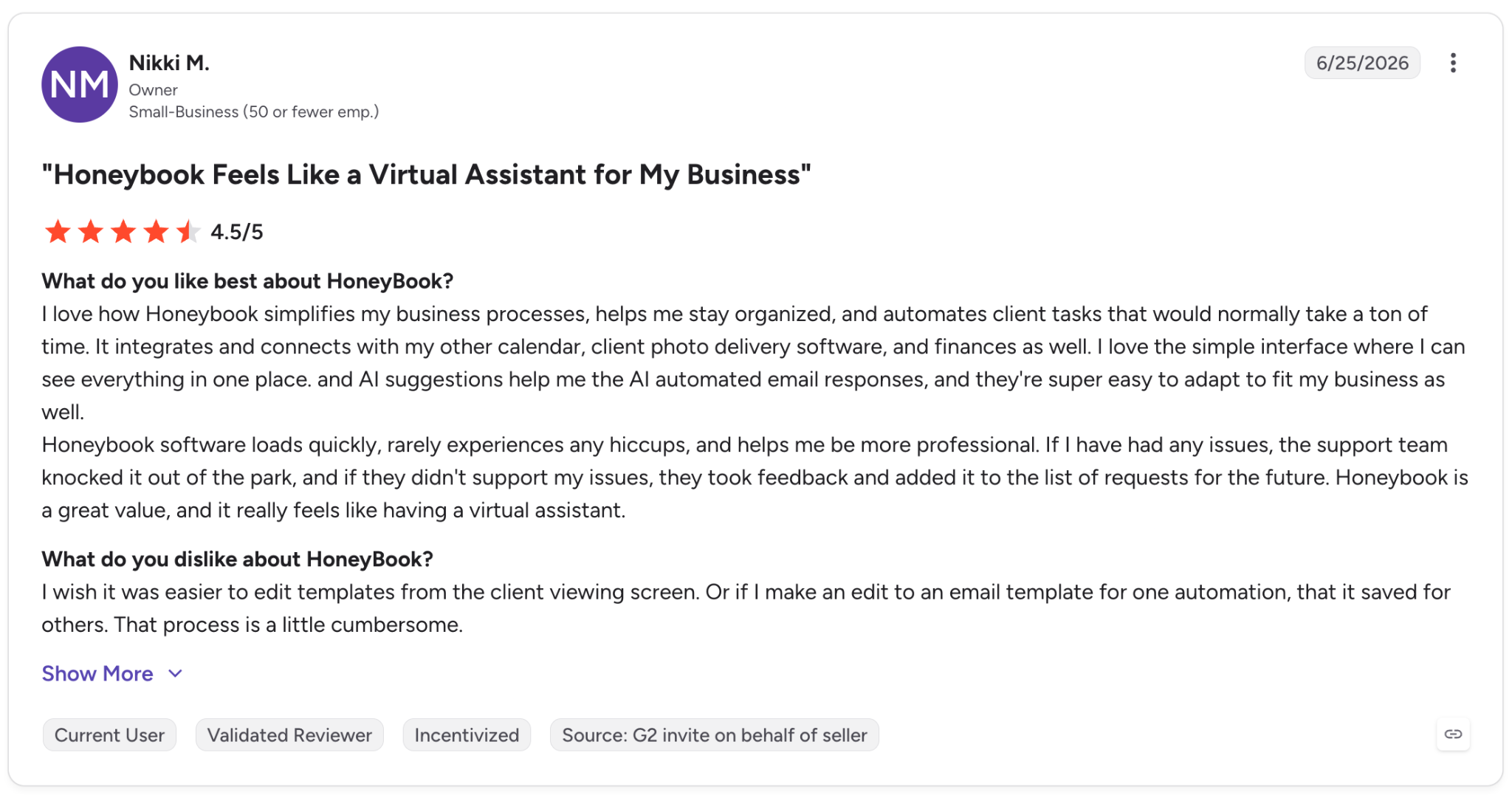
- Pro: “I love how HoneyBook simplifies my business processes, helps me stay organized, and automates client tasks that would normally take a ton of time. It integrates and connects with my other calendar, client photo delivery software, and finances as well. I love the simple interface where I can see everything in one place, and AI suggestions help me with automated email responses, and they're super easy to adapt to fit my business as well.”
- Con: “I wish it was easier to edit templates from the client viewing screen. Or if I make an edit to an email template for one automation, that it is saved for others. That process is a little cumbersome.” - Nikki M., G2 Review, June 25, 2026
Pricing
HoneyBook plans start at $36/month (Starter, billed monthly), with Essentials at $59/month and Premium at $129/month. A free trial is available on all plans.
12. PartySlate
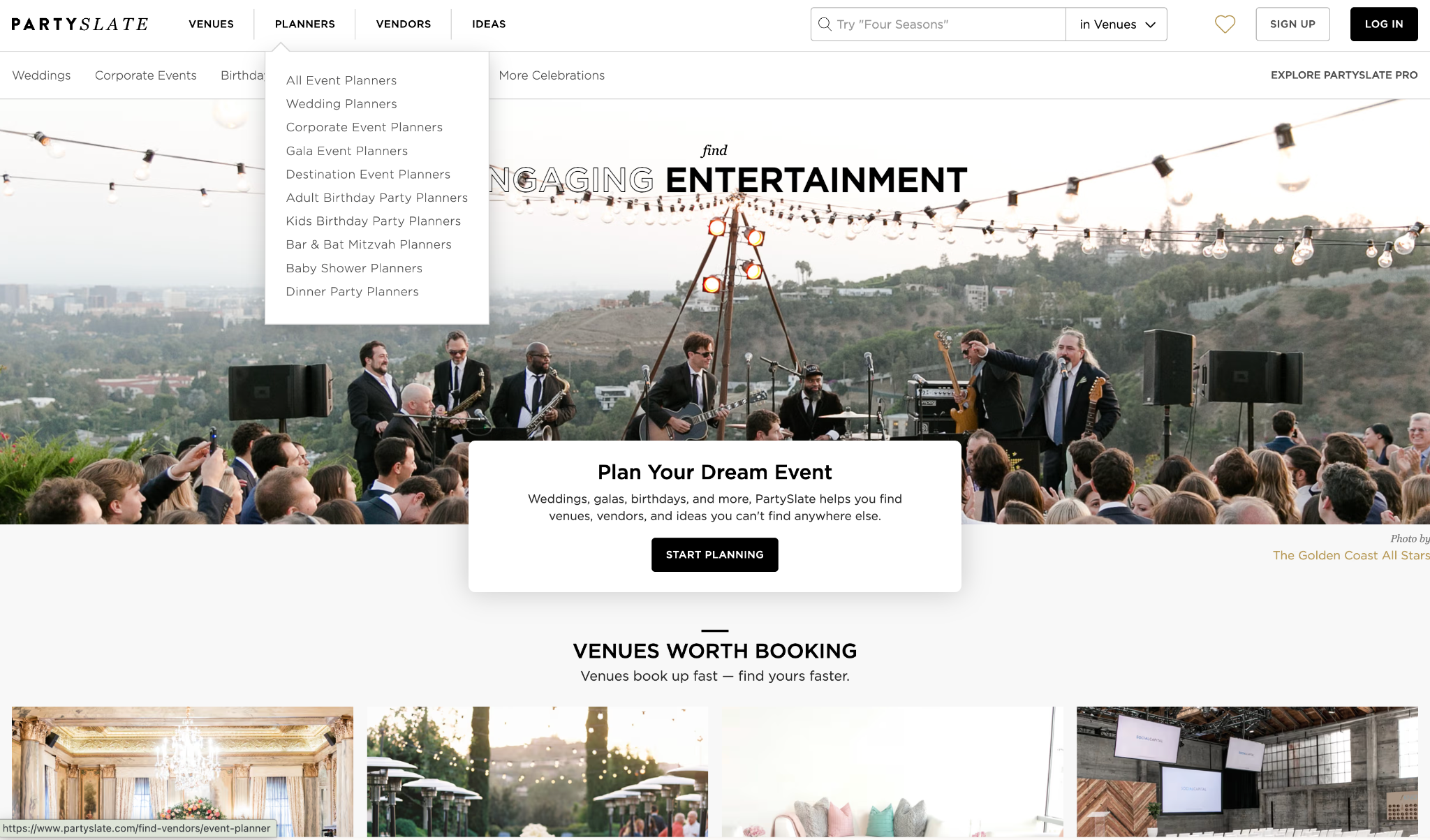
PartySlate is a curated marketplace for real event inspiration. Planners and hosts can browse actual weddings and parties by style, venue, and vendor, then trace each photo back to the team behind it.
I would use it before opening a contract or building a mood board. The value is in seeing real vendor work, not polished stock photos. That is especially helpful when you are sourcing a florist, venue, photographer, or planner and want proof that their style matches the event you have in mind.
PartySlate leans higher-end, with many weddings and parties in the $50,000+ range. For luxury events, that curation is the appeal. For smaller or budget-conscious events, the vendor pool may feel narrower than a general search.
Key features
- A searchable library of real event photos tied to real vendors
- Filtering by event style, venue type, location, and budget
- Saved idea boards to collect and organize favorite inspiration photos
- Full event credits on each photo, showing every vendor who worked on that event
- Vendor profiles with portfolios and direct inquiry forms
- Curated, invite-based vendor onboarding
- Free to browse for planners and couples
What real users say
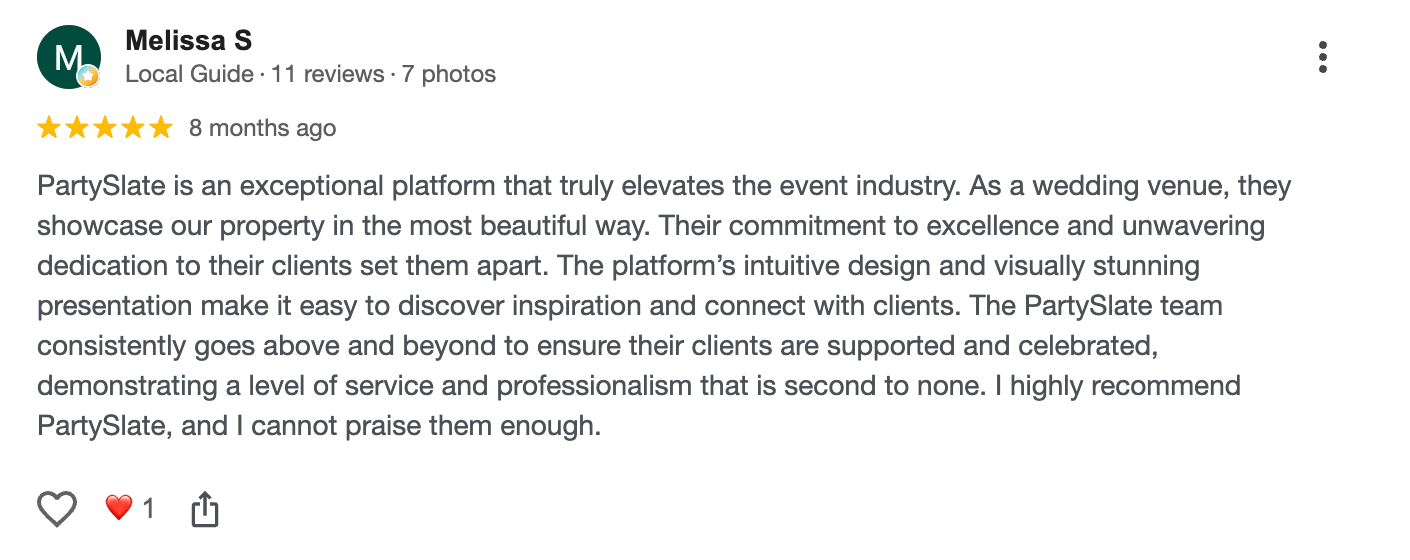
- Pro: “PartySlate is an exceptional platform that truly elevates the event industry. As a wedding venue, they showcase our property in the most beautiful way. Their commitment to excellence and unwavering dedication to their clients set them apart. The platform’s intuitive design and visually stunning presentation make it easy to discover inspiration and connect with clients.” - Melissa S., Google Review, December 2025
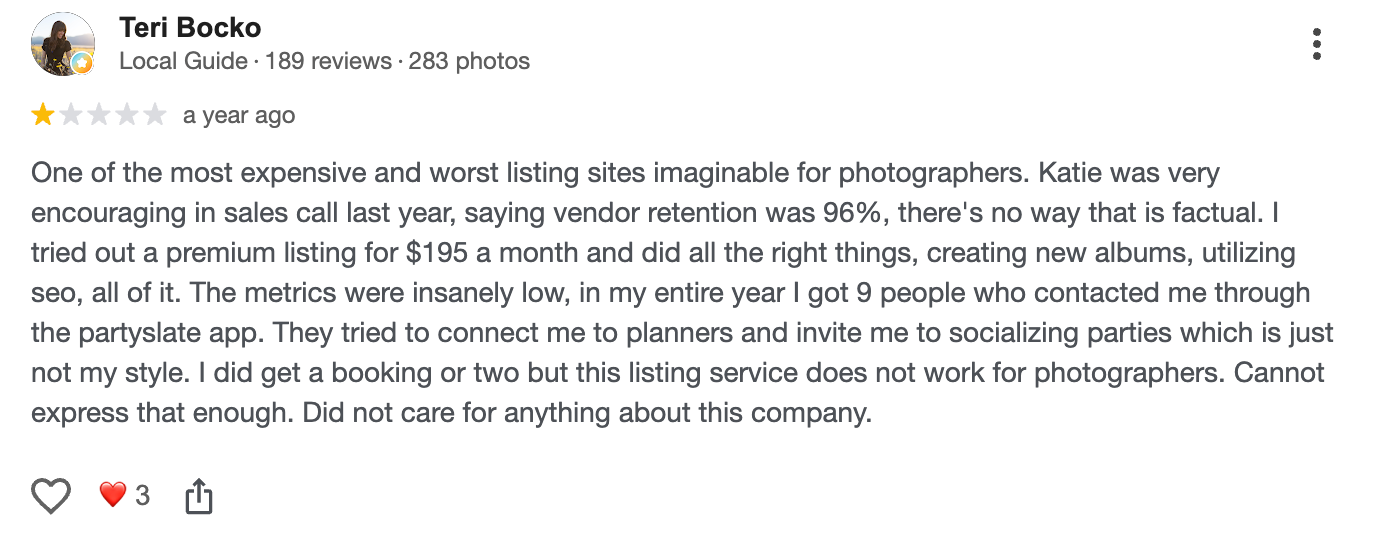
- Con: “Tried out a premium listing for $195 a month and did all the right things, creating new albums, utilizing [SEO], all of it. The metrics were insanely low; in my entire year, I got 9 people who contacted me through the PartySlate app. They tried to connect me to planners and invite me to socializing parties, which is just not my style.” - Teri Bocko, Google Review, August 2025
Pricing
Browsing PartySlate is free for planners or couples. Vendor listings and premium placement are invite-based and priced individually, so there's no public rate card to quote here.
13. Partiful
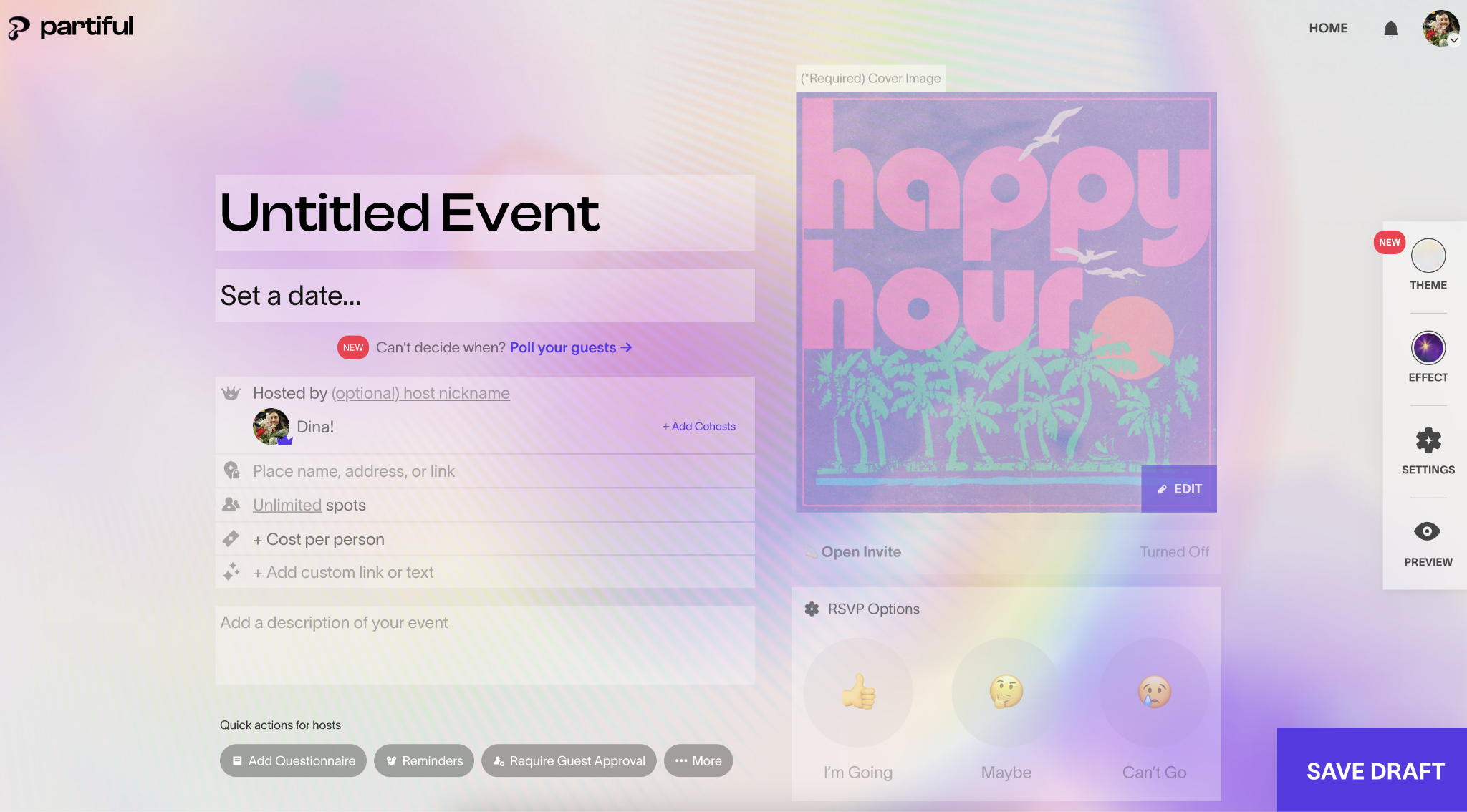
Partiful is a free, text-based invitation and RSVP app that swaps the group text for one animated, shareable event page. Guests tap the link, RSVP by text, and the host gets an accurate headcount without an app download or account.
I would use it for a casual hangout, birthday, or potluck where the guest list is more scattered than formal, with some reachable by text, some without a steady email. The value is speed: poll a few dates, send one link, then send a group text blast if anything changes, instead of managing a thread across ten different phones.
Partiful leans casual by design. RSVPs are limited to Going, Maybe, or Can't Go, and the playful, animated aesthetic doesn't fit a wedding or corporate event the way it fits a birthday. For anything needing custom RSVP questions, a seating chart, or day-of check-in, that simplicity becomes a real limitation.
Key features
- Free invitations and RSVP tracking for unlimited guests, with no premium tier
- Text-based invites guests can RSVP to without an account or app download
- Animated, themed event pages with custom fonts and emoji reactions
- Group text blasts to update guests on changes
- Date polling to lock in a time before sending the invite
- Co-hosting and capacity limits with automatic waitlists
- In-app ticketing for paid events
What real users say
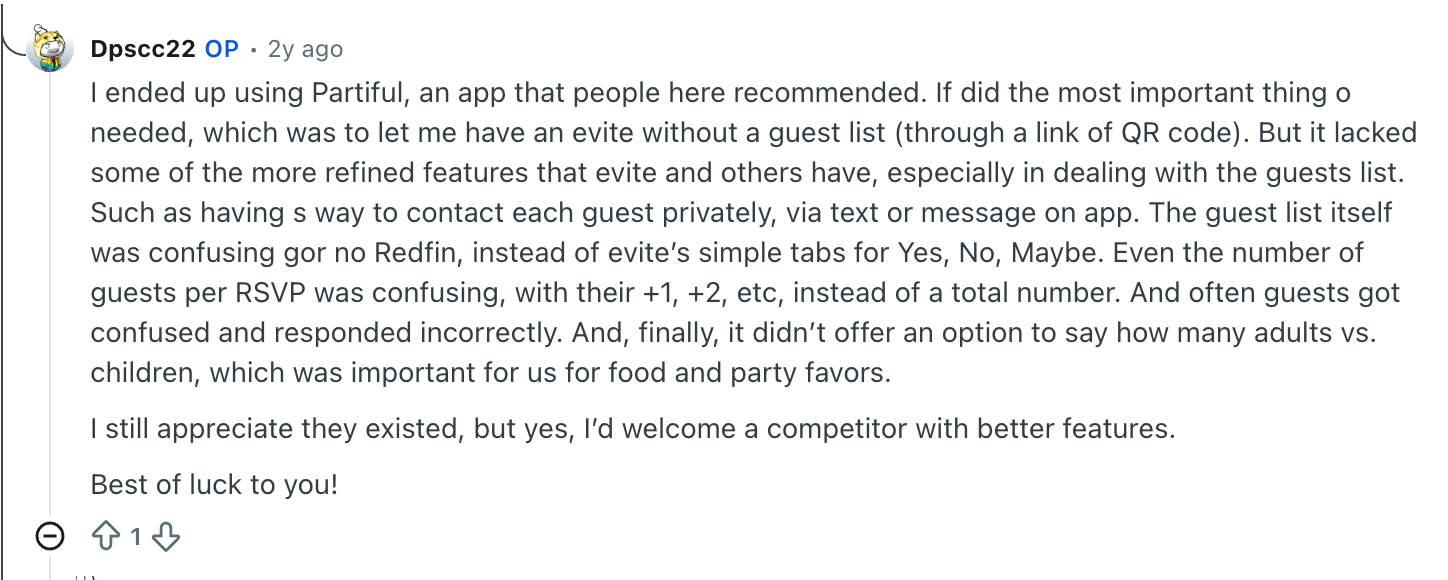
- Pro: “I ended up using Partiful, an app that people here recommended. It did the most important thing I needed, which was to let me have an Evite without a guest list (through a link or QR code).”
- Con: “But it lacked some of the more refined features that Evite and others have, especially in dealing with the guest list. Such as having a way to contact each guest privately, via text or message on the app. The guest list itself was confusing for no Redfin, instead of Evite’s simple tabs for Yes, No, Maybe. Even the number of guests per RSVP was confusing, with their +1, +2, etc, instead of a total number.” - u/Dpscc22, Reddit Review, March 11, 2024
Pricing
Partiful is completely free. No premium tier, no ads, no per-event charges. Its new ticketing feature only carries a fee on paid tickets, scaled to ticket price and shown to the host at setup. Free tickets have no fee.
{{cta}}
Ways to use event planning apps
Each tool above covers a piece of the planning process. Here's where they tend to earn their spot.
- Guest list and RSVP tracking: Track who's coming, who hasn't responded, and dietary needs in one place instead of across texts and a spreadsheet. Zola and RSVPify both build this into their core plans, and Partiful covers the lighter, casual-party version of the same job.
- Vendor coordination and follow-ups: Chase confirmations, contracts, and payment status without losing threads in a crowded inbox. HoneyBook and Aisle Planner both cover this from different angles.
- Seating charts and floor plans: Turn a guest list into a room layout you can share with your venue or caterer. Tools like Aisle Planner and RSVPify include these features alongside their broader event planning capabilities.
- Budget tracking and invoicing: Keep a running total against your actual budget instead of finding out you're over after the fact. HoneyBook and Planning Pod both handle this for planners and venues running a business.
- Attendee registration and check-in: Manage sign-ups, badges, and on-site check-in for events with more than a handful of guests. Cvent and Bizzabo are built for this when attendee counts run into the thousands.
- Live audience interaction: Run polls, Q&A, and quizzes during a session instead of hoping people raise a hand. Whova and Slido both cover this for different event sizes.
- Post-event follow-up: Send thank-you notes, gather feedback, or share photos once the event wraps up. Zola's AI-assisted thank-you notes are a small but real time-saver here.
How to choose the right event planning app
A tool that works well for a conference planner will not necessarily work for a couple planning a wedding. And if you're already living in Trello or Asana, a simple checklist there might cover a small, casual gathering without adding another app at all. Here's what to weigh before you pick one:
- Event size and frequency. A one-off wedding calls for something like Zola. A team running conferences all year calls for Cvent or Bizzabo. Match the tool to how often you'll use it.
- Casual and free-flowing vs. buttoned-up. For a hangout, birthday, or potluck, Partiful's free text-based invites beat building out a spreadsheet or paying for software built for bigger events.
- One job or the whole event. Some tools, like RSVPify, are built to do one part of the job well. Others, like Cvent or Planning Pod, try to run the whole event or business. Decide which one matches your situation before comparing price tags across both types.
- Free tier vs. quote-only pricing. Zola, Joy, and RSVPify all let you start for free. Cvent, Bizzabo, and Whova all require a sales conversation before you see real numbers, which matters if you're comparing options on a deadline.
- What kind of manual work is costing you time? Some events are held up by one specific gap, like a messy floor plan or a registration page nobody wants to build. Others are held up by general admin: chasing vendors, tracking RSVPs, keeping a calendar current. Match the tool to the actual bottleneck instead of the longest feature list.
- Setup time you can realistically afford. Enterprise tools like Bizzabo and Cvent take real onboarding time. If your event is a month away, that's a real constraint, not a minor one.
- Whether you need team collaboration. HoneyBook, Aisle Planner, and Planning Pod all support multiple team members on a plan by default. Confirm this before you sign up if you're planning with a team or a partner.
FAQs
1. What is the best event planning app?
There's no single best event planning app, since the right choice depends on your event type and the part of the job you need help with. Cvent and Bizzabo work best for large corporate conferences, Zola and Aisle Planner work best for weddings, and single-purpose tools like RSVPify fill the gaps a bigger platform leaves open.
2. Are there free event planning apps?
Yes, several event planning apps are free. Zola and Joy are fully free for wedding planning, and RSVPify offers a free tier for up to 100 guests. Partiful is also fully free for casual parties, with no guest cap and no premium tier.
Larger platforms like Cvent, Bizzabo, and Whova require a custom quote instead of publishing fixed pricing.
3. Can event planning apps replace a human event planner?
No, event planning apps cannot replace a human event planner. These tools automate tracking work like guest lists, RSVPs, and vendor follow-ups, but judgment calls around vendor selection, budget tradeoffs, and day-of decisions still need a person.
4. Do event planning apps work together?
Yes, most event planning apps are built to integrate with other tools rather than replace them. Cvent's registration data feeds into Whova's attendee app, and a Zola guest list can feed into an Aisle Planner account. Check each tool's integrations before assuming you'll need to re-enter the same guest list twice.
5. Do I need more than one app to plan an event?
Often, yes, since most event planning apps are built for one part of the job rather than the whole event. A wedding might combine Zola for the guest-facing side with Aisle Planner for a professional planner, while a conference might combine Cvent for registration with Whova for attendee engagement and Slido for live Q&A.









