Top 7 Fyxer Alternatives That Actually Deliver The Email Promise.
Jack reviewed Shortwave, Superhuman, and Missive as Fyxer alternatives, comparing Slack and Salesforce integrations, email draft quality, and pricing for different teams.


Fyxer alternatives can handle tasks beyond email triage and drafting replies, and they connect with many third-party platforms like Salesforce and Asana. If writing emails is your main bottleneck, tools like Lindy's email writer are worth a look.
Fyxer only offers simple email tasks like drafting responses and managing schedules. It has limited integrations compared with other platforms.
But with so many AI tools out there, picking the right one is tough. I tested 12 Fyxer alternatives and found the 7 that integrate with more tools, produce better email responses, and offer the most competitive pricing.
Compare my reviews of each tool so you can select the one that fits your needs.
Top 7 Fyxer alternatives: At a glance
| Tool | Best for | Key strength | Main limitation | Starting price |
|---|---|---|---|---|
| Shortwave | Managing high-volume Gmail inboxes | AI summaries, bundles, drafting features | Gmail-only platform limits business flexibility | $18/seat/month |
| Superhuman | Inbox productivity | Keyboard shortcuts accelerate inbox processing speed | Limited execution capabilities | $40/month |
| Lindy | Cross-platform task management | Handles email, CRM, and calendar tasks | Credit-based pricing complicates predictable budgeting | $49.99/month |
| Missive | Shared inbox collaboration | Real-time collaborative drafting and assignments | Solo users receive limited practical value | $18/month |
| Notion AI | Embedded meeting notes inside Notion | AI notes connect workspace documents directly | Weak value outside established Notion environments | $12/month |
| SaneBox | Lightweight inbox filtering | Server-level sorting works across providers | Limited custom filtering and automation flexibility | $8.99/month |
| Reclaim.ai | Scheduling and time-blocking | Focus-time scheduling around meetings | No inbox automation or email drafting | $12/month |
Why look for Fyxer alternatives?
Many users look for Fyxer alternatives because they need support beyond email management or want deeper integrations with their existing tools. Here’s why Fyxer users switch:
- Limited CRM integrations: Fyxer only integrates with HubSpot and only on the Professional ($50/mo) and above plans. Plus, it doesn’t connect with Slack.
- Poor draft quality: The platform learns from past emails to match your tone, but some reviewers report inaccurate email drafts and meeting notes.
- Pricing and commitment: Pricing starts at $30 per user each month, which some users find expensive for an email-focused tool.
- Integrations and ecosystem scope: The platform focuses on Gmail, Outlook, and meeting platforms. But if you rely heavily on Slack or niche tools, you may find its integrations and automation ecosystem limited.
Fyxer vs Copilot vs Lindy: I Tested All Three (2026) | Lindy.Over time, limited integrations and inconsistent output can outweigh the convenience of using Fyxer. For a direct side-by-side comparison, read
TL;DR: Which Fyxer alternative should you choose?
Each tool here solves a different problem. The Fyxer alternative you choose depends on the type and number of tasks you're doing. Follow this guide to select the best option:
Choose Shortwave if you:
Use Gmail, process high email volume, and want AI that organizes and drafts in one place.
Choose Superhuman if you:
Prioritize inbox speed, and you’re a sales rep or business development professional.
Choose Lindy if you:
Want an AI assistant you can text to handle tasks across email, CRM, calendar, and hundreds of apps.
Choose Missive if you:
Have a team that shares inboxes and needs real-time collaboration inside email threads.
Choose Notion AI if you:
Want meeting notes embedded in your workspace, and you already use Notion.
Choose SaneBox if you:
Use Gmail, Outlook, or any email provider and need server-level filtering and sorting without touching your email client.
Choose Reclaim if you:
Need help scheduling meetings and organizing your calendar automatically.
Stick with Fyxer if you:
Want one tool for inbox triage, AI drafts in your tone, and meeting notes.
The 7 best Fyxer alternatives
1. Shortwave: Best for AI email management
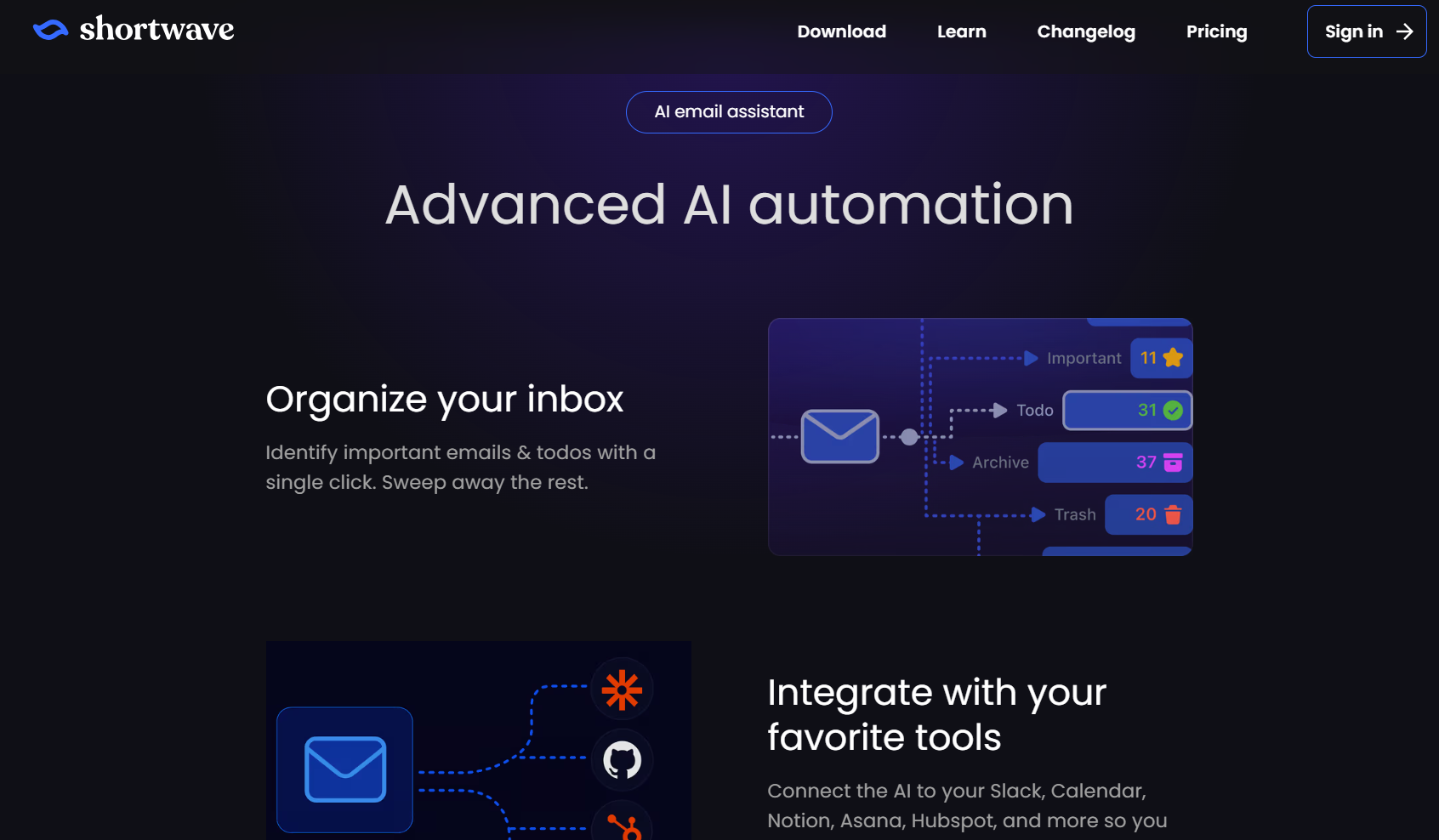
Shortwave is for Gmail users who want email categorization, AI reply drafting, action-item extraction, and natural-language inbox search. Learning more about comprehensive ai inbox management strategies can help you maximize your daily email productivity. To compare automated inbox features across different platforms, check out our guide to the best ai email organizer.
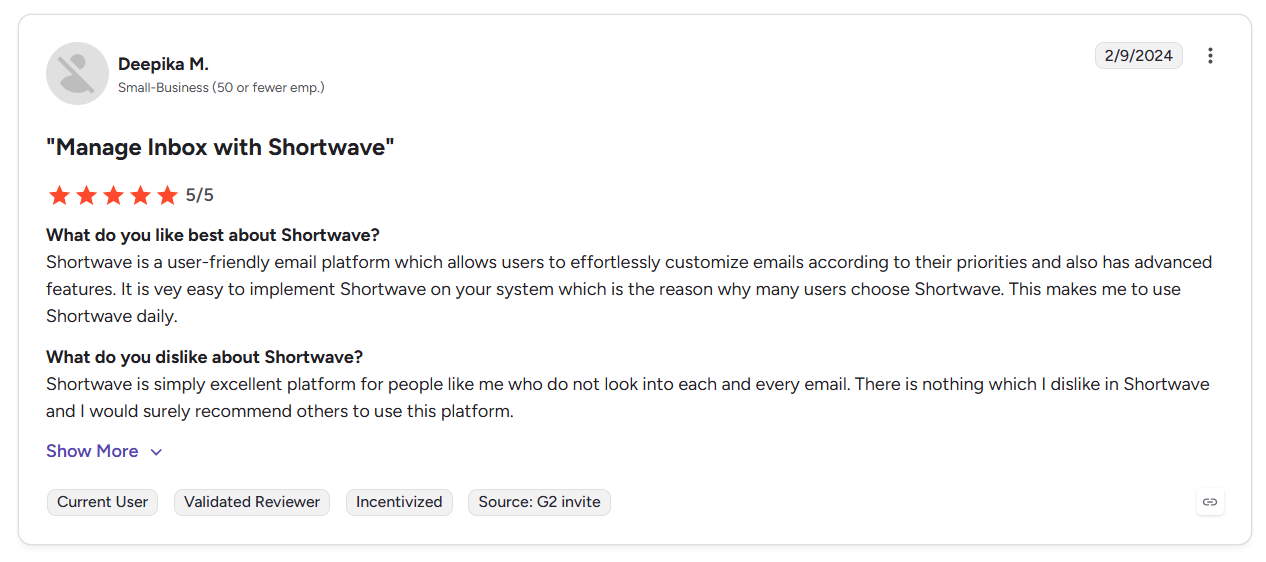
Built by ex-Google engineers, it targets teams and professionals who handle large email volumes every day. One user said it has a simple interface and responsive customer support. If you want to explore more options, you can evaluate top tools to find the best gmail ai assistant for your workflow.
Key features
- Learns your writing style over time, drafting replies that require minimal editing before sending. If automated reply creation is your top priority, reviewing our roundup of the best ai email generator options can streamline your messaging.
- Group dozens of emails by newsletters, receipts, and promos in a single action.
- Trims long email chains into a two-to-three sentence briefing at the top of each thread.
Pros
✅ Gmail-native replacement: Zero migration bottlenecks for Google Workspace.
✅ AI at every layer: Summarization, drafting, search, and scheduling work together.
✅ Aggressive development: The team regularly publishes new updates throughout the year.
Cons
❌ Gmail only: Outlook and Microsoft 365 users can’t use Shortwave at all. If you rely on Microsoft products, you can explore a dedicated outlook ai email assistant to automate your inbox.
❌ Not autonomous: Shortwave helps you process email faster, but it still needs prompting at every step. If you want fully hands-off workflows, learning how to automate email can help eliminate manual prompting entirely.
Best for
- Teams using Gmail that send and receive 100+ emails daily.
- Knowledge workers who need task extraction from email.
- Google Workspace teams that want inbox-to-project-tool automation.
Pricing
Shortwave pricing starts at $18 per seat/month.
2. Superhuman: Best for inbox productivity
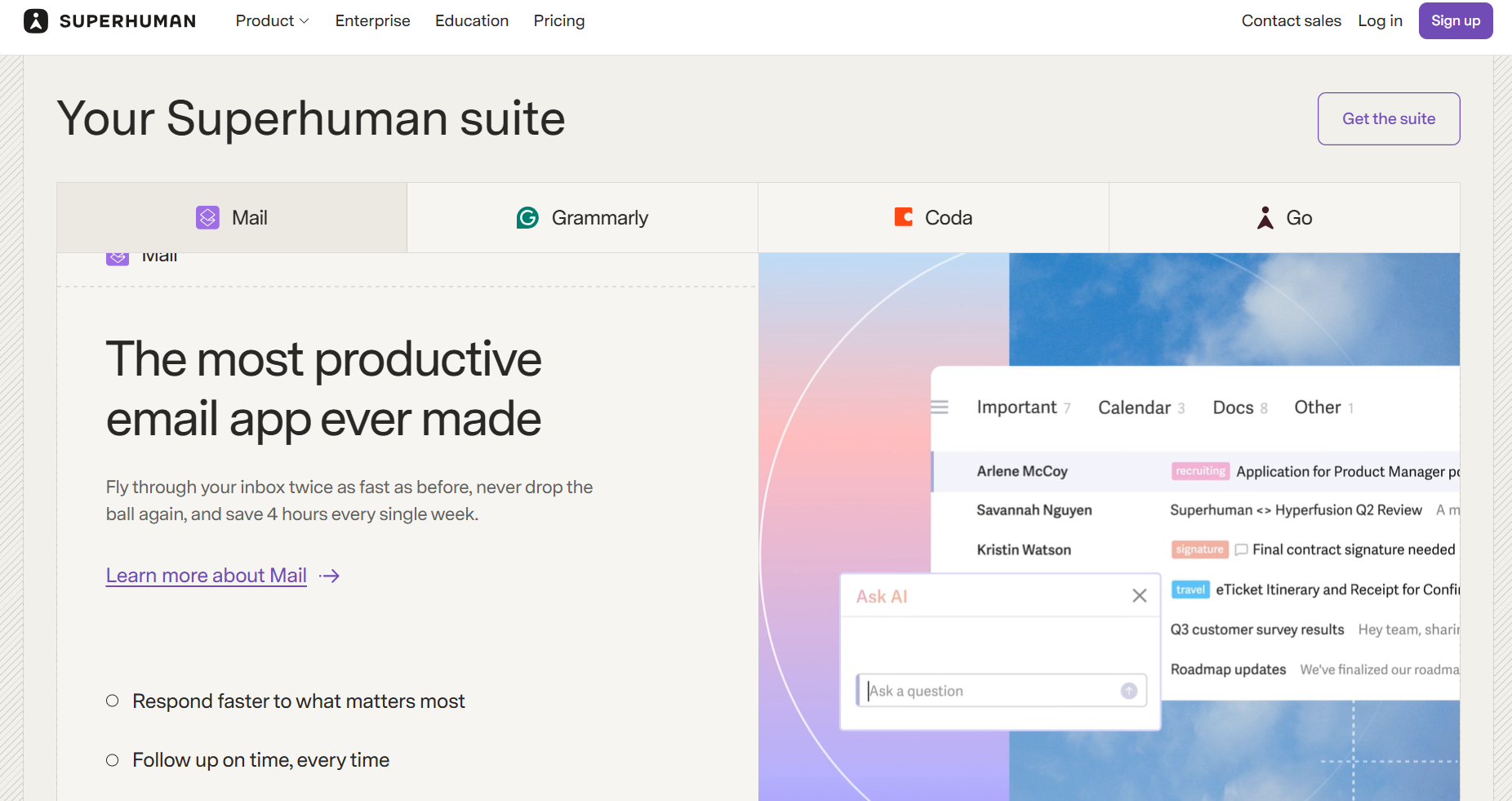
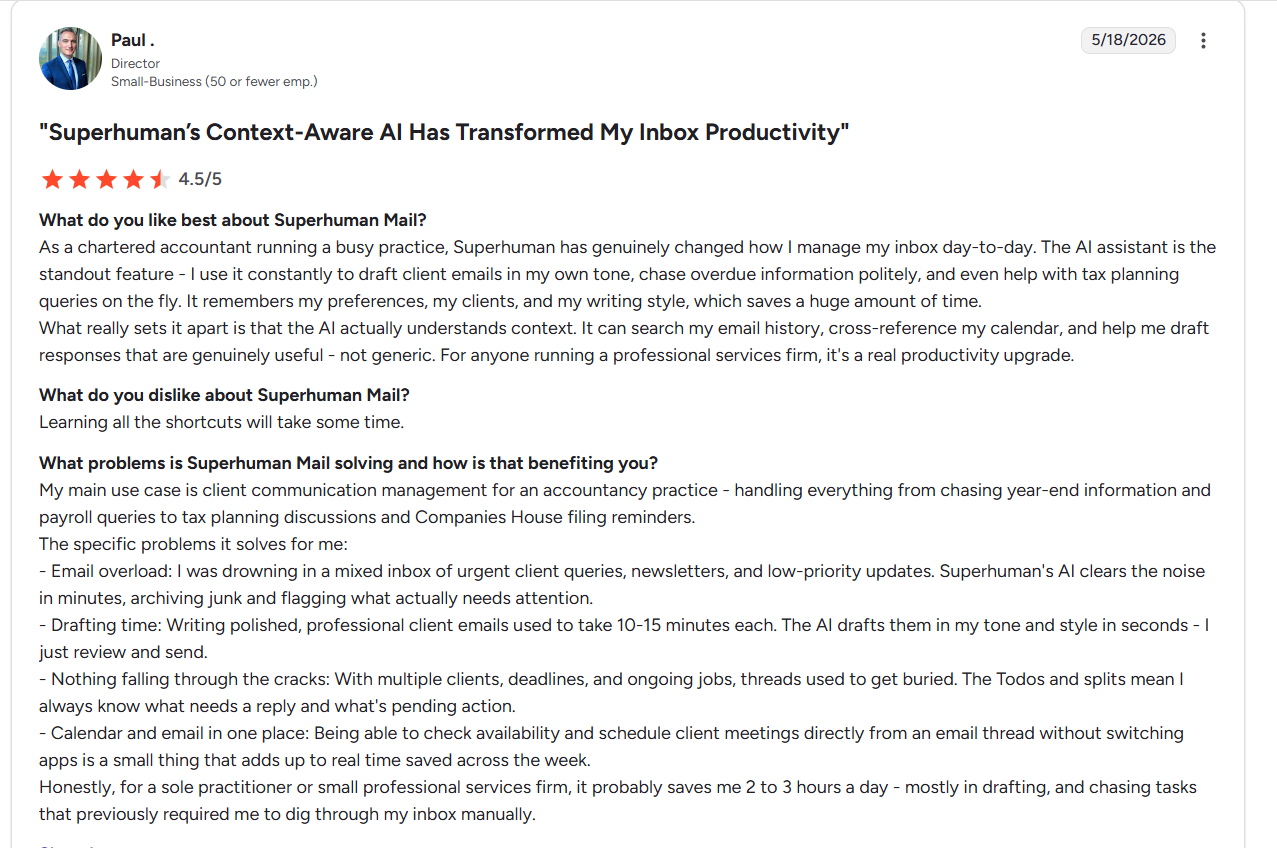
Superhuman is a Fyxer alternative built for professionals who process dozens of emails per hour. It runs on top of Gmail and Outlook, replacing triage with keyboard shortcuts and AI-assisted email drafting. A user noted that the tool has reduced the time they spend managing email daily. For a detailed breakdown comparing both platforms directly, read our comprehensive fyxer vs superhuman guide.
Key features
- Separates email threads by sender type or priority.
- Generates context-aware reply drafts that pull from thread history and your writing style.
- Tracks when a recipient opened your email.
Pros
✅ Cross-platform support: Works with both Gmail and Outlook.
✅ Speed under volume: Keyboard shortcuts and fast load times help teams move through large inboxes with less delay throughout the day.
✅ Sales team fit: CRM integrations and read receipts make it a good option for sales reps and business development teams.
Cons
❌ Low-volume mismatch: If you have under 50 emails daily, the speed advantage disappears. If this workflow does not fit your daily routine, exploring superhuman email alternatives can help you find a better option.
❌ No autonomous action: Superhuman doesn’t sort, prioritize, or draft emails unless you trigger the action. If you prefer a tool that can handle messages proactively without manual prompts, deploying an ai email assistant can streamline your workflow.
Best for
- Sales and business development reps who log email activity in Salesforce or HubSpot.
- Executives who process 100+ emails daily across Gmail and Outlook.
- Busy professionals who want a cleaner, faster way to manage high-volume email across multiple accounts.
Pricing
After the free version, Superhuman pricing starts at $40/member per month. Evaluating superhuman email vs fyxer options can help teams determine which platform provides the best return on investment.
3. Lindy: Best Fyxer alternative for handling work across multiple apps
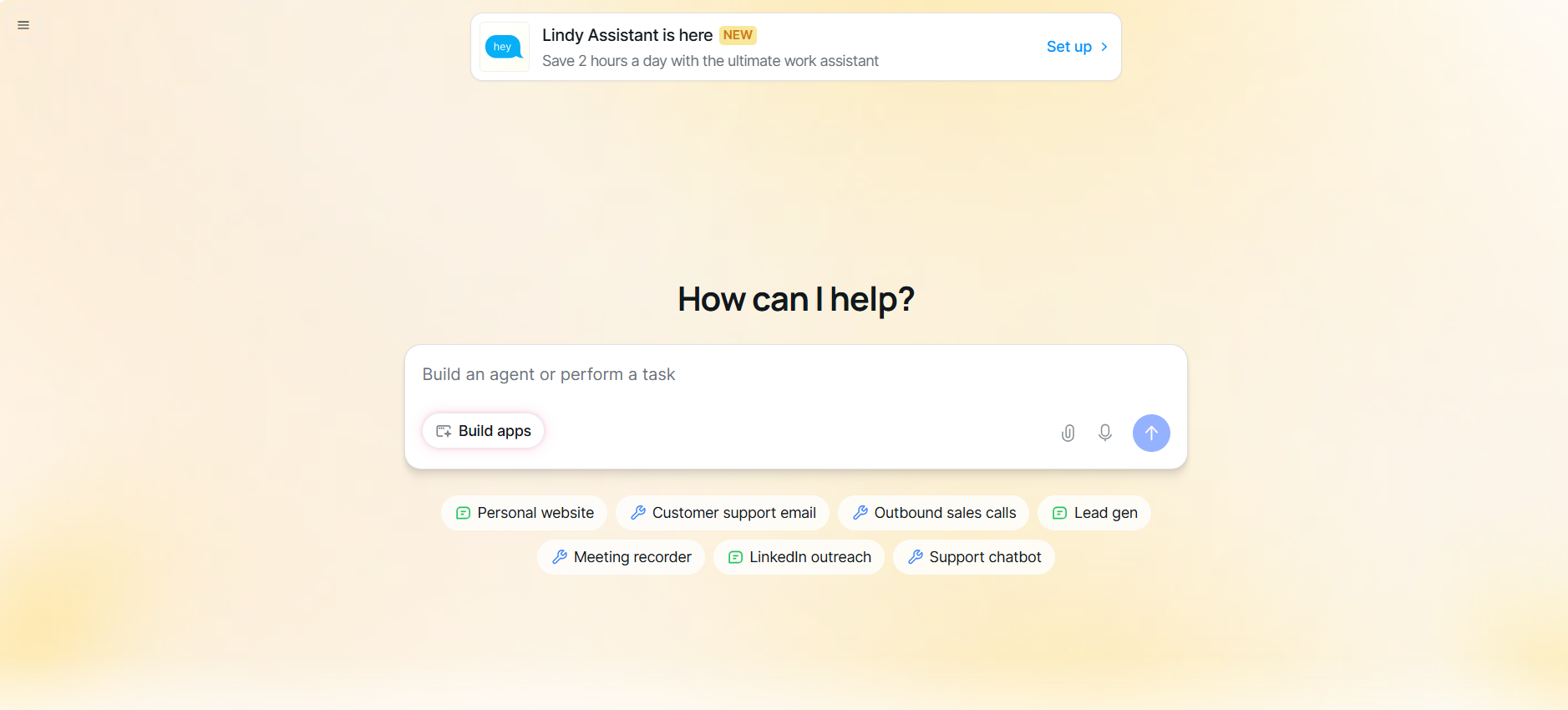
Lindy is an AI assistant that helps manage your inbox by drafting replies and triaging messages, as well as pulling meeting details from messages to automatically update your calendar. But it goes beyond email by updating spreadsheets, organizing schedules, and handling lead enrichment tasks. If you also need to manage messages on mobile, consider choosing a dedicated android email app for your device.
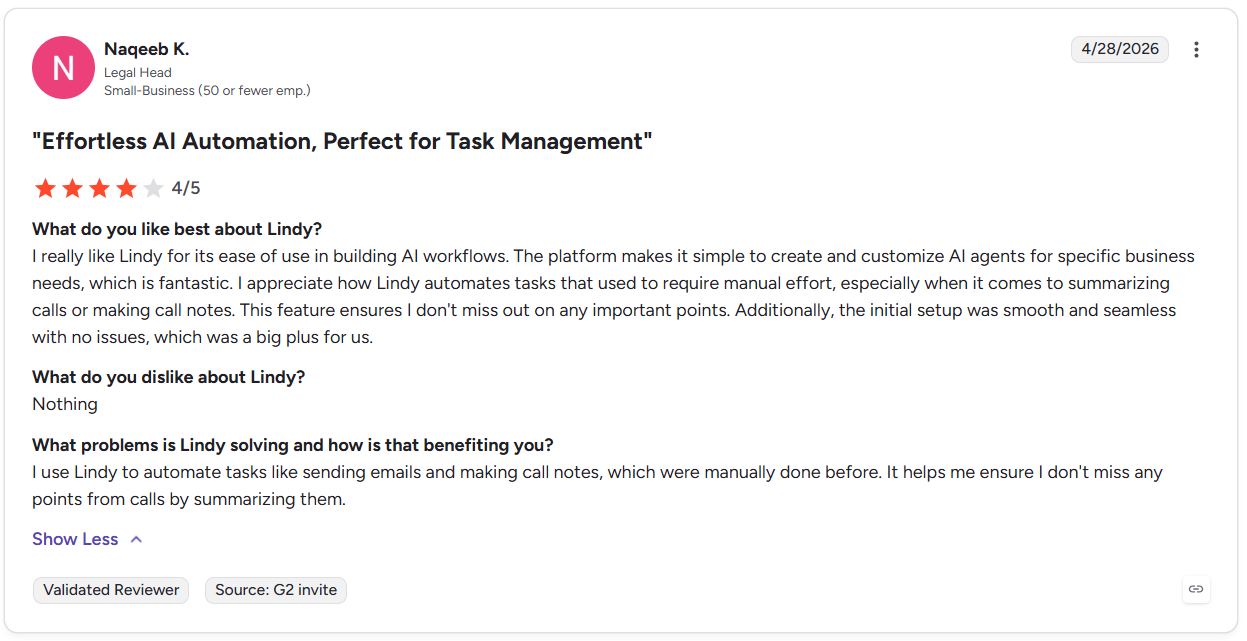
A user on G2 said that it simplifies summarizing notes and calls. This means you never have to worry about forgetting the important info from a call.
Key features
- Give Lindy instructions in plain English, and it can handle tasks without technical setup.
- Lindy reads, prioritizes, and replies to incoming emails based on your predefined rules.
- Records, transcribes, and extracts action items from calls with leads, then sends them to your CRM.
- Automatically sends follow-ups when someone stops replying.
- Flags important emails that need a response before they slip through the cracks.
Pros
✅ Library of skills: Lindy includes hundreds of skills for customer support teams, executive assistants, and sales reps.
✅ Quick deployment: Fast setup and integration with other apps without technical help.
✅ Security features: HIPAA and PIPEDA compliant, SOC 2 Type II certified, with encryption of data in transit and at rest.
Cons
❌ Excessive if you only need an email tool: Lindy’s large number of features and integrations goes beyond email triage and reply drafting. If you only need a tool that handles this, Lindy may be too feature-heavy.
❌ Credit-based pricing: Costs scale with usage volume and LLM choice (ChatGPT, Claude, etc.), which can make monthly bills less predictable for heavy users.
Best for
- Teams that need to offload multi-tool client onboarding sequences.
- Sales teams triggering CRM updates and outreach from a single event.
- Businesses that want to reduce repetitive admin work across email, calendar, and Slack.
Pricing
After the 7-day trial, Lindy pricing starts at $49.99/month.
{{templates}}
4. Missive: Best Fyxer alternative for team inboxes
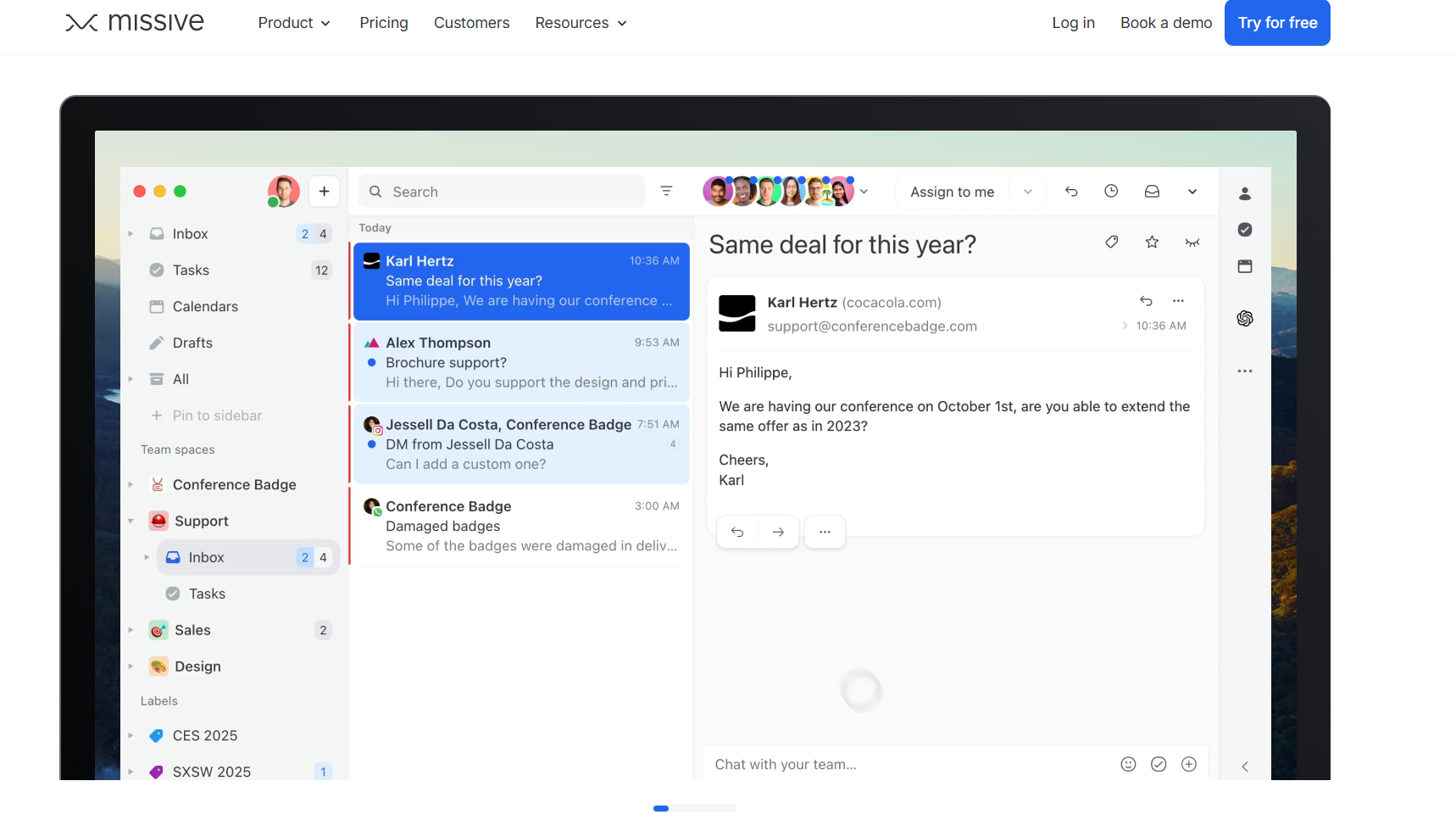
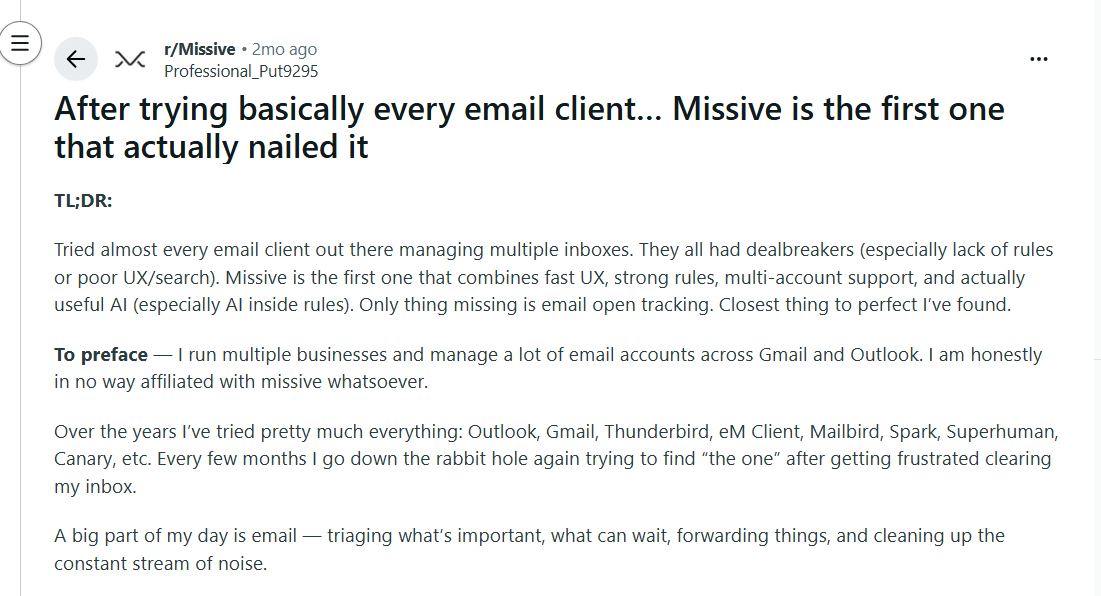
Missive is built for teams that need to collaborate on messages without routing everything through a helpdesk. It unifies email, SMS, WhatsApp, and social DMs into shared inboxes. Your team can discuss, assign, and resolve conversations in one place. A Reddit user said Missive has a clean user interface and strong multi-account support.
Key features
- Generates reply drafts, summarizes threads, and translates messages across supported languages.
- Ownership of each email is explicit and visible, so nothing falls through the cracks.
- Routes and assigns incoming emails automatically based on sender, keyword, or channel.
Pros
✅ Omnichannel in one inbox: Email, SMS, WhatsApp, and social DMs managed from a single shared workspace.
✅ Manager visibility: Draft review and conversation oversight are built into the permission structure.
✅ Two-way sync: Missive keeps the original inbox in sync, so no thread lives in two places.
Cons
❌ Per-seat pricing scales fast: Starting at $18/seat per month, a 10-person team hits $180/month.
❌ Wrong fit for solo users: The feature set and pricing model assume multiple people sharing inboxes.
Best for
- Support or sales teams sharing a single inbox address.
- Accounting or legal teams needing draft review before sending.
- Managers who need visibility into team email activity without micromanaging.
Pricing
Missive pricing starts at $18 per user/month.
5. Notion AI: Best Fyxer alternative for meeting notes
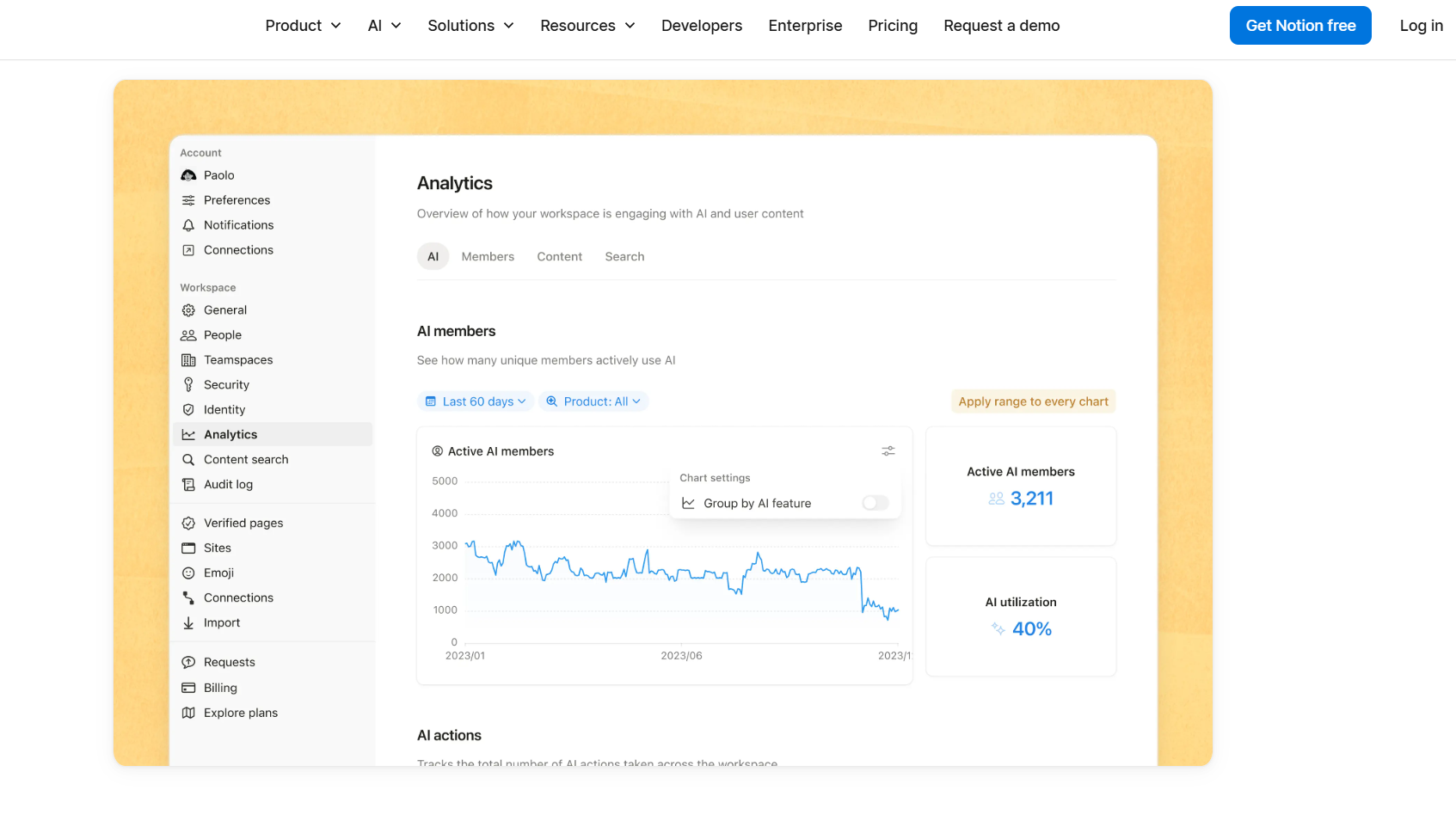
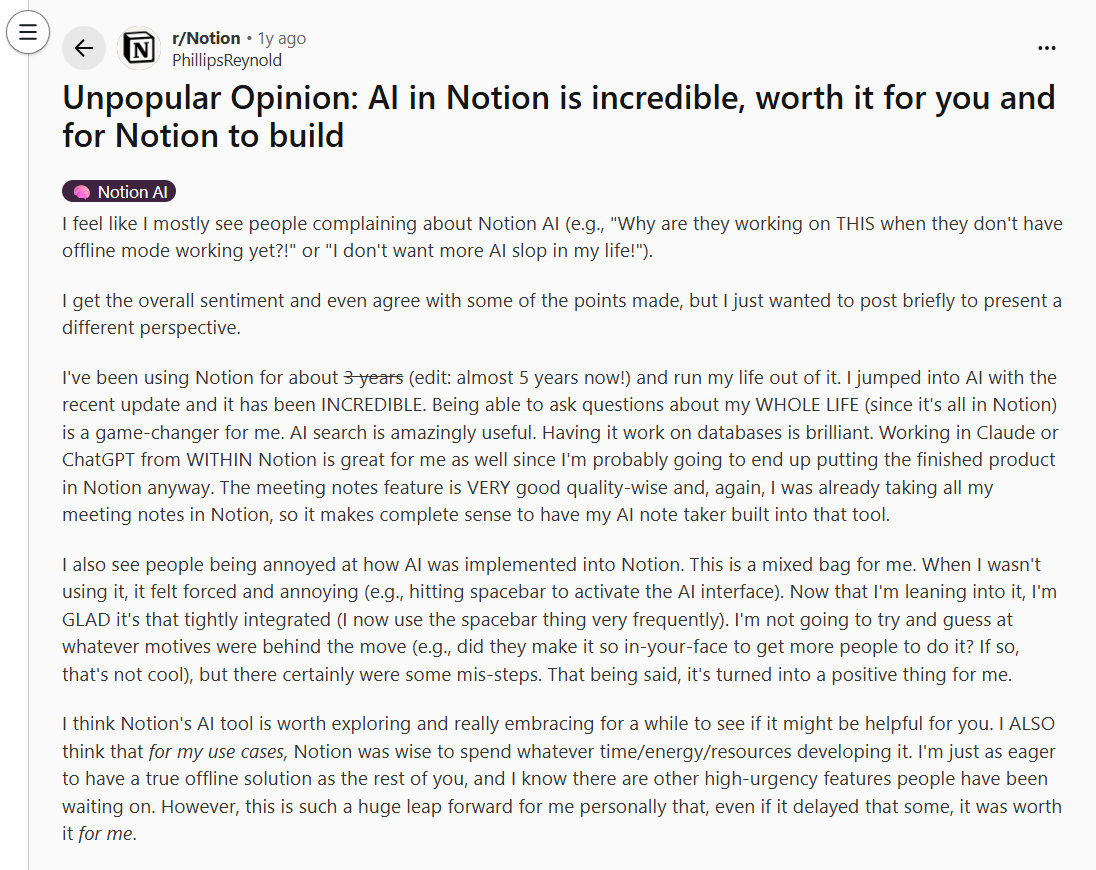
Notion AI is an AI tool for teams that already live in Notion and want meeting transcription embedded directly in their workspace. It generates summaries and action items, and drops everything into a Notion page. A Notion user posted on Reddit that the tool makes working within Notion simple and fast.
Key features
- Records meeting audio and creates a structured notes page without leaving Notion.
- Pulls decisions and next steps from transcripts, so follow-through doesn’t depend on manual review.
- Drafts, rewrites, and summarizes any page in the workspace using context from connected content.
Pros
✅ Work from a single space: Meeting notes, project docs, and task databases live in the same place.
✅ Workspace-wide context: Notion AI can reference content across your workspace instead of only the page you have open.
✅ Scales with team size: Business plan covers the full AI feature set for every seat, with no per-feature add-on costs.
Cons
❌ No speaker labels: Transcripts output as a single text block with no attribution, which breaks usability in larger meetings.
❌ Workspace dependency: Teams without a structured Notion setup may get limited value because the tool depends heavily on existing workspace content.
Best for
- Teams already on the Notion Business plan that want to consolidate tools.
- Product or engineering teams linking meeting decisions directly to project databases.
- Companies running all documentation, planning, and notes inside Notion.
Pricing
Notion AI is included with the Plus plan, which costs $12/member/month. Individual Plan users can also try Notion AI for free during the trial period before upgrading to a paid plan.
6. SaneBox: Best Fyxer alternative for inbox organization
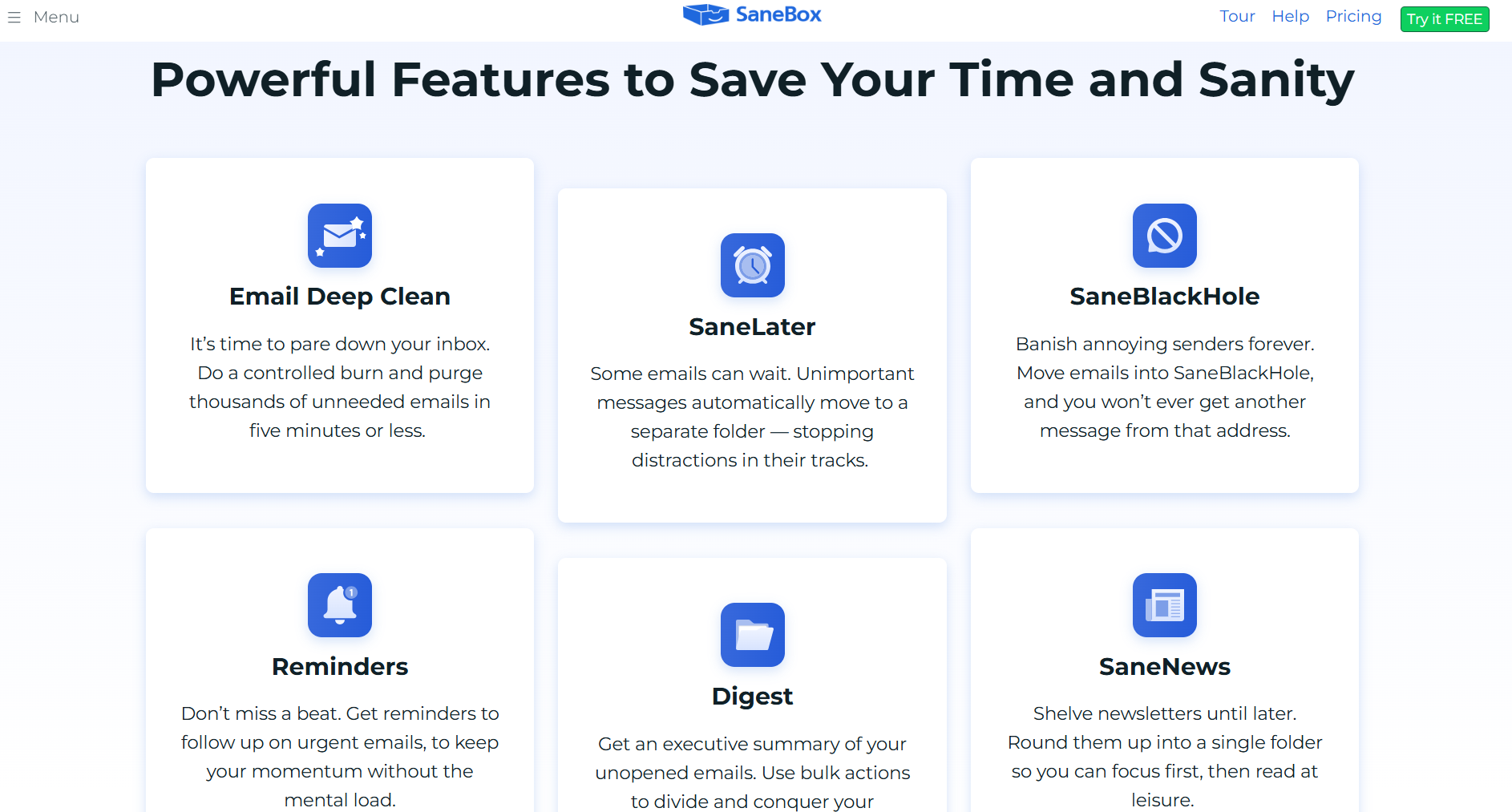
SaneBox filters your inbox at the server level without replacing your email client. It connects to any email account via OAuth, such as Gmail, Outlook, Yahoo, or any IMAP provider. It starts sorting incoming mail into priority folders based on your email history.
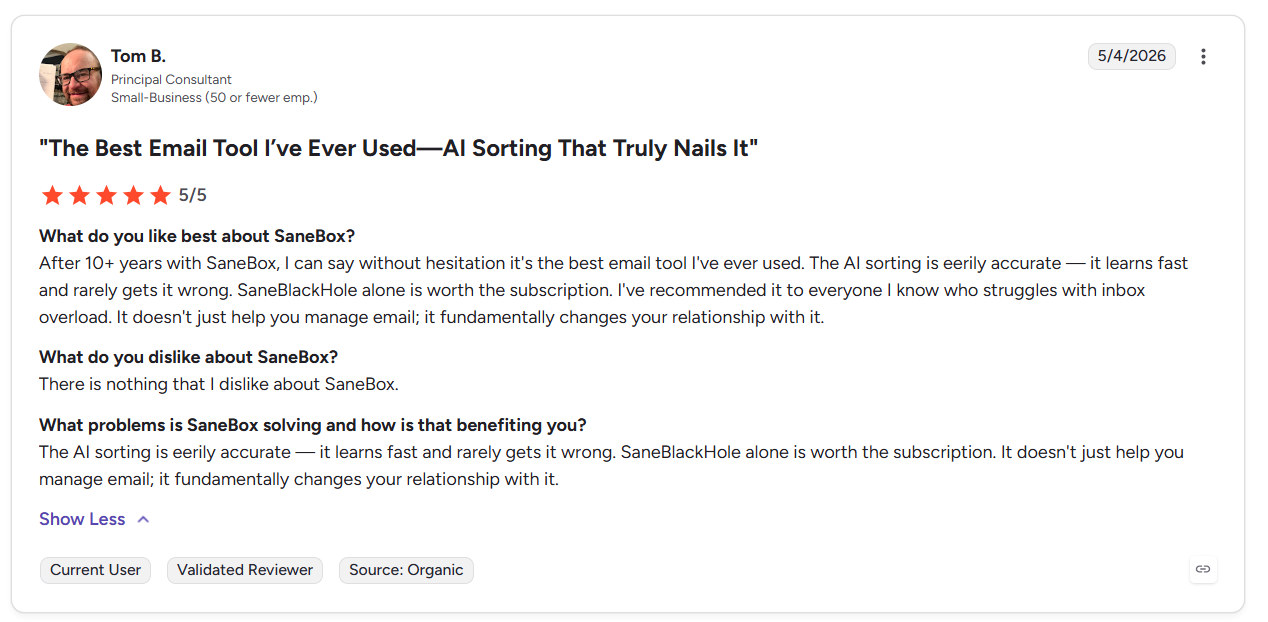
A G2 user noted that SaneBox sorts emails accurately and reduces inbox clutter.
Key features
- Automatically moves low-priority emails out of your inbox until you choose to review them.
- Permanently blocks unwanted senders when you drag an email into the designated folder.
- Find emails you sent that received no response for faster follow-up.
Pros
✅ Easy setup: Connects in minutes via OAuth and begins sorting immediately using your existing email history.
✅ Low-risk correction: Drag a misplaced email back into your inbox, and SaneBox updates future sorting automatically.
✅ Affordable pricing: Starting at $8.99/month, SaneBox fits nearly any budget.
Cons
❌ Fixed folder structure: Categories are predefined, so users can’t create custom filtering logic beyond basic folder training.
❌ Learning period required: The AI needs one to two weeks to calibrate, which can result in some misplaced emails.
Best for
- Businesses that want to keep their existing email platform instead of changing.
- Professionals with high-volume inboxes who want simpler email organization.
- Users who need follow-up tracking but no AI drafting.
Pricing
SaneBox pricing starts at $8.99/month.
7. Reclaim.ai: Best Fyxer alternative for time blocking
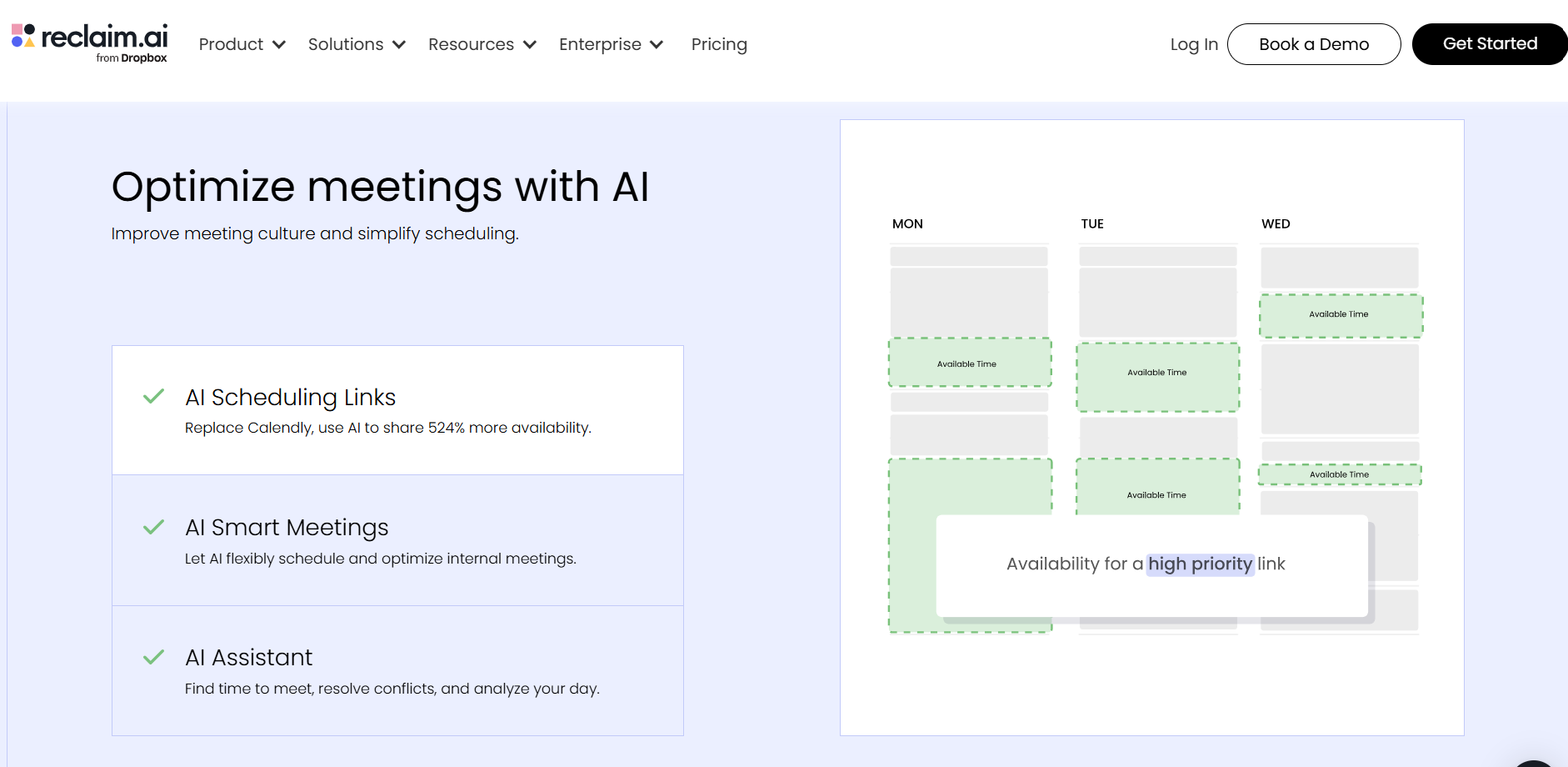
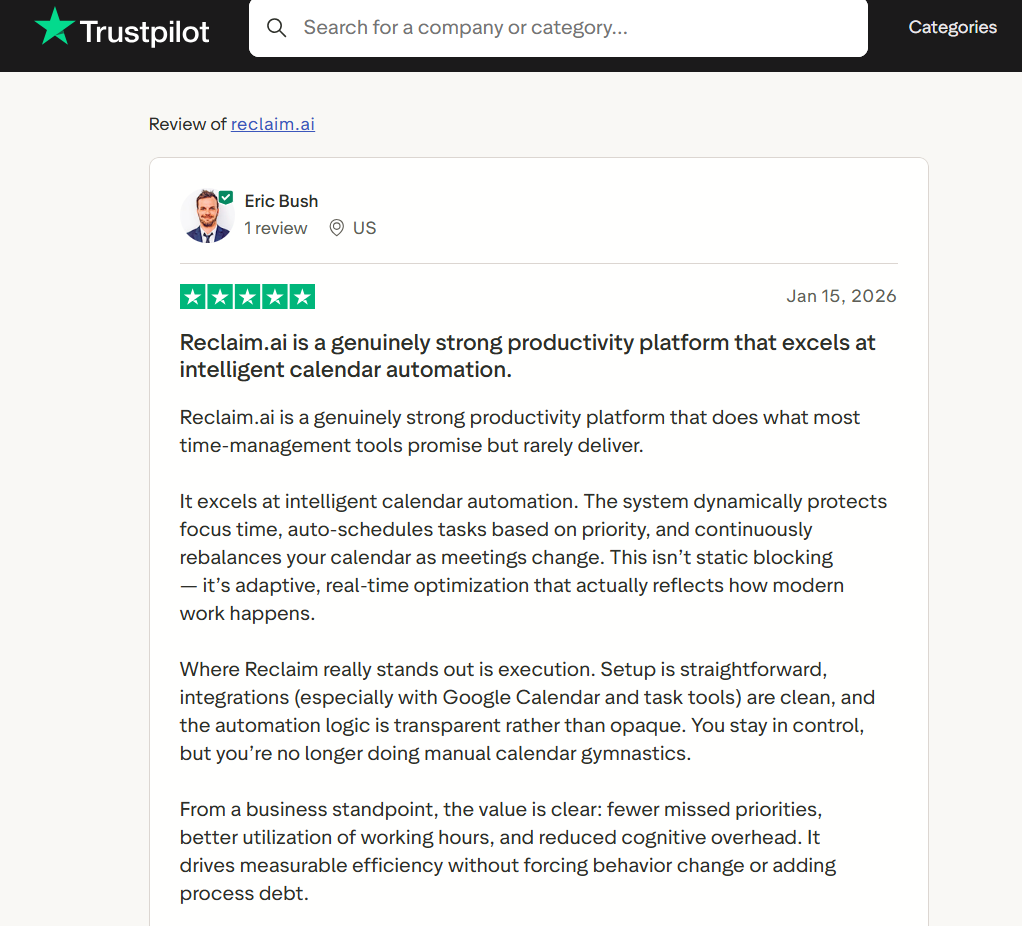
Reclaim.ai focuses on calendar and scheduling tasks. It suits the needs of busy professionals across industries and regular users organizing their personal lives. The tool connects with Google Calendar and organizes tasks, habits, focus time, and meetings around your availability. On Trustpilot, a user noted that the tool excels at calendar automation and has a simple setup.
Key features
- Sets weekly deep work goals and automatically reserves calendar blocks around incoming meetings.
- Pulls tasks from connected tools and places them in available slots based on priority and deadline.
- Reserves recurring time for routines like lunch, exercise, or end-of-day review without manual entry.
Pros
✅ Task tool integration: Two-way sync with Jira, Asana, Todoist, and Linear means tasks appear on your calendar without manual entry.
✅ Strong free tier: The Lite plan includes habit tracking and focus-time blocking at no cost.
✅ Team time analytics: Business plan shows how the team actually spends time, surfacing meeting load and focus time gaps.
Cons
❌ No email support: Reclaim doesn’t manage email, so teams needing both inbox and calendar automation will need another tool.
❌ Narrow scope: Professionals focused on email drafting or meeting notes may not get much value from Reclaim.
Best for
- Team members managing tasks across multiple projects simultaneously.
- Remote teams tracking focus time and meeting load across the week.
- Teams that need to sync Jira or Asana tasks into their calendars.
Pricing
After the free plan, Reclaim pricing starts at $12 per seat/month.
{{cta}}
How to evaluate each Fyxer alternative
You should evaluate each Fyxer alternative based on how well your team can use it and whether your priority is email management or calendar-based workflows. Use these points to decide:
- Action versus assistance: Decide whether you need a tool that handles tasks automatically or one that simply helps you complete tasks like email replies faster. Most tools in this list focus either on automation or productivity support, but rarely both.
- Email client compatibility: Several tools only work with Gmail. If your team runs on Outlook or a hybrid environment, that narrows the field immediately. Confirm provider support before evaluating anything else.
- Email vs. calendar support: Some tools focus mainly on email, while others are just for scheduling tasks. And some do both. Identify whether email or scheduling creates the biggest bottleneck, then choose the tool that addresses that problem.
- Team versus individual fit: Shared inbox tools like Missive price and function around multiple people managing the same address. Solo users need a tool that’s designed for only one inbox. Confirm if you need a tool that fits either teams or solo users.
- AI drafting quality: If reply drafting matters most, test how each tool handles email responses. Tools that learn from your sent history produce meaningfully better drafts than tools that generate from the thread alone.
The best choice becomes clearer once you identify the biggest problems in your current workflow and match them to the right platform.
Try Lindy for email and calendar management
Lindy handles email and calendar workflows from start to finish. Instead of patching together triggers or building complex systems, you simply text Lindy what needs to get done. Then, it manages the work across your inbox, calendar, CRM, and follow-ups.
Here’s what makes Lindy stand out among Fyxer alternatives:
- Simple setup for non-technical teams: Give Lindy instructions in plain English and connect your existing apps without coding.
- Handles tasks beyond email: Lindy can qualify leads, send personalized outreach, update CRMs, schedule meetings, and handle repetitive admin work across tools.
- Built for growing teams: Start with a 7-day trial, then upgrade to a paid plan for higher task limits and expanded usage.
Frequently asked questions about Fyxer alternatives
What should you look for in a Fyxer alternative?
Look for email client compatibility and whether the tool handles tasks automatically or simply assists with drafting. You should also consider whether the tool includes calendar tasks and CRM integrations. Match each tool’s functionality with the work you’re trying to accelerate so you select a platform that fits your needs best.
Can AI assistants manage your inbox and calendar together?
Yes, AI assistants can manage your inbox and calendar together. Lindy handles email, calendar, and CRM in one platform, while most alternatives focus on one or the other. If you choose an AI assistant that handles multiple workflows, you may not need additional tools.
What Fyxer alternatives offer free versions?
Reclaim, Shortwave, Superhuman, and Notion AI all offer useful free versions. You can try limited features, which make them useful for testing AI email and productivity workflows before upgrading. Each of these versions lets teams get started before committing to a paid plan.









