Marketing Automation for Small Business: 11 Best Tools [2026]


You sit down to plan your next marketing campaign, but before you can start, there's a new lead waiting for a reply, a customer who needs a follow-up, and emails you still haven't sent. By the time you're done, half the day is gone.
Sound familiar? Marketing automation tools can take some of that work off your plate. But some offer useful automations for free, while others charge extra for essential features.
I explored 11 marketing automation tools, focusing on their onboarding experience, automation builders, integrations, and pricing. Here's what stood out, what you get at the starting price, and which tools suit your business.
11 best marketing automation tools for small businesses: TL;DR
- Lindy: Automate marketing tasks across apps through Slack
- Brevo: Affordable email and SMS marketing automation
- HubSpot: CRM-connected marketing and sales automation
- ActiveCampaign: Advanced email automation and customer journeys
- Mailchimp: Beginner-friendly email marketing automation
- Klaviyo: Personalized e-commerce marketing campaigns
- Zoho Marketing Automation: Businesses already using Zoho CRM
- Omnisend: E-commerce email and SMS campaigns
- GetResponse: Lead generation funnels and webinars
- Drip: Behavior-based e-commerce email automation
- Sender: Free email marketing automation
How I tested these marketing automation tools
I signed up for all 11 marketing automation tools and explored their onboarding processes, dashboards, automation builders, and available templates. My goal was to understand how easily a small business owner could get started without dedicated marketing expertise.
I evaluated each platform based on five criteria:
- Ease of use: How simple was the onboarding process, navigation, and initial setup?
- Automation capabilities: What workflows, triggers, conditions, and prebuilt templates were available?
- Integrations: Which marketing, CRM, and business applications could the tool connect with?
- Pricing: What automation features were included in free and entry-level plans?
- Limitations: Which features required upgrades, additional configuration, or technical knowledge?
I also noted anything that stood out during my exploration, from Lindy's conversational interface and Brevo's AI-assisted automation setup to HubSpot's extensive menus and Sender's registration process.
I cross-checked features, pricing, and plan restrictions against official documentation.
Quick comparison: 11 best marketing automation tools for small businesses
Let’s explore these in detail.
1. Lindy: AI teammate for marketing automation across apps
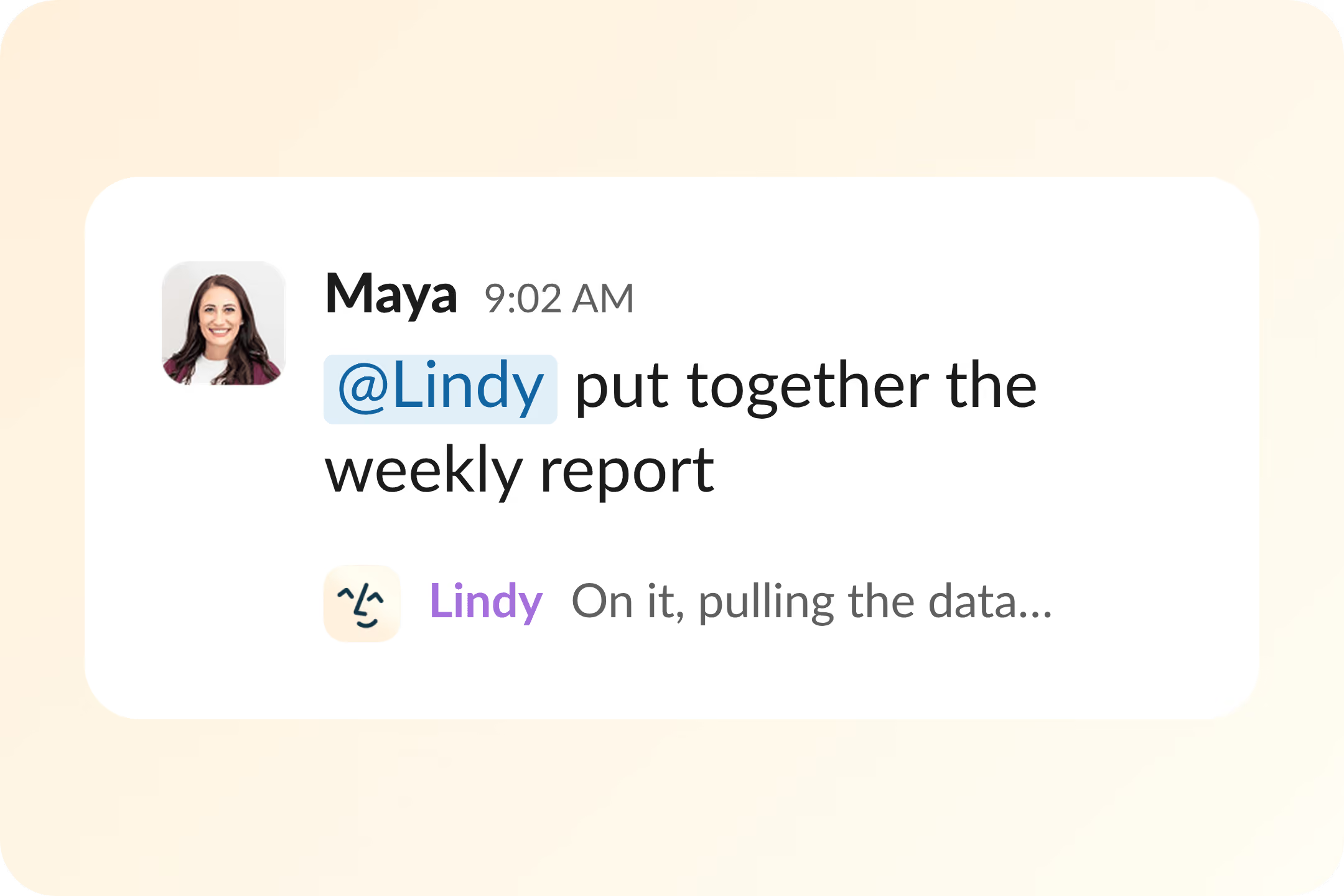
Lindy is an AI teammate that handles marketing tasks across connected apps through Slack or its web interface.
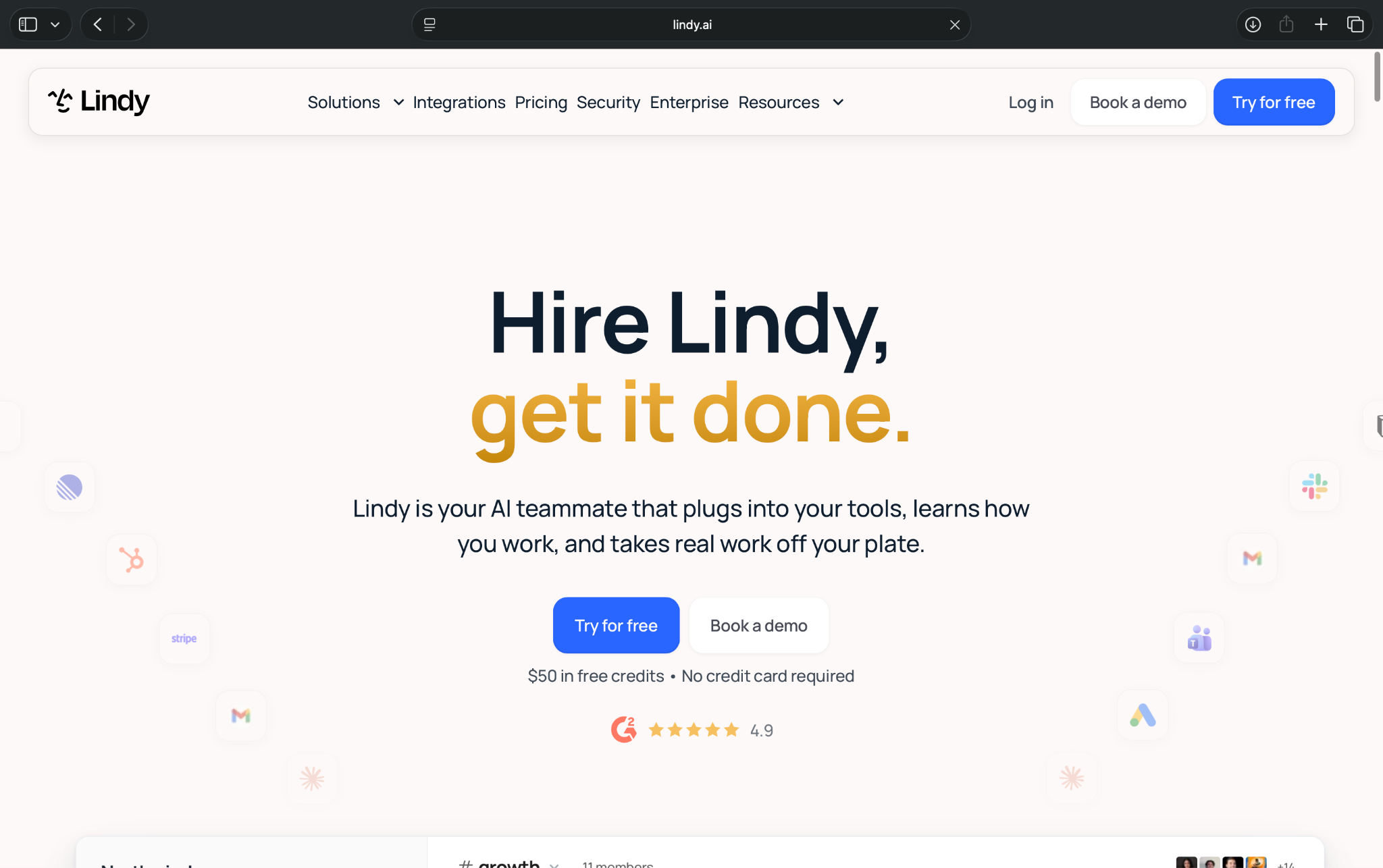
You can use it for prospect research, email management, CRM updates, competitor monitoring, and reporting. Lindy lets you simply describe a task spanning multiple applications in plain English or @ it inside Slack. Or, you can hire it for ready-to-use roles.
Key features
- Slack-based AI teammate: Assign tasks in plain English and receive updates in Slack
- 1,500+ integrations: Connect apps like HubSpot, Gmail, Google Ads, and Mailchimp
- Scheduled routines: Automate recurring prospect research, competitor monitoring, and reports
- Custom skills: Pick from 40+ built-in skills or create your own
My experience exploring Lindy
I found Lindy's conversational interface easy to navigate. The dashboard has separate sections for Routines, Skills, Integrations, and Meetings, so finding my way around wasn't difficult.
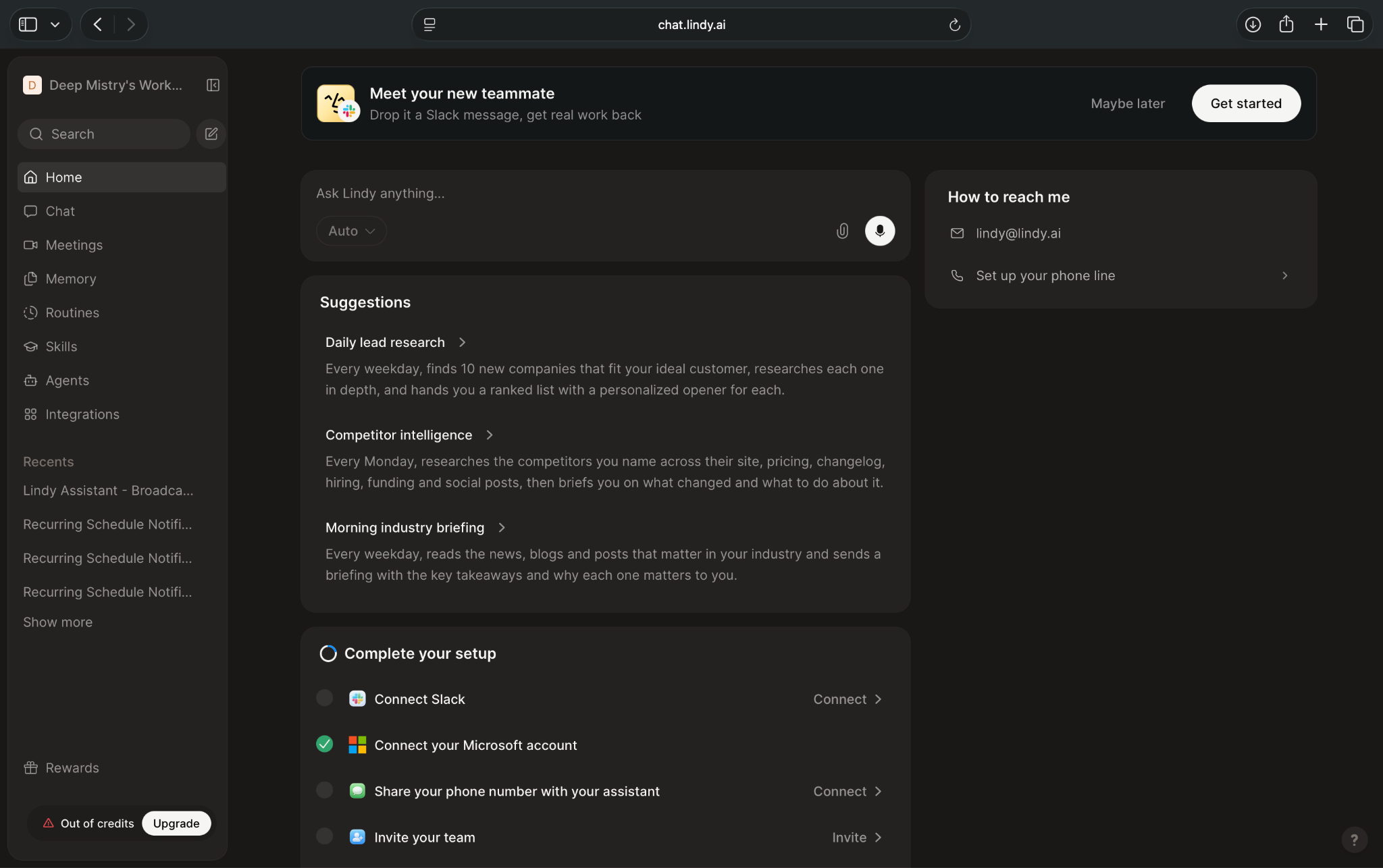
The Routines section caught my attention. It suggested marketing tasks like daily lead research, competitor intelligence, and industry briefings.
One routine was designed to find 10 potential customers every weekday, research their businesses, and prepare personalized opening messages.
I also explored the visual flow editor, which offers more control over triggers, conditions, and actions. However, I think the conversational interface is a better starting point for small teams.
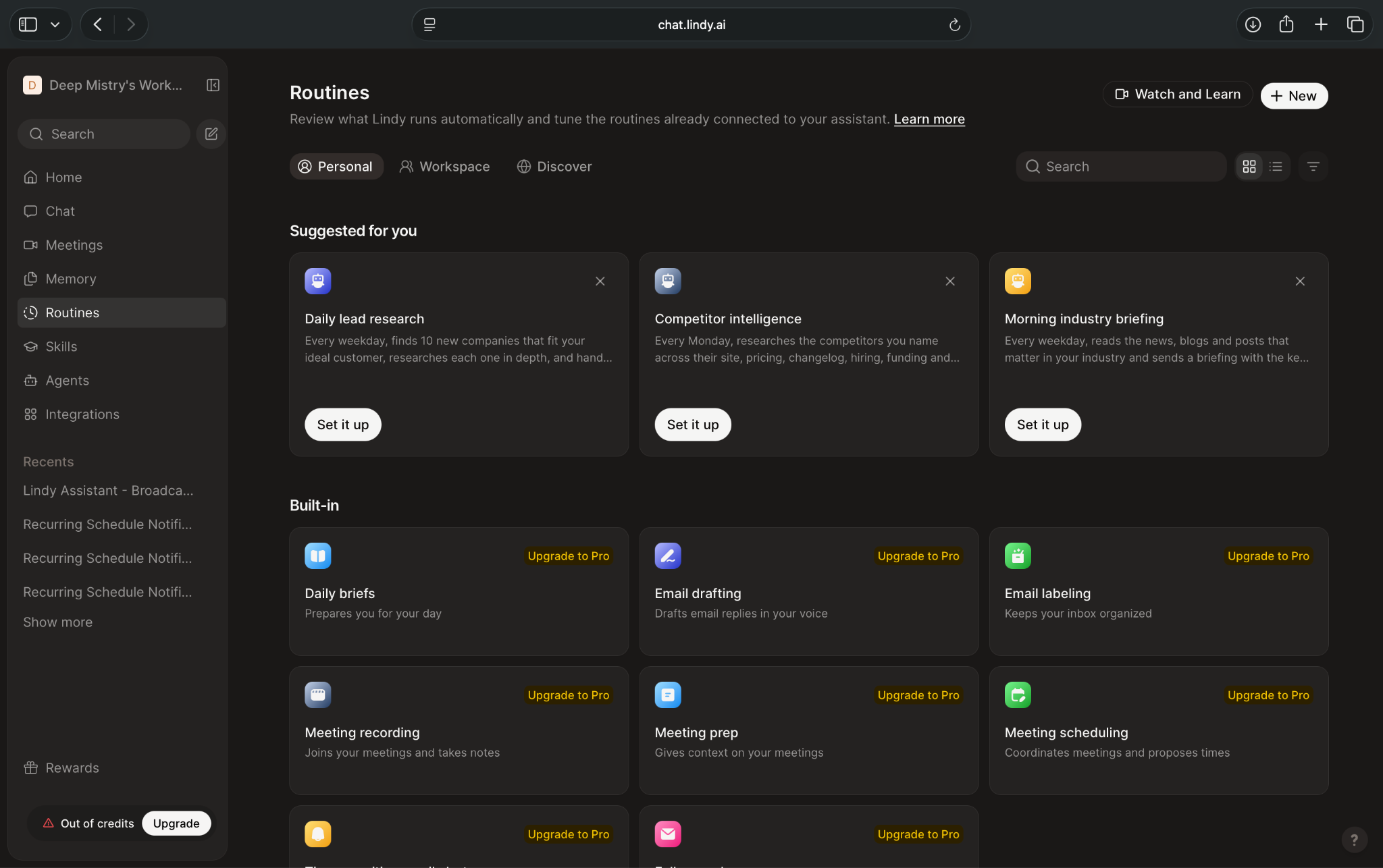
My account had run out of credits, so I couldn't execute these routines. Some also displayed upgrade prompts.
Pros
- Easy conversational interface
- Handles marketing tasks across apps
- Supports recurring assignments
Cons
- Credit costs vary by task
- Specialized tools may still be necessary
Pricing and what you get
- 7-day free trial with $50 worth of credits
- Paid plans start from $49.99/user/month, billed monthly, with 5,000 monthly credits pooled across your team
The starting plan supports Slack assignments, scheduled routines, custom skills, and integrations. Additional credits cost $10 per 1,000, while connected apps may charge separately.
When you'll need to pay more: Complex tasks consume more credits, and additional active users require paid seats.
Who should choose Lindy?
I'd recommend Lindy for small teams managing prospecting, reporting, CRM updates, and other marketing responsibilities across multiple apps.
Lindy works alongside your email platform. Use that platform for automated email journeys and abandoned-cart recovery, and let Lindy handle the research, CRM updates, and reporting around them.
2. Brevo: Affordable email and multichannel marketing automation
Brevo is a marketing automation platform that combines email campaigns, SMS marketing, customer management, and automated workflows.
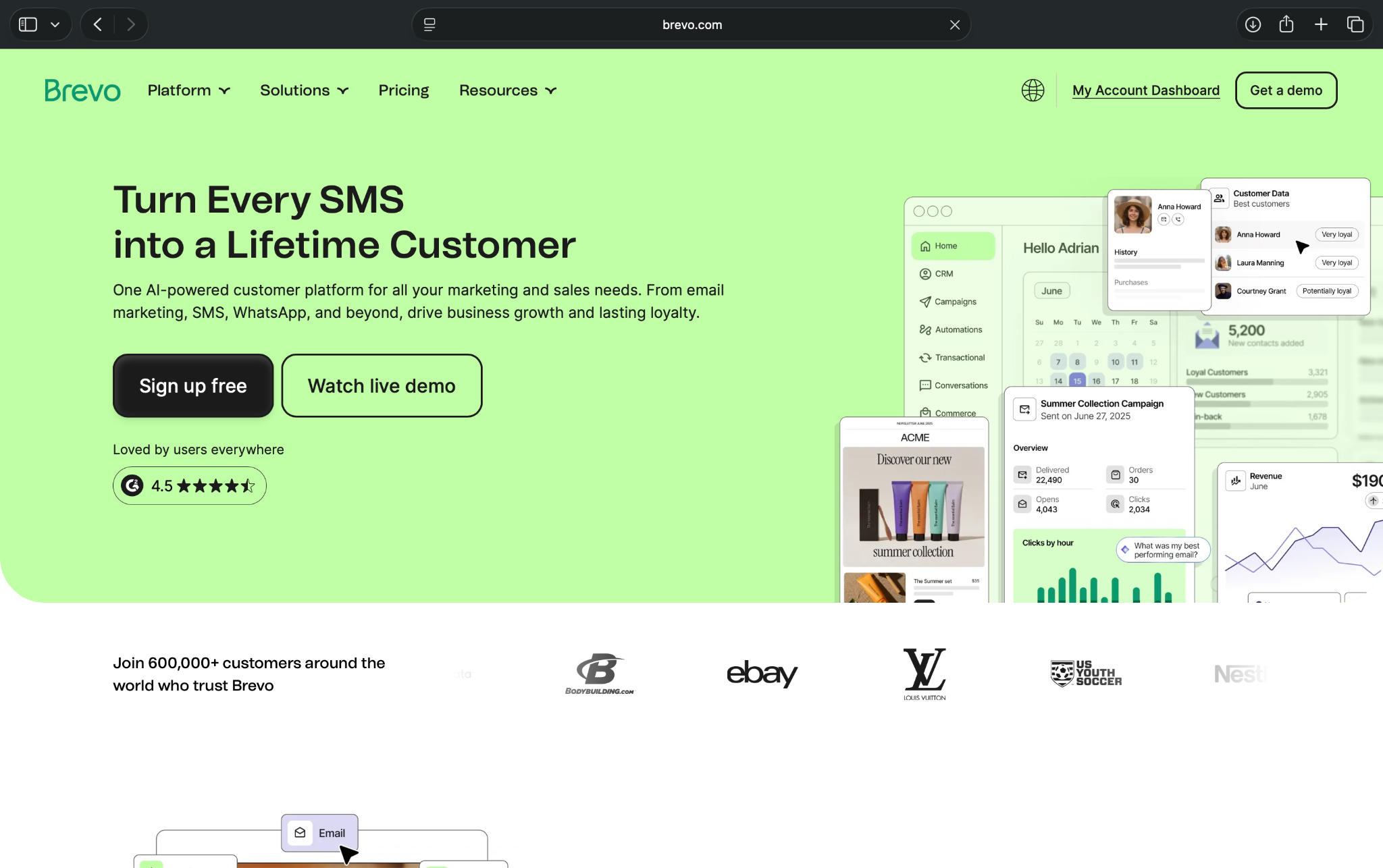
Its biggest advantage is affordability. You can automate customer journeys on the free plan, making it a good starting point for small businesses with limited marketing budgets.
Key features
- AI-assisted automation: Describe a workflow to Aura, use guided setup, or choose a prebuilt template
- Multichannel campaigns: Create email, SMS, WhatsApp, and push campaigns, depending on your plan
- CRM and segmentation: Organize contacts, companies, and deals, then target specific audience groups
- E-commerce integrations: Connect Shopify, WooCommerce, and other stores to automate customer follow-ups
My experience exploring Brevo
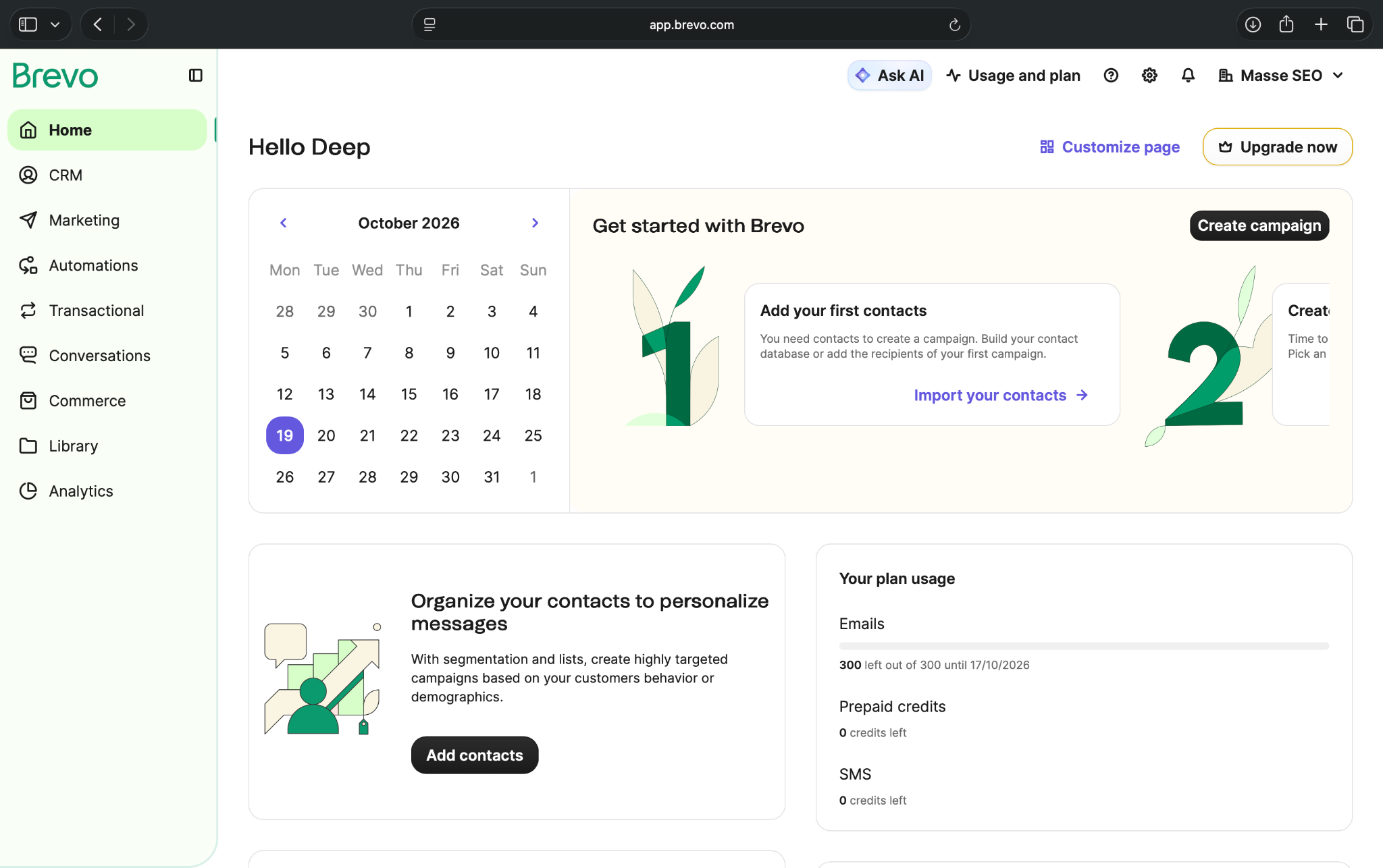
I explored Brevo's free plan and found the dashboard fairly easy to navigate. CRM, Marketing, Automations, Commerce, and Analytics have separate sections, so finding contacts and campaigns wasn't difficult.
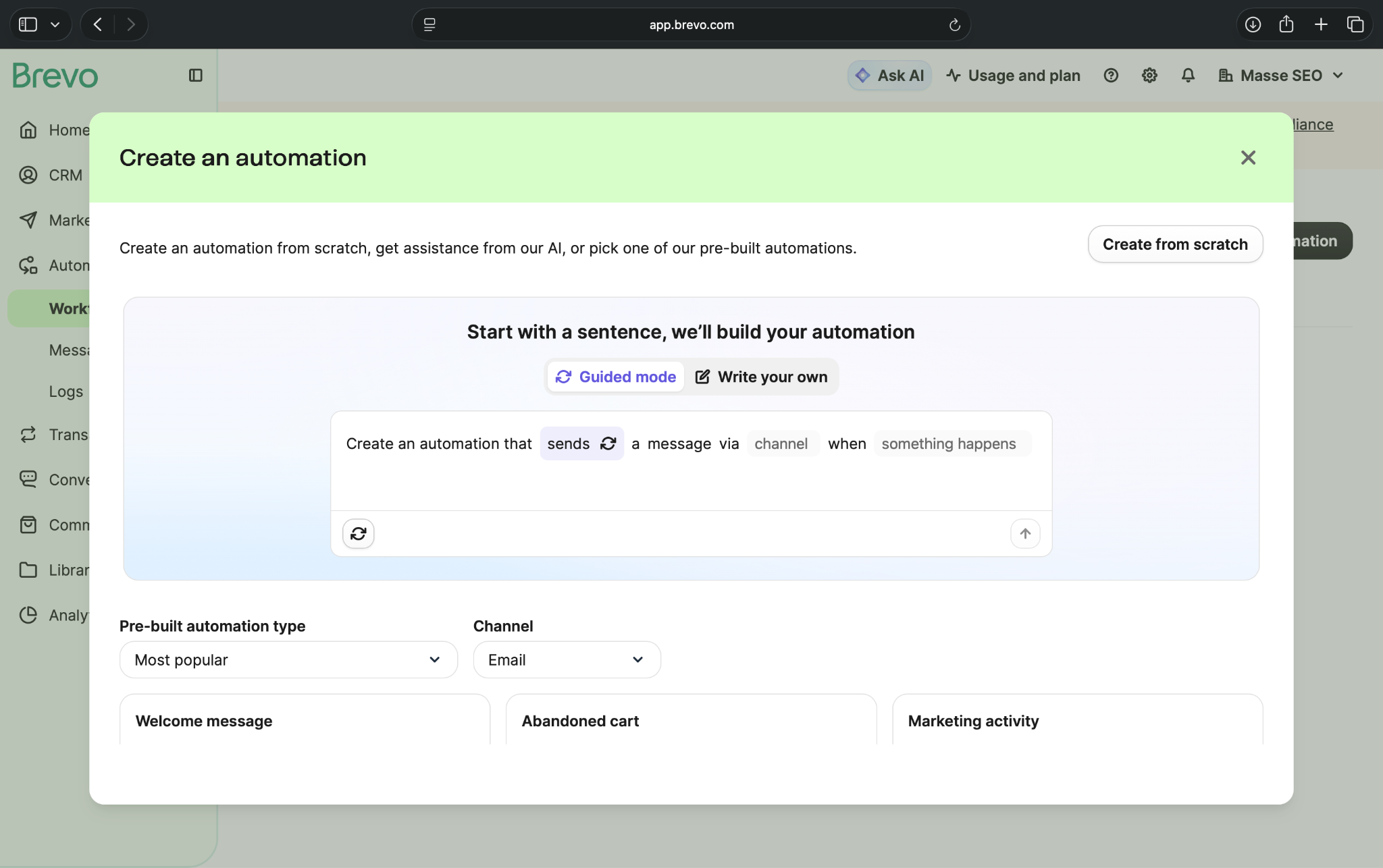
The automation setup caught my attention. I could describe a workflow to Aura, choose a prebuilt template, or start from scratch.
The AI option also offered a guided mode for selecting actions, communication channels, and triggers. I think that's helpful for someone unfamiliar with automation builders.
Some campaign options displayed upgrade icons, and Brevo required phone verification before sending messages. I didn't launch a campaign or run a completed workflow.
Pros
- Free automation for 2,000 contacts
- AI-assisted workflow setup
- Built-in CRM and multichannel campaigns
Cons
- Free sending limited to 300 emails/day
- Advanced reporting requires the Standard plan
Pricing and what you get
- Free plan with 300 emails/day and automation for up to 2,000 contacts
- Paid plans start from $9/month, with 5,000 monthly emails and no daily sending limit
The starting paid plan retains the 2,000-contact automation limit. SMS messages require separately purchased credits.
When you'll need to pay more: Upgrade to Standard when more than 2,000 contacts need to enter your automations or you need advanced reporting.
Who should choose Brevo?
I'd recommend Brevo for small businesses that want affordable email automation alongside CRM and SMS capabilities.
Its free plan is useful for welcome emails and lead follow-ups. However, businesses building more complex customer journeys should also consider ActiveCampaign.
3. HubSpot: CRM-connected B2B marketing automation
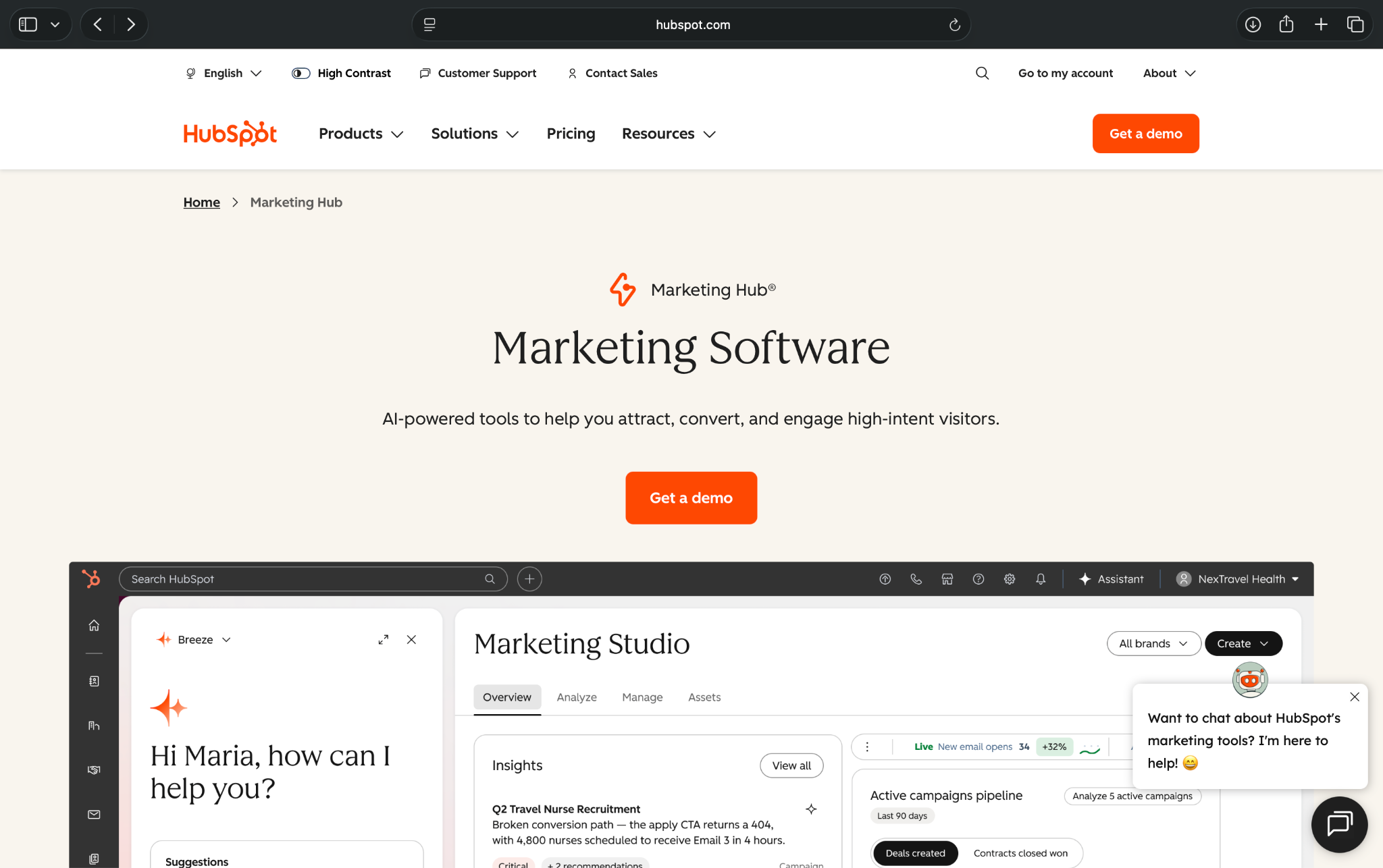
HubSpot combines CRM, email marketing, lead generation, and automation in one platform.
Its biggest advantage is keeping customer information and marketing activities connected. However, while its free and Starter plans cover basic marketing tasks, advanced automation comes at a considerably higher price.
Key features
- Built-in CRM: Manage contacts, deals, and customer interactions alongside marketing campaigns
- Email automation: Set up form-triggered follow-ups and more advanced journeys on higher plans
- AI assistance: Use Breeze for onboarding, content creation, and marketing-related tasks
- Campaign reporting: Track email engagement and marketing performance, with advanced analytics on higher plans
My experience exploring HubSpot
HubSpot's AI-assisted onboarding caught my attention. I selected "Automate campaign tasks" as my goal, and it suggested connecting tools like Google Ads, Zapier, Zoom, and LinkedIn Ads.
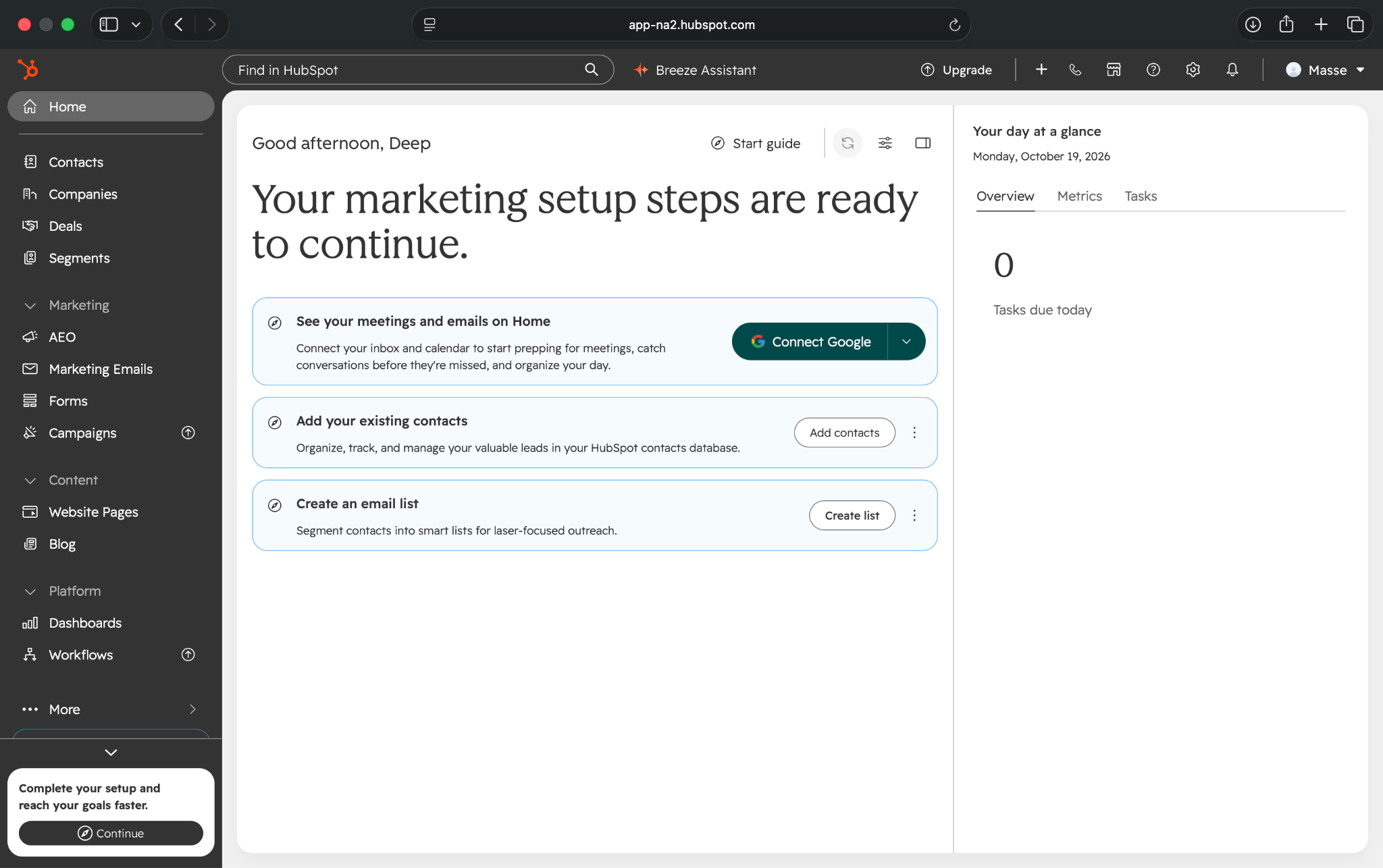
I liked how the setup adapted to my needs. However, the dashboard felt more cluttered than Brevo or Lindy, with separate menus for contacts, deals, campaigns, emails, and workflows. The email templates and CRM sections were fairly straightforward to explore.
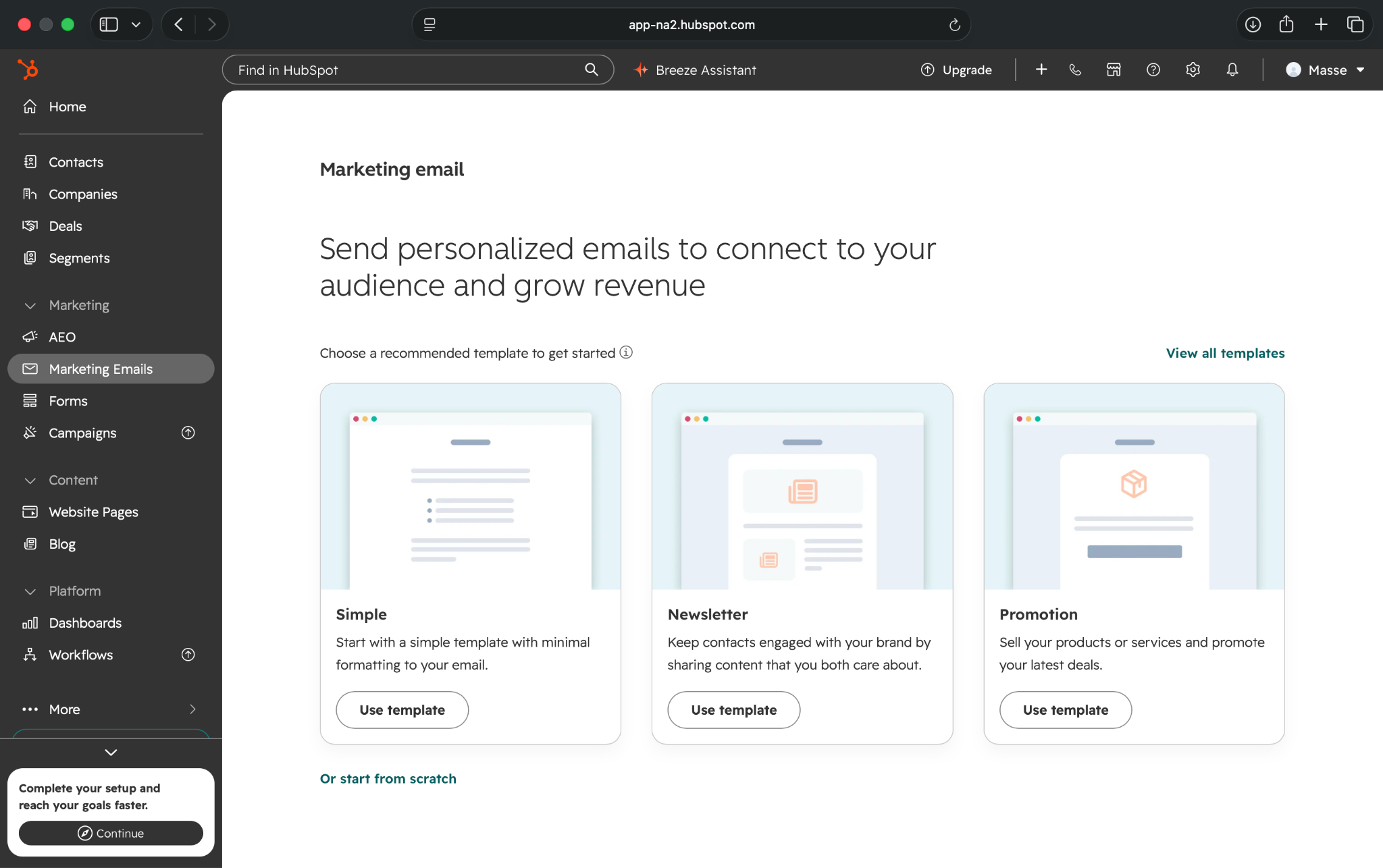
The biggest limitation appeared when I opened the automation features. HubSpot prompted me to upgrade to Marketing Hub Professional for advanced workflows.
Pros
- CRM and marketing in one place
- Personalized AI-assisted onboarding
- Free basic marketing tools
Cons
- Advanced workflows cost considerably more
- Busy interface takes time to learn
Pricing and what you get
- Free plan that offers CRM, forms, 2,000 marketing emails/month, and basic one-action form follow-ups
- Paid plans start at $10/seat/month, under a promotional offer. Regular pricing starts at $20/seat/month, with up to 10 automation actions
Starter supports simple email and form automations, but doesn't include the full workflow builder.
When you'll need to pay more: Professional is necessary for advanced customer journeys, lead scoring, and multichannel automation. Growing marketing contact lists can also increase costs.
Who should choose HubSpot?
I'd recommend HubSpot for B2B businesses that want their CRM and marketing activities connected. It's useful for managing leads and sales follow-ups, but businesses primarily looking for affordable email automation may find Brevo a better fit.
4. ActiveCampaign: Advanced email automation and customer journeys
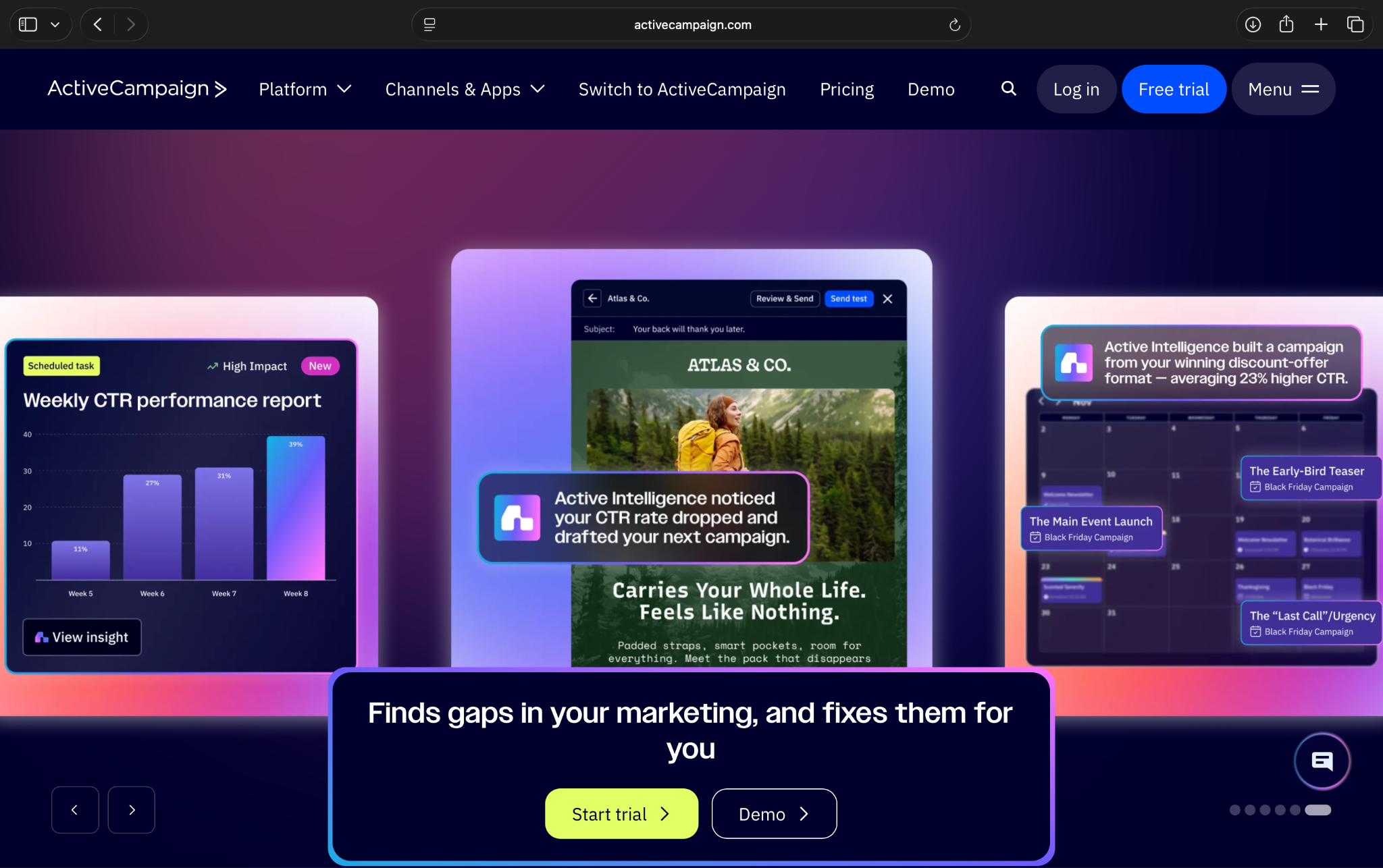
ActiveCampaign helps businesses automate email campaigns, nurture leads, and personalize customer journeys based on user behavior. Its biggest strength is its flexible automation builder, which supports everything from welcome emails to multi-step sequences with triggers, conditions, and follow-ups.
Key features
- Visual automation builder: Create customer journeys using triggers, delays, and conditional actions
- AI-assisted campaigns: Generate email content, layouts, and campaign suggestions
- Audience segmentation: Target subscribers using tags, engagement history, and customer behavior
- Multichannel marketing: Combine email with SMS and WhatsApp, depending on your plan
My experience exploring ActiveCampaign
ActiveCampaign's onboarding process stood out because it asked about my marketing experience, preferred channels, and business goals.
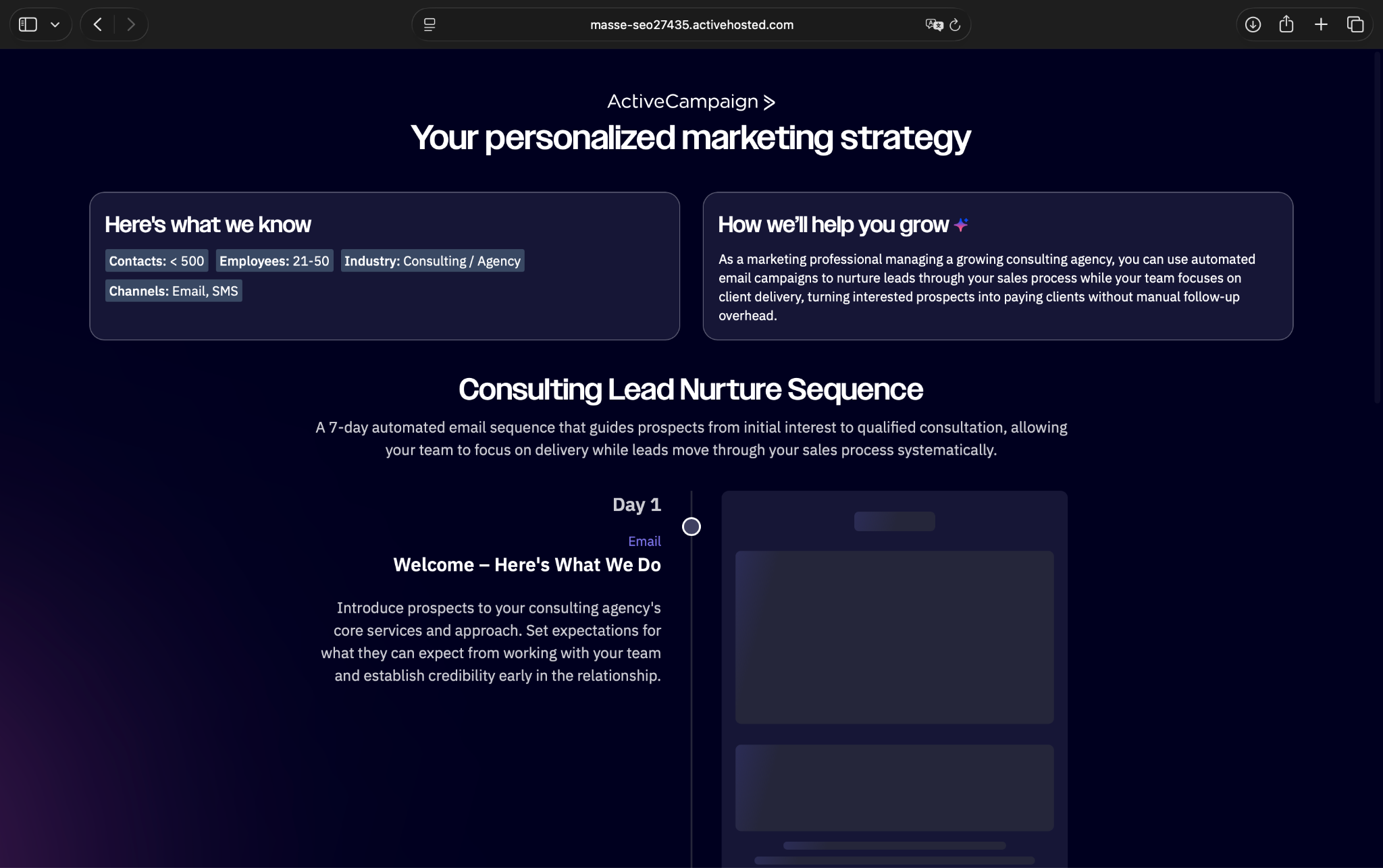
I selected email marketing and indicated that I was new to automation. Based on my answers, ActiveCampaign suggested a personalized seven-day lead-nurturing campaign for a consulting agency.
It included a welcome email followed by messages designed to build trust and encourage prospects to take the next step. I liked that it gave me a specific campaign idea instead of leaving me to figure everything out.
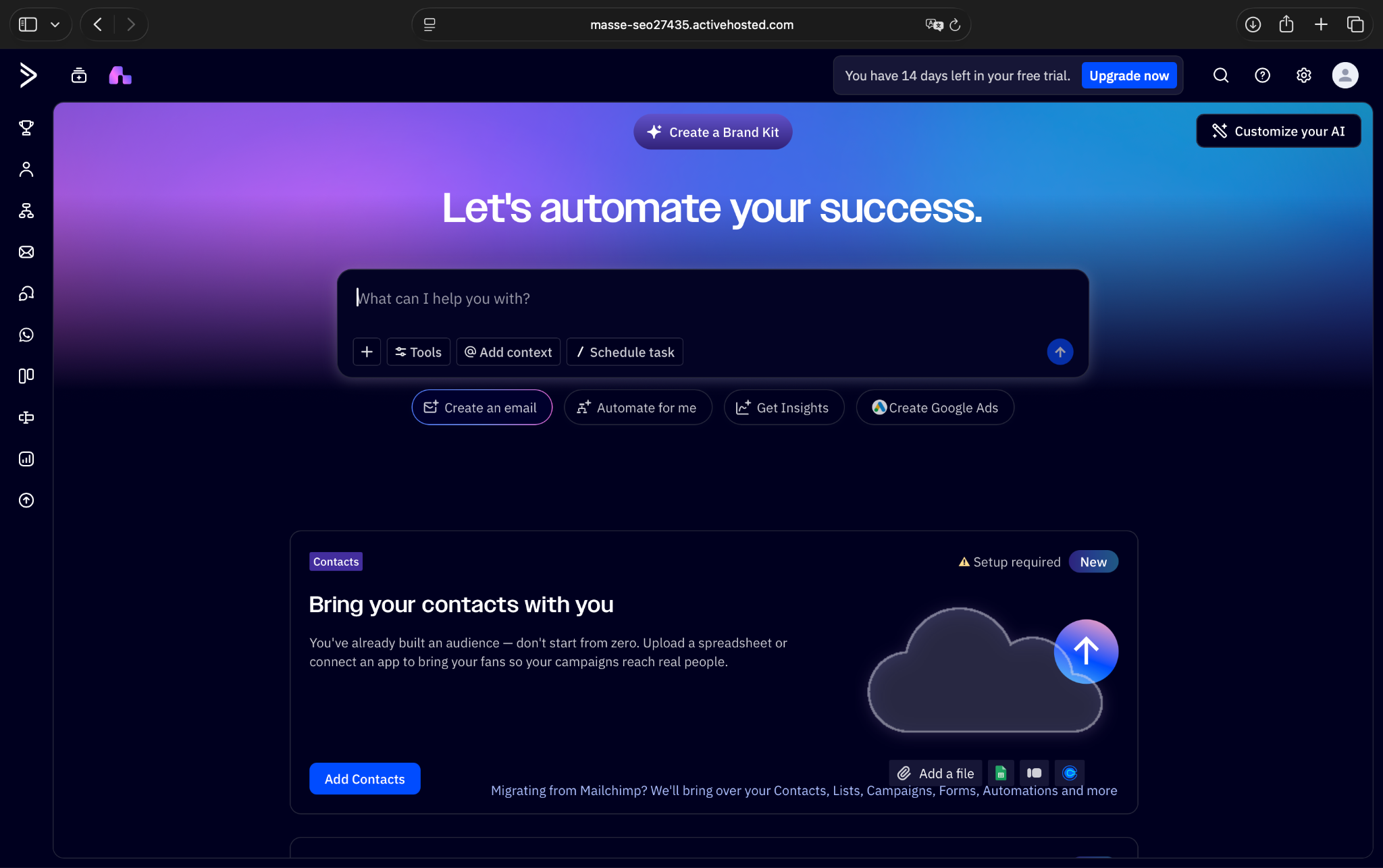
However, I encountered an error while creating my account, which prevented me from exploring the main automation dashboard. So, my observations are limited to its onboarding experience.
Pros
- Personalized AI-assisted onboarding
- Flexible automation workflows
- Extensive prebuilt recipe library
Cons
- Starter plan has limited workflow actions
- Pricing increases with contacts
Pricing and what you get
- 14-day free trial, with no credit card required
- Paid plans start from $15/month, billed yearly for 1,000 contacts
The Starter plan supports basic email automation with up to five actions per workflow, alongside contact segmentation and campaign reporting.
When you'll need to pay more: Upgrade to Plus for longer customer journeys and advanced automation. Costs also increase as your contact list grows.
Who should choose ActiveCampaign?
I'd recommend ActiveCampaign for B2B businesses and agencies that nurture leads through personalized email sequences. However, if you only need welcome emails and simple follow-ups, Brevo offers a more affordable starting point.
5. Mailchimp: Best for beginners automating email marketing
Mailchimp helps small businesses create email campaigns, manage subscribers, and automate customer communication.
It offers ready-made templates, signup forms, audience segmentation, and campaign analytics. Its biggest advantage is ease of use, although you'll need a paid plan to activate automated customer journeys.
Key features
- Prebuilt automations: Create welcome emails, abandoned-cart reminders, and follow-up sequences using ready-made templates
- Email campaign builder: Design newsletters and promotional emails with a drag-and-drop editor
- Audience segmentation: Organize subscribers using tags, customer information, and engagement history
- Lead generation: Collect subscribers through signup forms, pop-ups, and landing pages
My experience exploring Mailchimp
Mailchimp was one of the easiest tools to get started with. I signed up using Google, and the onboarding process asked straightforward questions about my business and existing marketing tools.
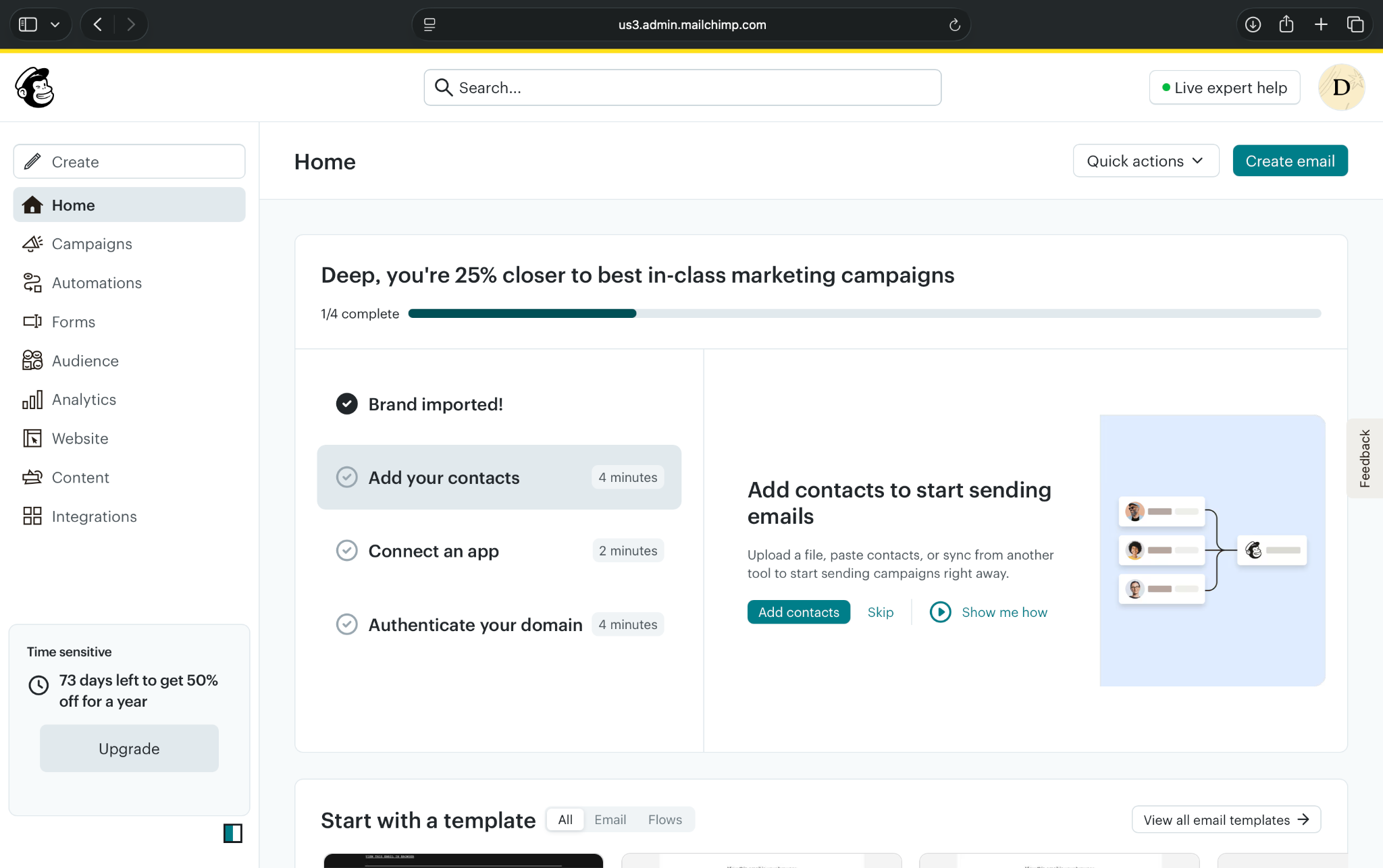
I liked its polished interface. Campaigns, Automations, Forms, and Audience had separate sections, so navigation felt intuitive.
The automation template library caught my attention. It included welcome sequences, email and SMS workflows, and lead-generation templates. I could also choose to build a workflow from scratch.
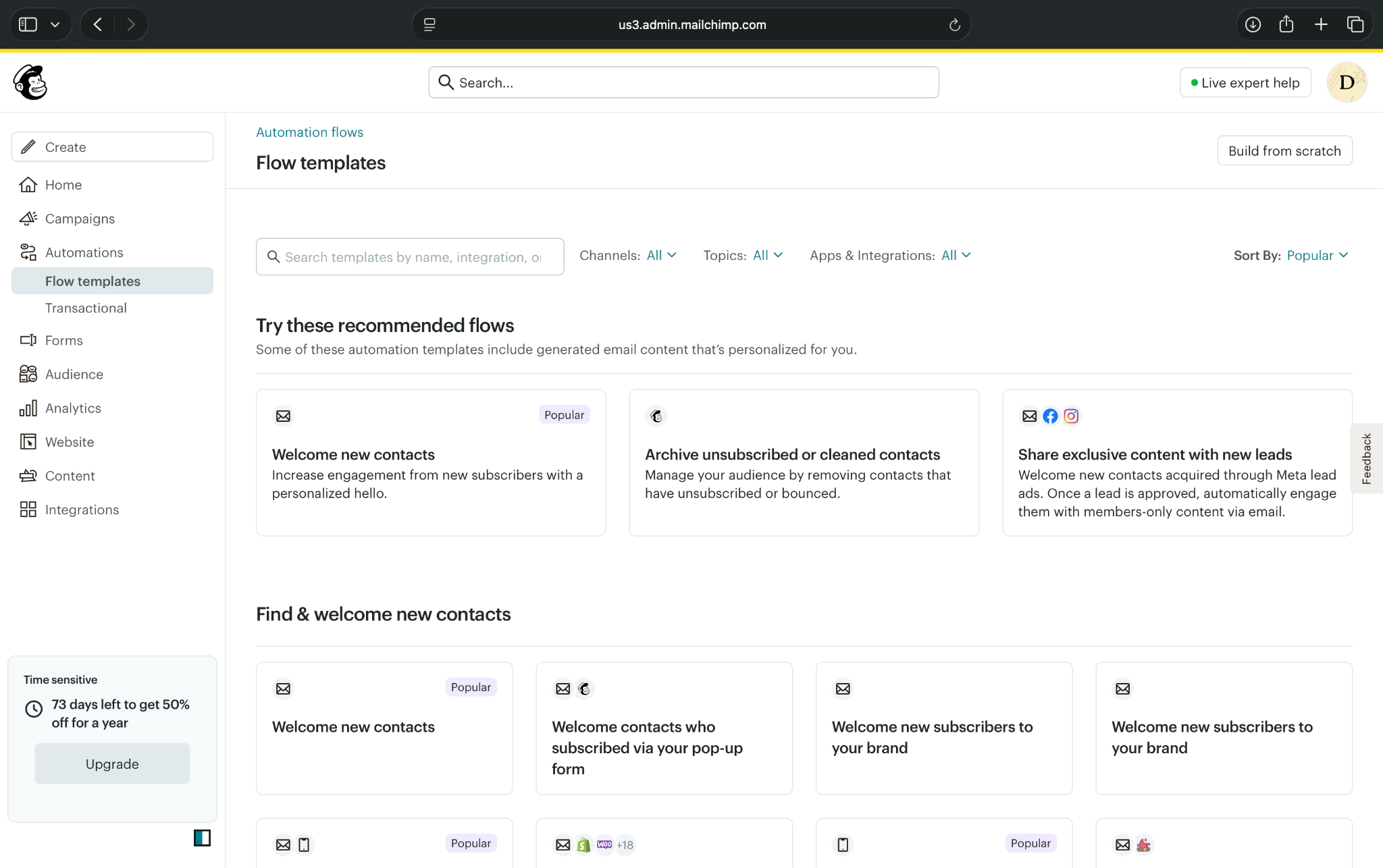
However, the free plan wouldn't let me activate automation flows, and some analytics features displayed upgrade prompts.
Mailchimp also requires a physical mailing address during setup, which is worth knowing before signing up.
Pros
- Beginner-friendly interface
- Extensive automation templates
- Built-in forms and landing pages
Cons
- No automation flows on the Free plan
- Costs increase with contacts
Pricing and what you get
- Free plan with up to 250 contacts and 500 monthly emails, but no automation flows
- Paid plans start from $13/month, with Essentials supporting automation flows of up to four steps
The starting paid plan supports basic welcome sequences and follow-ups. More complex journeys require Standard.
When you'll need to pay more: Upgrade for longer workflows, advanced personalization, or a growing contact list. SMS marketing also costs extra.
Who should choose Mailchimp?
I'd recommend Mailchimp for beginners who want a simple way to manage email campaigns and automated follow-ups. If you need free marketing automation, Brevo or Sender may be better starting points.
6. Klaviyo: Best for e-commerce marketing automation
Klaviyo helps e-commerce businesses automate email and SMS campaigns based on customer behavior.
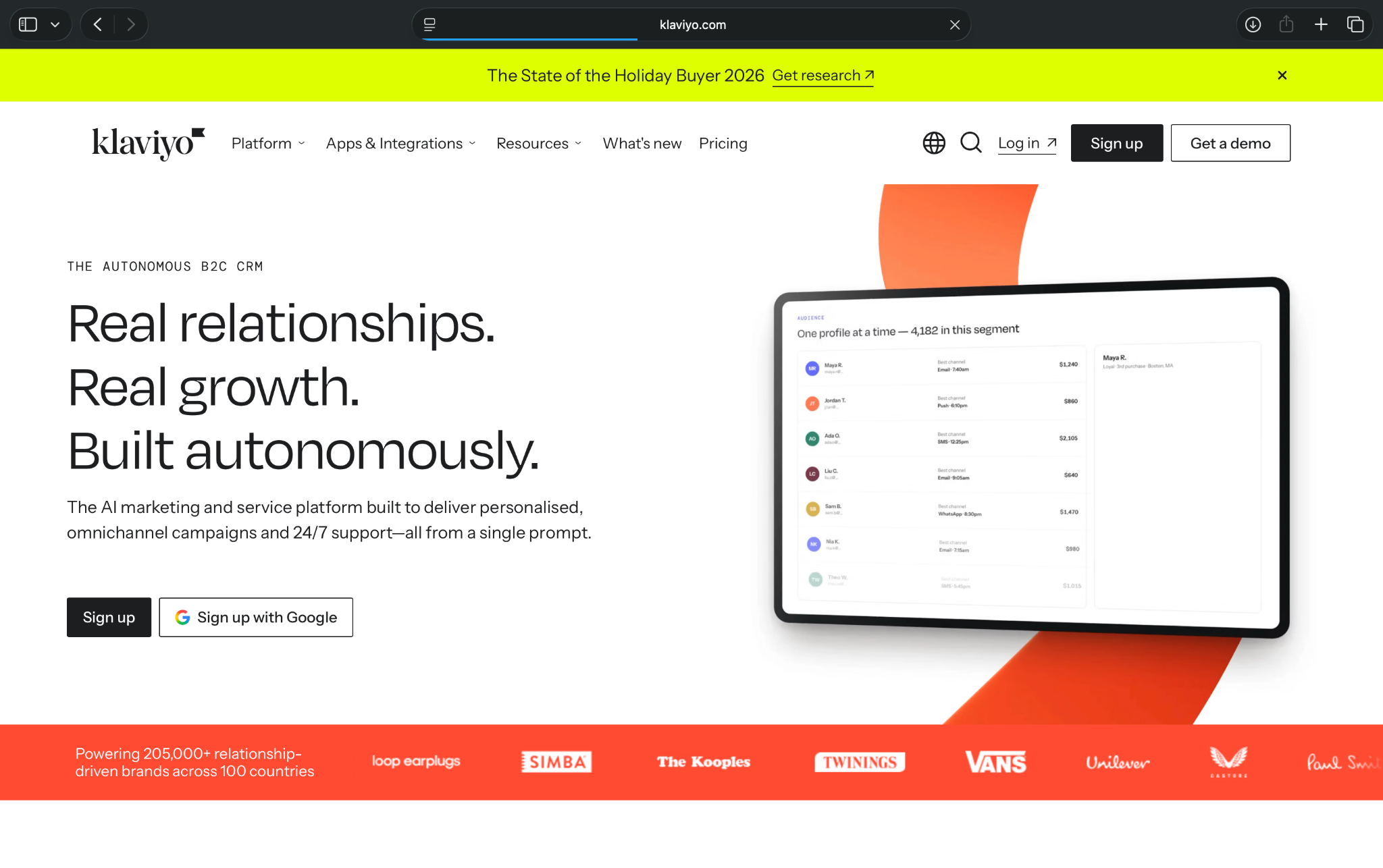
You can create abandoned-cart reminders, personalized product recommendations, and post-purchase follow-ups. Its biggest strength is using shopping and purchase data to create targeted customer journeys.
Key features
- Prebuilt workflows: Automate abandoned checkouts, welcome emails, and post-purchase follow-ups
- Customer segmentation: Target shoppers based on purchases, browsing activity, and engagement
- AI assistant: Use Composer to create campaigns, build segments, and analyze performance
- E-commerce integrations: Connect Shopify, WooCommerce, and BigCommerce to sync customer and order data
My experience exploring Klaviyo
Klaviyo's onboarding started by asking about my business goals and which platforms I wanted to connect. I selected lead conversions and announcements, then continued without connecting to an e-commerce store.
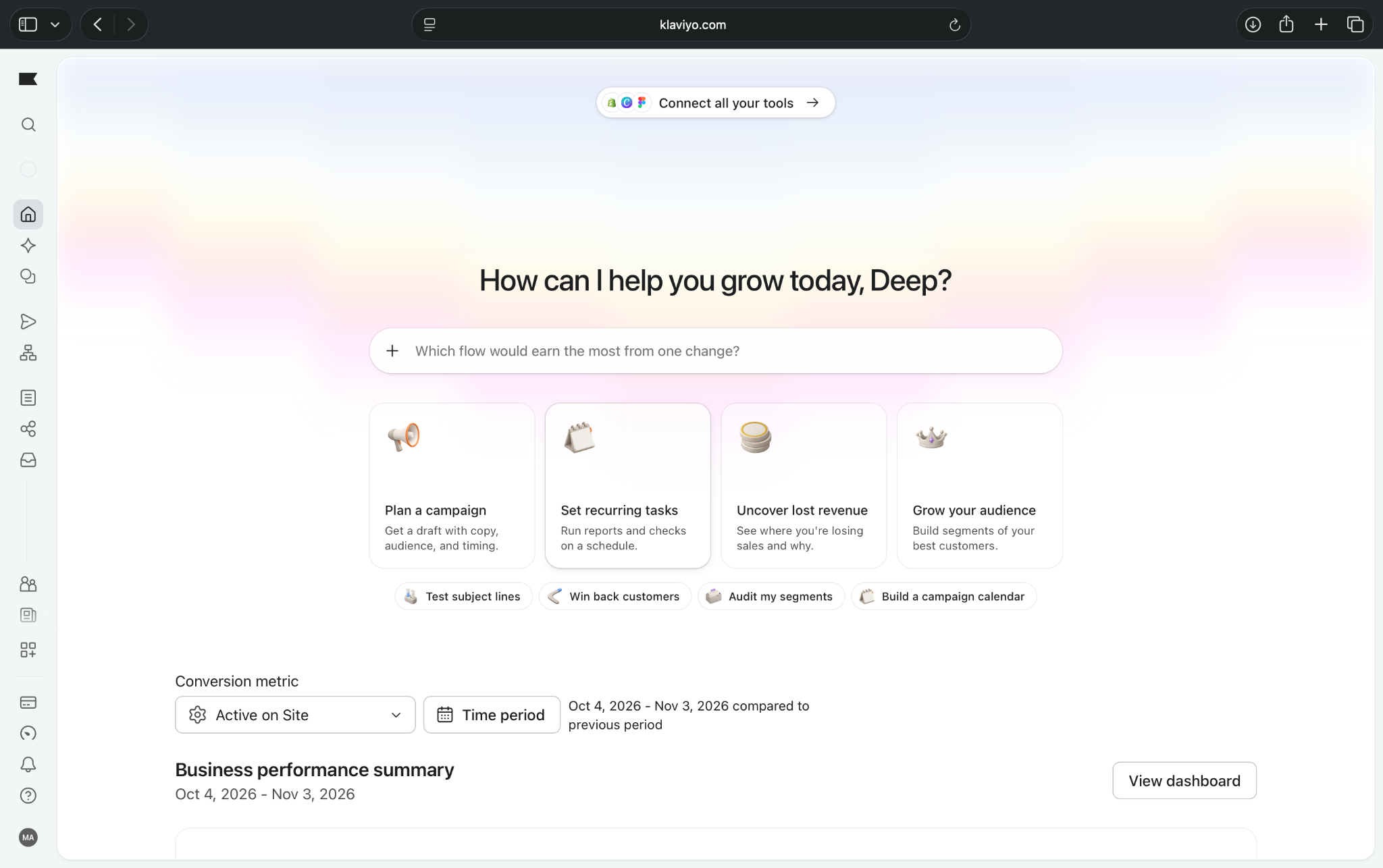
Once inside, I found the interface busier than Mailchimp or Brevo. The sidebar included campaigns, flows, audience management, customer service, and analytics.
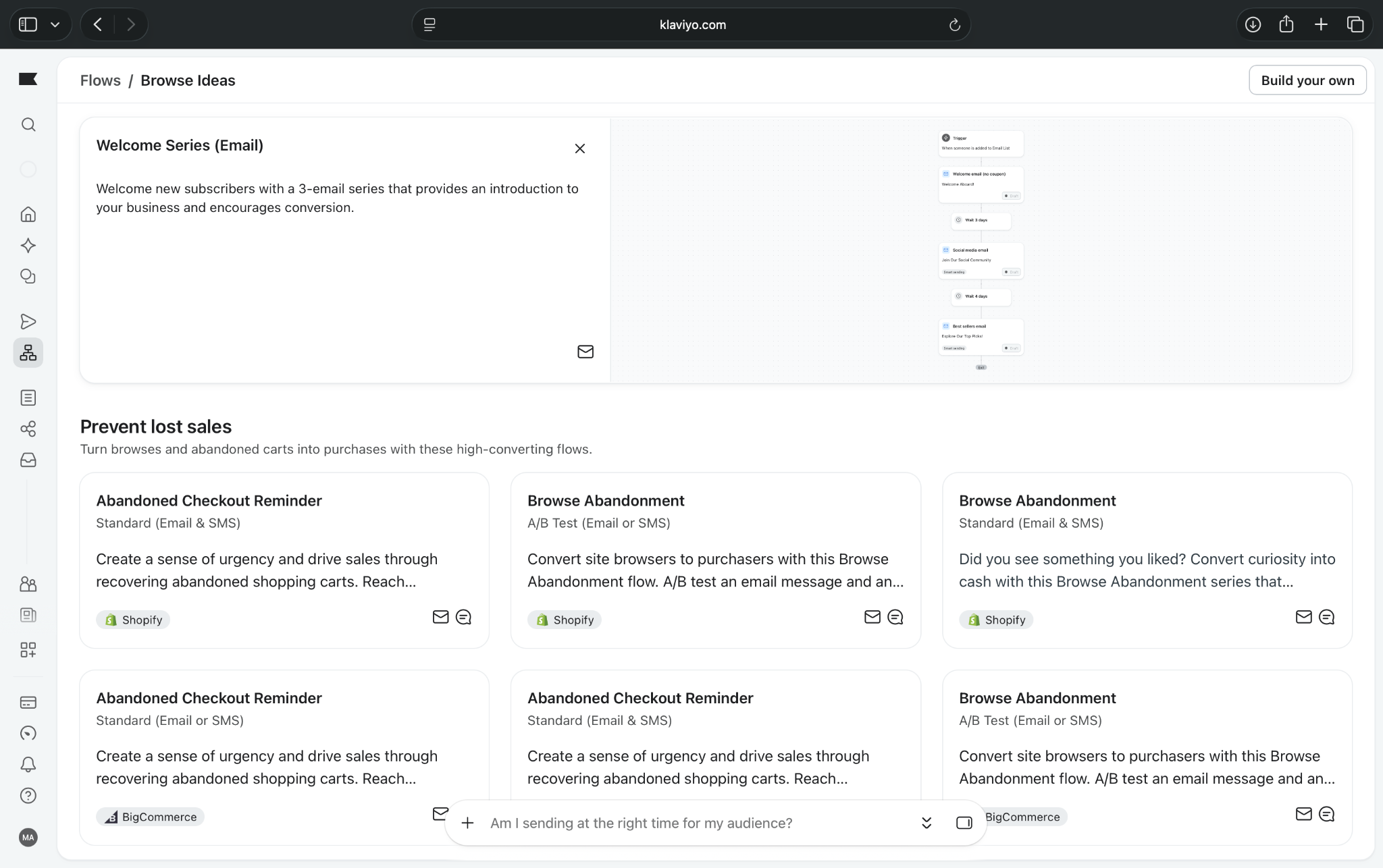
The Flows library caught my attention. It offered ready-made workflows for abandoned checkouts, browse abandonment, and subscriber nurturing, with templates for different e-commerce platforms.
I also liked Composer, the AI assistant that suggests tasks such as building segments and reviewing campaigns. However, the number of features made Klaviyo less approachable for someone starting with basic email marketing.
Pros
- Strong e-commerce automation
- Detailed customer segmentation
- Extensive prebuilt workflows
Cons
- Busy interface for beginners
- Pricing grows with contacts
Pricing and what you get
- Free to use with 250 active profiles, 500 monthly emails, and automated workflows
- Paid plans start from $20/month, with 500 active profiles and 5,000 monthly emails
The free plan supports automated welcome emails and customer journeys, but its sending allowance limits usage. Introductory discounts don't reflect ongoing subscription costs.
When you'll need to pay more: Upgrade when you exceed 250 active profiles, need more emails, or want certain advanced AI features.
Who should choose Klaviyo?
I'd recommend Klaviyo for online stores that want personalized campaigns based on shopping behavior. If you're primarily sending newsletters and basic follow-ups, Mailchimp or Brevo may be easier to manage.
{{templates}}
7. Zoho Marketing Automation: Best for businesses using the Zoho ecosystem
Zoho Marketing Automation helps small businesses manage email campaigns, capture leads, and automate customer journeys.
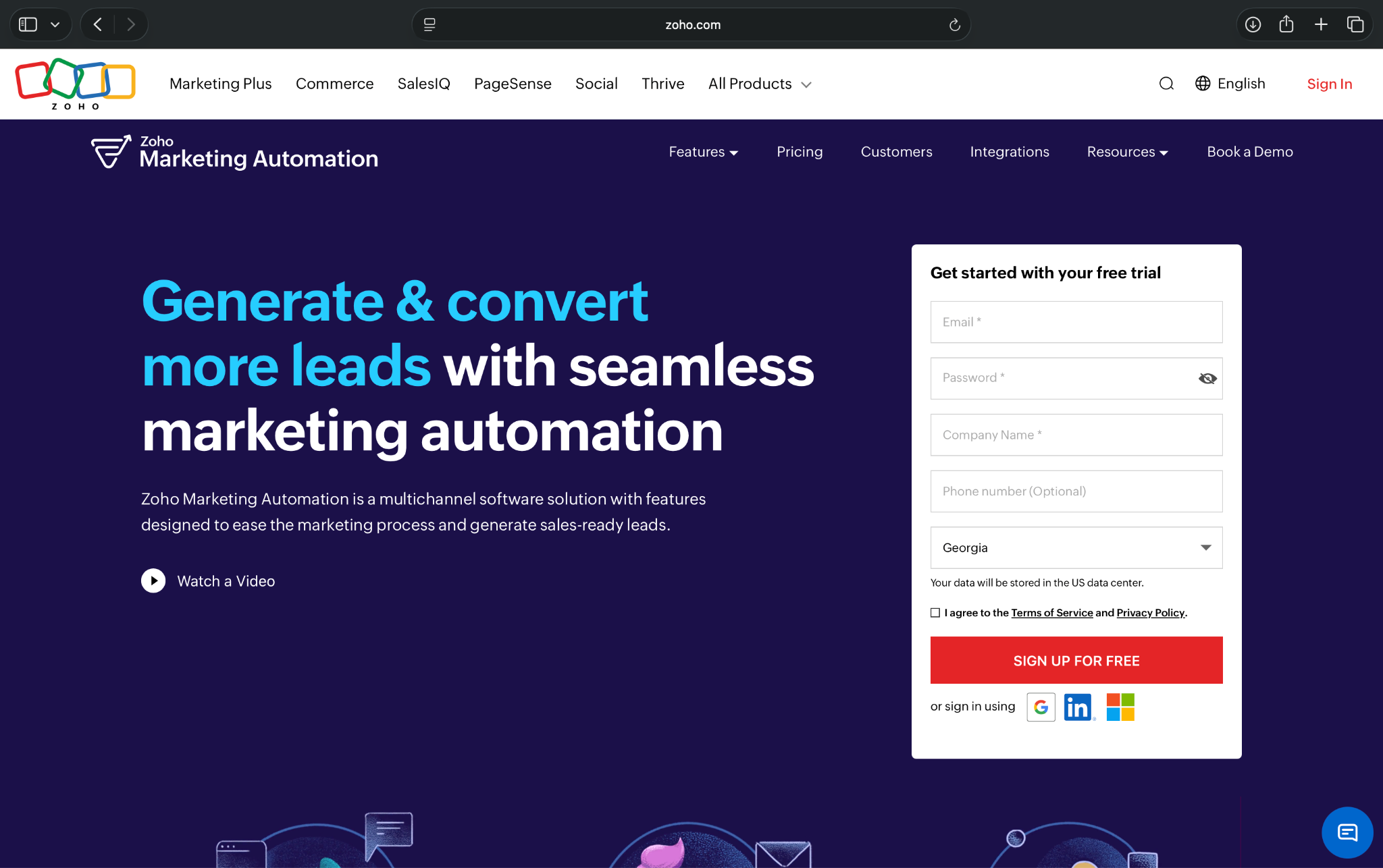
It combines contact management, signup forms, website tracking, and marketing workflows. Its biggest advantage is its integration with Zoho CRM, making it particularly useful for businesses already using Zoho products.
Key features
- Automated journeys: Create workflows using customer actions, triggers, and prebuilt templates
- Lead generation: Capture contacts through signup forms, pop-ups, and landing pages
- Zoho CRM integration: Sync customer information and connect marketing activities with sales
- Website tracking: Monitor visitor activity and campaign performance using tracking code
My experience exploring Zoho Marketing Automation
I found Zoho relatively easy to navigate compared to HubSpot and Klaviyo. The sidebar organizes contacts, lead generation, journeys, campaigns, and analytics into separate sections.
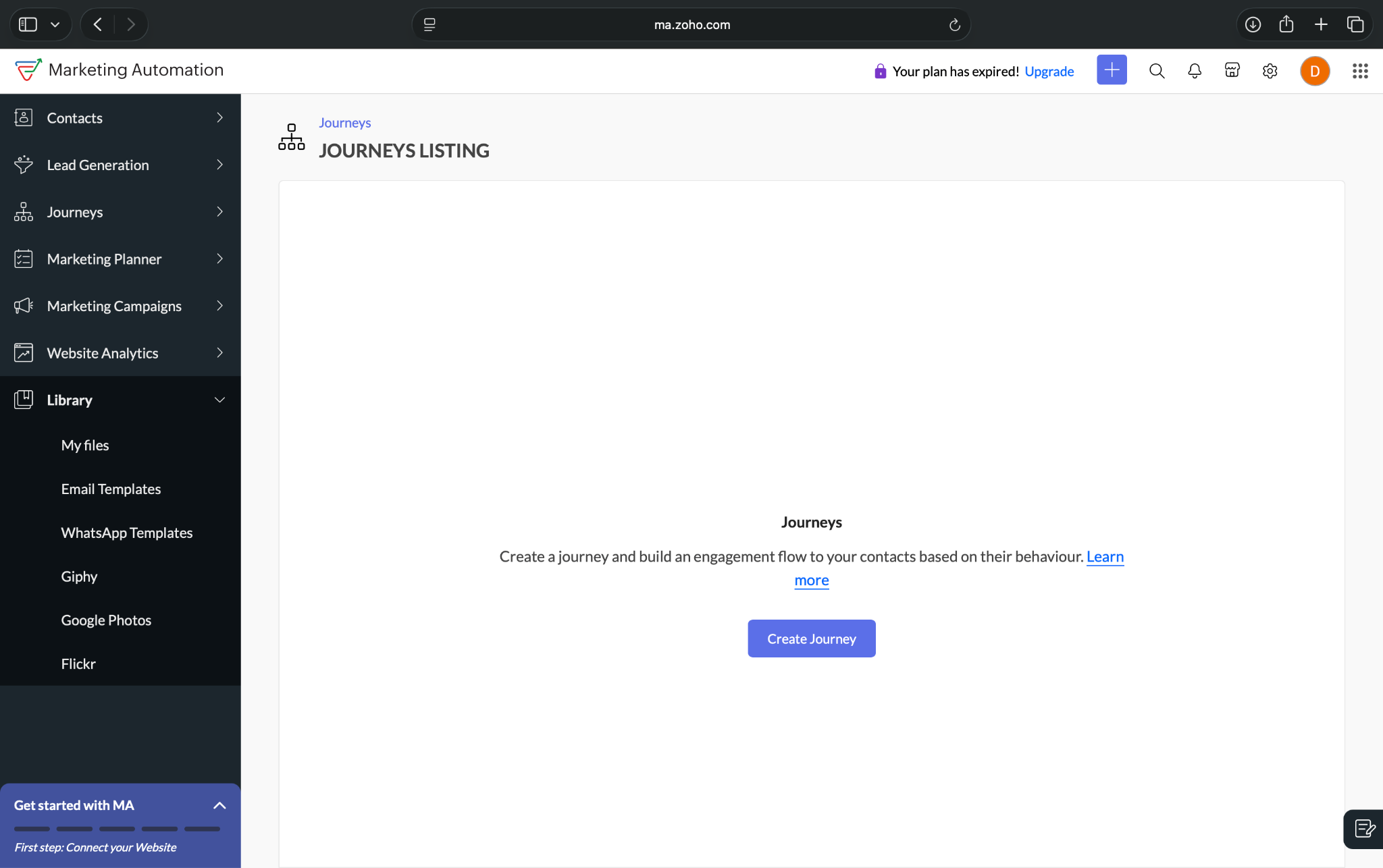
The five-step onboarding checklist was helpful. It guided me through connecting a website, adding contacts, creating campaigns, and building journeys.
I also explored its email template library, which included welcome emails, newsletters, promotions, and event announcements.
What I liked most was how focused the interface felt. Unlike some platforms that display several additional products, Zoho keeps its marketing features easy to find.
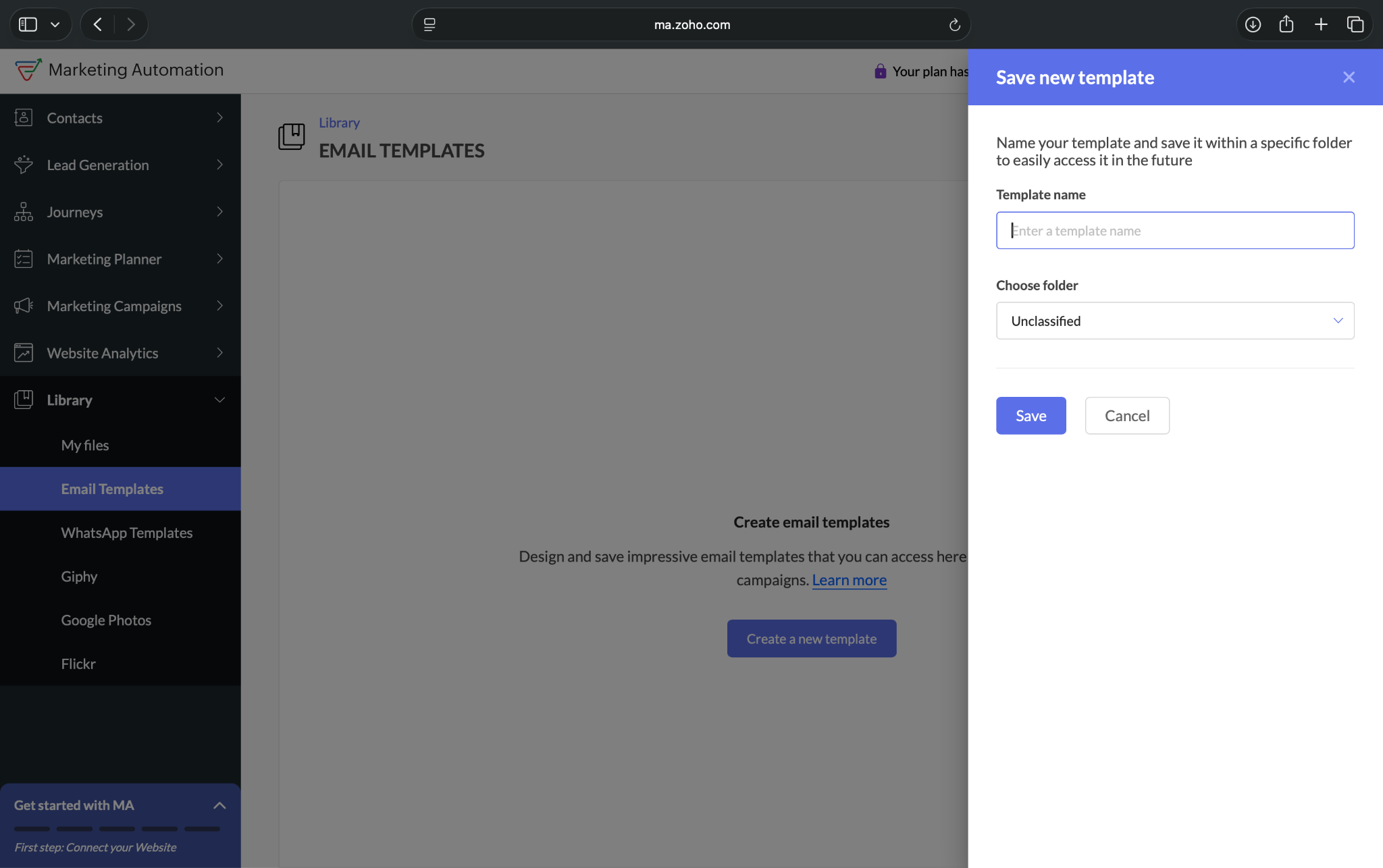
However, website tracking requires installing a code snippet, which could be tricky for beginners. My new account also lacked sufficient campaign data to display meaningful reports.
Pros
- Straightforward interface
- Built-in lead generation tools
- Strong Zoho CRM integration
Cons
- No permanent free plan
- Advanced journeys require upgrades
Pricing and what you get
- 14-day free trial, with no credit card required
- Paid plans start from $19/month, billed monthly for 1,000 contacts
The Standard plan supports basic customer journeys, email automation, signup forms, and website tracking.
When you'll need to pay more: Upgrade for advanced journey conditions, detailed reporting, or larger contact lists. SMS and WhatsApp messaging may cost extra.
Who should choose Zoho Marketing Automation?
I'd recommend Zoho for small businesses already using Zoho CRM that want affordable, connected marketing automation. If you need a permanent free plan, Brevo or Sender may be better options.
8. Omnisend: Best for e-commerce email and SMS automation
Omnisend helps e-commerce businesses automate email campaigns, recover abandoned carts, and encourage repeat purchases.
It combines customer segmentation, prebuilt workflows, and sales reporting in one platform. Its biggest advantage is making e-commerce automation approachable, even for smaller stores with limited marketing experience.
Key features
- Prebuilt workflows: Automate abandoned carts, welcome emails, and post-purchase follow-ups
- Email and SMS marketing: Create multichannel campaigns, with SMS available through paid options
- Customer segmentation: Target shoppers based on purchases and engagement
- E-commerce reporting: Track sales, campaign revenue, and customer activity from one dashboard
My experience exploring Omnisend
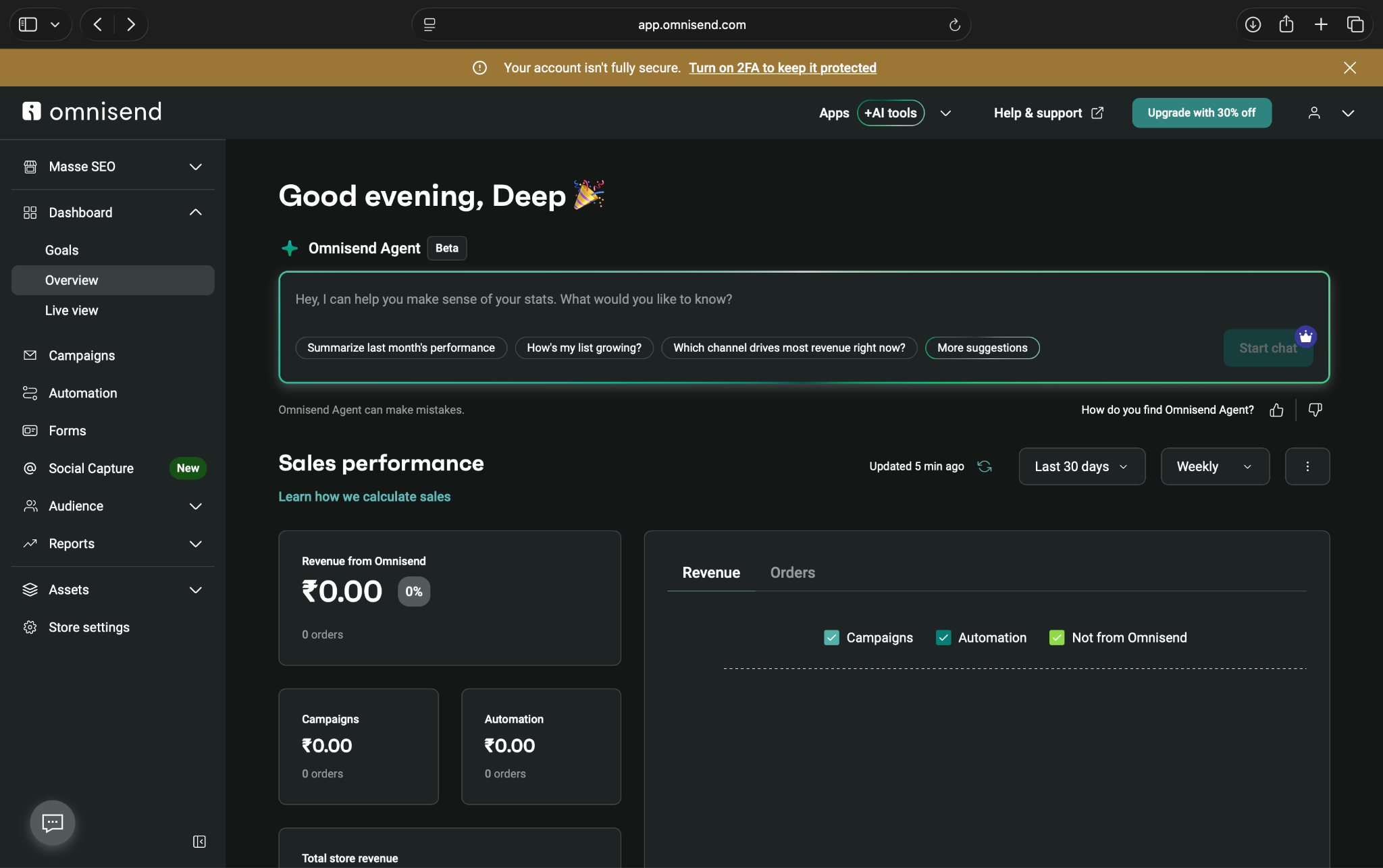
I found Omnisend's dashboard well-organized and easy to navigate. The Overview section displayed campaign revenue, store sales, and order information without making me search through several menus.
Its automation library is quite useful. I found ready-made workflows for abandoned carts, welcome sequences, product reviews, and customer reactivation.
One abandoned-cart template included three follow-up emails, making it easy to understand how the sequence would work.
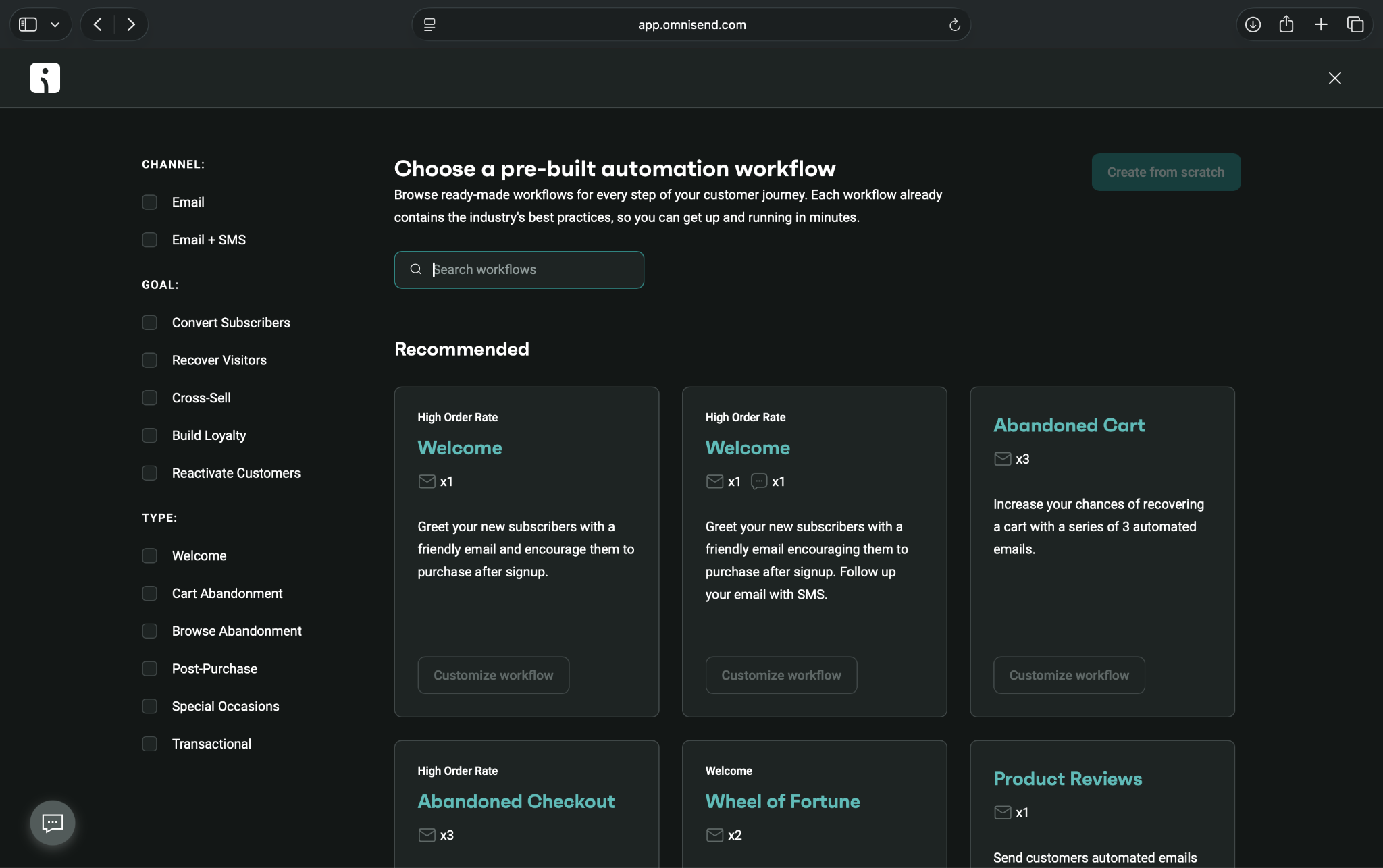
I also noticed Omnisend Agent, an AI assistant for analyzing marketing performance. However, I couldn't fully customize workflows without connecting an e-commerce store. That makes sense for its intended audience, but it's a limitation if you don't sell products online.
Pros
- Easy-to-navigate dashboard
- Extensive e-commerce workflow templates
- Free email automation
Cons
- Requires store integration for full setup
- SMS costs extra
Pricing and what you get
- Free to use with 250 contacts, 500 monthly emails, and automated workflows
- Paid plans start from $16/month, billed monthly, with Standard supporting 500 contacts and 6,000 monthly emails
The free plan supports welcome emails, abandoned-cart reminders, and other automated journeys once you connect your store.
When you'll need to pay more: Upgrade when you exceed free-plan limits. New customers need Pro and a separate SMS credits subscription to send text messages.
Who should choose Omnisend?
Omnisend is ideal for small online stores that want ready-made e-commerce automations and straightforward sales reporting. For advanced customer segmentation and deeper personalization, Klaviyo is worth comparing before deciding.
9. GetResponse: Best for lead-generation funnels and email marketing
GetResponse helps small businesses capture leads, send email campaigns, and automate customer follow-ups.
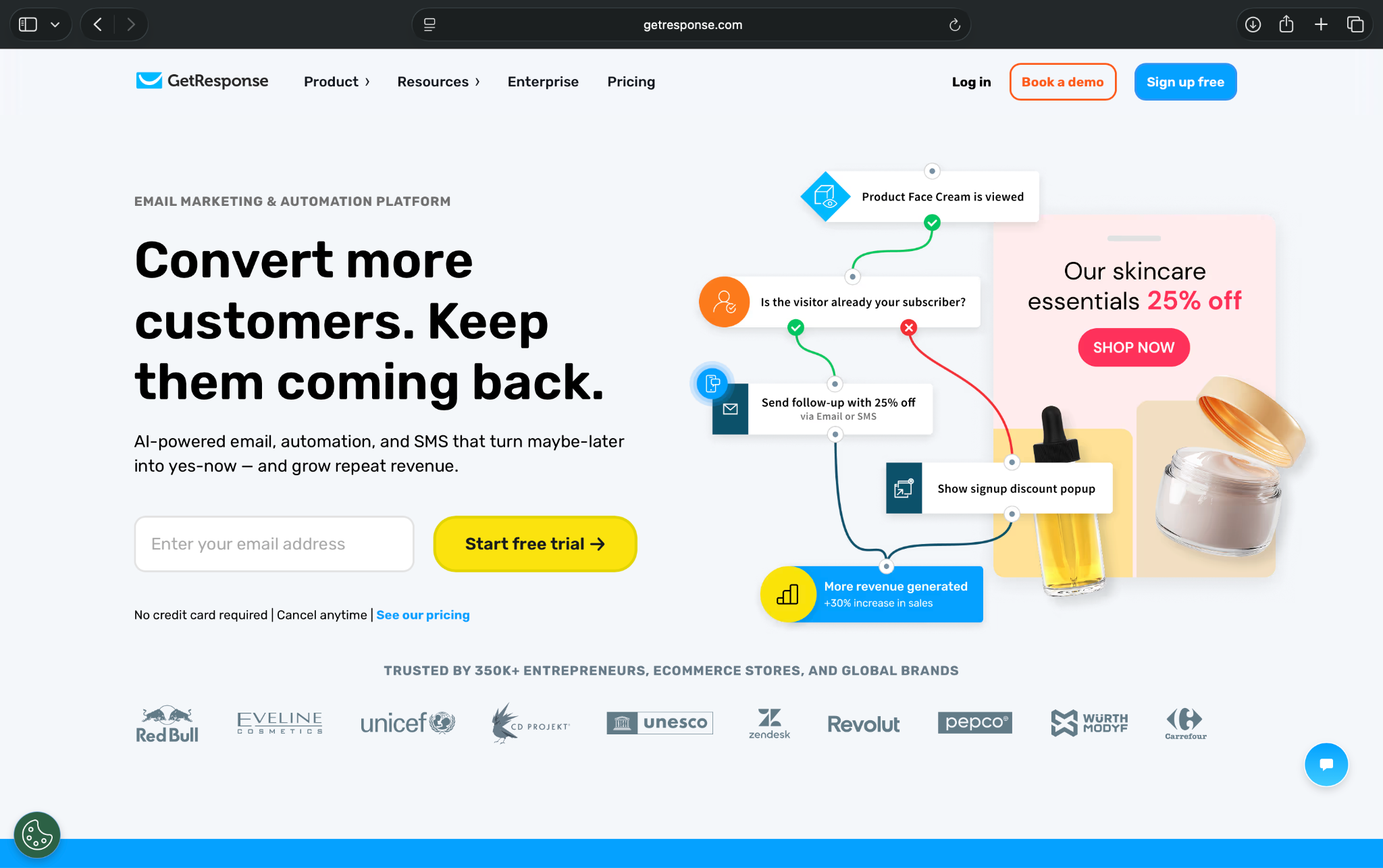
You get landing pages, signup forms, email marketing, and automation workflows in one platform. Its standout capabilities include managing lead generation and email nurturing without relying on separate tools.
Key features
- Marketing automation: Create customer journeys using triggers, conditions, and prebuilt workflows
- Email marketing: Send newsletters, promotional campaigns, and automated follow-ups
- Landing pages and funnels: Capture leads through forms and guide them toward purchases
- AI-assisted setup: Find automation templates using written instructions and generate marketing content
My experience exploring GetResponse
GetResponse is fairly straightforward to navigate, although nothing particularly stood out compared to the other platforms I explored.
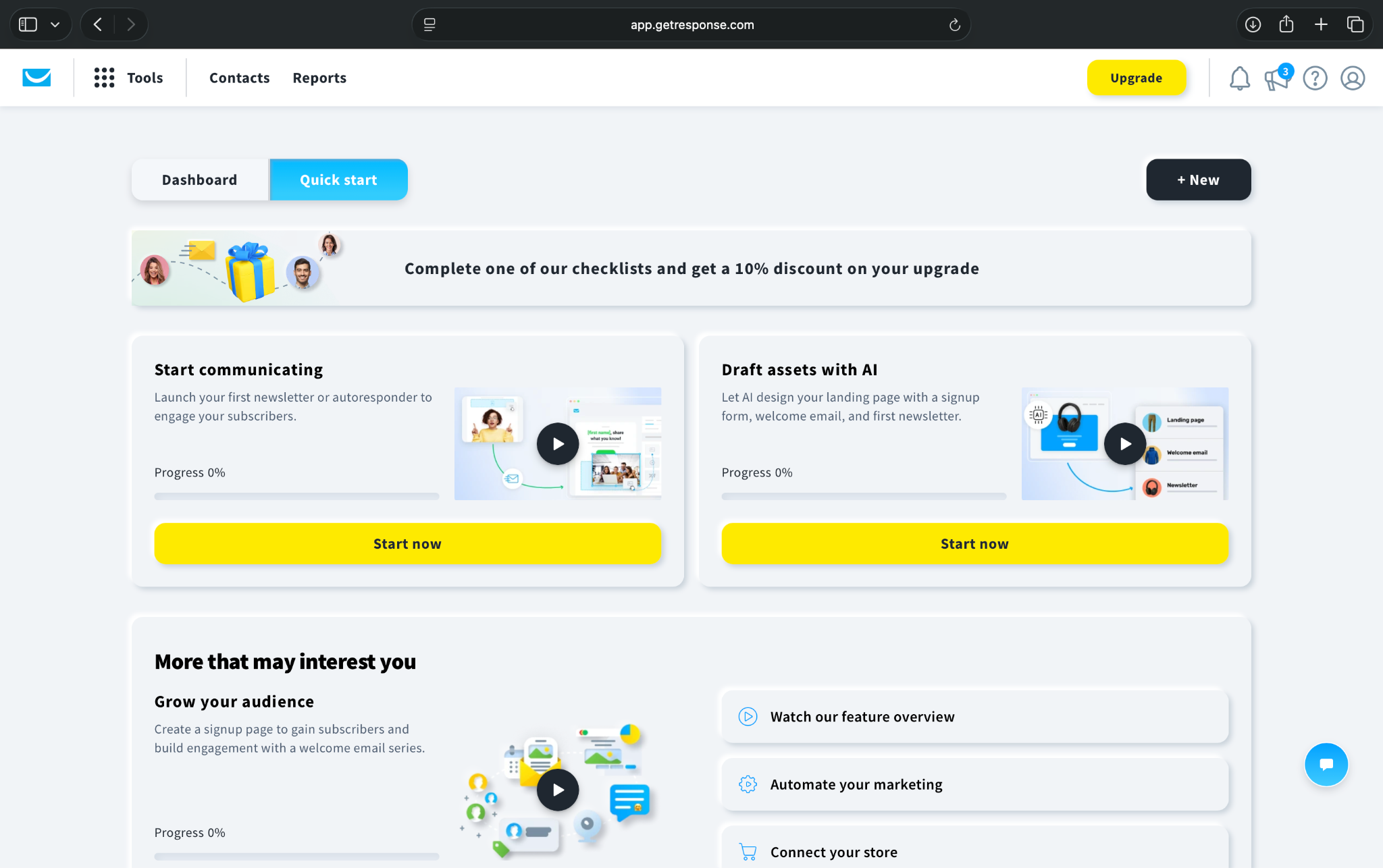
The dashboard offered a Quick Start checklist for creating email campaigns, building marketing assets, and growing my audience.
The automation template library was the most useful part. It included workflows for welcome messages, lead qualification, abandoned carts, and customer retention.
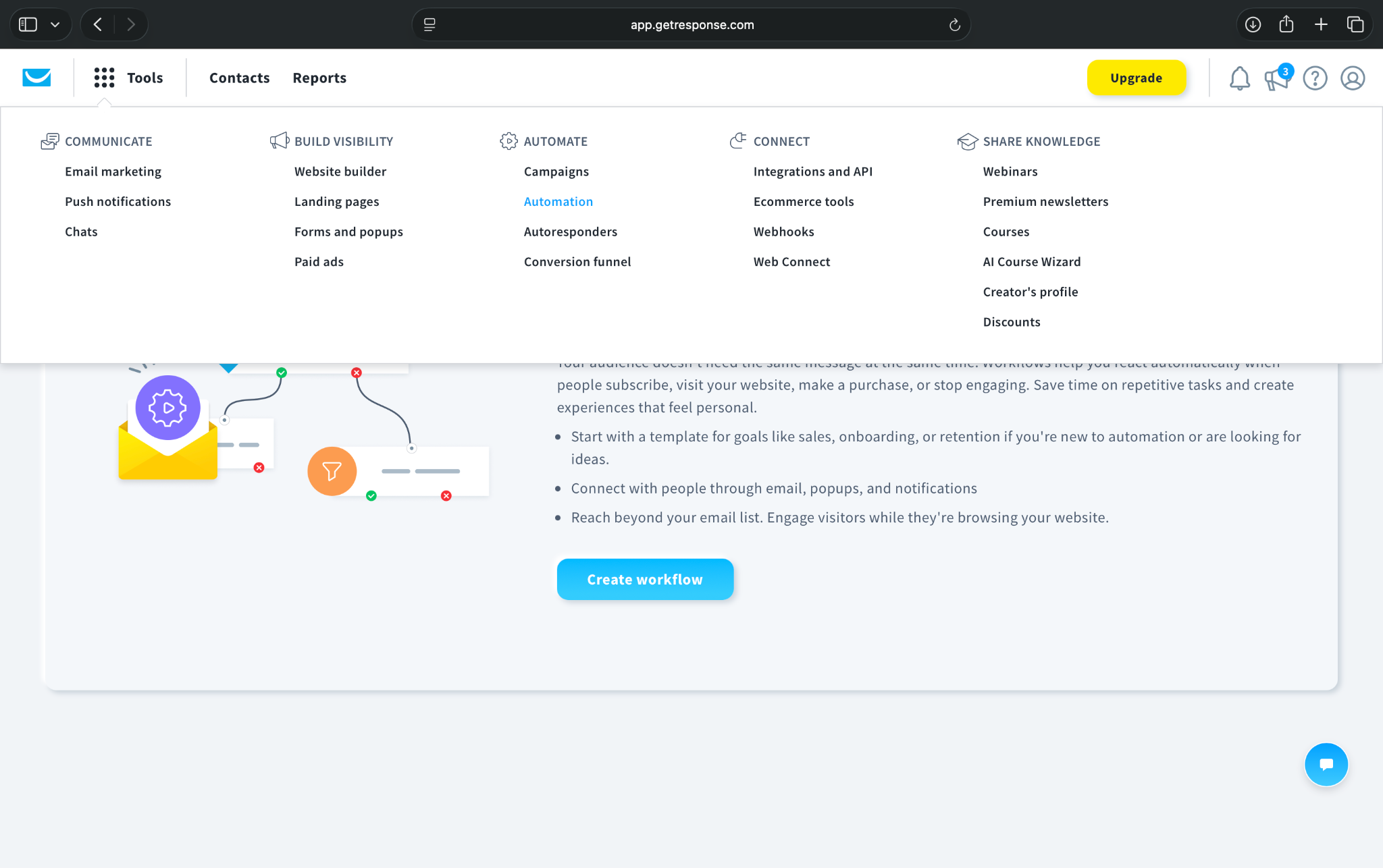
I also liked the AI-assisted search option, which helps you find templates by describing what you want to automate. In my opinion, Mailchimp's interface is more polished, and Brevo's automation setup is more approachable.
Pros
- Combines lead generation and email marketing
- Prebuilt automation templates
- AI-assisted workflow search
Cons
- Limited automation with the Starter plan
- Advanced funnels cost more
Pricing and what you get
- Free plan with 500 contacts, 2,500 monthly newsletters, and one landing page, but no published automation workflows after the trial
- Paid plans start from $19/month, billed monthly for 1,000 contacts, with unlimited email sends
The Starter plan supports one custom automation workflow with up to six elements, suitable for basic welcome sequences and lead follow-ups.
When you'll need to pay more: Upgrade for multiple workflows, advanced segmentation, sales funnels, or webinars. Costs also increase with your contact list.
Who should choose GetResponse?
I'd recommend GetResponse for consultants, service businesses, and online educators that generate leads through landing pages and email campaigns. If you’re after affordable email automation, Brevo may be a better starting point.
10. Drip: Best for behavior-based e-commerce marketing automation
Drip helps e-commerce businesses automate email campaigns based on customer behavior.
You can use it to recover abandoned carts, follow up after purchases, and re-engage inactive shoppers. It combines behavioral triggers and customer segmentation to create personalized marketing journeys.
Key features
- Visual automation builder: Create workflows using triggers, conditions, delays, and actions
- Prebuilt workflows: Choose from 20+ templates for abandoned carts, customer reviews, and follow-ups
- Behavior-based segmentation: Target shoppers using purchase history, browsing activity, and engagement
- E-commerce analytics: Track customer lifetime value, purchases, and campaign performance
My experience exploring Drip
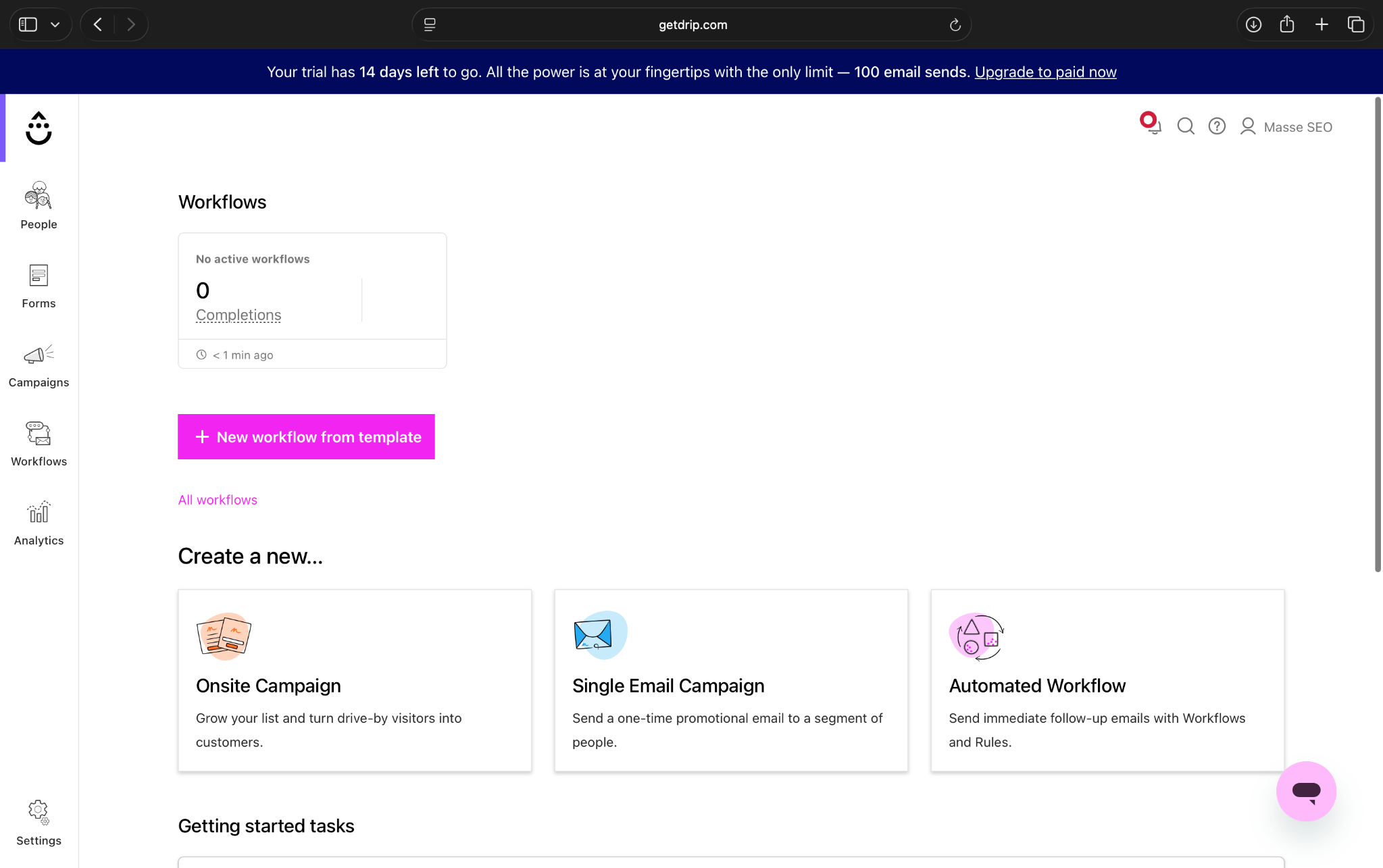
I found Drip easy to navigate compared to HubSpot and Klaviyo. Its sidebar has just six main sections, keeping the interface focused on e-commerce marketing.
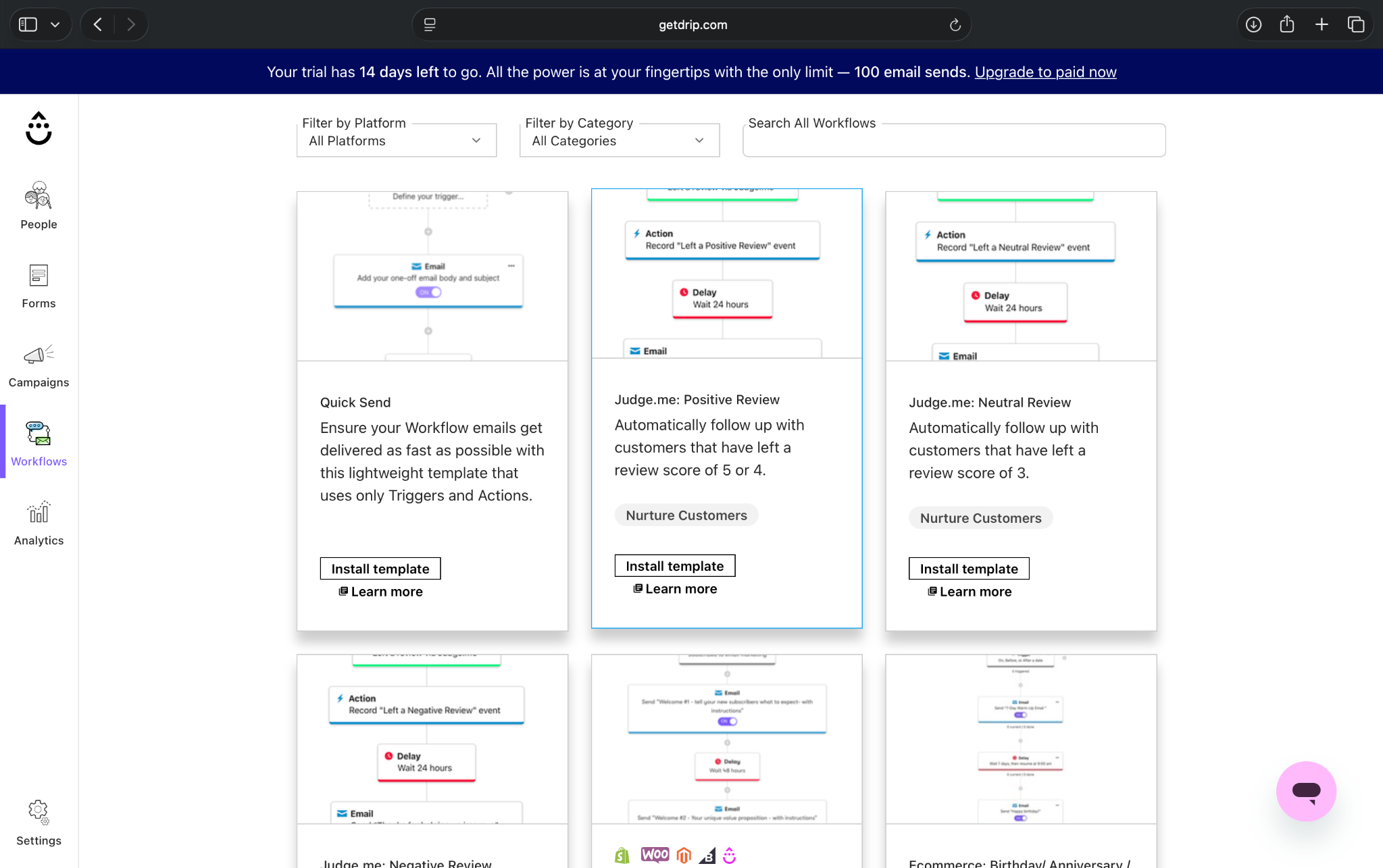
The workflow library included templates for following up with customers who leave positive, neutral, or negative product reviews. I liked that Drip lets you preview each workflow's steps before installing it.
The People dashboard was useful, too. It displayed first-time purchasers, repeat customers, and average order value.
One thing I noticed was that the contact selector suggested larger lists, although Drip's published pricing starts at 2,500 contacts. The trial also limits email sending to 100 messages.
Pros
- Simple, focused interface
- Prebuilt e-commerce workflows
- Behavior-based customer segmentation
Cons
- No permanent free plan
- Limited appeal outside e-commerce
Pricing and what you get
- 14-day free trial, with no credit card required and a 100-email sending limit
- Paid plans start from $39/month, with 2,500 contacts and unlimited email sends
The starting plan includes automated workflows, customer segmentation, e-commerce reporting, and integrations with platforms like Shopify and WooCommerce.
When you'll need to pay more: Costs increase as your contact list grows. Drip also limits accounts to 50 active workflows.
Who should choose Drip?
I'd recommend Drip for growing online stores that want personalized email automation based on shopping behavior. For stores just starting out that need free e-commerce automation, Omnisend offers a more affordable entry point.
11. Sender: Best for free marketing automation and email campaigns
Sender helps small businesses create email campaigns, manage subscribers, and automate customer follow-ups.
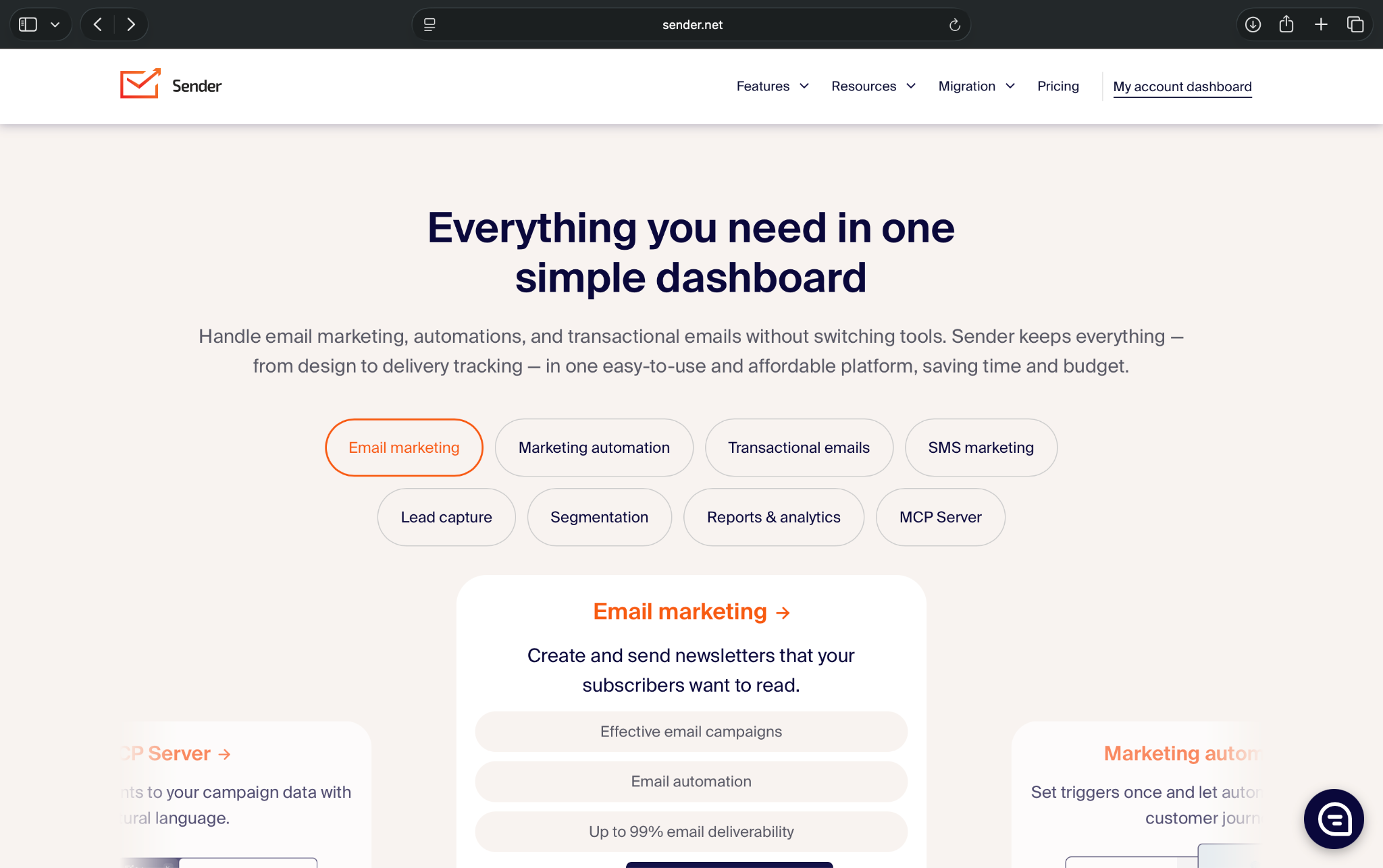
Its biggest advantage is its generous free plan, which supports 2,500 subscribers and 15,000 monthly emails, including automation workflows. That makes it worth considering if you're starting with a limited marketing budget.
Key features
- Email automation: Build welcome sequences, lead-nurturing campaigns, and abandoned-cart reminders
- Prebuilt workflows: Choose templates for B2B onboarding, sales, and customer retention
- Lead generation: Capture subscribers through signup forms, pop-ups, and landing pages
- Campaign analytics: Track deliveries, opens, clicks, bounces, and subscriber engagement
My experience exploring Sender
Sender's registration process was slightly more cumbersome than other tools I explored. I couldn't sign up using my organization's Google account and had trouble entering my business details.
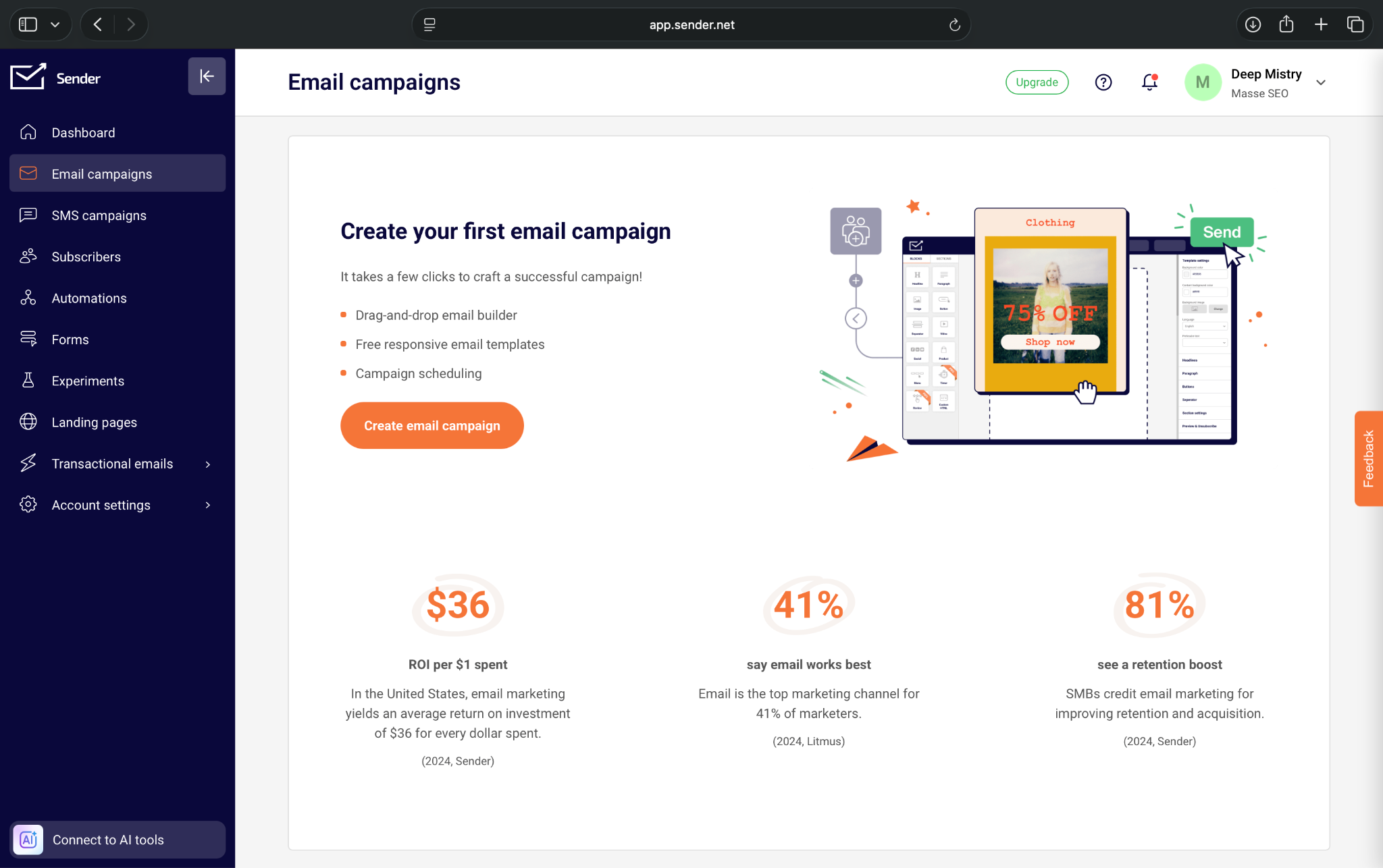
Once inside, though, I found the interface easy to navigate.
The automation library offered multiple templates, including a B2B onboarding sequence with four emails. I could also choose triggers based on subscriber activity, link clicks, abandoned carts, and dates.
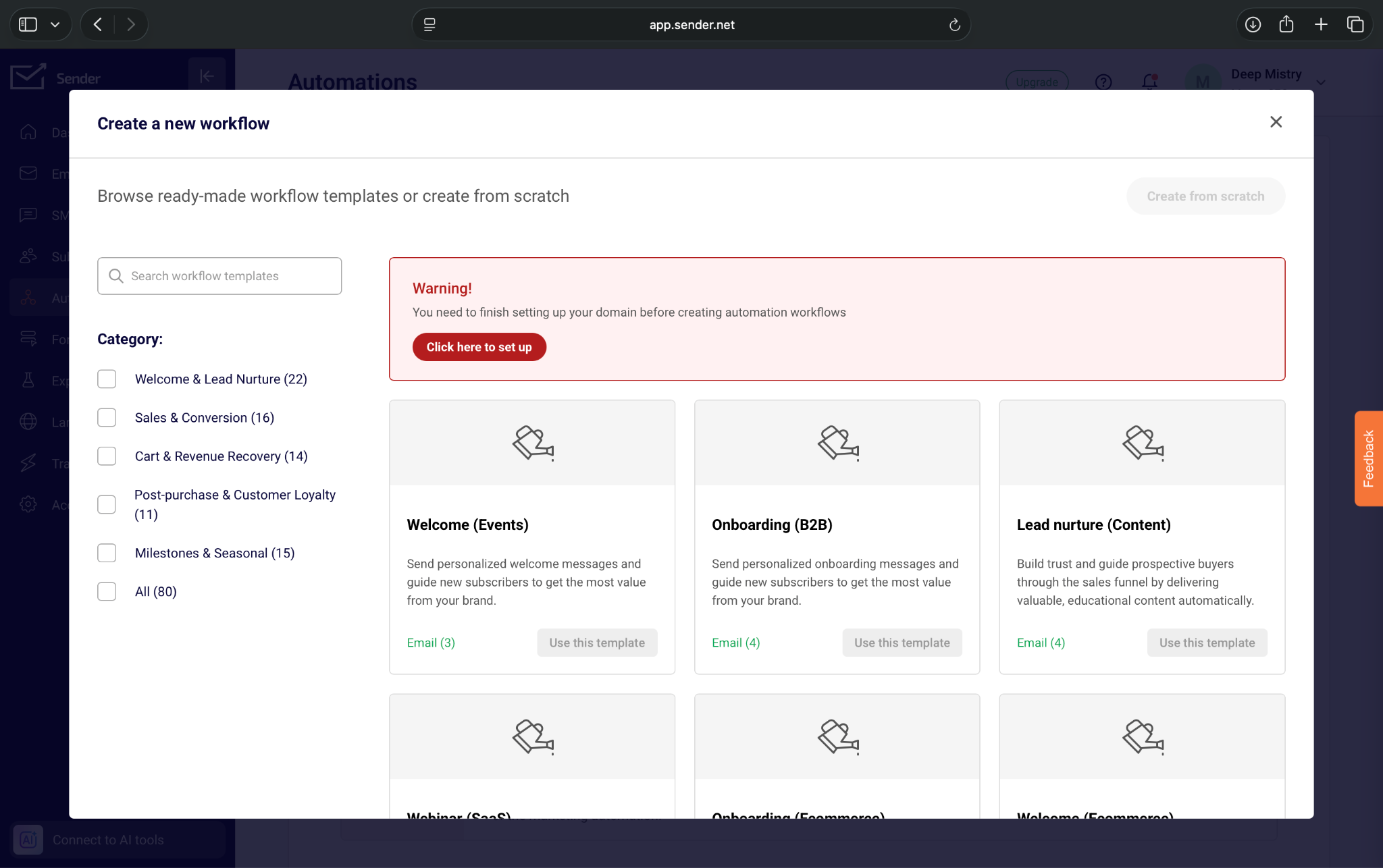
However, Sender asked me to verify my sending domain before creating workflows, so I couldn't configure one immediately.
I also liked its transactional email reports, which let me review engagement metrics across different reporting periods.
Pros
- Generous free plan
- Ready-to-use automation templates
- Detailed email analytics
Cons
- Registration can be cumbersome
- Domain verification required
Pricing and what you get
- Free plan that offers 2,500 subscribers, 15,000 monthly emails, and email automation
- Paid plans start from $9/month, billed monthly, for 500 subscribers
The free plan supports welcome emails, lead nurturing, and custom workflows. Standard removes Sender branding and adds team members and SMS access.
When you'll need to pay more: Upgrade for advanced workflows, SMS marketing, or additional team members. Note that the cheapest paid tier supports fewer subscribers than the free plan.
Who should choose Sender?
I'd recommend Sender for startups, local businesses, and small teams that need email automation without a monthly subscription. If you need more advanced customer journeys and behavioral segmentation, ActiveCampaign may be worth considering.
Which marketing automation tool fits your business?
The best marketing automation software for your small business depends on what you're trying to automate. An online store recovering abandoned carts has different needs than a consulting agency following up with leads or a local business sending appointment reminders.
Here's how I'd narrow down the options based on your business type:
Best for online stores
If you run an e-commerce business, look for tools that can automate campaigns based on customer browsing habits, purchases, and abandoned carts. I’d pick one of these three:
- Omnisend: It offers prebuilt e-commerce workflows, email and SMS marketing, and a free plan to get started.
- Klaviyo: It suits businesses that need advanced customer segmentation, personalized product recommendations, and detailed marketing analytics.
- Drip: It works for growing e-commerce stores that want behavior-based email automation.
Best for B2B service businesses
B2B businesses typically need to capture leads, qualify prospects, and nurture relationships over longer sales cycles. These are my top five picks:
- HubSpot: It works well if you want to manage your CRM, sales pipeline, and marketing activities together.
- ActiveCampaign: Consider it for advanced lead nurturing and automated email sequences.
- Zoho Marketing Automation: Choose this if you already use Zoho CRM. It can help you connect your marketing campaigns with existing customer information.
- GetResponse: Businesses that generate leads through landing pages, webinars, and email campaigns will find it useful.
- Lindy: For teams spending considerable time on manual tasks, it offers a different approach. You can assign it tasks through Slack, such as researching prospects, updating your CRM, and handling follow-ups across applications.
Best for local businesses and beginners
Local businesses often need straightforward automations for welcoming new subscribers, following up with inquiries, and keeping customers informed. These three tools are worth shortlisting:
- Brevo: It’s for teams that want affordable email marketing with options for SMS campaigns and customer segmentation.
- Mailchimp: Beginners who primarily need newsletters, sign-up forms, and basic email campaigns will find it ideal. However, you'll need a paid subscription to access automation flows.
- Sender: The free plan supports 2,500 subscribers, 15,000 monthly emails, and automated workflows.
For most beginners, I'd prioritize ease of use and the automation features included in the starting plan over the number of features a platform advertises.
{{cta}}
How to choose marketing automation software for your small business
The cheapest marketing automation tool isn't always the most affordable option. Some platforms offer generous free plans, while others require paid subscriptions for features as basic as automated email sequences. Before choosing a tool, consider these factors:
Check what automation you get at the starting price
Start by identifying the tasks you want to automate. Then check which subscription supports them.
For example, Mailchimp's free plan doesn't include automated customer flows, while Sender lets you create email automation workflows without paying. GetResponse's Starter plan supports just one custom workflow with up to six elements. You'll need a higher plan for more advanced automation.
Compare the cost of the plan that supports your intended workflows, not just the advertised starting price.
Consider how easy the software is to use
If you're running a small business without a dedicated marketing team, you'll want software that doesn't take weeks to learn.
While exploring, I found Mailchimp, Brevo, and Omnisend relatively straightforward to navigate. HubSpot and Klaviyo offered more extensive capabilities, but their interfaces also felt busier.
Look for prebuilt workflows, clear navigation, and guided setup. These can make a difference when you're managing marketing alongside other business responsibilities.
Check integrations with your existing tools
Your marketing automation software should work with the applications you already use. For instance, e-commerce businesses should prioritize Shopify or WooCommerce integrations to automate abandoned-cart reminders and post-purchase emails.
B2B businesses may need CRM integrations to update lead information and trigger follow-ups.
Look beyond the advertised plan limits
Marketing automation costs can increase as your business grows. Before subscribing, check the platform's contact limits, monthly email allowances, automation restrictions, and charges for additional users or SMS messages.
Also, consider what happens when you exceed these limits. Will you need a more expensive subscription, or can you purchase additional capacity?
The best marketing automation software for your small business is one that supports your current workflows without forcing you to pay for features you don't need. It should also leave enough room to expand your automation as your business grows.
How do you automate marketing for a small business?
Start with a repetitive task, such as welcoming new subscribers or following up with leads, and gradually add more workflows. Here's how to get started in three easy steps:
1. Organize your contacts in a CRM
Start by adding your leads and customers to a CRM or marketing automation platform. Include information such as their contact details, interests, and previous interactions.
You can also connect your website forms to automatically add new inquiries to your contact database. This gives you an organized starting point for your marketing campaigns.
2. Automate your first welcome email
Choose a task you perform frequently and create a simple automation around it.
For example, suppose you run a consulting agency. When someone fills out your contact form, you can automatically send them a welcome email introducing your services and sharing a link to book a consultation.
You can set this up using tools like Brevo, Mailchimp, or ActiveCampaign. Just make sure your chosen plan supports the workflow.
3. Add customer segments and multi-step workflows
Once your first automation works, you can create more personalized customer journeys.
For instance, prospects who book a consultation could receive an automated meeting reminder. Those who haven't booked might receive a relevant case study or follow-up email a few days later.
You can also segment contacts based on their interests, purchase history, or engagement with previous campaigns.
Start with one workflow, track its performance, and expand gradually. It helps you automate repetitive marketing tasks without making your setup unnecessarily complicated.
Try Lindy to automate marketing tasks across your apps
Marketing automation tools can handle welcome emails, lead nurturing, and customer follow-ups. But small teams also spend hours researching prospects, updating CRM records, preparing reports, creating SEO content, and switching between marketing apps.
That's where I'd consider Lindy. It's an AI teammate that works inside Slack, so you can assign marketing tasks in plain English without building a separate workflow for every assignment.
You can also schedule recurring tasks, such as daily prospect research, outreach, or weekly marketing updates.
If your team spends too much time managing marketing work across different tools, you can try Lindy for free.
Frequently asked questions
What is marketing automation for small businesses?
Marketing automation for small businesses uses software or AI agents to handle repetitive tasks like sending welcome emails, following up with leads, segmenting customers, and scheduling campaigns. It helps small teams manage marketing activities without manually handling every task.
What are examples of marketing automation?
Welcome email sequences, abandoned-cart reminders, lead-nurturing campaigns, appointment reminders, and post-purchase follow-ups are some common examples of marketing automation.
For example, a consulting agency can automatically send a welcome email when someone submits an inquiry and follow up if they haven't booked a consultation.
What are the top 5 marketing automation tools for small businesses?
Brevo, HubSpot, ActiveCampaign, Mailchimp, and Klaviyo are among the popular marketing automation tools for small businesses. Brevo offers affordable automation, HubSpot combines marketing with CRM, ActiveCampaign handles complex customer journeys, Mailchimp suits beginners, and Klaviyo specializes in e-commerce marketing.
What is the best marketing automation software for small businesses?
The best marketing automation software depends on your business needs. Brevo and Sender suit smaller budgets, Klaviyo and Omnisend work well for e-commerce, and HubSpot and ActiveCampaign offer CRM-connected marketing and advanced workflows. Lindy is another option for small teams that want to automate marketing tasks across multiple apps.
How much does marketing automation cost?
Marketing automation costs range from $0 to several hundred dollars per month, depending on features and usage. Small-business plans often start around 9–20/month.
For example, Brevo's Standard plan starts at $18/month, while HubSpot Marketing Hub Professional starts at $890/month. Advanced workflows, additional contacts, and higher sending limits can increase costs.
Are there free marketing automation tools for small businesses?
Yes, tools like Sender, Brevo, and Omnisend offer free marketing automation tools with different limits. Sender supports 2,500 subscribers and 15,000 monthly emails, while Brevo allows 300 emails daily. Omnisend's free plan includes up to 500 emails monthly.
Does marketing automation include a CRM?
No, not every marketing automation platform includes a CRM. However, they may integrate with separate CRM software. HubSpot combines marketing automation with a built-in CRM, Brevo offers contact and sales management features, and Zoho Marketing Automation