Where to Find a Virtual Assistant: 9 Options Compared (2026)
Lindy tested nine virtual assistant options, including Upwork, Fiverr, and Boldly, over three weeks, weighing onboarding speed, pricing transparency, task fit, and replacement guarantees.


Last month I hit a wall trying to answer a question that should have been simple: where do you find a virtual assistant you can trust with real work? I typed it into Google. Ten minutes later, I had more confusion than when I started.
Upwork calls itself a virtual assistant service. Fiverr does too. So does a $2,600-a-month managed agency, and an AI tool you just text from your phone. Same label. Completely different products.
I learned that the hard way. Two agencies matched me with assistants built for the wrong kind of work. One was set up for heavy calendar management. I needed inbox triage and lead follow-up. Two wasted calls before I accepted that "virtual assistant" was too vague a category to shop by.
So I did the work myself. I compared 9 of the most recommended places to find a virtual assistant by pricing, onboarding time, and the kind of work each one handles, then sorted them into 4 real types.
Here's what I found.
9 places to find a virtual assistant: TL;DR
- Upwork: best for one-off tasks you'll vet yourself.
- Fiverr: best for pre-scoped tasks at a fixed price.
- Time etc: best for a guided match with one dedicated US or UK assistant.
- Belay: best for admin, bookkeeping, and marketing under one vendor.
- Boldly: best for executives who want to interview their assistant first.
- MyOutDesk: best for real estate and property management teams.
- Prialto: best for team-wide support with backup coverage built in.
- Wing Assistant: best for lower-cost dedicated staffing.
- Lindy: best for repetitive work across Slack, inbox, and calendar.
What is a virtual assistant?
A virtual assistant is whoever or whatever handles your recurring tasks remotely, without ever coming into your office. The label covers a wide range of setups: a freelancer on Upwork working a few hours a week, a full-time offshore hire from an agency like MyOutDesk, or an AI assistant like Lindy that you text instead of onboarding.
The tasks are fairly consistent across all of them. Inbox management, scheduling, CRM updates, research, and customer follow-ups are the core of the kind of repeatable work that eats hours without needing your specific judgment.
Say you need your inbox triaged every morning. A marketplace freelancer logs in, reads your unread emails, and flags anything urgent before you wake up. An agency VA does the same thing, but an account manager first assigns that person to you and trains them on your preferences.
An AI assistant like Lindy skips both steps. You text it once; it reads your inbox the next morning, and it keeps doing that every day without anyone learning your habits first. What changes is who does the work, how much oversight it takes from you, and what you're paying for underneath the shared label.
The 3 types of virtual assistant options:
What to look for in a virtual assistant
Get the scope right before you look at price or platform. A VA trained for executive calendar management is a different hire from one built for inbox triage and lead follow-up, and no amount of good reviews closes that gap.
Here's what actually matters when you're comparing options:
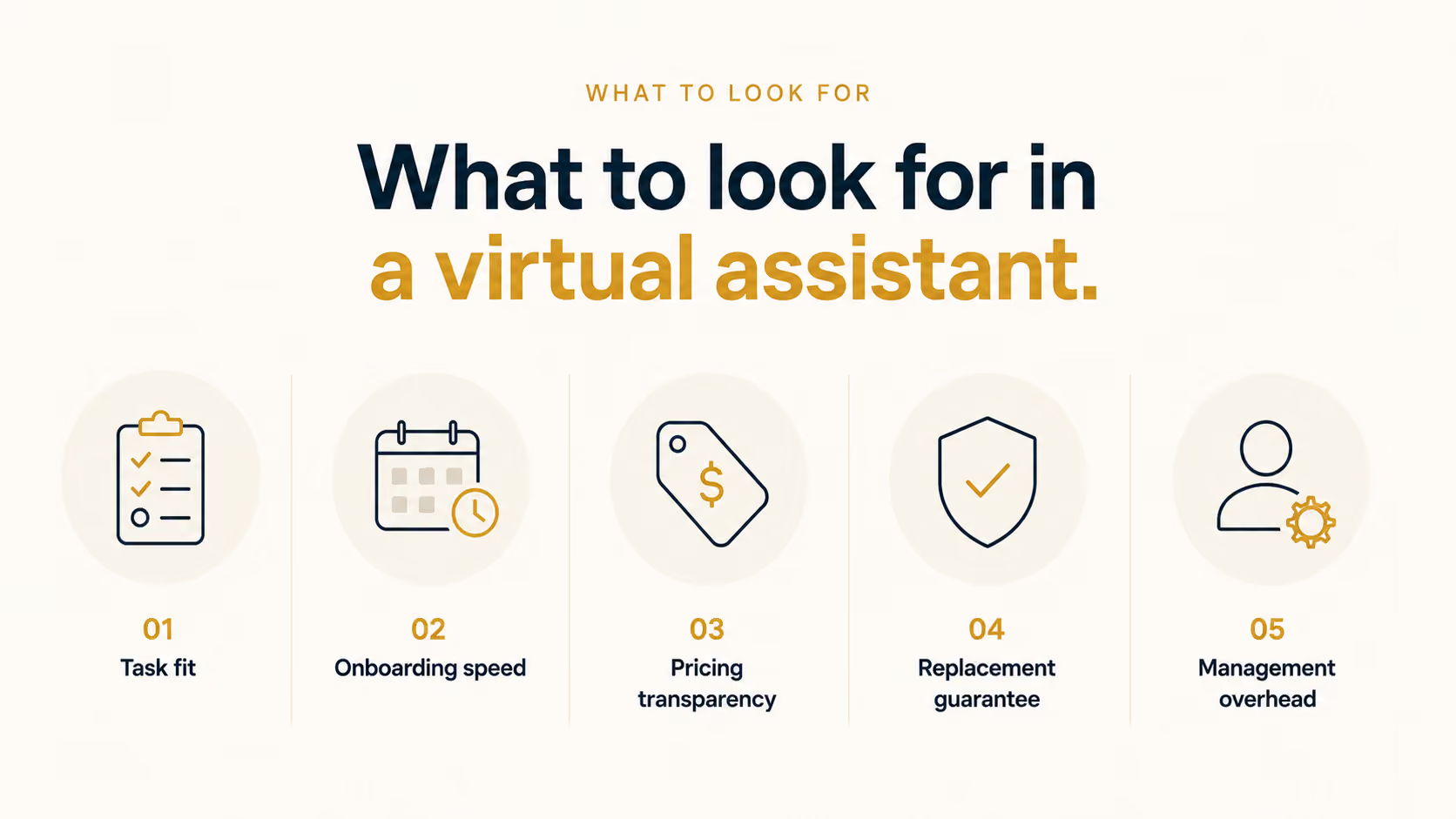
- Task fit: Be specific about what you need done before you look at anything else. "Admin support" isn't a scope. "Sort my inbox, flag urgent client emails, and update my CRM after calls" is. The more precisely you define the work, the easier it is to tell whether a service actually covers it.
- Onboarding speed: Some services match you with an assistant in days. Others run a two-week intake process before anyone starts. If you're behind on work right now, a long onboarding timeline matters more than you'd think. Ask how long before the first task gets done, not just how long until someone is assigned.
- Pricing transparency: A handful of services on this list don't publish rates at all. That's not necessarily a dealbreaker, but it adds a step before you can make a real comparison. Factor in consultation time when pricing isn't public, and check whether the quoted rate includes extras like account management or backup coverage.
- Replacement guarantee: What happens if the match doesn't work out? Some services offer a free rematch. Others put you back at the start of the queue. For ongoing work, this matters more than the initial hiring experience because, at some point, the person you started with will leave.
- Management overhead: Every human VA requires some degree of direction, correction, and context-sharing. The question is how much. A marketplace hire puts all of that on you. A managed agency handles more of it. An AI tool removes it entirely for tasks you can describe clearly, like inbox management, scheduling, and follow-ups.
How I tested these virtual assistants
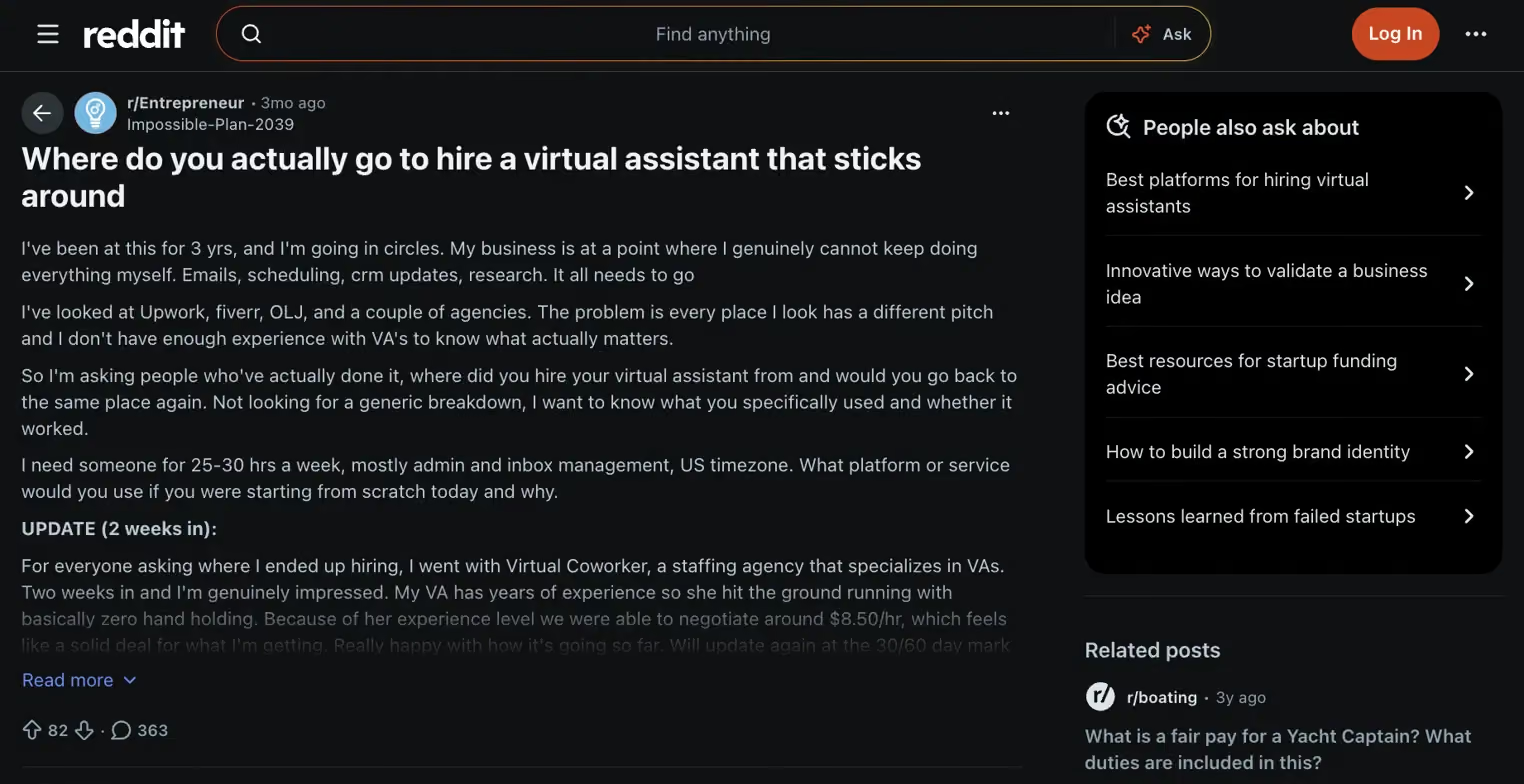
A thread on r/Entrepreneur captured the problem better than I could have set it up myself. A founder who'd been running solo for three years tried Upwork, Fiverr, OnlineJobs.ph, and two agencies. Same question every time: where do you hire a VA who sticks around? They found something that worked, but only after the bad experiences had already narrowed it down.
I wanted to cut that process down for anyone starting from scratch.
I spent three weeks across paid accounts and free trials, running every service through the same criteria:
- Onboarding speed: time from signup to first task completed
- Task fit: whether the VA's skills matched what the service advertised
- Pricing transparency: whether the number shown upfront is the number you pay
- Coverage breadth: how many task types the service handles under one relationship
- Match failure: what happens when the hire doesn't work out: a free replacement, a restart from scratch, or nothing at all
1. Upwork: Best for one-off or short-term tasks
Type? Freelance marketplace
What is it? Upwork is an open freelance marketplace where you post a job, freelancers bid, and you pick from a pool of ranked candidates.
Best for? One-off or short-term tasks where you're handling your own vetting.

Why I picked it?
Upwork made this list because its talent pool is large and, for a single well-defined project, it's the fastest path to a hire. You post a job, review bids, check ratings, and pick someone. It's a direct hire. You manage the search yourself and move as fast as you want.
Every hourly contract runs through Upwork's time tracker, which logs work in 10-minute segments with screenshots, so you can see exactly what you're paying for. Note that freelancers can also add time manually, and that time still lands on your invoice.
What it doesn't do well is ongoing work. Upwork adds a 5% marketplace fee on top of whatever you agree to pay on the free Basic plan, plus a one-time contract initiation fee of $0.99 to $14.99 each time you hire someone new.
More importantly, if your assistant leaves, Upwork doesn't guarantee a replacement. You're back to posting a new job and screening candidates from scratch.
Many of the highest-rated freelancers also juggle several clients at once. That's fine for a one-off project but makes it harder to get a dedicated assistant's full attention week after week.
2. Fiverr: Best for browsing pre-packaged VA gigs
Type? Freelance marketplace
What is it? Fiverr is a fixed-price gig marketplace where sellers list tiered VA packages at set rates, with price and scope visible before you buy.
Best for? Single, pre-scoped tasks with a fixed price upfront.
Why I picked it?
What I like about Fiverr is the transparency. You're not writing a job post and waiting on bids. Sellers list what they offer, at what price, in pre-packaged tiers, usually Basic, Standard, and Premium, so the decision is already half-made before you reach out to anyone.
Pricing runs from around $28 for a narrow task like fact-checking or data entry up to $90 or more for heavier work like admin support or call handling. Fiverr holds your payment in escrow until you approve the delivery, which removes most of the risk for short projects. Sellers carry a level, from New Seller up to Top Rated, based on order history and reviews, giving you a quick trust signal before you commit.
The honest limitation is ongoing work. Fiverr is built around single gigs. If you need the same VA every week, you're either repurchasing the gig each time or negotiating a custom arrangement directly with the seller. That quietly turns the marketplace into a regular freelance hire, just with more friction.
3. Time etc: Best for a dedicated US or UK-based VA without a long-term contract
Type? Managed VA agency
What is it? Time etc is a subscription VA service that matches you with one dedicated assistant based in the US or UK through a consultative process before you ever pay.
Best for? Someone who wants a guided match and a single dedicated assistant, and doesn't mind paying more per hour for it.
Why I picked it?
I picked Time etc specifically because of how the matching works. Most services give you a portal and a pool of freelancers. Time etc runs a task-identification call first, so before you pay anything, you've talked through what needs to come off your plate and been matched to someone based on your specific work.
Plans start at $390/month for 10 hours and scale up to around $2,160 for 60 hours. The per-hour rate drops as you buy more hours, landing closer to $36 instead of $39. Every plan comes with one dedicated assistant every week, and unused hours on the 20-hour plan and above roll over into the next month.
There's no contract either, so you can cancel or switch plans month-to-month.
The con is cost. You're paying a premium for that done-for-you matching, and offshore alternatives run at a fraction of the hourly rate. Published plans stop at 60 hours a month. Anything above that needs a consultation and a custom quote, so it's not a self-serve path to full-time coverage.
4. Belay: Best for admin, bookkeeping, and marketing under one vendor
Type? Managed VA agency
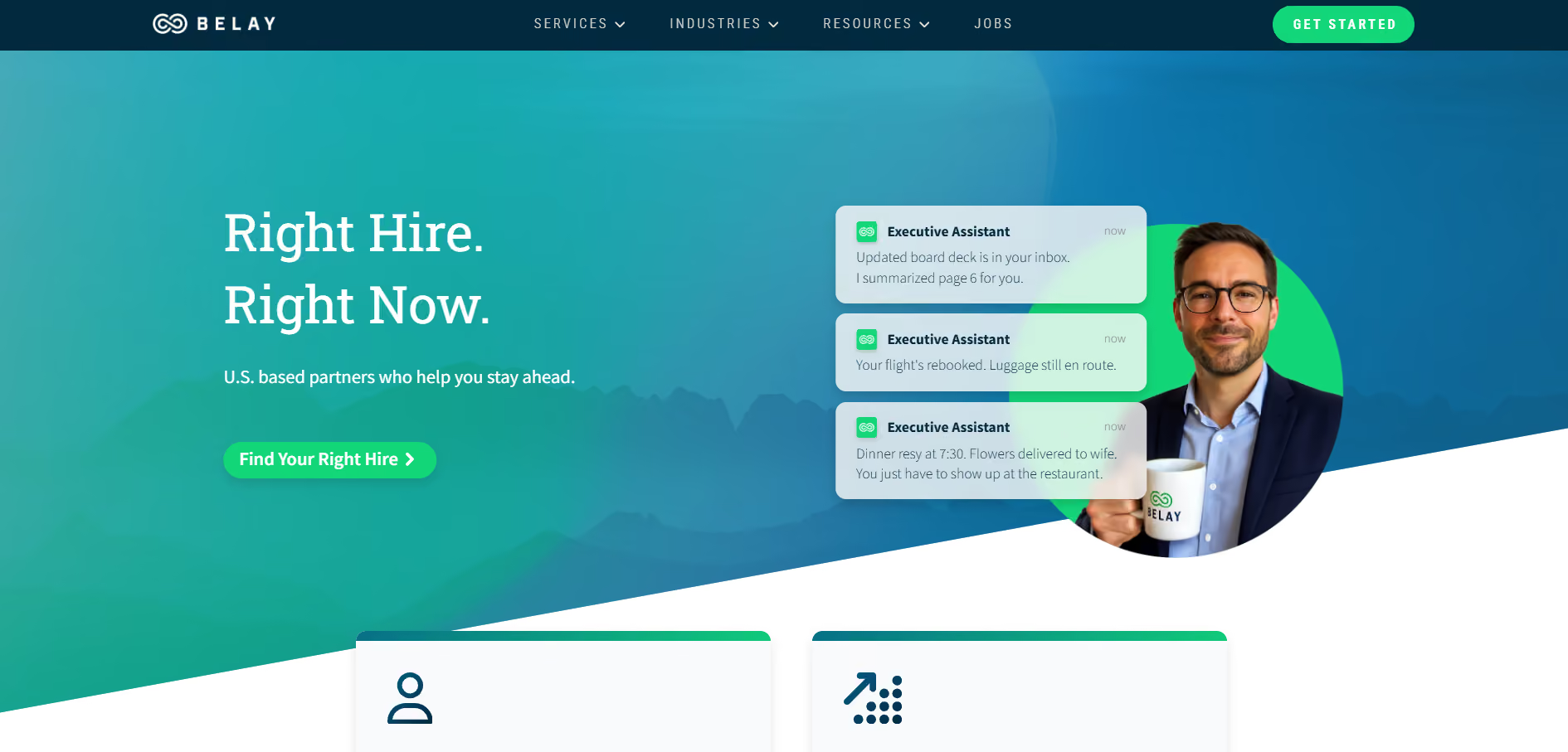
What is it? Belay is a managed VA agency placing US-based assistants across admin, marketing, and bookkeeping, with a dedicated Client Success Consultant on every account who steps in if the match isn't working.
Best for? Businesses that want a single vendor to cover admin, bookkeeping, and social media.
Why I picked it?
Most VA services are admin-only. Belay covers more ground than almost anything else I tried. You can bring on a Belay assistant for executive support and get bookkeeping, payroll, and social media management handled by the same agency relationship. That matters if you're currently managing two or three separate vendors for work that should flow together.
Matching starts with a questionnaire and a consultation call. You're paired with an assistant before you see a price, and if the match doesn't work out, Belay will rematch you at no extra charge.
The downside is pricing transparency. Belay doesn't publish rates on its site, so you have to book a consultation to get a quote. If knowing the number upfront matters to you, that's a friction point worth factoring in.
5. Boldly: Best for meeting your assistant before you commit
Type? Managed VA agency
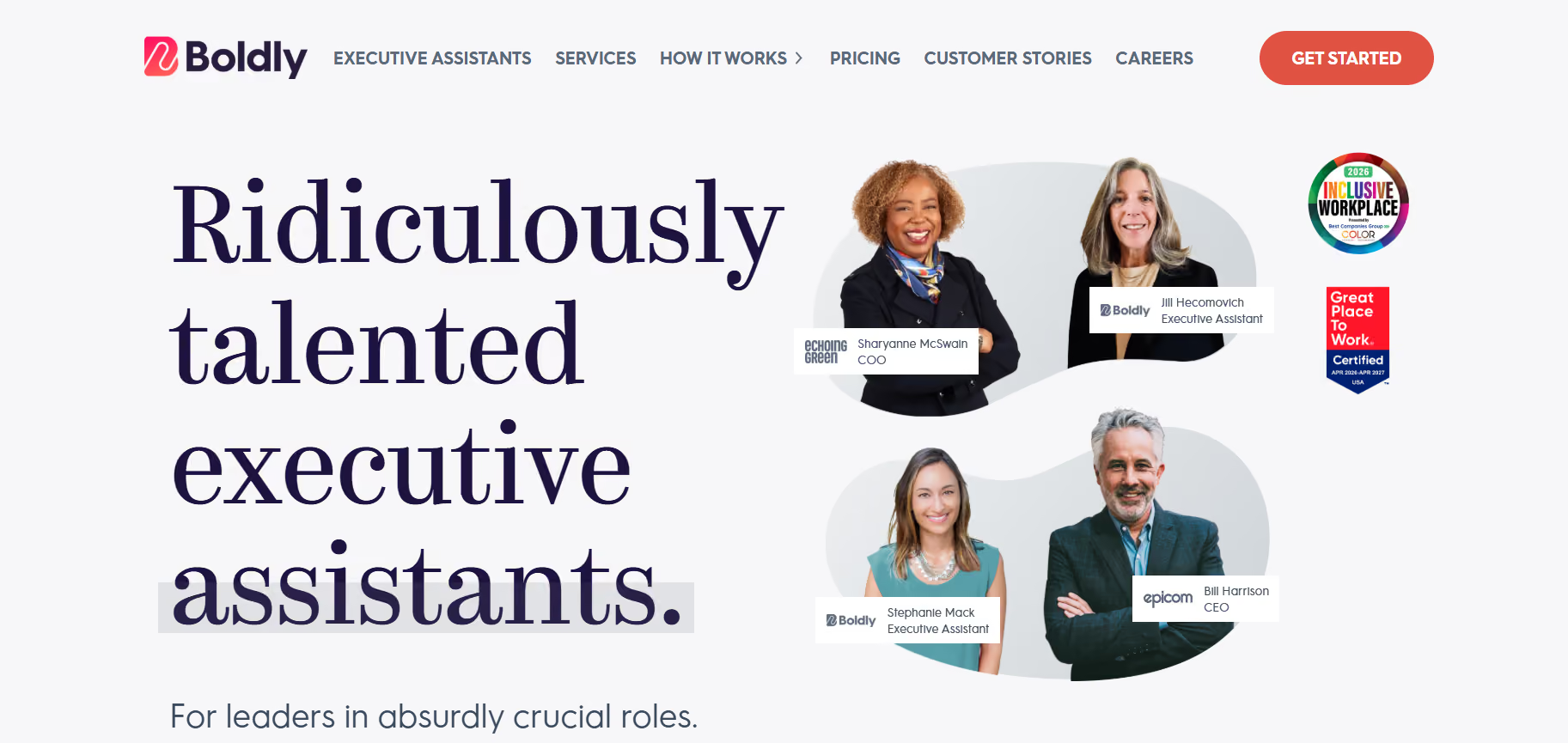
What is it? Boldly is a premium subscription staffing service with W-2 employees in North America and Europe, averaging over a decade of experience across roles like executive assistance, marketing, and operations.
Best for? Executives who want an experienced, W-2-employed assistant they've personally vetted.
Why I picked it?
Boldly's model is different from almost every other service on this list. Assistants are W-2 employees based in North America and Europe, with sufficient seniority that most don't need hand-holding with standard executive workflows. You also interview your assistant before committing, which matters when you're handing someone access to your inbox and calendar.
The standout is continuity. Every Boldly assistant comes with a trained backup for vacations or sick days. Your work doesn't stall the way it can with a solo contractor when your primary person is out.
The con is cost. Plans start at $2,600/month for a minimum of 40 hours and scale to $6,500 for 100 hours, both at $65/hour when you pay by bank transfer. Card payments add 2.9%. Boldly's effective rate sits near the top of the market, and it isn't built for anyone who only needs a few hours a month.
6. MyOutDesk: Best for full-time, industry-trained support in real estate
Type? Managed VA agency
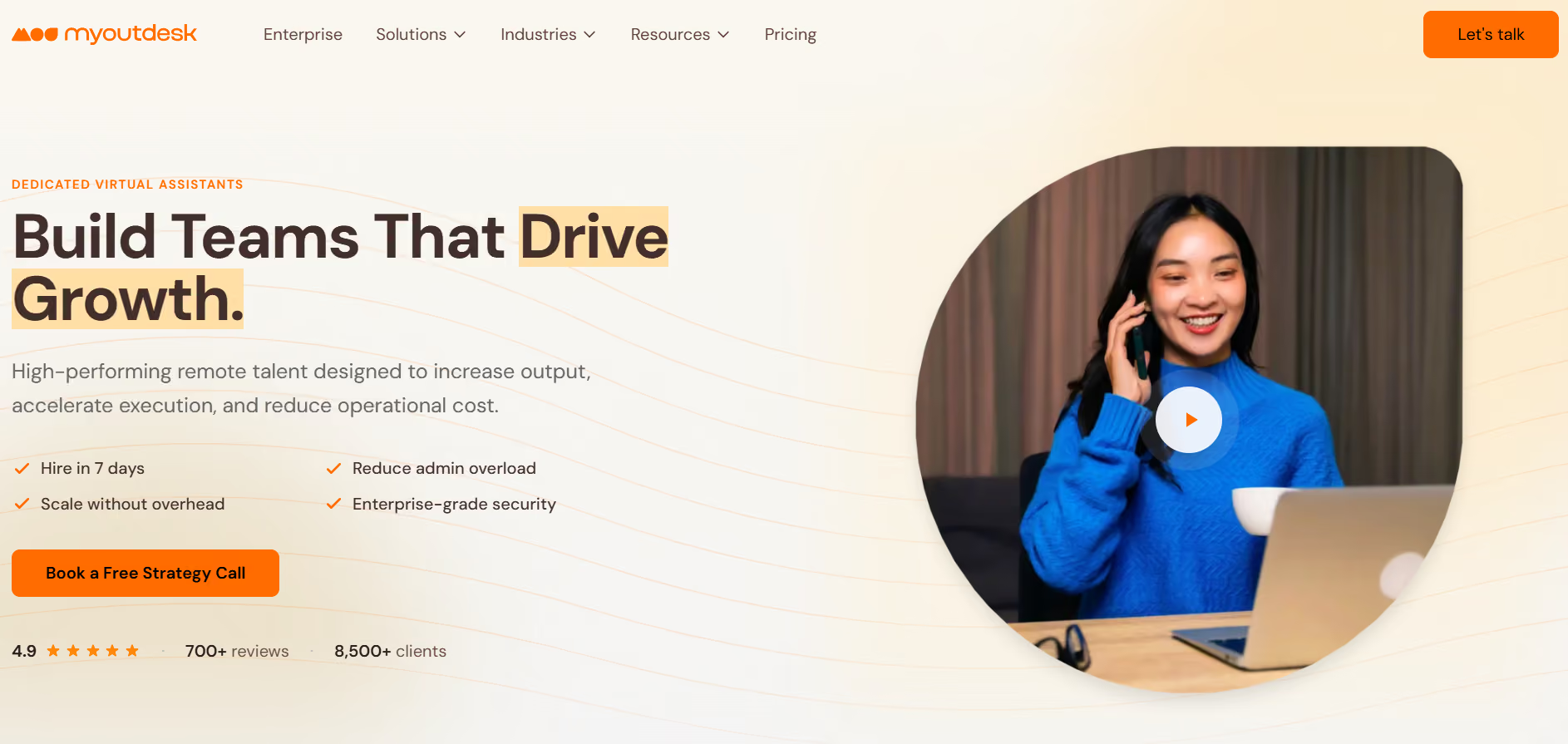
What is it? MyOutDesk is a full-time offshore staffing agency with a formal certification program built specifically for real estate and property management teams.
Best for? Real estate or property management teams that want a full-time, industry-trained hire.
Why I picked it?
What sets MyOutDesk apart from a general offshore staffing agency is its training. Assistants complete a structured certification program before placement. That means the person assigned to your account has already been trained on the workflows real estate and property teams run, before your first week together.
A dedicated onboarding specialist walks you through defining the role before anyone starts. MyOutDesk also publishes a savings calculator that shows, side by side, what the equivalent US-based hire would cost.
Pricing starts at $1,988/month for managed support, with a specialized tier at $2,500/month for industry-specific roles and custom pricing above that.
The trade-off is the full-time-only model. If you only need 10 hours a week, you're still paying the full monthly rate.
The savings report isn't instant either. You enter your role and state, then wait for MyOutDesk to email a custom breakdown, so you can't compare numbers on the spot.
7. Prialto: Best for teams that need continuity
Type? Managed VA agency
What is it? Prialto is a team-based VA service that sells support in 55-hour monthly units, each with a primary assistant, a backup, and an engagement manager built in.
Best for? Teams that need support to keep running even when a specific assistant is out or leaves.

Why I picked it?
Boldly gives you a backup person. Prialto goes further and sells you a whole team: a primary assistant, a trained backup, and an engagement manager who oversees the relationship.
When someone leaves, Prialto's backup team already knows your processes, so the handover doesn't cost you hours. The work never rests on one person's institutional knowledge alone.
Pricing starts at $1,600/month for one unit, which is 55 hours of support a month.
The commitment is the real consideration. Each unit has a 90-day minimum and a $250 setup fee, which is waived with a one-year agreement. At 55 hours a month, that's about a third of a full-time role, so it's not built for someone who just needs a few hours a week.
8. Wing Assistant: Best for lower-cost dedicated support
Type? Managed VA agency
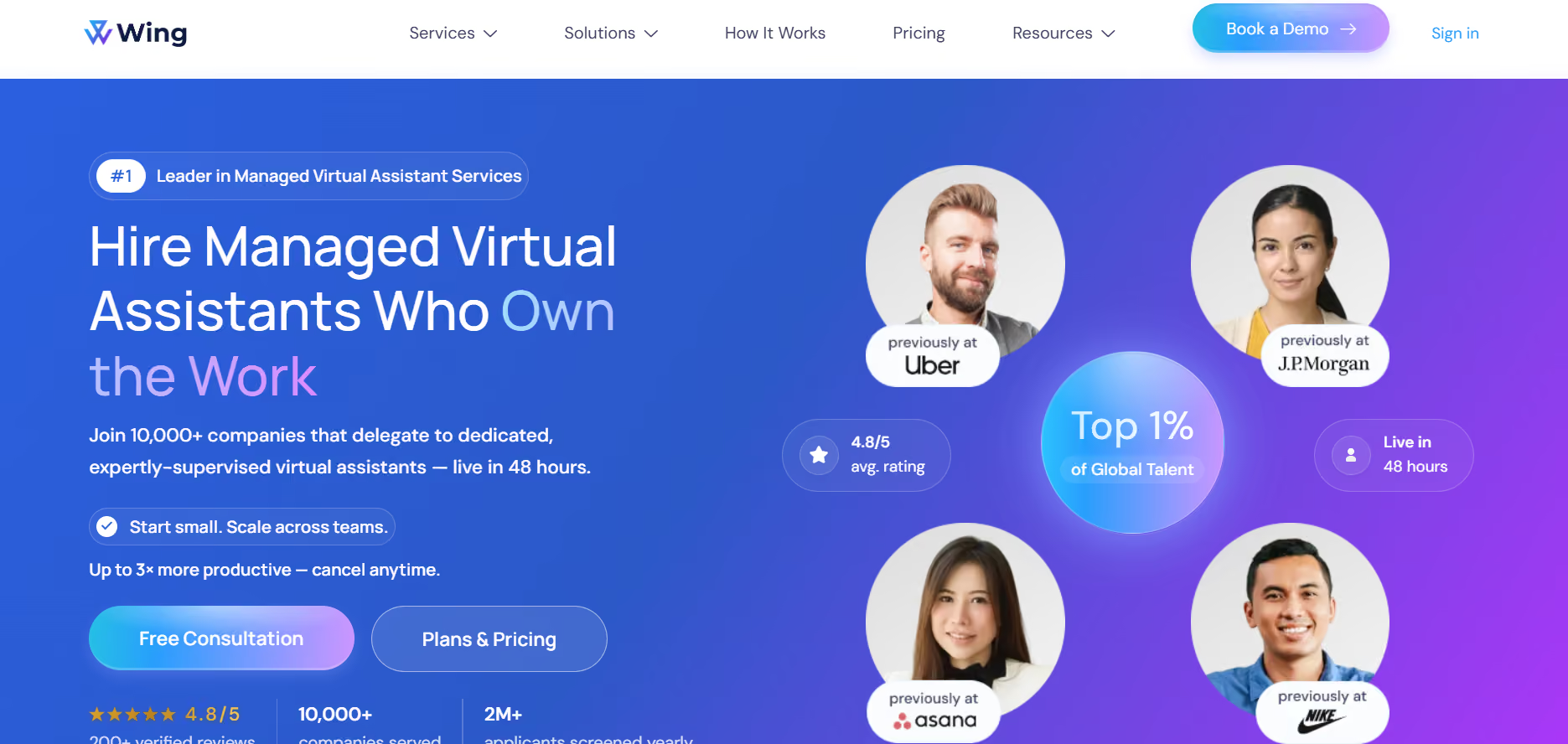
What is it? Wing Assistant is a dedicated offshore staffing service, primarily Philippines-based, with a customer success manager overseeing every account.
Best for? Budget-conscious buyers who want one dedicated assistant without agency pricing.
Why I picked it?
Wing made this list because it offers a dedicated assistant model at a price point most managed agencies can't touch. You get one person assigned to your account, a customer success manager overseeing the relationship, and a task tracking app, all for under $1,000 a month.
Wing offers two plans: $699/month for part-time (80 hours a month) and $999/month for full-time (160 hours a month). Assistants communicate through whatever channel you already use: Slack, email, or WhatsApp.
But know that Wing typically matches you with one candidate rather than letting you review a shortlist, so you're trusting their process more than picking yourself. Offshore hours also mean less real-time overlap if your work needs same-timezone responses.
9. Lindy: Best for delegating without hiring or managing anyone
Type? AI assistant
What is it? Lindy is an AI assistant you text to handle work across your inbox, calendar, CRM, and customer support. It also lives in Slack, where anyone on the team can @mention it for answers instead of interrupting a colleague.
Best for? Founders and small teams who want a VA's output without the hiring or management overhead.
Why I picked it?
There's no person to interview or train. My first morning, I texted Lindy: sort my inbox before 8 am, flag anything from a client, draft replies to the rest. The next day I woke up to four flagged threads and six drafts waiting for a thumbs-up. That was the whole setup.
It works across hundreds of app integrations, including Gmail, Salesforce, and Slack, without configuring anything. It's also proactive once you set it up. Tell Lindy what counts as urgent and it texts you when those emails land, pings you before meetings, and follows up with leads who haven't replied, without you checking back in.
One thing to keep in mind: Lindy works best on tasks you can describe clearly, like inbox triage, scheduling, or CRM updates. It's not built for the nuanced judgment calls or relationship management a human assistant handles.
Lindy works 24/7 and costs $29.99 per user/month on the Plus plan, billed monthly.
{{templates}}
Which virtual assistant service is best for your business? My Take
The best virtual assistant service for your business comes down to how much of the hiring and management work you want to own. Marketplace options are faster and cheaper, but you're doing the sourcing. Managed agencies handle the match, training, and backup coverage, but you pay for that layer.
And if the work is repetitive enough to describe in simple terms, an AI assistant skips the hiring question entirely.
Here's how each option maps to a specific kind of buyer:
- Upwork or Fiverr: best if you have a single, well-scoped task and time to screen candidates yourself. The talent pool is large, and the cost is low, but there's no safety net if the hire doesn't work out. Good for a one-time project.
- Time etc: best if you want a dedicated US-based assistant and don't want to run the search yourself. The consultative matching process is the real differentiator. You pay more per hour, but you walk in knowing the person assigned to you fits the work you described.
- Belay: best if admin alone isn't enough and you need bookkeeping or social media covered under the same relationship. Scope is the reason to choose Belay over a single-function service. Pricing is opaque upfront, so factor in a consultation call before committing.
- Boldly: best if you want to interview your assistant before committing and need backup coverage built in. The W-2 model and vetted experience level make it the highest-trust option on this list. It's also the most expensive, so it fits executives more than small teams watching overhead.
- MyOutDesk: best if you run a real estate or property management business and want someone already trained on the work before day one. The certification program is the differentiator here. The full-time-only model is a real constraint if your volume doesn't support 40 hours a week.
- Prialto: best if you manage a team and VA continuity has been a recurring problem. The built-in backup and engagement manager mean the work keeps moving even when your primary assistant is out. The 90-day minimum is worth knowing before you sign.
- Wing Assistant: best if you want a dedicated full-time assistant under $1,000 a month and are comfortable with offshore time zones. The price-to-model ratio is hard to beat. The matching process gives you one candidate rather than a shortlist, so you're trusting their judgment more than your own.
- Lindy: best if the work is repetitive, describable, and you'd rather not hire anyone at all. Text Lindy to handle inbox triage, scheduling, CRM updates, and follow-ups. It works 24/7 at $29.99 per user/month on the Plus plan, and there's no onboarding period to wait out.
Lindy offers a 7-day free trial if you want to see whether the work is sufficiently describable.
{{cta}}
FAQs
What's the difference between a virtual assistant and a freelancer?
The main difference between a virtual assistant and a freelancer is whether the work ends. A virtual assistant supports your day-to-day operations on an ongoing basis, handling inbox, calendar, and admin work week after week. A freelancer takes on a defined project with a clear start and end, like a logo design or a one-off report.
How much does it cost to hire a virtual assistant?
Hiring a virtual assistant costs anywhere from $10/hour on a marketplace like Upwork to $3,600/month or more through a managed agency like Prialto or Belay. Offshore staffing services like Wing Assistant land in between, around $699 to $999 a month. An AI assistant like Lindy skips the hourly question entirely and costs $29.99 per user/month on the Plus plan.
Is it worth hiring a virtual assistant?
Yes, hiring a virtual assistant is worth it once you're spending 5 or more hours a week on repetitive admin work like email, scheduling, or data entry. Below that threshold, the management overhead usually costs more time than it saves. Above it, delegating those hours back typically pays for itself within the first month.
Can an AI assistant replace a virtual assistant?
Yes, an AI assistant can replace a virtual assistant for repetitive, describable tasks, like sorting your inbox, scheduling meetings, and following up with leads. Lindy is one example worth trying for that kind of work. It falls short on tasks needing human judgment, like managing a tense client relationship. For admin-heavy work, Lindy replaces the VA. For relationship-driven work, a human still wins.









