11 Viktor Alternatives I Tested and Ranked as AI Coworkers (2026)
Marvin tested eleven Viktor alternatives, including Dust, Zapier Agents, and n8n, on cited doc answers, meeting follow-ups, recurring tasks, and admin permissions.


Viktor drops an AI coworker into Slack or Teams. You @mention it in a channel, ask it something, and get an answer with the work attached.
Even so, teams start looking elsewhere over billing or privacy questions in its reviews. For a Slack-native coworker with tighter compliance, Dust and Lindy are the closest matches; to build agents your own way, Zapier Agents and n8n cover that end.
I spent two weeks running eleven Viktor alternatives through the same jobs I'd hand a coworker. Each one had to pull cited answers from scattered docs, turn a meeting into follow-ups, run a recurring task while I ignored it, and stay within the permissions an admin set.
For every tool, you get what it does well, where it reaches its limits, and who it suits, so you can match it to your reason for leaving, whether that was the bill, the privacy surface, or the chat-only limit.
11 Best Viktor alternatives: TL;DR
- Dust: Best for cited answers in Slack
- Lindy: Best for a compliance-ready Slack coworker
- Relevance AI: Best for sales and revenue teams
- Claude: Best for autonomous desktop work
- Zapier Agents: Best for agents across your existing app integrations
- Glean: Best for governed agents on enterprise search
- Gumloop: Best for no-code agents built by operators
- Sintra AI: Best for small businesses avoiding setup
- n8n: Best for self-hosted, open-source automation
- CrewAI: Best for multi-agent systems built in code
- Beam AI: Best for high-volume back-office automation
Why look for Viktor alternatives?
Viktor behaves like a hire, not a dashboard. You call on it right in the conversation, and the reply lands where the work already lives. Teams still start looking elsewhere, and three issues came up again and again:
- Pricing scales faster than headcount: usage-based billing on an active team climbs in a way a flat per-seat plan does not, so heavy users watch the number move and price the same job elsewhere.
Viktor's paid plans start at $50/month for 20,000 shared workspace credits and scale with volume: $75 for 30,000, $100 for 40,000, $200 for 80,000. Enterprise runs from $35,000/month.
- The privacy surface is wide by design: a coworker is only useful because it sees everything, and that wide access is what stalls security reviews looking for named controls, a signed BAA, or a self-hosted option.
- Channel-native is also a limit: living in Slack or Teams fails the moment work needs to run on a server or touch files on a desktop, and a few tools below reach further.
The Viktor AI alternatives below each answer one of these three problems that Viktor struggles with, so read on for the one that fits why you're leaving.
Which Viktor alternative should you choose?
Choose Dust if you want the closest thing to Viktor's core trick, answering questions in Slack with citations back to the source, and you can live with agents being summoned in channels rather than DMs.
Choose Lindy if you need a Slack-native coworker and your security review will ask about HIPAA and a signed BAA, which are on the Enterprise plan.
Choose Relevance AI if the job is revenue-specific and you want prebuilt agents for prospecting, meeting prep, and deal review rather than a general assistant.
Choose Claude if the work is heavy, multi-step, and file-based, and you'd sooner have it run autonomously on your desktop than answer in a Slack thread.
Choose Zapier Agents if your stack already runs through Zapier and you want agents working across the integrations you have wired up.
Choose Glean if you're a large org that needs governance, single-tenant isolation, and agents built on enterprise search, and public pricing isn't a dealbreaker.
Choose Gumloop if operators, not engineers, are the ones building agents and you want them shared across the team with IT controls in place.
Choose Sintra AI if you run a small business, want AI employees you don't have to configure, and the low annual price matters more than deep integrations.
Choose n8n if you want to own the whole thing, self-host it, and are comfortable running the hardest tool here.
Stick with Viktor if the chat-first coworker model is exactly what you want, usage-based pricing works at your volume, and its existing controls clear your security bar. For plenty of teams, that's still the right call.
Several tools here are things you build, not coworkers you hire. If what you liked about Viktor was that you never had to build anything, the builder platforms below (n8n, CrewAI, Gumloop, and Zapier Agents) will feel like taking on work you were trying to avoid.
11 Best Viktor alternatives: At a glance
| 💻 Tool | 🎯 Best For | 💰 Starting Price |
|---|---|---|
| Dust | Cited answers in Slack | $30/seat/month |
| Lindy | Compliance-ready Slack coworker | $29.99/month per user |
| Relevance AI | Sales and revenue teams | Custom price |
| Claude | Autonomous desktop work | $20/month ($17 billed annually) |
| Zapier Agents | Agents across your existing app integrations | $50/month |
| Glean | Governed agents on enterprise search | Custom price |
| Gumloop | No-code agents built by operators | $37/month |
| Sintra AI | Small businesses avoiding setup | $15.60/month (12-month plan) |
| n8n | Self-hosted, open-source automation | $24/month |
| CrewAI | Multi-agent systems built in code | Free, then custom |
| Beam AI | High-volume back-office automation | $50/month |
Pricing is correct as of October 2026. Verify with the vendor before purchasing.
How I tested these Viktor alternatives
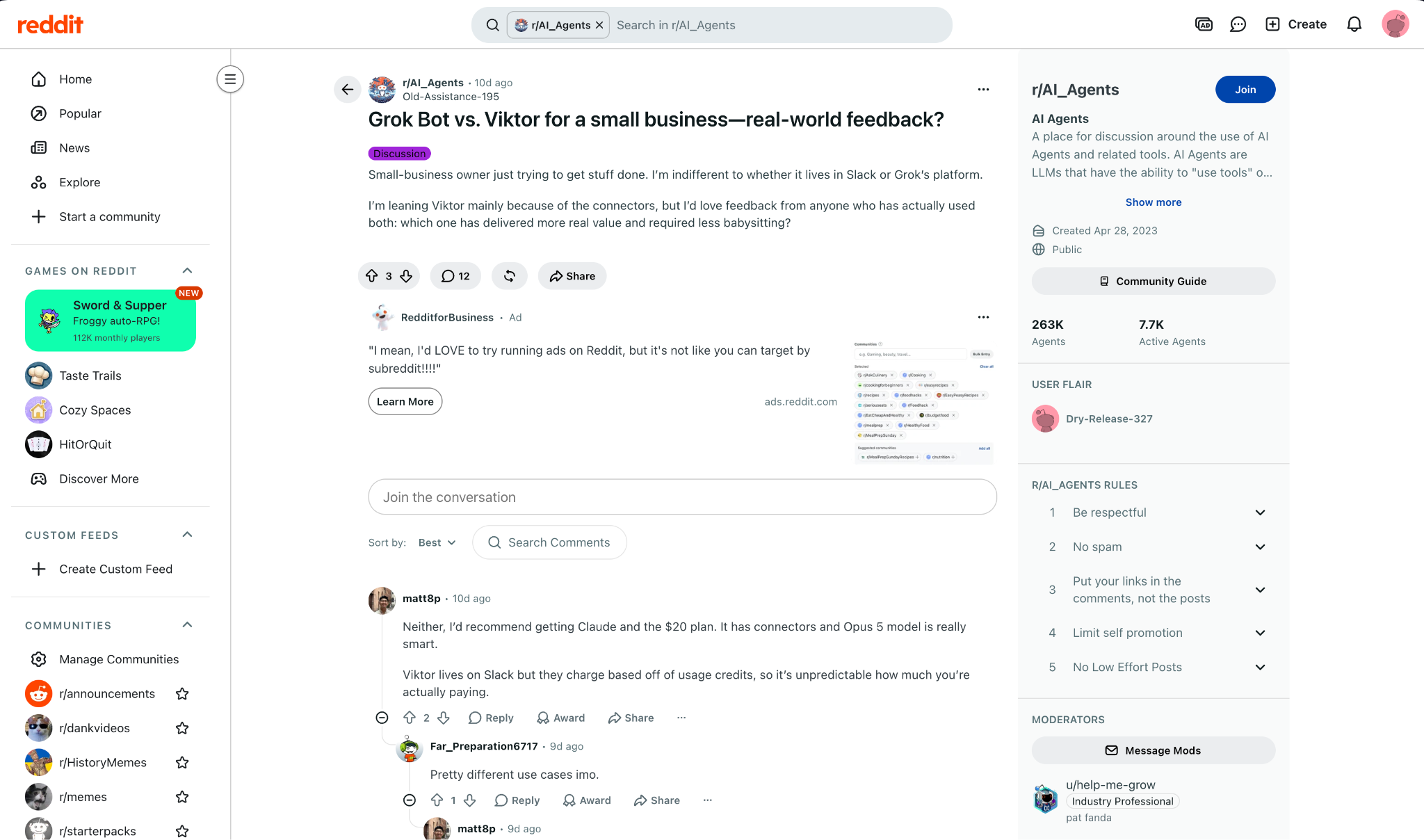
Before testing, I read what users were saying, and there's barely a Viktor community on Reddit to speak of. The useful discussion sat in other subreddits.
In a 12-comment r/AI_Agents thread, a commenter steered a small-business owner away from Viktor because it "charge[s] based on usage credits," which made the monthly spend hard to predict.
The switching angle was sharper in r/gohighlevel, where CloseBot, a company, not an anonymous user, published why it moved its internal team off Viktor. It cited audit logging, spend caps, and its dependence on an underlying model provider.
It's a vendor account, so I weigh it as one data point, but those concerns kept surfacing once I started testing.
Here is what I put the other eleven through:
- Where it lives: Whether you reach it by @mention in Slack or Teams, or by opening a separate app
- Answering with sources: Whether it cites where a fact came from, or hands you a confident paragraph with no trail
- Meeting to follow up: Whether it can join a call and turn it into assigned next steps without manual cleanup
- Unattended work: Whether a recurring task runs on schedule without me checking on it
- Guardrails: Whether an admin can scope what each tool and action is allowed to touch
- The fit: Who the tool serves in practice, beyond its marketing claims
The scenarios were the same for every tool. What separated the best Viktor AI alternatives from the rest was how much manual cleanup each one left me with across the same six jobs.
Three more tools never earned a full section.
Sider. I ruled this one out fast. It runs as a browser sidebar, and its own homepage sells it as "your AI Agent for the Browser" with an Add to Chrome button, so there's no channel to @mention it in, which is the whole reason people come to Viktor.
Cognosys. I left this one off on purpose. It's a dashboard-driven web agent, and its site lists only Notion and Gmail as connections, with Slack and Teams nowhere in sight, so the work never comes to where your team talks.
Ema. I looked and did not go further. It does reach Slack, but it's enterprise-only with no self-serve path; its pricing page shows no plans, just a "Book a demo," so you can't try it the way you can everything else here.
Best Viktor alternative for cited answers in Slack
Dust
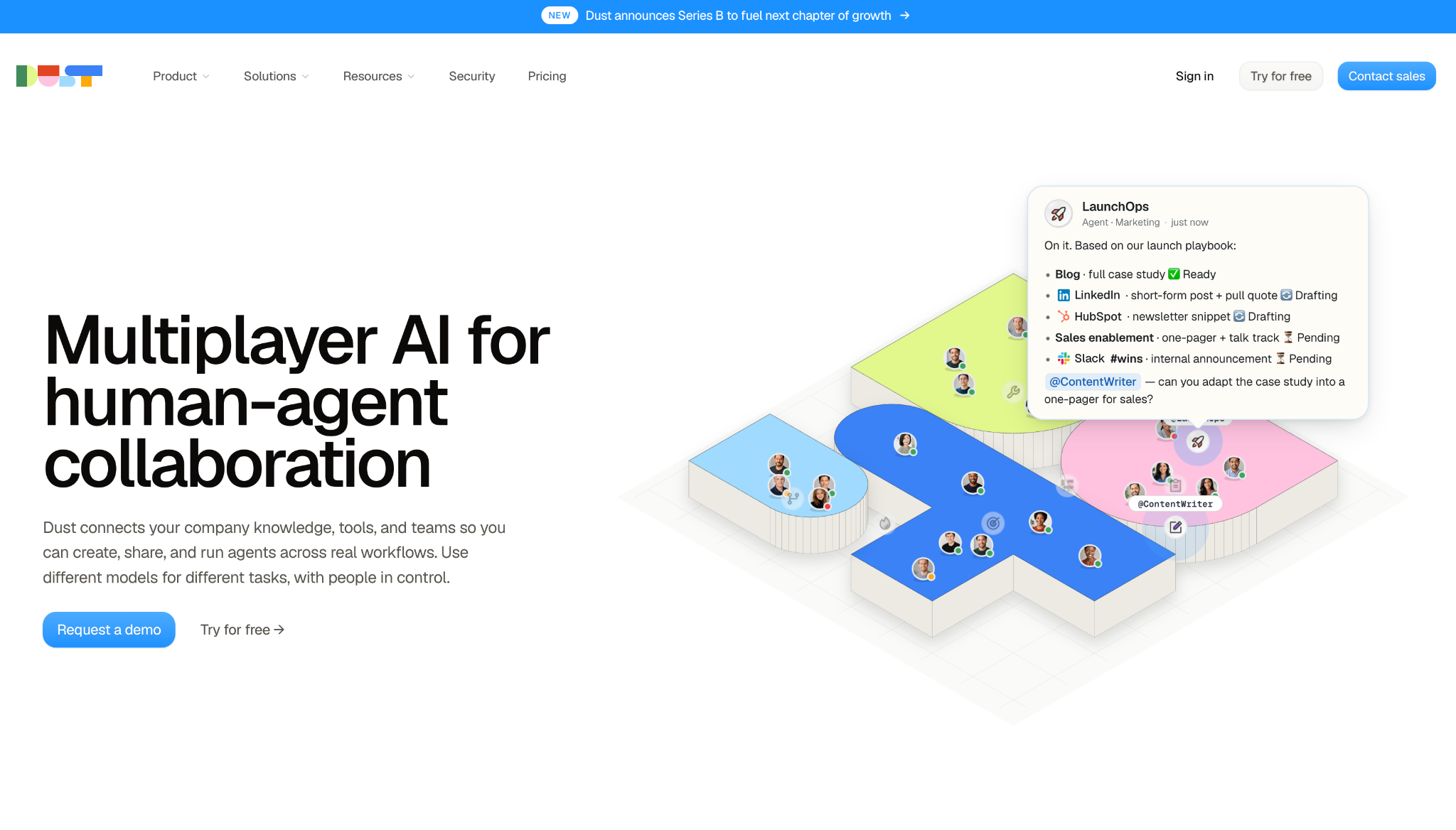
Dust gets closest to what makes Viktor feel like a hire. You summon an agent in a Slack channel, and it pulls from your connected tools, showing where each fact came from.
My test question lived across Notion, Drive, and a GitHub repo. I asked it in a channel with @dust +research, and it pulled the answer together and linked back to the exact documents.
So when the response covered ground I hadn't checked myself, I could click straight to the source and confirm it, which matters when you're handing over work you can't personally re-check.
The limit is where that happens. Dust agents answer inside channels, public or private, and its setup docs center on channel and workflow use rather than one-on-one DMs, so the private back-and-forth you'd have with a human teammate isn't where it's built to live.
"I don't have to ask myself which LLM I should choose or pay for; Dust gives me access to all of them and will adapt them depending on my AI agents' needs." - Nicolas H., G2.
Key Features
- Channel agents: Summon a specific agent with @dust ~name or let a channel-linked one answer plain mentions
- Connections: Wire in Slack, Google Drive, Notion, Confluence, and GitHub as sources agents read from
- Spaces: Separate knowledge and agents by team so the right context stays with the right group
- Model choice: Call generic @gpt, @claude, or @gemini agents alongside your custom ones
- Company knowledge base: A shared source layer every agent can draw answers from
Pros
✅ Citations point back to the original document, not a summary
✅ Dust's own docs say it never trains on your company data
✅ Agent reach stays controlled through role-based access and SSO
Cons
❌ Setup centers on channels and workflows rather than one-on-one DMs
❌ The free tier is 500 credits total, not monthly, so it runs out fast
❌ Setup rewards teams that already keep tidy, connected sources
Pricing
Dust's free tier gives you 500 credits, one time, not monthly. Pro is $30/seat/month billed monthly ($24 billed yearly) with 8,000 credits; Max is $150/seat/month ($120 billed yearly) with 40,000; Enterprise is custom.
Best Viktor alternative for a compliance-ready Slack coworker
Lindy
Lindy lives in Slack the way Viktor does. Its pitch is to act as your company's brain. @mention it in a channel, and it answers from every meeting and tool it has been given, with the receipt attached to what it says.
I handed it the meeting-to-follow-up job. It sat in on a call and transcribed it, then split the discussion into follow-ups I could route to people. A summary landed back in the channel with the quotes it pulled from, so nobody had to take notes or chase who owned what.
Lindy runs on monthly credits that draw down as agents work, so a heavy month can mean topping up sooner than you planned, which makes the spend harder to forecast than a flat seat.
"With Lindy, I created an "assistant" that monitors my email, understands the context of a new conversation, checks if the lead fits our ideal profile, and, if so, suggests available times in my schedule." - Vera Lúcia H., G2.
Key Features
- Slack coworker: Call on it in a channel, and it answers with team context and cited sources
- Meeting participation: Joins calls, records and transcribes them, and turns them into follow-ups
- Scheduled routines: Describe recurring work in plain English, and it runs on its own
- Skills system: Ships with a library of built-in skills plus custom ones you define
- Approval gates: Requires human sign-off before it takes consequential actions
Pros
✅ SOC 2 Type II, GDPR, and HIPAA available with a signed BAA on Enterprise
✅ Memory is editable plain text you can correct when it drifts
✅ Never trains on your data
Cons
❌ Credit-based usage means heavy months cost more
❌ HIPAA and audit logs are gated to the Enterprise tier
❌ Dedicated support is Enterprise-only; the Team plan gets live onboarding
Pricing
The Free plan gives you $50 in credits that last 7 days, with no credit card required. Team starts at $29.99/user/month for 3,000 credits, with larger credit tiers available and credits pooled across the team. Enterprise is custom and adds HIPAA with a signed BAA, SSO/SCIM, and audit logs.
{{templates}}
Best Viktor alternative for sales and revenue teams
Relevance AI
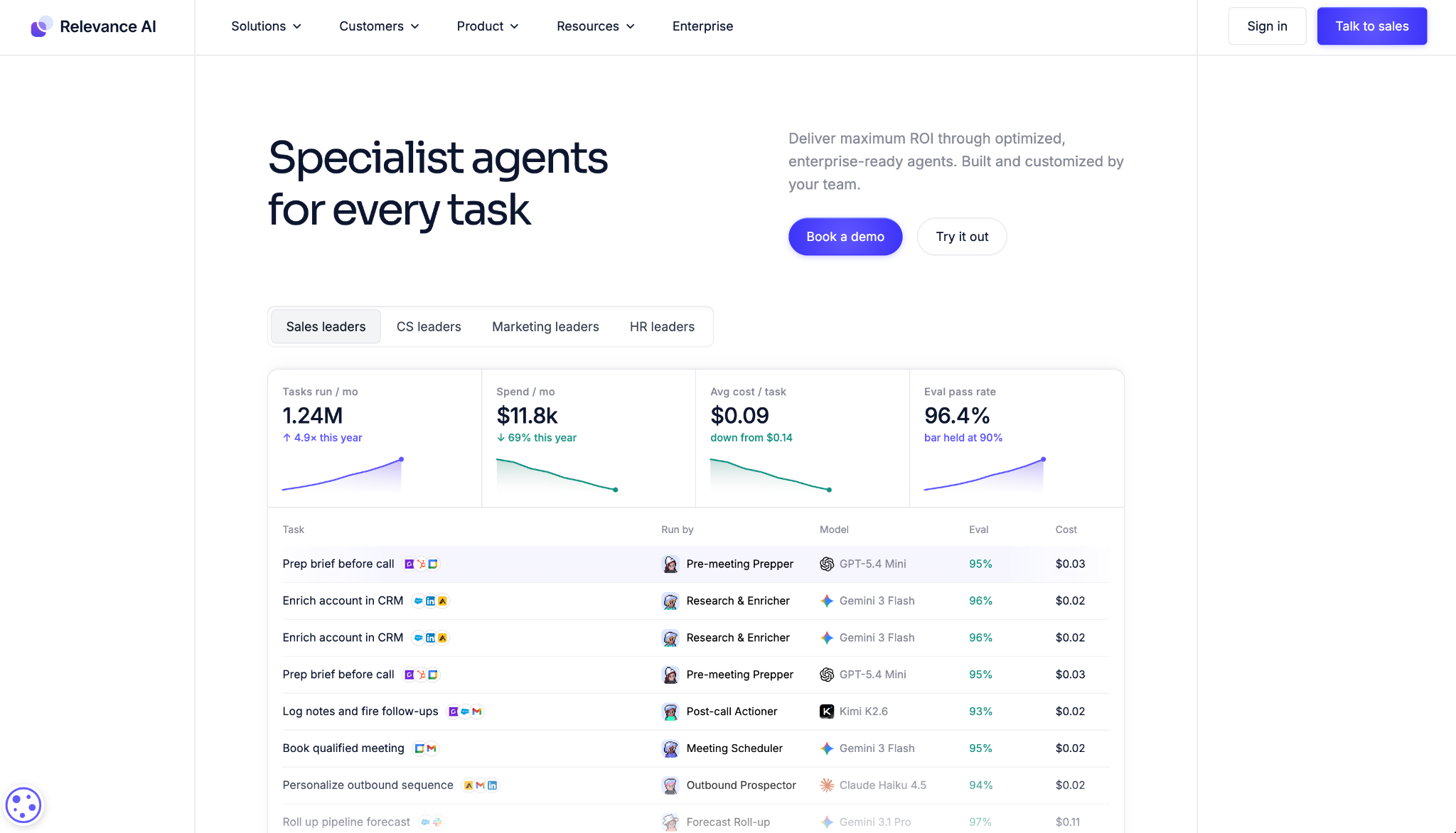
Relevance AI narrows the coworker idea to one department. You assemble a roster of specialist agents built for sales, success, and marketing work.
On a mock pipeline, I split the work between two: a prospecting agent and a post-call actioner.
One enriched leads and drafted outreach; the other took a call transcript and produced the follow-up actions, each doing a defined job instead of one trying to be everything.
Cost is the part that's hard to plan around. Pricing follows a consumption model billed by credits, so a task's cost is harder to predict than a flat seat, and you can't confirm the named per-month tiers without talking to sales.
"I am excited to start in the world of AI with Relevance AI, and I am interested in applying what I have learned in courses like Learning Heroes AI." - Leopoldo E., G2.
Key Features
- Specialist agents: Prebuilt roles for prospecting, meeting prep, deal review, and proposals
- LLM routing: Sends each task to the model best suited to it
- Human-in-the-loop: Approval steps sit between an agent and any consequential action
- Tracing: Watch what an agent did and why, step by step
- Broad integrations: Connects across more than 2,000 apps
Pros
✅ Agents map to defined revenue jobs instead of generic assistance
✅ Failed steps are visible in the trace, so you can fix a broken agent instead of rebuilding it
✅ PII masking and RBAC give security teams something to approve
Cons
❌ Credit-based consumption billing is hard to forecast
❌ Entry pricing is not published, so budgeting means a sales call
❌ Failed runs still bill as Actions, so misconfigured workflows cost you
Pricing
Relevance AI doesn't publish per-month prices; billing works on usage credits. Budget for a sales conversation.
Best Viktor alternative for autonomous desktop work
Claude
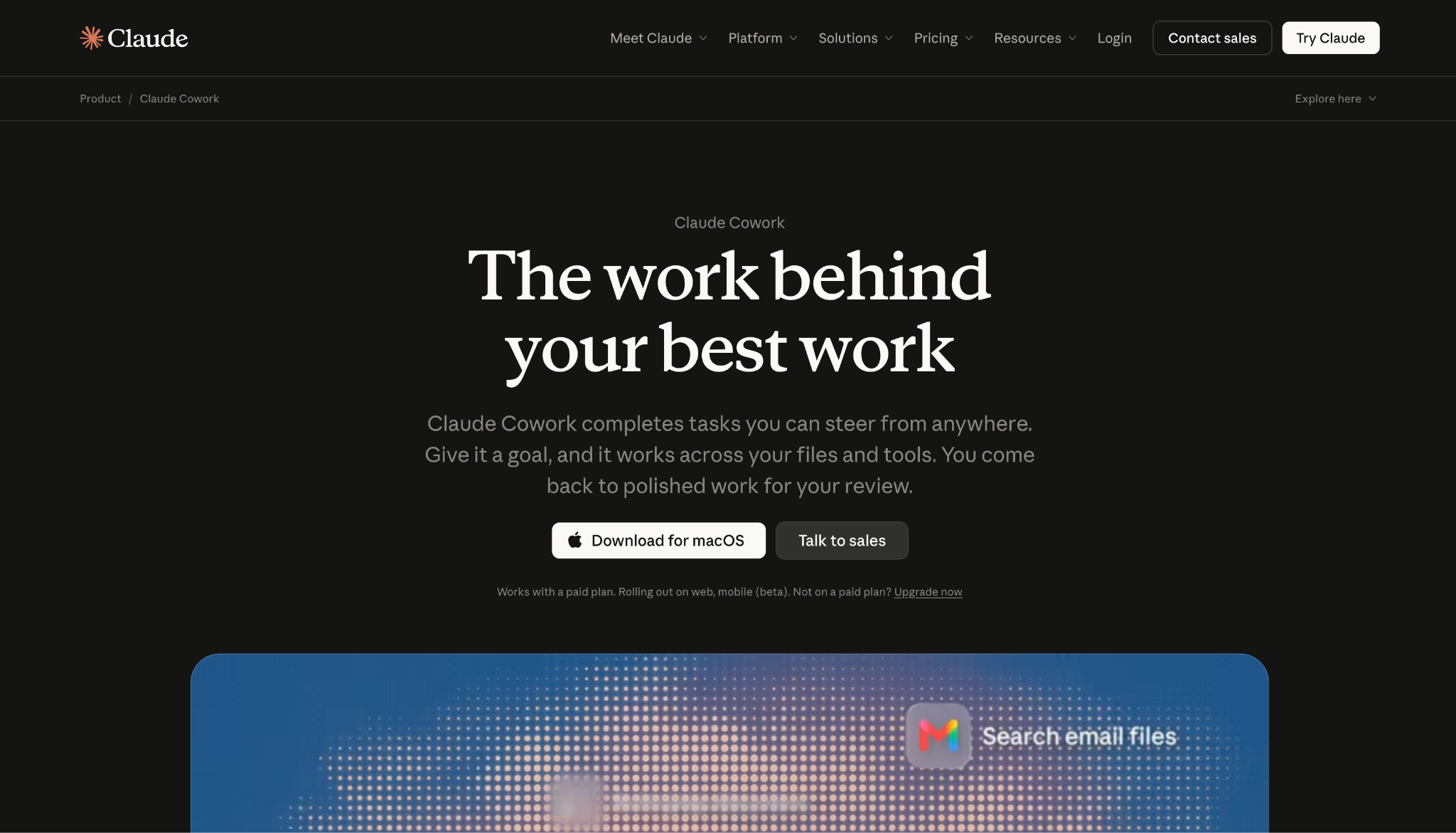
Claude works entirely outside the channel. Claude Cowork runs multi-step work on your desktop and hands back finished output for review. Since September 2026, Anthropic has been merging Cowork and chat into one Claude app, starting with Pro and Max plans, so the same hand-off work runs from any conversation.
I gave it a job that spanned several files: pull figures from a spreadsheet, draft a document, stage the result.
It worked through each step in view, showing what it was doing, and its desktop reach meant it touched the actual files instead of asking me to paste things in.
The channel habit is the thing it gives up. Claude Cowork is a desktop, web, and mobile app, not a teammate you @mention in Slack.
Anthropic does put @Claude in Slack channels through Claude Tag, but that's a separate product, in beta for Team and Enterprise plans, not Cowork itself.
"I find Claude's performance and accuracy exceedingly impressive, especially when it comes to handling complex problems, understanding context, and consistently producing reliable, high-quality results." - Ibrahim D., G2.
Key Features
- Multi-step execution: Breaks a large task into steps and runs them, sometimes in parallel
- Computer use: Operates apps directly, with per-app permission
- Scheduled tasks: Runs daily, weekly, or monthly jobs unattended
- Step visibility: Shows its work as it goes so you can follow the reasoning
- Scoped permissions: Limits access to named folders and tools, with deletion needing approval
Pros
✅ Handles file-heavy, multi-step work without hand-holding
✅ Runs on macOS, Windows, Linux, and web, with mobile in beta
✅ Enterprise adds spend limits, admin controls, and activity logs
Cons
❌ Cowork itself has no in-app Slack @mention; channel tagging lives in the separate Claude Tag beta
❌ Desktop-first, so there's no shared team channel where colleagues can see the work
❌ No inbound triggers; it runs on manual prompts or schedules, not incoming events
Pricing
Claude Pro is $20/month, or $17 if you pay for the year, and includes Cowork. Free is $0; Max starts from $100/month.
Best Viktor alternative for agents across your existing app integrations
Zapier Agents
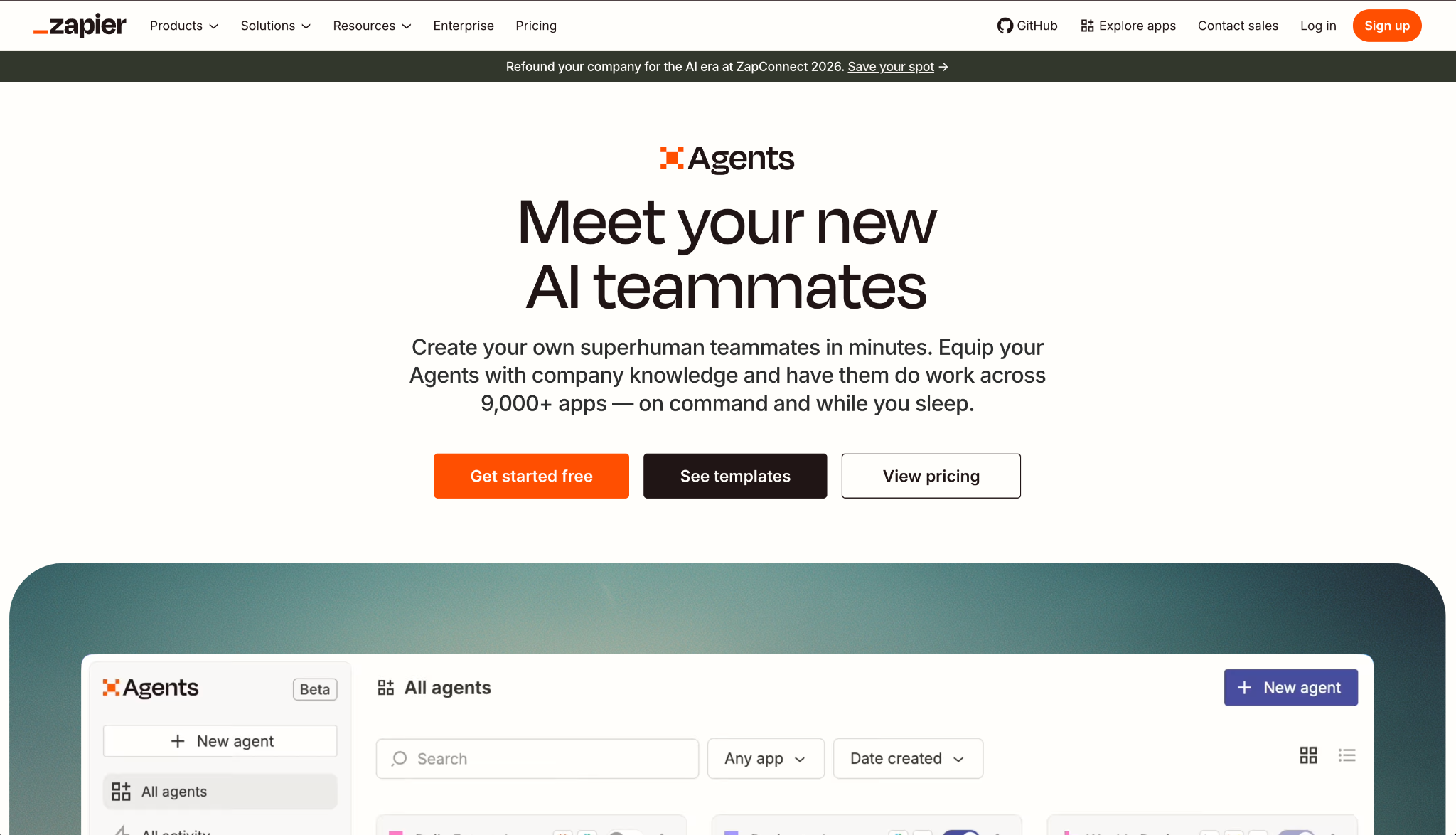
Zapier Agents builds on what Zapier already has going for it: its wide reach. If your work touches thousands of apps through Zapier, its agents sit on top of that wiring and act across it.
Anyone who has wired up a Zap will recognize the build. I described what I wanted the agent to do, Copilot shaped the steps, and because the app I needed was already connected, the agent could act on it without me setting up a new integration first. You're paying for that head start.
The catch shows up when the app you need isn't already wired into Zapier. The agents are only as capable as your existing connections, so a workflow that reaches outside what you've set up means going back to build the Zap first.
"Being able to jump right into using agents with zero coding experience is just amazing. The ability to describe what you want in normal written text and have that executed is just next level." - Ross T., G2.
Key Features
- App reach: Agents act across Zapier's library of thousands of connected apps
- Zapier Copilot: Describe the agent in plain language and Copilot drafts the steps
- Web operation: Agents can browse and act on the web when a task needs it
- Knowledge sources: Add FAQs, docs, and links for an agent to reason from
- Activity monitoring: Watch what each agent did and step in when needed
Pros
✅ Starts from integrations you have probably already connected
✅ Building an agent takes minutes with Copilot's help
✅ A free tier covers 400 activities a month to test the idea
Cons
❌ Activity metering means busy agents hit limits fast
❌ Agents can only act in the apps and actions you've already connected
❌ Security claims are not surfaced on the agents page
Pricing
Agents Free covers 400 activities a month. Agents Pro is $50/month billed monthly ($33.33/month billed annually) for 1,500 activities; Enterprise is custom.
Best Viktor alternative for governed agents on enterprise search
Glean
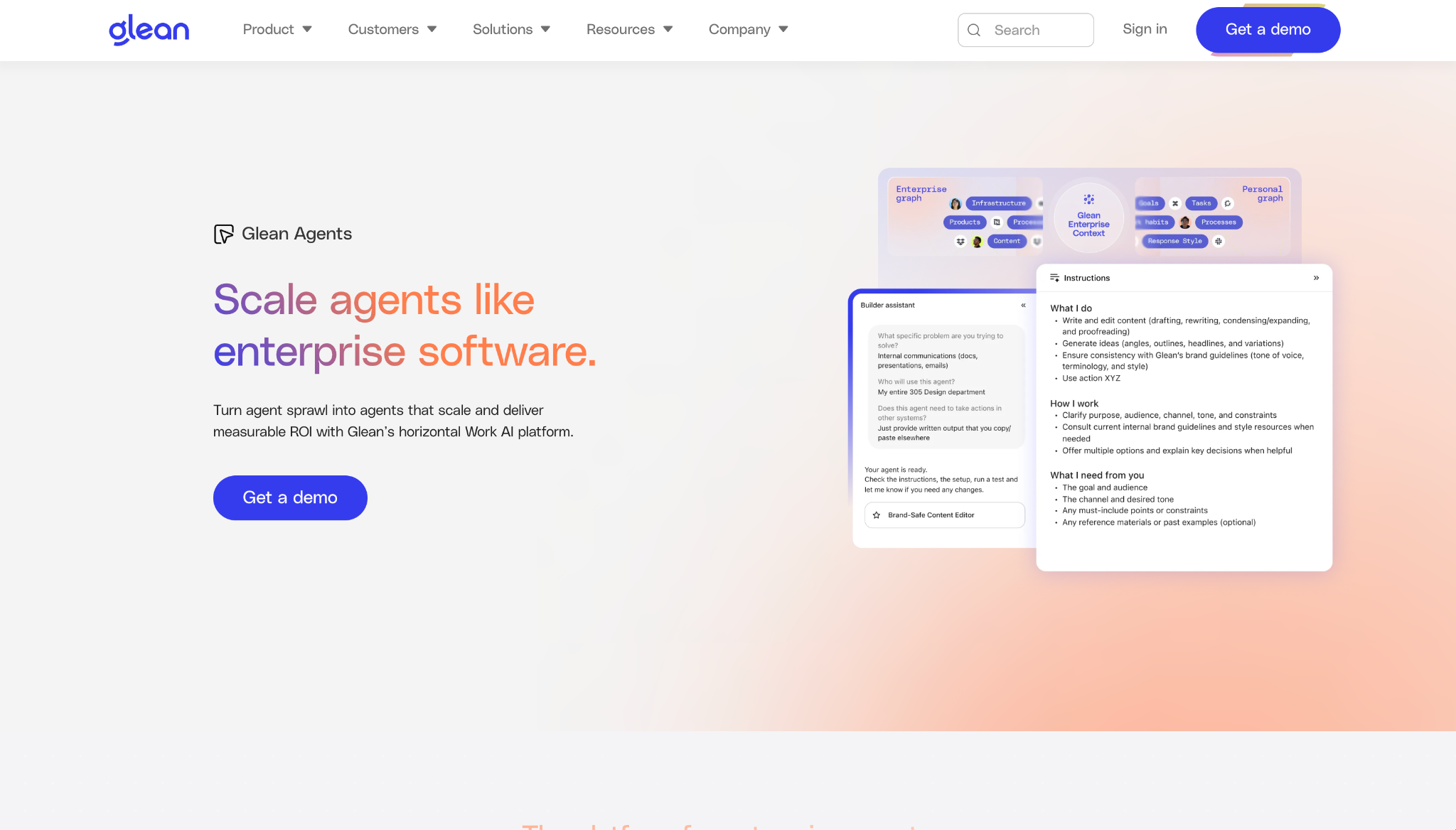
Glean builds agents on top of enterprise search. The reasoning starts from an organization-wide index of what your team already knows, not a handful of connected tools.
Its builder gave me a working agent in a few clicks, and what stood out was the context.
Because Glean already indexes across the company, an agent could pull from material well beyond the tools I'd connected by hand, and the governance layer let me see how each agent was scoped before it ran.
What holds it back for smaller teams is the shape of the offer. There is no public pricing, so evaluation starts with a demo and a sales cycle, and the deployment surface, whether agents live in Slack or Teams, is not something the agents page will tell you outright.
"I love Glean's ability to work with my current tech stack at work and help me quickly pinpoint what I'm looking for. It also gives me helpful context around a question, or anything related to the question I'm asking, across all the integrated systems." - Igor S., G2.
Key Features
- Agent builder: Create agents grounded in the company-wide Glean index
- Agent orchestration: Chain and coordinate agents across a larger task
- Agent governance: Scope, monitor, and control what each agent can do
- Agent library: Start from prebuilt agents rather than a blank canvas
- 275+ connectors: Pull context from a wide set of enterprise sources
Pros
✅ Agents reason from a full company search index, not just linked docs
✅ SOC 2, HIPAA, and GDPR with single-tenant isolation
✅ Alignment models (beta) pre-scan write actions before they run
Cons
❌ No public pricing, so evaluation means a sales cycle
❌ Deployment surface is not stated on the agents page
❌ Priced for scale, with a seat floor that prices out smaller teams
Pricing
Glean doesn't publish pricing, and there's no pricing page; evaluation starts with a demo request. Expect an enterprise sales motion.
Best Viktor alternative for no-code agents built by operators
Gumloop
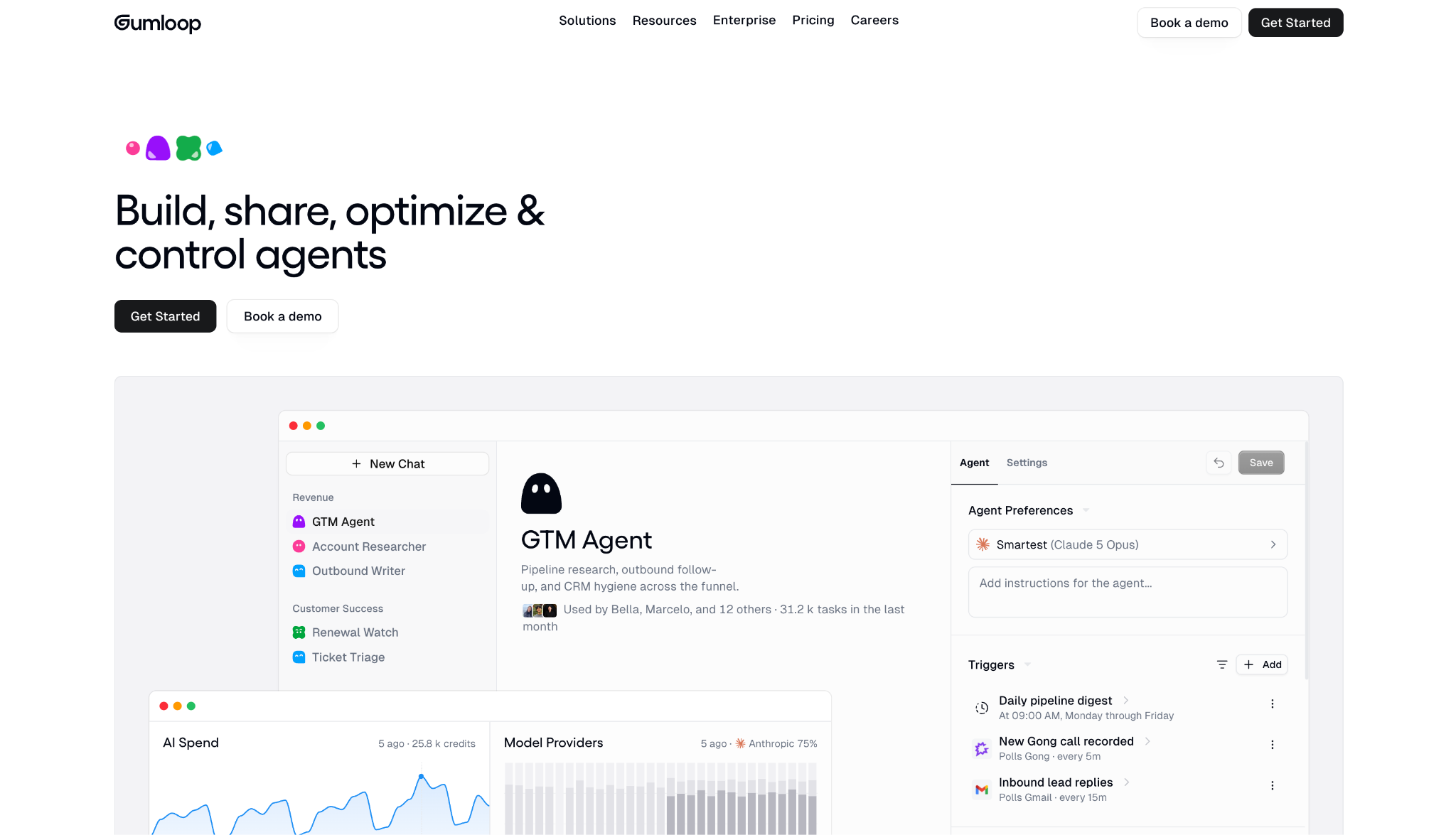
Gumloop is built so the people closest to a process, not the engineers, are the ones assembling agents, and it puts those agents in Slack and Teams where the team already talks.
The no-code build was the proof point here. I dragged an agent together on the canvas, connected it to a couple of tools, and dropped it into a Slack channel where teammates could call on it, all without writing a line or filing a ticket with engineering.
Watch the cost mechanics. Gumloop's Pro plan runs on 20,000 monthly credits plus an 8% orchestration fee, so pricing is less a flat number than a formula, and deeper IT controls like VPC deployment lean toward the Enterprise tier.
"I love how Gumloop is extremely easy to use, and it's extremely fun working on it. I can go from idea to a working solution with just prompts, without needing to be a coder or engineer." - Sean G., G2.
Key Features
- No-code canvas: Build agents by dragging nodes rather than writing code
- Slack and Teams: Bring agents into the channels and threads where work happens
- Company Brain: Sync company knowledge so agents answer from it
- App policies and guardrails: Set plain-English rules for what agents and tools may do
- Model range: Choose across a wide range of models, with bring-your-own API keys
Pros
✅ Operators can build agents without engineering help
✅ Agents live in Slack and Teams, not a separate app
✅ Agent runs are visible to the whole team, not siloed in one person's account
Cons
❌ Pricing mixes credits with an 8% orchestration fee
❌ VPC and deeper IT controls skew to Enterprise
❌ Native integrations are limited, so wider reach means bolting on Zapier
Pricing
Gumloop Pro starts at $37/month with 20,000 credits, plus an 8% orchestration fee. A 14-day trial is available; Enterprise is custom.
Best Viktor alternative for small businesses avoiding setup
Sintra AI
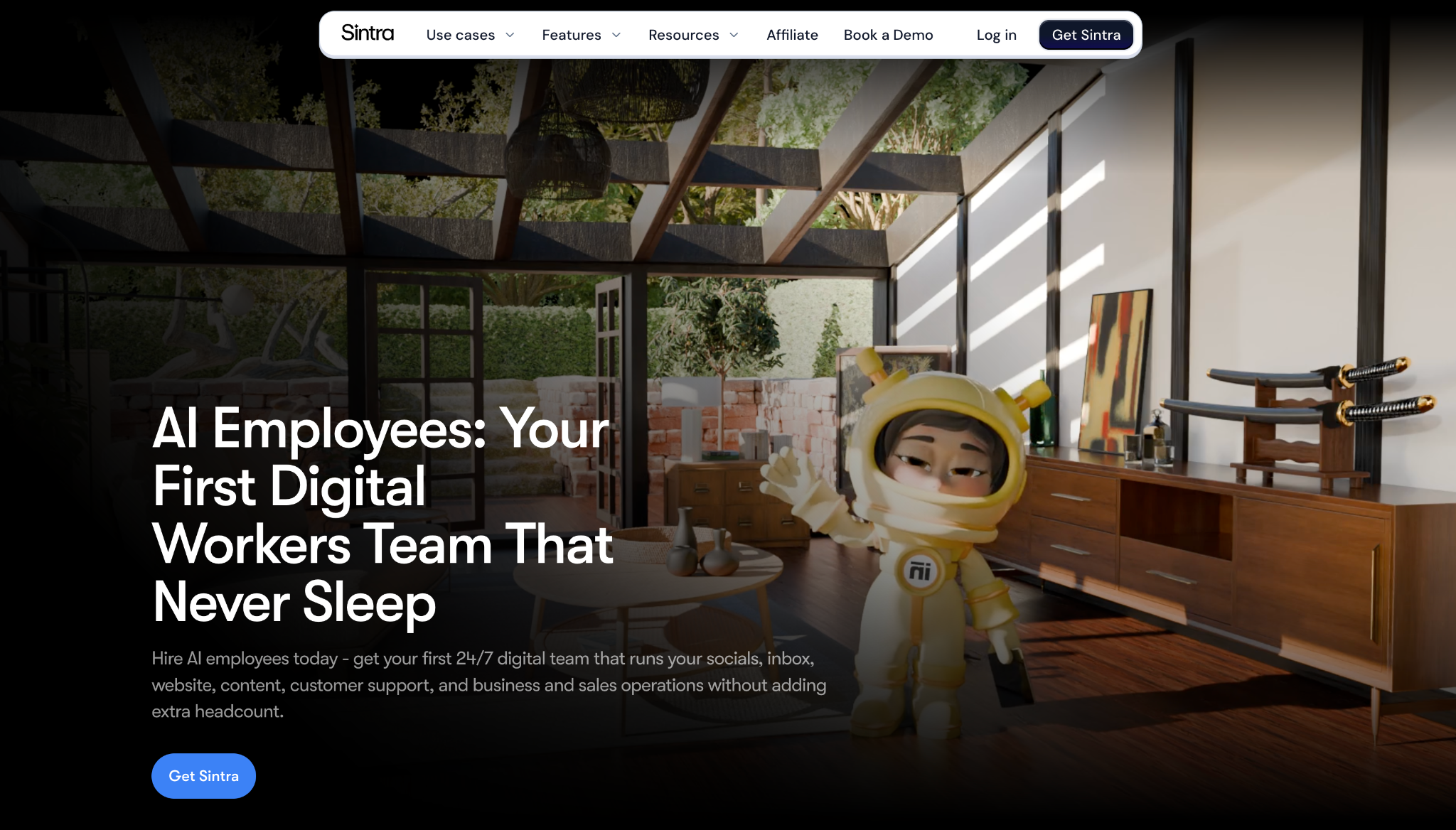
Sintra AI gives you a set of prebuilt AI employees ready out of the box, each with a name and a job, aimed at small businesses that don't want to build anything.
I ran it the way a solo operator would, and it clicked fast. I picked from the twelve ready-made helpers, each scoped to a role like social or SEO, and had one producing usable output in minutes, since nothing needed wiring up before it could work.
The plan caps you at 250 monthly credits and roughly 15 integrations. That suits light, single-operator use more than a team using it heavily every day, and the low headline price only holds if you commit to the annual plan.
"Sintra runs almost my entire backoffice as a small hospitality business; from client communication and quotes to planning and admin." - Bram U., G2.
Key Features
- Prebuilt employees: Twelve named AI helpers, each scoped to a business role
- Brain AI: Helpers learn your business details over time
- Multi-language: Works across 100+ languages out of the box
- Business profiles: Create unlimited separate business profiles
- Shared workspaces: Bring a small team into the same helpers
Pros
✅ No setup; prebuilt helpers work out of the box
✅ Lowest entry price on this list, $15.60/month on the annual plan ($48.50 month-to-month)
✅ Covers 100+ languages for international operators
Cons
❌ Capped at 250 monthly credits, which suits light use
❌ Low price depends on a 12-month commitment
❌ No security or compliance certifications published on its site
Pricing
The Sintra X bundle is $15.60/month on the 12-month plan, with 250 monthly credits. Month-to-month is $48.50. A 14-day money-back guarantee applies.
Best Viktor alternative for self-hosted, open-source automation
n8n
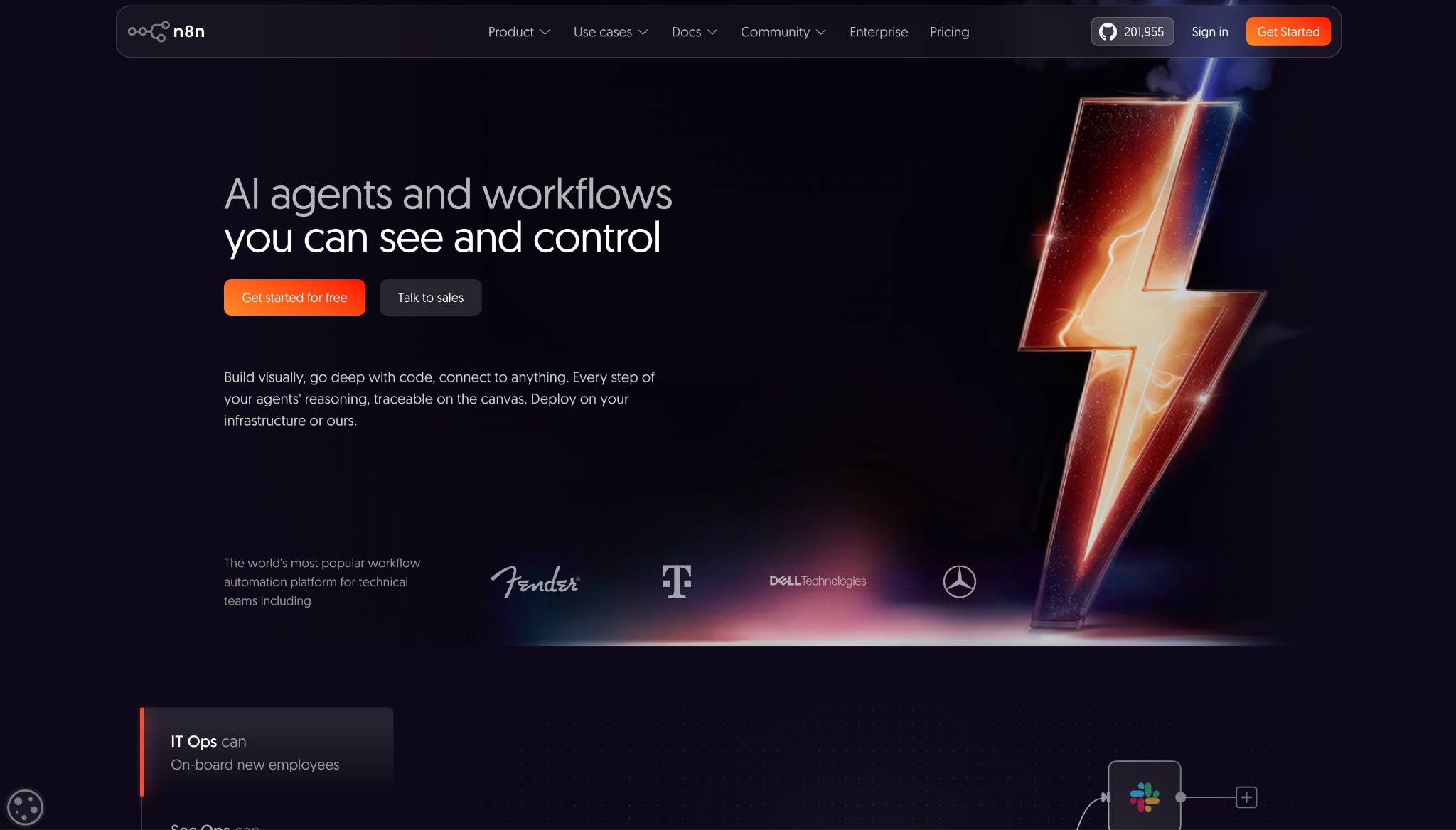
n8n gives you the whole setup to run yourself, an open-source automation platform you can self-host, blending a visual builder with code.
The point of the test was running it self-hosted, and I got total control. I built a workflow that mixed drag-and-drop nodes with a bit of JavaScript, and because it ran on infrastructure I owned, the data never left my servers.
That level of control narrows who it's for. n8n is the hardest to run of anything here, priced per workflow execution and billed in euros, so a business team without an engineer will feel the learning curve before the payoff.
"Honestly, it's the sheer versatility. Whenever we hit a wall or run into a limitation with another platform, n8n is our go-to fix. As long as a tool has an API, you can tap into it and manipulate data exactly how you need to." - Pedro S., G2.
Key Features
- Visual plus code: Build with nodes and drop into JavaScript or Python when needed
- Self-hosting: Run it on your own infrastructure with full source on GitHub
- Human-in-the-loop: Insert approval steps into any workflow
- MCP and RAG: Supports multi-agent and retrieval setups natively
- Version control: Git-based history and SIEM log streaming for governance
Pros
✅ Self-hosted option keeps data on your own infrastructure
✅ Open-source Community Edition is free on GitHub
✅ Drops into JavaScript or Python when the node library runs out of road
Cons
❌ The hardest tool here to run; comfortable for developers, steep for others
❌ Priced per execution and billed in euros
❌ No built-in spend cap, so a misconfigured loop can burn a month's executions fast
Pricing
Starter is $24/month billed monthly ($20/month billed annually) for 2,500 executions, with Pro, Business, and Enterprise plans above it. The self-hosted Community Edition is free on GitHub.
Best Viktor alternative for multi-agent systems built in code
CrewAI
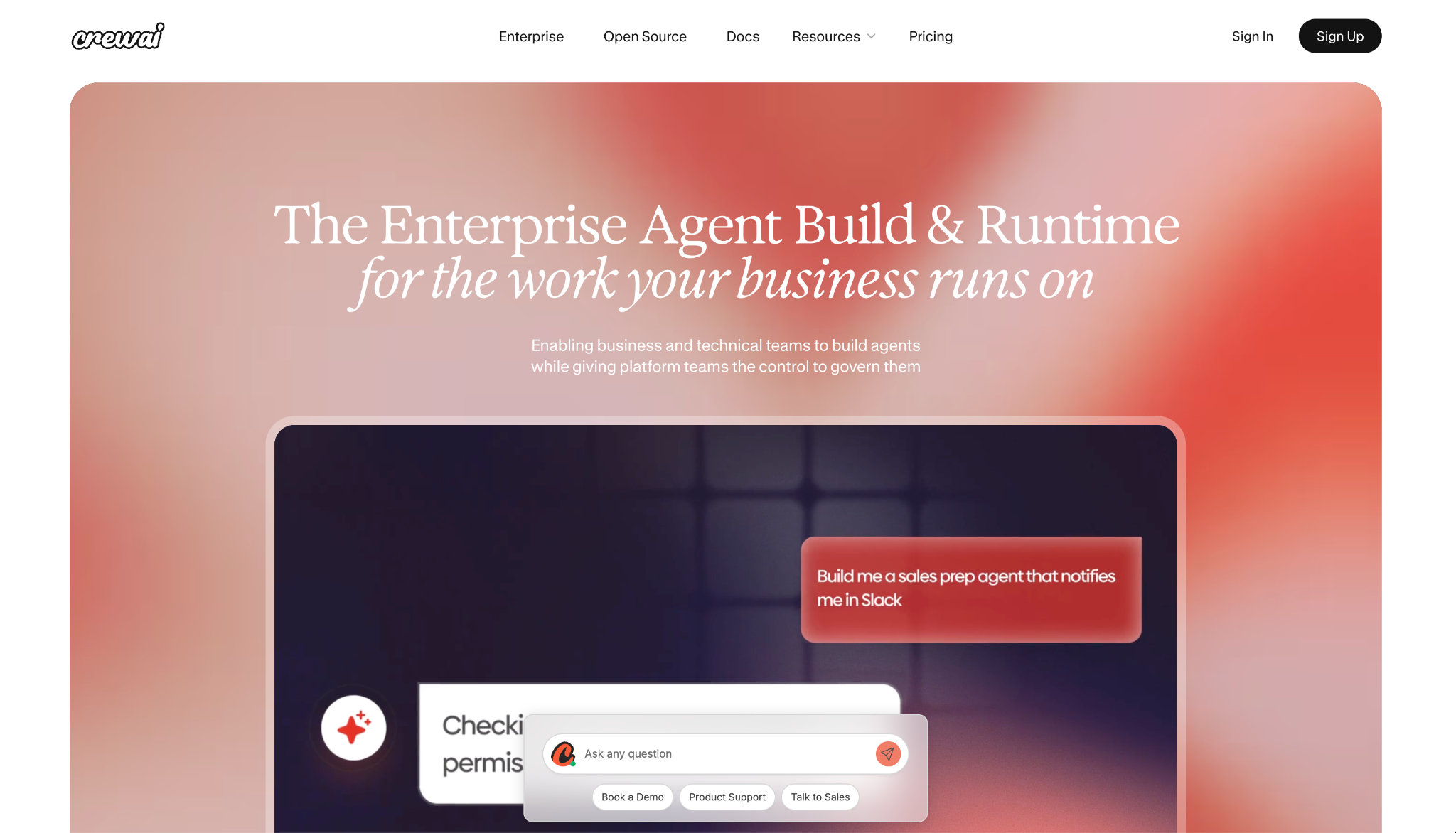
CrewAI gives engineers a platform to set up multi-agent systems where role-based agents divide a task among themselves. It is built for teams that would rather assemble the coworkers themselves.
From the first screen, it read as a builder's tool. I used its no-code Studio to sketch a crew of agents with defined roles, and the control plane gave me tracing into every LLM and tool call, so an engineering team can see exactly what each agent did before shipping it.
The hole sits in the middle of the offer. CrewAI jumps from a free tier capped at 50 executions straight to a custom Enterprise quote, with no visible plan in between, and it doesn't publish an integration count, so scoping a deployment takes a conversation.
"What I like most about CrewAI is how easy it makes it to build and orchestrate multi-agent AI workflows without needing a lot of boilerplate code." - Muhammad O., G2.
Key Features
- Studio: A no-code builder for assembling multi-agent crews
- Role-based agents: Assign each agent a defined role in a larger task
- Control plane: Governance, observability, and tracing across agent runs
- Human-in-the-loop: Approval gates before agents act
- PII redaction: Runtime redaction and policy checks on data
Pros
✅ Purpose-built for multi-agent systems, not single assistants
✅ Deep tracing into every LLM, tool, and memory call
✅ RBAC and immutable audit trails for enterprise governance
Cons
❌ Free tier jumps straight to custom Enterprise, no mid-tier
❌ No published integration count to scope a deployment
❌ Python-heavy beyond the Studio editor, with thin docs for anything past the basics
Pricing
The Basic tier is free with 50 monthly executions. Enterprise is custom, with no published plan in between.
Best Viktor alternative for high-volume back-office automation
Beam AI
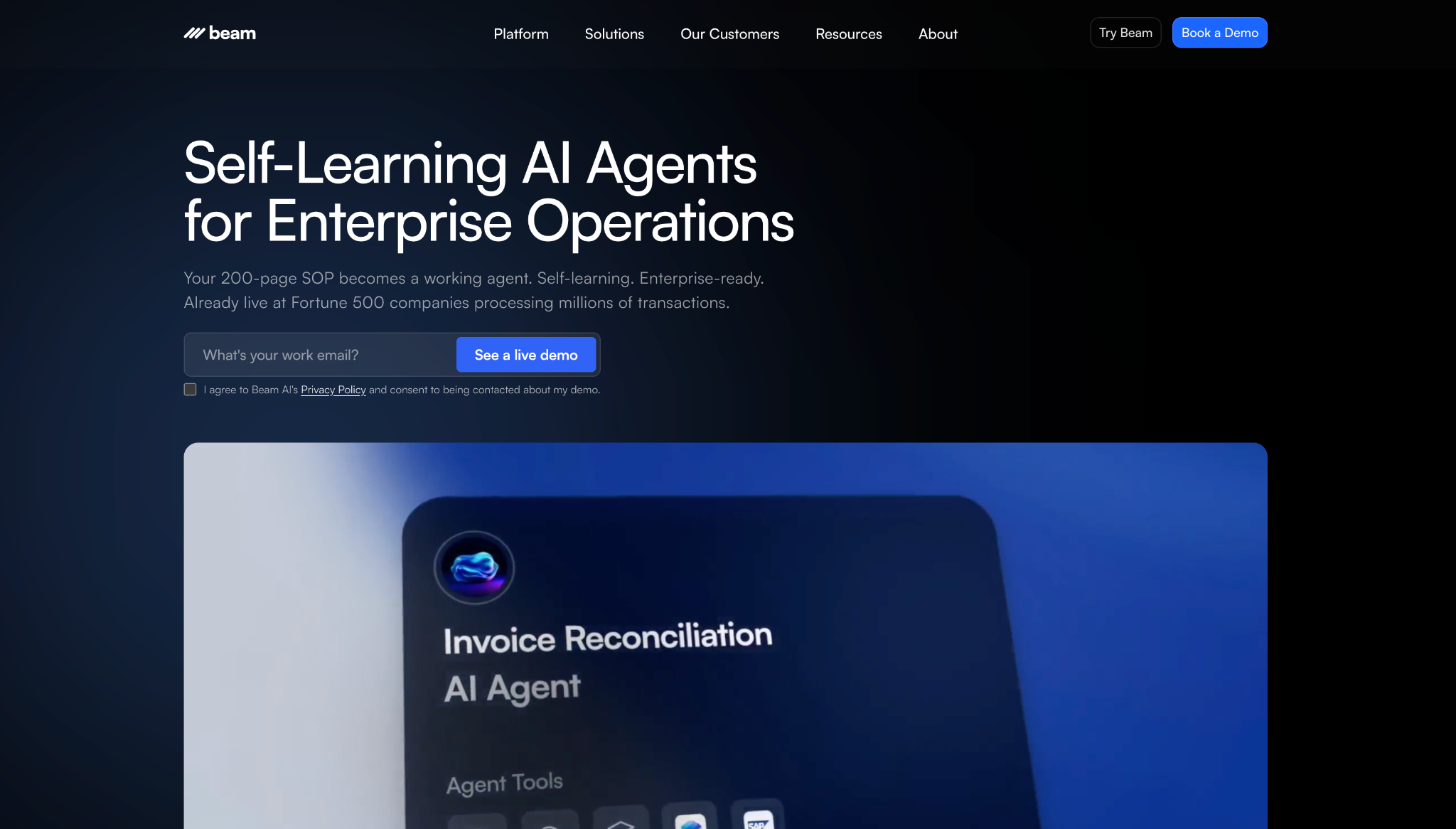
Beam AI aims its agents at back-office work. It automates high-volume operational processes with self-learning agents that adapt to exceptions instead of breaking on them.
The revealing test was handing it a standard operating procedure. It turned that into an agent through a chat-based builder, then flagged the edge cases for a human instead of guessing. For work that repeats without being identical each time, that hand-off is the point.
Beam's Pro plan covers only 200 tasks a month at $50, and the next paid tier, Scale, leaps to $3,990/month, so there's a long way between trying it and running it at volume, and the self-learning behavior lives up in those higher tiers.
"It has saved our team countless hours by quickly locating critical information within architectural drawings and project manuals, allowing us to quote projects more accurately and efficiently." - Shane W., G2.
Key Features
- Self-learning agents: Adapt to exceptions and handle process variation
- Process upload: Turn a written SOP into a working agent
- No-code builder: Assemble agents through a chat interface
- Human-in-the-loop: Route edge cases to a person for approval
- Flexible hosting: Deploy on cloud, on-prem, or hybrid
Pros
✅ Built for high-volume, repetitive back-office work
✅ GDPR, ISO 27001, and SOC 2 Type II in place
✅ On-prem and hybrid hosting for stricter data rules
Cons
❌ Pro covers only 200 tasks a month
❌ Large jump from Pro at $50 to Scale at $3,990
❌ Self-learning features skew to the higher tiers
Pricing
Beam's Free tier covers 20 tasks a month. Pro is $50/month for 200 tasks; Scale jumps to $3,990/month.
{{cta}}
How to evaluate Viktor alternatives
Run any tool you're considering through these six questions before you commit.
Where does it live? Dust, Lindy, and Gumloop answer in the channel you already use, while others run on a desktop or a web dashboard. Decide whether channel-native is the first feature you're keeping.
Does it show its sources? If you can't trace an answer, you have to recheck it. Look for citations back to the original document, because that's what lets you hand over work you won't verify yourself.
How is it metered? Nearly every tool here bills by credits, tasks, or executions, not a flat seat. Map a realistic month of work to that unit, because the headline number and the price at your volume rarely match.
What will your security review ask? In regulated work, "it lives in Slack" isn't an answer. Check for named controls, a HIPAA BAA, and self-hosting or single-tenant isolation before you get attached to a demo.
Who is meant to build it? n8n and CrewAI expect an engineer; Gumloop and Sintra are built for operators. Match the tool to whoever will maintain it, not whoever's evaluating it.
What happens after the answer? Check whether it turns a meeting into assigned follow-ups, runs a recurring job unattended, and stops for approval before doing something consequential.
Pick the Viktor alternative that fixes your reason for leaving
The term "AI coworker" splits two ways. Some tools meet you in the channel and cite their sources; others are builder platforms you operate from a dashboard.
The Viktor alternative to pick is whichever answers what pushed you off the platform, whether that was the bill, the privacy surface, or the limit of a tool that only lives in chat.
If the bill drove you out, n8n self-hosted is the floor. If it was the privacy surface, Glean and Lindy’s Enterprise plan both work. If chat-only was the limit, Claude Cowork reaches furthest.
Frequently asked questions
What is the best Viktor alternative?
It depends on why you're leaving. Dust and Lindy are the closest options that live in Slack and cite their sources, while Zapier Agents and n8n lead if you want builder control.
Are there free Viktor alternatives?
Yes. CrewAI, n8n's self-hosted Community Edition, Dust, Zapier Agents, and Beam AI all have free tiers, though usage caps by credits or tasks apply to almost all of them.
Which Viktor alternative works inside Slack?
Dust, Lindy, and Gumloop all run inside Slack; Gumloop also reaches Teams, while Claude Cowork runs on desktop and web, with @Claude available separately in Slack through Claude Tag.
Do these Viktor competitors keep my data private?
It varies. Lindy, Glean, n8n, and Beam AI publish certifications like SOC 2, GDPR, or HIPAA, while others like Sintra publish none, which matters in regulated work.










