Viktor Review 2026: Honest Verdict on the Slack AI Coworker
Michelle reviewed Viktor, the Slack and Teams AI employee, weighing autonomous task execution, unpredictable credit pricing, cross-channel memory, and recurring G2 user complaints.


Plenty of AI agents promise to work like a hire, then stall the moment a task gets specific.
So when one holds a 4.9 on G2 across 51 reviews, it earns a closer look. This Viktor review digs into whether the Slack AI employee holds up, what it really costs once the credits start moving, and where users say it slips.
Quick verdict
Viktor is one of the few AI agents that acts on its own instead of waiting for a prompt. It reads your Slack or Teams channels, offers to handle tasks for you, and then does it.
The catch is the credit meter. Spend is hard to predict, and a couple of big projects a week can use up a month's credits quickly.
Best for solo operators and lean teams who live in Slack and want a generalist that handles varied, light-to-medium work.
What is Viktor?
Viktor is an AI employee that works inside Slack or Microsoft Teams. It reads your channels, works out the context, and suggests tasks it can take on.
It runs on its own cloud computer, so it can browse the web, pull data from your connected tools, and write and run code before handing back a finished result.
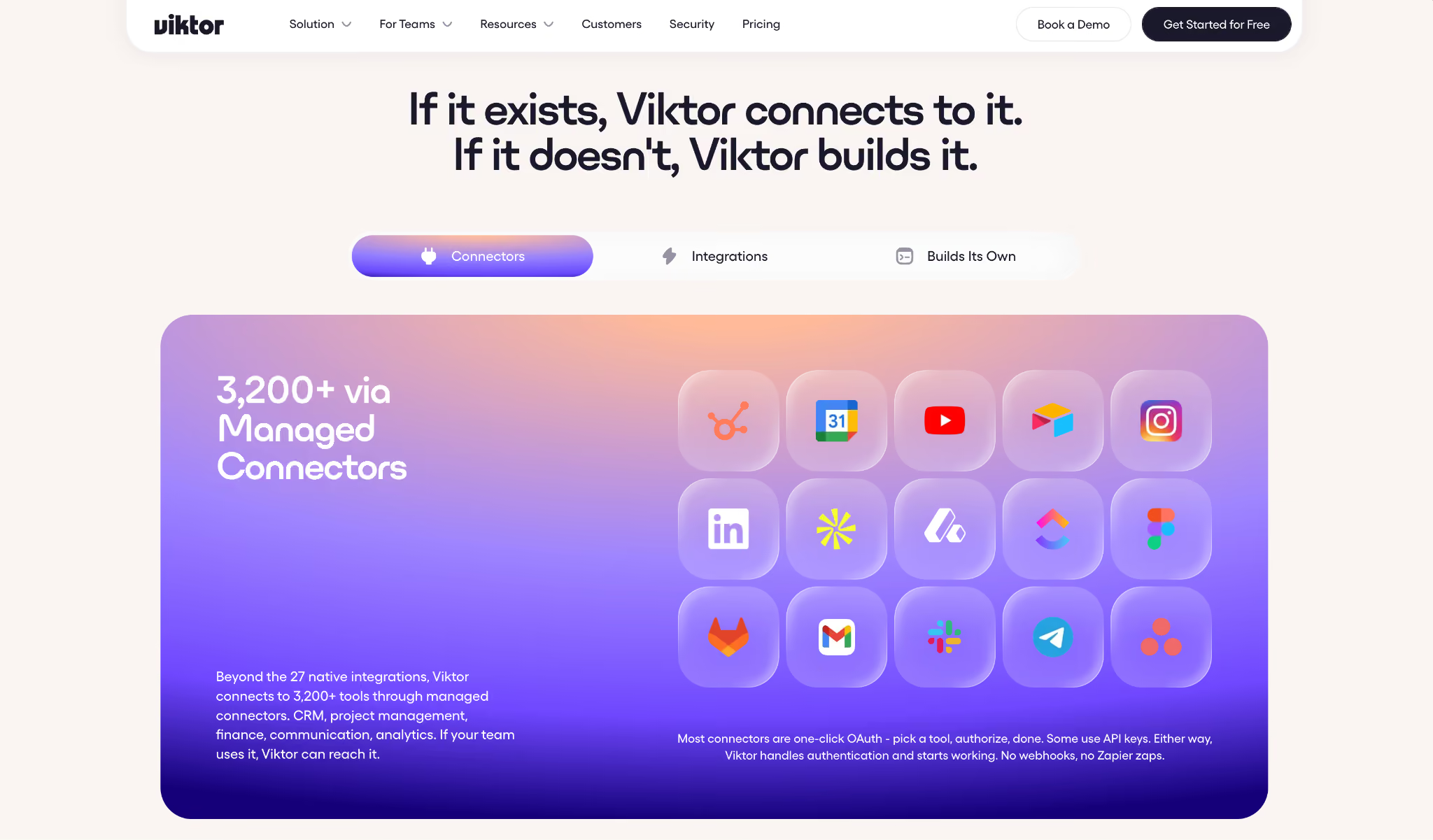
It also connects to over 3,200 tools through managed OAuth, and keeps context within your workspace, beyond the single channel you're typing in.
Viktor is used by more than 50,000 teams, per its own site, and is backed by a $75M Series A led by Accel, with angel investors including Slack co-founders Stewart Butterfield and Cal Henderson.
Viktor runs where your team already talks: Slack, Microsoft Teams, and since August, Discord. There's also a web app at viktor.com if you want it outside chat. Google Chat is the one gap left.
Key features of Viktor
Each of Viktor's six main features has a clear use and a clear limit.
Proactive help
Soon after joining your workspace, Viktor reads your channels and comes back with specific tasks it can take on, plus how it would approach each one.
That head start goes flat in a slow or disorganized workspace, where there's little context to read. Some reviewers also wish the credit cost of each action were clearer before Viktor runs it.
Autonomous task execution
Give Viktor a task, and it handles the whole thing. It fetches pages, draws data from connected tools, cross-references sources, and hands back a finished result.
Bigger jobs take minutes, and the result still needs a person to review it before it goes out.
Coding
Viktor has its own cloud computer, so it can read a codebase, write code, run it, and open a pull request without any setup on your end. Because it reads a codebase and opens a PR on its own, it can be the first to look at a problem when something breaks, before an engineer steps in.
Viktor only reaches as far as your permissions allow. Give it read-only GitHub access, and it can find the fix and explain it, but it can't push the change until you grant write access.
Skills and automations
You build automations by describing them in plain language inside Slack, so there's nothing to configure in a builder. You say "when a lead hits the CRM, send them this email," and Viktor sets it up across the tools involved.
Vague briefs get vague automations, and the bigger ones need detailed instructions, so it takes some practice to phrase a request well.
Memory across channels
Viktor saves your preferences as you go, so you don't re-explain how your business works every time. Correct it once, and it applies the rule from then on. Because it carries context across the channels it's added to, it also picks up on things a single-channel assistant would miss.
The memory slips sometimes. One reviewer reports context failing to carry across channels, so you get the odd repeat explanation.
Permission and safety controls
Viktor lets you decide what it can touch. You can restrict it to specific channels, set integrations to read-only, and require approval before it takes a sensitive action. The approval step is on by default, so Viktor asks before doing anything sensitive rather than after.
Compliance is the weaker spot. Viktor holds SOC 2 Type I, with Type II and ISO 27001 still in progress as of August 2026. If your security team needs finalized certifications, treat those as pending.
Data access across the team
The 3,200 integrations come with a design choice worth knowing before you connect anything. When one teammate connects an integration, the whole team inherits that access. ZenML's write-up documents the trade-off plainly: "one team member can connect an integration and the entire team inherits access." The same source records how it can go wrong. One customer "connected their personal Gmail as a team integration, inadvertently sharing all their personal emails with the entire team."
Viktor's own position is that access stays in your hands: "Nothing is all-or-nothing, and nothing happens by default. Every bit of access is something you granted and can revoke." Viktor has since shipped integration scoping, so a connection can be marked personal instead of team-wide, which closes the Gmail gap.
One reassurance holds across all of it: Viktor does not train on your data. Under a no-training, zero-retention agreement with its model providers, "we do not use customer data to train Viktor."
What I found in the user reviews
Two things come through clearly. The praise centers on one thing: how Viktor takes initiative. One G2 reviewer, Vivianne C., wrote that she was "impressed by how Viktor would 'take initiative' and recommend ideas or ways to improve my workstreams." It's a theme positive reviewers keep returning to, behind the integrations themselves.
The complaints cluster around three things: credit spend, rework, and what Viktor forgets. As Tamara C. put it on G2, "Viktor is not cheap, and in return it doesn't give cheap work." The tool does the work well; the bill is what takes getting used to.
That's how usage-based pricing goes. The capability is there, and you manage the spend month to month.
Viktor reviews: what users are saying
Viktor holds a 4.9 out of 5 on G2 across 51 reviews and a 4.5 out of 5 across 16 reviews on Trustpilot, both as of August 2026. Praise clusters on the Slack integrations and on Viktor taking initiative; complaints cluster on credit spend, rework, and memory.
With only 51 and 16 reviews between them, treat both scores as an early read. Both sites tell the same story: reviewers rate the work highly, and worry about what it costs.
Pros
- It takes initiative on repetitive work. As Vivianne C. put it on G2: "I really love how much of my mundane and repeatable tasks can be automated AND improved! I was impressed by how Viktor would 'take initiative' and recommend ideas or ways to improve my workstreams."
- The integrations are what users praise most. G2's review summary: "Users consistently praise Viktor.com for its seamless integration with Slack and other tools."
- It surfaces angles on your data you'd miss. Nicole S. on G2: "It integrates with everything we use, and it can help me look at our data in a way I have never thought of. Using Viktor in Slack has made it my go-to place. It keeps me organized and on task with scheduled prompts."
- The channel-per-client setup fits agency work. Justin B. on G2: "The best part is the channel-per-client workflow. I create a Slack channel for a client, connect the integrations, and Viktor starts working in that channel like a team member who already knows the account."
Cons
- The credit spend adds up if you're not careful. Tamara C. on G2: "The downside is running through credits if you aren't careful. Viktor is not cheap, and in return it doesn't give cheap work."
- It forgets or glosses over things you have to catch. Sk A. on G2: "I would say it does forget things sometimes; it glosses over or assumes things that are quite important. However, if you're paying attention to what it's doing, you can usually catch those issues and get it worked out with him."
- It can be verbose when you want a quick answer. Malcolm S. on G2: "The main downside is that Viktor can be verbose; sometimes I ask a quick question and get a five-paragraph answer when a sentence would do."
Overall, users rate the execution highly, and the recurring worry is cost.
Viktor pricing
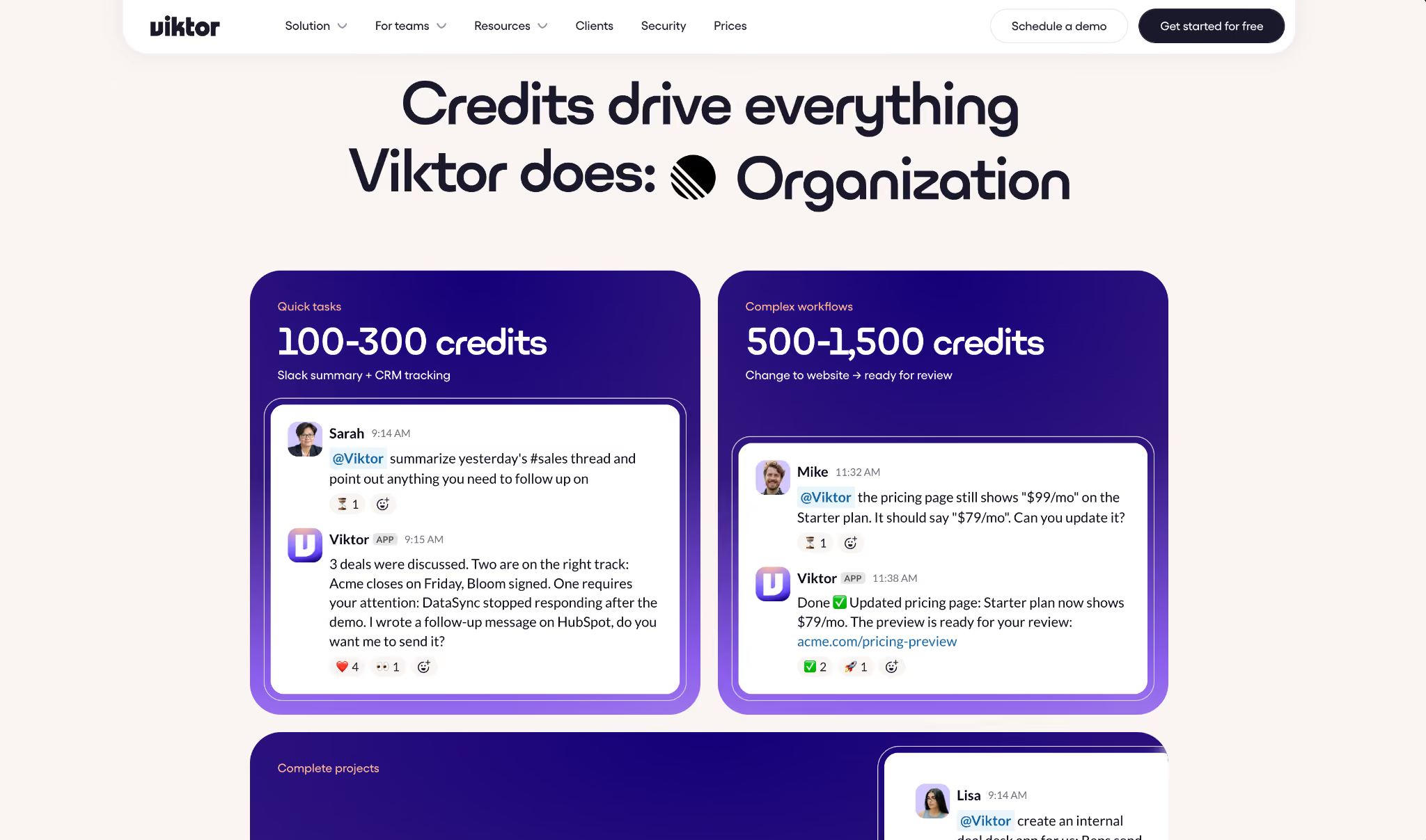
Viktor sells one paid product priced by credits. The Team plan lands at $100/month for 40,000 credits by default, shared across your whole workspace rather than charged per seat. But that's a credit selector. Open it, and it drops to $50/month for 20,000 credits, or climbs to $50,000/month for high volume.
There's a free tier with up to $100 in credits and no card required. Enterprise-band bundles are priced right in the selector, from $35,000 to $50,000 a month, and anything beyond that is quoted.
The $100 headline hides a much longer ladder. Every step on that selector works out to about $2.50 per 1,000 credits. Unused credits roll over for one month, and auto top-ups let you set a spend cap.
{{templates}}
Is Viktor right for you?
It comes down to how varied your work is and how closely you can track your credit spend.
Choose Viktor if:
- You live in Slack or Teams and want one generalist agent on hand.
- Your work is varied and light-to-medium, which is what the credit model rewards.
- You're a solo operator or lean team that would otherwise pay for another hire.
Skip Viktor if:
- You run heavy, repetitive, high-frequency work, where the meter climbs fast.
- You need a predictable per-unit cost, like a support queue billed per ticket.
- Your security team requires finalized SOC 2 Type II or ISO 27001 before rollout.
Final verdict
Viktor is among the strongest agents I've looked at in this category, and the user ratings back that up. It executes work and volunteers tasks, and the cross-channel memory gives it a clear edge over assistants that only see one channel.
The reservations count too, and they're specific. Credit spend is hard to forecast, and the security certifications aren't finished yet.
If you want a capable generalist and you'll keep an eye on your spending, Viktor is a solid pick. If you need predictable, high-volume automation your whole team can rely on daily, a flat-priced option is the safer choice.
Viktor is not the only agent in this space. Devin and Manus chase the same autonomous-worker idea, but they run as standalone tools rather than inside your team chat. Claude in Slack lives where Viktor does, though it answers when asked instead of picking up work on its own. If none of those fit, the alternative worth a closer look is Lindy.
{{cta}}
Why Lindy is the best Viktor alternative
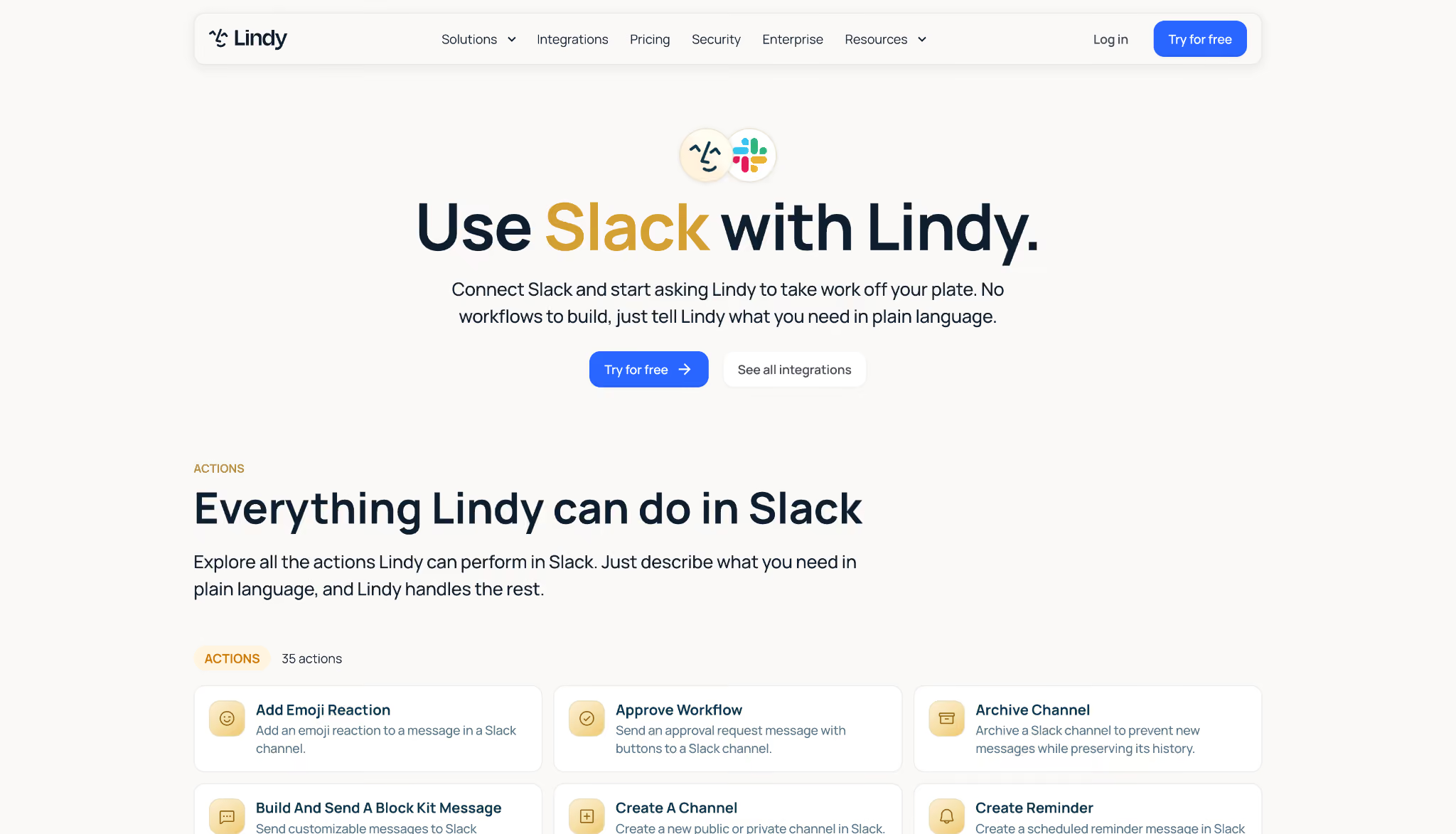
Lindy is the strongest Viktor alternative for teams that want the same in-Slack AI coworker with costs they can plan around. Like Viktor, Lindy lives in your Slack, connects to 1,000+ tools, and does the work for the whole team.
The difference shows up in how it charges and how it handles your data.
Lindy runs on per-user pricing, so you know what each seat costs before the month starts. Plus is $29.99/user/month for 3,000 credits, Pro is $99.99/user/month for 15,000, and Max is $199.99/user/month for 35,000.
Viktor publishes SOC 2 Type I, GDPR, CCPA, and CASA Tier 3. Lindy goes further where it counts for regulated teams: it's SOC 2 Type II certified and GDPR compliant on every plan, with full action logging and audit logs on Enterprise, plus PIPEDA compliance, and its Enterprise plan adds HIPAA compliance with a signed BAA.
Where Lindy does better than Viktor:
- Answers with sources: @mention Lindy in a channel and it answers from your team's approved sources; DM it, and it draws on your own email, calendar, and meetings. Every answer links back to its source, and when the sources don't back it up, Lindy says so.
- A shared meeting library: Lindy records, summarizes, and follows up on team meetings automatically, and anyone it's shared with can ask questions about it afterwards.
- Finished deliverables: Lindy handles research, data analysis, decks, and dashboards, then saves the finished files to team folders with permissions and version history.
- Your data, your rules: admins set guardrails per tool and action, Lindy prepares work and then waits for a named approver before anything leaves the company, every action is logged, and personal context never enters shared channels.
- Nothing to configure: one admin handles setup, and the whole team just talks to Lindy in the channels they already use. No API keys, no builder, no IT ticket.
You can try Lindy free and run it next to Viktor's $100 in free credits before you commit to either.
Frequently asked questions
Is Viktor AI worth it?
Viktor AI is worth it if you live in Slack or Teams and want one generalist agent for varied, light-to-medium work. Heavy, repetitive workloads get expensive fast on the credit model.
What do Viktor AI reviews on Reddit and other sites say?
Viktor AI reviews split by site. G2 and Trustpilot users praise the execution and flag the cost, while Reddit runs harder on credit burn; one team of five reported running out of credits in 36 hours. Viktor's own blog puts its Reddit average at about 6 out of 10.
How much does Viktor cost?
Viktor costs $0 to start with up to $100 in free credits, then $100/month for 40,000 credits on the Team plan. The credit selector goes up to $50,000/month for 20 million credits, and Enterprise adds custom terms on top.
Who can see the apps you connect to Viktor?
When one teammate connects an integration, the whole team inherits that access, which once led a customer to share a personal Gmail inbox with everyone by mistake. Viktor has since added integration scoping, so a connection can be marked personal instead of team-wide. Access is granted per connection and can be revoked, and Viktor does not use your data to train its models.
Does Viktor work outside of Slack and Teams?
Yes. Viktor works in Slack, Microsoft Teams, and Discord, and it has a web app at viktor.com. Google Chat is the only platform it doesn't support.
Is Viktor secure?
Viktor is SOC 2 Type I certified, GDPR and CCPA-compliant, with CASA Tier 3. Credentials are encrypted, and the AI model never sees them; Viktor does not use customer data for training. Type II and ISO 27001 are still in progress as of August 2026.









