Top 10 Workout Planner Apps, Ranked After 6 Weeks of Testing (2026)


A workout planner app is supposed to do one thing well. It takes your goal, your equipment, and your schedule, then hands you a routine you can walk into the gym and run. A lot of them stop at a template with a chatbot bolted on.
I spent six weeks putting ten of them through the same training block, logging every session and watching how each one reacted.
That meant generating a hypertrophy program from scratch, swapping exercises mid-session when a rack was taken, forcing a deload week to see what the algorithm did, and training three days one week and five the next to test how each app rebuilt the plan.
Some apps adjusted the next session within minutes. Others handed me the same six exercises, no matter what I logged. Two didn't make the cut, and I'll tell you which and why.
How I researched and tested these workout planner apps
Every app ran against the same lifter profile over six weeks. I trained as an intermediate with mixed home and gym equipment, chasing a hypertrophy goal with a strength block layered in. Each review below opens with the moment that the app showed me what it was made for.
The first test was generation. I fed each one identical inputs (goal, experience, equipment, days available) and compared the program it produced before I logged a single set.
Then came adaptation. I logged easy sets and grinder sets on purpose to see whether the next session moved, and I skipped days to watch the plan rebuild.
I judged every app on four things:
- Plan generation: Whether it builds a real, structured routine from your inputs or just serves a fixed template with your name on it
- Adaptation: How it responds when you log a set as easy or brutal, and whether it swaps exercises when equipment changes
- Tracking depth: Whether logging feeds back into future sessions, and how clearly it shows progress over time
- Value: What you get on the paid tier against what it costs each month
Two apps I tested didn't make this list. Aaptiv has moved toward on-demand classes sold as an employer benefit, so it recommends sessions instead of building a structured plan you can progress through.
FitnessAI ran a functional barbell progression but sells lifetime access with almost no recent user reviews to vet it against, which made it hard to recommend. The ten below are the ones I'd actually train on.
The top 10 workout planner apps at a glance
- Fitbod: Choose it if you want a plan that rebuilds itself around your recovery every session
- Jefit: Choose it if tracking depth and a huge exercise library matter as much as the plan
- Freeletics: Choose it if you train at home with little or no equipment
- Caliber: Choose it if you want AI structure with the option of a real coach
- JuggernautAI: Choose it if you're a powerlifter prepping for a meet
- Alpha Progression: Choose it if progressive overload is the thing you keep getting wrong
- Dr. Muscle: Choose it if you want the app to make every set, rep, and weight call for you
- Peloton: Choose it if you want AI-built strength plans with cardio and classes a tier away
- Planfit: Choose it if your plan has to match the exact equipment in front of you
- Hevy: Choose it if you want clean logging and a community, with planning as a bonus
Workout planner apps compared side by side
Pricing correct as of August 2026. Prices show each vendor's cheapest starting tier, so the billing unit varies by row.
1. Fitbod: Best workout planner app for a plan that rebuilds itself
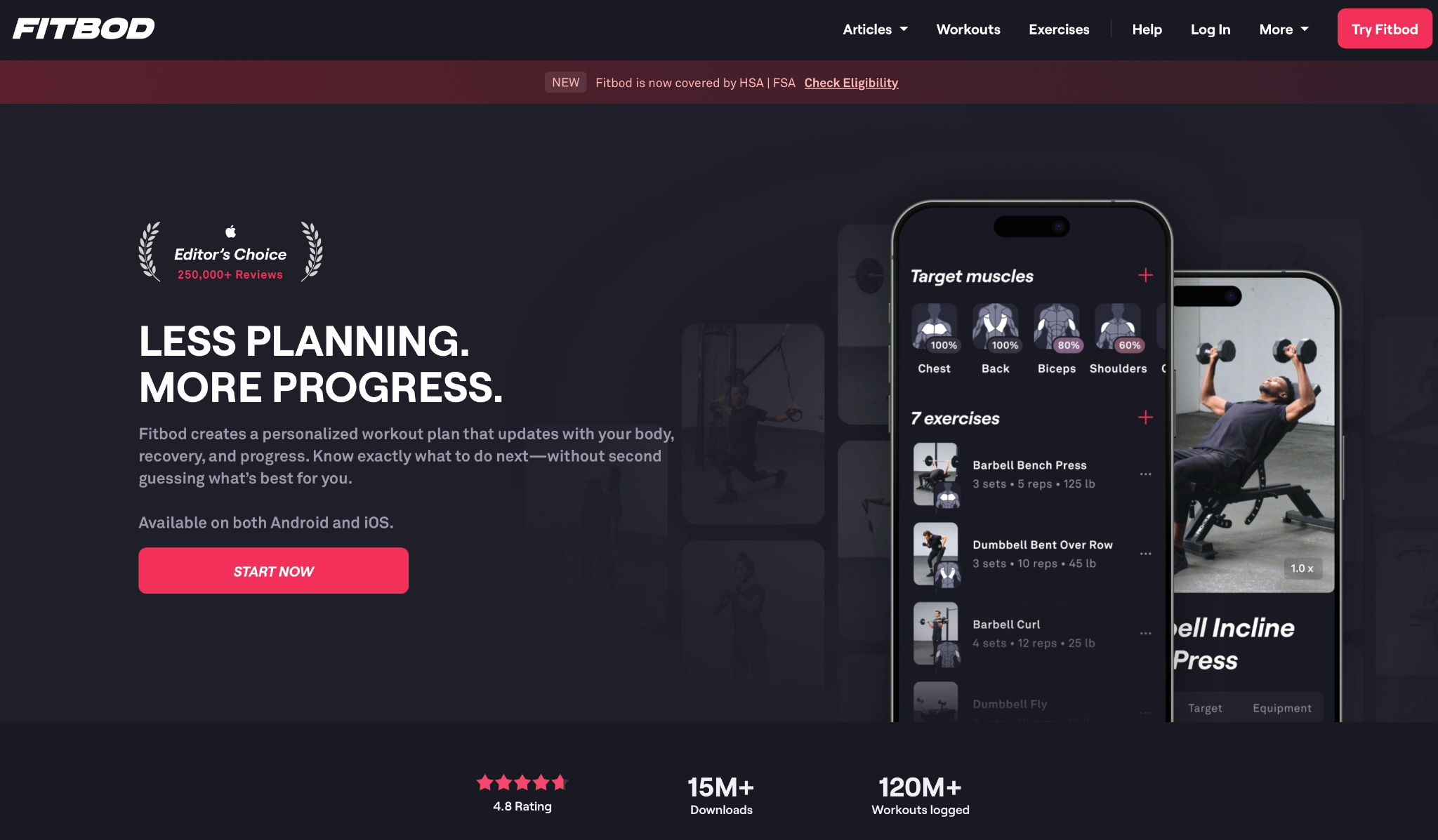
What it does: Fitbod builds each workout the moment you open the app, reading your recent training, muscle recovery, and available equipment to decide what you should do that day.
Best for: Lifters who want to walk into the gym, open one screen, and get told exactly what to train without planning a thing themselves.
The recovery model does the heavy lifting. I logged a hard back day on Monday, and by Wednesday Fitbod had pulled lats and biceps out of the session because it read them as still fatigued, filling those slots with chest and quads instead.
When I marked a set of dumbbell presses as easy, the next session bumped the load without me touching a number. Change your equipment to "dumbbells only," and it rebuilds the whole day around what you have, which proved out when I trained from a hotel room with nothing but a pair of adjustables.
Fitbod asks for patience up front. For the first week, the programming feels generic, because the algorithm hasn't logged enough of your sets to know your capacity yet. Push through that stretch, and it sharpens.
Key features
- Recovery-based generation: Reads which muscles are still fatigued and steers the next session toward the fresh ones
- Equipment-aware builds: Swaps the entire workout around whatever gear you tell it you have that day
- Automatic load progression: Adjusts weight and reps based on how you rated your last sets
- Muscle recovery view: A body map that shows what's ready to train and what still needs time
Pros and cons
Pros:
✅ Rebuilt three sessions around logged fatigue without a single manual edit across the test week
✅ Equipment swap turned a full-gym plan into a dumbbell-only workout in seconds
✅ The interface is the one other self-adjusting apps get measured against
Cons:
❌ The first week of programming feels generic until the algorithm learns your numbers
❌ After several months of testing, the recommendations started to repeat
What users say
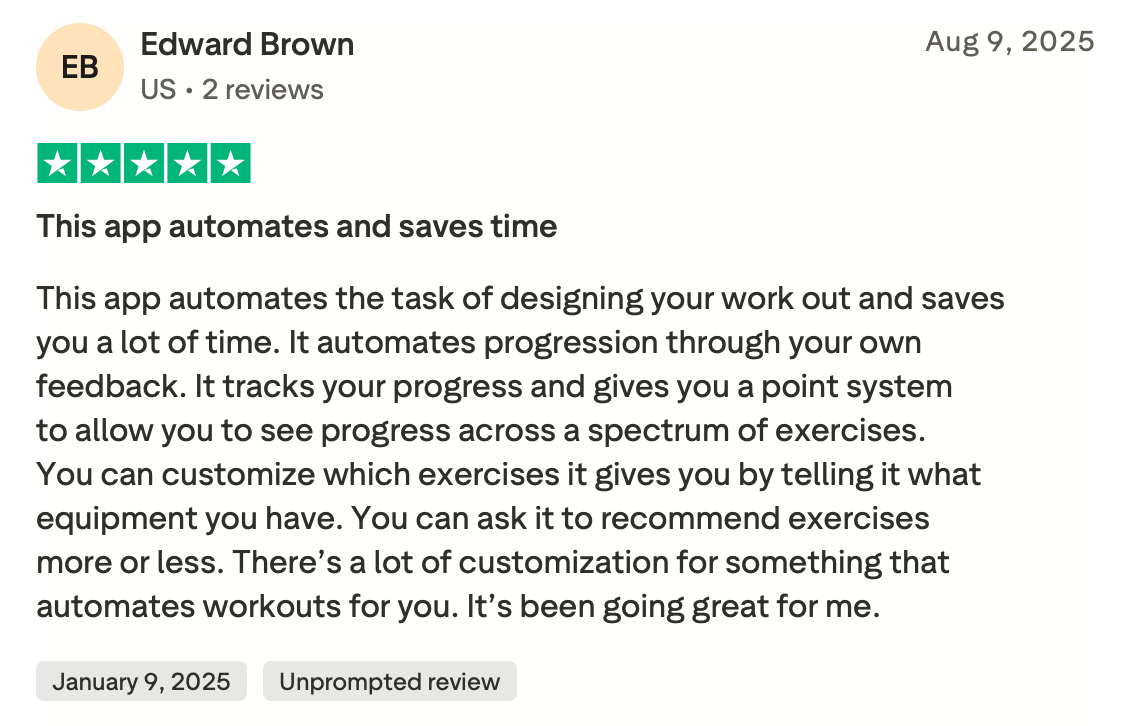
"This app automates the task of designing your workout and saves you a lot of time." — Edward Brown, Trustpilot
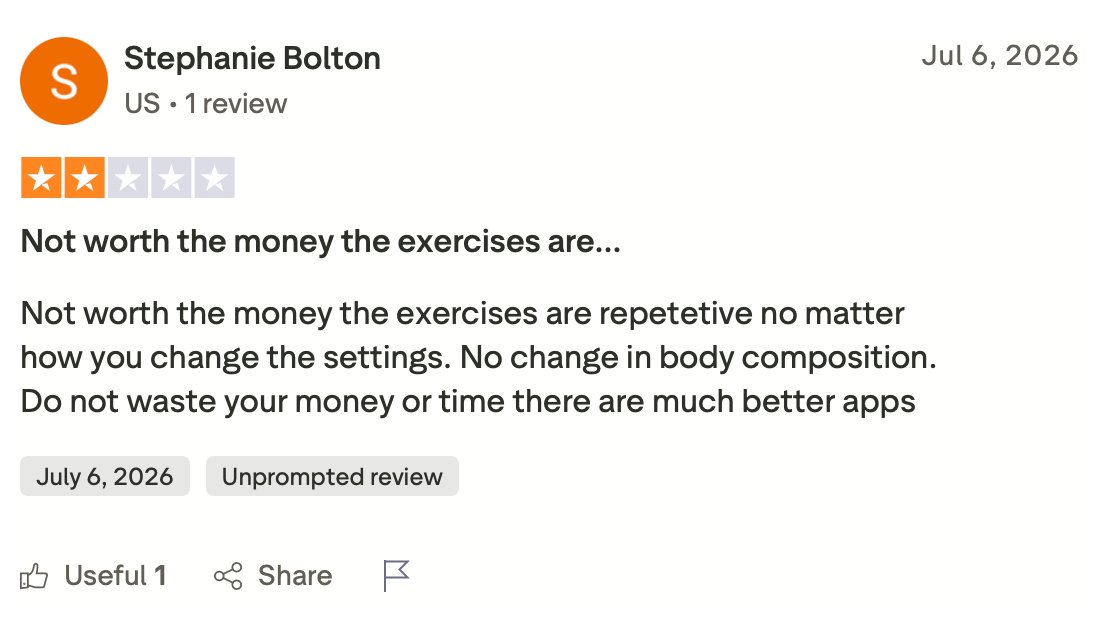
"Not worth the money; the exercises are repetitive no matter how you change the settings." — Stephanie Bolton, Trustpilot
Pricing
Fitbod runs $15.99/month billed monthly, with a discounted annual plan that works out cheaper per month. A short trial lets you generate a few workouts before paying.
Bottom line
If your problem is deciding what to train each day, Fitbod takes that decision off your hands, and its recovery model is the sharpest on this list at doing it. Give it a week of steady logging before you judge it, because that's when the model has enough of your data to work with.
2. Jefit: Best workout planner app for lifters who live in the data
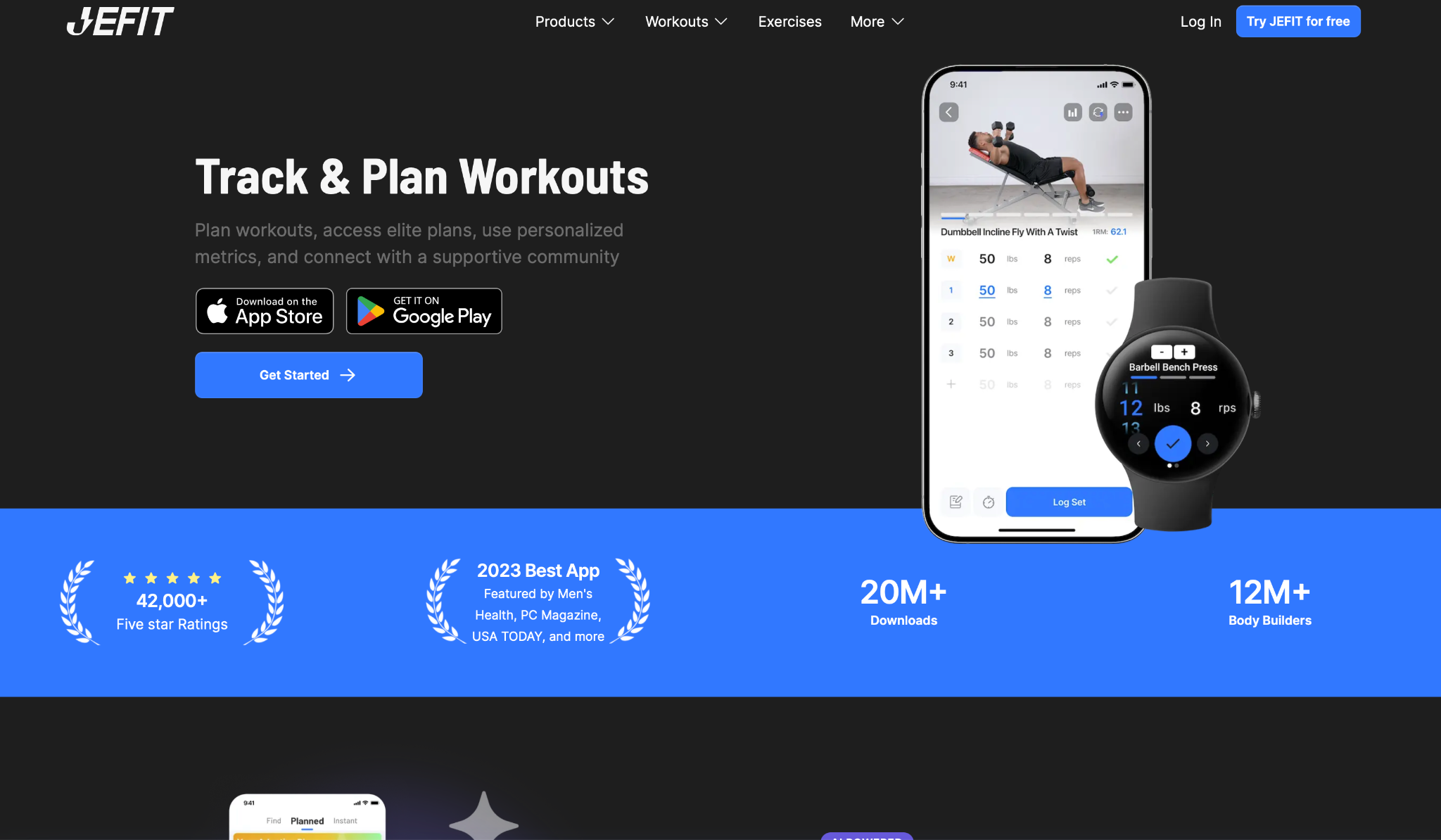
What it does: Jefit pairs a self-adjusting plan generator with one of the deepest logging and analytics setups on this list, drawing from a library of more than 1,400 exercises.
Best for: Lifters who care as much about tracking every rep and reading the trend lines as they do about the plan itself.
Where Fitbod hides the numbers, Jefit puts them front and center. After three weeks of logging, it flagged that my bench volume had stalled while my accessory work kept climbing, and it adjusted the plan to add a second pressing day.
The exercise library is the widest I tested. When my gym's cable station was down for a week, I found four viable substitutes for face pulls without leaving the app, each with a form video. The free Basic tier already covers custom routines and logging, which is rare on this list.
The plan generation is solid without being aggressive. It won't auto-regulate as tightly as Dr. Muscle, so if you want the app making every call for you, this leans more toward giving you the tools and the data to make them yourself.
Key features
- Self-adjusting training plans: Generates routines from your level, schedule, and past logs, then adjusts as your numbers move
- 1,400+ exercise library: Video demos and swap suggestions for nearly any movement or equipment shortfall
- Deep analytics: Volume, 1RM estimates, and body-part balance charts that surface where you're stalling
- Wearable sync: Connects to Apple Watch and Android watches for real-time logging during the session
Pros and cons
Pros:
✅ Analytics caught a stalled bench trend three weeks in and adjusted the plan around it
✅ The exercise library found four substitutes in seconds when a machine went down
✅ The free Basic tier covers logging and custom routines, no payment required
Cons:
❌ Plan generation is less aggressive than the auto-regulating apps, so you do more of the tuning
❌ The interface can feel cluttered when you're mid-set and just want to log fast
What users say
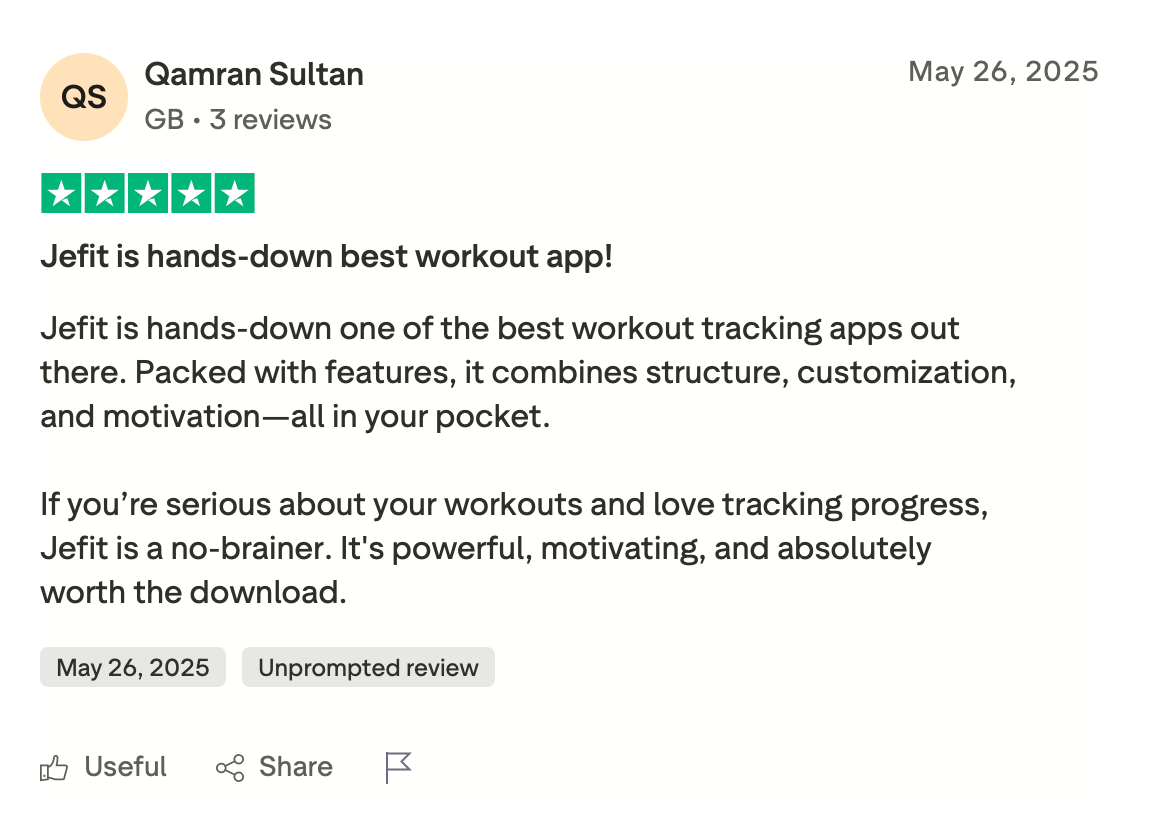
"If you’re serious about your workouts and love tracking progress, Jefit is a no-brainer. It's powerful, motivating, and absolutely worth the download." — Qamran Sultan, Trustpilot
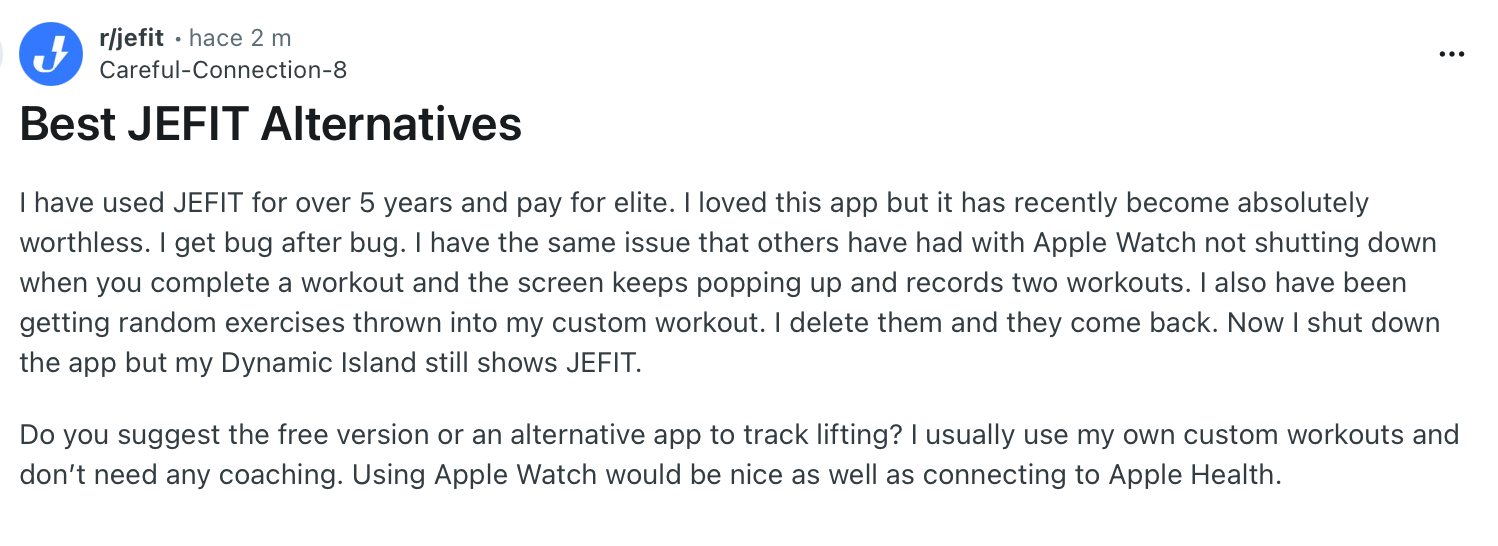
"I loved this app, but it has recently become absolutely worthless. I get bug after bug." — Verified User, Reddit
Pricing
Jefit Elite runs $12.99/month, adding professionally designed plans, advanced analytics, watch support, and an ad-free experience. The annual plan drops the effective monthly cost sharply, and a free Basic tier covers logging and custom routines.
Bottom line
Jefit is the pick when the numbers matter to you as much as the workout. It hands you a full, structured plan and then buries you in the data to refine it, which suits a numbers-first lifter. If you'd rather the app just decide everything, look at Dr. Muscle instead.
3. Freeletics: Best workout planner app for training at home
What it does: Freeletics is an AI coach built around bodyweight and minimal-equipment training that adjusts each session's difficulty and exercise selection based on your feedback.
Best for: People training at home, in a hotel, or anywhere without a rack, who want structured coaching instead of a random YouTube circuit.
Plenty of apps on this list assume you have a gym. Freeletics assumes you have a floor and a few square feet. I ran it through a travel week with zero equipment, and it produced high-intensity bodyweight sessions that left me as wrecked as a normal gym day.
After each workout, it asks how the session felt, and it means it. When I rated two sessions in a row as too hard, the coach dialed back the volume on the next one and swapped burpees for a lower-impact progression.
Rate them too easy, and it does the opposite, climbing the difficulty until you're working.
Ask it for a bigger squat or deadlift, and it runs out of road. Freeletics can't take you there and won't pretend to. It's bodyweight and conditioning first, and it's hard to beat inside those lines.
Key features
- Bodyweight AI coach: Builds sessions from your goal and feedback with little or no equipment required
- Feedback-driven adjustment: Reads your "too hard" or "too easy" ratings and reshapes the next workout
- Audio-guided sessions: Coaches you through each movement so you're not staring at a screen mid-set
- Equipment and level scaling: Adapts plans to whatever gear you have, from nothing to a full home setup
Pros and cons
Pros:
✅ Produced demanding bodyweight sessions during a zero-equipment travel week
✅ Dialed back volume after two "too hard" ratings without me asking
✅ Audio coaching keeps you moving instead of checking your phone between sets
Cons:
❌ Not built for heavy barbell strength work, so a bigger squat needs a different app
❌ The best features sit behind the subscription, with no meaningful free tier to keep
What users say
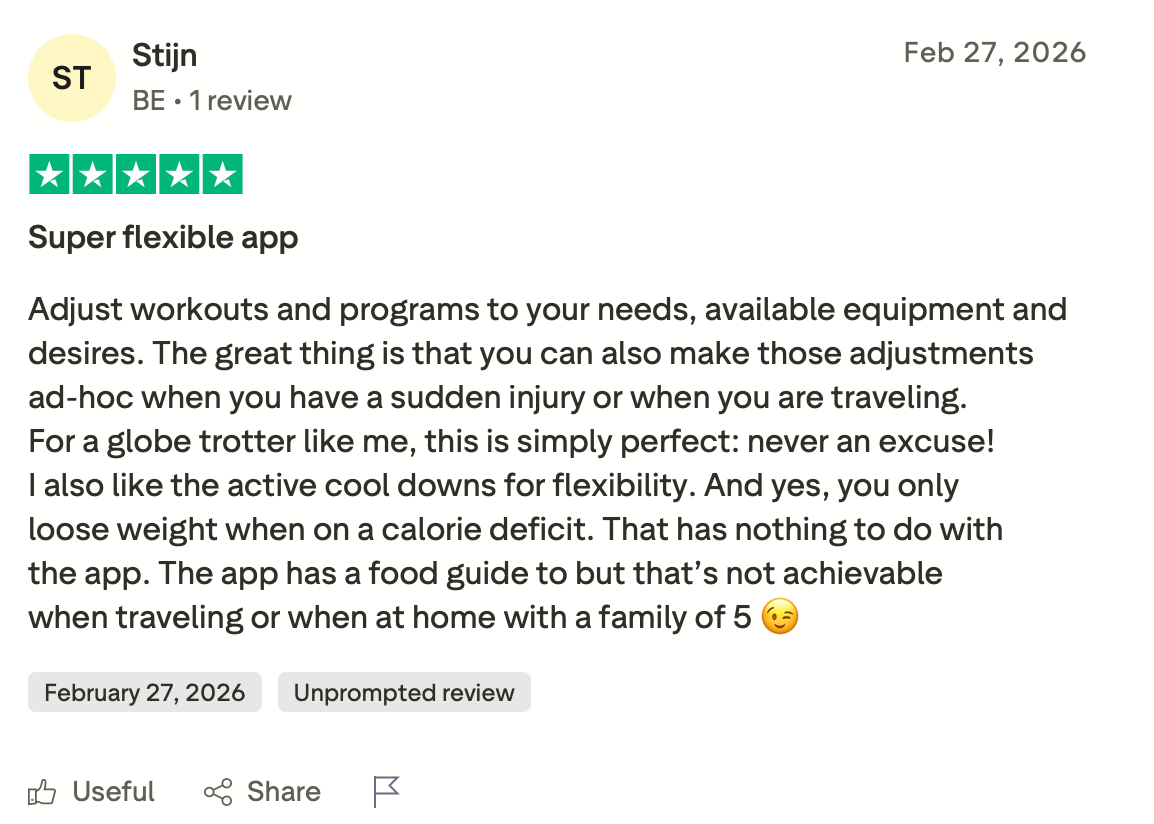
"Adjust workouts and programs to your needs, available equipment, and desires. The great thing is that you can also make those adjustments ad hoc when you have a sudden injury or when you are traveling." — Stijin, Trustpilot
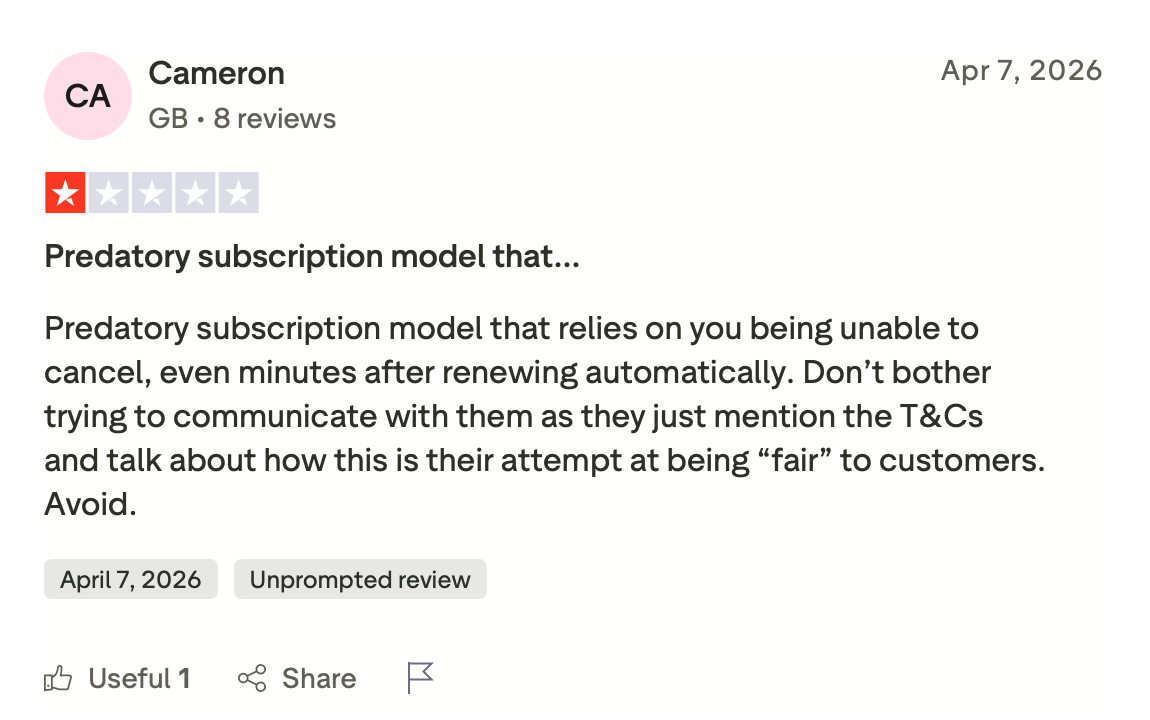
"Predatory subscription model that relies on you being unable to cancel, even minutes after renewing automatically." — Cameron, Trustpilot
Pricing
Freeletics starts at $1.83/week for the Training Coach on the annual plan, billed annually. Shorter commitments and the Training and Nutrition bundle cost more per week.
Bottom line
For anyone whose gym is their living room, Freeletics is the strongest coach here. It reads your feedback and adjusts like a trainer who's paying attention. Just know its ceiling is conditioning and bodyweight, so serious barbell lifters should pair it with something else or look elsewhere.
4. Caliber: Best workout planner app for AI structure with a real coach option
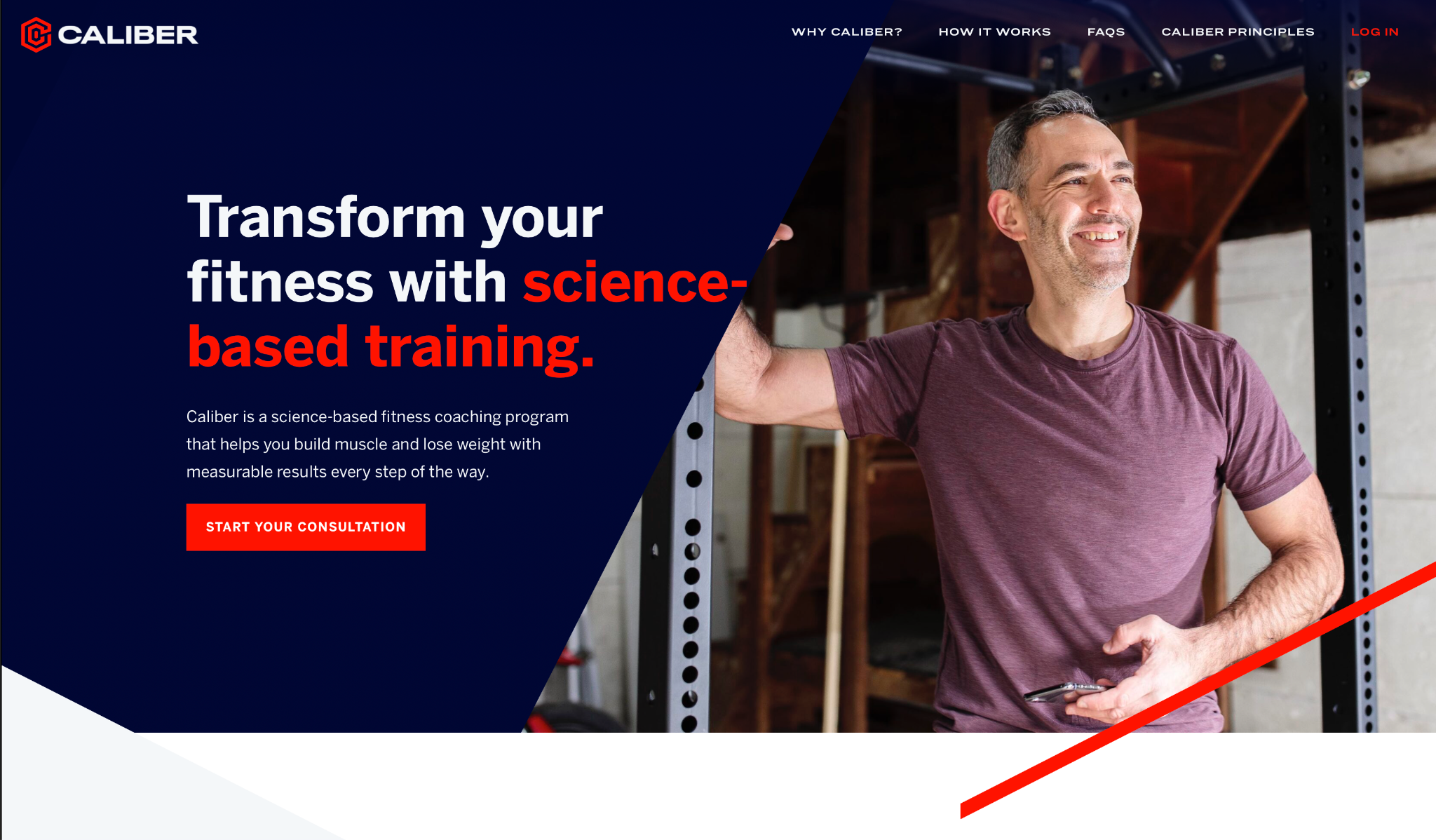
What it does: Caliber builds an evidence-based strength program and tracks your progress, then lets you add a real human coach on top if you want someone checking your form and adjusting the plan.
Best for: Lifters who want the structure of an AI plan but know they'll show up if a person is watching.
Caliber sits in a spot no other app on this list occupies. The free, AI-driven tier gives you a coach-created workout library, a nutrition calculator, and progress tracking. Then, if self-accountability is your weak point, you upgrade to a real coach who rewrites your program and reviews your lifts.
I tested the AI side first and found the programming education-forward, with each exercise explained rather than just listed.
A week on the coached tier showed the difference: a human caught that my accessory volume was too high for my recovery, something the algorithm alone hadn't flagged.
What you pay depends entirely on which tier you land on. The AI experience is affordable, but the 1-on-1 coaching that makes Caliber special climbs into premium territory fast, and the coached tier is where its real edge over the cheaper apps sits.
Key features
- Coach-created workout library: Structured strength programs written by real coaches rather than algorithmic templates
- Nutrition wizard: Sets custom calorie and macro targets alongside your training
- Plate math calculator: Works out your plate loading so you're not doing arithmetic between sets
- Optional human coaching: Upgrade to a real coach who adjusts your plan and reviews your form
Pros and cons
Pros:
✅ The AI tier alone gives you coach-written programs and a nutrition calculator at a low price
✅ Adding a human coach caught a recovery issue the algorithm missed during testing
✅ Education-first approach explains why each exercise is in your plan, beyond listing what to do
Cons:
❌ The 1-on-1 coaching that sets Caliber apart runs into premium pricing
❌ Less exercise variety than dedicated planners like Jefit or Fitbod
What users say
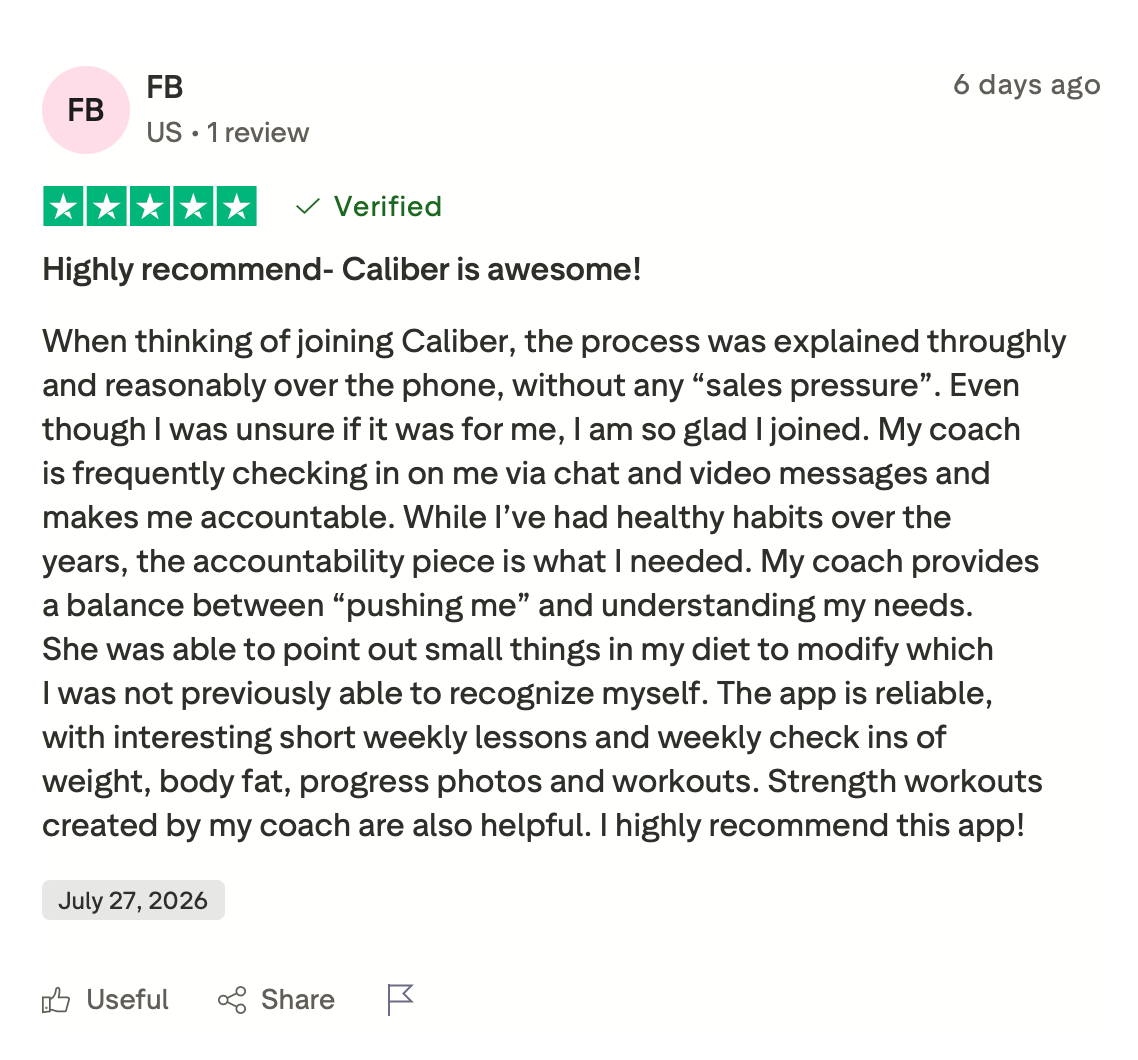
"I am so glad I joined. My coach is frequently checking in on me via chat and video messages and makes me accountable." — FB, Trustpilot
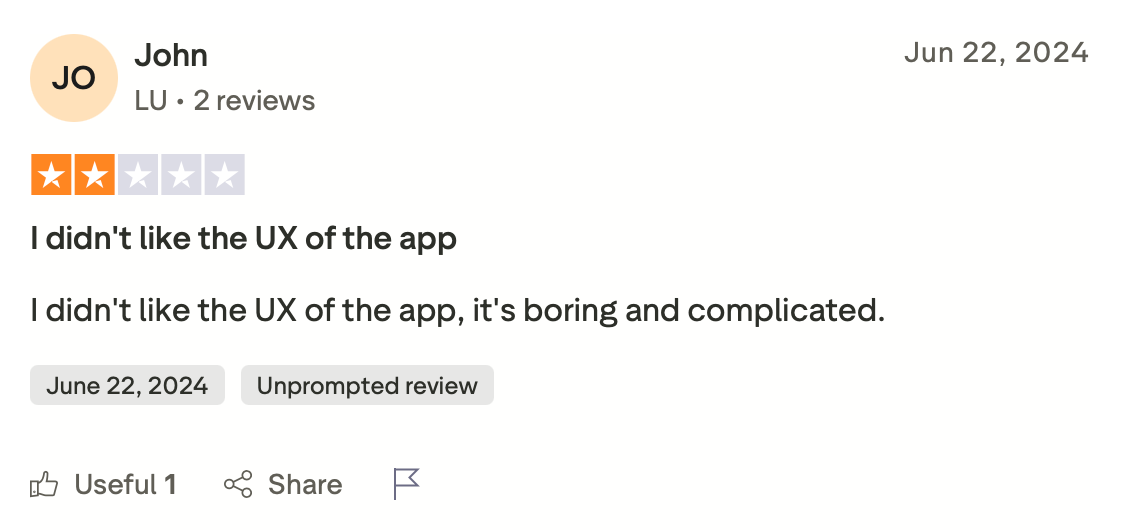
"I didn't like the UX of the app; it's boring and complicated." — John, Trustpilot
Pricing
Caliber Plus runs $12/month (or $72 billed annually, which works out to $6/month). Pro with group coaching is $19/month, and Premium 1-on-1 coaching starts at $200/month. A free tier covers the basics.
Bottom line
Caliber suits the lifter who trains better with someone in their corner. Start on the affordable AI tier, and if accountability turns out to be the problem, the human coaching is there to solve it. If you just want a plan and don't need a person, the cheaper apps here cover that.
5. JuggernautAI: Best workout planner app for powerlifters
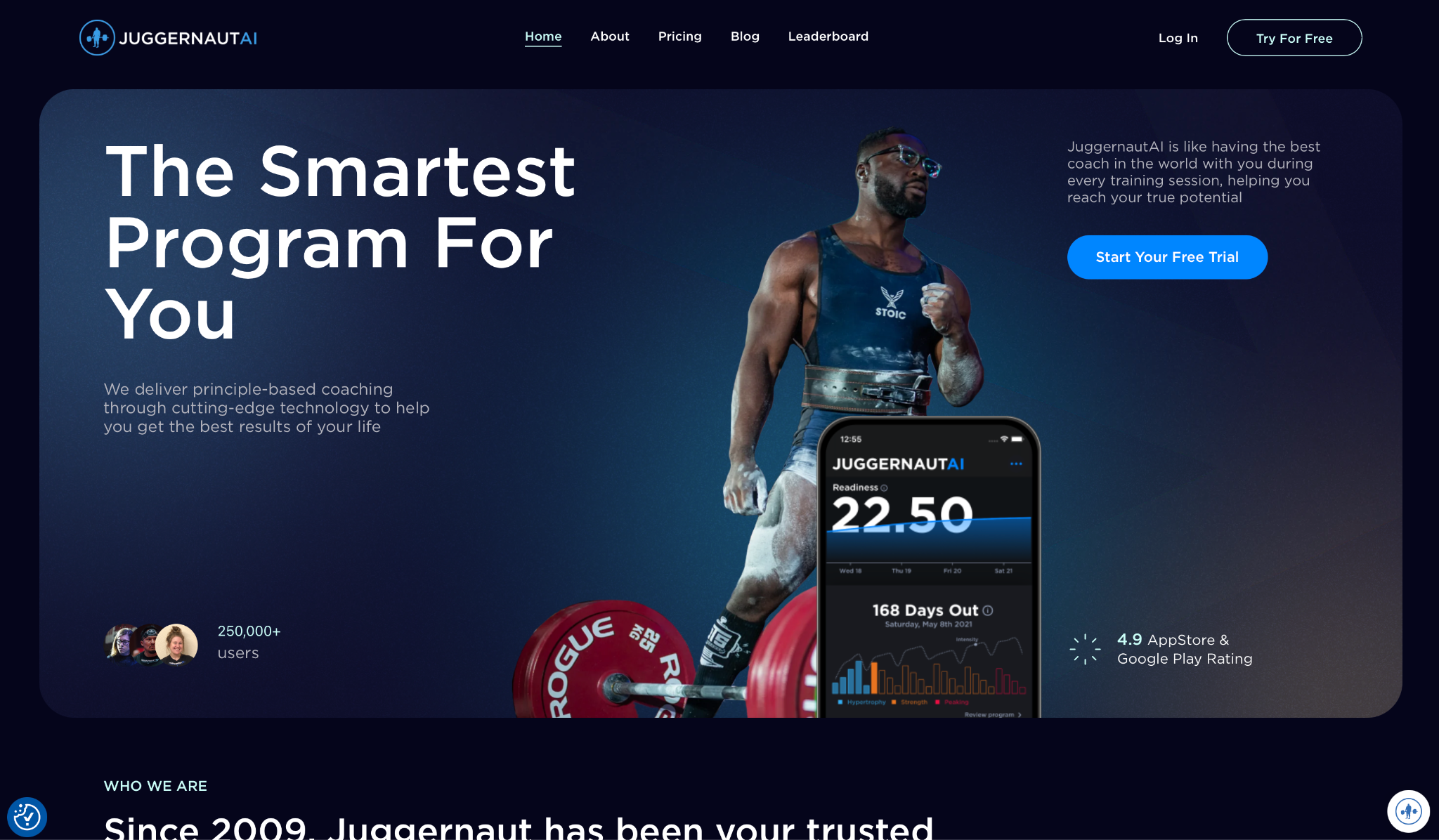
What it does: JuggernautAI delivers periodized powerlifting and powerbuilding programs built on Chad Wesley Smith's coaching system. It manages your fatigue and peaks your lifts across a full training block.
Best for: Competitive and aspiring powerlifters who want AI-managed periodization built around a meet date and a bigger total.
This is the most specialized app here, by design. I set a target meet date, and JuggernautAI produced a block that ramped intensity and pulled back volume as the date approached, exactly how a powerlifting coach would peak an athlete.
It adjusts to your feedback after each session, reading how your main lifts moved and reshaping the next week. The depth of squat, bench, and deadlift progression is well beyond anything the general-fitness apps attempt, and it comes with more than 300 exercise technique videos.
That same depth is why a recreational lifter can end up with wild volume swings. It also skips a few conveniences other apps ship with, like Apple Health sync. If you're not chasing a bigger total, this is more app than you need. If you're not chasing a bigger total, this is more app than you need.
Key features
- Block periodization: Structures your training into phases that build toward a peak on a set date
- Feedback-driven adjustment: Reads how your main lifts performed and reshapes the following week
- Meet peaking protocols: Manages fatigue and intensity so you're strongest on competition day
- 300+ technique videos: Detailed coaching on the main lifts and their variations
Pros and cons
Pros:
✅ Produced a peaking block toward a target meet date, ramping and tapering like a real coach
✅ Adjusts the next week based on how your squat, bench, and deadlift moved
✅ Programming depth on the main lifts is the strongest here for competitive strength
Cons:
❌ Among the priciest options on this list
❌ Run it as a recreational lifter, and the volume can swing from too light to too heavy
❌ Skips Apple Health sync, which several apps here include
What users say
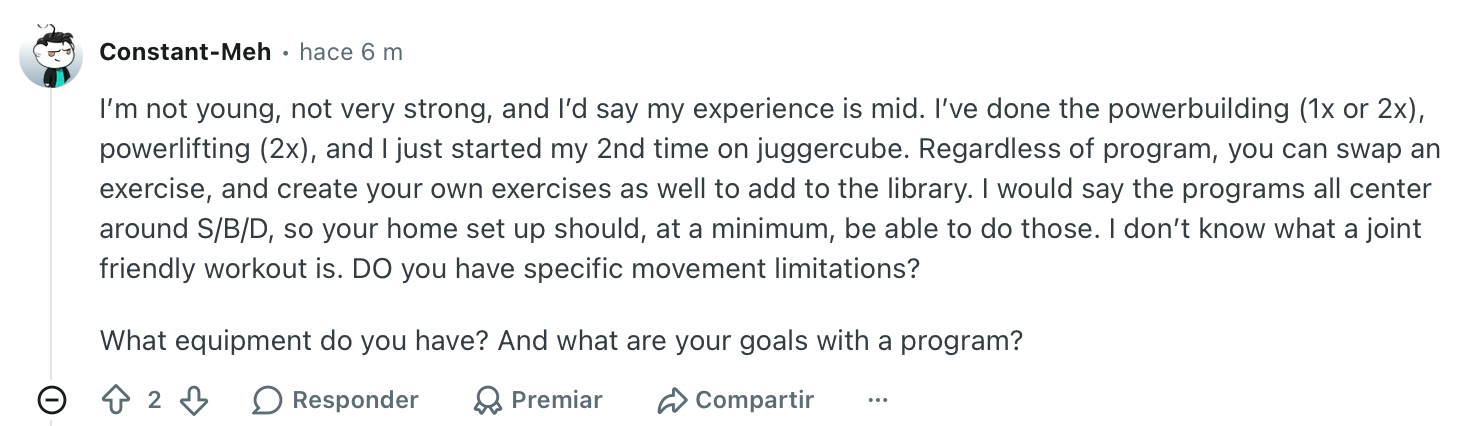
"Regardless of program, you can swap an exercise, and create your own exercises as well to add to the library." — Verified User, Reddit
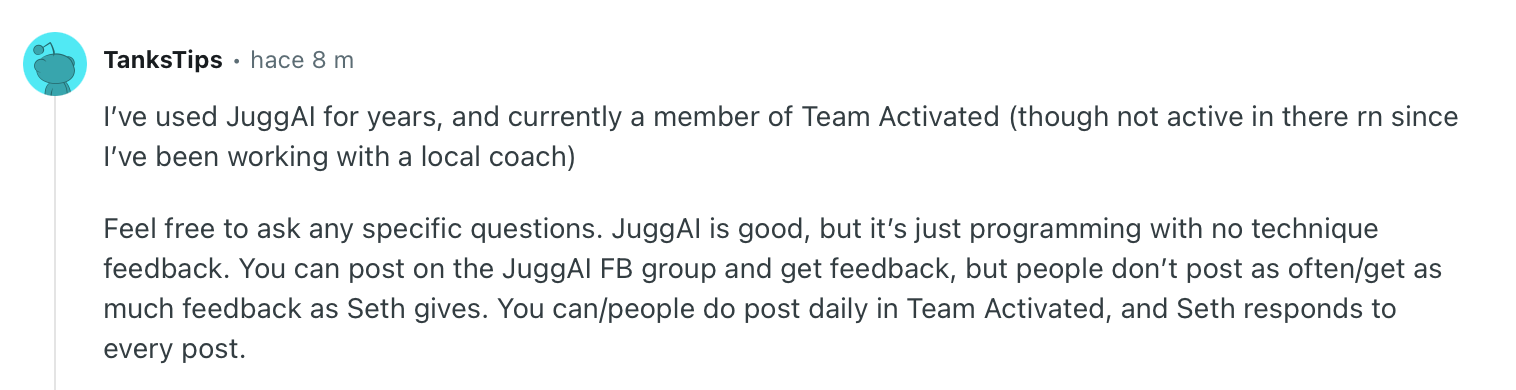
"JuggAI is good, but it’s just programming with no technique feedback." — Verified User, Reddit
Pricing
JuggernautAI runs $34.99/month, with a yearly plan at $349.99 that adds a coach consultation and seminars. A two-week free trial lets you see a full block before paying.
Bottom line
If your goal is a bigger total on the platform, JuggernautAI programs like a coach who's peaked athletes for meets. The price is steep, and the focus is narrow, so general-fitness lifters should look elsewhere. Powerlifters pick it for exactly that reason.
{{templates}}
6. Alpha Progression: Best workout planner app for progressive overload
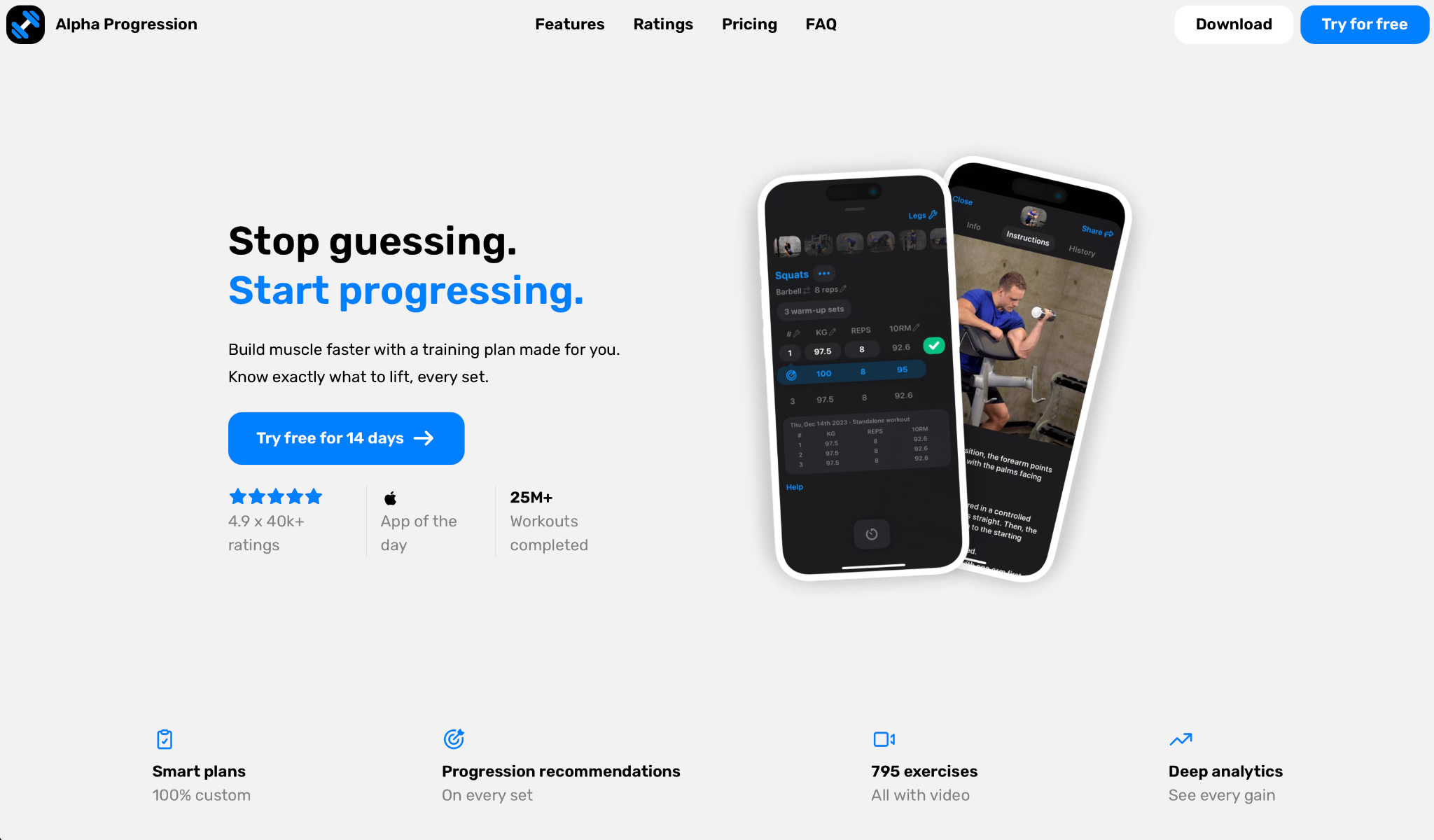
What it does: Alpha Progression generates a custom plan and then manages your progressive overload set by set, telling you exactly when to add weight, reps, or a deload.
Best for: Intermediate lifters who keep stalling because they never know when to push harder or back off.
Progressive overload is where plenty of self-programmed lifters get stuck, and this app is built to solve that one problem. Its custom plan generator asks for your goal and schedule, then produces a routine with clear progression targets for every exercise.
The recommendations are the standout. After I logged a few sessions, it started telling me precisely when to increase load and when to hold, factoring in RIR (reps in reserve) and scheduling deloads before I burned out.
The volume analytics show where each muscle group is trending, which made stalls obvious weeks earlier than I'd have noticed on my own.
Its interface leans toward serious lifters and can feel dense if you're new. There's a learning curve to reading all the charts, and beginners may find it more information than they want at the start.
Key features
- Custom plan generator: Builds a routine from your goal and schedule with progression targets baked in
- Progression recommendations: Tells you when to add weight or reps and when to hold, based on your logs
- RIR and deloads: Factors reps in reserve into recommendations and schedules deloads before you overreach
- Volume and warm-up calculators: Charts per-muscle volume trends and works out your warm-up sets
Pros and cons
Pros:
✅ Progression recommendations flagged when to add load, taking the guesswork out of overload
✅ Volume charts made a stalling muscle group obvious weeks before I'd have caught it
✅ Schedules deloads automatically, which self-programmed lifters routinely skip
Cons:
❌ Dense interface with a learning curve for anyone new to structured training
❌ More analytics than a beginner needs, which can feel overwhelming early on
What users say
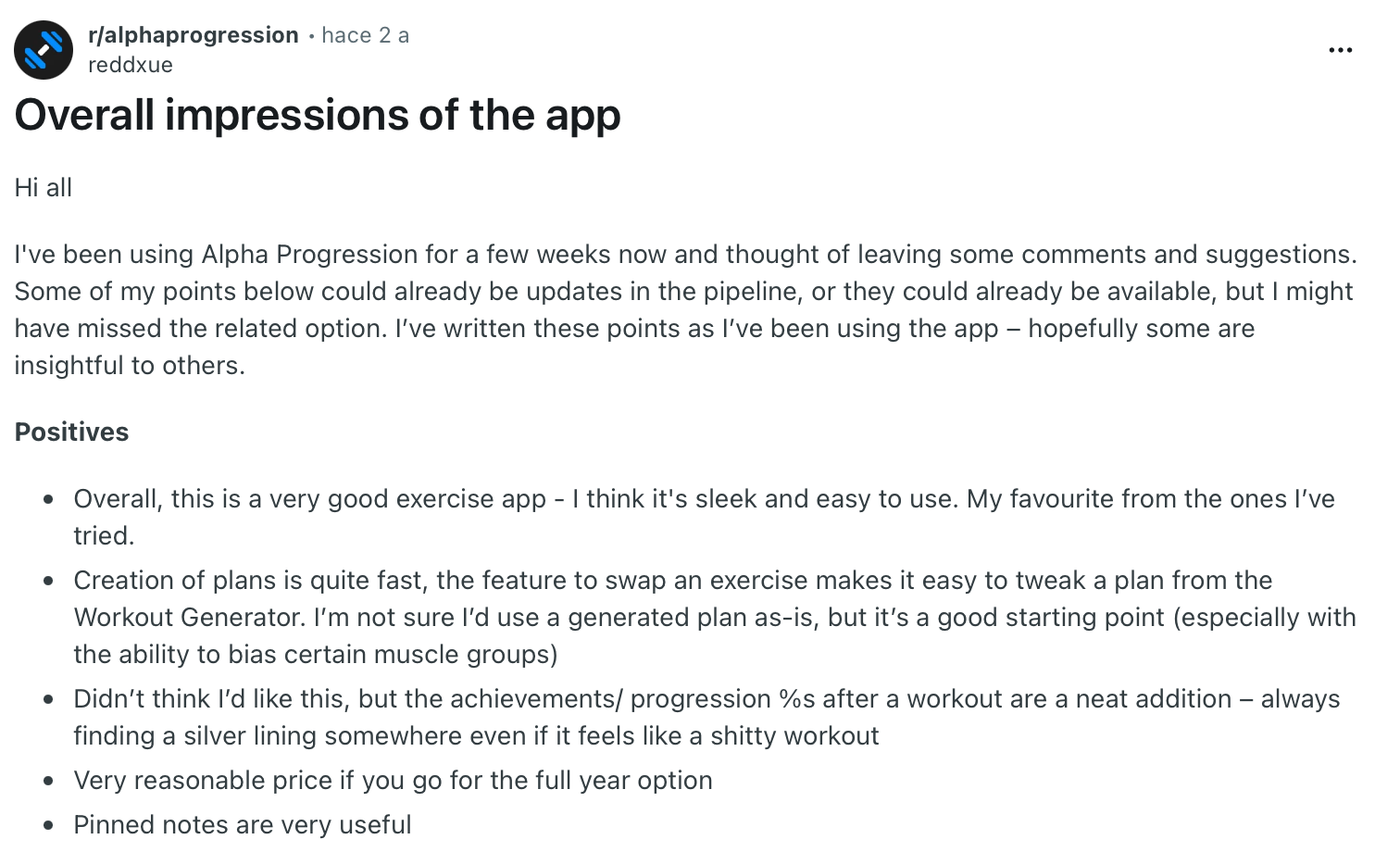
"Creation of plans is quite fast; the feature to swap an exercise makes it easy to tweak a plan from the Workout Generator." — Verified User, Reddit
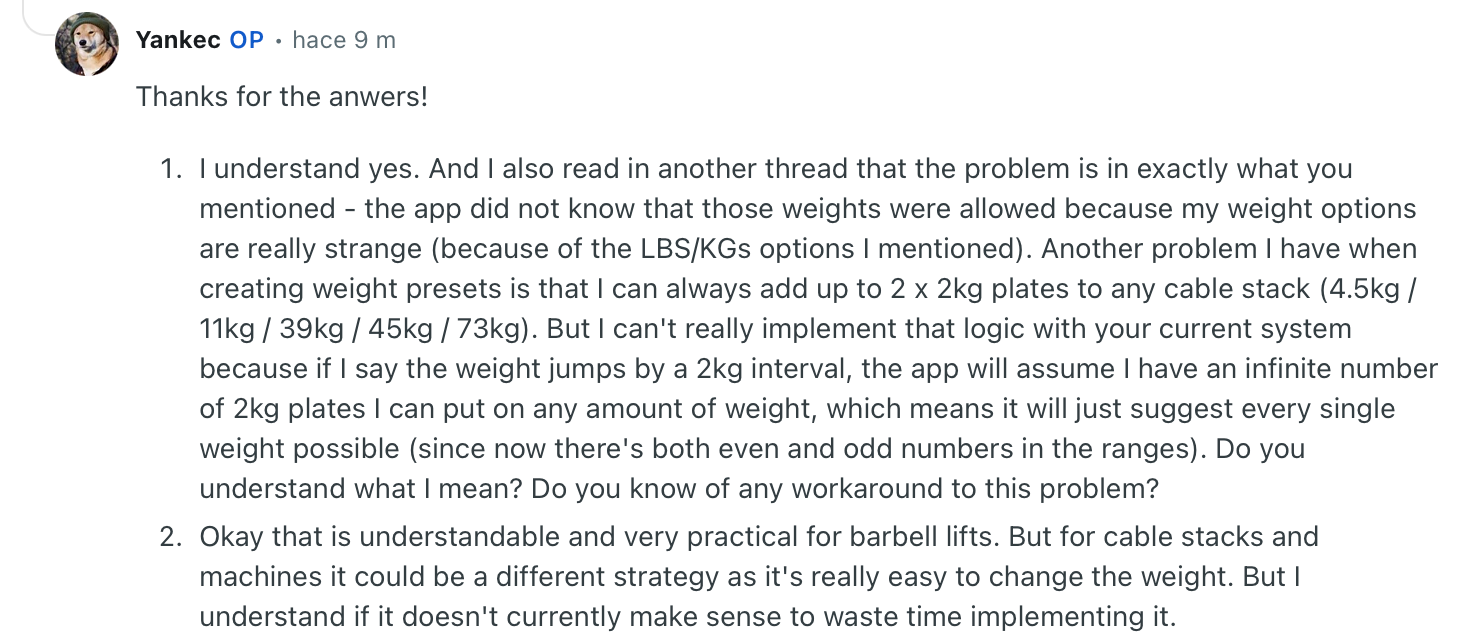
"The app did not know that those weights were allowed because my weight options are really strange." — Verified User, Reddit
Pricing
Alpha Progression Pro runs $12.99/month, or $79.99 billed annually, with a 14-day free trial. The core logging works for free before you upgrade.
Bottom line
When your training has plateaued, and you can't tell whether to push or rest, Alpha Progression makes the call for you. It turns progressive overload from a guessing game into a set of clear calls.
Beginners may want something simpler first, but intermediate lifters chasing steady gains will find the recommendations worth the price.
7. Dr. Muscle: Best workout planner app for hands-off training
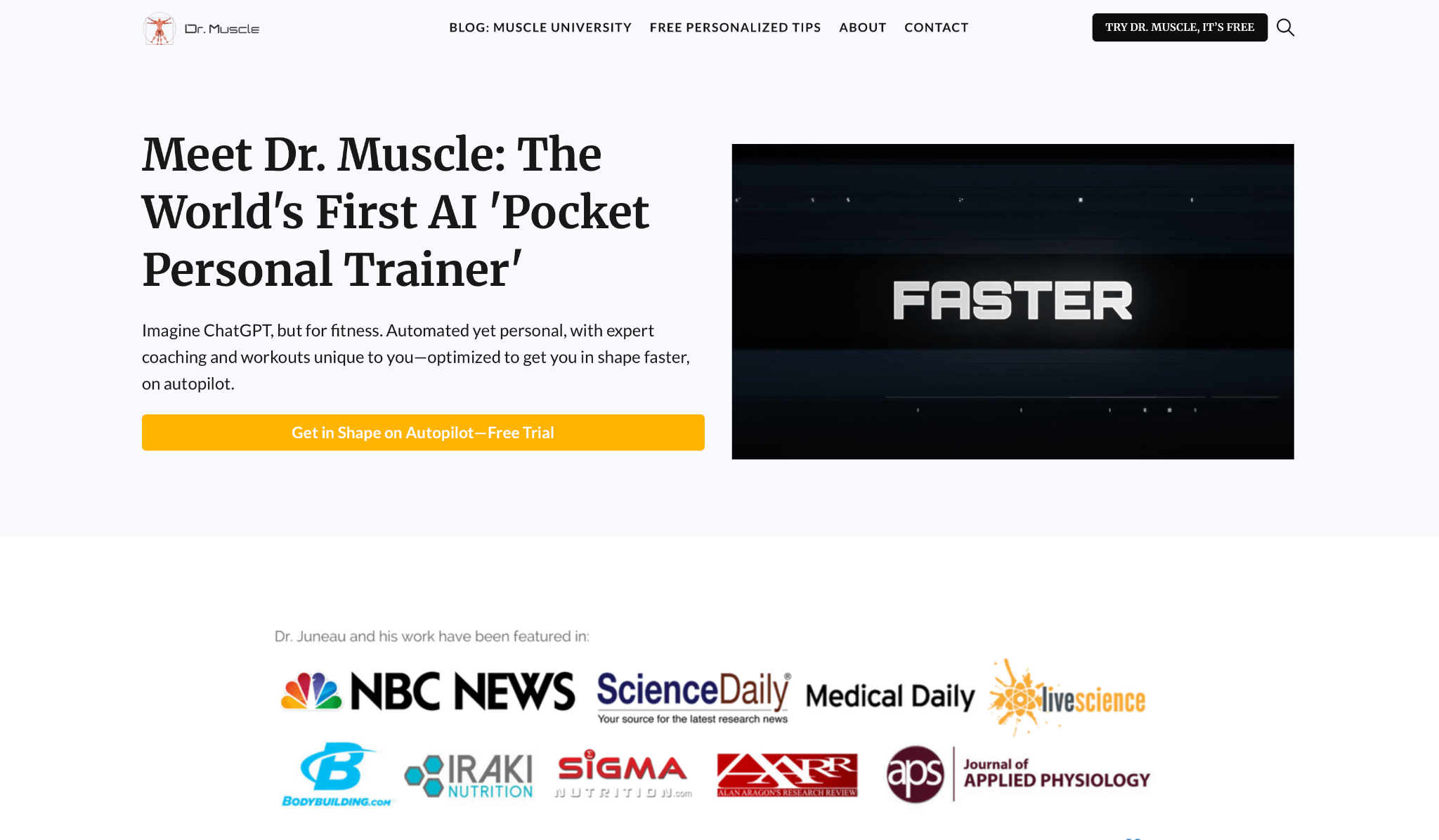
What it does: Dr. Muscle auto-regulates your entire program, adjusting sets, reps, and weights every session based on your performance so you never have to make a programming decision.
Best for: Lifters who want to log their sets, follow what the app says, and let it drive the whole thing.
Where other apps hand you recommendations, Dr. Muscle makes the calls itself. Built by an exercise scientist and running on daily undulating periodization, it decides your load, your reps, and when you deload, then tells you what to lift each session with no menu of choices.
The auto-regulation is aggressive in a good way. When I hit a set easily, the next prescription jumped harder than the more conservative apps here. When I struggled, it backed off automatically.
It also handles progressive overload and deload detection on its own, which removes the two decisions lifters routinely get wrong.
Two rough edges come with all that automation. The design feels dated next to Fitbod or Hevy, and it's the most expensive app on this list by a wide margin. The automation is what your money buys here, and the polish lags behind it.
Key features
- Full auto-regulation: Sets your loads, reps, and sets for every session based on your last performance
- Daily undulating periodization: Varies intensity and volume across the week using an evidence-based model
- Automatic deload detection: Recognizes when you need a lighter week and schedules it without prompting
- Built by an exercise scientist: Programming logic comes from a PhD, updated dozens of times a year
Pros and cons
Pros:
✅ Made every set, rep, and load call for me, removing programming decisions entirely
✅ Auto-regulation pushed harder after easy sets and backed off after hard ones, without input
✅ Deload detection handled the recovery week self-programmers routinely skip
Cons:
❌ The most expensive app on this list by a clear margin
❌ Interface feels dated next to the newer apps on this list
❌ Less control if you like having a say in your own programming
What users say
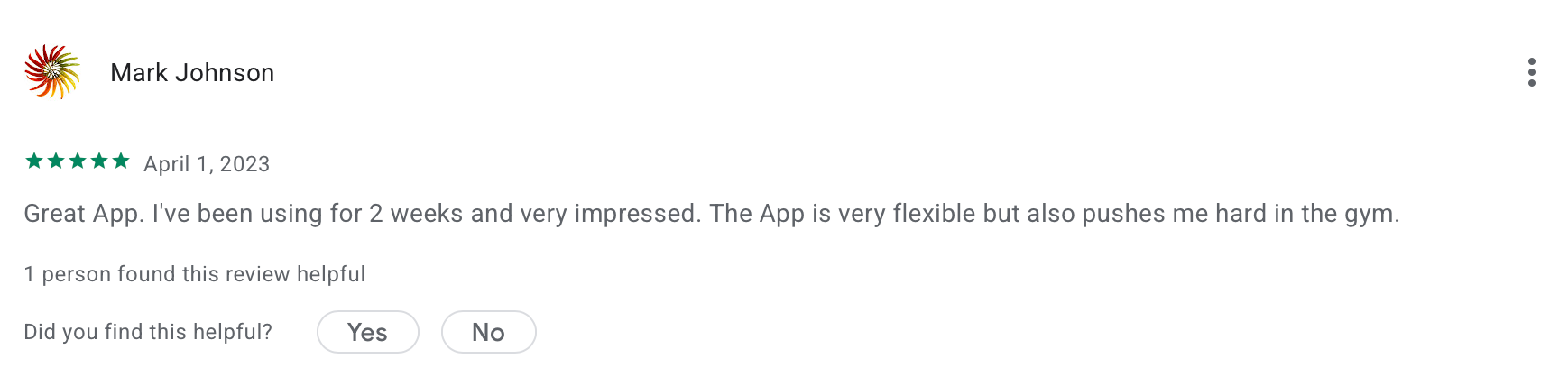
"Great app. I've been using it for 2 weeks and am very impressed. The app is very flexible but also pushes me hard in the gym."— Mark Johnson, Google Play
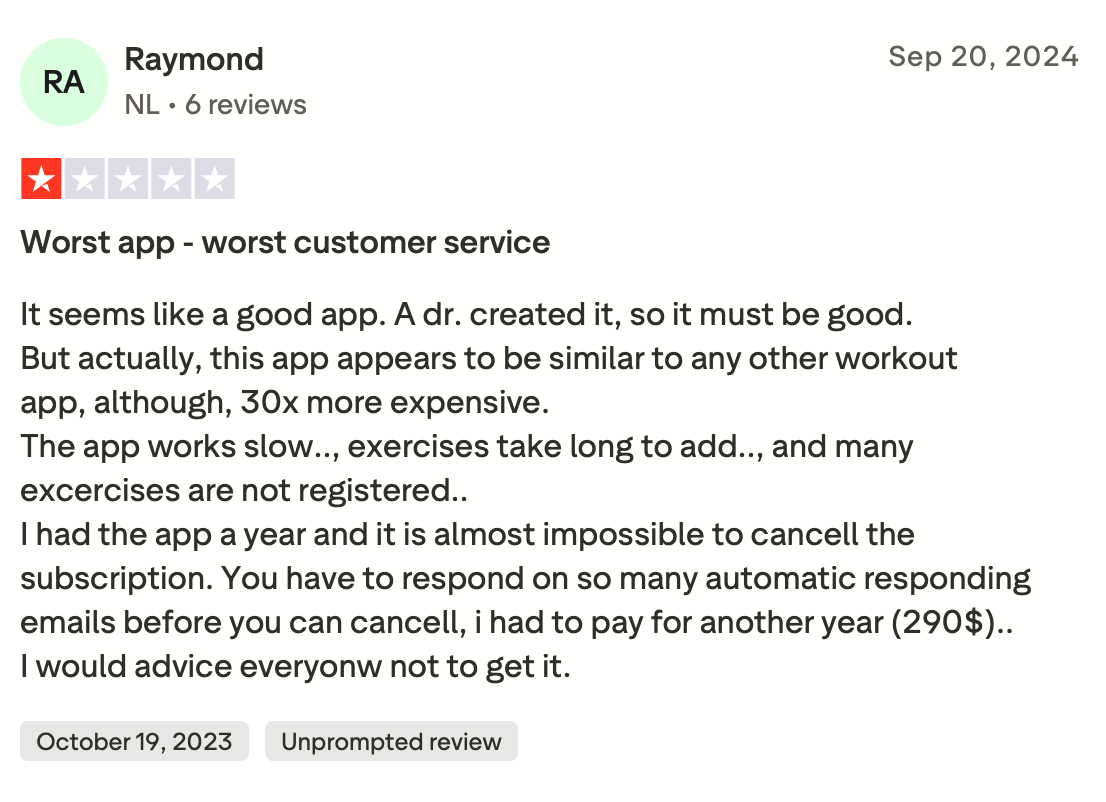
"The app works slow, exercises take long time to add, and many exercises are not registered." — Raymond, Trustpilot
Pricing
Dr. Muscle runs $48.99/month, with an annual plan at $399.99. A free trial with no card required lets you test the auto-regulation first.
Bottom line
Dr. Muscle is for the lifter who wants to stop thinking about programming entirely and just train. Its auto-regulation is the most hands-off here, which is exactly why people pay for it.
If the dated interface or the top-of-the-list price is a dealbreaker, Alpha Progression gives you similar logic with more control for less.
8. Peloton: Best workout planner app for AI-guided strength with room to grow
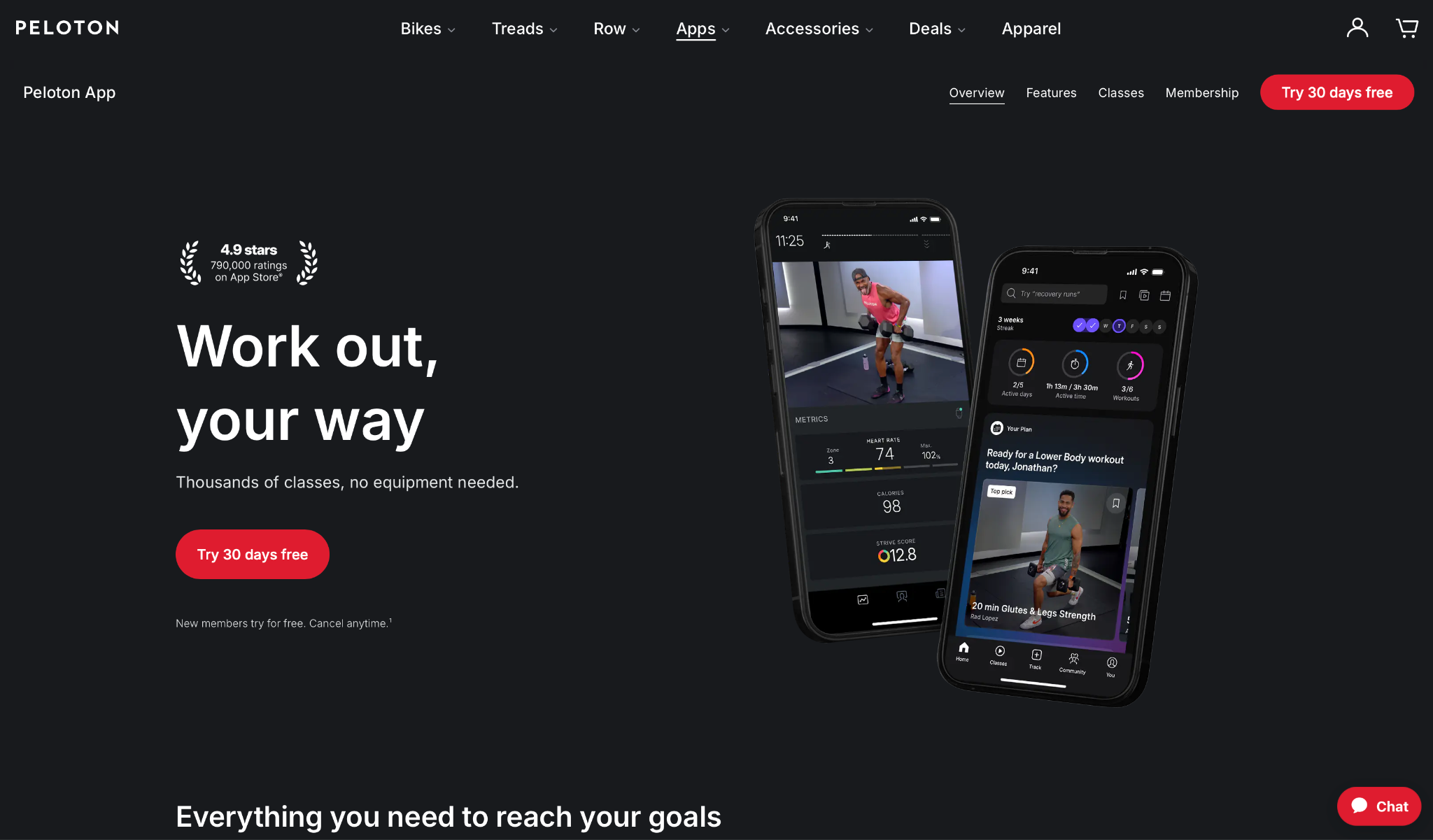
What it does: Peloton generates a custom strength plan through the custom workout generator on its Strength+ plan, then guides you through each session with audio coaching. Its wider app tiers add instructor-led cardio, cycling, and yoga classes.
Best for: People who want AI-built strength programming with the option to fold in Peloton's cardio and class library through a higher tier.
The custom workout generator on Strength+ is why Peloton earns a spot here. When I set a goal and my available days, it produced a structured strength week and coached me through each session with audio cues, so there was nothing to hand-pick.
The generator stays a level up on purpose. It sets the workout type and structure and lets the guided format carry the session, which worked well when I wanted direction without programming every set myself.
Move up to App One or App+, and you layer in the running, cycling, and yoga classes if you want to train across modalities in the same app.
Push it on pure strength progression, and the depth thins out. Peloton won't auto-regulate your squat load session to session the way Dr. Muscle or Alpha Progression do. The AI generator builds and guides, so dedicated barbell lifters chasing precise overload will find it lighter than a specialist app.
Key features
- Custom workout generator: Builds a structured strength plan from your goal and availability on the Strength+ plan
- Audio guidance: Coaches you through each generated session so you follow along instead of improvising
- Cross-modality classes: App One and App+ tiers add instructor-led running, cycling, and yoga on top
- Live metrics: Tracks output and heart rate during sessions when paired with compatible devices
Pros and cons
Pros:
✅ Produced a structured strength week from a goal and my available days, with audio coaching through each session
✅ Audio-guided format kept me consistent on days I'd otherwise have skipped
✅ Higher tiers fold running, cycling, and yoga into the same app if you want more than strength
Cons:
❌ Strength progression is lighter than specialist apps, and it won't auto-regulate your loads session to session
❌ The custom workout generator lives on the Strength+ plan, and the full class library sits on pricier tiers
What users say
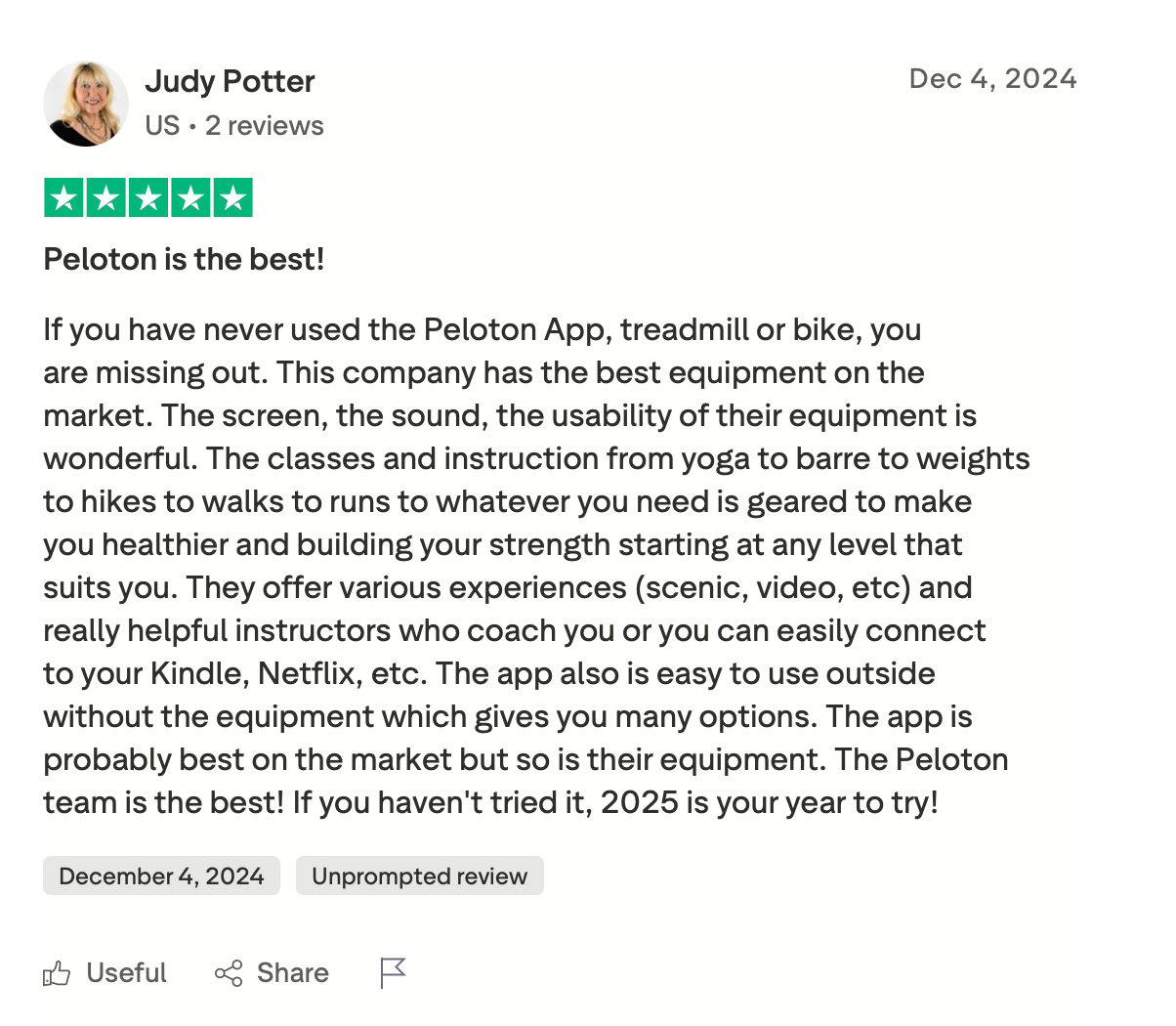
"If you have never used the Peloton App, treadmill or bike, you are missing out. This company has the best equipment on the market." — Judy Potter, Trustpilot
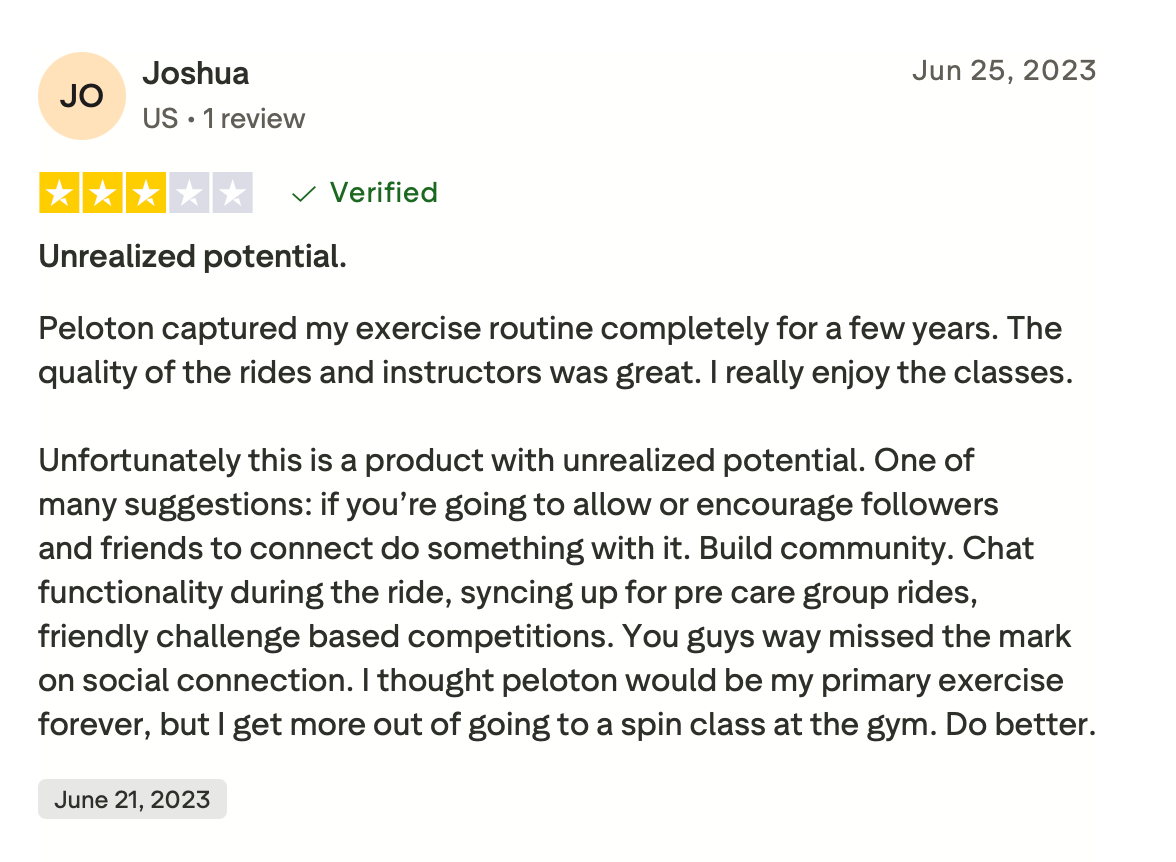
"One of many suggestions: if you’re going to allow or encourage followers and friends to connect, do something with it. Build community." — Joshua, Trustpilot
Pricing
Peloton Strength+, the plan that includes the custom workout generator, runs $9.99/month with a 30-day free trial.
Bottom line
Reach for Peloton when you want AI-built strength programming with guided coaching, and the option to add cardio and classes through a higher tier later. The audio format made it easier to show up on days I'd usually skip.
If your only goal is a heavier squat, a dedicated strength app will program it deeper.
9. Planfit: Best workout planner app for matching your exact equipment
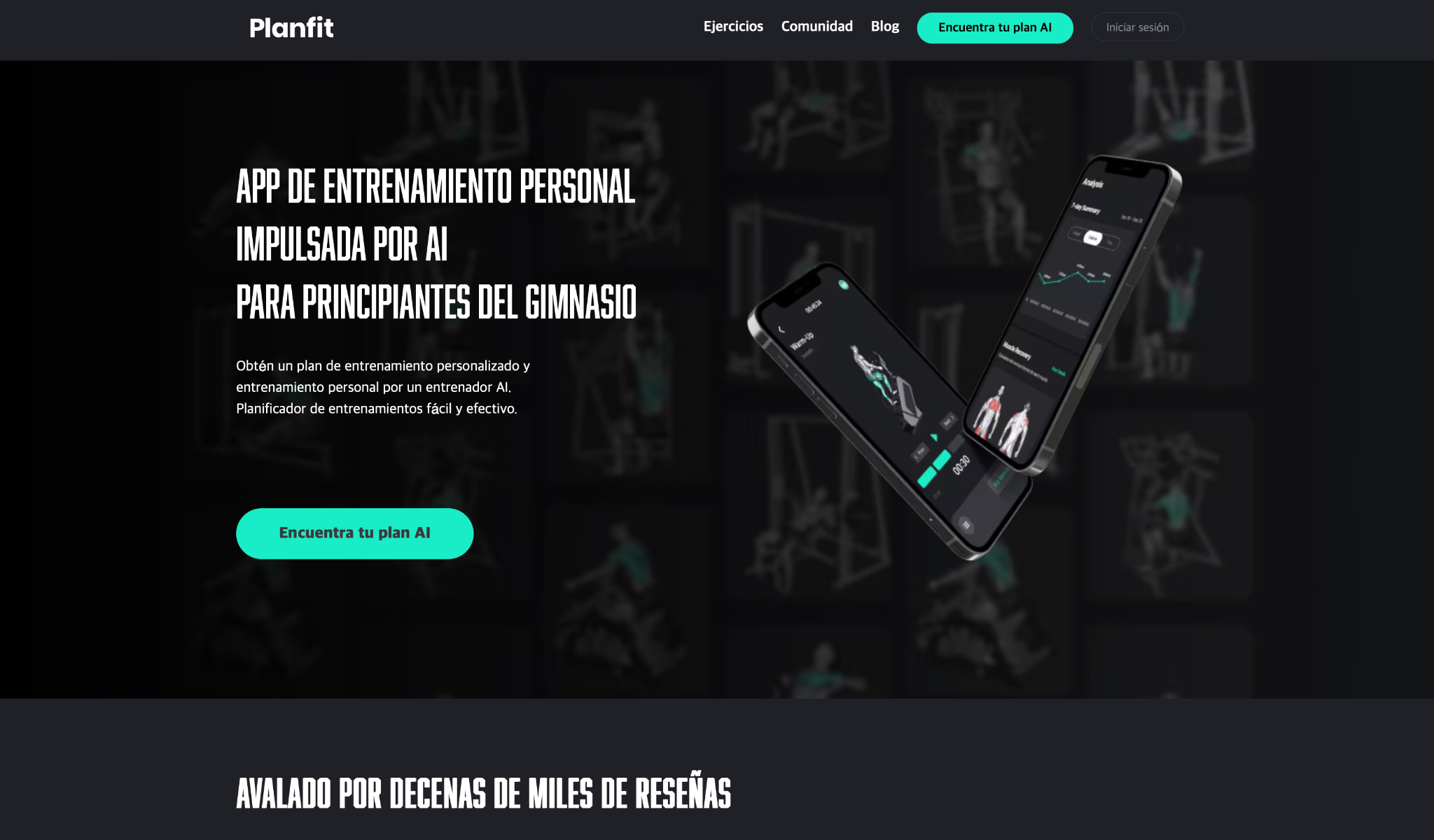
What it does: Planfit generates a free custom plan around your goal, level, and the exact equipment you have, then coaches your form with video and voice guidance during each session.
Best for: Beginners and gym-floor lifters whose available equipment changes and who want a plan that matches what's in front of them.
Planfit's whole pitch is that the plan fits your gym down to the machine. During setup, I registered the specific machines and free weights I had access to, and the AI built routines that only used those, then tuned the sets, reps, and weight for each exercise as I logged.
The onboarding is fast, and the free tier holds up. Setting a profile took under a minute, and the AI produced a full plan without asking for payment. The form coaching stood out for a beginner-focused app. Every exercise had an HD video, a trainer tip, and alternatives if a movement felt wrong.
Planfit shows its limits on advanced programming. It's built for beginners and intermediates, so experienced lifters chasing precise periodization will find it lighter than Alpha Progression or JuggernautAI. For someone learning the gym, that simplicity works in its favor.
Key features
- Equipment-matched plans: Builds routines using only the gear you register, at home or in your gym
- AI set and weight tuning: Adjusts sets, reps, and load per exercise as your logs come in
- HD form videos: Every exercise includes a demo, a trainer tip, and swap alternatives
- Voice coaching: Talks you through each set and rest period during the session
Pros and cons
Pros:
✅ Built plans around the exact machines I registered, with no exercises I couldn't do
✅ Free tier produces a full custom plan in under a minute with no card required
✅ Form videos and voice coaching make it usable for gym beginners from day one
✅ Tunes sets, reps, and weight per exercise as you log, beyond the initial setup
Cons:
❌ Lighter on advanced periodization than specialist apps for experienced lifters
❌ Depth of analytics trails data-heavy apps like Jefit or Alpha Progression
What users say

"I use Planfit, and I love it! Have been using it for a little over 2 months now and seeing noticeable results! It’s very user-friendly; you can customize the workouts." — Verified User, Reddit
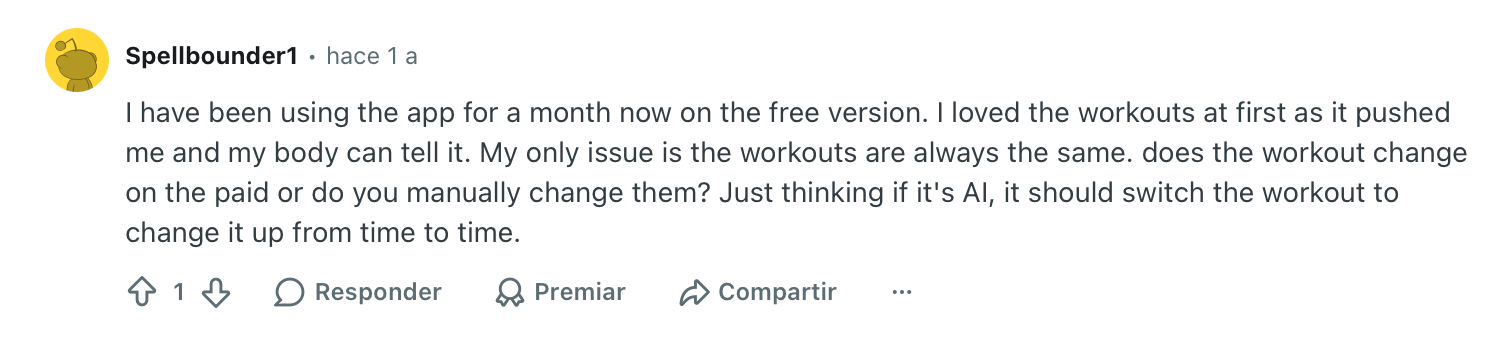
"My only issue is the workouts are always the same. Does the workout change on the paid plan, or do you manually change them?" — Verified User, Reddit
Pricing
Planfit Premium runs $12.99/month as listed on the App Store, with an annual option and a 7-day trial. The core AI planner is free, and that free tier covers plan generation and tracking for many users.
Bottom line
Planfit fits someone walking into a gym unsure what to do with the equipment in front of them. It builds around your exact setup and coaches your form as you go, for free. Advanced lifters chasing tight periodization will outgrow it, but for beginners, it's one of the easiest starts here.
10. Hevy: Best workout planner app for logging and community
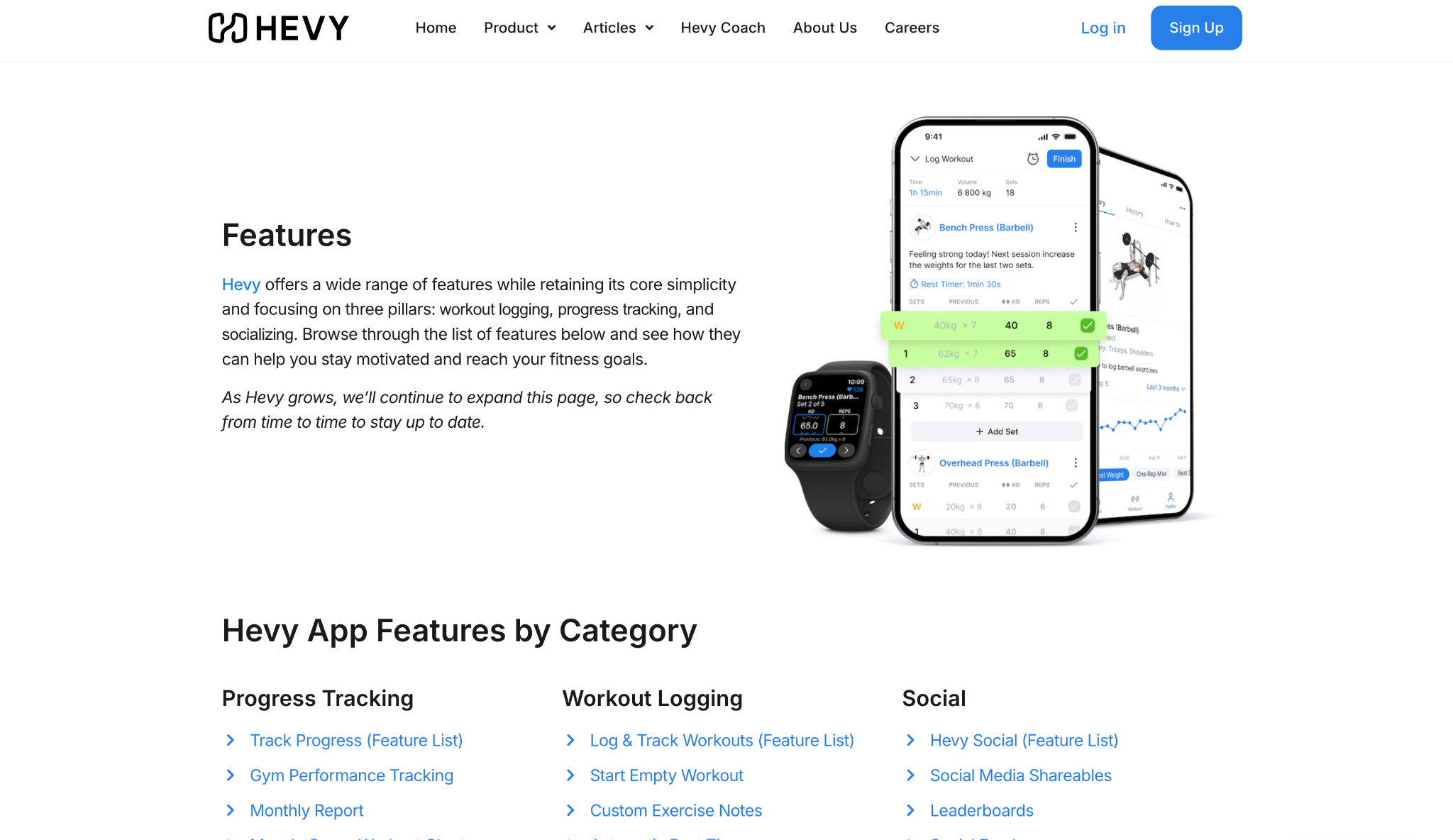
What it does: Hevy is a fast, clean workout logger with a routine builder and a social feed, letting you plan routines, track every set, and follow other lifters in one app.
Best for: Lifters who want tracking first and planning second, with a community to keep them accountable.
The logging carries the app. It's the fastest, least cluttered set tracker I've used, and mid-workout, that speed matters more than any feature list. You create your own routines, then run them and log against them without fighting the interface.
The social side keeps people coming back. You can follow friends, see their workouts, and share your own, which turns training into something with a bit of accountability attached.
The routine builder gives you unlimited custom routines on paid plans, and the free tier already covers unlimited workouts and logging.
Hevy tracks far better than it plans. It won't auto-generate a program or auto-regulate your loads the way Fitbod or Dr. Muscle do. You bring the plan, or create it yourself, and Hevy makes running and logging it fast and painless.
Key features
- Fast workout logger: The quickest, cleanest set tracking on this list, made for speed mid-session
- Custom routine builder: Create and save your own routines, unlimited on the paid tier
- Social feed: Follow friends, share workouts, and keep accountability through community
- Body measurement tracking: Logs weight and measurements alongside your training history
Pros and cons
Pros:
✅ The fastest, least cluttered logging experience I tested, which matters most mid-set
✅ Social feed adds accountability by putting your training in front of friends
✅ Free tier already covers unlimited workouts and logging with no expiration
Cons:
❌ Doesn't auto-generate or auto-regulate a plan, so you bring or create your own
❌ Free tier caps custom routines and exercises, so serious planners need the paid tier
What users say
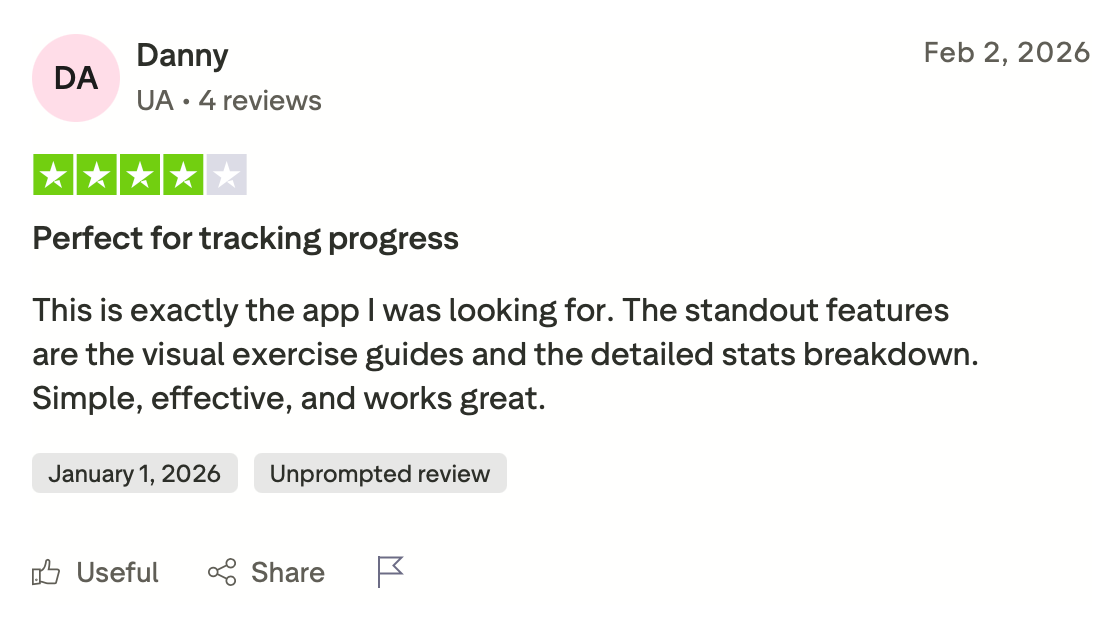
"This is exactly the app I was looking for. The standout features are the visual exercise guides and the detailed stats breakdown. Simple, effective, and works great." — Judy Potter, Trustpilot

"Would be nice to import our program." — Verified User, Reddit
Pricing
Hevy Pro runs $2.99/month billed monthly on the pricing page, with cheaper annual and one-time lifetime options that add unlimited routines and the Hevy Trainer. A free tier still covers unlimited workouts and logging.
Bottom line
Hevy wins when logging speed and community matter more than having the app write your program. It's the cleanest tracker here, and the social feed gives you a reason to log the next session. If you want the app to build and adapt the plan for you, Fitbod or Dr. Muscle are the better fit.
{{cta}}
Which workout planner app should you choose?
Every app here solves a different problem. The right one depends on how you train and how much you want the app to decide for you.
Choose Fitbod if you want to open one screen at the gym and be told exactly what to train, with the plan rebuilding itself around your recovery every session.
Choose Jefit if the numbers matter to you as much as the workout, and you want deep analytics and a 1,400+ exercise library alongside a structured plan.
Choose Freeletics if you train at home or on the road with little equipment and want a coach that adjusts to how each session felt.
Choose Caliber if you know you'll train harder with a real person in your corner and want AI structure with the option to add a human coach.
Choose JuggernautAI if you're a powerlifter working toward a meet and want AI-managed periodization and peaking on the main lifts.
Choose Alpha Progression if you keep stalling and need clear calls on when to add load, when to hold, and when to deload.
Choose Dr. Muscle if you want to stop making programming decisions entirely and let the app auto-regulate every set, rep, and weight.
Choose Peloton if you want AI-built strength programming with audio coaching, and the option to add cardio and classes through a higher tier.
Choose Planfit if you're newer to the gym or your equipment changes, and you want a free plan shaped around exactly what's in front of you.
Choose Hevy if fast logging and a community matter more than having the app write your program for you.
Skip a workout planner app entirely if you already follow a proven program you trust and just need a notebook, since a free logger or a spreadsheet will do the job without a subscription.
Final verdict
The question people ask about a workout planner app is usually "which one builds the best plan?" The answer depends on how much you want to hand over.
If you want the app to run everything, Dr. Muscle and Fitbod take the most off your plate, one through aggressive auto-regulation and the other through recovery-based rebuilds.
If you want to stay in the driver's seat with better information, Alpha Progression and Jefit give you the data and the calls without taking over.
For specialists, JuggernautAI owns powerlifting, and Freeletics owns bodyweight, while Planfit is the easiest free start for anyone new to the gym.
Pick the app that solves the part of training you keep getting stuck on. And if the workout still keeps getting skipped, the fix probably lives outside the plan, in everything around it.
The part a workout app leaves to you
The best program still fails if the session never makes it into your week. Getting the workout onto a busy calendar, prepping the meals that feed it, and keeping a packed schedule from swallowing your gym time is where people fall off. No workout app touches that layer.
Lindy is a company-wide AI teammate that lives in your Slack. Your team can @mention it in a channel to pull answers from across your tools, and you can DM it privately as your own assistant, connected to your calendar and email. Because it works from your live schedule, you never copy anything over. You just tell it what you need in plain English, and it answers with your own context.
Tell it to hold a gym window around your meetings, and it defends that block as the week fills up. Set a routine once, like "every Sunday night, protect four training slots," and it runs on its own after that. Its memory means "remind me to prep chicken on Sundays" only has to be said once.
It won't program your squats, and it isn't trying to. Your workout planner app already does that. Lindy runs on a 7-day trial, then the Plus plan.
Frequently asked questions
What is the best workout planner app?
The best workout planner app is Fitbod for most lifters, because it builds each session around your recovery, equipment, and logged performance. Jefit wins for numbers-first lifters, JuggernautAI for powerlifters, and Planfit for beginners who want a free plan shaped around their exact gym setup.
Are AI workout planner apps worth it?
Yes, AI workout planner apps are worth it for many self-guided lifters. They handle exercise selection, progression, and substitutions for a few dollars a month, work a trainer would otherwise charge far more to design, and they remember exactly what you lifted last session.
Can a workout planner app replace a personal trainer?
A workout planner app replaces most of the programming a trainer does, including plan design, progression, and deloads. It cannot correct your form by eye in real time or provide in-person accountability, though video demos and auto-regulation close much of that distance for common movements.
What is the best free workout planner app?
Planfit is the best free workout planner app because its AI builds a full custom plan at no cost with form videos and voice coaching. Hevy also offers a fully usable free tier for unlimited logging, and Jefit's free Basic plan covers custom routines.
How do AI workout planner apps build a routine?
AI workout planner apps build a routine from your goal, experience level, available equipment, and training days, then adjust it as you log.
Apps like Dr. Muscle and Fitbod change the next session based on how your last sets went, raising the load when a set was easy and swapping exercises when equipment is unavailable.









