I Tested 12 Workplace Productivity Tools: Top 8 for 2026
Marvin tested twelve workplace productivity tools over six weeks, including Todoist, Notion, and Asana, judging setup speed, feature reliability, integrations, and pricing honesty.


Last year, I realized I was spending more time managing work than doing it. My day started in Gmail, moved to Slack, then Notion, then my calendar. Before lunch, I'd already switched between half a dozen apps and still hadn't finished anything important.
That made me test 12 workplace productivity tools across my own workflow and a few team projects.
I found that most people don't have a productivity problem. They have a tool mismatch. Most people don't pick the wrong tool. They pick the right tool for the wrong problem.
These are the 8 tools I'd recommend in 2026.
Best workplace productivity tools at a glance
| Tool | Best for | Key limitation | Free option |
|---|---|---|---|
| Todoist | Personal task management | Free plan capped at 5 projects | Free plan available |
| Notion | Flexible notes and project workspace | Steep learning curve for new users | Free plan available |
| Lindy | Company-wide AI teammate in Slack; personal inbox + calendar | Trust curve in the first week of use | 7-day trial |
| Slack | Team messaging and async communication | Free plan limits history to 90 days | Free plan available |
| Trello | Visual task boards | Timeline and calendar views are Premium-only | Free plan available |
| Asana | Project tracking for growing teams | Free plan limited to 2 users | Free plan available |
| Google Workspace | Cloud-native business suite | Full Gemini AI requires Standard plan | 14-day trial |
| Microsoft 365 | Organizations in the Microsoft ecosystem | Desktop Office apps not included on Basic | Free trial available |
What is a workplace productivity tool?
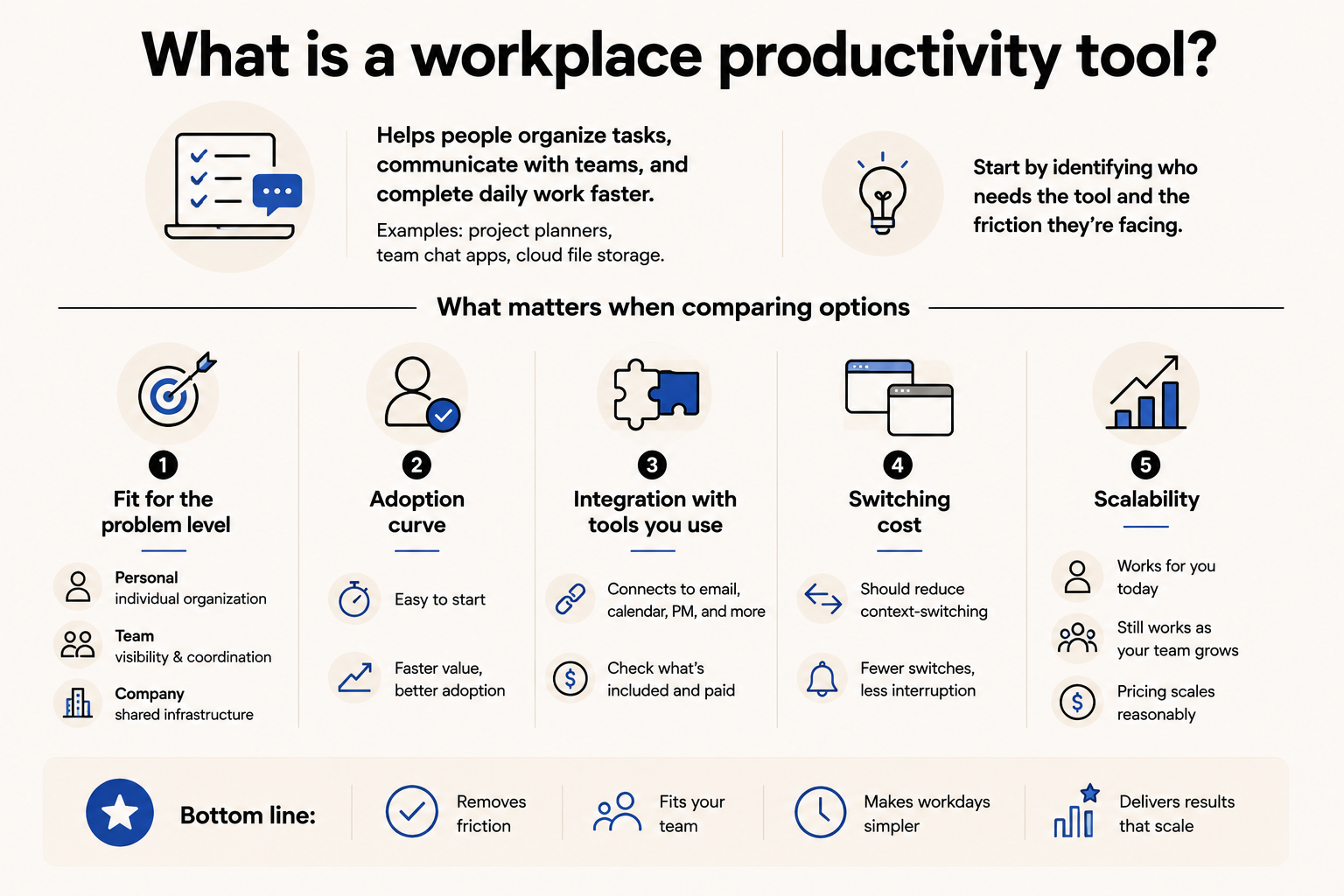
A workplace productivity tool is designed to help people organize tasks, communicate with their teams, and complete daily work more quickly. Common examples include project planners, team chat apps, and cloud file storage. Start by identifying who needs the tool and what kind of friction they're running into.
Here's what matters when you're comparing options:
- Fit for the problem level: Personal tools solve individual organization. Team tools solve visibility and coordination. Company suites solve shared infrastructure. Picking a tool at the wrong level is a common mistake, and it usually means you end up layering tools instead of replacing friction.
- Adoption curve: A tool no one uses isn't a productivity tool. Make sure you check how long onboarding takes and whether your team can get started without a formal training process. The faster a tool delivers value, the more likely it sticks.
- Integration with tools you already use: Most teams don't replace their stack, but they add to it. A new productivity tool that doesn't connect to your email, calendar, or project management creates more coordination work, not less. Before committing, check which integrations are included and whether the ones you need are on a paid tier.
- Switching cost: The right tool should reduce context-switching. If using it means jumping between interfaces to get a complete picture, factor that cost in. Gains in organization can disappear fast when the tool itself becomes a source of interruption.
- Scalability: Some tools work well for one person but break down for a team of ten. Others are designed for enterprise use and feel like overkill for individuals. Look at who the tool was built for before committing to a plan, and check whether pricing scales reasonably as your team grows.
How I tested the best workplace productivity tools
The r/ProductivityApps subreddit has a recurring complaint pattern: someone asks for a tool recommendation, gets twelve different answers, tries three of them, and ends up back where they started. I've been in that loop myself. That's what pushed me to stop asking around and start testing properly.
Every tool was evaluated against the same five criteria:
- Pricing honesty: the features that matter should be in a plan a normal team would actually buy
- Feature reliability: whether the headline features worked the way the product page described them
- Setup speed: how long it actually takes to get the tool doing something useful, measured from first login to first real output
- Staying power: whether I was still reaching for it after the first week, or reverting to whatever I used before
- Integration with existing tools: whether it connected cleanly to email, calendar, or project tools without extra steps
Not everything that looked promising on paper held up in practice. I tested 12 tools in total over six weeks, all on paid accounts or full-featured trials. No free-plan-only testing, because the free tier rarely reflects how a tool behaves once you're using it for real work.
Four tools didn't make the cut:
- ClickUp has more views, fields, and settings than any other tool I tested. Two weeks in on a small workflow, I was still making configuration decisions rather than tracking work. The feature depth is real, but for most teams it becomes the project.
- Monday.com works well for operations teams managing complex workflows, but it becomes expensive quickly for smaller teams, and the visual layout adds overhead that Asana handles more cleanly at lower price points.
- Evernote was the default for personal note-taking for years, but it's been clearly outpaced by Notion. The database features that make Notion useful for building a real personal system don't exist here, and the mobile app hasn't kept pace.
- Things 3 is the most thoughtfully designed task manager I've used, but it's Apple-only with no web version, which disqualifies it for anyone with mixed devices or a preference for platform flexibility.
The 8 tools that made the list each solved a distinct problem well enough to recommend to a specific kind of user.
1. Todoist: Best for personal task management
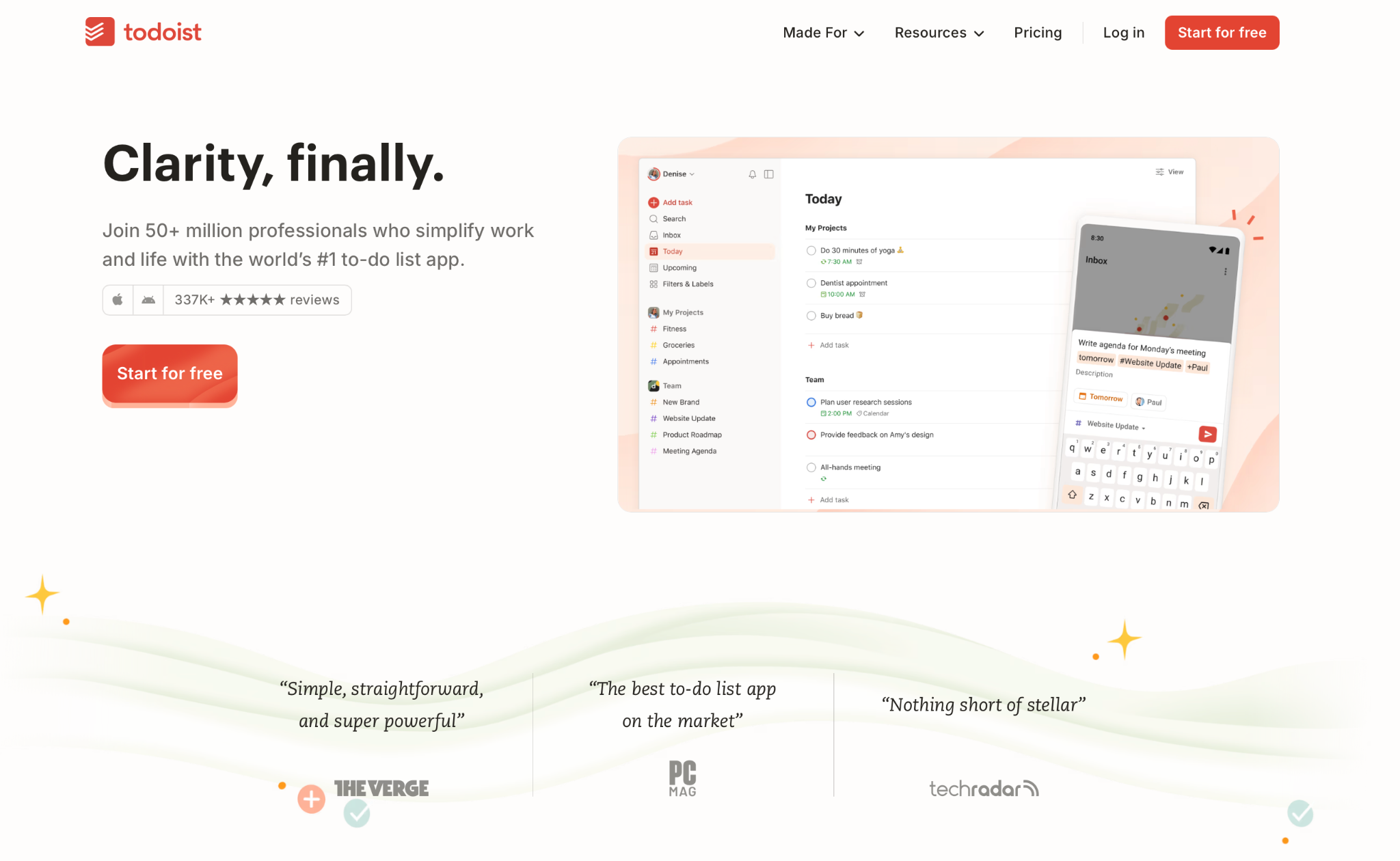
Todoist is a task manager used by millions to capture and organize personal and professional to-do lists. It takes tasks in simple language and sorts them across projects, labels, and priority levels with minimal friction.
Why I picked it
Todoist has been my go-to for solo task tracking for over two years, and the main reason is how fast the Quick Add is. I was wrapping up a client call with seven follow-up tasks mentally mapped out. I opened Todoist on my phone, typed each one out in simple words with rough due dates, and everything filed itself into the right projects before I'd closed my notes.
I've tried switching to fancier tools twice. Both times, I was back within a week. The combination of natural language input and custom filters keeps daily task management from feeling like a chore, which is harder to find than it sounds.
Key features
- Natural language Quick Add: Type tasks the way you'd say them out loud. Todoist parses dates, times, priorities, and project assignments from a single input without dropdowns or form fields.
- Priority levels: Label any task P1 through P4 to sort by urgency. Combine with filters to build a focused view of only your highest-priority work for the day.
- Custom filters: Create any task view using logic like "P1 tasks due this week in Work." Up to 150 filter views on paid plans, compared to three on the free tier.
- Multiple views: Switch between list, board, and calendar layouts within any project. The Upcoming view gives you a week-at-a-glance that you can drag and reschedule.
- Rich integrations: Connects with Gmail, Outlook, Slack, and Google Calendar. You can create tasks directly from emails, calendar events, or browser pages.
Limitation
The free plan's five-project cap is easy to hit within a week. Custom reminders are also gated behind Pro, which makes the free tier feel more like an extended trial than a usable long-term setup.
Pricing
The free Beginner plan covers unlimited tasks but limits you to five projects, three filter views, and no custom reminders. Pro runs $7/user/month and adds 300 projects, custom reminders, full reporting history, and unlimited Ramble, Todoist's voice task capture feature.
2. Notion: Best flexible workspace for small teams
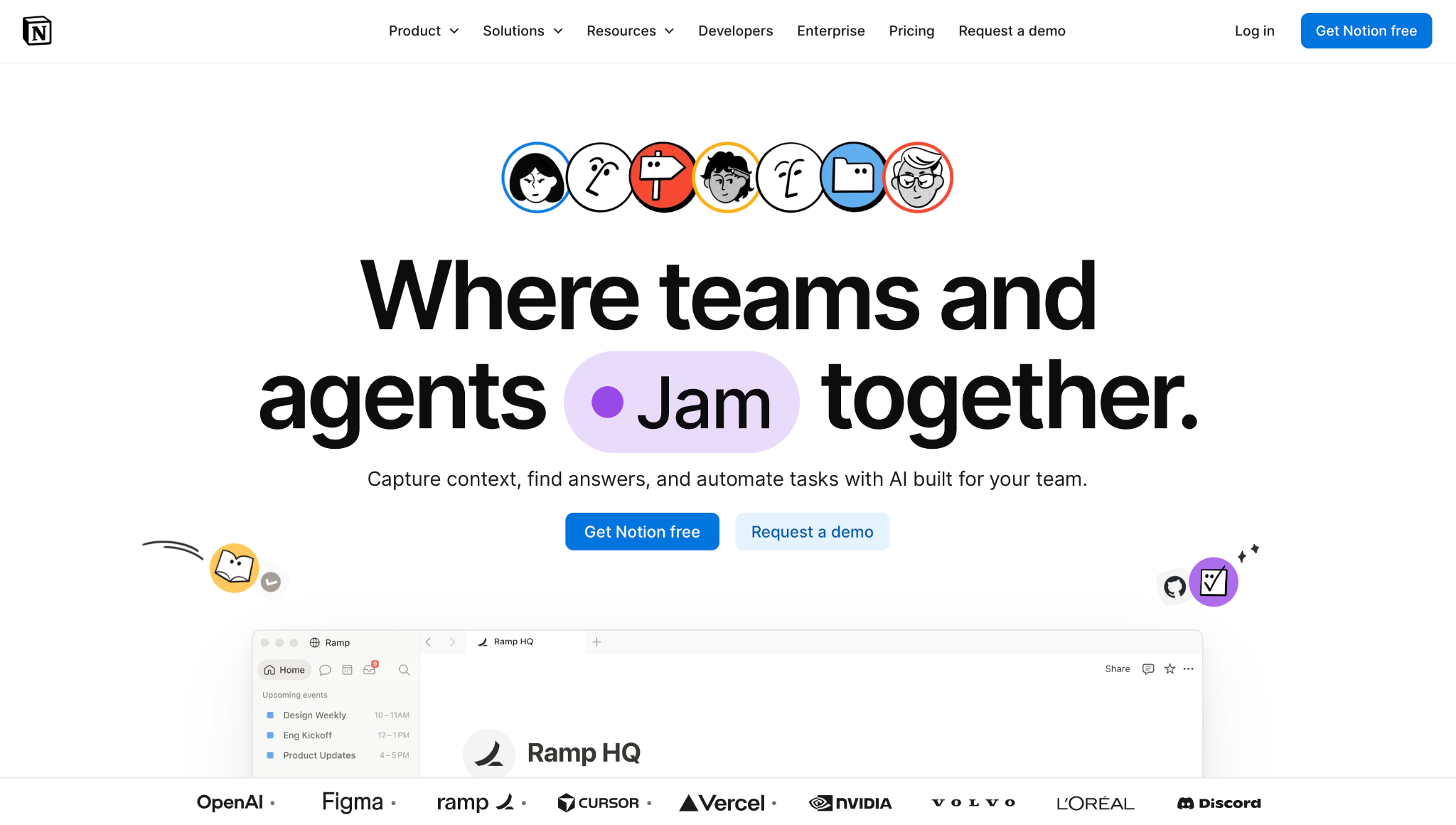
Notion is an all-in-one workspace where you build pages, databases, and wikis to organize notes, documents, and projects. Teams use it as a shared knowledge base; individuals use it as a personal system for tracking anything.
Why I picked it
I resisted Notion for a long time because I assumed it was one of those tools people spent more time organizing than using. Then a friend showed me how she'd structured her freelance work inside a single database: each row was a client, each row linked to pages for briefs, invoices, and meeting notes, all in one place.
I built a version of that for my own content work and within a week had moved my editorial calendar, brief archive, and pitch tracker off three separate spreadsheets. The database-to-page linking is what makes Notion different from any other note-taking tool. Once it clicks, the thought of going back to scattered docs feels painful.
Key features
- Blocks and databases: Every piece of content is a block. Databases let you store structured information and view the same data as a table, board, calendar, or gallery without duplicating anything.
- Linked views: Pull a filtered view of any database onto any page. One central project database can appear as a team board in one place and a personal task list in another.
- Notion AI: Available on Business plans. Handles drafting, summarizing, Q&A across your workspace, meeting note transcription, and multi-step task automation through Notion Agent.
- Templates: Hundreds of pre-built setups for meeting notes, product wikis, personal dashboards, and more. A useful starting point if building from scratch feels like too much.
- Notion Calendar: A standalone calendar app that syncs your Notion databases with Google Calendar. Lets you plan work alongside your schedule from one view.
Limitation
The learning curve is real, and setup time is high. Notion's flexibility means there's no single correct way to organize anything, which is freeing for some people and paralyzing for others. Teams that need something running on day one tend to struggle before they find their footing.
Pricing
Notion’s free plan covers the basics. Plus runs $12/user/month and adds unlimited file uploads, 30-day page history, unlimited guests, and unlimited charts.
3. Lindy: Best AI teammate in Slack for teams and personal admin
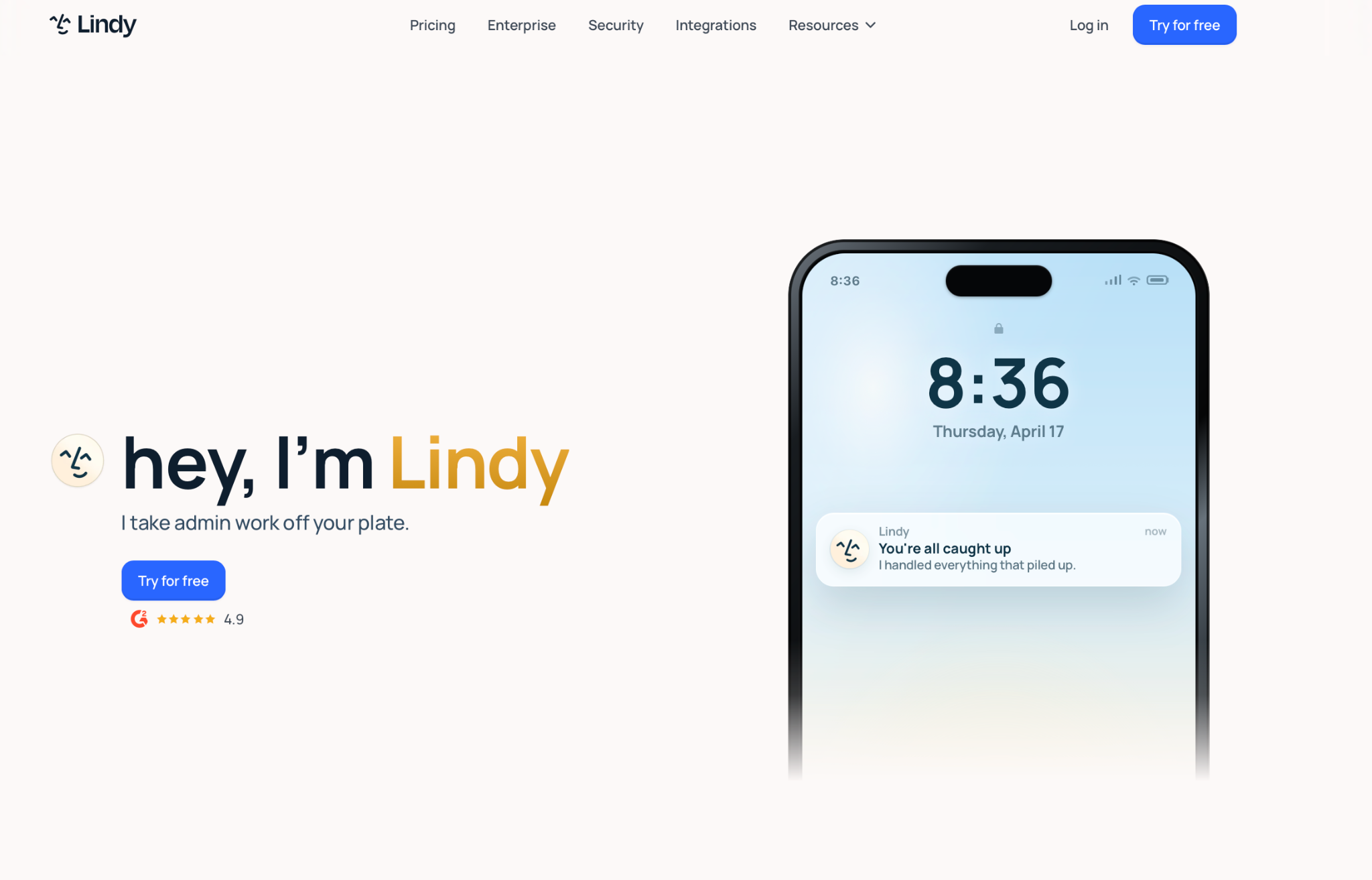
Lindy is an AI teammate that works in Slack for your whole team; @mention it in a channel, and it answers like a shared company brain anyone can pull from. DM it, and it becomes your personal assistant, handling your inbox, calendar, and the tools you use every day.
Why I picked it
What gets most people first is the morning briefing. You wake up to a text that covers your calendar for the day, overnight emails that need your attention, and what to get ahead of before you sit down at your desk. That's a level of proactive most productivity tools don't attempt.
Text Lindy to schedule a meeting, and it checks your availability, drafts a reply with three open times, and books it the moment the other person clicks. The inbox triage follows the same pattern: drafts ready for your review before you've opened your laptop, written in your voice, with context pulled from the sender. Nothing else in this roundup handles that kind of admin load at that speed.
Key features
- Inbox management: Text Lindy to handle your email. Lindy triages your inbox, flags urgent messages, researches senders for context, and pre-drafts replies in your voice for you to review and send.
- Smart scheduling: Text Lindy to book a call. Lindy detects scheduling requests in email threads and drafts available times, handles booking when CC'd on a thread, or sets up meetings on demand when you ask by text.
- iMessage and SMS: Lindy works over iMessage on iPhone and SMS on any device. No app to install. Text it like you'd message anyone, and it responds with drafts, updates, and completed tasks.
- Daily briefing: Every morning, Lindy texts you a summary of your day: your calendar, important emails, and what needs your attention first. Delivered at 7 am by default.
- Thousands of integrations: Lindy connects with Gmail, Outlook, Google Calendar, Slack, Notion, and thousands of other apps. Everything stays in sync without manual updates.
Limitation
There is a trust curve in the first few days. Lindy drafts real emails and handles real calendar events, so most people spend the first week reviewing outputs before letting it send. That's the right approach. It gets noticeably better as it learns your style and preferences.
Pricing
Lindy starts at $29.99/user/month on the Plus plan, which covers inbox management, meeting scheduling, note-taking, and iMessage access. Pro is $99.99/user/month and gives you 5x the usage of Plus. Max is $199.99/user/month for heavier workloads.
{{templates}}
4. Slack: Best for team communication and async coordination
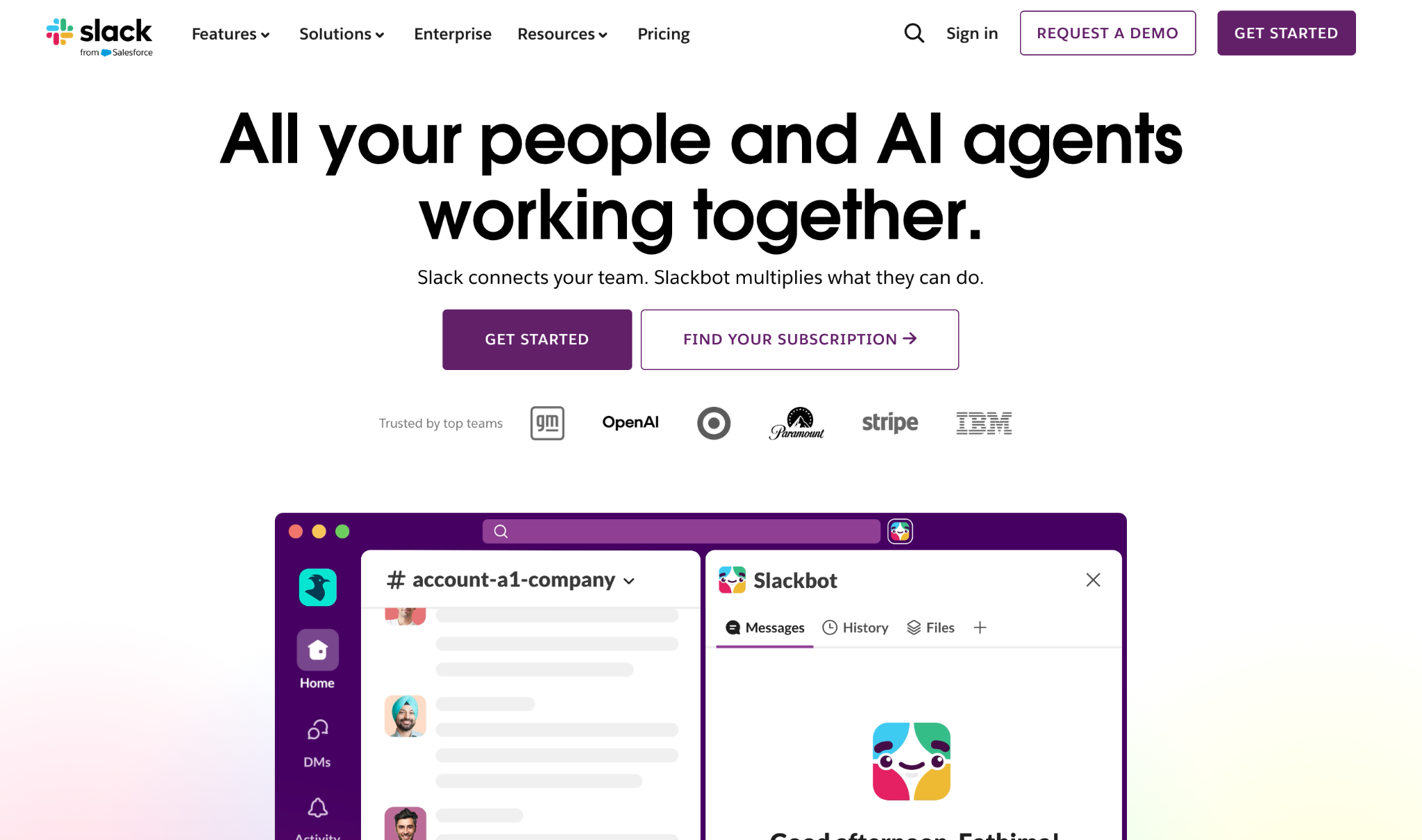
Slack is a team messaging platform that organizes conversations into channels by project, team, or topic. It replaces internal email chains and keeps everything searchable across the whole team from one place.
Why I picked it
I've had the same conversation with three different people who changed jobs in the last two years. The first thing they ask at any new company is whether it runs on Slack. When the answer is no, there's a visible moment of disappointment. That tells you something about how embedded it's become.
What keeps it there is channel structure combined with thread replies: the combination means a busy project doesn't flood everything else, and past context doesn't disappear into someone's inbox. I've pulled context from six-month-old threads in under 30 seconds when a client referenced an old decision. No email chain would have survived that intact.
Key features
- Channels: Organize all team conversations by project, team, or topic. Public channels keep everyone aligned; private channels handle sensitive work without cluttering the main workspace.
- Huddles: Audio and video calls you can start inside any channel or DM. Group huddles are on Pro and above. AI-generated notes with transcripts and action items are included on all paid plans.
- Slack AI: Pro includes channel and thread summaries. Business+ adds daily recaps, AI search, file summaries, message explanations, and Slackbot, a personal AI agent that understands your conversations and projects.
- Workflow Builder: No-code automation for recurring tasks. Available on Pro and above, with conditional branching unlocked on Business+. Handles onboarding checklists, approval requests, and status update reminders.
- Thousands of integrations: Connects with Google Drive, Asana, Salesforce, GitHub, Zoom, and thousands of other tools. Unlimited on paid plans; capped at 10 on the free tier.
Limitation
The free plan limits message history to 90 days. For teams where past context matters, that limit arrives faster than expected. Project decisions, client history, and design rationale all quietly become unsearchable. It's the single biggest reason teams upgrade.
Pricing
The free plan covers unlimited users but caps message history at 90 days and limits you to 10 app integrations. Pro starts at $8.75/user/month and removes the history cap with full archives and group huddles. Business+ is $18/user/month and adds full Slack AI, SAML SSO, data residency, and compliance exports.
5. Trello: Best for visual task boards with minimal setup
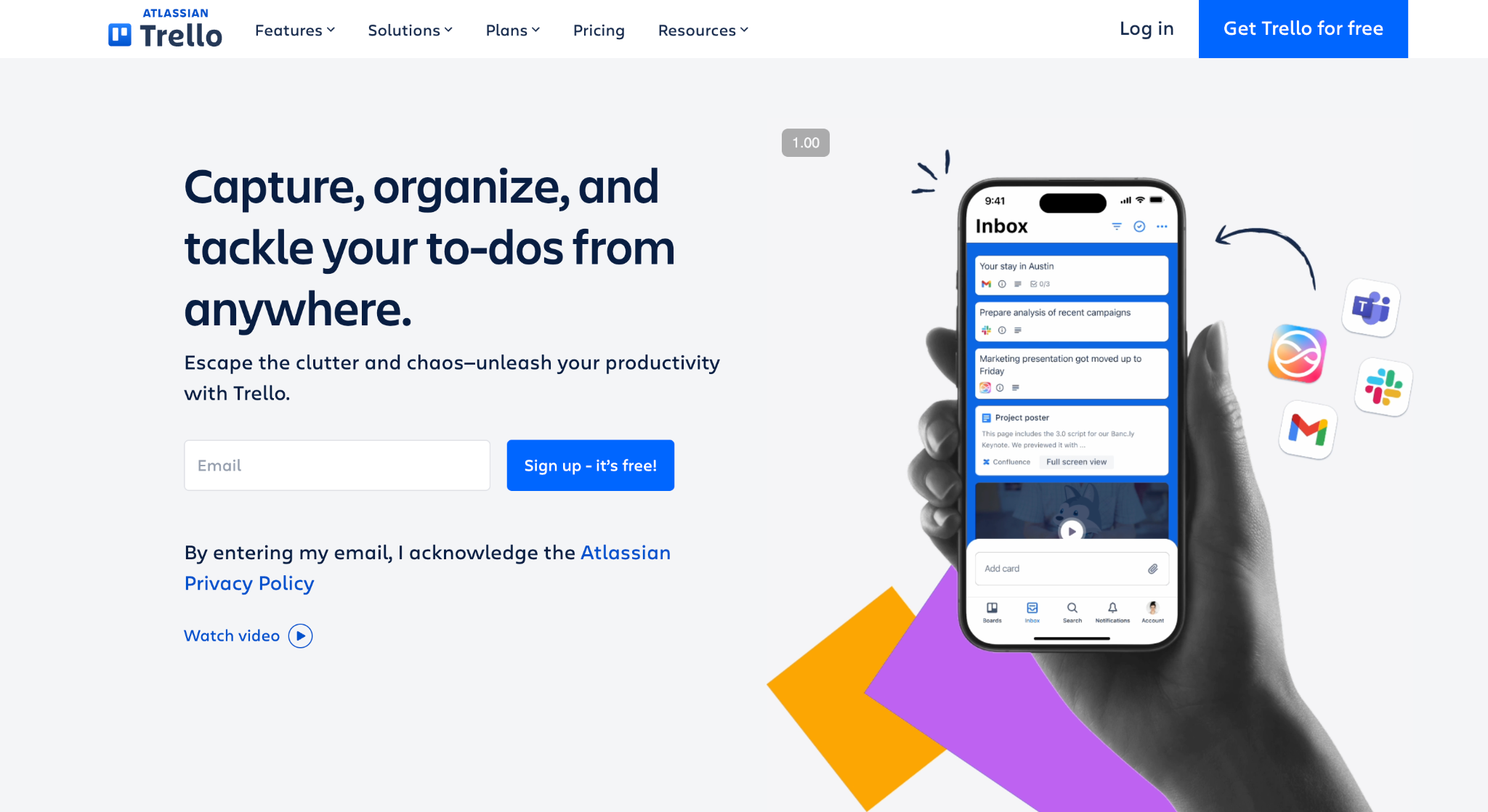
Trello is a Kanban-style project management tool that organizes work into boards, lists, and cards. It's built around visual task tracking: you see every piece of work, who owns it, and where it sits in the process at a glance.
Why I picked it
Trello is the first tool I reach for when I need to coordinate something with another person and don't have time to configure a full project setup. I once built a podcast production board for a client in about eight minutes. Three lists, a card template, and one automation. They were moving cards the same day with no explanation from me.
That zero-explanation setup is hard to beat for small teams or short projects. The moment it starts to strain is when you need to track deadlines across multiple boards, which pushes you toward Premium faster than the pricing page suggests.
Key features
- Boards, lists, and cards: The core structure. A board holds an entire project; lists represent stages; cards are individual tasks. Drag cards between lists as work moves forward.
- Card details: Each card holds checklists, due dates, attachments, labels, and comments. Advanced checklists with sub-items and start dates are available on Standard and above.
- Automation (Butler): Built-in rule-based automation. Set triggers like "when a card moves to Done, mark it complete and notify the assignee" without writing code. Unlimited automation runs on Premium.
- Power-Ups: Add-ons and integrations for individual boards. Connects with Slack, Google Drive, Jira, GitHub, and more. Unlimited Power-Ups on all plans, including free.
Limitation
Timeline, Calendar, Dashboard, Table, and Map views are all locked behind Premium. If your team needs anything beyond a basic board to track deadlines or visualize progress across projects, that means committing to Premium from day one.
Pricing
The free plan covers unlimited cards, up to 10 boards, and 10 collaborators. Standard costs $6/user/month and adds unlimited boards, custom fields, advanced checklists, and 1,000 automation runs. Premium is $12.50/user/month and unlocks all views, unlimited automation, Atlassian AI, and admin controls.
6. Asana: Best for project tracking across growing teams
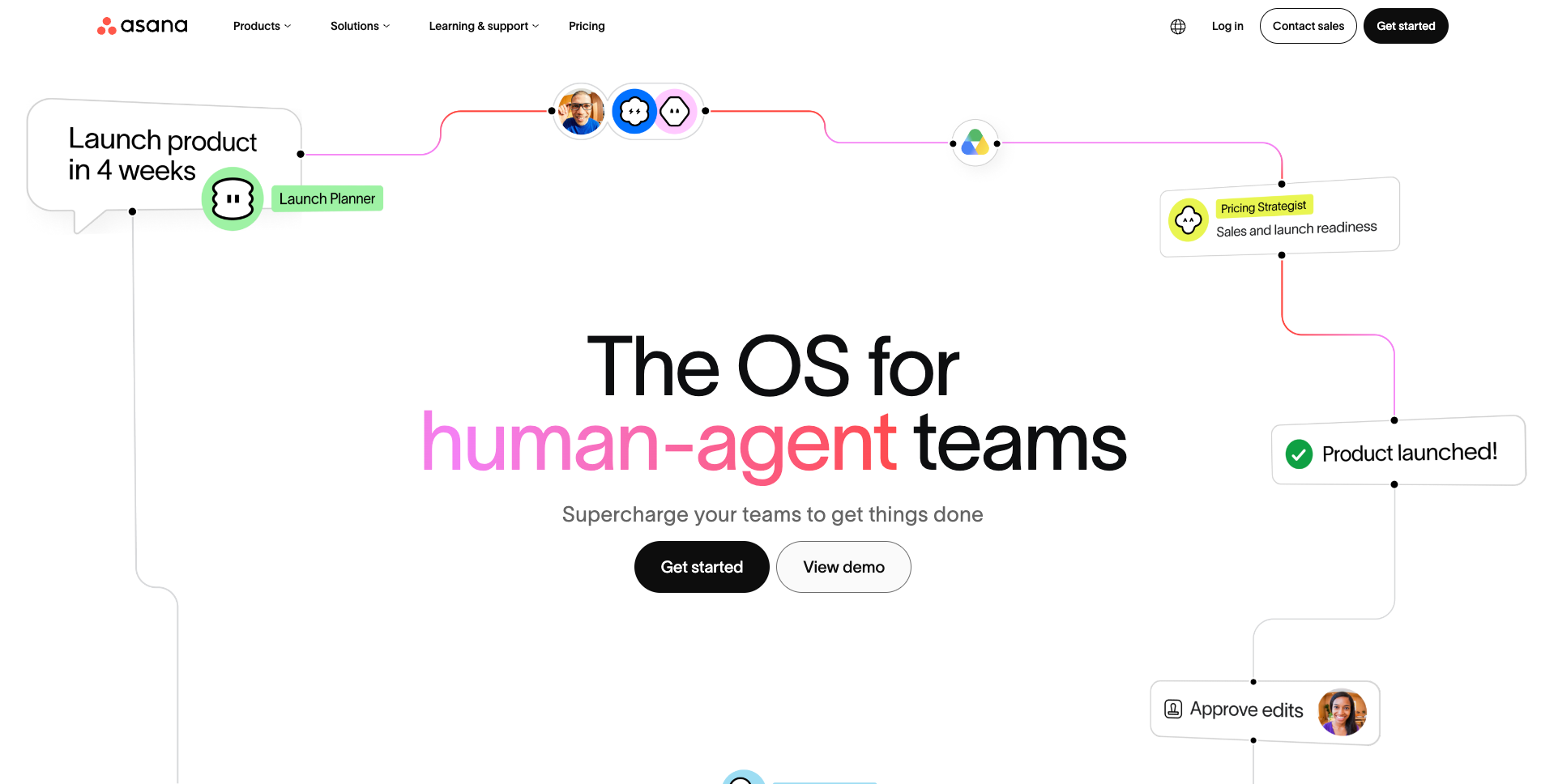
Asana is a project management platform that tracks tasks, timelines, dependencies, and goals across teams. It's built for groups that need shared visibility into who's doing what, when it's due, and how it connects to bigger objectives.
Why I picked it
I ran a content production workflow through Asana with a writer, an editor, and a client review stage. The moment it clicked was when I set up a dependency so the editor review task unlocked automatically the moment the writer marked their draft complete. Nobody had to ask if it was ready. The project moved itself forward.
Two weeks in, I pulled up the reporting dashboard and could see exactly which stage tasks were stacking up at. That kind of visibility is difficult to get from a Kanban board alone, and it's what puts Asana ahead for teams managing real project sequences.
Key features
- Tasks and subtasks: Break any deliverable into smaller pieces and assign each with a due date. Subtasks keep detail inside the parent task so the main project view stays clean.
- Timeline and Gantt views: See all tasks on a date-based chart with dependencies shown visually. Available on Starter and above. Useful for any project where sequencing and transitions matter.
- Workflow Builder: Build rule-based automations in plain language. Trigger an action when a task is completed, a due date approaches, or a form is submitted. Unlimited automation rules on all paid plans.
- Portfolios: Track multiple projects in one dashboard. See status, workload, and progress across your whole team at a glance. Available on Advanced plans and above.
- Goals: Link tasks and projects to company-level objectives. Progress updates automatically as connected work moves forward. Available on Advanced plans and above.
Limitation
The free Personal plan supports only 2 users, making it impractical for any real team evaluation. Most teams go straight to Starter at $13.49/user/month, which is a higher entry point than both Trello and Todoist for comparable team functionality.
Pricing
The free Personal plan covers unlimited tasks for up to 2 users. Starter is $13.49/user/month and adds timeline views, unlimited automations, forms, custom fields, and AI Studio Basic. Advanced is $30.49/user/month and includes portfolios, goals, workload management, approvals, and more AI Studio credits. Enterprise pricing is custom.
7. Google Workspace: Best cloud-native suite for small and growing teams
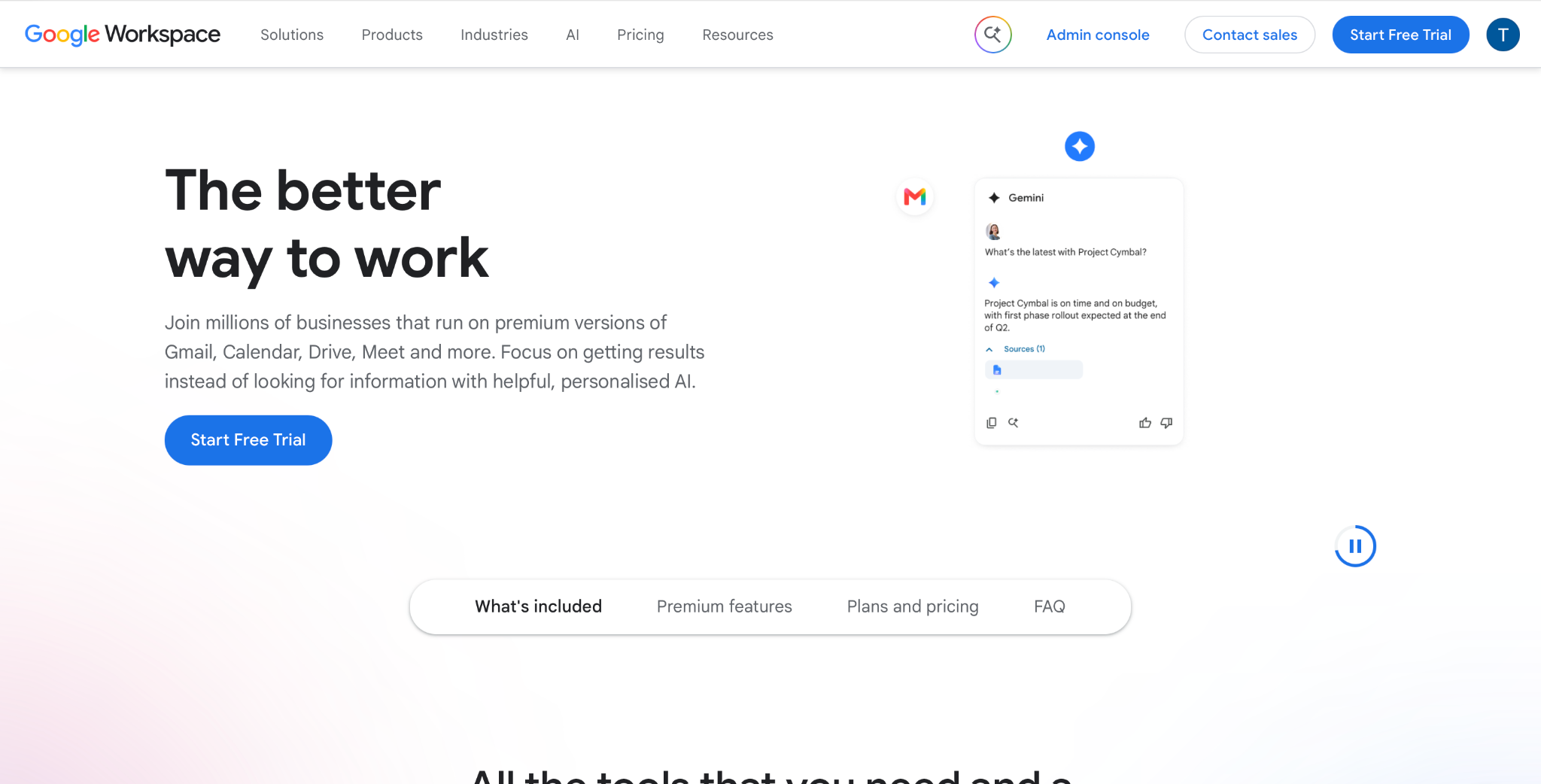
Google Workspace is a productivity suite that bundles Gmail, Drive, Docs, Sheets, Slides, Meet, and Calendar under one subscription. It's the default starting point for teams that want browser-first tools accessible from any device without software to install.
Why I picked it
In my first week at a new consulting client, they shared a Google Doc link for a proposal we were building together. I opened it in my browser, started typing, and could see their cursor moving through the document in real time. No "check your email for the latest version" or file conflicts. That was three years ago, and nothing about my opinion has changed since.
Real-time co-editing in Google Docs is still the benchmark everything else gets measured against. The tight app integration helps too: booking a Meet call from Gmail takes four clicks, and the recording lands in Drive without any setup.
Key features
- Gemini in Workspace: Full Gemini AI across Gmail, Docs, Sheets, Slides, Drive, and Meet starts on Standard. Starter gets limited access only. Handles drafting, summarizing, and data analysis inside the apps you're already using.
- Gmail (business email): Custom domain email on all plans. Tightly integrated with Calendar, Drive, and Meet from the same inbox view.
- Google Meet: Video conferencing included at every tier. Starter supports 100-participant calls; Standard adds 150-participant calls and meeting recordings saved directly to Drive.
- Google Drive: Cloud storage with real-time sync, version history, and sharing controls. Storage runs from 30 GB/user on Starter to 2 TB/user on Standard to 5 TB/user on Plus.
- Docs, Sheets, and Slides: Browser-based office apps with real-time co-editing, inline comments, and revision history on every plan. Compatible with Microsoft Office file formats.
Limitation
Starter's Gemini access is limited across most apps. Full AI in Docs, Sheets, Slides, Drive, and Meet only unlocks on Standard at $16.80/user/month. Teams that want AI features throughout the suite, not just in Gmail, need to budget for Standard from day one.
Pricing
Business Starter costs $8.40/user/month and covers business email, 30 GB pooled storage per user, and 100-participant Meet calls with limited Gemini access. Business Standard is $16.80/user/month and adds full Gemini across all Workspace apps, 2 TB storage, meeting recordings, and eSignature. All plans include a 14-day free trial.
8. Microsoft 365: Best for organizations already in the Microsoft ecosystem
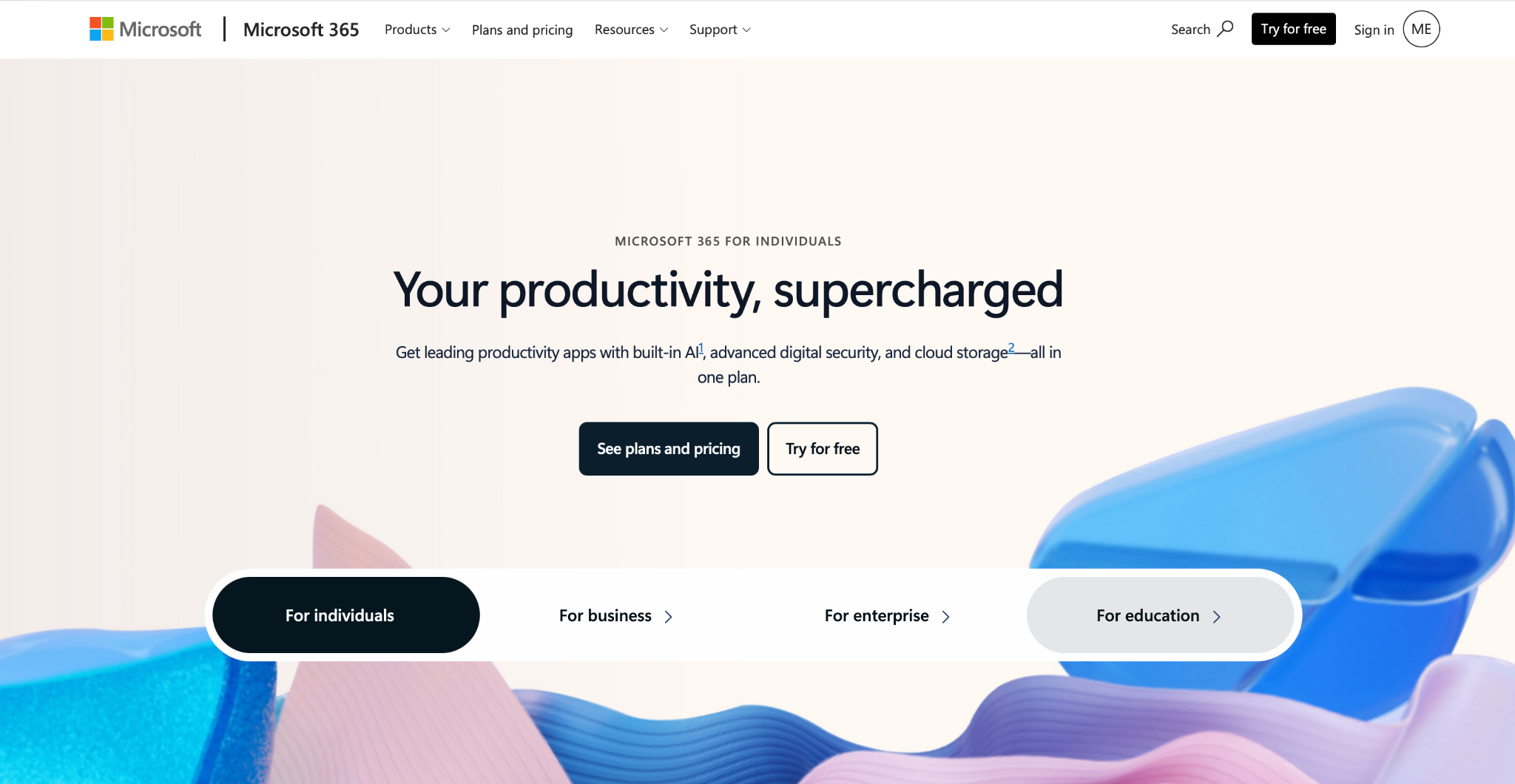
Microsoft 365 is a subscription suite that covers Outlook, Word, Excel, PowerPoint, Teams, SharePoint, and OneDrive. It's the standard choice for organizations that need full desktop Office apps, enterprise email, and security controls in one package.
Why I picked it
I've seen several teams try to migrate off Microsoft and onto Google Workspace. It almost never completes. Someone always needs Excel for a financial model that breaks in Sheets, or a PowerPoint template built to precise spec, or an Outlook inbox that's been configured for years and nobody wants to rebuild.
The desktop app depth is what keeps Microsoft 365 on this list. Word, Excel, and PowerPoint in their full desktop versions still have capabilities the web alternatives haven't matched. For teams that live in those apps daily, that's a switching cost that's hard to argue away regardless of what the comparison articles say.
Key features
- Microsoft Teams: Team messaging, video calls, meeting recordings, and document co-editing in one interface. Channels and threads keep conversations organized across large teams without email chains.
- Outlook: Business email with integrated calendar, tasks, and scheduling. Better suited than Gmail for organizations with complex routing rules, shared mailboxes, and compliance requirements.
- Word, Excel, and PowerPoint: Full desktop versions included on Business Standard plans and above. Excel in particular remains the most capable spreadsheet tool for financial modeling and data work.
- OneDrive and SharePoint: OneDrive handles personal cloud storage with desktop sync; SharePoint handles team document libraries and internal sites. Both are included across all business plans.
- Microsoft 365 Copilot: An optional add-on, available as a separate Copilot-included version of Business Standard and Premium. Handles drafting in Word, data analysis in Excel, meeting summaries in Teams, and email drafting in Outlook across the full suite.
Limitation
Business Basic gives you web and mobile Office only; you need Business Standard or higher for the full desktop apps. Copilot for Business is an optional add-on, not required for every plan.
Pricing
Business Basic is $8.40/user/month and covers web and mobile Office only. Business Standard is $16.80/user/month and includes full desktop versions of Word, Excel, and PowerPoint. Copilot is a separate add-on. For individuals, Microsoft 365 Personal is $9.99/month, and Microsoft 365 Family is $12.99/month for up to 6 people.
{{cta}}
What kind of productivity tool do you actually need?
Workplace productivity tools are apps that help you get work done, stay organized, and work well with others. Not every tool solves the same problem. The right one depends on who is making the choice. You, your team, or your whole company.
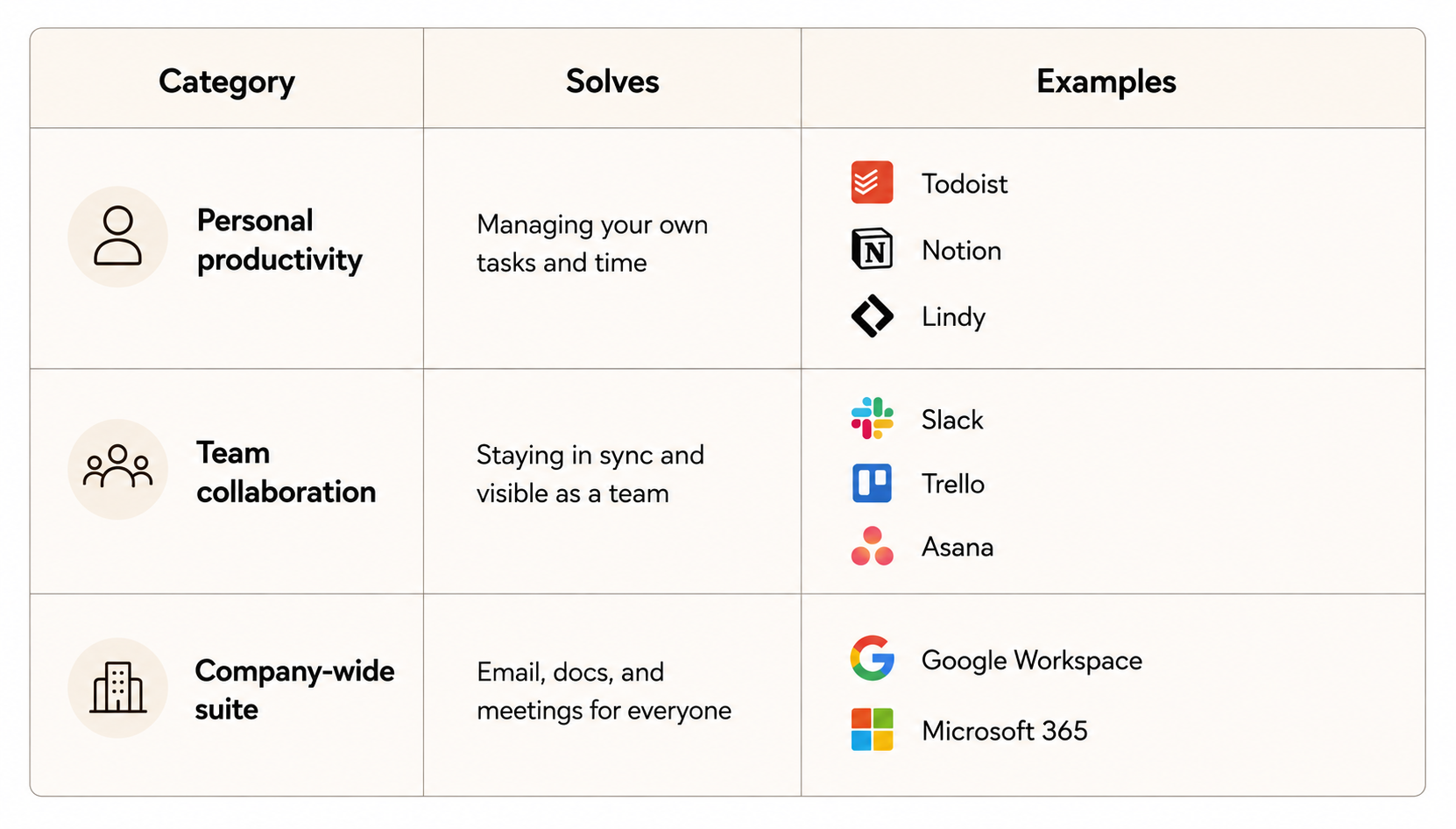
The right pick comes down to the level of the problem: your own tasks, your team's coordination, or your whole company's setup. That's why this guide splits these tools into three groups.
Here's how the three categories differ:
- Personal productivity tools: These help one person manage tasks, notes, and time. Todoist handles tasks. Notion handles personal notes. Lindy handles admin work like scheduling and email. You pick these tools yourself. They work whether or not your teammates use them too.
- Team collaboration tools: These help a team stay in sync. Slack handles team chat. Trello handles visual task boards. Asana handles project tracking. A team adopts these together, and they only work well when everyone joins in.
- Company-wide suites: These cover the basics every employee uses: email, docs, calendars, and meetings. Google Workspace and Microsoft 365 are the two most common picks. A company usually settles on one suite, and it becomes the base layer everything else sits on top of.
FAQs
What are the best productivity tools for hybrid teams?
The best productivity tools for hybrid teams combine a team chat app with a shared project tracker. Slack handles async communication across time zones; Asana or Trello keeps project visibility consistent for everyone regardless of location. Most hybrid teams also layer a company-wide suite, usually Google Workspace or Microsoft 365, as the shared foundation underneath everything else.
Do I need a different productivity tool for personal use vs. work?
No. Most productivity tools work across both contexts without a separate setup. Todoist and Notion function well for individual use even inside a team environment. The real distinction is coordination. Personal tools manage your own tasks, while team tools handle shared deadlines and visibility. You only need both when your work involves other people.
What's the difference between Google Workspace and standalone productivity tools like Notion or Slack?
The difference between Google Workspace and standalone productivity tools like Notion or Slack comes down to foundation versus specialty. Google Workspace covers email, docs, calendar, and video calls that most teams already have in place. Notion and Slack sit on top of that foundation, adding task tracking or team communication instead of replacing what Google Workspace already handles.
How many productivity tools should a team actually use?
A team should use about one productivity tool per core function, covering tasks, communication, and docs, instead of stacking several overlapping tools. Many teams already use multiple separate tools just to manage a single project, so trimming down to one clear tool per function usually cuts wasted time and keeps work visible in one place.
Are AI productivity tools worth adding to the stack?
Yes. AI productivity tools are worth adding once your basic task and communication tools already work well. Features like AI meeting notes, writing assistance, and task summarization can cut admin time in a real way. They work best as an addition to a solid foundation, not as a replacement for basic tasks and communication clarity.










