Schedule Meetings Without Back-and-Forth with Google CalendarGoogle Calendar

Schedule *Meetings Without Back-and-Forth* with Google Calendar

Lindy checks your Google Calendar and books meetings without the endless email chain.

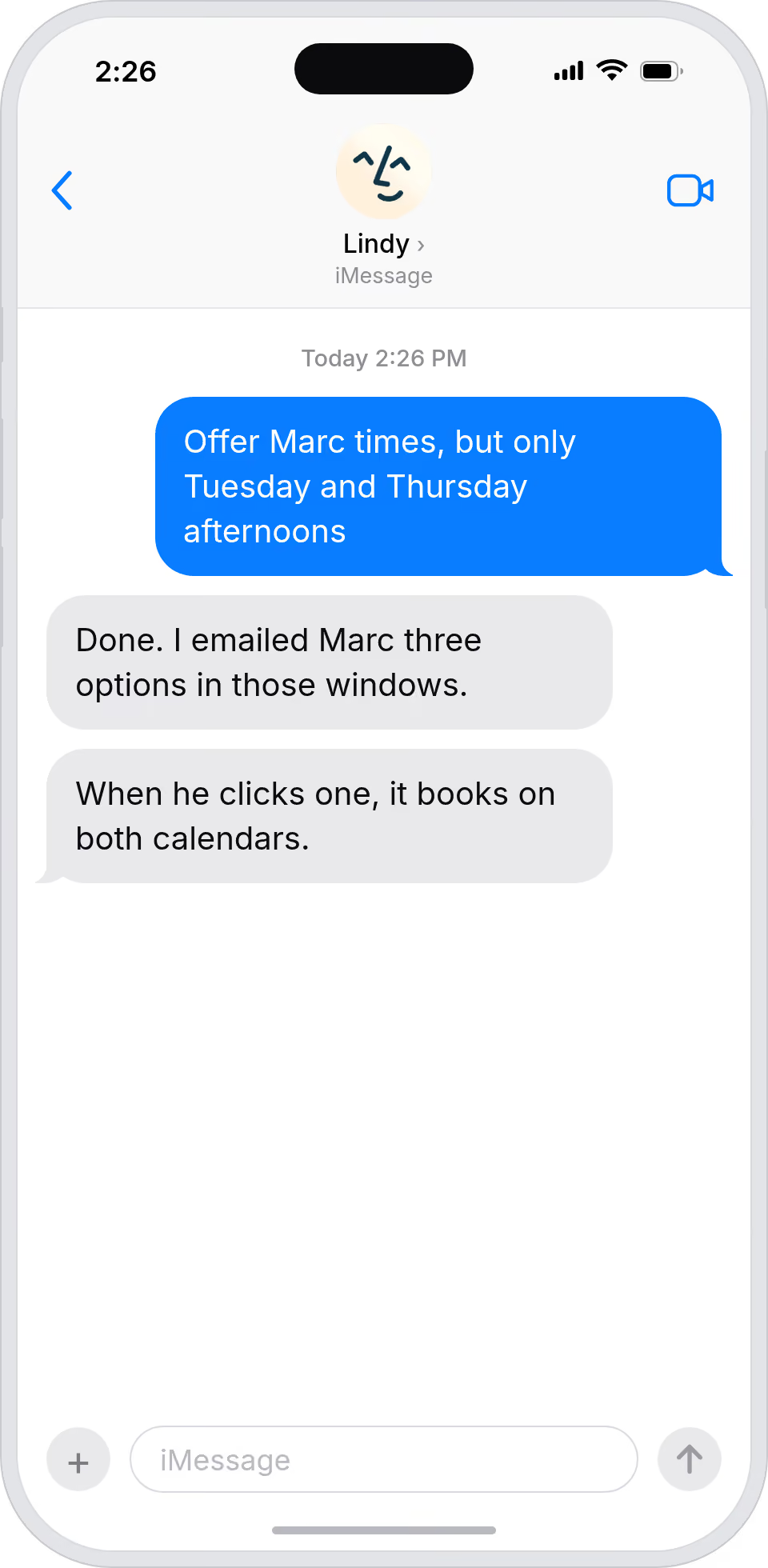
Let prospects book directly from your calendar

Skip the seven-email back-and-forth

Send a link with pre-approved external times only

Control which slots strangers can grab

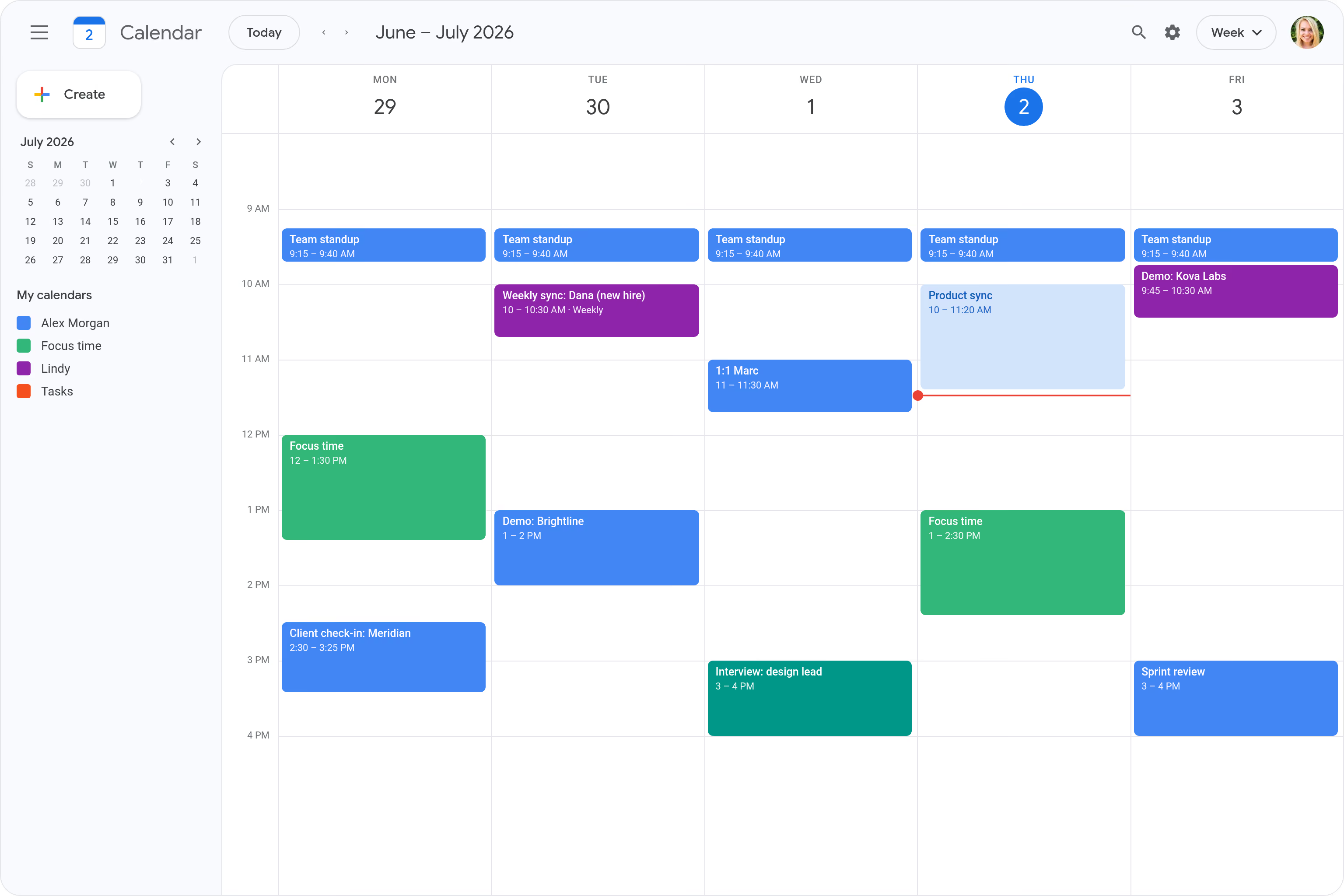
Auto-schedule a weekly sync with new hires

Set the cadence without chasing their calendar
Trusted by 400,000+ professionals
Deedy
@deedydas
Greg Isenberg
@gregisenberg
Lenny Rachitsky
@lennysan
Chase Diamond
@ecomchasediamond
Andrew Wilkinson
@awilkinson
Hasan Toor
@hasantoxr
Deedy
@deedydas
Greg Isenberg
@gregisenberg
Lenny Rachitsky
@lennysan
Chase Diamond
@ecomchasediamond
Andrew Wilkinson
@awilkinson
Hasan Toor
@hasantoxr
Try it for free
7-day free trial • Cancel anytime
Do more with Lindy

Supercharge your Google Calendar with AI.

Scheduling a meeting means sending an email, waiting for a reply, realizing that time doesn't work, going back and forth three more times, and somehow still ending up with a conflict.

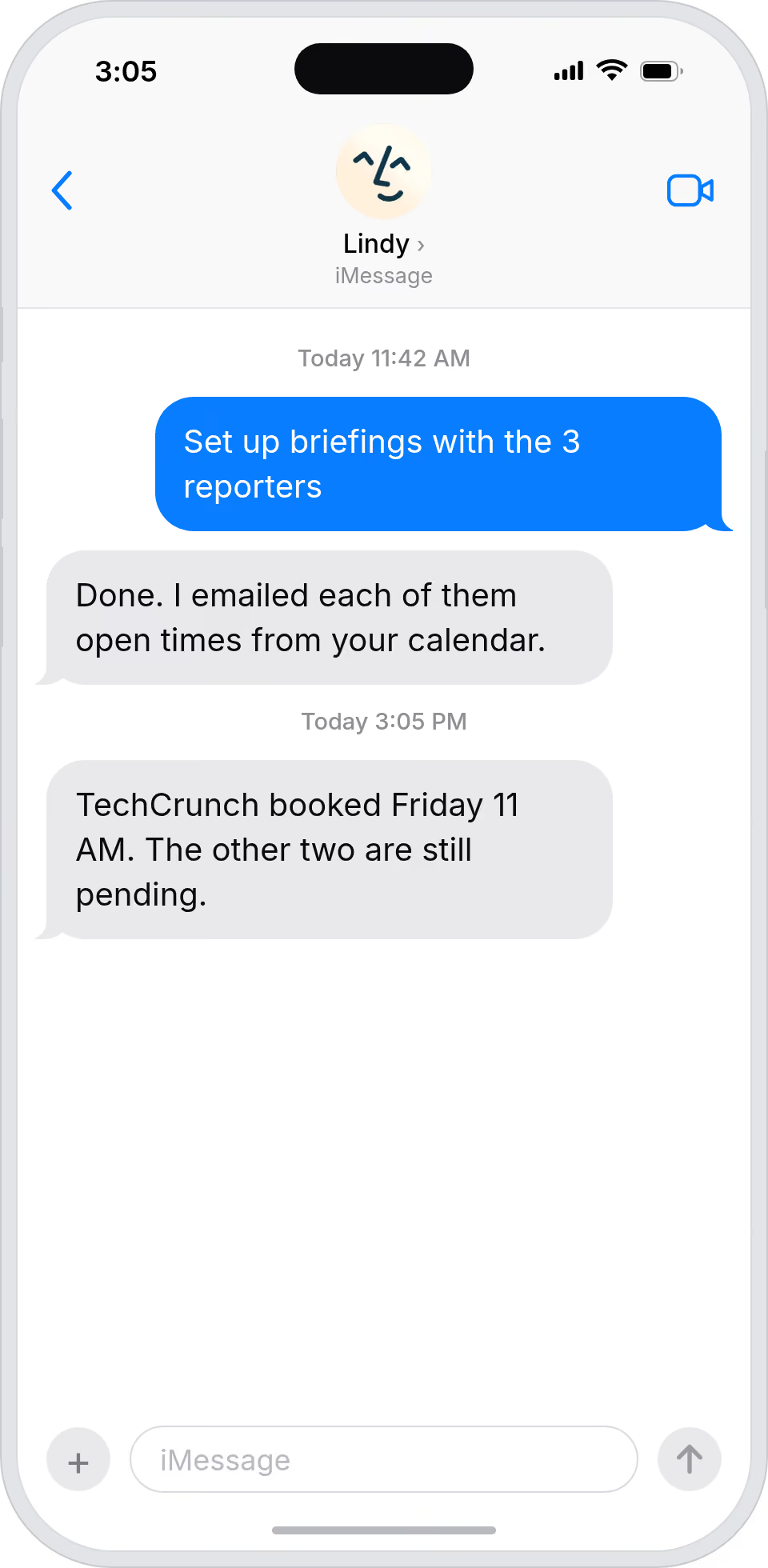
Lindy connects to your Google Calendar, checks everyone's availability in real time, and books the meeting automatically without a single scheduling email.

Try for free
Log New Form Responses Automatically in Google Sheets

Lindy watches your form and logs each new response as a row in Google Sheets.

Block Focus Time Automatically in Google Calendar

Lindy blocks off focus time on your Google Calendar so your schedule stays protected.

Join Any Microsoft Teams Call as a Notetaker

Lindy joins your Microsoft Teams calls and takes notes so you don't have to.

Route Incoming WhatsApp Messages to the Right Team Member

Lindy reads each WhatsApp message and sends it to the right person on your team.

Built for you

See what Lindy can do for you

Sales automation

Book buyers without losing a day to scheduling

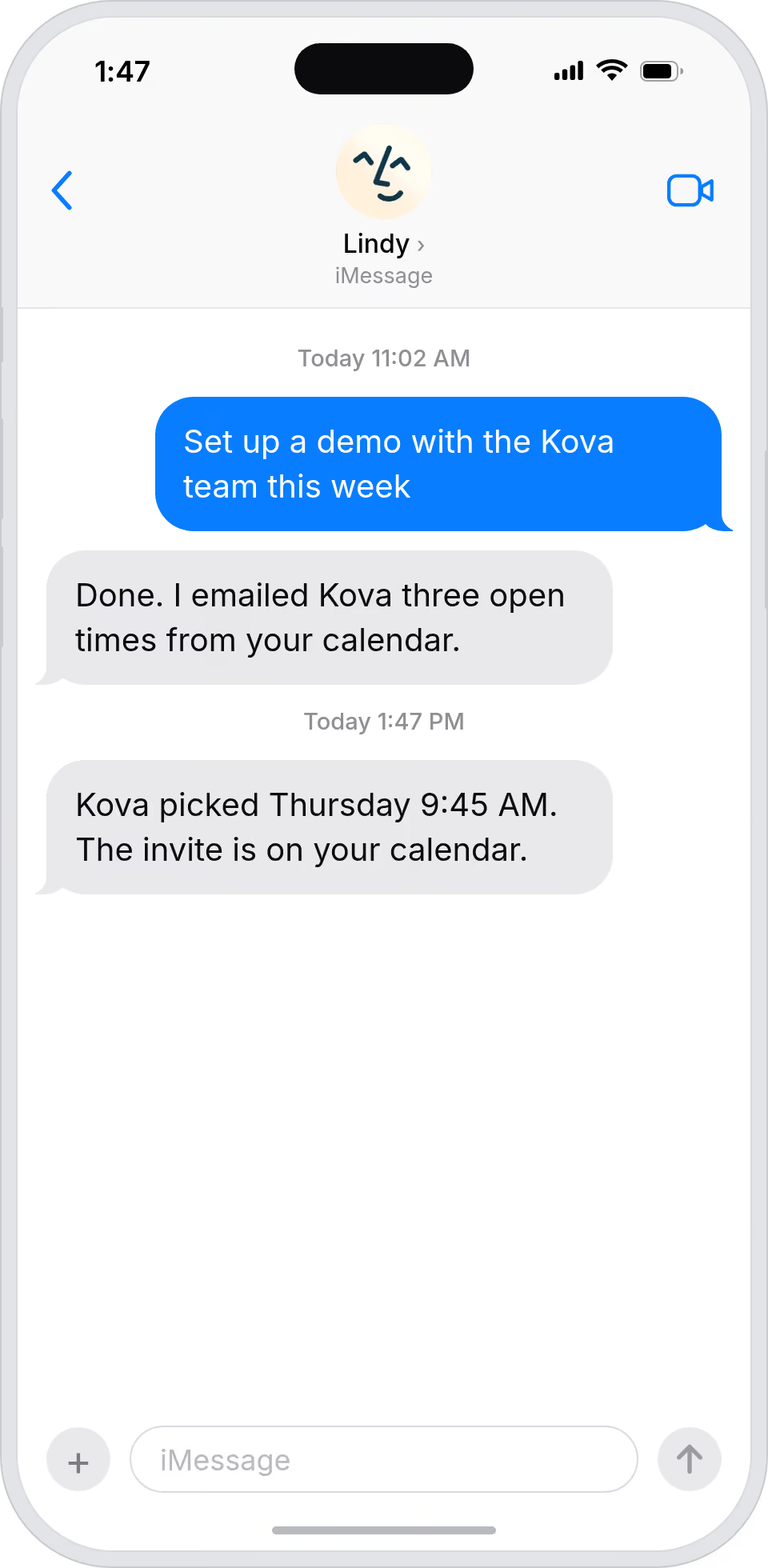
Lindy lets prospects pick a time from your live availability, so demos and discovery calls book themselves while you focus on selling.
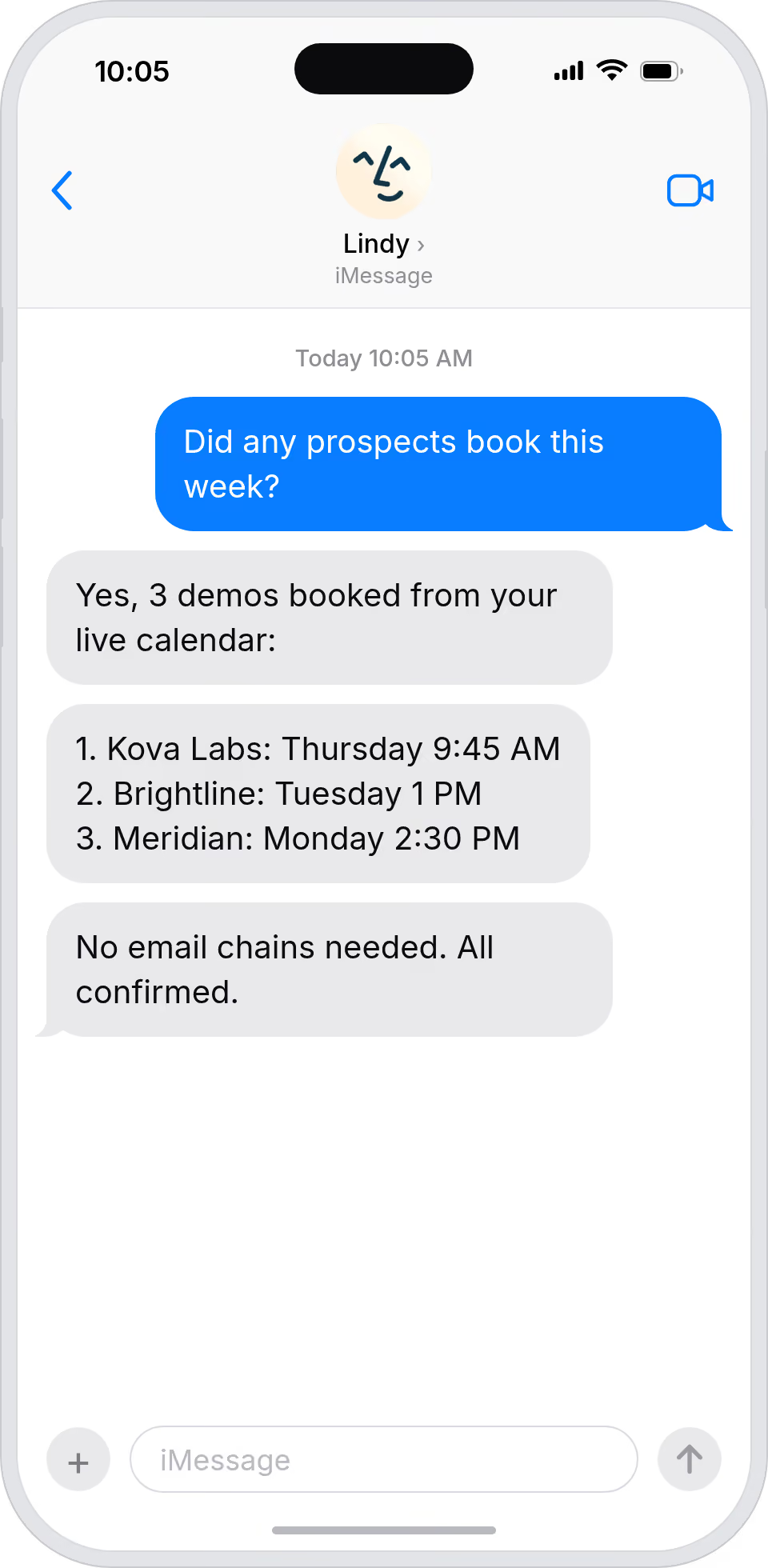
Book buyers without losing a day to scheduling
Marketing automation

Partner and press meetings book themselves

Lindy sends a smart booking link from your calendar, so partner, agency, and press meetings land without endless email chains.

Partner and press meetings book themselves
Admin automation

Your boss's calendar fills itself in

Lindy schedules meetings from your boss's live availability, so external requests land on the calendar without your intervention.
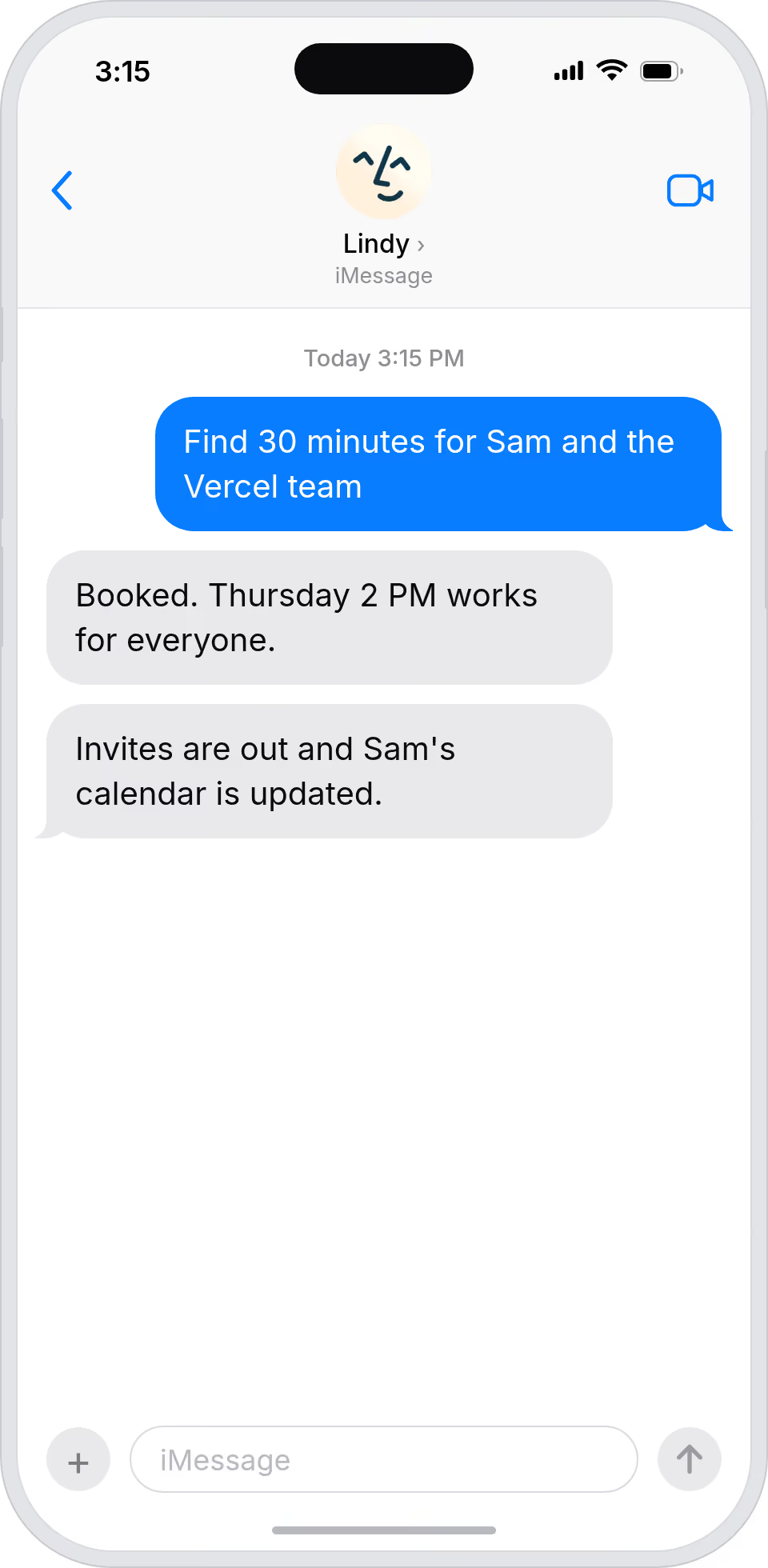
Your boss's calendar fills itself in
Workflow automation

Scheduling stops eating your team's hours

Lindy handles availability and booking across the team, so meetings happen without anyone playing calendar Tetris in Slack.
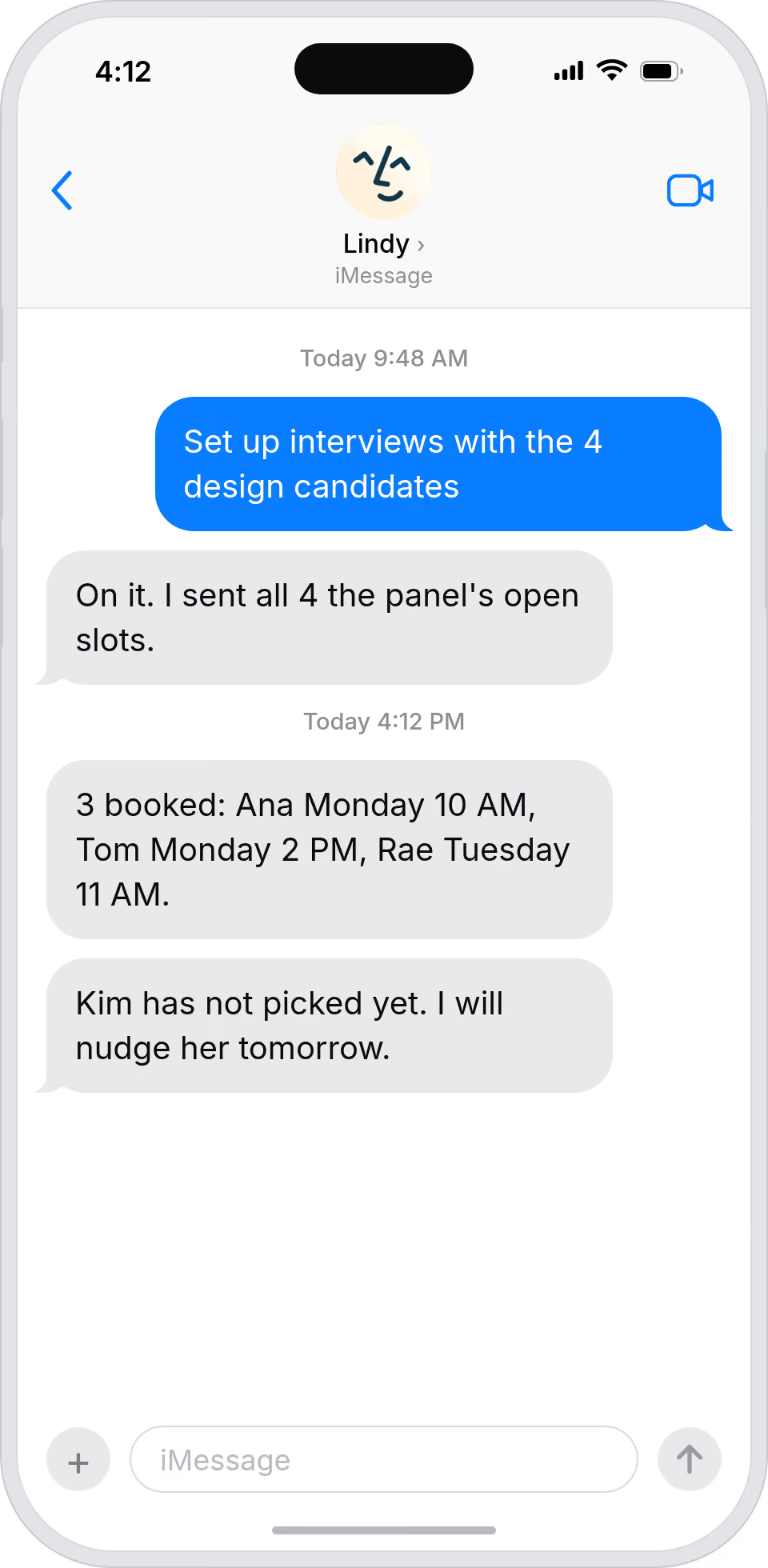
Scheduling stops eating your team's hours
Business automation

Take the meeting without the email chain

Lindy books your meetings directly from your live calendar, so you can say yes to a request and skip the back-and-forth entirely.
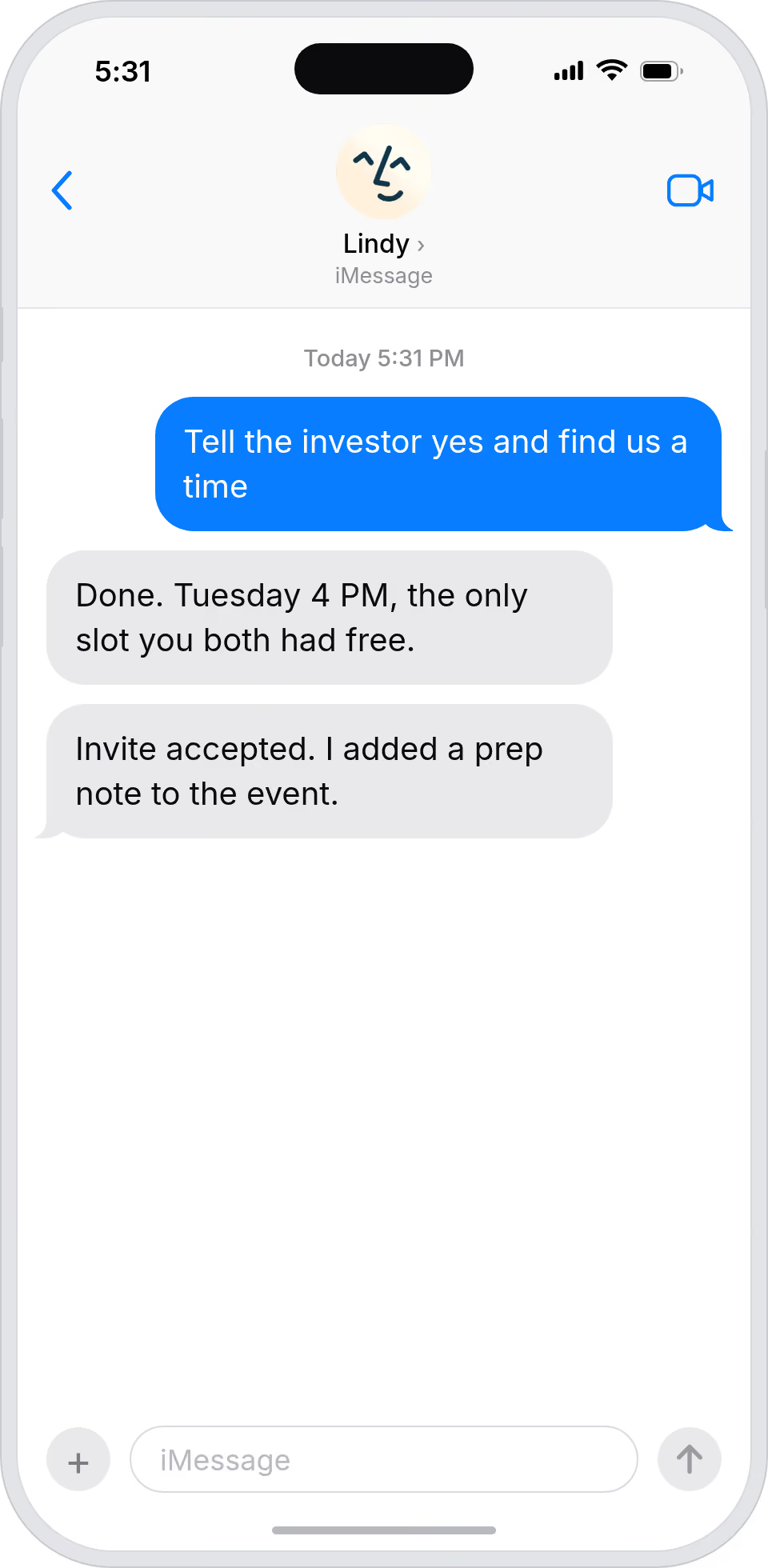
Take the meeting without the email chain
Do more with Lindy

Summarise more than just Slack

Summarising Slack is just the start. Here's what else Lindy can do.

Summarise my emails every morning

Lindy reads your inbox overnight and sends you a clean digest of what matters before you start your day.

Try this skill
Summarise my meeting notes automatically

After every call Lindy writes structured notes and sends you a summary so nothing gets lost.

Try this skill
Summarise my support tickets daily

Lindy reads your Zendesk or Intercom queue and delivers a daily overview of open issues and priorities.

Try this skill
Trusted by 400K+ prfoessionals

Not sure if Lindy can do it? Just ask.

Text your question and Lindy replies with exactly what it can do for you. No account, no sign-up. Just send a message.

Try for free
Thank you! Your submission has been received!
Oops! Something went wrong while submitting the form.
Built for Google Calendar

AI Agents for Google Calendar

When you try to set up a meeting manually through Google Calendar, you end up sharing times that work for you but have no idea if they actually work for the other person, so the whole thing turns into a slow, annoying guessing game.

Once Lindy is connected to your Google Calendar, it can read your availability, send a booking link to the other person with open slots that work for both sides, and create the calendar event automatically once a time is confirmed.

What is a Lindy skill?

A skill shows you a real-world task Lindy can handle for you. It's there to inspire you and show what's possible, not a pre-built workflow you have to follow.

Can I use a skill straight away?

Yes. Sign up, connect the apps the skill needs, and you're ready to go. Most skills are up and running in minutes.

What is Lindy

Lindy is your AI assistant. You tell it what you need in plain language and it takes care of the work, across your apps, on your schedule.

What apps do I need?

Each skill page lists exactly which apps are involved and whether they are required or optional. If you already use those apps, you're good to go.

Do I need to build anything?

No. Just tell Lindy what you want it to do and it figures out the rest. Skills are there to show you what's possible and get you started.

Can Lindy do something that is not listed as a skill?

Almost certainly. Skills show what's possible, not what's limited. If you don't see what you need, just ask Lindy directly and it will figure it out.

Triggers & Actions

Explore all Google Calendar Triggers and Actions

Build exactly the workflow you need. Here's every trigger and action Google Calendar supports.

Triggers
0
 triggers
Calendar Event Changed
Triggers a new task when a calendar event changes
Calendar Event Changed
Triggers a new task when a calendar event changes
Calendar Event Changed
Triggers a new task when a calendar event changes
Calendar Event Ended
Triggers a new task when a calendar event ends
Calendar Event Ended
Triggers a new task when a calendar event ends
Calendar Event Started
Triggers a new task when a calendar event starts
Calendar Event Started
Triggers a new task when a calendar event starts
New Calendar Created
Triggers when a new calendar is created in Google Calendar.
New Cancelled Event
Triggers when a Google Calendar event is cancelled.
New Created Or Updated Event
Get notified when Google Calendar events are created or updated.
New Ended Event
Triggers when a Google Calendar event ends.
New Event Matching A Search
Triggers when a new Google Calendar event matches your specified search criteria.
Actions
0
 actions
Add Attendees To Event
Add attendees to a Google Calendar event and optionally send them notifications.
Add Attendees To Event
Add attendees to a Google Calendar event and optionally send them notifications.
Add Attendees To Event
Add attendees to a Google Calendar event and optionally send them notifications.
Add Quick Event
Quickly create a Google Calendar event using natural language description.
Check Availability
Checks if the user and optional attendees are available during specific time windows. Returns which time windows are available.
Create Event
Creates a new Google Calendar event.
Create Event
Creates a new Google Calendar event.
Create Event Based On Past Event
Creates a new Google Calendar event based on a past event.
Create Event Based On Past Event
Creates a new Google Calendar event based on a past event.
Delete An Event
Delete an event from your Google Calendar.
Delete Event
Deletes an event from a calendar.
Delete Event
Deletes an event from a calendar.
Delete Event
Deletes an event from a calendar.
Find Available Times
Finds the best time to schedule an event of a given duration. Takes into account the free/busy blocks on the user's primary calendar, as well as the free/busy blocks of other attendees. The top times are returned in chronological order.
Find Available Times
Finds the best time to schedule an event of a given duration. Takes into account the free/busy blocks on the user's primary calendar, as well as the free/busy blocks of other attendees. The top times are returned in chronological order.
Find Available Times
Finds the best time to schedule an event of a given duration. Takes into account the free/busy blocks on the user's primary calendar, as well as the free/busy blocks of other attendees. The top times are returned in chronological order.
Get Event Details
Gets the details of an event on a calendar by ID.
Get Event Details
Gets the details of an event on a calendar by ID.
List Calendars
Get a list of all calendars in your Google Calendar account.
List Events
Get a list of calendar events with optional filtering and search parameters.
Retrieve Calendar Details
Get calendar details for a specified Google Calendar or the primary calendar.
Retrieve Calendar Details
Get calendar details for a specified Google Calendar or the primary calendar.
Retrieve Calendar Details
Get calendar details for a specified Google Calendar or the primary calendar.
Retrieve Calendar Details
Get calendar details for a specified Google Calendar or the primary calendar.
Retrieve Event Details
Get detailed information about a specific Google Calendar event.
Retrieve Free/busy Calendar Details
Check calendar availability for a specified time period.
Update Event
Updates an event on a calendar.
Update Event
Updates an event on a calendar.
View Calendars
Lists all calendars the user has access to.
View Calendars
Lists all calendars the user has access to.
View Events
List events on a calendar, optionally given a search query.
View Events
List events on a calendar, optionally given a search query.