

Alert your team in Slack when a *HubSpot deal goes cold*
Lindy watches your HubSpot deals and pings Slack when one hasn't moved in a while.
Re-engage before the deal officially dies
Step in fast where the revenue actually is
Prioritize re-engagement without combing the CRM






Supercharge your HubSpot with AI.
When a HubSpot deal goes quiet, it's easy to lose track of it until it's too late and the opportunity has slipped away without anyone on your team even noticing.
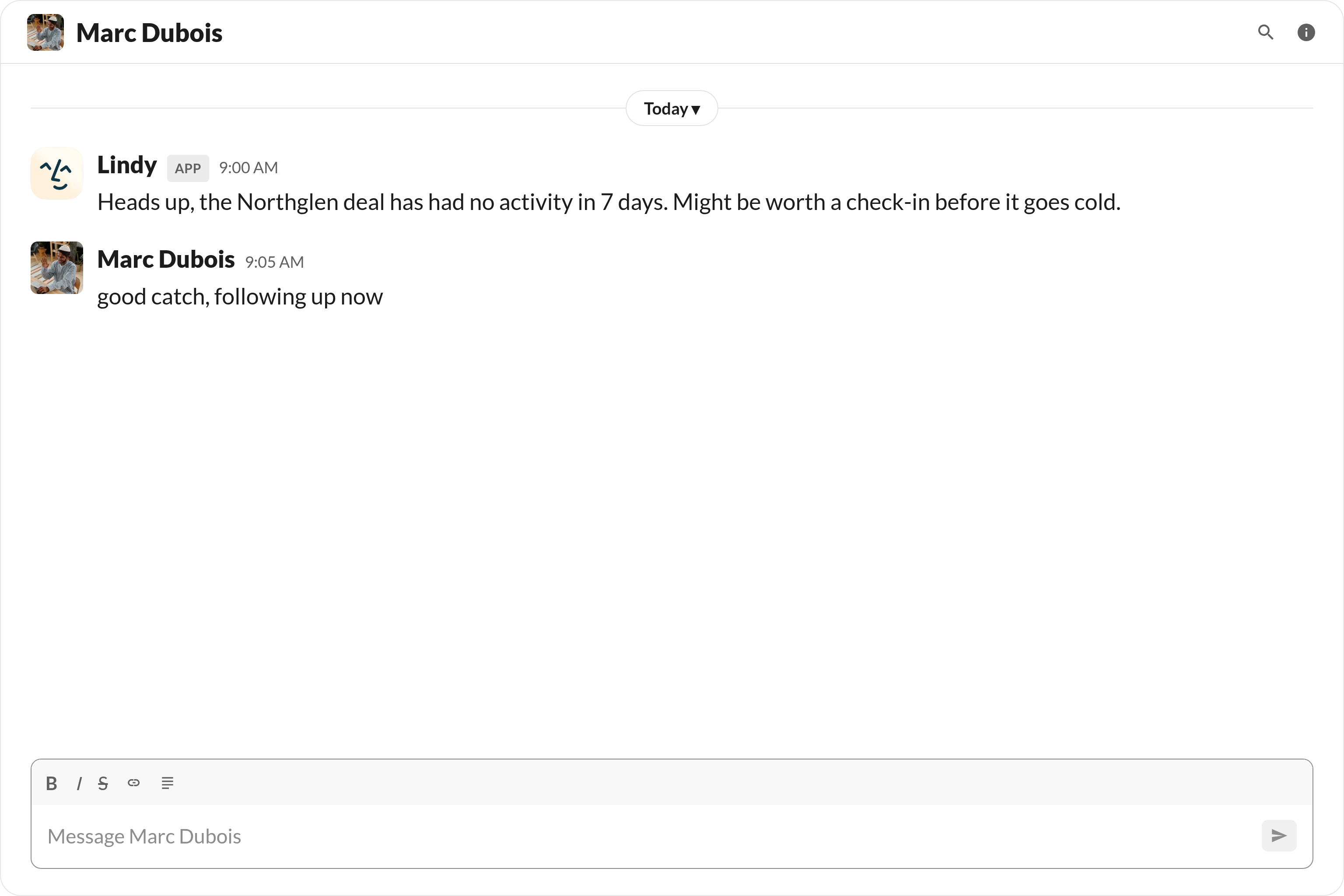
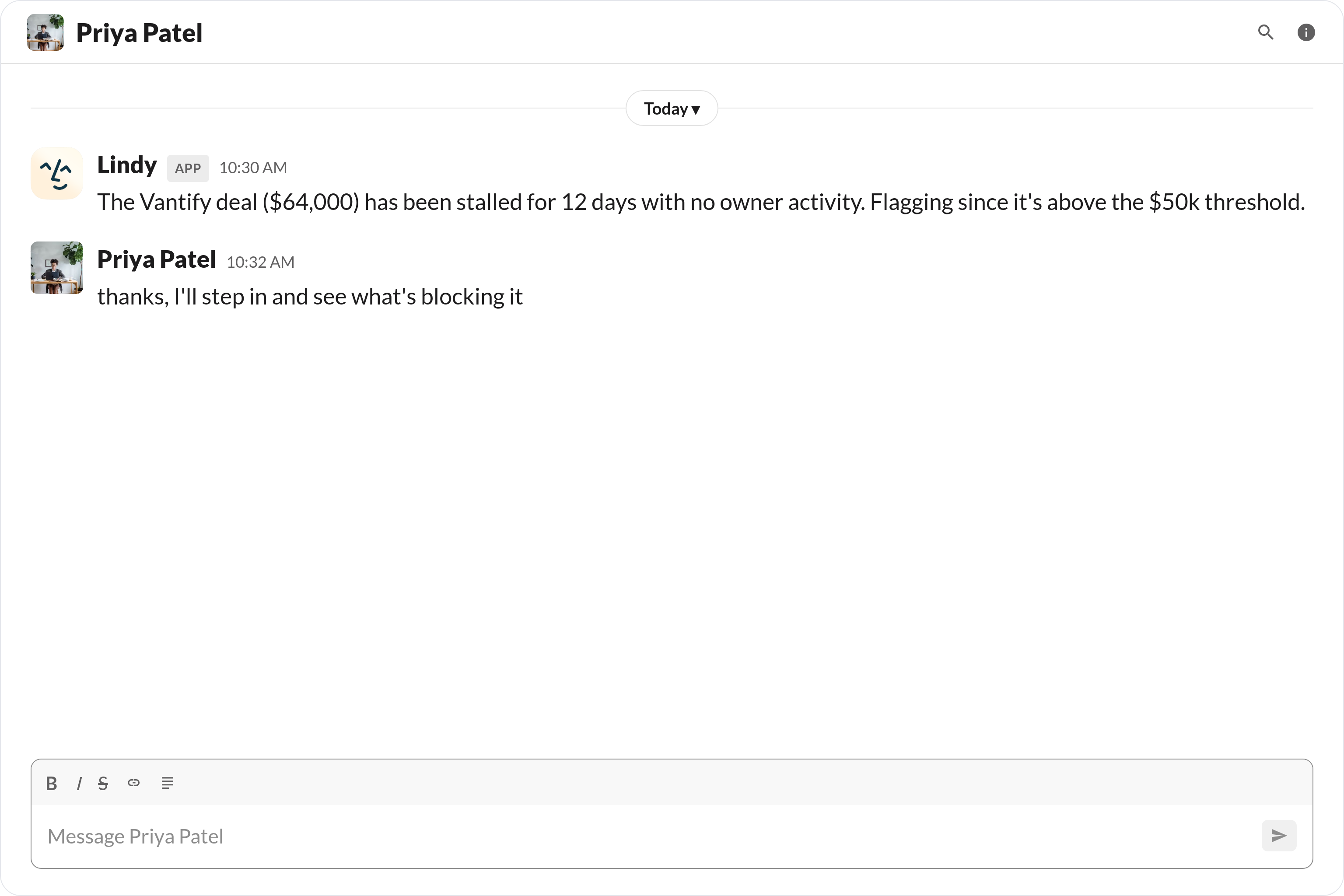
Lindy monitors your HubSpot deals and automatically sends a Slack message to your team the moment a deal hasn't had any activity for longer than you'd like, so nothing falls through the cracks.

Lindy watches Stripe for failed payments and sends an alert straight to your Slack channel.
Lindy grabs LinkedIn data for new HubSpot contacts and fills in their profiles automatically.


See what Lindy can do for you
Catch a cold deal before it dies
Lindy alerts the deal owner in Slack when a HubSpot deal goes quiet, so you can re-engage before the prospect ghosts entirely.

See where your leads stall in the pipeline
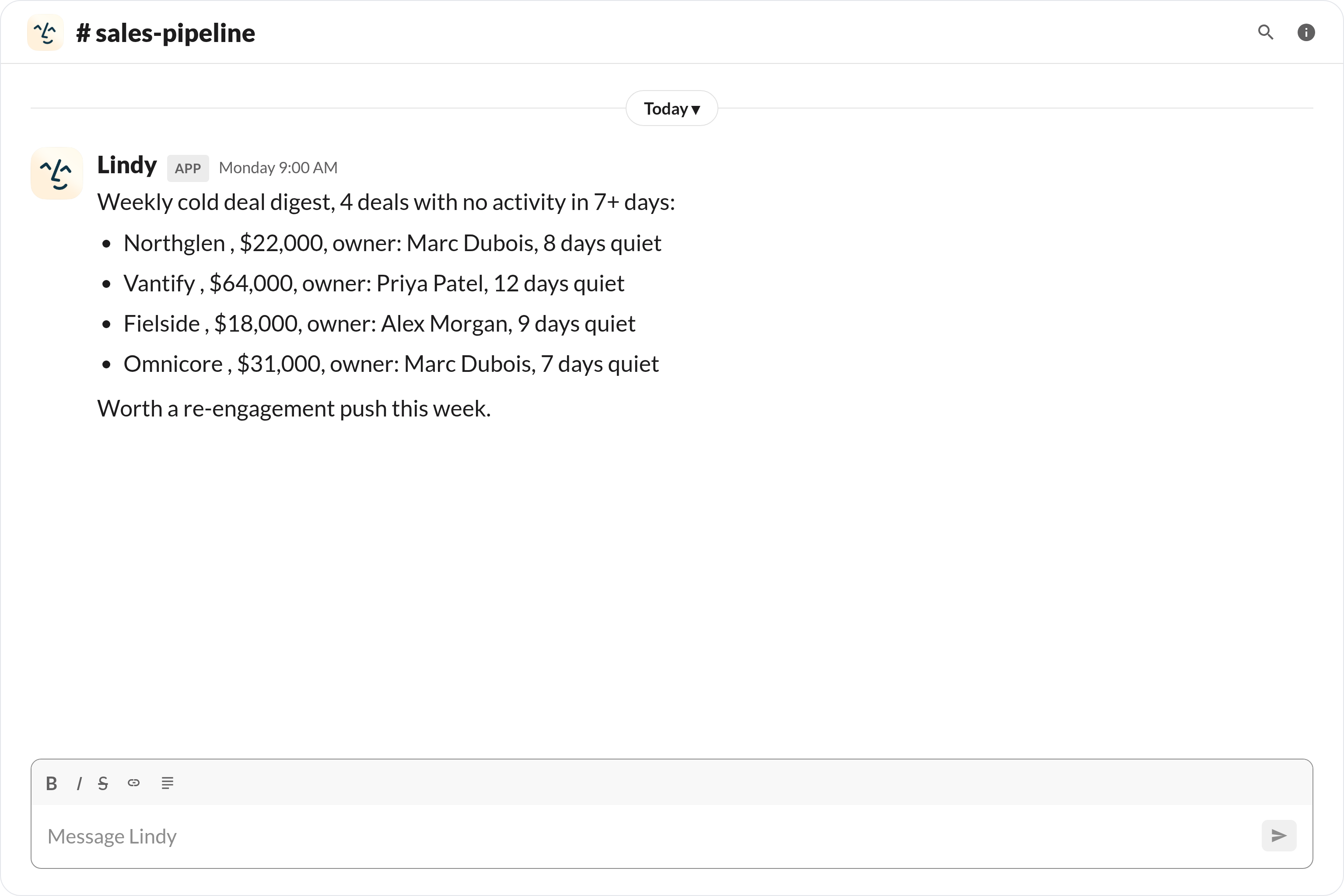
Lindy posts cold HubSpot deals to Slack, so marketing can spot the friction points that are killing campaign-generated leads.

Cold deals don't slip past your boss
Lindy alerts on cold HubSpot deals in Slack, so your boss never finds out about a stalled deal a quarter too late.

Cold pipeline shows up before forecast meetings
Lindy posts cold HubSpot deals to Slack, so the team prioritizes re-engagement before forecast calls.

Spot stalled revenue before it disappears
Lindy alerts on cold HubSpot deals, so you can ask about specific stuck deals instead of getting a vague forecast story.

Summarise more than just Slack
Summarising Slack is just the start. Here's what else Lindy can do.

Lindy reads your inbox overnight and sends you a clean digest of what matters before you start your day.

After every call Lindy writes structured notes and sends you a summary so nothing gets lost.

Lindy reads your Zendesk or Intercom queue and delivers a daily overview of open issues and priorities.
Not sure if Lindy can do it? Just ask.
Text your question and Lindy replies with exactly what it can do for you. No account, no sign-up. Just send a message.
Try for freeMore ways to use Lindy
Plenty more in the library. Pick the next one that fits your day.

Lindy turns your meeting notes into clean summaries with decisions and next steps.

Lindy reads your Gmail threads and drafts replies that match how you write.

Lindy watches your Shopify store and pings your team the moment a new order arrives.

Lindy reads your top Slack channels and sends you a quick summary of what matters.

AI Agents for HubSpot
Keeping tabs on every deal in HubSpot is a pain, and when things get busy, stale deals just sit there with no one following up until the prospect has already moved on.
Connect Lindy to HubSpot and it can watch your pipeline for deals that have gone cold, ping the right person in Slack with a heads-up, and even update the deal status so your CRM stays accurate without anyone having to do it manually.

A skill shows you a real-world task Lindy can handle for you. It's there to inspire you and show what's possible, not a pre-built workflow you have to follow.
Yes. Sign up, connect the apps the skill needs, and you're ready to go. Most skills are up and running in minutes.
Lindy is your AI assistant. You tell it what you need in plain language and it takes care of the work, across your apps, on your schedule.
Each skill page lists exactly which apps are involved and whether they are required or optional. If you already use those apps, you're good to go.
No. Just tell Lindy what you want it to do and it figures out the rest. Skills are there to show you what's possible and get you started.
Almost certainly. Skills show what's possible, not what's limited. If you don't see what you need, just ask Lindy directly and it will figure it out.