

Remind team members of *upcoming deadlines* via Slack
Lindy watches your deadlines and pings your Slack team before things are due.
Hit deadlines without playing project manager
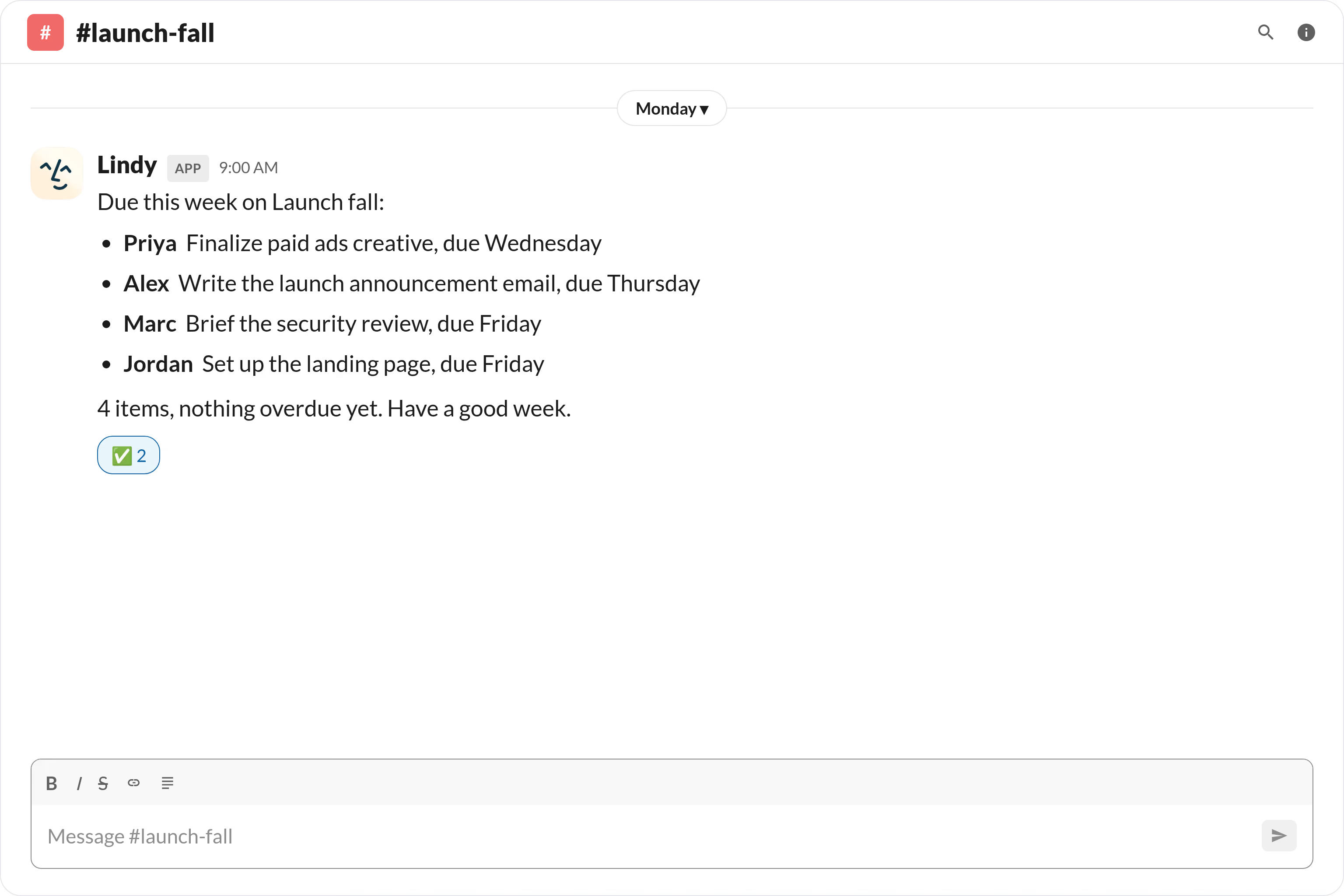
Start the week aligned on what's due
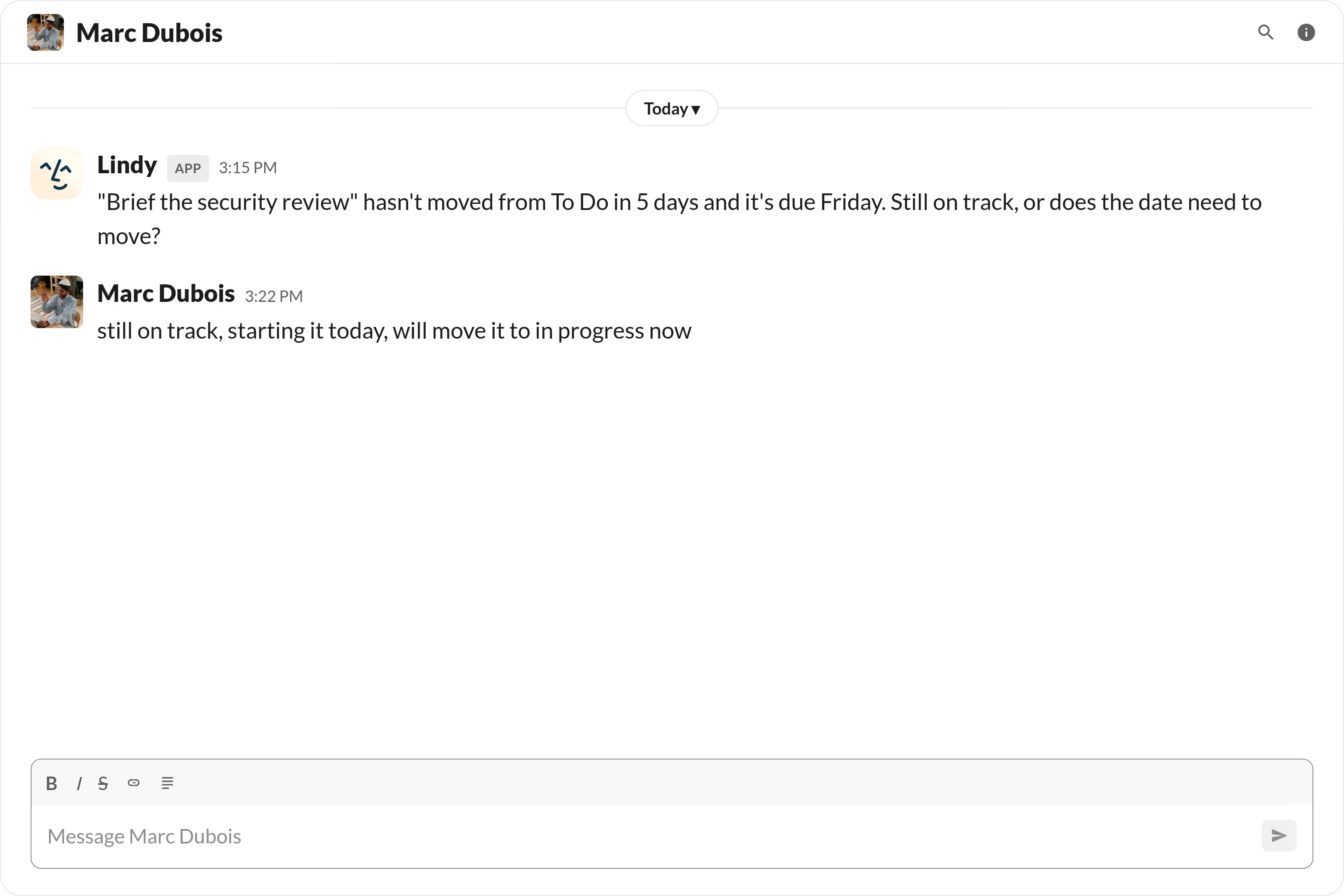
Catch missed updates before the deadline






Supercharge your Slack with AI.
When deadlines are scattered across docs, boards, and calendars, it's easy for the whole team to lose track until someone's already behind.
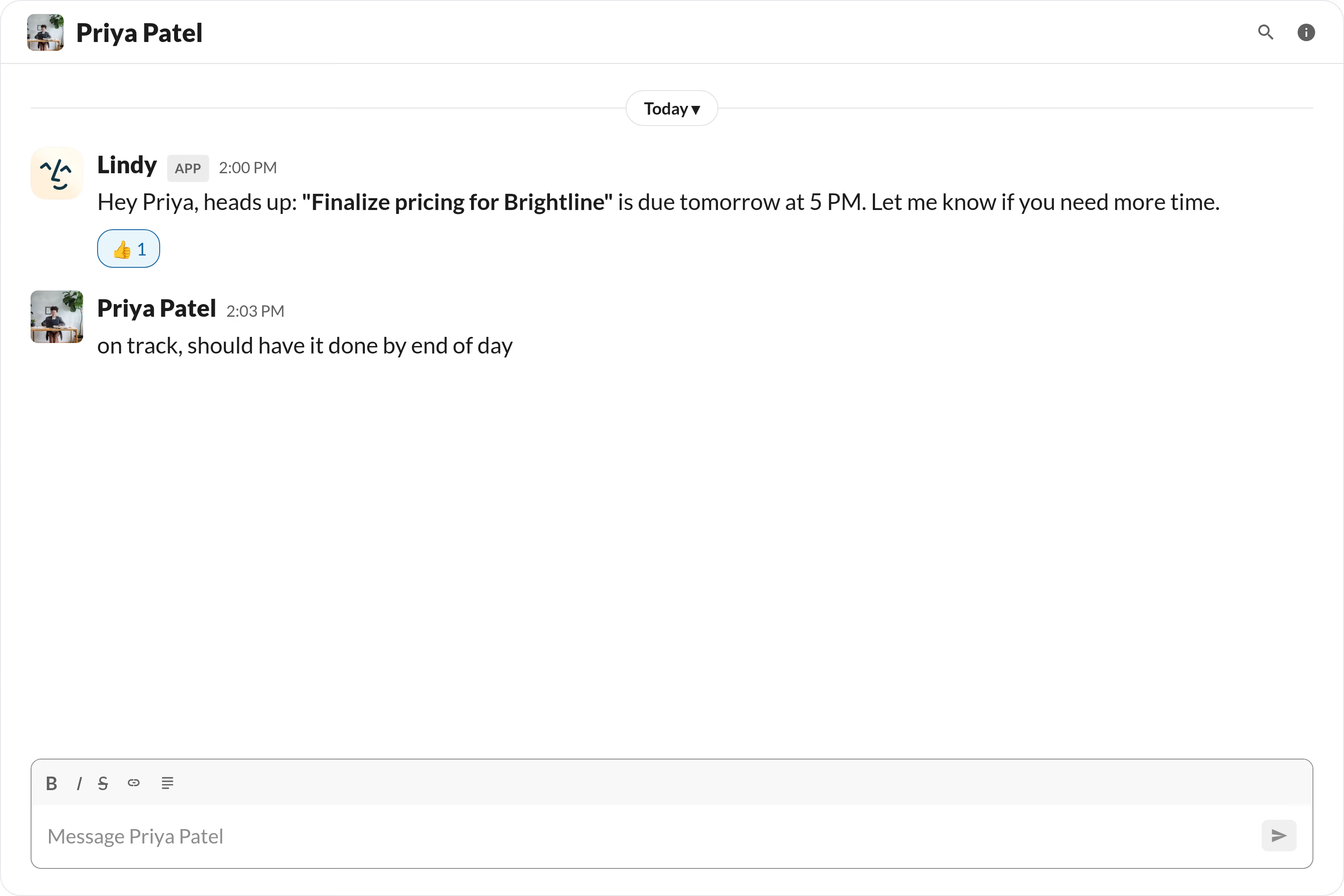
Lindy monitors your upcoming deadlines and automatically sends your team a Slack message reminding them what's due and when, so nothing slips through the cracks.

Lindy watches Stripe for failed payments and sends an alert straight to your Slack channel.

Lindy checks your GitHub PRs each day and sends a summary to Slack.


See what Lindy can do for you
Deadlines hit reps before they slip
Lindy pings reps in Slack 24 hours before a deadline, so proposals and follow-ups go out on time without a manager nudging.

Launch deadlines hit before the launch date
Lindy reminds the campaign team in Slack before each deadline, so launch dates don't get rescued at the last minute.

Stop being the deadline-reminder for the team
Lindy sends Slack reminders to teammates before deadlines, so you can step out of the role of human Asana ticker.

Deadlines stop slipping silently
Lindy pings task owners in Slack ahead of every deadline, so the team hits dates without you reading project boards all day.
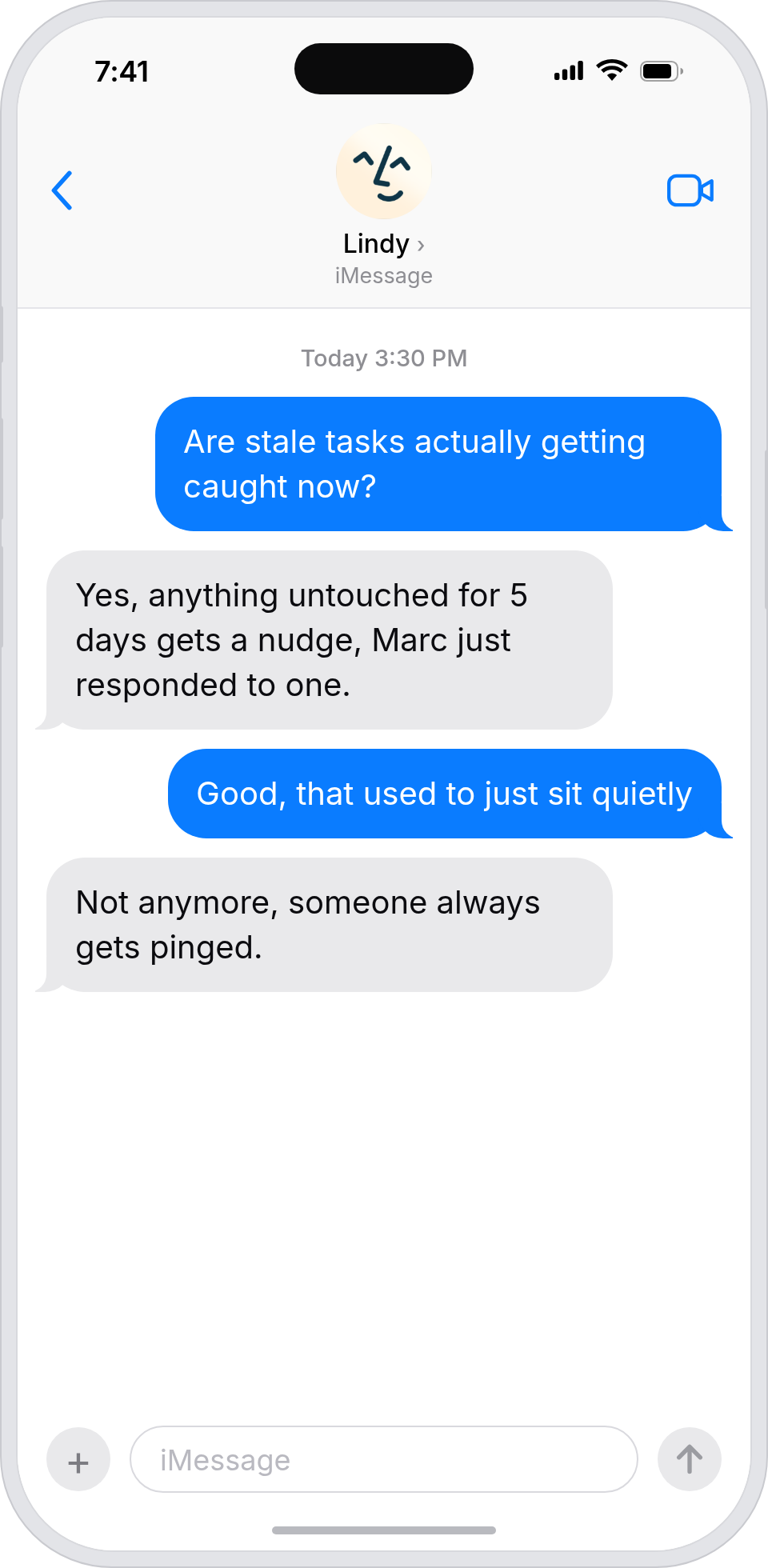
Deadlines get met without a CEO email
Lindy reminds task owners in Slack before deadlines, so the company hits its commitments without you chasing.

Summarise more than just Slack
Summarising Slack is just the start. Here's what else Lindy can do.

Lindy reads your inbox overnight and sends you a clean digest of what matters before you start your day.

After every call Lindy writes structured notes and sends you a summary so nothing gets lost.

Lindy reads your Zendesk or Intercom queue and delivers a daily overview of open issues and priorities.
Not sure if Lindy can do it? Just ask.
Text your question and Lindy replies with exactly what it can do for you. No account, no sign-up. Just send a message.
Try for freeMore ways to use Lindy
Plenty more in the library. Pick the next one that fits your day.

Lindy reads your Gmail inbox each morning and sends you a quick summary of what came in.

Lindy checks your Google Calendar and books meetings without the endless email chain.
Lindy checks your Google Calendar and finds a time that works for everyone.

Lindy joins your Google Meet calls and takes notes so you don't have to.

AI Agents for Slack
Manually sending deadline reminders on Slack means you're constantly context-switching, and if you forget or get busy, your team just doesn't hear about it.
Once you connect Lindy to Slack, it can ping specific people or channels ahead of a deadline, follow up if no one has acknowledged the reminder, and adjust the timing based on how urgent the task is.

A skill shows you a real-world task Lindy can handle for you. It's there to inspire you and show what's possible, not a pre-built workflow you have to follow.
Yes. Sign up, connect the apps the skill needs, and you're ready to go. Most skills are up and running in minutes.
Lindy is your AI assistant. You tell it what you need in plain language and it takes care of the work, across your apps, on your schedule.
Each skill page lists exactly which apps are involved and whether they are required or optional. If you already use those apps, you're good to go.
No. Just tell Lindy what you want it to do and it figures out the rest. Skills are there to show you what's possible and get you started.
Almost certainly. Skills show what's possible, not what's limited. If you don't see what you need, just ask Lindy directly and it will figure it out.