

Send a *personalized daily brief* every morning via SMS
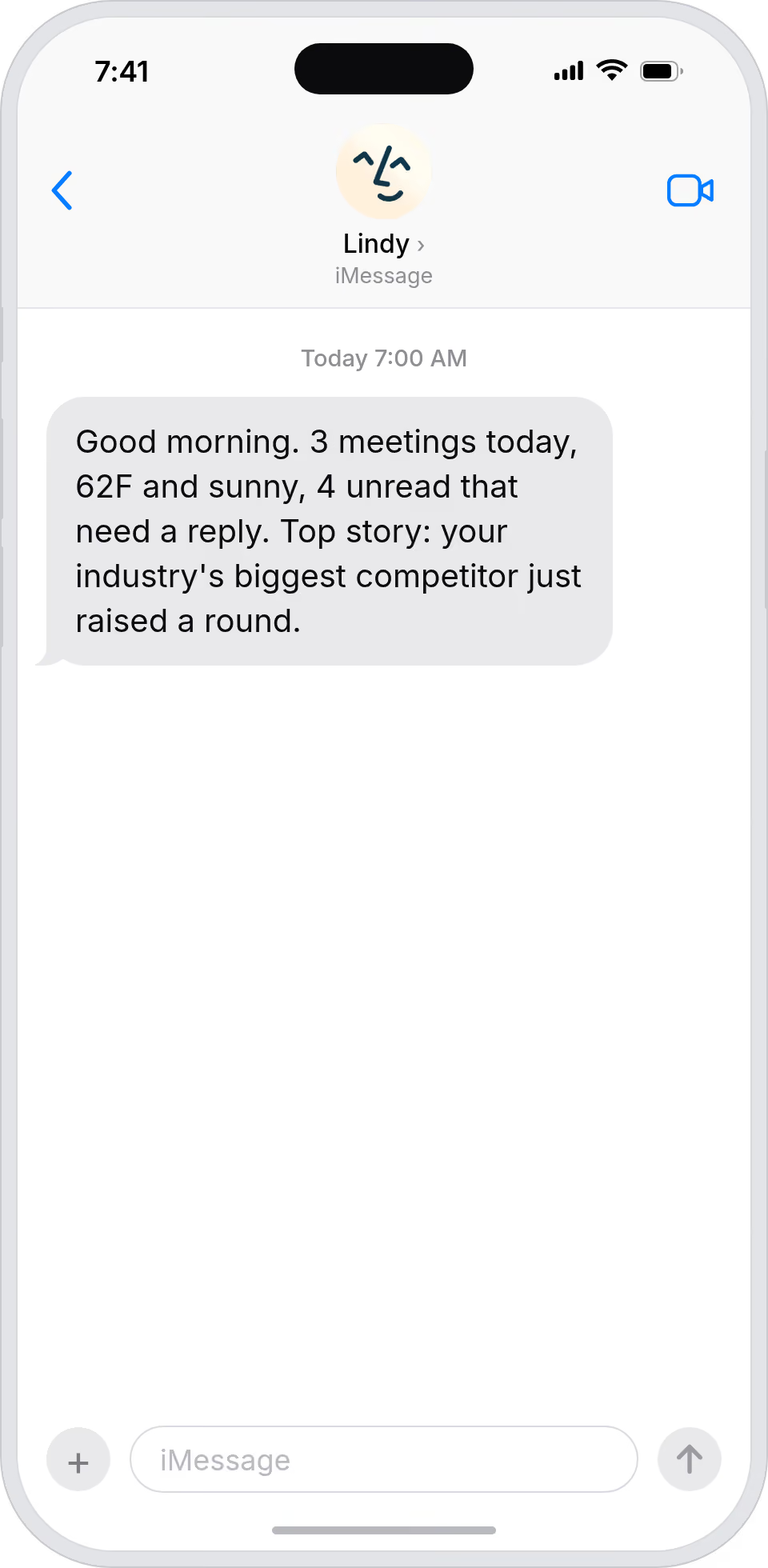
Lindy pulls your daily info and texts you a personalized morning brief via SMS.
Read your brief before opening any app
Skip the morning scroll and get to work
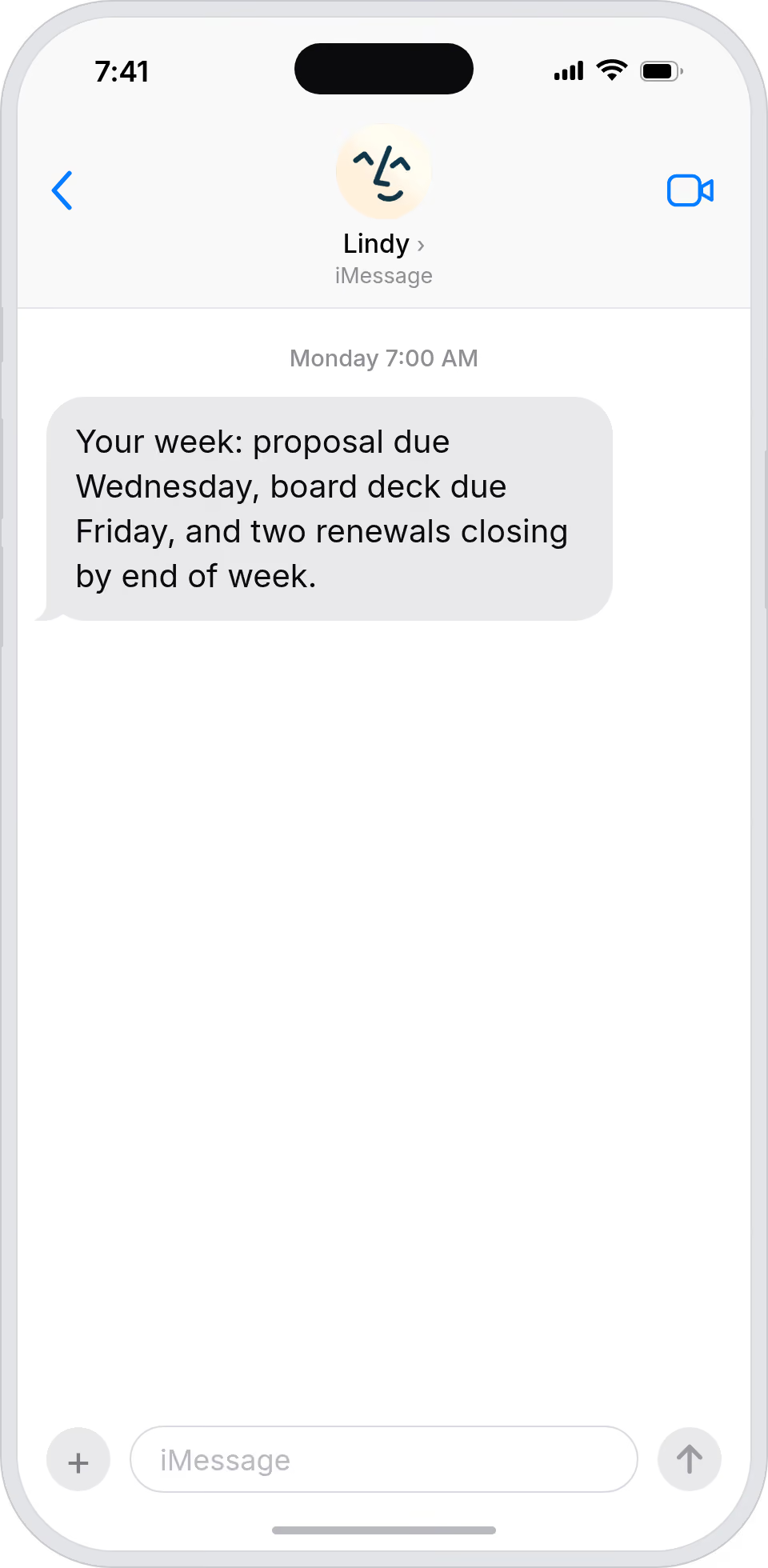
Start the week already knowing what's coming






Supercharge your SMS with AI.
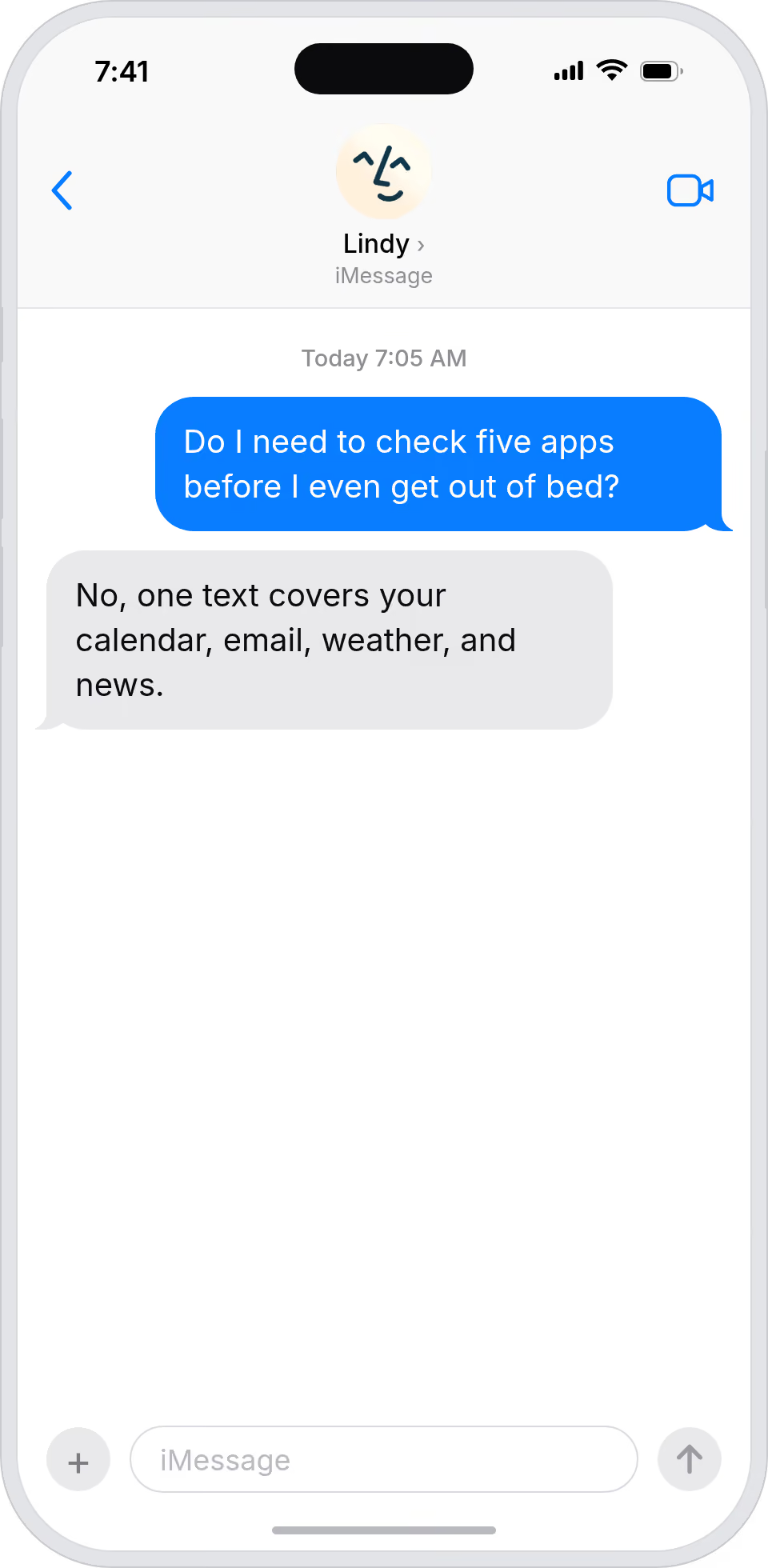
Every morning you're scrambling to check your calendar, emails, news, and to-do list across five different apps before you even have your coffee.
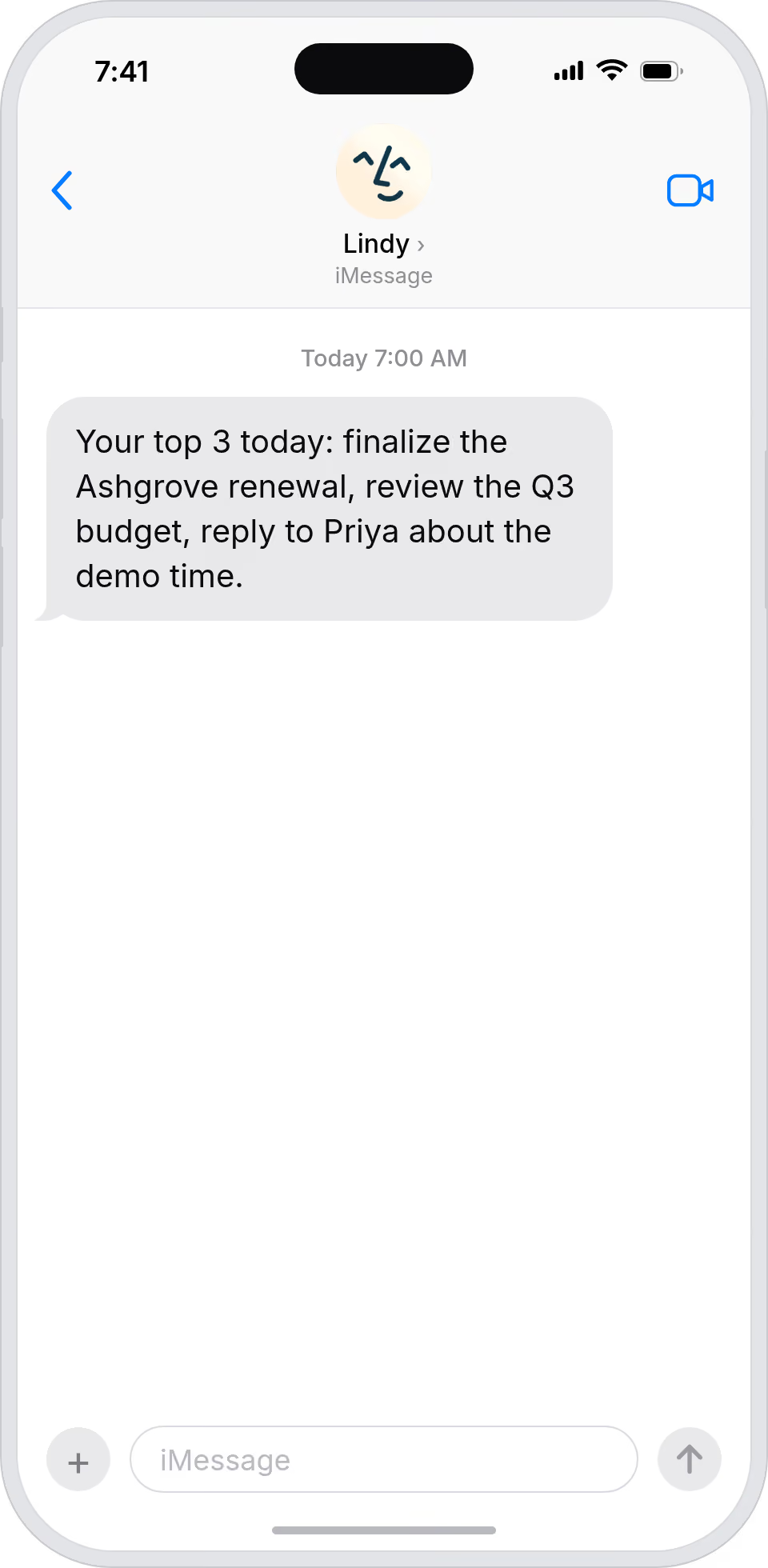
Lindy pulls together your schedule, top priorities, and any other info you want, then sends it all as a single SMS to your phone each morning at whatever time you set.

Lindy watches Stripe for failed payments and sends an alert straight to your Slack channel.

Lindy checks your GitHub PRs each day and sends a summary to Slack.


See what Lindy can do for you
Your morning brief, before you open the laptop
Lindy texts you a daily brief with calendar, key emails, and news, so you start the day already aligned with what matters.
A morning read on the world that matters to your campaigns
Lindy texts a daily brief with relevant news, campaign signals, and your calendar, so you start the day in tune with the market.
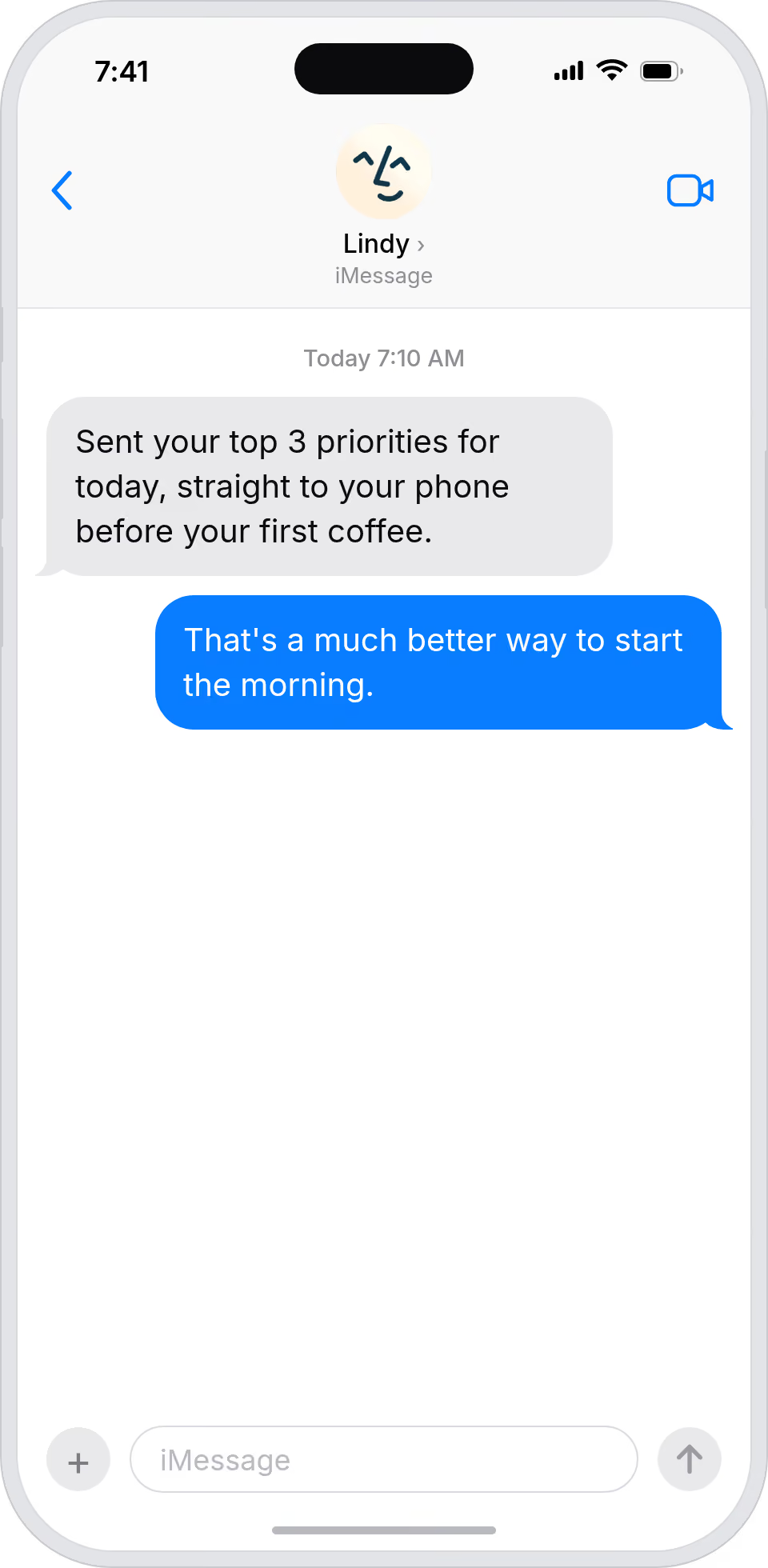
Hand your boss their day before coffee
Lindy texts a daily brief covering calendar, top emails, and news, so your boss starts the day already aligned with their day.
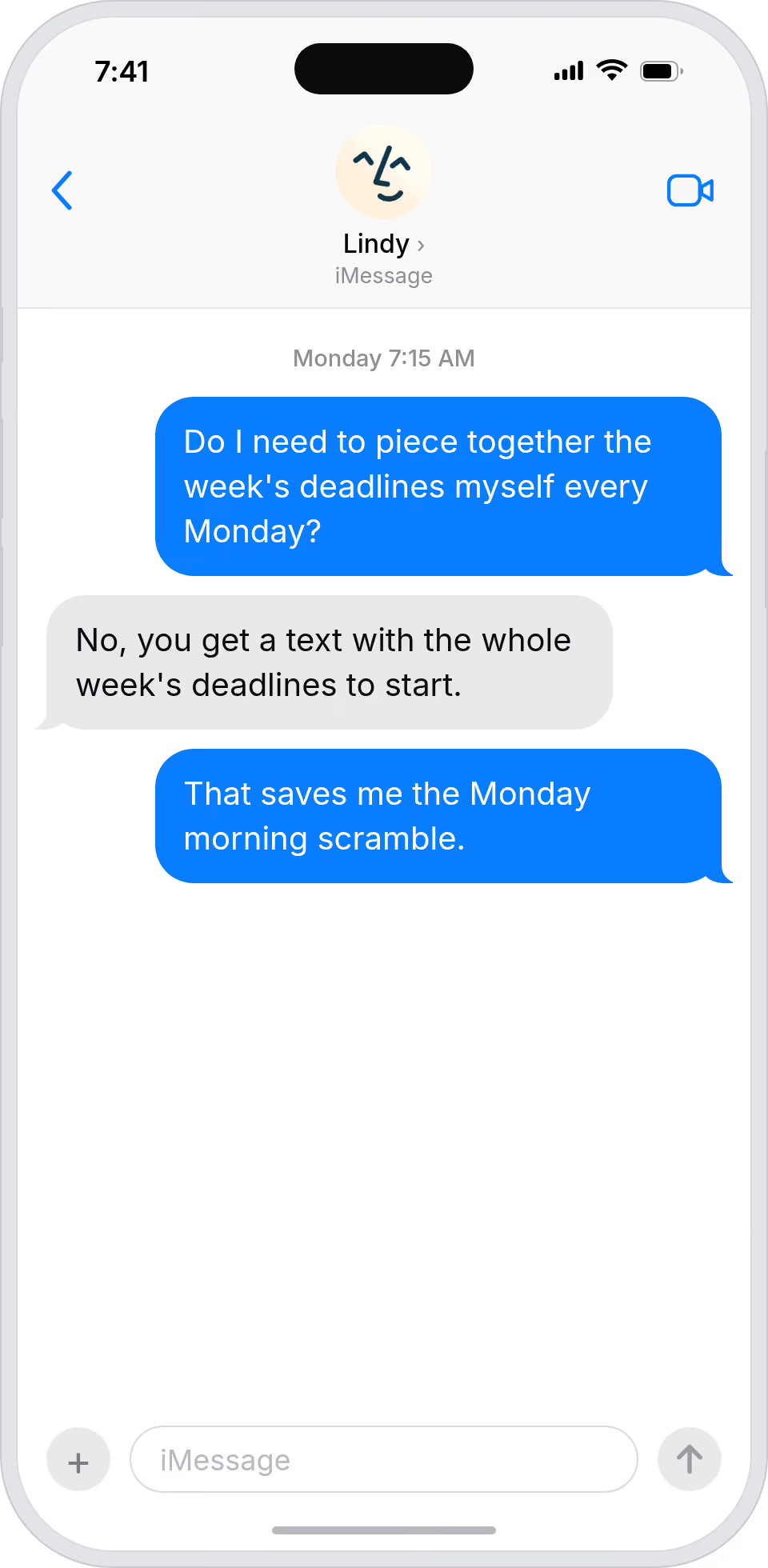
Your day, summarized before you sit down
Lindy texts you a daily brief each morning, so you walk into work already knowing your top priorities for the day.
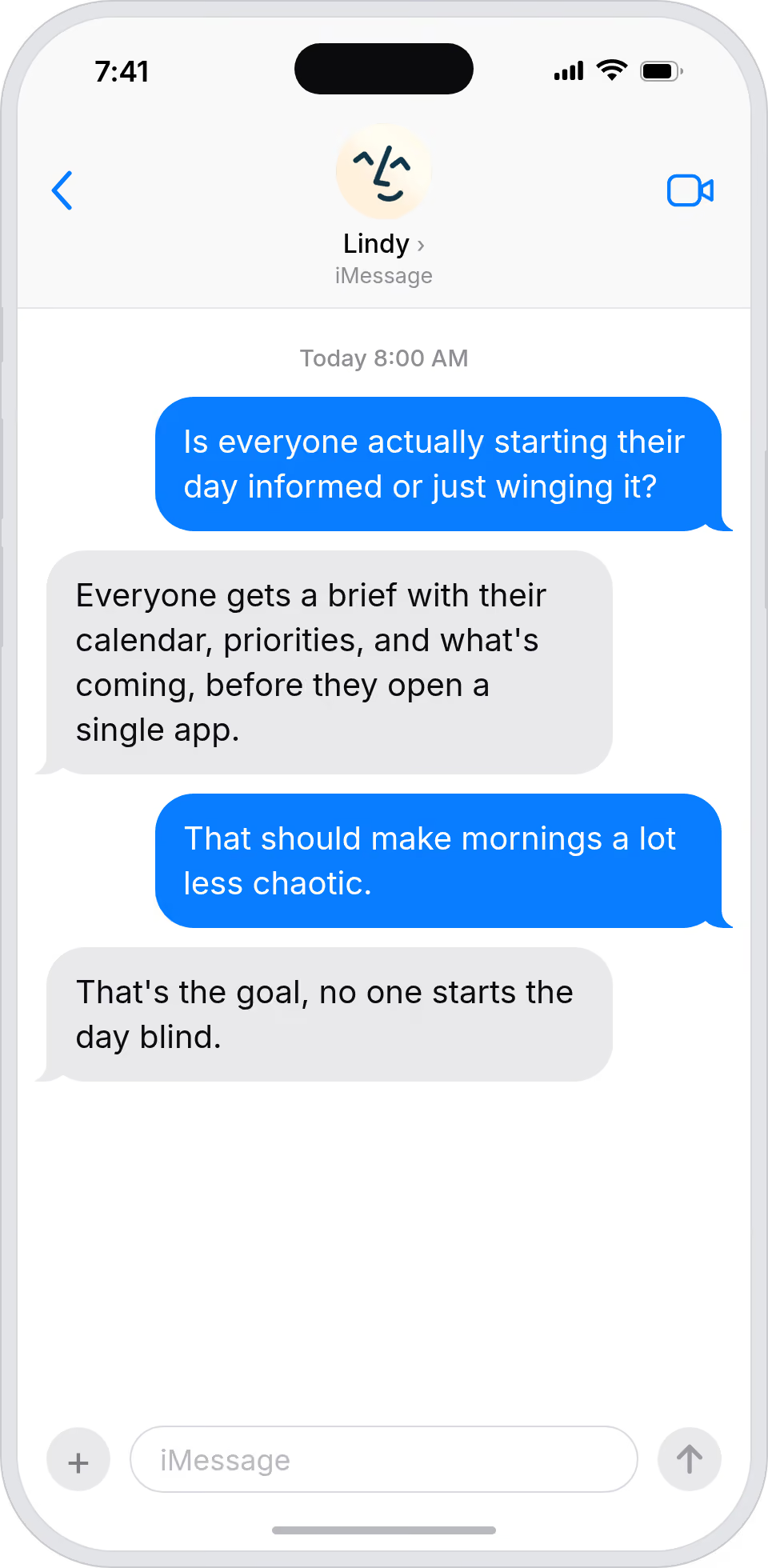
Read the day's brief before you read anything else
Lindy texts you a personalized daily brief each morning, so you start the day already knowing what's most important.
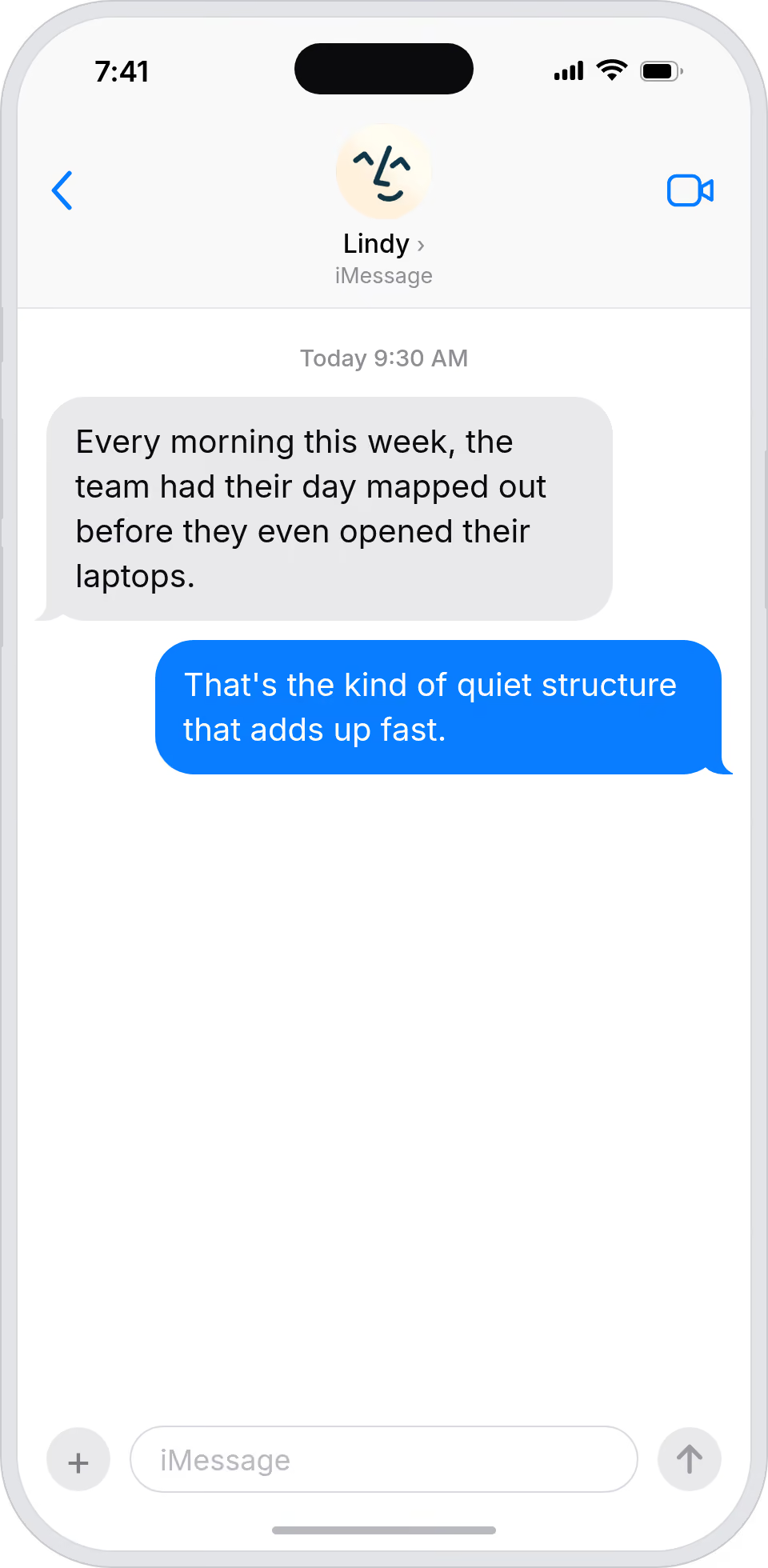
Summarise more than just Slack
Summarising Slack is just the start. Here's what else Lindy can do.

Lindy reads your inbox overnight and sends you a clean digest of what matters before you start your day.

After every call Lindy writes structured notes and sends you a summary so nothing gets lost.

Lindy reads your Zendesk or Intercom queue and delivers a daily overview of open issues and priorities.
Not sure if Lindy can do it? Just ask.
Text your question and Lindy replies with exactly what it can do for you. No account, no sign-up. Just send a message.
Try for freeMore ways to use Lindy
Plenty more in the library. Pick the next one that fits your day.

Lindy reads your meeting notes and turns them into a clean, organized Google Doc.

Lindy reads your Gmail support emails and sends each one to the right person.
Lindy watches for triggers and sends follow-up emails through Gmail automatically.

Lindy pulls your Calendly meeting details and sends you a prep brief beforehand.


AI Agents for SMS
Sending personalized morning SMS updates manually means you're copying and pasting info from different places every single day, which gets old fast and almost never actually happens.
Once you connect Lindy to SMS, it can pull your meetings for the day, surface your most urgent tasks, and even include a weather update, all sent straight to your phone before you start your day.

A skill shows you a real-world task Lindy can handle for you. It's there to inspire you and show what's possible, not a pre-built workflow you have to follow.
Yes. Sign up, connect the apps the skill needs, and you're ready to go. Most skills are up and running in minutes.
Lindy is your AI assistant. You tell it what you need in plain language and it takes care of the work, across your apps, on your schedule.
Each skill page lists exactly which apps are involved and whether they are required or optional. If you already use those apps, you're good to go.
No. Just tell Lindy what you want it to do and it figures out the rest. Skills are there to show you what's possible and get you started.
Almost certainly. Skills show what's possible, not what's limited. If you don't see what you need, just ask Lindy directly and it will figure it out.