10 Best Email Apps for iPhone in 2026 (3 Weeks Tested)
Marvin tested ten iPhone email apps, including Apple Mail, Gmail, and Superhuman, over three weeks, timing push notification speed, one-handed triage, and pricing.


The best email app for iPhone questions feels answered the moment you unbox the phone. Apple Mail is already there, and it works, so few people look further.
Then the daily volume climbs. Your inbox crosses 60 messages a day, categories start burying the one receipt you needed, and search comes back with everything except the thread you wanted.
I spent three weeks running 10 email apps as my only inbox, on a single iPhone, with one Gmail account holding four years of mail I never sorted. I timed how fast each pushed a notification, worked out what the first paid tier costs, and lived with each one on a 20-minute commute to see what it was really like to use with one thumb.
Apple Mail kept its spot on my home screen, and I still wouldn't hand it the top of this list without an argument.
Here's why, plus the one I'd pay for out of pocket and the ones that only make sense for a specific kind of mess. If you're weighing the best email apps for iPhone against the default, this is the sorting I wish I'd had going in.
10 email apps for iPhone: TL;DR
- Apple Mail: Best for iPhone owners who want zero setup and push that lands the second mail does
- Gmail: Best for inboxes that already live inside Google, with Gemini drafting baked in
- Outlook: Best for Microsoft 365 work accounts that check the calendar as often as the inbox
- Lindy: Best for handing the inbox to an assistant you reach from Slack or a text
- Superhuman: Best for clearing a heavy inbox fast with AI that labels and archives on its own
- Shortwave: Best for pulling one buried answer out of years of Gmail
- Spark Mail: Best for screening first-time senders before they ever reach you
- Proton Mail: Best for encrypted mail the provider itself cannot read
- Canary Mail: Best for PGP encryption and AI sitting in the same native iPhone client
- Spike: Best for reading long threads the way you read a group chat
How I researched and tested these email apps for iPhone
Each app got at least two days as my only inbox, and I kept the account and the phone identical across all three weeks so nothing else moved. For the desktop side, I keep a separate rundown of the best email clients across every platform.
Lindy is the exception, since there's nothing to install and no inbox for it to take over, so it ran alongside whichever client was on the phone that week.
I left iOS notification and Low Power settings at their defaults, because that's what decides whether mail buzzes in seconds or waits on a fetch. What I scored:
- Notification speed: I sent myself a message and timed the buzz, with the screen locked and the app closed. A direct provider connection keeps push arriving in seconds, while a plain IMAP setup leans on a fetch interval and adds delay.
- One-handed triage: Whether I could archive, snooze, and fire off a short reply during a 20-minute train ride using one thumb.
- Pricing: What the first paid tier buys, taken from each company's own pricing page.
Three more apps never earned a full section.
Airmail: I dropped it after a day. It runs on its own sync layer, and mail showed up late while the app dropped my login twice before I'd even finished setting it up, the same problems the 2026 App Store reviews keep flagging.
Edison Mail: I left it off on purpose. It extracts purchase data from commercial email, which Edison explains is how the app stays free, and that's the opposite of what half this list is trying to protect.
HEY: I looked at it and left it off for one reason. HEY runs on its own @hey.com address at $99 a year and won't connect the Gmail or Outlook account you already read, so trying it means moving your email, not adding an app to your phone. Its Screener is sharp, but Spark's Gatekeeper covers the same job on the account you already have.
10 email apps for iPhone compared
| 💻 Tool | ⚡ Strengths | 🎯 Best For | 💰 Starting Price |
|---|---|---|---|
| Apple Mail | Push in seconds, auto categories | Zero-setup default | Free |
| Gmail | Gemini drafts, deep search | Google inboxes | Free |
| Outlook | Mail and calendar in one view | Microsoft 365 work accounts | $9.99/month |
| Lindy | Inbox and follow-ups from Slack | Delegating the inbox | $29.99/user/month |
| Superhuman | Fast triage, AI Auto Labels | Heavy inboxes | $30/member/month |
| Shortwave | AI search across old mail | Deep Gmail archives | $18/seat/month |
| Spark Mail | Gatekeeper sender screening | Unknown senders | $10/user/month |
| Proton Mail | Zero-access encryption | Privacy first | $4.99/month |
| Canary Mail | PGP plus AI in one client | Encryption with AI | $3/month (billed yearly, $36/yr) |
| Spike | Threads collapse into chat | Messaging-style inbox | $8/user/month |
Starting prices use each vendor's own unit. Outlook and Proton charge a flat monthly rate for one person, and Canary bills yearly or once for life, while the team-first apps (Lindy, Superhuman, Shortwave, Spark, Spike) charge per user or per seat. Compare the unit, not just the number.
1. Apple Mail: Best for the fastest push with nothing to set up
What it does: Apple Mail is the client already signed in on your iPhone, sorting incoming mail into categories and keeping push tied straight to iCloud, Gmail, or an Exchange account.
Best for: Anyone whose mail sits in one or two accounts and who needs the alert to land the moment the message does.
Apple Mail won the test it had to win. With the app closed and the screen locked, notifications landed in seconds, and across three weeks, not one competitor pushed mail faster.
Categories are the part I kept fighting. Mail now files messages into Primary, Transactions, Updates, and Promotions, and on iOS that sorting runs entirely on device, which is the right call for privacy.
The receipts I wanted kept landing under Transactions when I expected them in Primary, so I switched categories off within a day.
Digging up a two-year-old thread by a half-remembered phrase is where it dragged. Mail floated the recent hits to the top and buried the older match under a scroll, which works for last week and stalls on last year.
Key features
- Push delivery: New mail arrives with no fetch interval to tune, and no per-app battery exception to grant.
- Mail Categories: Primary, Transactions, Updates, and Promotions, switchable off in Settings.
- Hide My Email: iCloud+ generates a throwaway address that forwards to your own, so a signup form never gets your actual inbox.
- Multiple accounts: Adds Gmail, Outlook, Yahoo, and IMAP accounts into one All Inboxes view without leaving the app.
Pros and Cons
Pros:
✅ Push lands in seconds and needs no setup, since Apple Mail rides the system with nothing to whitelist.
✅ Already installed and signed in, so a new iPhone is ready to read mail in zero minutes.
✅ Category sorting runs on device, so the classification never leaves your phone.
Cons:
❌ The categories misfile receipts often enough that I shut them off on the first day.
❌ Search slows down on a deep archive and leans on recent mail before older matches.
❌ Rules and filters still live on the web or desktop, so phone-side sorting stays manual.
What users say
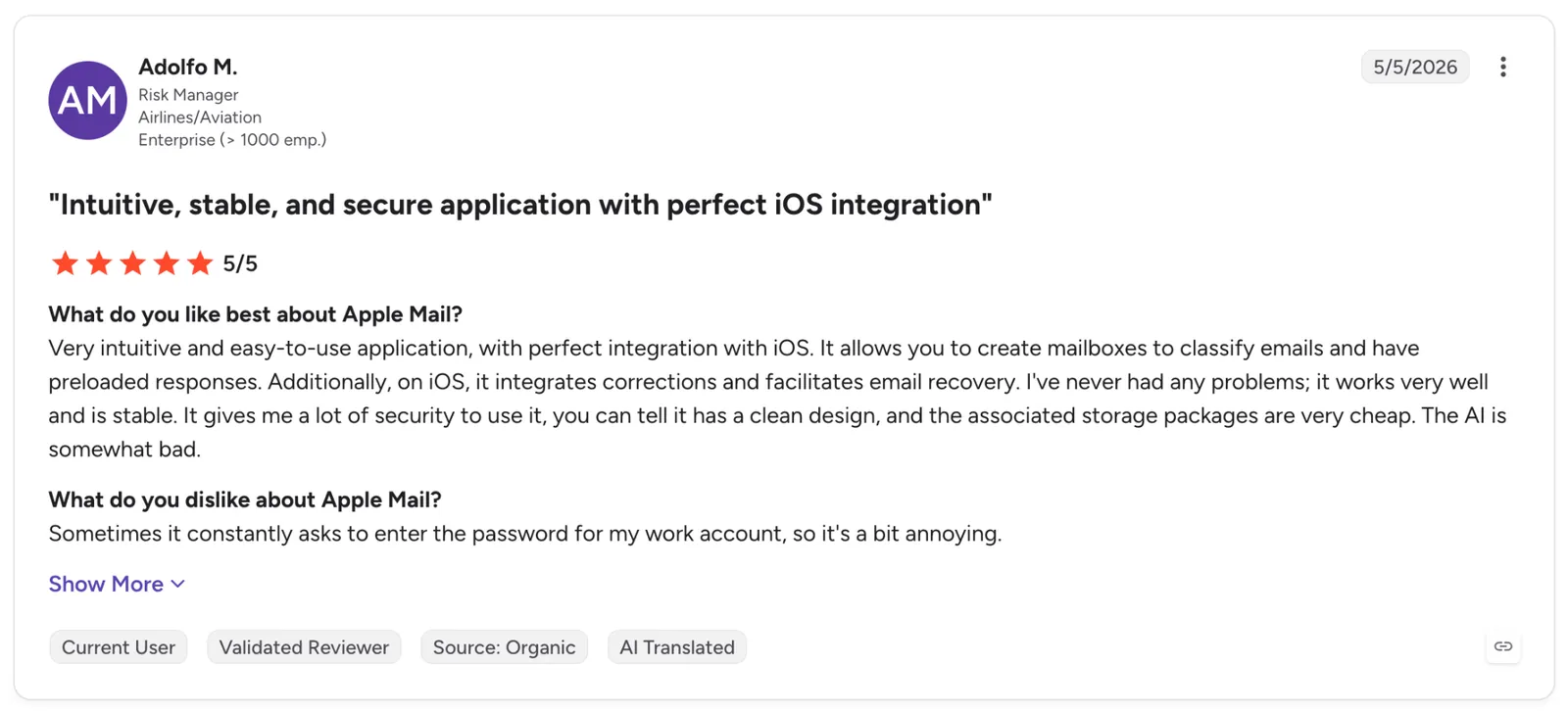
"Very intuitive and easy-to-use application, with perfect integration with iOS. It allows you to create mailboxes to classify emails and have preloaded responses." — Adolfo M., G2
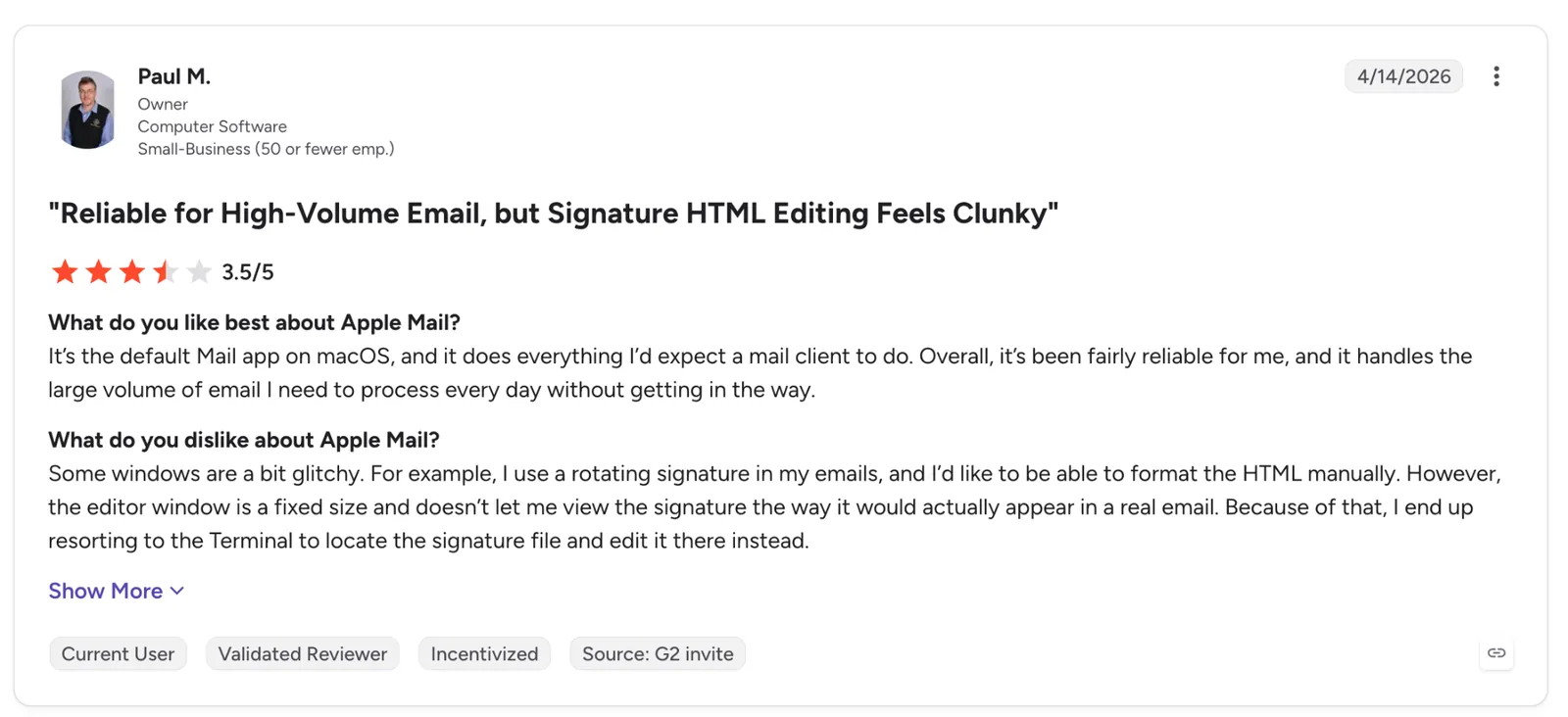
"Some windows are a bit glitchy. For example, I use a rotating signature in my emails, and I’d like to be able to format the HTML manually." — Paul M., G2
Pricing
The app is free on every iPhone. Hide My Email and a custom domain need iCloud+, which starts at $0.99/month for 50 GB of storage on top of the free 5 GB.
Bottom line
Apple Mail sets the baseline on iPhone, and on notification speed alone it earns the home screen spot. Read on if search or sorting is the part of your inbox that gives out first.
2. Gmail: Best for mail that runs through a Google account
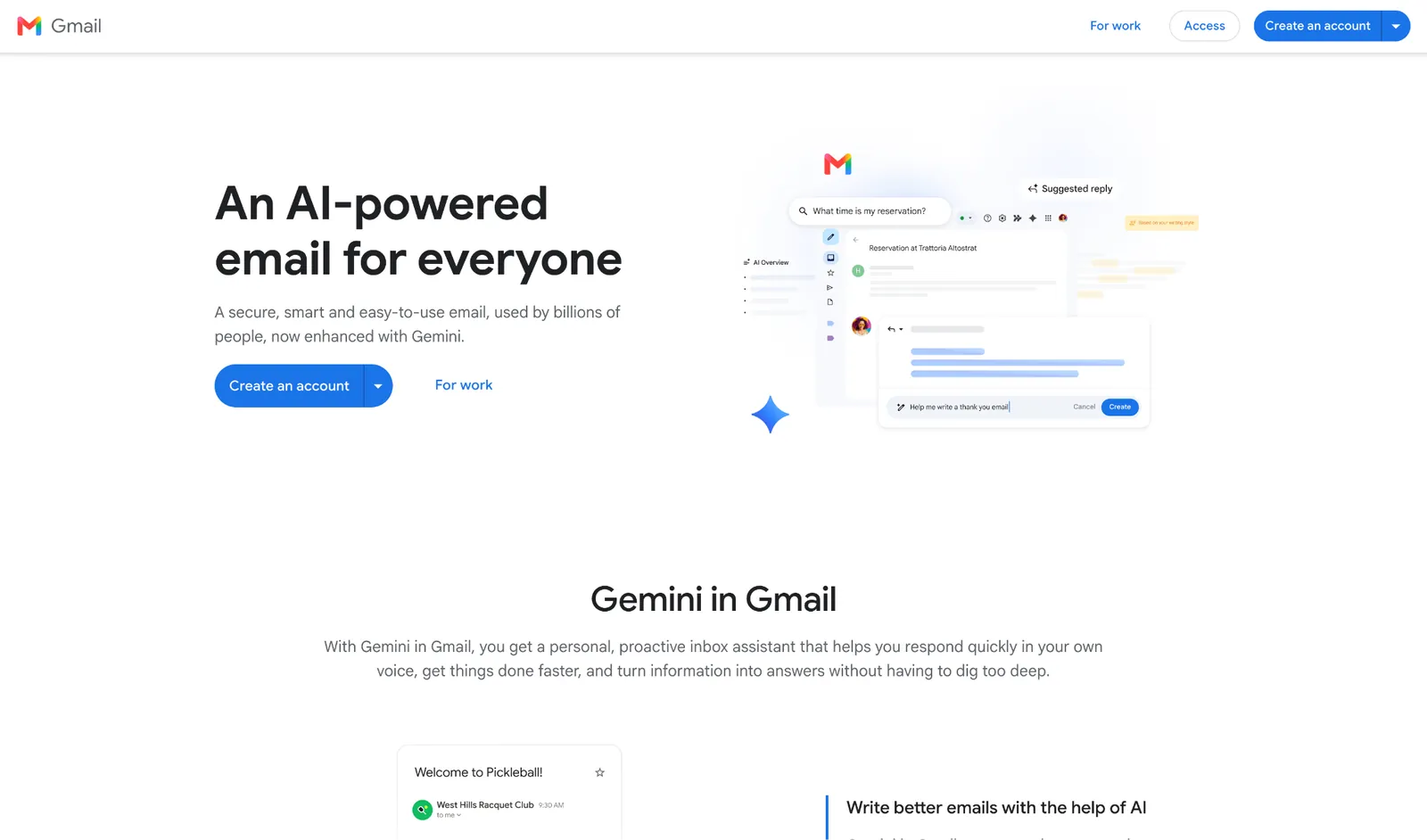
What it does: Gmail connects straight to Google's servers with fast push and Gemini writing tools, and it pulls Outlook, Yahoo, and iCloud accounts into one app alongside your Gmail.
Best for: People whole life runs through a Google account and who lean on search and labels more than any inbox gimmick.
On notifications, Gmail matched Apple Mail step for step. New mail hit the screen within a second or two every time I tested it. Speed was never what separated the two.
Where Gmail pulled ahead was finding things. I typed from: and has:attachment the same way I do on the web, and the query behaved identically on the phone, which is the payoff when your archive runs years deep.
Storage bit back within days. Google pools the free 15 GB across Drive and Photos, and my photo backups had swallowed nearly all of it before a single email counted against the total.
Key features
- Gemini writing tools: Help me write and Smart Reply draft from the thread in front of you, the baseline any other Gmail AI assistant has to beat.
- Full search syntax: from:, to:, and has:attachment all work on the phone.
- Multiple accounts: Adds Outlook, Yahoo, and iCloud accounts so one app covers mail that would otherwise split across two.
- Categories and labels: Primary, Social, and Promotions tabs carry over from desktop, with your existing labels intact.
Pros and Cons
Pros:
✅ Notifications land in a second or two, right at the platform default instead of behind it.
✅ Every search operator from the desktop works untouched on the phone, the single biggest reason to stay in Gmail.
✅ Labels and filters you set up on the web carry to mobile without redoing anything.
✅ Adds non-Google accounts, so it doubles as a catch-all inbox.
Cons:
❌ The free 15 GB is shared across Gmail, Drive, and Photos, so a full photo library can choke your mailbox.
❌ A blocked sender still routes to Spam, so the mail arrives and keeps counting against storage until you clear it.
❌ Its interface pushes Google's own services in ways a plain mail client never would.
What users say
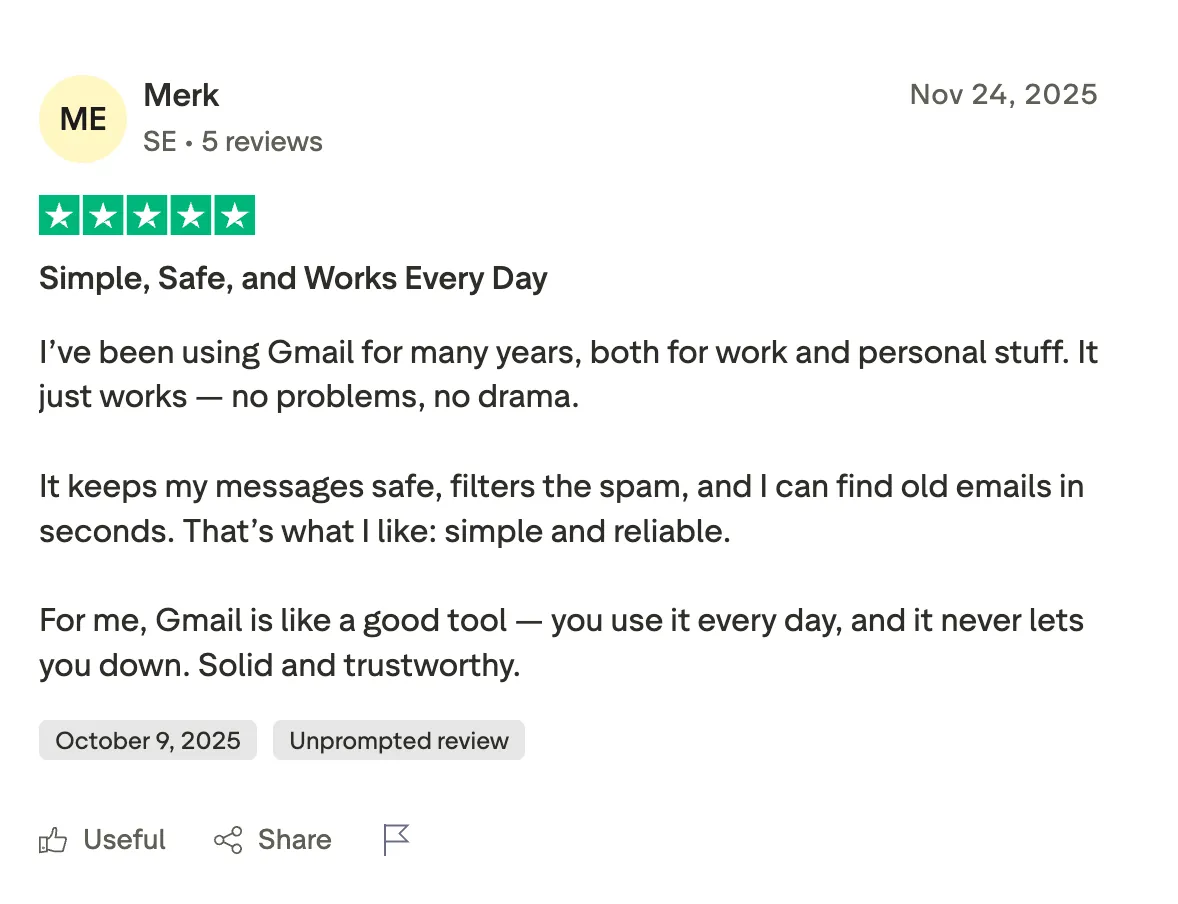
"It keeps my messages safe, filters the spam, and I can find old emails in seconds. That’s what I like: simple and reliable." — Merk, Trustpilot
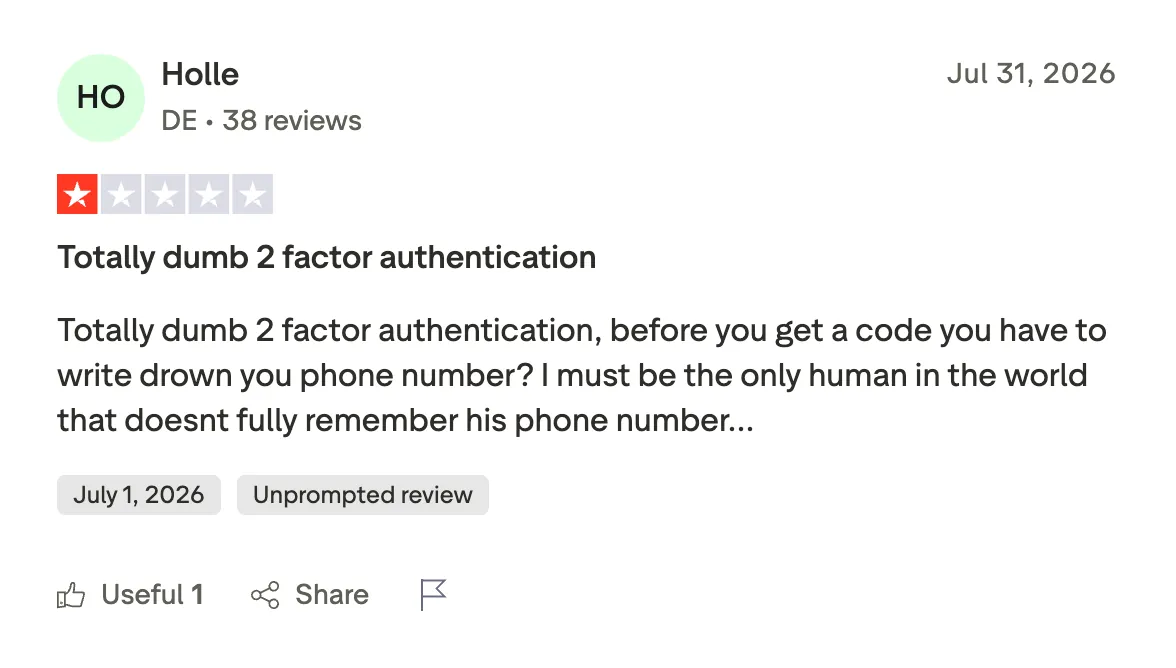
"Totally dumb 2-factor authentication; before you get a code, you have to write down your phone number?" — Holle, Trustpilot
Pricing
Gmail is free on a personal Google account. Google Workspace, which adds a custom domain and pooled storage, starts at $4.20/user/month on the Business Starter plan.
Bottom line
If your mail already lives in Google, Gmail fits without a second thought, and its search is what keeps you there. Watch the shared storage, because photos will fill it long before email does.
3. Outlook: Best for work mail that sits next to your calendar
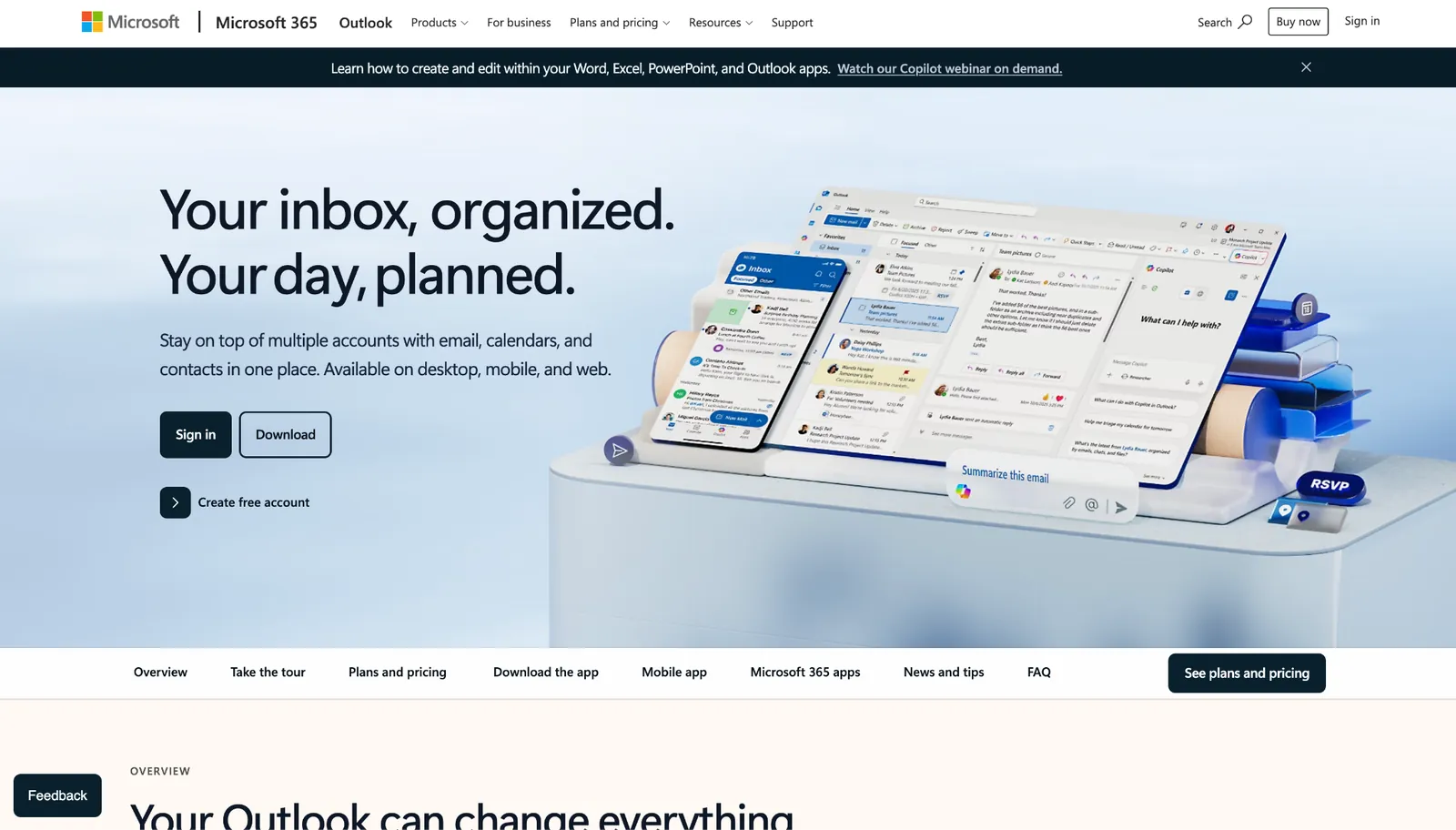
What it does: Outlook puts a Microsoft 365, Gmail, Yahoo, or IMAP account and your calendar in one app, with Focused Inbox filtering the low-priority mail out of the way.
Best for: People whose workday runs on Microsoft 365 and who live in the calendar as much as the inbox.
One tap carried me from a thread to my week, and that single shortcut earned more of my time than any AI trick in this test. Jumping between mail and calendar without leaving the app helps more on a phone than it ever did on my desktop.
The priority filter did the sorting I'd normally do myself. It read my own open-and-reply history to lift the mail that mattered above the newsletters and receipts, and I never wrote a rule to teach it.
The cracks opened on a thread from 2023. Search dragged, then started skipping matches I knew were there, the exact complaint stacking up from Outlook users on Capterra about big mailboxes.
Key features
- Mail and calendar tabs: Both live in one app, no second one to open.
- Focused Inbox: Splits priority mail from the rest using your read and reply history, no rules required.
- Copilot in the bundle: Microsoft 365 Personal ships the Office apps with Copilot and higher usage limits than the free tier.
- Wide account support: Connects Gmail, Yahoo, and IMAP alongside Microsoft accounts in one inbox.
Pros and Cons
Pros:
✅ Mail and calendar sit one tap apart, which dropped my scheduling round trips to zero.
✅ The priority filter shed newsletters by itself, with nothing for me to configure.
✅ It also takes Gmail, Yahoo, and IMAP, so a single app carries the personal mail you'd otherwise split off.
Cons:
❌ The misses deepen as the mailbox grows, and recent Capterra reviewers trace the same curve.
❌ Rules live on the desktop, so any rule-based sorting still routes back through a computer.
❌ You get nudged toward other Microsoft 365 features whether you asked for them or not.
What users say
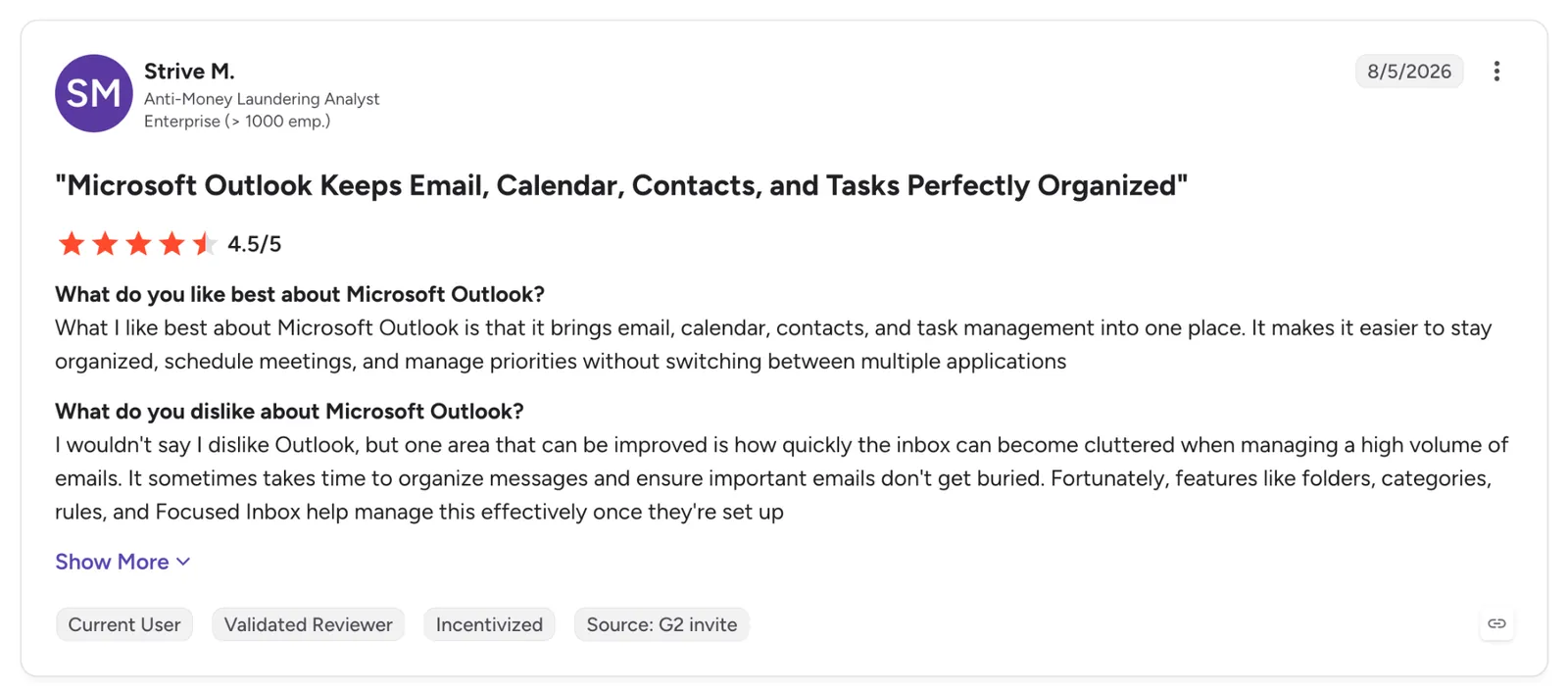
"Sometimes it constantly asks to enter the password for my work account, so it's a bit annoying." — Strive M., G2
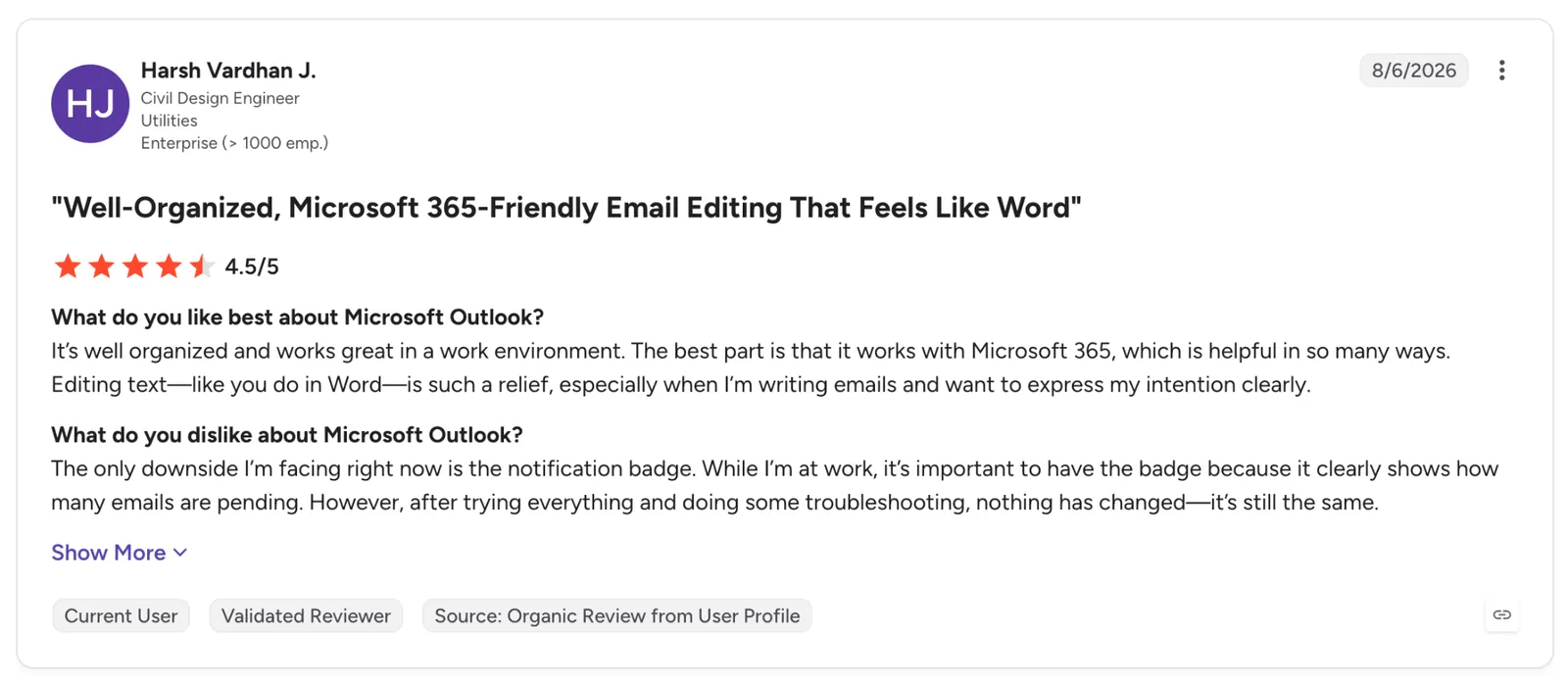
"The only downside I’m facing right now is the notification badge. While I’m at work, it’s important to have the badge because it clearly shows how many emails are pending." — Harsh Vardhan J., G2
Pricing
Outlook itself is free. Microsoft 365 Personal, which adds the Office apps, Copilot, and 1 TB of storage, costs $9.99/month or $99.99/year for one person across five devices.
Bottom line
When the calendar and the inbox share one Microsoft account, Outlook removes a dozen app switches a day. The price for that convenience shows up the moment you search a deep archive.
4. Lindy: Best for handing the inbox to an assistant you reach from Slack or a text
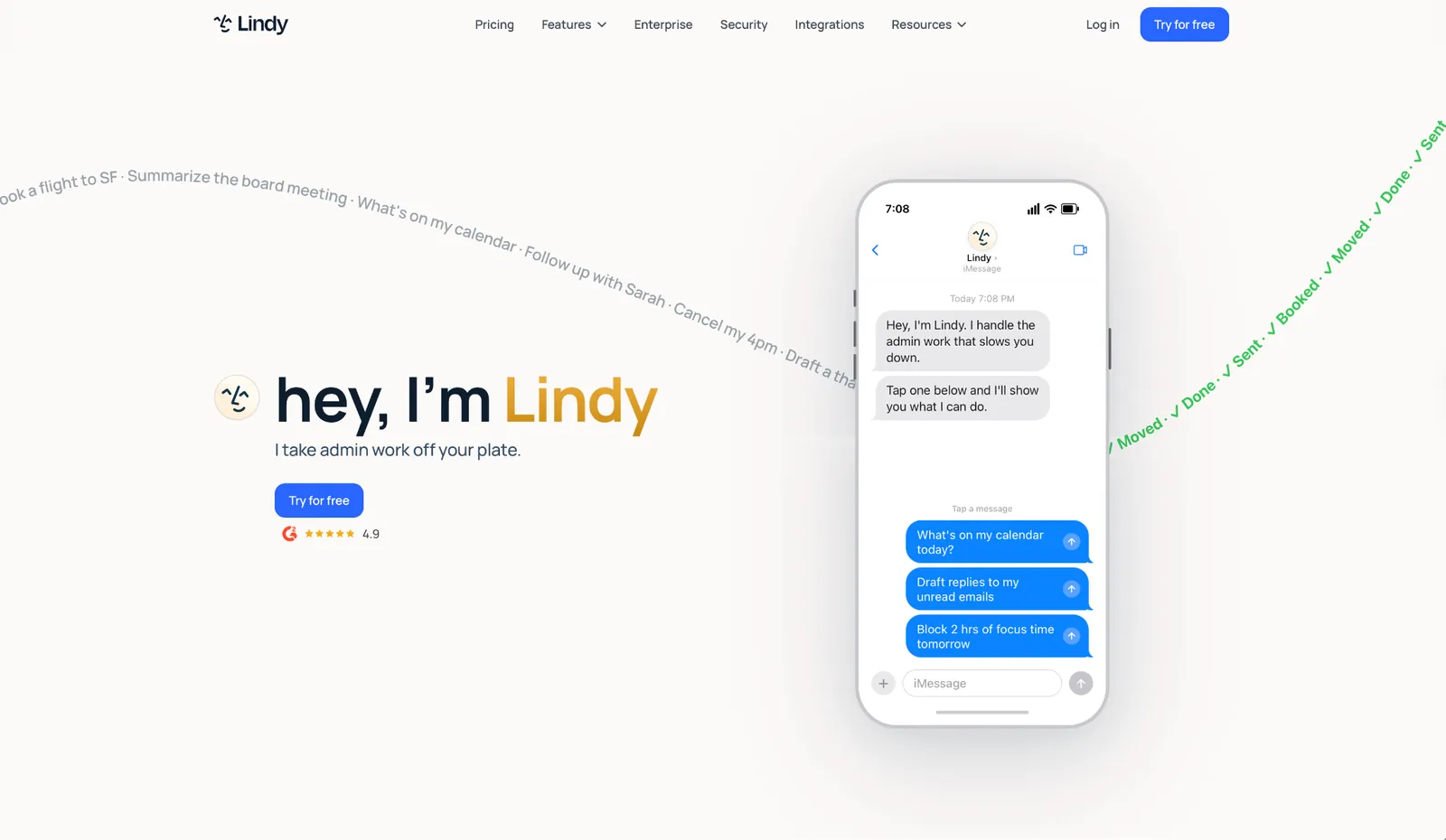
What it does: Lindy is an AI assistant you set up once and reach out to from Slack or a text message. Connected to your Gmail or Outlook, it drafts replies in your voice, books meetings, and answers questions about your work with the source attached.
Best for: Teams that already run on Slack, and founders who would sooner text an assistant than open a mail app six times a day.
Lindy never took a slot on my home screen because there's no Lindy app to install on iPhone. You text it or DM it in Slack, and it reads the inbox, drafts the replies, and waits for your call on each one.
The split between the two channels matters. A DM is your private assistant, carrying your mail and calendar plus its own memory of how you work, while an @mention in a channel answers the whole team and cites where the answer came from, and when it doesn't have the source, it says so.
The drafts held up better than I expected once it had something to learn from. Feed it a handful of your past replies up front, and the first draft comes back cleaner than what the native AI on these other apps gives you.
What I couldn't get around is that Lindy sits on top of a mail app rather than replacing one. I still opened Gmail every day to read and search, so this never cleared a slot on my home screen.
Key features
- Lives in your Slack: DM it for your own inbox and calendar, or @mention it in a channel for the whole team.
- Drafts that sound like you: Write replies in your voice and hold each one for your approval before anything goes out.
- Finished work end-to-end: Writes and runs the follow-up, updates a CRM like Salesforce or HubSpot, and posts a summary where the team can see it.
- Routines and memory: Set recurring work in plain English, like a Monday pipeline brief, and a background agent turns recent work into memory it reuses later.
- Guardrails per action: Set each tool to run on its own, ask first, or stay off, and a DM's personal context never leaks into a public channel.
Pros and Cons
Pros:
✅ It works through Messages and Slack, two apps already on your phone, so the install step disappears.
✅ Answers arrive with citations, and when a source is missing, it tells you rather than inventing one.
✅ Every tool and action carries its own guardrail, set always to allow, ask first, or stay off.
✅ Personal context stays inside your DM, so a private thread never surfaces in a team channel.
Cons:
❌ You still keep Gmail or Outlook on the phone for reading and searching, so Lindy sits on top of the client you already use.
❌ It runs on monthly credits, so a heavy stretch of drafting and follow-ups can burn through the Plus allowance before the month ends.
❌ The Slack side needs an admin to connect the workspace, so solo users only get the DM half.
What users say
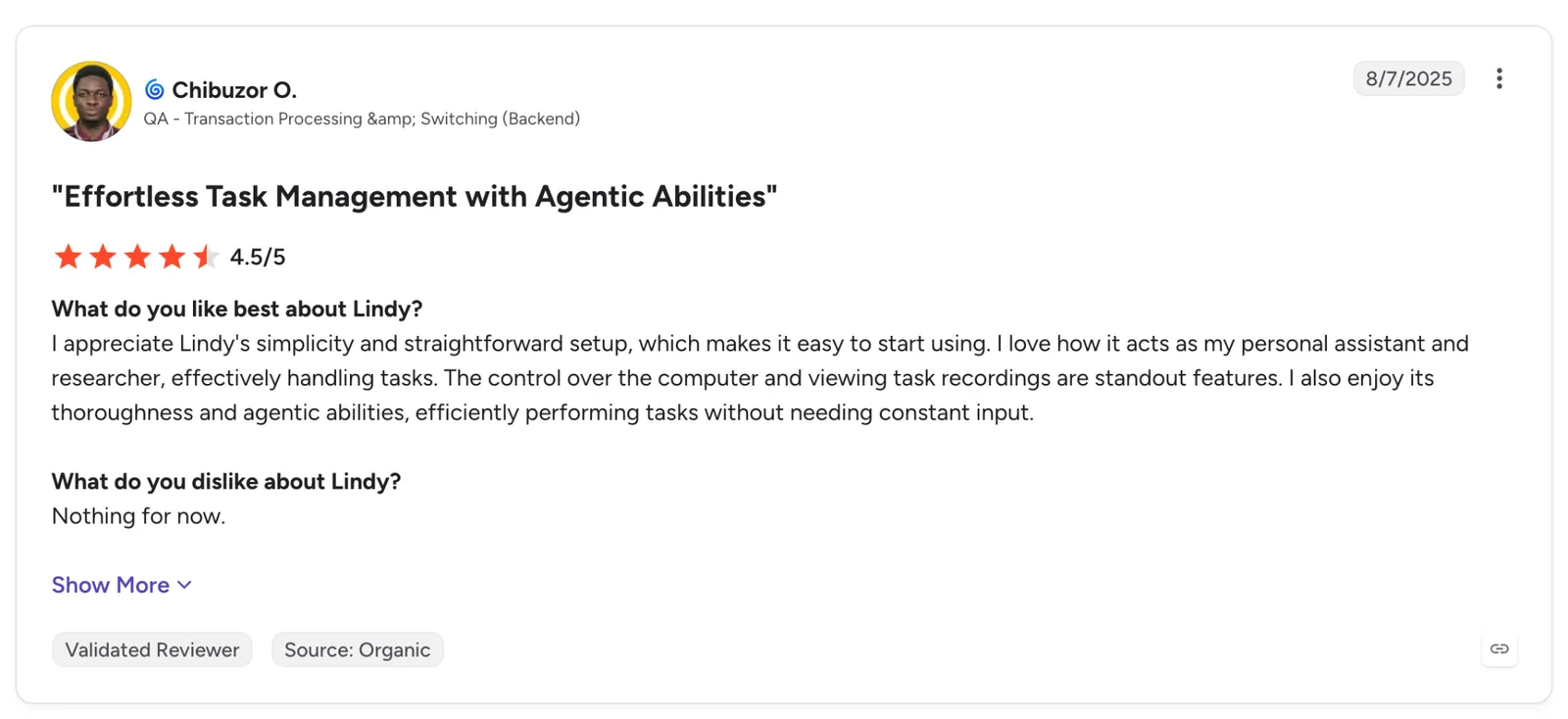
"I love how it acts as my personal assistant and researcher, effectively handling tasks." — Chibuzor O., G2
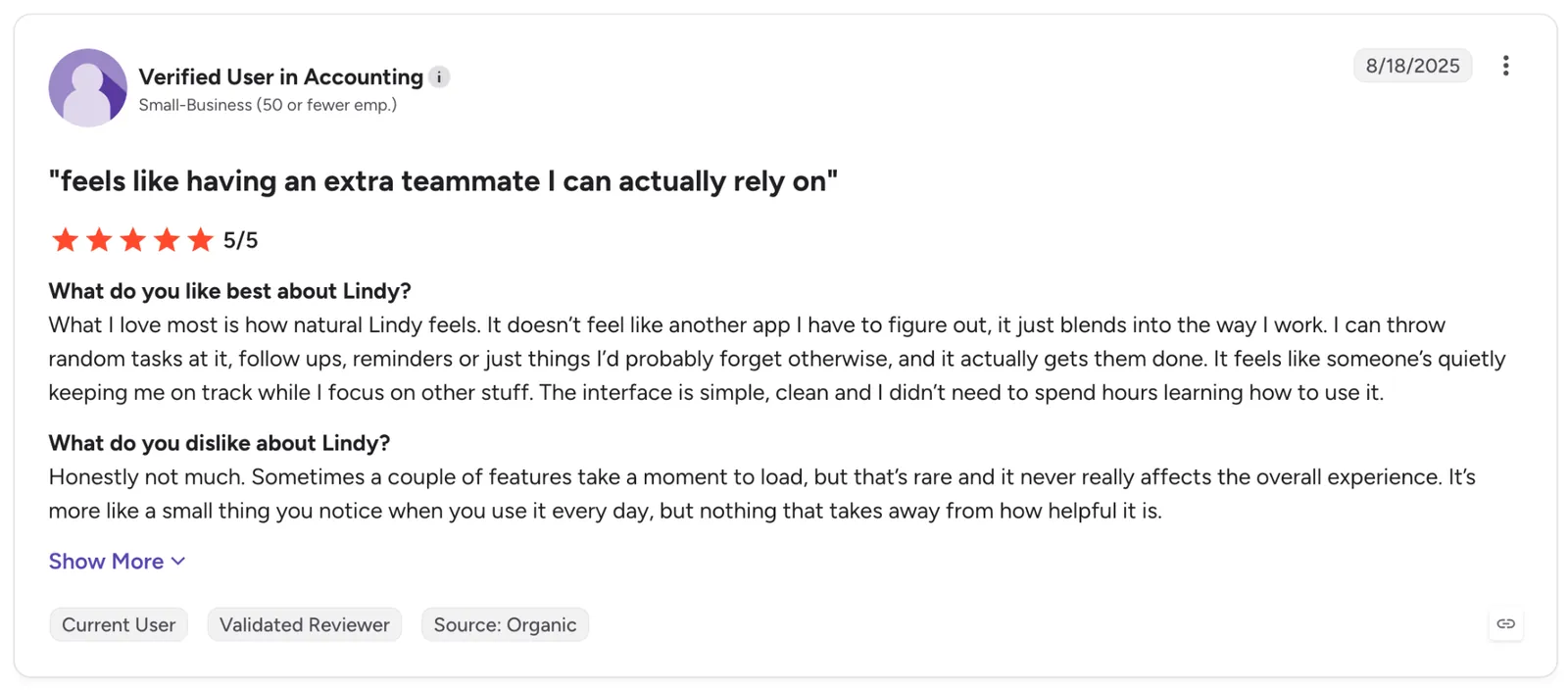
"Sometimes a couple of features take a moment to load, but that’s rare and it never really affects the overall experience." — Verified User, G2
Pricing
Plus starts at $29.99/user/month with 3,000 credits a month. Every plan connects up to five inboxes and includes reply drafting in your voice, meeting scheduling, prep and follow-up, and iMessage access around the clock.
Bottom line
Lindy suits the setup where the inbox and Slack are already the same conversation. It's the one entry here judged by how rarely you have to open your inbox in the first place.
5. Superhuman: Best for the fastest pass through a heavy inbox
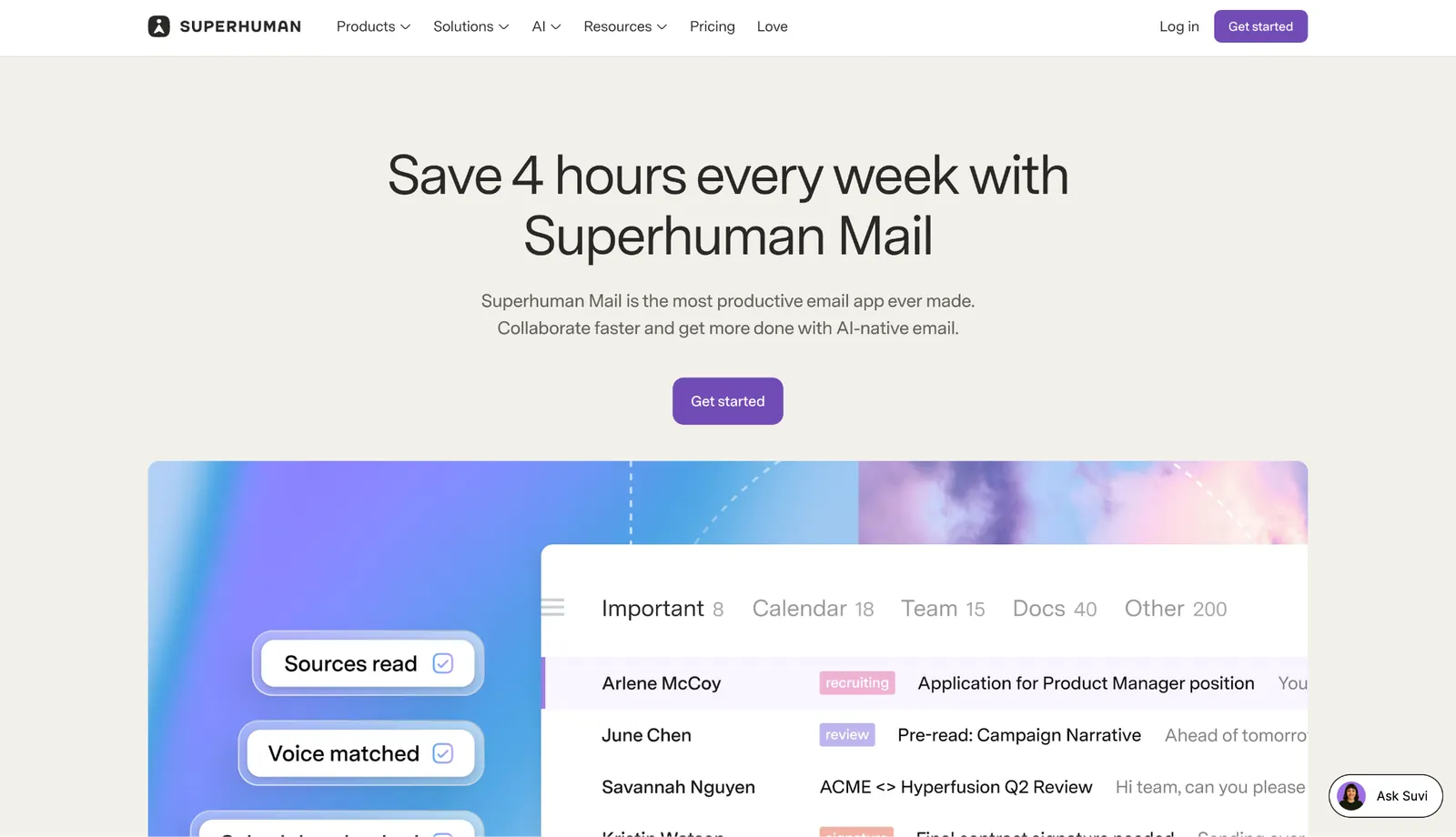
What it does: Superhuman is a paid client for Gmail and Outlook accounts designed around speed, with AI that labels incoming mail, splits the noise off, and writes drafts that match how you already sound.
Best for: People whose inbox is the job, usually on a company card, who will trade money for a faster pass through it.
I handed Superhuman the messiest stretch of the three weeks on purpose, the days when the archive was still unsorted, and the newsletters kept stacking.
The cleanup landed on the first pass. It swept the marketing noise into its own lane and left it there, no rule from me, and the main list came back down to mail that wanted an answer.
The saved-reply system handed the minutes back. I dropped in a paragraph that arrived with its attachments and CC list already filled, and a message that used to cost a minute went out in seconds.
Speed is the whole pitch, and the iPhone is exactly where it thins out. Superhuman was made for a keyboard, so on a touchscreen the shortcut advantage flattens into the same tapping everyone else does, a letdown App Store reviewers keep naming.
Key features
- Auto Labels: AI sorts mail you never asked for into a separate tab, and a short prompt teaches it a label you name.
- Split Inbox: Carves the inbox into sections you define, like team threads or a VIP list.
- Auto Reminders: Flags a thread that needs a reply and pings you to follow up when it goes silent.
- Snippets: Insert a saved line or full email in a keystroke.
Pros and Cons
Pros:
✅ The first sorting pass cleared cold pitches and promos before I touched a setting.
✅ Ask AI, on the $40 Business plan, answered questions about my own mail without pulling me out of the thread.
✅ Saved replies carry their files and CC lists, so a recurring email goes out in two taps.
Cons:
❌ The Mail client comes only with a paid plan, so there's no free tier to test-drive first.
❌ Keyboard speed that defines it on a Mac barely survives the move to a touchscreen.
❌ Search and attachment handling draw the loudest repeat gripes on Superhuman's G2 reviews.
What users say
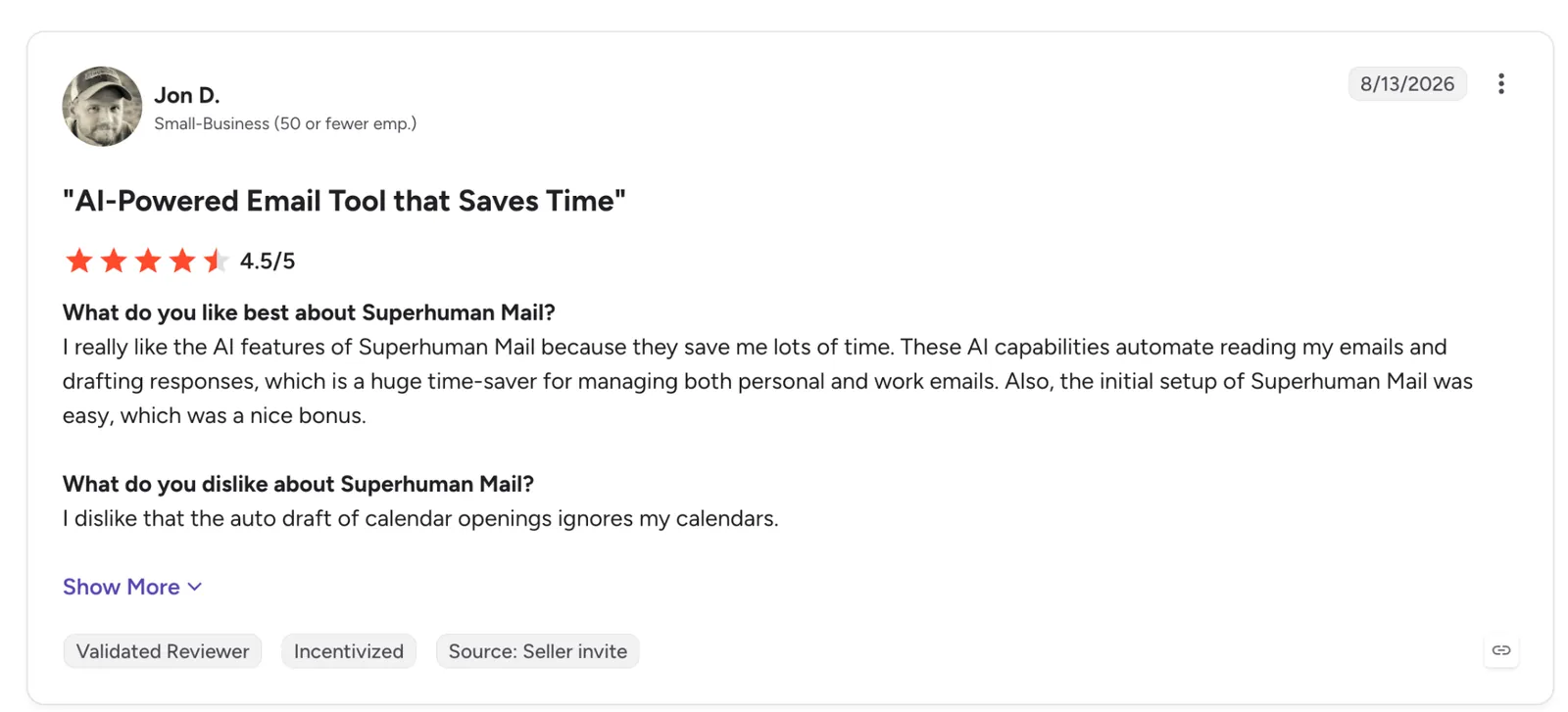
"These AI capabilities automate reading my emails and drafting responses, which is a huge time-saver for managing both personal and work emails." — Jon D., G2
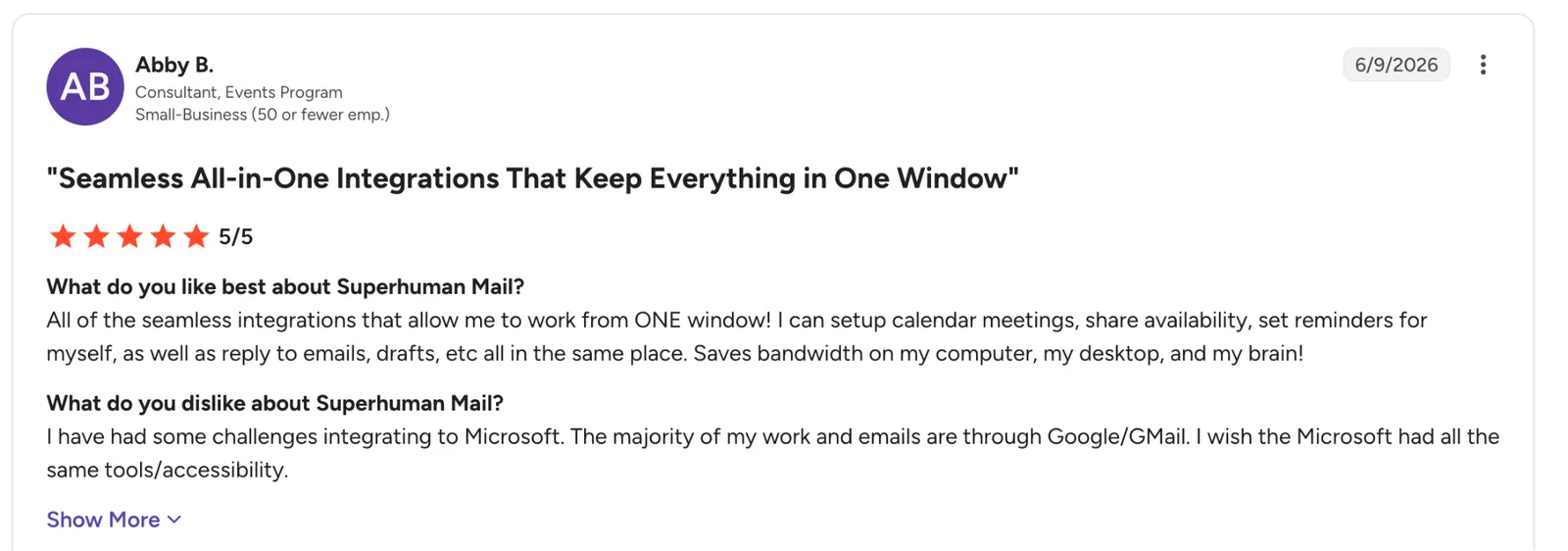
"I have had some challenges integrating with Microsoft. The majority of my work and emails are through Google/GMail." — Abby B., G2
Pricing
Superhuman starts at $30/member/month billed monthly, or $25/member/month billed annually, on the Starter plan with the core client and Superhuman AI. Business runs $40/member/month, or $33/member/month billed annually, and adds the top-tier AI, Auto Drafts, and Ask AI.
Bottom line
Superhuman makes sense when the inbox is the job and someone else signs the invoice. On your own card, Shortwave runs $18 a month against Superhuman's $30 and brings the same AI search and drafting.
{{templates}}
6. Shortwave: Best for pulling one answer out of years of Gmail
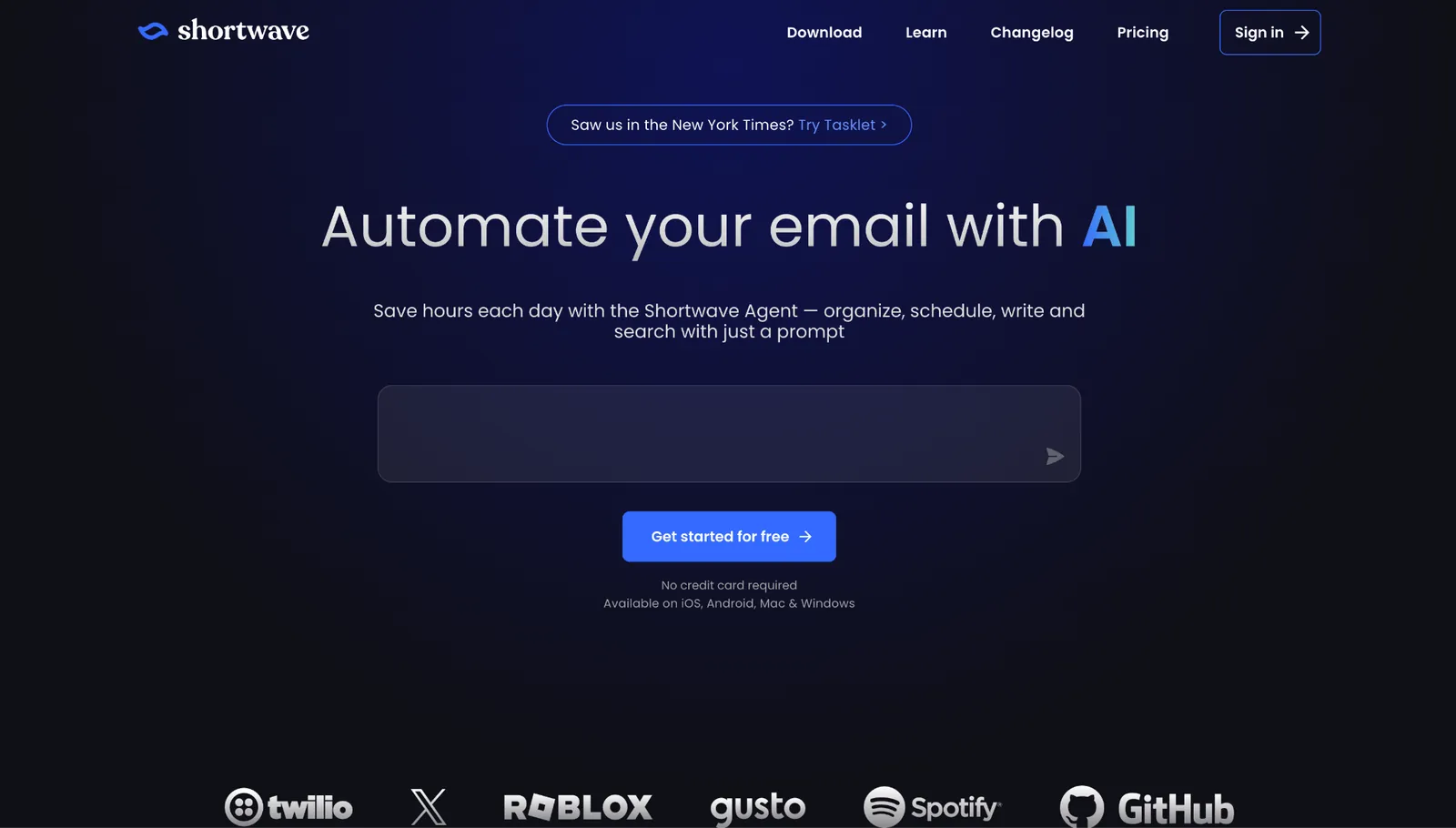
What it does: Shortwave wraps a Gmail inbox around an AI assistant that searches your history, drafts in a tone pulled from your own sent mail, and files messages using rules you type in plain English.
Best for: Gmail users sitting on years of mail who lose more time finding old threads than answering new ones.
Years of unsorted mail finally paid off in Shortwave instead of dragging me down. I asked it, in plain English, for the contract terms buried in a thread I couldn't name from somewhere in the last couple of years, and it handed back the message and the attachment in one answer.
That single reply is what sold me. No other app in the test pulled the two together like that.
Rules got the same treatment. I described a filter the way I'd explain it to a coworker, and the app just did it, no building conditions by hand inside Gmail settings.
Then you notice what it won't connect to. Shortwave runs on Gmail and Google Workspace only, so an Outlook account has to detour through a Gmail bridge, which rules it out for any team running on Microsoft 365.
Key features
- AI Assistant: A conversational helper that lives inside the inbox, on every plan and platform, iPhone included.
- AI search: Ask a question the way you'd ask a colleague and get the answer with its source thread attached.
- Custom AI filters: Set up mail rules without building conditions by hand.
- AI autocomplete: Suggests links and phrasing drawn from mail you already sent, so the fill-ins are words you wrote.
Pros and Cons
Pros:
✅The core assistant runs free and on iPhone, so you can judge the AI before spending a cent.
✅ Labels write back to Gmail, so a trial costs nothing and walking away breaks nothing.
✅ Describing a rule out loud replaced every filter I'd otherwise build by hand.
✅ You can connect more than one account on any tier, the free one included.
Cons:
❌ It ties to Google alone, so Outlook mail has to run through a bridge account to get in.
❌ The free tier opens with 90 days of history, and the full import churns in the background for hours.
❌ How far the AI can search back depends on your tier, so a deep archive outruns the cheaper plans.
What users say
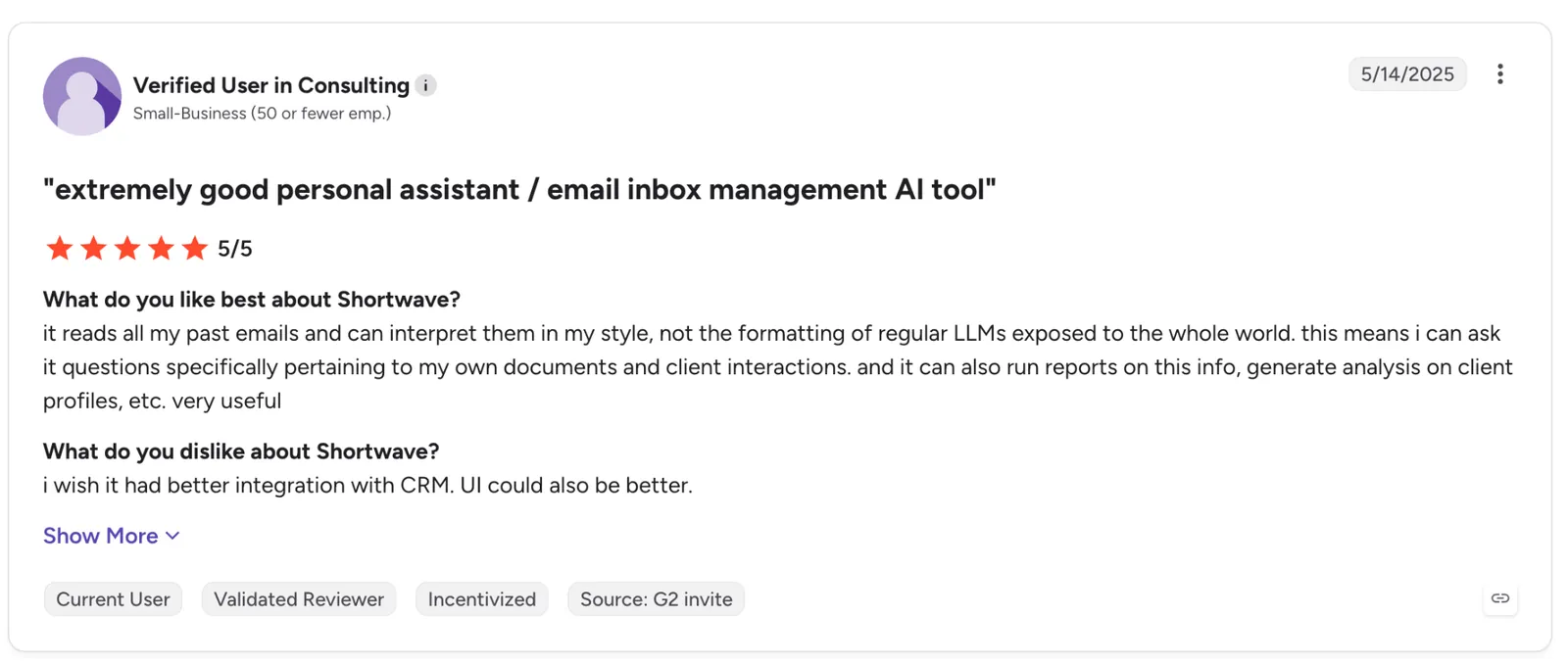
"It reads all my past emails and can interpret them in my style, not the formatting of regular LLMs exposed to the whole world. This means I can ask it questions specifically about my own documents and client interactions." — Verified User, G2
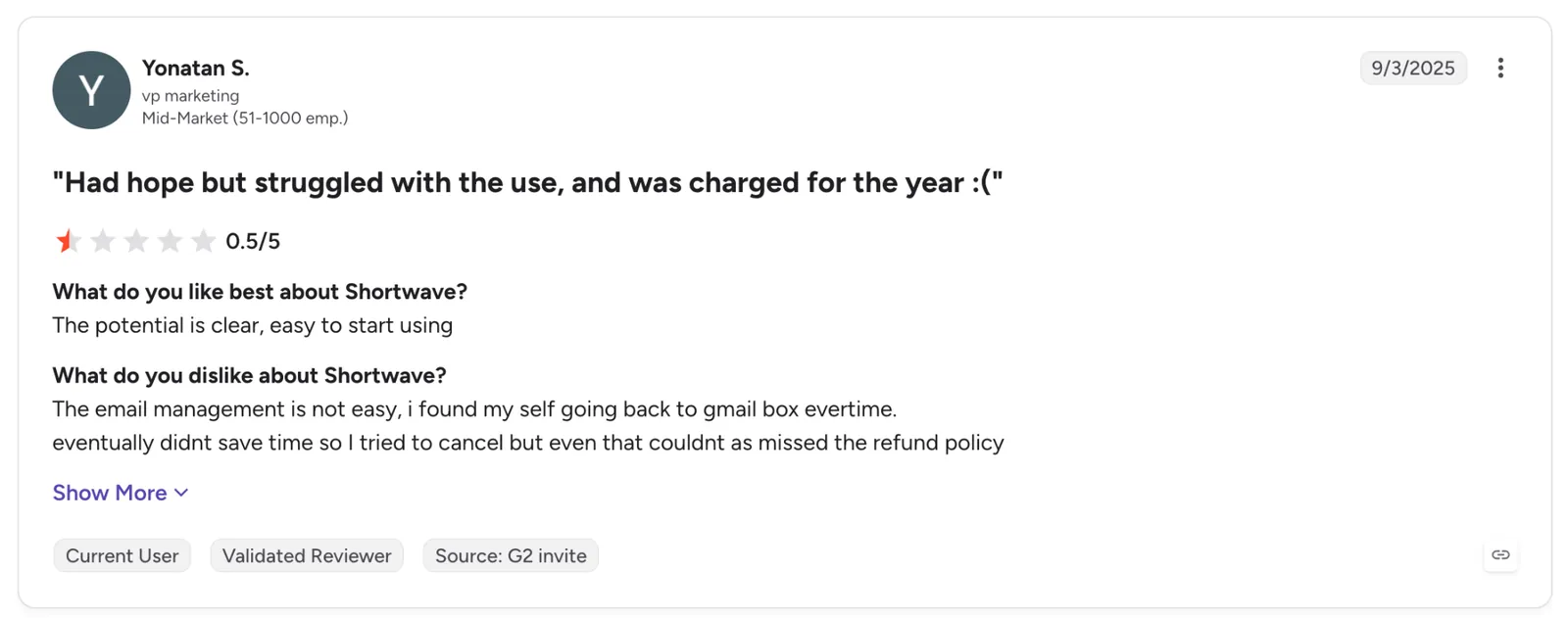
"Email management is not easy; I find myself going back to my Gmail inbox every time." — Yonatan S., G2
Pricing
Pro starts at $18/seat/month for individuals, with full standard search, three years of AI search history, and up to 50 threads per AI search. On the free plan, you still get the AI Assistant, capped at 90 days of history.
Bottom line
Shortwave is the one I'd pay for, since finding old mail is my weekly bottleneck. If your work lives in Outlook, skip it and move on.
7. Spark Mail: Best for screening senders before they reach you
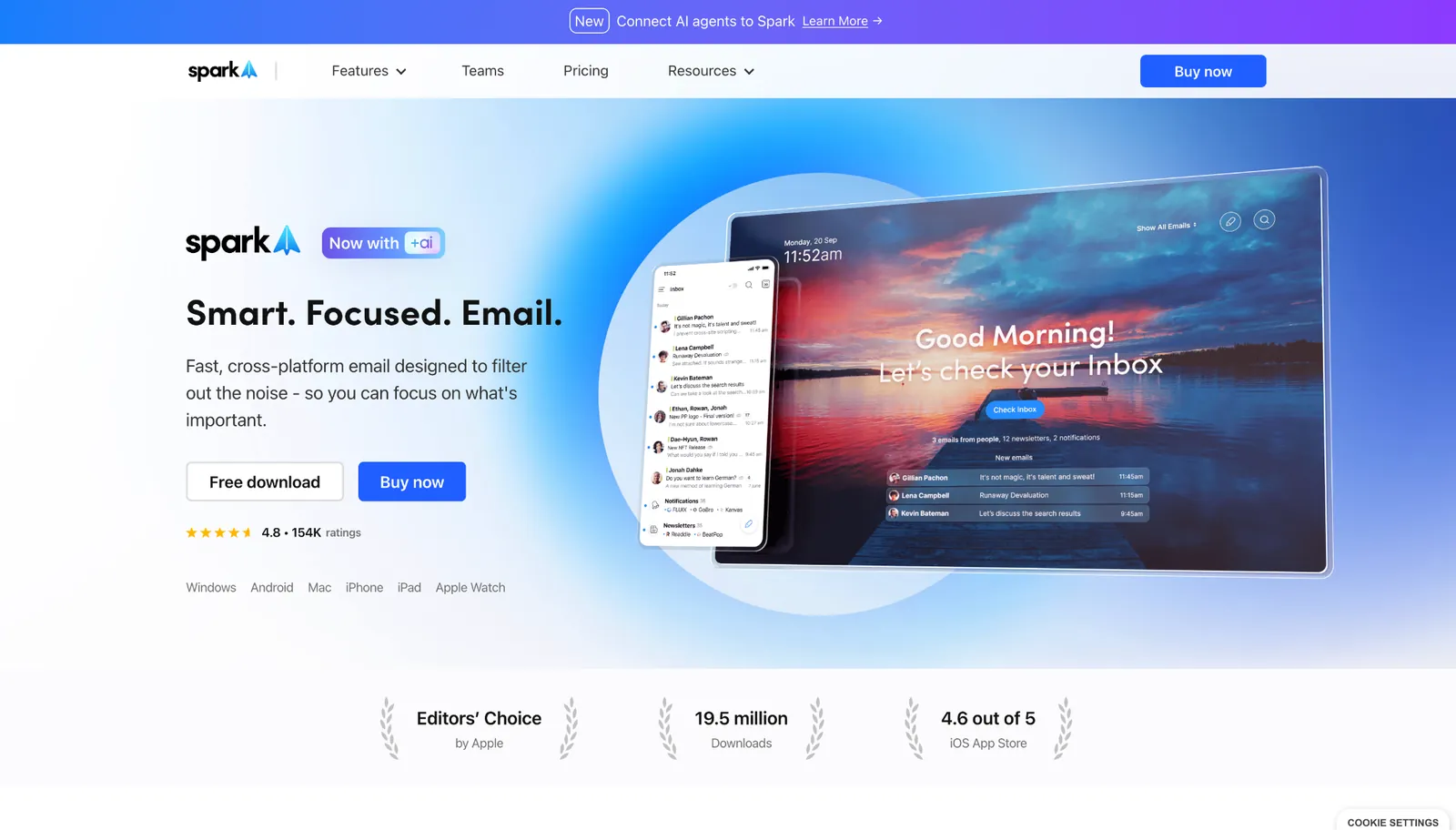
What it does: Spark Mail pulls every account into one inbox and screens first-time senders with Gatekeeper, then adds AI for summaries and reply drafts.
Best for: People buried in mail from senders they never signed up for, running the same account on a phone and a laptop.
Two days of travel put Spark through its hardest stretch. Every first-time sender arrived as a card asking whether to let them in, and the ones I waved off never got through again. No other app here makes you rule on a sender before their next message lands.
Anything that made it past the gate landed in the right lane on its own, newsletters and notifications tucked to the side so the main list stayed mail from actual people. Between gates, one thumb cleared it.
The rough edge was stability. It seized up on me twice within two days, and the freeze complaints run long across the 2026 App Store and Product Hunt reviews. Nothing vanished either time, but I lost my place and had to claw it back.
Key features
- Gatekeeper: Screens every first-time sender so you wave them in or turn them away before they land. Paid plans only.
- Smart Inbox: Files newsletters and notifications off to the side and reserves the main list for people.
- Spark +AI: Sums up long threads, drafts replies, and shifts tone, with meeting notes metered by plan.
Pros and Cons
Pros:
✅ One decision blocks every message after the first, so a sender you turn away never reaches you again.
✅ A single inbox pulls in Gmail, Outlook, Yahoo, iCloud, and IMAP together.
✅ One build runs on iPhone, iPad, Mac, and Windows, so your phone mirrors your desktop.
Cons:
❌ That sender screening rides a paid plan, which Readdle spells out plainly in its help center.
❌ The freezes hit often enough to break my rhythm twice in the same two days.
❌ Meeting notes come metered, so a week packed with calls drains the monthly allowance quickly.
What users say
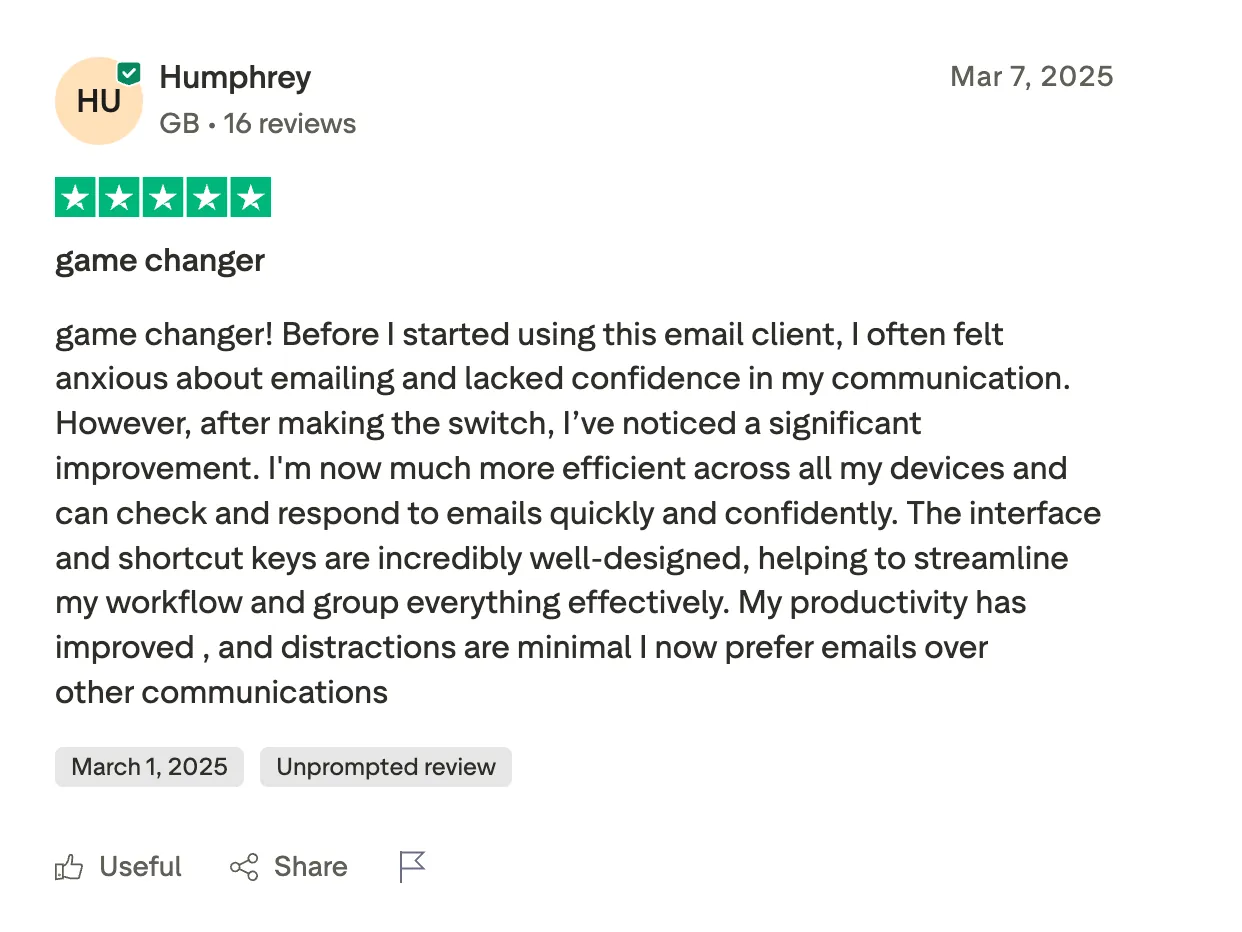
"The interface and shortcut keys are incredibly well-designed, helping to streamline my workflow and group everything effectively." — Humphrey, Trustpilot
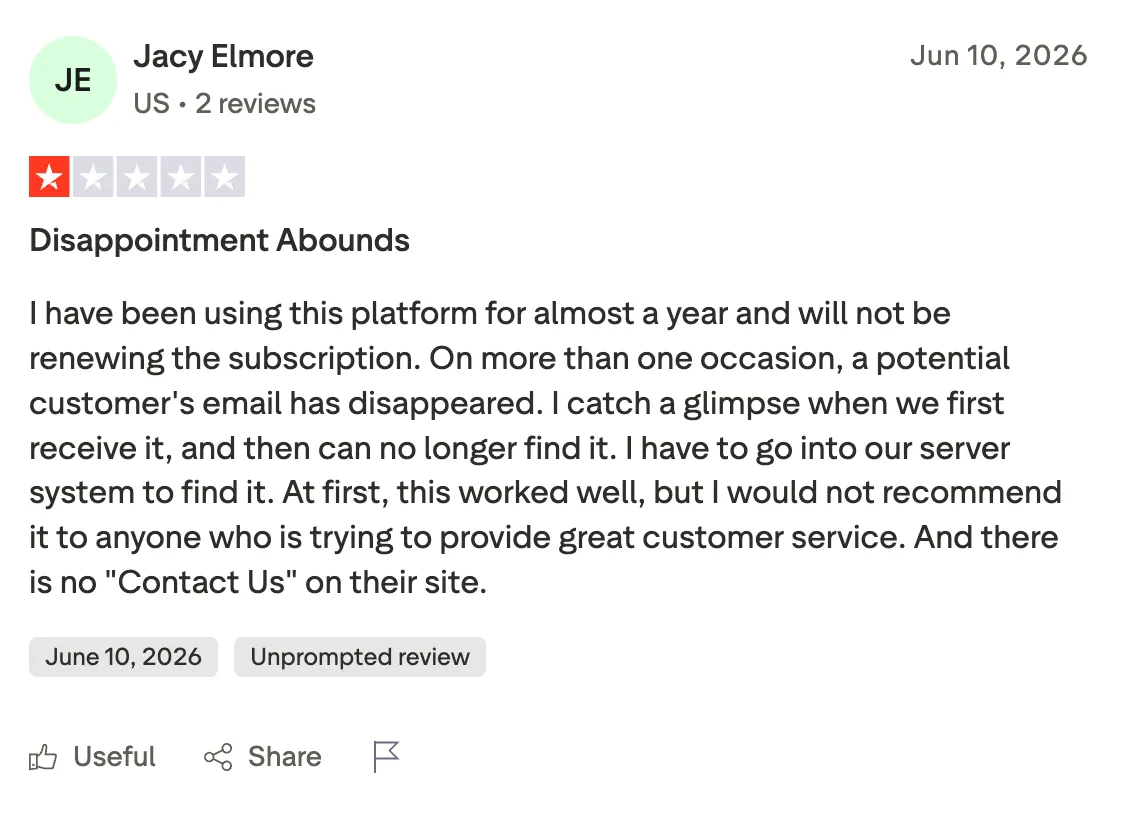
"On more than one occasion, a potential customer's email has disappeared. I catch a glimpse when we first receive it, and then can no longer find it." — Jacy Elmore, Trustpilot
Pricing
Plus starts at $10/user/month billed monthly, or $8.25/user/month billed yearly at $99, and it's the cheapest way to get Gatekeeper. It adds Spark +AI, the AI assistant, 40 AI meeting notes, and team collaboration.
Bottom line
Gatekeeper alone keeps Spark on this list, so it works if unknown senders are what's wearing you down. Go in knowing it stumbled on me more than once.
8. Proton Mail: Best for mail the provider itself cannot read
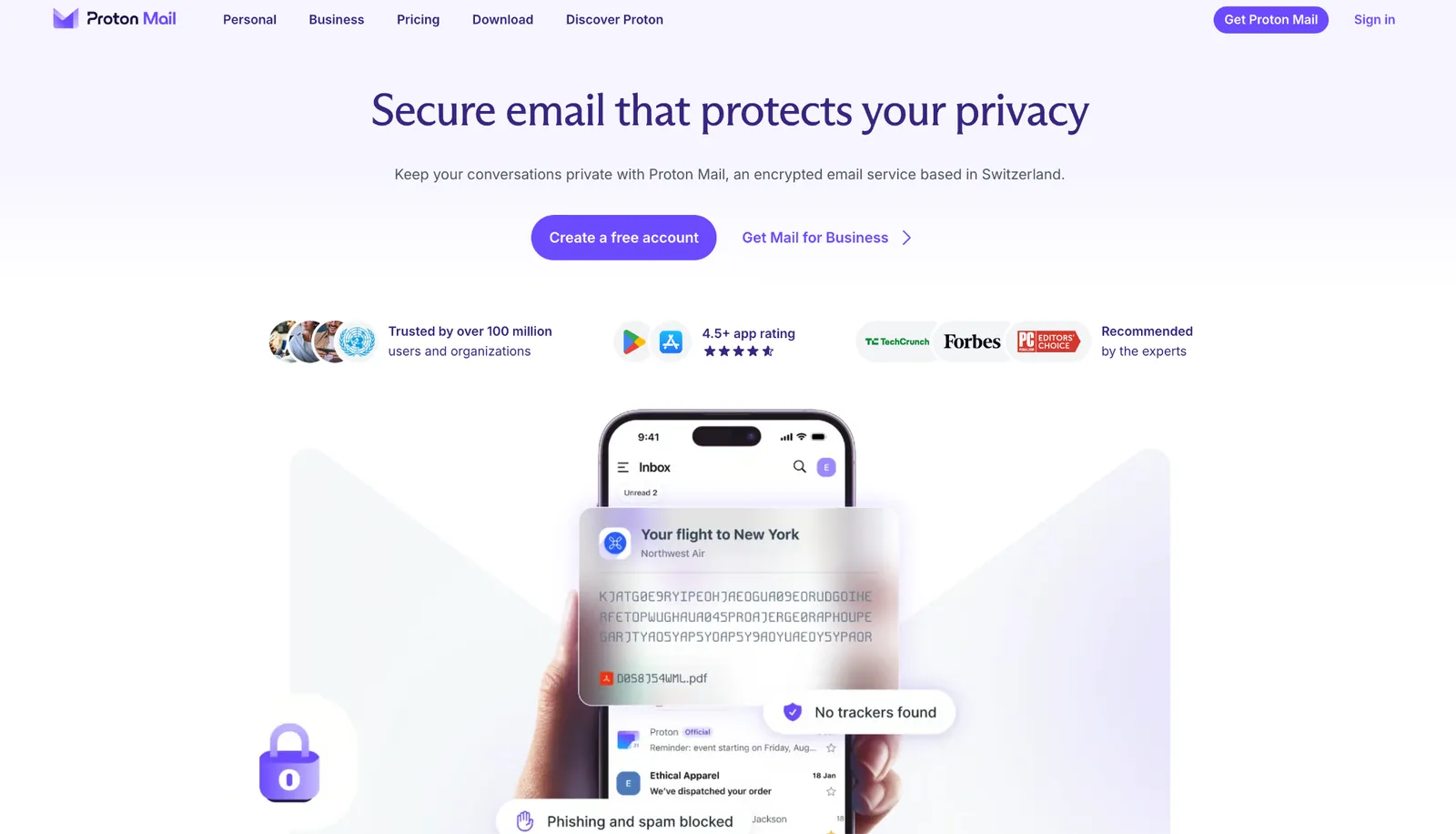
What it does: Proton Mail stores your mail with zero-access encryption on Swiss servers, so the contents stay unreadable to Proton, and the iPhone app decrypts locally.
Best for: People who want the provider locked out of their mail and who accept the trade-offs that come with it.
Proton is the only app here that seals the whole mailbox by default. Its own docs confirm the company cannot read the contents of your messages. Proton stores every email with zero-access encryption and searches it on your device instead of on its servers.
Every rough edge in the app comes back to that encryption. Search reads an index kept on your device, so the first time I dug through a mailbox this size, it sat rebuilding that index before it gave me a single result.
I also tried pointing another iPhone client at the account, and there the wall goes up. Proton doesn't connect to third-party apps on iPhone, since they can't run the decryption that the whole service depends on. Proton's own app becomes the only way in.
Key features
- Zero-access encryption: Mail stays sealed at rest, and even if a court order reaches Proton, they have nothing readable to hand over.
- Hide-my-email aliases: Mail Plus hands out throwaway addresses, so a signup form never touches your own inbox.
- App Lock: A PIN or Face ID lock guards the app, separate from your phone passcode.
- Schedule and snooze: Send-later and snooze both run natively from the iPhone app.
Pros and Cons
Pros:
✅ The encryption covers the free tier as well, so you pay for storage and aliases rather than for privacy.
✅ App Lock holds even when someone picks up your unlocked phone and taps into it.
✅ Signup forms get an alias, so your reading address never leaks into a marketing list.
Cons:
❌ The on-device search index means the first run through a big mailbox is slow until it finishes building.
❌ No outside client can connect on iPhone, so switching apps means leaving Proton entirely.
❌ Free gives you 1 GB and one address, which a working inbox outgrows in weeks.
What users say
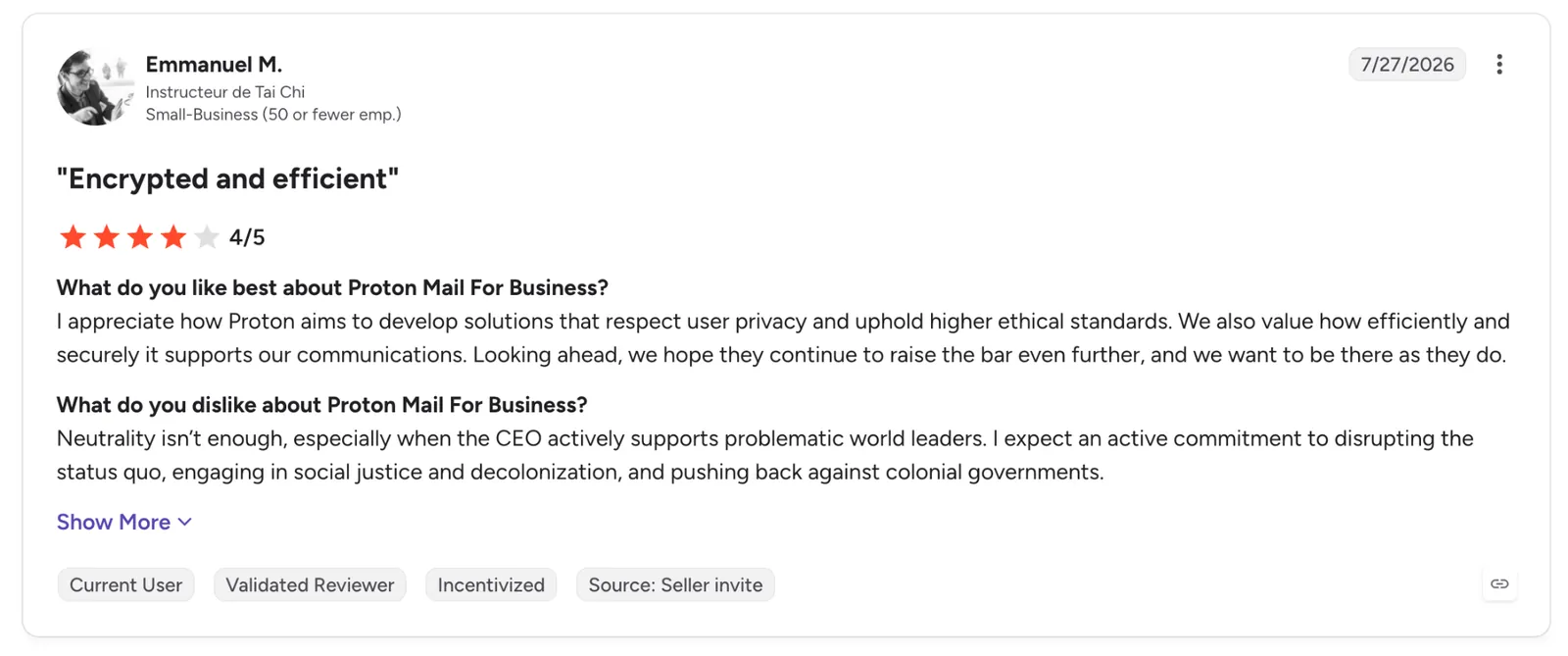
"I appreciate how Proton aims to develop solutions that respect user privacy and uphold higher ethical standards." — Emmanuel M., G2
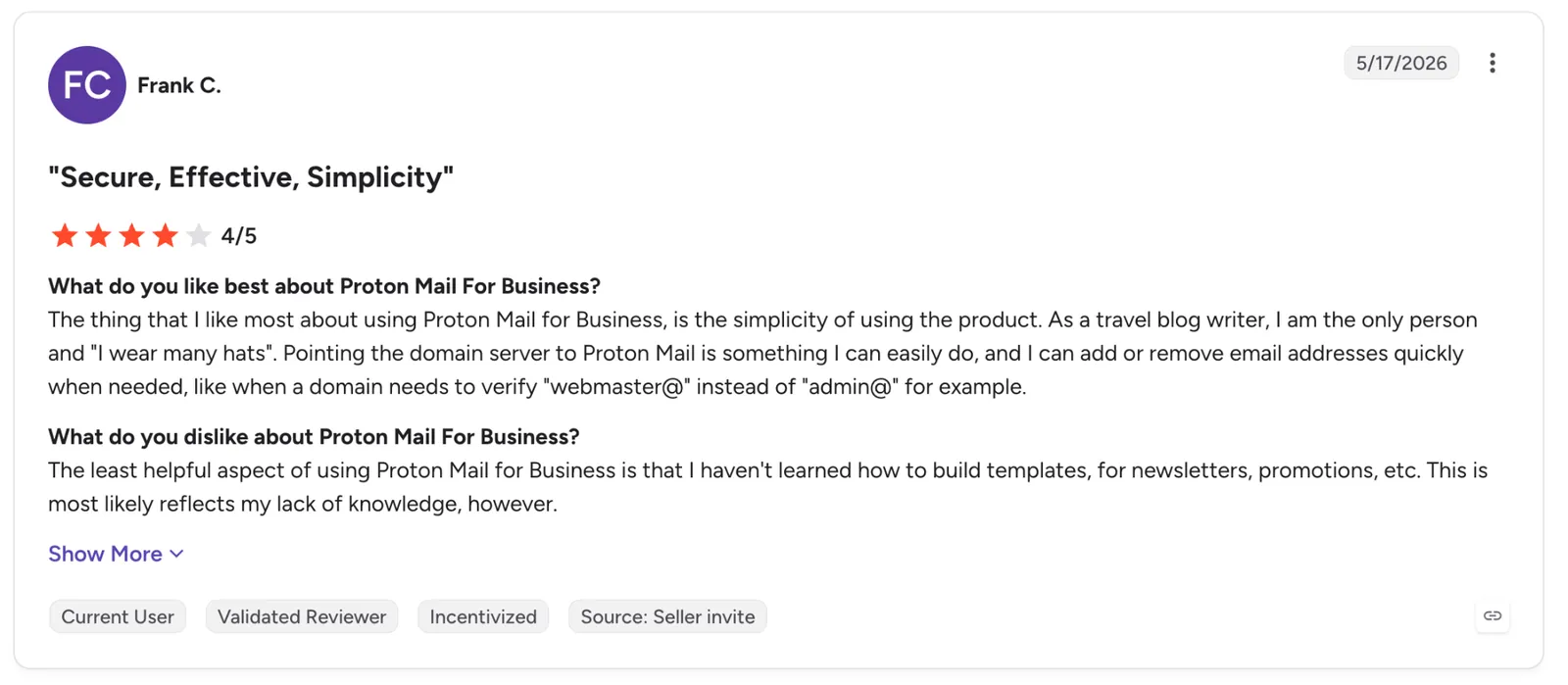
"The least helpful aspect of using Proton Mail for Business is that I haven't learned how to build templates for newsletters, promotions, etc." — Frank C., G2
Pricing
Mail Plus runs $4.99/month billed monthly, or $3.99/month billed annually at $47.88, adding 15 GB, 10 encrypted addresses, a custom domain, and 10 hide-my-email aliases. Free starts you at 1 GB and a single address.
Bottom line
Proton suits you when you want the company locked out of your mail by design. The slow first search and the closed-off clients both follow from that one guarantee.
9. Canary Mail: Best for PGP and AI in one native client
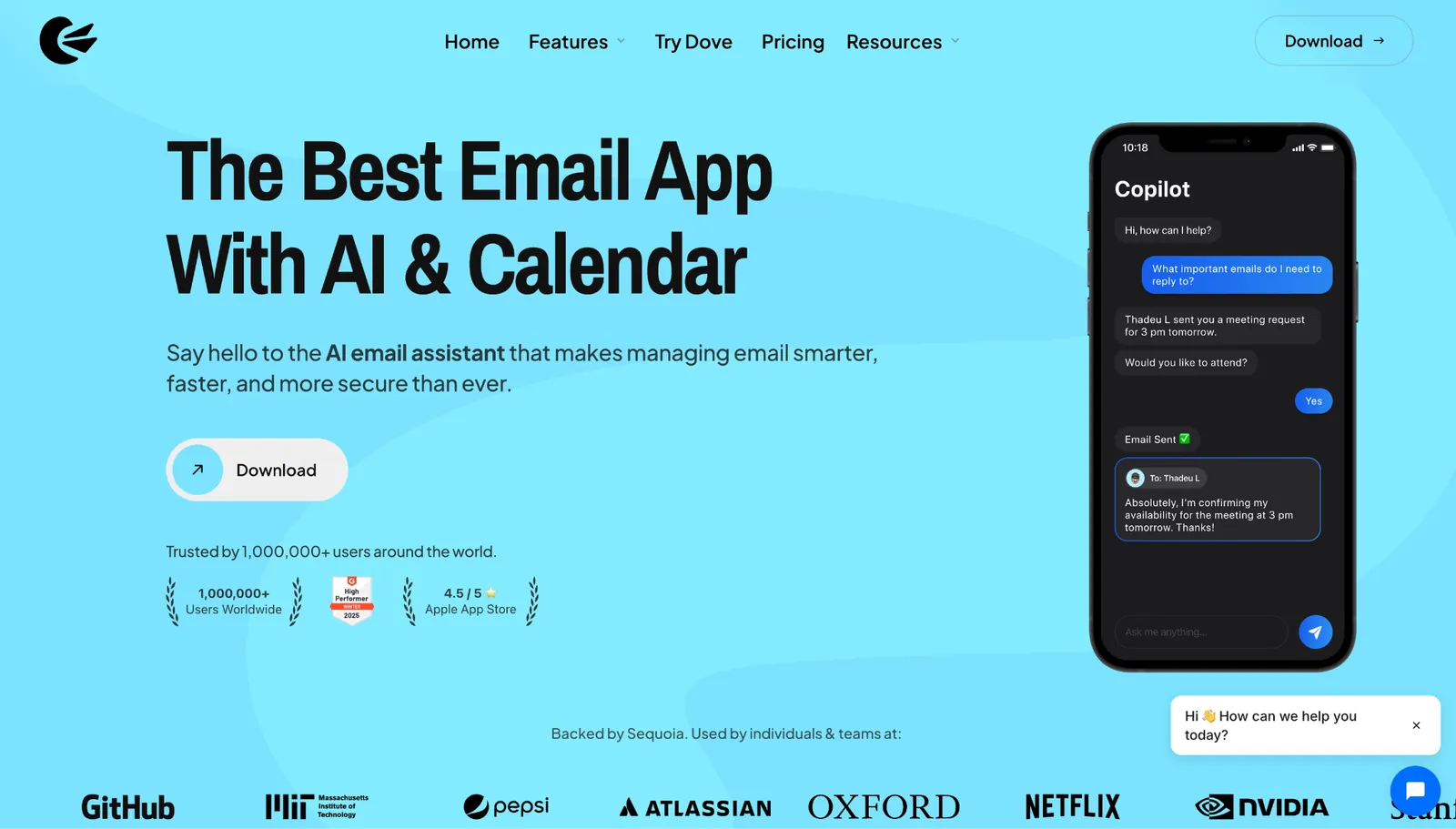
What it does: Canary Mail is a cross-platform email client that pairs its own AI writer with PGP encryption, the standard that scrambles a message so only the person you sent it to can open it.
Best for: People who want strong encryption without giving up AI drafting, and who'd rather not run two separate apps to get both.
Canary was the one app here that ran PGP end-to-end mail and an AI writer side by side. Both sat in the same iPhone inbox, so I never bounced between a secure client and a separate AI tool.
The AI did the everyday work I expected. It summarized a long thread in a couple of seconds and drafted a reply I could send after a quick edit, on par with the AI in Spark or Shortwave.
Getting the encryption fully working is what tested my patience. PGP depends on key exchange, and mail only stays end-to-end when the person you're writing to runs it too, so the headline feature reaches some of your contacts but not everyone.
Key features
- PGP end-to-end encryption: Encrypts mail so only the recipient can read it, with SecureSend covering contacts who don't run PGP.
- AI writer and summaries: Drafts replies and condenses long threads from inside the inbox.
- Read receipts: Shows when a message has been opened, without a third-party tracker.
- Unified inbox: Pulls Gmail, Outlook, iCloud, and IMAP accounts into one list with pin and snooze.
Pros and Cons
Pros:
✅ PGP encryption and an AI writer live in one app, so you don't trade security for tooling.
✅ SecureSend covers recipients who don't run PGP, so encrypted send still works outside your circle.
✅ Connects Gmail, Outlook, iCloud, and IMAP, so it isn't tied to one provider the way Shortwave is.
Cons:
❌ PGP needs key exchange, and full end-to-end encryption only works when both sides run it.
❌ The AI features and PGP both sit behind paid tiers, so the free plan is a plain client.
❌ It carries more setup than the default apps, because strong encryption asks for it.
What users say
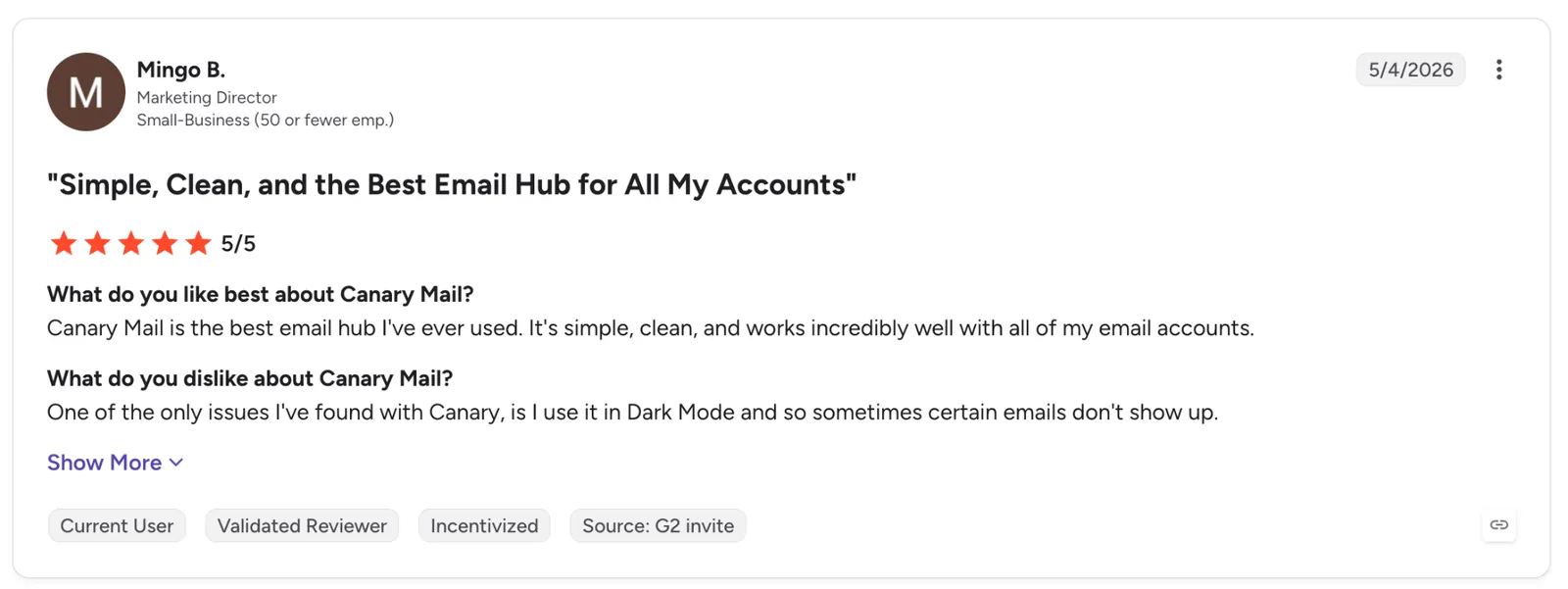
"Canary Mail is the best email hub I've ever used. It's simple, clean, and works incredibly well with all of my email accounts." — Mingo B., G2
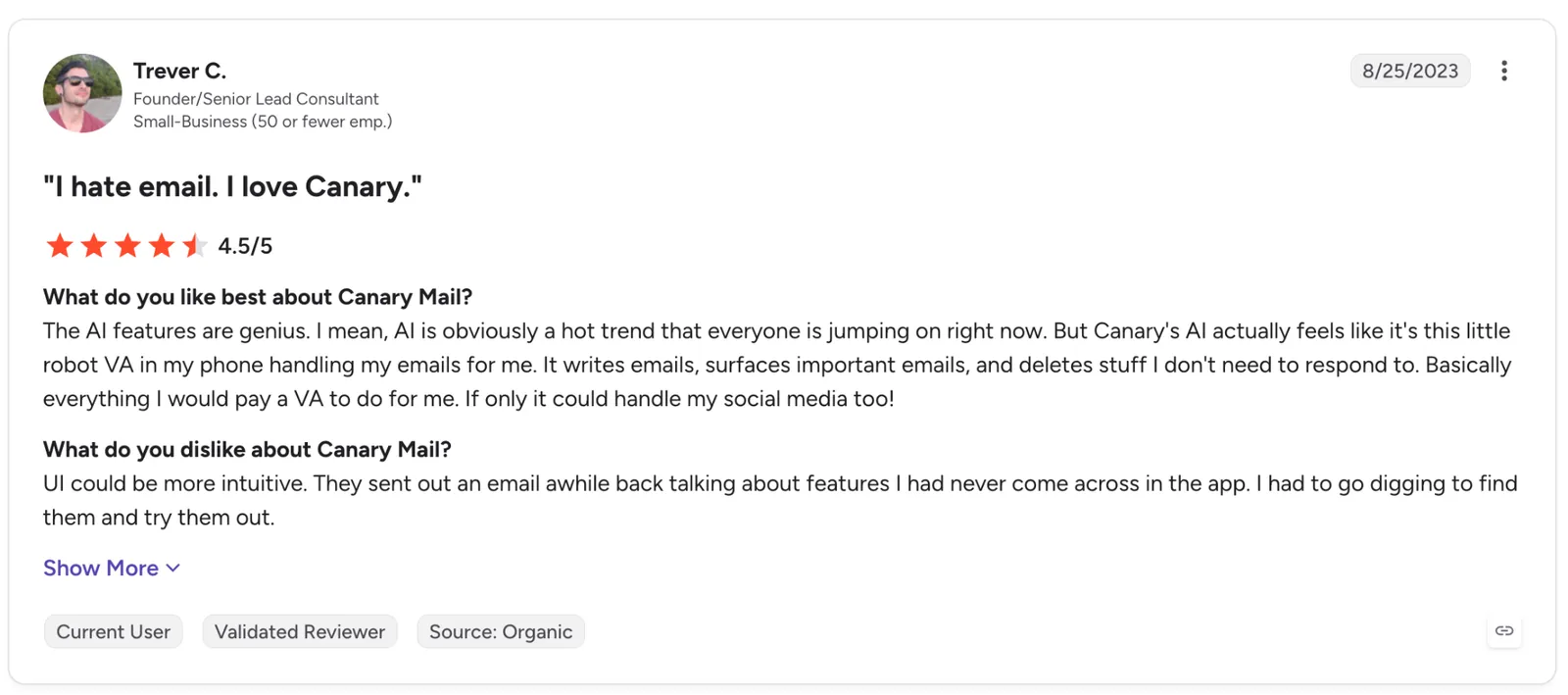
"UI could be more intuitive. They sent out an email a while back talking about features I had never come across in the app." — Trever C., G2
Pricing
The Growth tier runs $3/month billed yearly at $36, or $100 as a one-time lifetime purchase, and adds AI Copilot and read receipts. Pro+ runs $10/month or $300 lifetime and adds PGP encryption, SecureSend, and phishing protection. Underneath both, basic mail runs free.
Bottom line
Reach for Canary when you want encryption and AI without picking one. Budget the extra setup, because PGP asks more of you than the default apps ever will.
10. Spike: Best for reading long threads like a chat
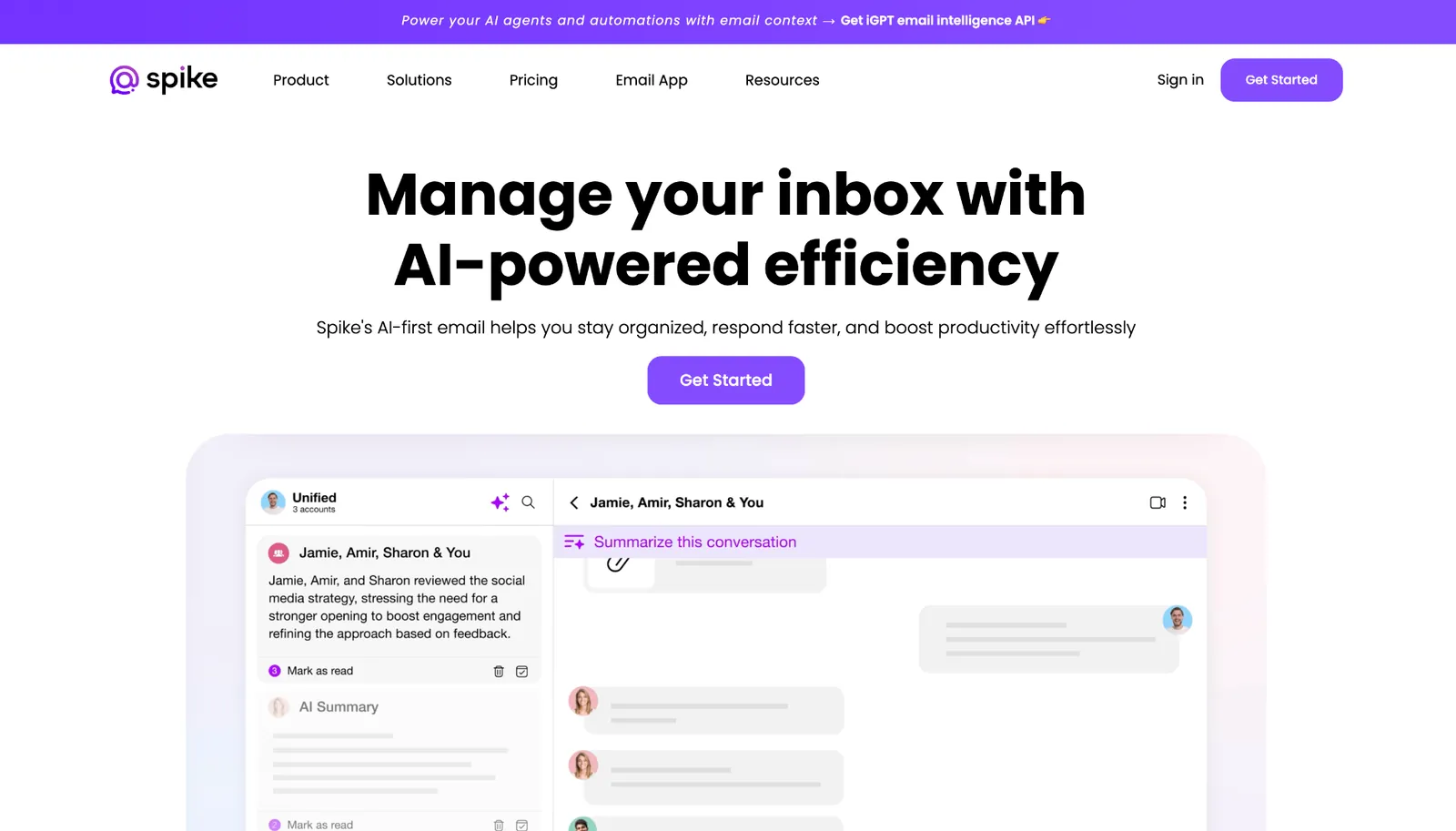
What it does: Spike strips headers and signatures from email and shows it as a chat, grouping messages by the person who sent them.
Best for: People who think in messages and find a 30-reply email thread harder to follow than a group chat.
A 30-message negotiation was the moment Spike clicked. The whole back-and-forth folded into a timeline I thumbed through like a chat app, and I caught up in under a minute instead of scrolling and hunting for the last reply.
None of that touches the person you're writing to. Whoever's on the other end gets an ordinary email, so the chat view is yours alone and asks nothing of your contacts.
What pulled against it was everything bolted on beside the mail. The onboarding stacks tasks, notes, and video calls on top of the inbox, and on a phone screen, those extra surfaces keep crowding the one thing I opened the app to do.
Key features
- Conversational Email: Grouped by sender, headers and signatures stripped.
- Normal email on the other side: Your recipient sees a standard message, so nobody else needs the app to reply.
- Spike AI: Sums up unread mail and reorders the inbox so the messages that matter surface first.
- Unified inbox: Pulls Gmail, Outlook, iCloud, and IMAP into a single list.
Pros and Cons
Pros:
✅ A 30-message thread became one scrollable timeline, and a single pass caught me up.
✅ Any message flips back to the standard layout, so you can drop the chat view on a thread that needs a formal read.
✅ It takes any Gmail, Outlook, iCloud, or IMAP account you point it at.
Cons:
❌ Pro tops out at three addresses, 5 GB of storage, and 100 MB uploads, and a fourth address pushes you to the pricier tier.
❌ Tasks, notes, and video calls all crowd in here too, which bulks the app past a plain inbox.
What users say
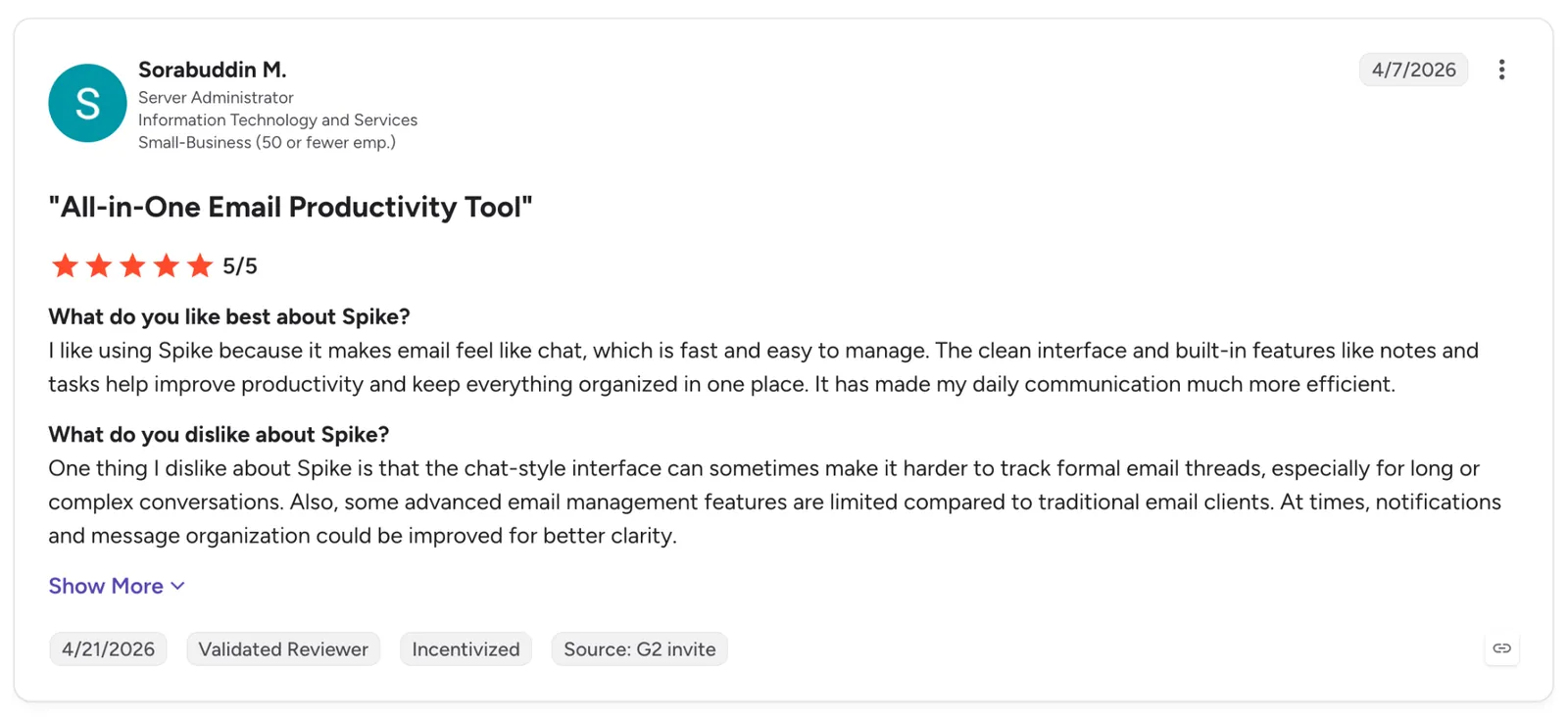
"The clean interface and built-in features like notes and tasks help improve productivity and keep everything organized in one place." — Sorabuddin M., G2
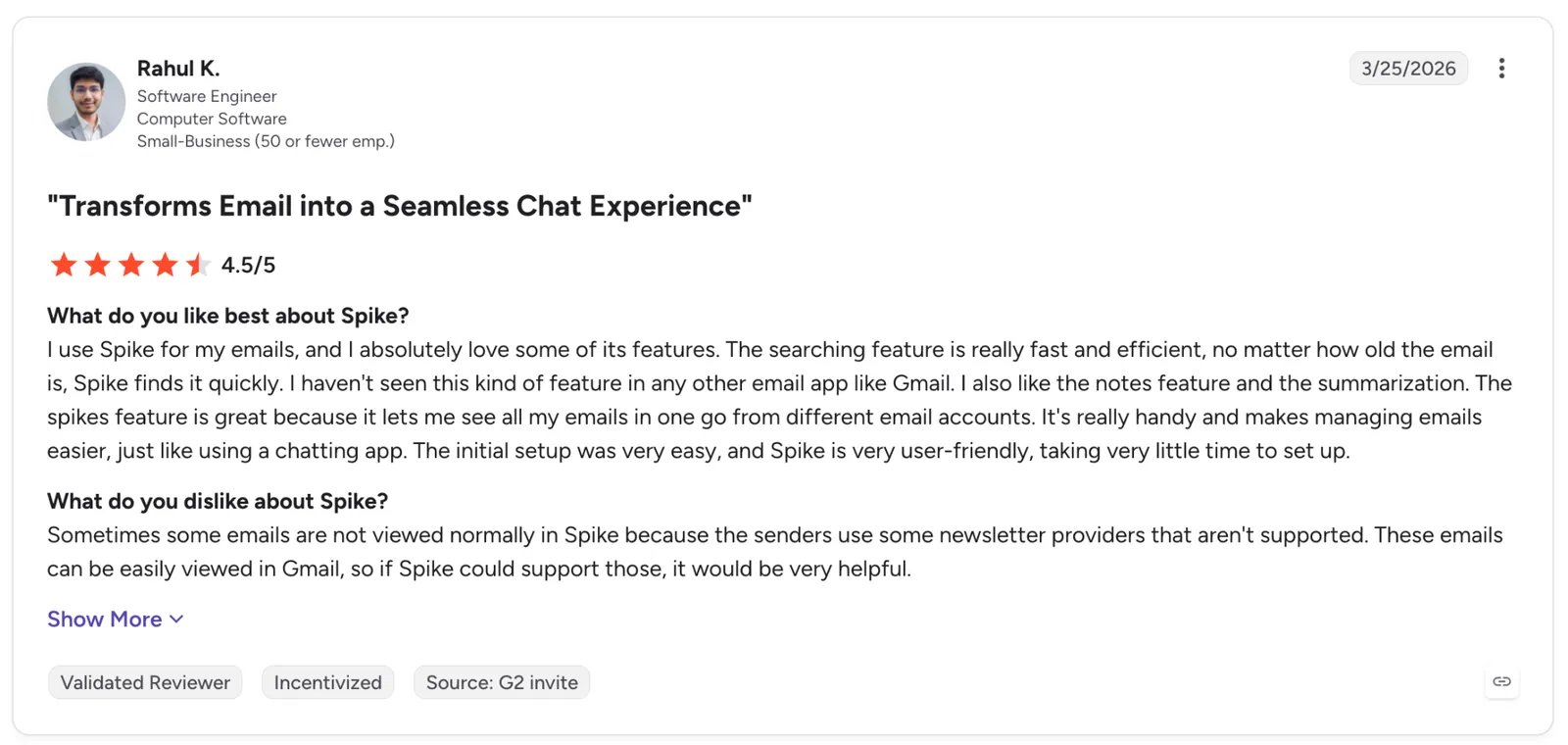
"Sometimes some emails are not viewed normally in Spike because the senders use some newsletter providers that aren't supported." — Rahul K., G2
Pricing
Pro starts at $8/user/month billed monthly, or $6/user/month billed yearly at $72, covering up to three addresses, unlimited search history, 5 GB of storage, and Spike AI. Personal use runs free below that.
Bottom line
Spike helps when reading is the bottleneck and a long thread reads better as a chat. If you just want a plain mail app, the extra modules will crowd the screen.
{{cta}}
Which email app for iPhone should you choose?
The right email app for iPhone comes down to which part breaks first, whether that's notifications, search, unknown senders, privacy, or whether you'd rather an assistant handle the inbox for you.
Choose Apple Mail if:
- You want push that lands the second mail does, with nothing to install or configure
- Your mail sits in one or two accounts, and you rarely dig past the last few months
Go with Gmail when:
- Your life already runs through a Google account, and you lean on search and label
- You want Gemini drafting baked in without adding another app
Pick Outlook if:
- You check the calendar as often as the inbox, and both sit in one Microsoft 365 login
- You want newsletters and receipts filtered out without writing a single rule
Lindy makes sense if:
- You'd rather clear the inbox by texting an assistant than opening a mail app
- You reply to the same kinds of email daily and want the drafts written for you, source attached
Choose Superhuman if:
- Your inbox is the job, and the company pays for it
- You want AI to label and archive the noise so you only touch mail that needs you
Shortwave is your pick when:
- You can describe an old thread but never remember the subject line
- Your Gmail archive runs years deep, and you need to search across all of it
Choose Spark Mail if:
- What annoys you comes mostly from senders you never contacted
- You run the same account on your phone and your laptop
Choose Proton Mail if:
- You want the provider locked out of your mail, even if search runs slower for it
- You'd rather hand a signup form an alias than the address you read every day
Pick Canary Mail if:
- You want PGP encryption and AI drafting without running two separate apps
- You're willing to trade a little setup for stronger security
Go with Spike when:
- You reread long threads more than you write new mail, and want them to read like a chat
- Three addresses and 5 GB cover everything you do
Stick with what's already on the phone if:
- You get under 20 emails a day, where the preinstalled app already wins
- The volume of mail is what buries you, since a faster pass through 400 messages still leaves you with 400 messages to read
Final verdict
Ten apps, three weeks, one iPhone. Each person here lands on a different one, depending on which part of the inbox hurts hardest.
Apple Mail leads on notification speed and sets the bar the rest have to clear. Gmail and Outlook both win on the account you already have: Gmail on search that works exactly as it does on desktop, Outlook on keeping the calendar one tap away. Shortwave and Superhuman both take on a heavy inbox, Shortwave by finding the one old thread you need and Superhuman by clearing new mail faster.
Proton Mail and Canary Mail both keep the contents encrypted, Proton by locking the provider out and Canary by pairing PGP with AI. Spark Mail and Spike change how the inbox reads.
Lindy is the outlier here for a reason. There's no app to put on your home screen. You text it or DM it in Slack; it reads the account and drafts the replies, and your existing mail app stays the interface.
If replying eats your morning, start there, and you can sign up to know within a week whether it belongs on your phone.
Frequently asked questions
What is the best email app for iPhone?
Apple Mail is the best email app for iPhone for the average person, because it comes preinstalled and pushes notifications the second mail lands. If your inbox runs heavy or deep, Shortwave and Superhuman handle a big archive better.
What is the best free email app for iPhone?
Apple Mail is the best free email app for iPhone, since it ships with the phone and connects Gmail, Outlook, and iCloud accounts at no cost. Gmail's free tier adds Gemini drafting, and Spark's free tier covers multiple accounts in one Smart Inbox.
Why are my email notifications delayed on iPhone?
Your notifications are delayed because iOS holds background fetch to save battery. Apps that use push delivery arrive in seconds, while accounts set to Fetch wait 15 minutes or more; you can change this under Settings > Mail > Accounts.
Can one iPhone email app handle both Gmail and Outlook?
Yes. Apple Mail, Gmail, Outlook, Spark, Spike, Superhuman, and Canary Mail all connect Gmail and Outlook in one inbox. Shortwave is the exception, since it supports only Gmail and Google Workspace.
How much does a paid email app for iPhone cost?
Paid email apps for iPhone run from about $3 to $30 per month. Canary Mail and Proton Mail sit at the low end near $3 to $4 a month, though Canary's $3 is its yearly-billed equivalent rather than a monthly plan. Lindy, an assistant rather than a client, runs $29.99 per user per month.










