I Tested the 17 Best Knowledge Management Software for Teams


It's 9:47 AM on a Tuesday. A new hire is asking the same question in three different Slack channels. No one replies. So she finally DMs her manager. Her manager spends the next 20 minutes searching old emails for a policy that was written down somewhere.
This happens at almost every company I've worked with. The knowledge exists. It's spread across hundreds of docs, different tools, and a few people's heads. And those people are usually stuck in meetings.
So I shortlisted the field, then spent five weeks testing 17 business knowledge apps across five categories.
Those were AI search tools, internal wikis, customer help centers, training platforms, and personal knowledge apps. I wanted to see which ones people keep using after the first week and which ones end up as another forgotten tab.
I've grouped them based on what they're built to do, because "knowledge management" can mean very different things depending on what you need. Some tools help you store information. Others are mainly about helping you find it.
What are business knowledge apps?
Business knowledge apps are tools that help teams capture, organize, and find information at work. That covers everything from an internal wiki that stores your onboarding process to an AI assistant that answers questions across your meetings, files, and tools in plain English.
A good business knowledge app gets the right answer to the right person before they give up and ask a colleague instead. If you want to see how these systems work in practice, here are some knowledge management system examples worth looking at.
Here's what the main types of business knowledge apps do:
- AI knowledge retrieval: These tools sit inside the apps your team already uses and search across meetings, files, and connected tools when someone asks a question. Instead of requiring a structured knowledge base, they index what your team has already produced and surface answers with citations so people can verify before acting.
- Internal wikis: A central place for teams to write down how things work, from onboarding guides to process docs. They work best when someone owns the structure and keeps it current, because a wiki no one maintains becomes a graveyard of stale pages fast.
- Customer-facing knowledge bases: Built for publishing help articles and product documentation to customers. The goal is ticket deflection: letting users answer their own questions before contacting support.
- Learning management systems (LMS): Handle structured training programs with completion tracking, certificates, and compliance workflows. They exist to produce proof that someone learned the material.
- Personal knowledge tools: Help individual contributors capture ideas, organize research, and build a reference system they can search later. Each person sets one up and runs it themselves.
How I tested these apps
I evaluated 17 tools across five categories over five weeks. For each category, I ran the same core challenge. I gave the tool a real knowledge task. That meant finding information I'd deliberately spread across sources, or creating a page and retrieving it a week later without remembering where I'd put it.
A tool passed when the answer came back accurate, fast enough to be useful, and when a colleague or I was still reaching for it seven days later. One exception: Glean is enterprise-only, so I judged it on a vendor demo plus feedback from teams running it in production.
For each tool, I also looked at four things:
- How often I had to correct or redo its output
- Whether the pricing was realistic for a real team
- How well it handled content that wasn't perfectly organized
- How quickly it understood context without manual feeding
I also spent time in r/PKMS, r/remoteworking, and r/productivity to cross-reference what teams were using in production. Patterns that recurred across threads, positive or negative, carried weight in the final assessment.
Several tools didn't make this list. If there was no way to judge a tool independently, if it didn't hold up in testing, or if it only made sense inside one vendor's ecosystem, it didn't qualify.
Here's what got cut and why:
- SharePoint: Admin overhead is too high for most small to mid-sized teams to justify without a dedicated IT resource.
- Bloomfire: Strong enterprise positioning but pricing is unclear and self-serve onboarding is limited.
- eGain: Enterprise-focused with no straightforward way to evaluate it independently.
- Slab: Clean editor but search quality on unstructured content didn't hold up consistently during testing.
- Helpwise: Built more around shared inboxes than knowledge retrieval, which made it a category mismatch.
- Zoho Desk Knowledge Base: Functional but too tightly coupled to the Zoho ecosystem to stand on its own merits.
17 business knowledge apps at a glance
AI assistants and knowledge retrieval
AI assistants and knowledge retrieval tools search across your team's existing meetings, files, messages, and docs to surface answers on demand. Unlike traditional wikis, they don't require a structured knowledge base. They index what your team has already produced and return answers with citations, so people can verify the source before acting.
1. Lindy: Best for Slack native teams that want knowledge without the knowledge base
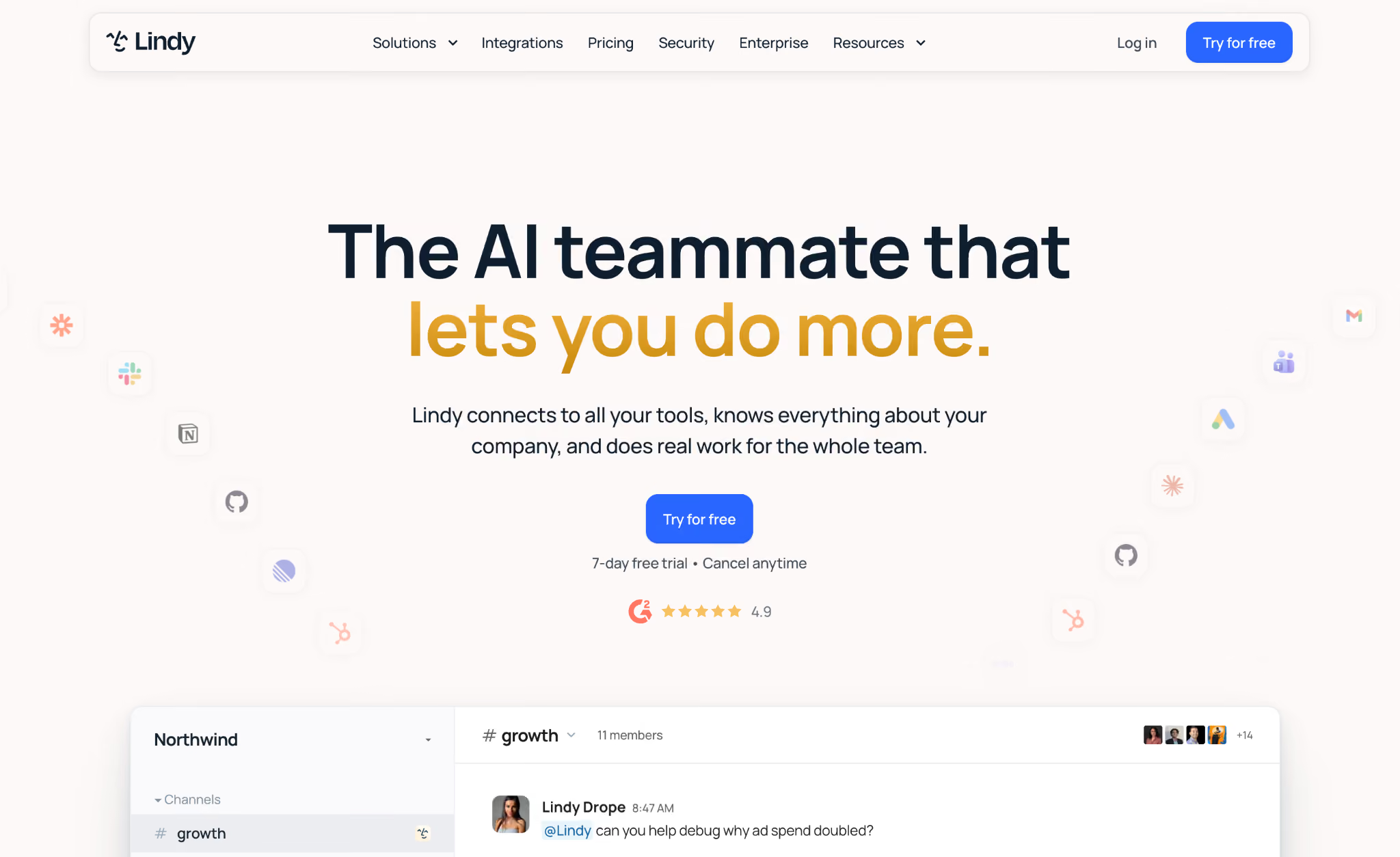
Lindy is an AI teammate that lives in your Slack, searches everything your team has already produced, and answers questions with citations. It handles knowledge retrieval, meeting summaries, and recurring tasks without requiring workflow setup.
Best for: Slack-native teams who want to query company knowledge in simple terms without building or maintaining a separate knowledge base.
Why I picked it
Mention Lindy in any Slack channel, and it searches across meetings, files, and connected tools simultaneously. Every answer comes with a citation pointing to the exact source it pulled from, so teams can verify before acting. No one has to summarize a meeting or maintain a knowledge base for it to work.
Setup takes a single admin action. One person installs Lindy in the workspace, and from there the whole team can ask it things directly in any channel or DM, with no API keys or IT ticket required.
Workspace memory compounds over time. Decisions Lindy sees once start showing up in later answers automatically. Tell it once how you want a recurring task handled, and it saves that as a skill, running it on schedule without being prompted again.
Limitations
Lindy is built around Slack, so teams that don't run on Slack will get less out of it. Retrieval is internal only, which means it can't double as a customer-facing help center. If you need a branded portal for customers, you'll still need one of the tools further down this list.
Pricing
Lindy starts at $29.99/user/month on the Plus plan. Pro runs $99.99/user/month for heavier usage, and Max is $199.99/user/month for teams with the highest workloads. Enterprise is custom priced. There's no free plan, but a 7-day free trial is available for new teammates joining through Slack.
{{templates}}
2. Guru: Best for verified, in-context knowledge cards
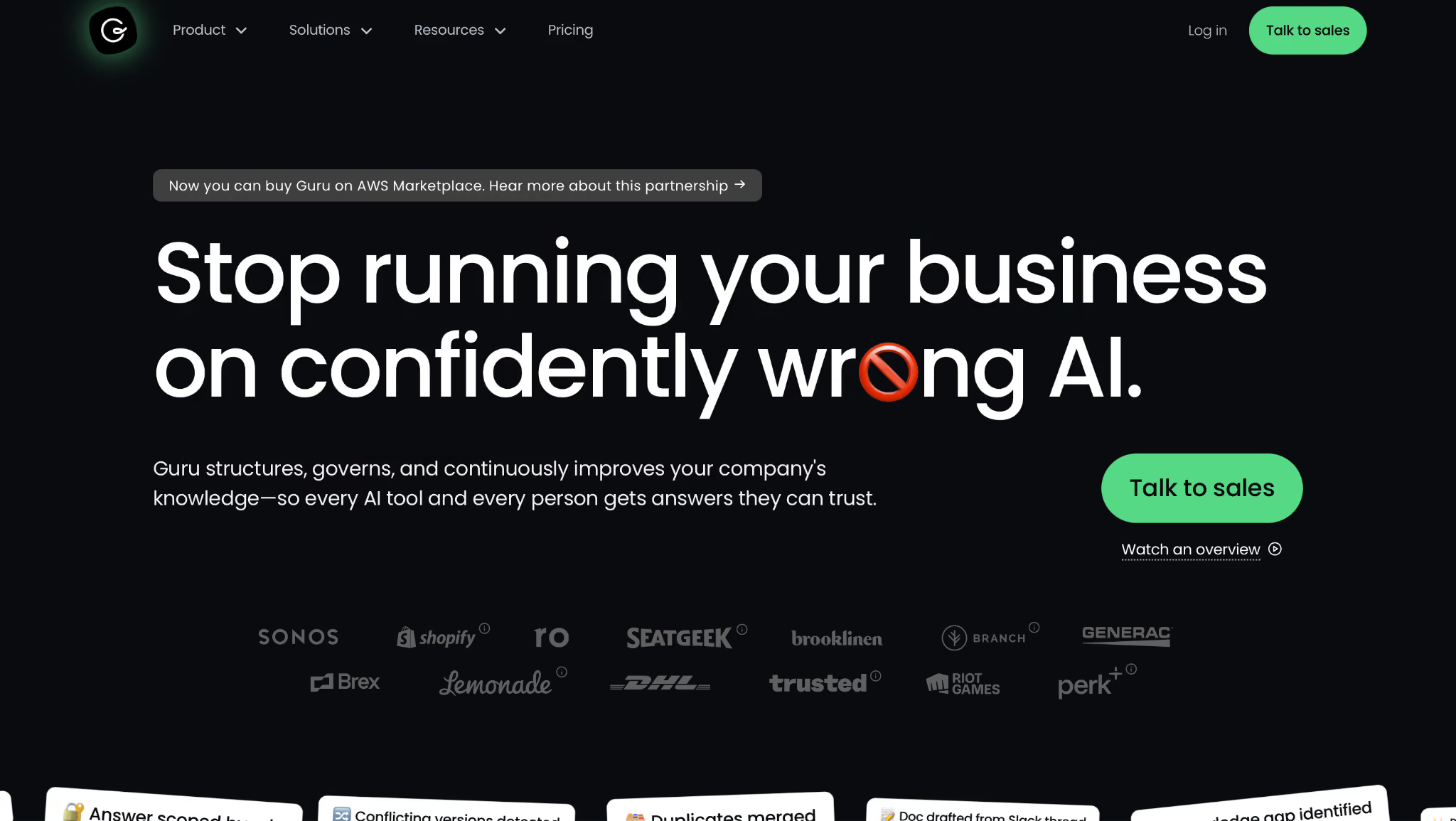
Guru is a knowledge management tool built around a browser extension that delivers verified knowledge cards while you work. Instead of opening a separate wiki to look something up, the answer surfaces inside the tool you're already using.
Best for: Support and sales teams that need verified, in-context answers delivered within the tools they're already using, with a clear signal of whether content is current.
Why I picked it
I was on a customer call with HubSpot open when the customer asked about a specific pricing tier detail I hadn't memorized. Instead of putting them on hold and searching, the Guru browser extension had already surfaced the relevant knowledge card in the sidebar, flagged as recently verified, with the card owner's name attached. I answered in ten seconds without breaking stride, exactly the scenario Guru is built for.
The verification system is what makes it trustworthy at that moment. Every card has an owner, and cards carry a clear verification indicator so you know before you rely on one.
Guru also integrates with Slack, so you can search the knowledge base in a channel without switching tabs. During testing, search results were accurate and fast across a mid-sized knowledge base. Adding a new card took under a minute once the workflow was set up.
Limitations
Guru only retrieves what someone has deliberately added as a card. If your team's knowledge lives in meetings, emails, or unstructured tools, you'll need to do significant curation work before it pays off. The browser extension also added noticeable load on older machines during testing.
Pricing
Guru does not publish official public pricing. Contact the vendor to confirm full tier details.
3. Glean: Best for enterprise knowledge search across all tools
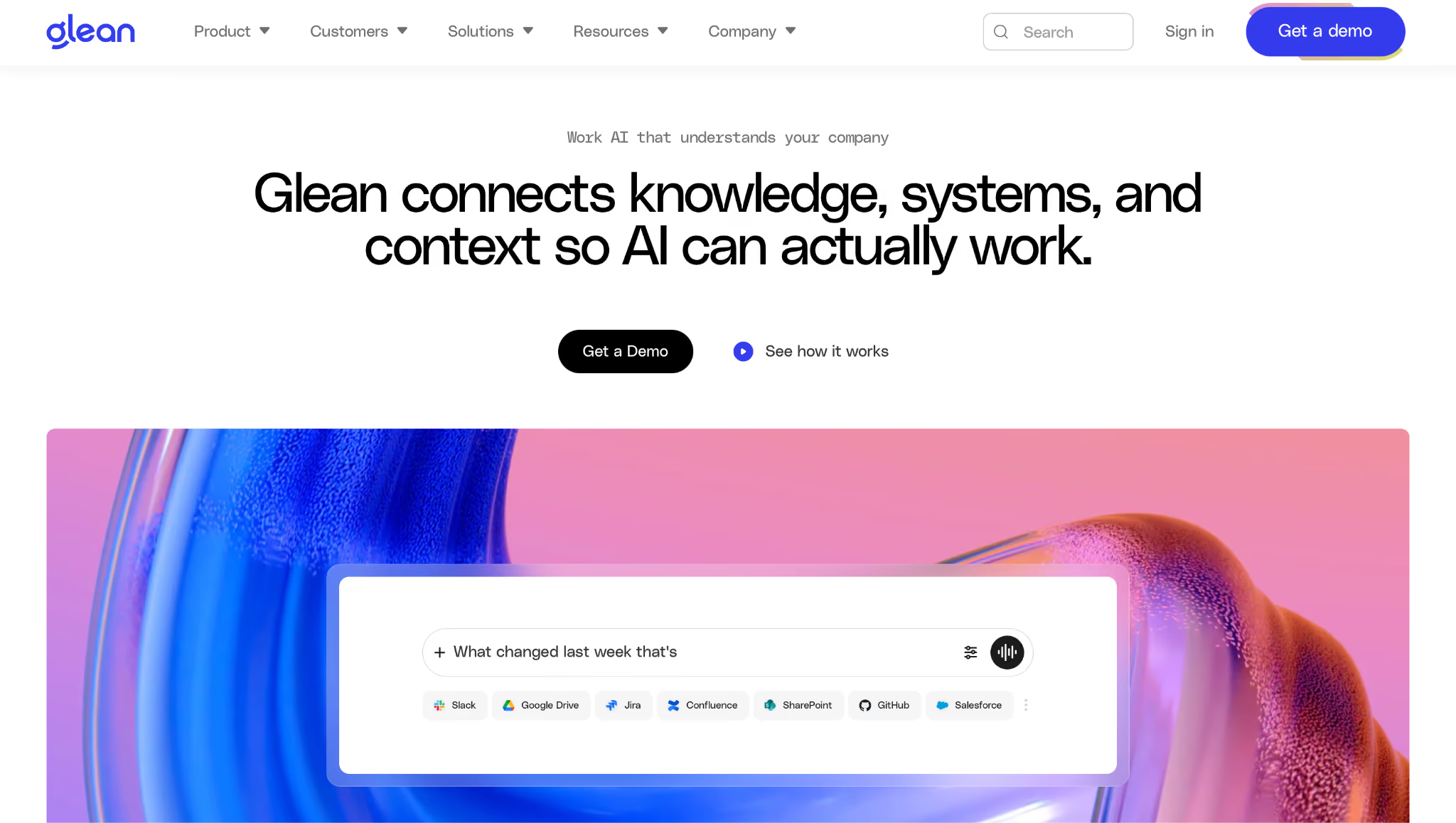
Glean is an enterprise-grade AI search platform that indexes your entire organization's content across Slack, Google Drive, email, Jira, Confluence, and Notion. It answers questions in plain English, grounded in your org's actual content.
Best for: Large organizations that need AI-powered search across all their tools, with enterprise-grade permission handling and security controls across a complex tool stack.
Why I picked it
Getting into Glean required a demo call. Self-serve testing wasn't possible, so I evaluated it in the demo environment and cross-referenced it with teams using it in production.
In the demo, I ran a natural language query: "What's the current status of the Series B diligence?" It ran across Slack, Google Drive, email, and Confluence simultaneously. Every result respected the permissions set in each source. I only saw documents I already had access to.
Permission-aware filtering is where most enterprise search tools slip, and Glean handled it cleanly. Engineering teams at larger organizations reported the same thing: retrieval stayed accurate and stayed inside access controls with no manual configuration.
Limitations
Glean is enterprise-only, with no self-serve access or public pricing. In the teams I spoke to, expect a procurement process and an implementation measured in weeks rather than days. For smaller teams or anyone who needs to start this week, that's a real barrier.
Pricing
Glean does not publish official public pricing. It is enterprise-only, quoted through a sales conversation.
Internal wikis and documentation
Internal wikis are where teams write down how things work. That includes processes, decisions, onboarding guides, and policies. The difference between a useful wiki and a graveyard of stale docs usually comes down to how easy it is to search, how well it connects to daily work tools, and whether anyone keeps it updated.
4. Notion: Best all-in-one workspace for small to mid-sized teams
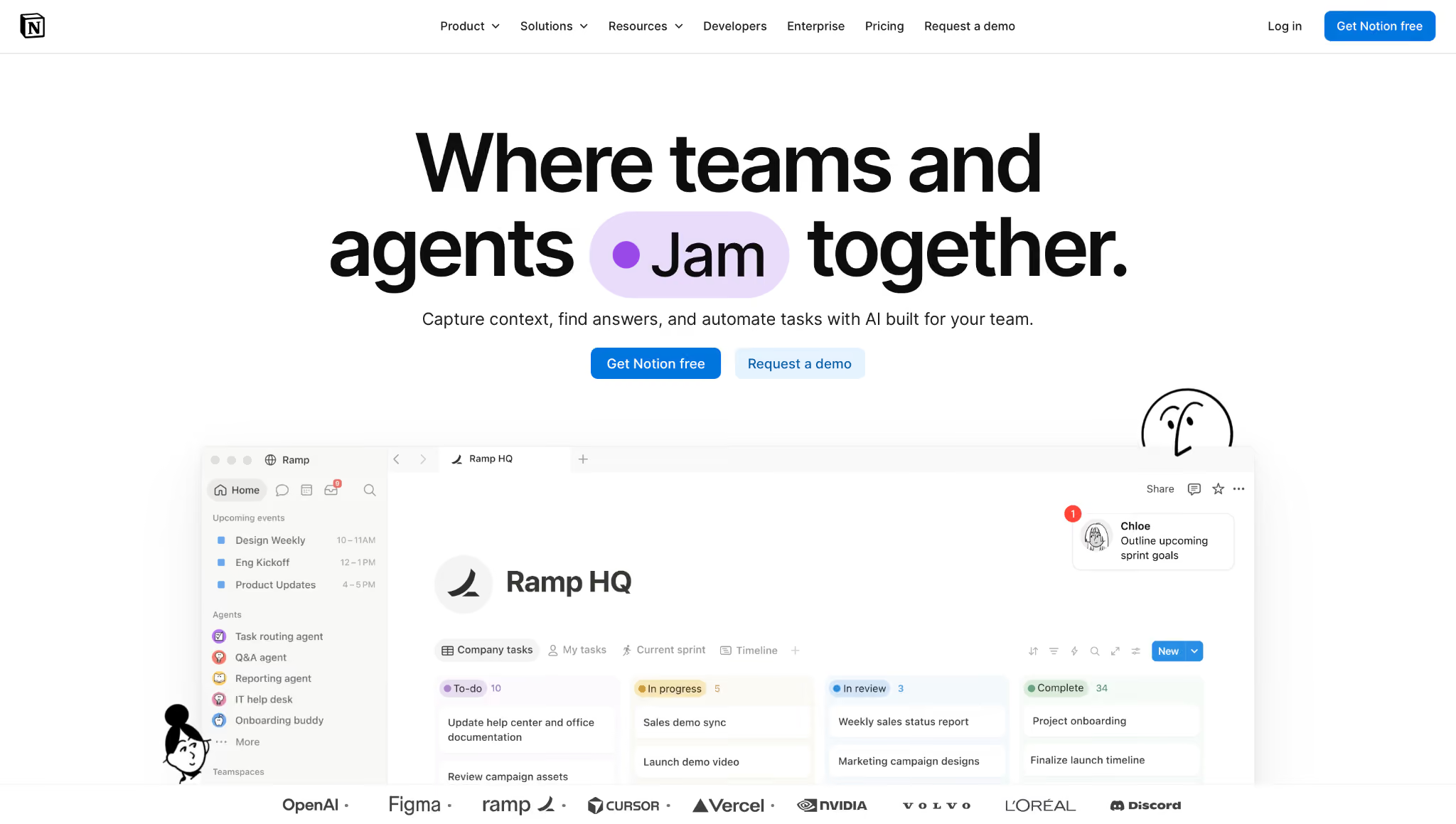
Notion is a block-based editor that combines databases, wikis, docs, and project tracking into a single tool. It is the most flexible workspace on this list, which is both its biggest strength and its main risk for growing teams.
Best for: Small- to mid-sized teams that want one tool for docs, wikis, and light project management and are willing to define their own information structure up front.
Why I picked it
I built a 20-page project wiki from scratch, ran it with a small team for two weeks, then came back to test search. For content I'd deliberately organized into databases with consistent naming, the search returned accurate results quickly.
On the Business tier, Notion AI changed that somewhat. Asked "What did we decide about the pricing structure?" across connected Slack and Google Drive sources, it returned a useful summary with source references. The more structured your setup, the better AI works across it.
The free plan covers individuals and small teams, which makes Notion the easiest place to start. No other tool in this category offers comparable capability at no cost.
Limitations
Notion's flexibility is its main risk at scale. Without page templates, naming conventions, and someone owning the structure, it sprawls fast. There are no built-in guardrails to prevent it.
Pricing
Free for individuals. Plus is $12/seat/month, and Business is $24/seat/month. Enterprise is custom.
5. Confluence: Best for large orgs already on Atlassian
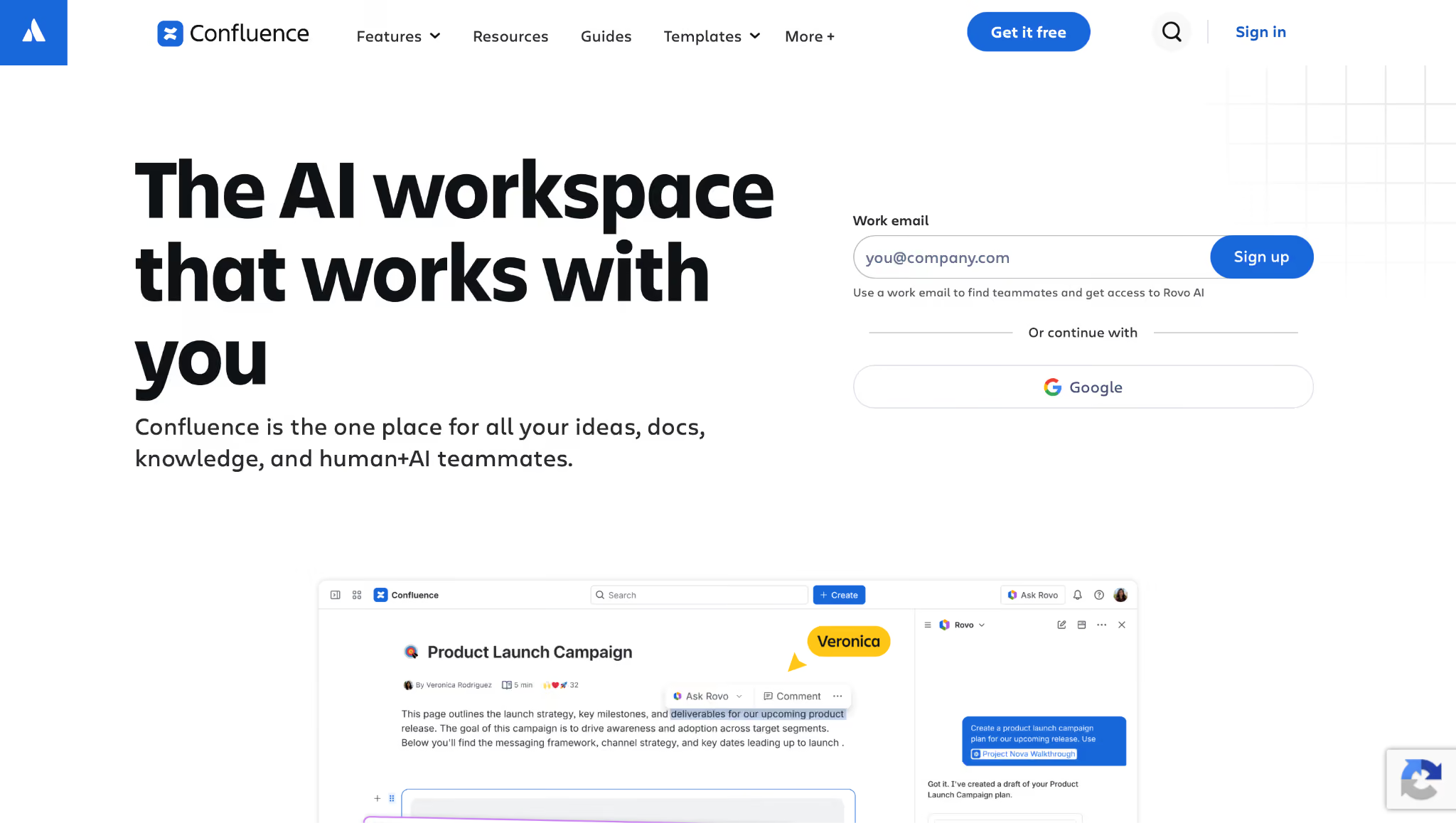
Confluence is Atlassian's documentation platform, built primarily for engineering and product teams that already use Jira. The integration between the two products is deep. You can link Confluence pages directly to Jira issues, so documentation lives alongside the work it describes.
Best for: Technical teams at large organizations that already use Jira and need documentation tightly integrated into their issue-tracking process.
Why I picked it
I tested it connected to an active Jira project, creating documentation pages linked directly to open issues. The connection worked exactly as described. Changes in a linked issue appeared in the doc, and the doc could be referenced directly from within the ticket.
For technical teams shipping features, this removes a step that most people handle manually. A developer familiar with Jira oriented themselves in under five minutes.
Structured documentation governance showed up in testing, too. Space-level permissions, page templates, and a clear content hierarchy made it easier to enforce structure across a larger team without relying on individual discipline. Organizations running multiple product lines with different access needs get real value from that.
Limitations
Outside the Atlassian ecosystem, Confluence is hard to justify. The admin overhead is high, the editor is heavier than any alternative in this category, and the learning curve is steeper than anything else here. Teams without a strong Jira dependency will find that the trade-offs don't balance in their favor.
Pricing
Free for up to 10 users. Standard is $6.70/user/month, and Premium is $13.20/user/month at up to 50 users, falling to $5.42 and $10.44 at 300 users. Enterprise requires annual billing and is custom priced.
6. Slite: Best for teams that want clean, low-overhead docs
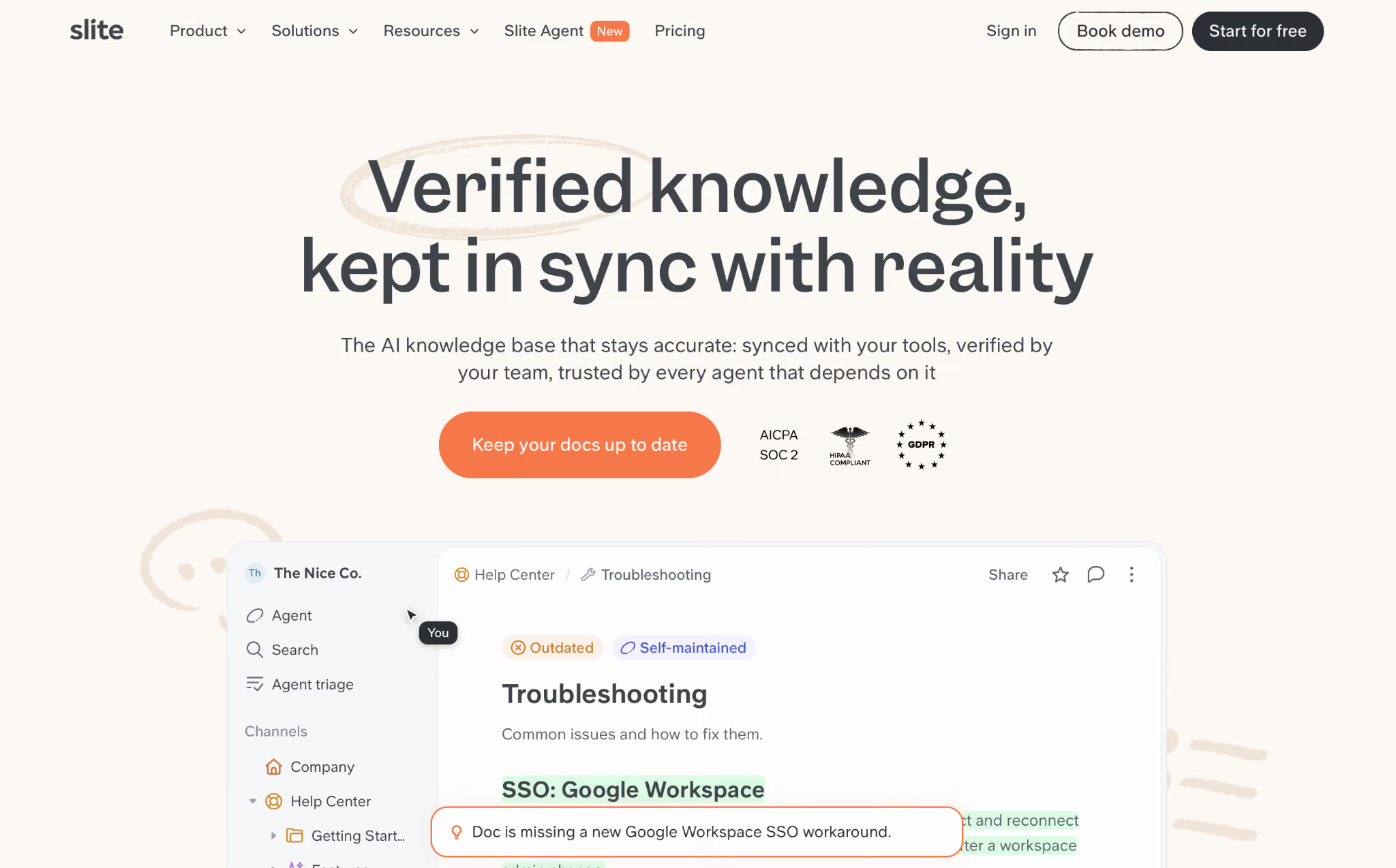
Slite is a lightweight documentation tool designed for remote teams that want a clean, fast wiki without the configuration overhead of Notion or Confluence. The editor is simple, co-authoring is real-time, and a new page is live in under a minute.
Best for: Remote teams under 50 that want a clean, low-friction wiki with real-time co-authoring and Slack search integration.
Why I picked it
I used the AI wiki generator to draft an onboarding document. I described the process in three sentences (who does what, when, and in which tool), and Slite returned a structured page I could edit from there. The first draft was about 70% usable without changes. I spent 15 minutes refining it rather than 45 minutes writing from scratch.
Slack search also worked cleanly. I typed a question into a channel, and Slite returned the relevant page excerpt without me switching tabs. For teams that already live in Slack, that frictionless retrieval matters more than any feature on the settings page.
Setting up the whole workspace took about 40 minutes from a blank account to a usable structure with imported docs and Slack connected.
Limitations
Slite is built for teams under 50. The governance controls that growing organizations eventually need, such as multi-level permissions, approval gates, and audit trails, aren't available on the lower tiers. If your team reaches 100 people or your documentation requires formal access controls, Slite will require you to move to its Enterprise tier or migrate to Confluence or a similar platform.
Pricing
Basic is $12/user/month, and Pro is $25/user/month billed monthly, dropping to $10 and $20 billed annually. Enterprise is custom.
7. Tettra: Best for teams building a traditional internal wiki with a Q&A layer
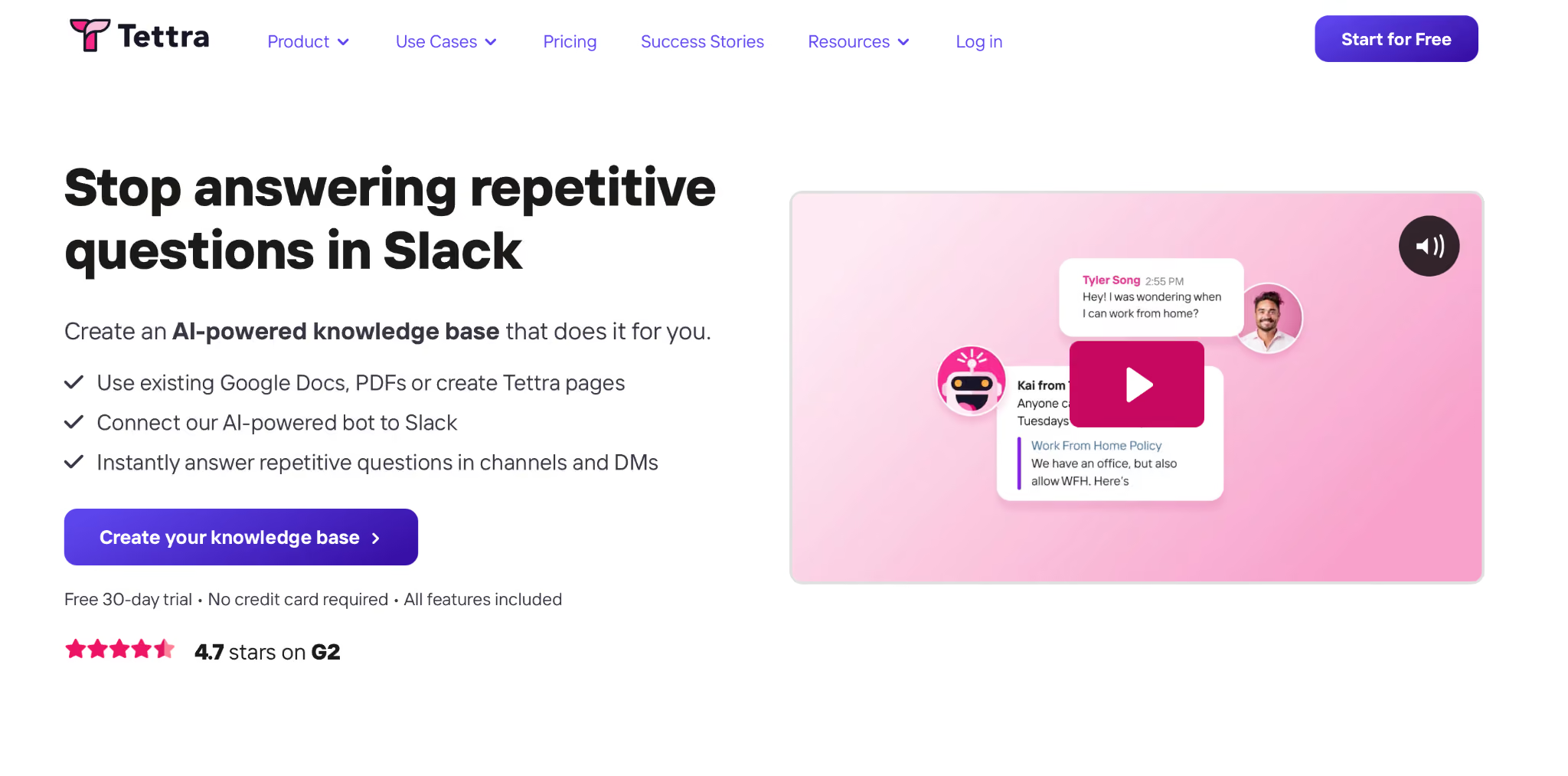
Tettra is an internal wiki with a built-in Q&A verification loop that automatically turns unanswered Slack questions into verified knowledge articles. Instead of waiting for someone to decide to document something, it captures knowledge from questions the team was already asking.
Best for: Teams building a traditional internal wiki who want a built-in Q&A layer that captures tribal knowledge and turns it into searchable documentation over time.
Why I picked it
I submitted a question through Slack: "What's the process for expense reimbursements over $500?" No one had documented it. Within four hours, the designated expert had answered in the thread, and the answer had been automatically saved as a verified article in Tettra's knowledge base. The next person who asked the same question got an instant answer instead of having to wait.
Tettra's Q&A loop captures the knowledge as a question the team would have asked anyway, so the knowledge base grows out of real behavior.
Tettra integrates with Slack, so questions come in from channels and answers go back there automatically. The admin overhead is lower than Confluence's. Most teams use it alongside Notion rather than replacing it. Notion handles rich, flexible content while Tettra handles the structured Q&A layer.
Limitations
Tettra is deliberately narrow. It handles internal Q&A and verified articles well, but lacks databases, project management features, or external-facing portals. It works best paired with another tool.
Pricing
Scaling is $10/user/month with a 10-user minimum. Enterprise is custom. No free plan, but a 30-day free trial is available.
External/customer-facing knowledge bases
Customer-facing knowledge bases reduce support ticket volume by enabling users to help themselves. The tools in this category are built around publishing, version control, and branded portals, not internal collaboration. Most also offer internal knowledge base features, but their primary audience is your customers or end users.
8. Document360: Best for product documentation teams
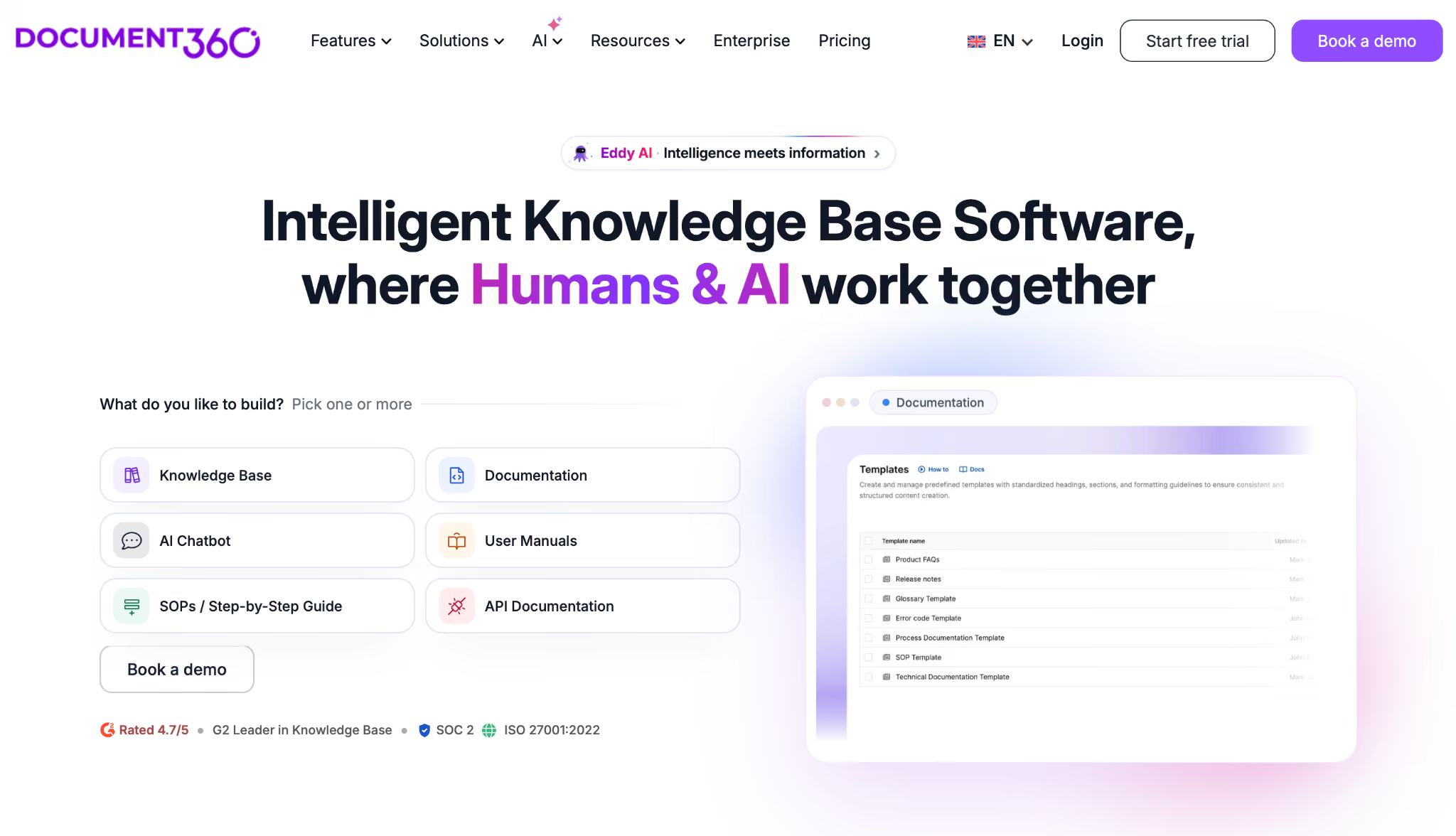
Document360 is a knowledge base platform built for SaaS product teams that need to publish developer documentation, product guides, and release notes in a branded portal, with editorial controls that go beyond those of most competitors.
Best for: SaaS and developer documentation teams that need content governance, version history, and editorial sign-off before anything goes public.
Why I picked it
I published a product update guide as part of the approval workflow. Submitted a draft, routed it to a reviewer, got two rounds of inline comments, and published the final version, all inside the tool. The version history showed exactly what changed between draft two and draft three, including who made the changes and when.
A single wrong instruction in a public doc creates a support ticket, so the audit trail earns its place. The AI-powered search was accurate across a large test knowledge base, and the branded portal options were extensive enough to match a product's look and feel without custom development. The setup took meaningfully longer than lighter tools.
Limitations
Document360 is not the right choice if you need a help center to be live within a week. The quote process means you won't get a number without a conversation. For teams that just need a clean, fast help center, the overhead doesn't justify the cost.
Pricing
Document360 does not publish official public pricing. The plan is scoped and quoted based on team accounts, workspaces, languages, security needs, and AI usage. A 14-day free trial is available.
9. Helpjuice: Best for branded, highly customizable help centers
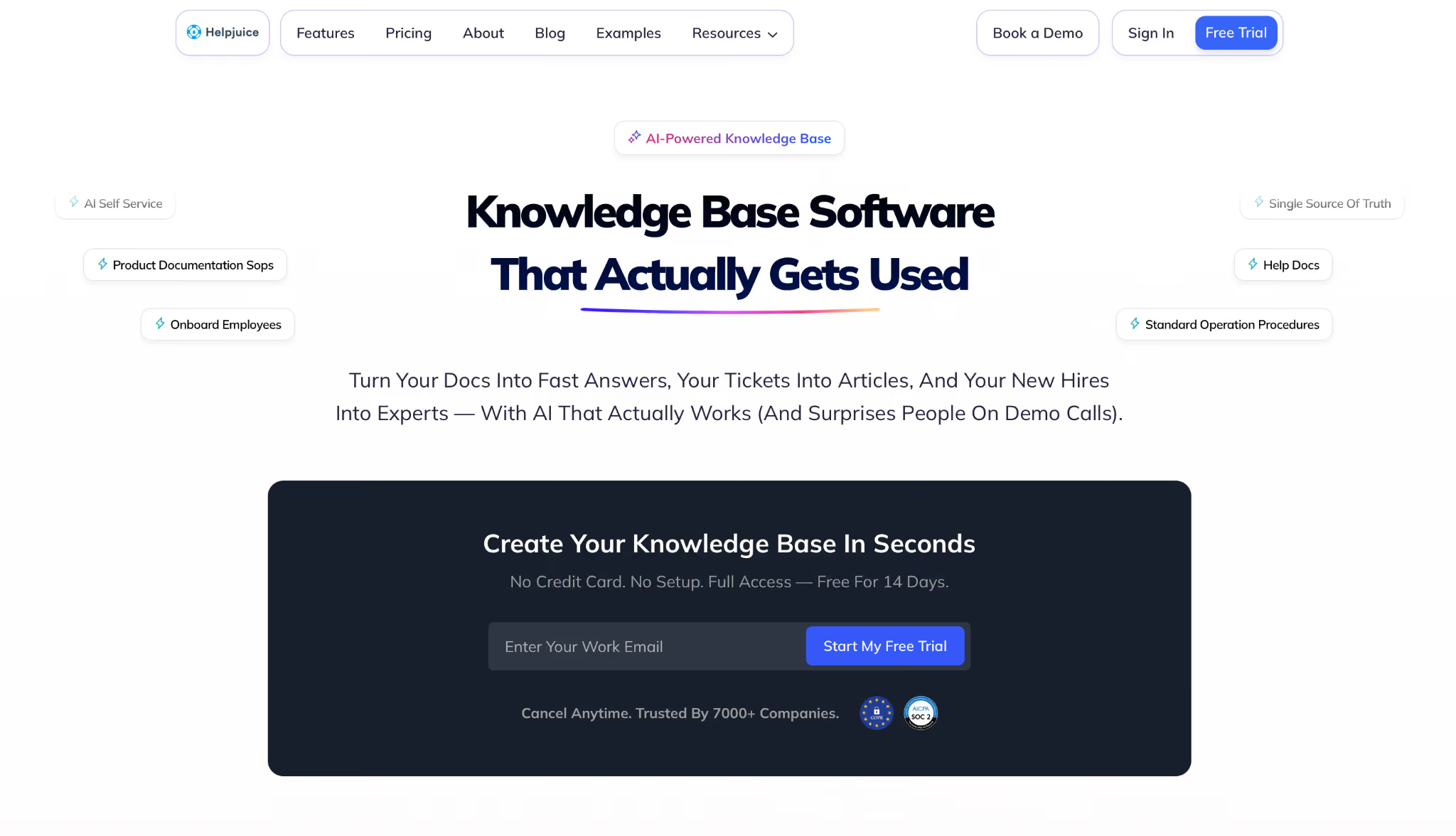
Helpjuice is a customer-facing knowledge base platform built around branding flexibility. If your help center needs to look like an extension of your product, Helpjuice gives you more control over layout, styling, and structure than most competitors in this category.
Best for: Mid-market support teams that need a branded, multilingual, customer-facing knowledge base with analytics tied to ticket deflection.
Why I picked it
I built a test help center portal for a mid-market SaaS product. Customizing the look took about 45 minutes, and I got close to matching the brand's colors, fonts, and layout without touching code. Multilingual support is built in. I managed content in two languages from a single dashboard, without duplicate tooling.
The analytics dashboard was the other thing that stood out. Within the first week, it clearly showed which articles were answering questions (as measured by a low follow-up ticket rate) and which weren't. Two articles had high traffic but high follow-up ticket rates, a clear signal to rewrite them.
Analytics like this are what keep a knowledge base current. Setup was faster than with Document360.
Limitations
Helpjuice doesn't have a free plan, and pricing is a flat monthly rate per plan rather than per seat, with a user cap on the lower tiers.
For teams with high content volume or customer traffic, moving up a tier costs a meaningful amount. The editor is better suited for practical help articles than for detailed developer documentation. Teams needing the latter should look at Document360.
Pricing
Plans are flat-fee monthly: Knowledge Base is $249/month (30 users included), AI Knowledge Base is $449/month (100 users included), and Unlimited AI Knowledge Base is $799/month (unlimited users). No free plan. A 14-day free trial is available.
10. Zendesk Guide: Best for customer support teams that need knowledge management inside ticketing
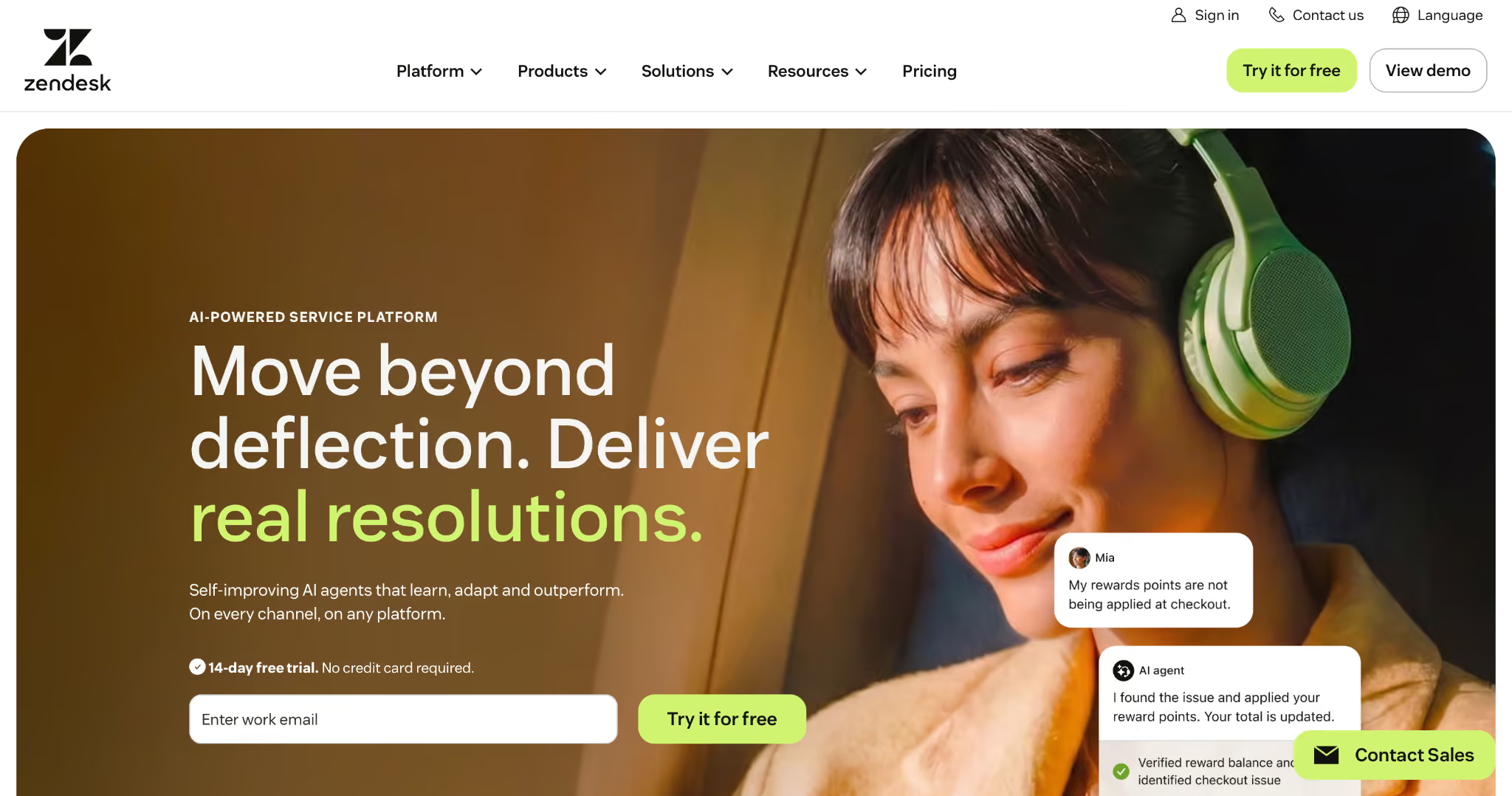
Zendesk Guide is the knowledge base module for the Zendesk support platform. It lets you create FAQs and how-to guides so customers can find answers on their own. This means they do not have to email or call for help, which saves time for everyone.
Best for: Customer support teams already using Zendesk who want knowledge management to be surfaced directly within the ticketing process.
Why I picked it
I opened a test support ticket with the subject "Payment failed after plan upgrade." Zendesk Guide surfaced three relevant help articles in the sidebar before I typed a single reply. The top suggestion matched the actual issue. I inserted it into the reply, added a clarifying sentence, and closed the ticket in under two minutes.
The ticket-to-article match is the core of what this product does. AI-powered article suggestions, based on ticket content, eliminated the search step during testing. Agents who knew the answer still used the suggested articles to send customers a clean, formatted response rather than typing one from scratch. Post-ticket analytics showed which articles were being used and which weren't.
Multilingual support worked well across the test content, and the content management interface was clear for anyone already familiar with Zendesk.
Limitations
Zendesk Guide is not a standalone product. If you move off Zendesk, the knowledge base moves with you only if you export it manually first. Its strongest work happens inside the ticket flow, so the agent-side suggestions are further ahead than the public help center.
Pricing
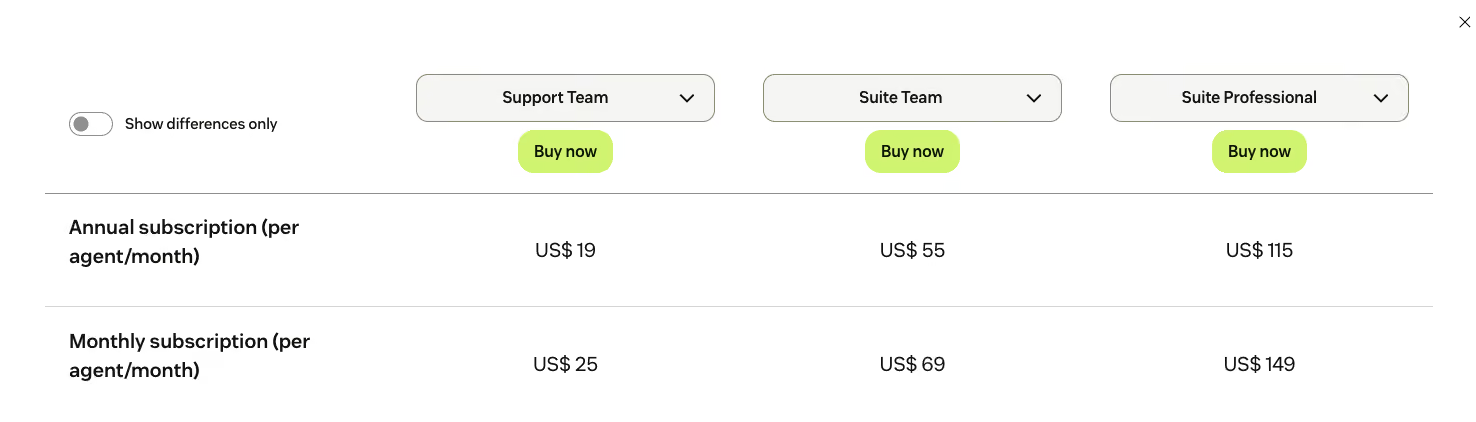
Zendesk plans start at $25/agent/month on the Support Team plan. Zendesk Guide is included in Suite plans, which start at $55/agent/month billed annually.
Team training and LMS
LMS platforms are for structured, repeatable learning. That covers onboarding new hires, compliance training, and professional development programs. Unlike wikis or knowledge bases, these tools are built around courses, completion tracking, and certificates. They work best when you need to prove something was learned, rather than confirming that information was available.
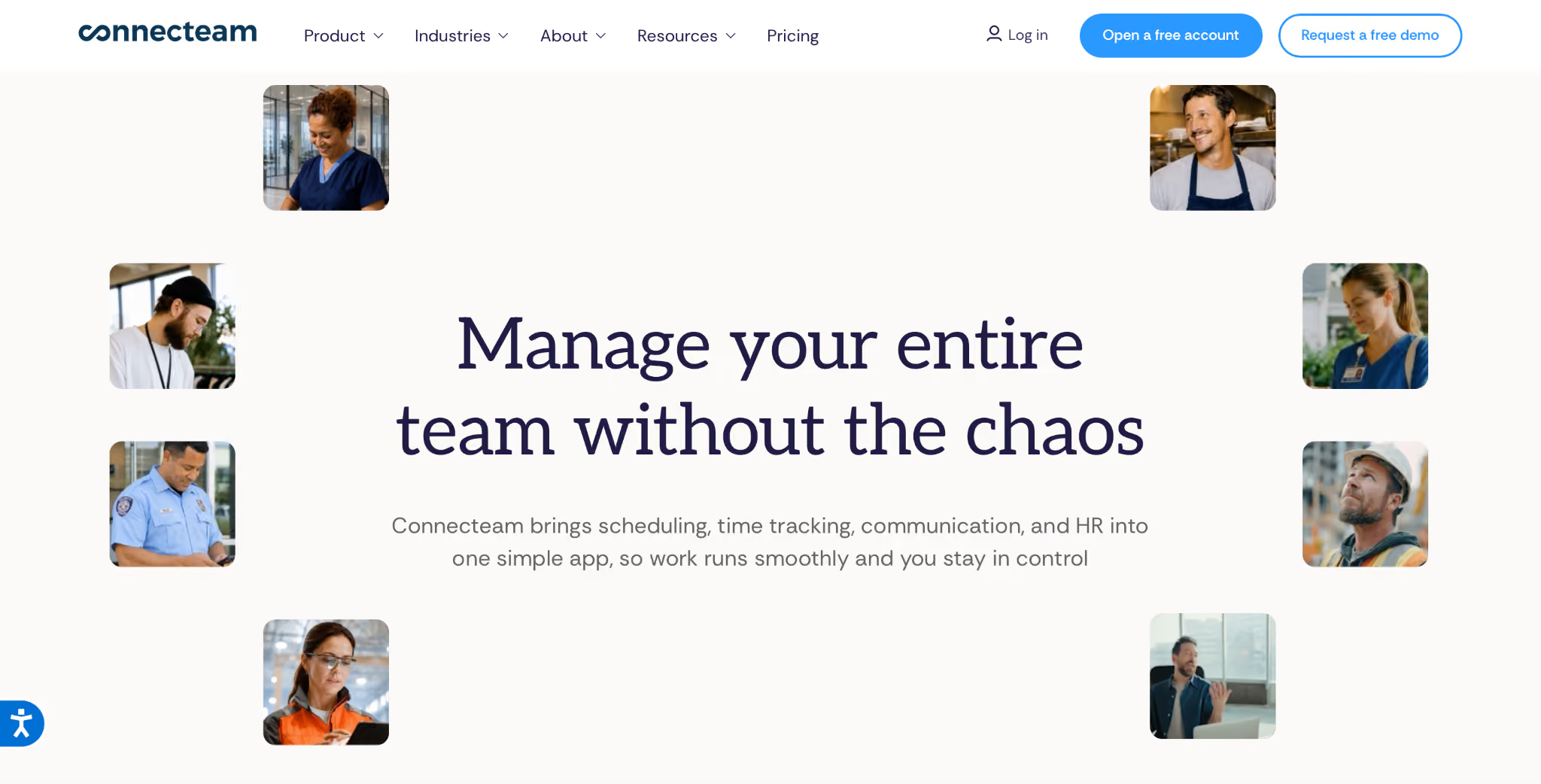
11. Connecteam: Best for deskless and frontline teams
Connecteam is a mobile-first training and operations tool built for deskless teams. It's designed for teams where most employees don't sit at a desk: retail staff, warehouse workers, field service technicians, and healthcare support roles.
Best for: Retail, manufacturing, field service, and healthcare teams where most employees work without a desktop and need mobile-first training with real completion tracking.
Why I picked it
I built a five-step onboarding module for a retail scenario. It had a video introduction, a PDF procedure guide, and a short quiz. I built it entirely from my phone. Setup took about 25 minutes. I sent it to five test users on mobile. All five completed it without asking for help and passed the quiz on the first attempt. Completion data appeared in the dashboard within minutes.
Connecteam's mobile-first experience was notably better than that of every other LMS on this list. Content loaded quickly on mobile data, the interface was clear without instructions, and the quiz builder required no technical knowledge to configure. A non-technical team lead could build and deploy a training module in under an hour.
The knowledge base module also lets me store reference procedures and FAQs alongside the training content, so new hires have one place for both learning and ongoing reference.
Limitations
Connecteam is mobile-first and built for deskless teams. The desktop version works, but it clearly isn't the primary design target. Its pricing is also split across three separate hubs (Operations, Communications, HR & Skills), each priced and configured separately, which takes some getting used to.
Pricing
Free for up to 10 users. Each of the three hubs (Operations, Communications, and HR & Skills) is priced separately. Basic starts at $35/hub/month for the first 30 users. Advanced is $59/month, and Expert is $119/month, also for the first 30 users. Enterprise is custom. A free trial is available.
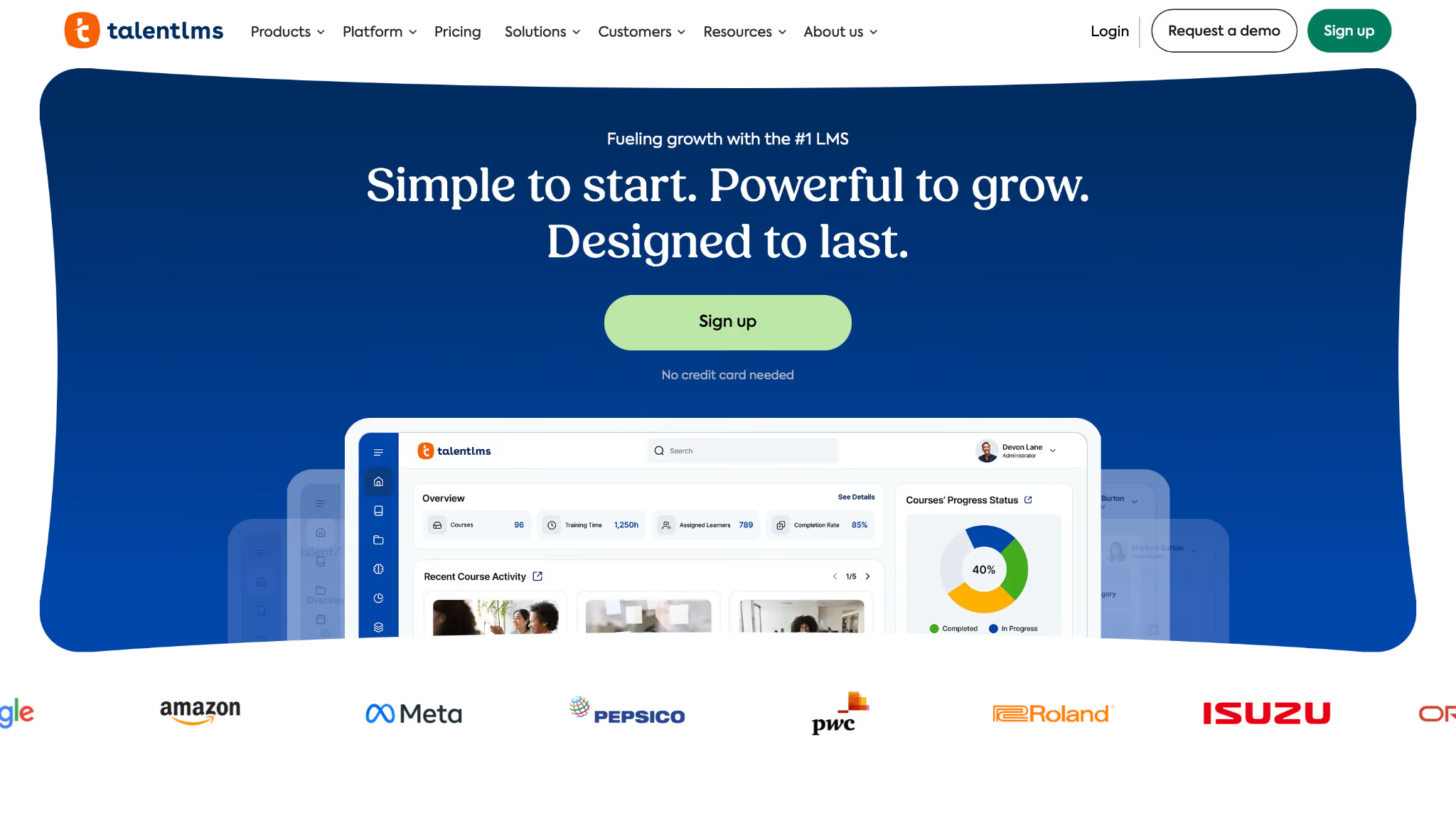
12. TalentLMS: Best for structured corporate training programs
TalentLMS is a corporate learning platform built around SCORM-compatible course authoring, compliance tracking, and manager-facing reporting dashboards, aimed at HR and L&D teams running formal training programs at scale.
Best for: HR and L&D teams at mid- to large organizations that need SCORM-compatible course authoring, compliance tracking, and formal certification workflows.
Why I picked it
I imported a SCORM file from an existing Articulate Storyline course. It imported cleanly on the first try, launched correctly in the browser, and tracked completion status back to TalentLMS without any configuration. Organizations with a library of SCORM content built over the years get exactly what they came for: a reliable, no-fuss import.
The reporting dashboard showed managers exactly who completed which courses, how long it took, and where people dropped off. Setup was more involved than Connecteam, but the depth of configuration matched the use case.
Where TalentLMS surprised me was TalentCraft, its AI course builder. I uploaded an existing compliance document, and the tool converted it into a structured course with quiz questions attached. That single step removed about two hours of manual formatting work.
For teams with a backlog of existing training material, it changes the setup math. The configuration depth is real, but the starting point is much closer to done than it used to be.
Limitations
TalentLMS requires meaningful configuration time before it becomes useful, so teams expecting to go live in the afternoon will be disappointed. The more you configure, the better it works, which means small teams without a dedicated L&D resource may find the depth more of a burden than a benefit.
Pricing
A free plan is available for up to 5 users. Core is $149/month for up to 40 users, Grow is $299/month for up to 70 users, and Pro is $579/month for up to 100 users. Enterprise starts at 1,000 users and is custom priced.
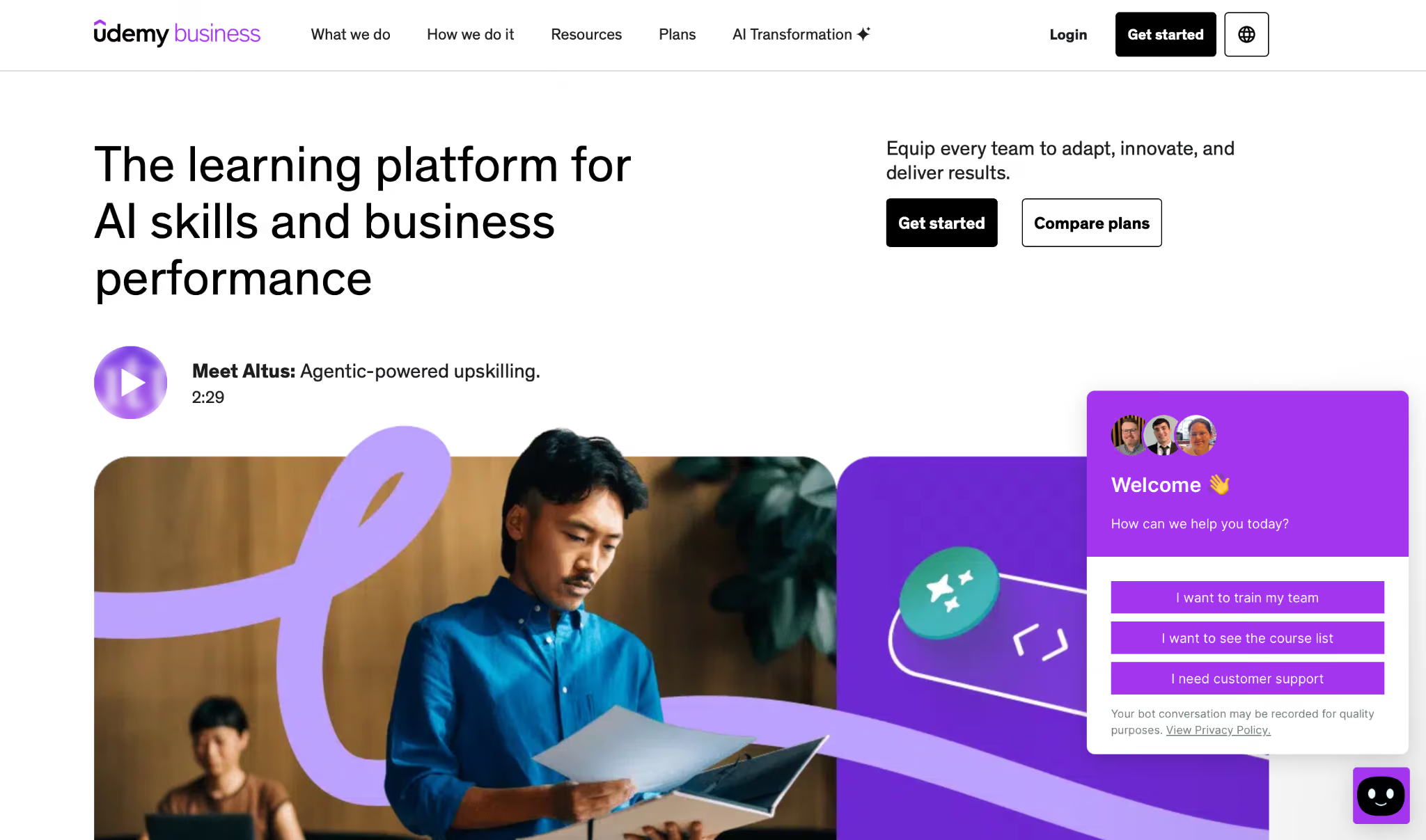
13. Udemy Business: Best for self-directed professional skill development
Udemy Business is a curated version of Udemy's public course marketplace, giving teams access to a course library of thousands of titles across business, tech, and creative skills, on a per-seat licensing model with manager-facing analytics.
Best for: Teams that want a broad library of self-directed professional development courses without having to build an internal training program from scratch.
Why I picked it
The catalog is the product, and 28,000+ courses sounds impressive until you're staring at 40 options for the same topic with no obvious way to pick. The filter that actually works is stars plus recency. A course with 4.7 stars, 22,000 reviews, and a three-month-old update date is a safe choice. A course with 3.2 stars last touched two years ago is a liability, and both show up in the same search results.
Once you know what to look for, assigning is fast. Completion tracking and drop-off data sit in the same dashboard, so you know within a week whether the course landed or lost people halfway through.
Limitations
Udemy Business is built for learning. There's no SCORM import, formal certificate management, or audit trail for regulated industries. Course quality also varies significantly because the marketplace is open to any instructor. Without active curation, the catalog can mislead as easily as it can develop.
Pricing
Team plan is $360/user/year for 2 to 50 users, currently discounted 30% to $252 for the first year. Enterprise is custom quoted.
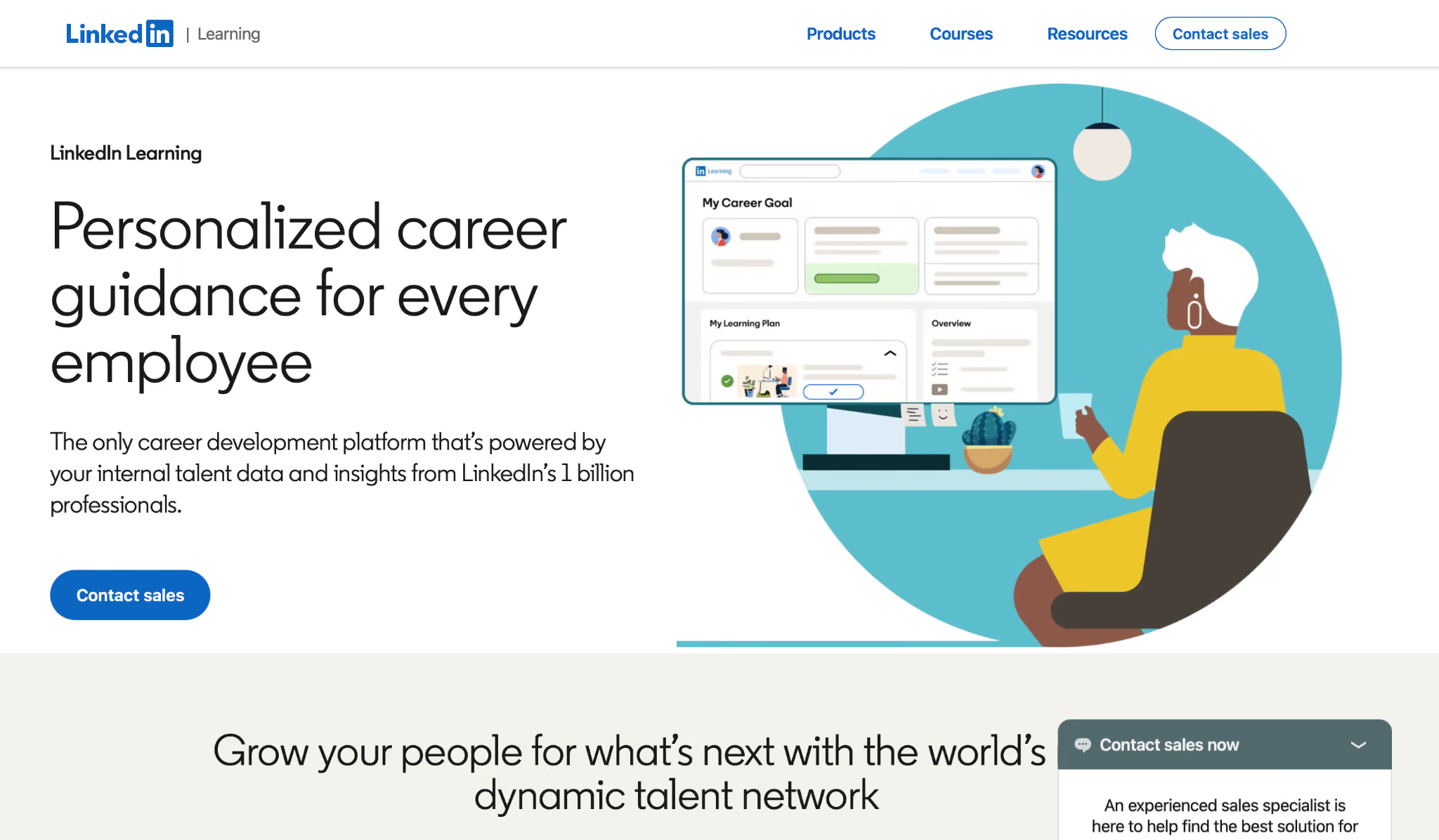
14. LinkedIn Learning: Best for professional and leadership development
LinkedIn Learning is a visual learning platform with tens of thousands of courses covering business, technology, and creative skills. Microsoft owns it, and it sits inside the LinkedIn ecosystem. That creates one integration that no other LMS in this category can match. Completed courses appear on a learner's LinkedIn profile.
Best for: HR and L&D teams running professional development programs where LinkedIn profile integration motivates completion, and where breadth across business and leadership skills matters more than depth.
Why I picked it
I set up a 12-course learning path focused on management skills and assigned it to a team lead. Three weeks in, four courses were completed. Each completion automatically appeared on the team lead's LinkedIn profile, which they mentioned, unprompted, as a motivator for continuing. The manager dashboard showed completion status across all assigned learners without any manual tracking.
Course quality was more consistent than Udemy Business across the breadth I tested. The curation is tighter because LinkedIn Learning's catalog isn't open to any instructor. For professional and leadership development across common business skills, the coverage was strong.
The admin analytics dashboard filled in the picture the learner side couldn't. Completion rates by course, video-level drop-off data, and time-on-platform by week all showed up without any manual tracking. I could see within a day which courses in the assigned learning path were holding attention and which were losing people halfway through the first video.
For an L&D team that needs to report on program effectiveness, that reporting layer is the product's most practical feature, more so than the LinkedIn profile integration, which matters to learners but rarely shows up in internal ROI conversations.
Limitations
Breadth is LinkedIn Learning's strength and its ceiling. For specialist technical subjects, the depth isn't there. SCORM imports, compliance certificates, and audit trails aren't part of the product.
Pricing
LinkedIn Learning does not publish official pricing for its LinkedIn Learning or Learning Career Hub plans. You will need to contact sales for a quote. Individual and small-team options are available with a free trial, up to 20 learning accounts.
Personal knowledge and self-learning apps
Personal knowledge tools help you capture ideas, organize research, and build a reference system you can search later. Self-learning apps here, like Blinkist and Coursera, sit next to the LMS category. Coursera does sell a team plan, but the learning is still self-paced and driven by the person taking it.
Worth being clear before you read on: these tools serve one person at a time, so they add to a team's knowledge only through what people bring back.
15. Obsidian: Best for personal knowledge graphs and second brain systems
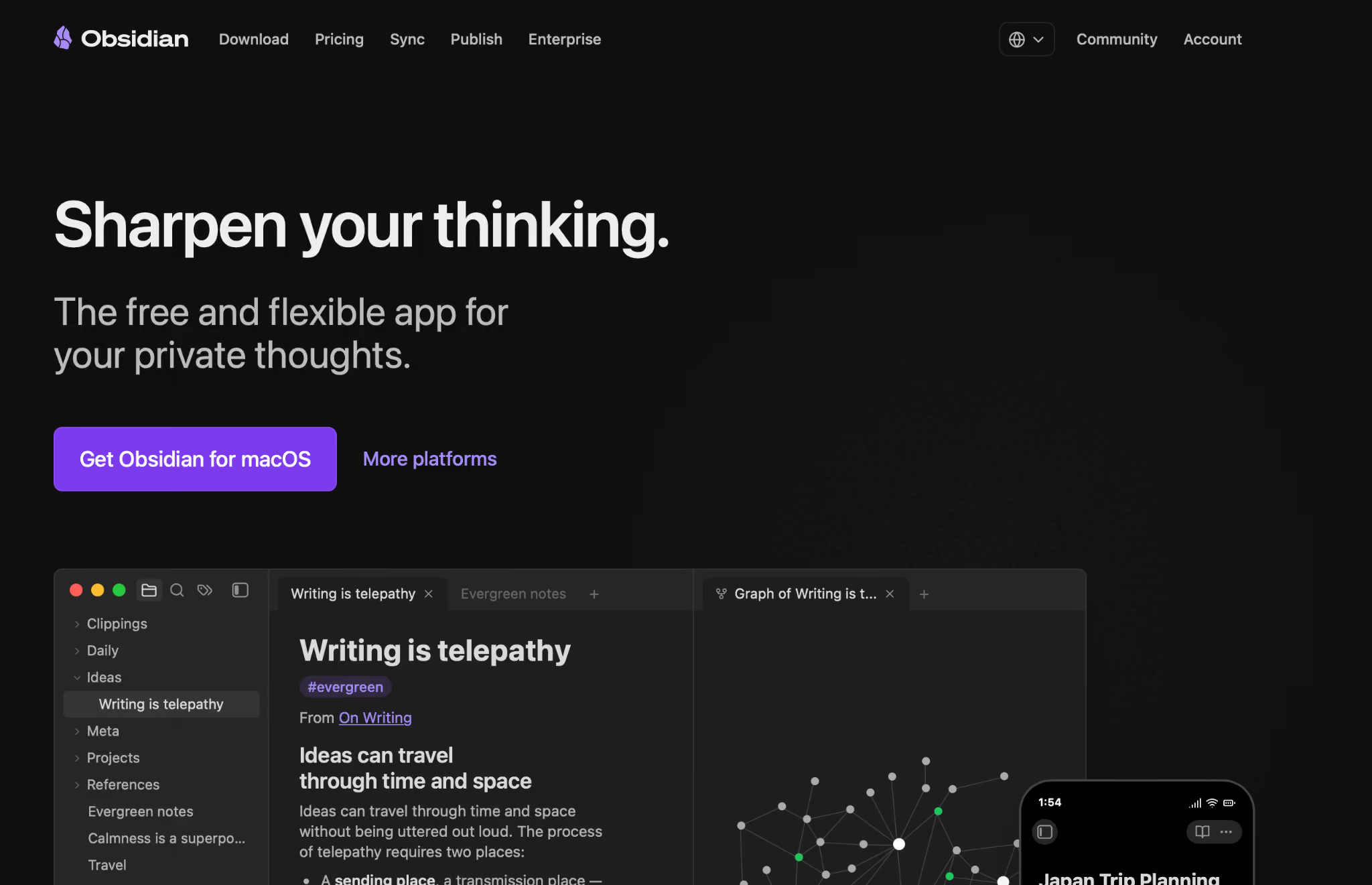
Obsidian is a personal knowledge tool built around local-first storage and bidirectional linking. Every note lives as a plain Markdown file on your own device, with no cloud dependency by default.
Best for: Solo researchers, developers, and power users who want a local-first, highly customizable personal knowledge system with a connection graph that compounds over time.
Why I picked it
I set up a research system over two weeks, linking notes on a specific business problem across sources, concepts, and decisions. The graph view at the end of two weeks visually showed every connection between notes.
Following a chain of linked notes to trace an argument from first principles to a conclusion was something no other tool on this list could do. The knowledge was connected in a way that made patterns visible.
A large plugin ecosystem extends the tool well beyond note-taking. Syncing, publishing, task management, and AI integrations are all available through community plugins or Obsidian's own paid add-ons. The setup was real work. It took about three hours of configuration and template building before the system felt useful. The payoff compounded from week two onward.
Limitations
Obsidian is a solo tool with no real-time collaboration or shared workspace. Syncing between devices requires the paid Sync add-on or a third-party solution. The first few hours demand patience and comfort with Markdown.
Pricing
The app is free, including at work. A $50/user/year commercial licence is encouraged for organizations but never required. Sync costs $5/user/month, or $4 billed yearly. Publish costs $10/site/month, or $8 billed yearly.
16. Blinkist: Best for learning business concepts in minutes
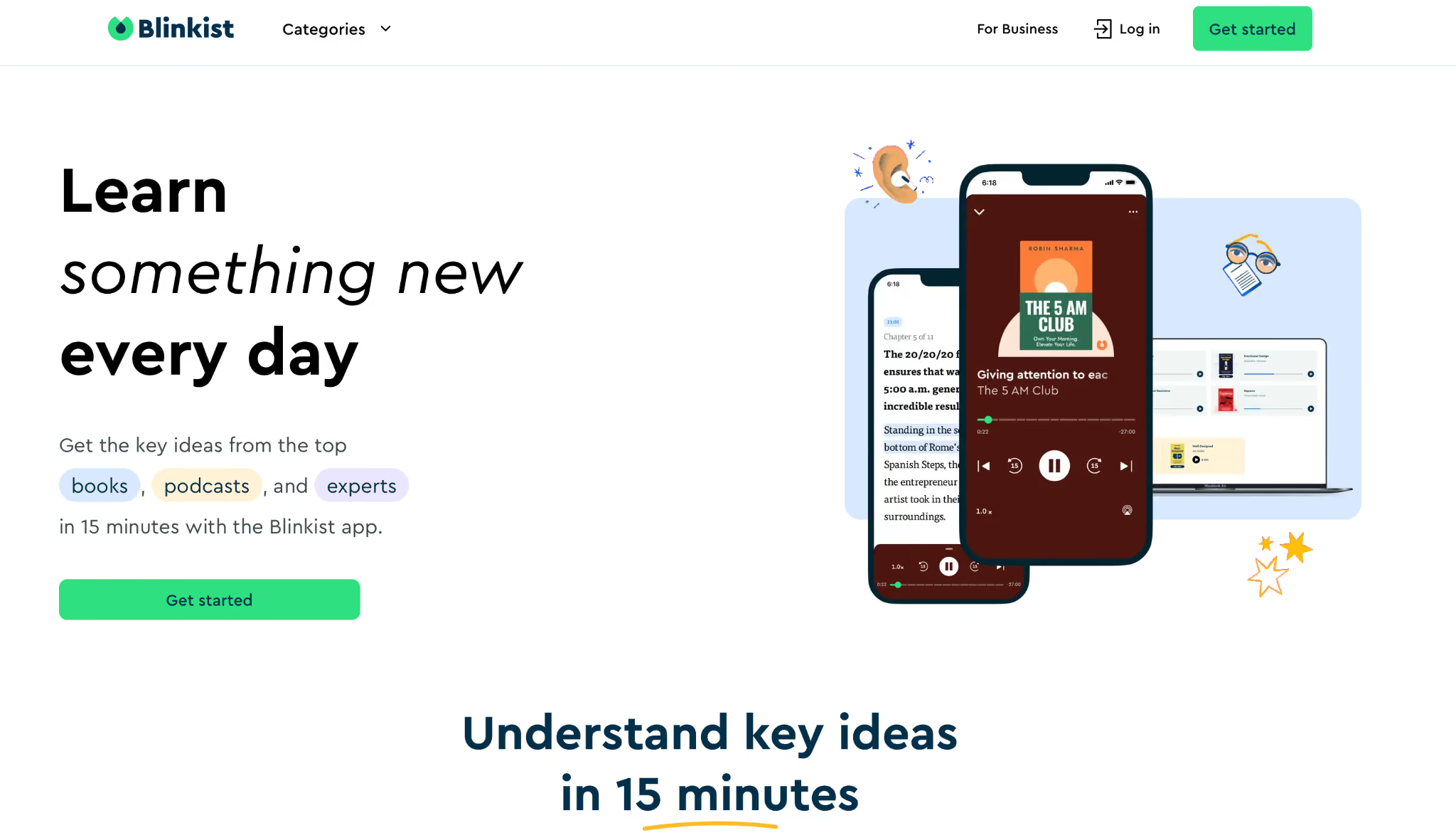
Blinkist is a learning app that distills nonfiction books into short text and audio summaries. Its library covers thousands of titles across business, psychology, productivity, and personal development. Each summary covers the core ideas of a book in roughly 15 minutes, in text or audio format.
Best for: Professionals who want broad exposure to business and leadership ideas in short sessions, prioritizing breadth over depth on any single subject.
Why I picked it
I used it to prepare for a vendor negotiation. I had 45 minutes between meetings and hadn't read the negotiation book a colleague had recommended. I found a Blinkist summary, worked through it in 14 minutes, and went into the meeting with three specific techniques I wouldn't have had otherwise. It's the right use case for rapid breadth acquisition before a specific need.
I also tried using it as a primary learning tool for a new domain for over a month. The breadth added up, but there was no connective tissue between summaries, no way to build on earlier material, and no path from general familiarity to applied knowledge. For sustained, deep learning, it's the wrong format.
Audio quality was clean across all titles tested. The offline feature worked well for a commute-based reading habit. Content loaded before the trip and played without interruption.
Limitations
Blinkist is built for individual reading and bills annually. There is a separate Blinkist Business product for teams, but the consumer app skips credentials, completion tracking, and certificates.
Pricing
Annual subscription only, with no monthly plans. Premium is $99.99/year (list price). Pro (adds the Blinkist AI Assistant) is $174.99/year (list price). Pricing is occasionally discounted at checkout.
17. Coursera: Best for structured online business education with credentials
Coursera is an online learning platform that partners with universities and organizations to deliver structured courses and certificate programs. Employers recognize credentials from institutions such as Google, Yale, Duke, and IBM, which can be added to a LinkedIn profile or resume.
Best for: Career changers and professionals building verifiable credentials in business, technology, or data through university-backed, self-paced courses.
Why I picked it
I enrolled in a Google Data Analytics certificate. The course ran seven modules, each with video lectures, readings, and a graded quiz. I worked through it in two-hour blocks over four weeks and finished in 28 days. The certificate appeared on LinkedIn automatically after completion.
Course quality for institutional courses was consistently high. The partnerships with major universities and employers set a quality floor that Udemy's open marketplace can't match.
The admin side of the Team plan is more capable than the individual learner experience suggests. Skill reporting dashboards show learner proficiency by domain, and learning paths can be assigned and tracked without manual follow-up.
What the dashboard can't fix is the self-pacing problem: three colleagues I enrolled alongside me without a set deadline made it to module two and stopped. The platform is built for motivated individual learners. When an organization assigns it without building in accountability structures (check-ins, manager visibility, a deadline), completion rates reflect that.
Limitations
The self-paced format removes the accountability structure most people need to finish. There's no SCORM import, compliance tracking, or audit trail for regulated industries.
Pricing
The Team plan is $399/user/year for up to 499 users and comes with a 14-day money-back guarantee. Enterprise, for 500+ users, is custom quoted. Individual learners can also subscribe separately to Coursera Plus or audit most individual courses for free without a certificate.
{{cta}}
How to choose the right business knowledge app?
The right business knowledge app depends on who the knowledge is for, where your team works, and whether the problem is storage or retrieval. Most teams that get this wrong buy a good tool and point it at the wrong problem.
Here's what to ask before comparing anything:
- Who is the knowledge for? Internal teams and customers have entirely different requirements. If it's for your team, start with AI retrieval tools or internal wikis. If it's for customers, look at knowledge bases built around publishing and ticket deflection.
- Where does your team work? Match the tool to your primary workspace. Slack native teams get the most out of tools that surface answers within channels. Browser-first teams benefit more from extension-based delivery. Atlassian shops get real value from Confluence's integration with Jira.
- Is the problem storage or retrieval? If knowledge was never written down, you need a wiki. If it exists somewhere but no one can find it, you need retrieval tooling.
If your team lives in Slack and the problem is retrieval, Lindy is worth trying first. For a broader look at tools built for team productivity, our roundup of the best work apps covers what's worth using across categories.
FAQs
What is a business knowledge app?
A business knowledge app is software that helps a team or individual capture, organize, and retrieve information, from company processes and meeting notes to training materials and customer documentation. The best business knowledge apps make it faster to find answers than to ask a colleague. Most teams benefit from at least two: one for storing knowledge and one for finding it quickly.
What's the difference between a knowledge base and a knowledge management system?
A knowledge base is a searchable repository of documents, guides, and FAQs, whereas a knowledge management system is a broader platform that also handles how knowledge is created, verified, updated, and delivered to the right person at the right time. A knowledge base is one component of a full knowledge management system.
Can AI replace a traditional knowledge base?
No, AI can’t fully replace a traditional knowledge base, but it changes how knowledge gets accessed. Tools like Lindy search across meetings, files, and tools and answer questions in Slack, so your team can query company knowledge without maintaining a formally structured knowledge base. For customer-facing content and formal product documentation, a knowledge base still makes sense.
What knowledge management software is best for small businesses?
Lindy is the best knowledge management software for small businesses that run on Slack. It handles knowledge retrieval directly in Slack, eliminating the need for a separate knowledge base. For teams that want a structured wiki, Notion or Slite is the most accessible starting point. For small businesses with a customer support function, Zendesk Guide is the affordable way in. Helpjuice is worth it once your help center earns its $249/month.









