12 Best Conversational AI Assistants Across Different Industries
Lindy reviewed 12 conversational AI assistants across industries, including Fin by Intercom, Hyro, and Harvey, weighing compliance, escalation handling, and integration depth.


The first rule-based chatbot I set up for my content business was such a disappointment. It could handle "what's your refund policy" and not much else. Anything outside that tiny script, it looped back to the same three options. I assumed that was just how these things worked.
Then I switched to a conversational AI assistant, something closer to ChatGPT than the scripted bot I'd started with, for my outreach follow-ups, mostly because I couldn't keep up with the volume, and the difference was immediate.
I was surprised when it remembered context from earlier in the conversation, asked the right follow-up questions, and booked a call for me while I was asleep. That was the moment I understood these two things weren't even in the same category.
What I didn't expect was how far that gap extends beyond content marketing. Every industry I looked at, from healthcare to legal to e-commerce, was running into the same ceiling with basic, scripted chatbots.
What is a conversational AI assistant?
AI assistant understands and responds to natural language, whether typed or spoken, to complete tasks, answer questions, or advance a workflow. Unlike a rule-based chatbot that matches keywords to pre-written responses, it doesn't follow a script. Instead, a conversational AI talks back, handles ambiguity, and gathers the details it needs to act on your behalf. For instance, an A conversational ai scheduling assistant can manage calendar invites and coordinate meeting times without human intervention.
The earliest chatbots were decision trees. You picked option 1 or option 2, the bot matched a keyword to a pre-written response, and the "conversation" was over. Most telephone support menus still work this way.
Modern conversational AI is different in three ways:
- It understands what you're trying to say. Someone can type, "I got charged twice last week," and the AI knows they're asking about a billing problem without seeing the words "billing dispute."
- Conversational AI keeps track of the conversation. If the next message is "Can you fix that?", it knows you're still talking about the duplicate charge, so it doesn't make you explain everything again.
- The newest AI assistants can take action, whether that's processing a refund, updating your CRM, scheduling a meeting, or routing a support ticket to the right team. That's the shift from an AI that chats to one that helps get work done.
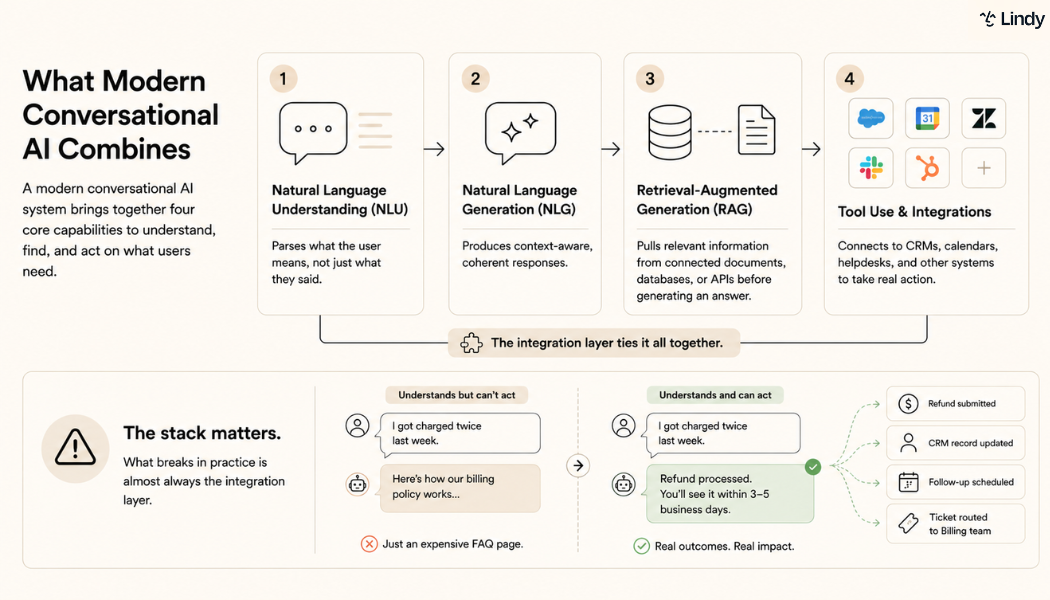
Here’s what modern conversational AI typically combines:
- Natural language understanding (NLU): parses what the user means, beyond what they said
- Natural language generation (NLG): produces context-aware, coherent responses For instance, a dedicated gmail ai assistant uses NLG to draft clear, context-aware email replies automatically.
- Retrieval-augmented generation (RAG): pulls relevant information from connected documents, databases, or APIs before generating an answer This capability enables a modern digital assistant to pull accurate answers directly from internal company data.
- Tool use and integrations: connects to CRMs, calendars, helpdesks, and other systems to take real action Evaluating these integration capabilities can help you select the best ai assistant for your specific personal and professional needs.
How I tested conversational AI for different industries
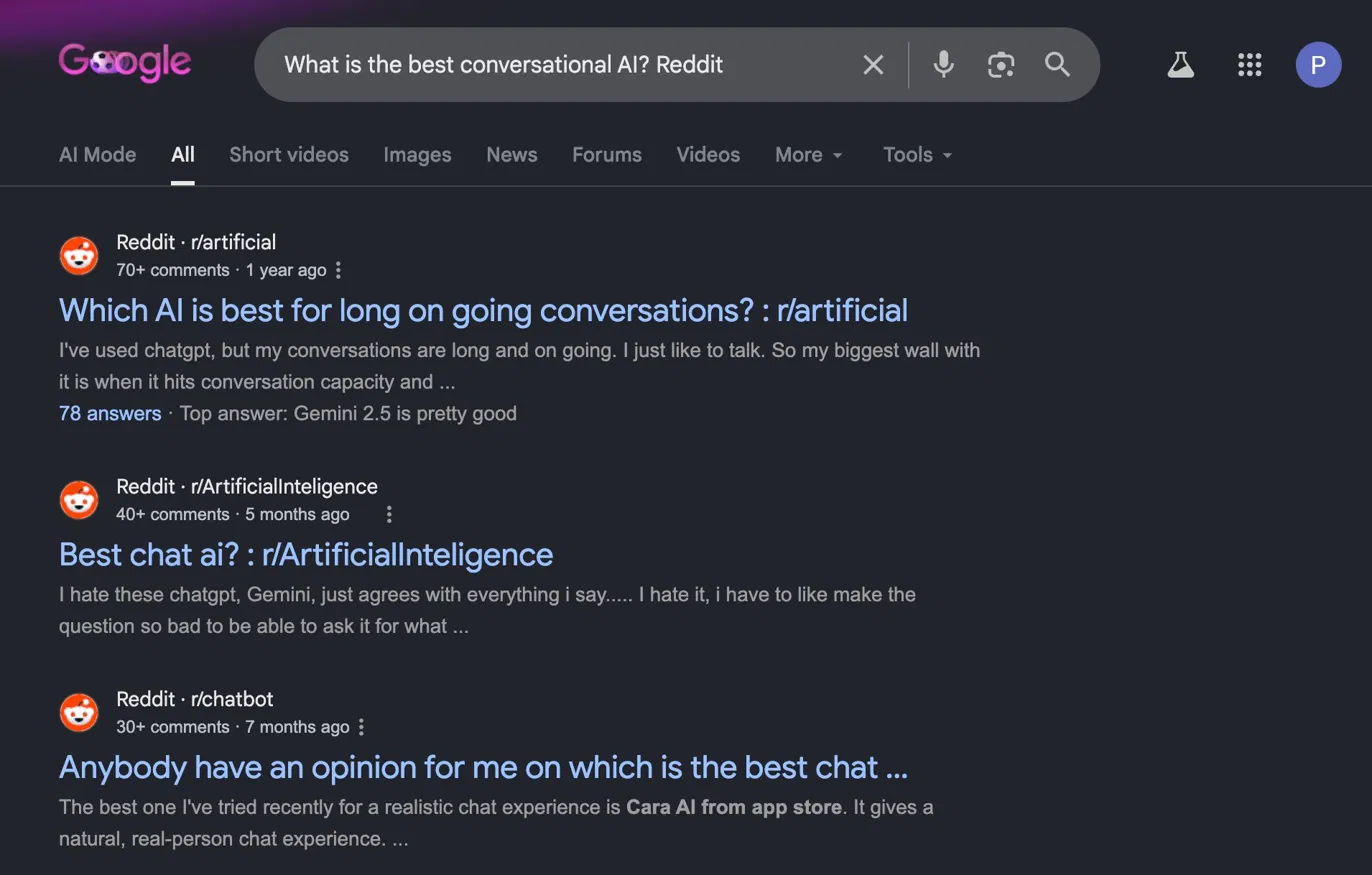
The obvious starting point was Reddit. I searched every variation of "best conversational AI" I could think of, and what came back were threads about ChatGPT versus Gemini for long conversations and which chat AI agreed with you less.
Nobody was asking which conversational AI meets HIPAA compliance requirements or handles candidate screening at scale. That question doesn't live on Reddit. It gets answered by the people who've deployed these tools and watched them break.
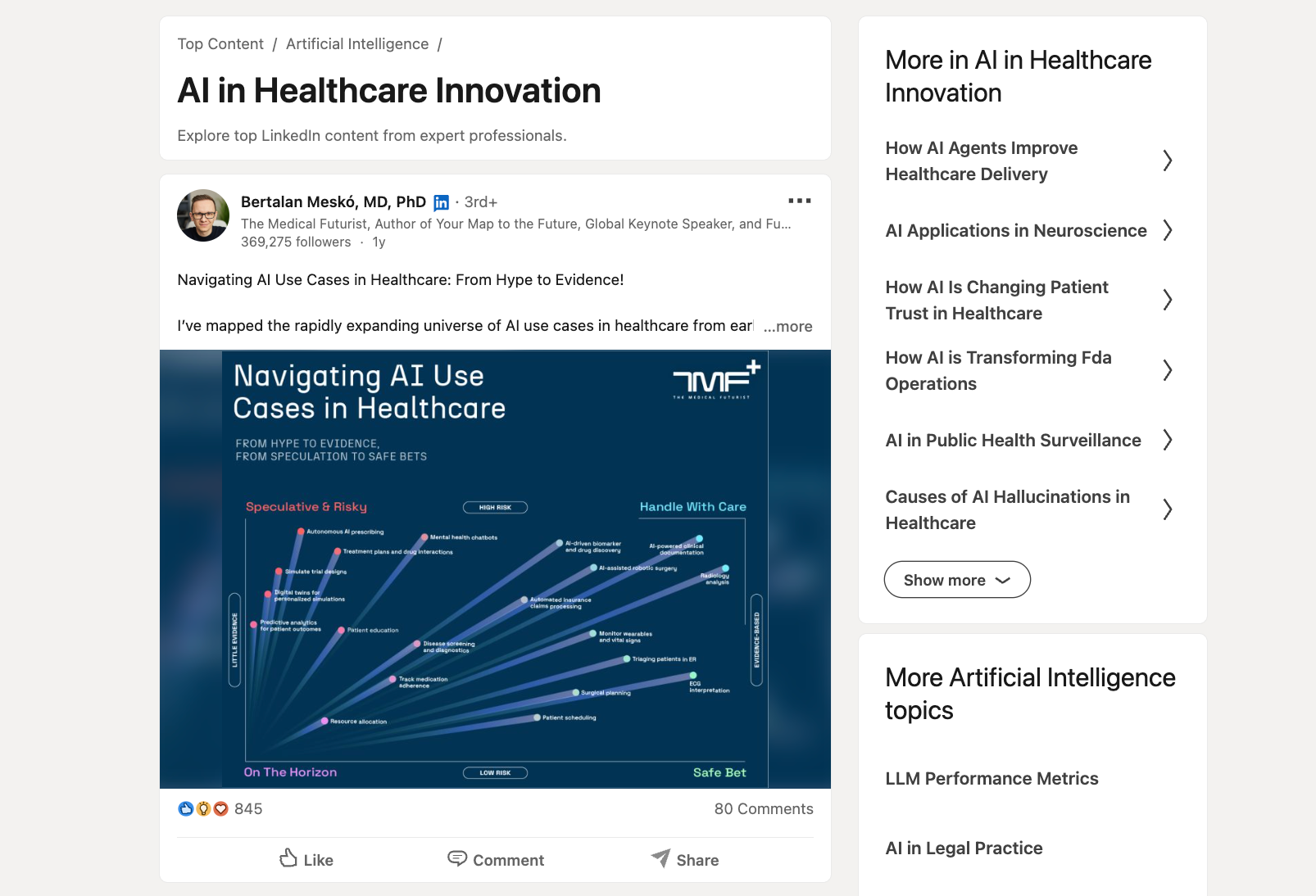
For specialized industries like healthcare, legal, and banking, I ended up on LinkedIn instead, reading posts from medical futurists and legal technologists, following practitioner discussions, and reaching out directly when something looked relevant.
For others, I spoke with 5 kinds of operators directly over several weeks: a practice manager at a healthcare clinic, an SDR lead at a B2B SaaS company, a recruiting coordinator running high-volume hiring, a real estate broker who'd cycled through three tools before finding one that worked, and several agency operators managing client work across multiple functions.
The conversations were informal. I wanted to know what broke, what they wished they'd known before going live, and what made them stay with their current tool. Their answers shaped the criteria below more than any feature comparison did.
What I looked for were four criteria applied across every industry:
- Response quality on ambiguous input: Most demos use clean, well-formed questions. I tested each tool with vague, incomplete, and edge-case inputs. How a tool handles "I need help with my account" tells you more than how it handles "reset my password."
- Audit your stack first: I checked whether each tool connects natively to the systems that the industries in this article use day-to-day, with no workarounds or manual syncs required. A tool that can take action within your systems is different from one that can only respond to what you tell it.
- Escalation behavior: I ran scenarios designed to push each tool past its limits. What happened when it didn't know the answer? Did it hand off with context intact, or did the customer have to start from scratch with a human?
- Setup time: I tracked how long it took to reach a working deployment for a standard use case. Any tool that required developer resources to handle basic scenarios was a red flag.
Three failure patterns disqualified tools outright. Hallucinating on factual questions, dropping context when escalating to a human, and requiring developer resources for standard use cases. Any tool that hit one of these wasn't built for real-world deployment, regardless of how it performed elsewhere.
Best conversational AI assistants across 12 industries
No single tool dominates across all industries. What makes a conversational AI effective in healthcare would be a compliance problem in banking. The speed requirements of e-commerce don't match the deliberateness required in legal work. Here's how 12 industries are using it, what the real use cases look like, and which tools are gaining traction in each.
1. Fin by Intercom: Best for customer service
What is it? Fin is an AI agent built for customer service. Unlike tools that adapt a general-purpose model, Fin runs on its own model trained exclusively for support work. It handles questions across chat, email, and voice, connects with Salesforce and HubSpot, and passes full conversation context to a human agent whenever it escalates.
Why do customer service teams use it? Conversational AI for customer service has the longest track record of any industry, and Fin is one of the clearest examples of mature deployment. It absorbs repetitive volume without routing everything to a human.
Alternatives:
- Zendesk AI: Native AI layer for teams already running on the Zendesk suite.
- Freshdesk’s Freddy AI: Built-in AI for ticket triage and resolution.
2. Hyro: Best for healthcare
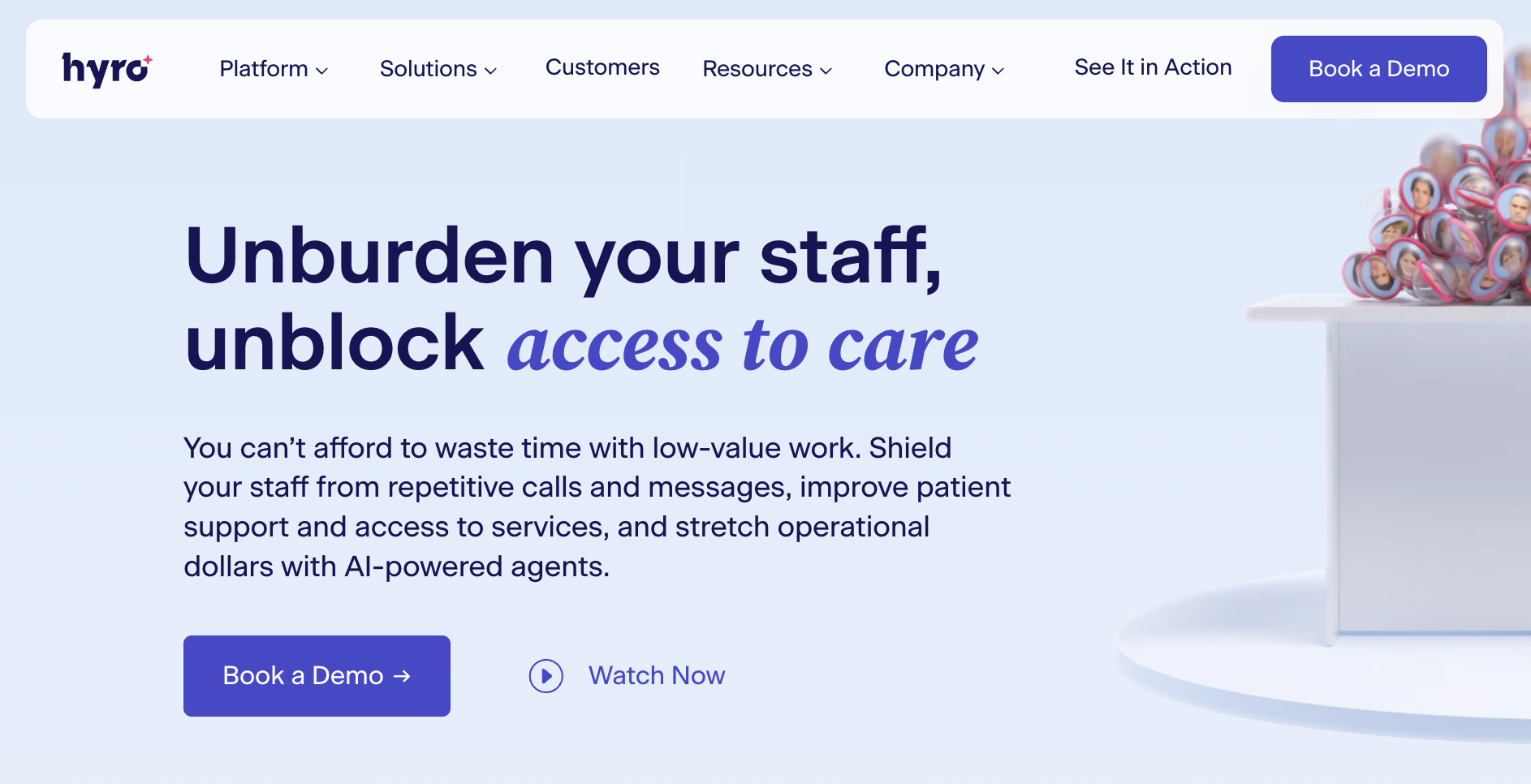
What is it? Hyro is a conversational AI platform built specifically for healthcare. It automates patient communications across call centers, websites, mobile apps, and SMS using natural language understanding rather than rigid scripts. It connects with Epic EMR and Salesforce, handles appointment scheduling, billing questions, and prescription support.
Why do healthcare teams use it? Phone lines remain jammed with scheduling and insurance pre-auth calls, while clinical staff are pulled off patient care. Hyro handles those conversations automatically, keeping administrative load off the people who should be with patients.
Alternatives:
- Conversica: AI assistant for patient re-engagement and healthcare follow-up.
- Nuance DAX: Ambient AI documentation for capturing clinical notes during patient visits.
3. Lindy: Best for professional services and agencies
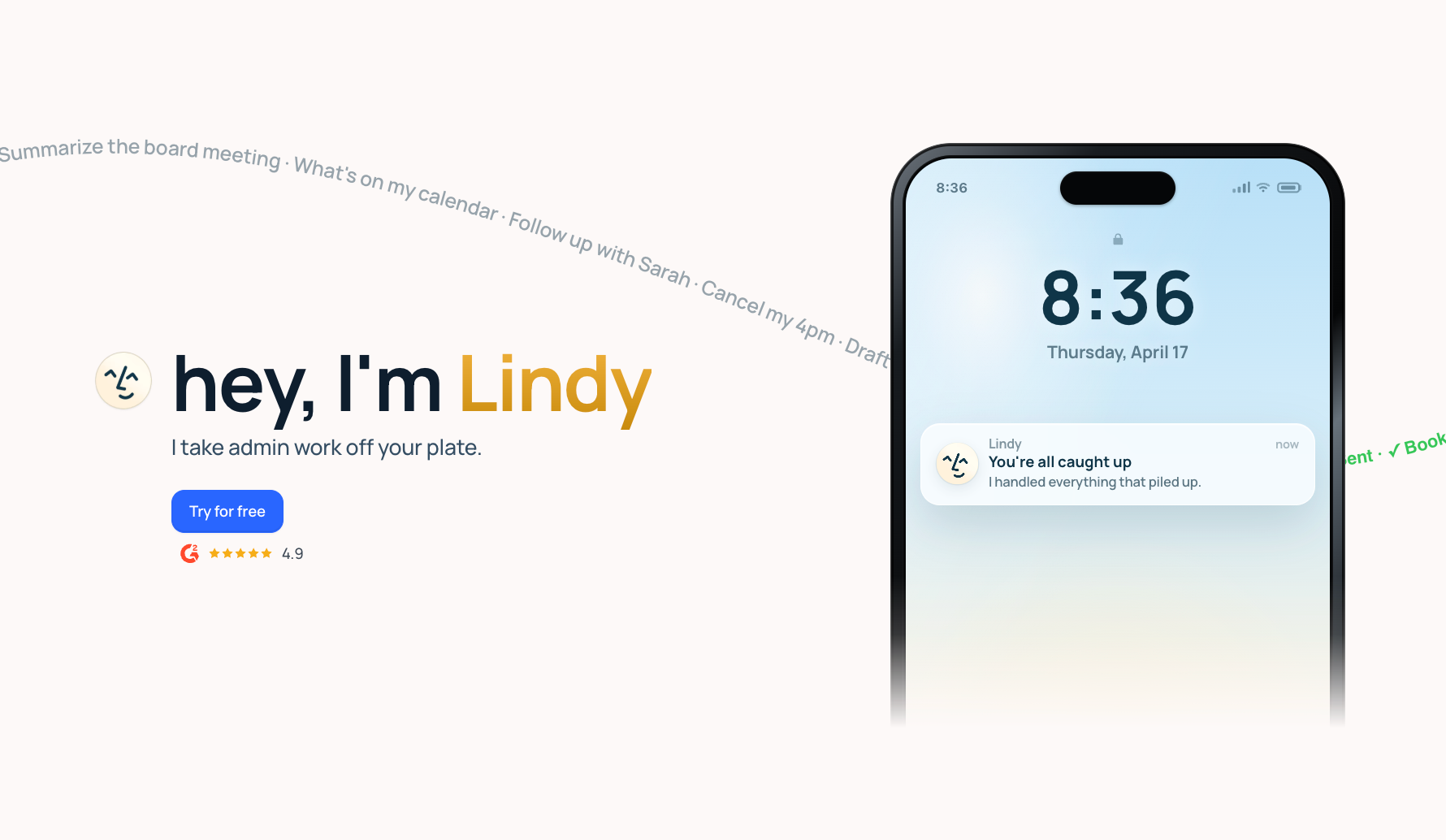
What is it? Lindy is an AI assistant you text to get work done across your inbox, calendar, CRM, and customer support. You tell Lindy what needs to happen, and it handles it: scheduling meetings, managing email, researching prospects, following up with leads, and keeping clients updated. It connects with hundreds of integrations and works across iMessage, email, and Slack, starting at $49.99/month on the Plus plan.
Why do professional services and agency teams use it? They run on communication, follow-up, and coordination, and most of that work doesn't require a senior person to execute. Lindy handles it instead: managing the inbox, prepping for calls, logging notes after meetings, and keeping clients in the loop.
For anything that matters, Lindy surfaces a suggestion for approval before acting, so you stay in control without doing the work yourself.
Alternatives:
- Zapier: For teams that prefer building their own automation logic step by step.
- Superhuman: AI-powered email client for professionals focused on inbox speed and triage.
{{templates}}
4. Gong: Best for sales and revenue operations
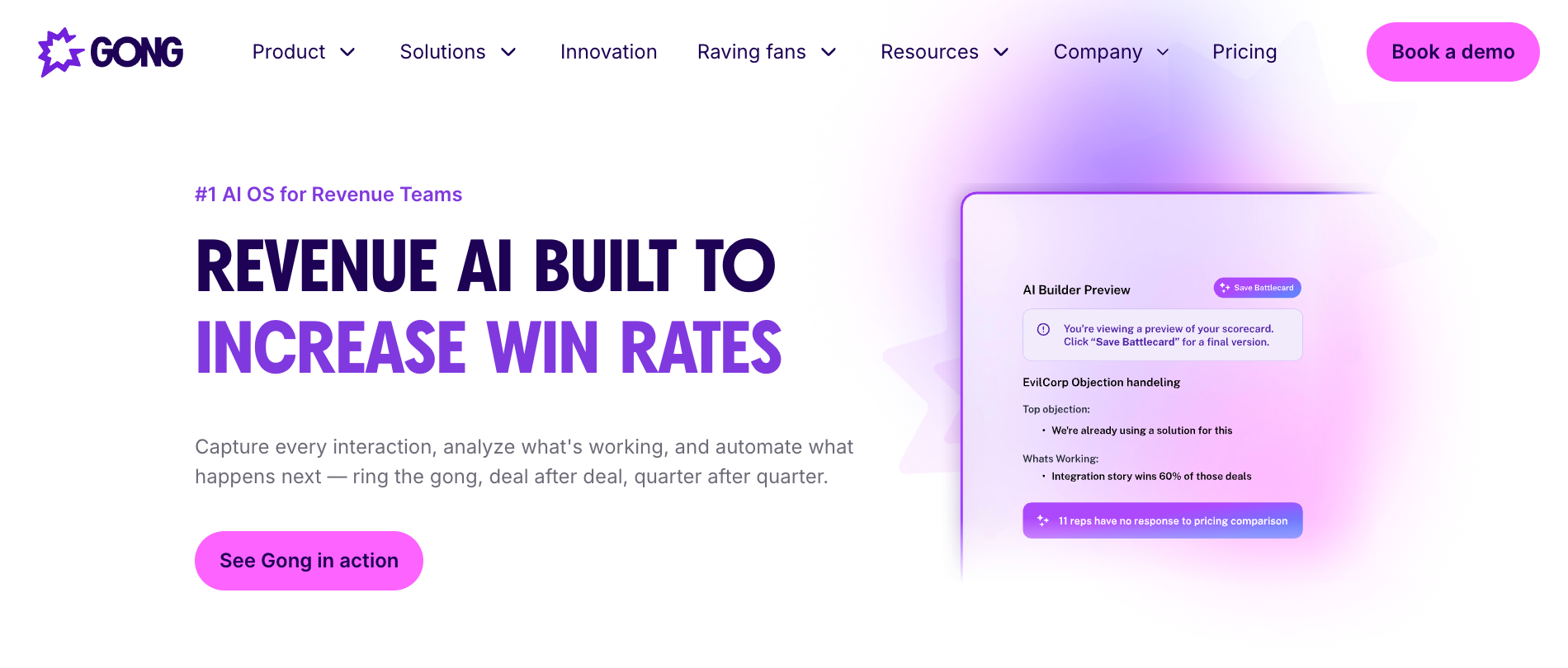
What is it? Gong is a revenue intelligence platform that captures and analyzes every sales conversation across calls, emails, and meetings. Built on models trained on billions of sales interactions, it surfaces deal risks, buying signals, and next best actions across the pipeline. AI agents handle follow-ups, pipeline updates, forecast corrections, and coaching triggers automatically.
Why do sales and revenue operations teams use it? Sales teams lose visibility the moment a call ends. CRM notes are incomplete, follow-ups get missed, and pipeline accuracy depends on what reps remember to log. Gong captures every customer interaction automatically and turns those conversations into data that the whole revenue team can act on.
Alternatives:
- Salesloft: Sales engagement platform with built-in AI conversation intelligence.
- Chorus by ZoomInfo: Conversation intelligence for sales teams within the ZoomInfo platform.
5. Harvey: Best for legal work
What is it? Harvey is an AI platform built for law firms and in-house legal teams. It handles document analysis, legal research, and drafting through a suite of purpose-built tools. Legal professionals use it to review contracts, research regulatory questions, bulk-analyze large document sets, and run end-to-end workflows, with source citations on every answer.
Why do legal teams use it? Harvey grounds every response in cited sources. Attorneys verify the output rather than take it on faith. Its Vault product handles bulk document review at scale, making due diligence significantly faster. It also runs directly inside Microsoft Word, which means legal teams work the way they already do.
Alternatives:
- Ironclad: AI-powered contract lifecycle management for in-house legal teams.
- Clio: Practice management platform with AI features for client intake, billing, and matter organization.
6. Structurely: Best for real estate
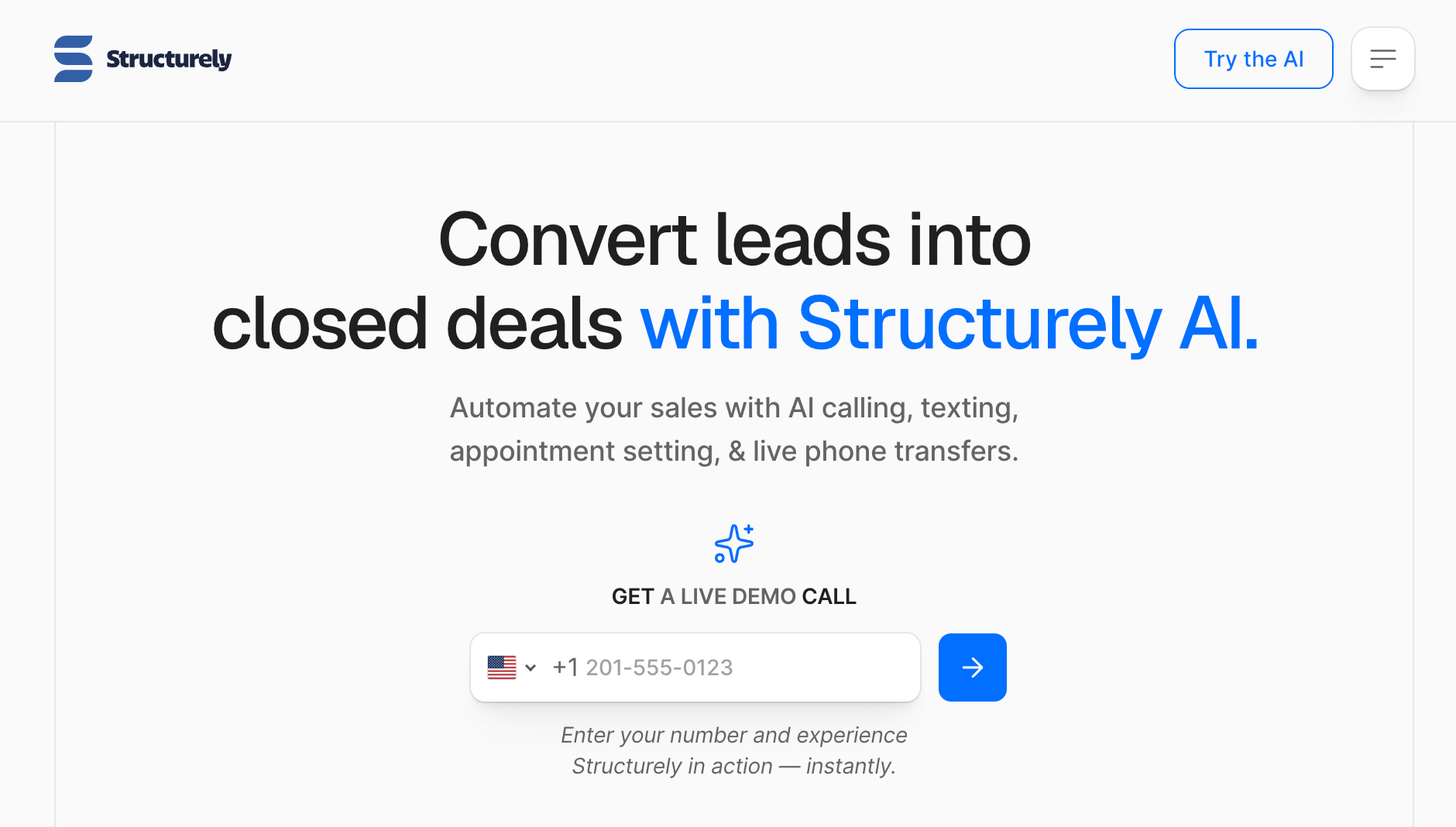
What is it? Structurely is an AI sales assistant built for real estate and mortgage teams. It automates lead follow-up through two-way SMS conversations, qualifies prospects, and books appointments directly into agents' calendars. It mirrors your CRM's existing lead routing rules and syncs every conversation back in real time.
Why do real estate teams use it? Most online leads don't convert because agents can't respond fast enough, especially after business hours. Structurely responds immediately, keeps leads engaged through ongoing two-way conversations, and only passes a lead to an agent when it's ready to be worked.
Alternatives:
- Follow Up Boss: CRM for real estate teams with AI-assisted lead routing and follow-up automation.
- Ylopo: AI-powered lead nurturing and marketing platform for real estate agents.
7. Olivia by Paradox: Best for HR and recruitment
What is it? Olivia by Paradox is an AI recruiting assistant built for high-volume hiring. It screens candidates, schedules interviews, and answers hiring FAQs through two-way conversations via SMS, web chat, and WhatsApp, available around the clock in over 100 languages. It layers on top of existing ATS platforms like Workday and SAP SuccessFactors without replacing them.
Why do HR and recruitment teams use it? High-volume hiring moves fast, and most of the friction is administrative. The hours go into screening, scheduling, and following up on no-shows. Olivia handles all of it. The recruiting team only touches candidates who've already cleared the first round.
Alternatives:
- HireVue: AI-powered video interviewing and candidate assessment platform.
- Eightfold.ai: AI talent intelligence for candidate matching and internal mobility.
8. Kasisto: Best for finance and banking
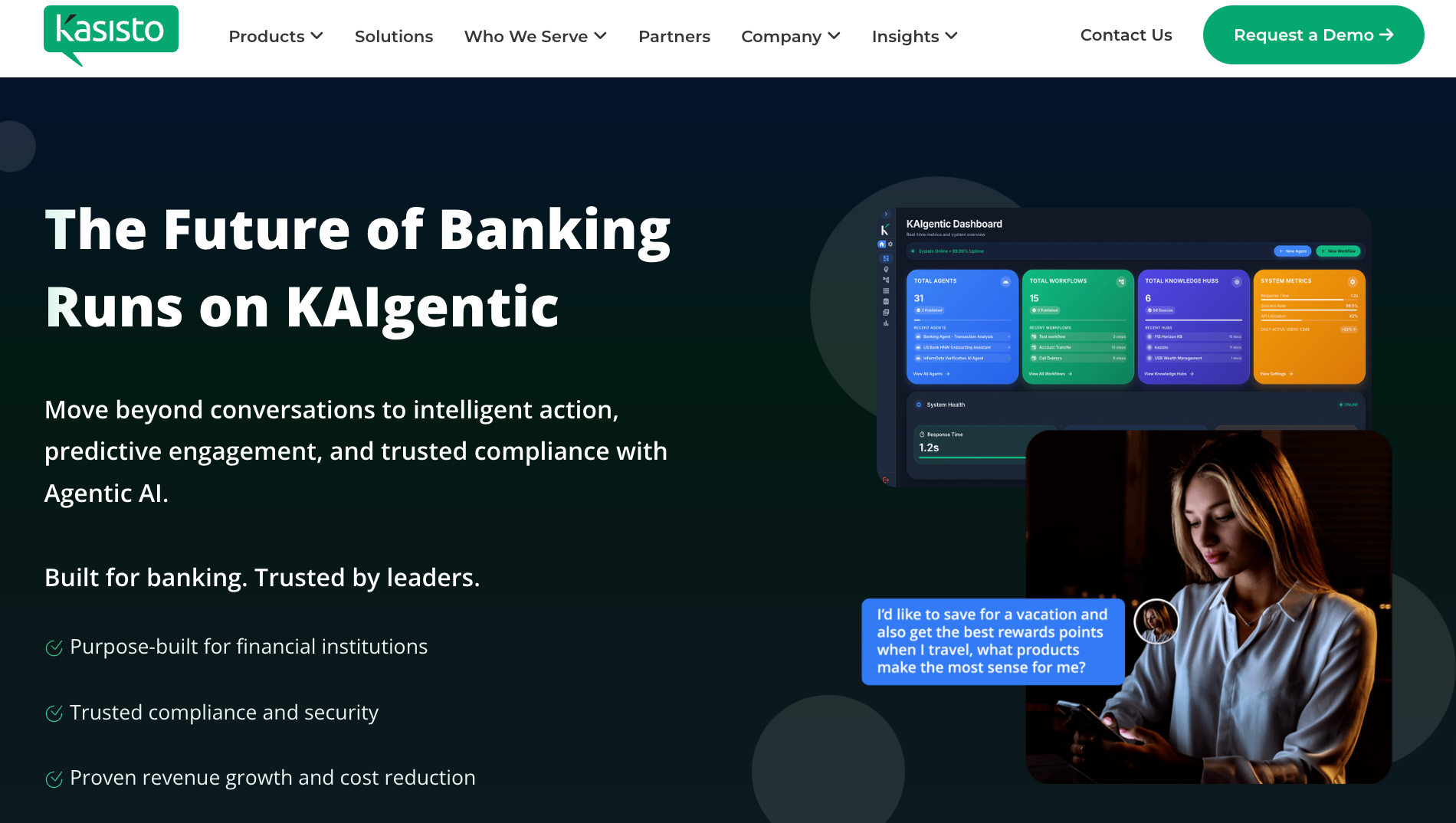
What is it? KAI by Kasisto is a conversational AI platform built specifically for banking and financial services. Using KAI-GPT, a large language model built for the financial industry, it handles customer questions across mobile apps, websites, and messaging platforms. It covers account queries, money management, and product questions while working alongside human bankers rather than replacing them.
Why do finance and banking teams use it? Financial institutions can't deploy a general-purpose chatbot and call it compliant. KAI is built from the ground up with compliance in mind, knowing when to answer and when to escalate. It integrates directly with live chat and contact center systems. The handoff to a human banker stays clean, and context is never lost.
Alternatives:
- Clinc: Conversational AI for retail banking focused on handling complex customer questions.
- LivePerson: AI-powered conversational platform for financial services customer engagement.
9. Lyro by Tidio: Best for e-commerce and retail
What is it? Lyro is built for e-commerce. It handles customer questions on your website and across social channels, including Instagram, WhatsApp, and Messenger, using your existing support content as its knowledge base. It integrates directly with Shopify and WooCommerce and recommends products based on what a shopper is browsing, their budget, or the season.
Why do e-commerce and retail teams use it? E-commerce support runs on repeat volume: order status, return policies, shipping delays. Lyro handles those automatically across the channels shoppers already use, leaving agents free for the conversations that need judgment.
Alternatives:
- Gorgias: AI-powered helpdesk built specifically for e-commerce brands.
- Reamaze: Customer service and AI chat platform for Shopify and WooCommerce stores.
10. Khanmigo: Best for education and e-learning
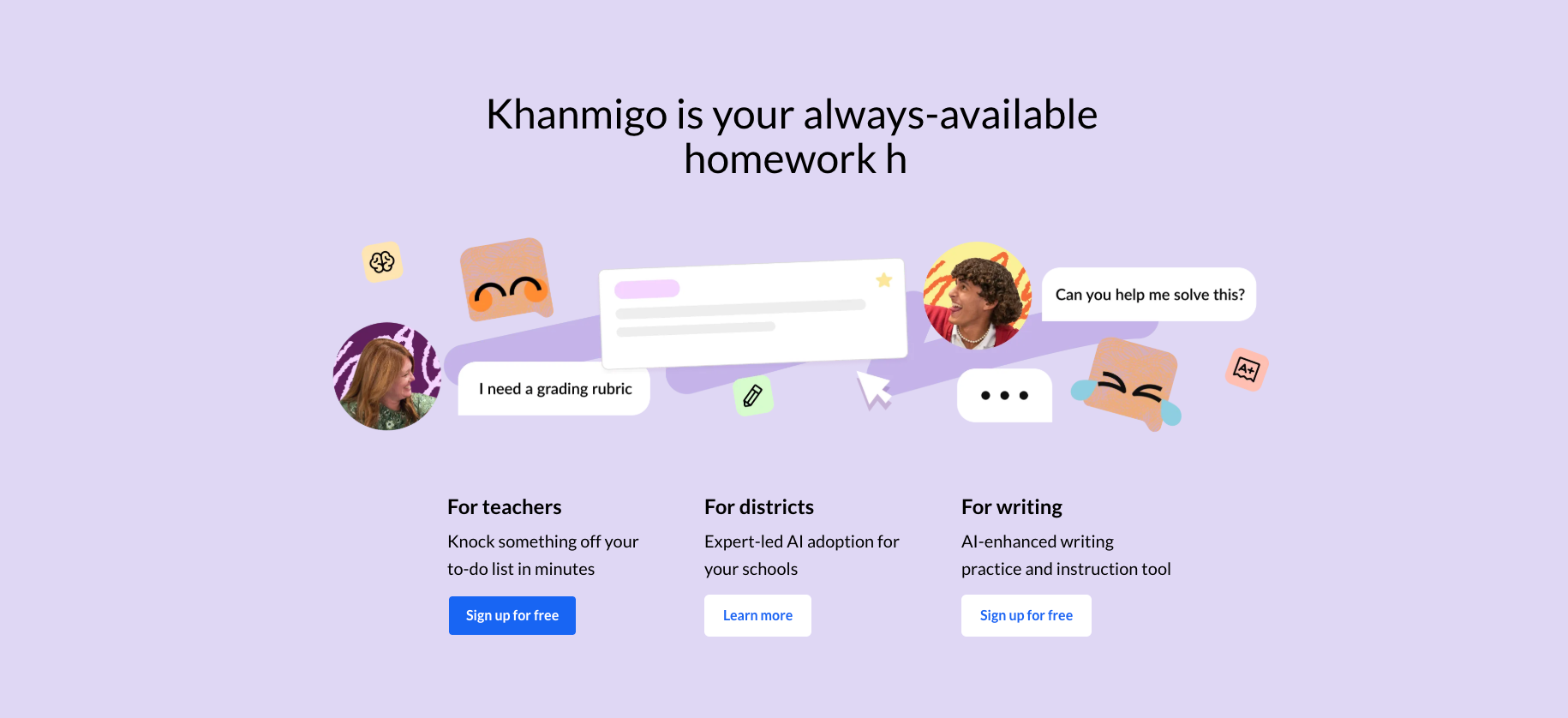
What is it? Khanmigo is Khan Academy's AI tutor and teaching assistant. Unlike general AI tools, it guides learners toward answers through questions rather than handing them over. Built directly into Khan Academy's content library, it covers math, humanities, coding, and social studies. For teachers, it handles lesson planning, rubrics, student progress summaries, and exit tickets.
Why do education and e-learning teams use it? Most AI tools in education make it too easy to skip the thinking entirely. Khanmigo is built to work the other way, guiding students toward understanding rather than delivering answers outright. For teachers, it handles the preparation work that normally takes hours. Class time stays focused on actual teaching.
Alternatives:
- Carnegie Learning: Adaptive AI math tutoring platform used by schools and districts.
- Duolingo Max: AI-powered language learning with conversational practice and roleplay features.
11. Piper by Qualified: Best for marketing and demand generation
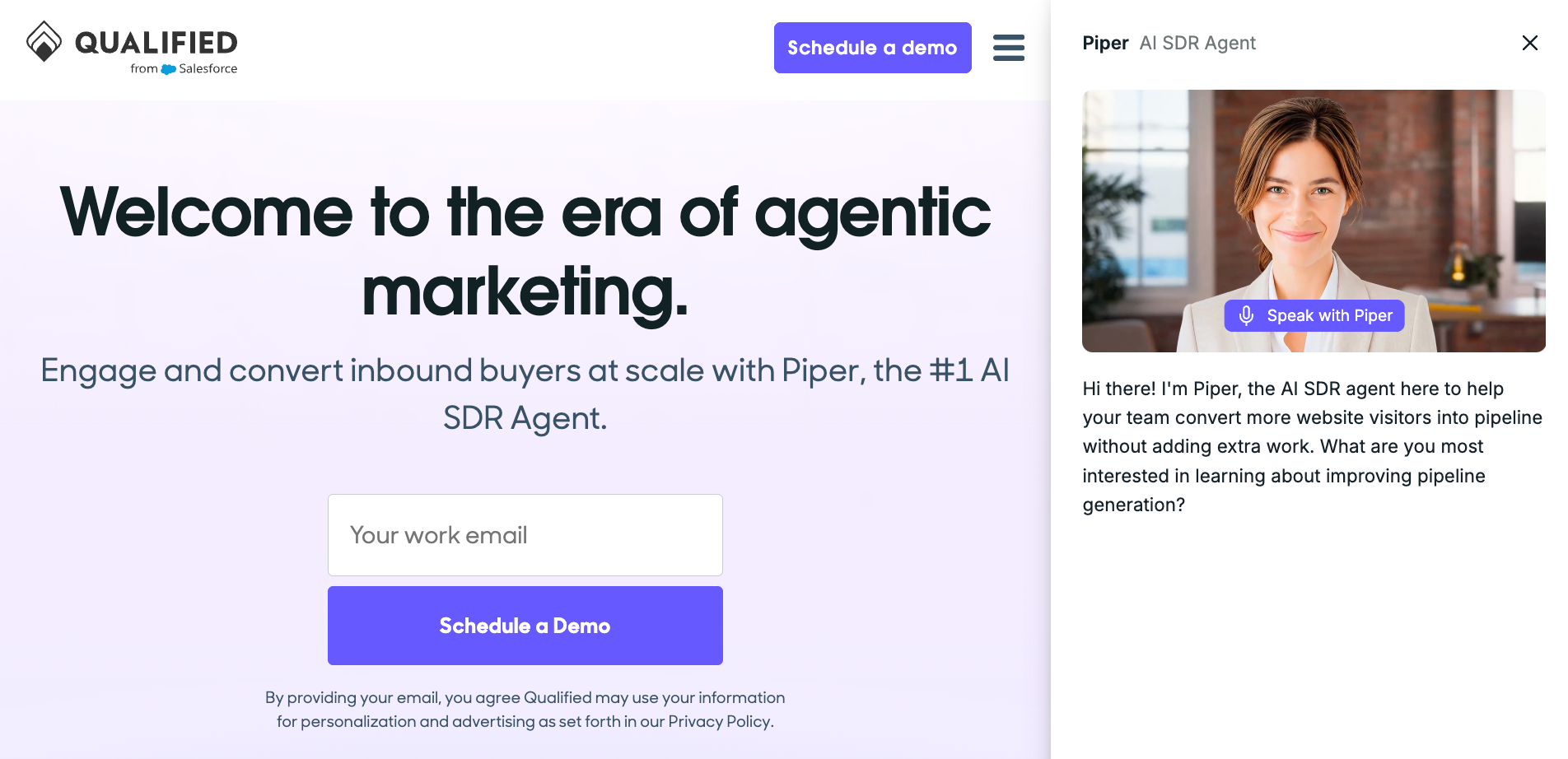
What is it? Piper is an AI SDR agent built for B2B marketing and demand generation teams. It identifies target buyers visiting your website, engages them in real-time conversations, and books meetings automatically. Built natively on Salesforce, it connects buyer intent signals, CRM data, and real-time website behavior to personalize every conversation and keep the pipeline moving around the clock.
Why do marketing and demand generation teams use it? Most website visitors leave without ever talking to anyone, even when they're exactly the right buyer. Piper engages them in real time, qualifies them against your criteria, and books a meeting before they click away. Since it's built natively on Salesforce, every conversation and intent signal syncs directly without any manual work.
Alternatives:
- Drift (now Salesloft): Conversational marketing platform for B2B website pipeline generation.
- Demandbase: AI-powered account-based marketing platform with engagement and intent features.
12. Capacity: Best for operations and logistics
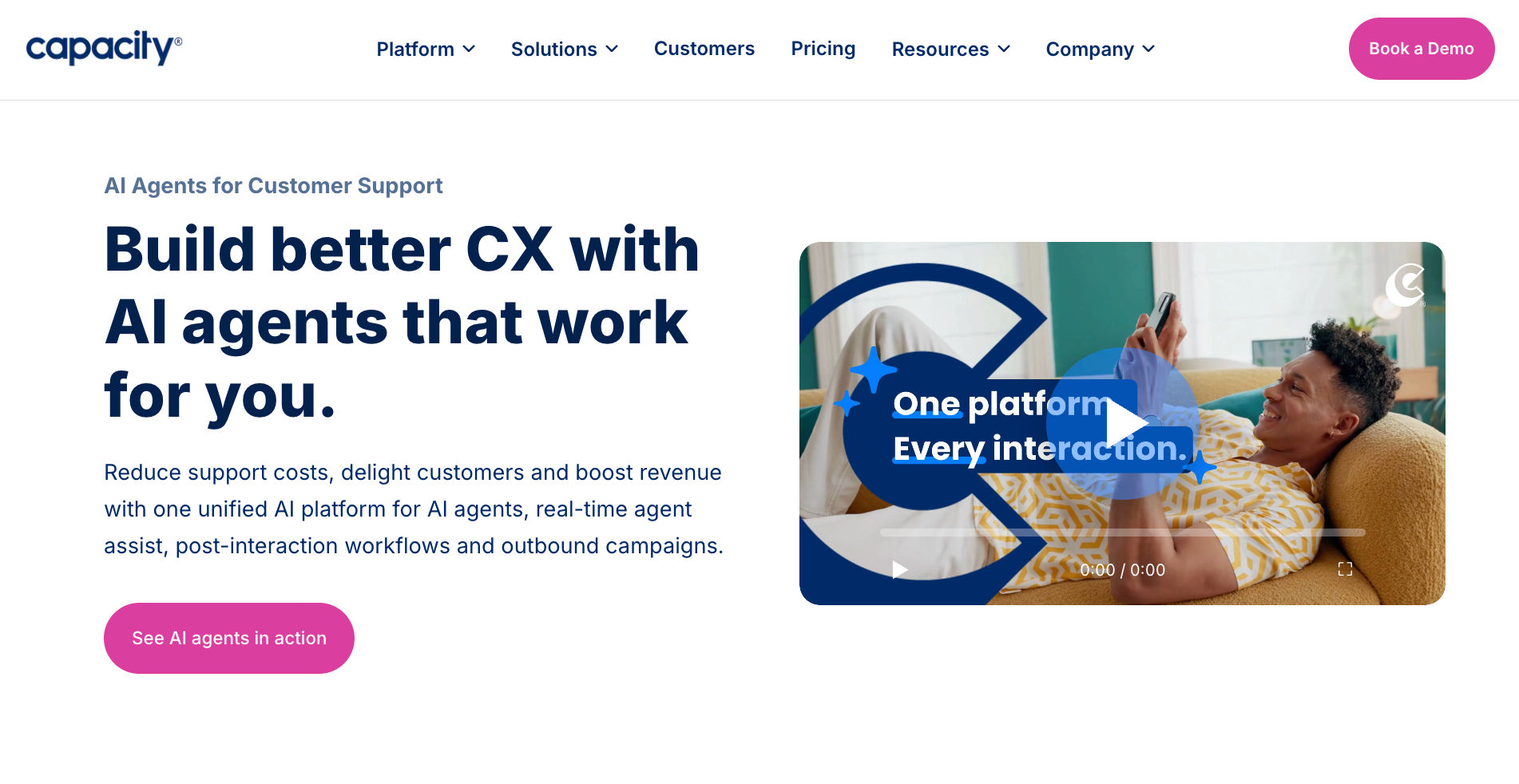
What is it? Capacity is an AI support automation platform that connects your organization's knowledge across systems and puts it to work through AI agents, real-time agent assist, and automated workflows. It works across email, chat, voice, and SMS, integrates with tools such as Salesforce, HubSpot, Microsoft Teams, and Slack, and continuously improves its knowledge base with each interaction.
Why do operations and logistics teams use it? Internal knowledge gets trapped in inboxes, Slack threads, and the heads of three people who've been around the longest. Capacity pulls it into one place and makes it available instantly. Employees get answers without turning every quick question into a bottleneck.
Alternatives:
- Guru: AI-powered knowledge management platform for internal teams.
- ServiceNow Now Assist: AI capabilities built into ServiceNow for IT and operations workflow management.
How to choose the right conversational AI for your industry
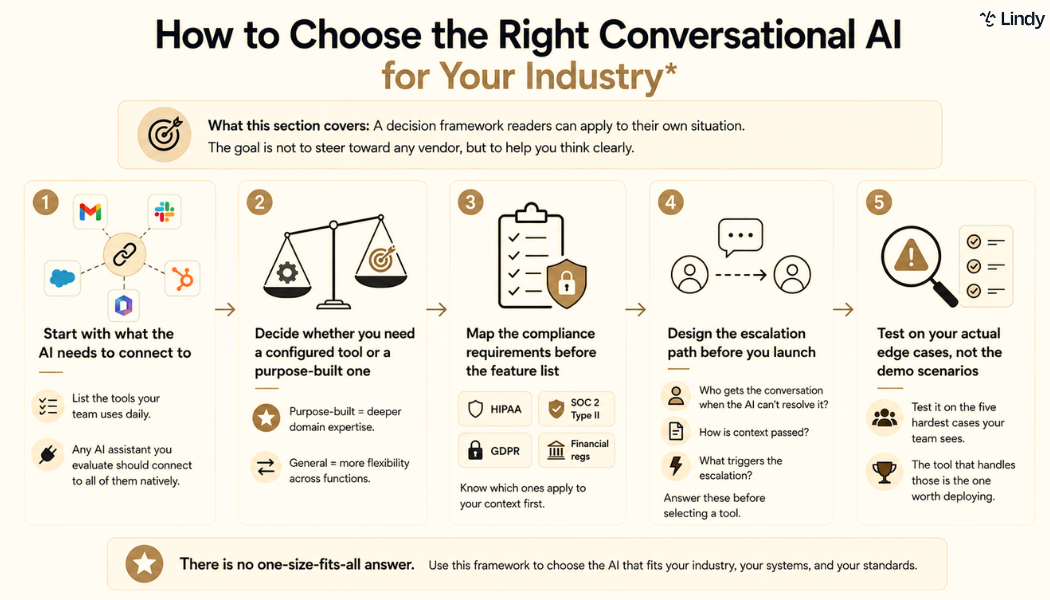
The right conversational AI for your industry isn't the one with the longest feature list. It's the one that connects to your systems, meets your compliance requirements, and holds up when things get complicated. Most tools look good in a controlled demo.
The ones worth deploying are the ones that handle your actual edge cases, fit how your team works, and don't break when something unexpected happens.
Here's what to evaluate before you commit:
- Integration depth: List all the tools your team uses daily. Any AI you evaluate should connect to all of them natively. A tool that can read from and write to your systems completes the task; one that can only read can answer a question, but can't act on it.
- Match scope to tool type: Tools like Harvey or Kasisto are trained for specific industries and handle compliance out of the box. General assistants offer more flexibility across functions. If your use case is narrow, go purpose-built. If your work spans departments, go general.
- Compliance requirements: HIPAA, SOC 2 Type II, GDPR, and financial services regulations are selection criteria. Know which ones apply before you evaluate anything. Finding out a tool doesn't qualify after months of testing is a painful lesson.
- Escalation design: Most deployments break the moment a human needs to take over. Before you choose a tool, answer three questions: who gets the conversation when the AI escalates, how context is passed, and what triggers the transfer.
- Edge case testing: Every conversational AI performs well in a vendor demo. Test it on the hardest cases your team sees: the frustrated repeat customer, the ticket that needs data from three systems. The tool that handles those is worth buying.
{{cta}}
Lindy: The conversational AI for teams that need it all
Most conversational AI tools are built to solve one problem well. That works if your needs fit neatly into a single category. But most teams don't work that way. The same person handling customer support is also managing their calendar, chasing leads, and prepping for meetings before lunch.
Lindy is built for that reality. You text Lindy what needs to happen, and it handles it across your inbox, calendar, CRM, and customer support, without switching tools or setting anything up.
Here’s what that looks like in practice:
- Get answers instantly: Text Lindy to pull information from your email, calendar, or CRM without digging through tabs.
- Send emails and follow-ups automatically: Ask Lindy to draft, personalize, and send outreach and handle replies.
- Take meeting notes and share summaries: Lindy joins meetings, writes structured notes, and follows up afterward.
- Update your CRM without manual entry: After a call, Lindy logs notes and automatically fills in missing fields.
- Find and qualify leads in minutes: Tell Lindy your ideal customer profile and get curated lead lists ready for outreach.
- Hundreds of app integrations: Lindy connects with the tools you already use, so everything stays in sync.
FAQs
1. What is the difference between a conversational AI and a chatbot?
Chatbots follow decision trees and match keywords to pre-written responses. If your question doesn't fit a pattern they were built for, they fail. Conversational AI understands intent, maintains context across a conversation, and handles questions it wasn't explicitly programmed for. One manages what it was built for. The other handles what you throw at it.
2. Which industries benefit most from conversational AI?
Customer service, healthcare, sales, real estate, HR, and finance see the clearest results. What they share is high-volume, time-sensitive communication that doesn't require expert judgment. The more repetitive the communication layer, the stronger the case for conversational AI.
3. Does conversational AI work for small businesses?
Yes, conversational AI works especially well for small businesses because the return is most visible when one person is doing the work of three. The main thing to look for at a smaller scale is ease of setup. Tools that require extensive configuration are built for enterprise teams.
4. What should I look for when evaluating a conversational AI tool?
When evaluating a conversational AI tool, start with integrations. If it can't connect to the systems your team already uses, it can't take action. Then check compliance requirements for your industry, map your escalation path, and test it on your actual hard cases.
5. Can Lindy work across multiple industries?
Yes. Lindy is built for teams whose work spans multiple functions rather than fitting into a single category. A consulting firm managing client communication, meeting scheduling, lead follow-up, and research can use Lindy for all of it. So can an agency handle support, outreach, and internal coordination. Text Lindy what you need done, and it handles it across your inbox, calendar, CRM, and more.









