6 Best Reminder Apps for iPhone in 2026: Tested and Ranked


There was a bill due on the 15th. I had a reminder set in Apple Reminders. I unlocked my phone, the notification appeared, and I swiped it away. The bill went unpaid for two weeks. Apple Reminders did its job. It fired the alert and gave me one shot. I chose not to act on it, and one shot was all it had.
The built-in app works for people who act on the first alert. For everyone else, the problem is that single shot. People who dismiss and forget need something that comes back. People whose reminders involve scheduling, follow-up, or other people need something that handles more than a ping.
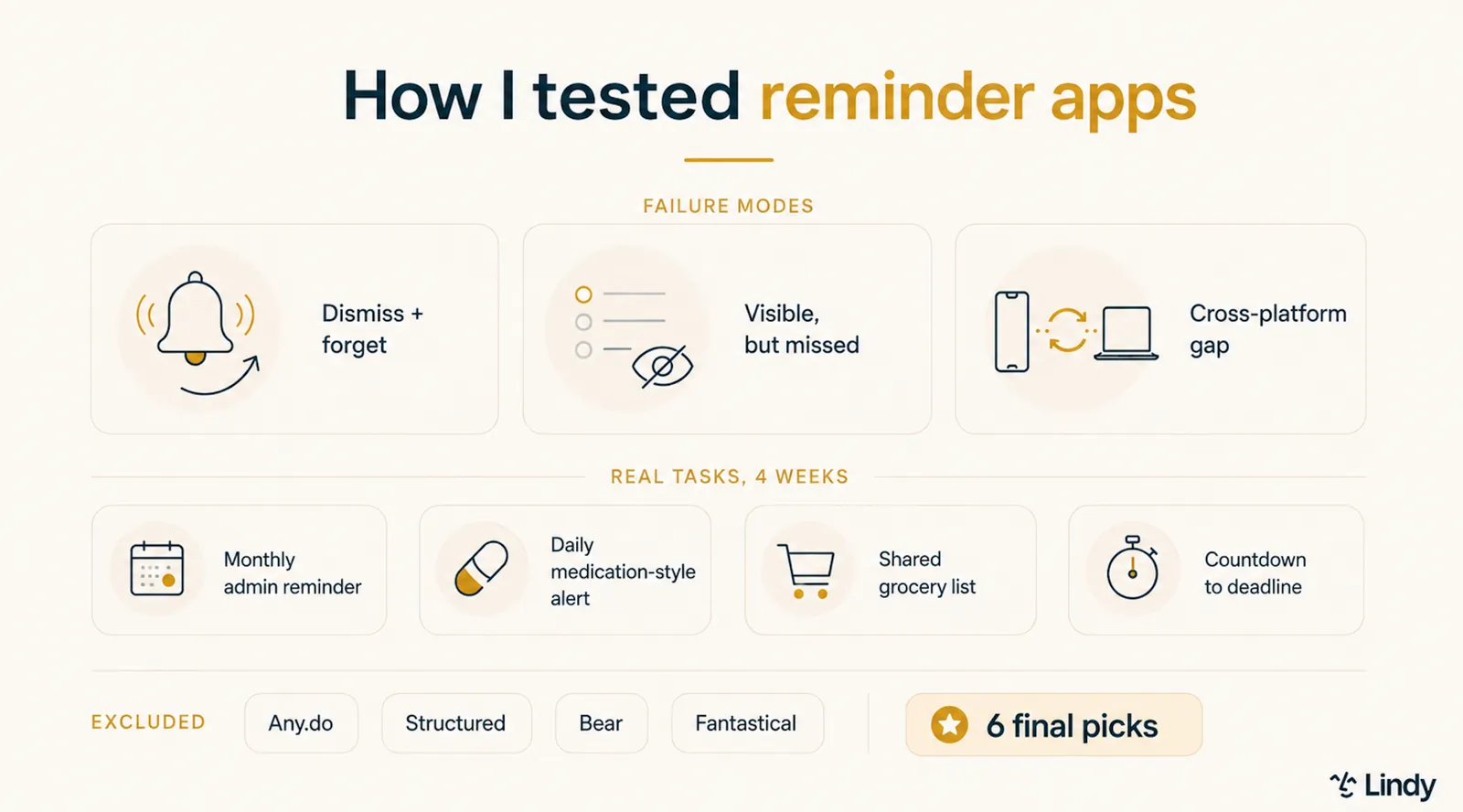
I tested 10 reminder apps for iPhone over four weeks using real tasks, such as monthly bills, medication-style recurring reminders, shared grocery lists, and countdowns. Six held up, and each one handles a different way of missing things.
Here's what I found.
What is a reminder app for the iPhone?
A reminder app for iPhone alerts you at a set time, location, or condition so you don't forget something you've already decided to do. Set a reminder for "call the dentist at 2 pm," and the app's only job is to put that in front of you at 2 pm with enough of a push that you pick up the phone.
The iPhone ships with Apple Reminders built in. Set a time, get a notification, done. Third-party reminder apps exist to fill the gaps that it leaves open.
Some, like Due, repeat the alert until you act on it, rather than firing once and moving on. Others, like Todoist and TickTick, connect the reminder to a full task system so it has a place to live beyond the moment it fires.
In a newer category, tools like Lindy treat the reminder as the first step in a chain. It schedules the follow-up meeting or drafts the email that comes after. Which one you need depends on how you tend to miss things.
Why look for an iPhone reminder app?
The short answer is that Apple Reminders handles most situations well enough. It's free, built-in, and hard to beat for basic capture. The longer answer is that it breaks down in predictable ways, and once you know which way you tend to break down, the right third-party app becomes obvious.
Here's where each failure mode points:
- You swipe and forget: One notification isn't enough. You need an app that comes back on its own, resurfacing the alert at set intervals until you mark it as done.
- You have a list you never open: You need a system. The right pick files the reminder as a real task so it has somewhere to live beyond the moment the alert fires.
- Your reminder is the start of something bigger: Some reminders are really a chain. A meeting to book, a person to follow up with, a call to prep for. The right tool handles what comes after the ping.
- You want habits and focus in one place: You need more than a reminder. The right pick tracks the streak and the focus session next to the task.
- You want zero setup: You need what's already on the phone, reachable by voice.
- Your reminders involve other people: The alert is the easy part. The right tool handles the scheduling and the follow-up around it.
How I tested these reminder apps
People have been asking which reminder app to use for over a decade. While the thread titles change, the underlying ask doesn't: something that fires at the right time, comes back if ignored, and doesn't require a system to maintain.
Every app here fires the alert. What separated them was the few seconds after it appeared, and whether the app gave me a second chance to act.
Four apps didn't make the final list. Any.do has a clean interface and fast capture, but location and advanced recurring reminders are both paywalled, which is most of what this test was measuring.
Structured does have reminders, but it is built around a visual timeline for planning a single day, so it answers a different question than the apps here.
Same with Fantastical, which handles reminders through a calendar-native approach that belongs in a different comparison. Bear has no reminder functionality at all, but enough people ask about it that it was worth ruling out directly.
The best reminder apps for iPhone at a glance
| App | Best for | Pricing | Free plan | Standout feature |
|---|---|---|---|---|
| Apple Reminders | Zero-setup iPhone users | Free (built-in) | Yes | Siri capture when your hands are busy |
| Due | Reminders you cannot miss | $7.99 one-time | No | Auto-snooze that repeats until you act |
| Todoist | Reminders inside a task system | $7/user/month | Yes (limited) | Natural language for complex repeat schedules |
| TickTick | Habits, focus, and reminders in one | $4.99/month | Yes | Location-based reminders on the free tier |
| Things | Apple users who plan their week | From $9.99 one-time | No | Beautiful planning system, no subscription |
| Lindy | Reminders involving scheduling and follow-up | From $29.99/month per user | No | Turns Slack reminders into scheduling, prep, and follow-up work |
1. Apple Reminders: Best free default for iPhone users
What is it? Apple Reminders is Apple's built-in task and reminder app, free on every iPhone. It supports Siri input, shared lists, subtasks, tags, Smart Lists, and location-based alerts. The Groceries list type, added in iOS 17, auto-sorts items into categories as you add them.
Best for: Apple-only users who capture fast with Siri and reliably open their reminder list.
Why I picked it
Ask Siri to add a reminder while cooking, driving, or mid-conversation, and it lands in the right list before the thought is gone. Every other app here requires you to unlock your phone, open the app, and type. Apple Reminders skips all three steps.
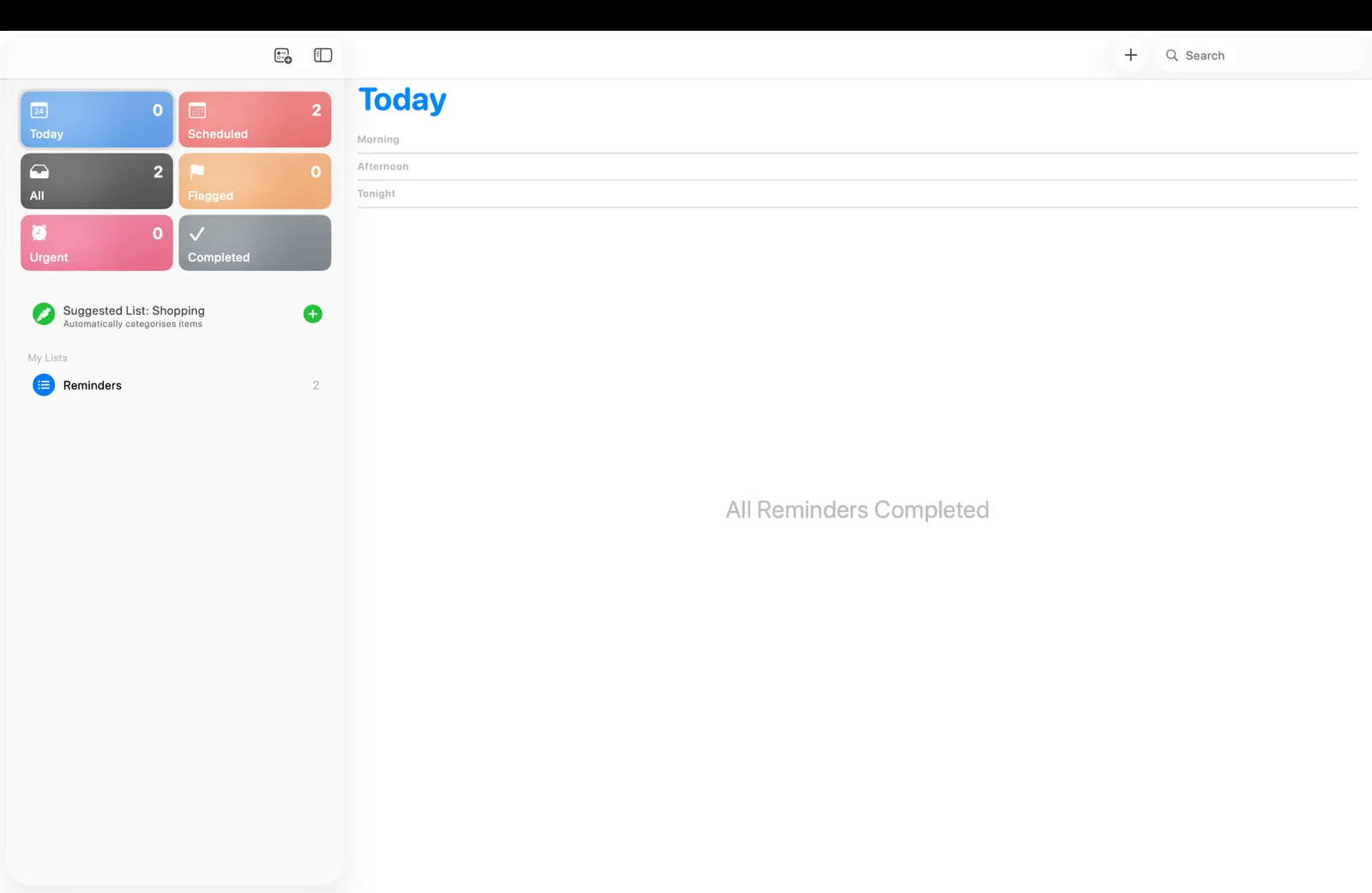
I tested this across four weeks: every time I needed to add something fast without stopping what I was doing, Siri had it saved before any other app could be opened. The Today Smart List is where things clicked during the test. It pulls everything due today from across all your reminder lists into a single view, so you never have to remember which list holds which task.
Limitations
Apple Reminders gives you one alert, or one alarm. Marking a reminder urgent schedules an alarm that rings through silent mode, but it still fires once. Swipe it away and the task sits there until you go looking for it. It also lives entirely within the Apple ecosystem, so anyone switching between an iPhone and a Windows or Android device will quickly hit a wall.
Pricing
Free. Built-in to iOS.
2. Due: Best for reminders you absolutely cannot miss
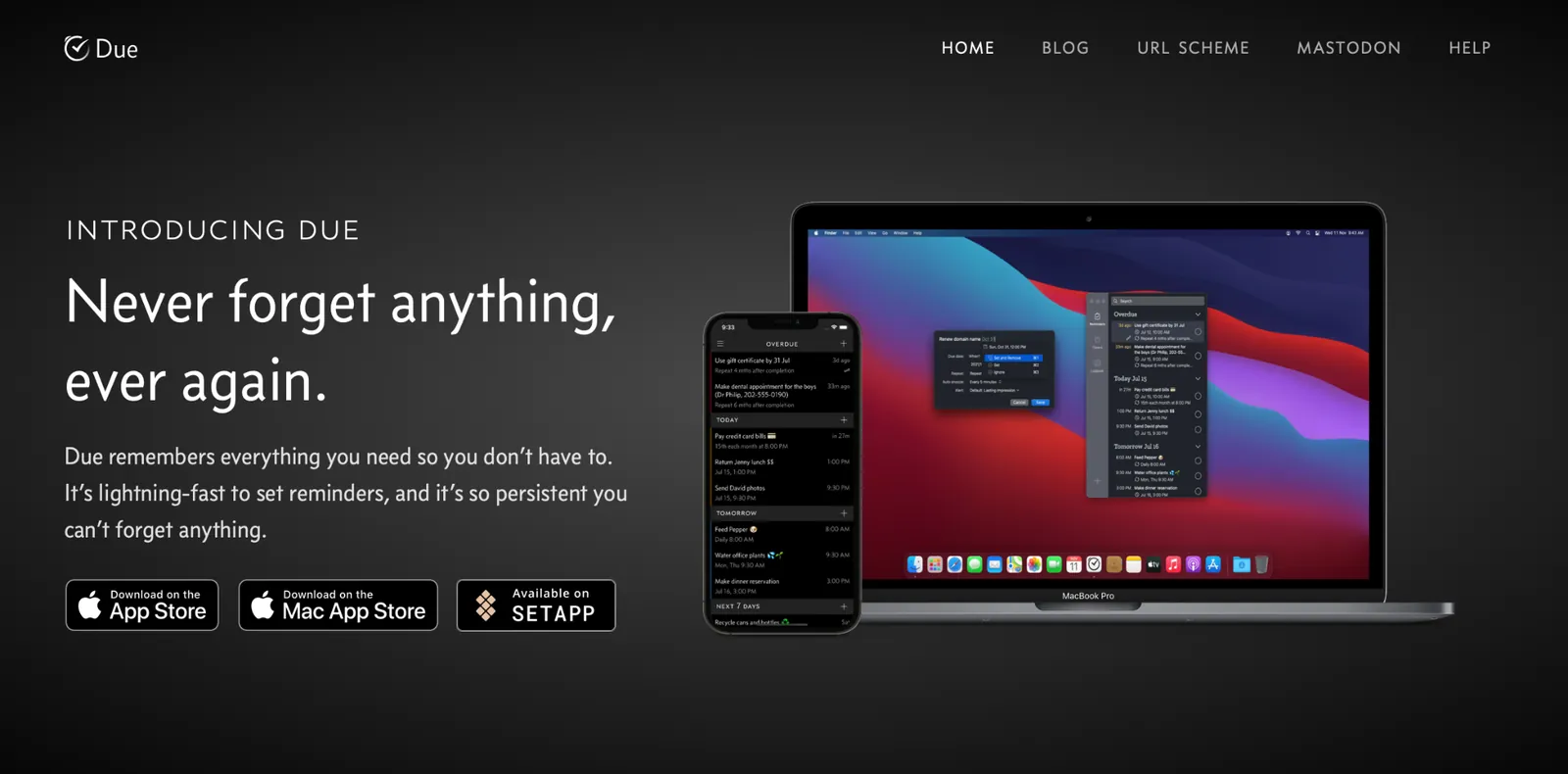
What is it? Due is a reminder app built around one mechanic: the alert repeats at a set interval, 5 times by default and up to 10, so one distracted swipe doesn't end it. It also supports countdown timers alongside standard date-and-time reminders. Due offers a one-time purchase with no subscription required. It is available on iPhone, iPad, Apple Watch, and Mac.
Best for: Anyone who regularly dismisses alerts and forgets the task, or who needs time-sensitive reminders that persist until acted on.
Why I picked it
A friend who runs a small content agency put me onto Due. She was missing client invoice deadlines because she'd swipe the notification mid-call and never come back to it. Due fixed that by not giving her the option. The alert came back every 10 minutes until she dealt with it. The invoice went out the same day.
The auto-snooze interval is adjustable, so you decide how relentless it gets. Set it to 5 minutes for something urgent, 30 for something that can breathe. Due also lets you swap themes from dark to light and a few in between, so the app doesn't feel clinical sitting in your dock. It's a small thing, but an app you like looking at gets opened more often.
The 12 quick-access time buttons on the reminder screen also make setting a due date faster than any other app here. One tap sets the next noon. Another sets 10 PM. No scrolling through a time picker.
Limitations
Due covers reminders only. There are no projects, no location triggers, and nothing to organize tasks beyond the alert itself. If you need something that fires when you arrive at a place rather than at a fixed time, TickTick handles that better.
Pricing
Due is a one-time $7.99 purchase covering iPhone, iPad, and Apple Watch in a single download. The Mac version is $14.99, sold separately. There is no subscription required, though an optional Upgrade Pass keeps you on new features released more than a year after purchase.
3. Todoist: Best if your reminders connect to a bigger task system
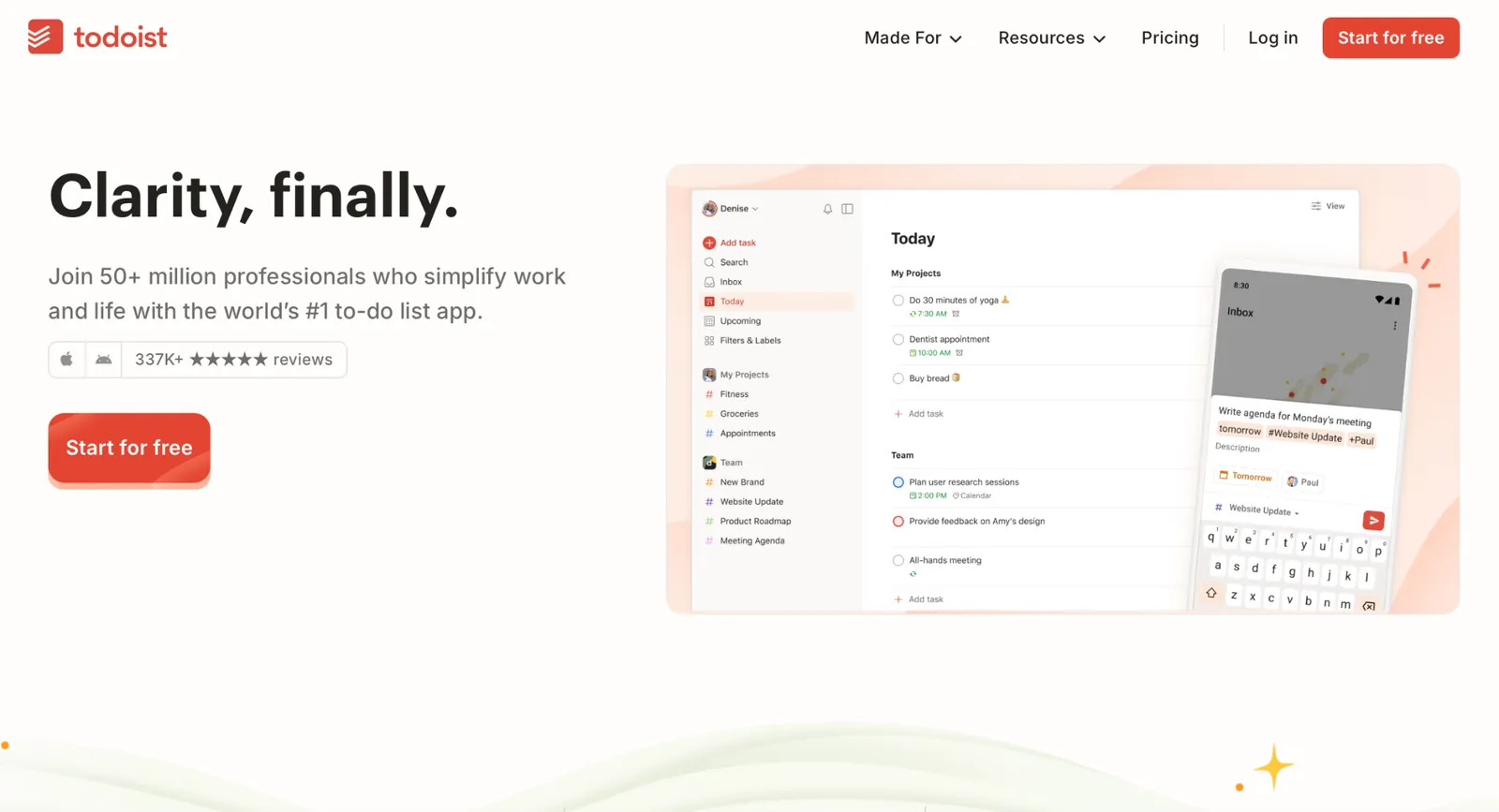
What is it? Todoist is a task manager with strong reminder support. It works across iPhone, Mac, Windows, Android, and web. Natural language scheduling, recurring tasks, board views, and a Karma productivity tracker are all built in.
Best for: Users who want one system for personal reminders, recurring tasks, and lightweight project tracking, especially across multiple platforms and devices.
Why I picked it
I set 10 recurring reminders with unusual schedules to see where the parser broke. Every 10 days. Every other Tuesday at 9 am. Submit invoice every Friday at 4 pm. Todoist handled all of them on the first try without any manual editing. Most apps fall apart the moment you move past daily or weekly repeats. Todoist didn't flinch.
The Karma system was a surprise. It tracks completed tasks and builds a productivity score over time, which creates a habit loop that plain reminder apps never produce.
Board view lets you organize reminder-backed tasks into Kanban columns.
Limitations
The free plan gives you basic alerts and not much else. Location reminders and multiple custom reminders per task sit behind the paid tier. Time-based reminders work on the free plan. If reminders are the main reason you're considering Todoist, budget for the Pro plan from the start.
Pricing
Free Beginner plan with 5 projects and basic reminders. Pro is $7/user/month. Business is $10/user/month.
4. TickTick: Best all-in-one for reminders, habits, and focus
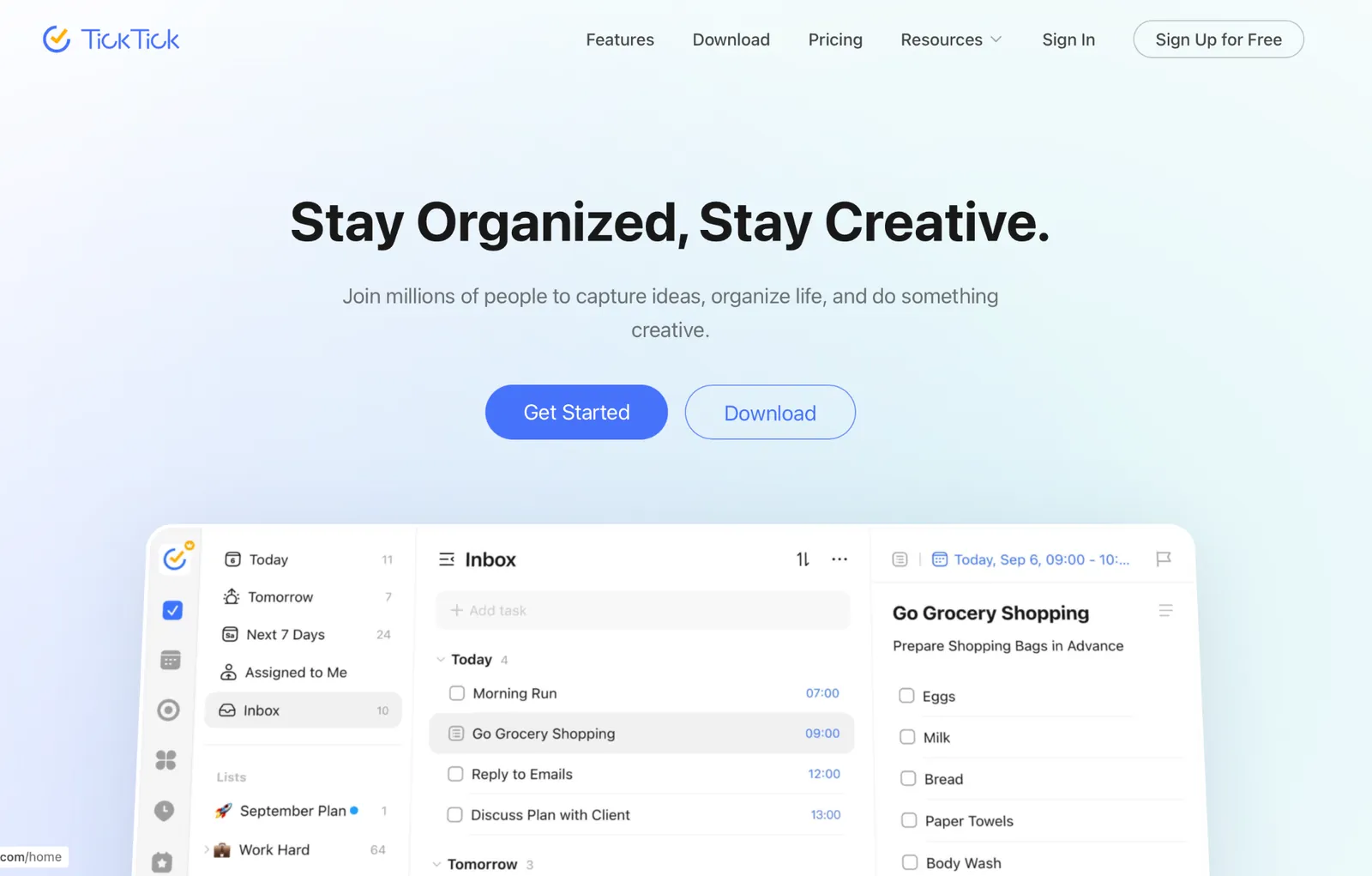
What is it? TickTick is a task and habit app that combines reminders, habit tracking, a calendar overlay, and a Pomodoro focus timer in one place. Available on iPhone, Android, Mac, Windows, and web. Kanban view, the Eisenhower matrix, and up to five habit trackers are included on the free tier.
Best for: People who want reminders, habit tracking, and a focus timer in one app without managing three separate tools.
Why I picked it
I set up ADHD-style recurring reminders across a full week: morning routine, daily medication, and end-of-day review. TickTick was the only app where missing a reminder and breaking a habit streak both registered at once, which created a different kind of motivation than a plain alert.
The Eisenhower matrix view, which sorts tasks by importance and urgency into four quadrants, is the only built-in one here. It reframes how you decide what to act on first in a way no other app here attempts.
The Pomodoro timer also ships with built-in white noise and focus sounds, so the focus session starts without switching apps.
Limitations
TickTick’s interface feels cluttered. The range of views and settings can feel like too many decisions before the app starts to click. It took me about two weeks to find a rhythm with it, and I can see why someone would give up before then.
Pricing
Free tier (9 lists, 5 habit trackers, Kanban view, Eisenhower matrix). Premium at $4.99/month.
5. Things: Best for Apple users who review their tasks every morning
What is it? Things is a task manager and planner for Apple devices built around the idea that an app you enjoy opening gets opened more often. It organizes reminders inside a full planning system rather than a flat list. You buy it once per platform, and it's yours.
Best for: Apple-only users who open their task list every day and care about how their productivity tools look and feel.
Why I picked it
I ran Things as my main planner for a week of that month. The daily review habit it builds is what makes it work. Reminders are paired with a full planning system: Areas, Projects, a Today view, and an Upcoming section give every reminder a place in your week's structure.
The Magic Plus button lets you drag a new to-do straight to the spot in the list where it belongs, which is the fastest way I've found to capture a task in a full planner. Things also introduces Headings within projects, so a project with 30 tasks doesn't become an unreadable list.
The Log Book at the bottom of the sidebar shows everything you've completed, which creates a sense of momentum that standard reminder apps never produce.
Limitations
Things fires once and expects you to catch the rest during your morning review. It runs only on Apple devices, with no web or Android access. Miss the notification and the task sits quietly in the app until you go find it yourself.
Pricing
One-time purchase. iPhone $9.99, iPad $19.99, Mac $49.99. No subscription.
6. Lindy: Best if your reminders involve other people and Slack
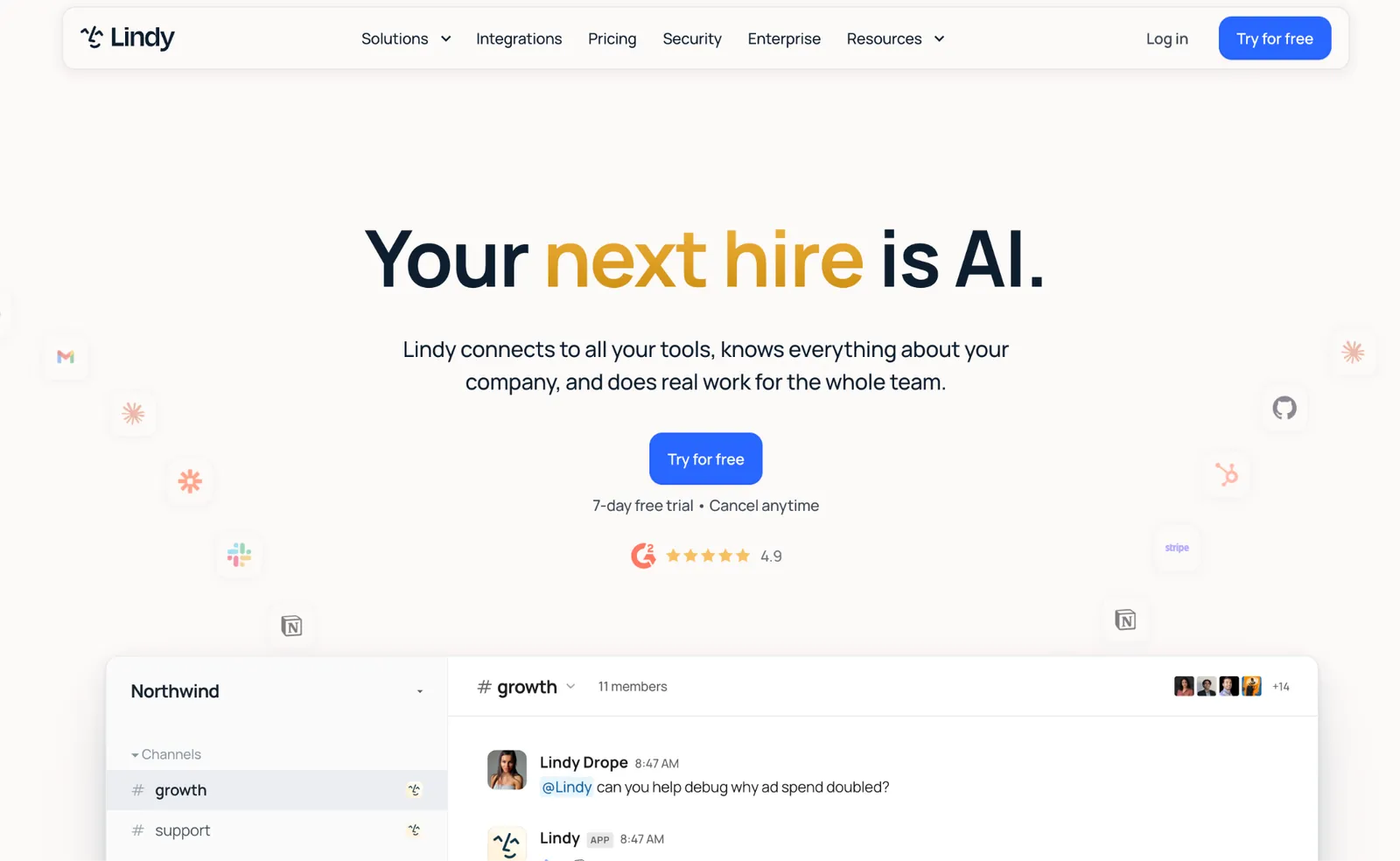
What is it? Lindy is an AI teammate that lives in your Slack and iMessage. It picks up where the alert leaves off: scheduling the meeting, pulling the briefing, drafting the follow-up. Lindy connects to 1,000+ integrations, including your email, calendar, and CRM.
Best for: People whose reminders kick off more work: a meeting to book, a call to prep for, a person to follow up with.
Why I picked it
I had a call on the calendar and no notes, context, or prep. I @mentioned Lindy in Slack and asked for a briefing. It pulled the contact history, the last email thread, and three open items from the previous meeting. I walked into the call with a one-paragraph brief I hadn't had to build. The reminder got me to the call. Lindy got me ready for it.
Mention Lindy in any Slack channel to schedule a meeting, set a recurring reminder, or request a briefing before your next call. On iMessage, text Lindy to follow up with a client on Friday at 3 pm, and it checks your calendar and drafts the follow-up for you to approve.
I also set Lindy a recurring brief: every Monday morning, pull the three open items from the previous week and drop them in my Slack DM before 9 am. It ran without me touching it again. That standing brief is the part I'd miss most if I went back.
Limitations
Lindy has no standalone iPhone reminder app, so a reminder has to reach you through Slack or iMessage rather than a native alert. It also works best when it has something to connect to. If your reminders are strictly personal, a grocery list or a medication schedule, the five apps above do that job for far less.
Pricing
Lindy starts at $29.99/user/month on the Plus plan. Pro runs $99.99/user/month for heavier use, and Max runs $199.99/user/month for the highest workloads. Enterprise pricing is custom.
{{templates}}
How to pick the right reminder app for your iPhone
The right reminder app for the iPhone depends on where your day breaks down. Features matter, but only once you know which failure mode you're solving for. Start with the scenario that matches how you miss things, then pick accordingly.
Here's how each failure mode maps to the right tool:
- You swipe away alerts and forget: Due is the answer. Its auto-snooze resurfaces the alert at the interval you set, up to 10 times, and it can keep re-snoozing overdue items every time you open Due. It also supports countdown timers for anything time-sensitive, like a parking meter or a pasta timer, and those alerts carry through to Apple Watch.
- You want reminders inside a task system: Todoist is the pick if you use iPhone, Mac, Windows, or Android. Its Karma system turns completed tasks into a streak, and the natural-language parser handles repeat schedules; nothing else here got right the first time.
- You review your tasks every morning: Things is the pick if you're Apple-only. It builds the daily review habit better than anything else here, and everything lives inside a planning system rather than a flat list.
- You want habits, a focus timer, and reminders in one place: TickTick handles all three and has the most capable free tier of any third-party app here. Habit streak tracking, a Kanban view, and a Pomodoro timer with built-in white noise are all included before you pay anything. The Eisenhower matrix view sorts tasks by importance and urgency, so you know what to act on first.
- You want zero setup and already use Siri: Apple Reminders is already on your iPhone, costs nothing, and Siri makes it the fastest way to capture a thought in this category. The Today Smart List pulls everything due from every list into one view, so you're never hunting across separate lists to see what's ahead.
- Your reminders involve other people, scheduling, or follow-up: The five apps above organize the work around a reminder. Lindy does the work. It's an AI teammate in your Slack that turns a reminder into scheduling, meeting prep, and follow-up handled for you.
{{cta}}
FAQs
What is the best reminder app for the iPhone?
Apple Reminders is the easiest starting point because it's already there and works with Siri. Due is the pick if you swipe away alerts and forget. Todoist works best for reminders within a task system, and TickTick offers the most capable free tier of the third-party options here.
Is Apple Reminders good enough for most people?
Yes, Apple Reminders is good enough for most people if your needs are straightforward. It handles Siri input, shared lists, location alerts, and recurring tasks for free. It falls short if you need an alert that keeps coming back, if you work across non-Apple devices, or if your tasks need to sit inside a structured project system.
What reminder app works best with Apple Watch?
Apple Reminders syncs through iCloud with no extra setup. Due is the best third-party pick because its auto-snooze alerts carry through to Apple Watch notifications. Todoist and TickTick both support Apple Watch with complications, though both Watch apps cover less than their iPhone versions.
Can you set recurring reminders on the iPhone?
Yes. Apple Reminders, Todoist, and TickTick all support recurring reminders on iPhone. Apple Reminders supports daily, weekly, monthly, yearly, and custom schedules. Todoist and TickTick handle more complex patterns through natural language. Typing "every other Tuesday at 9 am" creates the rule immediately. Due is the best option if you want recurring reminders to repeat until you act rather than fire once.
What's the difference between a reminder app and a task manager?
A reminder app puts something in front of you at the right moment, while a task manager gives everything a place to live. One fires an alert. The other holds the system behind it. Most iPhone apps now do both, but the emphasis differs: Due is a pure reminder, Todoist leans toward being a task manager, and most others sit somewhere in between.









