Top 6 Vertex AI Alternatives in 2026: Tested & Reviewed
Marvin tested six Vertex AI alternatives, including AWS SageMaker, Azure Machine Learning, and Databricks, weighing pricing clarity, cross-cloud flexibility, and setup speed for teams.


After comparing 10+ AI and MLOps platforms, I gathered these 6 Vertex AI alternatives that offer clearer pricing, faster deployment, and better workflow flexibility for teams in 2026.
Top 6 Vertex AI alternatives: At a glance
I included options based on different needs, like MLOps suites, AI platforms, or open-source options. Here’s how the top 6 alternatives compare: If you are specifically focused on automated voice agents, you might also want to review top bland ai alternatives for phone calls. Before committing to a platform, it helps to understand how vertex ai pricing scales with compute and usage. Teams comparing agent builders can also explore the best crew ai alternatives for multi-agent orchestration.
| Alternative | Best for | Starting price (billed monthly) | Key advantage vs Vertex AI |
|---|---|---|---|
| Lindy | AI agents that automate business tasks like emails, calls, and ops | Starts at $49.99/month | No-code setup, pre-built templates for workflows, 4,000+ app integrations, and customizable AI agents |
| AWS SageMaker | Full ML lifecycle on AWS | Pay-as-you-go, based on instance usage and data volume | Integration with AWS ecosystem and the most mature MLOps toolset |
| Azure Machine Learning | Microsoft-stack users needing governance | Pay-as-you-go, depending on compute and storage | Integration with Microsoft 365, Power Platform, and Azure OpenAI models |
| Databricks | Lakehouse data + AI operations | Usage-based, depending on DBUs + compute | Unified data and AI environment with real-time serving on Delta Lake |
| Kubeflow | Hybrid or on-prem control | Free, open-source | Full-stack ownership and cloud-agnostic flexibility for engineering teams |
| IBM watsonx.ai | Regulated enterprises needing hybrid AI | From $1050/month | Advanced governance and model risk management for regulated industries |
Why I looked for Vertex AI alternatives
Vertex AI is one of the most capable machine learning platforms on the market, but it doesn’t fit every team’s needs. Most users start comparing alternatives when they face the same practical challenges. Here are the most common complaints:
Complex pricing structure
Vertex AI’s pricing model combines several variables, such as training hours, token usage, endpoint uptime, and storage. This makes it hard for teams to predict total monthly costs, especially when usage fluctuates during model experiments.
Limited cross-cloud flexibility
Vertex AI integrates with Google Cloud, meaning teams working across AWS, Azure, or on-prem environments often face friction. Moving data or workflows between systems can lead to higher costs and added compliance work.
Slower setup for smaller teams
Building pipelines, setting permissions, and monitoring performance usually require dedicated data engineers. For smaller teams, this setup process delays results and increases dependence on technical staff.
Narrow focus on model operations
Vertex AI excels at training and managing models but offers limited support for workflow automation. Tasks like updating CRMs, handling support requests, or managing workflows often need separate tools or custom code. For teams focusing specifically on conversational AI and chatbots, evaluating botpress alternatives software can help identify conversational automation platforms.
Users who are exploring alternatives want simpler pricing, faster onboarding, and better compatibility with their existing workflows. The tools I’ve compiled solve these problems. Let’s explore them in detail. For teams specifically seeking AI assistant tools, evaluating top copilot alternatives software can reveal options tailored to automated daily workflows.
1. Lindy: Best for workflow and AI agent automation
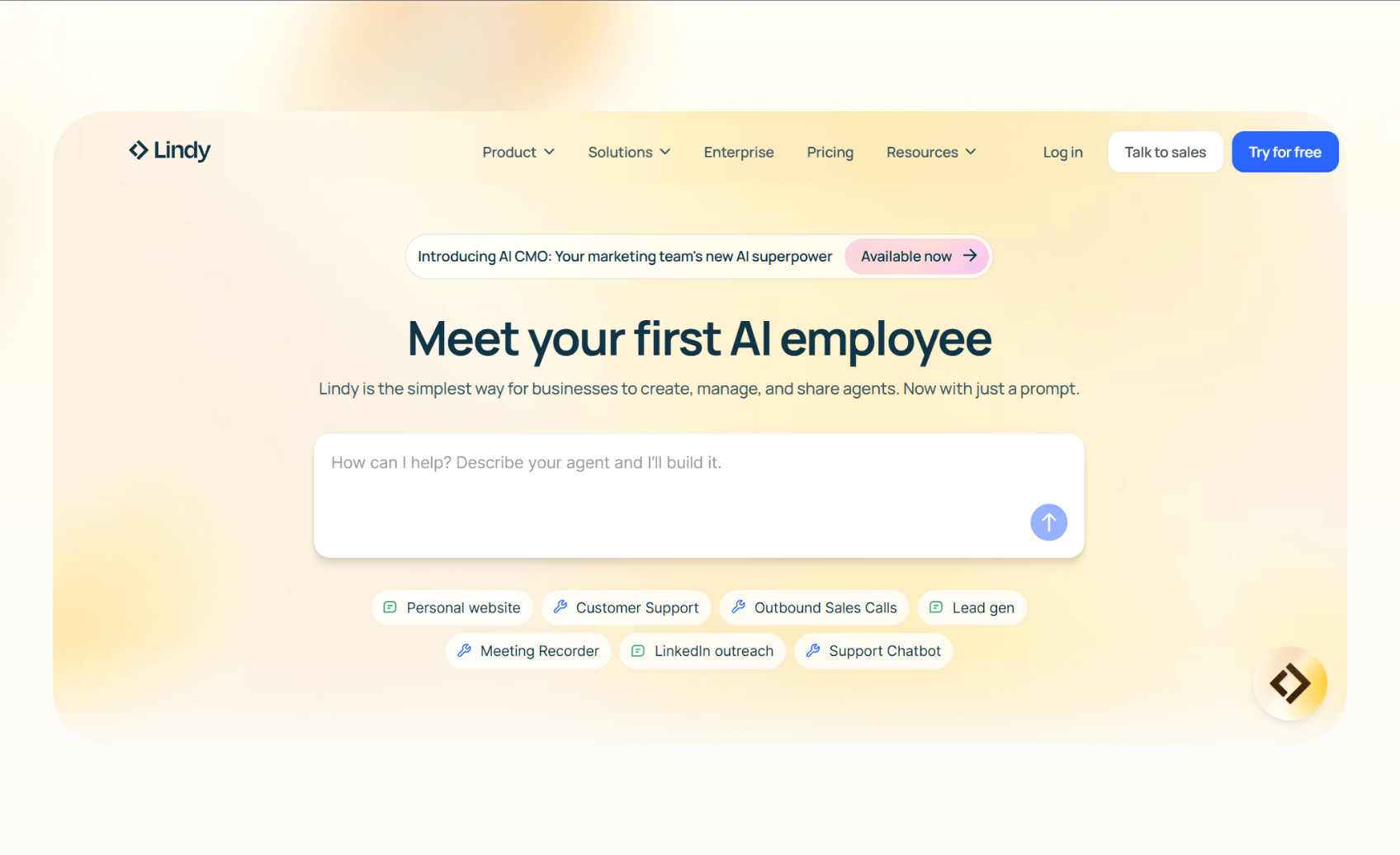
Lindy is an AI platform that lets users build and deploy AI agents that handle daily operations such as sending emails, managing calls, updating CRMs, or scheduling meetings. Everything runs inside a simple, no-code builder designed for business users, not developers.
Why it beats Vertex AI
- No-code builder: You can create custom agents using natural language instructions, skipping complex infrastructure setup
- Multi-channel support: Agents work across phone, email, and chat, connecting directly with tools like Slack, HubSpot, and Google Workspace
- Model flexibility: Lindy offers various large language models, allowing users to pick what suits their cost or accuracy goals
Pros
- Quick setup that reduces dependency on engineers
- Ready-to-use templates for everyday business tasks
- Offers over 4,000 integrations with popular tools
- Human-in-the-loop approval for better control and compliance
- SOC 2 and HIPAA compliance for regulated industries
Cons
- Not for large-scale model training or fine-tuning
- Complex workflows may need initial setup help
Pricing
- Free plan with up to 40 monthly tasks
- Paid plans from $49.99/month, billed monthly
- AI phone numbers cost $10/month
Bottom line
Choose Lindy if you want AI to handle recurring tasks within your workflows. It’s a good fit for teams that want business automation instead of a machine learning infrastructure. For developers who prefer code-based agent orchestration, exploring top langchain alternatives can provide more framework flexibility.
{{templates}}
2. AWS SageMaker: Best for AWS-native ML workloads
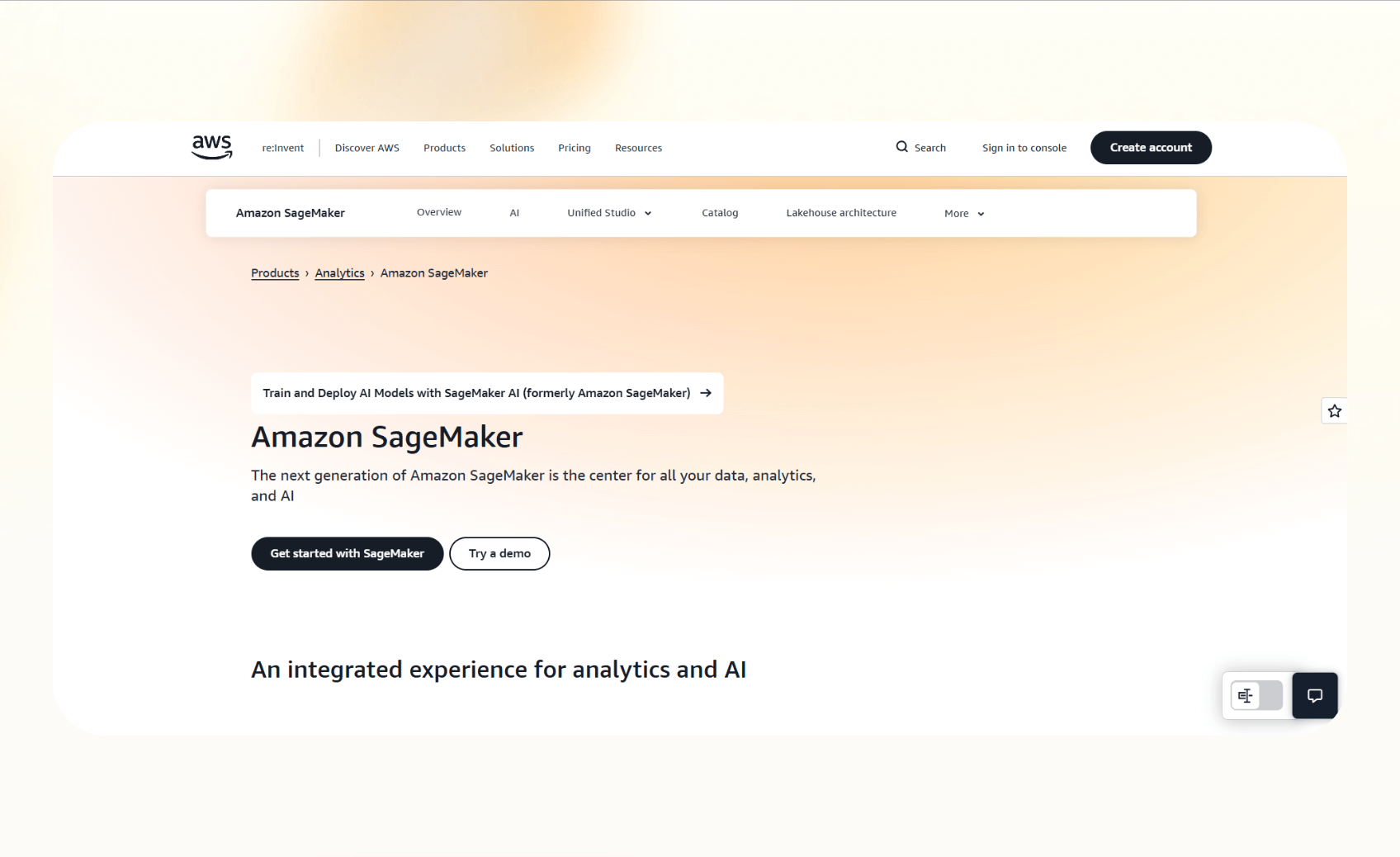
AWS SageMaker is Amazon’s managed machine learning platform that covers the full lifecycle of building, training, and deploying models. It suits data science and engineering teams that already use AWS services such as S3, EC2, and Lambda.
SageMaker integrates deeply with the AWS ecosystem, making it easier for teams already on AWS to build and scale models.
Why it beats Vertex AI
- End-to-end MLOps support: Includes data labeling, feature store, model registry, and deployment tools
- Flexible infrastructure: Users can choose from hundreds of instance types to match cost and performance needs
- Advanced automation: Features like SageMaker Autopilot help automate training and tuning without manual setup
Pros
- Works well for organizations already using AWS
- Mature and stable ecosystem with enterprise-level security
- Comprehensive MLOps capabilities for large teams
Cons
- Pricing complexity can make the total cost hard to estimate
- Steep learning curve for new users or small teams
Pricing
- Free tier with 4,000 API requests
- Pay-as-you-go pricing, $10 per 100,000 requests
- Additional costs for Metadata and Compute units
Bottom line
SageMaker is the ideal choice for teams operating within AWS that want complete control and scalability for enterprise-grade machine learning workflows.
3. Azure Machine Learning: Best for Microsoft ecosystem users
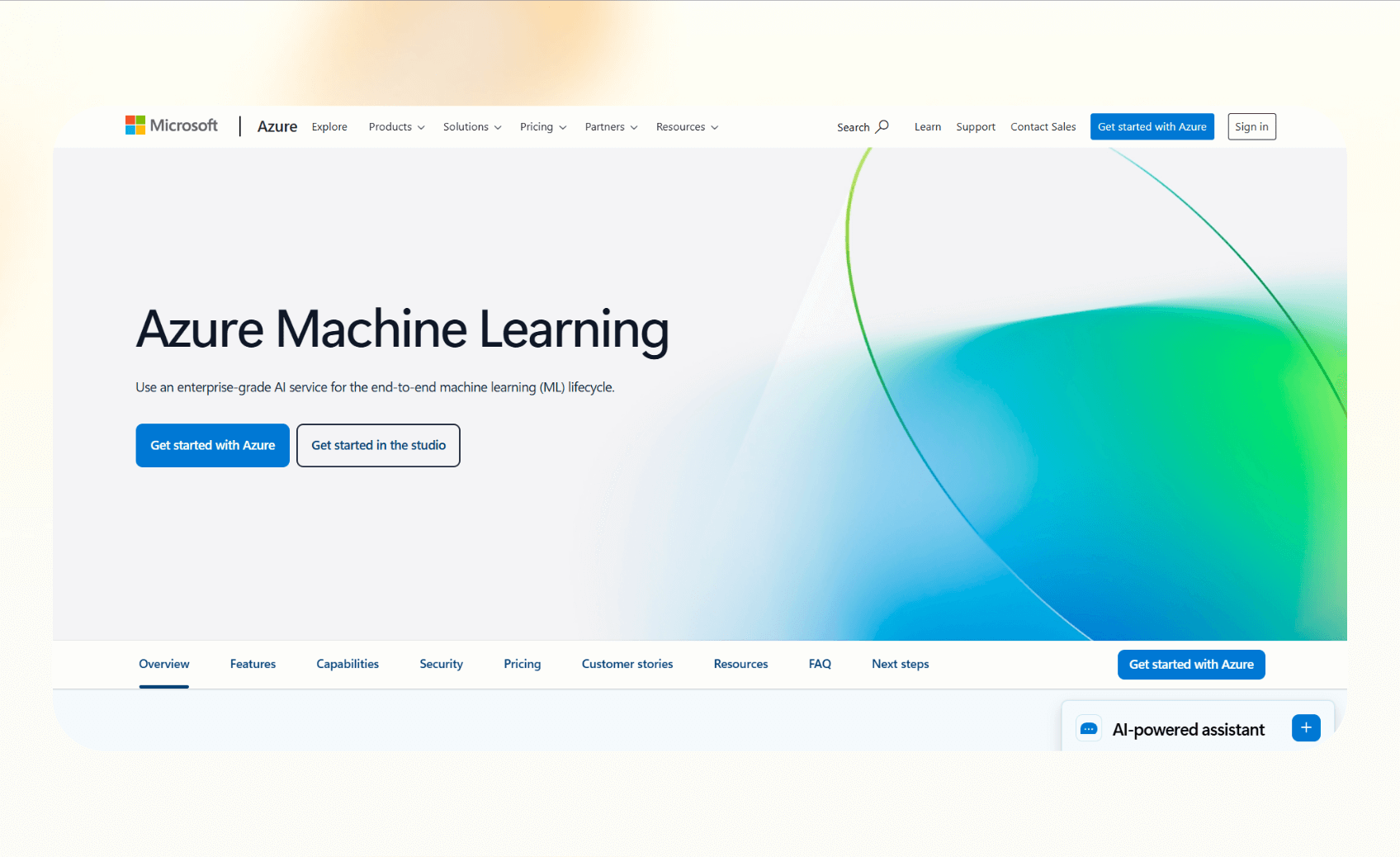
Azure Machine Learning is Microsoft’s end-to-end platform for developing, training, and deploying machine learning models. It’s for teams that already rely on Microsoft products such as Azure Cloud, Power Platform, and Microsoft 365.
Azure ML makes it easier for enterprises already using the Microsoft ecosystem to manage data, security, and compliance in one place.
Why it beats Vertex AI
- Tight integration: Works well with Power BI, Azure OpenAI, and Microsoft Fabric
- Governance and security: Compliance tools like Azure Purview and Entra ID simplify user management and audit controls
- Hybrid deployment: Supports on-premise and multi-cloud setups through Azure Arc, giving enterprises more flexibility
Pros
- Ideal for organizations already using Microsoft infrastructure
- Strong governance and compliance tools for regulated industries
- Access to OpenAI models through Azure integration
Cons
- Complex interface for smaller teams or non-technical users
- Pricing varies across compute, storage, and networking resources
Pricing
- Pay-as-you-go structure
- Separate charges for compute, storage, and data transfer
Bottom line
Choose Azure Machine Learning if your organization already runs on Microsoft’s ecosystem and needs a secure, compliant platform for large-scale machine learning.
4. Databricks: Best for data-driven enterprises with lakehouses
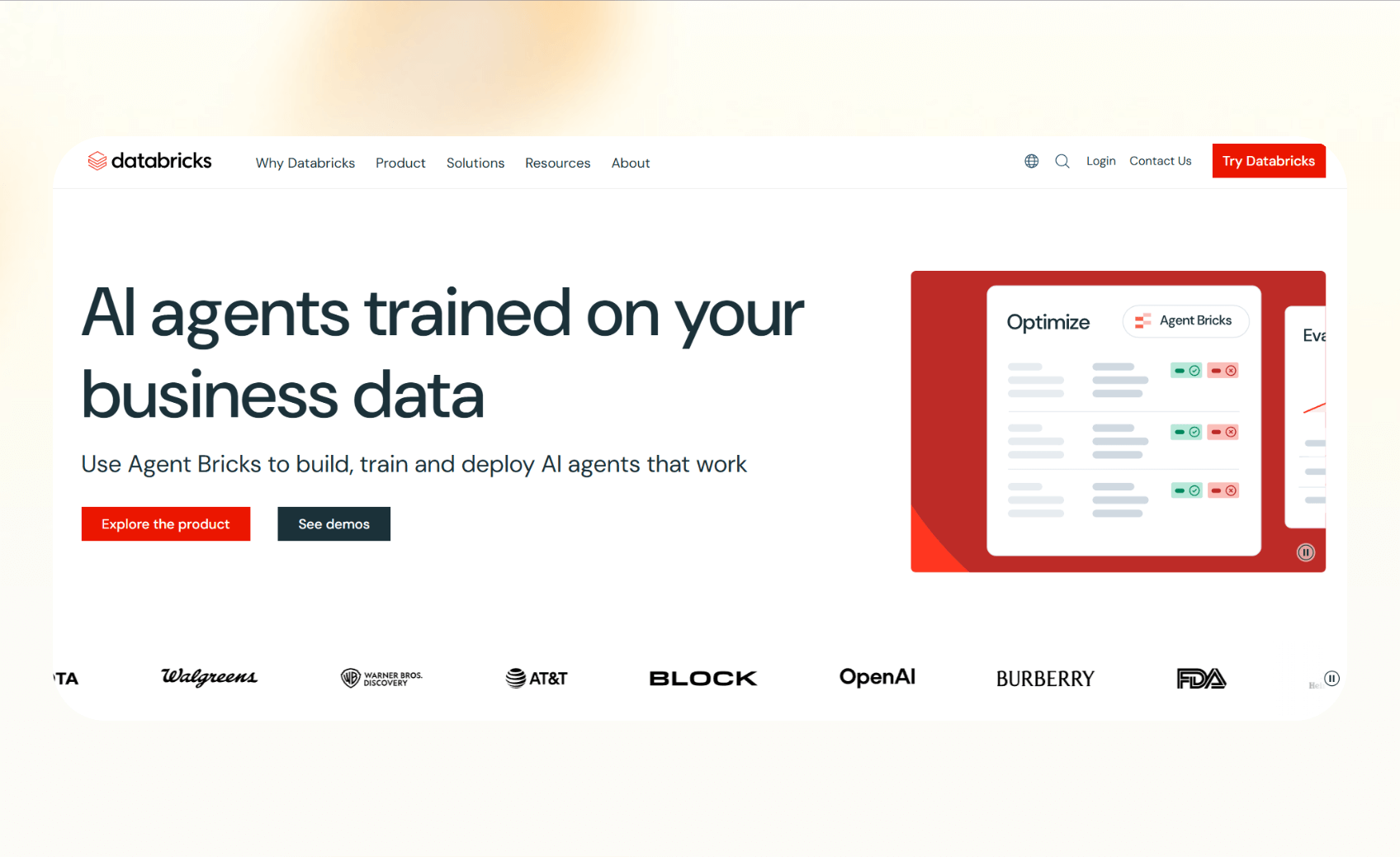
Databricks is a unified platform that combines data engineering, analytics, and machine learning within one environment. It uses the lakehouse architecture, allowing teams to manage data and AI workflows on a single platform.
Databricks reduces the need for complex integrations between storage and model-serving environments.
Why it beats Vertex AI
- Unified data and AI layer: Keeps training and inference tied directly to data in Delta Lake
- Mosaic AI capabilities: Provides model serving, evaluation, and agent frameworks within the same workspace
- Cross-cloud availability: Runs on AWS, Azure, or Google Cloud, giving flexibility across ecosystems
Pros
- Works well for analytics-heavy organizations already using Databricks
- Governance and version control through the lakehouse structure
- Optimized for large-scale data pipelines and real-time model serving
Cons
- Pricing can be difficult to forecast, depending on the Databricks Units (DBUs)
- Steeper learning curve for teams unfamiliar with data engineering workflows
Pricing
- Pay-as-you-go pricing
- Depends on the product you choose and use
- For example, Data Engineering costs $0.15/DBU
Bottom line
Databricks works best for enterprises that already rely on large data infrastructures and want to unify analytics and AI in one environment.
5. Kubeflow: Best for engineered control and hybrid infrastructure
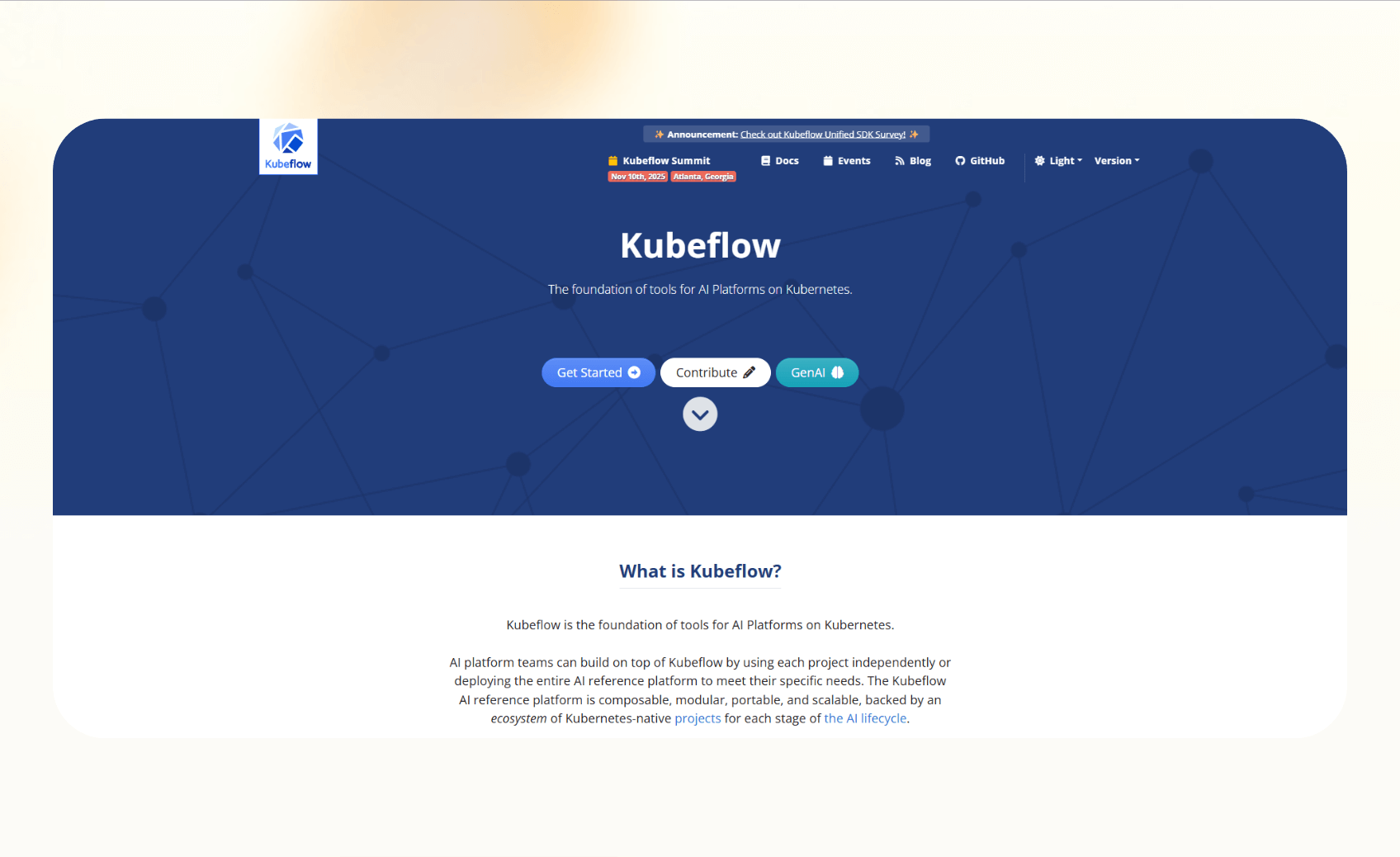
Kubeflow is an open-source machine learning toolkit for Kubernetes. It lets teams manage training, serving, and experiment tracking inside their own infrastructure, giving them control over the ML pipeline.
Kubeflow offers flexibility and ownership that managed services like Vertex AI cannot.
Why it beats Vertex AI
- Complete control: Teams can customize every layer of their ML stack, from orchestration to serving
- Cloud-agnostic: Works across AWS, Azure, Google Cloud, or on-premise servers
- Modular design: Includes components like Pipelines for orchestration, Katib for hyperparameter tuning, and KServe for inference
Pros
- No licensing cost for the software itself
- Ideal for organizations that need strict data governance or hybrid deployment
- Active open-source community and frequent updates
Cons
- Requires significant DevOps expertise to install, manage, and scale
- Slower initial setup compared to managed cloud platforms
Pricing
- Free to use under open-source licensing
- Operational costs depend on the infrastructure you run it on
Bottom line
Kubeflow is the best choice for teams that want control over their ML systems and have the engineering capacity to manage Kubernetes environments.
6. IBM watsonx.ai: Best for regulated industries and hybrid AI
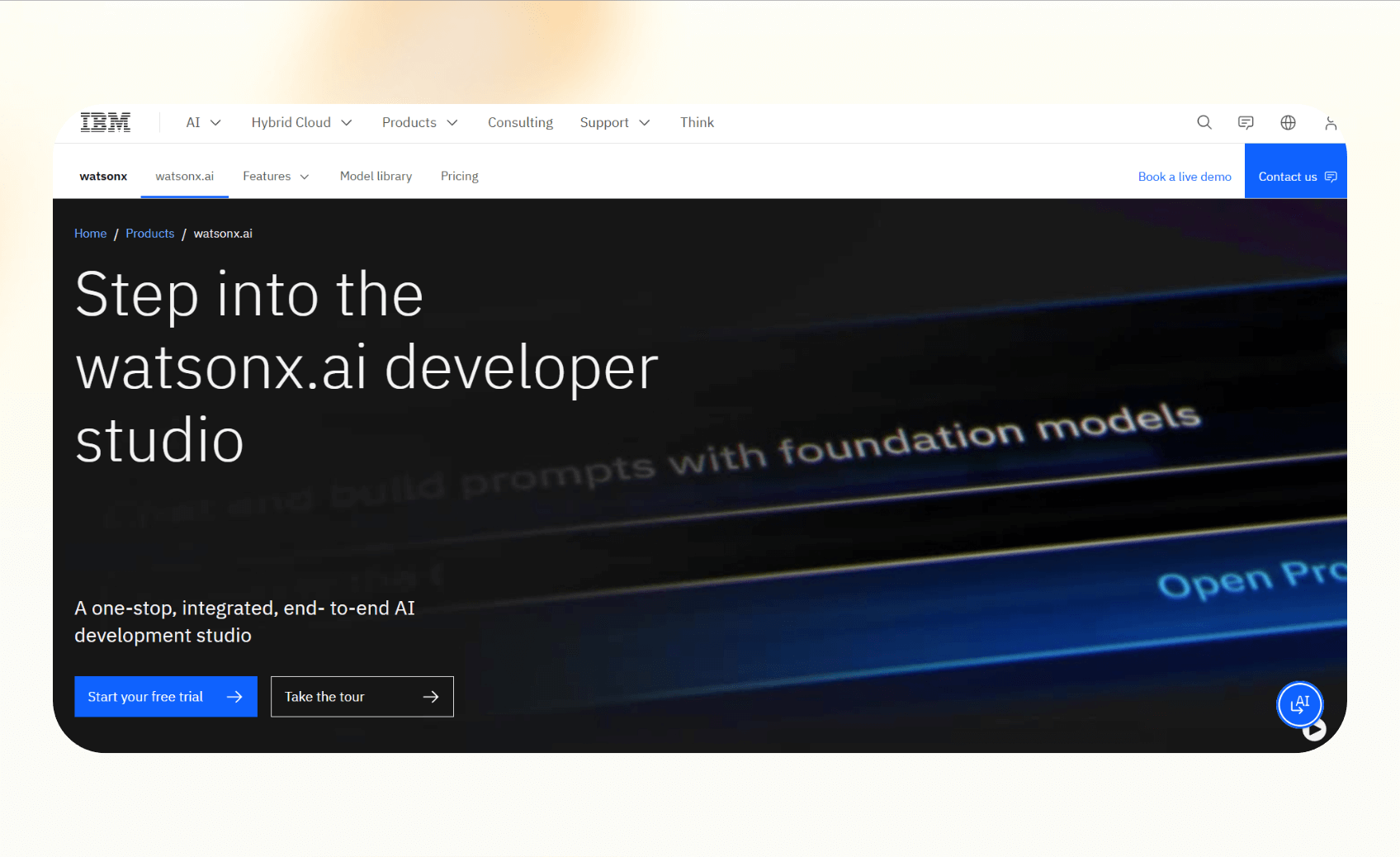
IBM watsonx.ai lets teams build, train, and deploy AI models, and focuses on governance and compliance. It suits enterprises that operate in regulated industries such as healthcare, finance, or government.
Why it beats Vertex AI
- Governance and auditability: Includes model validation, bias detection, and explainability tools
- Hybrid and on-premise options: Can run on IBM Cloud, private servers, or multi-cloud setups
- Integration with watsonx.data and watsonx.governance: Helps manage AI workflows from data ingestion to monitoring
Pros
- Governance and compliance capabilities for enterprise AI
- Hybrid deployment options suitable for strict data policies
- Backed by IBM’s enterprise support and services
Cons
- Higher cost compared to other alternatives
- Less flexible for smaller teams or startups
Pricing
- Free and pay-as-you-go plans available
- Paid plans start from $1050/month
Bottom line
IBM watsonx.ai is best for large enterprises that prioritize governance, auditability, and hybrid deployment. It’s for teams that prioritize accountability.
How I tested these alternatives
I evaluated each platform using similar workflows and benchmarks. The goal was to understand how quickly each tool could move from setup to usable output, how flexible it was across ecosystems, and how transparent its pricing felt.
Here’s what I looked for:
- Time to value: How fast a new user can build and deploy a working model or automation without specialized setup
- Ease of integration: Whether the tool connects smoothly with existing systems like CRMs, data warehouses, or communication tools
- Cost transparency: How clear and predictable the pricing model is for real workloads
My testing process
I used trial accounts and demo environments for each tool. For every platform, I ran a small-scale task like model deployment. Then, I analyzed setup effort, reviewed documentation, and noted hidden costs that appeared during configuration or scaling.
Which Vertex AI alternative should you choose?
Each tool here caters to a specific user, be it Azure Machine Learning for Microsoft users, Lindy for non-technical teams who want easy workflow automation, or Kubeflow for highly technical and regulated teams. To choose the best option for your team, the guide below can help:
Choose Lindy if you:
- Want to automate day-to-day workflows like email handling, lead follow-ups, or meeting scheduling
- Prefer a no-code builder with ready-made templates for quick deployment
- Need AI agents that operate across phone, chat, and business tools without extra integration work
Choose alternatives:
- SageMaker if you are already committed to AWS and need advanced model training at scale
- Azure Machine Learning if you operate inside Microsoft’s ecosystem and need built-in governance and security
- Databricks if you want to combine analytics, data engineering, and AI in one environment
- Kubeflow if you need on-prem or open-source control
- IBM watsonx.ai if you work in a regulated industry that demands hybrid or private-cloud deployments
Stick with Vertex AI if you:
- Already use Google Cloud heavily and rely on its managed ecosystem and models
{{cta}}
My verdict
Vertex AI is a great option for teams already working within Google Cloud, but its pricing and setup can limit flexibility. For AWS and Microsoft users, SageMaker and Azure ML are natural fits that extend existing infrastructure.
Databricks is ideal for data-heavy enterprises, while Kubeflow offers unmatched control for engineering teams. IBM watsonx.ai stands out for environments where governance is a top priority.
For teams that want easy, no-code automation without managing infrastructure, Lindy offers the fastest route to value with minimal setup.
Try Lindy, the no-code Vertex AI alternative
Vertex AI demands technical expertise and resources to make the most of it. Lindy doesn’t. You can create custom AI agents to automate business tasks without writing code.
It also offers pre-built templates and 4,000+ integrations to help you start quickly.
Here’s why Lindy beats Vertex AI alternatives:
- Drag-and-drop workflow builder for non-coders: You don’t need any technical skills to build workflows with Lindy. It offers a drag-and-drop visual workflow builder.
- Create AI agents for your use cases: You can give them instructions in everyday language and automate repetitive tasks. For instance, create an assistant to find leads from websites and sources like People Data Labs. Create another agent that sends emails to each lead and schedules meetings with members of your sales team.
- Free to start, affordable to scale: Build your first few automations with Lindy’s free version and get up to 40 tasks. With the Pro plan, you can automate up to 1,500 tasks, which offers much more value than Lindy’s competitors.
Frequently asked questions
What is the Microsoft equivalent of Vertex AI?
Azure Machine Learning is the Microsoft equivalent of Vertex AI. It lets teams build, train, and deploy models while staying inside the Microsoft ecosystem. It also connects with Power Platform, Azure OpenAI, and Microsoft 365 for easier collaboration and compliance.
Is Vertex AI open source?
Vertex AI is not open source. It is a proprietary managed service from Google Cloud.
What are the best free Vertex AI alternatives?
Lindy and Kubeflow are two of the best free alternatives to Vertex AI. Kubeflow is open-source, so you don’t pay for the software. You still need to pay for infrastructure costs. Lindy offers a generous free plan, with up to 40 tasks a month.
Vertex AI vs SageMaker: How do they compare?
Vertex AI is best for teams on Google Cloud, while SageMaker works well for AWS users who want more infrastructure control. Both offer comprehensive machine learning platforms.
Which Vertex AI alternative is best for enterprises?
For enterprises, Azure Machine Learning is best for teams that need strict compliance, Databricks excels with large data workloads, and IBM watsonx.ai leads for regulated industries.
What is similar to Vertex AI?
Platforms similar to Vertex AI include SageMaker, Azure Machine Learning, Databricks, and IBM watsonx.ai. Each offers managed tools for training, deploying, and monitoring AI models.










