Actions

Everything Lindy can do in SmartRoutes

Explore all the actions Lindy can perform in SmartRoutes. Just describe what you need in plain language, and Lindy handles the rest.

actions
0
 actions
Lindy logo face

People use Lindy at some pretty cool places.

shopify logoapple logoadobe logomckinsey logogcai logonvidia logoharvard university logo
airbnb logoretool logocompass logostanford logoautodesk logoAppLovin logo
shopify logoapple logoadobe logomckinsey logogcai logonvidia logoharvard university logoairbnb logoretool logocompass logostanford logoautodesk logoAppLovin logo
Easy as one, two, three

How it works
Try for free

1. Add Lindy to Slack

One click from the Slack marketplace. The whole team gets Lindy at once.
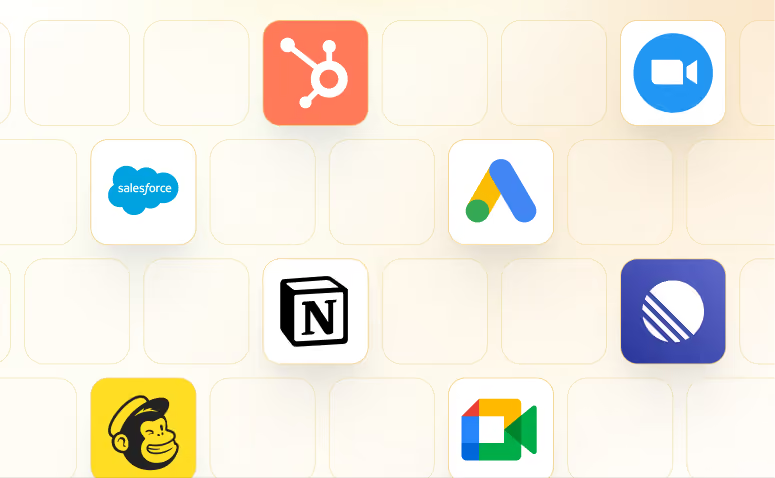
2. Connect your tools

Lindy works with 1,000+ apps and any MCP server.
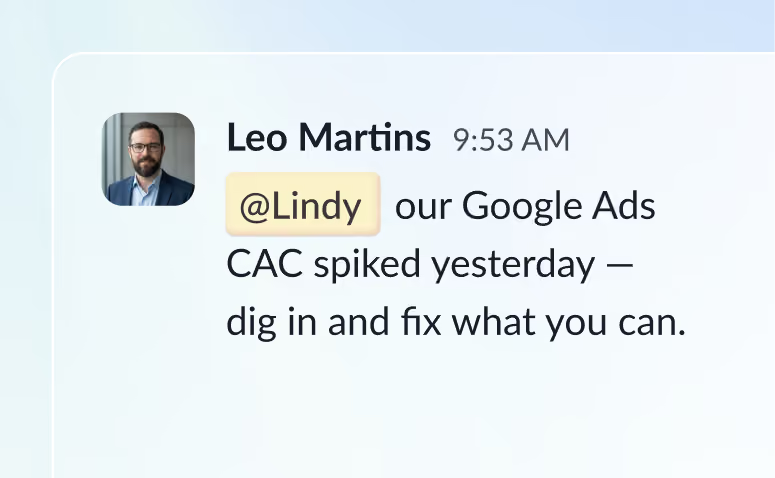
3. Put Lindy to work

@mention Lindy in any channel and it starts working. Minutes, not a weekend.

Skills

See what's possible with Lindy

A few things people ask Lindy to do. Try one, or ask for something else entirely.

See all Skills
Notify your team in Slack when a Salesforce deal stage changes

Lindy watches your Salesforce deals and pings your Slack team when a stage changes.

Find the best meeting time on Google Calendar

Lindy checks your Google Calendar and finds a time that works for everyone.

Generate a weekly report from Google Sheets data

Lindy pulls your Google Sheets data and turns it into a formatted weekly report.

Send a prep brief before every Calendly meeting

Lindy pulls your Calendly meeting details and sends you a prep brief beforehand.

Turn meeting notes into a structured Google Doc

Lindy reads your meeting notes and turns them into a clean, organized Google Doc.

Send a follow-up email via Gmail after every meeting

Lindy watches your calendar and sends a follow-up email in Gmail after each meeting ends.

Frequently asked questions

What is Lindy?

Lindy is an AI assistant that lives in your Slack. Connect your apps, ask for what you need in plain language, and Lindy takes the work off your plate.

How do I connect SmartRoutes to Lindy?

Sign up to Lindy, ask Lindy to connect to SmartRoutes, and approve the connection when prompted. From then on you can ask Lindy to do things in SmartRoutes whenever you need.

Do I need to build workflows or write code?

No. There's nothing to build or configure. You ask Lindy in Slack the same way you'd ask a colleague, and Lindy handles the rest.

Can Lindy handle SmartRoutes tasks automatically?

Yes. Ask once and tell Lindy when to repeat it, like every Monday at 9am, and it becomes a routine that runs without you.

What can Lindy do with SmartRoutes

Read and act on data in SmartRoutes, and trigger workflows when something changes there. Tell Lindy the outcome you want and it handles the rest.

Does Lindy work with my other tools too?

Yes. Lindy connects to 1,000+ apps and any MCP server, so you can ask for tasks that span SmartRoutes and the rest of your stack in a single request.

Ready when you are.

Free to try. In your Slack in two minutes.

Try for free
7-day free trial • Cancel anytime