Top 12 Meeting Minutes Apps: Tested & Reviewed for 2026
Marvin tested 12 meeting minutes apps, including Fathom, Fellow, and Notion, across real client calls, weighing accuracy, ease of use, and pricing.


Thirty minutes after a client call ended, I was still in my notes trying to figure out what we'd decided. The decisions were there, somewhere, buried under half-sentences and abbreviations that made sense while I was typing and nothing at all now.
I'd missed the follow-up on two action items from the week before because my notes were the same mess. I needed the best meeting minutes app.
I shortlisted 12 tools across real client calls, internal syncs, and project reviews over several weeks. Some transcribed well but stopped being useful the moment the recording ended. Others gave you a clean structure and then expected you to fill it in yourself, which is just manual note-taking with extra steps.
A few claimed to handle the full meeting cycle and largely delivered, with some caveats worth knowing about before you sign up.
Here's what I found.
The 12 best meeting minutes apps: TL;DR
- Lindy: Best for automating the full meeting cycle
- Fathom: Best for simple video call summaries
- Zoho Notebook: Best for visual learners
- Fellow: Best for AI notes and shared team agendas
- Evernote: Best for organized, searchable records
- Beenote: Best for recurring team meetings
- ClickUp: Best for linking notes to project tasks
- Magic Minutes: Best for formal, shareable minutes
- Notion: Best for a customizable meeting hub
- Microsoft OneNote: Best for Microsoft 365 users
- Google Keep: Best free app for quick notes
- Apple Notes: Best for Apple users
| Tool | Best for | Key feature |
|---|---|---|
| Lindy | Automating the full meeting cycle | Automates prep, note-taking, and follow-ups |
| Fathom | Simple video call summaries | Real-time transcription and summaries |
| Zoho Notebook | Visual learners | Smart Cards for multimedia notes |
| Fellow | AI notes and shared team agendas | Shared agendas and action tracking |
| Evernote | Organized, searchable records | Centralized notes with tagging and search |
| Beenote | Recurring team meetings | Shared agendas and automated minutes |
| ClickUp | Linking notes to project tasks | Docs, tasks, and integrations in one place |
| Magic Minutes | Formal, shareable minutes | Real-time note-taking and reports |
| Notion | A customizable meeting hub | Databases and AI summaries |
| Microsoft OneNote | Microsoft 365 users | Hierarchical notes and Office integration |
| Google Keep | Free, quick notes | Simple note capture synced with Google Workspace |
| Apple Notes | Apple users | iCloud sync and Apple Pencil support |
What is a meeting minutes app?
A meeting minutes app captures, organizes, and distributes what happened in a meeting. It records who said what, what was decided, and what comes next, so nothing falls through the cracks after the call ends. Instead of one person typing frantically while trying to stay present, the app handles the documentation so everyone can focus on the conversation itself.
The difference between a good meeting minutes app and a bad one usually comes down to what happens after the meeting ends. Capturing notes is the easy part. The hard part is turning those notes into action items, routing them to the right people, and making sure they don't disappear into a folder no one opens again.
How I tested these meeting minutes apps
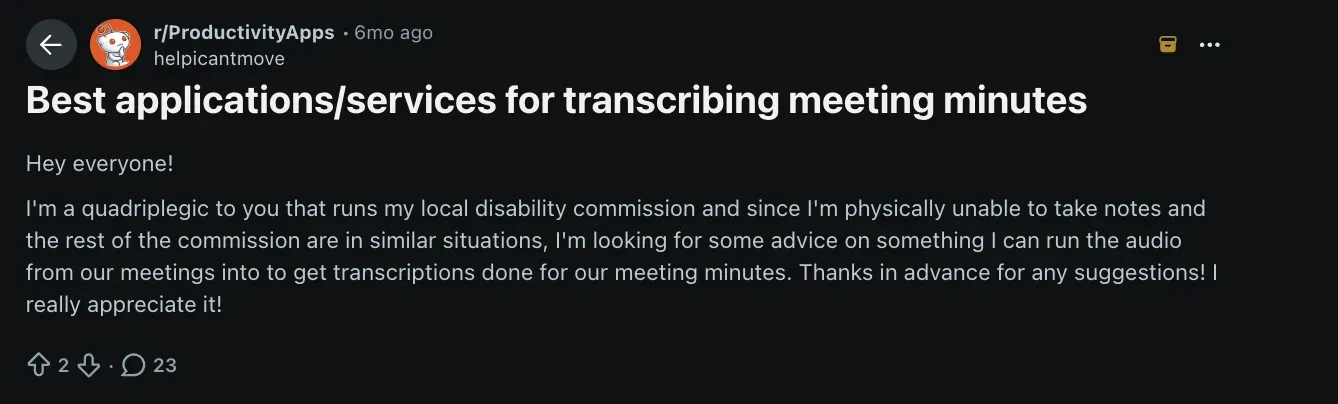
A thread in r/ProductivityApps put the problem plainly: someone running a disability commission who couldn't take notes manually, looking for a tool the whole team could rely on without anyone having to type during a meeting. That framing stuck with me, because it cuts straight to what a meeting minutes app needs to do. Not just capture words, but make the output usable without extra effort afterward.
I tested each tool across real meetings over several weeks: client calls, internal syncs, and project reviews.
Every tool was run through the same criteria:
- Transcription accuracy: How well it captured conversation, including overlapping speakers and fast-moving discussions
- Setup friction: How long it took to go from signup to a working first meeting
- Post-meeting output: Whether the summary, action items, and follow-ups were usable without manual cleanup
- Pricing against the feature set: Whether the paid tier delivered meaningfully more than the free one
I left out anything that only records video. The list splits into two groups: tools that capture the meeting for you, and notepads that give you a better place to write it down yourself.
1. Best Meeting Minutes App for Automating the Full Meeting Cycle
Lindy: What is it?
Lindy is an AI teammate that lives in your Slack and handles meeting prep, note-taking, and follow-ups. @mention Lindy in any approved channel and it joins meetings, captures key moments, and creates action items in real time.
When I tested Lindy across multiple client calls, it worked like a real team member. It joined meetings, captured what mattered, and had a summary ready before I'd even closed the tab. Many professionals also compare it against other AI note-taking apps to find what fits their workflow best. Teams looking into broader voice automation solutions may also want to compare leading vapi ai alternatives.
What it does
Lindy can handle every part of the meeting process. Before a meeting starts, it gathers context from your emails, calendar, and CRM. During the call, it records, transcribes, and summarizes discussions.
After the meeting, it drafts the notes, creates action items, and sends the follow-ups to teammates or clients once you approve.
I found it especially useful for tasks like following up on leads, support calls, and internal reviews. For teams that need AI meeting minutes without manual cleanup, Lindy handles the full cycle from prep to follow-up.
Who it's for
Lindy is ideal for operators, founders, and busy professionals who handle multiple meetings each day. It fits teams that rely on consistent communication but want to avoid manual note-taking and follow-ups. It also works well alongside the best productivity apps for your broader daily work.
I'd recommend it for customer success teams, consultants, and internal operations managers who want an AI assistant that runs their meeting workflow accurately. Many of these professionals also rely on the best work apps to keep their daily tasks and projects organized.
Key features
- An AI assistant that you can text and offload tasks to
- Ready-to-use meeting skills for quick setup
- Built-in human approval for review and edits
- SOC 2 Type II certified, with HIPAA and a signed BAA available on Enterprise
- 1,000+ integrations, including Slack, Gmail, HubSpot, Google Calendar, and other tools
- Multi-platform support for Zoom, Meet, and Teams
Pros
- Replaces manual note-taking and task tracking
- Fast, accurate meeting summaries
- Saves hours of admin work each week
Cons
- Requires time before automation feels natural
- Free credits last only 7 days, then you need a paid seat
Pricing
- Free plan with $50 in credits that last 7 days, no credit card required
- Team plan from $29.99/user/month for 3,000 credits, with credits pooled across the team
- Enterprise plan with custom pricing, HIPAA and a signed BAA, SSO/SCIM, and audit logs
Bottom line
Lindy acts as your AI meeting assistant by capturing discussions, creating summaries, and writing follow-ups while keeping you in control. If you spend hours every week organizing or reviewing meetings, Lindy is a top tool to give you your time back.
{{templates}}
2. Best Meeting Minutes App for Simple Video Call Summaries
Fathom: What is it?
Fathom is an AI meeting assistant that simplifies how you capture and recall information from video calls. I used it across several client calls and internal syncs, and it consistently delivered clean, timestamped summaries without any setup or learning curve.
What it does
Fathom joins your calls automatically, records the conversation, and generates a detailed summary with highlights and key takeaways. It integrates directly with Zoom, Google Meet, and Microsoft Teams to record and summarize meetings in real time.
It's one of the easiest tools to use because everything happens in the background while you focus on the call.
Who it's for
Fathom suits individuals and small teams who hold frequent online meetings and want automatic summaries without setup. It's great for sales reps, recruiters, and client-facing roles that rely on video calls to document discussions. For sales teams looking for conversation intelligence, using dedicated Gong note taker software can provide deeper revenue insights.
Key features
- Automatic meeting recording and transcription
- AI-powered summaries with action items
- Highlight and share meeting clips
- Smart Q&A for past calls
- Integrations with Notion, HubSpot, and Slack
Pros
- Quick setup and minimal learning curve
- Accurate transcription and summaries
- Free plan with unlimited recordings; advanced AI summaries limited to your first 5 calls each month
Cons
- Works only with online meetings
- Lacks workflow automation
Pricing
- Team plans start from $19/user/month billed monthly, 2-user minimum ($15/user/month billed annually)
Bottom line
Fathom is perfect for anyone who spends most of their time on video calls and needs quick, searchable summaries. It runs quietly in the background, captures what matters, and shares it instantly with your team.
3. Best Meeting Minutes App for Visual Learners
Zoho Notebook: What is it?
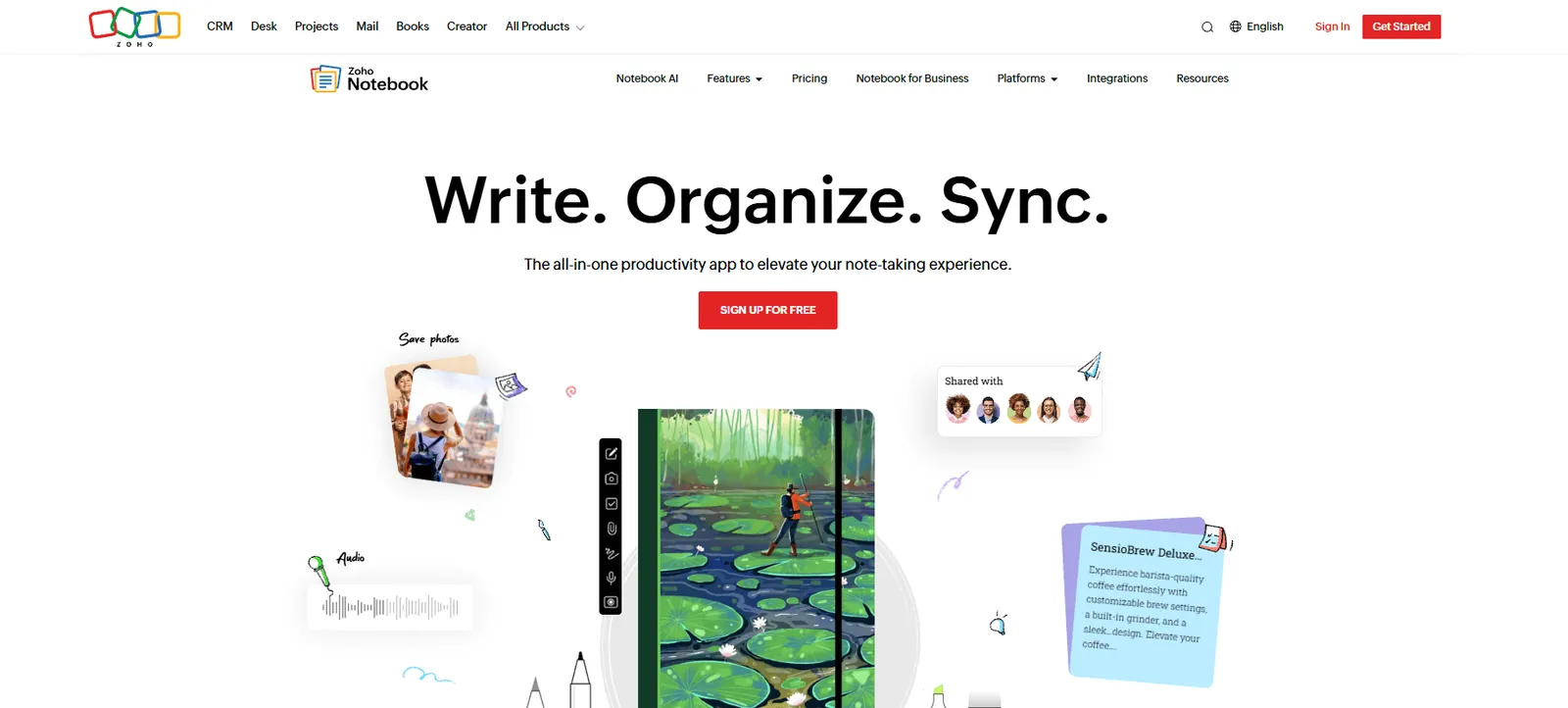
Zoho Notebook is a visually rich note-taking app that helps you organize ideas and meeting notes in a creative way. I tested it for meeting summaries, brainstorming sessions, and project notes, and it delivered notes that make information easy to scan and group.
What it does
Zoho Notebook lets you capture different types of content as individual note cards. You can add text, images, sketches, checklists, or even voice notes, and group them by topic or project. If you want fully automated call summaries alongside visual organization, a dedicated ai note taking app can complement your workflow.
The app syncs across devices, which made it easy for me to switch between my phone and laptop without losing context.
Who it's for
Zoho Notebook works best for creative professionals, students, and small teams that prefer a visual approach to meetings.
Key features
- Visual note cards for text, sketches, and audio
- Smart Cards that auto-format content
- Cross-device sync for mobile and desktop
- Collaboration through shared notebooks
- Cloud backup with a Zoho account
Pros
- Clean, colorful layout that encourages creativity
- Easy organization across devices
- Smooth integration with the Zoho ecosystem
Cons
- Limited real-time collaboration tools
- AI transcription only on Pro Plus, and no bot that joins the call for you
Pricing
- Free plan with 500MB of storage
- Paid plans available across Pro, Pro Plus, and Business tiers
Bottom line
Zoho Notebook turns meeting notes into a visual experience. It doesn't offer automation, but if you're a visual learner who prefers organizing ideas through images and layouts, this is the most intuitive note app I tested.
4. Best Meeting Minutes App for AI Notes and Shared Team Agendas
Fellow: What is it?
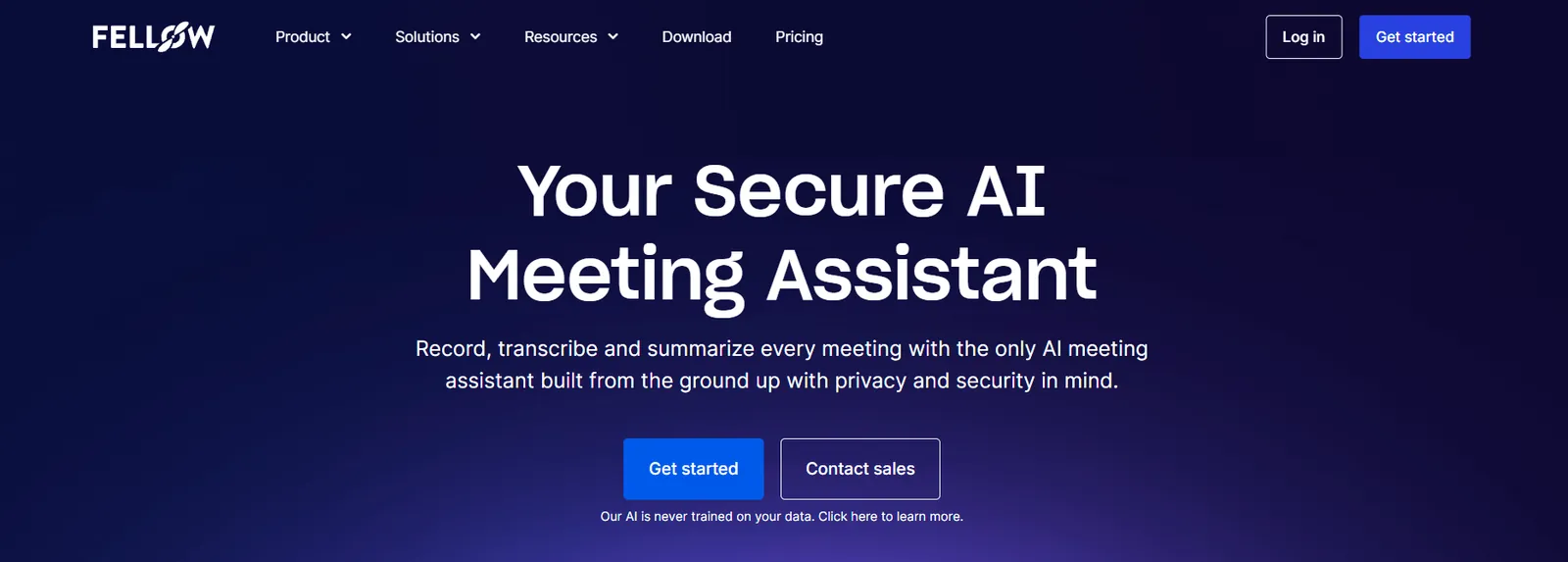
Fellow is an AI meeting notetaker that helps teams plan agendas, take notes together, and track follow-ups. When I tested Fellow, I discovered that it made every meeting more organized by assigning clear owners and next steps for each discussion.
What it does
Fellow turns every meeting into a collaborative workspace. You can create shared agendas, capture notes in real time, and assign action items before wrapping up.
I liked how easy it was to reuse templates for recurring meetings and how each action item automatically connected to the next week's agenda.
Who it's for
Fellow is best for managers, team leads, and startups that want more structure in their meetings.
Key features
- Shared meeting agendas and templates
- Real-time collaborative note-taking
- Task assignments with due dates
- Feedback and meeting analytics
- Integrations with Google Workspace, Slack, and Asana
Pros
- Keeps meetings focused and actionable
- Encourages team accountability
- Templates save setup time
Cons
- Paid plans work better for larger teams
- AI recordings are capped. 5 lifetime on the free plan, 10/month on Team
Pricing
- Free plan with 5 AI meeting recordings per user (lifetime)
- Paid plans start from $11/user/month billed monthly ($7/user/month billed annually) on the Team plan
Bottom line
Fellow works for teams that want structured, results-driven meetings. If you care more about collaboration and ownership than transcription, Fellow is a reliable choice that improves meeting culture fast.
5. Best Meeting Minutes App for Organized, Searchable Records
Evernote: What is it?
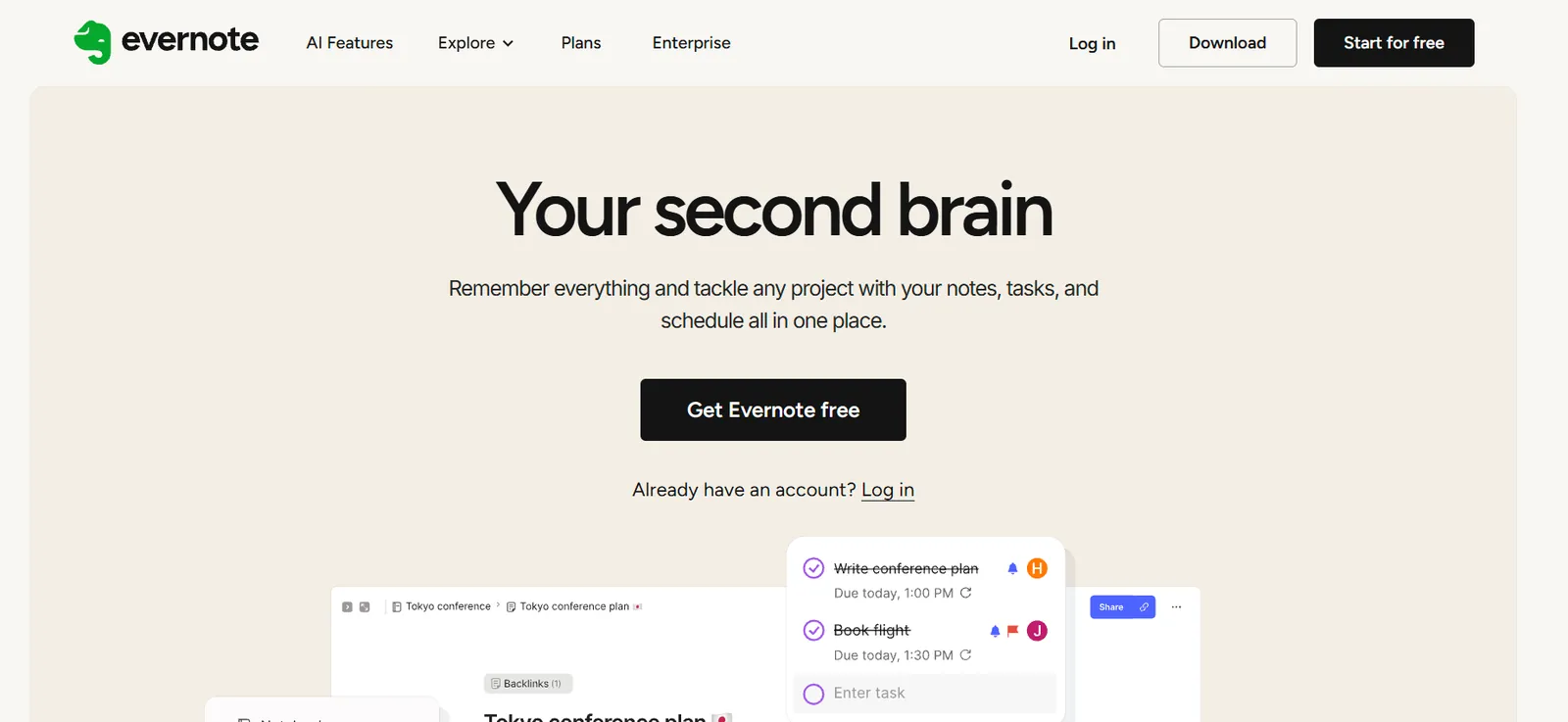
Evernote is a note-taking app that lets you manage ideas, documents, and meeting notes in one place. It stood out during my testing for its ability to store information like audio clips and PDFs without losing context or readability.
What it does
Evernote helps you create, organize, and find information across your meetings and projects. You can capture text notes, attach files, record audio, and clip articles from the web.
Its tagging and search tools make it easy to pull up past meeting notes in seconds. I also liked how its templates made recurring meetings faster to document.
Who it's for
Evernote works best for professionals, consultants, and business owners who rely on detailed records. It's ideal for users who attend multiple client meetings and want to store notes, reference materials, and attachments in one central hub.
Key features
- Note templates for recurring meetings
- Web Clipper for saving research and articles
- Tag-based search for fast retrieval
- File and audio attachments in notes
- Sync across desktop and mobile devices
Pros
- Excellent organization and search tools
- Works offline and syncs reliably
- Handles multimedia notes with ease
Cons
- Pricing has increased over time
- The free plan caps you at 50 notes and one device
Pricing
- Free plan capped at 50 notes total, 1 notebook, and 1 device
- Paid plans start from $14.99/month, billed monthly (Starter plan)
Bottom line
Evernote is the most dependable choice for professionals who need to stay organized. It keeps every file, note, and recording in one place.
6. Best Meeting Minutes App for Recurring Team Meetings
Beenote: What is it?
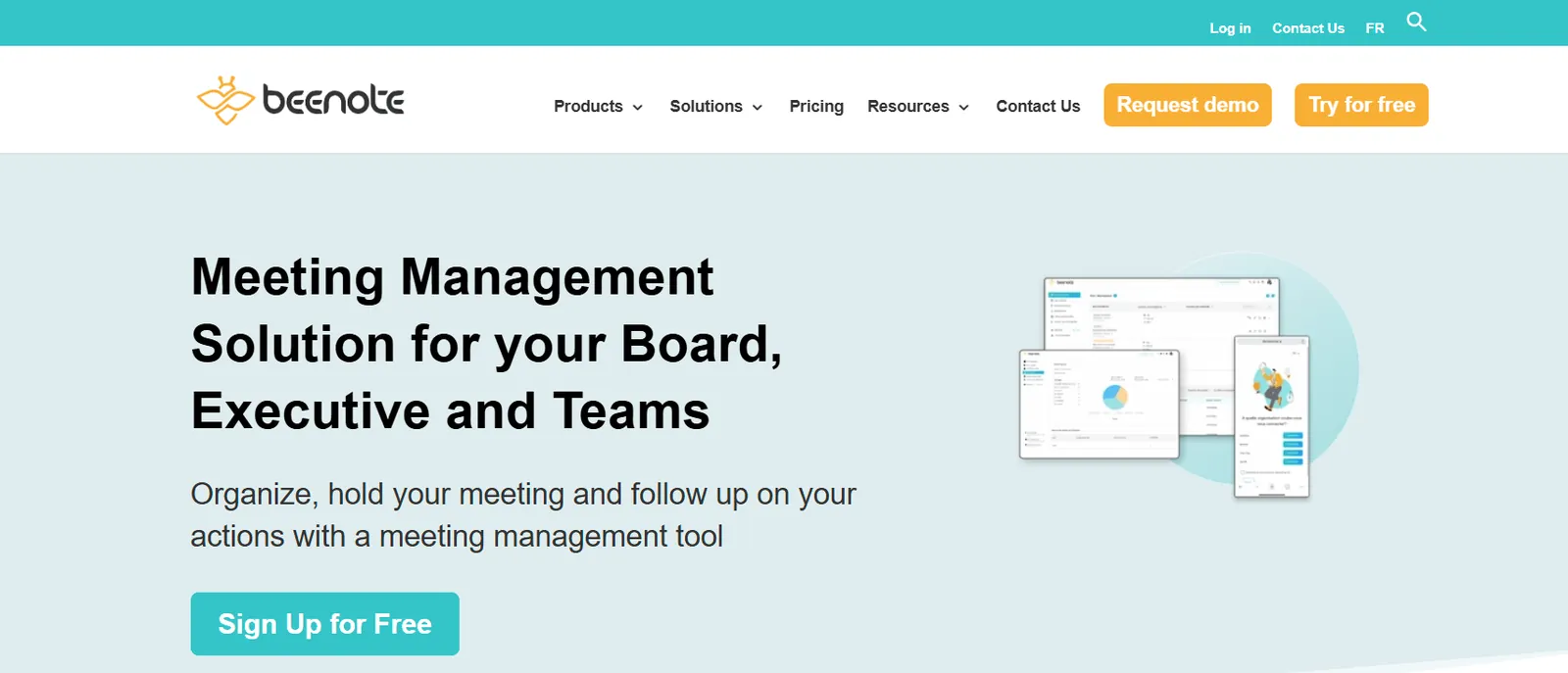
Beenote is a meeting management platform that focuses on planning, running, and following up on meetings in one workspace. When I tested Beenote with a small project team, it helped us stay organized and made post-meeting follow-ups effortless.
What it does
Beenote combines agenda creation, live note-taking, and task tracking in a single interface. It felt structured from start to finish and worked well for recurring team meetings.
Who it's for
Beenote is ideal for managers, team leads, and operations professionals who value meeting structure.
Key features
- Collaborative agenda builder and templates
- Automatic meeting minutes and action tracking
- Task assignment with progress tracking
- Centralized meeting history for reference
- Integrations with Google Calendar and Microsoft 365
Pros
- Keeps teams aligned and focused
- Simplifies follow-ups after meetings
- Ideal for recurring team sessions
Cons
- Interface feels dated
- Lacks advanced AI or transcription tools
Pricing
- No free plan, but a free 30-day trial with no credit card required
- Paid plans start from $552 USD/year for 10 users ($4.60 USD per user per month, billed yearly)
Bottom line
Beenote works well for teams that want structure and accountability. It keeps every meeting on track, records what matters, and turns decisions into clear action items.
7. Best Meeting Minutes App for Linking Notes to Project Tasks
ClickUp: What is it?
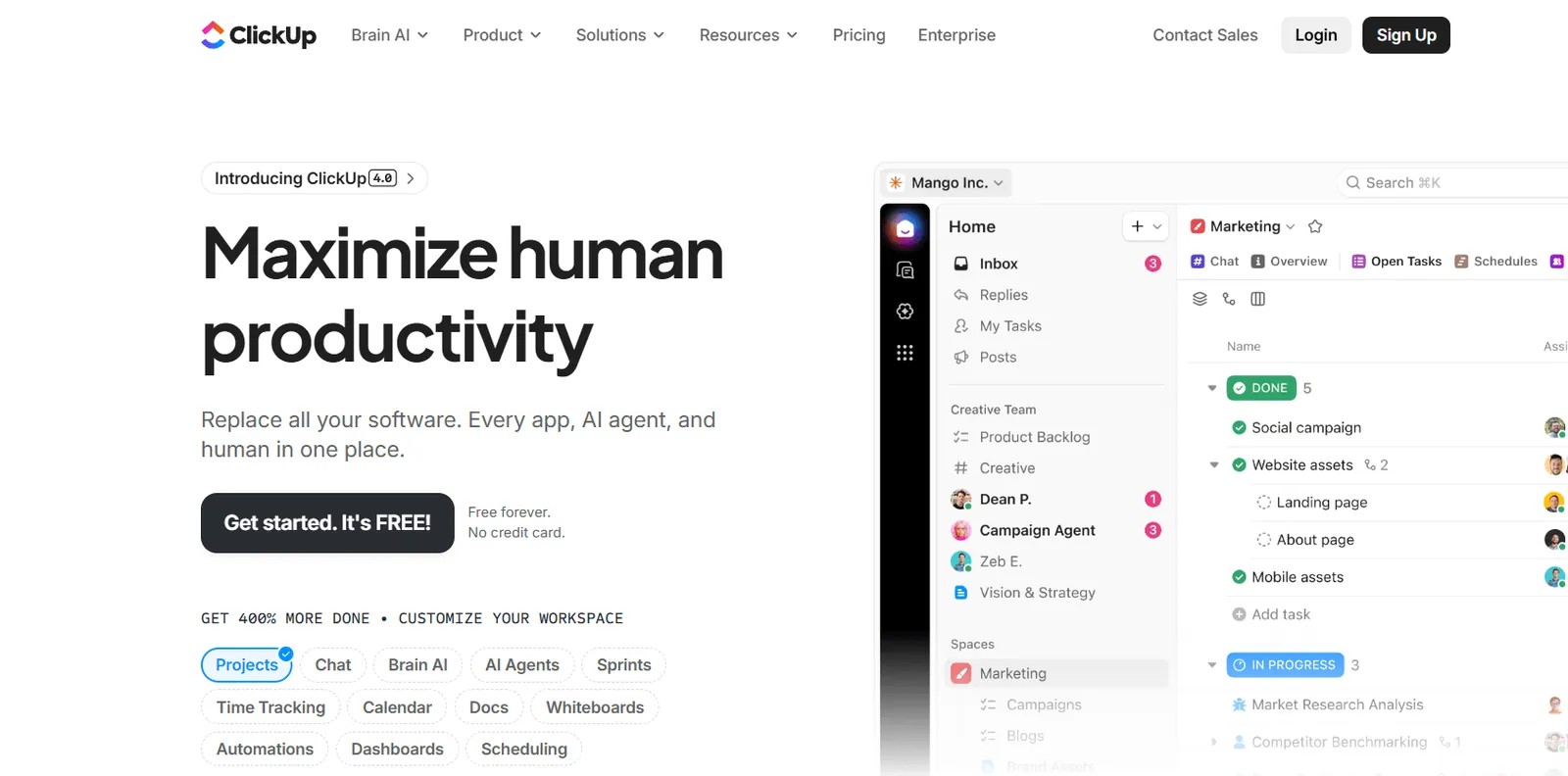
ClickUp is a productivity platform that combines task management, documents, and meeting notes under one roof. When I tested ClickUp for meeting minutes, I found it worked best as part of a larger workflow, connecting meeting notes directly to project tasks and team goals.
What it does
ClickUp lets you document meetings in shared Docs, assign follow-up tasks, and track progress without switching tools. You can add notes during a call, tag teammates, and link each discussion point to an existing task or sprint.
Who it's for
ClickUp is ideal for product, marketing, and operations teams that want to keep discussions, documentation, and tasks connected.
Key features
- Shared Docs for notes and agendas
- Task assignment and project linking
- Real-time collaboration across teams
- Meeting templates for faster setup
- Integrations with Slack, Zoom, and Google Calendar
Pros
- Combines meetings and project tracking
- Fully customizable to match any workflow
- Easy to connect meeting outcomes to goals
Cons
- Can feel complex at first
- Limited AI meeting features unless you pay for the Everything AI add-on, which unlocks unlimited AI Notetaker use
Pricing
- Free Forever plan available.
- Paid plans start from $10/user/month, billed monthly
Bottom line
ClickUp keeps meetings connected to daily work. Adding your meeting notes inside ClickUp eliminates tool-hopping if you already use it for projects.
8. Best Meeting Minutes App for Formal, Shareable Minutes
Magic Minutes: What is it?
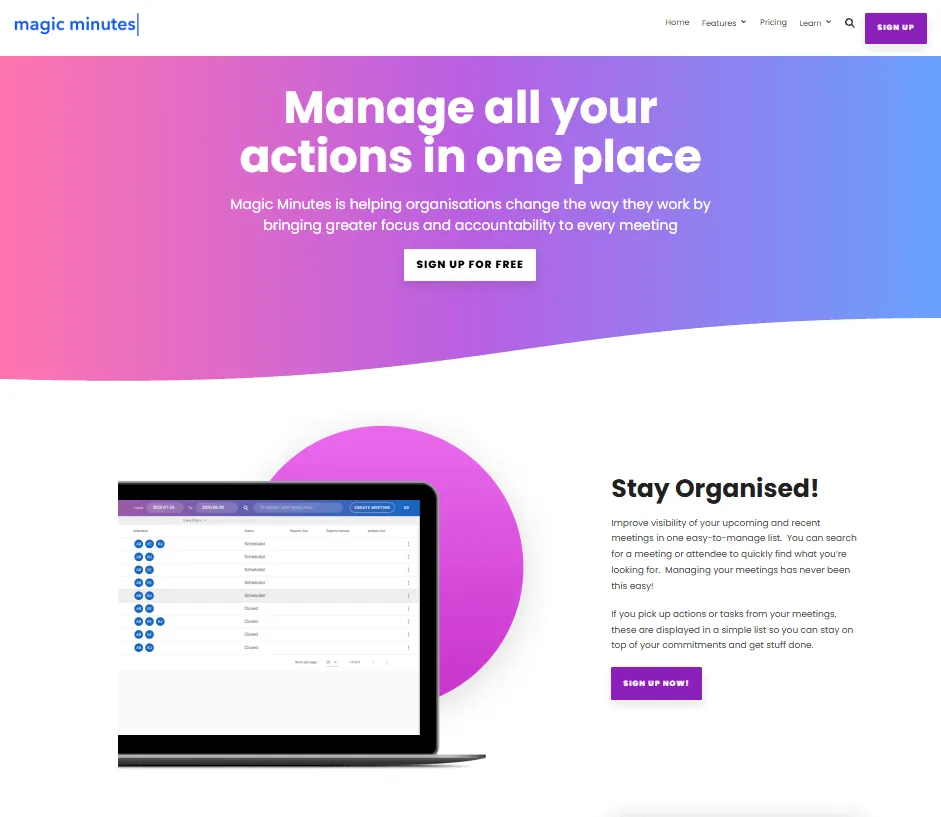
Magic Minutes is a meeting management tool built for teams that need clear records and clean accountability after every session. I tested it with a small project team across a handful of recurring meetings, and it handled the basics well: agenda up front, notes captured during, report distributed after.
What it does
Magic Minutes helps you prepare agendas, capture notes during meetings, and share outcomes instantly. You can build an agenda in minutes, invite participants, and assign owners for each discussion point.
Who it's for
Magic Minutes is ideal for small businesses, committees, and project teams that rely on detailed minutes and clear accountability.
Key features
- Simple meeting agenda builder
- Real-time collaborative note-taking
- Automated post-meeting reports
- Action tracking and task assignment
- Cloud-based access and sharing
Pros
- Focuses purely on meeting minutes
- Easy to use without training
- Automatically shares notes with participants
Cons
- Limited integrations with third-party tools
- Pricier than other basic note apps
Pricing
- Free plan only for attendees
- Paid plans start from £60/month (about $80 USD), billed monthly on the Premium plan. That covers one meeting organizer; attendees are free. There's a 30-day trial with no card required.
Bottom line
Magic Minutes organizes meetings well. If you want a simple, dedicated solution that delivers clean, shareable minutes without distractions, this app is a solid choice.
9. Best Meeting Minutes App for a Customizable Meeting Hub
Notion: What is it?
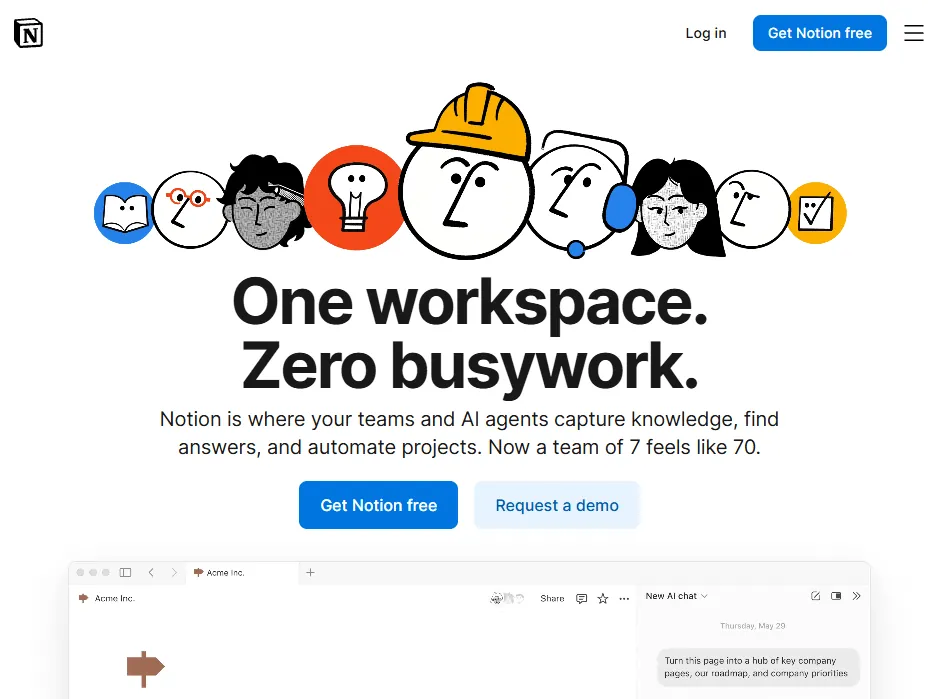
Notion is a workspace tool that helps teams document meetings, manage tasks, and store knowledge in one place. When I tested Notion for team syncs and client reviews, I found it useful but only after setting up a structure that fit my workflow.
What it does
Notion lets you build a custom meeting hub that contains your pages and databases. The AI can summarize meeting minutes and draft follow-ups based on your notes.
Who it's for
Notion is ideal for product managers, remote teams, and founders who want to create a custom workspace instead of a fixed layout.
Key features
- Customizable databases and templates
- Notion AI for summarization and task creation
- Collaborative pages with comments and mentions
- Integration with Slack, Google Drive, and ClickUp
- Central dashboard for projects and meetings
Pros
- Highly flexible and customizable
- Combines notes, tasks, and collaboration
- AI improves productivity
Cons
- Setup takes time for new users
- Free and Plus only get a trial of Notion AI. Full AI, including AI Meeting Notes, starts on Business.
Pricing
- Free plan with limited capabilities
- Paid plans start from $12/user/month billed monthly ($10 annually). Full Notion AI, including AI Meeting Notes, needs the Business plan at $24/user/month billed monthly ($20 annually).
Bottom line
Notion, when you customize it, becomes a capable tool for meetings, projects, and notes. If you like building your own systems, you'll enjoy Notion the most.
10. Best Meeting Minutes App for Microsoft 365 Users
Microsoft OneNote: What is it?
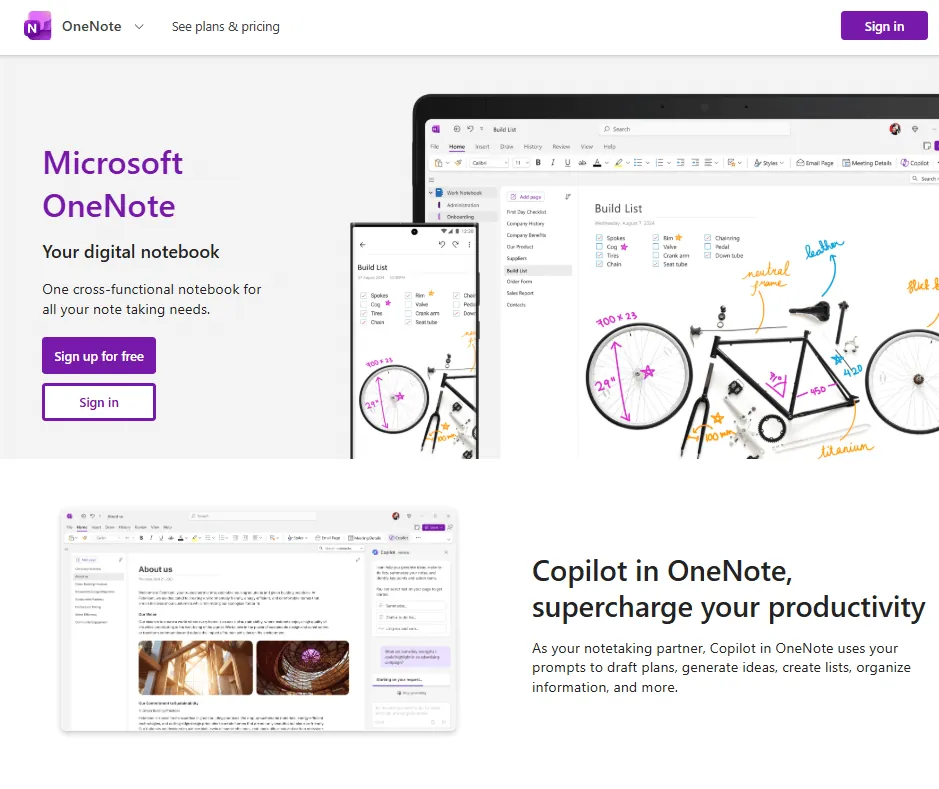
Microsoft OneNote is a digital notebook app to take and organize meeting notes. When I tested OneNote across daily team check-ins, it reliably captured notes, stored files, and synced them across devices without losing structure.
What it does
OneNote lets you create notes for every project or meeting. It's part of the Microsoft 365 suite, which means it fits naturally into existing workflows. I liked how it integrated with Outlook and Teams, allowing me to attach meeting notes directly to calendar invites or chat threads.
Who it's for
OneNote is ideal for professionals already using Microsoft 365. It's perfect for corporate teams, educators, and project managers who want traditional note organization with modern syncing.
Key features
- Hierarchical notebooks for structured organization
- Multimedia support for text, audio, and drawings
- Integration with Teams, Outlook, and Microsoft 365
- OCR search for text inside images
- Cross-device syncing with Microsoft 365
Pros
- Familiar, easy-to-navigate interface
- Strong integration within Microsoft's ecosystem
- Reliable syncing and search features
Cons
- Interface feels dated compared to newer apps
- Transcription only in OneNote for Microsoft 365 on Windows (300 minutes a month), and no meeting automation
Pricing
- Free version for all users with basic features
- Paid plans for Microsoft 365, starting at $9.99/month, billed monthly
Bottom line
Microsoft OneNote doesn't automate tasks or summarize meetings, but it keeps everything organized and accessible. If your team already uses Microsoft tools daily, OneNote is an easy pick.
11. Best Free Meeting Minutes App for Quick Notes
Google Keep: What is it?
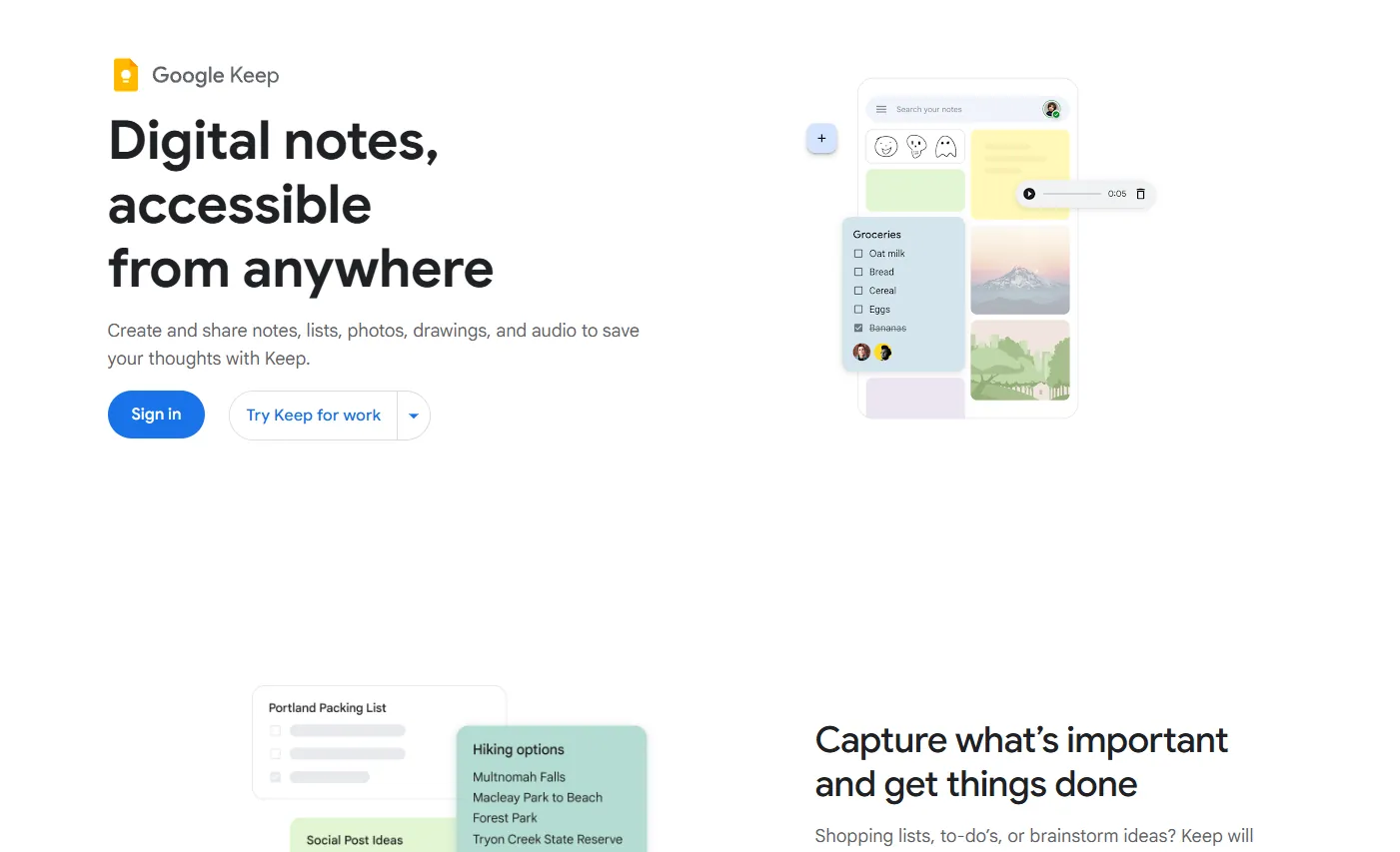
Google Keep is a lightweight note-taking app that's a part of Google Workspace. It works well with Calendar, Docs, and Meet.
What it does
Google Keep lets you create color-coded notes, checklists, and voice memos that sync instantly across all your devices. I liked how it integrated smoothly with Google Calendar, which made it easy to link meeting notes to events and follow-ups.
Who it's for
Google Keep is best for individuals and small teams who want a simple way to capture meeting notes. It's great for freelancers, remote workers, and anyone already using Google Workspace daily.
Key features
- Color-coded notes and labels for organization
- Voice memos and quick checklists
- Collaboration and sharing with teammates
- Integration with Google Calendar and Docs
- Cross-device syncing through Google Workspace
Pros
- Completely free to use
- Fast, minimal interface
- Works instantly across devices
Cons
- Limited formatting and structure options
- No AI summaries or task automation
Pricing
- Free, included with every Google account
Bottom line
Google Keep is the easiest way to capture meeting notes without extra setup. It doesn't give you structured minutes or automation, but it's fast, reliable, and perfect for everyday note-taking.
12. Best Meeting Minutes App for Apple Users
Apple Notes: What is it?
Apple Notes is the default note-taking app for macOS and iOS. When I tested it during client calls and internal meetings, it impressed me with how quickly it synced notes between my iMac and iPhone.
What it does
Apple Notes lets you take text, image, or handwritten notes and keep them organized in folders or pinned lists. You can record quick ideas, scan documents, or attach files directly to a note.
Who it's for
Apple Notes is perfect for users who work within the Apple ecosystem. It's best for freelancers, small business owners, and students who want simple note-taking without setup.
Key features
- Text, checklist, and handwritten note support
- Apple Pencil compatibility for sketching
- Document scanning and file attachments
- Password protection for sensitive notes
- Quick and smooth syncing through iCloud
Pros
- Built into every Apple device
- Secure and easy to organize
- Works well for both quick and detailed notes
Cons
- Limited collaboration features
- Only available within Apple's ecosystem
Pricing
- Free to use on all Apple devices
Bottom line
Apple Notes is simple, dependable, and ideal for anyone using Apple devices daily. If you value privacy, speed, and zero setup time, Apple Notes is one of the most convenient tools I tested.
{{cta}}
Notable mentions: Best meeting minutes apps
These tools didn't make the main list, but they belong in the conversation. If your meetings are mostly video calls, any of these is worth a look before committing to the 12 above.
Here's what each one does well:
- Otter.ai is a leading AI meeting assistant built for automatic transcription and summarization across Zoom, Google Meet, and Microsoft Teams. It joins your video calls in real time to identify speakers, flag key action items, and build searchable summaries. It excels as a well-established, reliable option for automated meeting notes.
- Granola is a bot-free meeting notepad built for Mac and Windows desktop users. Instead of sending a visible bot into your call, Granola captures audio directly from your computer to generate clean AI meeting notes. It excels at offering a silent, completely private workflow for video meetings without disturbing other participants.
- Fireflies.ai is a feature-packed meeting assistant supporting Zoom, Google Meet, Teams, and Webex. It stands out by offering transcription and AI summaries across more than 100 languages. It excels at workflow automation, allowing teams to search conversation intelligence, trigger post-meeting actions, and sync notes directly into popular CRM platforms.
- Notta is a high-accuracy speech-to-text platform tailored for global and hybrid teams. Its primary strength lies in language coverage, offering live transcription in 58 languages. Unlike purely virtual competitors, Notta also pairs with a hardware companion recorder to capture in-person discussions, making it ideal for flexible coverage across online and offline meetings.
- Tactiq is a Chrome extension that provides instant transcription without sending a bot to your calls. It transcribes live inside the Google Meet, Zoom, and Teams web interfaces. Tactiq excels at simple setup, allowing you to highlight key moments and run custom AI actions on the transcript directly within your browser window.
- tl;dv is a video-first meeting intelligence tool designed for Zoom, Google Meet, and Microsoft Teams. It excels at video meeting management by pairing call recordings with transcription and AI summaries. Key strengths include easy video clip sharing, global search across your full meeting archive, and integrations with thousands of work apps.
Which meeting minutes app should you choose? My final verdict
The right meeting minutes app depends on what "done" looks like for your meetings. If meetings end and nobody follows up, you need something that handles the post-meeting work automatically. If meetings are disorganized up front, you need something that adds structure before they start. The answer isn't the same tool for everyone.
Here's how to match the app to what your meetings need:
- You need AI to handle the full cycle: If you want prep, transcription, summaries, and follow-ups handled without manual input, Lindy is the tool. It joins the meeting as a named participant, captures what matters, and sends action items to teammates after. Everything runs through Slack, so there's no separate app to check or a summary to manually distribute.
- You need structure before and during: Fellow and Beenote work best when your problem is agenda-less, accountability-free meetings. They give everyone a shared view of the agenda before the meeting starts and track action items afterward, so each meeting builds on the last instead of starting from scratch.
- You need simple transcription: If your only need is a clean summary of what was said on a video call, Fathom handles that well. It joins automatically, generates a timestamped summary, and has a free tier for basic use. It doesn't help with pre-meeting prep or post-meeting follow-up beyond sharing the notes.
- You already live in a workspace: ClickUp and Notion make sense if your team already runs projects in those tools. Meeting notes connect directly to existing tasks and deliverables, so there's no separate app to open. ClickUp is more structured; Notion is more flexible but takes longer to set up.
- You just need something free and fast: Google Keep and Apple Notes cover the basics for individuals who want to capture notes quickly without setup or subscriptions. Neither creates action items for you. Apple Notes can record and summarize a meeting on newer iPhones; Google Keep can't. Both sync instantly across devices most people already use.
- You need a searchable archive: Evernote and Microsoft OneNote are built for storing and finding things later. Zoho Notebook does the same with a more visual layout. Magic Minutes is the pick when formal, shareable minutes are the whole job.
Try Lindy as your AI meeting assistant
Lindy is an AI teammate that lives in your Slack, handles your full meeting cycle, and keeps your team moving after every call. If you spend hours each week on meeting prep, notes, and follow-ups, here's what changes when Lindy is in your Slack.
- Before the meeting: @mention Lindy in any approved channel and it pulls context from your email, calendar, and CRM so you walk in prepared.
- During the meeting: Lindy joins as a named participant on Zoom, Google Meet, or Teams. It records, transcribes, and summarizes the discussion in real time.
- After the meeting: Lindy drafts the notes, creates action items, and sends the follow-ups to teammates or clients once you approve.
Start free with $50 in credits that last 7 days, no credit card required. After that, the Team plan starts at $29.99/user/month for 3,000 credits, pooled across your team.
Want to see the field first? Compare every AI meeting assistant I tested on the same live meetings.
FAQs
What is the best meeting minutes app?
Lindy is the strongest pick for teams that want prep, transcription, and follow-ups handled end-to-end in Slack. Fathom is the best option for simple video call transcription. If your team already works in Notion or ClickUp, those handle meeting notes well without adding another tool.
Is there a free meeting minutes app?
Yes, several meeting minutes apps have free plans. Google Keep and Apple Notes are free, with no paid tier needed for the basics. Fathom's free tier covers unlimited recordings but limits advanced AI summaries to five calls per month. Fellow and Notion both offer free plans with basic functionality before requiring an upgrade.
What should meeting minutes include?
Meeting minutes should include the date, attendees, a summary of what was discussed, decisions made, and action items with clear owners and deadlines. The best meeting minutes skip verbatim transcription and focus on what changed and what comes next. A one-page summary that someone who missed the call can act on is the goal.
Can AI take meeting minutes automatically?
Yes, AI can take meeting minutes automatically. Tools like Lindy and Fathom join your call as a named participant, transcribe the conversation in real time, and produce a structured summary with action items before the meeting is over. Lindy also handles follow-ups directly from Slack, while Fathom focuses on accurate transcription and searchable summaries.










