5 Best AI Call Bots: I Tested 11 Platforms in 2026
Michelle tested AI call bots like Synthflow, Bland AI, and VoiceSpin, judging voice realism, CRM integrations, and pricing to find the top five for 2026.


My phone rang at 11 PM from a number I didn't recognize. It was an AI call bot, and it sounded better than half the human reps I'd spoken to that week. That's when I started paying attention.
I spent three weeks testing 11 AI call bot platforms across outbound lead calls, inbound support lines, and appointment scheduling. Five made the final list.
I interrupted them mid-sentence, asked questions they weren't prepared for, and pushed them through CRM integrations to see what actually logged after the call ended. Some handled it well, while others fell apart the moment I went off-script.
Here's what I found, including pricing, voice quality, and which one fits your use case.
Top 5 AI call bots: TL;DR
| Tool | Best for | Starting price | Key strength |
|---|---|---|---|
| Synthflow | Fast outbound campaigns | $30,000/year (Enterprise) | A wide range of languages and voices with no-code setup |
| Bland AI | Customizable enterprise call flows | From $0.14/min (Start plan) | Full control over call logic, voice style, and system integrations |
| Phonecall.bot | Realistic voices and easy setup | $29/month (30+ voices; 60+ on Pro) | No-code builder with natural-sounding voices in 15+ languages |
| VoiceSpin | High-volume call centers | $300/month | AI routing, predictive dialing, CRM integrations, and compliance tools |
| Aivo | Omnichannel customer support | Custom pricing | Omnichannel support across voice, chat, and messaging with prebuilt flows |
What are AI call bots?
An AI call bot handles phone conversations without a human on the line. It listens to what a caller says, works out what they need, and responds in a natural voice, in real time. The whole exchange happens automatically, whether that's answering a question, booking an appointment, or qualifying a lead.
The technology runs on three things working together. Speech recognition converts the caller's voice into text the system can read. Natural language processing figures out what the caller actually means. Text-to-speech turns the bot's response back into voice the caller hears.
What separates modern AI call bots from old phone trees is that they handle real conversations. They can follow up on what a caller just said, deal with unexpected questions, and hand the call to a human when things get too complex to resolve automatically.
Businesses use them for inbound support lines, outbound sales campaigns, appointment reminders, and lead qualification at volumes no human team could match. The best ones sound natural enough that callers don't know they're talking to software.
Benefits of using AI call bots
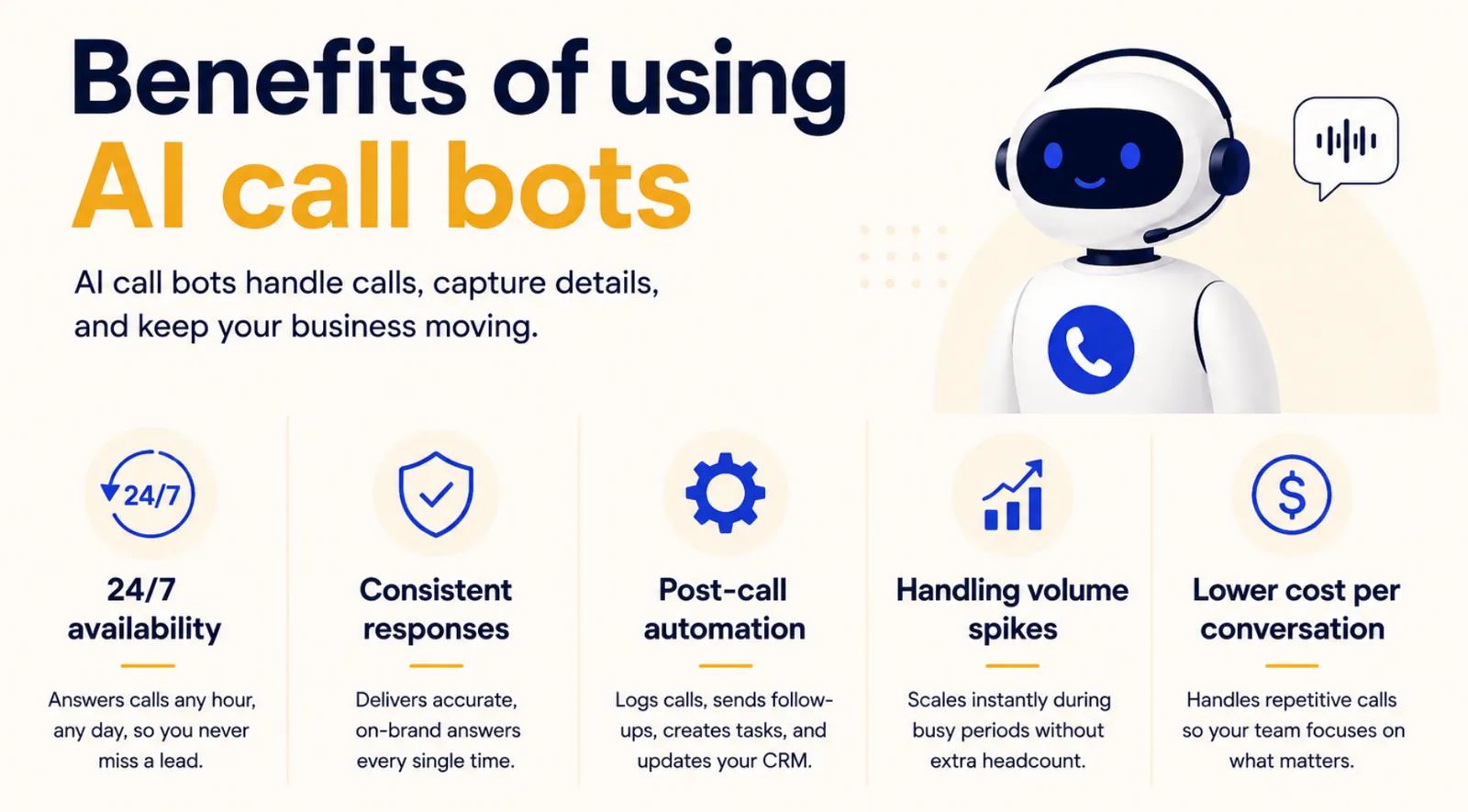
AI call bots solve a specific problem: phone calls are expensive, repetitive, and don't scale. A human agent can handle one call at a time. A bot can handle hundreds simultaneously, at any hour, without dropping quality on call fifty compared to call one.
Here's where they add the most value:
- 24/7 availability: An AI call bot picks up at 2 AM, on weekends, and during holiday surges, just as it does at 9 AM on a Tuesday. Leads and customers who call outside business hours receive an answer rather than a voicemail, which directly affects conversion rates for time-sensitive industries like real estate, healthcare, and home services.
- Consistent responses: A well-trained bot never misquotes a policy, forgets a script, or has a bad day. Every caller receives the same accurate information, which matters in regulated industries where a wrong answer carries legal consequences.
- Post-call automation: The call ending is the start of the work. The bot logs the conversation in your CRM, updates the contact record, books the follow-up, and fires the task to whoever owns the next step, so nobody has to retype a call summary. For the full picture, see how businesses automate end-to-end phone calls.
- Handling volume spikes: If you run a seasonal promotion and calls triple overnight, a bot scales without hiring. You pay for capacity when you need it, not year-round headcount to cover a peak that lasts six weeks.
- Lower cost per conversation: AI call bots handle the repetitive tier of calls so your human agents focus on complex cases. That changes the math on customer service costs without cutting coverage.
How I tested these tools
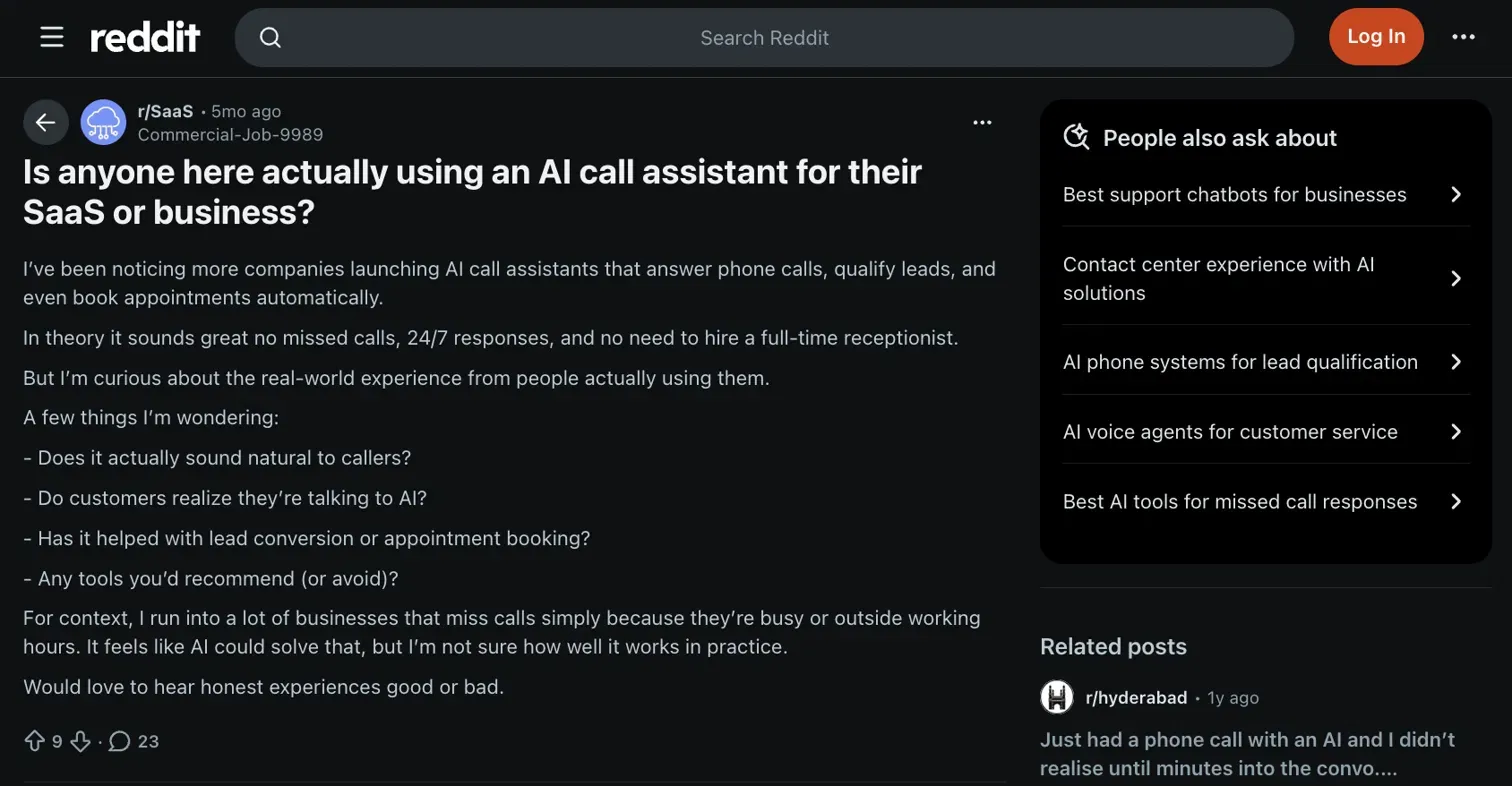
A thread in r/SaaS surfaced the questions I kept running into: does it actually sound natural? Do callers realize they're talking to AI? Does it move the needle on lead conversion or just handle the easy stuff? I used those questions as my testing brief.
I ran each platform through the same five criteria over three weeks, on paid accounts where a free tier wouldn't cover real call volume:
- Voice realism: How natural the bot sounded mid-conversation, and whether it adapted to tone shifts or just kept reading from the script
- Interruption handling: I broke the flow on purpose, mid-sentence, with follow-up questions the bot wasn't expecting, to see which ones recovered without looping or going silent
- CRM and post-call action: Whether the call actually logged, records updated, and follow-up tasks fired, or whether I had to clean it up manually after
- Setup speed: How fast I could get a working call live without developer help
- Latency and call quality: Response time across different networks, because a two-second gap kills a conversation faster than a wrong answer does.
For a deeper look at what separates fast platforms from slow ones, see our guide to AI phone calls. Voice realism is the single hardest thing to fake, and it's the same test that determines our ranking of the best AI voice assistants. You can also compare broader software solutions in our breakdown of leading ai platforms.
Six didn't make the cut: Retell AI and Vapi leaned too developer-heavy for most non-technical teams, Air AI was too opaque on pricing to recommend with confidence, Goodcall worked well for simple inbound flows but fell short on CRM integration, Aloware required too much existing infrastructure to set up quickly, and Brilo AI showed promise but lacked the reliability I needed across different networks.
Best AI call bot for fast outbound campaigns
Synthflow
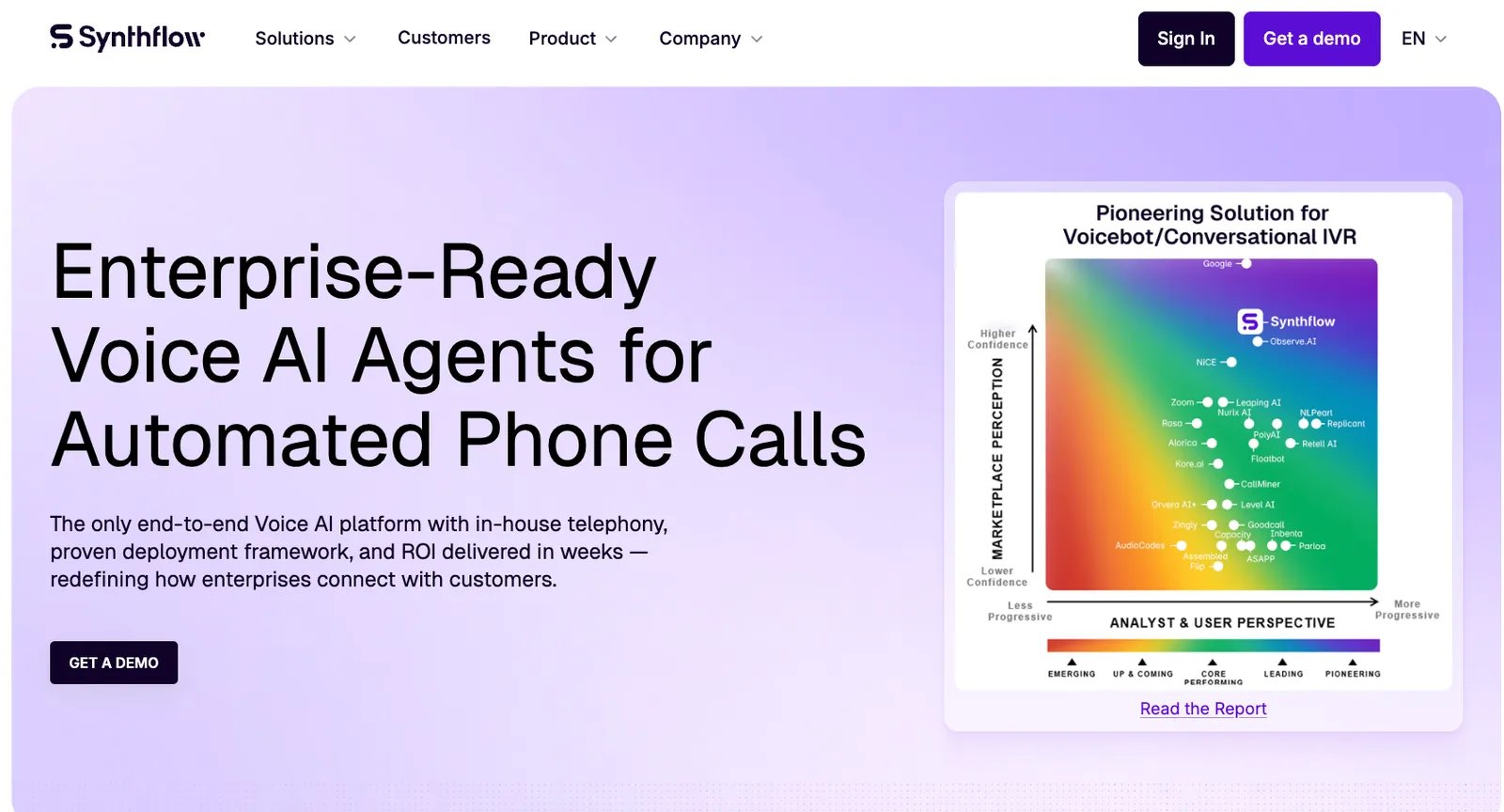
Synthflow lets you create AI voice agents using a no-code builder. You can set up outbound calling flows for lead follow-ups, appointment confirmations, or basic surveys. The platform supports a wide range of languages and voices, which makes it useful for teams targeting different markets. Synthflow works well for quick, templated workflows.
Key features
- Allows white-label setup for agencies
- Lets users design outbound calling flows with no coding
- Includes ready-to-use templates for follow-ups and reminders
Pros
- Multilingual support
- Speedy setup with no technical skills required
- Nothing in the caller experience gives away that it isn't your own brand
Cons
- Limited backend actions
- Best suited for straightforward outbound flows
Pricing
- Synthflow's pricing page now lists a single Enterprise tier. Contracts start at $30,000 annually, with final pricing scoped around call volume, concurrency, telephony setup, integrations, and security needs.
Bottom line
Synthflow suits teams that prioritize speed and simplicity. It helps businesses launch multilingual outbound campaigns quickly without technical setup or long onboarding.
Best AI call bot for customizable enterprise call flows
Bland
Bland lets you create AI call bots to manage conversations, follow logic trees, and interact with your backend systems. You can fine-tune the prompts, voice styles, and call-handling rules to fit your processes, whether you're dealing with sales, support, or internal operations. Bland also supports secure deployments with enterprise-grade privacy controls.
Key features
- Includes detailed privacy and compliance settings
- Allows fine-tuning of voice styles for brand alignment
- Connects securely to internal databases and CRMs
- Lets teams define call flows, logic, and tone for each scenario
Pros
- Multilingual support
- High customization for call flows and responses
- Data handling is documented, which shortened our security review
Cons
- Requires more setup and maintenance
- No published self-serve plan below the $299/month platform fee if you want the cheaper per-minute rate
Pricing
Start plan calls begin at $0.14/min with no platform fee. Build plan: $299/month at $0.12/min. Scale plan: $499/month at $0.11/min.
Bottom line
Bland is a strong choice for enterprises that need complete control over how their agents sound and behave. It's ideal for regulated industries that value security and precision.
Best AI call bot for realistic voices and easy setup
Phonecall.bot
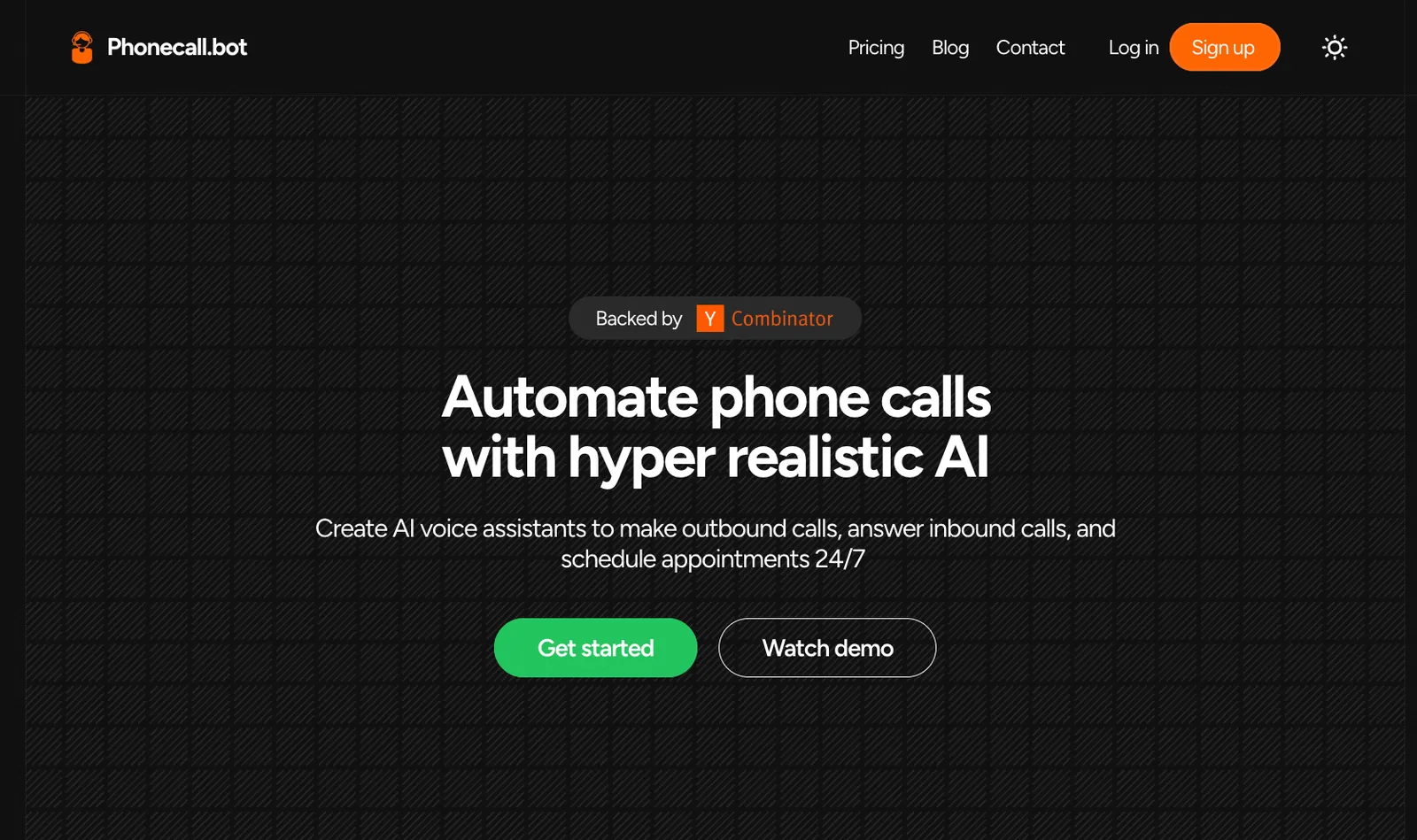
Phonecall.bot offers a no-code platform for designing conversational flows for your AI voice agents. It has access to 30+ AI voices on the entry plan (60+ on Pro) and supports conversations in 15+ languages.
You can use it for both inbound and outbound calls to set up tasks such as lead qualification, appointment reminders, or simple support interactions. It also connects with calendars and CRMs to automate follow-ups after calls.
Key features
- Offers a no-code builder for fast deployment
- Supports both inbound and outbound workflows
- Connects with CRMs and calendars for post-call automation
Pros
- Natural-sounding AI voices
- Affordable for small to mid-sized teams
- First working call live in under an hour, no developer involved
Cons
- Limited backend workflow actions
- Entry plan is thin at 60 minutes a month, so real volume means jumping to $99 or $499
Pricing
Plans start at $29/month for 60 minutes of calling
Bottom line
Phonecall.bot is for small and mid-sized teams that want realistic AI voices without complexity. It's easy to set up, affordable, and effective for everyday customer calls or lead qualification.
{{templates}}
Best AI call bot for high-volume call centers
VoiceSpin
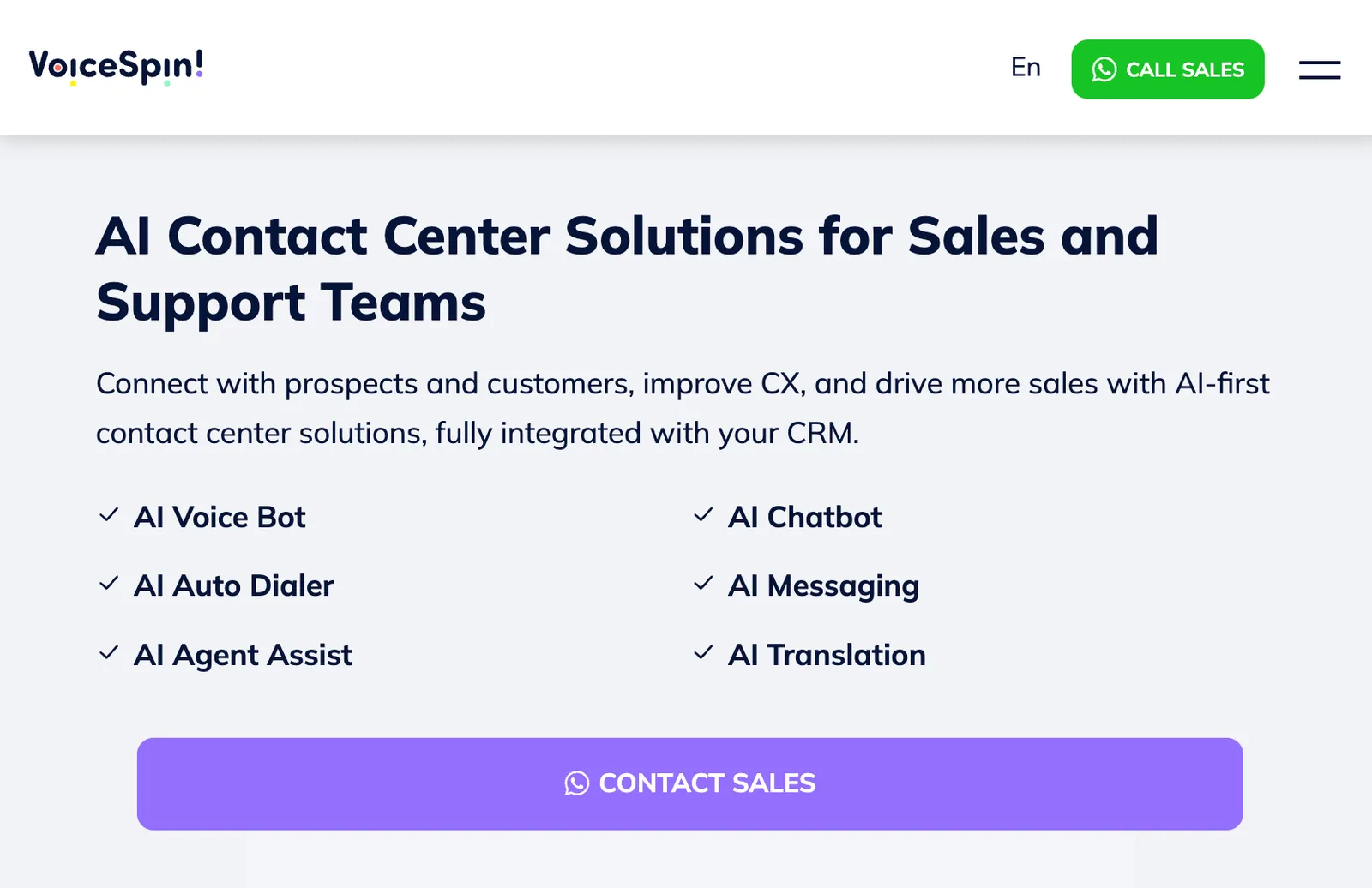
VoiceSpin is a contact center platform for both outbound sales and inbound support. It combines predictive dialing with call routing, IVR, and analytics to improve call flows across your entire funnel. The AI voice bot itself is only included on the Enterprise plan.
VoiceSpin includes CRM integrations, smart pacing to ensure regulatory compliance, and real-time monitoring dashboards to track campaign performance.
Key features
- Includes predictive dialing
- Provides real-time analytics and performance dashboards
- Offers custom call routing and call pacing for regulatory compliance, with the AI voice bot on the Enterprise tier
Pros
- CRM and helpdesk integrations
- Pacing held steady at high volume without dropped connects
- Dashboards updated live during a campaign, so you can kill a bad script mid-run
Cons
- Pricing flexibility can vary based on usage and setup needs
- Five-seat minimum on every plan, so it's oversized for small teams
Pricing
Basic starts at $300/month for five seats ($270/month billed annually). Phone numbers and call costs are billed on top. Advanced starts at $525/month, and Enterprise (the tier that adds the AI voice bot) at $1,000/month.
Bottom line
VoiceSpin is well-suited to call centers that run high-volume campaigns. It delivers strong analytics, compliance tools, and outbound efficiency while maintaining solid integration with existing systems.
Best AI call bot for omnichannel customer support
Aivo
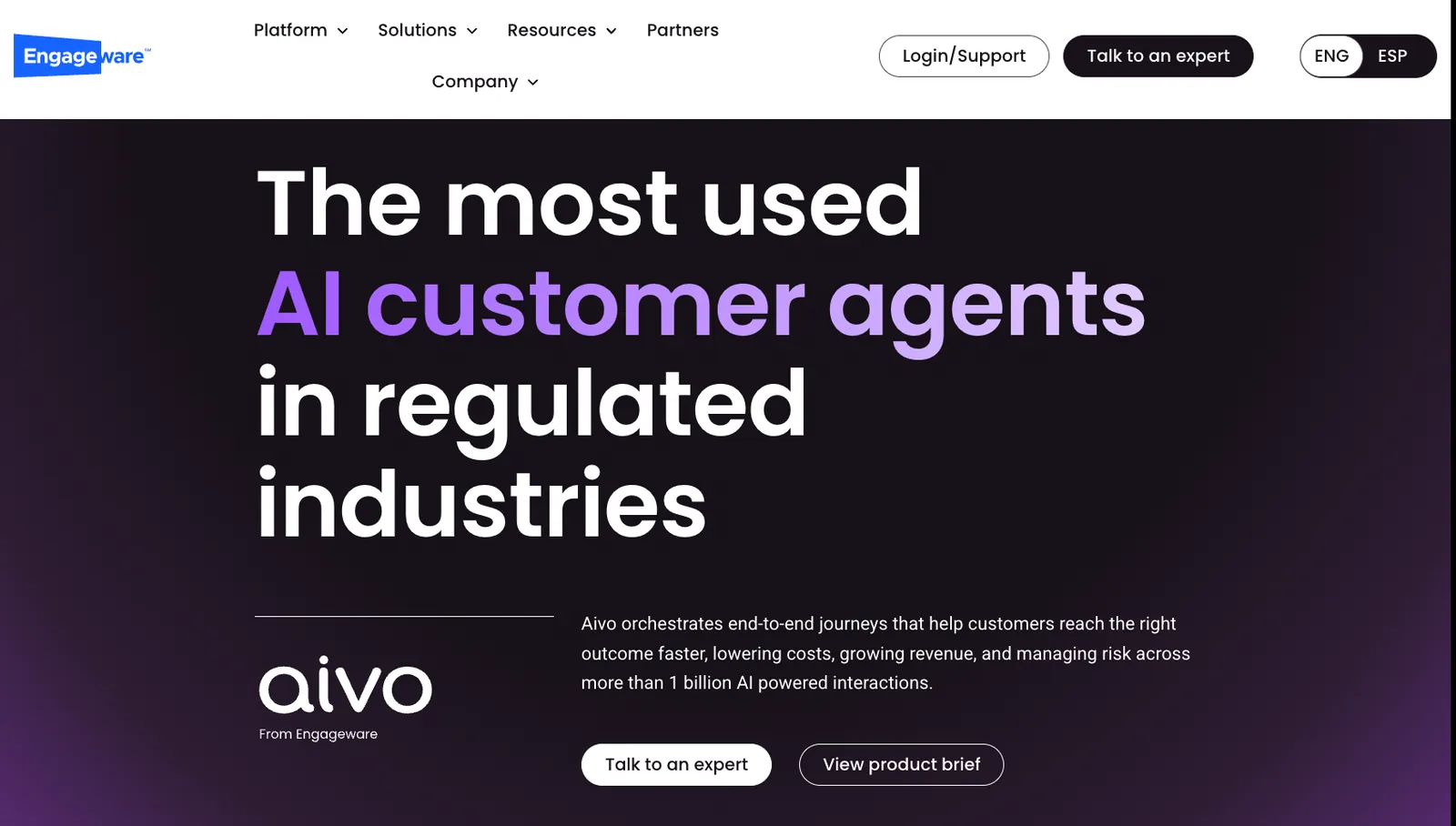
Aivo, now part of Engageware, allows companies to deploy AI voice agents that answer calls, resolve customer queries, and route issues to human teams when needed.
The platform supports omnichannel messaging, so businesses can maintain consistency across channels. It also offers CRM integrations, reporting tools, and prebuilt flows for support FAQs, service updates, and appointment management.
Key features
- Provides multilingual support for global teams
- Handles phone, chat, and messaging in one platform
- Prebuilt flows for FAQs, service updates, and booking
Pros
- Integrations for CRM and helpdesk
- Prebuilt support flows mean no blank-page setup for FAQs or booking
- One conversation history across phone, chat, and messaging, so callers don't repeat themselves
Cons
- Advanced features require higher-tier plans
- Voice capabilities aren't as customizable as specialist platforms like Bland AI
Pricing
Custom pricing based on your needs
Bottom line
Aivo helps customer support teams manage calls and digital interactions from one place. It works best for companies that value consistent communication and need reliable omnichannel automation.
{{cta}}
Which AI call bot should you choose? My verdict
The right AI call bot depends on one thing more than any other: what kind of calls you're actually running. A no-code tool built for outbound reminders will frustrate a developer trying to wire it into a custom backend. An enterprise platform with full API control will overwhelm a small team that just wants to answer inbound calls automatically.
Here's what matters when you're comparing options:
- Inbound vs. outbound focus: Some platforms are built around outbound campaigns and predictive dialing. Others are designed to handle inbound calls reliably, with smart routing and human handoff when needed. Most cover both, but check where each platform's real strengths sit before you commit.
- Technical setup required: No-code builders like Synthflow and Phonecall.bot let non-technical teams launch a working bot in hours. Developer-first platforms like Bland AI give you full control over call logic, but they require engineering time to build and maintain. An honest answer about your team's capacity matters here more than the feature list.
- CRM and post-call integration: An AI phone bot that ends the call and does nothing else is a missed opportunity. Look for platforms that log calls, update records, and trigger follow-up tasks automatically. The difference between tools that do this well and tools that don't shows up in the daily workload of whoever manages your pipeline.
- Pricing model fit: Some platforms charge a flat monthly rate for a set number of minutes. Others bill per minute with no monthly fee. At low volumes, the per-minute model is cheaper. At scale, a bundled plan usually wins. Run the math against your actual call volume before picking a tier.
- Voice quality and latency: This one is underrated. A bot with a noticeable lag between the caller's question and its response kills conversations faster than a wrong answer does. Test the response time in a real call before you sign up.
AI call bots aren't for every team. If you handle a handful of calls a week, the setup time won't pay off. If you don't have someone to configure and maintain the system, the bot will underperform out of the gate. And if you need deep backend logic and enterprise-scale calling from day one, no single platform delivers both without tradeoffs.
FAQs
Is there a free AI call bot?
You can start free, but not stay free at volume. Synthflow now sells Enterprise contracts only, starting at $30,000 a year. Bland AI's Start plan has no monthly platform fee, so you only pay $0.14 a minute. Phonecall.bot's cheapest paid plan is $29 a month for 60 minutes. For real call volume, every option on this list becomes paid quickly.
What is an AI call bot?
An AI call bot is a software system that handles phone conversations automatically, without a human on the line. It listens to what a caller says, figures out what they need, and responds in a natural voice in real time. The best ones also take action after the call, logging to your CRM, booking a meeting, or sending a follow-up text. If you need something that works across daily workflows beyond calling, see our guide to the best AI phone assistants.
How is an AI call bot different from a chatbot?
An AI call bot handles voice conversations over the phone, while a chatbot handles text on websites, messaging apps, or support portals. The core difference is the medium: call bots must process spoken language, adapt to tone, and handle interruptions in real time. A chatbot can wait for you to finish typing. A call bot cannot.
Can AI phone bots handle outbound calls?
Yes, AI phone bots can handle outbound calls reliably. Platforms like Synthflow and VoiceSpin are built specifically for outbound campaigns, following up on leads, sending appointment reminders, and qualifying prospects before passing them to a human rep. The better ones automatically log the outcome in your CRM once the call ends.
Are AI call bots compliant with call recording or data laws?
Yes, reputable AI call bot platforms are built with compliance in mind. Most follow the TCPA for outbound calling and the GDPR for personal data handling, and include features such as consent tracking and call-recording disclaimers. That said, compliance requirements vary by region and use case, so confirm what your specific situation requires before deploying.
What's the best AI call bot for support teams?
Aivo is a strong choice for support teams, particularly those managing interactions across voice, chat, and messaging in a single platform. It comes with prebuilt flows for common support scenarios, CRM integrations, and multilingual coverage. Teams in banking, healthcare, and retail tend to get the most out of it given its omnichannel depth.
Can I integrate a call bot with HubSpot or Slack?
Yes, integrating a call bot with HubSpot or Slack is straightforward with the right platform. VoiceSpin offers direct CRM and helpdesk integrations, so call outcomes log automatically without manual data entry. For Slack specifically, you can set up post-call alerts that notify your team the moment a lead is qualified or a booking is confirmed.
Can AI call bots handle multiple calls at once?
Yes, AI call bots can handle multiple calls simultaneously, which is one of their core advantages over human agents. Most platforms scale concurrency based on your plan, so high-volume periods like seasonal campaigns or product launches don't create a backlog. Check the concurrency limits on your specific plan before committing.









