


Top 18 Seamless Alternatives: Tested and Reviewed for 2026
Michelle tested 18 Seamless alternatives including RocketReach and ZoomInfo, evaluating data quality, pricing, and lead-generation workflows for sales teams.


The Seamless Basic tier starts at $147/month, and the credit system makes costs hard to predict as usage grows. I tested the most popular Seamless alternatives across prospecting campaigns and shortlisted 18 tools that beat it on data quality, workflows, and value for 2026.
18 best Seamless alternatives: At a glance
I compared 18 Seamless alternatives across use cases, starting price, and what each tool does better than Seamless. Here’s how they stack up side-by-side:
| Tool | Best for | Starting price (billed monthly) | Key advantage vs Seamless |
|---|---|---|---|
| Lindy | AI assistant that can handle end-to-end lead workflows | $49.99/month | Automates lead intake, enrichment, outreach, and follow-ups in one flow |
| RocketReach | Bulk contact exports | $69/month | Large global database with flexible export limits |
| 6sense | ABM and intent-driven teams | Custom pricing | Account-level intent and buying signals, not just contacts |
| Nimble | Relationship-first selling | $29.90/month | CRM and social context combined with contact enrichment |
| Cognism | US and EU sales teams | Quote-based | Strong compliance focus with verified mobile numbers |
| UpLead | Clean contact enrichment | $99/month | Emphasis on email verification before export |
| SalesIntel | Accuracy-focused teams | Custom pricing | Human-verified contact data |
| Saleshandy | Cold email execution | $36/month | Outreach and tracking built in, not just data |
| Lusha | LinkedIn prospecting | $49.90/month | Fast Chrome extension for quick contact pulls |
| Lead411 | SMB sales intelligence | $49/month | Buyer intent data at a lower entry price |
| Apollo | Prospecting with email sequences | $59/user/month | Database and outbound campaigns in one tool |
| Hunter | Email finding | $49/month | Simple domain-based email discovery |
| Kaspr | EU-focused LinkedIn leads | €59/month | LinkedIn enrichment with GDPR focus |
| Adapt | Budget list building | $49/month | Large contact lists at lower cost |
| Skrapp | LinkedIn email lookup | $39/month | Lightweight email finder for LinkedIn users |
| HubSpot Sales Hub | HubSpot CRM users | $100/seat/month | Native enrichment and AI insights through Breeze Intelligence |
| LeadIQ | SDR prospect capture | $20/month | Captures leads directly from LinkedIn workflows |
| ZoomInfo | Enterprise sales teams | Custom pricing | Deep company intelligence and organization charts |
Next, we explore these in detail.
1. Lindy: Best overall
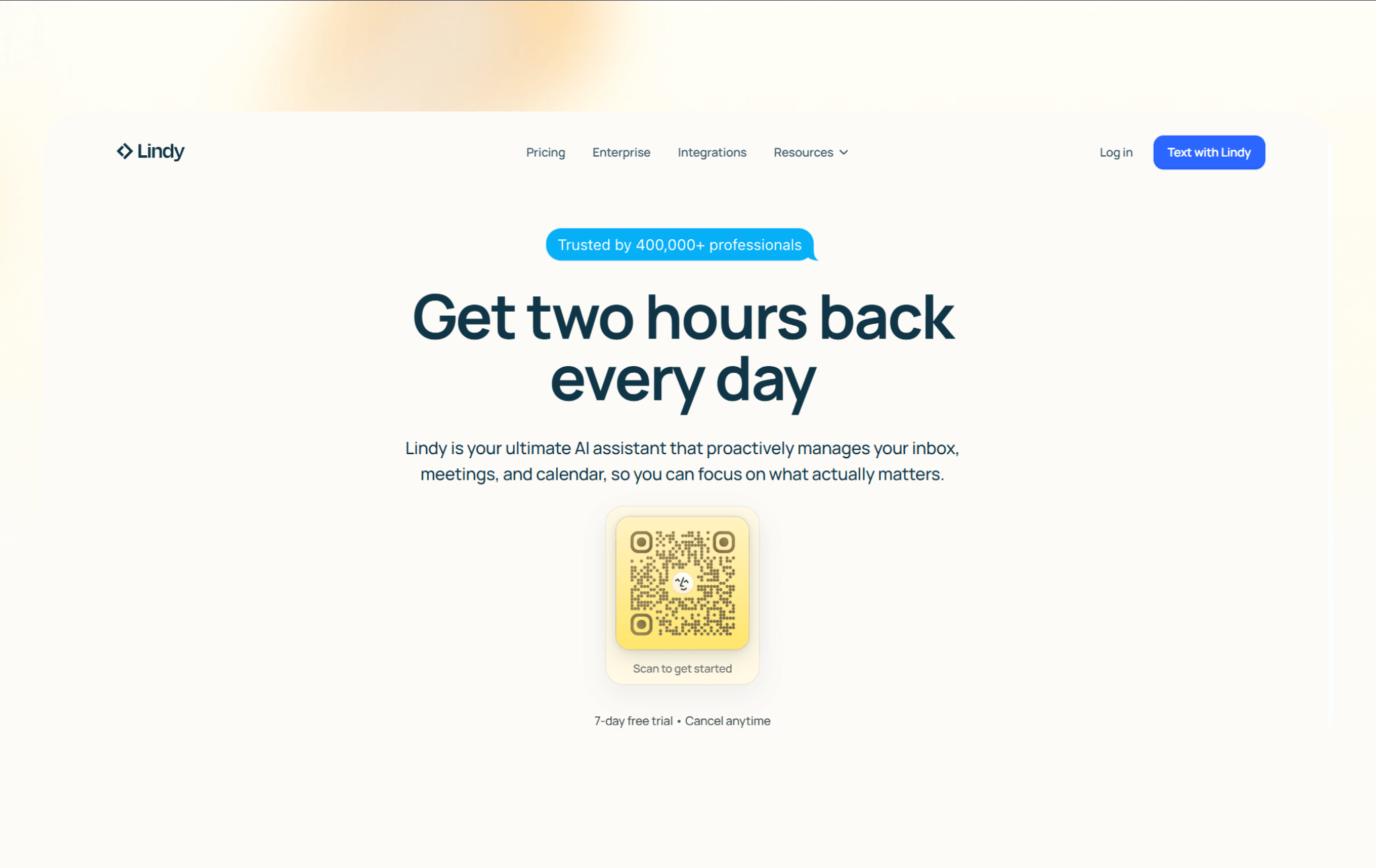
Lindy works as your AI assistant that you can text to manage lead workflows end-to-end. Instead of stopping at contact discovery, it can handle what happens after a lead comes in, including enrichment, outreach, follow-ups, and CRM updates.
I tested Lindy, asking it to manage inbound leads and follow-ups. Instead of building workflows, I treated it like a real assistant. I texted Lindy to check new leads, qualify them based on the criteria I shared, and draft follow-up messages.
I connected it to my inbox and CRM, then asked it to notify me when a high-fit lead came in. It summarized the contact, pulled context from previous emails, and drafted a reply. I still reviewed messages before sending, but the back-and-forth and logging work disappeared.
I also tested proactive updates. When someone replied or booked time, Lindy texted me. That mattered. I didn’t have to keep checking dashboards.
Lindy replaced manual inbox scanning, lead qualification, and CRM cleanup. Once I defined what “qualified” meant, Lindy handled the repetition consistently.
Why it beats Seamless.AI
- Automates the full lead lifecycle, from intake to follow-up, instead of only finding contacts
- Removes manual handoffs between enrichment, outreach, scheduling, and CRM updates
- An AI assistant that can handle multiple steps of a sales and outreach workflow at once
- Supports human approvals, so leads do not move forward without review when needed
- SOC 2 and HIPAA compliance for regulated industries and data security
Pros
- Handles lead enrichment, outreach, scheduling, and CRM updates in one system
- A simple setup with step-by-step guides and templates for common sales and ops workflows
- Works across email, calendars, CRMs, and internal tools
- Approve sensitive tasks or edge cases before Lindy takes any action on those
- 4,000+ app integrations, including common business apps like Gmail, Notion, Airtable, and more
Cons
- Not ideal if you only need a list of contacts
- Need clarity about complex tasks before you ask Lindy to handle it
Pricing
- No free plan, only a 7-day free trial to try the tool
- Paid plans start from $49.99/month, billed monthly
Bottom line
Lindy works best as an AI assistant for lead generation that doesn’t end at data export. If you want leads to move automatically from enrichment to outreach to booked meetings or CRM updates, Lindy covers gaps that Seamless leaves behind.
{{templates}}
2. RocketReach: Best for bulk contact exports
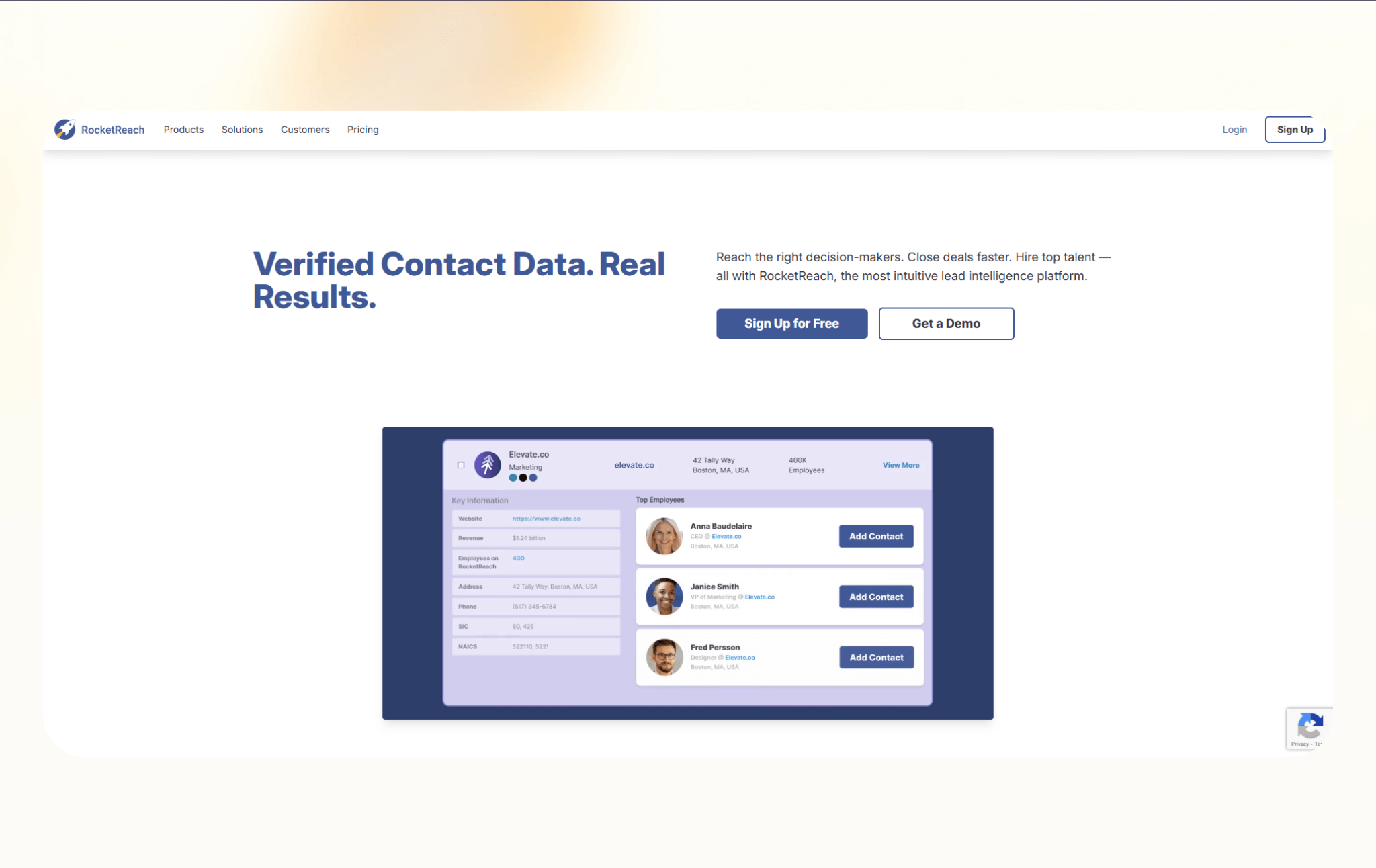
RocketReach is a contact database built for teams that need fast access to emails and phone numbers at scale. It works well when list building and exporting matter more than automating the full lead workflow.
I tested RocketReach by building bulk prospect lists for mid-market SaaS companies and exporting them into my cold outreach stack. I filtered by seniority, company size, and geography, then pulled a few hundred contacts to see how usable the data felt in practice.
It performed well for speed and scale. The filtering was flexible, and exports were straightforward. Accuracy was strongest for mid-level roles, while C-suite contacts were less consistent.
I still had to clean a portion of the list before launching campaigns. RocketReach worked best as a data feeder, not a complete workflow solution. Once I exported the list, everything else had to happen in other tools.
Why it beats Seamless.AI
- Allows larger bulk exports on lower-tier plans
- Covers a broad global contact database across industries
- Offers API access for teams that want to move data into other systems
Pros
- Simple interface for finding and exporting contacts
- Chrome extension works across LinkedIn and company websites
- Useful filters for role, company size, and location
Cons
- No built-in outreach or follow-up automation
- Data accuracy varies by region and seniority
Pricing
- Free plan with 5 loop-ups
- Paid plans start from $69/month, billed monthly
Bottom line
RocketReach makes sense if Seamless feels restrictive when exporting contacts. It works best as a pure data source that feeds other sales or outreach tools, not as a standalone lead workflow platform.
3. 6sense: Best for account-based and intent-driven teams
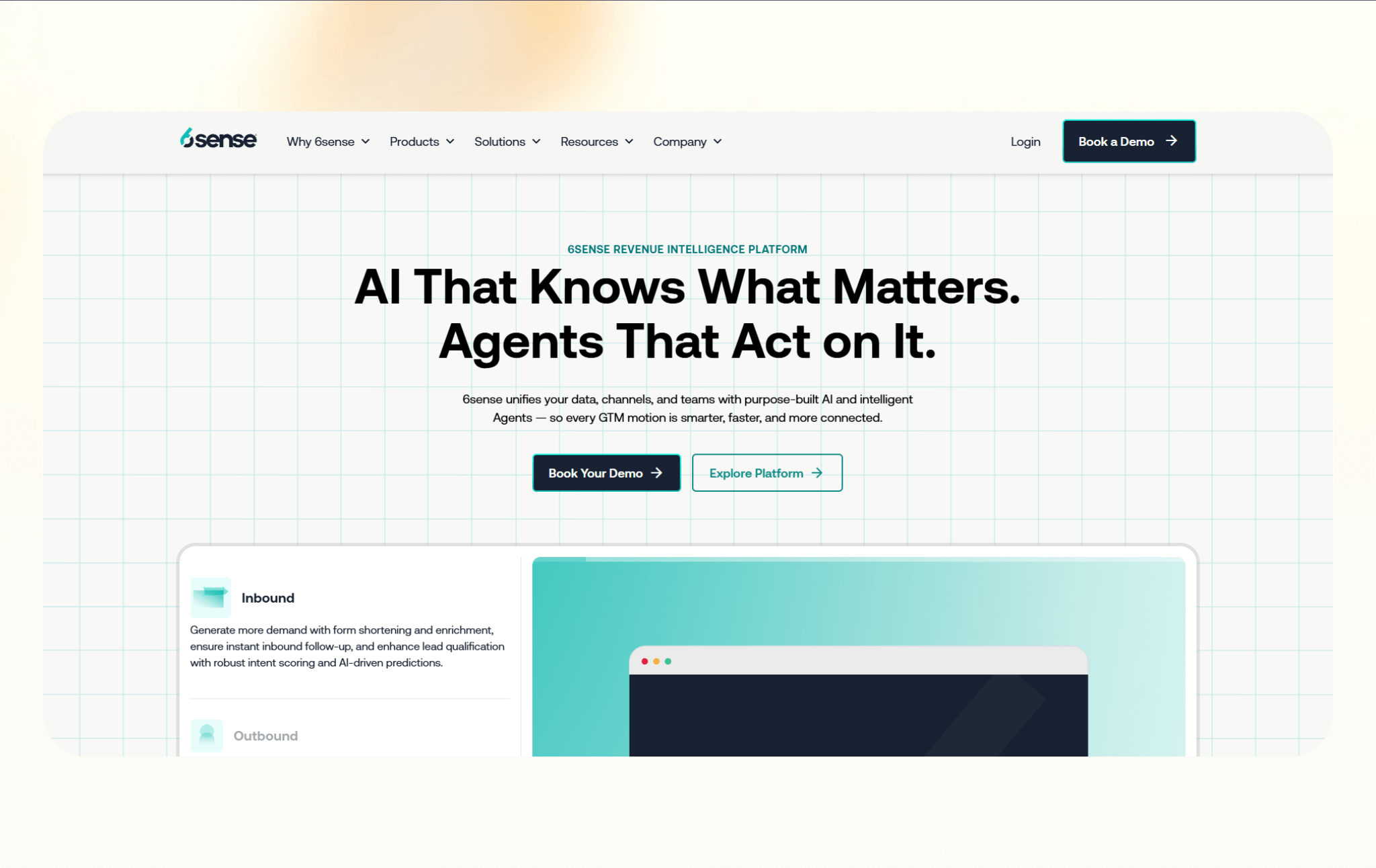
6sense is a revenue intelligence platform built around account-level data and buying intent. Instead of starting with individual contacts, it helps teams identify which companies are most likely to buy and when.
I tested 6sense by shifting from contact-first prospecting to account-based targeting. Instead of exporting names immediately, I filtered for companies showing intent around specific B2B keywords and compared that against existing CRM data.
The intent signals changed how I prioritized outreach. It helped identify which accounts were warming up before reps made contact. Setup required time and alignment across systems, so it’s not something you spin up in a day.
It also assumes you already have defined ICP criteria. The value came from timing and prioritization, not raw contact volume. For enterprise account-based marketing teams, that difference is meaningful.
Why it beats Seamless.AI
- Prioritizes accounts showing active buying intent instead of raw contact lists
- Helps sales teams time outreach based on real engagement signals
- Supports ABM strategies that go beyond basic lead generation
Pros
- Strong fit for mid-market and enterprise sales teams
- Combines intent data, firmographics, and account insights
- Integrates with major CRMs and marketing platforms
Cons
- Overkill for small teams focused on outbound prospecting
- Requires onboarding and alignment across sales and marketing
Pricing
- No free plan or trial
- Paid plans are quote-based, billed monthly
Bottom line
6sense works best when lead generation starts with identifying the right accounts, not pulling contact lists. If Seamless feels too contact-focused and you care more about timing and intent, 6sense offers a deeper, account-first approach.
4. Nimble: Best for relationship-first selling
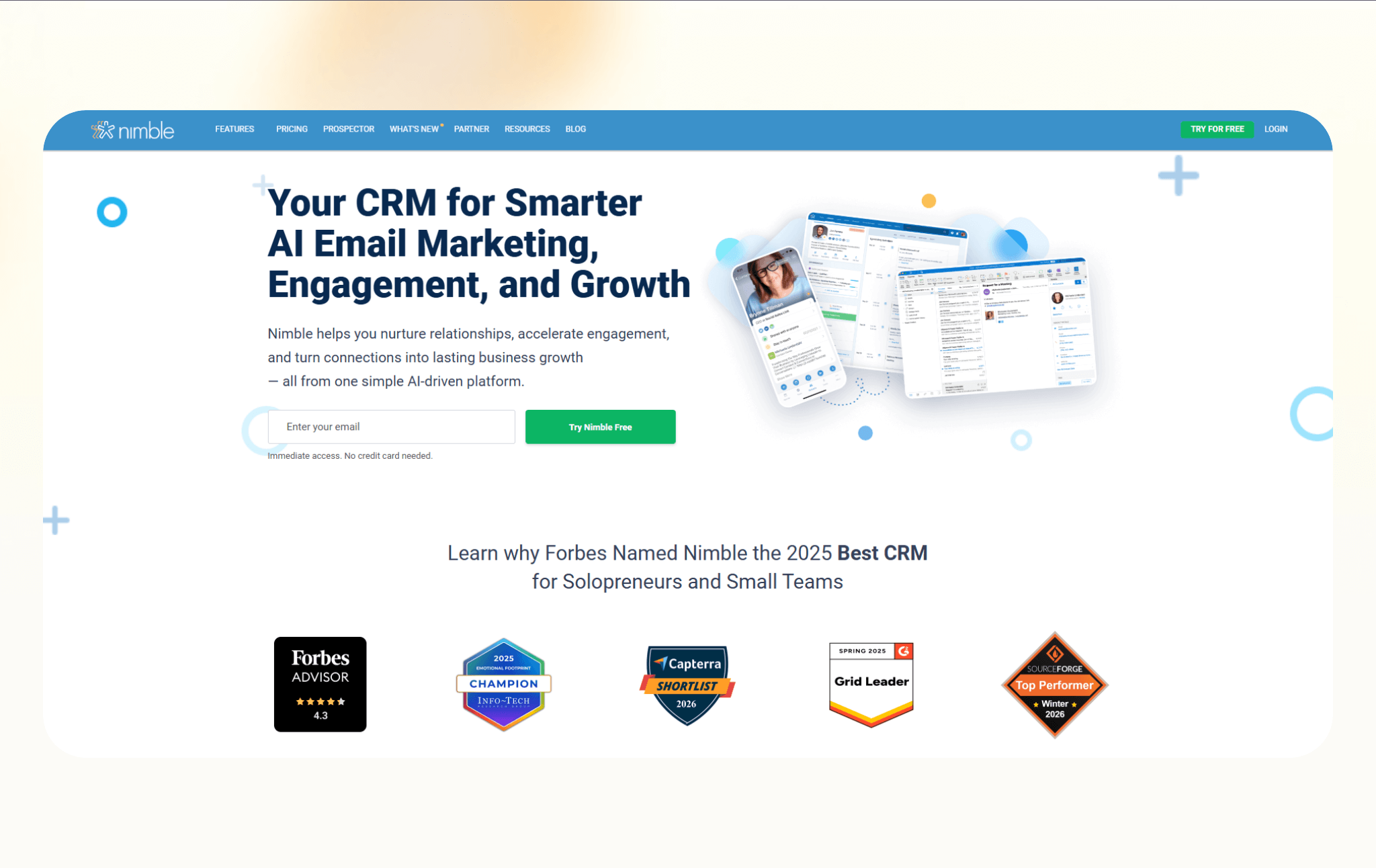
Nimble combines contact enrichment with lightweight CRM features and social context. It focuses on helping teams manage relationships instead of pushing high-volume prospecting.
I tested Nimble by syncing my inbox and calendar, then using it to manage warm relationships instead of cold outreach. I imported contacts and watched how it layered in social data and communication history.
It felt strongest as a relationship tracker. Seeing context from email threads and social profiles in one place made follow-ups easier to personalize. It didn’t offer the database depth needed for large outbound campaigns and felt limited for prospect list expansion.
Nimble worked best when the goal was maintaining relationships rather than generating new ones at scale.
Why it beats Seamless.AI
- Adds relationship context through email and social profile data
- Combines contact enrichment and CRM in one place
- Reduces the need to export leads into a separate system
Pros
- Simple CRM that is easy to adopt
- Pulls data from email, calendars, and social networks
- Works well for consultants, founders, and small sales teams
Cons
- Limited database depth compared to large sales intelligence tools
- Not built for high-volume outbound campaigns
Pricing
- Free trial for 14-days
- Paid plans start from $29.90/month, billed monthly
Bottom line
Nimble fits founders, consultants, and small teams that manage relationships more than outbound volume. It works well when context and contact history matter more than scale.
5. Cognism: Best for US and EU sales teams
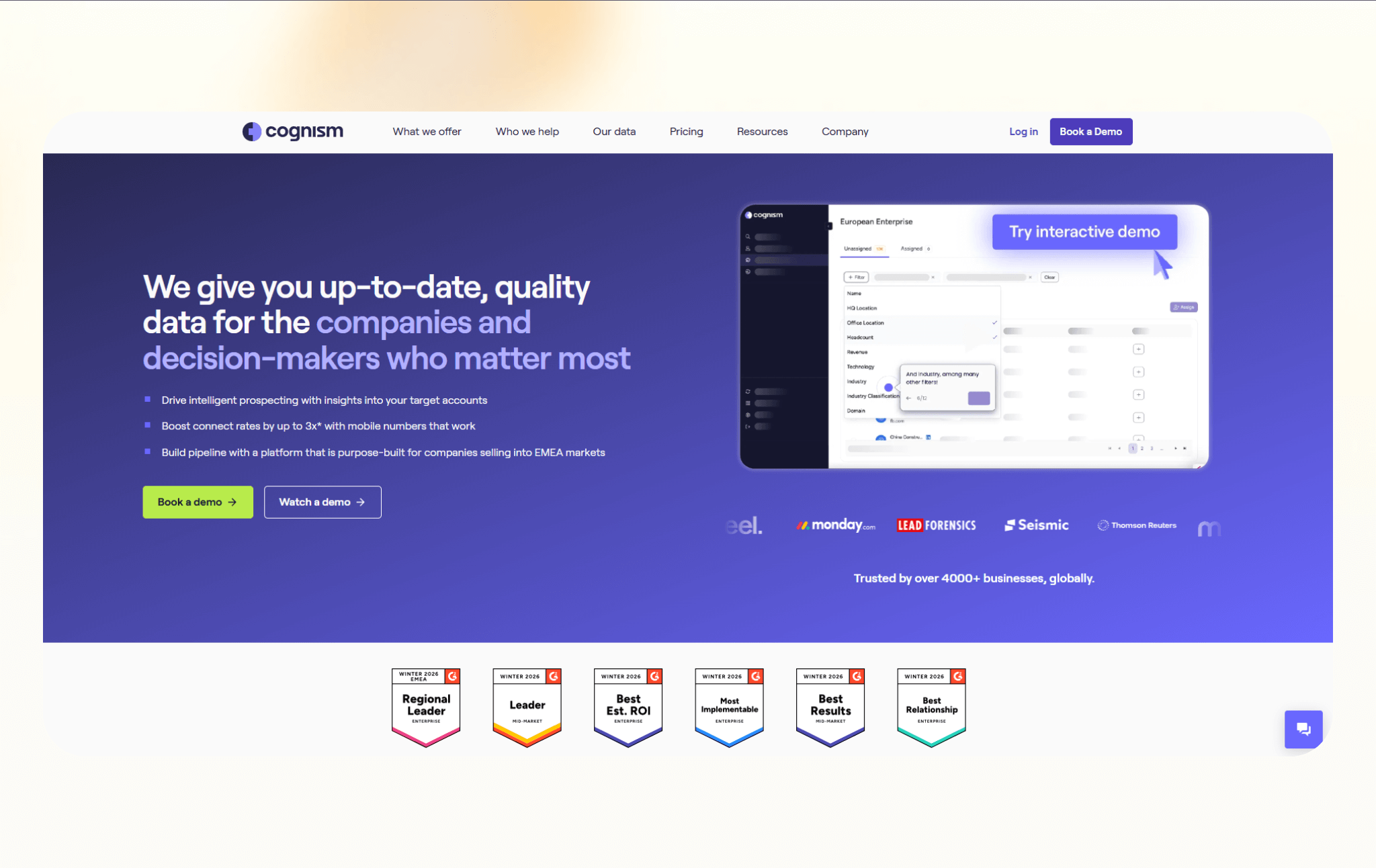
Cognism is a B2B sales intelligence platform focused on compliant contact data and global coverage. It’s built for teams selling across the US and Europe that care about data quality and regulations.
I signed up for a free trial of Cognism after a sales call. I tested it by building cross-region lists in the US and UK, focusing heavily on verified mobile numbers. I compared its exported contacts against another provider to see which produced fewer failed calls.
Cognism has strong mobile data for Europe. It also has detailed filtering options, with clean and structured exports. It felt enterprise-oriented from the start, including pricing conversations.
Cognism works well for teams that need compliance, confidence, and verified direct dials. For global sales motions, that positioning makes sense.
Why it beats Seamless.AI
- Strong focus on compliance for US and EU prospecting
- Provides verified mobile numbers for direct outreach
- Designed for teams selling across multiple regions
Pros
- Reliable coverage for international sales teams
- Emphasizes data accuracy and regulatory standards
- Integrates with popular CRMs and sales tools
Cons
- Pricing puts it out of reach for smaller teams
- Less flexible for quick, ad hoc prospecting
Pricing
- No free plan or trial available
- Paid plans are quote-based
Bottom line
Cognism works best for teams that sell across regions and need confidence in their data. If Seamless feels limited outside the US or raises compliance concerns, Cognism offers a more structured option for global prospecting.
6. UpLead: Best for clean contact enrichment
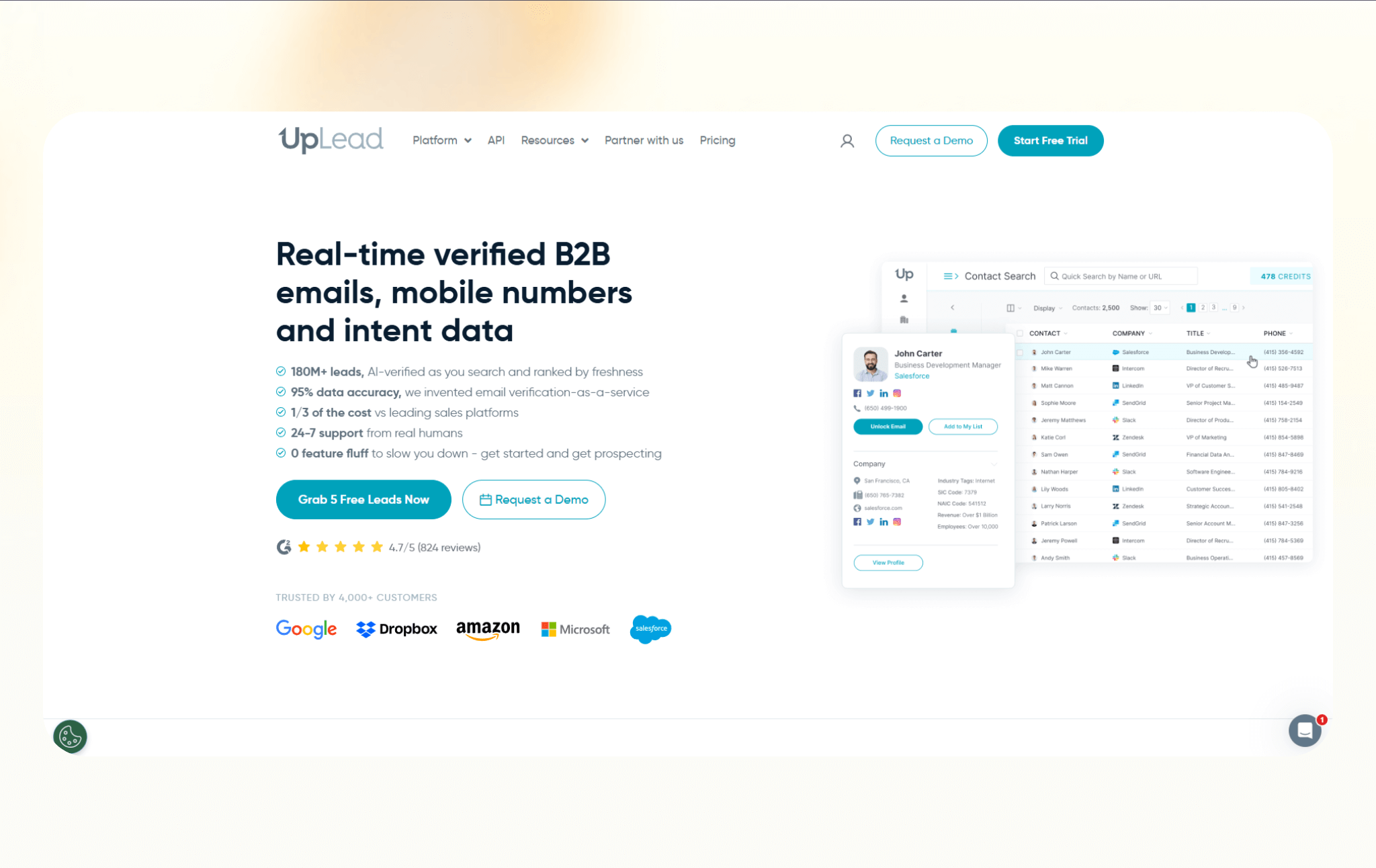
UpLead is a B2B contact data platform built around verification. It’s designed for teams that care more about email accuracy than massive contact volume.
I tested UpLead by building a fintech prospect list and enabling email verification before export. I then ran a small outbound test to measure bounce rates and deliverability.
The real-time verification made a difference. Bounce rates were lower than what I’ve seen with lower-cost databases. The database itself wasn’t as large as enterprise tools, but filtering was precise. UpLead felt focused on quality over volume. It didn’t try to handle sequencing or outreach. It handled enrichment cleanly and stayed in its lane.
Why it beats Seamless.AI
- Verifies emails before export to reduce bounce risk
- Makes data quality a priority instead of raw lead volume
- Works well for enrichment and list cleanup workflows
Pros
- Strong focus on email verification
- Simple interface for building and exporting lists
- Integrates with common CRMs and sales tools
Cons
- Smaller database compared to enterprise platforms
- Limited features beyond contact discovery and enrichment
Pricing
- 7-day free trial available
- Paid plans start from $99/month, billed monthly
Bottom line
UpLead suits teams that want cleaner data and fewer bounces. It’s ideal for enrichment and list building when accuracy matters more than pulling the largest possible volume of contacts.
7. SalesIntel: Best for accuracy-focused teams
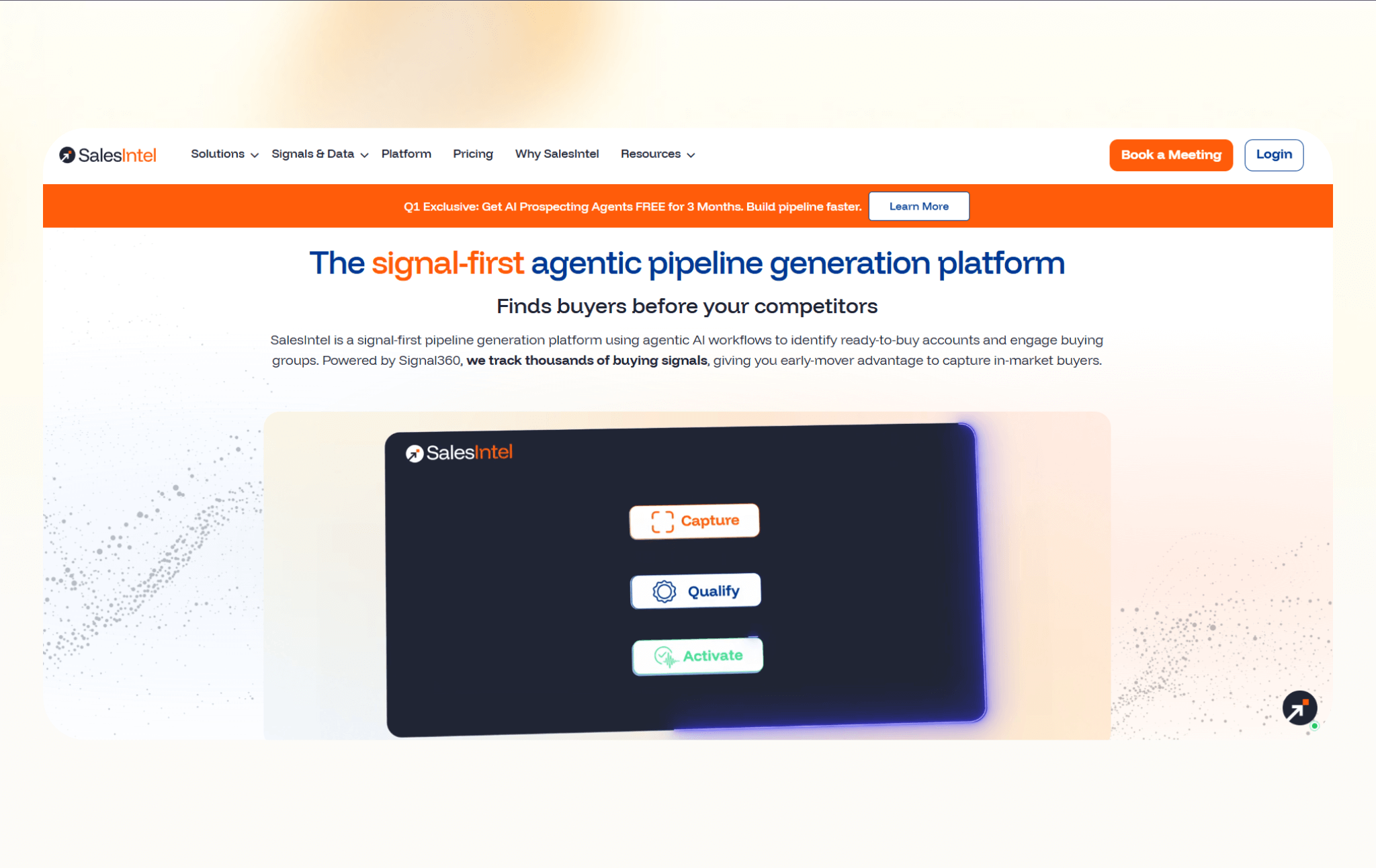
SalesIntel is a sales intelligence platform built around human-verified contact data. It works well for teams that value accuracy and reliability over speed and volume.
I tested SalesIntel by pulling a focused list in manufacturing and logistics, then comparing the contacts against two automated databases. I specifically evaluated direct dial accuracy.
The human-verified positioning showed up in the data. Direct dials were more reliable, especially in niche segments. The platform leaned toward enterprise buyers, both in interface and the pricing process. It’s not optimized for quick self-serve list building.
Why it beats Seamless.AI
- Uses human verification to confirm contact details
- Reduces reliance on purely automated data sources
- Fits teams that need higher confidence before outreach
Pros
- Strong reputation for data accuracy
- Covers direct dials and verified emails
- Integrates with major CRMs and sales platforms
Cons
- Slower data refresh compared to automated tools
- Less flexible for quick list building
Pricing
- No free plan or trial available
- Custom pricing based on your needs
Bottom line
SalesIntel fits teams that prioritize confidence before outreach. It works best when sales reps need verified data and prefer reliability over fast list generation.
8. Saleshandy: Best for cold email execution
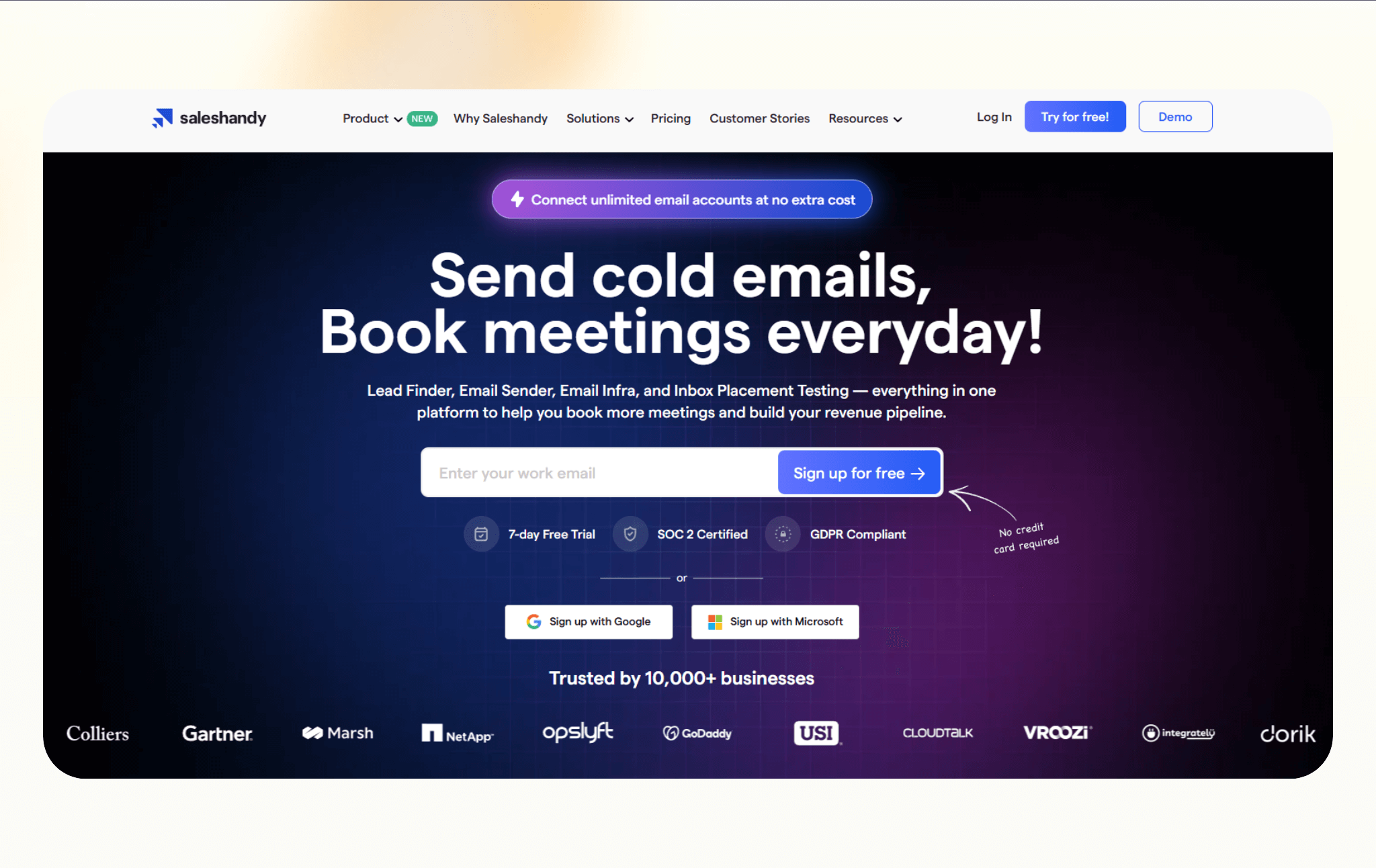
Saleshandy focuses on outbound email execution rather than contact discovery. It helps teams send, track, and manage cold email campaigns once leads already exist.
I tested Saleshandy by importing an existing contact list and launching a multi-step cold email sequence. I monitored deliverability, reply tracking, and workflow visibility across campaigns.
The sequencing setup was straightforward, and tracking metrics were easy to interpret. Warm-up features helped protect sending reputation. It didn’t provide data sourcing, so I still relied on external databases.
Saleshandy worked best when outreach execution was the bottleneck. It reduced tool switching for campaigns but didn’t replace a sales intelligence layer.
Why it beats Seamless.AI
- Includes built-in cold email sending and tracking
- Handles follow-ups without exporting leads to another tool
- Fits teams that already source leads elsewhere
Pros
- Simple setup for cold email campaigns
- Tracks opens, clicks, and replies in one place
- Supports inbox rotation and basic deliverability controls
Cons
- Does not provide a large contact database
- Limited value if you only need enrichment
Pricing
- A 7-day free trial with up to 100 emails
- Paid plans start from $36/month, billed monthly
Bottom line
Saleshandy is a strong option for teams that already have leads and want to focus on cold email execution. It works well when outreach, tracking, and follow-ups matter more than data sourcing.
9. Lusha: Best for LinkedIn prospecting
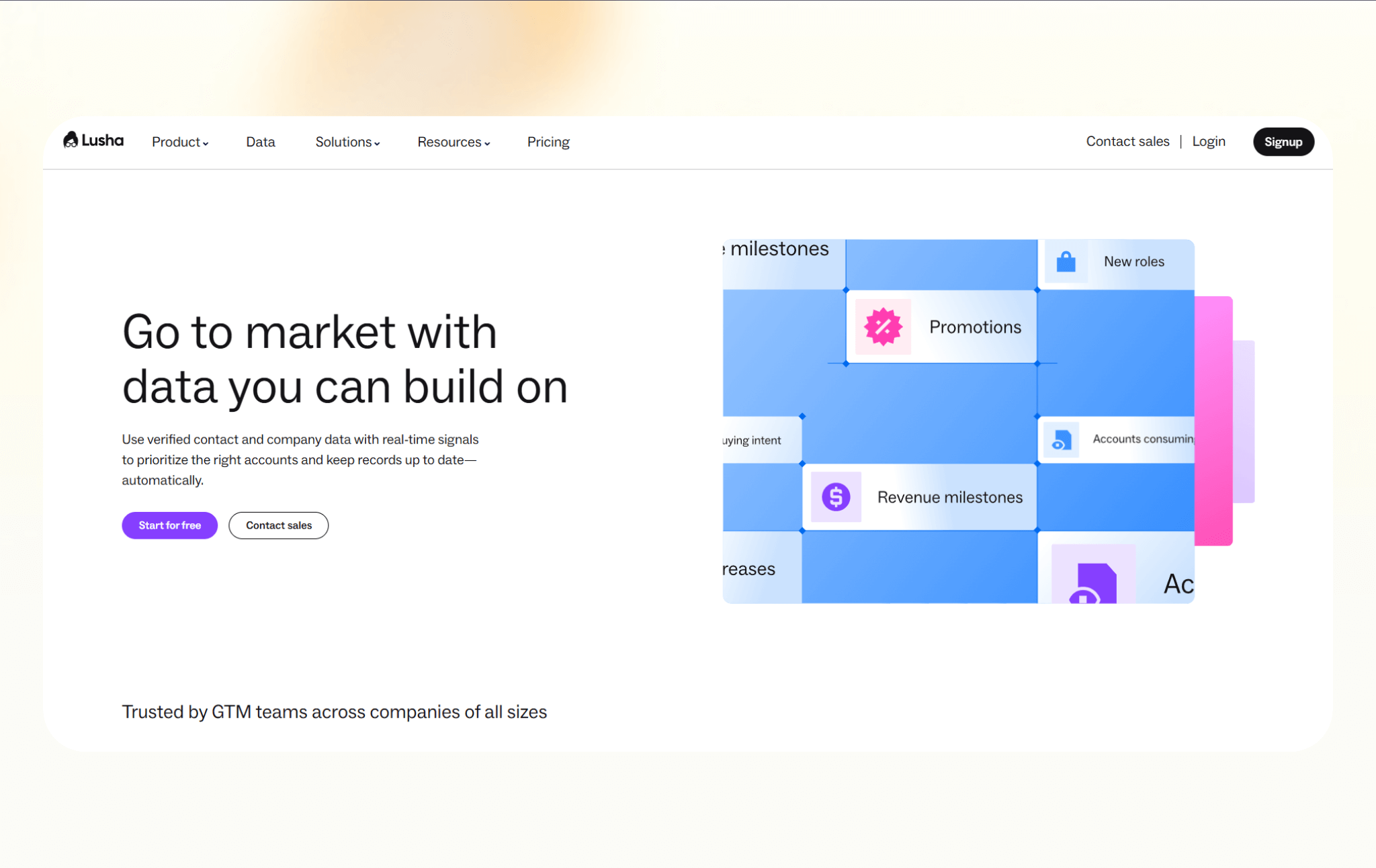
Lusha is a contact enrichment tool designed for fast prospecting on LinkedIn. It works best when sales reps need quick access to contact details while browsing profiles.
I tested Lusha directly inside LinkedIn using its Chrome extension. I browsed profiles in my target industry and pulled emails and phone numbers while prospecting.
The extension reduced friction. Instead of copying details into spreadsheets, I captured contact info quickly. Accuracy was decent for mid-level roles but less consistent at the executive level. Bulk list building wasn’t its strength.
Lusha felt most useful for SDRs who scour LinkedIn daily and need fast enrichment rather than deep segmentation.
Why it beats Seamless.AI
- Pulls contact data directly from LinkedIn profiles
- Requires fewer steps to capture leads during prospecting
- Works well for individual reps and small teams
Pros
- Easy-to-use Chrome extension
- Quick access to emails and phone numbers
- Strong focus on compliance standards
Cons
- Limited depth compared to larger data providers
- Credit limits can feel restrictive for heavy users
Pricing
- Free plan with 40 credits/month
- Paid plans start from $49.90/month, billed monthly
Bottom line
Lusha fits reps who prospect directly on LinkedIn and need fast access to contact details. It works best for lightweight, profile-based prospecting rather than large-scale list building.
10. Lead411: Best for SMB sales intelligence
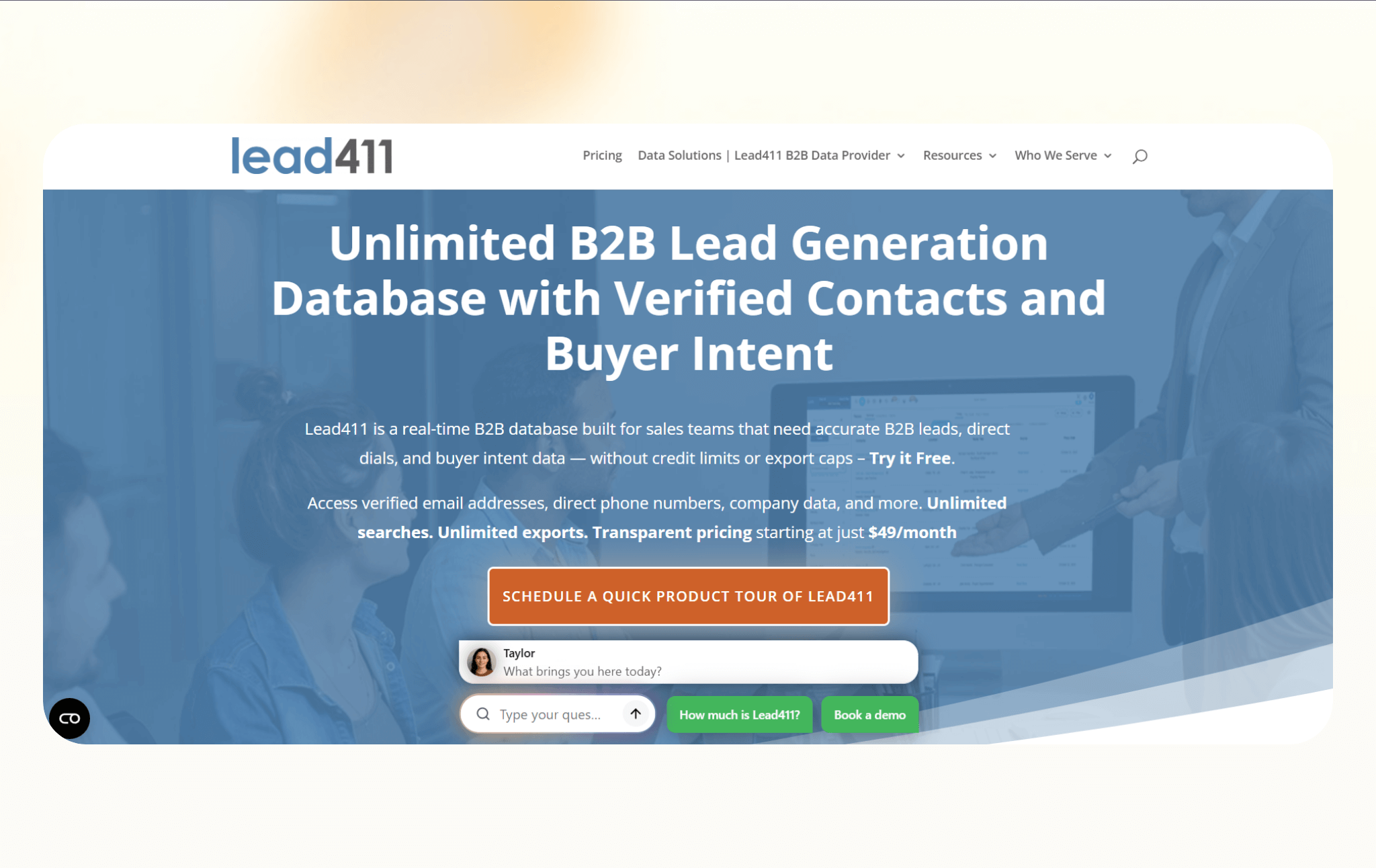
Lead411 is a sales intelligence platform aimed at small and mid-sized teams that want contact data plus basic buying signals without enterprise pricing.
I tested Lead411 by enabling buyer intent filters for SMB-focused campaigns. I built segmented lists based on industry and engagement signals, then compared prioritization against a standard list pull.
The intent layer helped surface accounts that were already researching relevant categories. The interface was easier to navigate than larger enterprise tools. The database coverage was strongest in US mid-market companies.
It didn’t provide the same depth as ZoomInfo-level intelligence, but it balanced intent data and accessibility well. For smaller teams, that tradeoff works.
Why it beats Seamless.AI
- Includes buyer intent signals alongside contact data
- Offers a simpler pricing structure for smaller teams
- Balances enrichment and intelligence without heavy setup
Pros
- Useful intent data for prioritizing outreach
- Good coverage for SMB-focused prospecting
- Integrates with common CRMs and sales tools
Cons
- Smaller database compared to enterprise platforms
- Interface feels dated in some areas
Pricing
- A 7-day free trial available
- Paid plans start from $49/month, billed monthly
Bottom line
Lead411 works well for small and medium-sized business teams that want contact data plus basic buying signals. It’s a practical middle ground for teams that want more context without enterprise complexity.
11. Apollo: Best all-in-one prospecting and outreach
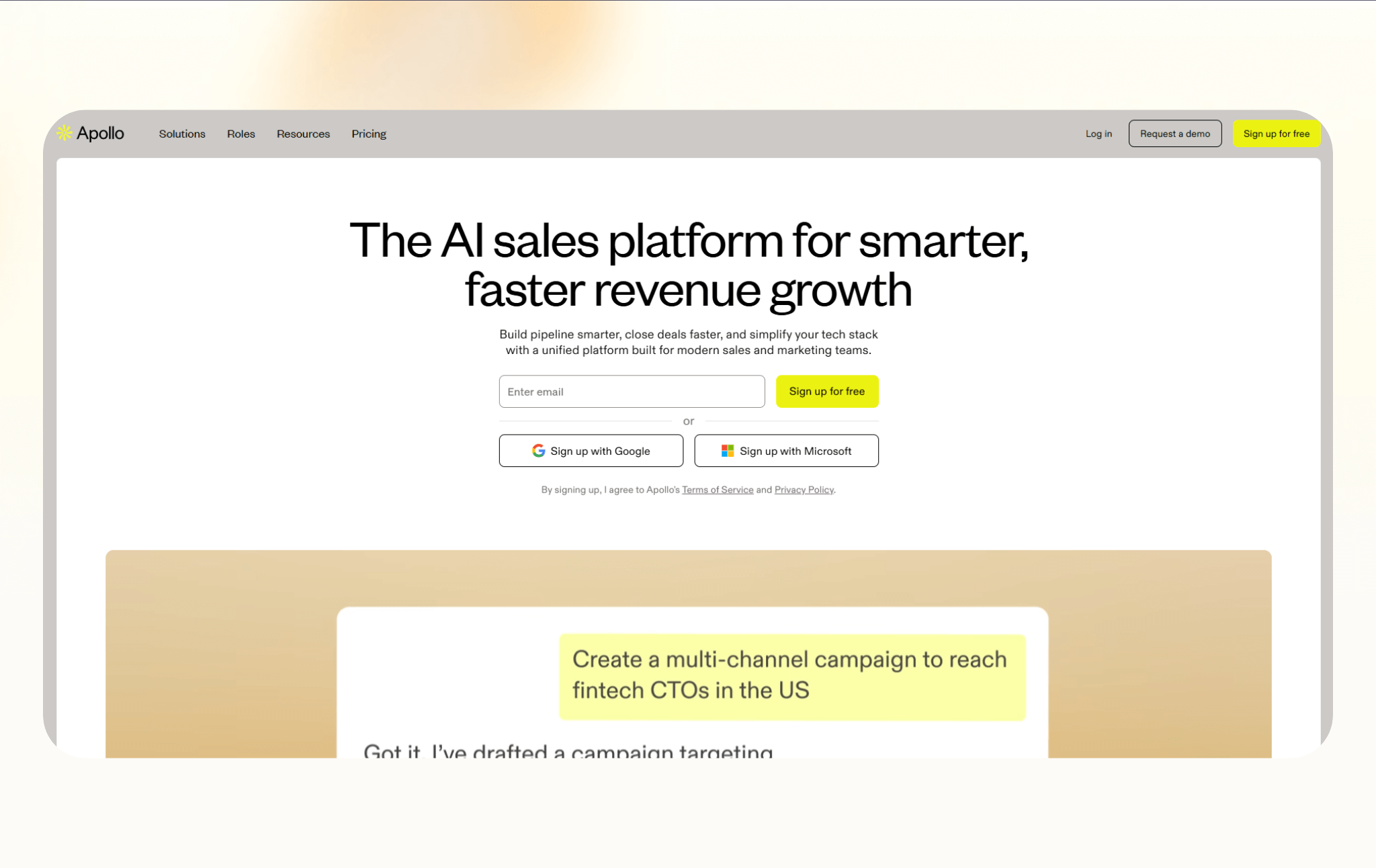
Apollo combines a B2B contact database with outbound sequencing and basic CRM-style features. It’s built for teams that want to source leads and run outreach from the same tool.
I tested Apollo by building a filtered prospect list and launching outreach directly inside the platform. I ran sequences, tracked replies, and monitored bounce rates within the same interface.
Having data and outreach combined reduced tool switching. Apollo had an extensive database, and filtering was flexible. Accuracy varied slightly by niche industry. The sequencing tool handled automation cleanly without feeling overly complex.
Why it beats Seamless.AI
- Combines contact data and outbound campaigns in one platform
- Lets reps launch sequences without exporting leads elsewhere
- Works well for teams that want speed over customization
Pros
- Expansive contact database for SMB and mid-market teams
- Built-in email sequencing and basic engagement tracking
- Free plan helps teams test workflows before upgrading
Cons
- Data accuracy varies by region and role
- Outreach features lack depth compared to dedicated tools
Pricing
- Free plan with 100 credits/month
- Paid plans start from $59/user/month, billed monthly
Bottom line
Apollo suits teams that want prospecting and outbound in one place. It’s a good fit for small and mid-market teams that value speed and convenience over deep customization.
12. Hunter: Best for email finding and verification
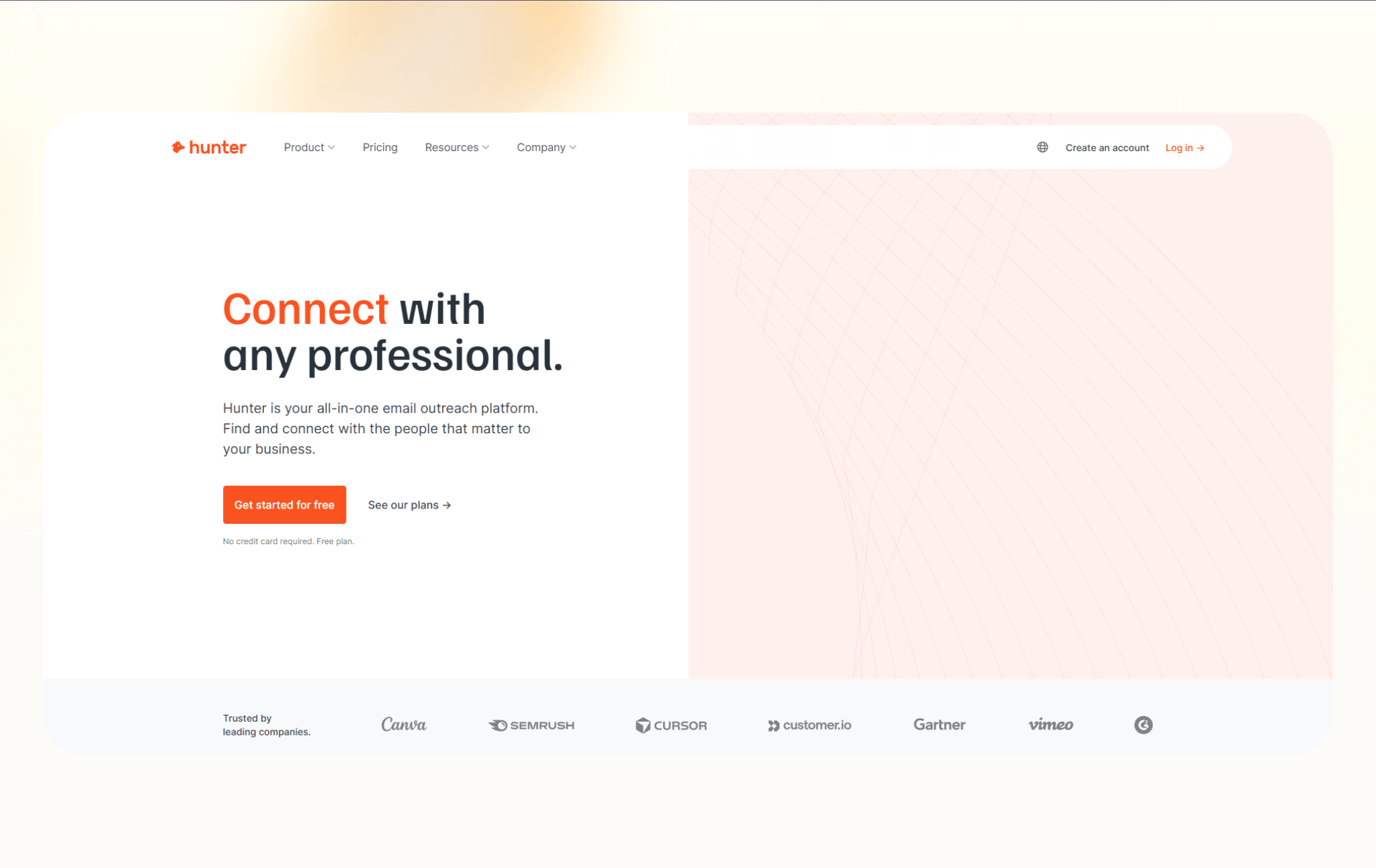
Hunter focuses on finding and verifying professional email addresses. It’s built for teams that need reliable emails tied to domains, not full sales intelligence or outreach workflows.
I tested Hunter by entering company domains and pulling associated email formats and verified contacts. I used it when I already knew the target accounts but needed direct emails.
Hunter handled domain-based discovery clearly and quickly. Verification reduced bounce risk, but it didn’t provide broader firmographic filters. It’s not designed for building large outbound databases.
Huner worked best as a tactical tool inside a larger prospecting workflow. For quick email lookups, it stayed efficient and predictable.
Why it beats Seamless.AI
- Specializes in domain-based email discovery
- Verifies emails before export to reduce bounce rates
- Keeps workflows simple without credit-heavy complexity
Pros
- Clean interface that is easy to use
- Strong email verification and confidence scoring
- Works well for enrichment and list cleanup
Cons
- Does not provide phone numbers
- Limited value beyond email discovery and verification
Pricing
- Free plan with 50 credits/month
- Paid plans start from $49/month, billed monthly
Bottom line
Hunter fits teams that only need professional email addresses. It’s ideal for email discovery and verification when deliverability matters more than complete sales intelligence.
13. Kaspr: Best for EU-focused LinkedIn enrichment
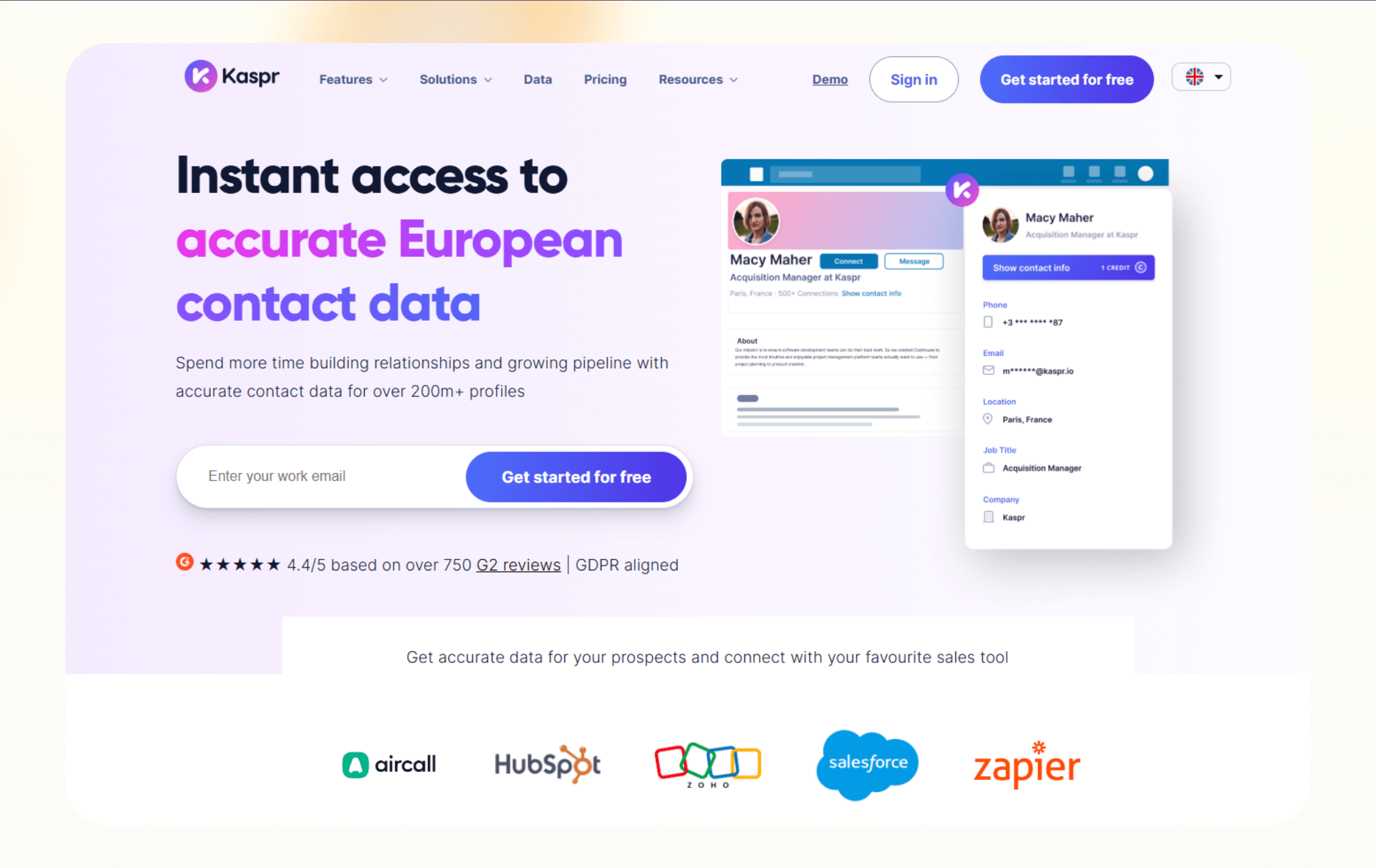
Kaspr is a LinkedIn enrichment tool built for teams prospecting in Europe. It focuses on pulling contact details directly from LinkedIn profiles with a strong emphasis on compliance.
I tested Kaspr within LinkedIn for EU-based prospecting. I browsed profiles in Western Europe and pulled contact details directly through the extension.
The extension was fast and easy to use. GDPR positioning felt central to its messaging, especially for European sales teams. Accuracy was strongest in larger markets and less consistent in smaller regions.
Kaspr worked best for LinkedIn-first workflows rather than database-driven segmentation. It reduced enrichment friction but didn’t attempt to replace deeper sales intelligence platforms.
Why it beats Seamless.AI
- Designed specifically for EU prospecting and regulations
- Captures contact data directly from LinkedIn workflows
- Feels lighter and faster for profile-based research
Pros
- Chrome extension works smoothly on LinkedIn
- Good coverage for European companies and roles
- Clear focus on GDPR-friendly data sourcing
Cons
- Limited value outside LinkedIn-based workflows
- Smaller database compared to global providers
Pricing
- Free plan with limited monthly credits
- Paid plans start from €59/month, billed monthly
Bottom line
Kaspr works best for teams prospecting on LinkedIn in European markets. It’s a good choice when compliance and LinkedIn-based workflows drive lead sourcing.
14. Adapt: Best for budget-friendly list building
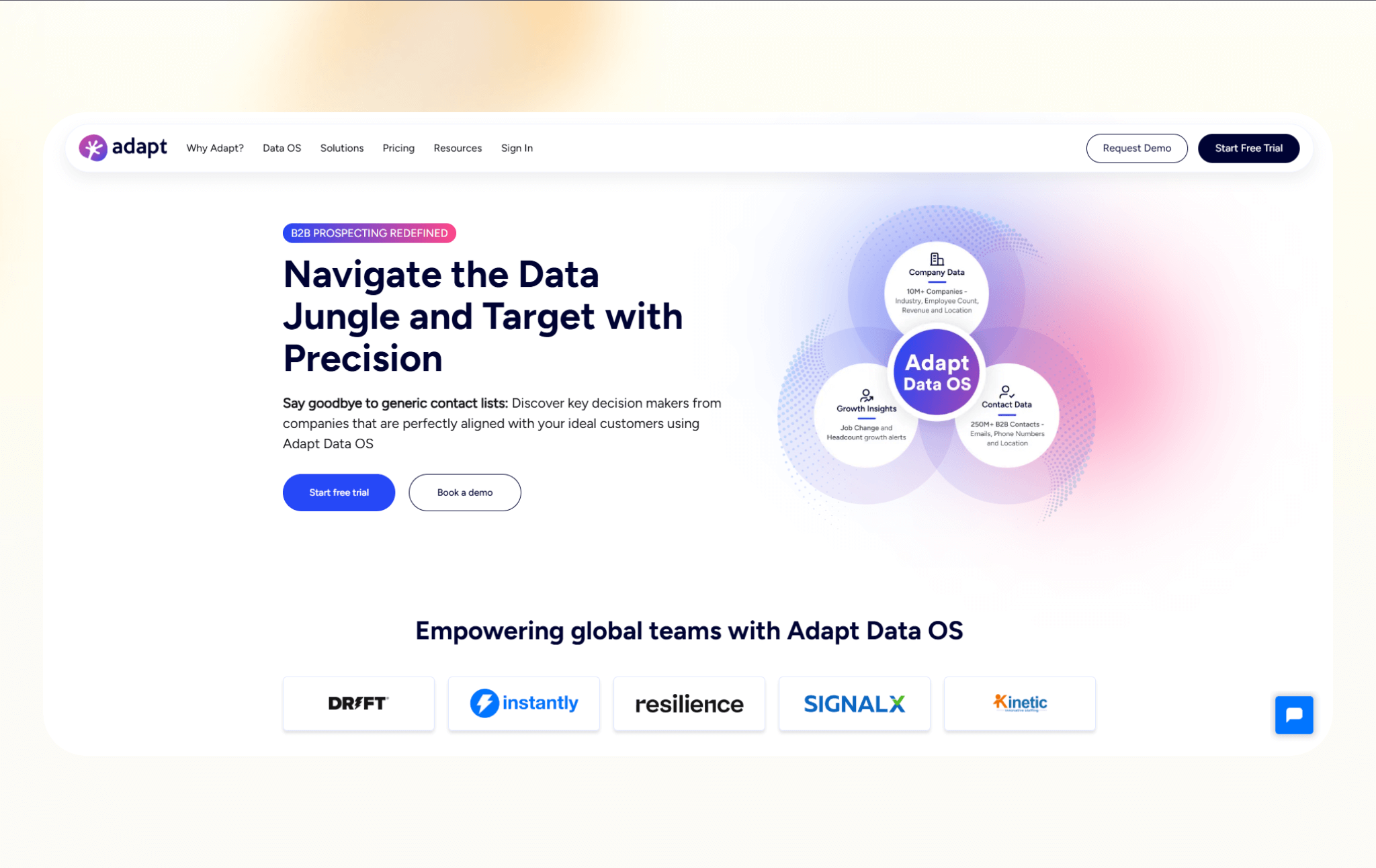
Adapt is a sales intelligence platform focused on providing large contact lists at a lower entry price. It’s built for teams that need volume without committing to enterprise tools.
I tested Adapt by building a budget-friendly list for marketing managers in SaaS companies. I exported a mid-sized list and reviewed accuracy before launching outreach.
Adapt’s pricing made experimentation accessible. Data coverage was moderate, and some contacts required manual verification. Filtering was simple but not deeply layered.
It suits cost-conscious teams and works for early-stage list building, but needs cleanup before execution.
Why it beats Seamless.AI
- Offers more predictable pricing for bulk list building
- Focuses on contact volume over complex credit systems
- Works well for teams running broad outbound campaigns
Pros
- Large contact database for list creation
- Simple filters for role, company size, and industry
- Lower cost compared to many sales intelligence tools
Cons
- Data accuracy varies across regions and roles
- Limited features beyond contact discovery
Pricing
- Free plan with limited monthly credits
- Paid plans start from $49/month, billed monthly
Bottom line
Adapt fits teams that prioritize scale and cost control. If Seamless feels restrictive or expensive for bulk prospecting, Adapt offers a simpler way to build large lists without enterprise-level pricing.
15. Skrapp: Best for LinkedIn email lookup
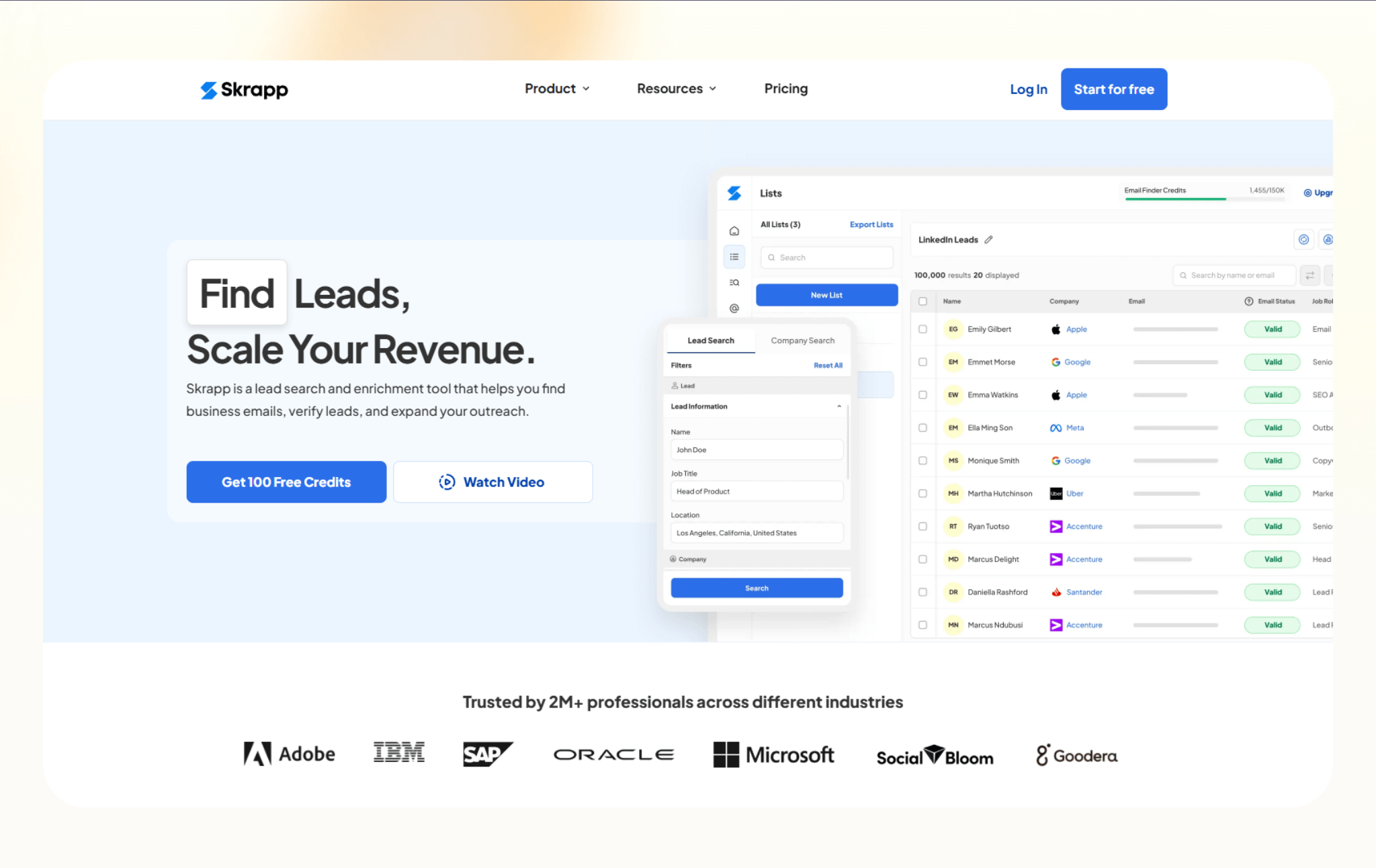
Skrapp is a lightweight email finder built around LinkedIn and company domains. It’s designed for teams that want quick access to professional email addresses without a full sales intelligence platform.
I tested Skrapp through LinkedIn lookups and light list building. I pulled emails from profiles in a targeted niche and exported a small batch.
The interface is simple and lightweight. The extension handled enrichment without heavy configuration. Filtering capabilities were limited compared to larger databases, and accuracy was reasonable for corporate domains. However, it sometimes required occasional verification.
Why it beats Seamless.AI
- Focuses on simple LinkedIn-based email discovery
- Avoids complex credit systems and feature overload
- Works well for small teams and solo operators
Pros
- Easy-to-use Chrome extension for LinkedIn
- Fast email lookup tied to domains and profiles
- Straightforward setup with minimal learning curve
Cons
- Does not provide phone numbers or intent data
- Limited value beyond email discovery
Pricing
- Free plan with 100 credits/month
- Paid plans start from $39/month, billed monthly
Bottom line
Skrapp suits small teams and solo operators who need a quick LinkedIn email lookup. It’s a good fit for simple prospecting without the overhead of a full platform.
16. HubSpot Sales Hub: Best for HubSpot-native enrichment
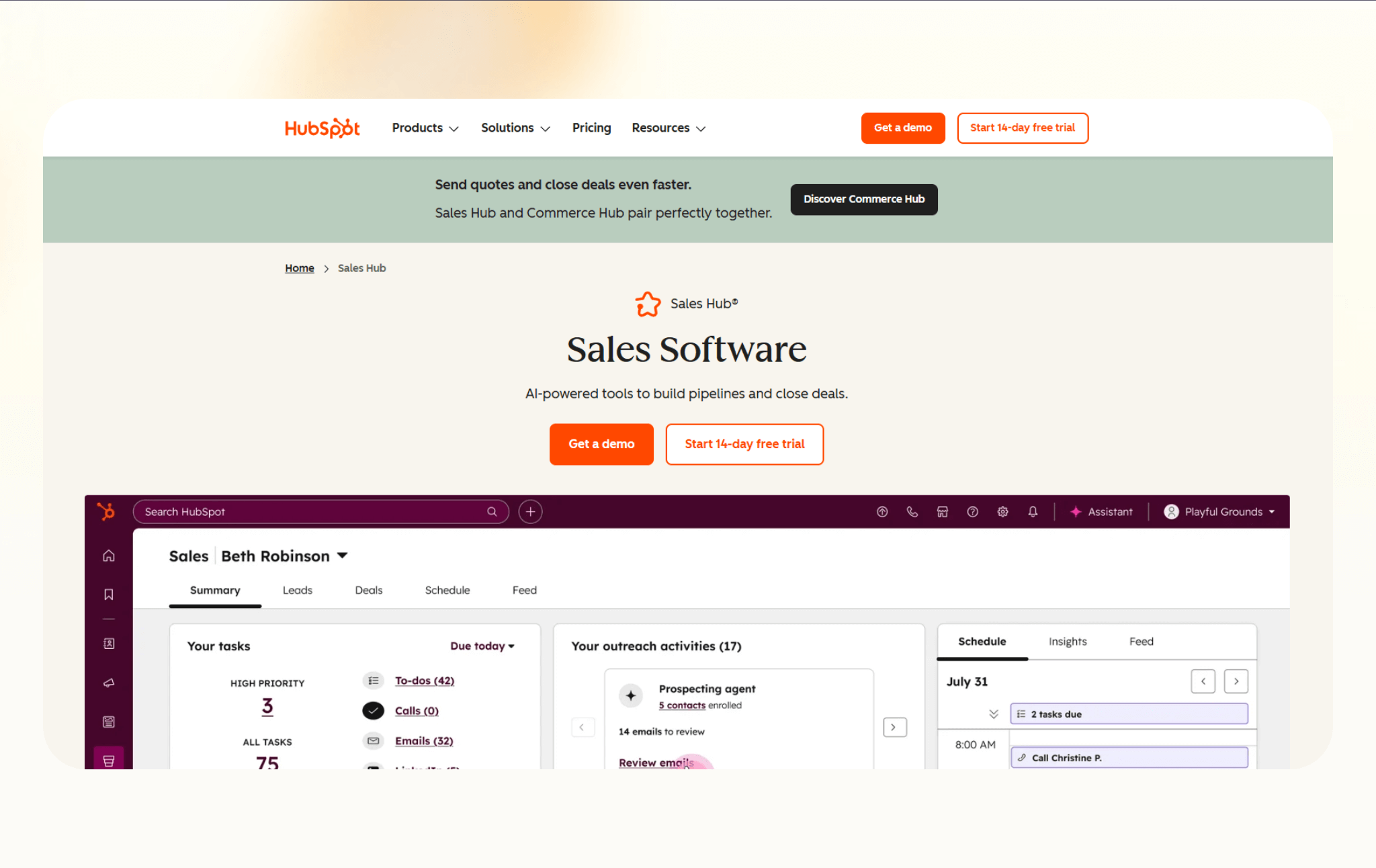
HubSpot Sales Hub includes Breeze Intelligence, an AI feature that enriches contacts and companies directly inside HubSpot. Instead of exporting data to external tools, teams can add research, enrichment, and prospect insights within their CRM.
I tested Breeze Intelligence inside HubSpot to evaluate how native enrichment performed compared to exporting and re-importing data. I enriched existing contacts and reviewed how fields updated inside CRM records.
It updated contacts directly within HubSpot, which saved manual steps. It didn’t function as a standalone prospecting tool. Its value depended heavily on how central HubSpot was to the workflow. For HubSpot-centric teams, the native experience will feel cleaner than external enrichment tools.
Why it beats Seamless.AI
- Enriches contact and company data natively inside HubSpot
- Removes the need for third-party exports and imports
- Fits teams already running their entire CRM workflow in HubSpot
Pros
- Works directly within HubSpot records and pipelines
- Keeps enrichment tied to CRM activity and context
- Reduces the number of tools for HubSpot-first teams
Cons
- Limited value outside the HubSpot ecosystem
- Credit-based pricing can be hard to predict at scale
Pricing
- Starts from $100/seat/month, billed monthly, and includes HubSpot credits
- Additional credit packs start from $45/month for 5,000 monthly credits
Bottom line
Breeze Intelligence fits teams that already run their sales process inside HubSpot. It works best when enrichment needs to stay native to the CRM without external tools.
17. LeadIQ: Best for SDR prospect capture
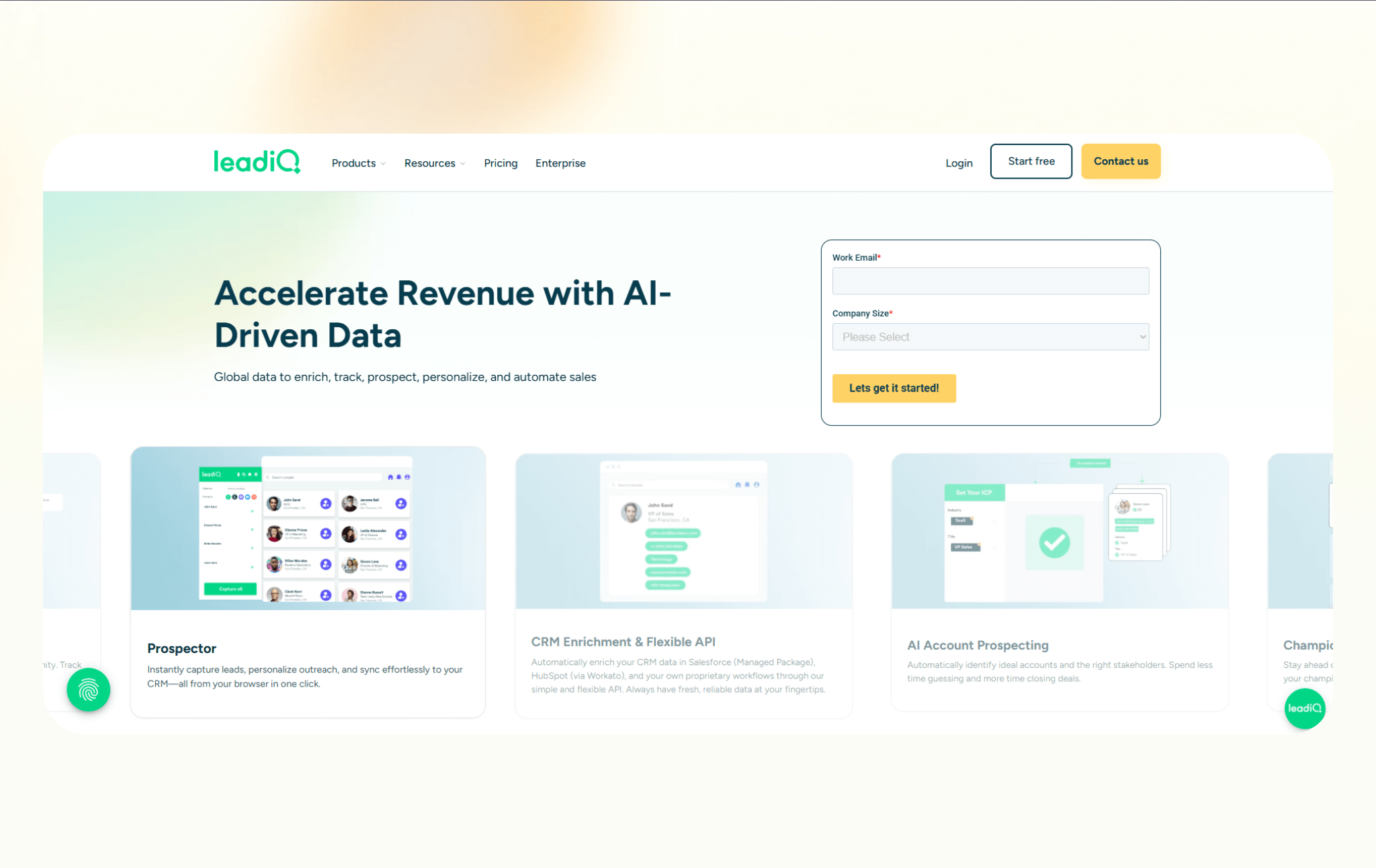
LeadIQ is built for SDR teams that prospect on LinkedIn and need a fast way to capture leads into their outbound workflow. It focuses on turning profile research into usable contacts without breaking momentum.
I tested LeadIQ during LinkedIn-based prospecting sessions. I captured leads directly from profiles and pushed them into outreach tools without manual copying.
The capture workflow is effective. It reduced spreadsheet dependency and improved handoff between prospecting and sequencing. It doesn’t aim for deep segmentation or company intelligence research. Instead, LeadIQ focused on speed during active prospecting sessions. For SDR workflows, that specialization felt intentional.
Why it beats Seamless.AI
- Captures leads directly from LinkedIn into outbound tools
- Reduces manual copy-paste during prospecting
- Fits SDR workflows that prioritize speed over deep enrichment
Pros
- Chrome extension works smoothly on LinkedIn
- Pushes leads into CRMs and sequencing tools
- Designed for daily SDR prospecting routines
Cons
- Limited depth compared to full sales intelligence platforms
- Accuracy varies depending on role and region
Pricing
- Free plan with 50 monthly credits
- Paid plans start from $20/month, billed monthly
Bottom line
LeadIQ works well for SDR teams that prospect daily on LinkedIn. It helps teams capture leads quickly and push them into outbound workflows with minimal friction.
18. ZoomInfo: Best for enterprise sales intelligence
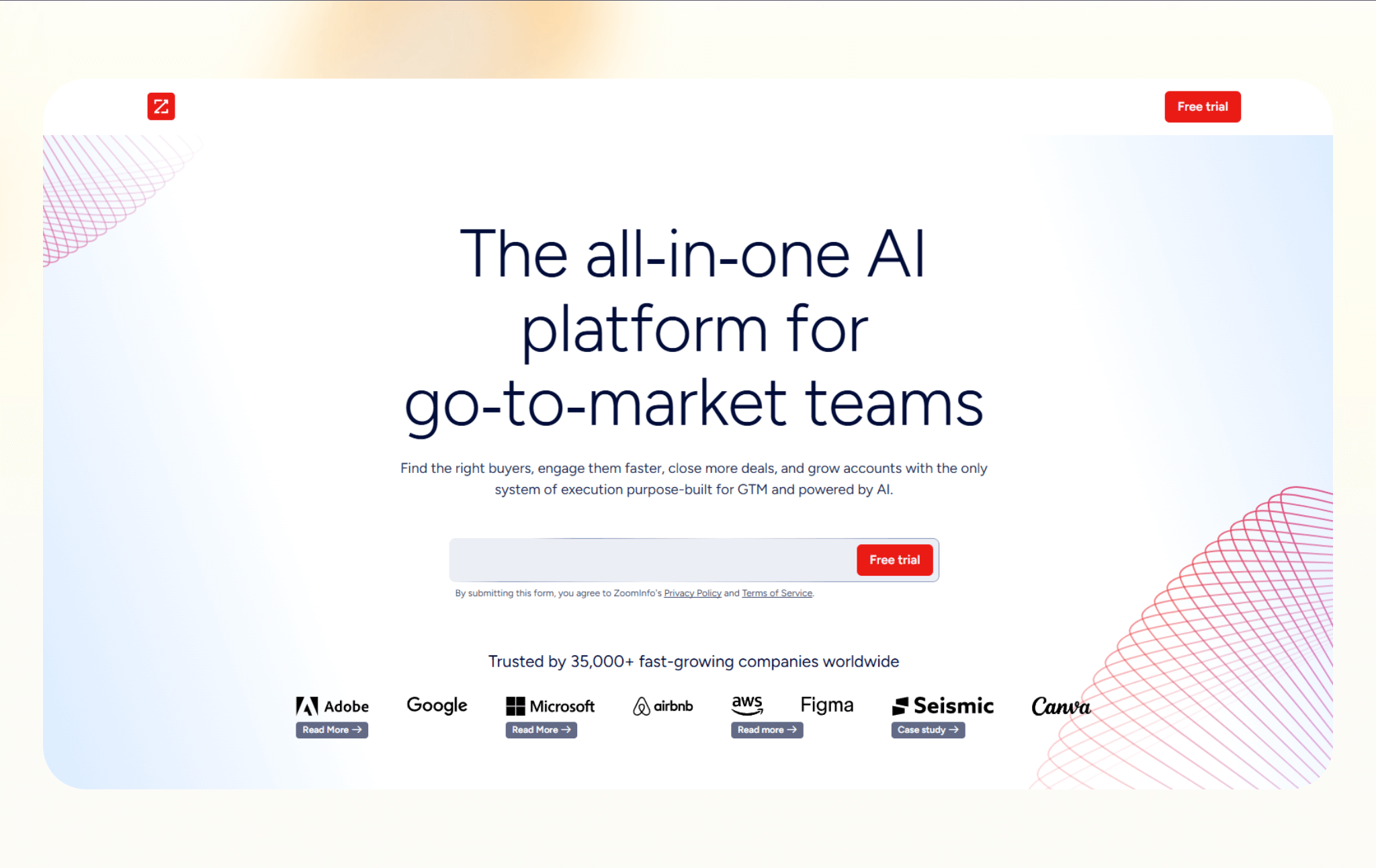
ZoomInfo is a sales intelligence platform built for large teams that need deep company data, organization charts, and buying signals. It focuses on breadth, depth, and scale rather than quick prospecting.
I tested ZoomInfo by researching enterprise accounts and mapping decision-makers across departments. I used advanced filters to segment by revenue, employee count, and technology stack.
It returned detailed company profiles, and organization charts helped identify buying committees. Filtering capabilities allowed tight segmentation. The platform required onboarding time to navigate efficiently, and the pricing and contract structure clearly targeted larger teams.
ZoomInfo is powerful but complex. Smaller teams may not need that level of depth.
Why it beats Seamless.AI
- Offers deeper company intelligence, including organization charts and firmographics
- Supports complex sales workflows with intent data and account insights
- Scales well for large teams with structured sales processes
Pros
- Extensive database across industries and regions
- Strong integrations with enterprise CRMs and sales tools
- Useful for account planning and territory management
Cons
- Pricing is expensive for many small teams
- Setup and adoption require time and training
Pricing
- No free plan available
- Custom pricing plans depending on the product you choose and your team's needs
Bottom line
ZoomInfo suits enterprise teams that need extensive company intelligence and account planning. It’s most effective for structured sales organizations with complex territories and longer sales cycles.
Why I looked for Seamless.AI alternatives
Seamless.AI works well for quick contact discovery, especially for teams that want fast access to emails and phone numbers. However, teams run into these shortcomings when they want it to do more:
Pricing predictability
Seamless relies on a credit-based system that can feel unclear once your usage increases. Teams often struggle to estimate how many credits outreach will consume, which makes budgeting harder over time.
Workflow depth
Seamless focuses on finding contacts, not what happens next. After enrichment, leads still need to move through outreach, follow-ups, scheduling, and CRM updates. That usually means exporting data and stitching together more tools, which adds friction and manual work.
Confidence in data
You need contact volume that’s accurate. Many teams want stronger verification, regional compliance, or intent signals before they commit time and effort to outreach. Seamless does not always offer enough control or transparency in those areas.
Varying team fit
What works for solo reps or small outbound teams can fall short for SMBs running structured sales motions or for enterprise teams managing accounts at scale. Different teams need different starting points, not just larger databases.
That’s why I included tools for different needs. Some focus on accuracy over volume, while others prioritize intent, automation, or CRM-native workflows. Seamless is one option, but it cannot be the only tool you use once lead generation becomes more than pulling contact lists.
How I evaluated these Seamless.AI alternatives
I evaluated these Seamless alternatives based on how teams use lead generation tools day to day. I tested them in everyday lead generation and sales workflows to see where each tool fits once prospecting moves beyond pulling contact lists.
I also reviewed product documentation, pricing pages, and user feedback to understand how teams use them in practice. That helped me discover repeat patterns instead of one-off complaints.
I also avoided judging tools outside their intended use. An email finder should not compete with an enterprise intelligence platform, and an ABM tool should not be scored like a cold outreach database.
Here’s what I looked for:
- Data relevance and coverage: I looked at how well each tool covers roles, industries, and regions that sales teams actually target. Large databases matter less if the data does not match who you sell to.
- Verification and confidence signals: Email verification, human review, compliance focus, and intent data all matter. Tools that offer clearer signals around accuracy earned higher marks than tools that only optimize for volume.
- Workflow fit: I evaluated how easily leads move from discovery to action. Tools that force constant exports, manual cleanup, or tool switching scored lower than tools that support smoother handoffs.
- Integrations and delivery: CRM sync, LinkedIn workflows, and outbound tool compatibility matter more than feature lists. I focused on how well each tool fits into common sales stacks.
- Pricing clarity: I paid close attention to pricing models. Credit systems, usage limits, and seat minimums can change how usable a tool feels over time. Tools with clearer entry points and predictable costs stood out.
{{cta}}
Which alternative should you choose?
The right Seamless alternative depends on your team size and how it generates and works on the leads. Use these scenarios to narrow it down quickly:
Choose Lindy:
- You want an AI assistant to generate leads, enrich them, and handle scheduling, follow-ups, or CRM updates without manual handoffs.
- Your team uses multiple tools today and loses time exporting data, switching tabs, or coordinating steps across systems.
- You want control over how leads progress, including approvals or checks before outreach goes out.
Choose other alternatives:
- RocketReach, if you need bulk contact exports and already run outreach in another tool.
- 6sense, if your sales motion starts at the account level and depends on buying intent, not contact volume.
- Nimble, if relationship management matters more than outbound scale, especially for founders or consultants.
- Cognism, if you sell across the US and Europe and need confidence around compliance and mobile numbers.
- UpLead, if email deliverability matters more than lead volume, and you want verification before export.
- SalesIntel, if accuracy outweighs speed, and human-verified data drives your outreach strategy.
- Saleshandy, if you already have leads and need a focused tool for cold email execution.
- Lusha, if LinkedIn drives prospecting, and you want fast access to contact details inside profiles.
- Lead411, if you want contact data plus basic intent signals without enterprise pricing.
- Apollo, if you want prospecting and outbound sequences in one place with minimal setup.
- Hunter, if you only need email addresses tied to domains and care about deliverability.
- Kaspr, if you prospect mainly on LinkedIn and sell into European markets.
- Adapt, if cost and contact volume matter more than depth or intelligence.
- Skrapp, if you want a lightweight LinkedIn email lookup without a full sales platform.
- HubSpot Sales Hub, if HubSpot is your CRM, and you want native enrichment without external tools.
- LeadIQ, if your SDRs prospect daily on LinkedIn and need fast lead capture into outbound workflows.
- ZoomInfo, if you run enterprise sales motions and need deep company intelligence and account planning.
Stick with Seamless.AI:
- You only need quick access to contact emails and phone numbers for outbound prospecting.
- Your team already understands the credit system and stays within predictable usage.
- You prefer a simple contact-finding tool and do not need automation, intent data, or workflow depth.
My final verdict
If I had to pick one tool for most teams, I’d choose Lindy because lead generation rarely ends at finding a contact. Leads need to move through enrichment, outreach, follow-ups, scheduling, and CRM updates. Lindy handles that process without forcing you to glue tools together.
However, Lindy may not be for everyone. If all you want is a list of emails and phone numbers, tools like RocketReach, UpLead, or Hunter make more sense. They stay focused, predictable, and easy to slot into existing workflows.
For teams running structured sales workflows, 6sense or ZoomInfo stand out. They work best when account planning, intent, and territory management matter more than speed.
Personally, I prefer tools that reduce handoffs and decision fatigue. I’d rather spend time improving outreach or conversations than managing exports and credits. That’s where Lindy fits my way of working.
Seamless.AI works for quick prospecting. Alternatives make sense once lead generation becomes a system instead of a task.
Try Lindy, the Seamless alternative for AI sales automation
Lindy works well as a Seamless alternative because it’s an AI assistant that you can text to automate sales workflows, from finding leads to handing them off to the right sales representative.
Here’s why Lindy beats other Seamless alternatives:
- Just tell it what you need: You don’t need technical skills or a complicated setup. Just text Lindy in plain English, and it handles the task, whether that’s sending a follow-up, updating your CRM, or organizing notes from a meeting.
- Set up tasks for Lindy: Describe the task you want to automate in everyday language. For instance, ask Lindy to find leads from websites and sources like People Data Labs, send emails to each lead, and schedule meetings with members of your sales team.
- Cost-effective: You can try Lindy’s 7-day free trial to see how it fits your workflows. The paid version starts from $49.99/month and offers a ton of functionality.
Try Lindy’s free trial and automate your first workflow.
Frequently asked questions
What is the best Seamless alternative for lead generation?
Lindy is the best Seamless alternative for lead generation. It can discover contacts and automate enrichment, outreach, follow-ups, and CRM updates. Teams that want leads to move through the entire workflow, not just get exported, usually prefer Lindy.
Is Seamless.AI worth it compared to its alternatives?
Seamless.AI is worth it for basic contact discovery. Alternatives like Lindy, Apollo, or UpLead make more sense once teams need predictable pricing, stronger data confidence, or workflows that extend into outreach, scheduling, and CRM updates.
Which Seamless alternative works best for LinkedIn prospecting?
Lusha, Kaspr, and LeadIQ are the best Seamless alternatives for LinkedIn prospecting. Lusha and Kaspr pull verified emails and phone numbers from LinkedIn profiles using a Chrome extension. LeadIQ captures LinkedIn leads and pushes them into outbound tools or sequences.
Lindy does not automate LinkedIn prospecting, but you can text Lindy to organize captured leads, draft follow-ups, and update your CRM after the contact moves off LinkedIn.
What is the cheapest alternative to Seamless.AI?
Hunter, Lusha, Nimble, Lindy, and Saleshandy are among the cheapest Seamless alternatives and start from around $30/month for their entry-level paid plans.
Which Seamless alternative works best with HubSpot or CRMs?
Lindy, Breeze Intelligence, and ZoomInfo work best for CRM-driven teams. Lindy can automate updates, follow-ups, and routing inside tools like HubSpot and Salesforce. Breeze Intelligence fits HubSpot-only enrichment, while ZoomInfo supports deeper CRM integrations for enterprise sales teams.











Blog
Related Articles
.png)

.png)
.png)

.png)

%20(1).png)
.avif)

The AI assistant that runs your work life
Lindy saves you two hours a day by proactively managing your inbox, meetings, and calendar, so you can focus on what actually matters.
