8 Best AI Agents for Sales in 2026: Features & Comparisons
Lindy reviewed eight AI sales agents including Ava, Apollo, and Salesloft, comparing lead scoring, outreach automation, and pricing for growing sales teams.


Here’s what you’ll find in this article:
- The 8 best AI agents for sales
- Detailed breakdown of these tools, their pros, and cons
- What features matter most
- Where AI fits in the sales stack
The 8 best AI sales agents: TL;DR
Below is a summary of the 8 best AI sales agents. Each tool suits different sales team needs depending on control, automation level, or coverage. Here’s the list with what they’re best at:
- Ava by Artisan – Best for replacing your Sales Development Representative (SDR)
- Cognism – Best for GDPR-compliant lead data and intent-based targeting
- Relevance AI – Best for building custom sales flows with minimal code
- ColdIQ – Best for combining cold outreach strategy with AI sales software Implementing full-scale ai sales automation helps teams execute these outreach strategies efficiently.
- Regie.ai – Best for writing high-performing email and call sequences at scale
- Apollo – Best for teams that want everything in one platform
- SalesCloser.ai – Best for handling AI for sales calls and demo automation
- Salesloft – Best for outbound sales engagement and multi-channel sequencing
This shortlist shows what each tool does best so you can quickly find one that fits your workflow, budget, and automation needs. To extend automation beyond sales, adopting ai agents marketing workflows can help streamline your entire go-to-market strategy. Implementing a dedicated ai sales chatbot can further improve real-time prospect engagement on your website.
1. Ava by Artisan – Best for replacing your sales development representative (SDR)
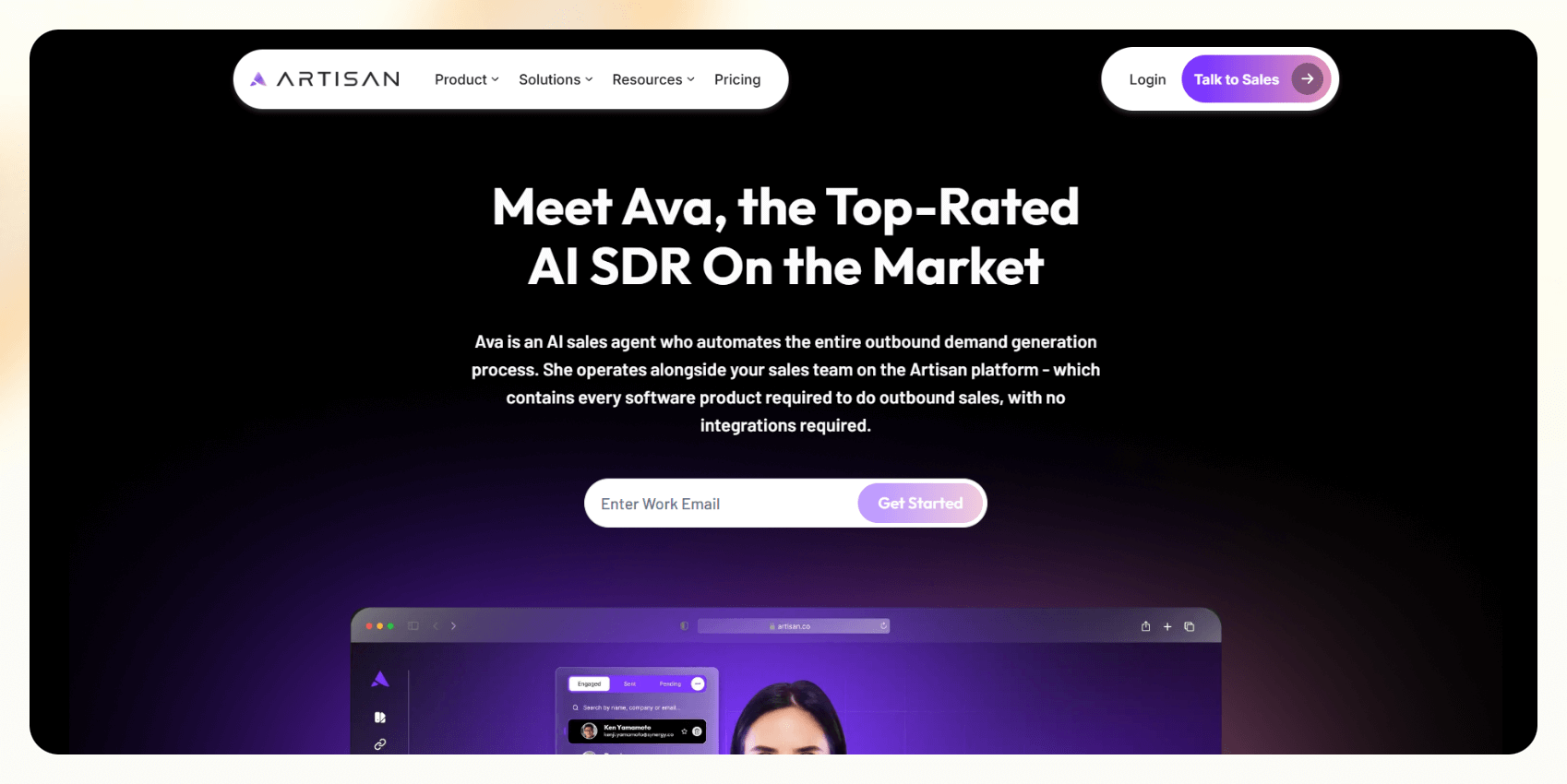
Ava is an autonomous AI agent that acts as a full-stack outbound SDR. It finds leads, researches them, writes personalized emails, manages deliverability, and books meetings without needing external tools or integrations. Everything runs inside Artisan, so you don’t need extra tools for email, lead sourcing, or scheduling.
It’s built for early-stage teams or founders who want to ramp up outbound quickly without hiring a sales team. If you just need leads to be identified, contacted, and qualified with minimal setup, Ava gets the job done with almost no lift. To compare how similar tools fit into the broader market, you can explore other leading ai agent companies.
Pricing
- No free plan
- Custom pricing based on your needs
Features
- Built-in lead sourcing from 300M+ contacts
- Research and personalization engine
- Email deliverability management
- LinkedIn outreach
- Meeting booking and calendar sync
- Email warm-up and tracking
Pros
- Fully contained platform, no integrations required
- Saves time on setup and coordination
- Scales outbound without needing constant supervision
Cons
- Doesn’t integrate deeply with CRMs like HubSpot or Salesforce
- Less flexibility if you want to customize logic or data handling
2. Cognism – Best for compliant B2B lead data
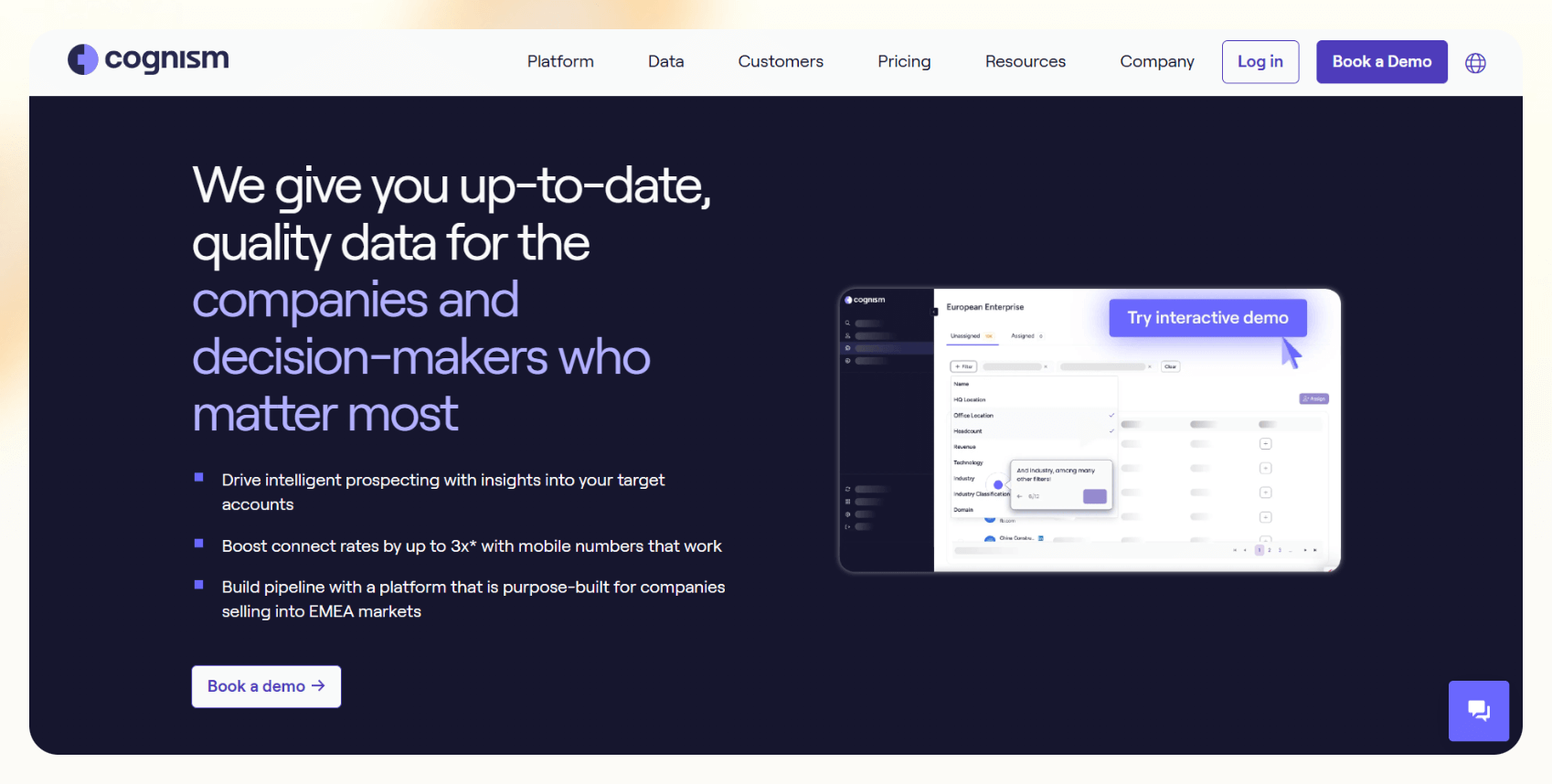
Cognism is a B2B sales data platform focused on delivering accurate, compliant contact information. It gives you verified phone numbers, intent signals, and company insights, making it easier to reach the right decision-makers.
It filters data through global privacy laws like GDPR and CCPA, so teams in regulated markets don’t have to worry about compliance. For a broader look at top prospecting software, explore our guide on the best ai lead generation tools.
It’s best suited for outbound teams that rely heavily on phone outreach or want to enrich their CRM with reliable data. If your reps spend time cleaning lists or running into bad contact info, Cognism can take that off their plate. To capture inbound prospects alongside outbound data, deploying an ai lead generation chatbot can engage site visitors around the clock.
Pricing
- Enterprise pricing, depending on data volume and features
Features
- Phone-verified contacts via Diamond Data
- Intent data and technographic filters
- Real-time CRM enrichment
- Compliance with GDPR and CCPA
- Sales triggers and account insights
- Native integrations with tools like Salesforce and Outreach
Pros
- Highly accurate direct dials
- Filters contacts meeting GDPR and CCPA rules
- Saves time on research and list-building
Cons
- High price point for small teams
- Limited automation beyond data delivery
3. Relevance AI – Best for building custom AI workflows
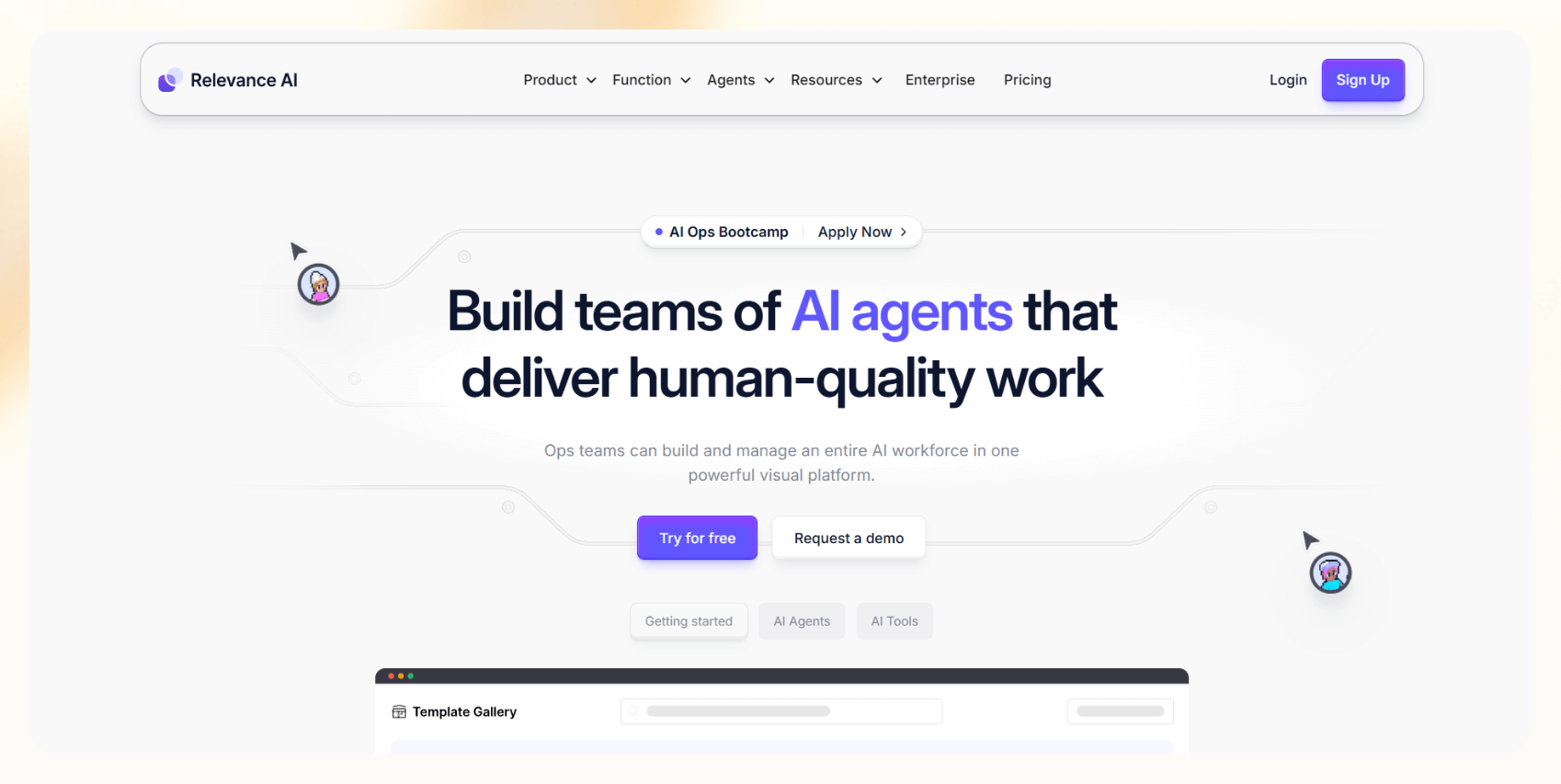
Relevance AI is a low-code platform that lets you build AI agents for sales tasks like follow-ups, lead scoring, CRM updates, and reporting. You can drag and drop different blocks to create logic-based flows without needing to write any code. Teams looking to handle incoming web traffic can complement these workflows by deploying the best ai sales chatbot for instant engagement.
It’s ideal for sales ops or RevOps teams that want to experiment with automation without waiting on engineering. If you're working with structured data, like CRMs or spreadsheets, and need agents that adapt to your process, Relevance gives you that flexibility. To expand these custom workflows beyond basic sales tasks, teams often leverage a dedicated ai agent development platform.
Pricing
- Free plan available with 200 actions/month
- Paid plans start from $19/month, billed annually
Features
- Drag-and-drop agent builder
- CRM and database integrations
- Webhooks and API access
- Multi-channel action support: email, Slack, internal tools
- Reporting and analytics dashboard
Pros
- Customizable without being technical
- Good for structured workflows and lead handling
- Affordable entry point
Cons
- Some trial-and-error needed to tune agents
- Not built specifically for outbound, so requires setup
4. ColdIQ – Best for teams starting outbound from scratch
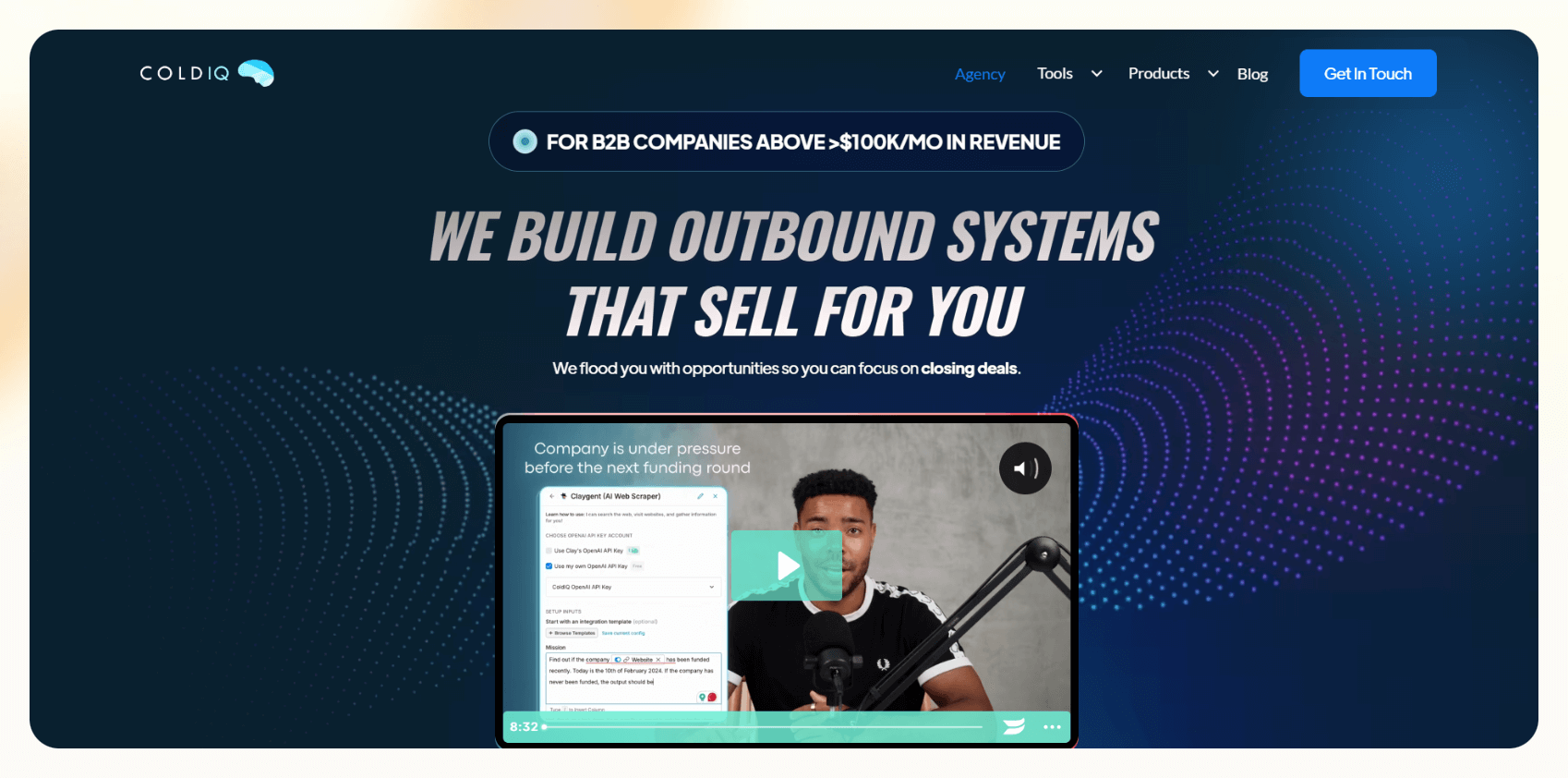
ColdIQ is a consulting-led platform that helps you build your outbound system using a mix of strategy and sales automation tools. The ColdIQ team collaborates with you to define your ideal customer profile, craft messaging, and set up tools to scale outreach. To learn how modern software streamlines your pipeline, explore our guide on ai sales automation.
It’s best for teams who know outbound matters but aren’t sure where to begin, or who’ve tried and failed with generic sales AI tools. ColdIQ helps you define your ICP, write messaging, and set up campaigns, instead of just giving you a tool.
Pricing
- Custom pricing based on engagement scope
Features
- ICP and persona workshops
- Outbound playbook creation
- Tool recommendations and setup
- AI-powered prospecting workflows
- Campaign strategy and copywriting
- Technical support and ops audits
Pros
- Strategic help plus implementation
- Focuses on what drives actual replies
- Great for teams rebuilding from zero
Cons
- Not a self-serve tool
- Setup takes longer than plug-and-play platforms
5. Regie.ai – Best for personalized sales content at scale
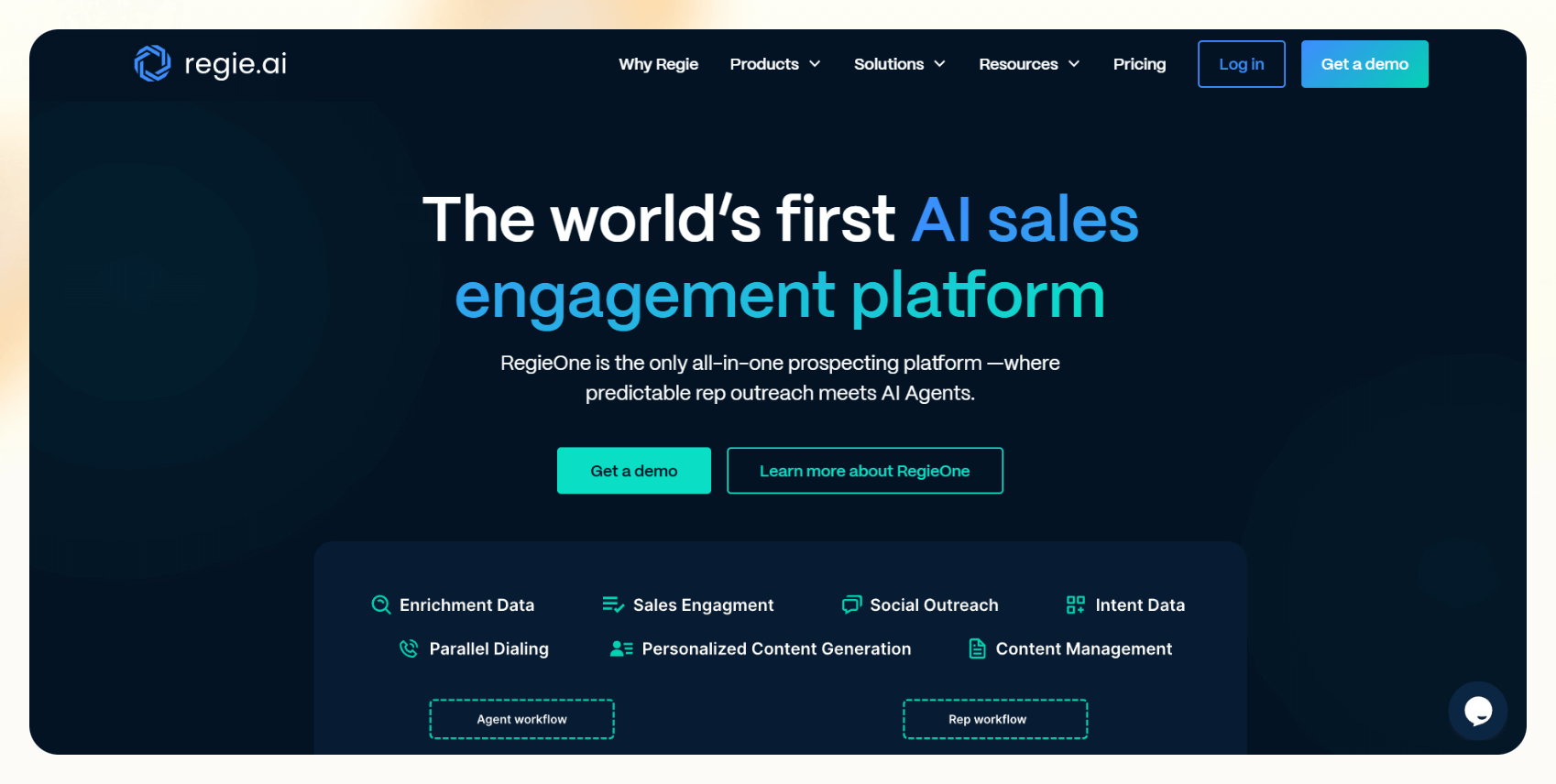
Regie.ai is an AI platform designed to help reps write, personalize, and manage outbound content. It can generate email sequences, call scripts, LinkedIn messages, and even call summaries, built around your persona and use case. For reps seeking additional support across daily tasks, adopting ai assistant for professionals software can further streamline individual workflows.
It’s a strong pick for mid-market or enterprise teams running high-volume outbound where personalization still matters. If your reps are juggling multiple cadences or struggling with writer’s block, Regie fills that gap.
Pricing
- Starts at $180 per user per month with an annual contract and a 10-seat minimum
- Contact the sales team for a detailed quote
Features
- AI-powered content generation like email, calls, LinkedIn
- Personalization engine with persona-based inputs
- Sequence builder and versioning
- Dialer and call recording
- CRM integrations with HubSpot and Salesforce
Pros
- Persona-based email sequences, LinkedIn messages, and call scripts that match your outreach goals
- Speeds up content-heavy workflows
- Helpful for teams running multiple personas
Cons
- Expensive for smaller teams
- Not a full sales automation tool and is focused on messaging
6. Apollo – Best all-in-one outbound platform
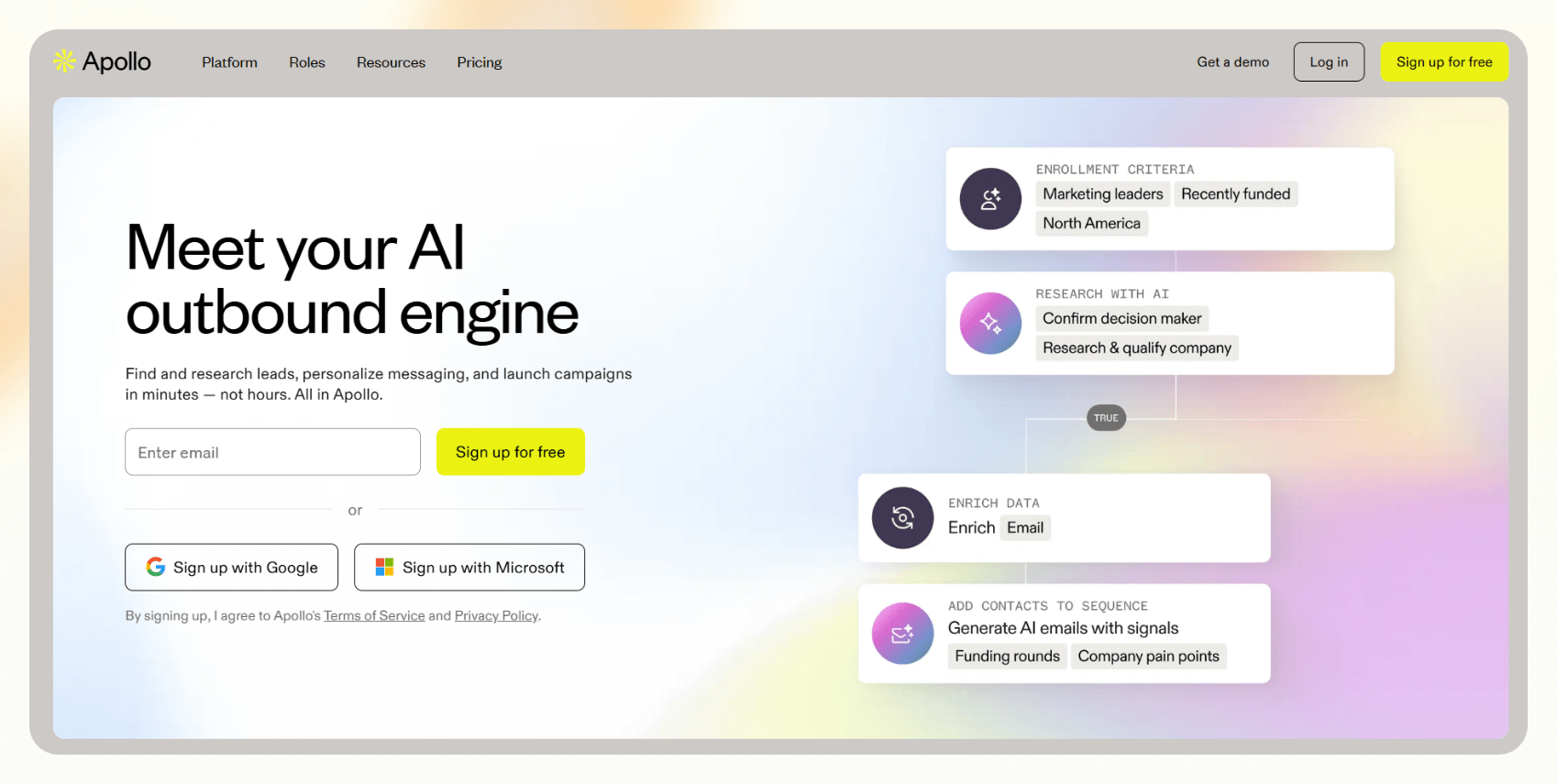
Apollo combines a massive contact database with sales engagement tools like sequencing, dialers, and analytics. You can find leads, write outreach, schedule follow-ups, and sync everything to your CRM, all in one place.
It’s best for growing sales teams that want one platform to manage prospecting and outreach, instead of juggling multiple tools. If you need data, automation, and reporting under one roof, Apollo’s worth a look.
Pricing
- Free plan available, with 2 sequences
- Paid plans start from $59/month, billed monthly
Features
- Contact database with filters
- Sequence builder for email, call, LinkedIn
- AI email assistant
- Activity tracking and reporting
- Dialer and meeting scheduler
- Integrations with Salesforce, HubSpot, and others
Pros
- Lets you find leads, send outreach, and track responses from one dashboard
- Scales with team size and complexity
- Plenty of integrations and workflows
Cons
- Can feel bloated if you just need part of the stack
- No enterprise plan for large teams
7. SalesCloser.ai – Best for automating sales calls and demos
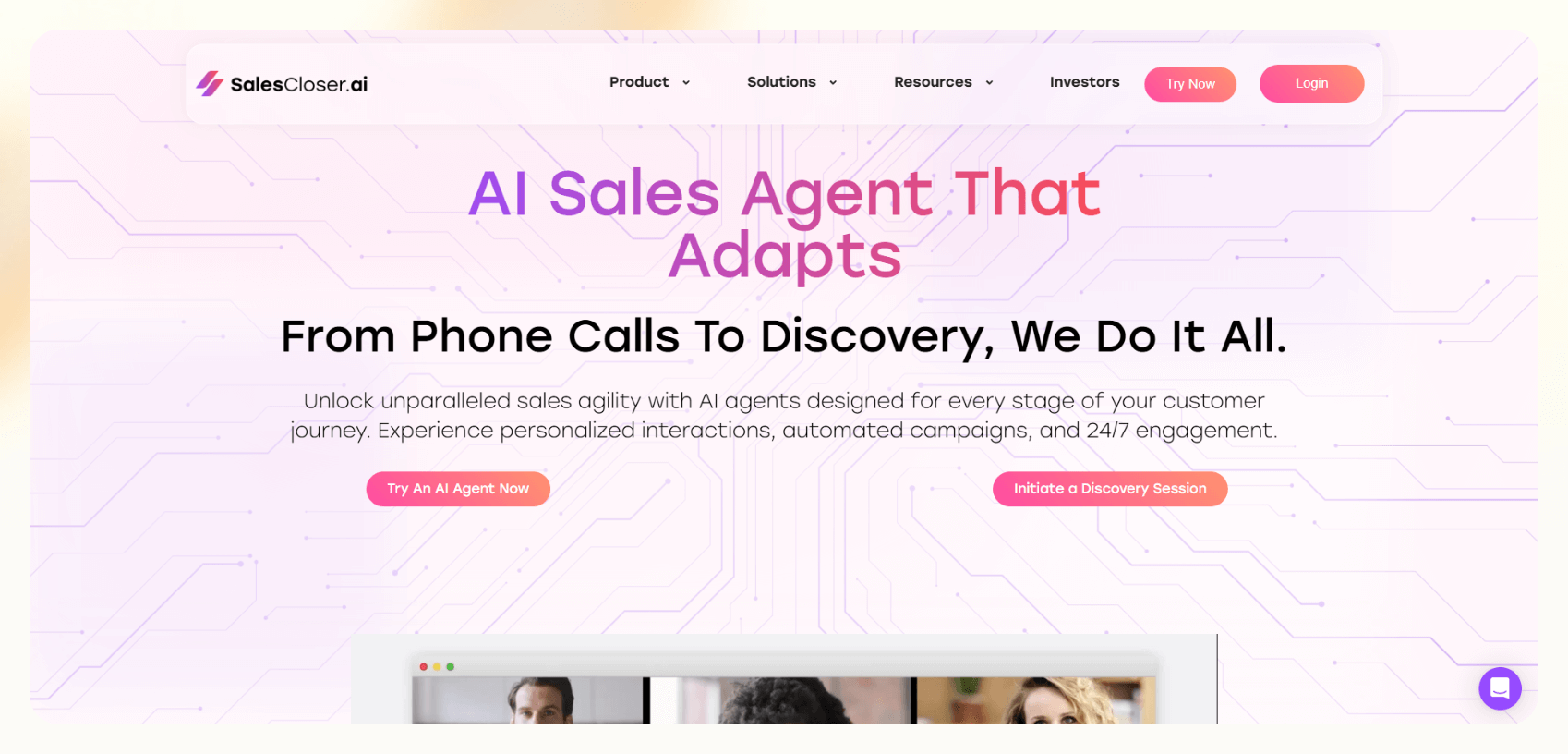
Sales Closer creates AI agents that can join sales calls, deliver product demos, and handle meeting bookings. These voice-based agents are designed to sound natural and follow structured scripts, so they can qualify leads or walk through a pitch without needing a human rep on the line.
It’s for teams with a high volume of inbound leads or demo requests that don’t always need a human to start the conversation. If you want to reduce no-shows or handle off-hours calls, this fits well.
Pricing
- Custom pricing with a demo available
Features
- AI phone agents and Zoom bots
- Voice-activated scripting and branching logic
- CRM syncing for call outcomes
- Multilingual support
- Real-time reporting dashboard
- Lead handoff and calendar booking
Pros
- Handles dozens of calls per day using AI agents
- Works across voice and video
- Handles demo scheduling autonomously
Cons
- Less focus on email or written outreach
- Not ideal for complex or unstructured sales conversations
8. Salesloft – Best for outbound sales engagement and multi-channel sequencing
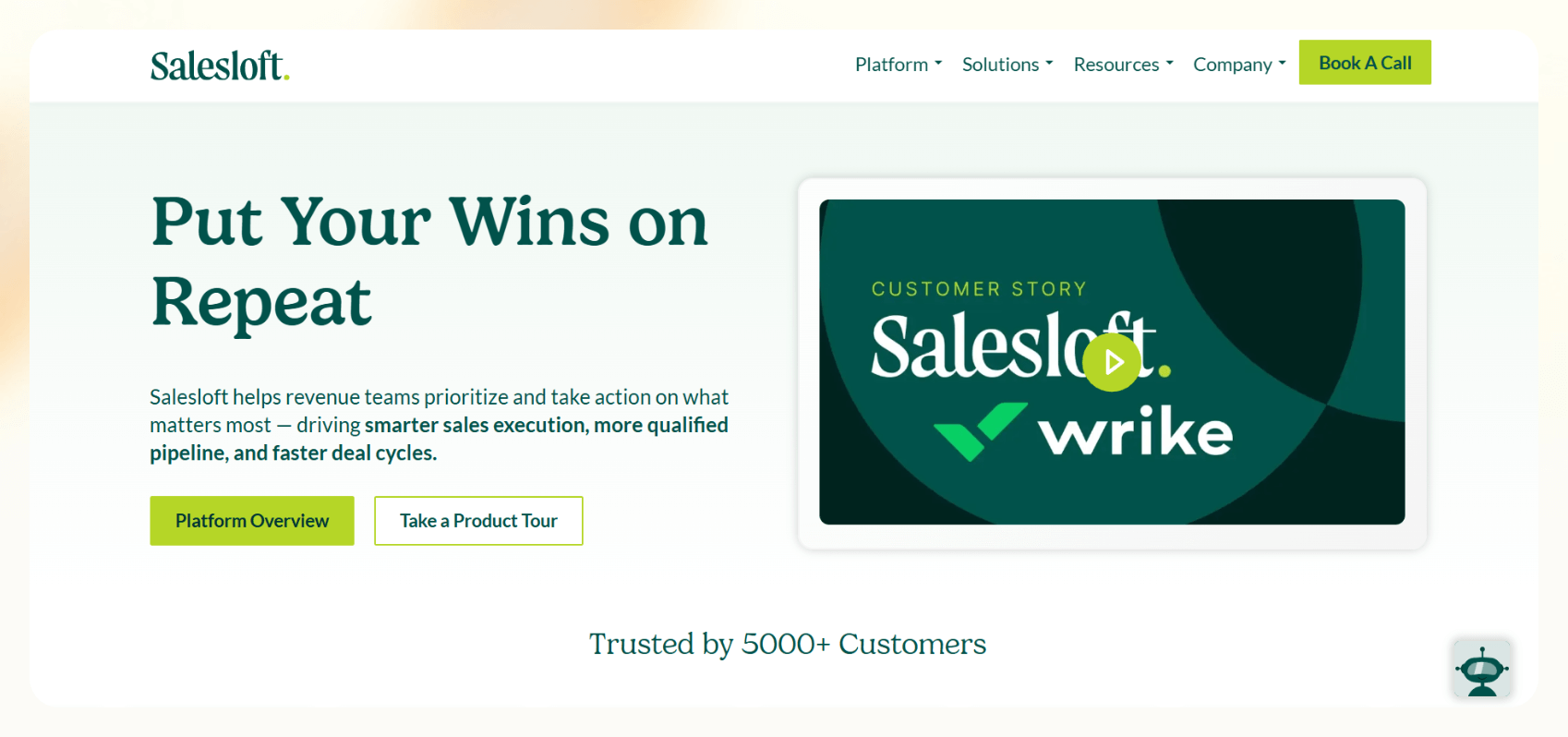
Salesloft is a conversational AI platform that helps qualify website visitors in real time. Its chatbots can ask qualifying questions, book meetings, alert reps, and route leads based on your rules, so your team doesn’t miss high-intent traffic.
It’s a good fit for companies with steady inbound flow who want to speed up response time and filter out noise before it hits the sales team. While it excels at handling inbound traffic, pairing it with outbound sales automation ensures complete coverage across all prospect channels.
Pricing
- No free plan available
- Contact sales for a custom quote
Features
- AI chatbots and live chat handoff
- Meeting booking via calendar integrations
- Real-time alerts and lead routing
- Playbooks for different buyer journeys
- Integration with Salesforce, Marketo, and others
- Reporting and conversion tracking
Pros
- Fast response for inbound leads
- Helps reps prioritize high-quality traffic
- Easy to A/B test playbooks
Cons
- Focused on inbound only
- Can be expensive for teams just starting out
Top AI sales agents: At a glance
| Tool | Best for | Key features | Paid plans |
|---|---|---|---|
| Ava | Full-stack outbound SDR replacement | Lead sourcing, personalization, booking, email warm-up | Custom pricing |
| Cognism | Compliant B2B lead data | Diamond Data, CRM enrichment, intent filters | Custom pricing |
| Relevance AI | Low-code agent builder | Drag-and-drop flows, CRM/database integrations | From $19/month, billed annually |
| ColdIQ | Strategy + tooling setup | Messaging frameworks, AI prospecting, consulting support | Custom pricing |
| Regie.ai | Personalized content at scale | Email/call writing, persona engine, dialer | From $180/user/month (annual contract) |
| Apollo | All-in-one outbound platform | Contact data, sequences, AI writing, analytics | From $59/month, billed monthly |
| SalesCloser | Sales call and demo automation | Voice bots, call logic, multilingual support | Custom pricing |
| Salesloft | Inbound lead qualification | AI chatbot, routing, alerts, playbooks | Custom pricing |
This table will help you find what each one is best for, its core features, and how they’re priced. Here’s a side-by-side snapshot comparing the tools covered above:
How we tested the best AI sales agents
For this guide, we focused on tools that go beyond basic automation and can act like true agents in your workflow. The best AI sales agent in 2026 is one that:
- Handles repetitive sales tasks without constant supervision
- Works across your core tools like email, CRM, calendar, data sources
- Lets you scale personalized outreach without adding headcount
To figure out which ones stand out, we evaluated them based on the same criteria. Here’s what we looked at:
- Ease of setup: Can you get going without needing a full-time RevOps person?
- Sales automation depth: Does the tool go beyond basic sequences or reminders?
- Smart lead handling: Can it score, qualify, or route leads in a way that makes sense for how your sales process works?
This helped separate the generic automations from tools that can help teams reduce repetitive, tedious tasks and focus on high-quality conversations.
What is an AI agent for sales?
An AI agent for sales is a tool that performs parts of the sales process independently. It can qualify leads, send follow-ups, book meetings, update your CRM, and even handle calls or demos depending on how it’s built.
Unlike simple automation tools that follow a fixed sequence, AI agents operate with logic. They can respond to new inputs, like a reply to an email or a score update in your CRM, and make decisions based on that.
You’ll typically see these agents used in B2B sales, especially in roles like SDRs or BDRs where high-volume, repeatable tasks take up most of the day. These help sales teams move faster by taking care of everything in between.
What else can AI sales agents do?
AI sales agents can handle sales tasks beyond email, including calls, meeting scheduling, lead qualification, and CRM updates. Here’s what modern AI sales software can handle:
- Cold outreach across email, LinkedIn, and even phone
- Lead qualification using logic or scoring models
- Meeting scheduling through integrated calendar links
- Follow-ups triggered by replies, lead status, or time-based rules
- CRM updates like tagging, assigning owners, or changing deal stages
- Demo handling and handoff to human reps when the lead is ready
Many agents also handle voice interactions, including inbound qualification and simple sales calls. These tools help your team focus on selling.
AI sales agents vs. AI assistants: What’s the difference?
AI assistants need someone to tell them what to do. AI sales agents act based on triggers and logic.
AI assistants need you to prompt them, and they respond. They’re useful for tasks like drafting an email or summarizing a call. AI sales agents don’t wait for inputs and act based on the logic you've set. For example, if a lead replies, they follow up, or if someone hits a lead score threshold, they book a meeting.
That difference matters as timing is everything. A reactive tool, like an AI assistant, might help write better emails, but a proactive one, like an AI agent for sales, helps you stay ahead of the pipeline.
Tools like Lindy fall into the proactive category. They work across channels and tools, react to data in real-time, and take actions you’d normally need an SDR to handle.
Do AI sales agents replace SDRs?
AI agents can replace those humans from the workflow that handle the repetitive, rules-based parts of sales outreach. They won’t replace strategy, human connection, or deal judgment.
They’re best used as an extension of your team. Consider them your digital reps that can prospect, qualify, follow up, and route leads, while your human SDRs focus on real conversations and complex accounts.
Some companies do use agents as a full replacement for early-stage outreach. Tools like Ava or SalesCloser can run cold email campaigns or even hop on a call without a human. But in most cases, AI agents work best when paired with humans who can step in for nuance.
If your reps are spending too much time updating the CRM or chasing cold leads, an agent helps free up that time without removing the human touch where it matters.
Frequently asked questions
What’s the best AI sales agent for SMBs?
For small teams, Relevance AI is an affordable option that you can customize without being technical. Ava is a good choice if you need fast, full-stack outreach with minimal setup.
Is it safe to use AI for sales follow-ups?
Yes, it’s safe to use AI for sales as long as the tool complies with the security standards, is configured properly, and the messages are reviewed. AI agents work best when paired with thoughtful oversight.
Will customers know it’s AI?
The customer won’t know if you’re using AI unless you tell them. These tools give you the ability to control tone, signature, and how the agent responds to keep it consistent with your brand.
How do I know it’s working?
You can check if your AI sales tool is working by checking your CRM or your connected apps for meetings booked, responses, and conversion rates. You can monitor and fine-tune results over time.
Is AI for sales legal and compliant?
Yes, AI for sales is legal as long as your processes comply with data privacy laws like GDPR and CCPA, and anti-spam laws like CAN-SPAM. Always review automated content for accuracy and appropriateness before it goes out.









