11 Best Customer Service Chatbots in 2026 for 24/7 Assistance
Marvin tested eleven customer service chatbots, including Zendesk, Intercom, and Tidio, across real support scenarios, evaluating setup speed, multichannel handling, and AI-to-human handoff quality.


Most businesses know they need 24/7 customer support, but traditional staffing falls short, too expensive, too rigid.
That’s why I tested a dozen chatbots across real-world scenarios, live questions, billing issues, tech support, and more.
Here are the 11 best customer service chatbots in 2026. Each one delivers around-the-clock help, keeps conversations natural, and lets your team focus on what matters most.
What is a customer support chatbot?
A customer service chatbot is a software program designed to automate customer support interactions. It uses AI, machine learning, and natural language processing (NLP) to understand and respond to customer inquiries conversationally, typically through chat interfaces on websites or apps. Comparing an ai agent vs chatbot can help you decide whether simple automated responses or complex autonomous workflows fit your operations.
These bots can work across your website, mobile app, or platforms like WhatsApp, Messenger, and email, without needing breaks, training, or constant oversight. Beyond external support, organizations frequently deploy specialized hr chatbots to streamline internal employee inquiries and onboarding. Similarly, businesses can deploy an ai sales chatbot to capture leads and assist potential buyers during the purchase journey.
Some follow simple rules, while others use advanced AI to personalize replies, understand context, and escalate issues when needed. If you want to offer 24/7 support that scales with your business, a well-built chatbot is one of the fastest and most efficient ways to get there. If you are looking to build bots using your own documentation, exploring chatbase alternatives software can give you more customization options. Learning how to make an ai chatbot from scratch allows you to tailor its logic directly to your support workflows.
The 11 best customer service chatbots in 2026: TL;DR
- Freshchat: Best for multichannel customer support with AI automation
- Tidio: Best for small businesses needing affordable AI support
- Zendesk: Best for pre-trained AI support across all channels
- Intercom: Best for combining AI chat with human support in one platform
- HubSpot: Best for CRM-powered customer support automation
- Kommunicate: Best for enterprise-grade automation with flexible AI options
- Netomi: Best for high-volume support teams needing advanced AI automation
- Sendbird: Best for scalable, multilingual customer service automation
- Gorgias: Best for Shopify-powered stores needing AI ticket automation
- Chatfuel: Best for automating customer service on social platforms
- Ada: Best for multilingual customer service automation at scale
Best chatbots for customer service
1. Freshchat: Best for multichannel customer support with AI automation
What does it do? Freshchat is a customer service chatbot platform that helps you manage live chat, email, and social messaging from one inbox.
Who is it for? Support teams that want to connect with customers across channels like WhatsApp, Instagram, and websites from one place.
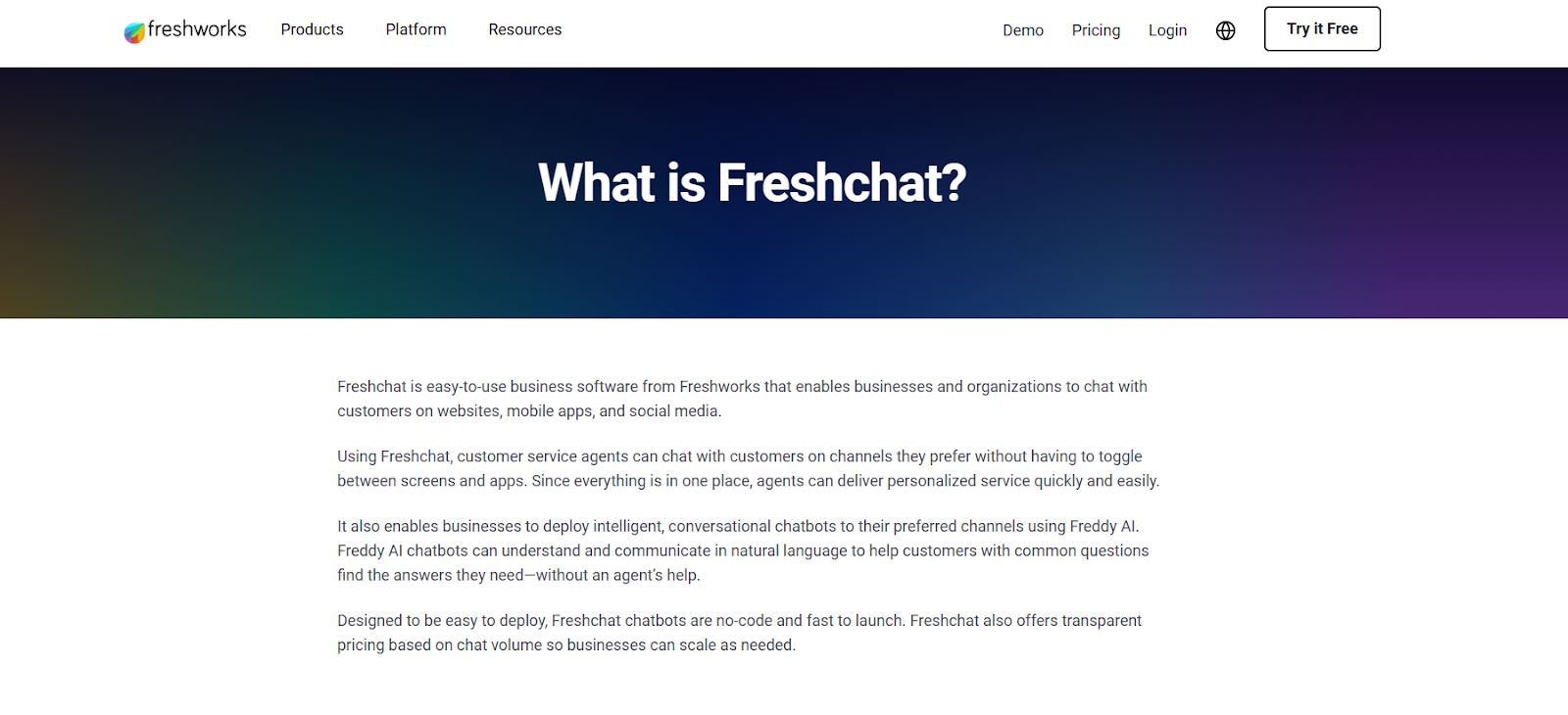
Freshchat brings all your customer conversations, whether from your website, email, or messaging apps, into a single, organized inbox.
I connected it to my Gmail, WhatsApp, and site chat during testing, and it was surprisingly easy to switch between conversations without feeling overwhelmed.
At the heart of Freshchat is Freddy, their AI assistant. It can summarize long chats, detect intent, and nudge customers toward self-service when possible. Even the no-code builder barely takes 10 minutes to launch a basic bot. You can then customize widgets to match your brand and deploy them across both web and mobile apps. For teams that also handle phone or video touchpoints, generating ai meeting notes for customer calls can keep every interaction logged.
The chat experience is well thought out. Freshchat offers canned replies, proactive messaging, and even co-browsing to help walk customers through complex tasks. One standout feature on the Pro plan is real-time translation, which helped me support users in different languages without needing a bilingual team.
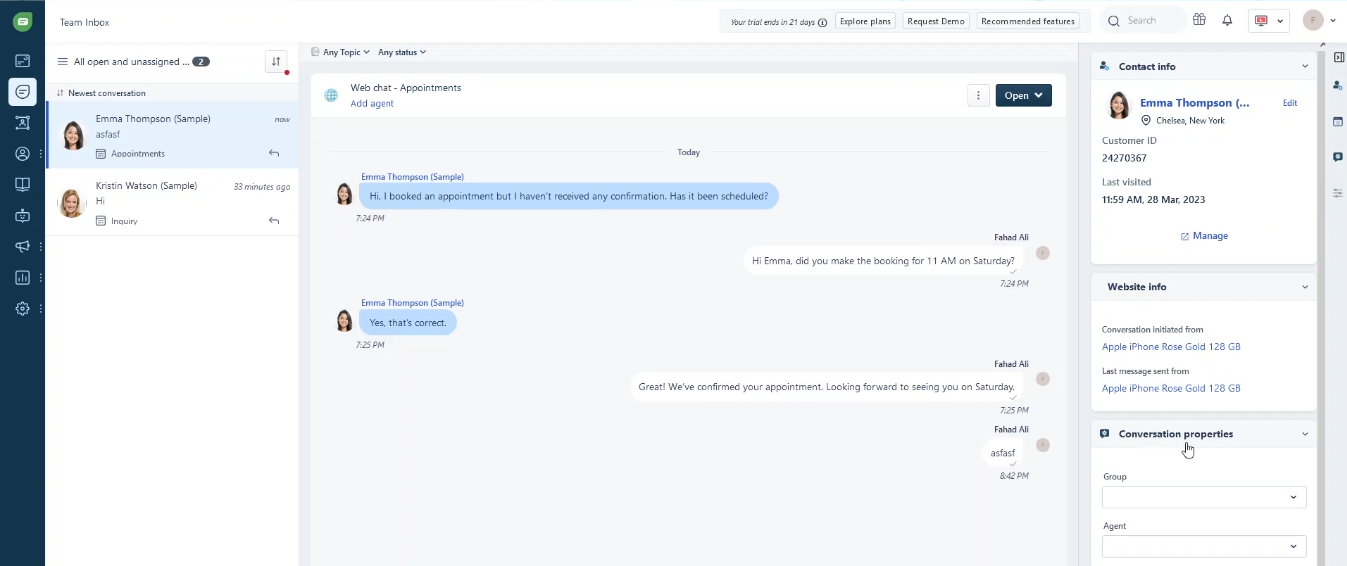
On the backend, you get detailed analytics to track agent performance and improve bot logic over time. There’s also advanced chat routing based on agent skills or business rules, which is super helpful when scaling your support team.
For a multichannel support tool with solid AI, Freshchat covers a lot of ground, though some of its best features are locked behind higher-tier plans.
Pros
- Works well even on low-bandwidth connections
- Clean, modern interface that’s easy to navigate for new agents
- Supports GDPR and CCPA compliance for regulated industries
- Role-based access lets admins control visibility and permissions
Cons
- Most powerful features are only in Pro or Enterprise plans
- Facebook and Instagram chatbots have limited automation options
Pricing
- Free Plan: up to 10 agents, basic live chat, limited channels
- Growth Plan ($19/agent/month): adds WhatsApp, FB Messenger, auto-assignment, basic analytics
- Pro Plan ($49/agent/month): adds real-time translation, advanced automation, team analytics
- Enterprise Plan ($79/agent/month): adds skills-based routing, top-tier security, deeper integrations
2. Tidio: Best for small businesses needing affordable AI support
What does it do? Tidio combines live chat and AI chatbot tools to automate support and manage multichannel conversations.
Who is it for? Small and growing businesses that want 24/7 customer service automation without spending a fortune.
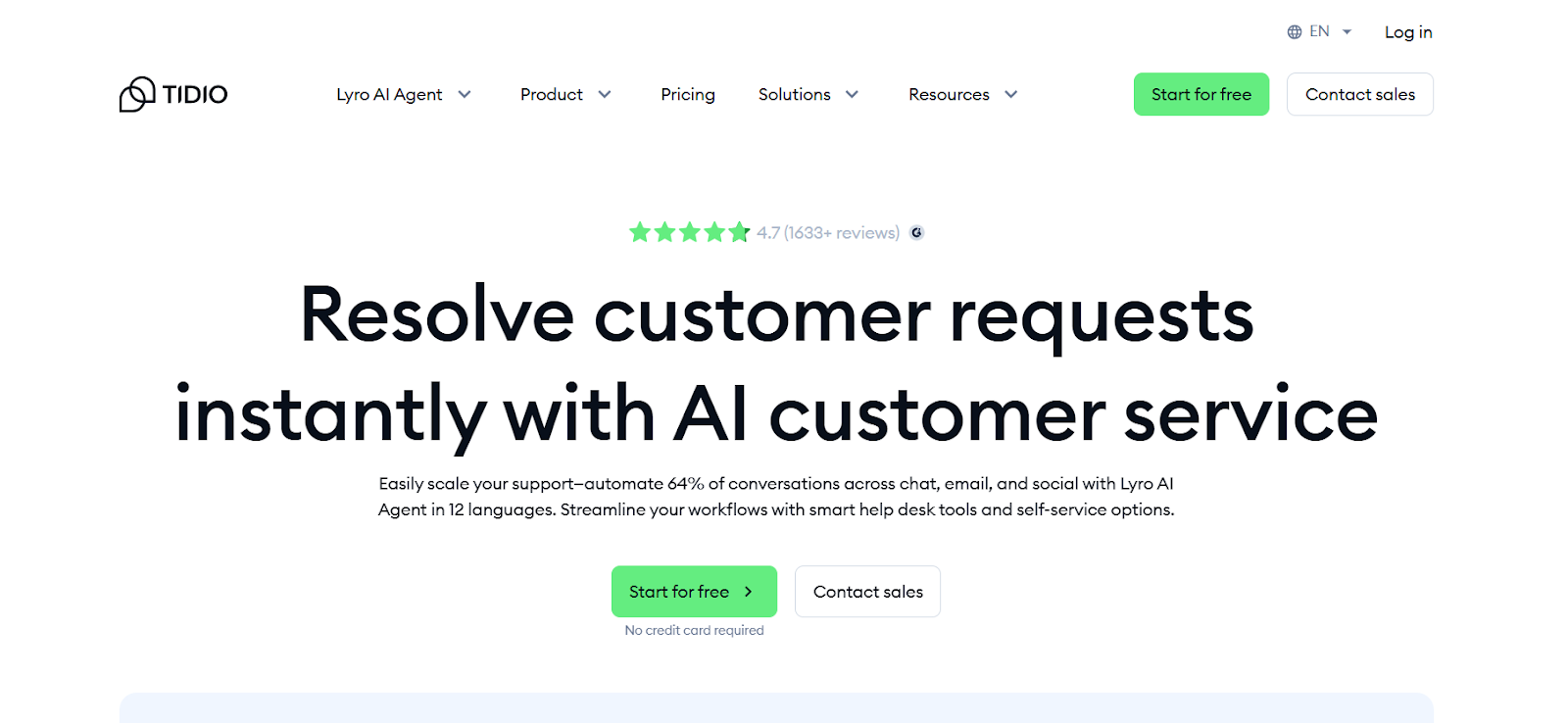
Tidio’s setup is smooth, and the dashboard is easy to navigate, even if it’s your first time using a customer support platform. During my test, I had live chat, email, and Messenger integrated into one inbox in just a few minutes.
Tidio’s AI assistant, Lyro, powered by GPT-4, can handle most of the queries by itself. It pulls answers from your existing help docs and provides human-like responses to FAQs, refund requests, order status checks, and more. If the issue is too complex, it smartly hands things off to a human agent while preserving context.
Building chatbot flows is simple using their visual editor. You can track visitors in real time, personalize outreach, and even manage orders directly from the panel, especially if you're running a Shopify store. If your primary goal is capturing prospective buyers, using the best ai lead generation chatbot can help convert site visitors into qualified prospects.
Tidio also supports 12 languages and integrates with over 120 tools, from CRMs to eCommerce platforms. To see how Tidio compares with other top platforms, explore our comprehensive guide on the best ai chatbots for businesses.
The analytics dashboard shows which flows perform best and how agents are doing. While voice messages aren't supported yet, features like canned replies, permissions, and real-time handoff between AI and agents help teams stay efficient. If you also need to automate voice channels alongside chat, using the best ai call bot can help streamline your phone interactions.
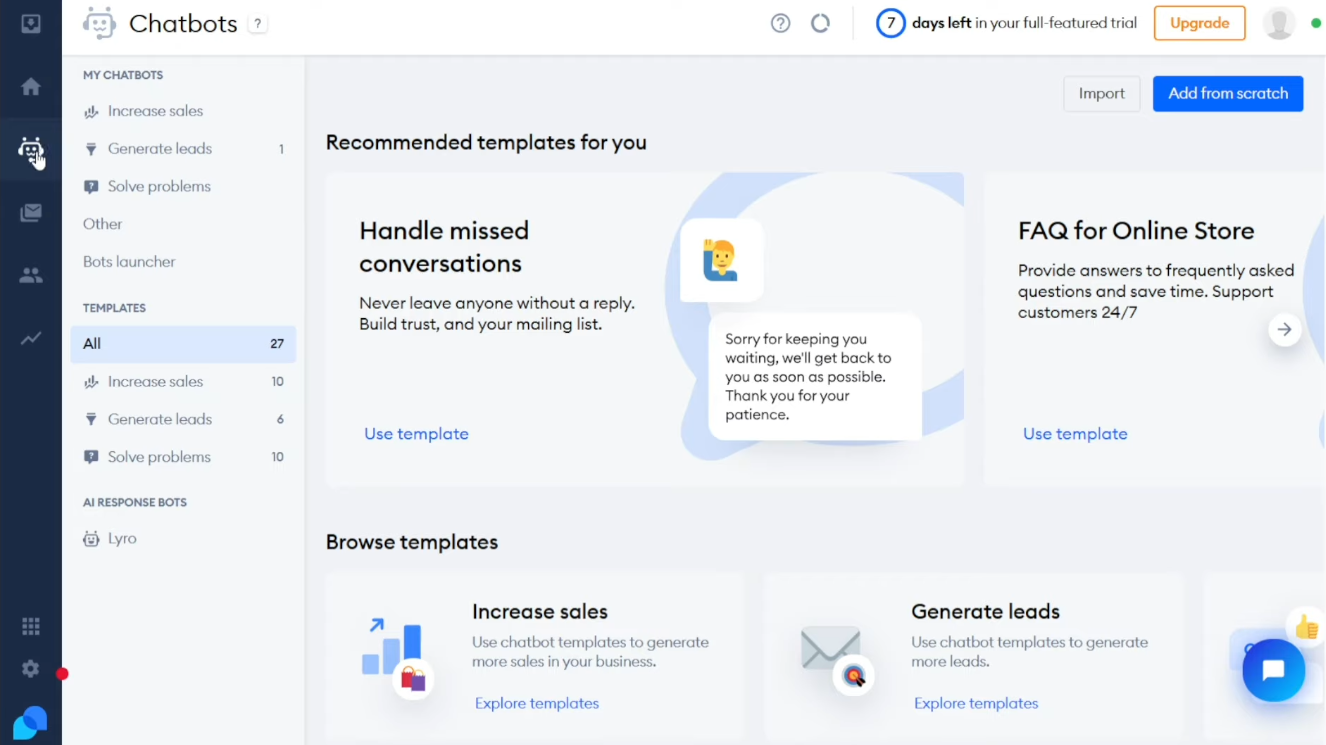
If you're running lean but still want pro-level support, Tidio punches above its weight. To compare additional tools tailored for compact teams, check out our detailed guide on the best chatbot for small business operations.
Pros
- Fully customizable widget and chat branding
- Smart AI-human handoff to maintain context
- Easy team management with permission controls
Cons
- Voice messages aren’t supported in chat
- The notification system could miss users who leave the page
Pricing
- Free Plan: 10 operators, 50 conv./month, 100 unique chatbot visitors
- Starter Plan ($24.17/month): 100 billable conversations, basic analytics, a live visitors list, 50 Lyro AI conversations (one-time), and 100 Flows visitors.
- Growth Plan (from $49.17/month): starts at 250 billable conversations, with advanced analytics and 50 one-time Lyro AI conversations
- Plus Plan (from $300/month plus usage): a custom quota of billable conversations, a dedicated success manager, custom branding, multisite support, departments, 5,000 Lyro AI conversations, and a custom number of Flows visitors.
- Premium Plan (custom pricing): unlimited billable conversations, a guaranteed 50% Lyro AI resolution rate, 10,000 Lyro AI conversations, and a custom number of Flows visitors.
3. Zendesk: Best for pre-trained AI support across all channels
What does it do? Zendesk offers an AI customer service chatbot that’s already trained on billions of support conversations.
Who is it for? Large or growing businesses that need scalable, multilingual, and omnichannel support with minimal setup.
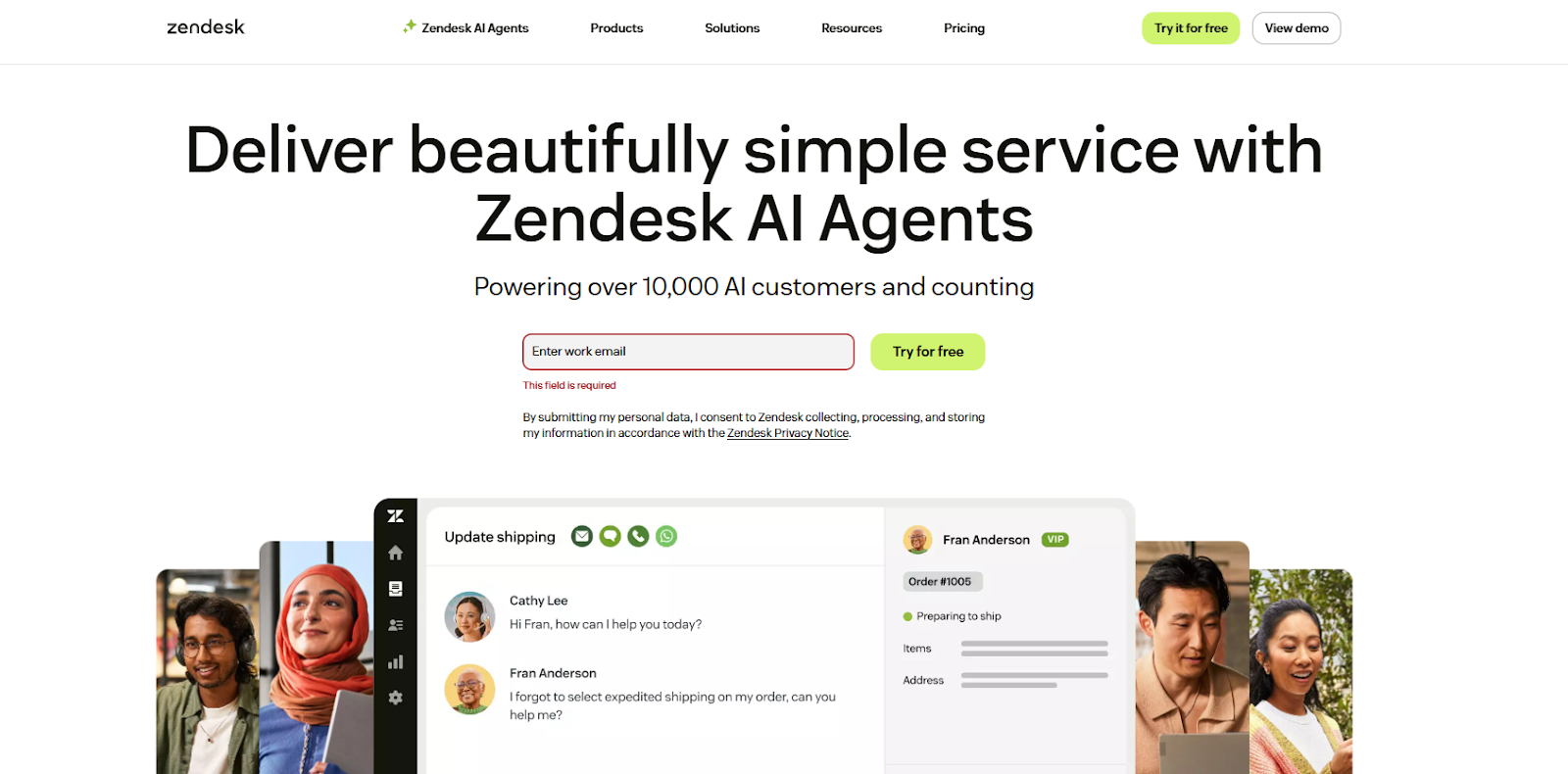
Zendesk is built for scale, and it shows. Its AI is already trained on over 18 billion support interactions, so it knows how to handle tough customer queries right out of the box.
I tested Zendesk on a demo site with email, Facebook, and WhatsApp integrated, and all the channels flowed into a single inbox. No juggling tools or bouncing between tabs.
The AI handled common questions automatically and flagged the complex ones for a human rep.
Setting it up was straightforward; the drag-and-drop editor let me tweak tone, personality, and workflows without touching any code. It also pulled real-time responses from my help center and started working in minutes.
Zendesk’s Copilot add-on offers a full suite of tools for agents, too: tone editing, sentiment detection, intent routing, and even field auto-filling. You also get live performance insights like resolution rate, user satisfaction, and agent productivity.
The platform’s omnichannel support is smooth. You can switch conversations across email, chat, voice, and social without losing history.
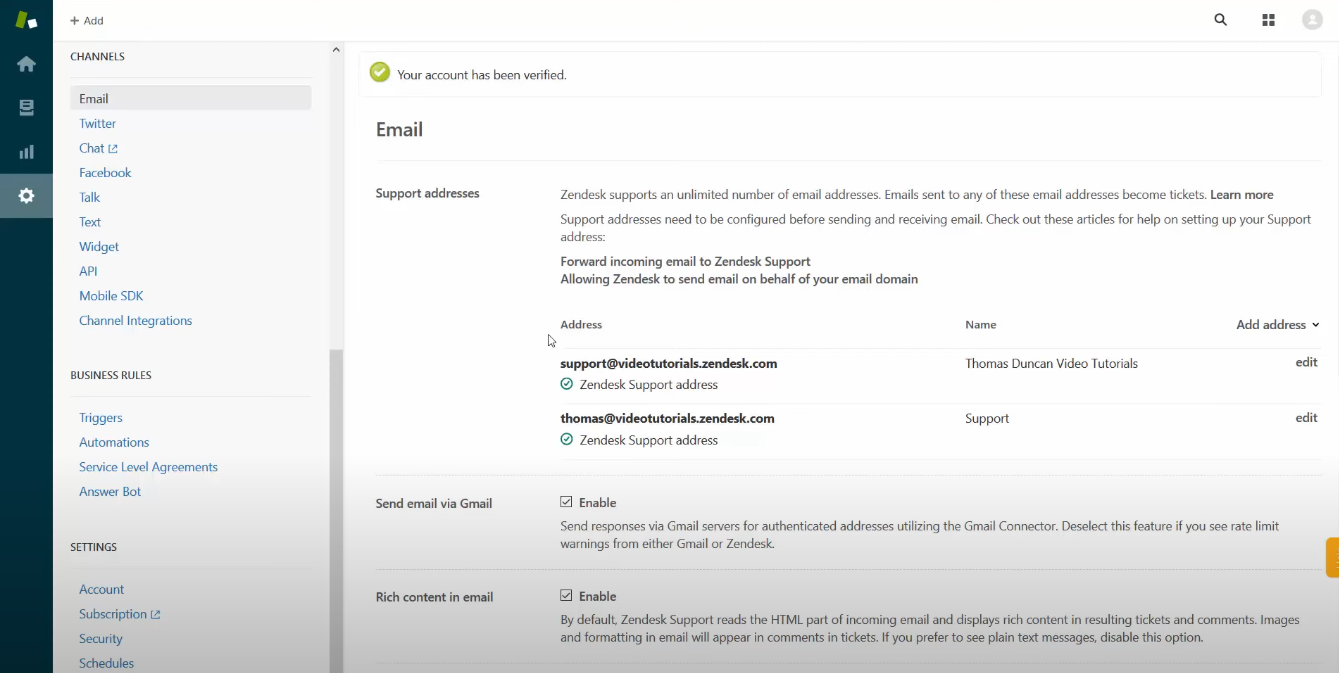
If your team needs to support global users at scale, Zendesk’s AI and integration with its ticketing system make it a powerhouse. Just be mindful of the cost; it adds up if you enable multiple AI modules.
Pros
- AI suggestions improve over time without retraining
- Native sentiment tracking prioritizes unhappy customers
- Fully integrated with Zendesk’s broader support suite
Cons
- Pricing adds up quickly if you need multiple modules
- Minor lags in ticket sync when handling high volumes
Pricing
- Suite Team ($55/user/month): Email, chat, social, help center, AI agents, generative search, analytics dashboards, 1,000+ apps
- Suite Enterprise + Copilot: custom pricing for the largest teams
- Suite Professional ($115/user/month): Adds custom analytics, skills-based routing, community forums, HIPAA, and Sunshine Conversations
Add-ons:
- Copilot ($50/agent/month)
- Contact Center ($83/agent/month)
- Workforce Engagement Bundle ($50/agent/month)
4. Intercom: Best for combining AI chat with human support in one platform
What does it do? Intercom offers an AI chatbot called Fin that answers support queries while handing complex cases to live agents.
Who is it for? Support teams that want AI-powered help but still need live chat for complex conversations in one interface.
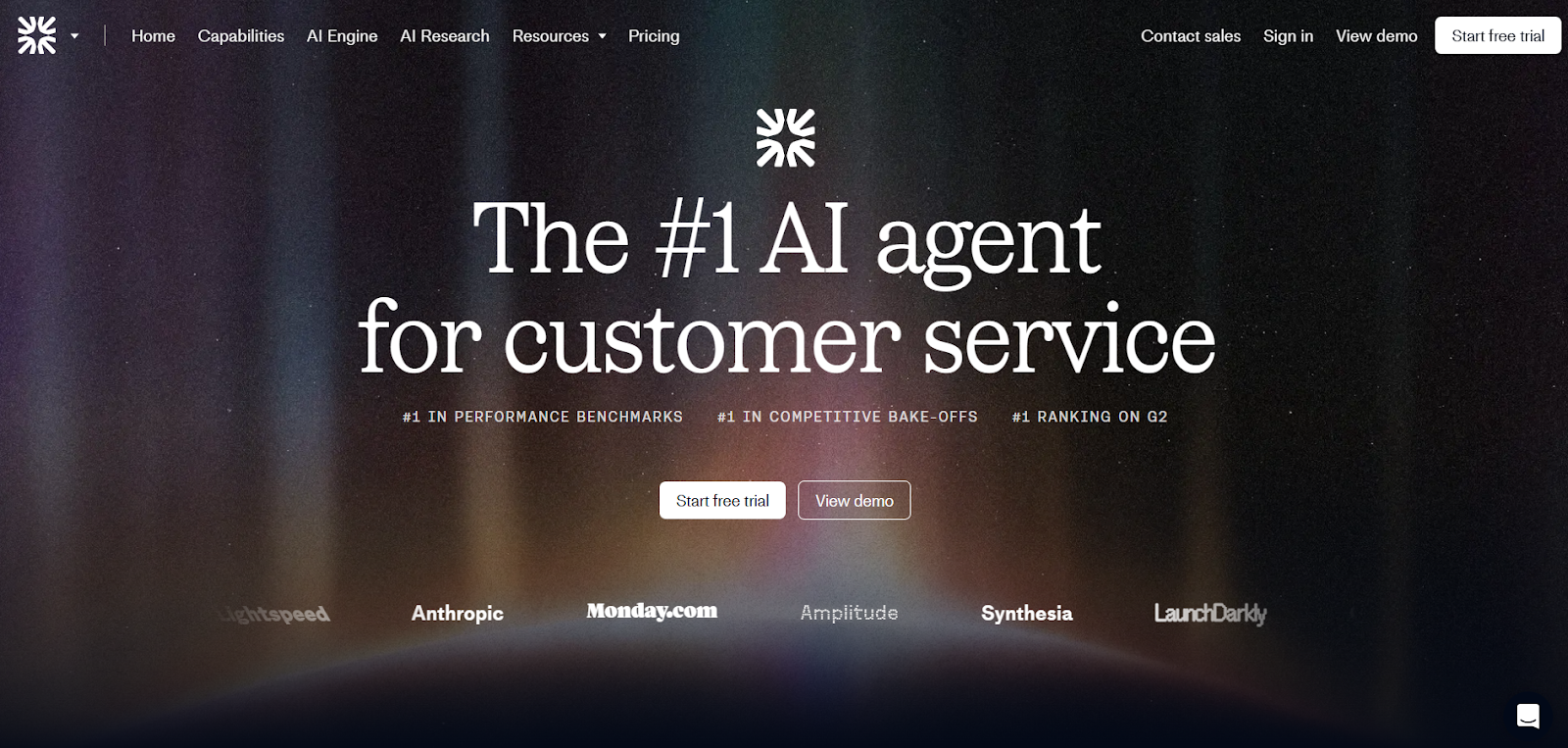
Intercom stands out for how smoothly it blends human support with automation. At the center of it is Fin, an AI chatbot powered by GPT-4, which pulls real-time answers from your help docs, FAQs, and even public URLs or PDFs.
When I tested it, Fin was quick, responsive, and surprisingly accurate, even when I phrased questions in unusual ways.
It’s more than just a chatbot, though. Intercom connects email, live chat, SMS, social channels, and even voice under one roof. You can use its targeting features to customize replies based on user behavior, language, or location.
And if a conversation gets too nuanced, Fin knows when to step back and escalate to a live agent without losing any context.
On the backend, Intercom helps your support team stay ahead. The AI inbox can summarize old conversations, suggest responses, and reduce manual work. If you’re already on Intercom, Fin works out of the box, no extra tools or setup needed.
It also plays nicely with your sales and marketing stack, with lead capture flows and ticketing baked in. Just keep in mind that pricing scales up quickly, especially for large teams or advanced automation features.
Pros
- Built-in customer context for smarter replies
- Draft responses and summaries to speed up agent work
- Supports 45+ languages without needing extra configuration
Cons
- Pricing can spike for larger support teams
- Works best when used within the Intercom ecosystem
Pricing
- Essential ($29/seat/month): Fin AI Agent ($0.99/outcome), Messenger, Shared Inbox, Ticketing, Help Center, prebuilt reports
- Advanced ($85/seat/month): Multiple inboxes, workflow automation, round-robin routing, multilingual help center, 20 Lite seats
- Expert ($132/seat/month): SSO, HIPAA support, SLAs, multi-brand Messenger/Help Center, 50 Lite seats
Add-ons:
- Proactive Support Plus ($99/month)
- Copilot - AI inbox assistant ($29/agent/month)
5. HubSpot: Best for CRM-powered customer support automation
What does it do? HubSpot’s customer support chatbot helps you qualify leads, answer FAQs, and route requests using real-time CRM data.
Who is it for? Businesses already using HubSpot that want 24/7 automated customer service with personalized, data-driven chat flows.
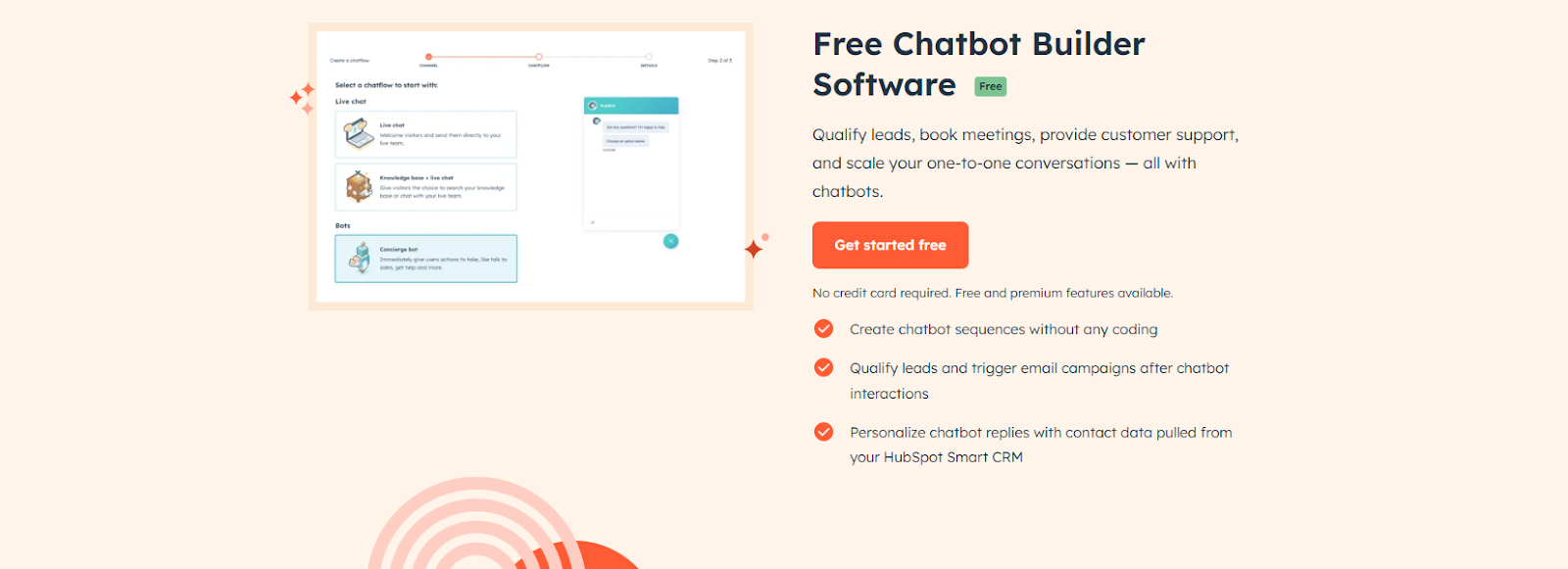
HubSpot’s chatbot is deeply integrated with its CRM, and that’s what makes it powerful. I tested it by setting up a few support bots and lead qualification flows using the drag-and-drop editor, and the setup was quick and intuitive.
You don’t need to touch any code to personalize the experience or trigger specific actions.
The real magic is in how it uses CRM data. The chatbot pulls in context like a user’s name, previous purchases, or deal stage, and adjusts replies accordingly.
For example, I could greet a returning customer by name, suggest content they hadn’t seen yet, or route them straight to the right team based on their plan. It also connects with HubSpot’s knowledge base to serve up accurate answers for repetitive questions.
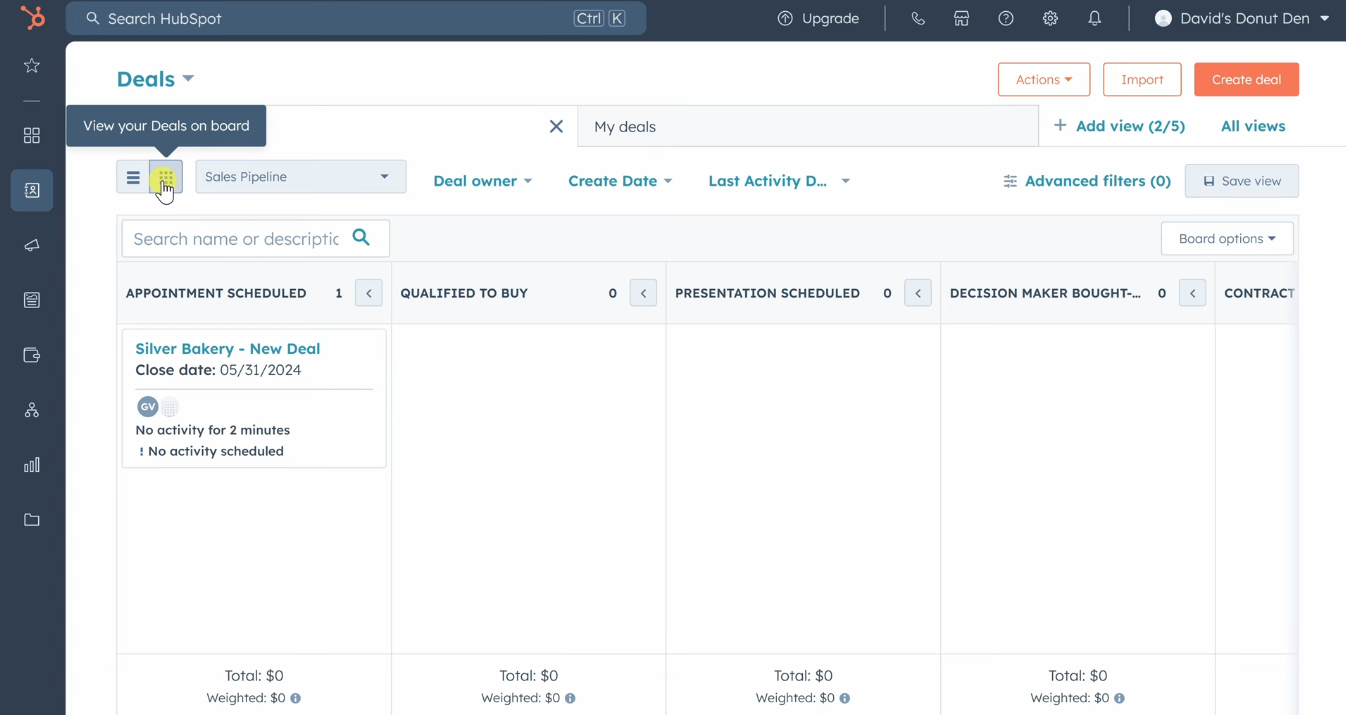
You can launch faster with built-in templates or go custom using advanced automation paths, though most of those features sit behind the Professional or Enterprise Service Hub plans.
Still, HubSpot supports chat across website widgets, WhatsApp, Facebook Messenger, and SMS. And because everything is synced with its Smart CRM, marketing, sales, and support teams stay aligned.
Pros
- Real-time CRM sync keeps all teams aligned
- Easy handoff between chatbot and live agents
- Detailed reporting connects chatbot use to business results
Cons
- The free plan has limited bot flexibility and rigid flows
- Best suited for businesses already using the HubSpot ecosystem
Pricing
- Free: Basic chatbot builder, live chat, CRM integration
- Marketing Hub Starter ($7/month/seat): 1,000 contacts,Live chat, forms, email marketing
- Marketing Hub Professional ($800/month): 3 core seats, 2,000 contacts, SEO tools, campaign and social management, lead scoring.
- Marketing Hub Enterprise ($3,600/month): 5 core seats, 10,000 contacts, custom objects, revenue attribution, adaptive testing, advanced Salesforce integration.
6. Kommunicate: Best for enterprise-grade automation with flexible AI options
What does it do? Kommunicate helps businesses automate customer conversations using AI-powered chatbots and voice support.
Who is it for? Teams looking for a flexible, AI-first customer service chatbot that works across channels and supports voice, text, and multilingual queries.
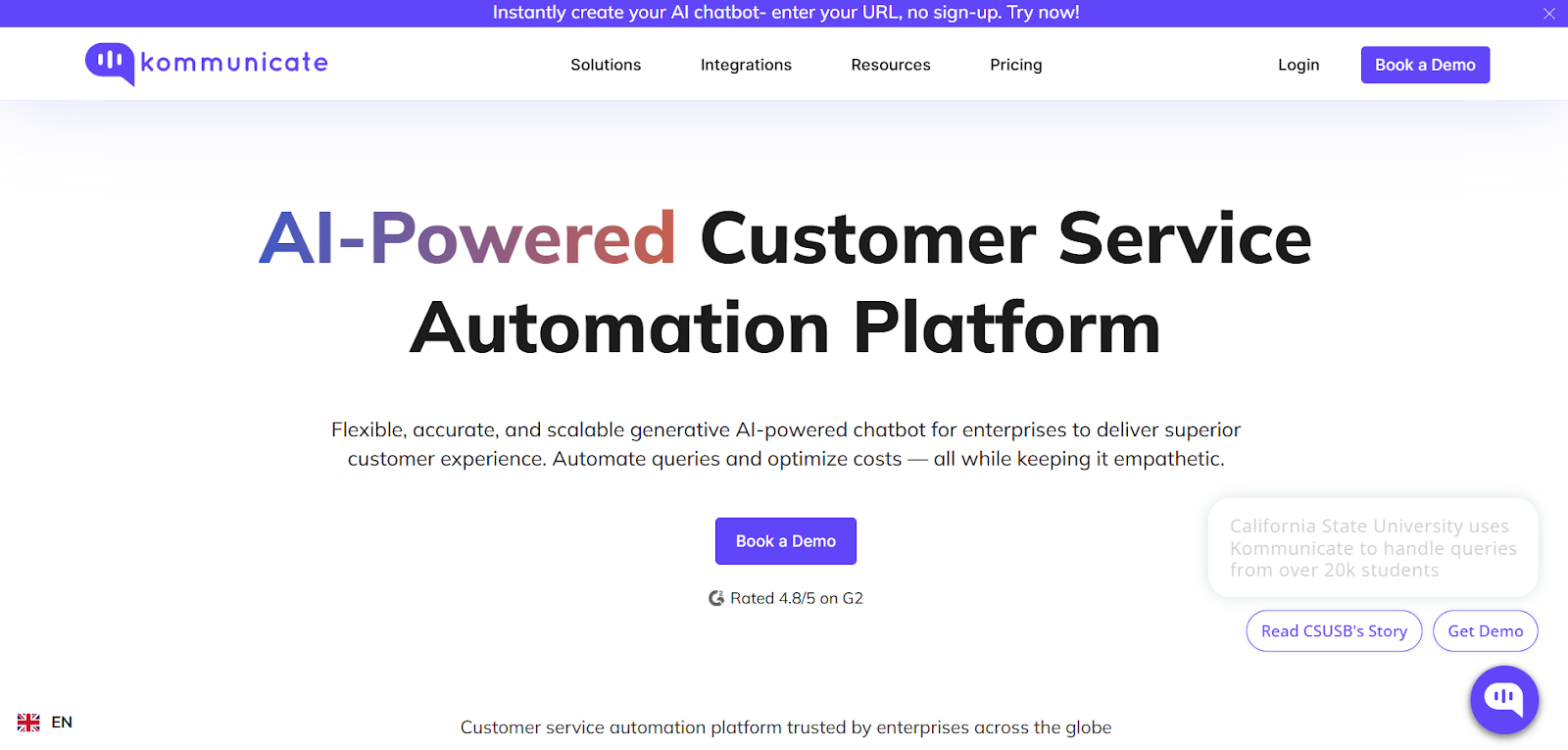
Kommunicate has evolved into a full-stack conversational AI platform that fits right into an enterprise support workflow. I built a support bot using its no-code builder, Kompose, and it was live within minutes. The experience was smooth, even for routing rules and fallback conditions.
What impressed me most this time was the new document-to-bot capability. I uploaded PDFs and CSVs, and the AI instantly turned them into a context-aware bot that could answer customer questions.
You can connect powerful models like GPT-4, Gemini, or Anthropic, and the platform now supports entity extraction from customer queries, useful for capturing things like names, IDs, or ticket references without extra setup.
Kommunicate also plugs into Salesforce, Pipedrive, Zendesk, and more, pulling in customer history for better responses. The chatbot works across websites, mobile apps, and messaging channels like WhatsApp, Telegram, and Facebook Messenger, all managed from one dashboard.
Voice support is available via Twilio, and hybrid handoffs between bots and agents are smooth. With extensive analytics, SLA tracking, and CSAT reports, the platform suits teams serious about quality. Some SDK setups still need dev time, but once you’re up and running, the automation flexibility is top-tier.
Pros
- HIPAA and SOC2 compliance at no extra cost
- Voice bot support with document-based training
- Handles support across apps, websites, and social channels
Cons
- Android app integration may need developer involvement
- Designing advanced chat flows can take time on lower-tier plans
Pricing
- Starter Plan ($40/month): 250 conversations a month
- Professional Plan ($200/month): 2,000 conversations a month
7. Netomi: Best for high-volume support teams needing advanced AI automation
What does it do? Netomi is an AI customer service chatbot that resolves more than 80% of customer queries automatically across email, chat, voice, and social channels.
Who is it for? Enterprise support teams that want secure, highly automated, and deeply integrated 24/7 customer assistance.
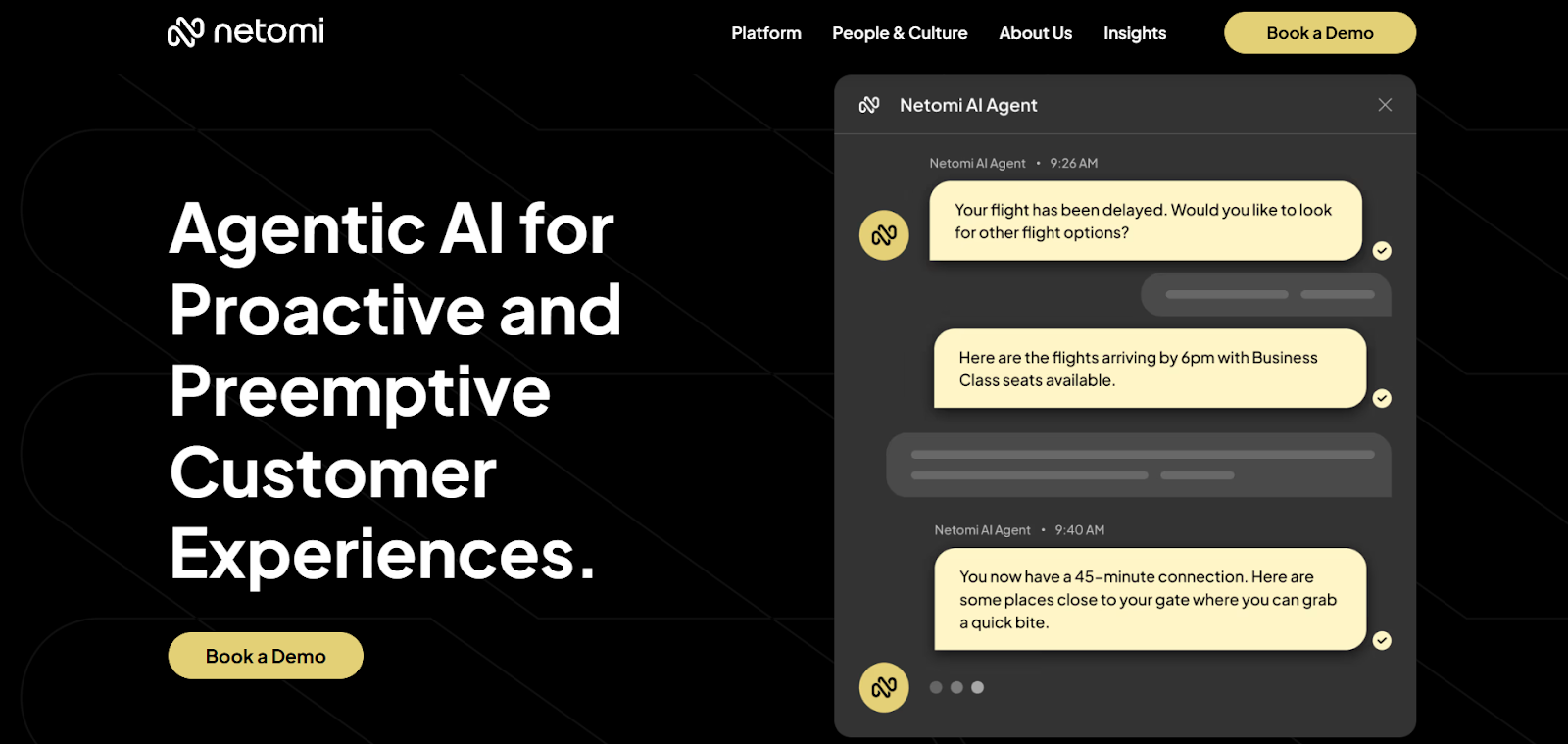
Netomi is built for scale. It’s one of the few platforms that can resolve the majority of incoming support tickets without needing a human in the loop. When I tested it across email, chat, and social channels, the bot handled each query with consistent context and tone, even when switching platforms mid-conversation.
What makes Netomi stand out is its flexible agentic modes. You can run it in fully automated mode or co-pilot mode, where the AI drafts answers for human agents to approve.
I used it with a CRM and internal help desk, and it automatically pulled in data like order details or customer status to personalize replies.
Its sentiment detection engine responds in real time, adjusting tone and urgency based on customer mood. I added quick replies, dynamic carousels, and even embedded booking tools using their modular interface, all without a dev team.
Netomi is also enterprise-grade when it comes to privacy. It’s compliant with GDPR, HIPAA, SOC2, ISO 27001, and more, and includes features like AI governance controls, security guardrails, and predictive optimization.
While the setup may need handholding and pricing is quote-based, it’s one of the most powerful AI solutions I’ve tested for high-volume, secure automation.
Pros
- Adapts tone based on live sentiment detection
- Offers co-pilot mode for agent-assisted resolution
- Supports over 100 languages and omnichannel integration
Cons
- No public pricing information available
- Setup and onboarding vary depending on account support
Pricing
Custom pricing only: Contact Netomi for a quote based on your team size, volume, and automation goals.
8. Sendbird: Best for scalable, multilingual customer service automation
What does it do? Sendbird’s customer service chatbot delivers instant AI-powered responses across multiple channels with support for over 100 languages and deep system integration.
Who is it for? Enterprises and fast-growing teams that need secure, multilingual, and fully customizable AI support across web, mobile, email, and chat.
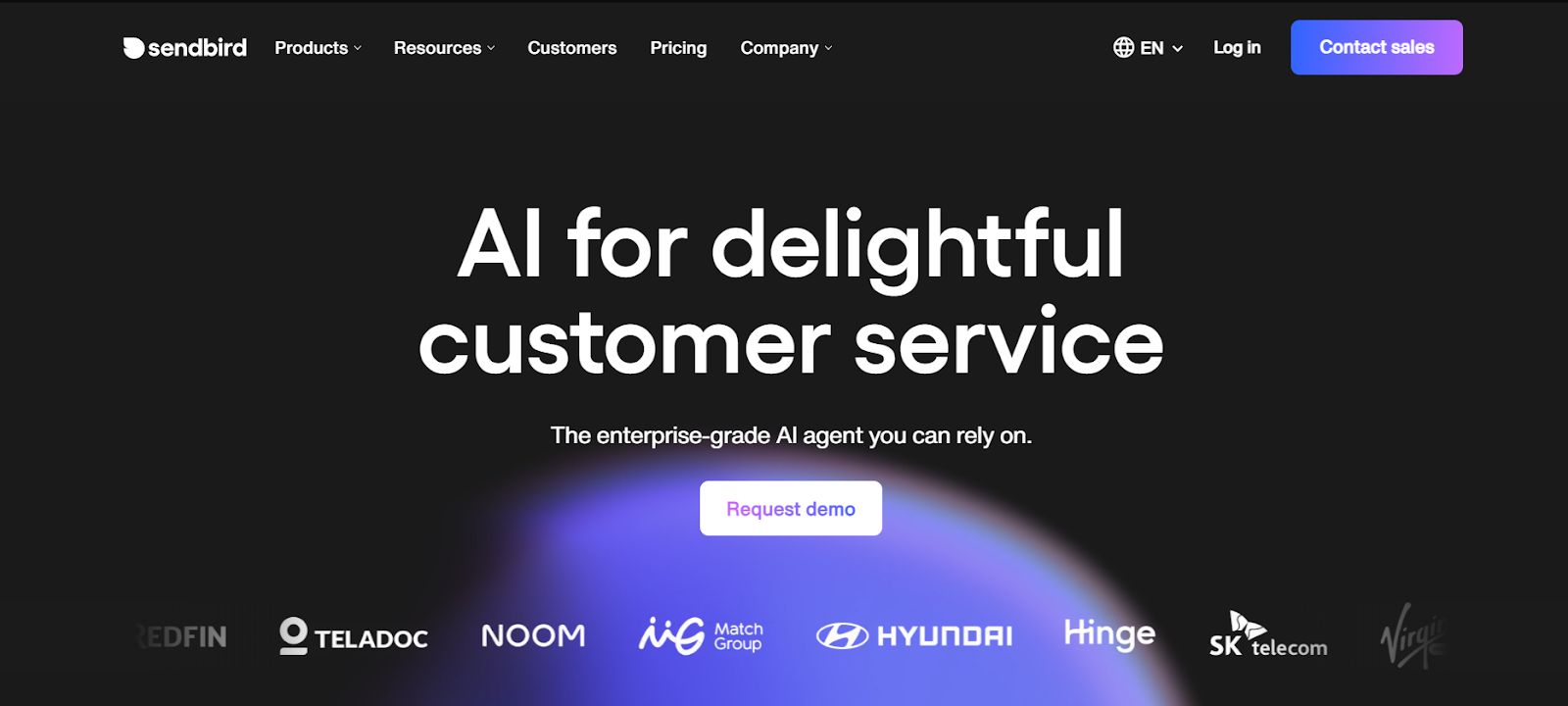
Sendbird is designed for high-volume automation without compromising quality. I launched a chatbot using its no-code builder and was surprised at how fast it came together. The interface is intuitive, and even without technical experience, I was able to train the bot using help articles and uploadable files.
The AI Agent supports over 100 languages and now runs on top-tier models like GPT-4o and Claude 3.5. Conversations feel human, and when things get too complex, the bot hands off to agents, passing all the context along so users never have to repeat themselves.
Sendbird’s bots work across all major channels, email, chat, mobile apps, WhatsApp, and SMS. The new update also includes specialized email and SMS agents that deliver fully automated support, removing the need for customers to open help portals or apps.
You can set up dynamic workflows, route queries intelligently, and keep the experience consistent across platforms. Even changing basic application settings was fairly simple.
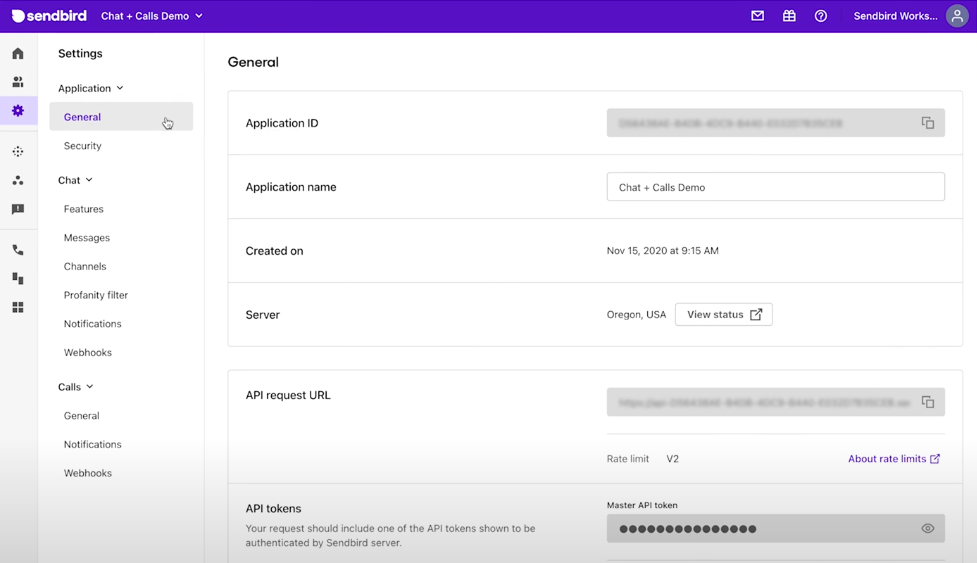
What stood out most was the enterprise-grade security. Sendbird meets GDPR, CCPA, and HIPAA requirements and guarantees 99.9% uptime.
Combined with built-in analytics, proactive messaging tools, and sentiment analysis, it's a strong fit for teams that need to scale efficiently while maintaining quality and compliance.
Pros
- Proactive messaging boosts user engagement
- Sentiment detection helps prioritize urgent tickets
- Enterprise-ready security and compliance coverage
Cons
- The free plan is limited in workflows and file uploads
- Higher-tier plans are needed for expanded chatbot and function limits
Pricing
Custom pricing only: AI agent plans are not publicly listed. Contact Sendbird for a tailored quote based on usage and team size.
9. Gorgias: Best for Shopify-powered stores needing AI ticket automation
What does it do? Gorgias automates customer support tasks and ticket handling for Shopify stores across chat, email, and social media.
Who is it for? E-commerce businesses, especially Shopify stores looking to reduce ticket volume and handle support with minimal agent effort.
While working on a test Shopify store during a flash sale setup, I ran Gorgias to see how it would handle the flood of order updates and refund questions. The AI instantly resolved repetitive queries like “Where’s my order?” or “How do I return this?”, without ever needing a live agent.
It handled most of the tickets using Shopify Actions like refunds, order edits, or discount approvals, all from the customer details page inside Shopify Admin.
I used prebuilt macros and automation flows to configure things like subscription management and refund approvals. The new “Built for Shopify” block extensions even let you trigger support workflows from product or customer views, which helps reduce agent switching between tools.
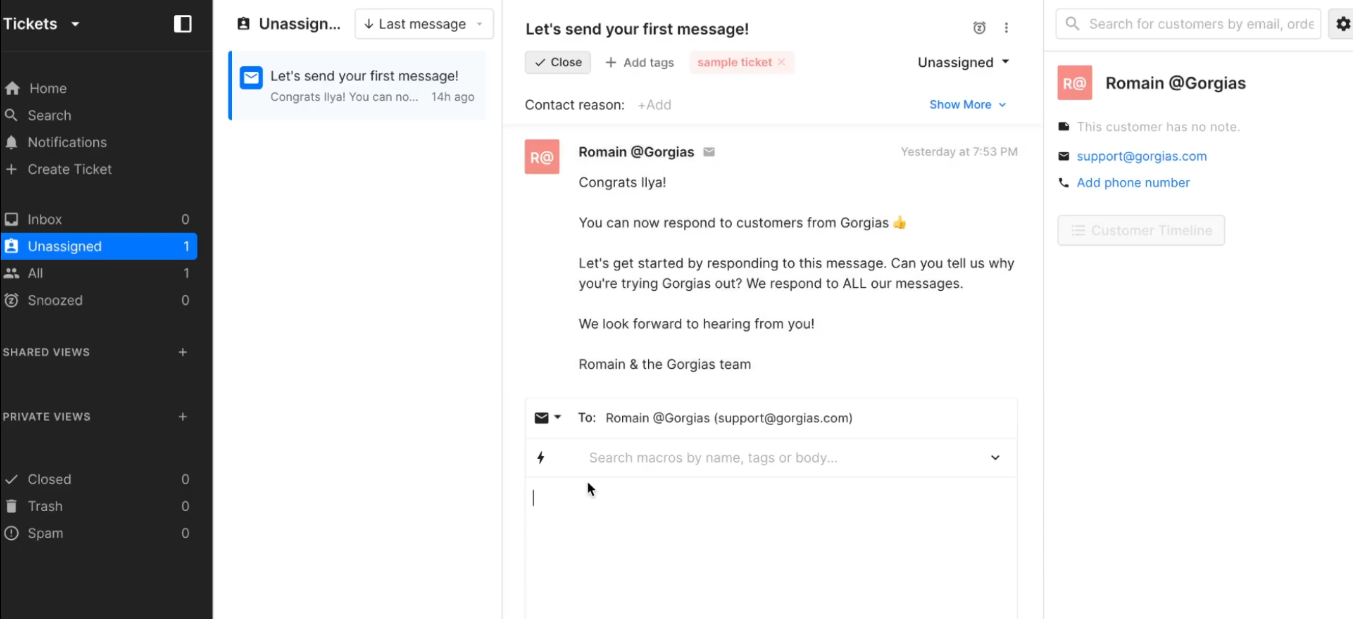
You can personalize the live chat widget with product suggestions, custom colors, and branded icons.
Gorgias also worked well across Messenger, SMS, Instagram, and even voice, pulling everything into one dashboard. I also tested it on mobile to simulate weekend support, and it performed just as well.
The analytics are decent, showing resolution time and ticket deflection rates, though they lack the granularity of platforms like Zendesk or Intercom.
Pros
- Reduces cart abandonment with checkout chat triggers
- Unified dashboard for chat, SMS, email, and social support
- Automates Shopify tasks like refunds, order edits, and discounts
Cons
- Analytics tools are limited and not very flexible
- AI works best for common issues, not complex scenarios
Pricing
- Helpdesk plans scale from 50 to 5,000 tickets a month, priced by ticket volume rather than per agent
- AI Agent comes with every plan, and you pay only when it resolves a conversation
10. Chatfuel: Best for automating customer service on social platforms
What does it do? Chatfuel is a no-code chatbot platform that helps businesses automate conversations on WhatsApp, Facebook Messenger, Instagram, and websites.
Who is it for? Businesses that rely on Meta channels for sales or support and want to automate replies, bookings, or lead capture without writing code.
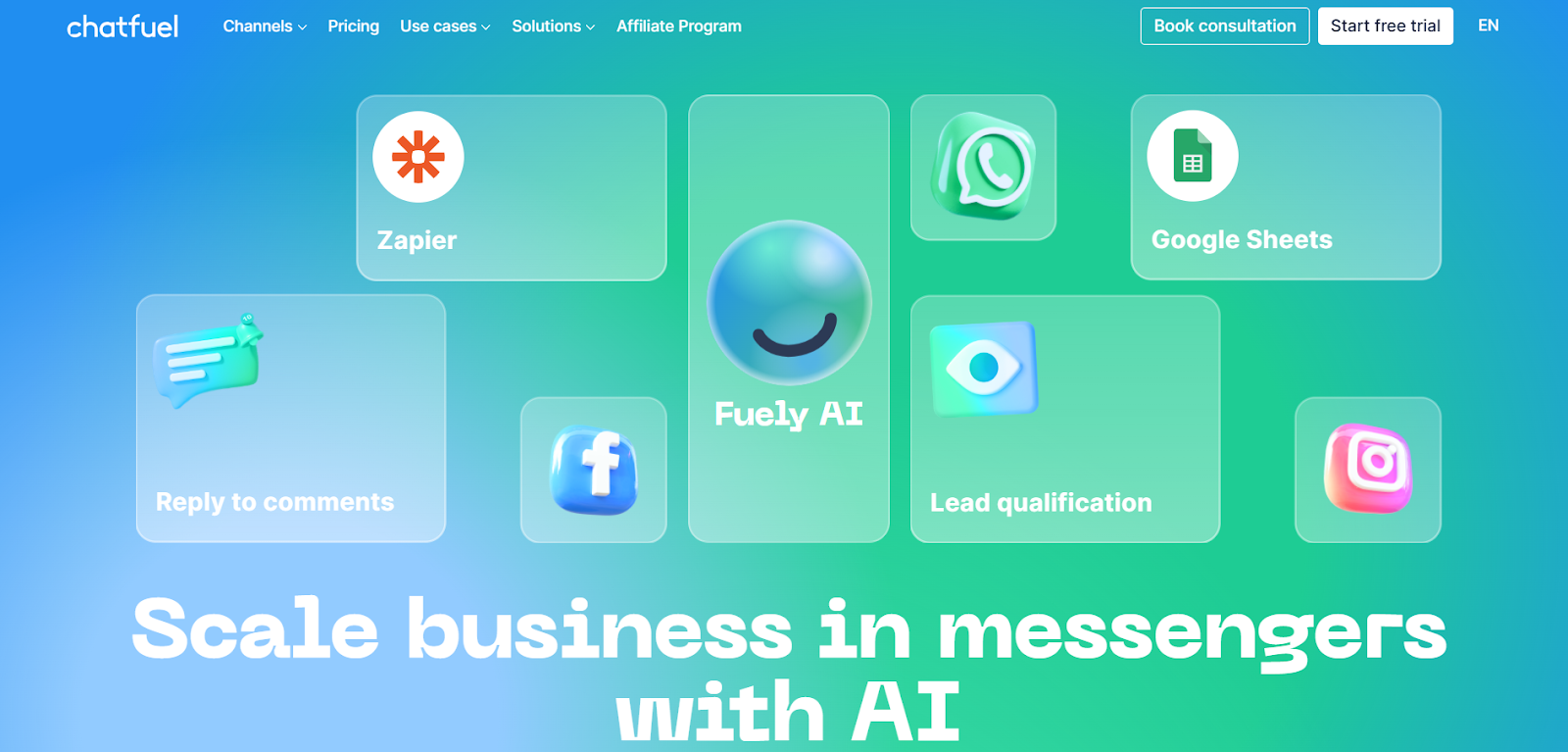
If your DMs are constantly blowing up on Instagram or Messenger, Chatfuel feels like adding an extra support rep, without needing to train one. I built a chatbot that answered story replies, offered coupons, and followed up with leads in just a few clicks.
The platform supports smart replies powered by ChatGPT and lets you sync answers from your knowledge base for consistent, human-sounding responses. There are also prebuilt templates for lead gen, order updates, product recommendations, and appointment bookings.
What I liked most was how easily it connected to tools like Google Sheets, Stripe, and Calendly. I built a bot that automatically logged customer feedback in a spreadsheet and another that triggered a flow after a Stripe payment.
For teams selling directly on social media, it helps automate repetitive replies while offering proactive nudges like “Is this still in your cart?”
There’s built-in analytics to monitor campaign effectiveness and user flow drop-off, but AI response tuning is still limited compared to something like Netomi.
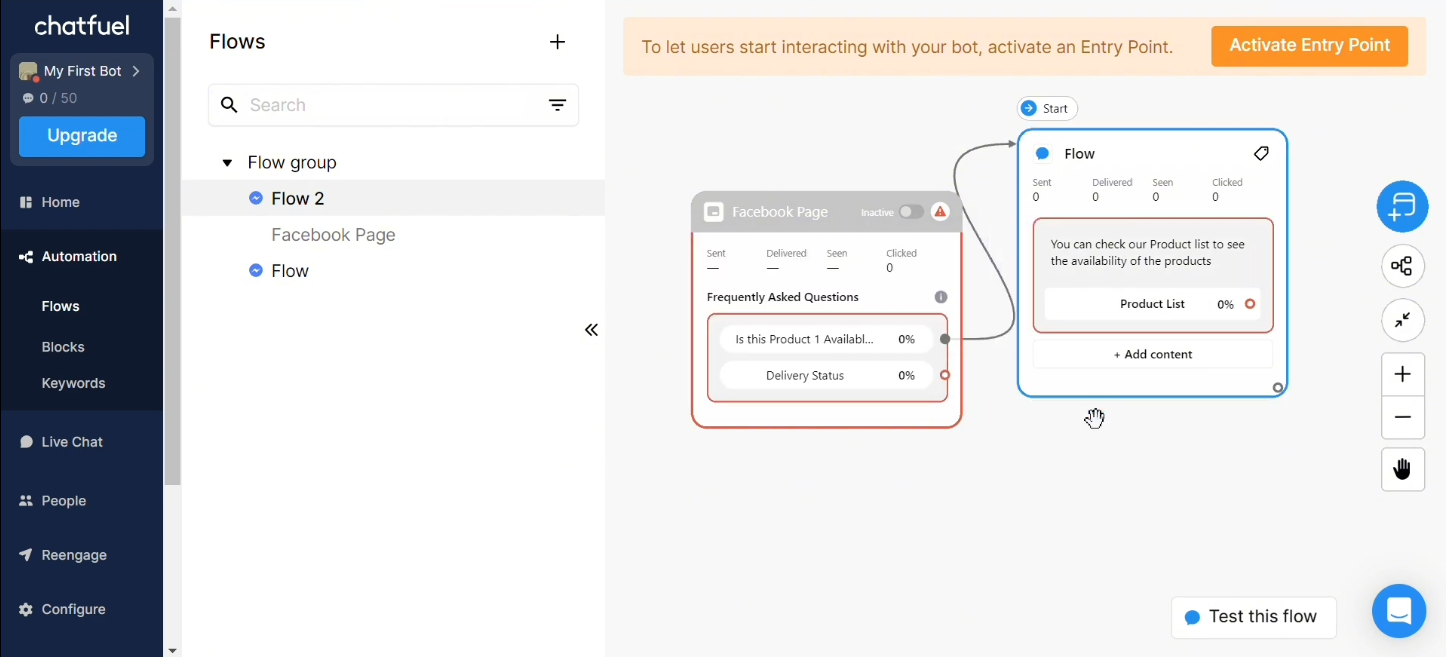
Chatfuel is ideal if your customer conversations start on Instagram, Messenger, or WhatsApp, but it may feel limited if your primary support channel is your website or mobile app.
Pros
- Pre-built flows save setup time for common tasks
- Unified dashboard to manage all Meta-based chats
- Real-time updates on customer interactions and status
Cons
- Usage costs can rise quickly with high conversation volume
- Some AI features feel basic compared to enterprise-level tools
Pricing
- Chatfuel Light: free plan to get started, no credit card required
- AI PRO ($49/month): Chatfuel’s paid plan, discounted 29% on yearly billing
11. Ada: Best for multilingual customer service automation at scale
What does it do? Ada is a no-code AI customer service chatbot that helps businesses automate support across channels like web, SMS, social media, and voice.
Who is it for? Teams that want reliable, global, always-on customer support without needing technical skills or manual workflows.
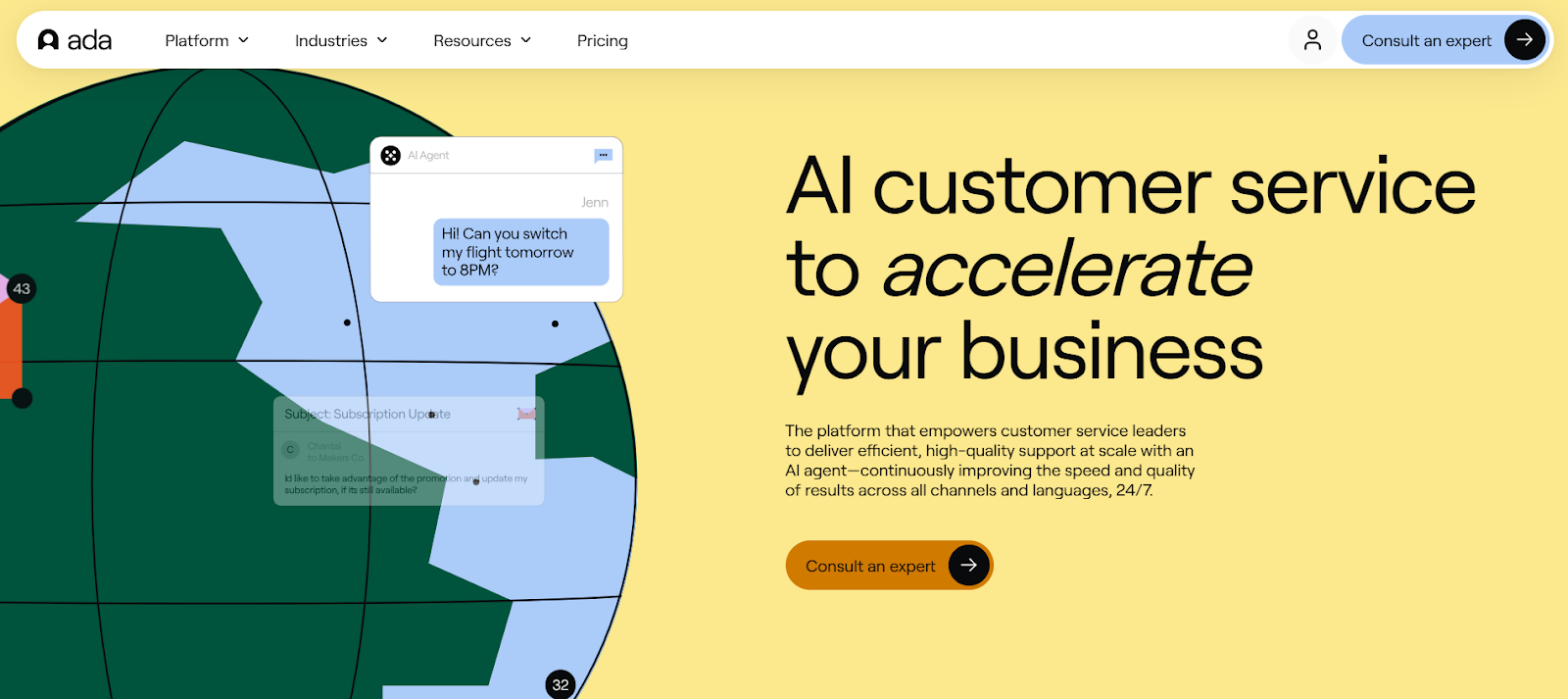
Ada is built for scale. I used its flow builder to launch a multilingual support bot for both my website and SMS support line. The setup took minutes, no code needed.
I configured responses for FAQs, subscription changes, and product recommendations, all while toggling between English, Spanish, and German during testing. The transitions were smooth, and the AI adapted well to phrasing quirks in each language.
What stood out most was Ada’s NLP engine. It interpreted intent even when I intentionally used slang, dropped punctuation, or mixed up grammar. It adjusted tone based on sentiment and redirected angry customers to live agents using smart escalation rules. New features like Coaching and Scorecards helped refine bot behavior by showing which responses were underperforming.
Ada also offers serious backend muscle. It handles millions of interactions simultaneously, integrates with Zendesk, Salesforce, and other CRMs, and includes SOC2, HIPAA, and GDPR compliance by default.
When I tested peak load by simulating a sale event across channels, the bot didn’t lag once. So, if you're looking for a long-term support automation tool with native global capabilities, Ada nails the balance between ease of use and enterprise-grade power. You can also test out Ada’s features with a free demo before going for a custom plan.

Pros
- Handles support in 50+ languages for global coverage
- Advanced NLP detects user intent and emotional tone
- Personalised responses using CRM and ticketing data
- 24/7 support across multiple platforms and touchpoints
Cons
- No transparent pricing available
- Reporting granularity can vary by integration
Pricing
You need to contact Ada to get custom pricing based on your needs.
How I Tested These Customer Support Bots
Each chatbot on this list was tested hands-on in real support workflows, not just by reading product pages or watching demos. Bots were built using their native editors, connected to common tools like CRMs, email, and live chat platforms, and evaluated in practical scenarios like handling FAQs, booking requests, and post-sale support.
Here’s how I tested each AI customer service chatbot:
- Real-World Testing: I used every customer support chatbot to reply to real customer questions like order tracking, refund requests, FAQs, and appointment bookings. I wanted to see how well the customer service bot could understand the message, respond naturally, and stay accurate across different use cases.
- Setup and Usability: Some chatbots for customer service were quick to launch. I could go from signup to live chatbot in under 15 minutes. Others took more time or needed help from a developer. I looked at how easy it was to build conversation flows, use templates, and customize the chatbot without coding. A good customer service chatbot should be easy for anyone to use.
- Automation and Features: Before making the final list, I checked if the chatbot could do more than just answer questions. The best AI customer service chatbots help with things like routing chats to the right person, sending follow-up messages, pulling data from a CRM, and updating customer info automatically. These chatbot solutions save time and reduce manual work.
- Multi-Channel Support: Many businesses support customers across different channels like websites, social media, email, and messaging apps. So I tested how well each chatbot for customer support handled conversations across platforms like WhatsApp, Instagram, and Facebook Messenger. The best customer support bots kept the chat flowing smoothly across all channels..
- Handling Complex Requests: Sometimes, a chatbot can’t answer everything. So I tested how well each customer support bot could hand off a conversation to a real human. Did it pass along the chat history? Was the transition smooth? These moments affect the overall customer experience.
After weeks of testing, it became clear which platforms were just flashy and which ones were truly helpful. The best customer service chatbots weren’t just smart, they were easy to use, saved time, worked across channels, and fit into your daily workflow.
What is the best chatbot for customer support?
There’s no single best chatbot for customer support; it depends on the size of your team and where your customers show up. Zendesk is the strongest all-around pick for established support teams, with pre-trained AI agents that work across email, chat, voice, and social.
Intercom is the pick if you want AI chat and human support working side by side in one platform, with its Fin AI agent priced per outcome. For small businesses that need affordable AI support, Tidio covers the basics without the enterprise price tag.
Match the tool to your channels and ticket volume first, then test the AI on your real conversations before you commit.
FAQs
1. What is a customer service chatbot, and how does it work?
A customer service chatbot is a tool that uses artificial intelligence (AI) to talk to your customers and help them with their questions. It understands what people are asking using natural language processing (NLP), then replies with helpful answers. Chatbots can handle many conversations at once and work 24/7 without needing a human to step in unless the issue is too complex.
2. Is using a chatbot for customer support helpful?
Yes, using a chatbot for customer support can be highly helpful, offering numerous benefits for both businesses and customers. Chatbots can provide instant responses, reduce wait times, and free up human agents to handle more complex issues. They can also learn and improve over time, becoming more efficient at answering questions and resolving problems.
3. Can a chatbot handle complex customer queries?
Most of the AI-powered chatbots can handle complex customer queries, but their capabilities depend on their design and the specific technology used. While they can't replace human agents entirely, they are effective for routing routine queries, providing basic self-service options, and even assisting human agents in resolving complex issues.
4. Can a chatbot connect with tools like my CRM or helpdesk?
Customer service chatbots can connect with popular tools like HubSpot, Salesforce, Zendesk, or other CRMs and helpdesk software. This lets the chatbot use your customer’s past data to give more personal responses. It also helps update records in your system automatically, so your agents always have the latest information when they take over.
5. Can I use a customer support chatbot on different channels?
Yes, you can use a customer service chatbot on different channels, and it's a common practice to do so. Chatbots are designed to be deployed across various platforms, allowing customers to interact with them on their preferred channel.
6. Will a chatbot replace human customer service agents?
No, a chatbot is designed to work with your human team, not replace them. AI customer service chatbots are great at handling repetitive questions and doing routine tasks. But for emotional conversations, complicated issues, or anything that needs human judgment, your live agents are still essential. A good chatbot improves your support team, it doesn’t remove it.
7. Are customer service chatbots safe to use?
Definitely, customer support bots follow strict security standards. They use encryption to protect your customers’ information, and they comply with privacy laws like GDPR, HIPAA, and CCPA. If your business handles sensitive data, make sure the chatbot solution you choose meets your industry’s security and compliance requirements.
8. Can chatbots give personalized responses?
Yes, chatbots can deliver personalized responses by analyzing user data, learning from interactions, and tailoring responses to individual needs and preferences. This personalization can be achieved through various methods, including offering customized recommendations, using specific user names, or adjusting the tone and style of communication.
9. Can I measure how well my chatbot is working?
Yes, chatbots can deliver personalized responses by analyzing user data, learning from interactions, and tailoring responses to individual needs and preferences. This personalization can be achieved through various methods, including offering customized recommendations, using a user's preferred language, and remembering previous interactions.
10. Is it hard to set up a chatbot for my business?
No. Setting up a chatbot today is easier than ever. Most platforms come with a drag-and-drop builder, so you don’t need to know how to code. You can start with a template and then adjust it to match your business needs, like answering FAQs, booking appointments, or helping with sales. Many chatbot tools also offer onboarding guides or customer support to help you get started.










