10 Best AI Meeting Assistants of 2026 (Hands-On Review)
Jack tested Otter.ai, Avoma, and Fireflies.ai for transcription accuracy, sales coaching, and pricing across 20 AI meeting assistants for closing deals.


Some of the best AI meeting assistants are Lindy for post-meeting follow-ups, Otter for live transcription accuracy, and Avoma for sales coaching. Each tool solves a different problem, but they all help teams capture and act on information faster.
Without meeting assistants, teams lose follow-up details, miss CRM updates, and waste time rewriting notes manually.
Here are the 10 best AI meeting assistants that help solve these problems. Discover how each tool transcribes meetings and extracts key insights so you can pick the right one for your team.
The 10 best AI meeting assistants: At a glance
| Tool | Best For | Pros | Cons | Starting Prices |
|---|---|---|---|---|
| Lindy | Texted follow-ups and output | Handles follow-ups, CRM syncing, and task routing | Needs clear instructions for detailed summaries | $49.99/month |
| Otter.ai | Live transcription | Accurate live transcripts, searchable meeting archives | No CRM sync, capped monthly minutes | $16.99/user/month |
| Avoma | Sales coaching | Scores sales calls, surfaces coaching gaps | Requires management oversight, expensive add-ons | $29/seat/month |
| Read AI | Engagement scoring | Tracks engagement, combines cross-platform insights | Excessive features, unnecessary scoring layers | $19.75/user/month |
| Krisp | Call clarity | Removes noise, improves accent clarity instantly | Expensive scaling, limited daily conversion | $16/user/month |
| Fireflies.ai | Recording and archiving team meetings | Searchable transcripts, collaborative shared meeting archives | Limited credits, overwhelming solo-user workflows | $18/seat/month |
| Fathom | Solo note-taking | Free summaries, fast structured follow-up notes | Weak phone support, sharing permission bugs | $19/user/month |
| tl;dv | Sharing main points of meetings | Shares clips, identifies multi-meeting discussion patterns | Requires integrations, expensive advanced coaching | $29/seat/month |
| Fellow | Instant summaries | Tracks agendas, carries unresolved action items forward | Cap of 10 notes/member per month on the Team plan | $11/seat/month |
| MeetGeek | Automated documentation | Automates summaries, routes outputs across tools | Requires volume, struggles with specialized call-types | $15.99/user/month |
How I tested each AI meeting assistant
I started off with 20 AI meeting assistants and boiled my list down to 10 by testing the following criteria:
- Transcription accuracy: An output that loses context equals more time to fix than taking manual notes. I ran each tool through back-to-back calls with heavy crosstalk, accents, and technical jargon to see what survived and what collapsed into gibberish.
- CRM and calendar integration: AI meeting assistants must constantly communicate notes and updates to calendars and CRMs. I connected each tool to a live CRM and calendar and tracked whether action items automatically landed in the right place and were assigned to the right person.
- Sales discovery call: I ran a scripted discovery call with objection handling and pricing discussion, then measured how accurately each tool explained next steps, deal context, and commitments made.
- Setup time: An AI meeting assistant that requires IT involvement for configuration is a bad sign because it can create bottlenecks when bugs arise or teams get stuck using certain features. I timed full onboarding from signup to the first automated summary.
- Summary quality: Call summaries contain key information your sales team can use to build strong relationships with potential clients. I evaluated each summary against the actual meeting recording and assessed whether someone who didn’t attend could take action from it without needing follow-up clarification.
I found 10 tools that noted key points from messy conversations and could send info to CRMs and calendars so the whole team could stay informed. The meeting assistants that failed added more work or didn’t connect with other apps.
1. Lindy: Best for meeting follow-ups
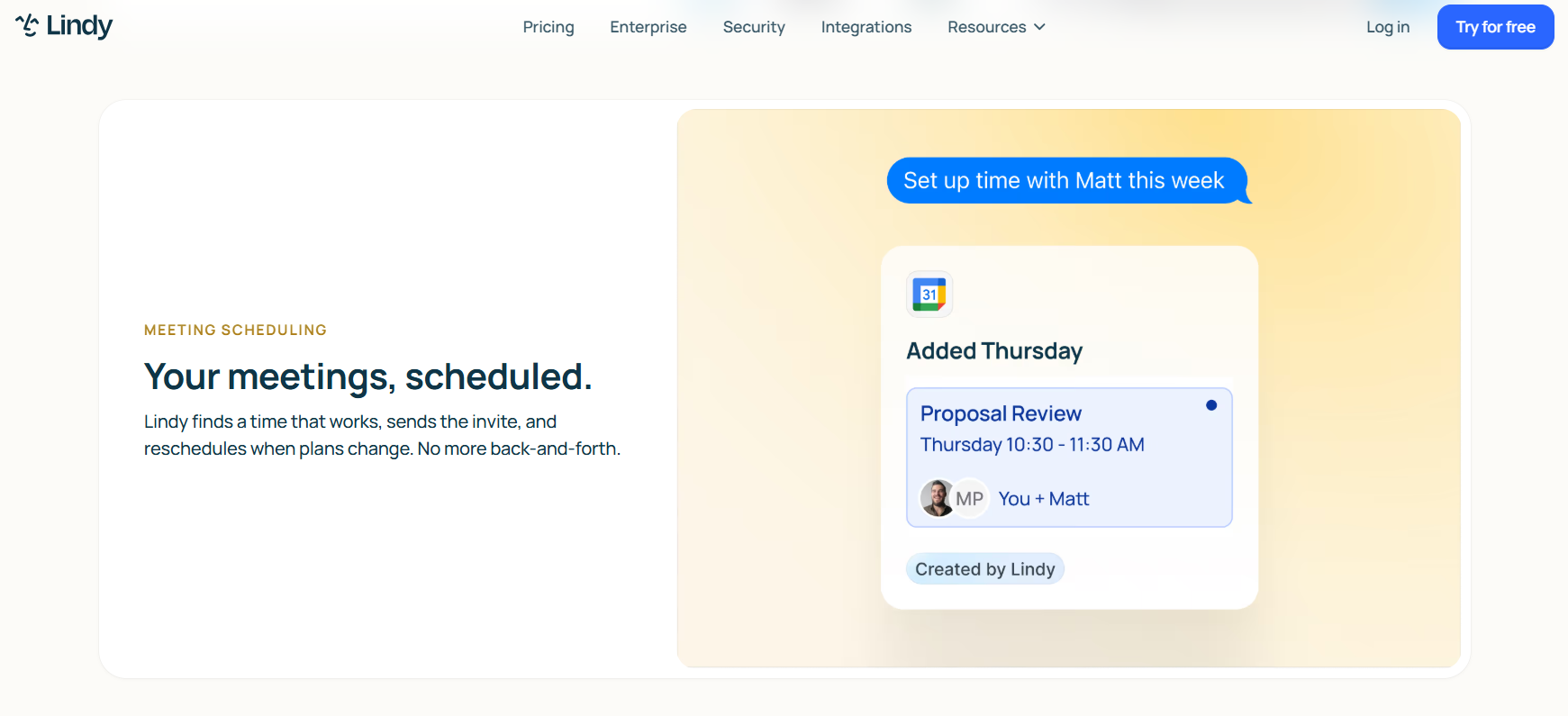
What it does: Lindy handles follow-ups after meetings by updating your CRM, drafting recap emails, and creating next-step tasks.
Who it's for: Teams running high call volume who need scheduled meetings, summaries, and follow-ups completed before the next call starts.
I tested Lindy on a mock 40-minute sales discovery call. The “lead” gave me 3 action items and a pricing follow-up during the meeting. All I needed to do was text Lindy and tell it to capture each action item in the summary and send it to a Google Doc. The summary read like it was written by someone who actually attended the meeting and took precise notes.
It then sent a Slack notification to members of the finance team to ask for guidance about the lead’s pricing question. The team immediately understood the lead’s pricing question and provided an answer after a little internal discussion. This means I was prepared for the follow-up call.
Lindy also texted me 10 minutes before the follow-up meeting with a recap of the action items we agreed on during the previous call. It also showed how I had completed each task and gave me a clear way to present that progress to the lead.
I also tested Lindy across a sample daily meeting schedule with changing agenda items. Lindy assigned tasks with reasonable accuracy and updated each item in every team member’s Google Calendar.
This keeps your team aligned without constant recap meetings or repeated explanations. Lindy helps you avoid endless emailing and wasting time repeating yourself just to get your team up to speed. You can instead focus on the reason for the meeting instead of repeating updates.
The only issue I had with Lindy was that I needed to be specific about what I wanted it to do. For instance, if I told it to summarize a sales call, it would sometimes leave out important objections or next steps. I needed to tell it to capture objections, pricing concerns, action items, and follow-up commitments to produce stronger summaries.
Key features
- Writes outbound follow-up emails immediately after a call ends.
- Sends notes, action items, and contact updates directly into your CRM record.
- Creates customized and structured summaries around specific call types.
- Joins calls on Zoom, Meet, and Teams as a named participant and records the meeting, then provides a full transcript.
- Sends updates and follow-ups across tools like email, CRM, and Slack after meetings end
Pros
- Completes CRM and task updates without requiring manual review.
- Prepares outbound drafts before the next meeting starts.
- Discovery call outcomes sync directly to deal records without copy-paste.
Cons
- Prompts work best with clear instructions, so if they’re too vague, the output can miss important details like objections, action items, or pricing concerns.
- Lindy doesn’t offer a true free version, only a 7-day free trial.
What real users say
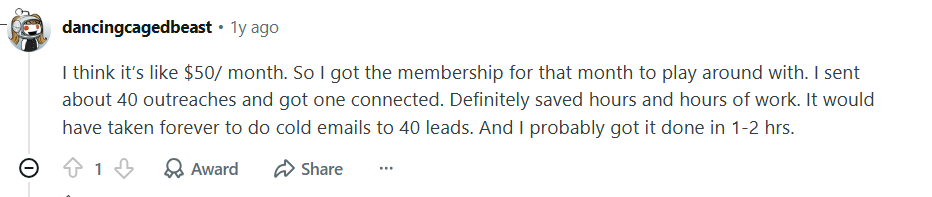
“I sent about 40 outreaches and got one connected. Definitely saved hours and hours of work. It would have taken forever to do cold emails to 40 leads. And I probably got it done in 1-2 hrs.” - Reddit user
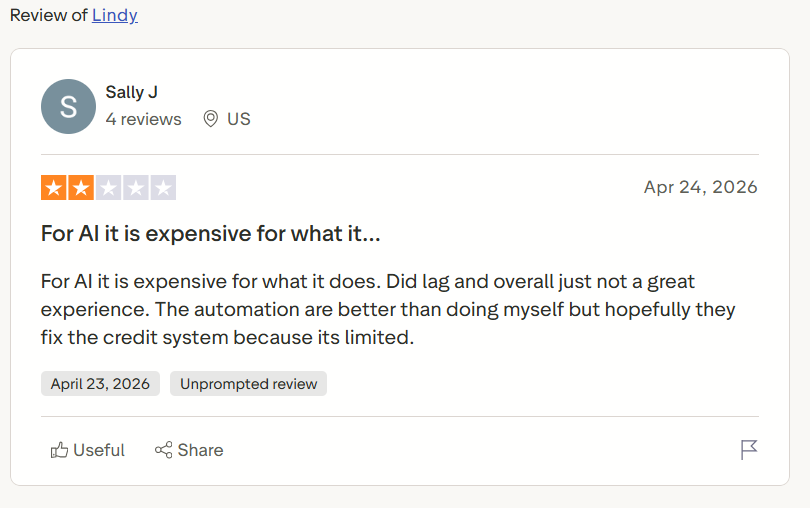
“For AI, it is expensive for what it does. Did lag and overall just not a great experience. The automation [is] better than doing myself, but hopefully they fix the credit system because its limited.” - Sally J., Trustpilot
Pricing
- Lindy has a 7-day free trial.
- Plus plan: $49.99/month with hundreds of integrations and 2 inboxes.
- Pro plan: $99.99/month with 3x more usage, 3 inboxes, and computer use.
- Max plan: $199.99/month with 7x more usage than Plus, 5 inboxes, and more computer use.
{{templates}}
2. Otter.ai: Best for live meeting transcription accuracy
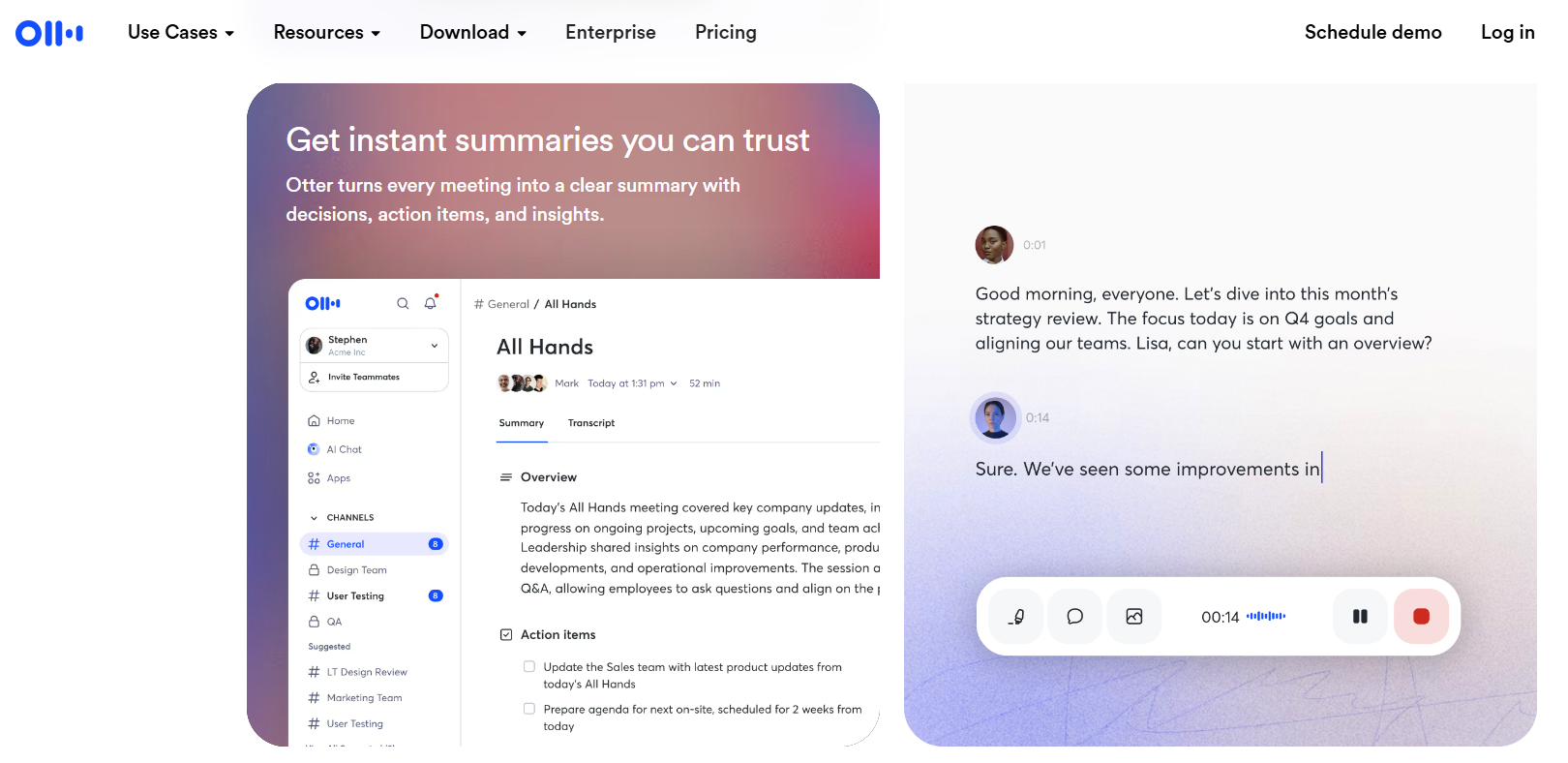
What it does: Otter transcribes every spoken word during a meeting in real time.
Who it's for: Teams with several back-to-back calls who need a searchable record without manual effort.
I tested Otter on a 60-minute internal planning call with 6 attendees. The tool could identify speakers through most of the session, but had 4 errors matching the speakers in the back half of the call.
The next test looked at the live transcript feature during a client call. This feature generated what everyone said in near real time. I could reference the client’s exact wording to guide follow-up questions and avoid missing important details during the conversation.
But if you’re running calls longer than 90 minutes, you’ll need to upgrade to the Business Plan, which is more than double the price of the Pro Plan. Since Otter charges per user pricing, costs could add up if you have a growing sales team.
Key features
- Converts speech to text live during Zoom, Teams, and Google Meet calls in near real time.
- Automatically labels each speaker by name throughout the transcript.
- Generates a condensed recap with key points after the call ends.
- Lets participants find any spoken moment via search during a live call instantly.
Pros
- Teammates can follow along or join calls and catch up without interrupting the speaker.
- Every past transcript is indexed and instantly searchable by keyword.
- Free plan covers enough minutes to test accuracy before committing.
Cons
- Doesn’t offer automated follow-ups or CRM sync, so you’ll need to do this manually.
- Pro plan caps at 1,200 minutes monthly with no rollover when you exceed it.
What real users say
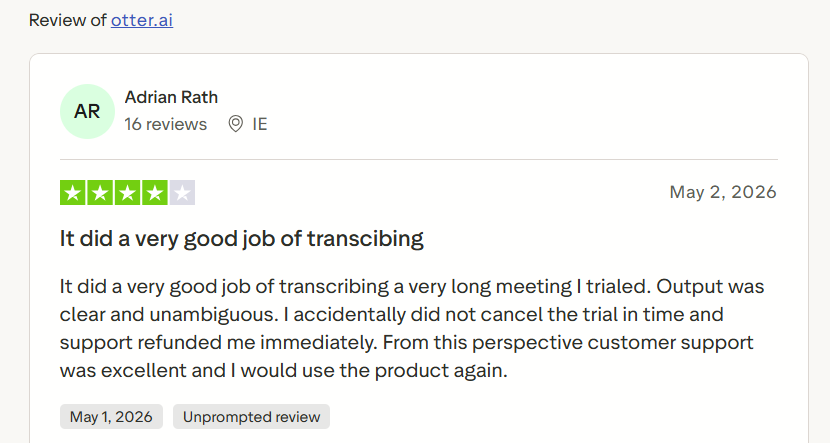
“It did a very good job of transcribing a very long meeting I trialed. Output was clear and unambiguous.” - Adrian Rath, Trustpilot
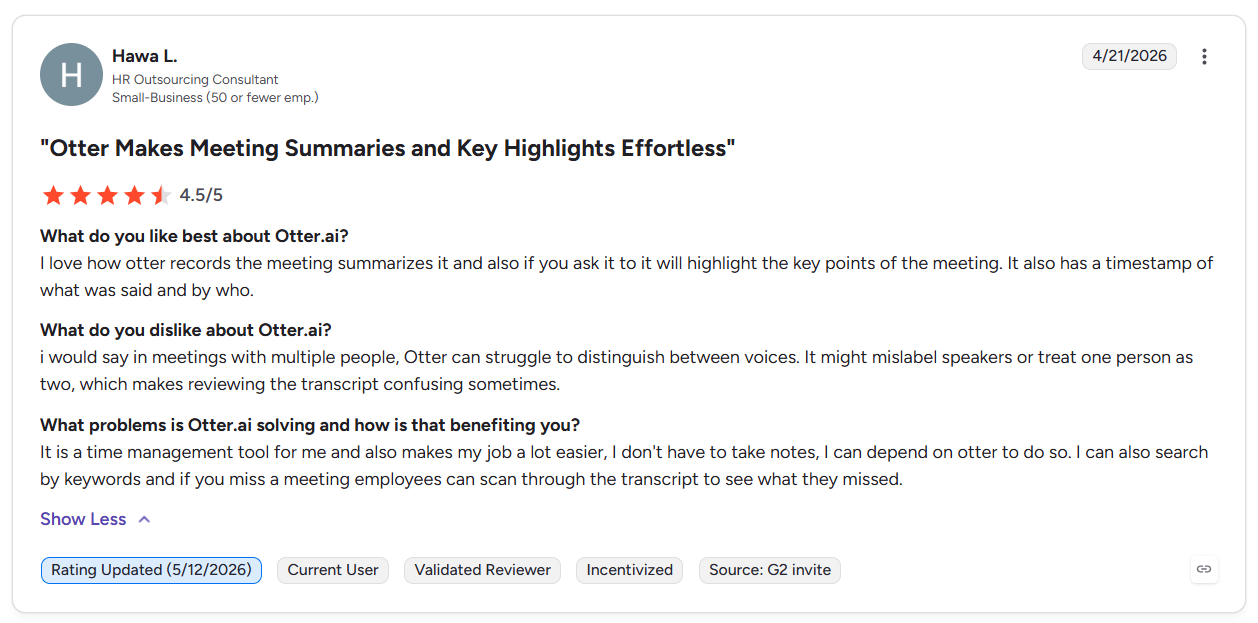
“...in meetings with multiple people, Otter can struggle to distinguish between voices. It might mislabel speakers or treat one person as two, which makes reviewing the transcript confusing sometimes.” - Hawa L., G2
Pricing
- Otter has a free version with 300 monthly transcription minutes
- Pro Version: $16.99/user/month with 1,200 monthly in-app recording minutes
- Business version: $30/user/month with 4 hours/meeting.
3. Avoma: Best for sales coaching and analytics
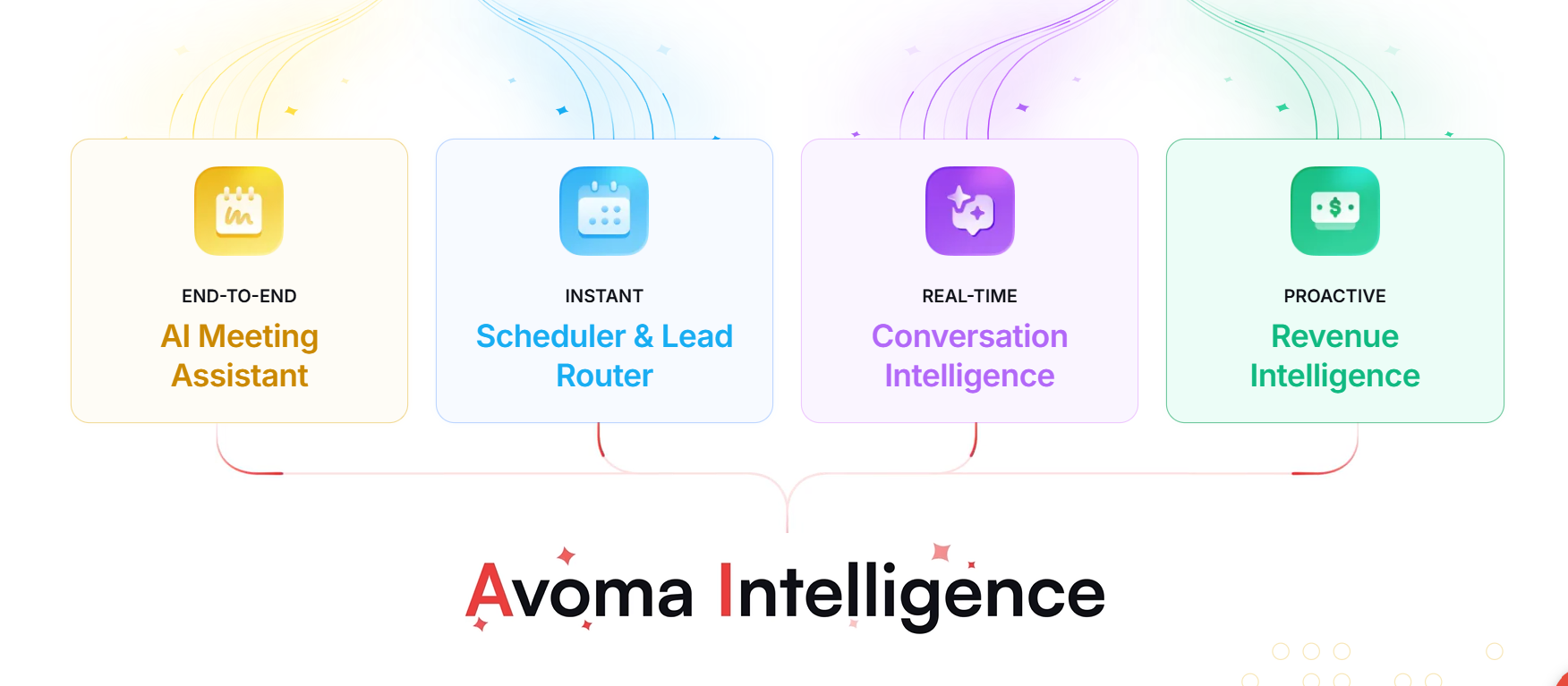
What it does: Avoma handles call review by scoring every rep conversation and surfacing coaching gaps automatically.
Who it's for: Sales managers running weekly pipeline reviews who need call data without listening to recordings.
I tested Avoma's scorecard feature across 5 sample discovery calls that I had recorded earlier. The tool scored talk ratio, question frequency, and topic coverage against a custom rubric without manual input. That level of call breakdown would take a manager 30 minutes per call to replicate manually.
Then, I examined the deal research feature for a sales pipeline review. Avoma showed me the potential clients that had gone dark based on call activity. It flagged 3 new opportunities with those leads to help my team revisit.
But teams without a dedicated sales manager or structured coaching program will find Avoma's depth more overhead than payoff. To properly use the tool, you’ll need a dedicated sales manager and training process.
Key features
- Grades recorded calls against a custom rubric without manual review.
- Tracks talk ratio, filler words, and topic coverage across all sales reps.
- Flags pipeline risk based on call frequency and engagement patterns.
Pros
- Finds risks and opportunities from call data.
- Managers see individual performance patterns across all calls, not just one-off reviews.
- Every call produces a scored record that a manager can act on immediately.
Cons
- Outputs aren’t always accurate and require a manual review.
- Follow-ups, tasks, and scheduling still require separate tools.
What real users say
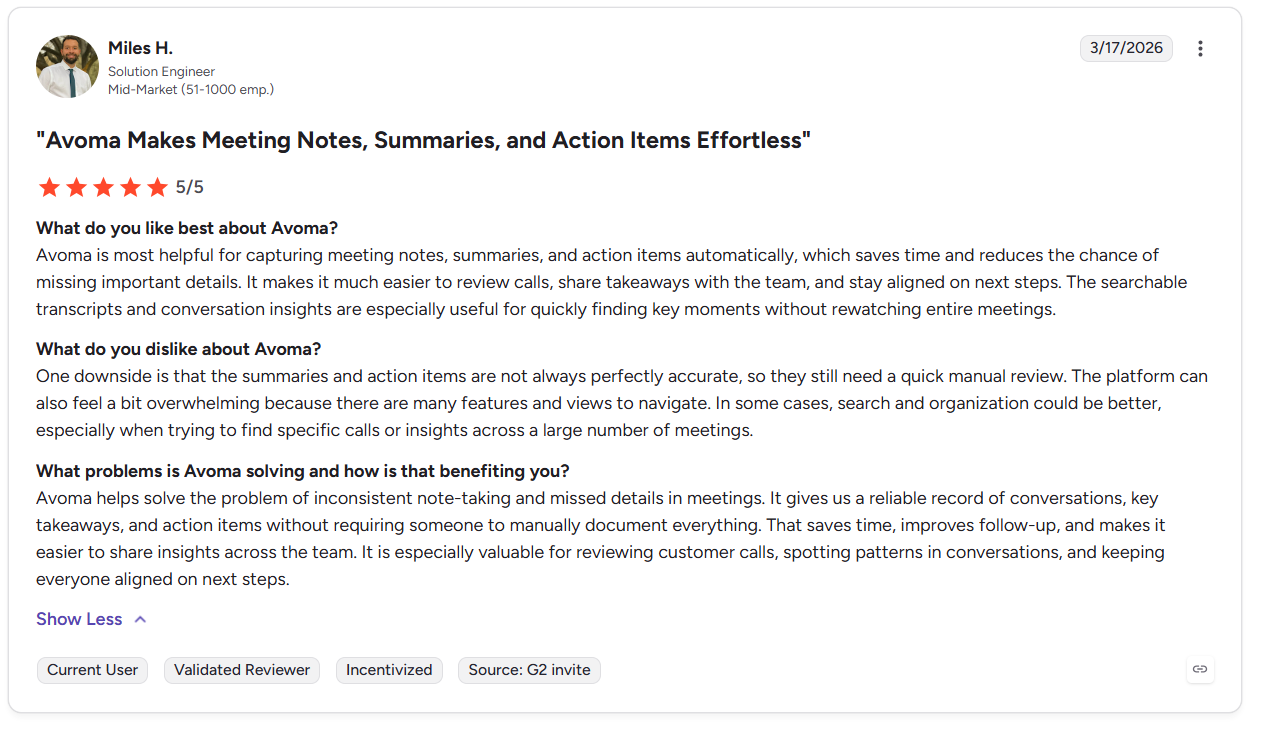
“Avoma is most helpful for capturing meeting notes, summaries, and action items automatically, which saves time and reduces the chance of missing important details.” - Miles H., G2
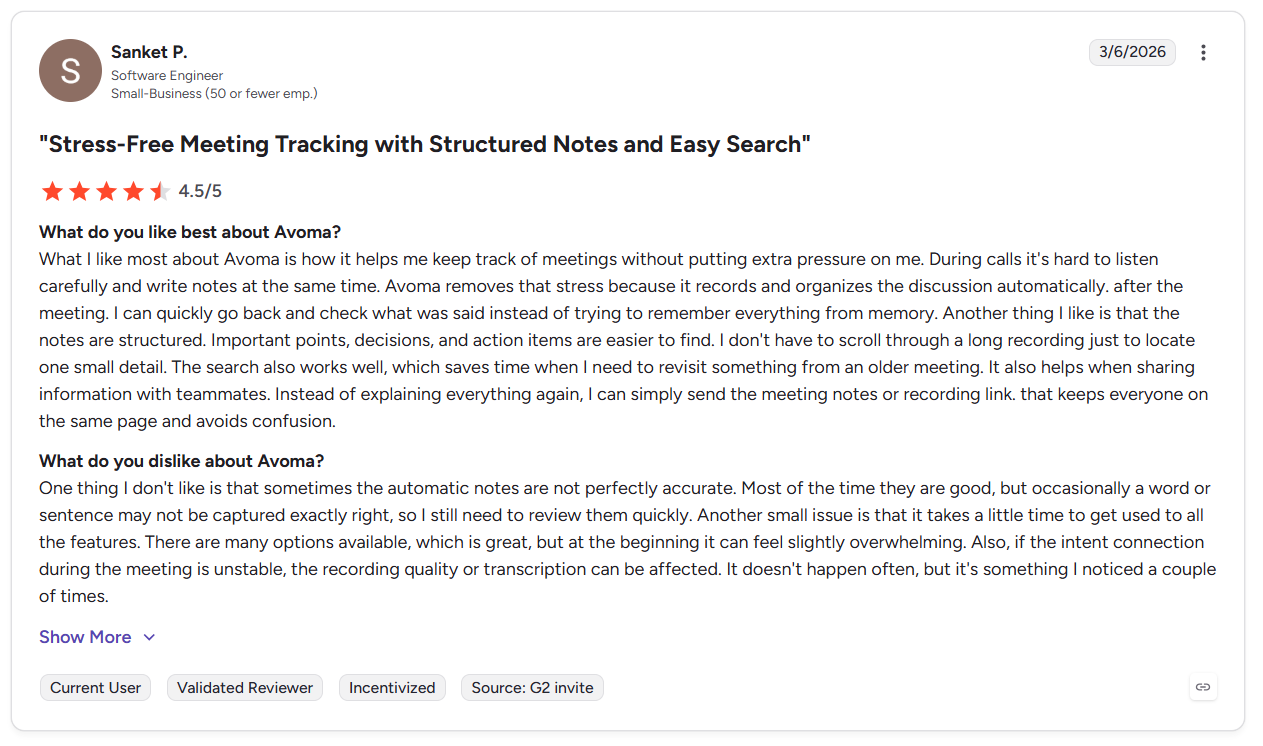
“One thing I don't like is that sometimes the automatic notes are not perfectly accurate. Most of the time, they are good, but occasionally a word or sentence may not be captured exactly right, so I still need to review them quickly. Another small issue is that it takes a little time to get used to all the features.” - Sanket P., G2
Pricing
- Startup: At $29/seat/month, it gives you automatic video recording and unlimited notes.
- Organization: $39 per seat/month, get custom templates and API integrations.
- Add-ons: For scoring, revenue intelligence, and lead routing run between $25–$35 per seat/month.
4. Read AI: Best for engagement scoring and insights
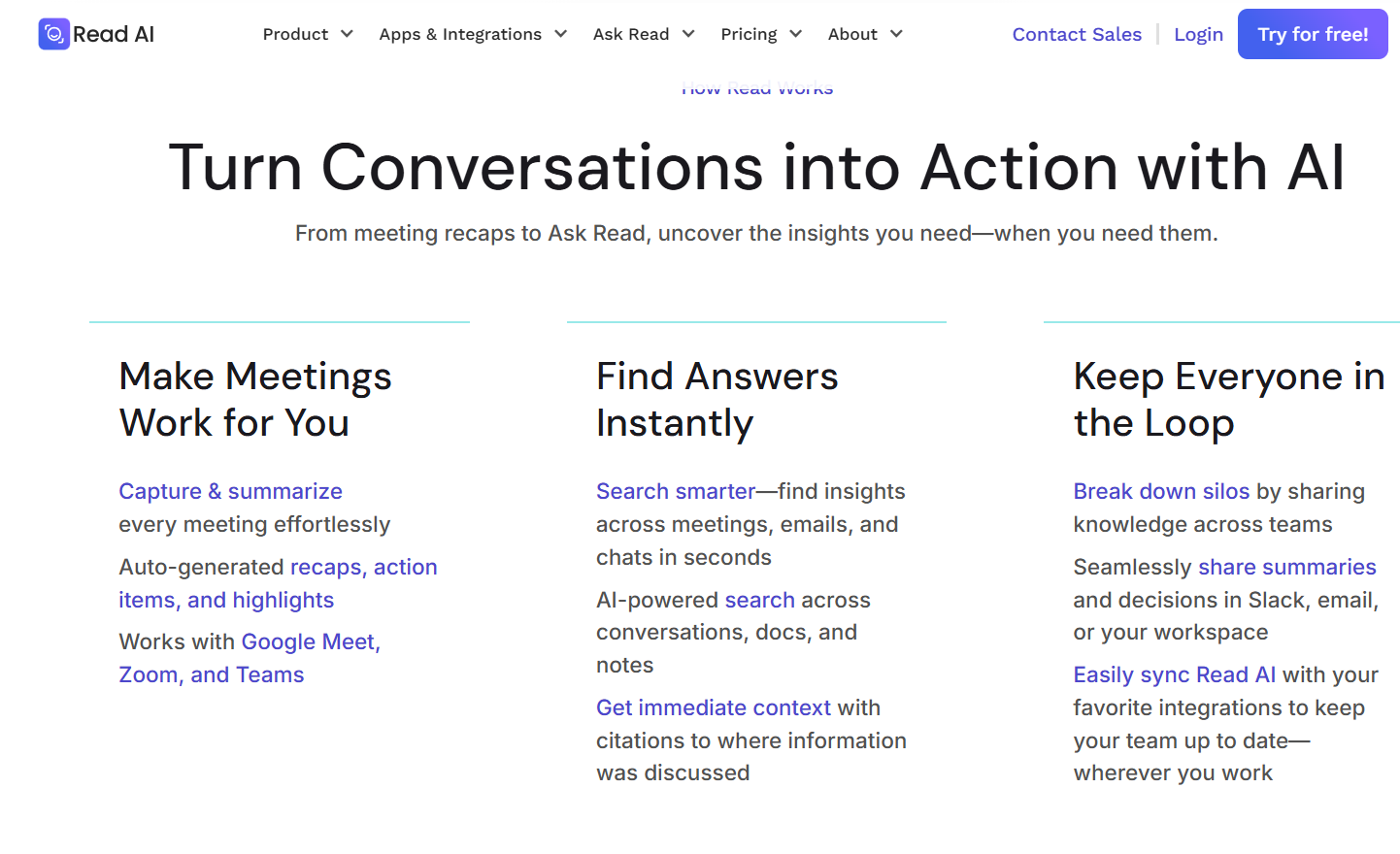
What it does: Read AI helps your sales teams with post-meeting review by scoring participation, attention, and sentiment.
Who it’s for: Sales leaders who need behavioral data for both reps and leads across calls.
During testing, I used Read AI's meeting score feature across 10 sample sales calls with 6 regular attendees. The engagement scores flagged two participants as consistently low-attention, which would help managers find ways to improve these reps’ performance.
I also tested the cross-platform search against a sample client’s contract with activity spread across Zoom calls, internal Slack threads, and email. Read AI pulled context from all 3 sources and returned a coherent summary. These features would solve the problem of sifting through several sources and trying to pinpoint bottlenecks or client concerns.
Teams that only need transcripts and action items may find Read AI too feature-heavy. Users who rarely use the cross-channel or scoring features would pay for functions that they don’t use.
Key features
- Tracks individual participation patterns for reps, leads, and clients across all recorded meetings over time.
- Pulls data from meetings, email, Slack, and docs into one place for easy access.
- Generates structured meeting recaps with action items immediately after calls end.
Pros
- A single search returns answers from meetings, messages, and documents together.
- Structures meeting reports well enough to replace attendance for absent teammates.
- Participation gaps surface from data before they become management conversations.
Cons
- If you connect fewer than 3 platforms, differentiators disappear. You need breadth to get feedback.
- Teams wanting simple transcription pay for a scoring layer they will rarely use.
What real users say
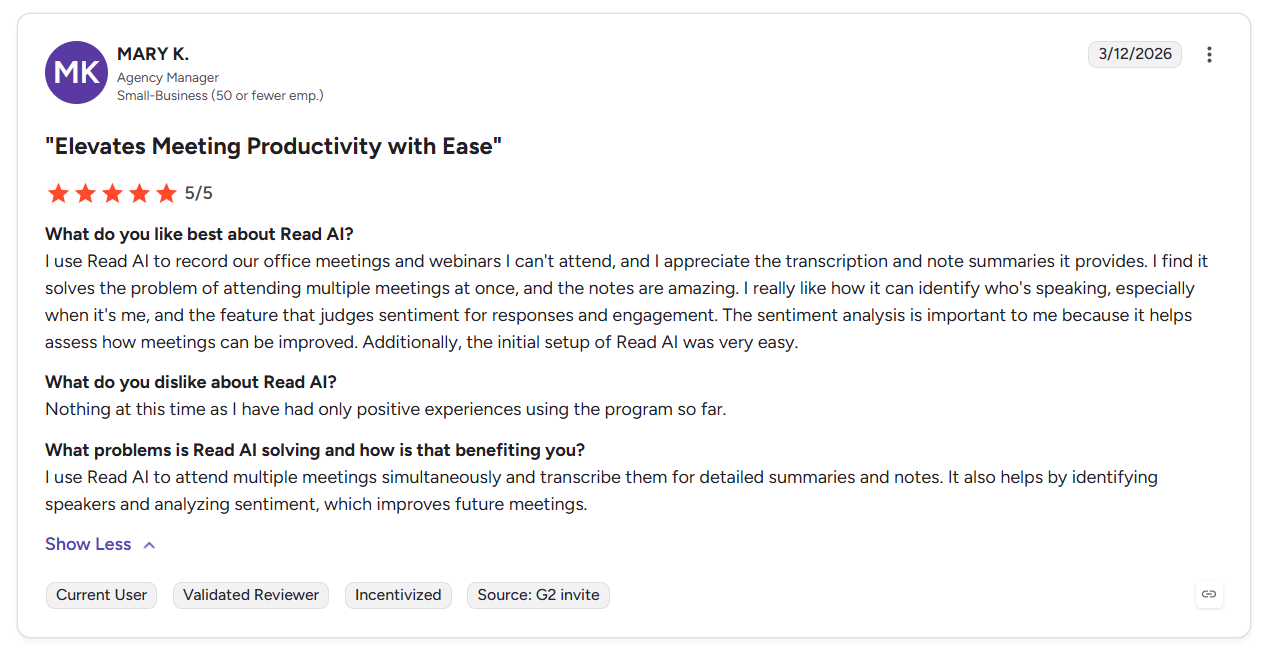
“I use Read AI to record our office meetings and webinars I can't attend, and I appreciate the transcription and note summaries it provides. I find it solves the problem of attending multiple meetings at once, and the notes are amazing.” - Mary K., G2
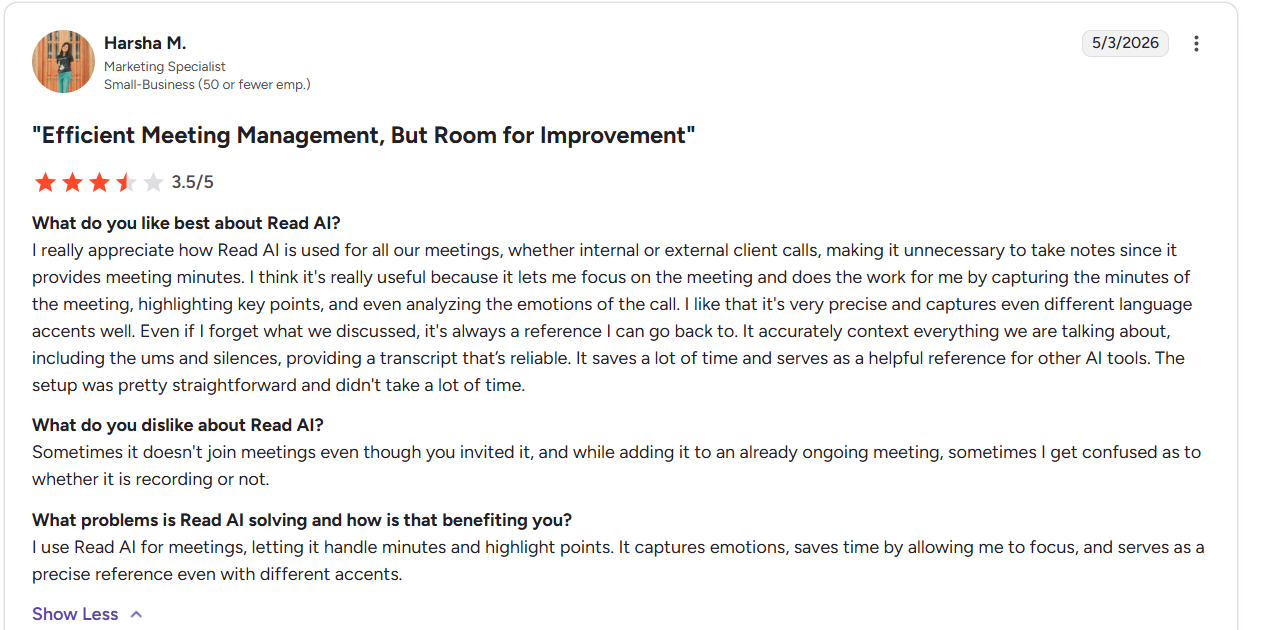
“Sometimes it doesn't join meetings even though you invited it, and while adding it to an already ongoing meeting, sometimes I get confused as to whether it is recording or not.” - Harsha M., G2
Pricing
- Free plan: 5 meeting transcripts/month
- Pro Plan: $19.75 per user/month for unlimited meeting transcripts + integrations
- Enterprise Plan: $29.95 per user/month for audio/video playback + video highlights + support
5. Krisp: Best for call centers
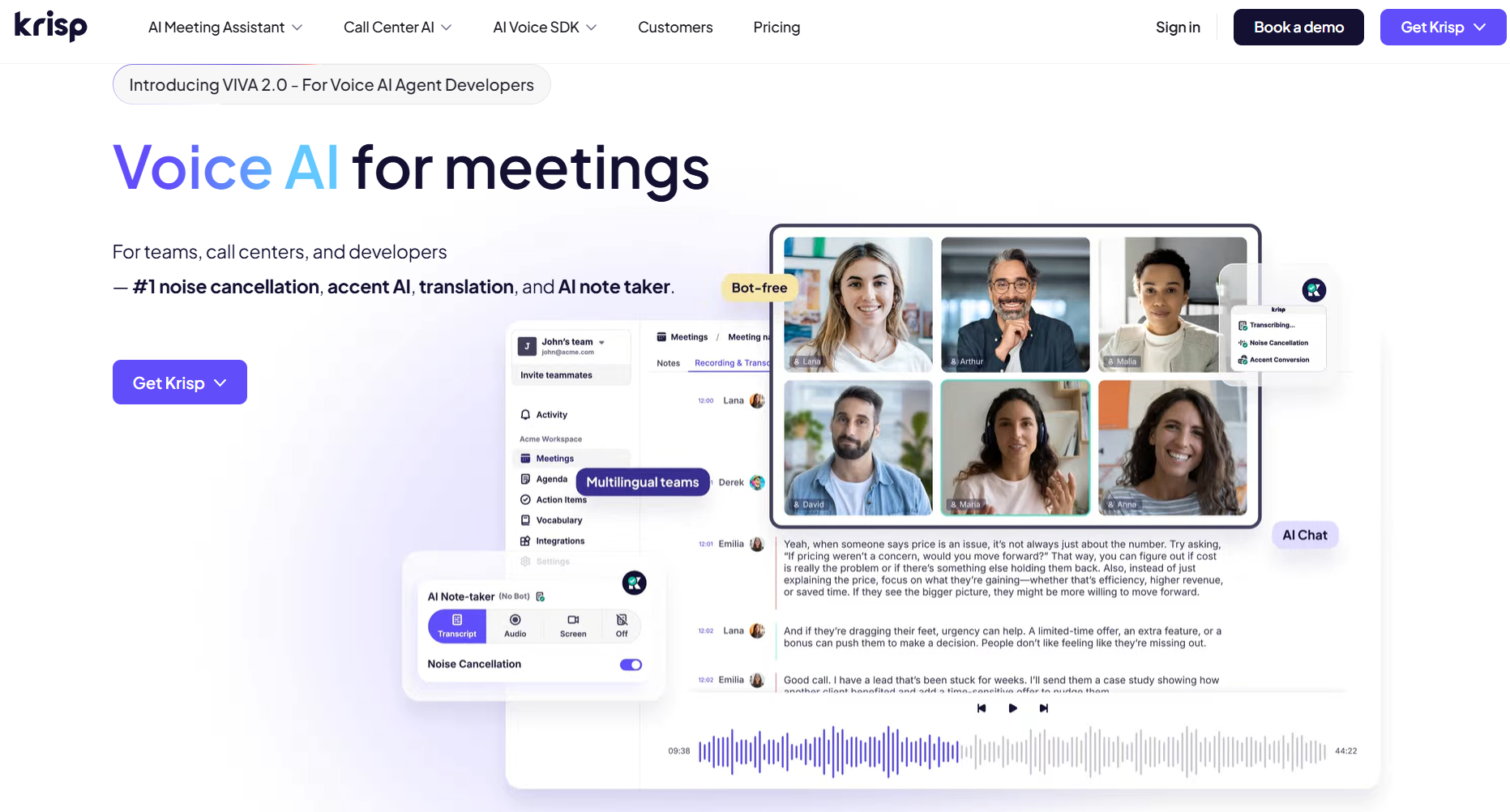
What it does: Krisp improves call clarity by removing background noise and applying real-time accent conversion.
Who it's for: BPOs and offshore contact centers running hundreds of daily calls with noise and accent variables.
I tested Krisp's noise cancellation and accent conversion on a simulated offshore support call with heavy background noise. The tool reduced agent-side accent and background noise, without a lag. That combination alone removes two of the most common reasons call center CSAT scores drop.
I then tested the Agent Assist feature during 5 mock troubleshooting calls. Krisp offered several suggestions for multiple escalation paths based on what each customer said. This would help improve handle time for customer service reps by reducing the time spent pausing and searching through a knowledge base. For organizations looking to automate these interactions entirely, deploying a dedicated ai call bot can streamline high-volume customer inquiries.
The trade-off is that Krisp is more suited to teams with over 40 agents. Krisp’s Core plan only provides 1 hour daily of accent conversion, which limits use if you handle several service calls every day.
Key features
- Simultaneously removes background noise and echo from both agent and customer audio.
- Adjusts agent accent in real time to improve customer comprehension without changing voice identity.
- Automatically finds relevant knowledge base answers to agents during live calls.
Pros
- Provides speech analytics and performance feedback that can extend analytics coverage beyond manual checks.
- Fixes call clarity problems before callers can generate complaints, chargebacks, or escalations.
- Runs at the device or network level instead of inside a single app, so agents get the same noise cancellation and accent conversion across meeting platforms and other communication tools.
Cons
- Small teams will have difficulties justifying higher prices regardless of budget or intent.
- The call recording feature sometimes operates at a lag and misses parts of conversations.
What real users say
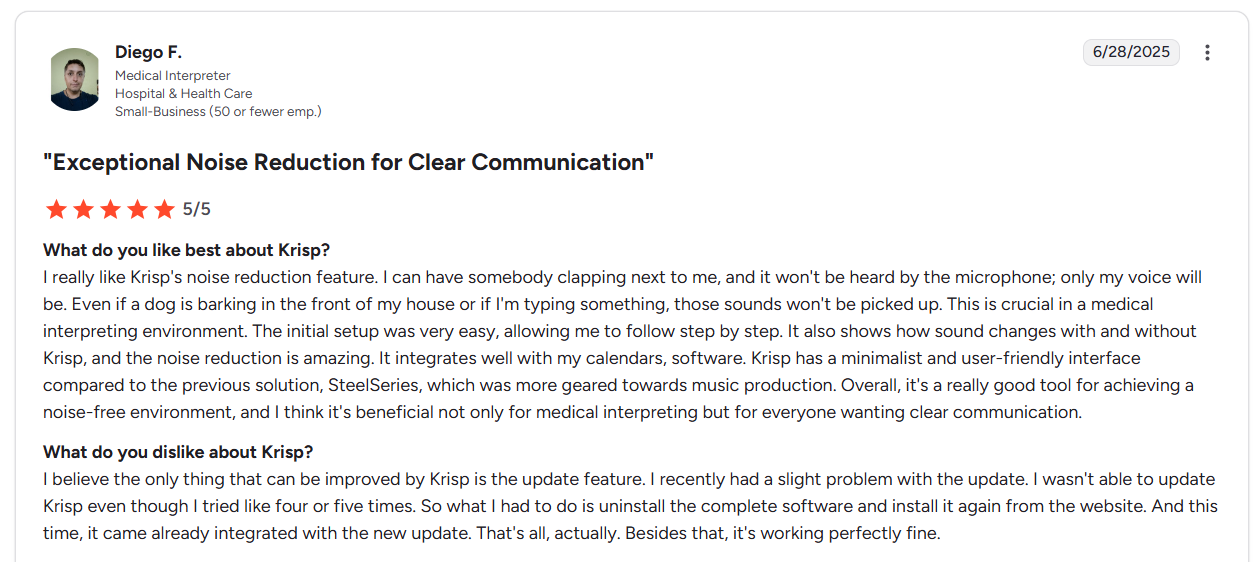
“I really like Krisp's noise reduction feature. I can have somebody clapping next to me, and it won't be heard by the microphone; only my voice will be. Even if a dog is barking in the front of my house or if I'm typing something, those sounds won't be picked up.” - Diego F., G2
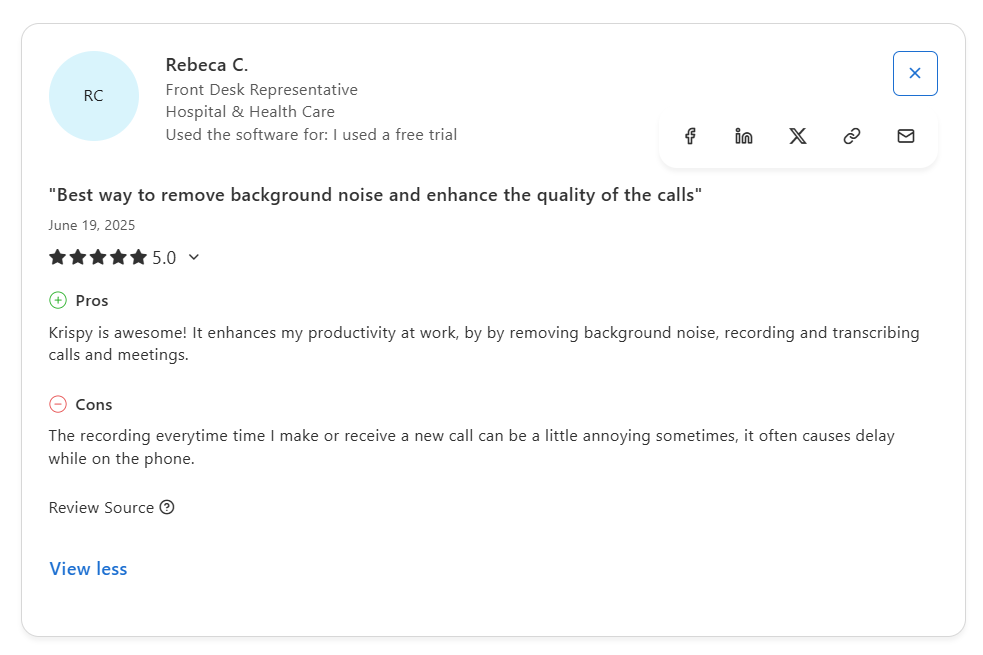
“The recording every time I make or receive a new call can be a little annoying sometimes; it often causes delay while on the phone.” - Rebecca C., Capterra
Pricing
- Core: $16 per user/month, unlimited note-taking + noise cancellation
- Advanced: $30 per user/month, unlimited accent conversion + integrations with Slack, Salesforce, and HubSpot.
6. Fireflies.ai: Best for searchable collaborative meeting notes

What it does: Fireflies replaces scattered notes and manual CRM entry by indexing meeting calls into a searchable team archive.
Who it's for: Teams sharing meeting context across departments who need to find past decisions without asking anyone.
I tested Fireflies across 8 mock client calls on a 5-person team with shared Notebook access. Every transcript landed in the shared workspace automatically, tagged by speaker and timestamped without manual input. This feature could help teams organize follow-ups and action items by having a direct record of what decision makers say.
Then, I ran tests with the AskFred feature against a file of mock sales calls and filtered for objections. It returned a summary across multiple meetings, which helped spotlight different reasons for rejections. I could see how this could help a sales team learn how to fix reasons for rejection so they can close more deals.
However, Fireflies struggled with a solo freelance mock task that had only one recurring meeting type and no shared team context. The Notebook structure, channel organization, and collaboration features added extra steps without giving a single user much value. Fireflies is built for teams, and solo users feel that overhead almost immediately.
Key features
- Indexes every call transcript so you can find past conversations by keyword or speaker.
- Organizes all meetings into shared channels that the whole team can review and comment on.
- Answers questions across multiple meeting transcripts without reading individual recordings.
Pros
- You can find recurring themes and past commitments without manually combing through individual transcripts.
- Everyone on your team can access every meeting without sharing permissions per call.
- Joins calls on Zoom, Meet, Teams, Webex, and dialers without any per-platform configuration.
Cons
- Summaries, AskFred queries, and soundbites are all counted from the same limited monthly credit pool.
- Fireflies is configured for teams, not for solo entrepreneurs or freelancers.
What real users say
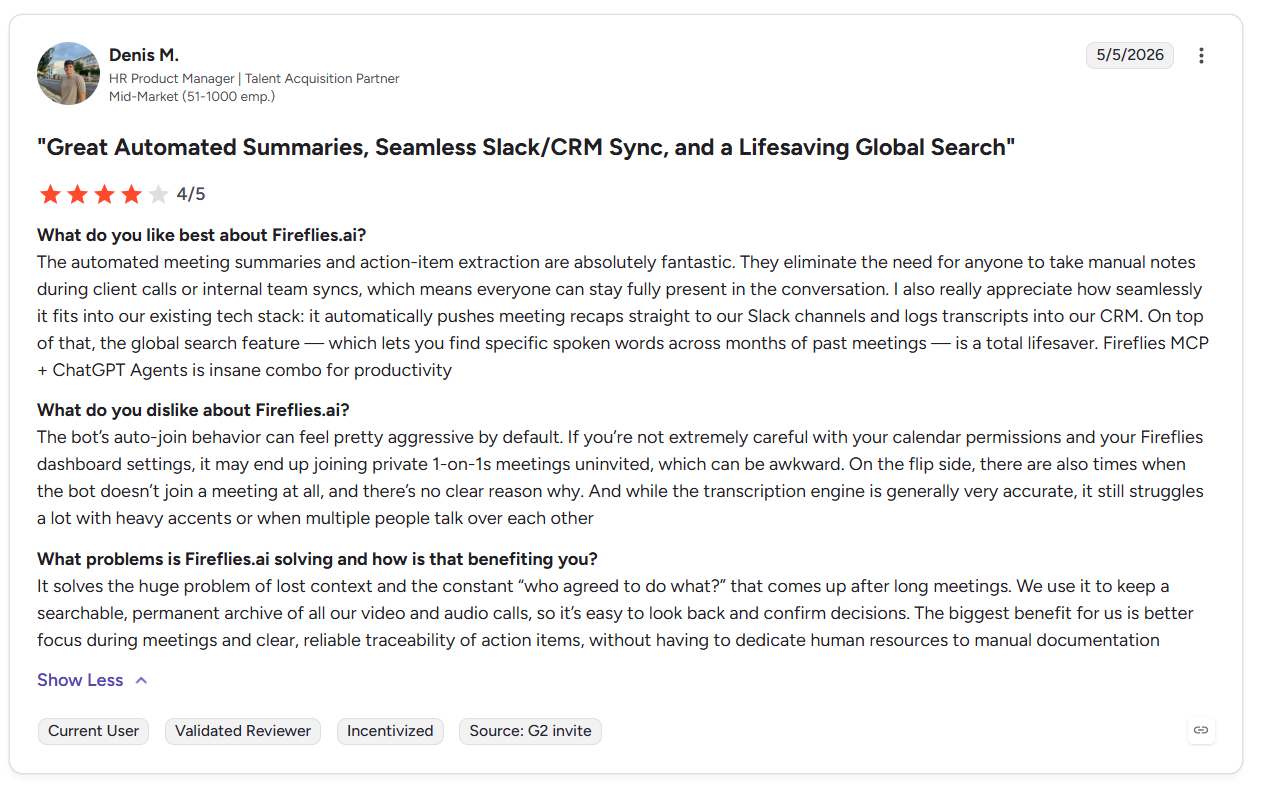
“The automated meeting summaries and action-item extraction are absolutely fantastic. They eliminate the need for anyone to take manual notes during client calls or internal team syncs, which means everyone can stay fully present in the conversation.” - Denis M., G2
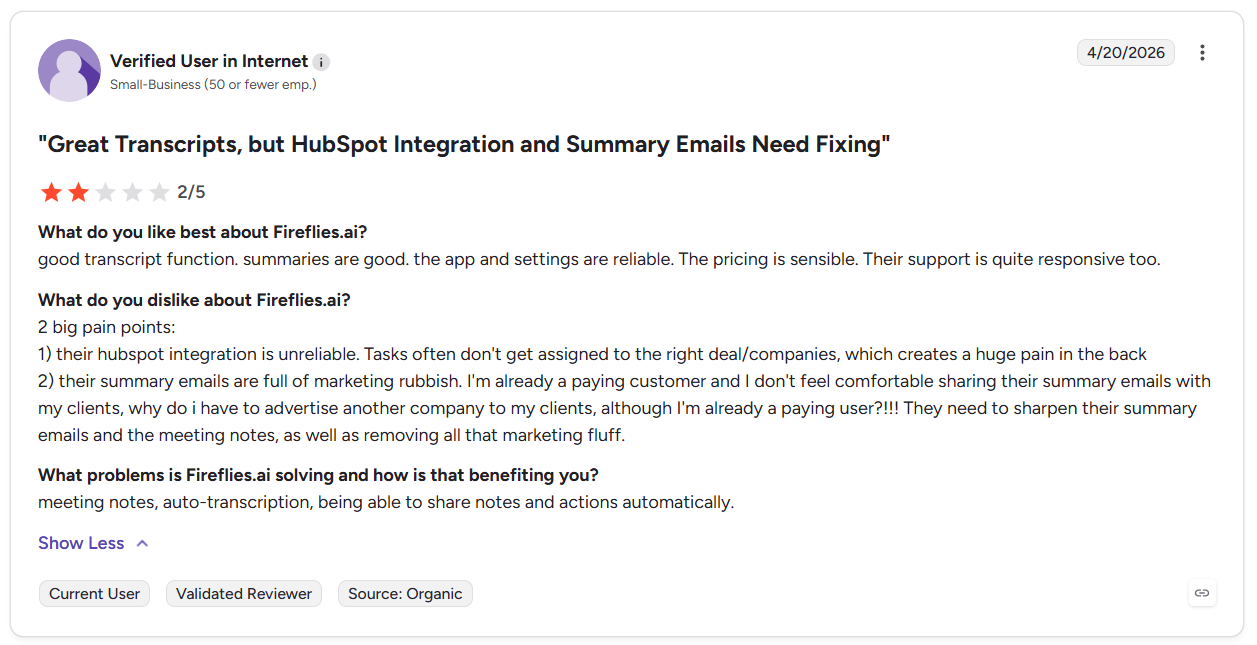
“2 big pain points: 1) their HubSpot integration is unreliable. Tasks often don't get assigned to the right deal/companies, which creates a huge pain in the back. 2) their summary emails are full of marketing rubbish.” - User on G2
Pricing
- Free version: Comes with 800 minutes of storage and limited AI summaries.
- Pro: $18/seat per month, unlimited AI summaries + 8,000 minutes of storage/seat.
- Business: $29/seat per month, unlimited storage, unlimited AI summaries.
7. Fathom: Best for free AI meeting summaries
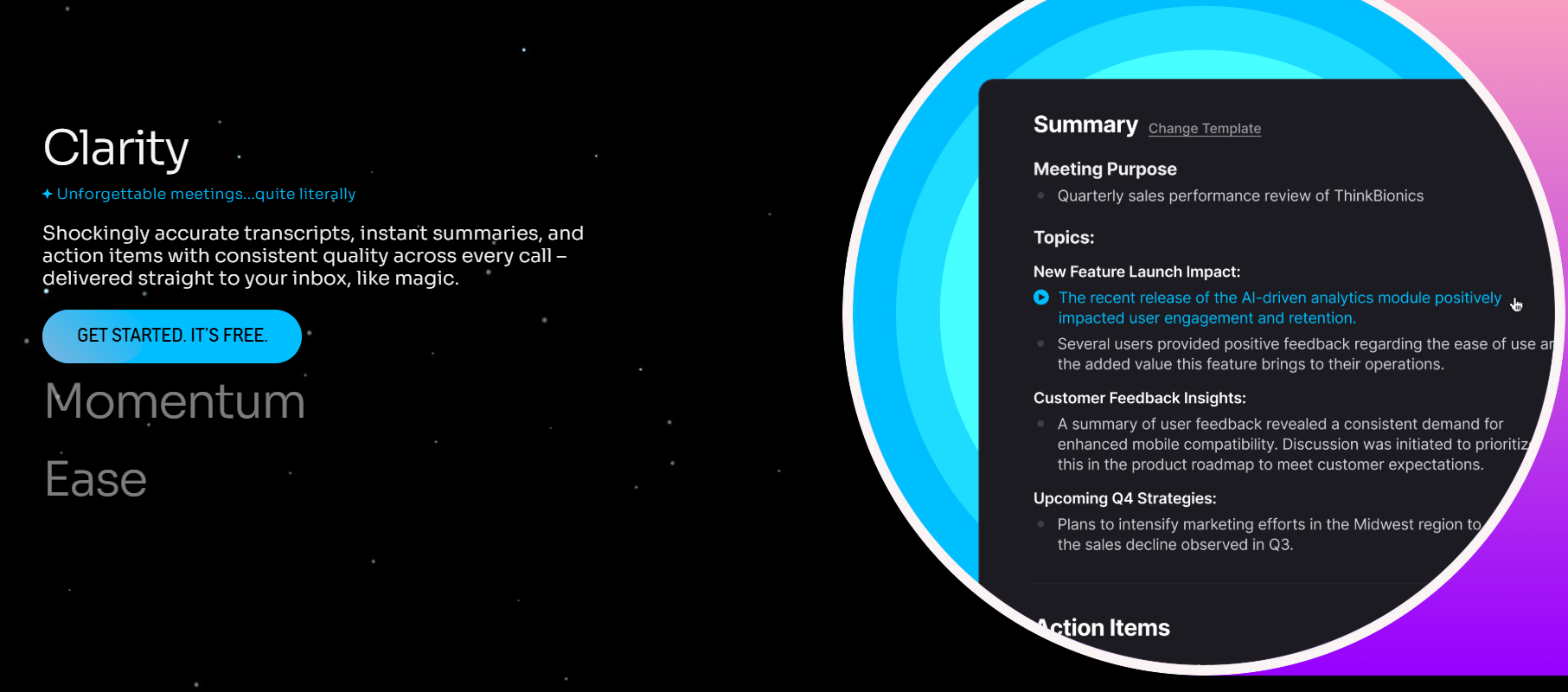
What it does: Fathom records, transcribes, and summarizes calls.
Who it's for: Individual contributors with 10+ meetings weekly who want accurate notes without paying anything.
I tested Fathom across a full week of sample client calls on Google Meet. The system sent summaries within 60 seconds of each call ending. Fathom formatted each one with action items already separated from the discussion context. This system would help sales reps send follow-ups right after calls ended.
During testing, I tried Fathom's highlight clipping on a 75-minute mock strategy call. The tool tagged moments mid-call. In a single keystroke, I could create a usable clip library without any post-call editing. That could help teams prepare for follow-up conversations in minutes.
Fathom mainly works around bot-joined video calls. This is a trade-off if your team relies on in-person meetings or phone calls. To capture those conversations, you’ll need to route them through supported video platforms or separate recordings.
Key features
- Captures full video and audio on Zoom, Meet, and Teams.
- Pushes summaries and notes directly into HubSpot and Salesforce deal records.
- Answers questions against any past transcript without reading the full recording.
Pros
- The free version has unlimited recordings and transcription with no credit card required at signup.
- Onboarding takes just a few clicks for full functionality on Zoom, Meet, and Teams with no IT involvement required.
- Structured notes with action items land before the next calendar block starts.
Cons
- The system sometimes glitches, which often requires downtime to figure out how to fix the problems.
- Fathom doesn’t have file upload transcription, so recorded audio from phone calls stays outside the tool.
What real users say
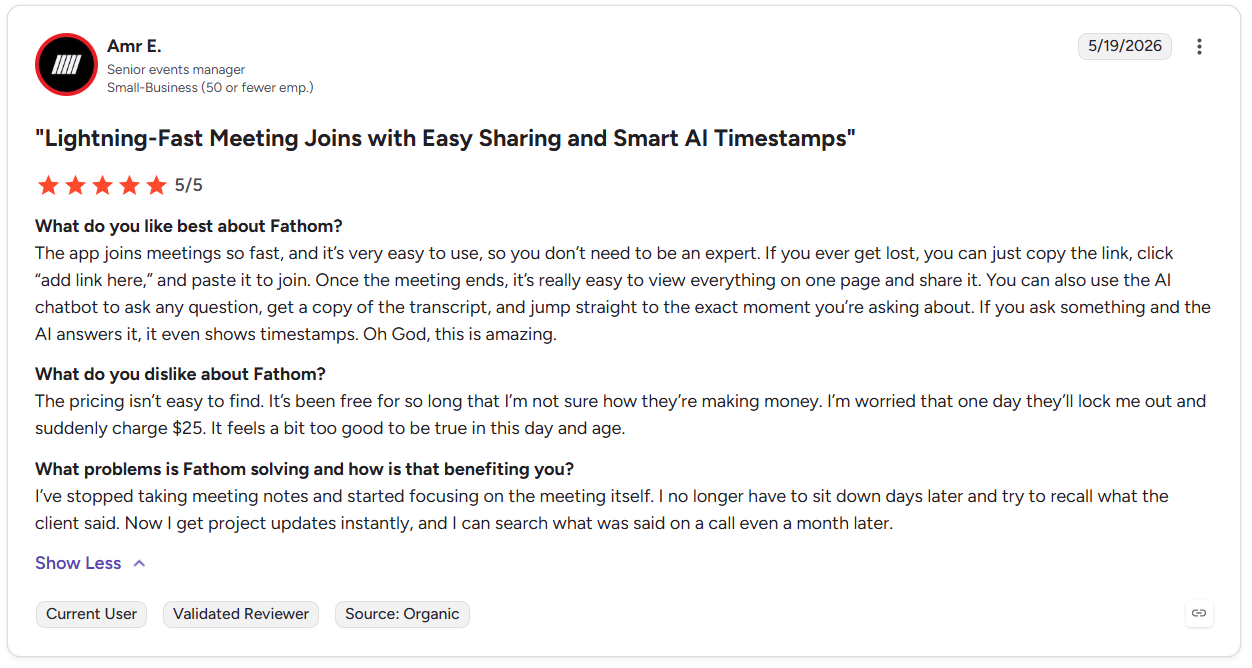
“The app joins meetings so fast, and it’s very easy to use, so you don’t need to be an expert. If you ever get lost, you can just copy the link, click “add link here,” and paste it to join. Once the meeting ends, it’s really easy to view everything on one page and share it.” - Amr E., G2
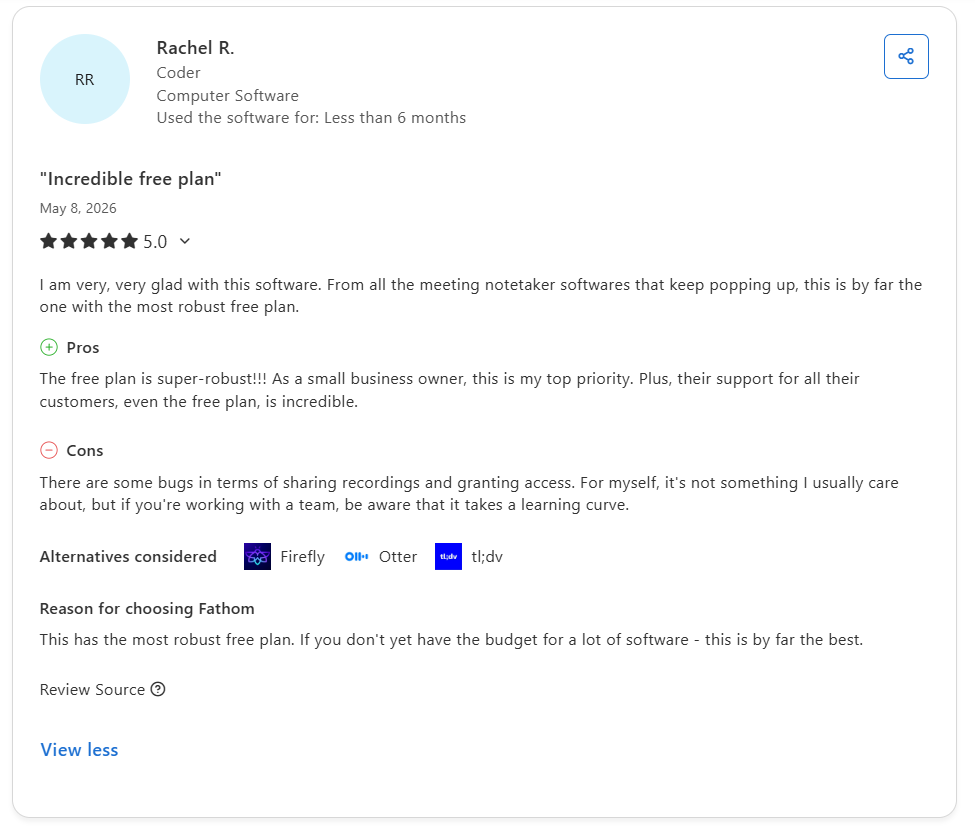
“There are some bugs in terms of sharing recordings and granting access. For myself, it's not something I usually care about, but if you're working with a team, be aware that it takes a learning curve.” - Rachel R., Capterra
Pricing
- Free plan: AI summaries, clips, and call search
- Team: $19/user per month, Global Search, customized transcription
- Premium: $20/user per month, AI-generated actions, call summaries
- Business: $34/user per month, coaching metrics, CRM field sync
8. tl;dv: Best for async meeting highlights sharing
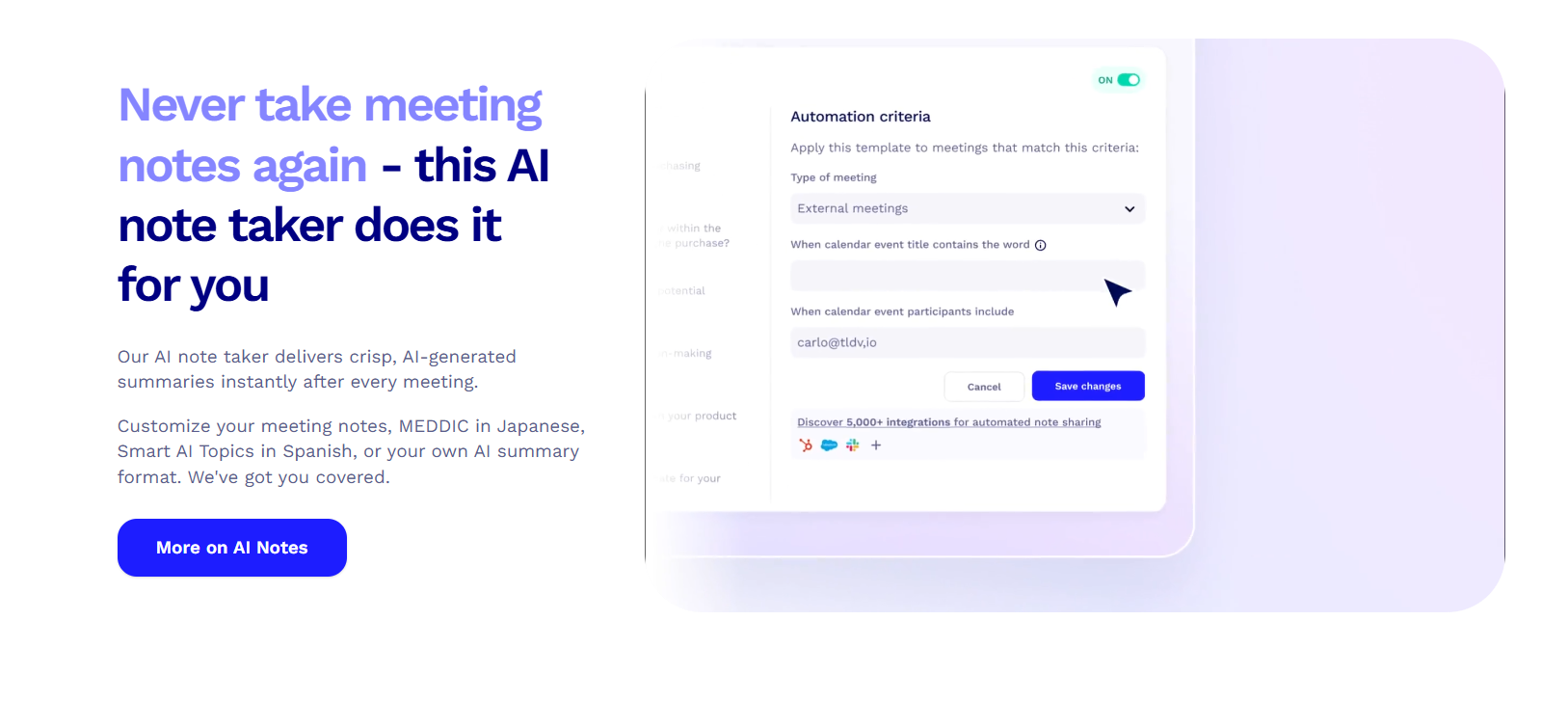
What it does: tl;dv creates clips, timestamps key moments, and shares highlights from calls.
Who it's for: Product and research teams sending call evidence to people who will never watch a full recording.
I tested tl;dv's clip-sharing feature on a 60-minute mock call. Creating timestamped clips from the transcript took under two minutes without touching the video timeline. For teams that present user evidence to stakeholders, the speed changes how often insights actually get shared.
The multi-meeting AI report feature worked across eight customer calls from a single sprint cycle. tl;dv discovered recurring themes and grouped them by topic without requiring any manual tagging. That output could help teams speed up sales cycles.
Teams expecting tl;dv to work like a full CRM should know most automation runs through integrations. After setting up tools like Zapier, transcripts and summaries can create tasks, send follow-ups, and sync data automatically, but it’s not fully plug-and-play.
Key features
- Transcribes and translates calls across over 30 languages with speaker identification intact.
- Weaves in clips from different calls into a shareable reel for teammates.
- Combines themes and patterns across multiple calls into a single structured output.
Pros
- Key call moments reach your team in minutes, not hours of manual editing.
- Shows you patterns across multiple sessions without building a manual tagging system first.
- Speaker-labeled transcripts hold up across languages without separate localization tools.
Cons
- Summaries don't push action items or tasks into external tools without Zapier.
- You need to move up to Business or Enterprise tiers to get structured coaching features like playbook monitoring and detailed speaker insights.
What real users say
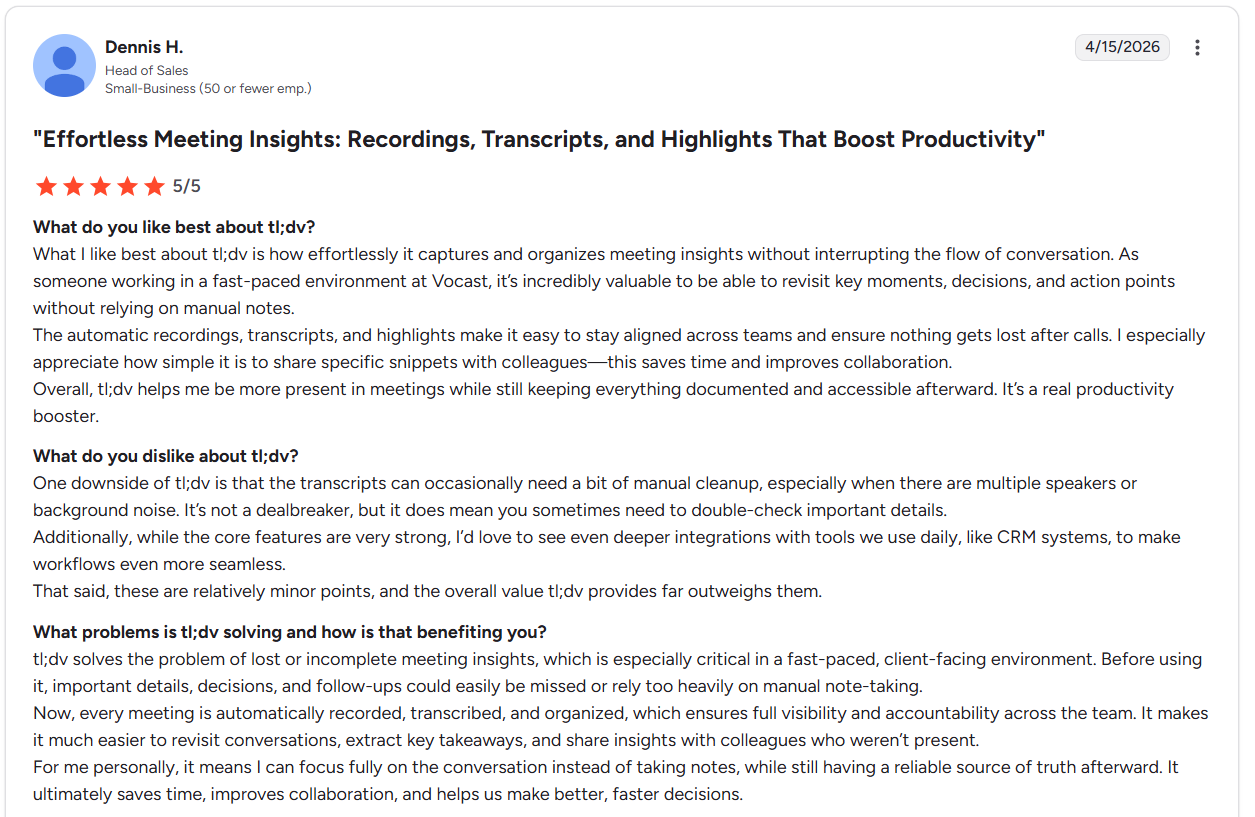
“The automatic recordings, transcripts, and highlights make it easy to stay aligned across teams and ensure nothing gets lost after calls. I especially appreciate how simple it is to share specific snippets with colleagues.” - Dennis H., G2
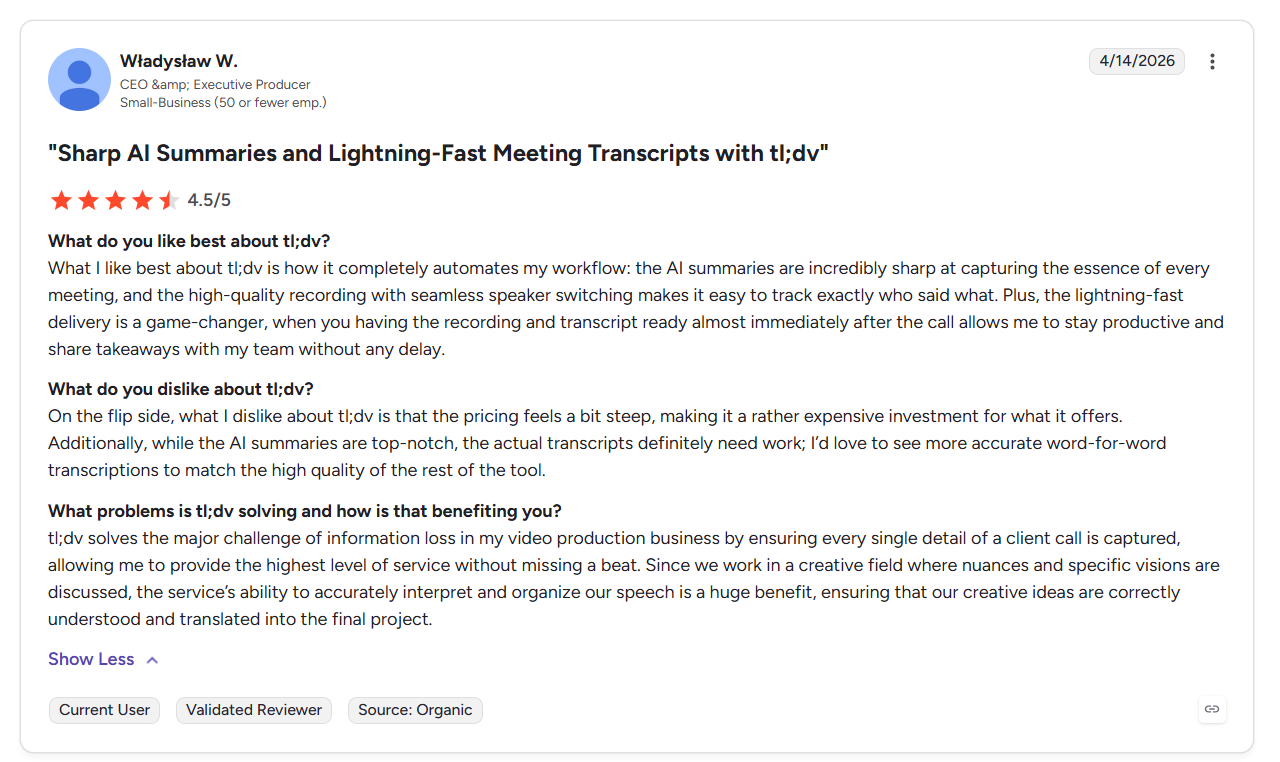
“...what I dislike about tl;dv is that the pricing feels a bit steep, making it a rather expensive investment for what it offers. Additionally, while the AI summaries are top-notch, the actual transcripts definitely need work; I’d love to see more accurate word-for-word transcriptions to match the high quality of the rest of the tool.” - CEO., G2
Pricing
- Free version: Unlimited video recordings, Slack, and email integration.
- Pro: $29/seat per month, custom AI notes, unlimited meetings with AI notes.
- Business: $39/seat per month, transcription, AI meeting insights, and team management.
9. Fellow: Best for structured team meetings
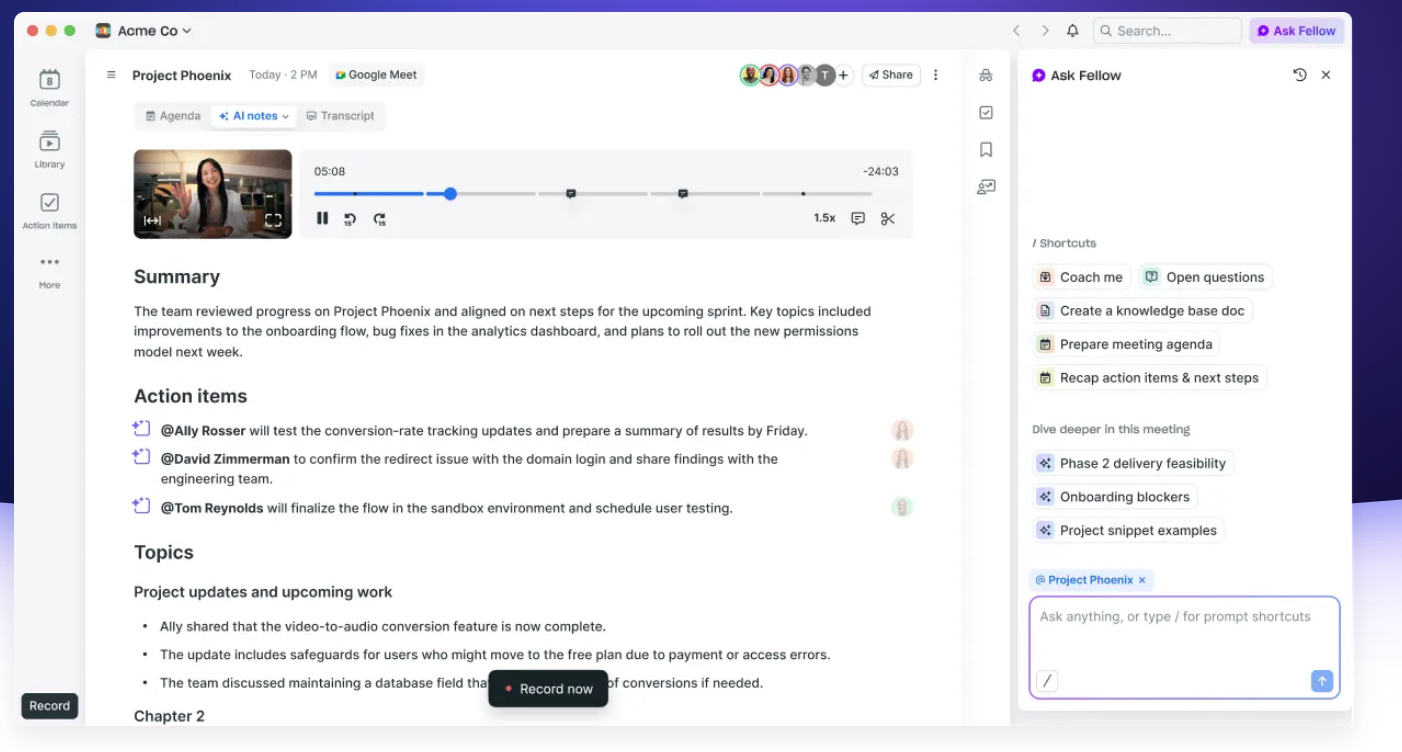
What it does: Fellow organizes meetings, captures action items, and tracks follow-through between sessions automatically.
Who it's for: Teams running recurring 1-on-1s and team syncs.
I tested Fellow's agenda and action items across a 4-week meeting dataset of mock team syncs. Action items from each meeting carried forward automatically into the following session's agenda without any manual input. That single behavior would help cut meeting time down and allow teams to focus on what really matters.
The AI note-taker generated a summary on a mock 45-minute 1-on-1. The summary mapped directly to the agenda sections already in the note. The output read like it was catered to help that specific employee improve. It didn’t seem like a stale repetition of how to meet company best practices.
But if your teams rarely pre-build agendas or run ad-hoc calls without structure, you might find Fellow's meeting-first design adds overhead without payoff. The AI output needs a premade agenda. Without one, the summaries are competent but unremarkable.
Key features
- Automatically records, transcribes, and summarizes each meeting against the pre-set agenda structure.
- Answers questions against past meeting transcripts and notes across the full meeting history.
- Captures tasks with owners and due dates, then carries them forward into the next meeting.
Pros
- AI output maps directly to meeting structure, cutting post-call editing to near zero.
- Fellow finds unresolved action items in the next relevant meeting without manual tracking.
- If you’re already using Google Calendar or Outlook, Fellow will populate meeting notes without onboarding steps.
Cons
- The Team Plan’s limit of 10 notes per user each month creates restrictions on how much a member can use the tool.
- Fellow can support email recaps, CRM updates, and task creation, but most final actions still need human input.
What real users say
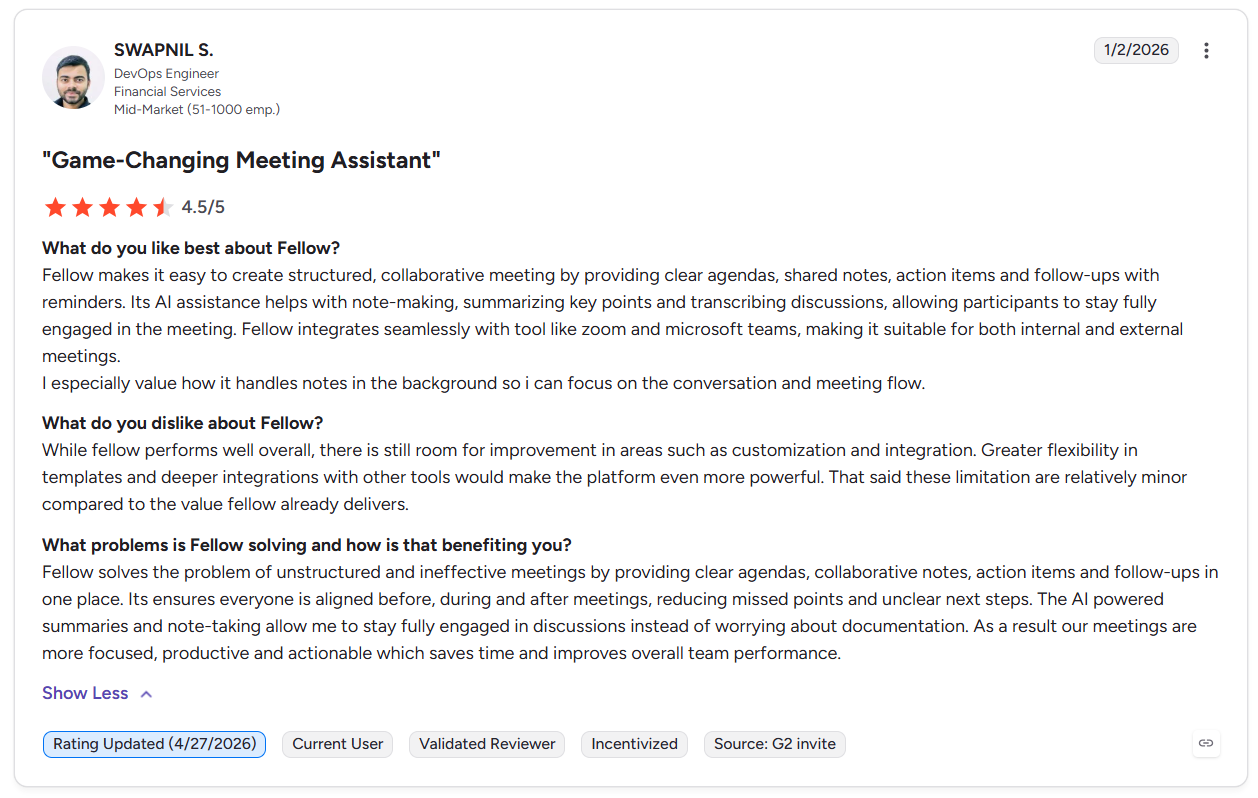
“Fellow makes it easy to create structured, collaborative meetings by providing clear agendas, shared notes, action items and follow-ups with reminders. Its AI assistance helps with note-making, summarizing key points and transcribing discussions, allowing participants to stay fully engaged in the meeting.” - Swapnil S., G2
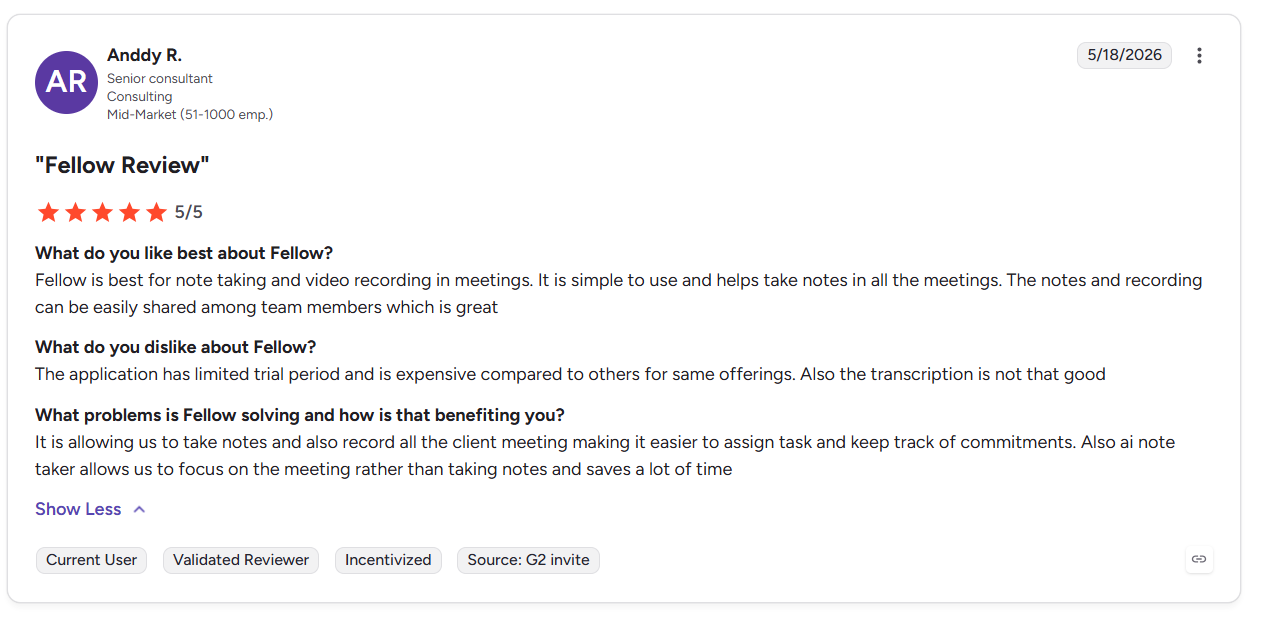
“The application has a limited trial period and is expensive compared to others for the same offerings. Also, the transcription is not that good.” - Anddy R., G2
Pricing
- Free plan: 5 AI notes/user (lifetime), AI meeting summary.
- Team: $11/seat per month, 10 AI notes/user per month, 10 AI recordings/user per month, and AI meeting transcription.
- Business: $23/seat per month, sales recap templates, and keyword tracking.
10. MeetGeek: Best for automated meeting documentation
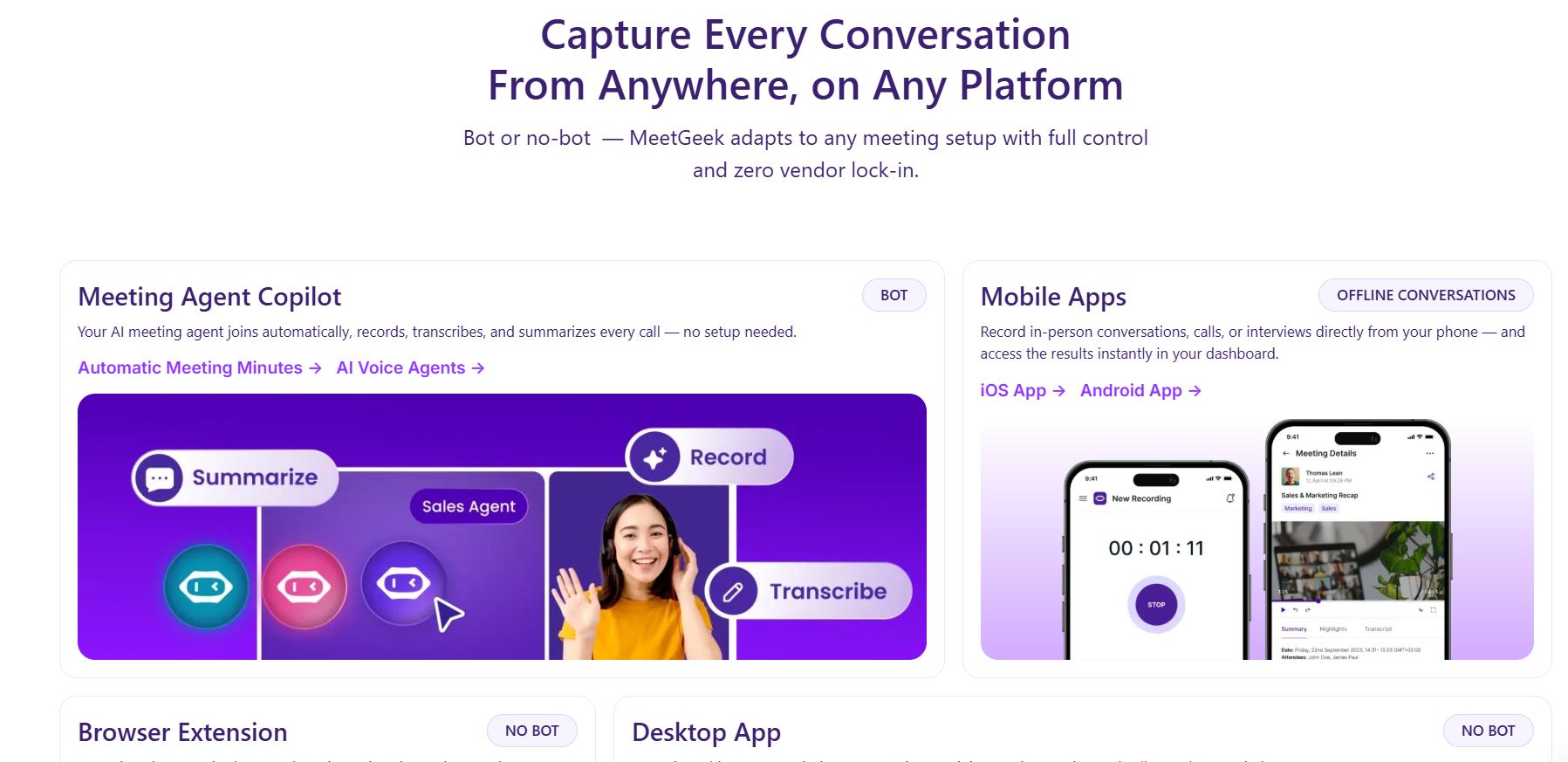
What it does: MeetGeek records, transcribes, summarizes, and routes meeting output to connected tools without manual steps.
Who it's for: Ops and customer-facing teams running high call volume who need documentation handled without touching it.
I tested MeetGeek across several files of mock customer call data that connected to Slack and HubSpot. Summaries consistently appeared in the right Slack channels and CRM records within minutes, with meeting types categorized accurately. For teams that struggle with documentation, the automation required very little manual oversight after setup.
The analytics dashboard gave me data on a sample set of 20 team calls. MeetGeek pulled up talk-time distribution, topic frequency, and sentiment trends with very little manual tagging or setup. Those features are usually tied to more expensive conversation intelligence platforms.
However, teams with low meeting volume may find MeetGeek’s automation depth excessive. The platform works best with consistent, repeatable meeting types because irregular calls do not generate enough data for meaningful analytics.
Key features
- Sends summaries, action items, and transcripts to Slack, CRM, and task tools.
- Applies custom summary structures by meeting type without manual selection each time.
- Answers questions and reveals patterns across the full meeting history.
Pros
- The free plan allows for enough transcription and audio storage so you can genuinely learn how the platform works.
- Summaries and action items reach the right tools before the next meeting starts.
- Makes aggregate call data available from the first week without building custom reports.
Cons
- Analytics and pattern detection require consistent call volume to produce actionable output.
- Template options cover common meeting types but break down for highly specialized or technical call formats.
What real users say
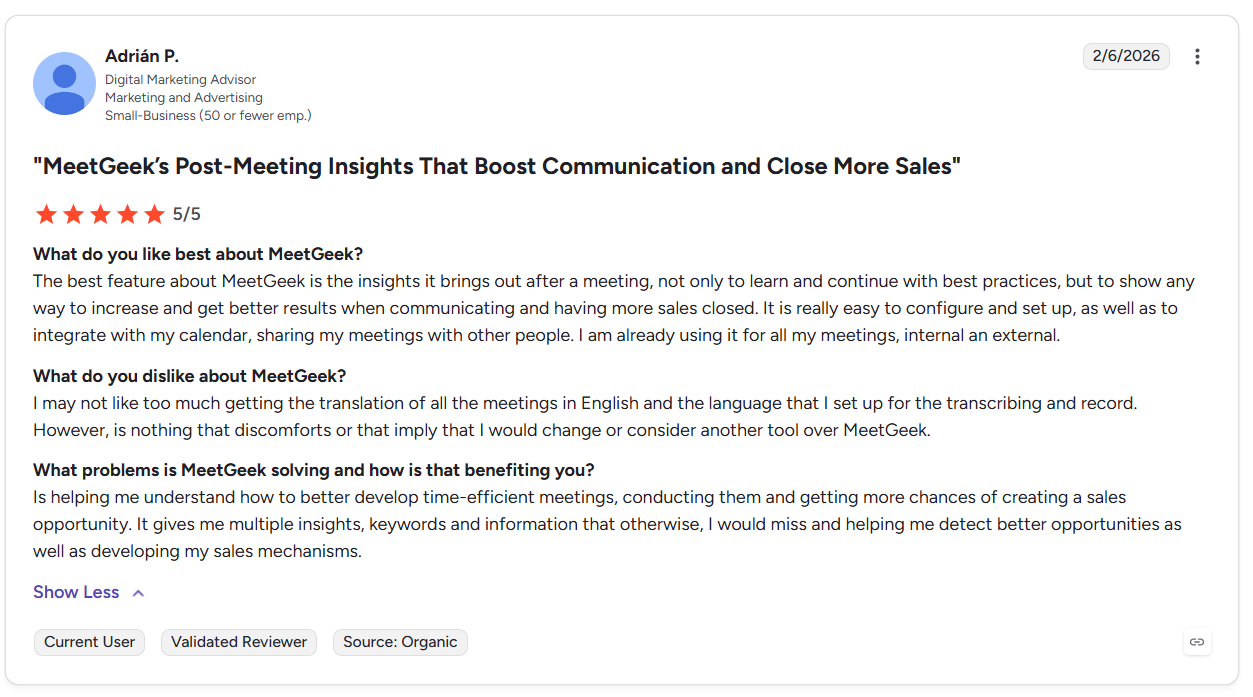
“The best feature about MeetGeek is the insights it brings out after a meeting, not only to learn and continue with best practices, but to show any way to increase and get better results when communicating and having more sales closed.” - Adrian P., G2
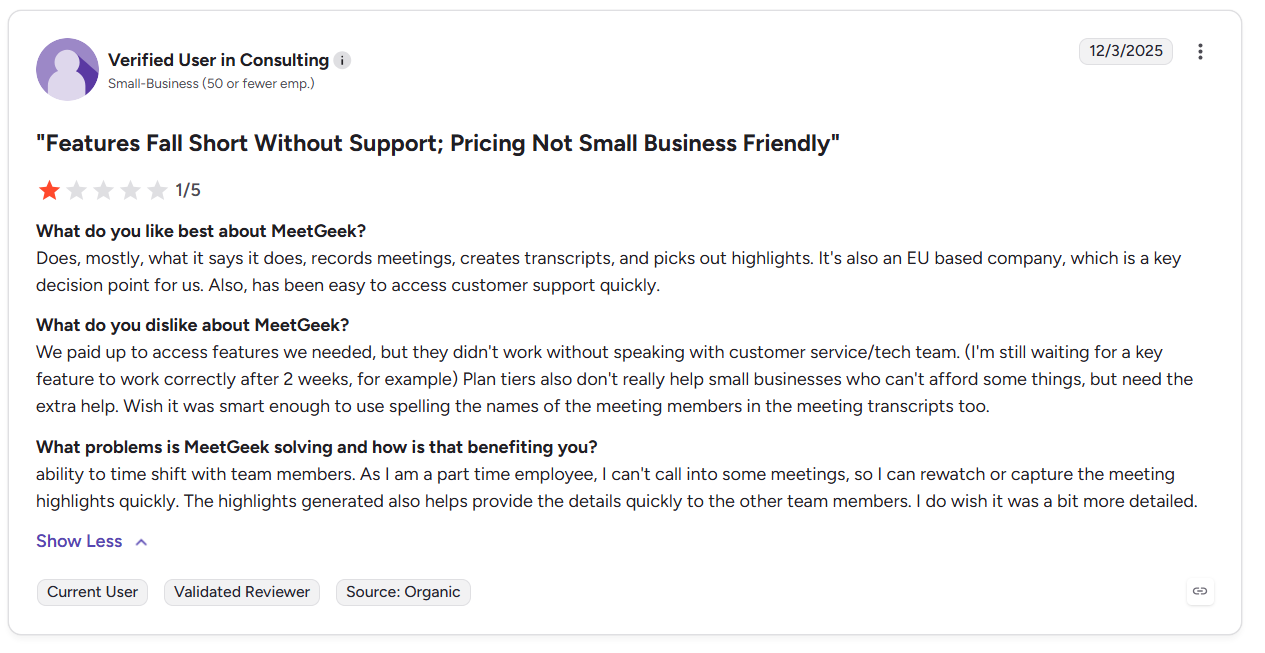
“We paid up to access features we needed, but they didn't work without speaking with customer service/tech team. (I'm still waiting for a key feature to work correctly after 2 weeks, for example) Plan tiers also don't really help small businesses who can't afford some things, but need the extra help.” - Consulting Professional, G2
Pricing
- Basic: Free, unlimited AI summaries, auto language detection.
- Pro: $15.99/month per user, 20 hours of transcription/month, unlimited integrations, meeting templates
- Business: $27/user/month, unlimited transcription and storage, video recording, and team meeting analytics.
My final verdict: Which AI meeting assistant should you choose?
The right AI meeting assistant depends on what your team needs after calls end. Here’s how to pick the right tool for your needs:
Choose Lindy if you:
Want an AI assistant you can text instead of a platform you constantly configure. Lindy joins meetings and handles follow-ups, CRM updates, and recap emails when prompted.
Choose Otter if you:
Take back-to-back calls and need every spoken word captured and searchable in real time.
Choose Avoma if you:
Manage a sales team and coach on call data, review rep performance weekly, and need scored call records and pipeline risk flags.
Choose Read AI if you:
Host meetings across Zoom, Slack, and email, and identify participation gaps found from all three sources together.
Choose Krisp if you:
Have customer service agents who take hundreds of daily calls in noisy or multilingual environments and need audio quality fixed.
Choose Fireflies if you:
Need every call indexed into a shared archive so anyone can search past decisions without asking a teammate.
Choose Fathom if you:
Attend 10 or more meetings weekly and need structured notes with action items ready at no cost.
Choose tl;dv if you:
Share highlights with people who weren't on the call.
Choose Fellow if you:
Manage 1-on-1s where unresolved action items need to carry forward automatically between sessions.
Choose MeetGeek if you:
Have a team that handles repeatable call types and needs summaries and CRM updates routed automatically after every call.
Avoid AI meeting assistants if you:
Host most meetings in person, handle legally privileged or regulated conversations, or run very few recurring meetings. Most AI meeting assistants work best with recorded virtual calls and repeatable workflows. If your conversations involve confidential legal, healthcare, or financial discussions, you may need stricter review policies before using AI meeting assistants.
{{cta}}
Lindy, the AI meeting assistant that you text
Most AI meeting assistants only record and summarize meetings. Lindy also handles the follow-up work after calls end. Just text Lindy what you need, and it updates your tools, drafts, follow-ups, and organizes next steps.
Here’s why more businesses choose Lindy as their AI meeting assistant:
- Get answers during meetings: Text Lindy to pull details from your email, calendar, or CRM without switching between tabs.
- Send follow-ups without manual work: Ask Lindy to draft, personalize, and send recap emails after meetings.
- Update your CRM instantly: After a call, Lindy logs notes, updates records, and fills in missing CRM fields.
- Schedule meetings faster: Lindy coordinates calendars, handles scheduling, and manages meeting logistics for you.
- Qualify leads after calls: Lindy organizes prospect information and prepares leads for the next outreach step.
- Connect with your existing tools: Lindy works with hundreds of apps, so your meeting updates stay organized across your team.
Frequently asked questions about AI meeting assistants
What is the best AI meeting assistant?
The best AI meeting assistant depends on what tasks you need to handle. Otter is excellent for live transcription accuracy. Fathom is the top free option. Lindy is strongest for post-meeting follow-ups, CRM updates, and recap drafts. Choose the tool based on what your team needs after meetings, such as follow-ups, coaching, CRM updates, or searchable transcripts.
Are AI meeting assistants accurate for meeting notes and transcripts?
Yes, AI meeting assistants are accurate for meeting notes and transcripts in most standard conditions. But strong accents and technical jargon can reduce reliability. Tools like Krisp and Fireflies performed well in testing. Review AI-generated summaries before sending them to clients to avoid mistakes or missing context.
Which AI meeting assistant is best for sales calls and customer meetings?
The AI meeting assistant best suited for sales calls and customer meetings is Lindy. It syncs action items, pricing objections, and follow-up drafts directly into your CRM. Avoma is the stronger choice if sales coaching and rep performance scoring matter, reducing manager review time per call.
What is the best AI meeting assistant for Microsoft Teams?
The best AI meeting assistant for Microsoft Teams depends on your workflow needs. Fellow integrates natively via Microsoft AppSource without requiring a bot to join calls. Lindy joins Teams calls, captures structured notes, and handles CRM updates and follow-up drafts after each call ends.









